
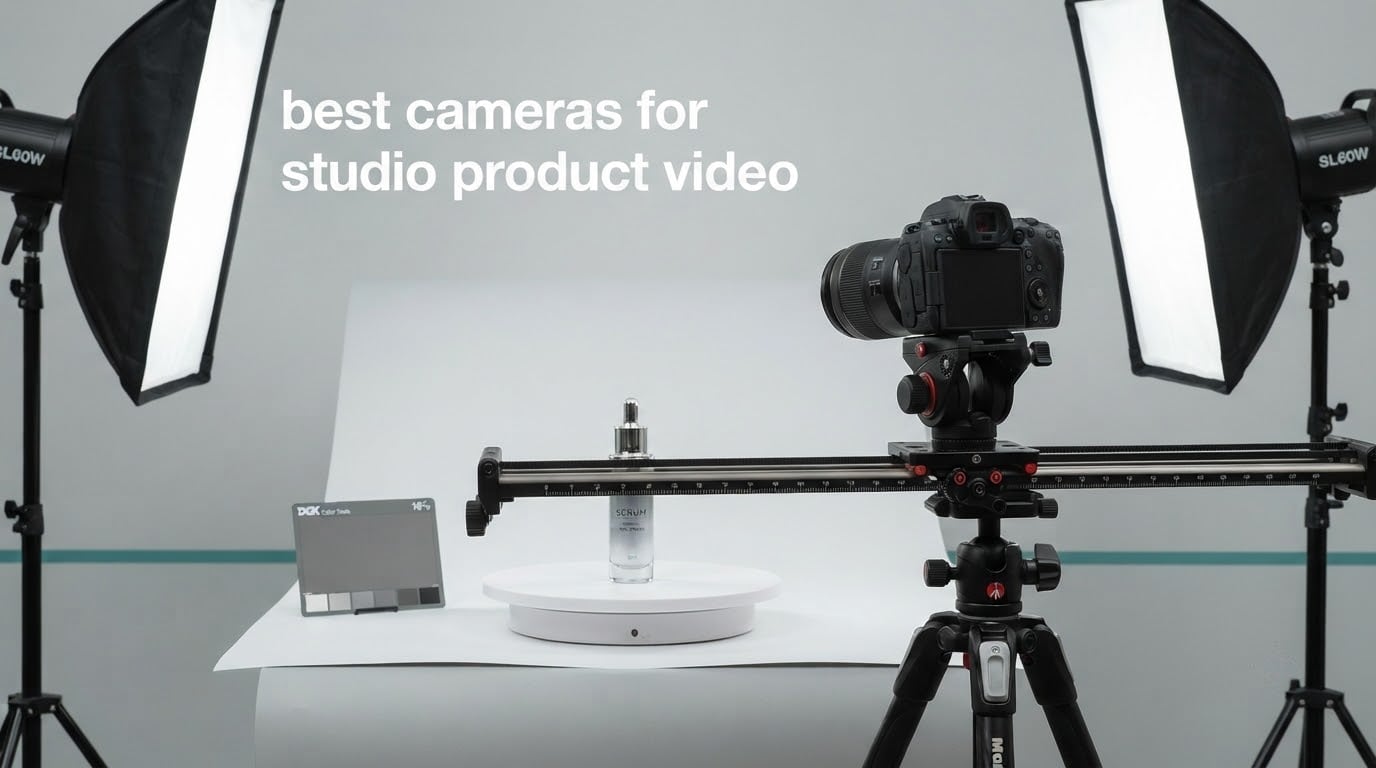
Studio product video is a strange corner of the craft. Nothing moves, nothing is in a hurry, and the entire shot lives or dies on whether the colour of the object on your sweep matches the colour of the object in the client’s hand. The best cameras for studio product video are not the biggest or the most expensive bodies on the market. They are the ones that stay cool through a long take, give you manual focus control at close range, and record a flat enough profile that you can grade the product back to its real colour. We shot, compared and ranked ten of them.
What separates this from vlogging, filmmaking or podcasting is the subject. A product sits maybe 40 centimetres from the front element, lit by strobes you control, on a rig that never gets bumped. Autofocus matters far less here than focus peaking, focus magnification and minimum focus distance do. Heat management matters more than frame rate. And colour accuracy matters more than resolution.
We spent weeks working through these ten cameras on a tabletop station with a white sweep, two strobes and a slider, shooting the same bottle, the same watch box and the same coffee cup for every body. Nothing here is a stills camera that happens to shoot video, and nothing here is a vlogging camera we pretend belongs in a studio. If you are building out a tabletop set, our guides to e-commerce product photography studio setups and studio lights for product video production cover the rest of the station.
Top 3 Picks for Best Cameras for Studio Product Video in 2026
Three bodies stood out once we started reviewing frames rather than spec sheets. The Canon EOS R50 handled the widest range of tabletop work with almost no adjustment, the Sony ZV-1F did the most with the least gear, and the Sony ZV-E10 has a dedicated product-focus mode that nothing else in this list offers.
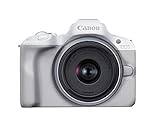
Canon EOS R50 Kit
- 24.2MP APS-C sensor
- 6K oversampled uncropped 4K up to 30 fps
- 651-zone Dual Pixel CMOS AF II
- Lightweight 16 ounce body

Sony ZV-1F
- 1-inch CMOS sensor
- Fixed 20mm F2 wide lens
- 4K XAVC recording
- 8.96 ounce pocketable body

Sony ZV-E10 Kit
- Product Showcase focus transition
- Background Defocus button
- 4K oversampled from 6K
- Single-cable USB streaming
Best Cameras for Studio Product Video in October Quick Overview
Every camera below is written in the order we would consider them for a tabletop shoot. The table gives you the headline specs; the full write-ups further down explain what those numbers mean once the strobes are up.
| Product | Specifications | Action |
|---|---|---|
| Canon EOS R50 Kit |
|
Check Latest Price |
| Sony ZV-1F |
|
Check Latest Price |
| Sony ZV-E10 Kit |
|
Check Latest Price |
 Sony Alpha a6400 Sony Alpha a6400 |
|
Check Latest Price |
 Panasonic LUMIX G85 Panasonic LUMIX G85 |
|
Check Latest Price |
 Canon EOS R10 Kit Canon EOS R10 Kit |
|
Check Latest Price |
 Fujifilm X-T30 III Fujifilm X-T30 III |
|
Check Latest Price |
 Panasonic LUMIX GH4 Body Panasonic LUMIX GH4 Body |
|
Check Latest Price |
 Canon EOS R100 Bundle Canon EOS R100 Bundle |
|
Check Latest Price |
 Panasonic LUMIX S5 Body Panasonic LUMIX S5 Body |
|
Check Latest Price |
1. Canon EOS R50 Kit – The Best All-Rounder for Tabletop Shoots
Pros
- 6K oversampled uncropped 4K gives clean detail on curved packaging
- 651-zone autofocus with subject detection locks onto hands and props
- Lightest body here so it sits happily on a slider
- Built-in Wi-Fi and remote control for solo operators
Cons
- Small grip feels cramped with larger hands
- APS-C sensor is noisy in dim studio setups
- Bundled 18-45mm kit lens is soft at close range
- Small battery pack means carrying spares
The R50 is the body we kept reaching for. It weighs 16 ounces, which sounds like trivia until you are sliding it across a seamless for a hero pass and do not want to rebalance the carriage every time you change the product.
Video is 6K oversampled uncropped 4K up to 30 fps, so there is no crop to account for when you frame a tall bottle. The vari-angle 3.0-inch touchscreen is the quiet hero on a tabletop job, because it swings out to the side so you can get the lens axis low to the surface without a low-profile bracket.

Autofocus is Dual Pixel CMOS AF II with 651 zones and full frame coverage, and the subject detection covers people, animals and vehicles. On a product shoot that mostly means it finds and holds a presenter’s hands when they enter frame to pick the item up, which removes the hunting you get from cheaper contrast systems.
Colour comes from a DIGIC X engine on a 24.2MP APS-C sensor. It is not a flat log body, so if you need a graded look you are shooting to a delivered image. In practice for product work that is often what you want, since the product colour is the deliverable rather than a look.

How it handles close focusing on small items
The bundled RF-S 18-45mm F4.5-6.3 IS STM is the weak point here. Several owners in the reviews call it soft, and at tabletop distance a slow kit lens is a hard limit for jewellery or cosmetics work. A short macro prime fixes it, and Canon RF has plenty of them.
The flip side is that the manual focus aids are good enough to make that swap painless: magnification, peaking and a bright screen make racking to a bottle cap straightforward.
Where it will disappoint you
Low light. The APS-C sensor gets noisy earlier than the full-frame options in this list, so a dim lifestyle set with heavy falloff will expose problems. Owners with larger hands also flag the grip as cramped, and plenty of them rig a cage or grip extension immediately.
Battery capacity is modest. Carry a spare pack or run a dummy battery from the USB port for a full day of listing videos.
2. Sony ZV-1F – The Best Budget Camera for Fast Product Turnarounds
Pros
- Pocketable at under 9 ounces
- 1-inch sensor with a bright F2 lens gives real background separation
- Side-articulating screen makes overhead angles easy
- Directional 3-capsule mic with included wind screen
Cons
- Fixed 20mm lens means no zoom and no close-up option
- Contrast-detect autofocus lags phase-detect systems
- Digital stabilization only
- No electronic viewfinder so you frame on the rear screen
When a client wants fifteen listing videos before lunch, the ZV-1F is the honest answer. There is no lens to swap, nothing to configure and nothing to weigh. You turn it on and shoot.
The 1-inch Exmor RS sensor paired with a fixed 20mm F2 lens gives you something most compacts cannot: genuine background falloff at tabletop distance. Our product shots of a watch box came out with the backdrop softly separated, which reads as a deliberate studio look rather than a snapshot.
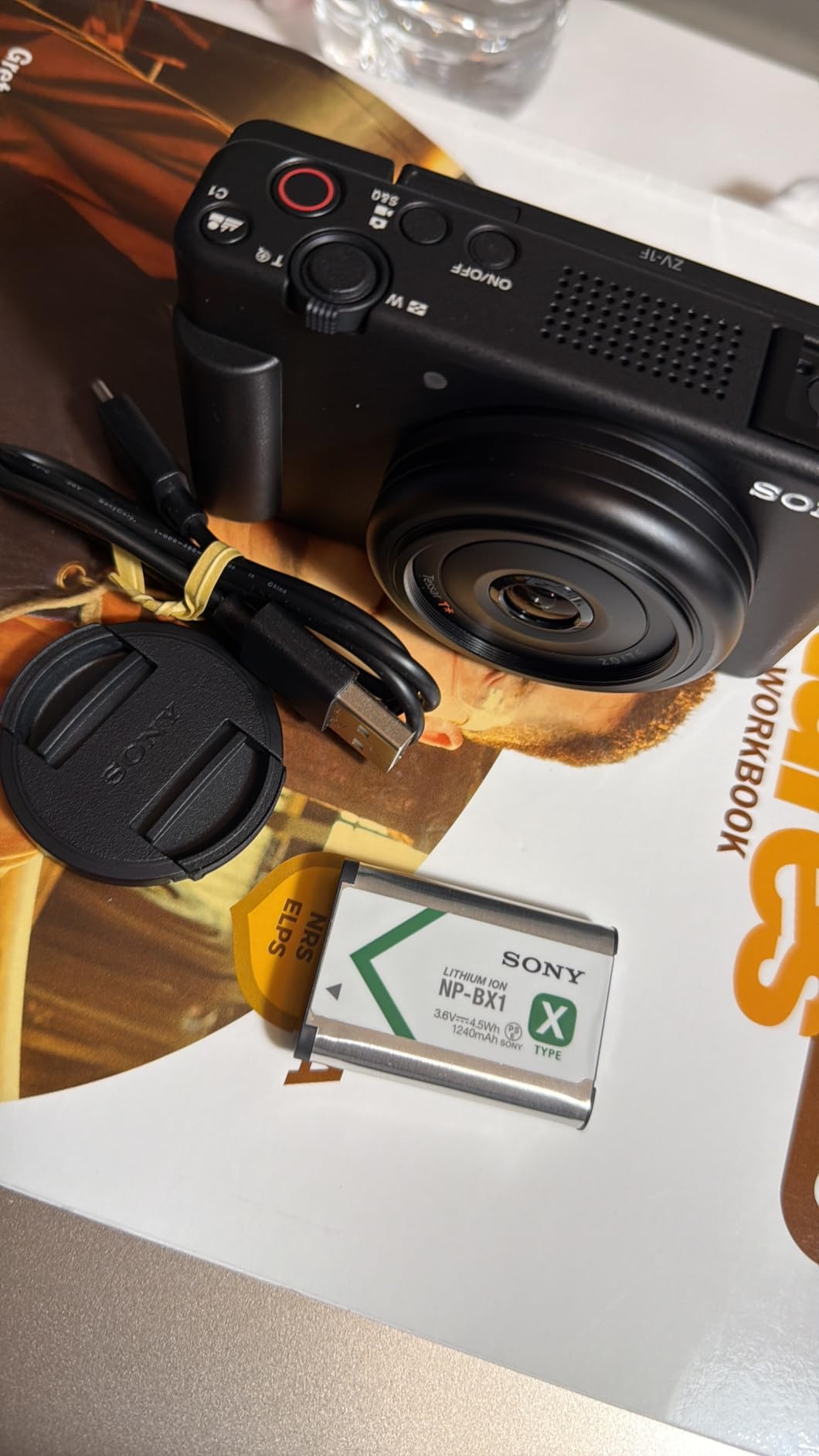
That 20mm field of view is also the constraint. It is an ultra-wide, so it captures the full frame at arm’s length, which is ideal for a hands-in-frame demonstration but wrong for isolating a single logo. There is a 4x digital zoom, and reviewers treat it as a convenience rather than a substitute for a real lens.
Recording runs up to 270 minutes on the listed capacity, and slow-motion capture is supported. For stop motion and turntable sequences that endurance is exactly the property you want.
Why the wide lens is an advantage on a tabletop
Product demonstration is a wide-subject problem. A hand reaching in, a bottle being poured, a box being opened. At 20mm you can hold the whole gesture in frame from close range without stepping back, and the side-articulating screen lets you mount the camera overhead and still compose properly.
The F2 aperture also means you can drop the light level and keep the ISO sane, which matters when you are trying to protect the product’s true colour.
Where it will disappoint you
Close-up detail work. Without a longer lens you cannot fill the frame with a small component or a logo, and the digital zoom softens anything you push. If your work is macro-heavy, spend the extra money on an interchangeable lens body instead.
There is also no viewfinder, so bright studio spill on the screen makes framing awkward. A matte box or a small shade solves it cheaply.
3. Sony ZV-E10 – The Best Camera for Presenter-Led Product Demos
Pros
- Product Showcase Setting racks focus from face to object automatically
- Background Defocus button adds bokeh with one press
- 4K oversampled from 6K with full pixel readout
- Single-cable USB streaming with no capture hardware
Cons
- No in-body image stabilization
- Listed recording time limit of roughly 3 minutes per clip
- Single UHS-I slot limits throughput
- Modest battery capacity
No other camera here has a button built specifically for handing someone an object. The Product Showcase Setting on the ZV-E10 detects the switch of focus from a presenter’s face to the item in their hands and moves the focus plane with it. On a talking-head-plus-product video that saves an enormous amount of reshoot time.
The Background Defocus button is the second one-touch feature. Press it and the background separates instantly; press it again and you are back to a flat documentary look for the wide shot. Owners call it the feature that makes on-camera demonstrations simple.
Detail is good for the class. The 4K movie is oversampled from 6K with a full pixel readout and no binning, and the 24.2MP APS-C Exmor sensor with BIONZ X gives clean files for cropping into vertical social cutdowns later.
For a solo operator, USB streaming over a single cable with no extra hardware is a genuine time saver when a client wants a live walkthrough of the product line.

How it performs as a locked-off tabletop camera
On a tripod with nothing moving, the autofocus story barely matters and the oversampled 4K does all the work. The electronic viewfinder and articulating 3.0-inch touchscreen give you two ways to check focus, and the Fast Hybrid AF with Real-Time Eye AF will hold a face when you need a person in frame.
The kit 16-50mm covers 24-75mm equivalent, which is a sensible tabletop range from a wide hero to a tighter detail.
Where it will disappoint you
The listed recording time limit of roughly 3 minutes per clip is the deal breaker for long studio work. Turntable spins, stop motion runs and continuous b-roll passes all exceed it, so you will be restarting takes.
There is no in-body stabilization either, which is fine on a locked-off rig and useless on a handheld move. The single UHS-I slot also makes file handling tighter than a dual UHS-II body.
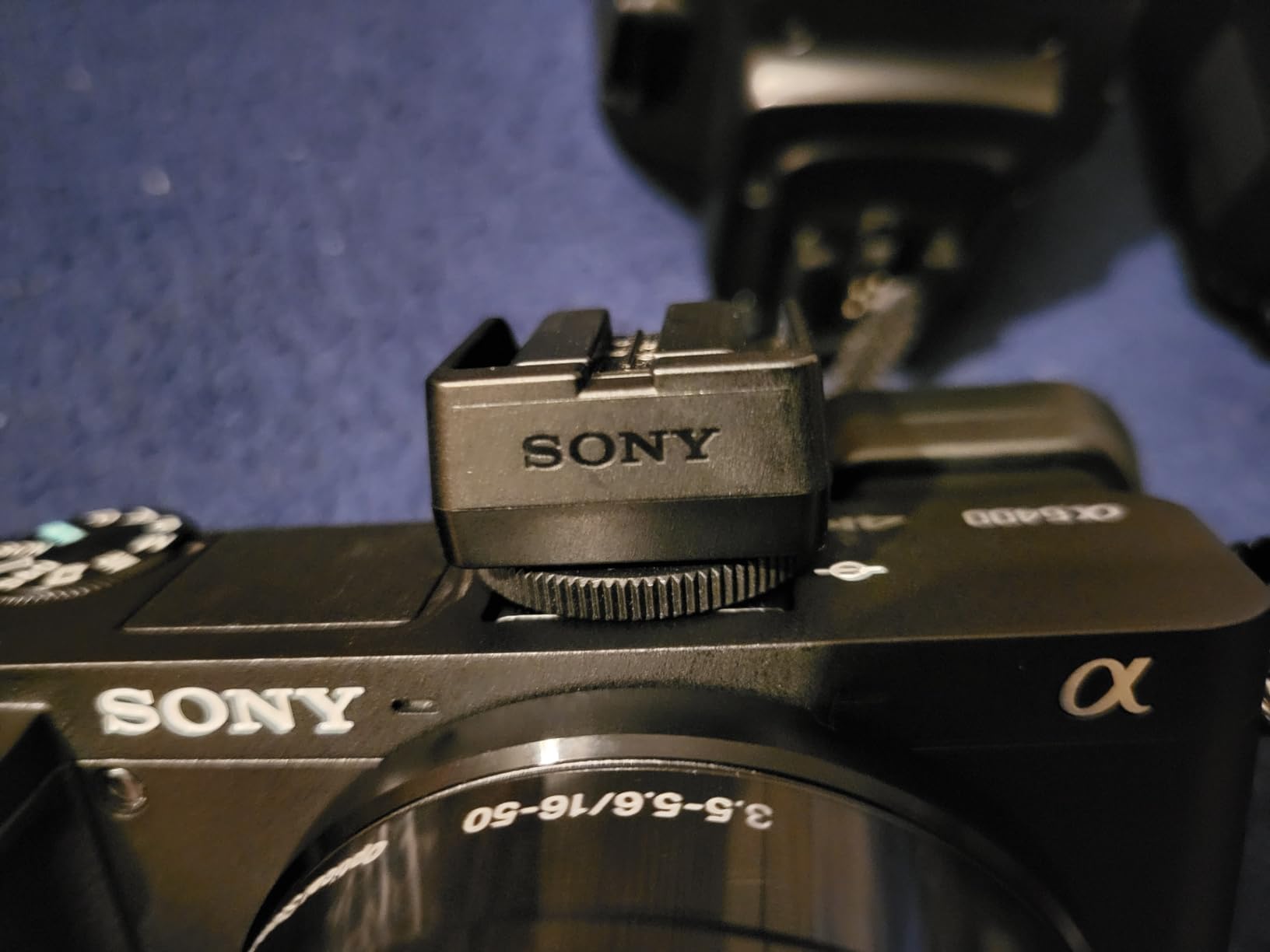
4. Sony Alpha a6400 – The Best Value APS-C Body for Multi-Product Days
Pros
- Real-Time Eye AF tracks hands and faces reliably in video
- Compact 10.3 ounce body is easy to rig anywhere
- Large third-party lens ecosystem in Sony E-mount
- 180-degree tilting screen suits low and overhead angles
Cons
- No in-body stabilization
- Limited first-party APS-C lens lineup
- Bundled 16-50mm kit lens is slow for indoor work
- Menu system and companion app are awkward
The a6400 is the body we recommend when the constraint is not the camera, it is the budget line for everything else. Lenses, cards, a slider and a second light usually cost more than the body, and the third-party E-mount glass is where the money is best spent.
Its 425 phase-detection and 425 contrast-detection points cover 84 percent of the frame, and Real-Time Eye AF is the feature owners single out most often. On a static product that matters less, but the moment a hand enters to rotate an item it earns its keep.
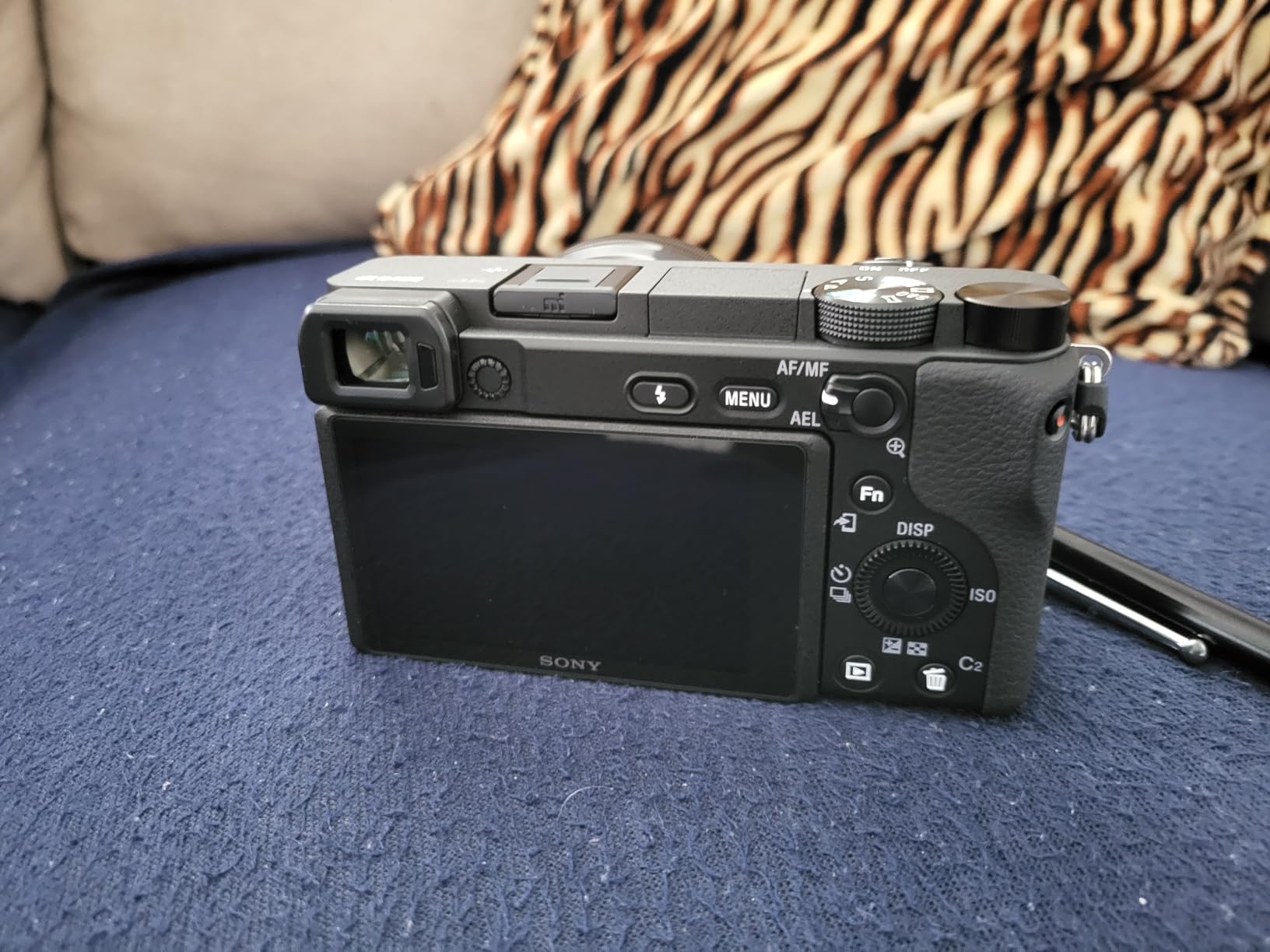
The 180-degree tilting touchscreen is the studio feature here. It flips fully around so you can shoot from just above the sweep surface or from a rig directly overhead, which is the standard product-hero angle.
Video is 4K 2160p with time lapse and slow-motion modes, output over Micro HDMI. With no in-body stabilization, everything should be locked off, on a slider or on a tripod head.
Where the money is better spent
On a macro prime and a variable ND. Owners repeatedly flag the bundled 16-50mm as slow, and a fast short telephoto or macro lens changes the look of tabletop work more than any camera upgrade will. Our macro lens picks are covered in the guide to macro video lenses for product cinematography.
A variable ND is the second priority, because product shooters constantly trade aperture for shutter to control LED strobe output and reflection intensity on glossy surfaces.
Where it will disappoint you
No in-body stabilization means there is no safety net if the rig moves. The first-party APS-C lineup is thinner than rivals, so if you need fast primes you will be shopping third-party. Some owners also find the record button position easy to catch by accident when the camera is on a slider.
The menu and companion app are described as unintuitive, which costs you time on a busy shoot day.
5. Panasonic LUMIX G85 – The Best Camera for Marathon Studio Sessions
Panasonic LUMIX G85 4K Digital Camera, 12-60mm Power O.I.S. Lens, 16 Megapixel Mirrorless Camera, 5 Axis in-Body Dual Image Stabilization, 3-Inch Tilt and Touch LCD, DMC-G85MK (Black)
Pros
- Multiple long-shooting owners report hours of 4K with no overheating
- 5-axis dual stabilization smooths handheld 4K
- Weather-sealed body and kit lens
- Manual video tools including peaking and zebra stripes
Cons
- 16MP sensor is noisier than APS-C rivals above ISO 6400
- 4K recording is cropped and narrows the field of view
- Autofocus trails the best mirrorless systems
- No headphone jack for monitoring
The G85 exists for one reason above all others: it does not stop. Multiple owners with long shooting backgrounds report recording 4K for hours with no overheating and no shutdown. On a product day where you are grinding through eight SKUs with reshoots, that property is worth more than any resolution upgrade.
The 5-axis dual in-body stabilization works in both photo and 4K video. On a tabletop rig it is insurance rather than a feature, but it lets you hand-hold a secondary angle for b-roll without a second tripod.

For manual shooters, the video tools are unusually complete: peaking, zebra stripes, external microphone input and real manual exposure control. Those four together are the manual-focus product kit.
The 12-60mm Power O.I.S. kit lens covers 24-120mm equivalent and is weather sealed, so one lens handles a wide hero shot and a tight detail on the same table.

How it behaves on a turntable or slider
This is a light, sealed body that tolerates being mounted and dismounted all day. The stabilization smooths the small bumps you get when a carriage is nudged, and the long recording capacity means a turntable spin does not need babysitting for temperature.
Manual focus with peaking is the intended way to work here, and 49 contrast-detect points are the weakest part of the package when a presenter moves.
Where it will disappoint you
The 16MP sensor is smaller than the APS-C bodies in this list and gets noisy sooner. The 4K mode is cropped, so the effective field of view narrows and you must physically move the camera back to recover your framing.
There is no headphone jack, only a microphone input, so you monitor through the speaker or bring an external recorder. Autofocus also lags the phase-detect systems, though most video shooters here work manually anyway.
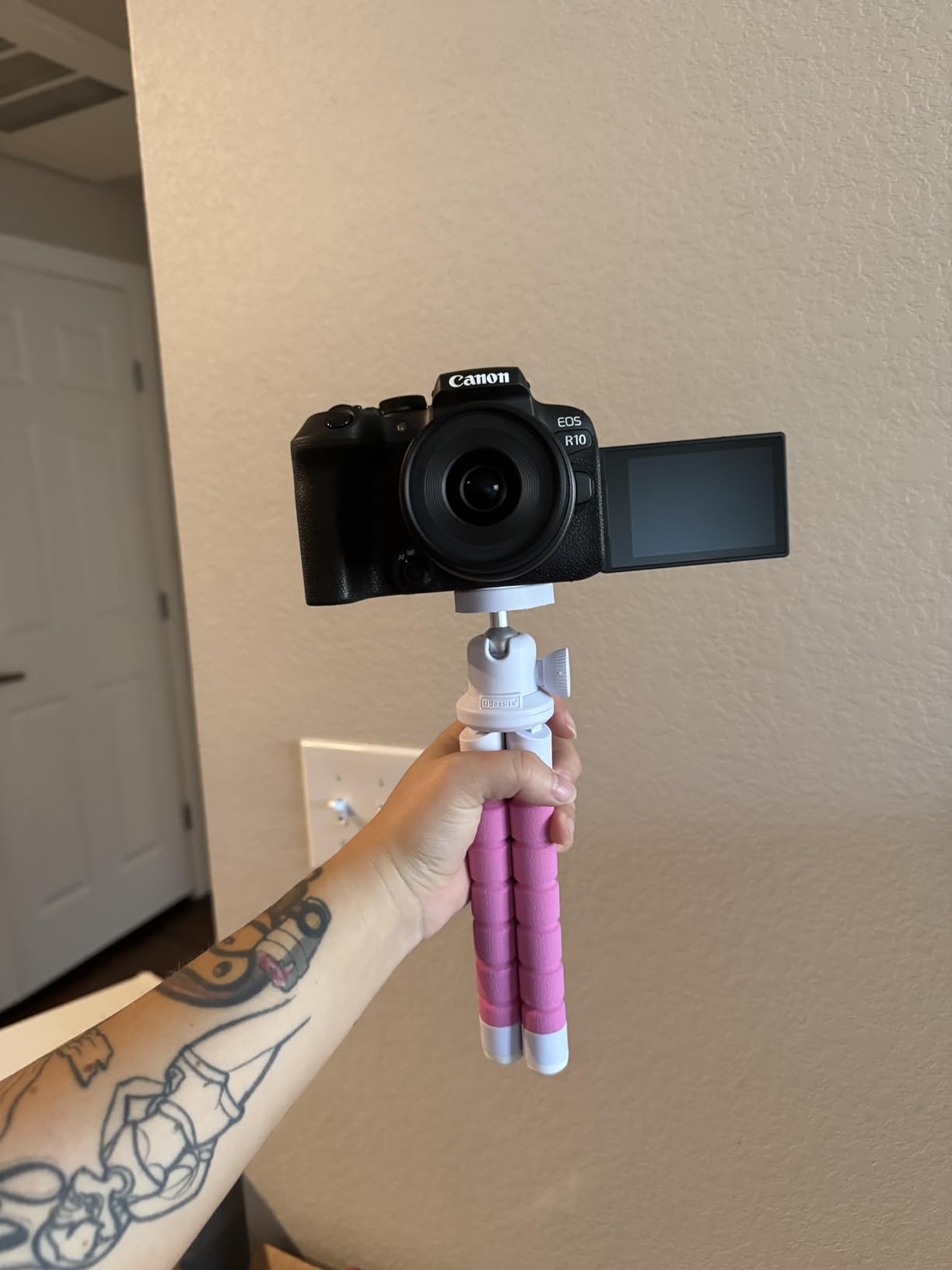
6. Canon EOS R10 – The Best Camera for 10-Bit 4K Grading Headroom
Pros
- 10-bit 4K recording gives real grading headroom for colour matching
- 651-zone Dual Pixel AF II with subject detection
- Light 0.43 kg body with a genuinely comfortable grip
- Anti-smudge tilting LCD rotates for low and high angles
Cons
- Bundled 18-45mm lens is slow beyond about 10 feet
- Wi-Fi transfer is very slow so use cable
- No in-body image stabilization
- LP-E17 battery is not shared with higher-tier Canon bodies
If colour accuracy to the real object is the whole point of the shoot, bit depth is where the money goes. The R10 records 4K 2160p in 10-bit, which is uncommon at this tier and gives you noticeably more room to match a product’s true colour without banding in the highlights of a glossy surface.
Autofocus is Dual Pixel CMOS AF II with 651 zones and full width and height coverage down to EV -4, with people, animal and vehicle detection and tracking. Native ISO runs 100 to 32000, expandable to 51200.
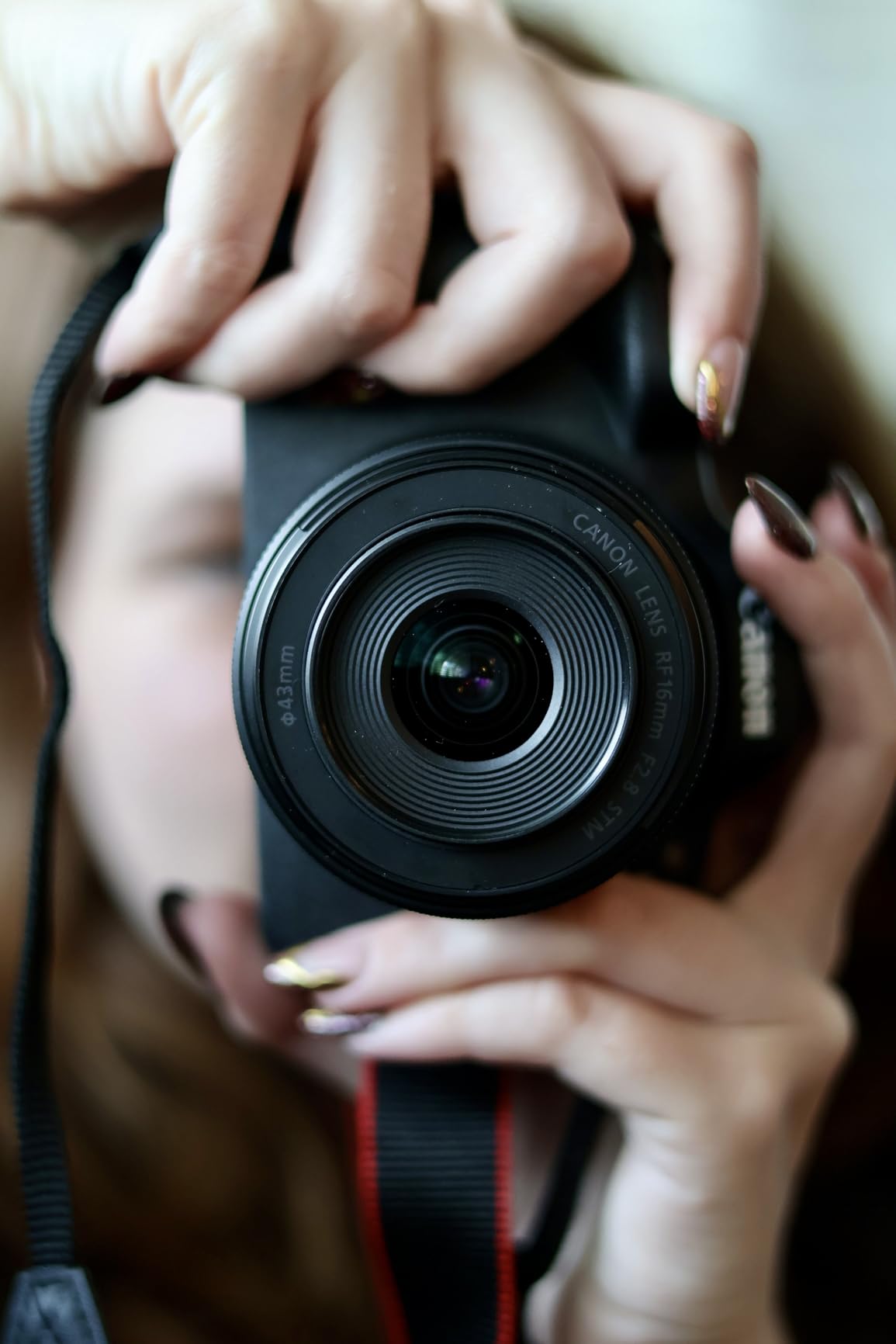
The anti-smudge coated 3.0-inch tilting LCD is a small detail that matters more than it sounds when a soft key light is close to the screen and your nose is near the glass framing a low angle.
Burst numbers are stills-oriented, 15 fps mechanical and 23 fps electronic with RAW burst pre-shooting, but for video the useful spec is simply the 10-bit 4K.
Why 10-bit matters for product colour
Eight-bit video steps through 256 levels per channel, and smooth gradients on a white sweep, a matte package or a cream-coloured cosmetic pot show the steps as banding. Ten-bit spreads that across 1024 levels, so a graded correction lands without breaking the surface.
That is the whole argument for this body over the R50 on colour-critical work. The trade is that neither camera gives you a log profile, so the headroom is only useful if you shoot conservatively and grade in post.
Where it will disappoint you
The bundled RF-S 18-45mm is slow, and owners note it is not ideal beyond about 10 feet or in low light. On a close tabletop rig the aperture is more of a framing constraint than a light one, but plan on buying a better lens.
Wi-Fi transfer is reported as very slow, so budget a cable workflow. There is no in-body stabilization, and the LP-E17 battery does not carry over to higher-tier Canon bodies if you upgrade later.
7. Fujifilm X-T30 III – The Best Camera When You Want Colour Without Grading
Pros
- Film Simulation profiles deliver usable colour straight out of camera
- Physical ISO shutter and aperture dials for fast on-the-fly changes
- Compact body stays out of the way on crowded tables
- Interchangeable X-mount lenses widen framing options
Cons
- No in-body image stabilization
- Video and audio adequate rather than serious
- Kit lens is slow at f/3.5-6.3
- Tilt screen moves up and down only
- Battery drains quickly and no charger is included
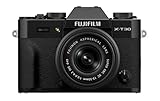
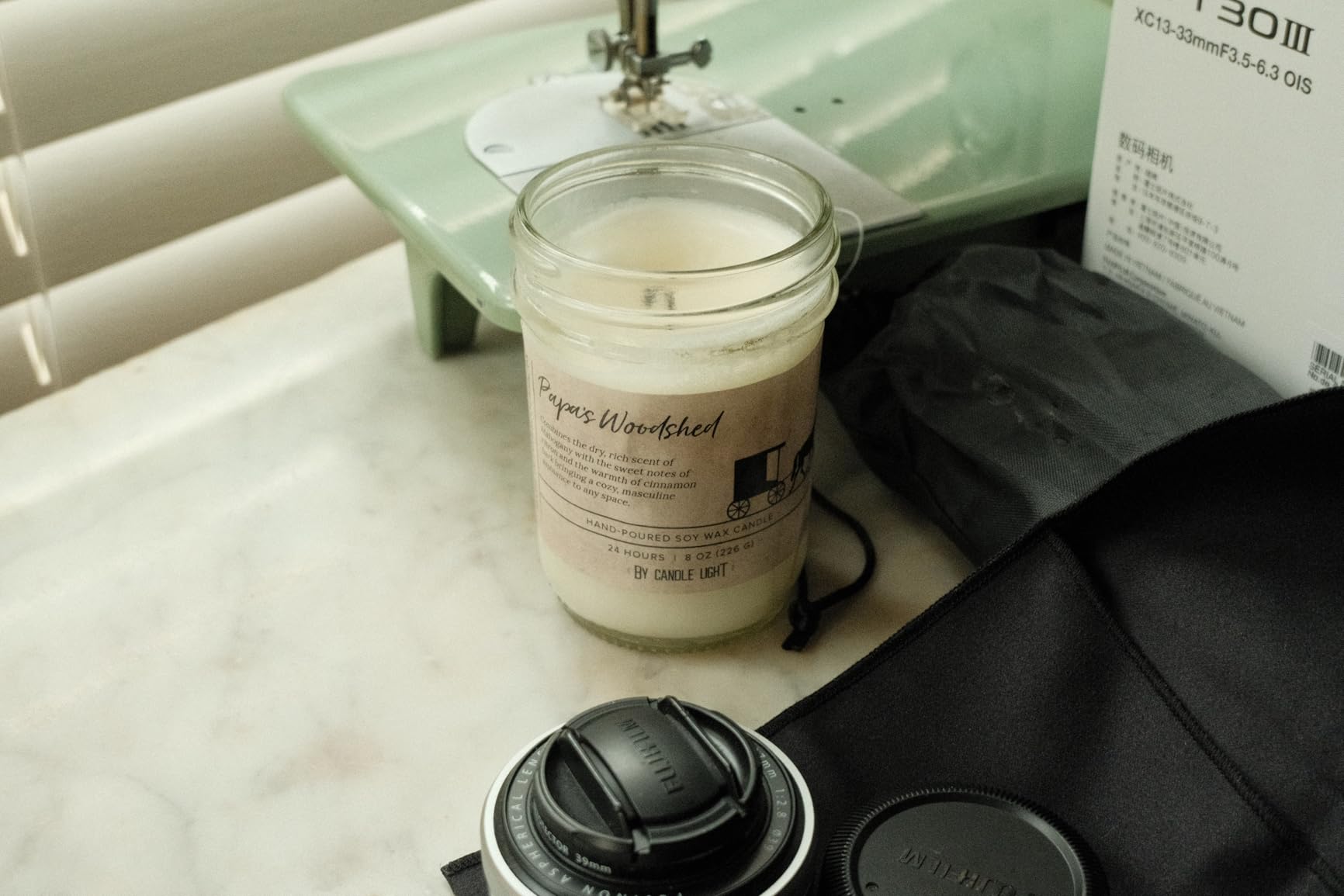
The X-T30 III is here for a specific reason: some product shooters would rather not grade at all. Twenty built-in Film Simulation profiles give you a repeatable look straight out of the camera, which is useful when you are delivering the same look across a catalogue.
The 26.1MP X-Trans CMOS sensor resolves fine texture well, and dedicated physical dials for ISO, shutter speed and aperture let you change exposure without leaving the subject or opening a menu. That responsiveness matters when a client adjusts a light mid-take.
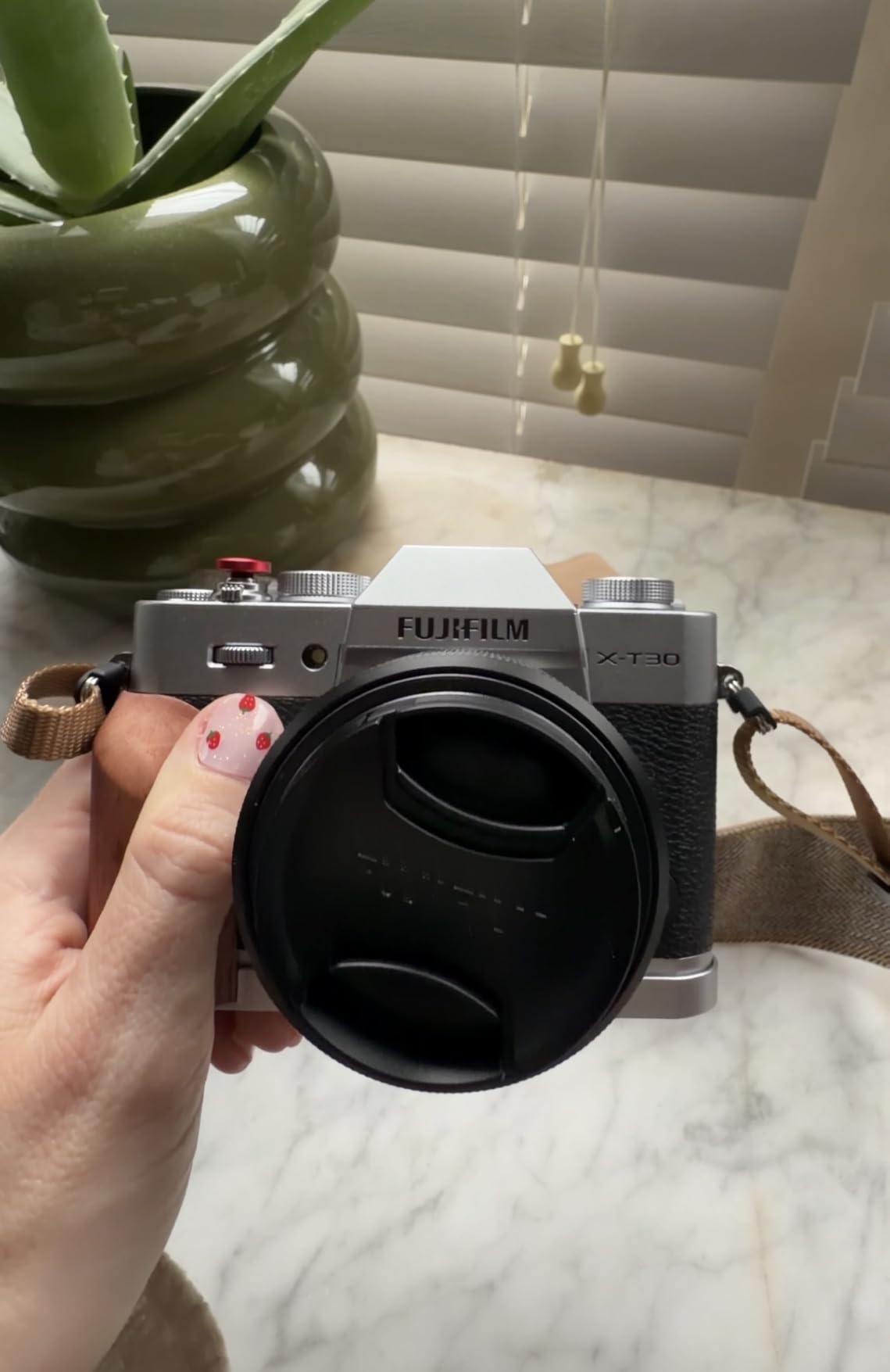
Autofocus is AI-powered subject detection across 425 points, described as fast and reliable with moving subjects, which covers the hand-enters-frame case reasonably well.
Video is 4K 3840p with H.264 and H.265 Long GOP recording, and the listed recording capacity is up to 60 minutes.
When film simulation beats a graded workflow
If your product is stylised rather than colour-critical, a food or lifestyle set where warmth sells the shot, a simulation profile removes a grading pass from every clip. It also standardises the look across a series, which is a real saving on multi-SKU days.
The X-mount lens range also lets you reach a short telephoto for perspective control on packaging, which most kit zooms cannot do.
Where it will disappoint you
Several owners explicitly advise choosing a different Fujifilm body for video, citing the lack of stabilization, modest audio and the slow kit lens at f/3.5-6.3. The tilt screen moves up and down only, so it does not swing to the side for a low-angle tabletop shot.
With a small review base, this is also the body in the list with the least long-term owner feedback to draw on. The battery drains quickly and no charger is included in the kit configuration.
8. Panasonic LUMIX GH4 Body – The Best Cinema 4K Workhorse for Fixed Rigs
Panasonic LUMIX DMC-GH4KBODY 16.05MP Digital Single Lens Mirrorless Digital Camera with 4K Cinematic Video (Body Only)
Pros
- 4K 24p at 4096x2160 is a genuine cinematic frame
- No record time limit cited for 4K
- Long shutter life magnesium body suits sustained studio use
- 16MP sensor without a low-pass filter resolves fine detail
Cons
- Body only so a lens must be bought separately
- No stabilization of any kind
- 49-area autofocus is dated against modern systems
- Older sensor limits low light and depth-of-field control
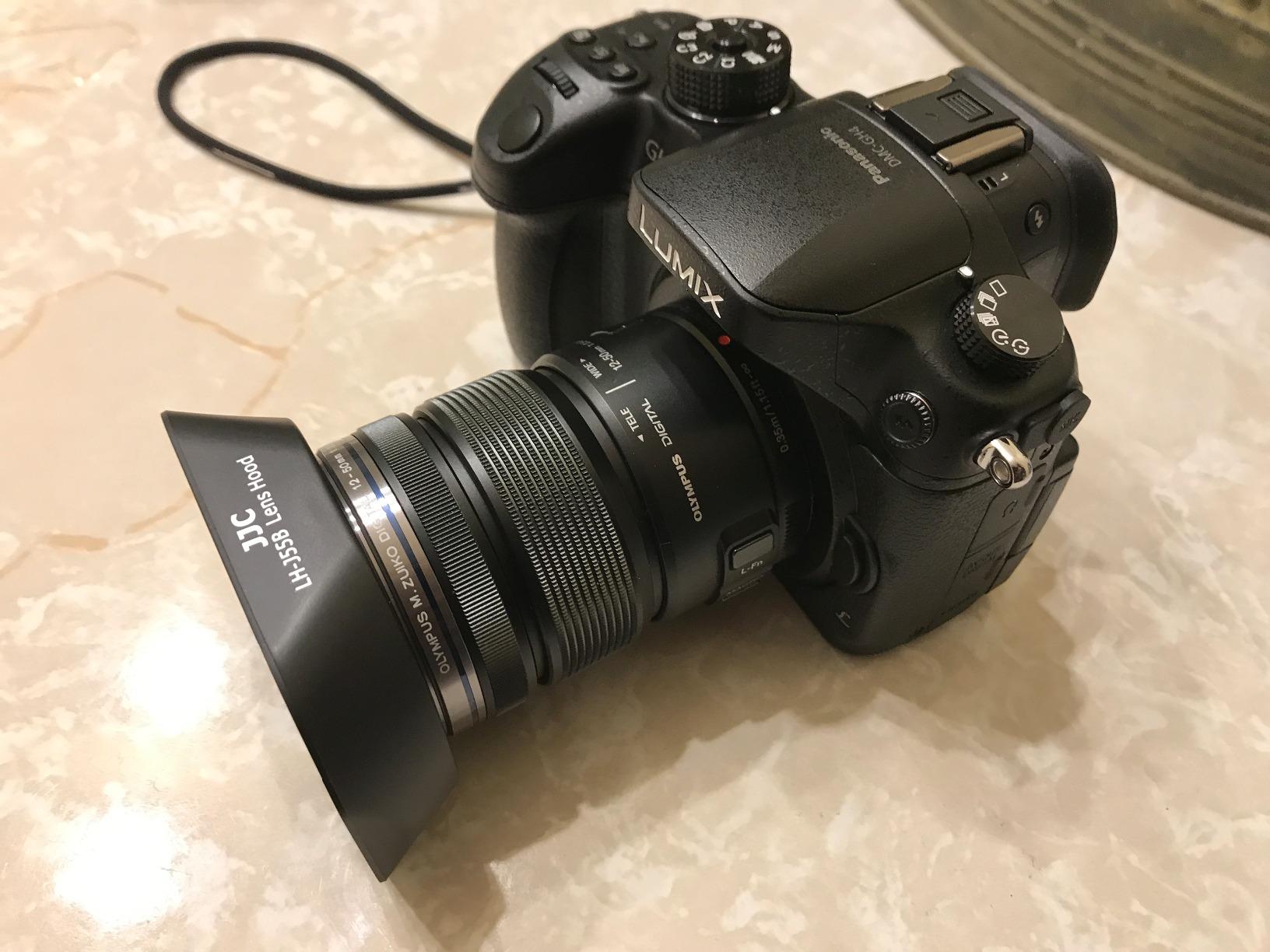
The GH4 records 4K at 4096×2160 at 24p, which is a wider cinematic frame than the 3840×2160 standard, and the listing notes no record time limit for 4K. For a camera that lives on a tripod pointed at a sweep, those two facts are the entire pitch.
Recording capacity is listed at up to 220 minutes, and the magnesium alloy body is specified for long shutter life. Turntable spins and long stop motion runs are exactly the workload that punishes consumer bodies.

The 16.05MP Micro Four Thirds sensor has no low-pass filter and strong moire suppression, which matters when the subject has fine repeating texture, like a knit garment label or a woven strap.
The articulating OLED touchscreen and 0.67x electronic viewfinder let you compose low and high angles without moving the rig.
Why the older sensor is a fair trade on a fixed rig
Micro Four Thirds gives you roughly twice the depth of field of full frame at the same framing. For product work that is a real advantage, because you can stop down and keep the whole item sharp from front logo to back panel without focus stepping.
The 16:9 and 4:3 aspect ratio choices and the 14-bit output also make cropping for vertical cutdowns straightforward.
Where it will disappoint you
Autofocus is 49-area and dated. That is acceptable when you are focusing manually on a static product, and a problem the moment a presenter moves toward the lens.
There is no stabilization of any kind, so the body must be rigidly mounted. It ships as body only, so add lens cost, and the older sensor is the weakest of the group for low-light lifestyle work. Our guide to cameras for product photography covers how stills shooters weigh the same trade-offs.
9. Canon EOS R100 Bundle – The Best Starter Kit for First Listing Videos
Pros
- Bundle includes a 64GB memory card and camera bag so you can shoot immediately
- 24.1MP APS-C sensor with DIGIC 8
- Simplified menus and auto scene modes for first-time users
- 2.36-million-dot OLED viewfinder
Cons
- 4K 24p is heavily cropped and narrows the field of view
- Fixed non-articulating LCD blocks low and overhead angles
- No built-in flash on this bundle
- 6.5 fps is the slowest burst rate in this group
The R100 bundle is the lowest-cost way into this list and the fastest way to start delivering listing video. It ships with a 64GB memory card and a camera bag, so there is no excuse to postpone the first shoot.
The 24.1MP APS-C sensor with DIGIC 8 produces vibrant, detailed stills, and the simplified menu navigation and auto scene modes mean a first-time mirrorless user can get usable frames on the first pass.

Video covers 4K 24p plus Full HD 60p, with output over USB. Dual Pixel CMOS AF with 143 zones focuses accurately and tracks people reliably.
The 2.36-million-dot OLED electronic viewfinder is a genuine inclusion at this end of the market, and the RF-S 18-45mm F4.5-6.3 IS STM has built-in image stabilization in the lens.

What to fix before your first client shoot
The 4K 24p mode is heavily cropped, so step the camera back to recover your framing or use Full HD 60p where the crop is far less punishing. Set a manual white balance against a grey card and lock it, because auto white balance will shift the product colour between takes.
A cheap articulated-screen upgrade is not possible, so plan your angles around a fixed screen and use an external monitor or a phone app for low framing.
Where it will disappoint you
The fixed LCD with no articulation is the limitation that bites hardest on tabletop work. Low hero angles and overhead flat lays both become guesswork, and the 6.5 fps electronic shutter is the slowest burst rate in this group.
The kit lens maximum aperture of f/4.5-6.3 is slow for controlled studio lighting, and there is no built-in flash on this bundle. If you already own a decent lens for another mount, check compatibility before you buy.
10. Panasonic LUMIX S5 Body – The Best Full-Frame Camera for Studio Product Video
Panasonic LUMIX S5 Full Frame Mirrorless Camera, 4K 60P Video Recording with Flip Screen & WiFi, L-Mount, 5-Axis Dual I.S., DC-S5BODY (Black)
Pros
- 4K 60p 10-bit with no internal recording time limit
- V-Log and V-Gamut with 14 plus stops of dynamic range
- 5-axis Dual I.S. 2 rated to 6.5 stops
- Full-frame stays usable around ISO 4000 to 6400
Cons
- Autofocus hunts in low light and lacks phase detection
- No headphone jack for monitoring
- Battery indicator shows no percentage remaining
- Shallow buffer depth relative to newer bodies
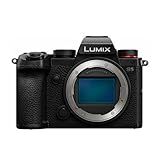
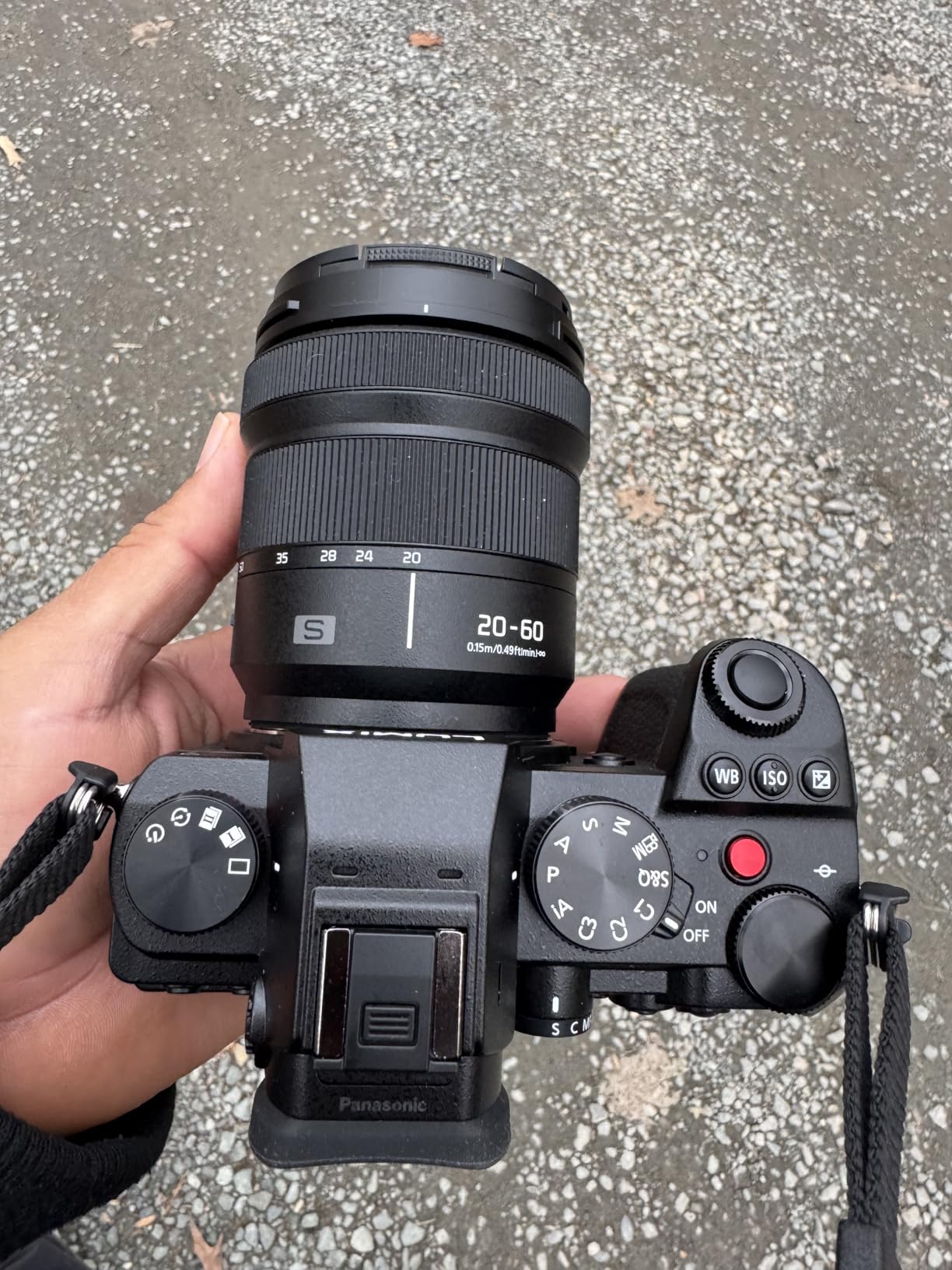
Nothing else in this list gives you the S5’s combination of unlimited recording, a true log profile and full-frame low-light headroom. For a studio where the product is often photographed in a dim lifestyle set rather than on a white sweep, that is the most complete package here.
V-Log and V-Gamut with 14 plus stops of dynamic range, Dual Native ISO, and 4K 60p 10-bit recording with no internal time limit. That combination means a specular highlight on a bottle and the shadow under a label both survive to the grade.
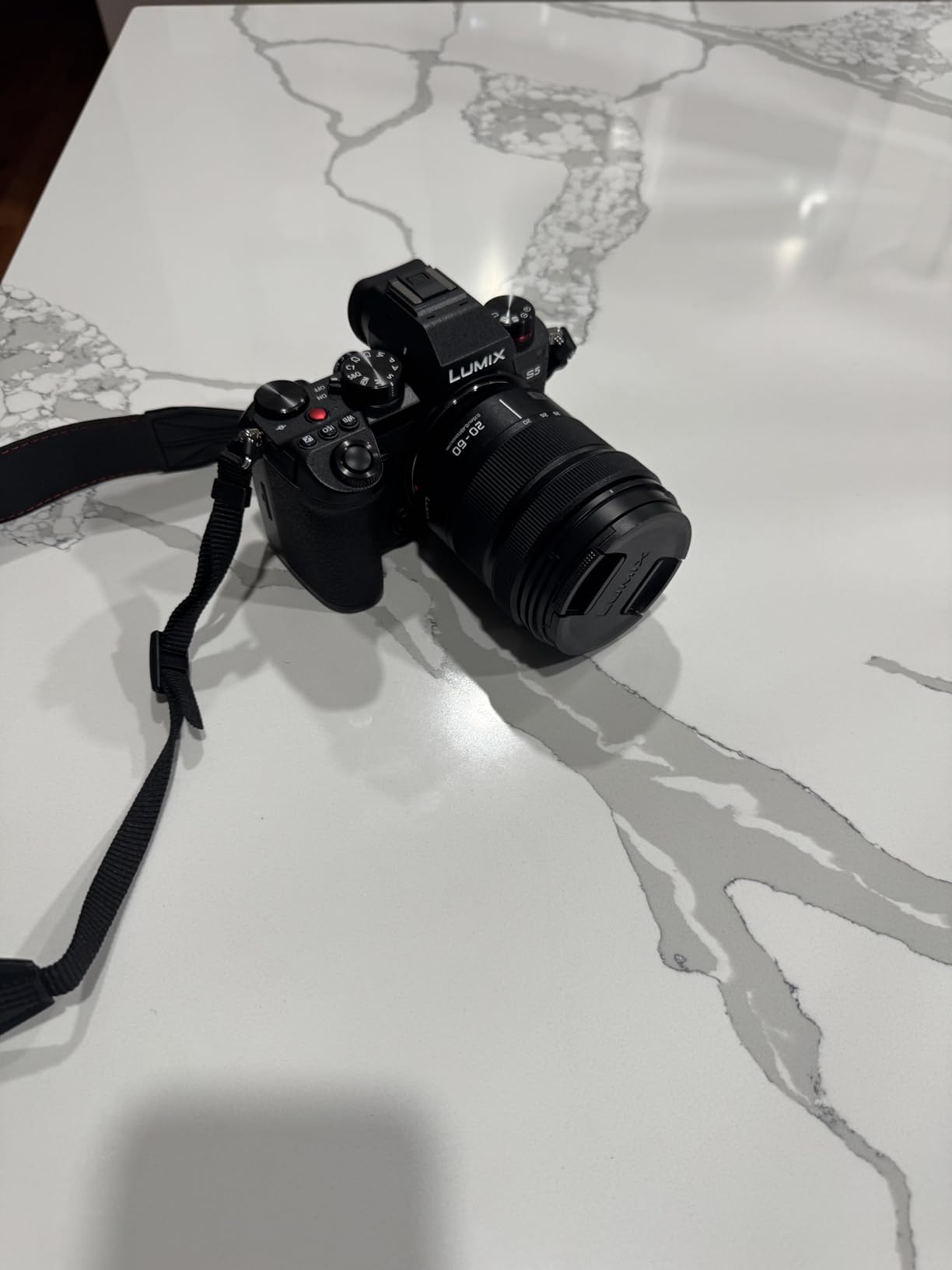
5-axis Dual I.S. 2 is rated at 6.5 stops, and the 3.0-inch articulating touchscreen with 1,840,000 dots is bright enough to judge focus against a lit sweep. Full HD 180fps slow motion is available for hero transitions.
Professional users confirm it holds focus on tripod and studio work, especially in manual focus mode. Owners also note it does not band in shadows, which later S5 II models can.
Why a log profile changes a product workflow
With V-Log you are capturing a flat image and building the look in post, which means one lighting setup can serve a hero video, a marketplace listing and a campaign cutdown. White balance and exposure become grading decisions instead of locked-in settings.
Full frame also gives you the background separation and low-light tolerance to shoot a product in a real environment, then mask it onto your seamless. Dual card slots, one UHS-II and one UHS-I, keep a client shoot moving.
Where it will disappoint you
Autofocus hunts in low light and the system lacks phase detection, so a presenter moving in a dim set will test it. It ships as body only, so lens cost applies. There is no headphone jack, the battery indicator shows no percentage remaining, and the buffer depth is shallow compared with newer bodies unless you use V90 cards.
The electronic stabilization can introduce artifacts on some footage, and the grip is not comfortable for a full day of handheld work. A wired controller, as covered in our video camera roundup, is worth adding for slider moves.
How to Choose a Camera for Studio Product Video
Product video is a narrow job, and the specs that matter for it are not the ones on the spec sheet’s first line. Here is what we would actually check before buying.
Sensor size and depth of field for tabletop work
A larger sensor gives you background separation and low-light tolerance. A smaller one gives you depth of field, so the whole product stays sharp from front to back. Micro Four Thirds bodies such as the G85 and GH4 win the second fight, full-frame bodies such as the S5 win the first. Most tabletop work sits in the middle, and an APS-C body with a fast lens is the most flexible answer.
Manual focus, peaking and minimum focus distance
Your subject is not moving, so manual focus with focus peaking and magnification is faster and more reliable than autofocus. Check that the body offers both, and check the minimum focus distance of the lens you plan to use, because a product macro at 20 centimetres is where a kit zoom runs out.
LED flicker and shutter refresh rate
LED studio strobes pulse, and if the camera’s shutter speed is not a multiple of the light’s refresh rate you get banding that no amount of editing fully fixes. Test your intended shutter speeds against your own lights before a client session. Some bodies and some shutter angles are cleaner than others, and your own setup is the only test that counts.
Colour accuracy, white balance and log profiles
Shoot a grey card and a ColorChecker under your exact lighting, then decide whether you want a flat log profile like V-Log to grade, or a delivered image from a film simulation or a standard picture profile. Log gives headroom and flexibility. Delivered colour saves hours on multi-SKU days. Both are legitimate answers.
Overheating and record time limits on long takes
Stop motion, turntable spins and continuous b-roll will exceed any short clip limit. Bodies with no internal recording time limit, such as the S5, or a long stated recording capacity, such as the GH4, are the safe choices for a full day. Check the listed clip limit before you buy rather than after a reshoot.
Motion control, turntables and slider compatibility
Weight matters more than you expect. A body that is awkward to balance on a carriage gets nudged, and a nudged camera means a reshoot. Look for a small, light body, a flat base or a proper cage, and a battery solution that does not dangle. Community advice from r/cinematography leans the same way: rig it properly and the camera underneath matters less.
Frequently Asked Questions
What camera is best for taking product videos?
For most tabletop shoots, the Canon EOS R50 is the best all-round choice: 6K oversampled uncropped 4K up to 30 fps, a 651-zone autofocus system and a 16 ounce body that sits easily on a slider. If your budget is tighter, the Sony ZV-1F covers 4K with a bright 1-inch sensor and a 20mm F2 lens for background separation. For colour-critical work, the Canon EOS R10 records 10-bit 4K, and the Panasonic LUMIX S5 gives you V-Log with no recording time limit.
What is the best camera for a video studio?
It depends on whether the studio shoots people or objects. A locked-off multi-camera studio wants clean HDMI or USB output, timecode and unlimited record length, which points to a full-frame body such as the Panasonic LUMIX S5. A tabletop product studio cares far more about manual focus aids, minimum focus distance and colour accuracy, which is where the Canon R50, R10 and Sony ZV-E10 sit. Solo operators should prioritise weight and battery options.
What is the best camera for product shooting?
For stills-led product work, a higher resolution sensor and a fully articulating screen matter more than video specs. The Canon EOS R10 pairs a 24.2MP APS-C sensor with an anti-smudge tilting LCD and subject-recognition autofocus, which makes it a strong all-round product body. For close-up work, budget for a macro prime, because bundled kit lenses are the most common complaint owners report.
What is the best camera for studio photoshoots?
Any camera with a tilting or articulating screen and reliable manual focus will handle a studio photoshoot well, because low and overhead angles are the norm. The Sony a6400 and Canon EOS R10 both tilt fully for this reason. If the shoot also involves video, prioritise a body that handles both rather than a stills camera with a video mode bolted on.
What matters most for studio product video?
Manual focus control with peaking and magnification matters most, followed by colour accuracy and record length. Autofocus matters least, because a product on a sweep does not move. After that, check minimum focus distance at close range, shutter behaviour under your LED strobes, and whether the clip length suits a turntable or stop motion run. Resolution matters least of all at typical delivery sizes.
Do I need 4K for product video?
4K gives you room to crop into vertical social cutdowns and to reframe a hero shot for a marketplace listing without losing detail, so it is worth having. But note that some bodies crop heavily in 4K, which narrows the field of view and forces you to move the camera back. Check the crop factor and the recording time limit before you commit, and use Full HD high frame rate for slow motion hero passes.
What is the 180 rule in videography and how is it used?
The 180 rule says a shutter speed should be roughly double the frame rate, so 24 fps is shot at 1/50 second and 60 fps at 1/120 second. It keeps motion blur natural and reads correctly to viewers. On a product shoot, where nothing moves, you can deviate freely to match your LED strobe output, but keep the standard in mind for turntable spins, slider moves and hands-in-frame demonstrations.
Final Verdict: Which Camera Should You Buy for Studio Product Video
The Canon EOS R50 is our pick for the best cameras for studio product video overall. It gives you uncropped 4K, an autofocus system that will not embarrass you when a hand enters frame, and a body light enough for a slider, without asking you to learn a cinema camera workflow.
Match the rest to your shoot type. The Sony ZV-1F is the fast-turnaround budget body. The Sony ZV-E10 is the only one here with a dedicated product focus transition. The Panasonic LUMIX G85 and GH4 are the marathon recorders. The Canon EOS R10 buys you 10-bit colour headroom. The Fujifilm X-T30 III removes the grading pass entirely. The Canon EOS R100 is the cheapest way in. The Panasonic LUMIX S5 is the one to buy if you shoot in dim real environments and want a log profile.
Before your first session, spend thirty minutes on the basics: shoot a grey card under your exact lighting and lock the white balance, test your intended shutter speeds for banding against your own LED strobes, confirm the clip length suits your longest take, and run a dummy battery so nothing dies mid-shoot. The best cameras for studio product video is whichever one of these ten you can set up fastest and repeat identically on take twelve as on take one.
Last updated: October 2026.