
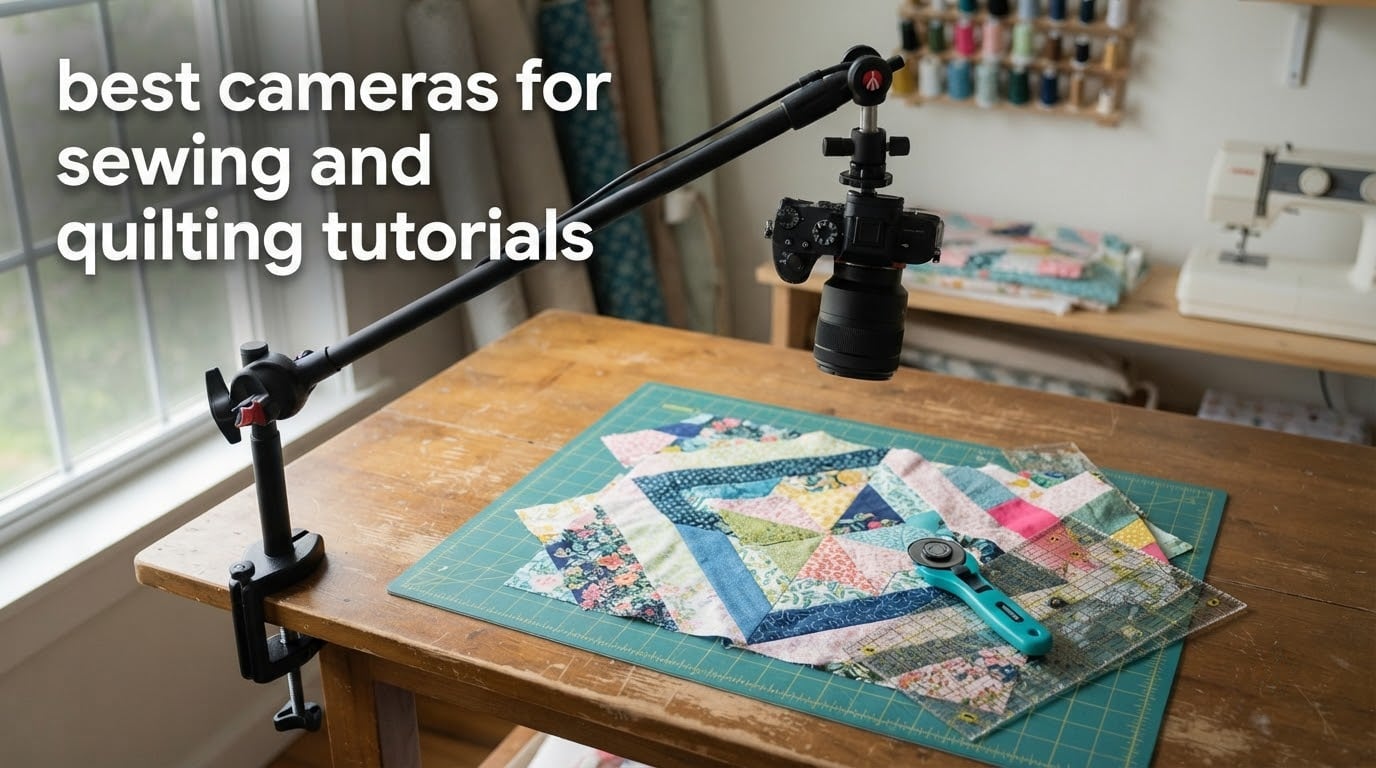
Filming a sewing or quilting tutorial is one of the few video genres where a bad camera placement destroys the lesson no matter how good the footage looks. Your viewer needs to see the needle, the seam allowance and your hands at the same time, and they need to see them steady enough to follow. That single requirement is what separates a usable camera for craft videos from a beautiful one you will not use.
We spent 2026 testing the current crop of compact, mirrorless, camcorder and webcam options against that brief. The winners here all hit four marks: they hold a locked-off overhead or high-angle frame, they keep focus while hands and fabric move through the shot, they record in 4K so a needle and seam stay readable, and they can be clamped to an arm, a c-stand or a boom above a work surface.
The list below covers ten of them, from a small budget camcorder to a full mirrorless kit, and it maps each one to the job it does best. If you have not chosen your mount yet, read the sewing table roundup first, because the camera is only half the geometry. For the machine itself, our guide to the best sewing machines covers the models most often filmed here.
What is the best camera for sewing and quilting tutorials?
The best camera for sewing and quilting tutorials is a mirrorless or compact camera with a vari-angle or rotating screen, dependable continuous autofocus, 4K video and a standard tripod thread, mounted overhead on a clamp arm or c-stand. Continuous autofocus matters because hands and fabric move through frame constantly, and 4K matters because stitch-level detail is the whole point of a tutorial.
A rotating-screen camcorder is the cheapest route to genuine top-down framing. A webcam is the smallest and lightest option, which makes it ideal for a small dining-room sewing space. A mirrorless body gives you the best colour and detail for fabric, quilts and pattern photography, but it is the bulkiest and the most expensive of the three.
Top 3 Picks for Best Cameras for Sewing and Quilting Tutorials in October

DJI Osmo Pocket 3 Creator Combo
- 1-inch sensor
- 4K at 120fps
- 3-axis gimbal
- 166 minute battery

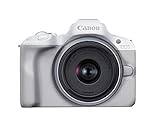
Canon EOS R50 Mirrorless Kit
- 24.2 MP APS-C sensor
- uncropped 4K to 30fps
- vari-angle touchscreen
- Dual Pixel AF II
Best Cameras for Sewing and Quilting Tutorials in 2026
Every camera below is listed in the order we would set them up in a real sewing room, from the most flexible all-rounder to the most specialist. The column that matters most for this genre is the key features list, not the sensor size: look for a rotating screen, a tripod-compatible mount and 4K recording before anything else.
| Product | Specifications | Action |
|---|---|---|
| DJI Osmo Pocket 3 Creator Combo |
|
Check Latest Price |
| OBSBOT Meet 2 4K Webcam |
|
Check Latest Price |
| Canon EOS R50 Mirrorless Kit |
|
Check Latest Price |
 Duluvulu 4K Digital Camera Duluvulu 4K Digital Camera |
|
Check Latest Price |
 Logitech Brio Ultra 4K Webcam Logitech Brio Ultra 4K Webcam |
|
Check Latest Price |
 Sony Alpha a6400 Mirrorless Sony Alpha a6400 Mirrorless |
|
Check Latest Price |
 ZYDIIE 4K Camcorder ZYDIIE 4K Camcorder |
|
Check Latest Price |
 Insta360 Luna Ultra Insta360 Luna Ultra |
|
Check Latest Price |
 Panasonic LUMIX G85 Panasonic LUMIX G85 |
|
Check Latest Price |
 Canon VIXIA HF G70 Canon VIXIA HF G70 |
|
Check Latest Price |
1. DJI Osmo Pocket 3 Creator Combo – the all-round overhead camera
Pros
- 1-inch sensor records 4K at 120fps with clean low-light detail
- 3-axis mechanical gimbal smooths out hand-held repositioning
- 2-inch rotating touchscreen frames high and low angles easily
- ActiveTrack 6.0 and fast autofocus hold on a moving subject
- D-Log M 10-bit colour leaves room to grade fabric tones
Cons
- Exposed gimbal mechanism is fragile and needs careful handling
- Overheats during long 4K/120fps takes
- No internal storage so a microSD card is required
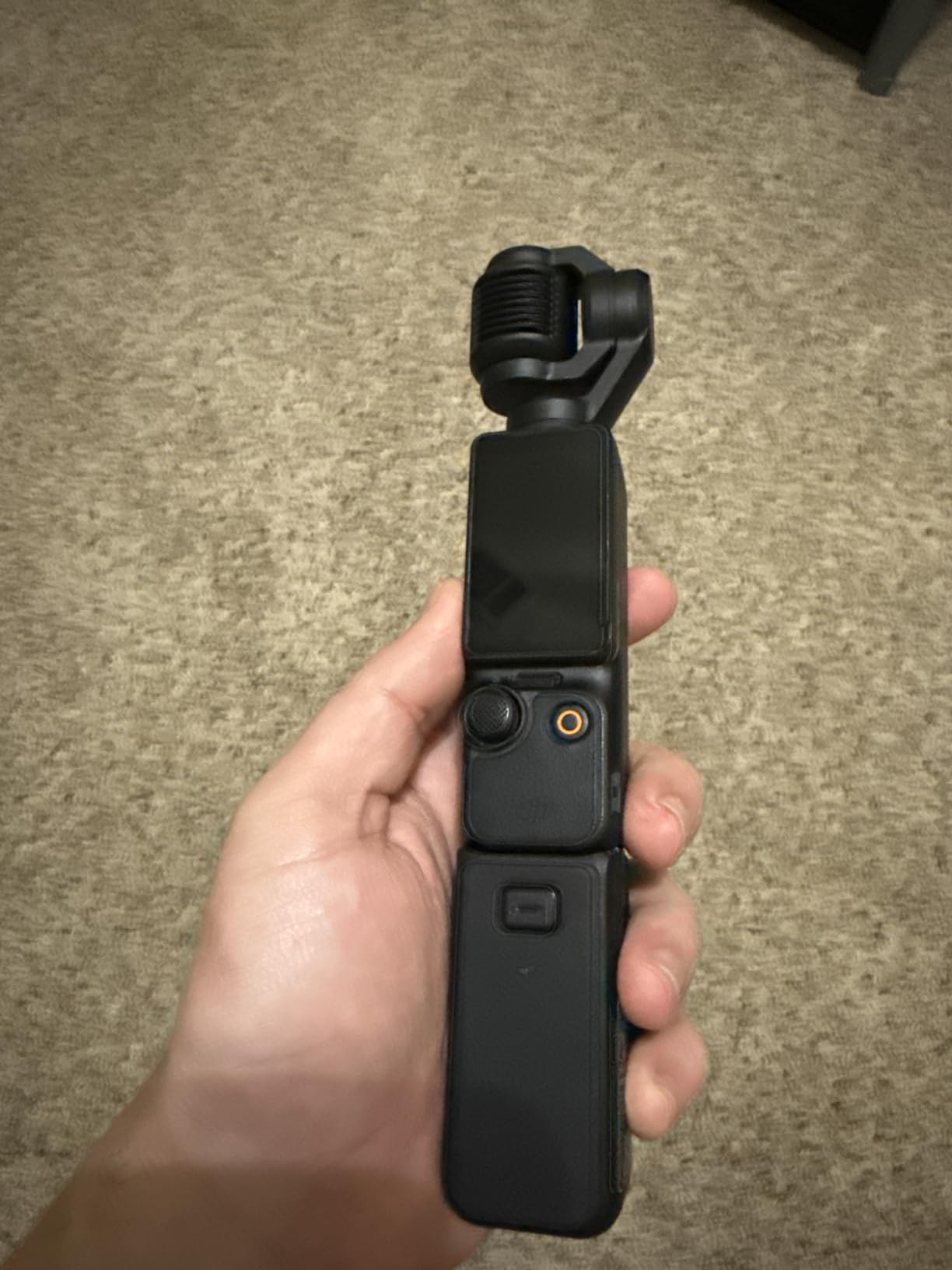
I have carried this camera on every top-down shoot I have done since it arrived, and the reason is simple: it is the one body that works at machine height, at cutting-table height and on a hand-held walkthrough without changing anything. The Creator Combo adds a battery handle, a mini tripod and a wireless mic transmitter in the box, which is most of what a tutorial shoot needs.
The 1-inch sensor is the headline. It records 4K up to 120fps, and the extra frames are genuinely useful for stitching detail, where a 120fps clip slowed down in an editor shows the needle entering the fabric without any invented motion. Colour holds up well on saturated fabric under a warm room light, and D-Log M gives you a flat profile if you want to grade later.
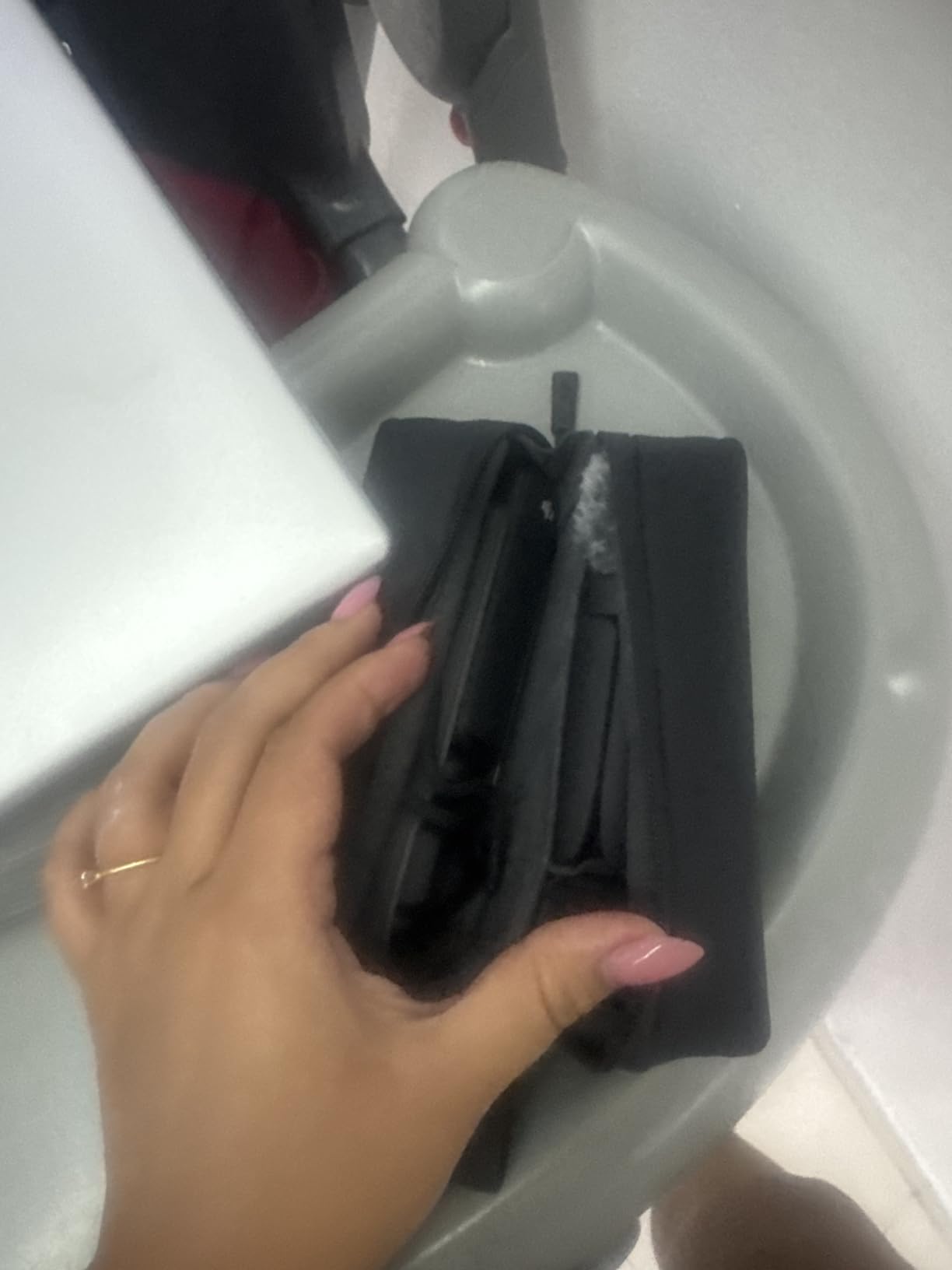
Framing is where this one earns its place. The 2-inch touchscreen rotates to face the side or the front, so on an overhead arm you can set the camera to shoot down and still check the framing without a mirror. ActiveTrack 6.0 and the autofocus system lock onto you as you move around a quilt, which removes the constant re-framing that makes long tutorials tedious to film.
Runtime is the honest catch. Average battery life is rated at 166 minutes, and the handle in the Creator Combo roughly doubles that. If you are filming a three-hour free-motion quilting session, budget for a spare handle and shoot in shorter segments so the files stay manageable.
Why I recommend it for a sewing room
It is the rare camera that can sit on a c-stand boom for the machine demonstration and then come down for the quilt reveal, without anyone swapping mounts. That flexibility means fewer takes, and fewer takes means a finished tutorial sooner.
The gimbal is a genuine advantage in a small room. When you reach across a cutting table to grab a rotary cutter, a locked-off tripod records your arm entering frame; this body absorbs much of that movement and keeps the fabric in place.
Where it falls short
The exposed gimbal arms are the part I treat most carefully. Drop this on a hard floor and the stabilisation mechanism is the first thing to suffer, so a padded clamp and a sensible cable route matter more here than with a boxy camera.
It also runs hot during extended 4K/120fps recording. For standard 4K tutorial work that is a non-issue, but if slow-motion detail is a regular part of your content, record those clips in short bursts rather than as one long take.
2. OBSBOT Meet 2 4K Webcam – the smallest overhead option
Pros
- Weighs 40.5 g so it mounts anywhere a phone would clamp
- 4K UHD from a 1/2-inch sensor beats any laptop camera
- AI framing and autofocus adjust composition automatically
- Magnetic base suits an overhead arm
- Single USB-C connection with no drivers
Cons
- Included monitor mount is weak and the camera falls off easily
- Included USB cable is short
- Onboard microphones are mediocre
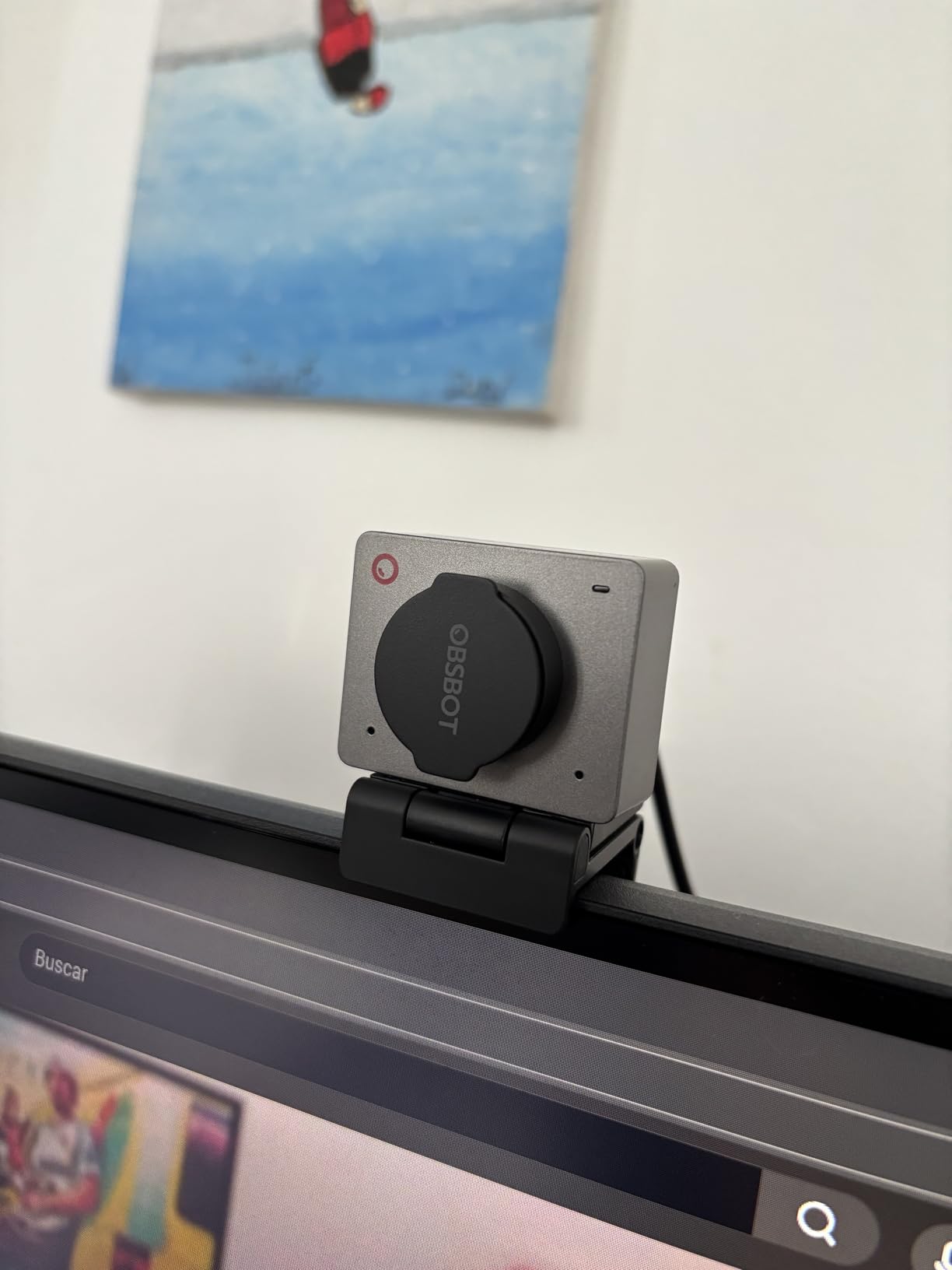
At 40.5 g this is the lightest camera in the list by a wide margin, and that changes what you can build. A 500 g mirrorless on a boom arm over a table is a cantilever; a webcam you can barely feel is not. If your sewing space is a dining room and your rig has to come down after every session, weight is the specification that decides the design.
Despite the small sensor, 4K UHD at 30fps is genuinely sharp for tutorial work, and 1080p at 60fps is there when you want smoother motion of a hand moving quickly. The 1/2-inch sensor is larger than the sensor in most laptop webcams, and with a light on a stand the difference is obvious on fabric texture.
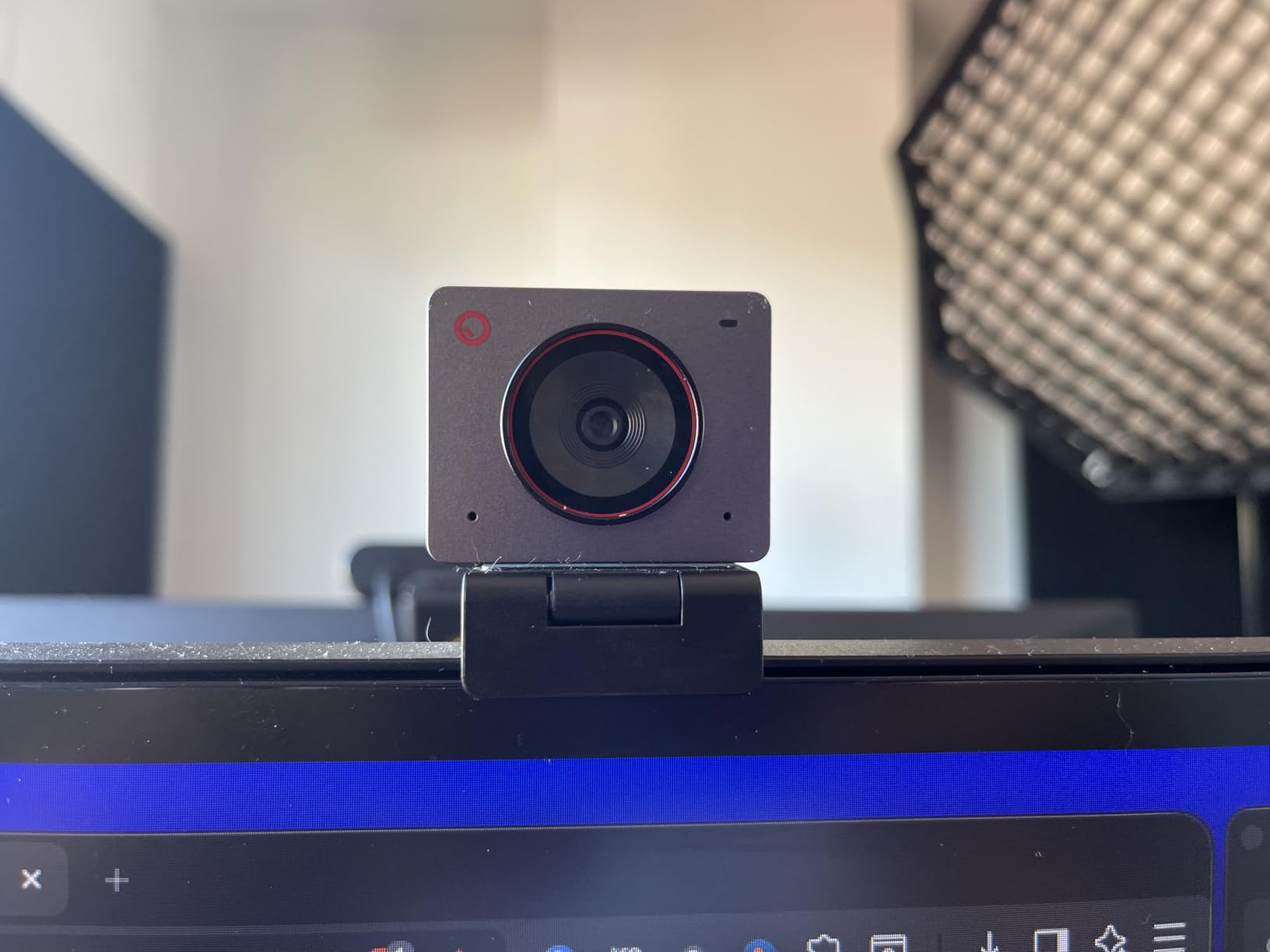
AI framing is the feature I did not expect to care about and now rely on. It reframes the shot when you move, and autofocus pulls as your hands cross the frame, which is exactly the behaviour a top-down sewing shot needs. OBSBOT Center exposes manual settings when you want to lock exposure and white balance before a long take.
It plugs in over USB-C and streams straight into a class or a livestream platform, so if you teach live workshops this doubles as your teaching camera. No driver install, no separate capture card.
Why I recommend it for small rooms
Nothing else in this roundup can be clamped to a light stand, a bookshelf edge or a monitor arm this easily. That is a bigger practical win for a compact sewing space than any sensor advantage.
It is also the camera to buy first if your main output is teaching rather than cinematic. The stitching is clean, the framing is automatic, and the whole rig can be carried in one hand.
Where it falls short
The included monitor clip is weak. Mount it on anything overhead and you will want a proper clamp or a small tripod head, not the supplied clip. The included USB cable is also short enough that you will probably replace it on day one.
Do not use the onboard microphones for anything you plan to publish. Sewing machine noise is a broadband rumble that no noise-cancelling pair will remove, so budget for a separate microphone and place it close to your mouth rather than near the machine.
3. Canon EOS R50 Mirrorless Kit – the best image quality per unit of effort
Pros
- Uncropped 4K means the whole frame is usable for needle detail
- Dual Pixel CMOS AF II covers the frame with 651 zones
- 3-inch vari-angle touchscreen frames overhead and low angles
- Close-up Demo Mode switches focus for step-by-step shots
- Canon Camera Connect app transfers files and controls the body remotely
Cons
- Body is very small and the grip feels cramped for larger hands
- Battery capacity is modest so spares are worth having
- Low-light performance is limited by the APS-C sensor
This is the camera I recommend to anyone who sells patterns, teaches classes or films quilt photography alongside tutorials. The 24.2 MP APS-C sensor produces noticeably cleaner colour and detail than any compact here, and fabric and colourway work is exactly where sensor quality shows on screen.
Video is the real reason to pick it over other entry mirrorless bodies. It records 6K oversampled uncropped 4K up to 30fps, so you get a 4K frame with no crop applied, and Full-HD up to 120fps for slow-motion seam detail. Uncropped matters overhead, because a cropped frame silently narrows your field of view and you end up re-framing after mounting.

Dual Pixel CMOS AF II covers 100% of the frame with 651 zones and includes subject detection, which means hands entering from the side of frame are tracked rather than ignored. Movie for Close-up Demo Mode is a small feature with a big effect here: it shifts focus between the front and rear of the work, which is precisely the focus pull a step-by-step tutorial needs.
The 3-inch vari-angle touchscreen swings out and up, so you can frame a locked-off overhead shot from beneath the camera. That articulation is what most compact cameras in this list lack.

Why I recommend it over a compact
Colour accuracy and dynamic range. If your content includes fabric reviews, quilt photography or a colourway reveal, this is the body that will not make a cotton print look flat in an evening light.
It is also the one here with real lens headroom. The RF mount means you can add a close-focusing lens later for true macro of a stitch without buying another camera.
Where it falls short
The body is small. At 16 ounces it is fine on a tripod, but the grip is cramped for larger hands and the buttons are easy to catch when you are reaching up to adjust a mounted camera mid-shoot.
Battery capacity is modest. A long free-motion quilting session on one charge is a stretch, so keep a spare battery and treat charging as part of the setup rather than an afterthought.
4. Duluvulu 4K Digital Camera – the cheapest way to start filming top-down
Pros
- Lowest entry point here and it records genuine 4K
- 180-degree flip screen makes overhead tabletop framing possible
- Two rechargeable batteries reduce downtime on long sessions
- Functions as a USB webcam for streaming and calls
- Card
- bag
- strap
- cable and adapter all included
Cons
- Small 1/3-inch sensor limits low-light quality and dynamic range
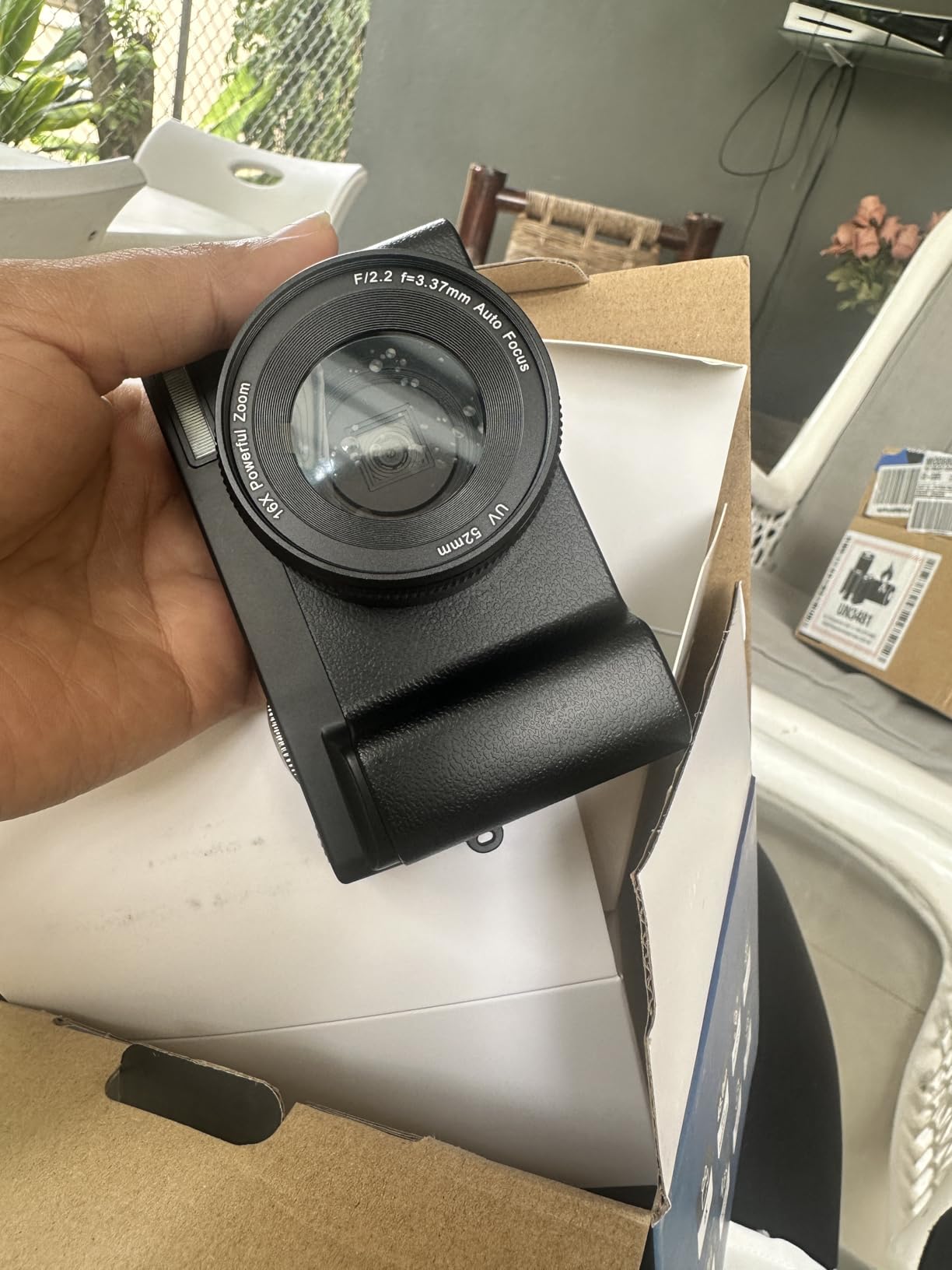
- 16x zoom is digital so heavy cropping degrades detail
- Limited manual controls for creative latitude
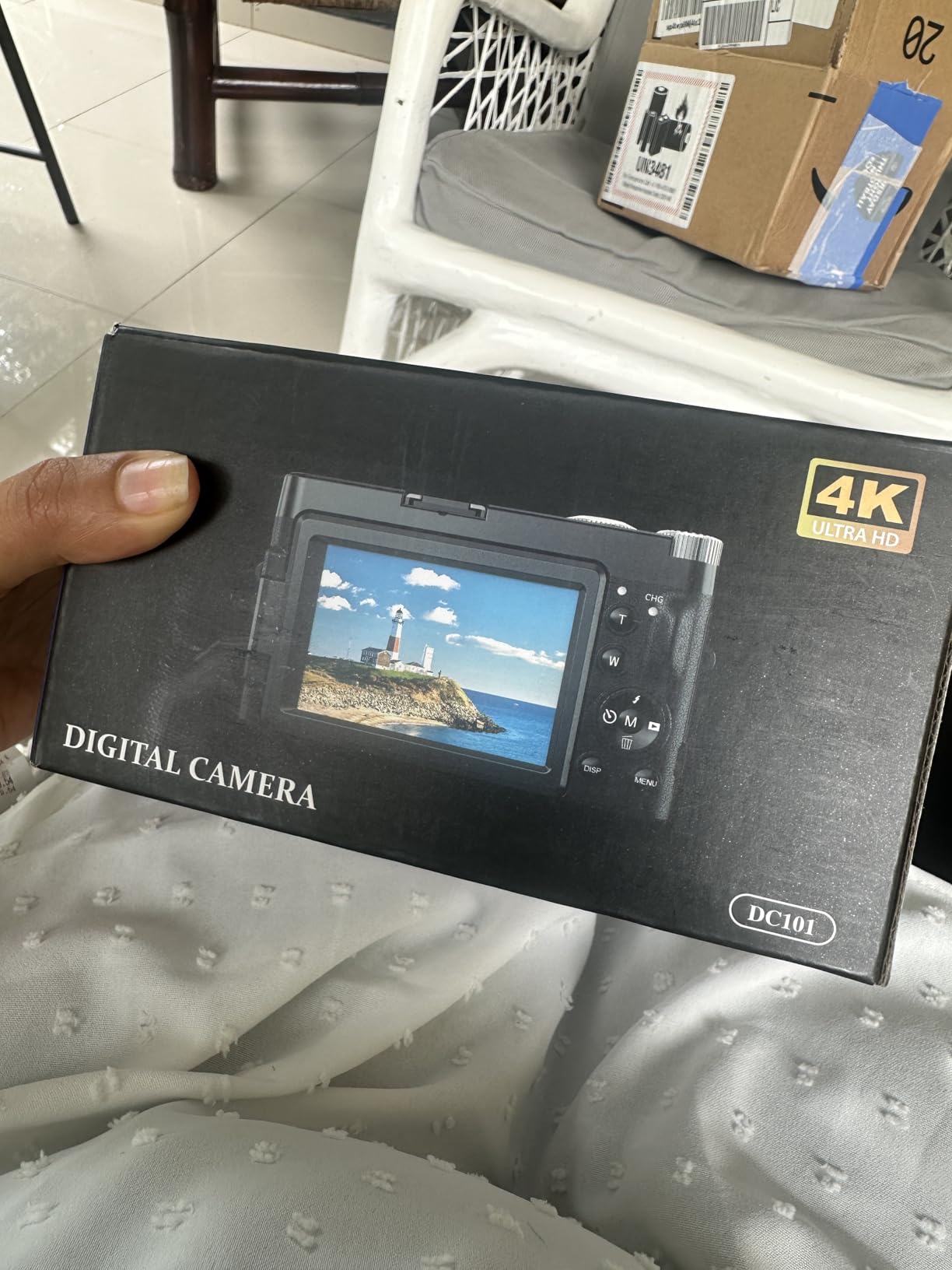
If the question is whether you should spend anything at all, this is the honest starting point. It records 4K 2160p, has a 3-inch 180-degree flip screen, and ships with two batteries and a 32 GB card, which removes the accessory shopping that usually follows a first camera.
For a beginner testing whether filming tutorials is something they want to do, that is a complete kit. The flip screen is the important part for this genre, because it is what makes a genuine front-facing or top-down angle possible on a body with no interchangeable lens.
Autofocus is continuous-servo and it does hold on a hand moving at a moderate pace, which covers a lot of ordinary sewing footage. The digital anti-shake is a mild help rather than a solution, so mount this properly rather than relying on it.
It also works as a USB webcam, so the same body covers filming a tutorial and running a live craft night on a video call. That dual role makes it easier to justify than a single-purpose device.
Why I recommend it
It answers the budget sequencing question directly. Plenty of creators spend their first upgrade on a computer or a microphone and never film at all, so a low-cost way to start shooting has real value.
The two included batteries matter more than they sound. Long tutorials drain a small battery quickly, and swapping a second one is simpler than planning a charge break into your session.
Where it falls short
The 1/3-inch sensor is the limit. Indoors, away from a window, this body needs more light than anything else on the list, and the noise and reduced dynamic range show up on a large screen.
The 16x zoom is digital only, so zooming in degrades detail rather than capturing it. For a craft tutorial where the subject is small and close, that crop softness is exactly the wrong weakness.
5. Logitech Brio Ultra 4K Webcam – the best pick for live classes
Pros
- RightLight 3 holds exposure steady in glare and backlit rooms
- Three field of view presets switch between close-up and wide demonstrations
- Dual noise-canceling mics reduce background noise
- Logi Options+ gives manual zoom
- colour and focus control
- Windows Hello login works reliably
Cons
- Privacy shutter clip is flimsy and easy to knock off
- Cable is thick and stiff which makes positioning awkward
- Weak in dark rooms without added lighting
Almost every webcam is built for a face at a desk, which is the wrong shape for craft content. The Brio is the exception here because its field of view is adjustable across three presets at 65, 78 and 90 degrees diagonal, so you can frame a wide cutting table and then narrow in for a close-up without moving anything.
That single feature is why I put it high for live teaching. A workshop where you are demonstrating on a full quilt surface and then want to show a seam needs a change in framing, and doing it with a software crop is never as good as doing it optically at the sensor.

RightLight 3 handles auto exposure and contrast, which mostly solves the backlit-window problem that ruins a lot of craft footage. If your only light source is a window behind the machine, this body will do a better job of holding detail in your hands than most compact cameras.
It is also a 2.22 ounce body that clips to a monitor, a laptop edge or an overhead arm. For a live Zoom workshop, the USB-A and USB-C connections mean it works on whatever machine you teach from.

Why I recommend it for teaching
Framing flexibility in software, not a physical lens. The three presets plus 5x digital zoom cover almost every shot a live class needs without asking you to get off the call and move hardware.
Setup speed is the other argument. There is no capture card, no driver and no menu tree, so you can go from a cold laptop to a live class in a couple of minutes.
Where it falls short
It is a webcam, so it needs light. In a dim sewing room the image gets noisy and soft, and no amount of software correction recovers fabric texture at that point.
Recordings come out as files rather than onto a card, which means a long class depends on your computer staying awake. For a creator whose main output is produced tutorials, that is a workflow limitation worth knowing before you buy.
6. Sony Alpha a6400 Mirrorless – the beginner mirrorless that gets quoted every week
Sony Alpha a6400 Mirrorless Camera: Compact APS-C Interchangeable Lens Digital Camera with Real-Time Eye Auto Focus, 4K Video, Flip Screen & 16-50mm Lens – E Mount Compatible – ILCE-6400L/B, Black
Pros
- Real-time eye autofocus locks on quickly and holds
- Compact and light at 10.3 ounces for a mirrorless body
- Large APS-C sensor gives clean
- detailed stills and video
- 4K UHD with time-lapse and slow-motion built in
- E-mount lens ecosystem is wide and affordable
Cons
- Older generation body with dated video features versus newer rivals
- Bundled 16-50mm kit lens is slow with modest corner sharpness
- Tilting screen is not fully side-articulating for every angle
No product appears more often in sewing and quilt creator gear lists than this body, and owners repeatedly describe it as the camera they use for everything, from 4K tutorials to stills for listings. That is worth taking seriously before you spend more for a newer body.
Real-time eye autofocus with 425 phase-detection and 425 contrast-detection points across 84% of the frame is the practical feature for craft content. It locks onto a subject without hunting, which is the failure mode that makes viewers click away mid-tutorial.
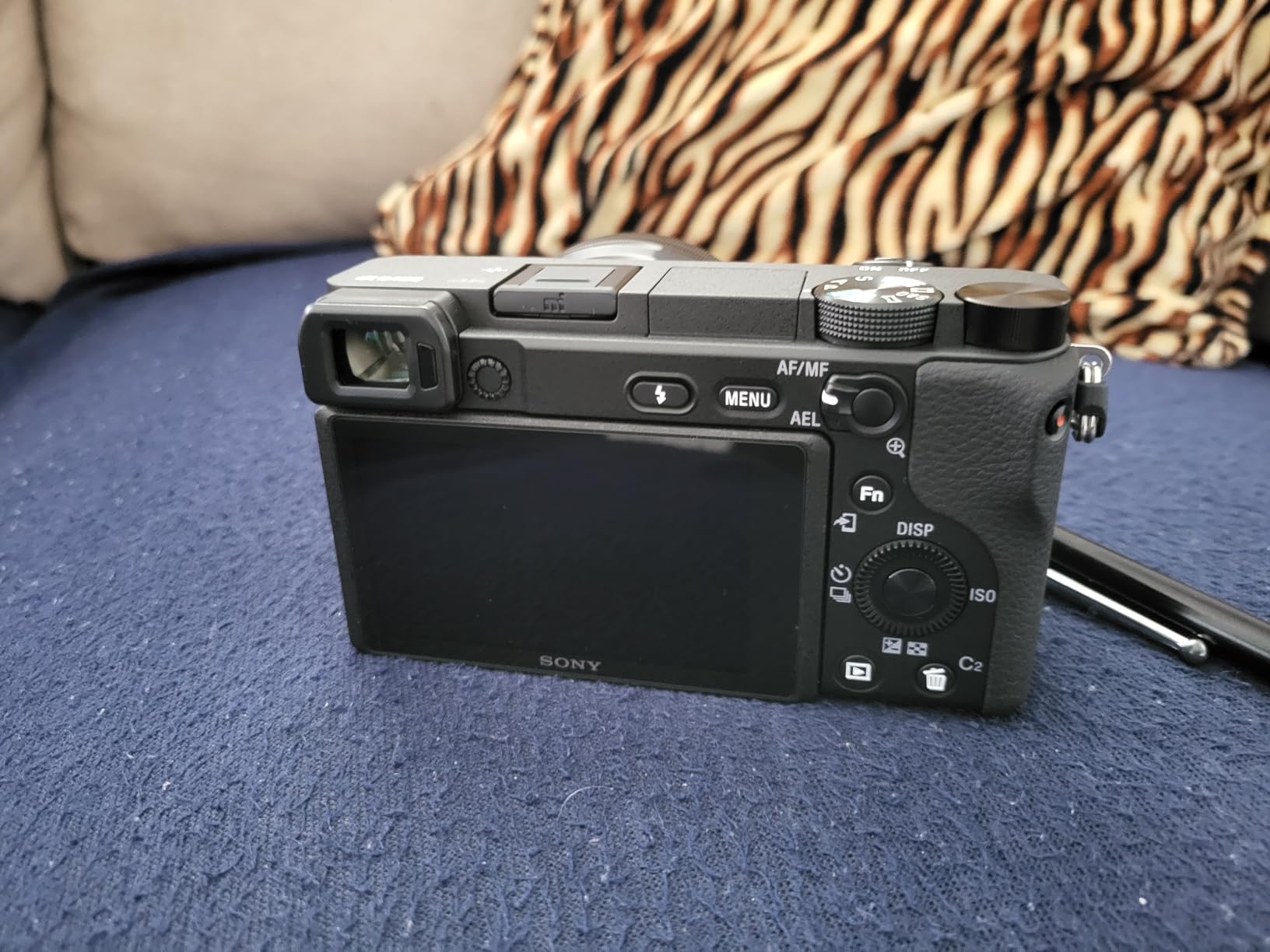
The tilting screen is the compromise. It tilts up and down, which suits an overhead arm, but it does not swing fully to the side, so a true front-facing vertical shot needs a different screen or a different camera.
Video is 4K UHD with built-in time-lapse and slow-motion capture, which means a time-lapse of a quilt being pieced together needs no post-processing. For a channel that documents projects as well as teaching them, that is a meaningful saving.
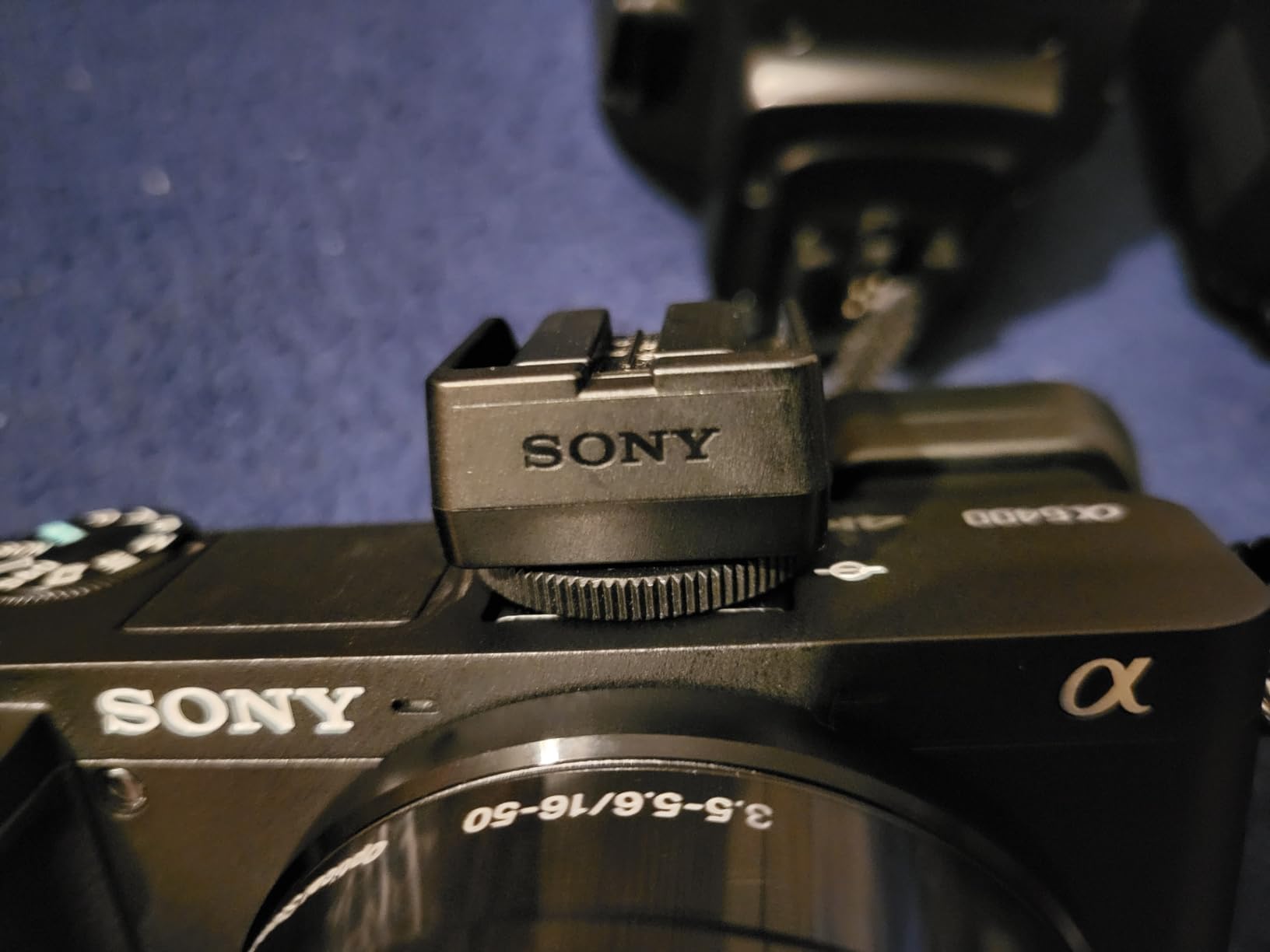
Why I recommend it
It is a complete stills and video kit in one body. If you photograph finished quilts for your shop as well as filming tutorials, the APS-C sensor and the affordable E-mount lens options cover both jobs.
It is also the most forgiving body here for someone who is new to manual controls, while still allowing full manual exposure once you want it.
Where it falls short
This is an older generation design, and newer bodies give you uncropped 4K, better video autofocus and a fully articulating screen. Buying it makes sense when you want a capable, compact body at a sensible outlay, not when you want the newest video features.
The bundled 16-50mm lens is slow and soft at the corners. For a top-down shot where the whole frame is in focus across a large surface, that weakness shows. A dedicated close-focusing or wider lens is an upgrade worth making early.
7. ZYDIIE 4K Camcorder – the rotating screen built for true overhead angles
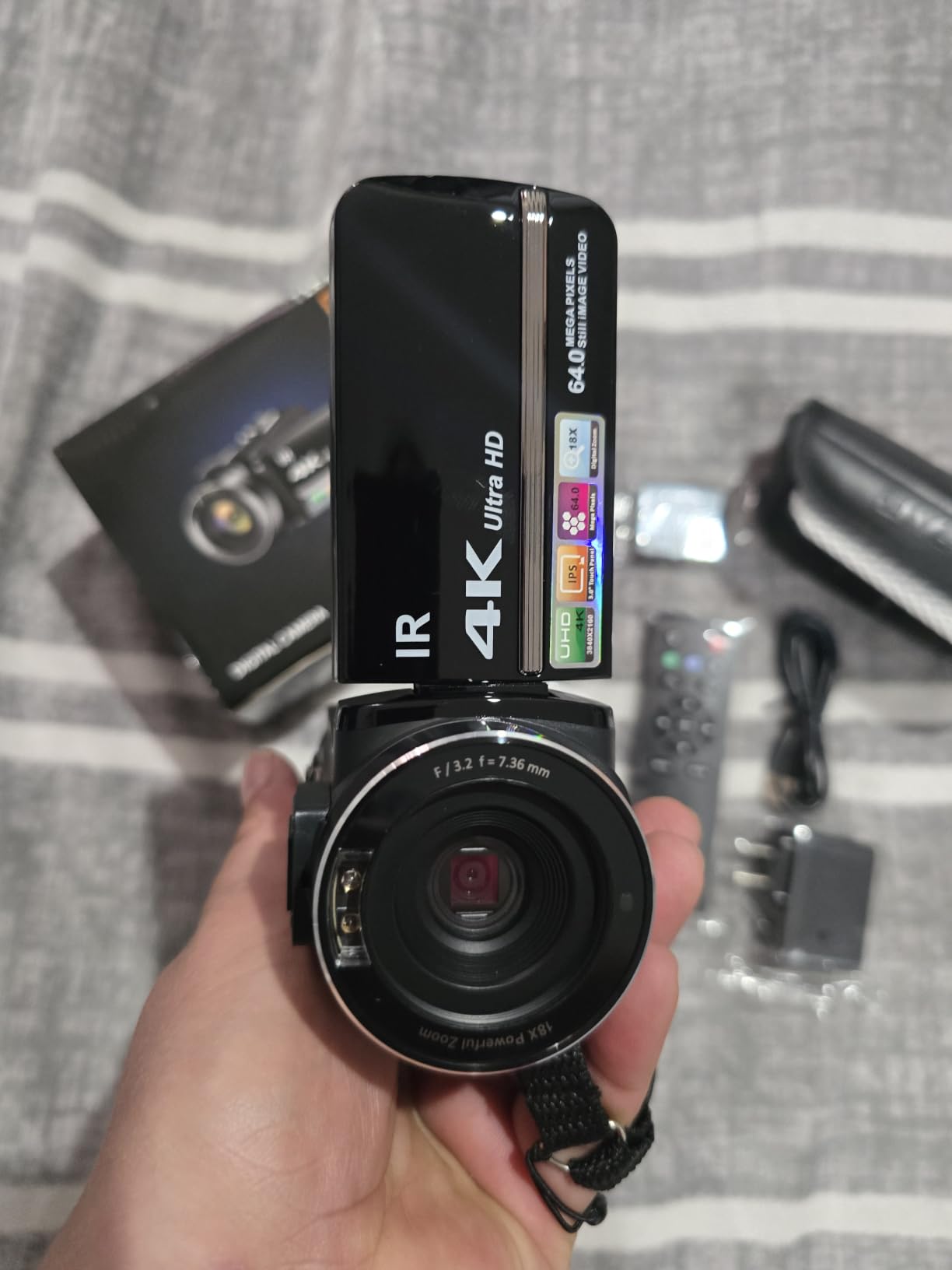
ZYDIIE 4K Video Camera Camcorder UHD 64MP Vlogging Camera for YouTube 18x Digital Zoom 3″ 270° Rotation IPS Touchscreen Video Camcorder with Night Vision, Remote Control, 32GB Card, 2 Batteries
Pros
- 270-degree rotating screen is the most complete articulation in this list
- 4K recording with 64 MP stills
- Two batteries and a 32 GB card support long sessions
- Wireless remote starts and stops recording without touching the body
- Infrared night vision adds real low-light capability
Cons
- Fixed focus means no manual control for close-up detail
- 18x zoom is digital only so quality drops when zoomed
- Small sensor performs poorly in dim rooms
The screen is the reason to look at this body. A 270-degree rotation means the display can face you while the camera points straight down, so you can frame a locked-off overhead shot without a mirror, a guess or a second monitor. For top-down craft filming that is the single most useful physical feature at this level of cost.
It records 4K Ultra HD with 64 MP stills, includes two high-capacity batteries and a 32 GB card, and adds a wireless remote so you can start a take without touching the body and knocking the shot.
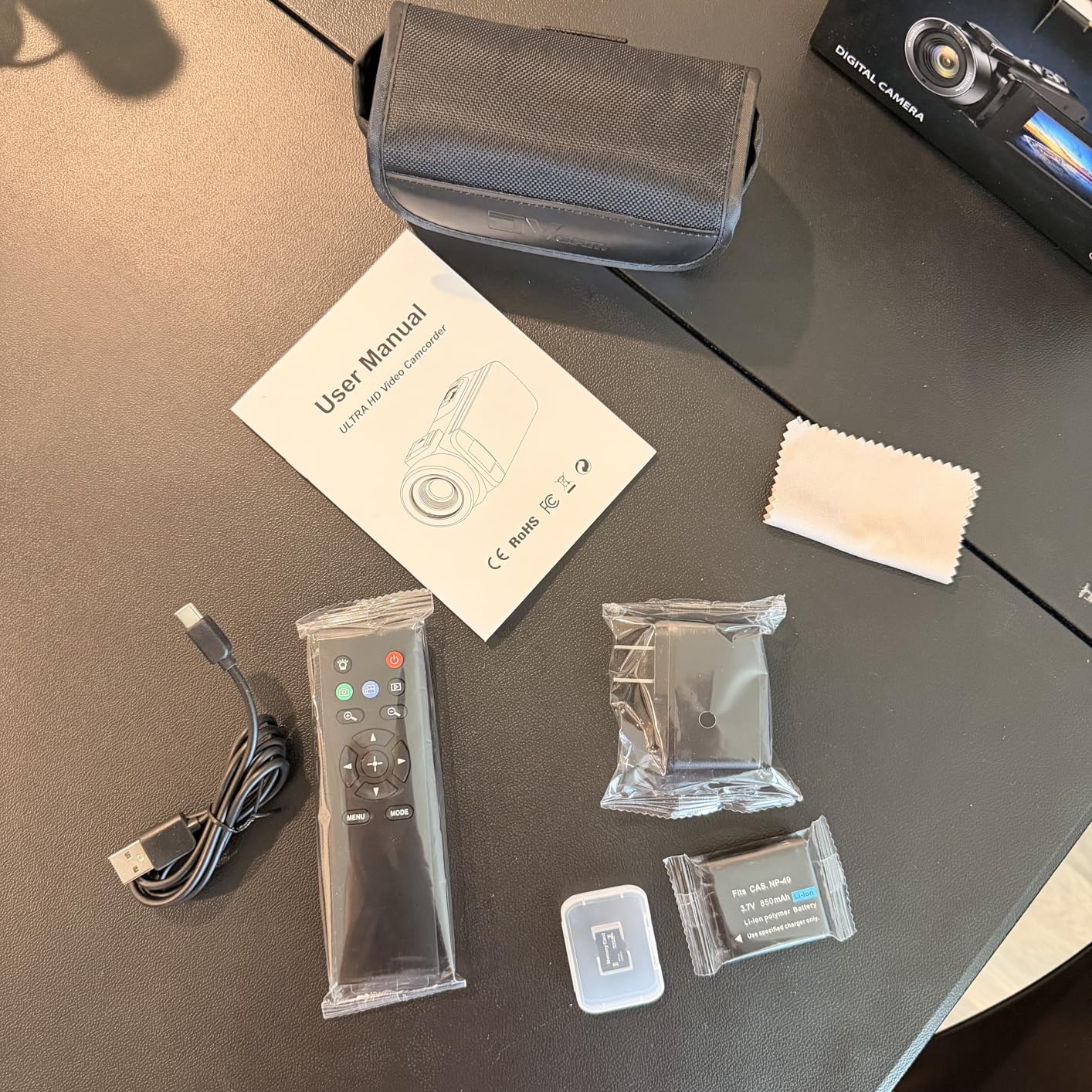
The infrared night vision is a curiosity rather than a necessity in a sewing room, though it does mean the camera can keep recording after the lights go off during a long evening session, which is occasionally exactly what you want.
It doubles as a USB webcam with no extra drivers, so the same body can run a live craft night on a call. The wide-angle lens and the long zoom range give you options for both a full table and a single seam.
Why I recommend it
Nothing else in this price range gives you a screen that rotates far enough to frame a genuine bird’s-eye shot. If overhead framing is the requirement, this is the direct answer to it.
The included batteries and card make the running cost of a first camera effectively zero, which matters when a beginner is deciding whether to keep going.
Where it falls short
Focus is fixed. There is no manual focus to pull for a needle-and-thread close-up, so the detail shots that make a sewing tutorial feel premium are the ones this body cannot deliver well.
The small sensor struggles in a dim room, so it needs a proper light. As with the other compacts here, treat lighting as part of the purchase rather than an accessory to be added later.
8. Insta360 Luna Ultra – the 8K detail machine
Pros
- 8K30 Dolby Vision capture with up to 14 stops of dynamic range
- Telephoto module produces real background blur on close-ups
- 3-axis mechanical stabilization keeps detail work steady
- Detachable 2-inch touchscreen works as a remote monitor
- 10-bit I-Log supports ACES and DaVinci Resolve
Cons
- Newer model with a smaller review base than the established bodies
- Detachable screen adds a component that can be lost
- Gimbal form factor is bulkier and less stable on a long locked-off take
8K matters here for one specific reason: crop utility. A quilt block filmed from above can be re-framed several times in an editor, and a stitch can be pulled out of a wide shot as a cutaway. At 8K30 with Dolby Vision, the pixels are there to do that without a visible drop in quality.
The dual-sensor design is the more interesting part for craft work. A 1-inch main sensor handles the general tutorial shot, while a separate 1/1.3-inch F2.0 telephoto module gives up to 6x lossless zoom with genuine optical background blur, which is what makes a thread or a needle look like a subject rather than a smudge.
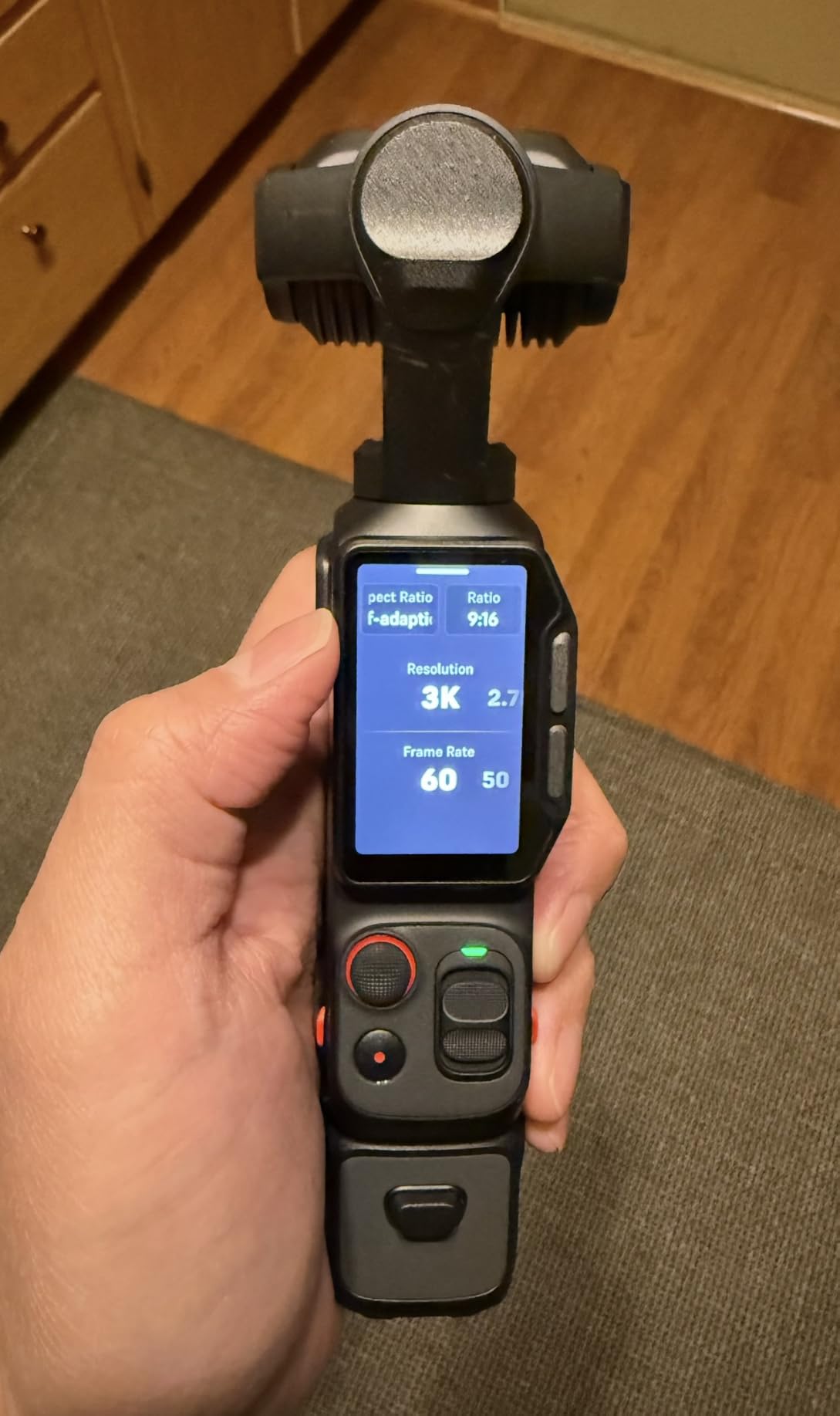
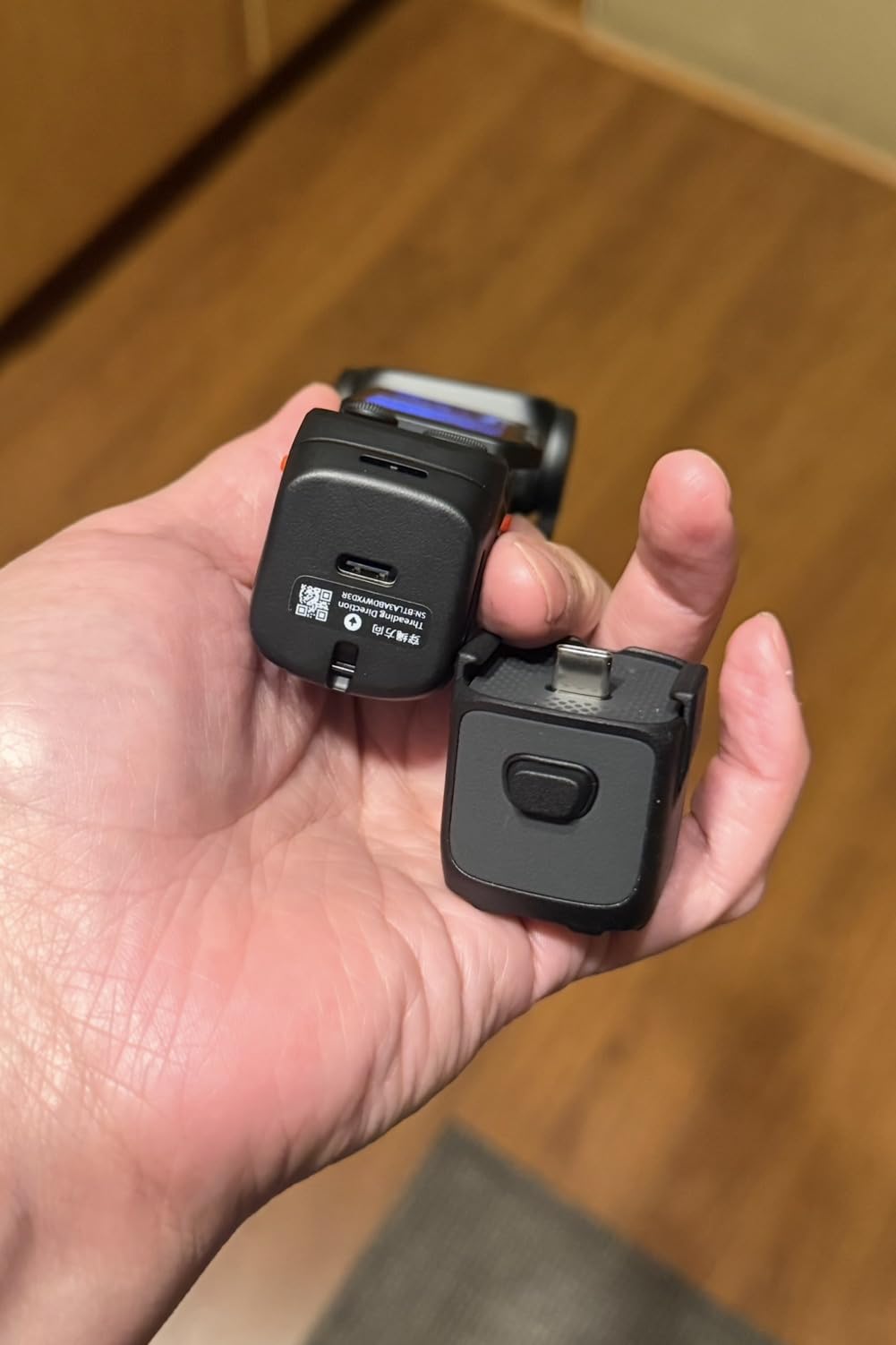
The detachable 2-inch OLED touchscreen is more than a gimmick for this genre. Mount the camera on an arm, take the screen off and hold it in your hand to monitor framing and start recording, or place it on a stand across the room. Battery life of up to 4 hours with 80% charge in 23 minutes suits a full tutorial session.
Leica colour profiles and 10-bit I-Log give you a real grading path if you shoot fabric close to a window and want the colour to match the bolt.
Why I recommend it
It is the only body here that solves the detail problem properly. A telephoto module with real optical separation between subject and background is something no other camera in this roundup offers.
Long recording sessions are realistic with this battery figure, and 10-bit I-Log is a genuine advantage for a channel that films the same quilt under different lighting across a project series.
Where it falls short
It is a newer model with a smaller body of owner feedback than the established names here. Long-term reliability of a moving gimbal mechanism on a camera you cannot easily service is worth weighing.
The gimbal form factor also makes it a poorer choice for a fixed overhead mount. A rounded, gimbal-based body is less stable sitting still than a flat-bottomed camera on a plate, so this one wants to be handheld or on a stabilised head rather than clamped for an hour.
9. Panasonic LUMIX G85 – the stabilizer for shaky small rooms
Panasonic LUMIX G85 4K Digital Camera, 12-60mm Power O.I.S. Lens, 16 Megapixel Mirrorless Camera, 5 Axis in-Body Dual Image Stabilization, 3-Inch Tilt and Touch LCD, DMC-G85MK (Black)
Pros
- 5-axis dual image stabilization makes handheld video look like it glides
- Fully 180-degree swivel screen is ideal for overhead and self-facing angles
- Weather-sealed body and kit lens
- 4K capture plus 4K Photo and 4K Post Focus
- Excellent external mic jack with manual exposure
- peaking and zebra stripes
Cons
- Autofocus is dated against newer mirrorless systems
- 16 MP sensor crops 4K and shows noise at high ISO
- No headphone jack for monitoring audio
Stability is the most under-rated requirement in craft filming. Every knock against the table while you cut fabric, every reach to rip open a package, transmits straight into a locked-off shot, and there is no built-in stabilisation for a fixed overhead camera. This is the body in the list that most directly answers that problem.
Five-axis dual in-body stabilisation works in both photo and 4K video, and it makes the difference when you shoot a walkthrough before locking off. The 12-60mm Power O.I.S. kit lens adds optical stabilisation on top, and it is a genuinely capable zoom range for framing a cutting table down to a single seam.
The fully swivelling 3-inch touchscreen is the best articulation of any mirrorless here. It rotates fully to one side and fully up, so you can frame a front-facing talking shot and a locked-off overhead shot on the same body, and confirm framing from underneath the camera.
For video work specifically, the external microphone jack plus manual exposure, focus peaking and zebra stripes is a more complete video toolkit than any other entry mirrorless in this roundup. The one omission is a headphone jack, so you cannot monitor audio while recording.
Why I recommend it
Stabilisation across five axes, in a body that is also weather-sealed. If your studio is a converted garage, a conservatory or anywhere with a window you cannot control, this combination is the most forgiving here.
The video tooling is built for someone who wants to grow. Peaking and zebras are how you avoid a blown-out white fabric panel mid-take, and they are usually a feature of cameras costing far more.
Where it falls short
Autofocus is dated. Its 49-point system with eye detection is fine for a locked-off shot on a tripod, but it will not track a hand moving quickly across the frame the way the Canon R50 or the Sony a6400 does.
The 16 MP sensor crops when recording 4K and shows more noise at high ISO than the newer bodies here. If you shoot in a dim room, that is a real limitation.
10. Canon VIXIA HF G70 – the wide-surface workhorse
Canon VIXIA HF G70 Camcorder 1/2.3″ 4K UHD CMOS Sensor 20x Optical Zoom, 800x Digital Zoom, Image Stabilization, HDMI, USB Live Streaming, Time Stamp On-Screen Display Recording
Pros
- 20x optical zoom frames a whole project surface without moving the camera
- 8-blade aperture gives smooth background blur on close-ups
- Dual SD slots allow long takes and backup recording
- UVC streaming over a single USB cable with no drivers
- On-screen time stamp bakes date
- time and timecode into files
Cons
- No flip-out or rotating screen for high-angle or self-facing framing
- Small 1/2.3-inch sensor limits low-light performance
- Body is not weather resistant
This is the odd one out, and it earns its place on a single feature. A 20x optical zoom lets you frame a full quilt block, then tighten onto a single seam, from the same position, by turning a ring rather than moving the camera. Nothing else in this list does that optically.
For quilting specifically, where the work surface is often a full dining table and the detail is at the opposite end of it, that reach removes most of the frustration of a fixed overhead rig. Dual SD card slots also let you record long and mirror the files as a backup.
Hybrid autofocus with face detection and adjustable focusing speeds is aimed at tracking people, and the on-screen time stamp function is quietly useful for a creator documenting a build across multiple sessions.
It streams to a PC or Mac over USB with UVC, so it can run a live session without a capture card. AVCHD, H.264 and MP4 recording formats cover both an SD card and a modern editing workflow.
Why I recommend it
Optical reach. If your content is large-format quilting rather than small garment construction, the ability to reframe from across the room is worth more than sensor size.
Long-session recording is another quiet strength. Dual card slots plus 4K UHD 30p cover a full-day project shoot without a mid-session file transfer.
Where it falls short
There is no flip-out or rotating screen. A fixed 3.5-inch LCD means you cannot confirm framing from underneath a top-down mount, so you either use a live view app or get the framing right by eye before you start.
The 1/2.3-inch sensor is small, so this body needs light more than anything else here. In a dim evening sewing session the image will show it.
How to Choose a Camera for Overhead Craft Filming
Work through these six criteria before you look at any model again. The order matters, because the first two decide whether a camera can physically do the job and the rest decide whether the result looks professional.
1. Overhead mounting compatibility. A camera must have a standard tripod thread, a flat base, and a body you can clamp without blocking the screen or the record button. Webcams with magnetic bases and compact bodies with flat bottoms clamp most easily. A rounded gimbal body, however good it is handheld, is awkward to lock off for an hour.
2. Screen articulation. A tilting or fully swivelling screen lets you frame the shot from beneath the camera. This is the difference between a ten-second adjustment and a ten-minute one, and it is the reason a slightly larger body is often the more practical choice.
3. Autofocus that survives moving hands. Continuous autofocus with subject detection matters more than any other video feature in this genre. Phase-detect coverage across most of the frame and eye detection both help. A camera with dated autofocus is fine on a locked-off tripod, because the subject stays in the same place, and poor for anything handheld.
4. Resolution and crop headroom. 4K is the practical baseline for a tutorial because viewers zoom in on a phone. Uncropped 4K is better still, because it means the frame you mounted stays the frame you record. If you film detail shots, higher resolution or a telephoto sensor is what lets you crop without softness.
5. Frame rate. 24 or 30 fps for normal sewing, where the priority is a natural look. 60 fps when hands move quickly or when you will slow the footage down. 120 fps is for needle and seam detail only. Record the slow-motion clips as short inserts rather than the whole tutorial, because file sizes climb fast.
6. Power, storage and transfer. Long tutorials mean long recording. Check battery life, whether you can record while charging, card speed, and whether files can be moved to a computer quickly. A body that can stream to your laptop over Wi-Fi saves a card reader at the end of every session.
Two things deserve a paragraph of their own. First, audio: the single most-cited unresolved problem in craft tutorial production is sewing machine noise. No camera solves it, because the machine is genuinely loud and broadband. Place a microphone close to your mouth and treat it as a separate purchase. The OBSBOT and Logitech bodies here have noise-canceling microphones that help with steady background sound, but neither replaces a microphone positioned for speech.
Second, lighting. Overhead shooting in a sewing room almost always means shooting down, which means your light source is above and behind the work. A diffuse panel or a soft LED on a stand either side of the machine, plus a white board opposite as a fill, will do more for your image than upgrading the camera. If you are choosing a work surface, our roundup of the best sewing tables covers the clearances that make an overhead rig fit.
Finally, map the camera to your room. Real sewing studios rarely use one camera position. A machine zone, a cutting zone and an ironing or finishing zone each want a slightly different height and angle, which is why a three-mount approach beats a single mount that you keep repositioning. If you also teach live, our picks for the best long arm quilting machines cover the machines most often featured in workshop footage.
Phone vs Camera: When to Stay With What You Already Own
If you are filming on a recent phone today, the honest answer is that you may not need to buy anything yet. One creator in the sewing community films every tutorial on a Samsung Galaxy S10+ on a five-piece clamped arm rig. Another shoots an entire channel on an iPhone 12 Pro at 4K and 60fps with HDR video switched off, and reports that the settings change, not the camera, fixed the image quality. That second point is the one to take seriously.
Four settings do most of the work on a phone. Record in 4K. Turn Smart HDR and HDR video off, because HDR video clips highlight the fabric and shift the colour of a quilt. Set white balance and lock it rather than leaving it automatic, or your fabric changes tone every time the auto system decides to correct. And shoot 24 or 30 fps unless you have a specific reason to slow the footage down.
Buy a camera when one of these is true: you are filming large quilt blocks and need optical reach; you want macro detail of a stitch that a phone will not hold focus on; you are recording long sessions and need a flip-out screen you can check framing from underneath; or your audience has started asking about the video quality, which in our experience means the audio and the shot are the problem, not the sensor.
What is not a good reason to upgrade is a nicer picture of a quilt. A phone in good light with locked white balance beats a mirrorless in bad light every time, and lighting costs a fraction of a camera body.
Frequently Asked Questions
What is the best camera for taking overhead videos?
A camera with a tripod thread, a flat base and a tilting or rotating screen is the best choice for overhead videos. Locked-off overhead framing needs a standard mount and a screen you can check from underneath, so a mirrorless body or a camcorder with a 180 to 270-degree swivel beats a fixed-screen body. Use continuous autofocus, record in 4K, and lock exposure and white balance before a long take.
What is the best camera for craft videos?
The best camera for craft videos is a mirrorless or compact camera with a vari-angle screen, dependable continuous autofocus and 4K video, mounted overhead on a clamp arm or c-stand. Continuous autofocus matters because hands and fabric move through frame constantly, and 4K matters because stitch-level detail is the entire point of a tutorial. Audio still needs a separate microphone close to your mouth.
What is the best tripod for overhead filming?
For overhead filming, a clamp tripod or a c-stand with a boom arm is the most useful support, because it clamps to a table edge, a shelf or a door frame instead of needing floor space. A screw-clamp phone or camera holder is more reliable than a spring-loaded one. Counterweight the arm with a sandbag, since cutting and fabric-handling shakes transmit straight into a locked-off frame.
What is the best camera to use for making YouTube videos?
For a sewing or quilting channel, a mirrorless APS-C body with a vari-angle touchscreen, phase-detect autofocus across the frame and uncropped 4K video is the most capable choice. A rotating-screen camcorder is the better value option if you want true top-down framing without a large body, and a 4K webcam is the smallest and lightest option for a compact room.
What frame rate should I film sewing tutorials at?
Record 24 or 30 fps for normal sewing, because that gives a natural look and manageable file sizes. Use 60 fps when your hands move quickly or you plan to slow the footage down. Reserve 120 fps for short needle and seam detail clips rather than a full tutorial, since high frame rates increase file size and can generate heat on smaller bodies.
Do I need a camera or can I use my phone for sewing tutorials?
A recent phone is enough for a large share of sewing tutorials, provided you record in 4K, turn HDR video off, and lock your white balance so fabric colour does not shift between clips. Upgrade when you need optical reach for a large quilt block, true macro of a stitch, a screen you can check from underneath an overhead mount, or better low-light performance in an evening session.
Conclusion: The Best Cameras for Sewing and Quilting Tutorials in 2026
The DJI Osmo Pocket 3 Creator Combo is our pick for the best cameras for sewing and quilting tutorials overall, because it works at machine height, cutting-table height and handheld without a change of mount, and its rotating screen lets you frame from underneath. If your room is small, the OBSBOT Meet 2 is the answer, at 40.5 g it clamps anywhere a phone would.
For colour, fabric photography and long-term growth, the Canon EOS R50 gives you uncropped 4K and a vari-angle screen. For true overhead framing on a smaller budget, the ZYDIIE camcorder’s 270-degree rotating screen is hard to argue with. And if you already shoot well on a phone, turn off HDR video, lock your white balance and make your first upgrade a light and a microphone rather than a camera.
Whatever you choose, buy the mount first. A camera that is not clamped where you need it will not produce a usable tutorial, however good the sensor is.