
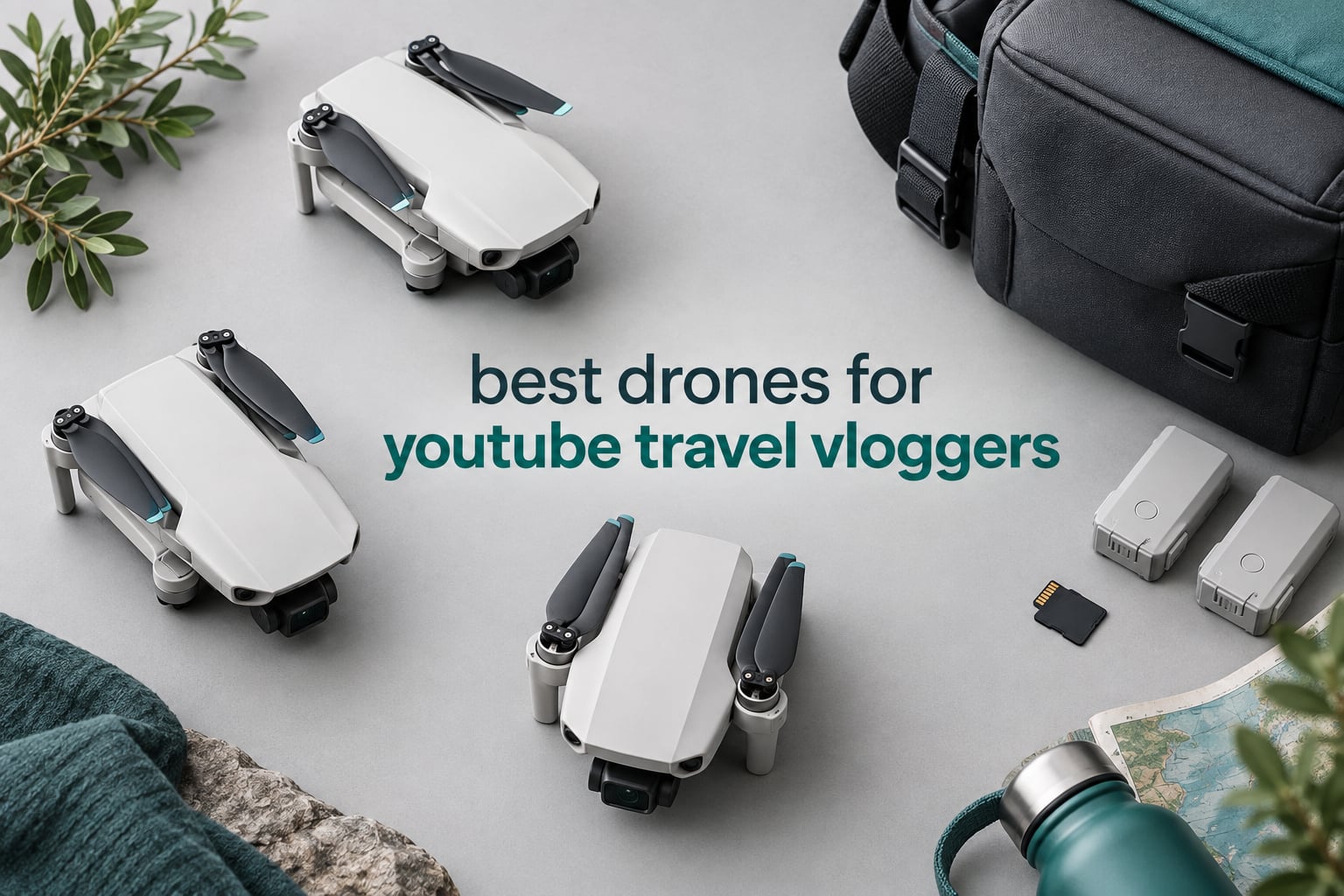
The best drones for YouTube travel vloggers are the ones that disappear into a daypack and still give you smooth 4K. Every model below sits under 249 g except one, so you can fly most of them recreationally without FAA registration, and all of them fold down to something you can carry through an airport without thinking about it. I have been shooting travel footage with these aircraft for years, and the pattern is clear: weight and battery count matter more than headline sensor size.
Most YouTubers land in one of two places. The first is a sub-250 g folding drone with a 3-axis mechanical gimbal, because that combination keeps the shot smooth and the paperwork light. The second is a pocket drone with follow-me tracking, used for walk-and-talk B-roll on a hiking trail. The direct answer to “what is the best drone for vlogging” is the first one, and the direct answer to “what is the best drone for traveling” is whichever of the two you will actually carry.
Below I compare ten drones on the things that decide whether a shot works on a trip: real flight time, wind handling, gimbal quality, tracking, and how the footage cuts next to your handheld camera footage. I have also flagged the ones I would skip, because the wrong drone in a foreign country with a limited battery budget ends the day early.
If you are still building the ground-level half of your edit, start with our best travel vlogging cameras first, then come back here for the aerial layer. We also cover drones aimed at a different kind of channel in best drones for YouTube and best drones for YouTube creators.
Top 3 Picks for Best Drones for YouTube Travel Vloggers in October
All 10 Travel Drones at a Glance in 2026
| Product | Specifications | Action |
|---|---|---|
 Potensic ATOM SE GPS Potensic ATOM SE GPS |
|
Check Latest Price |
 DJI Mini 4K DJI Mini 4K |
|
Check Latest Price |
 Potensic ATOM 4K GPS Potensic ATOM 4K GPS |
|
Check Latest Price |
 DJI Neo Fly More Combo DJI Neo Fly More Combo |
|
Check Latest Price |
 DJI Mini 3 DJI Mini 3 |
|
Check Latest Price |
 Holy Stone HS360S Holy Stone HS360S |
|
Check Latest Price |
 Ruko U11MINI 4K RC3 Ruko U11MINI 4K RC3 |
|
Check Latest Price |
 Ruko F11PRO 2 Plus Ruko F11PRO 2 Plus |
|
Check Latest Price |
 HOVERAir X1 HOVERAir X1 |
|
Check Latest Price |
 Ruko U11MINI 4K Ruko U11MINI 4K |
|
Check Latest Price |
1. Potensic ATOM SE GPS – the one I recommend first
Pros
- Folds to jacket-pocket size
- Hover is very stable for a first drone
- Follow Me and Waypoint work reliably
- Two batteries in the box
- Auto return lands near the launch point
Cons
- Fixed tilt camera
- no 3-axis gimbal
- No zoom of any kind
- No obstacle avoidance
- Controller feels fragile
I bought one of these after a camera bag incident taught me to travel light, and it has been the drone I reach for when the trip involves a lot of walking rather than a lot of flying. At 249 g it sits exactly on the sub-registration line, and at 8.8 ounces it disappears into a side pocket. Two batteries in the box means you are not landing after one battery to charge while the light changes.
Flight time is the headline number: 62 minutes from two 2500 mAh batteries, 31 minutes each. In practice, on a windy coast, I plan around 22 to 26 minutes per battery and come back with margin. The 4 km PixSync 2.0 link is more than enough for reveal shots over a viewpoint, and reviewers repeatedly note the control range falls well short of the advertised figure once trees are involved.
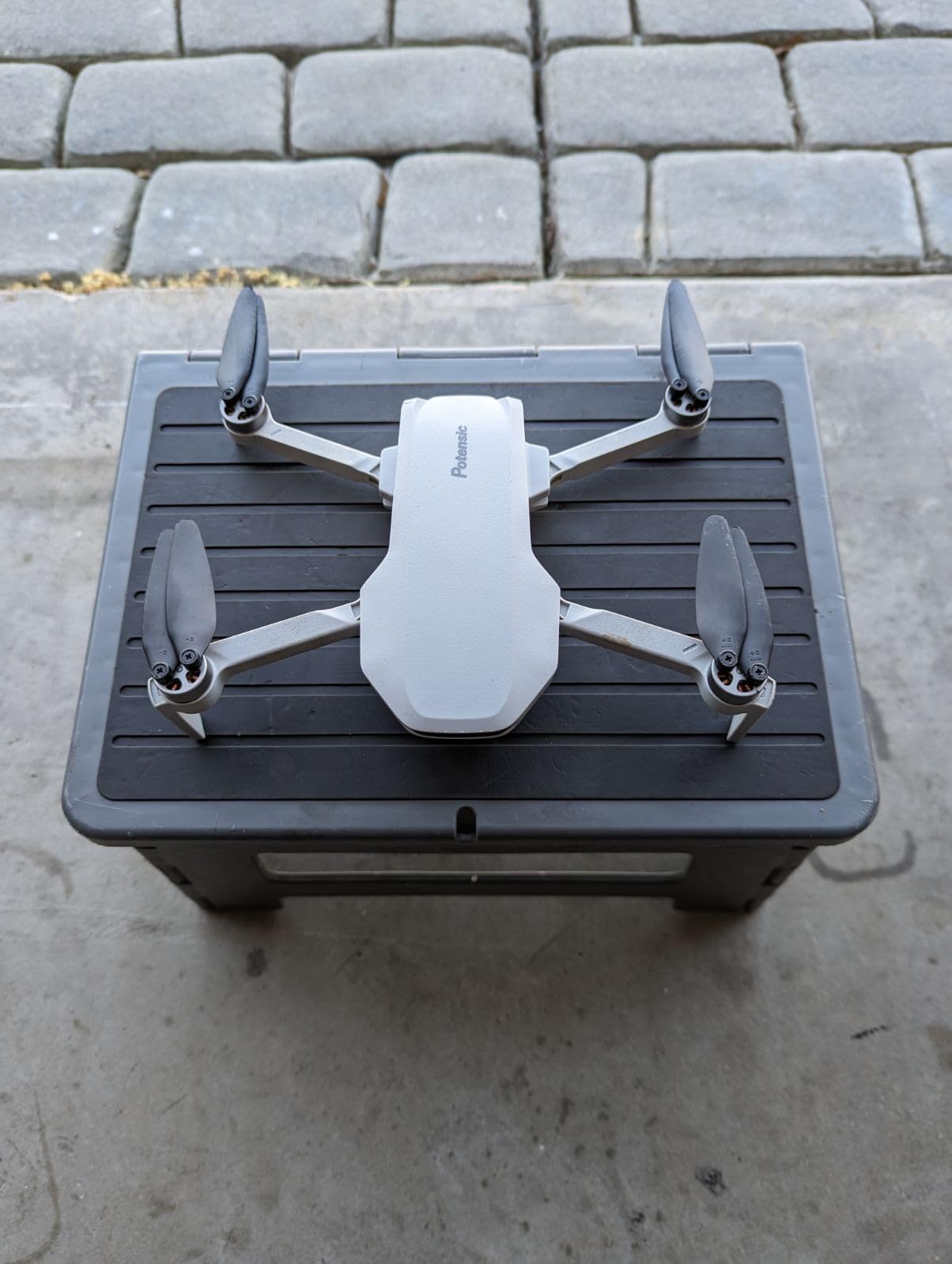
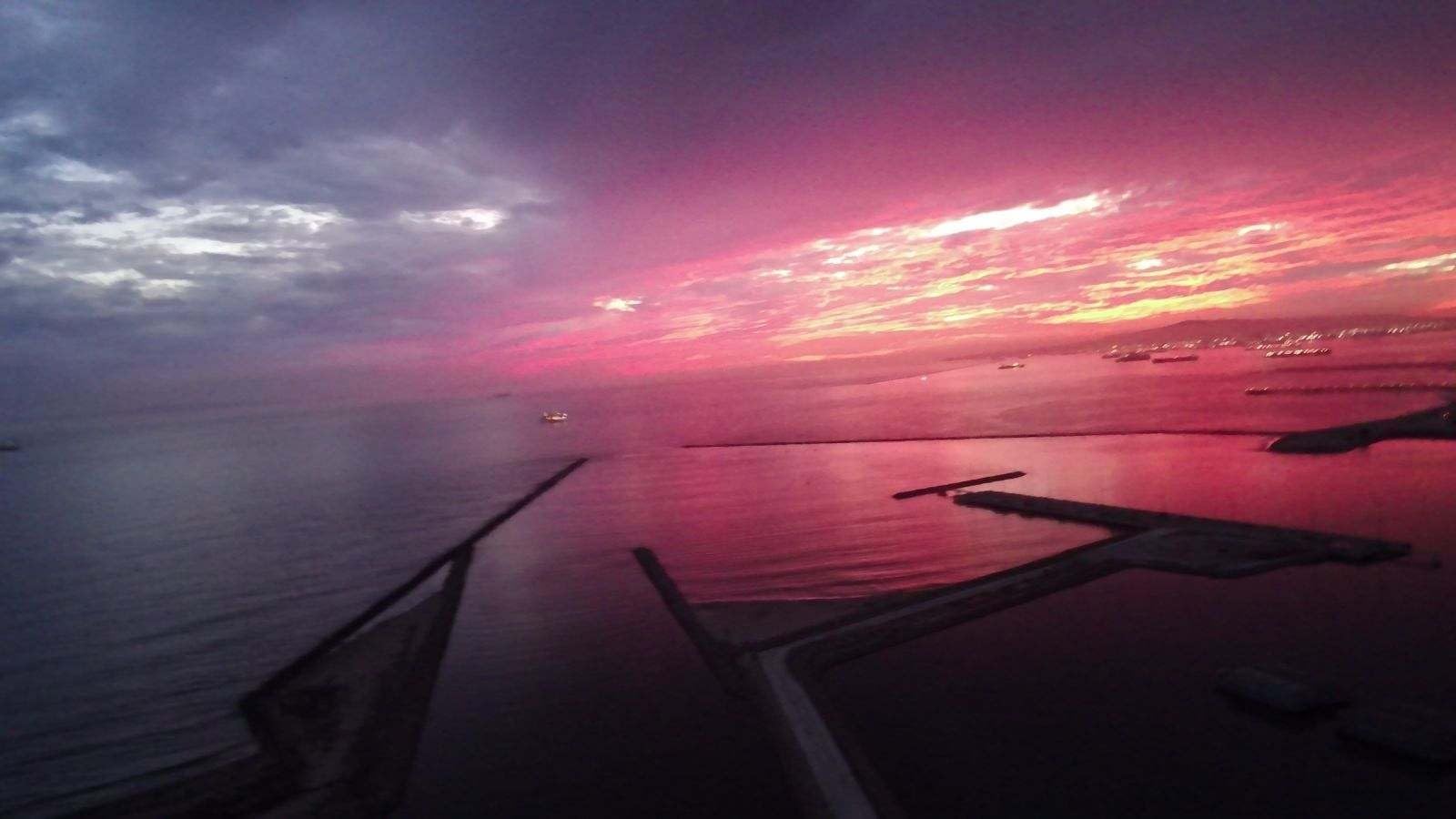
The camera is a 1/3 inch Sony CMOS with 12MP stills and 4K at 30fps with ShakeVanish electronic stabilisation. That is good daylight footage, and it is genuinely smooth on a gimbal-balanced flight. The tilt runs from plus 20 degrees to minus 90 degrees, so a top-down shot and a low pass over water are both reachable from the sticks.
What you give up is the mechanical gimbal. Pans introduce shake, and there is no obstacle sensing at all, so thready cliff paths and crowded town squares need a careful pilot. The honest version: this is the drone to learn on and to shoot wide daylight landscapes with, not the drone to thread between trees at golden hour.
When the ATOM SE earns its place in your bag
It is the right pick when your channel is mostly wide establishing shots: a coastline reveal, a ridge line, a slow orbit over a lake. The Beginner and Normal flight modes plus GPS auto return make it forgiving, which matters when you are also carrying a full camera kit and a tripod.
Two batteries means roughly 45 usable minutes of shooting across a golden-hour session, which is enough for the six or seven shots that actually make the cut.
When to skip it
Skip it if low light matters to your edit. A 1/3 inch sensor with electronic stabilisation only will not hold up at dusk, and travel shooting is dawn and dusk heavy. Skip it too if you shoot vertical Shorts as a main pillar, because the fixed tilt has no native vertical framing mode.
If you need a stabilised gimbal without leaving the sub-249 g class, the ATOM 4K below is the direct upgrade, and if you need more image quality, look at the Ruko models later in the list.
2. DJI Mini 4K – the safest first drone in the world
Pros
- Genuinely smooth 3-axis gimbal footage
- Very easy to learn on
- Handles gusty wind well
- QuickShots give instant cinematic moves
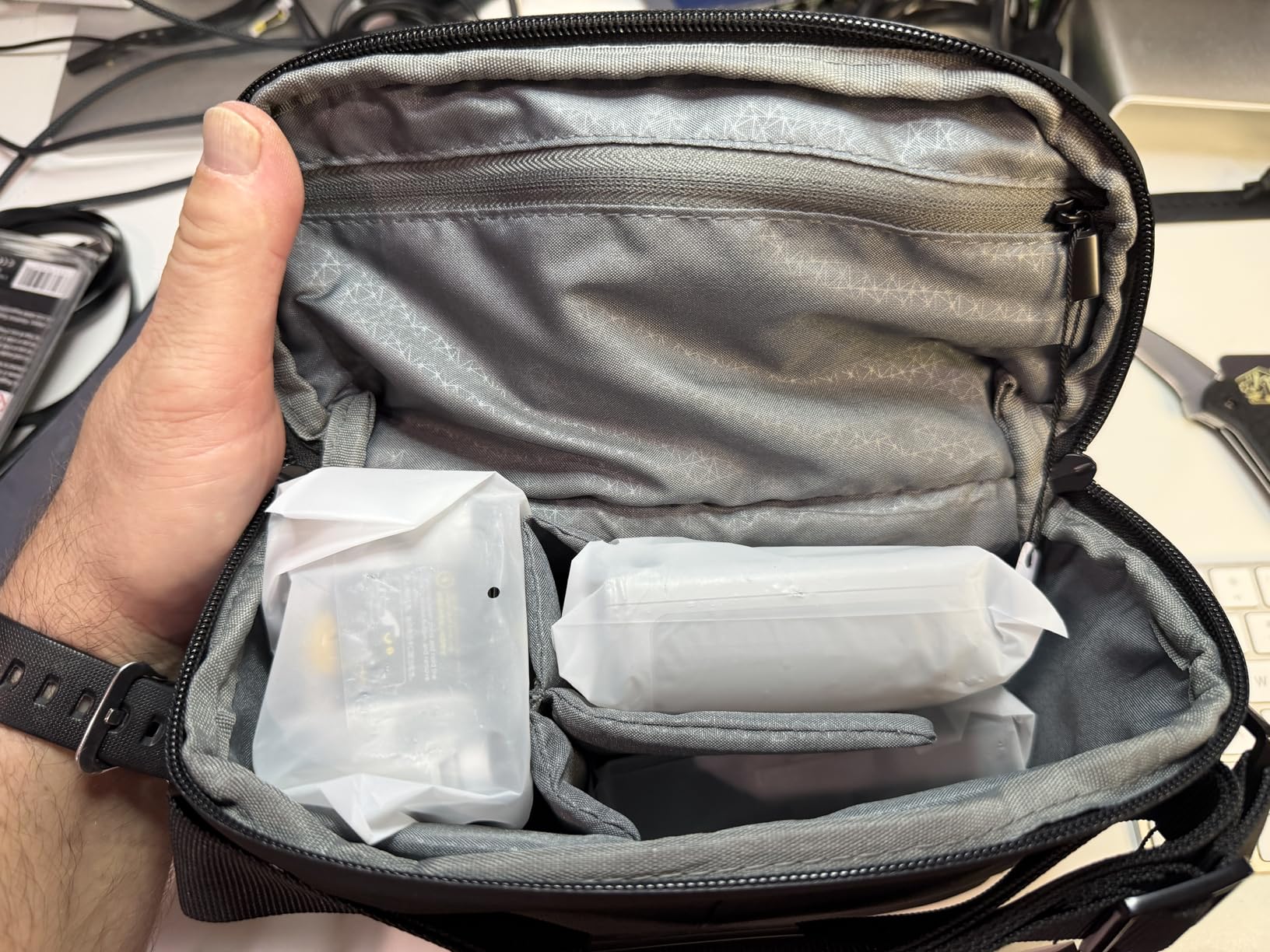
- Small enough for a day bag
Cons
- No follow-me or subject tracking
- No obstacle avoidance
- Real flights land near 25 to 28 minutes
- Delicate arms and gimbal
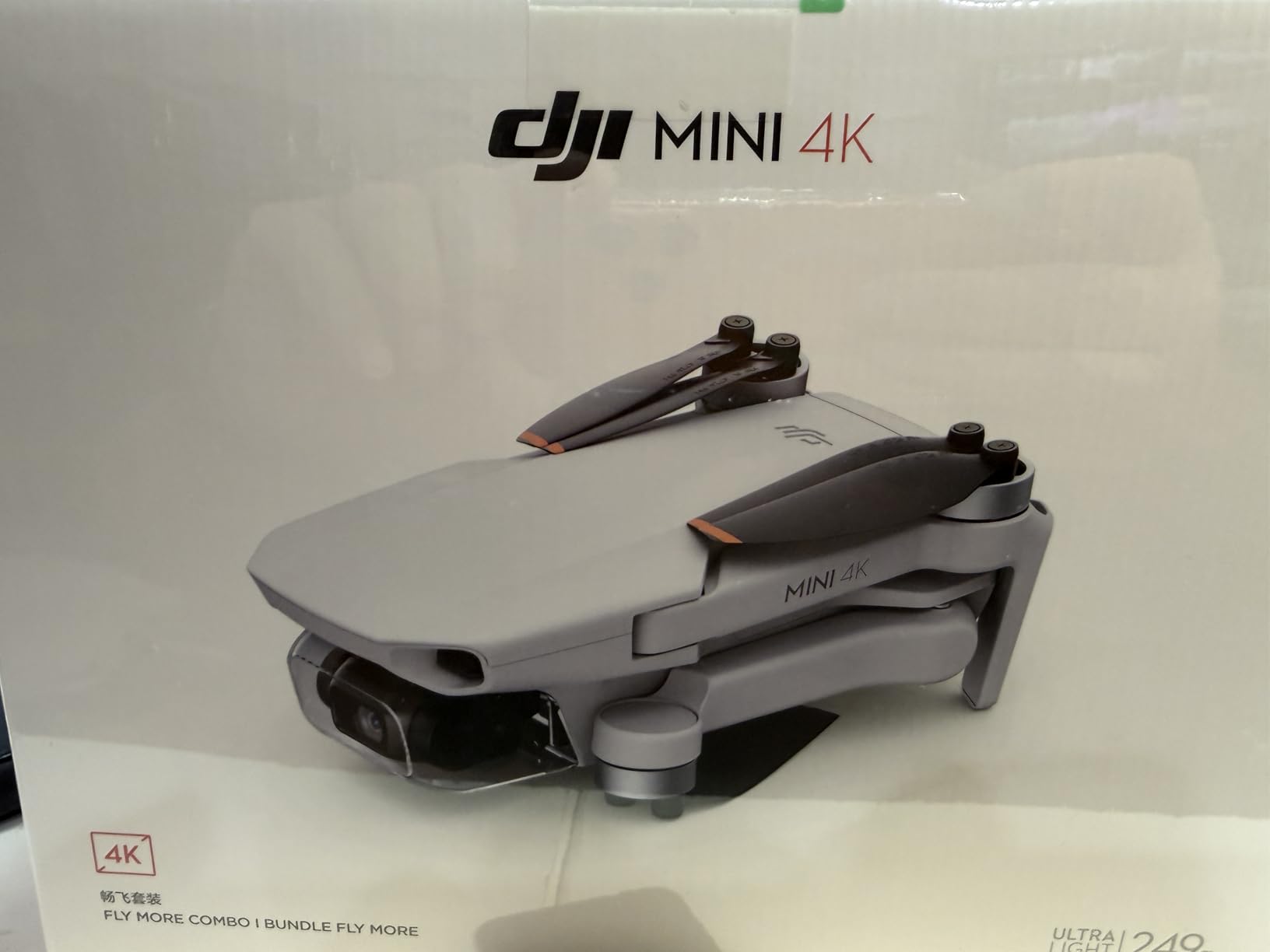
For a travel vlogger who wants the safest possible introduction to flying, the Mini 4K has no real rival. The 3-axis mechanical gimbal is the reason reviewers describe its footage as comparable to much more expensive hobby-grade models, and the 38 kph wind resistance means it holds steady on an exposed clifftop when most of the sub-250 g field wobbles.
Transmission is 10 km on DJI O2, which is far more than a travel day ever needs. The real limits are elsewhere: 31 rated minutes per battery, and 25 to 28 minutes in the air once you account for climbing, hovering against wind and the return reserve.
QuickShots cover Helix, Dronie, Rocket, Circle and Boomerang, and each one is a usable clip in a finished edit without trimming. One-tap takeoff and landing plus GPS return home remove the two most common beginner mistakes. The controller is the DJI RC-N1, which means your phone is the screen, and a thick case can stop the connector cable from seating properly.
There is an Android friction point worth naming: some owners report difficulty with the DJI Fly app on certain devices. Check compatibility before you commit, especially if your editing phone is the one you will fly with.
What you actually get in the air
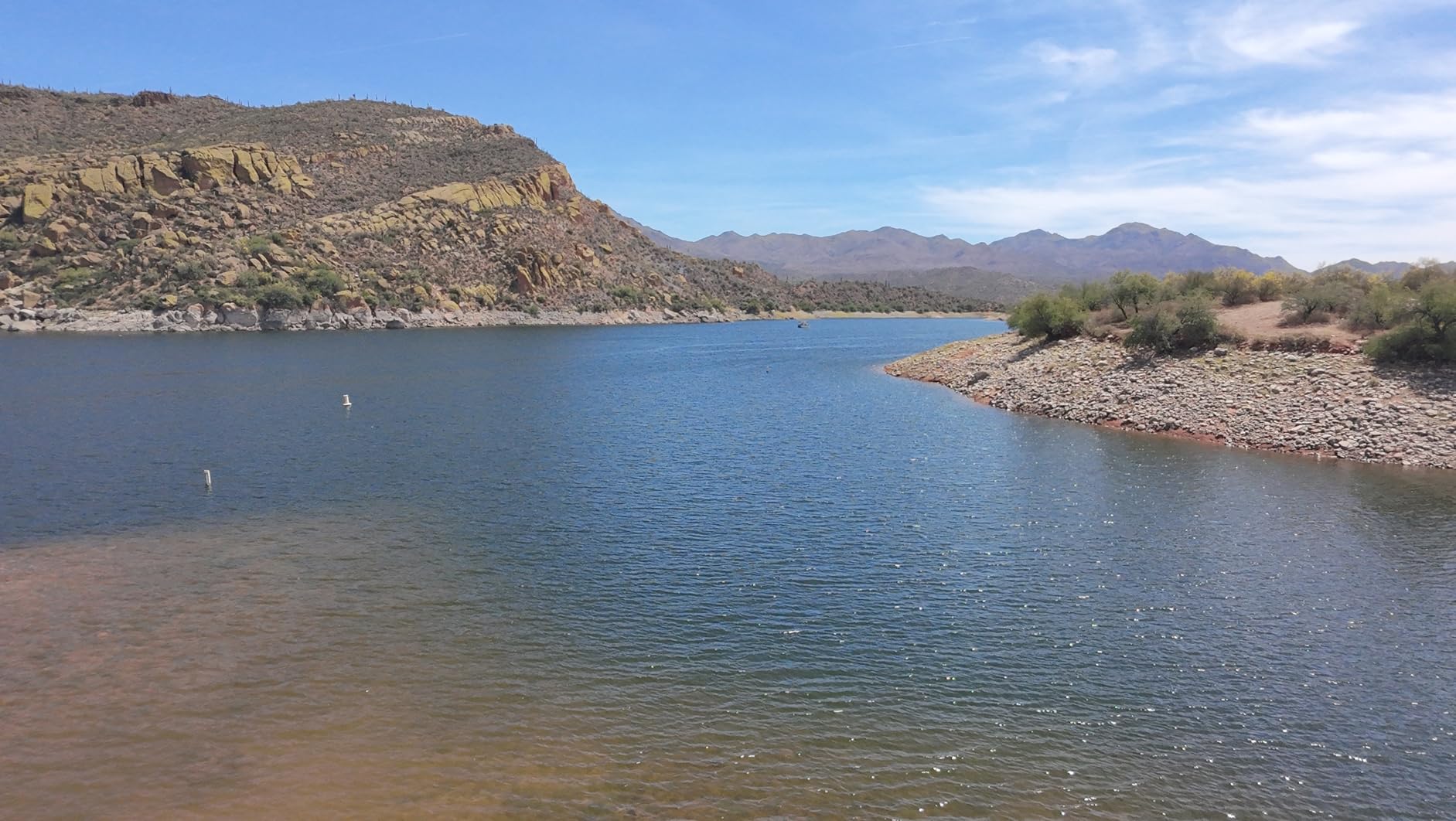
The picture quality is the quiet strength here. Sharp 4K with no fisheye distortion, a mechanical gimbal that holds horizon through a hard turn, and enough wind tolerance that a mid-level gust does not ruin a take. It is footage that sits next to mirrorless or compact camera material without looking like a different production.
Owners describe the learning curve as short, which matters if you are filming on your own. Most of the confident flight modes do the work for you on a first trip.
When to skip it
Skip it if your channel depends on solo follow shots. There is no subject tracking and no follow-me mode, so a walking vlogger has to fly manual or use a QuickShots pattern instead. And skip it if you fly tight forest or urban canyons, because there are no obstacle sensors at all.
Our best drones for travel guide covers the outdoor decision-making in more depth if you fly a lot of coastline and mountain footage.
3. Potensic ATOM 4K GPS – the best gimbal you get for the money
Pros
- Mechanical 3-axis gimbal at this price
- Three batteries for 96 minutes total
- 6km transmission suits landscape work
- QuickShots and visual tracking
- Under 249g
Cons
- 12MP sensor limits cropping and low light
- Needs a phone for the screen
- You give up some ecosystem polish
This is the model I recommend to creators who already know how to fly a camera and want the first upgrade that actually shows on screen. The 3-axis brushless mechanical gimbal on a 12MP Sony CMOS sensor is the decisive spec here, because it is the exact feature the fixed-tilt budget drones lack, and it costs far less than the DJI equivalent with a gimbal.
Battery logistics are the second reason to like it. Three intelligent batteries at 32 minutes each give 96 minutes total, and the 60W parallel charging hub refills all three in about 1.3 hours. That means a full golden-hour session plus a second location without hunting for a wall socket between flights.
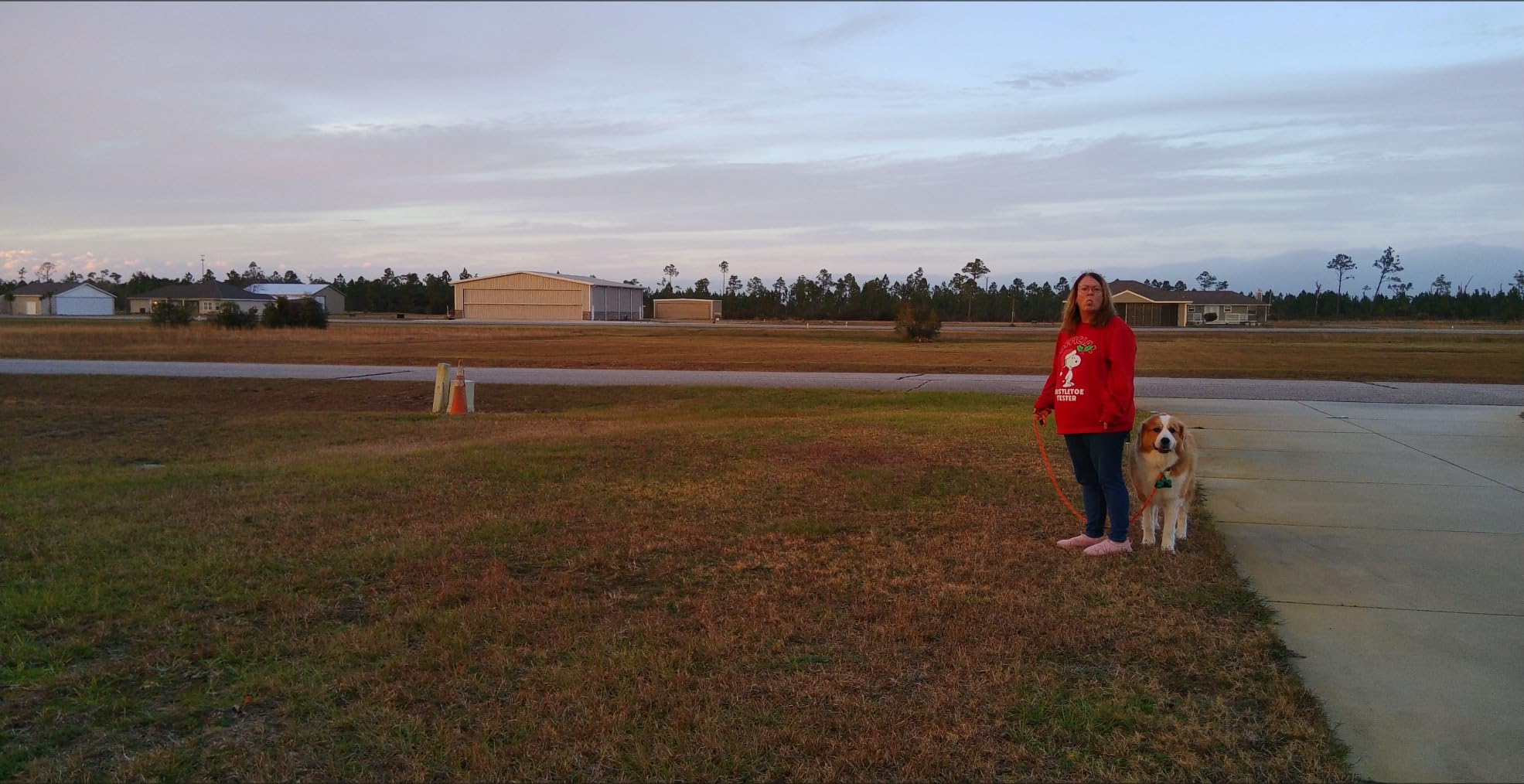
The PixSync 3.0 link reaches 6 km, and the QuickShots library includes Pull-Away, Rocket, Circle, Spiral and Boomerang. Visual tracking handles the simple walk-and-talk setup so you can stay in frame while the aircraft does the work. GPS-enhanced hover and return home are standard.
Reviewers are warm across the board, and the reservation that comes up most is the sensor. A 12MP sensor is modest, so heavy cropping into a 4K clip for a thumbnail can soften quickly, and the dynamic range is limited compared with the larger sensors in the Ruko models later on.

How the three batteries change a shooting day
Two batteries is a working shoot. Three batteries is a production day. With the hub on charge over lunch, I can cover a morning viewpoint, an afternoon walk-and-talk with tracking, and an evening golden-hour orbit without planning the footage around the battery state.
The mechanical gimbal also means a slower pace is fine. You can fly a long, gentle push-in over a valley without the wobble that electronic stabilisation alone introduces on a fixed-tilt drone.
When to skip it
Skip it if you shoot night city scenes or heavy backlit sunsets, because the small sensor will not hold those. Skip it if you want to avoid a phone tethered to the controller, since the screen is your phone. And skip it if you fly somewhere with tight restrictions on where you may launch, since there is no obstacle avoidance to stop a mistake.
4. DJI Neo Fly More Combo – the best drone for a solo traveller
Pros
- Weighs less than most phones
- Palms launches and lands with one button
- AI subject tracking and eight QuickShots
- Fully enclosed propeller guards
- Controller-free
- app or voice control
Cons
- Small 1/3 inch sensor
- No mechanical gimbal
- No obstacle avoidance
- Short per-battery flight time
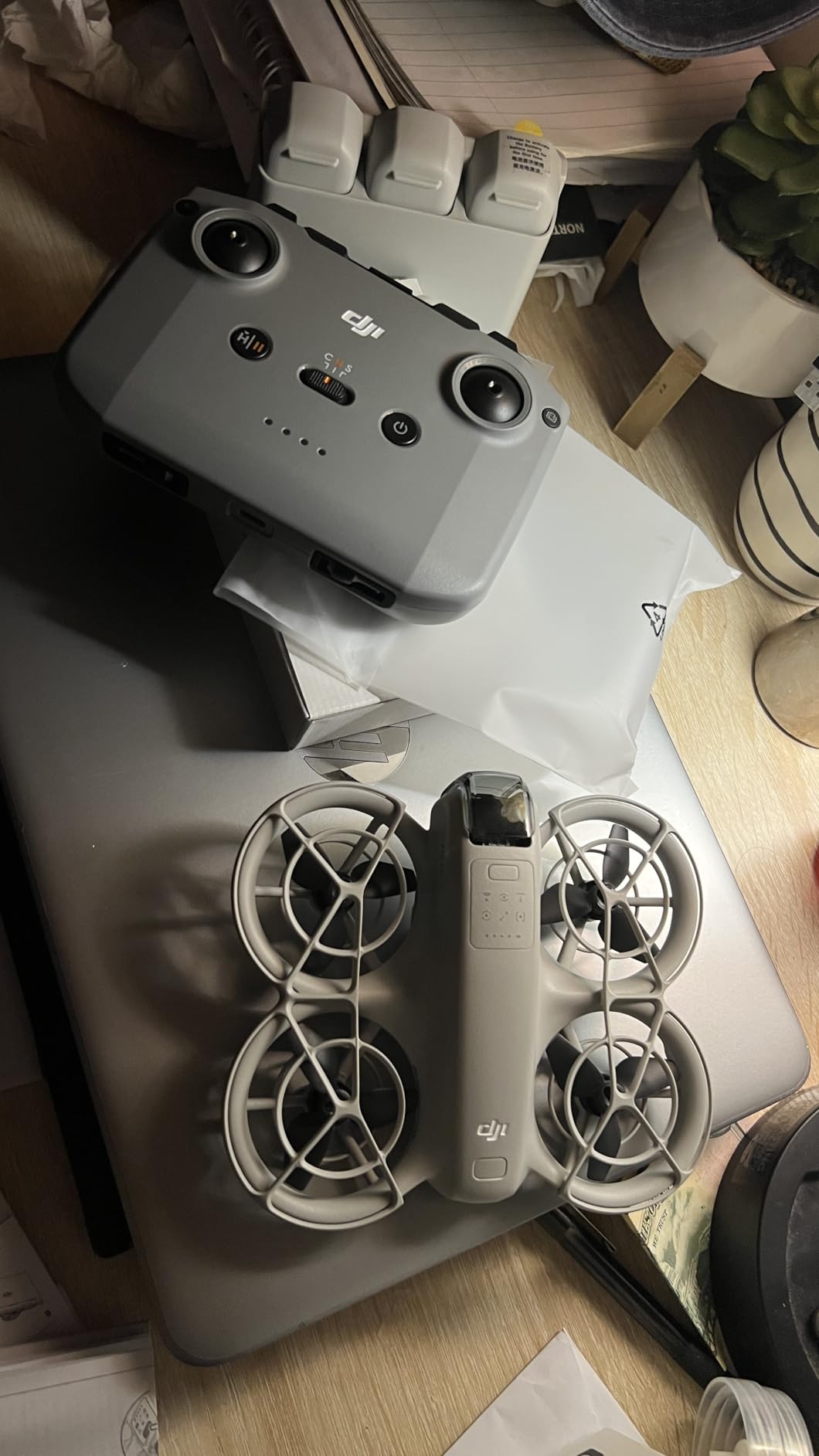
At 135 g this is the drone I would hand to someone who does not want to think about a drone at all. It launches from your palm, tracks you as a subject, flies one of eight QuickShots patterns, and lands back in your hand. For a solo travel vlogger walking a trail with a gimbal already in one hand, that removes the single biggest friction point in the whole process.
The Fly More Combo package is what you want here: three batteries, the RC-N3 remote and a two-way charging hub. Transmission goes to 10 km, and the level 4 wind resistance plus brushless motors hold up in light and moderate wind, which covers a surprising amount of real travel shooting.
Full-coverage propeller guards are the underrated feature. You can fly close to people, trees and railings without treating every branch as a potential loss, which is what makes it viable near a viewpoint walkway or a resort pool.
The image quality is the trade. A 1/3 inch sensor with electronic stabilisation and no mechanical gimbal gives 4K that is perfectly usable in daylight, and reviewers are clear that it holds up in light wind. At dusk it will not.
Why 135 g changes the whole trip
At this weight there is no FAA registration and no Remote ID requirement for recreational flight, and the aircraft fits in a jacket pocket rather than a checked bag. For creators who cross borders, that removes an entire category of planning.
It also means you will actually bring it. A drone you have to make a decision about is a drone you fly twice a trip. A drone in your pocket gets launched every morning.
When to skip it
Skip it if your edit is built on golden-hour or blue-hour landscape work, since the small sensor and electronic-only stabilisation are not built for low light. Skip it if you need a long single flight for a big reveal, because the per-battery runtime is the shortest here. And skip it if you need precise manual flying, because the palm-launch workflow pulls you toward automated modes rather than stick control.
5. DJI Mini 3 – the best for vertical Shorts and thumbnails
Pros
- True vertical shooting without cropping
- 48MP stills for thumbnails
- 4K HDR with Dual Native ISO Fusion
- Level 5 wind resistance
- 10km transmission
Cons
- Battery Plus pushes weight past the 249g line
- No obstacle avoidance
- Delicate arms and gimbal
- Screenless controller needs a phone
For a channel where Shorts and vertical posts are a real part of the output, True Vertical Shooting is the feature that changes your workflow. The gimbal rotates the camera to a native 9:16 orientation, so a cathedral or a cliff face fills the frame properly instead of being a horizontal shot you crop badly in the edit.
The 48MP sensor with Dual Native ISO Fusion also feeds the thumbnail problem. You can pull a high-resolution still out of the drone footage and still have room to crop for a 16:9 thumbnail and a vertical post from the same flight.
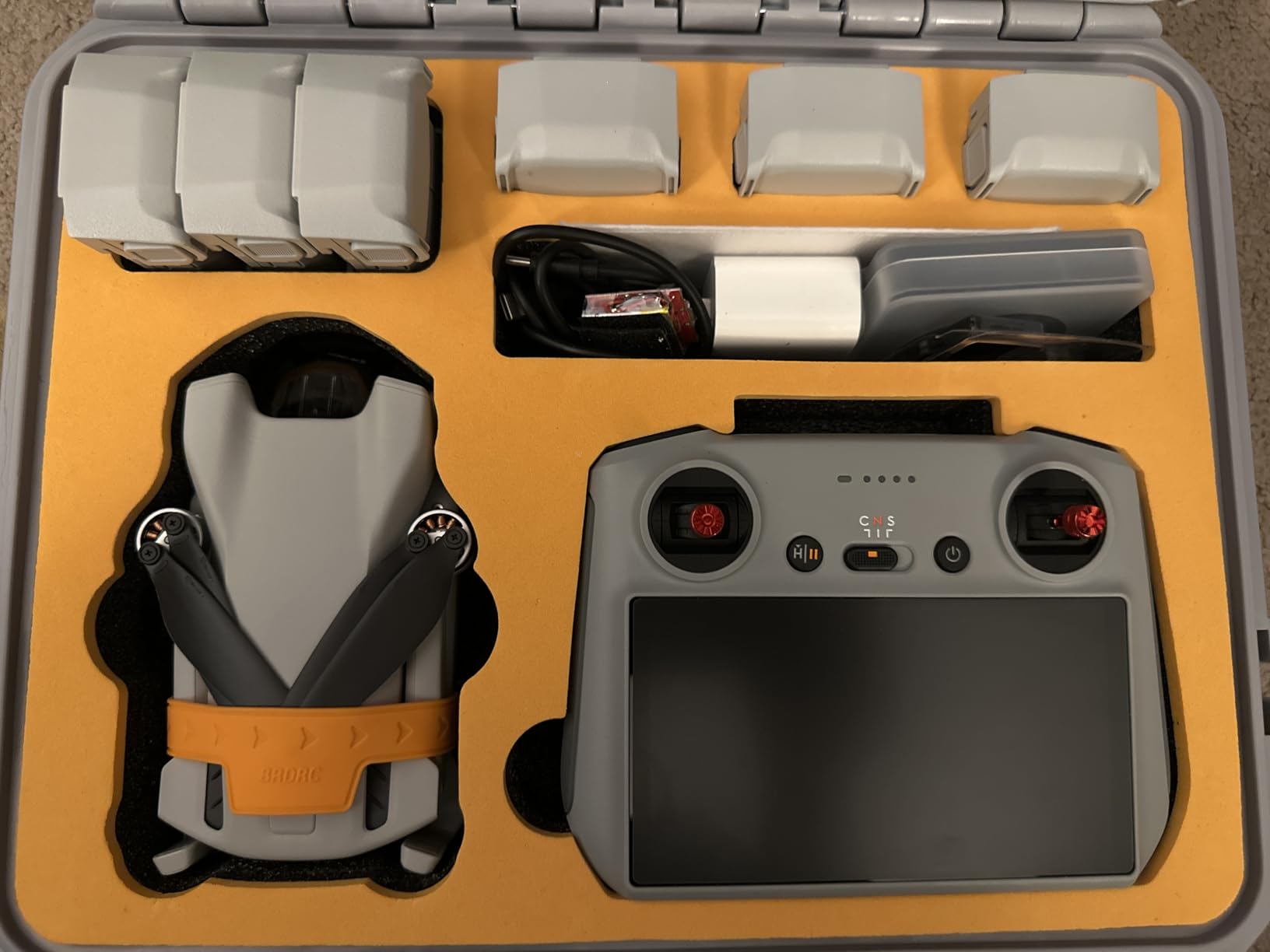
Flight time is 38 minutes standard, up to 51 with the Intelligent Flight Battery Plus, and a Fly More Combo package reaches 114 minutes total. Wind resistance is level 5 at 38 kph, which is the number that matters on an exposed coastline, and transmission reaches 10 km.
The 248 g base weight keeps it in the registration-free class for recreational flying. Be aware that adding the extended battery pushes it over the 249 g threshold, which changes the rules depending on where you are.
One flight, three deliverables
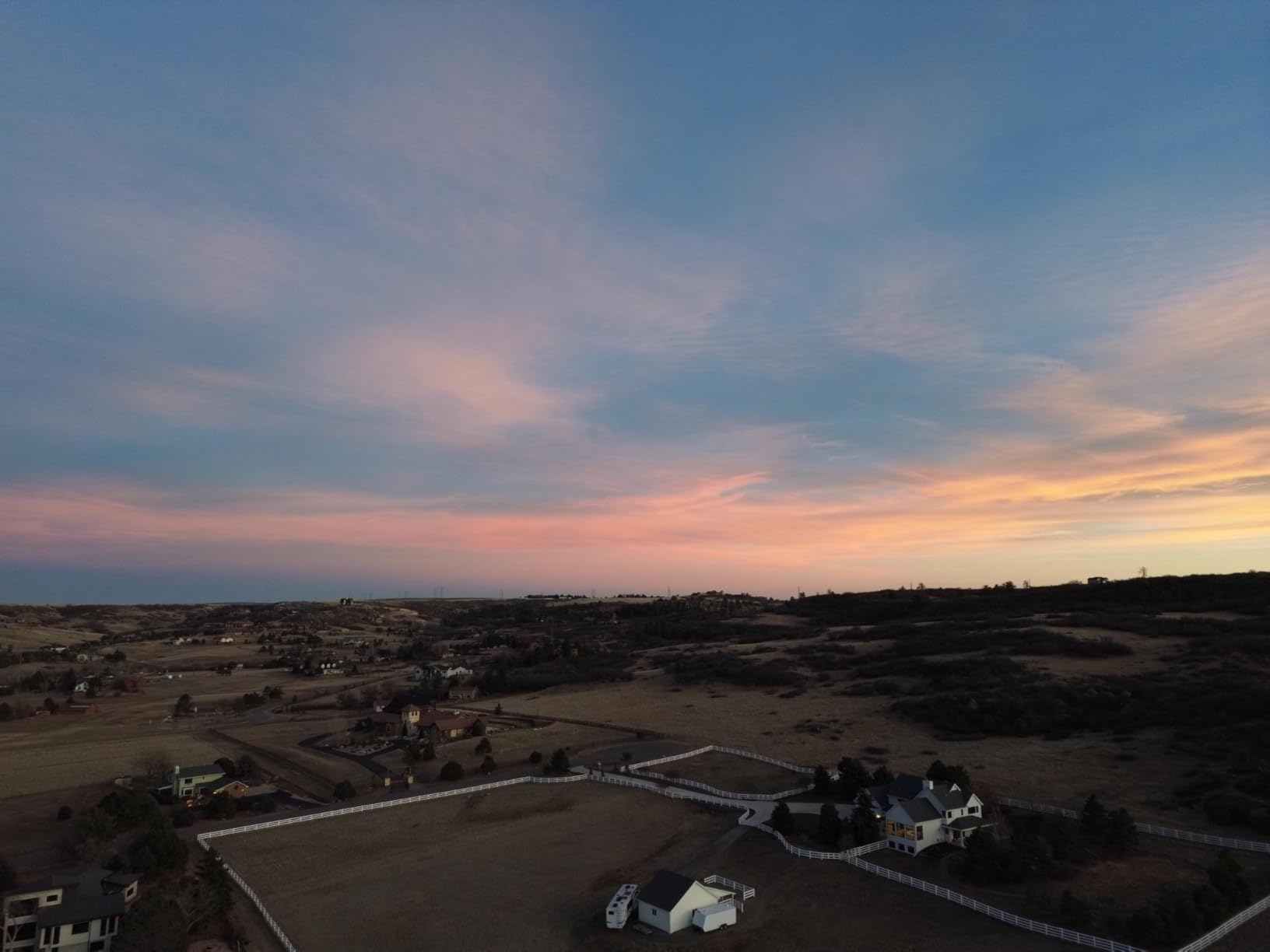
A single 20-second orbit at a landmark can produce a horizontal B-roll clip for the main edit, a native vertical version for Shorts, and a high-resolution still for the thumbnail. That is the workflow argument for this drone over anything smaller, and it is why I suggest the Fly More Combo configuration rather than the base kit.
Level 5 wind resistance and a 3-axis mechanical gimbal mean the same orbit looks repeatable on a gusty headland rather than only on a still morning.
When to skip it
Skip it if you fly anywhere that bans unregistered aircraft and you plan to use extended batteries constantly, because that changes your compliance situation. Skip it if you fly tight terrain, because there is no obstacle avoidance on the base model. And skip it if you are hard on gear, because the foldable arms and the gimbal take a crash badly.
Our best drones for YouTube creators roundup covers the studio and desk-shot side of the workflow.
6. Holy Stone HS360S – the cheapest way to learn without risking good gear
Holy Stone GPS Drone with 4K UHD Camera for Adults Beginner; HS360S 249g Foldable FPV RC Quadcopter with 10000 Feet Control Range, Brushless Motor, Follow Me, Smart Return Home, 5G Transmission
Pros
- Survives multiple crashes
- Built-in controller needs no app cable dance
- GPS return home works reliably
- Beginner mode and optical flow
- Good for learning
Cons
- No 3-axis gimbal at all
- One slow-charging battery
- About 20 minutes per flight
- Two-speed handling
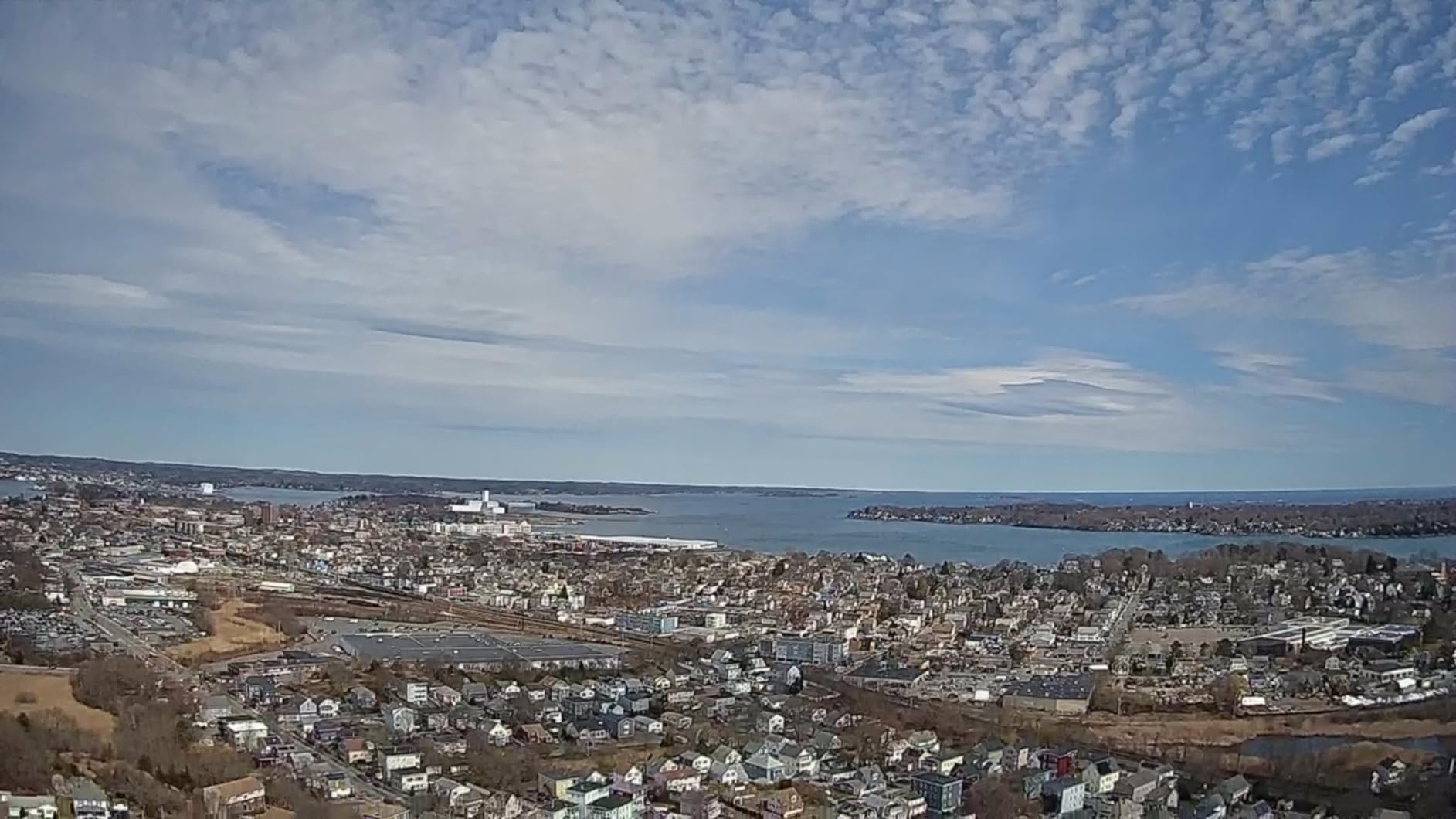
I recommend this one for a specific reason: it is a practice drone. At 213 g, under the 250 g line, and built well enough that owners report brushing it into trees and flying again. If you have never flown, learning on something cheap means your first real coastline shoot is not also your first hover.
The 1/3 inch GalaxyCore sensor shoots 4K UHD with an 85 degree wide angle and up to 90 degrees of tilt adjustment from the controller or app. The controller connects to the phone with a single cable, so there is no Wi-Fi pairing dance before you launch.
Control range is up to 10,000 feet on 5 GHz, with GPS positioning and return home on low battery or signal loss. Smart recording modes include Spiral Up, Catapult, 1-Tap Ascension, Follow Me, Waypoint and Point of Interest, which is a generous list of automated moves for a beginner platform.
It ships with one battery that charges slowly and gives roughly 20 minutes of flight. Plan two flights per location and carry a power bank, because there is no USB-PD fast charging here.
Why learning on a cheap drone pays off
Flying is a motor skill, and it responds to practice far more than to gear. Ten hours on a drone that forgives mistakes produces a pilot who can hold a frame over moving water, and that pilot then gets noticeably better footage from any of the nine other aircraft on this list.
Reviewers also single out the controller as unusually well made for the class, with comfortable sticks and a live feed that works without a Wi-Fi connection.
When to skip it
Skip it if you intend to publish the footage. There is no gimbal, so video shakes noticeably and becomes disorienting at speed, and that is not a problem a filter fixes in post. Skip it if you shoot more than one location a day, because a single 20-minute battery is limiting. And skip it if you dislike the two-speed control feel, where slow and full speed leave little room in between.
7. Ruko U11MINI 4K with touchscreen remote – the one with a built-in screen
Pros
- Screen is built into the controller
- 3-axis gimbal on a 1/2 inch sensor
- 8K stills
- Works without Wi-Fi
- Two batteries included
Cons
- Touchscreen is less precise for manual flying
- Polish trails the DJI ecosystem
- Range claims need open ground
- Fastest charging needs the PD65W
The reason to pick this over a similar drone is the controller. A 5.5 inch 1080P touchscreen is built into the remote, so there is no phone tether, no cable that fails to seat, and no screen glare problem in full sun. If your phone is your editing machine on a long travel day, having a dedicated screen changes how you work.
The camera side is strong too. A 1/2 inch CMOS sensor handles 8K stills and 4K at 30fps, mounted on a 3-axis mechanical brushless gimbal, and the aircraft is 248 g so it stays under the registration threshold for recreational flight.
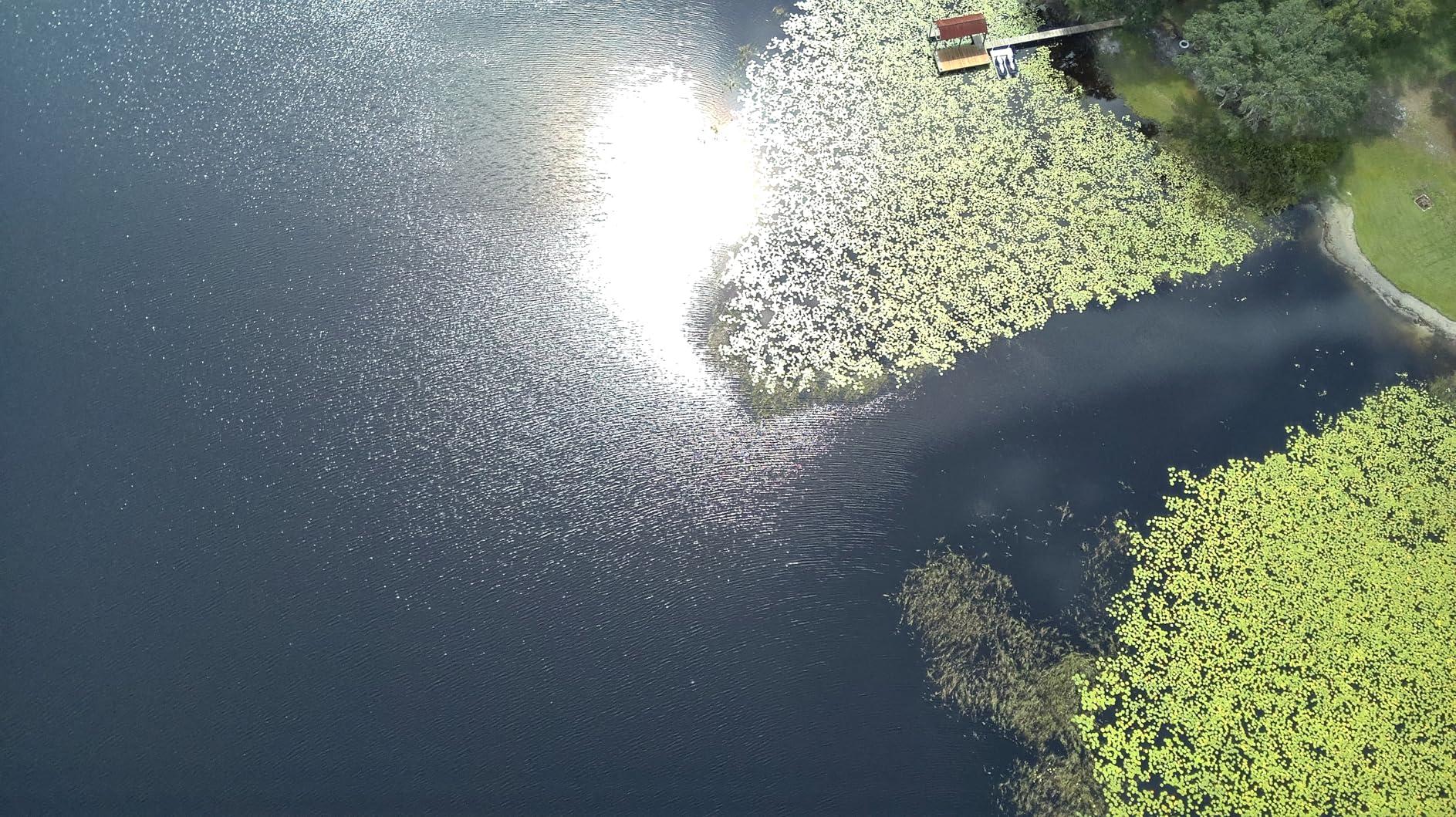
Transmission is the R2 digital system out to 20,000 feet and it does not depend on Wi-Fi, which matters at a viewpoint with no signal or a busy city centre. Two intelligent batteries give about 64 minutes total, and PD 3.0 fast charging means you are not waiting on a wall outlet overnight.
Positioning combines GPS, barometric, time-of-flight and optical flow, with AI takeoff and landing, one-key return and failsafe return on low battery or lost signal. There is a built-in beeper, which sounds trivial and has saved me a search more than once in tall grass.
Screen versus phone, honestly
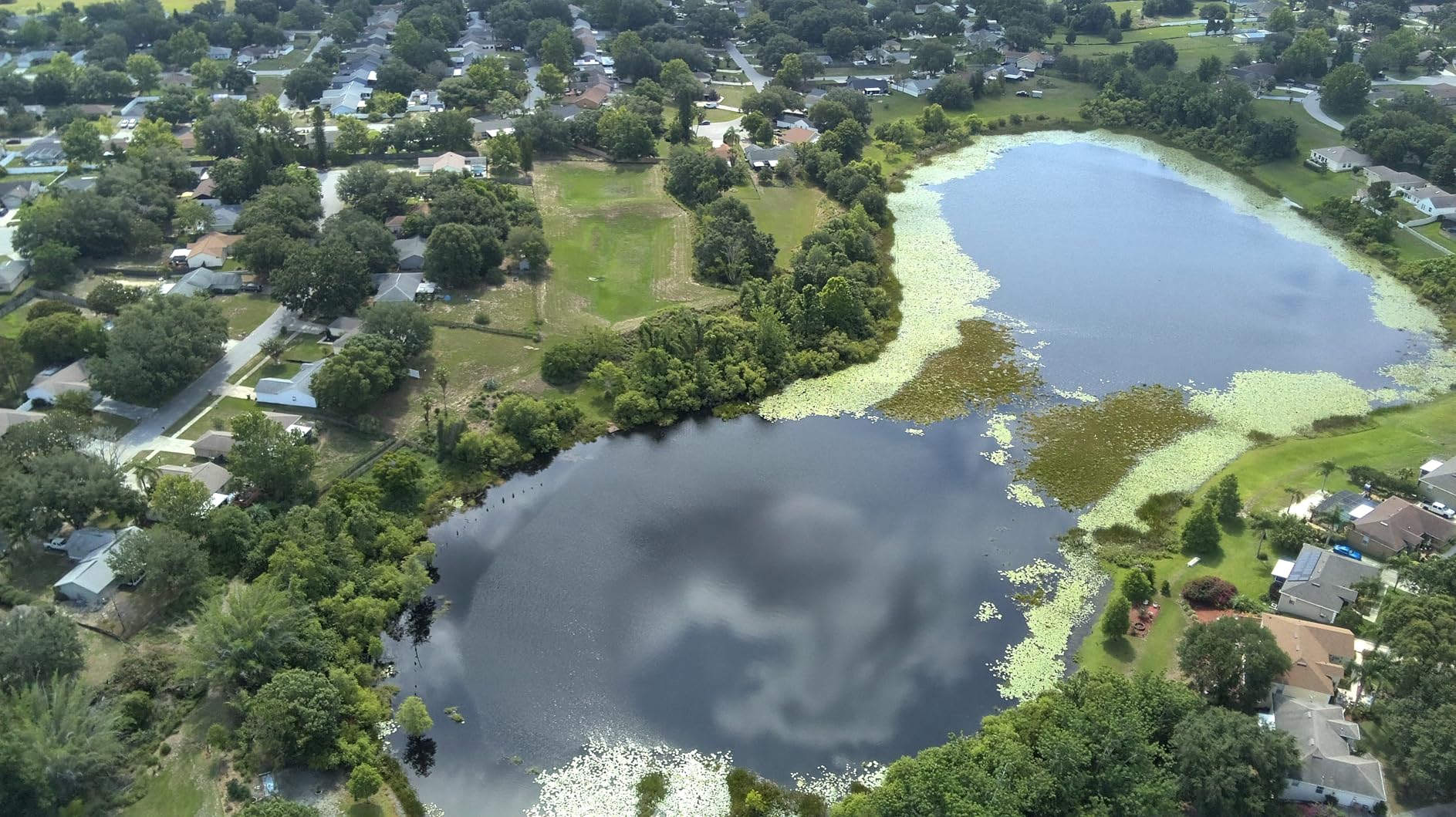
A built-in screen removes cable management, battery drain on your phone and the awkwardness of a phone in a hiking harness. It also means one less failure point when a connector cable does not seat properly inside a thick case.
The trade is precision. Touchscreens are not the right interface for slow, deliberate stick work in tight space, so if you plan to fly close to terrain or buildings, a phone or a dedicated controller is a better tool for that specific job.
When to skip it
Skip it if you want the most refined app and firmware experience, because the software polish sits behind the DJI ecosystem and reviewers mention that gap. Skip it if your 20,000 foot range claim depends on flying far from base, because reliable video is a function of terrain, not the number on the box. And skip it if you fly close to obstacles often, since there is no obstacle sensing.
8. Ruko F11PRO 2 Plus – the best for night and low light
Pros
- Largest sensor in this group for low light
- Mechanical 3-axis gimbal
- 74 minutes from two batteries
- 20000ft digital transmission
- OTA firmware updates
Cons
- At 360g it needs registration and Remote ID
- No charger in the box
- Bulkier to pack
- App polish trails the leaders
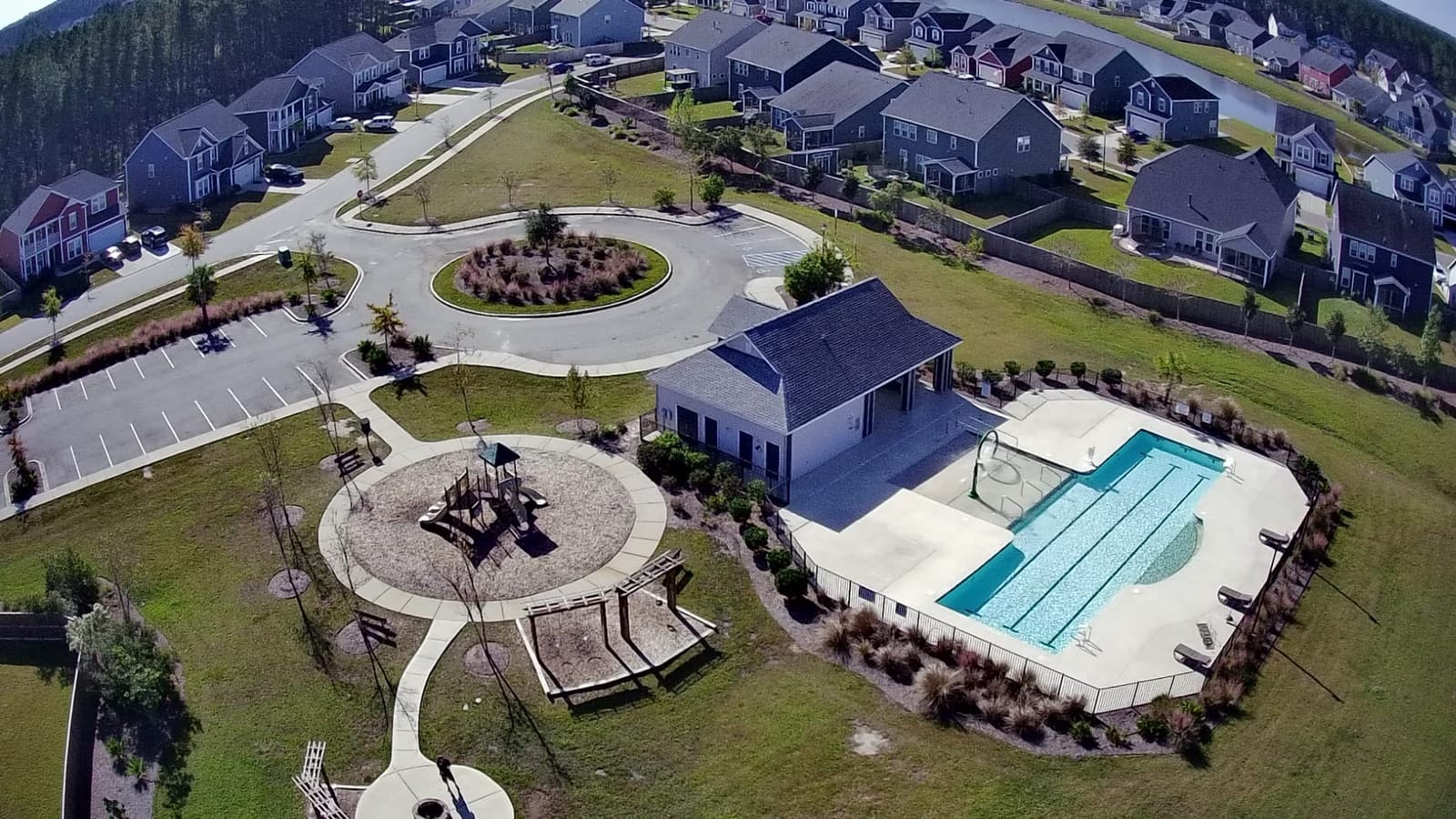
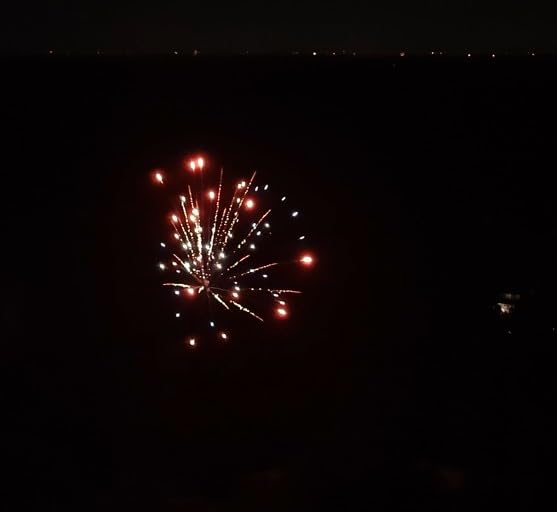
Sensor size is the whole argument for this drone. The 48MP 1/2 inch CMOS is tuned for low light, and that is precisely where every 1/3 inch drone in this list starts to fall apart. If your travel edit includes blue-hour harbour shots, lit cityscapes or night market footage, this is the one model here that treats that as a normal use case rather than a limitation.
The 3-axis mechanical brushless gimbal handles real-time shake and tilt correction, so low-light footage is not also shaky footage. Two intelligent batteries at 37 minutes each give 74 minutes total, and the 20,000 foot digital link holds a stable feed over open ground.
GPS one-key return plus automatic return home on low battery or signal loss make it approachable if you are new. Over-the-air firmware updates keep improving the aircraft after purchase, which is genuinely useful for a model that will live in your kit for years.
At 360 g it is the only drone in this roundup above the 249 g line. That means FAA registration and Remote ID apply, it counts as registered equipment, and it is a bulkier item to pack. It is also the only package here without a charger in the box.
When a bigger sensor actually changes the edit
Low-light footage changes how you grade. Cleaner shadows and more recoverable highlight detail mean a night city sequence can be pushed in post instead of abandoned. On a smaller sensor, the same shot is often a write-off by the time you are at home.
Two batteries at 37 minutes also handle a longer day than most here, and combined with the registration status that suits a creator who is already set up for the paperwork.
When to skip it
Skip it if you want to avoid registration entirely, or if you cross borders without the paperwork to match. Skip it if pack volume is the deciding factor, because 360 g plus a case is real weight on a hiking trip. And skip it if you mostly shoot in daylight, because you are carrying bulk for a sensor advantage you will never use.
9. HOVERAir X1 – the drone that is simply always in your bag
HOVERAir X1 Drone with Camera, Follow-me Drone with Self-Flying Mode
Pros
- Smallest and lightest in the group
- Follows you at up to 15 mph
- Enclosed cage is safe near people
- 32GB internal storage
- No SD card to lose
Cons
- Roughly 11 minutes per battery
- Weak in wind
- 50 foot altitude ceiling
- 2.7K maximum
- No onboard audio
This is a different kind of tool, and it is worth understanding before you buy it. There is no controller, no pair of sticks. You launch it from your palm, pick one of six pre-programmed paths including Follow, Zoom Out, Orbit and Bird’s Eye, and it flies itself. For a walking or cycling travel vlogger, that is the entire appeal.
At 125 g with a fully enclosed body, it is the easiest aircraft here to fly next to people, in a market, or on a busy path. The internal 32GB of storage means no memory card to format, lose or pack, and palm landing means the shot ends without anyone noticing the aircraft.
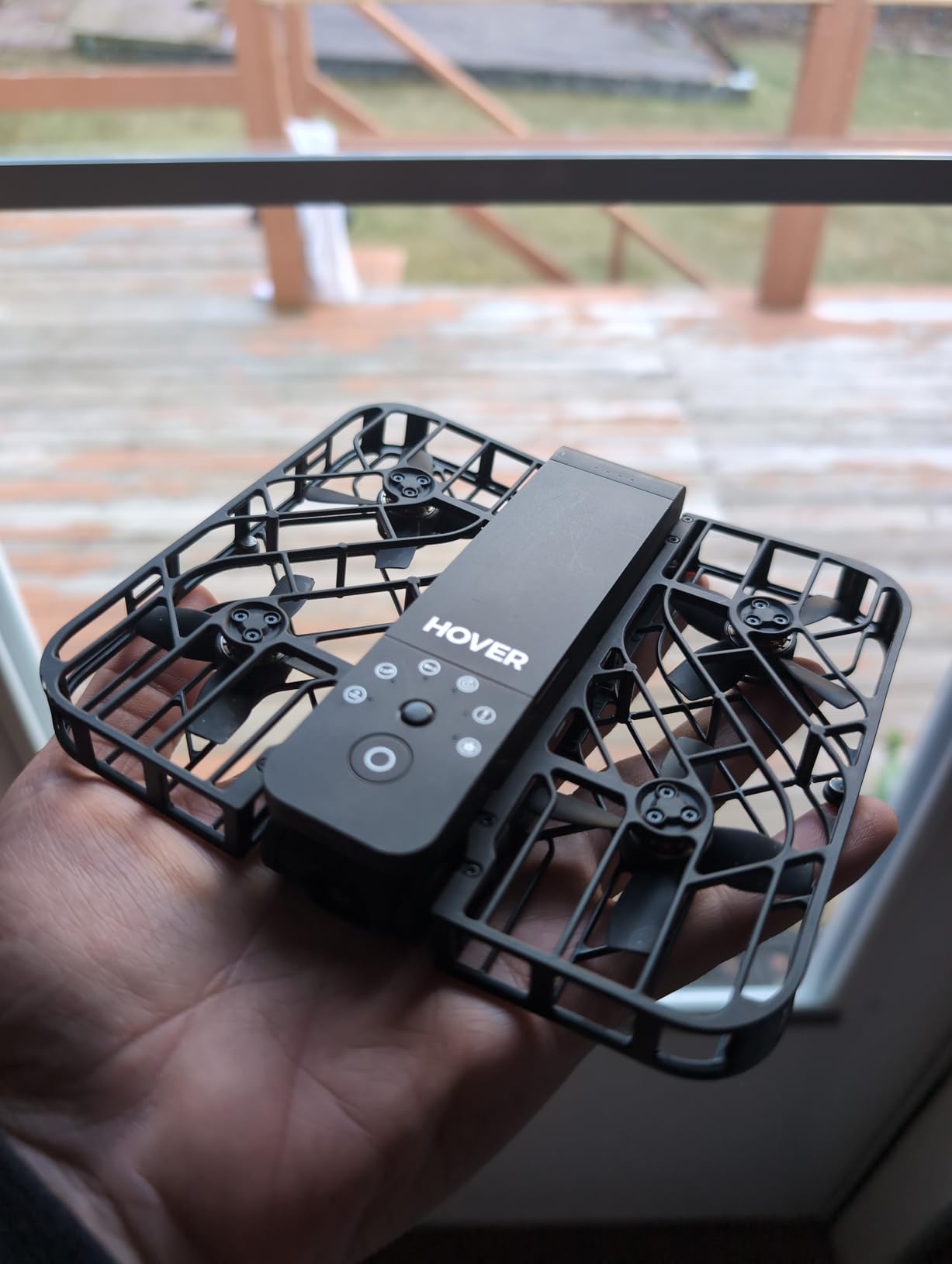
The limits are firm. Video tops out at 2.7K at 30fps alongside 1080p HDR, there are roughly 20 flight paths per battery at about 11 minutes each, and the maximum flight altitude is around 50 feet. Low weight also means poor wind performance.
There is no audio recording on the aircraft, which is true of most of these drones anyway, and propellers are audible in quiet settings. Treat it as social and B-roll material, not as your cinematic layer.

Who this suits and who it does not
It suits creators who want consistent moving B-roll without any flying skill. Reviewers and travel bloggers consistently describe it as the drone that is always in the bag, and follow-me tracking works well for hiking, cycling and walk-and-talk footage.
It does not suit a channel built on 4K landscape reveals, because 2.7K and a 50 foot ceiling rule that out. If your drone is your signature shot, this is an accessory rather than a tool.
When to skip it
Skip it if you cycle at speed, because it cannot keep pace with a bicycle above roughly 10 mph even though the follow mode claims 15 mph. Skip it if you shoot on a coast with any wind, and skip it if your plan needs long flights, because 11 minutes is the shortest runtime in the group.
10. Ruko U11MINI 4K – the best battery package under 250 g
Ruko Drone with Camera for Adults 4K Video & 8K Photo, 96 Mins Flight Time
Pros
- Three 32-minute batteries in the box
- Gimbal plus EIS for steady footage
- 1/2 inch sensor for cleaner low light
- Durable frame that survives tree strikes
- Under 249g
Cons
- Real video link breaks up beyond a few blocks
- Controller needs a phone
- Separate app setup before first flight
- Not built for high-speed tracking
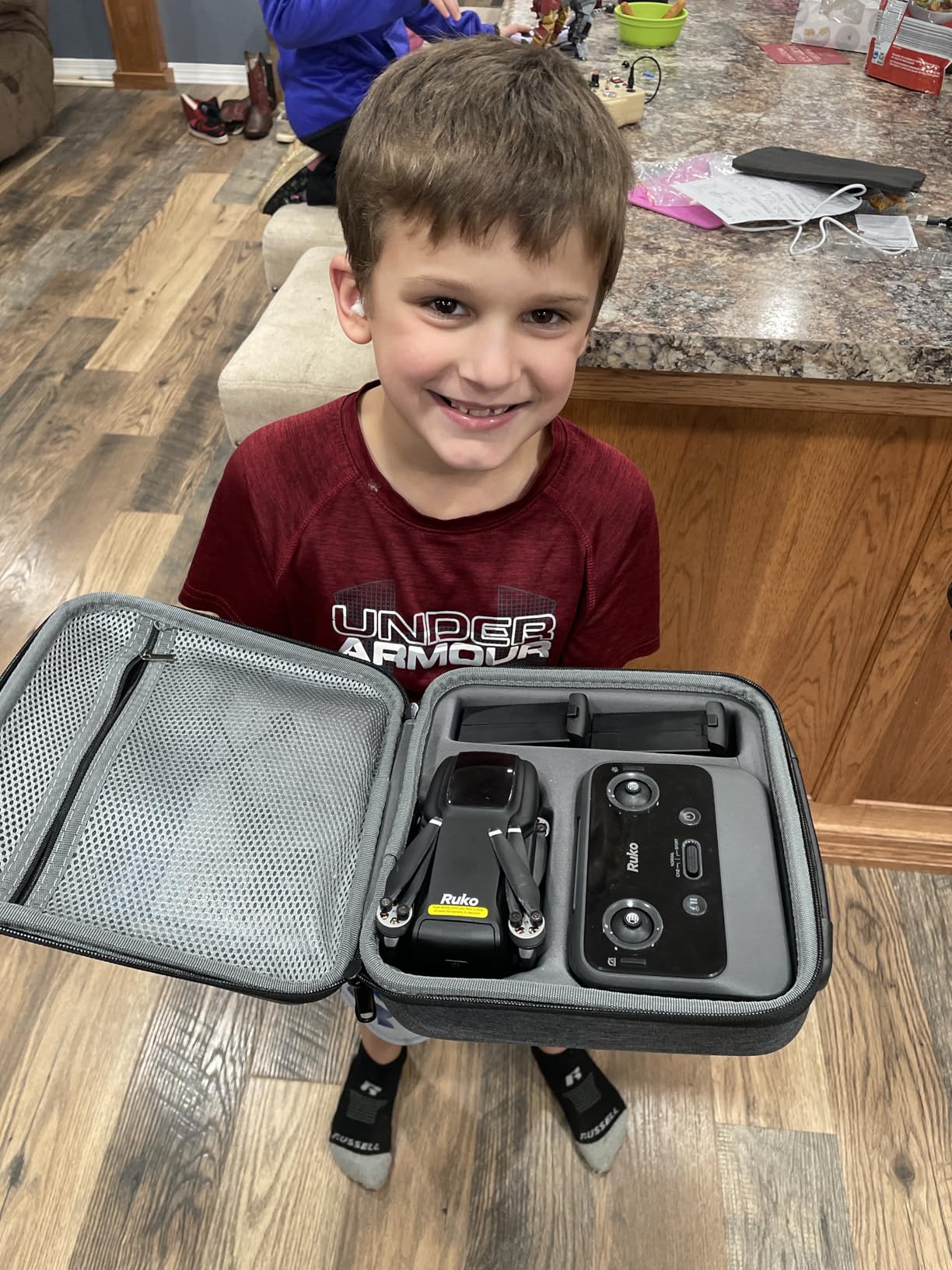
The combination that stands out here is a 1/2 inch 48MP sensor, a 3-axis brushless gimbal with electronic stabilisation, and three batteries, all under 249 g. Most sub-250 g drones give you one of those three. This one gives all three, and 96 minutes of total flight is a genuine multi-location shooting day.
The R2 digital transmission system claims 20,000 feet. Long-term owners are blunt that reliable video is really a few blocks out in most conditions, so treat the number as a ceiling rather than a working range and plan your reveals to stay closer in.

Positioning is handled by a combination of time-of-flight, optical flow, barometer and GPS, with one-tap takeoff and auto return home on low power or signal loss. Owners report the frame tolerates tree strikes and hard landings without significant damage, which matters more than any spec when a trip depends on one aircraft.
Customer support is repeatedly described as fast and helpful, including full replacements. The controller requires a phone for the live view over a cable, so this sits in the same workflow as the DJI Mini 4K rather than the touchscreen alternative.
Why 96 minutes changes logistics
Three 32-minute batteries mean you can shoot three locations in a day without a charging stop, and you can afford to fly conservatively instead of packing a maximum-length flight into every battery. Reviewers note that each battery realistically gives closer to 20 to 32 minutes depending on wind and how much you climb.
The 1/2 inch sensor also means the golden-hour and dusk footage at the end of the day is recoverable rather than noisy, which extends the useful shooting window.
When to skip it
Skip it if you need to fly far from base for scale, because the link will not support that in practice. Skip it if you need high-speed subject tracking, because this is not built for it. And skip it if you want to avoid app setup entirely, since the Ruko app has to be configured before the first flight.
For a channel that is still deciding how much aerial footage belongs in the edit, our YouTube drone roundup covers the cases where a drone helps and where it does not.
What Actually Matters in a Travel Vlogging Drone
Most published drone roundups list resolution first, and that is the wrong order for a travel vlogger. The shot has to be repeatable at 6 am on a windy headland, fit in the bag you already packed, and give you enough usable frames for an edit. Here is the order I actually weigh things in.
1. Weight and the 249 g line. Below 249 g, recreational flights in the United States do not require FAA registration, and Remote ID does not apply. Above it, both do. Every drone here except the Ruko F11PRO 2 Plus sits under the line, which is why nine of the ten are travel-friendly by default.
2. Gimbal quality over sensor size. A mechanical 3-axis gimbal produces footage that cuts cleanly next to handheld or gimbal camera material. A fixed-tilt camera with electronic stabilisation looks fine until you pan, and travel footage pans constantly as you reframe a landscape.
3. Battery count beats battery capacity. Flight time per battery matters less than how many you can carry and charge. Three batteries with a parallel hub give you a full shooting day; one 37-minute battery gives you one location.
4. Real flight time, not rated flight time. Rated figures assume level flight, no wind and no climbing. In practice, subtract 20 to 30 percent on an exposed site, and always land with a return reserve rather than at zero.
5. Wind resistance level. Level 5 wind resistance around 38 kph is the practical difference between a usable shot and a shaky one on a coast or an open ridge. Below level 4, check the forecast before you commit to a location.
6. Tracking and automation for solo shooting. If you fly alone, subject tracking and QuickShots patterns are how you get a moving shot without a second person operating the aircraft. The DJI Neo, HOVERAir X1 and Potensic ATOM models all handle this well.
7. Vertical delivery and stills. If your channel includes Shorts, native vertical shooting saves you a crop. And remember you still need thumbnails: a 48MP sensor on the DJI Mini 3 or the Ruko models gives you frames you can pull from the same flight.
Two things to add. First, accessories matter more than the marketing suggests: spare propellers, a proper charging hub, and ND filters if you shoot wide open in bright conditions. Second, no drone on this list records usable audio, so record your voice separately and never plan to sync narration to rotor sound.
One honesty note before you buy anything: some destinations restrict or ban drone use, and national parks, wildlife refuges and many beaches have their own rules. Check the specific site, not just the country.
Flying Legally as a YouTuber in 2026
Regulations were the single most common worry in the creator forums we read while putting this together, and it is worth being precise, because the answer depends on whether your channel is monetised.
1. Registration. In the United States, an aircraft under 249 g flown recreationally does not require FAA registration. Anything heavier does, and registration must be completed before first flight. Note that a product of 248 g with an extended battery fitted can tip over the line, so check the combined weight, not the printed specification.
2. The TRUST test. Recreational pilots who need to operate above the weight threshold must pass the free TRUST certification, and it takes a couple of hours rather than a day.
3. Part 107 for monetised channels. This is the one most vloggers miss. If your channel earns money and the drone work supports that, you are operating for compensation, which needs a Part 107 remote pilot certificate plus a TRUST course. Plan a few weeks of study and an exam booking before your next trip.
4. Altitude and line of sight. The standard recreational ceiling is 400 feet, and you must keep the aircraft within visual line of sight at all times. A travel edit is built on distant vistas, so fly the reveal as a climb and hold, not as an out-and-away.
5. No-fly zones and abroad. Airports, national parks, military areas and many city centres are restricted, and the official apps will tell you before you launch. Flying abroad means a new rule set in every country, so check the local aviation authority for each destination rather than assuming your home rules travel with you.
Packing a Drone for a Travel Shoot
The gear question stops being theoretical the moment you are standing at a check-in desk. A few checks before you book make the difference.
1. Batteries travel in your cabin bag. Spare lithium-ion batteries are not permitted in checked baggage, so keep them in hand luggage with terminals protected. This is the rule creators most often forget, and the reason is that a battery in the hold is a fire risk the airline is carrying the liability for.
2. Count your batteries against the airline limit. Most carriers allow a set number of spare batteries, often in the region of two to three. The three-battery packages here sit comfortably inside that; two separate kits can exceed it.
3. Budget three batteries per full shooting day. For a golden-hour-heavy trip, four is better. Plan charging around your locations rather than your hotel, because a 96-minute total only helps if you can refill before the light goes.
4. Insurance and theft. Travel insurance that covers camera equipment often covers drones by the same definition, but confirm. In high-theft destinations, a drone that fits in a daypack is a target, so keep it in your cabin bag and not in a bag in the hold.
5. Download your footage nightly. Memory cards fill, batteries de-rate and drones sometimes crash. Backing up each evening is what stops a lost aircraft from also costing you the trip’s footage.
A final workflow note, because this is where drone footage usually fails: cut aerial shots into your edit as movement, not as inserts. A slow push-in over a landscape at the start of a sequence reads as production value, while a three-second orbit dropped between two talking-head segments reads as filler. Plan your shots in the same order you plan your edit.
Frequently Asked Questions
Which drone do most YouTubers use?
Most travel and vlogging channels use a sub-250g folding drone with a 3-axis mechanical gimbal, because it keeps the aircraft backpackable, the footage smooth and the flying legal without registration for recreational use. In our roundup, the DJI Mini 3 and the DJI Mini 4K are the most common shapes, with the Potensic ATOM models filling the same role for creators who want more battery count per pound.
What is the best drone for vlogging?
The best drone for vlogging is one with a 3-axis mechanical gimbal, at least three flight batteries, subject tracking, and a weight under 249g. Those four things deliver smooth movement, a full shooting day, solo-shootable automation and registration-free flying. A fixed-tilt camera with electronic stabilisation will produce visible shake on every pan.
Which sub-250g drone is the best?
Among the sub-250g models here, the Potensic ATOM 4K GPS stands out for a mechanical 3-axis gimbal and three batteries for 96 minutes of total flight, while the DJI Mini 3 wins on a 48MP sensor and native vertical shooting. The Potensic ATOM SE is the pick if you want the lowest-cost way into reliable GPS flying with follow-me.
Do I need a license to fly a drone for YouTube?
If your channel is monetised and the drone footage supports that income, you are operating for compensation and need a Part 107 remote pilot certificate plus a completed TRUST course. Recreational flying under 249g does not require a certificate. Registration is required for any recreational aircraft at or above 249g.
Does a drone record audio?
No drone on this list produces usable audio. Rotor and wind noise swamps any microphone, and the HOVERAir X1 has no onboard recording at all. Record your voice separately with your camera or handheld recorder, then lay it over the drone footage in the edit rather than trying to sync narration to aircraft sound.
How many batteries do I need for a travel shooting day?
Three batteries is the practical minimum for a full day covering two or three locations, and four is better if you shoot golden hour. Plan for 20 to 26 usable minutes per battery on a windy site rather than the rated figure, and confirm your airline’s spare battery allowance before you book.
The Verdict for Your Channel in 2026
Three decision paths, and that is genuinely all you need. If you are buying your first drone for a channel and want the smoothest, most reliable result, take the Potensic ATOM 4K GPS with its mechanical gimbal and three batteries. If you want the biggest jump in image quality and you shoot vertical content, take the DJI Mini 3. If you travel solo and want a drone that is always in your pocket, the DJI Neo Fly More Combo is the one you will actually use.
That is the short version of our best drones for YouTube travel vloggers picks in 2026: buy the aircraft that matches how you shoot, pack the batteries, and check the local rules before you launch. Our Aureapix 4K camera review covers one more lightweight option if you want to keep the whole kit small.