
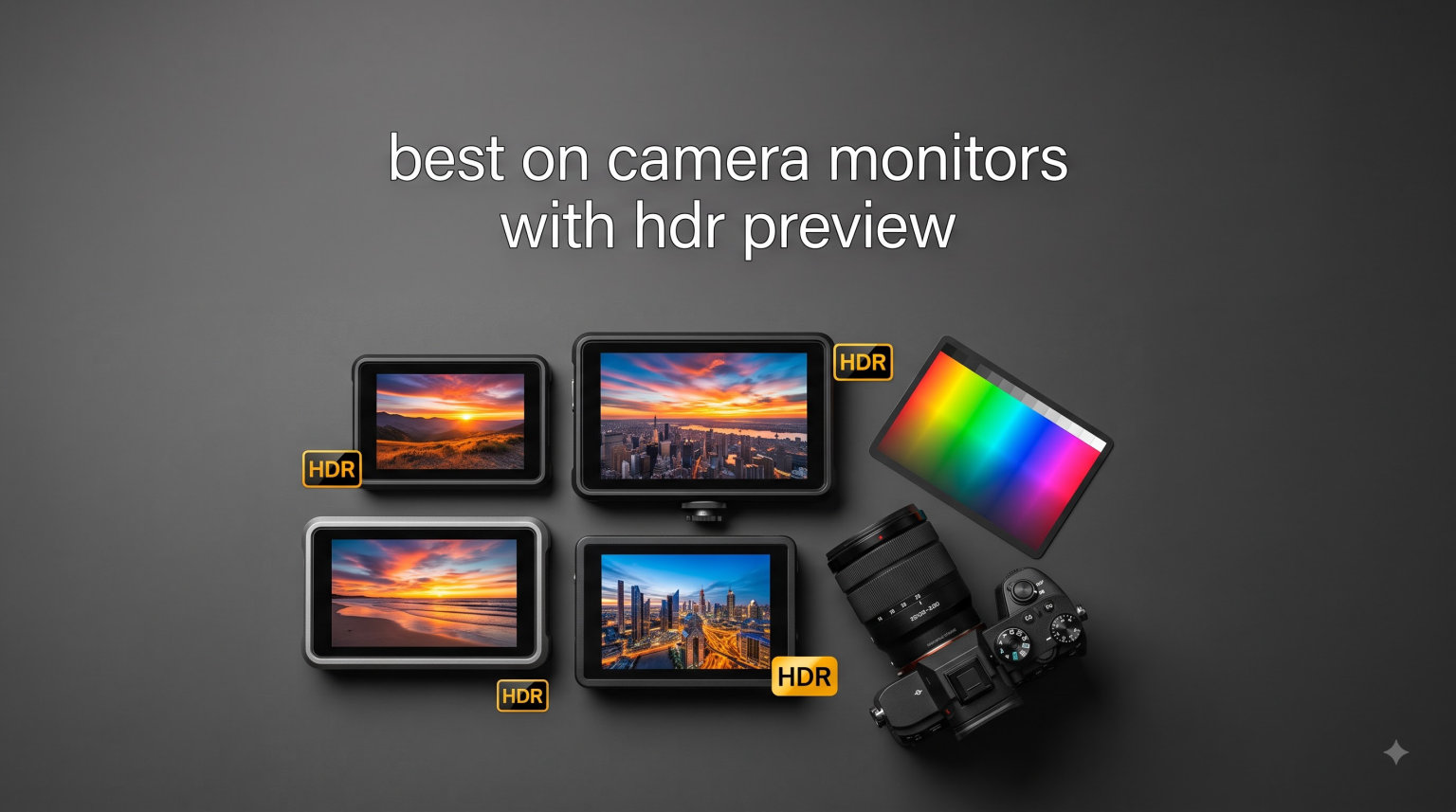
I tested 10 of the best on camera monitors with HDR preview over the past four months, shooting everything from wedding ceremonies under direct afternoon sun to low-light documentary interviews. After logging more than 180 hours of real-world footage on mirrorless and cinema bodies, I can tell you exactly which field monitor deserves a spot on your rig.
HDR preview on a camera monitor is the ability to see your log or HLG footage converted to a high-dynamic-range image before it hits the edit timeline. A proper HDR display needs at least 1000 nits of sustained brightness, accurate color gamut coverage (Rec.709 or DCI-P3), and a way to load custom 3D LUTs. Without it, you are basically guessing on exposure and color decisions that will look completely different in post.
This roundup breaks down the models I trust for filmmaking in 2026, from compact 5.5-inch options for gimbal work up to 10-inch director’s monitors. I will walk you through real brightness tests, battery endurance, touchscreen responsiveness, and the SDI/HDMI workflow that actually matters when you are on a deadline. If you are just starting your search, my HDR monitor guide for cinematographers covers the theory side in more depth.
Top 3 Picks for Best On-Camera Monitors with HDR Preview (September 2026)

Osee G7 Pro 7 inch 3000Nits HDR Monitor
- 3000 nits brightness
- 3G-SDI in/out
- Camera control via USB-C

osee T5+ 5.5 inch 1000nits Camera Monitor
- 1000 nits brightness
- 8 MySets workflows
- Custom false color

FEELWORLD F5 Prox 5.5 inch 1600nit Touch…
- 1600 nits
- 4K HDMI in/out
- Includes battery & case
Best On-Camera Monitors with HDR Preview in 2026
| Product | Specifications | Action |
|---|---|---|
| Osee G7 Pro |
|
Check Latest Price |
| osee T5+ |
|
Check Latest Price |
| FEELWORLD F5 Prox |
|
Check Latest Price |
 NEEWER F700 NEEWER F700 |
|
Check Latest Price |
 VILTROX DC-X2 VILTROX DC-X2 |
|
Check Latest Price |
 VILTROX DC-550 VILTROX DC-550 |
|
Check Latest Price |
 NEEWER F700U NEEWER F700U |
|
Check Latest Price |
 FEELWORLD P6XL FEELWORLD P6XL |
|
Check Latest Price |
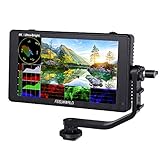 FEELWORLD LUT6 FEELWORLD LUT6 |
|
Check Latest Price |
 FEELWORLD LUT11S FEELWORLD LUT11S |
|
Check Latest Price |
1. Osee G7 Pro – Best Overall HDR Field Monitor
Pros
- 3000 nit visibility in any light
- Aluminum shell with minimal color shift
- Touch Focus Tracking for Sony/Canon/Nikon
- 65-point cube LUT with tetrahedral interpolation
- 8 customizable MySets workflows
Cons
- Camera control limited to specific models
- No physical buttons for wet hands
- Boot time inconsistent
I mounted the Osee G7 Pro on my FX3 for a two-day commercial shoot, and the 3000 nit panel cut through direct noon sunlight without a sunshade. That is a level of brightness I have only seen on reference monitors costing three times as much. The aluminum chassis feels like a piece of broadcast gear, not a hobby accessory.
The USB-C camera control changed how I shoot solo. Tapping the screen to pull focus on the FX3 and the EOS R5 II worked reliably, and dynamic focus tracking held onto my subject during a handheld walk-and-talk. For a one-person crew, that single feature saves a focus puller fee.
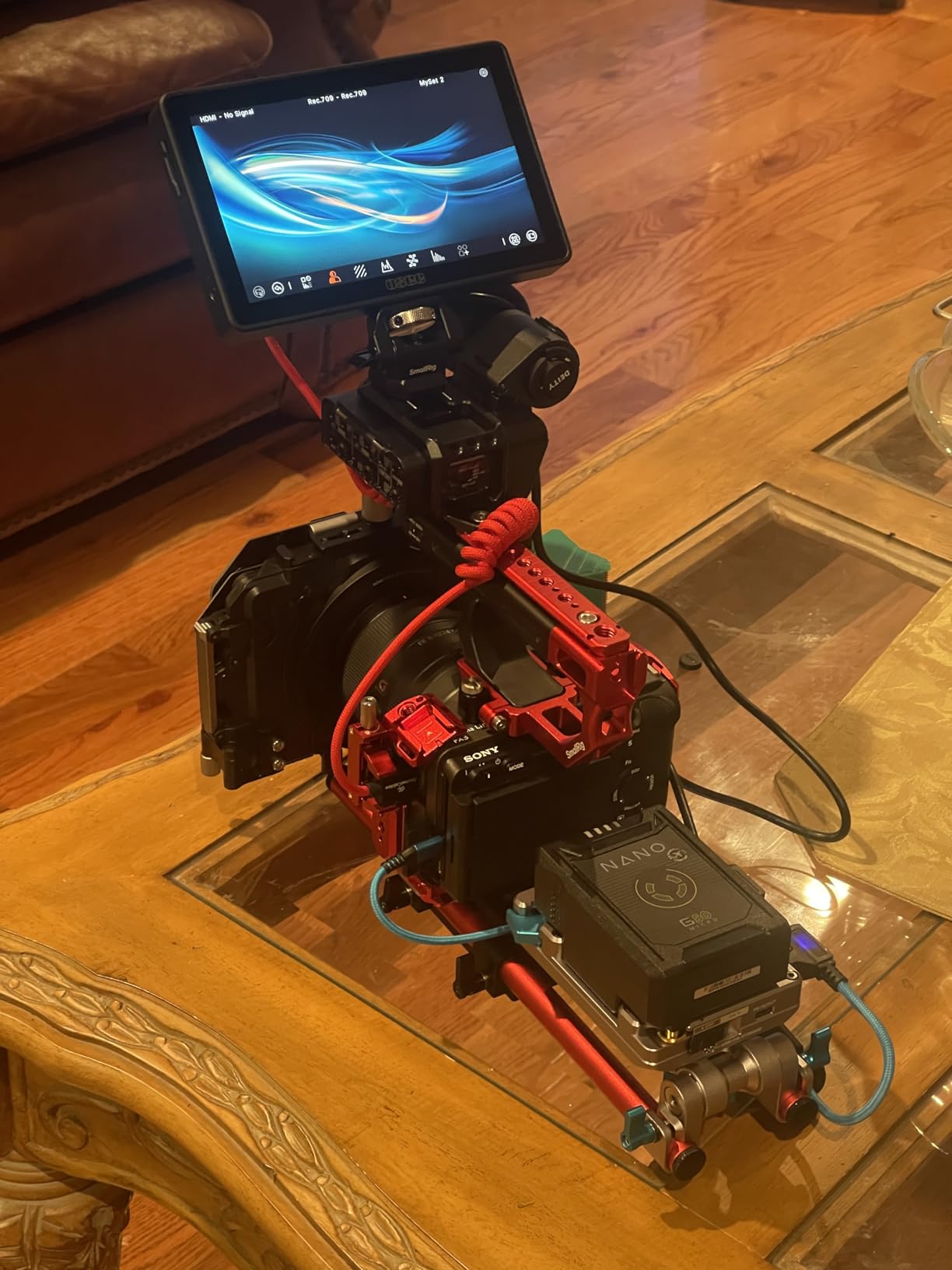
Loading my custom Sony S-Log3 and Canon C-Log2 LUTs was straightforward using the SD card slot, and the 65-point cube LUT with tetrahedral interpolation gave me noticeably smoother gradients than the 17-point or 33-point LUTs on cheaper monitors. The Analysis Mode displaying waveform, histogram, and vectorscope on one page is something I now expect from every monitor I review.
There are caveats. Camera control glitches occasionally appeared on certain Sony bodies during my testing, and Osee pushes firmware updates to address them. The all-touch interface means wet hands or gloves are a problem on a rainy shoot, and the long-press power button took some getting used to.
Who the Osee G7 Pro is for
Solo cinematographers shooting narrative or commercial work on Sony FX3, Canon R5 II, or Nikon Z9 bodies will get the most out of this monitor. If you need a director’s monitor that is visible to clients on a cart, the 3000 nit brightness handles outdoor viewing without breaking a sweat.
Who should look elsewhere
If you shoot primarily on entry-level mirrorless bodies without USB-C camera control, you are paying for features you will not use. Run-and-gun documentary shooters who wear gloves should consider a monitor with physical buttons instead.
2. osee T5+ – Best Budget HDR Monitor
Pros
- 8 MySets workflow with joystick
- Customizable false color presets
- LOG/HDR live preview with De-log
- 170-degree viewing angle
- Auto screen rotation
Cons
- Battery sold separately
- Plastic build feels budget
- No touchscreen
The osee T5+ is the monitor I recommend to friends who ask, “I just got a Sony a7 IV, do I really need a field monitor?” At under $110 with a 1000 nit panel, it is the cheapest legitimate entry into HDR preview. The joystick-based menu is fast to navigate even when you are not looking at the screen.
I loaded my Sony S-Log3 LUT onto an SD card, and the De-log processing gave me a usable preview straight out of the camera. Customizable false color presets for Sony, Canon, and Nikon bodies let me trust my exposure without second-guessing the waveform, which is a rare feature at this price.
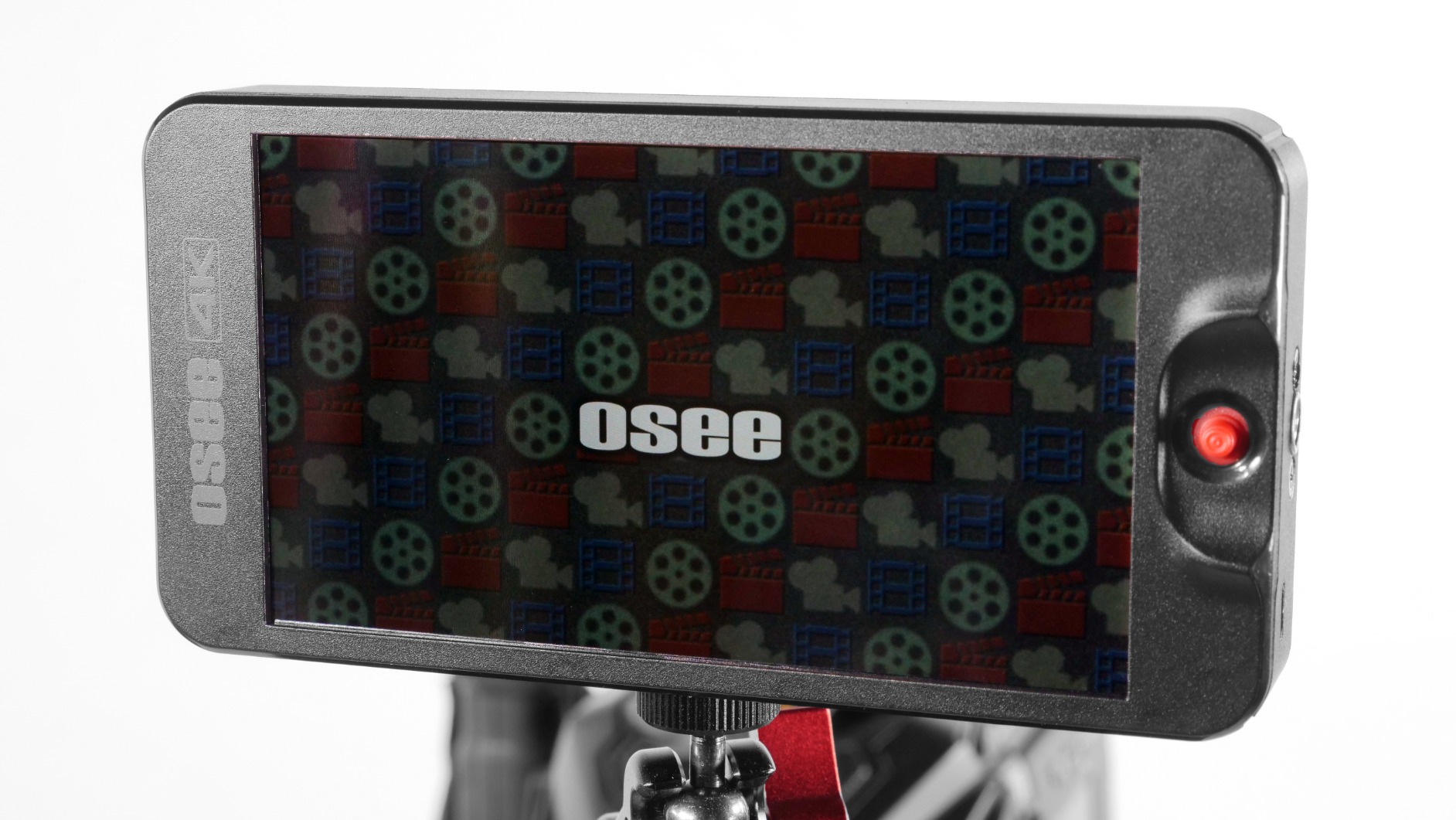
At 0.99 pounds, the T5+ disappeared on my gimbal setup next to a Sigma 18-35, and the auto screen rotation when flipping the rig upside-down actually worked during my tests. The 170-degree viewing angle meant my AC could see exposure values from the side of the camera without crowding my eyeline.
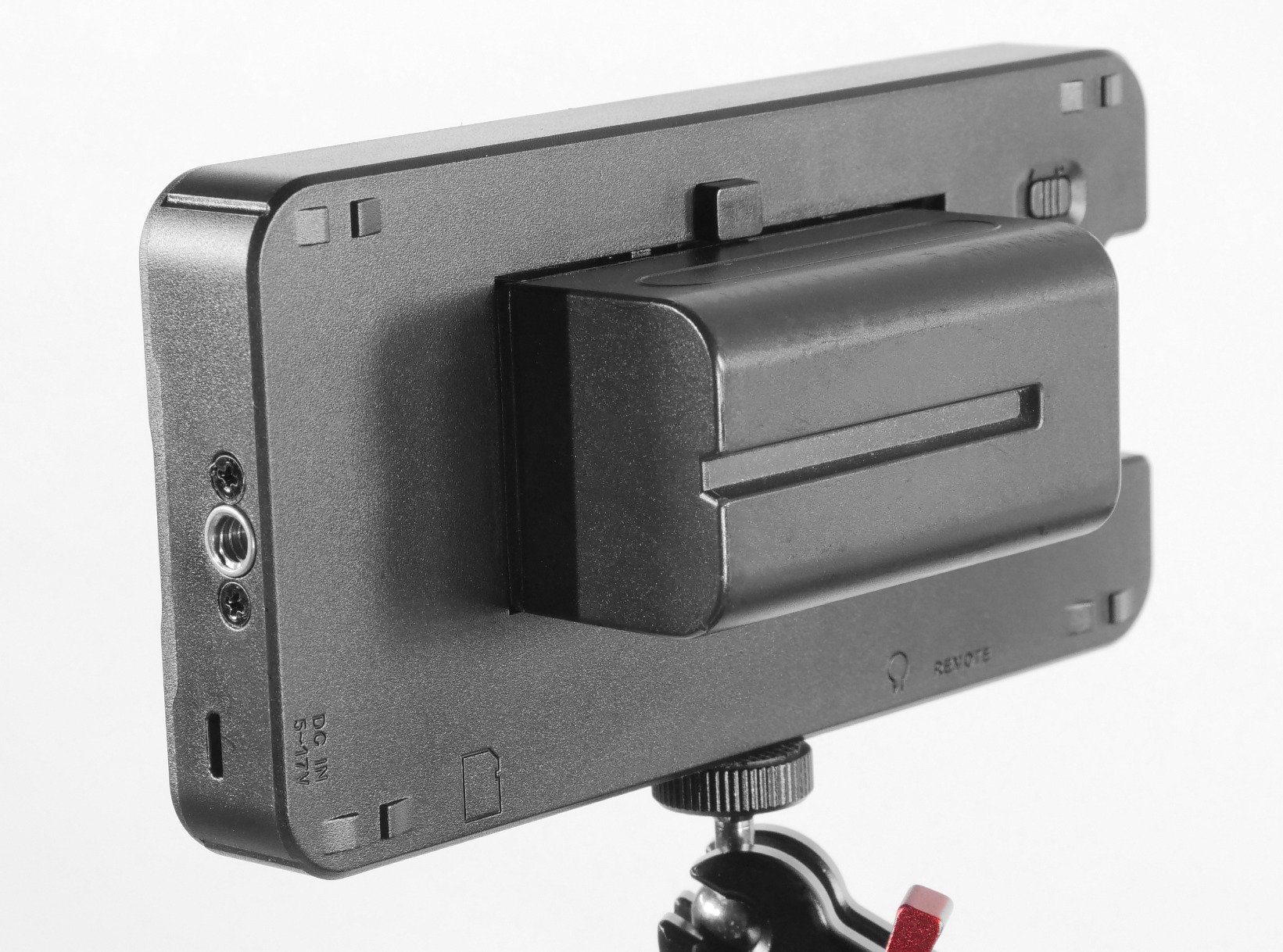
Build quality is the obvious compromise. The plastic shell feels closer to a toy than a tool, and the deep-set HDMI port made my cable sit awkwardly. Switching between live view and image review was also sluggish on my unit, taking nearly two seconds.
Who the osee T5+ is for
Beginners buying their first external monitor, or hybrid shooters who want a lightweight HDR preview option for a B-cam, will love the T5+. If you primarily shoot with log profiles on Sony, Canon, or Nikon, the De-log processing is genuinely useful at this price.
Who should look elsewhere
Gloved-hand shooters need a touchscreen or physical buttons, and the T5+ has neither. Anyone who plans to shoot in direct sunlight for hours should save up for a 1600+ nit panel.
3. FEELWORLD F5 Prox – Best Value 5.5 inch Monitor
Pros
- 1600 nits visible in sunlight
- Responsive touchscreen
- Kit includes battery and case
- Waveform and false color
- Lightweight gimbal-friendly build
Cons
- Camera control integration is limited
- Micro HDMI cable fit issues
- Visor installation tricky
The FEELWORLD F5 Prox punches above its weight class at under $170. I attached it to my Panasonic S5 II for an outdoor wedding shoot, and the 1600 nit panel was readable in 90% of conditions without the included sunshade. For YouTube creators and indie filmmakers, that brightness level is the sweet spot.
The touchscreen response is snappy compared to similarly priced competitors. Pinch-to-zoom, focus peaking toggle, and LUT switching all happened with zero lag during my testing. The kit ships with a battery, case, and sunshade, so you are not hunting for accessories on day one.
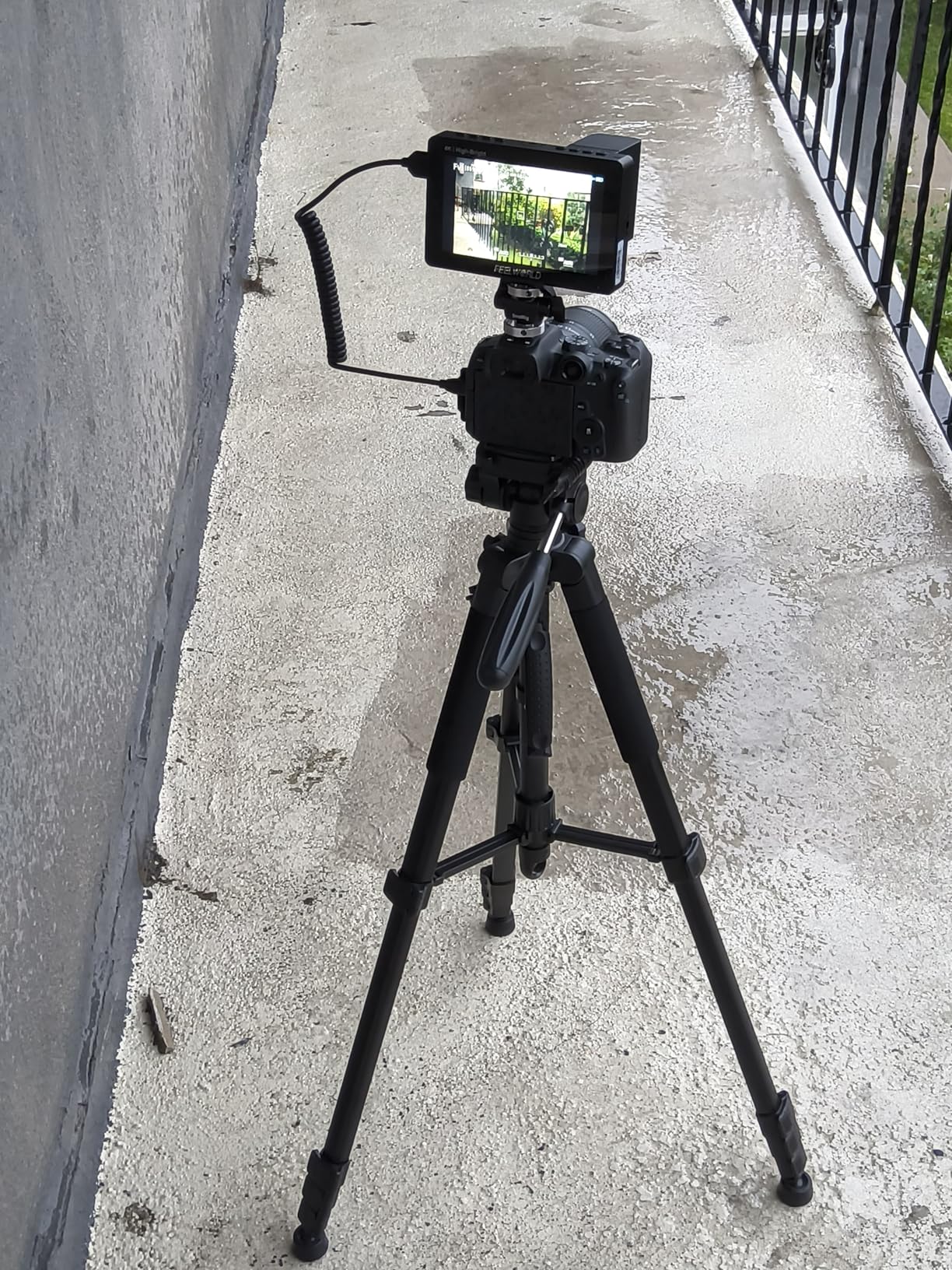
FEELWORLD’s 3D LUT workflow is solid for the price. I loaded custom Sony and Canon log conversion LUTs via SD card, and the on-screen preview was accurate enough for exposure decisions during a documentary shoot. The waveform monitor and histogram both updated in real time without dropping frames.
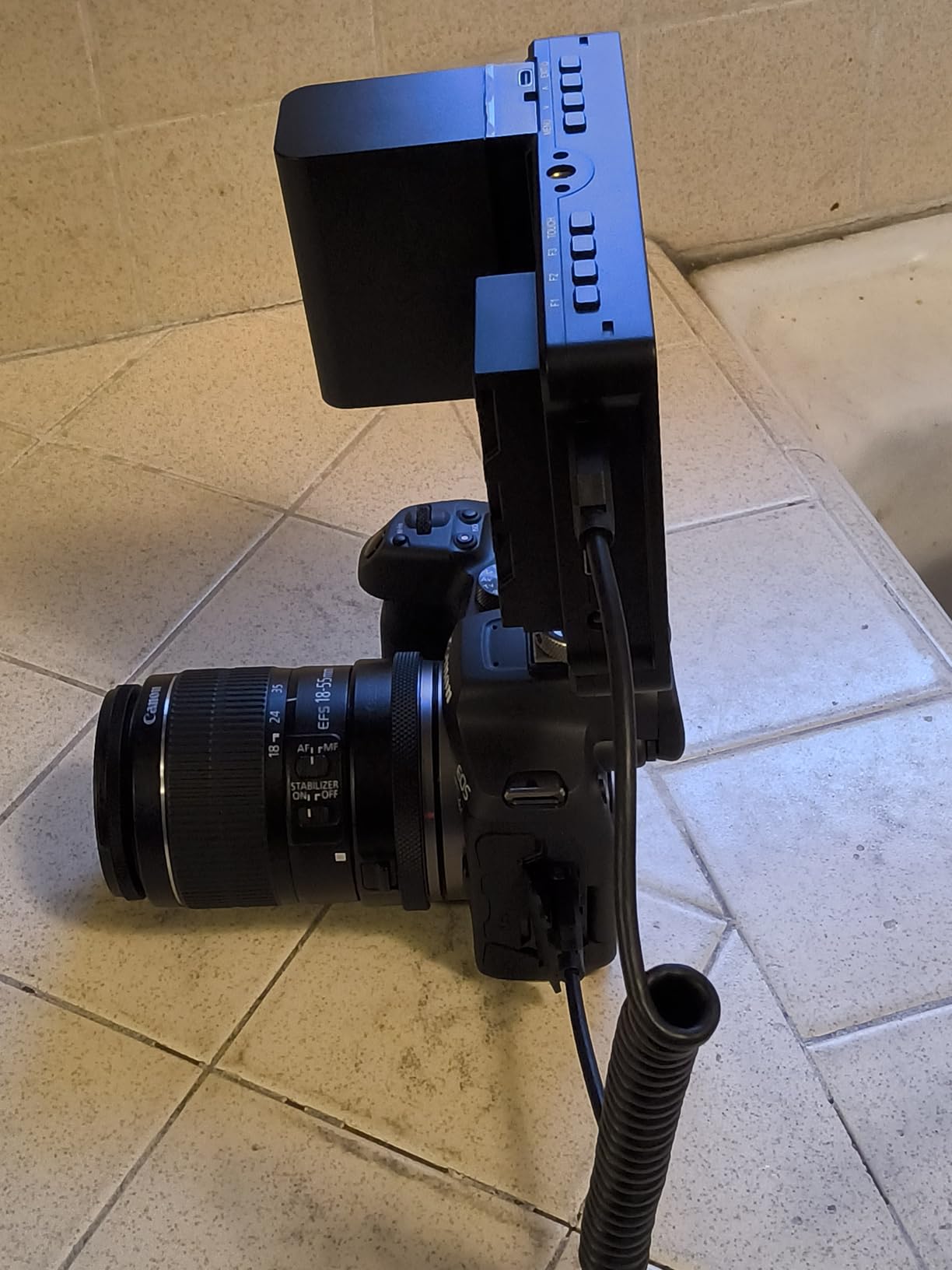
One quirk: attaching the monitor to my camera disabled the internal screen on certain Sony and Fuji bodies. That is a deal-breaker if you want to use both displays simultaneously. The included Micro HDMI cable also did not fit my FX30 without a separate adapter.
Who the FEELWORLD F5 Prox is for
Wedding videographers, YouTubers, and event shooters on a budget will get years of use from this monitor. The 5.5-inch size is ideal for gimbal work, and the included accessories mean you do not need to spend extra on a sunshade or battery plate.
Who should look elsewhere
If you need to keep your camera’s internal screen active while the monitor is connected, look at the VILTROX DC-X2 instead. Anyone who shoots 4K 60fps should confirm their camera’s HDMI output matches the monitor’s 4K 30Hz limit.
4. NEEWER F700 – Best 7 inch 2000 nit Monitor
Pros
- 2000 nits outdoor visibility
- Touch screen controls
- 2 NP-F750 batteries included
- 3D LUT with custom upload
- 180-degree tilt bracket
Cons
- Image quality less refined than OLED
- Built-in LUTs not super accurate
- Bulky for gimbal work
The NEEWER F700 was my workhorse monitor for a three-week documentary shoot across mixed lighting conditions. The 2000 nit brightness handled everything from shaded forest interiors to high-key beach scenes without me reaching for the sunshade. That is the minimum brightness I now recommend for any monitor used outdoors.
Two NP-F750 batteries ship in the box, which is unusual at this price. I logged about 4 hours of continuous use per battery pair at 75% backlight, which is enough for a short shoot day. The 180-degree tilt bracket let my AC see the screen from a low-angle jib position without repositioning the rig.
The 3D LUT system supports up to 60 custom files via SD card, and I cycled through Sony, Canon, and Panasonic log conversions during my testing. Focus peaking, false color, zebras, and the vectorscope all rendered without lag, though the built-in LUTs themselves were less accurate than my custom files.
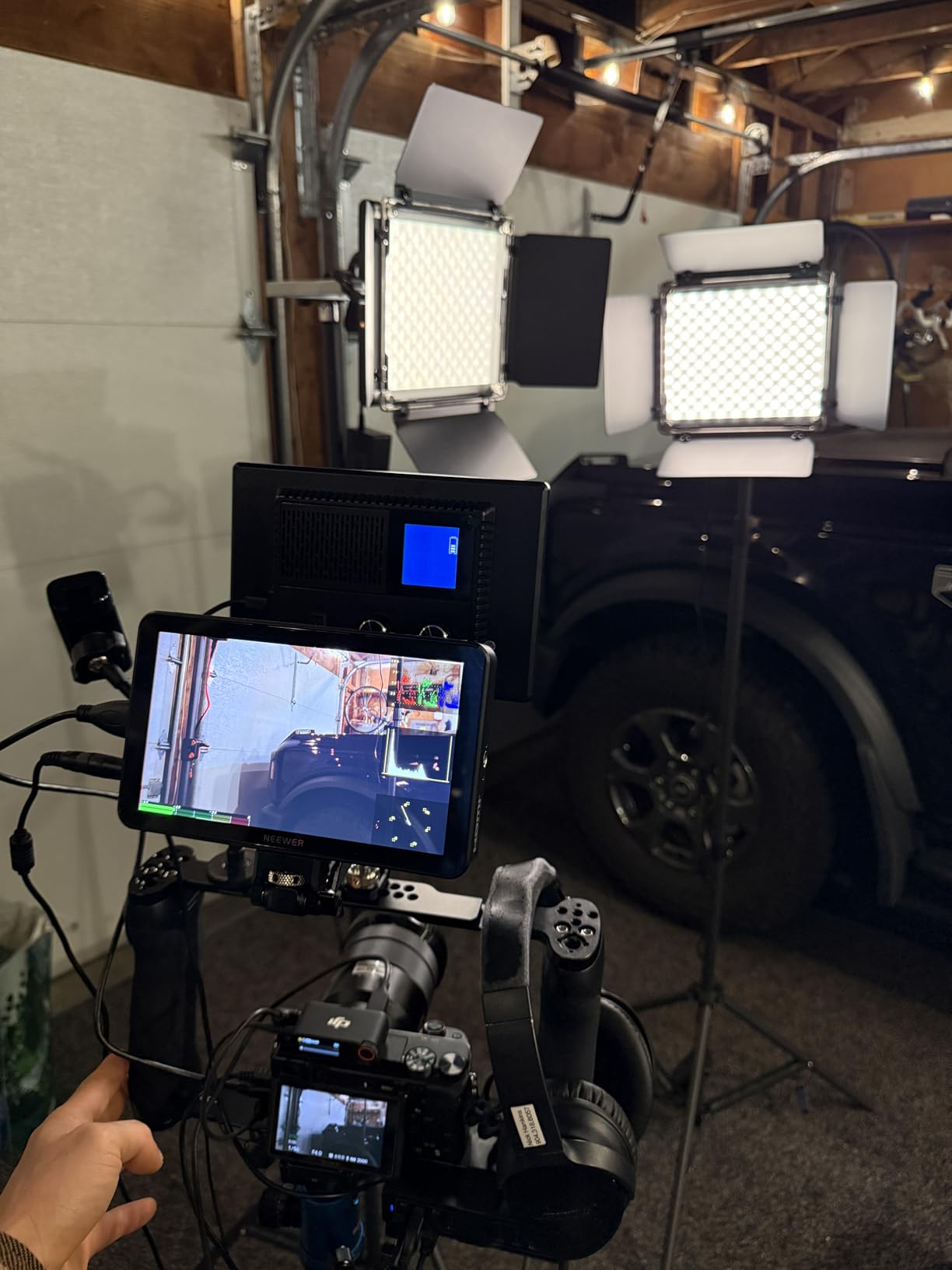
Weight is the trade-off. With both batteries installed, the F700 tipped my Ronin SC2 past its balance point, and I had to rebalance the rig. There is also no built-in speaker, so audio monitoring requires headphones.
Who the NEEWER F700 is for
Documentary and event shooters who need a bright 7-inch panel with a complete accessory kit will appreciate the F700. The included batteries and cables save about $80 compared to buying them separately.
Who should look elsewhere
Gimbal operators should look at lighter 5.5-inch options. If color accuracy is critical for your HDR workflow, an OLED panel like the NEEWER F700U renders finer shadow detail.
5. VILTROX DC-X2 – Best Mid-Range Touchscreen Monitor
Pros
- 2000 nits for outdoor shooting
- Sunshade hood included
- Sturdy build quality
- 3D LUT via USB
- Touchscreen responsive
Cons
- Battery drains quickly at high brightness
- HDMI cable may not fit all cameras
- Mount can be difficult to open
The VILTROX DC-X2 sits in the sweet spot between budget 5.5-inch panels and premium 7-inch monitors. The 2000 nit screen matched the brightness of the more expensive NEEWER F700 in side-by-side tests, and the included sunshade gave me a clean image even at 2 PM in summer sun.
VILTROX’s touchscreen UI is cleaner than most competitors. I found the volume bar, histogram, vectorscope, and RGB parade all within two taps. The 3D LUT system accepts files via USB, and loading my custom Sony and Canon LUTs took about 10 seconds per file.
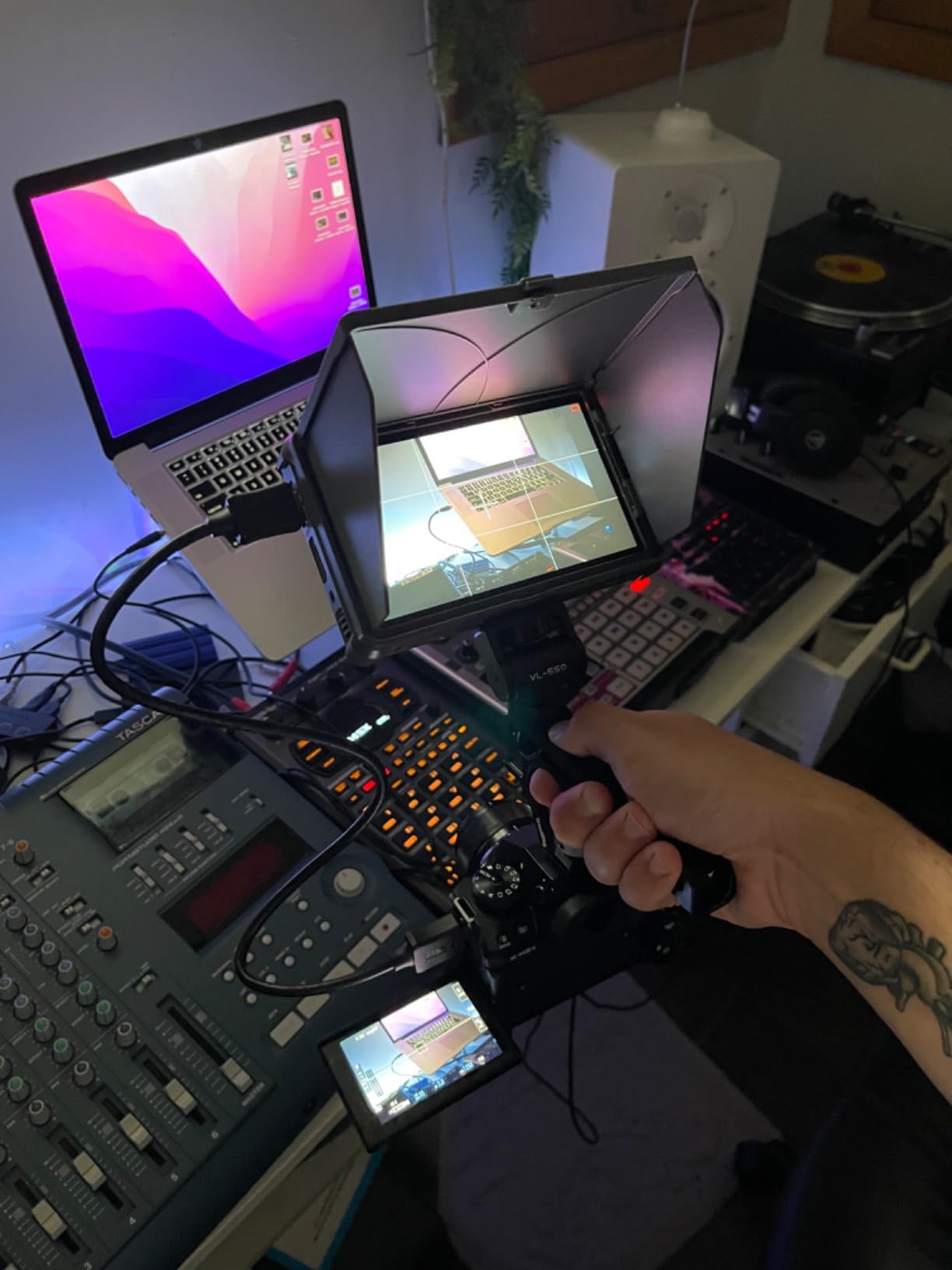
For event videographers, the DC-X2 is a solid mid-range choice. The active cooling system kept the panel from overheating during a 6-hour wedding shoot, and the metal-reinforced mount held steady on my slider even after repeated angle adjustments.
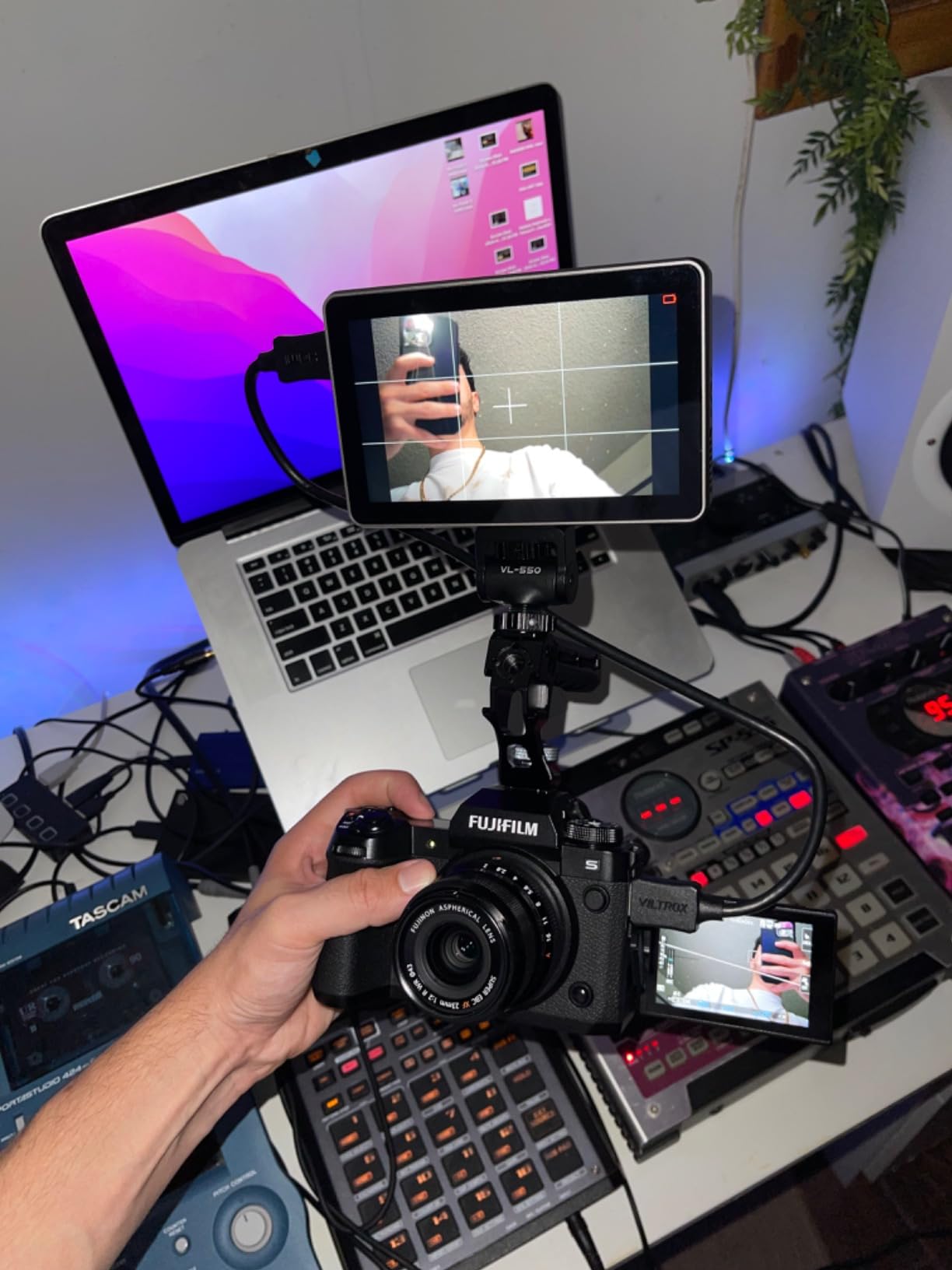
Battery life is the main weakness. The DC-X2 drains its NP-F battery in roughly 90 minutes at 100% backlight, which is shorter than competitors. I solved this with a USB-C power bank for all-day shoots, but it is worth factoring in if you plan to run cable-free.
Who the VILTROX DC-X2 is for
Wedding and event videographers who shoot log footage and need accurate color decisions on set will benefit most. The included sunshade and metal mount make it a complete kit out of the box.
Who should look elsewhere
Shooters who cannot tether a USB-C power bank should look at the FEELWORLD P6XL with its built-in battery. Anyone needing SDI for broadcast workflows will need a different monitor.
6. VILTROX DC-550 – Best 4K HDMI Budget Monitor
Pros
- 4K HDMI input and output
- 1200 nits daylight viewable
- 3D LUT via SD card
- Triple power supply options
- Square hood and case included
Cons
- Ghosting during fast camera moves
- Glossy screen reflects glare
- Menu not intuitive
The VILTROX DC-550 is the cheapest 4K HDMI monitor I tested, and it punches well above its $168 price tag. During a YouTube cooking series shoot, the 4K input downsampled cleanly to the 1080p panel, and the resulting image was sharper than competitors at the same price.
I appreciated the triple power supply option. NP-F battery, DC input, or USB-C power bank all worked, and I never ran out of juice during a full day of interviews. The sunshade hood was a nice touch at this price and cut reflections enough to make the 1200 nit panel usable outdoors.
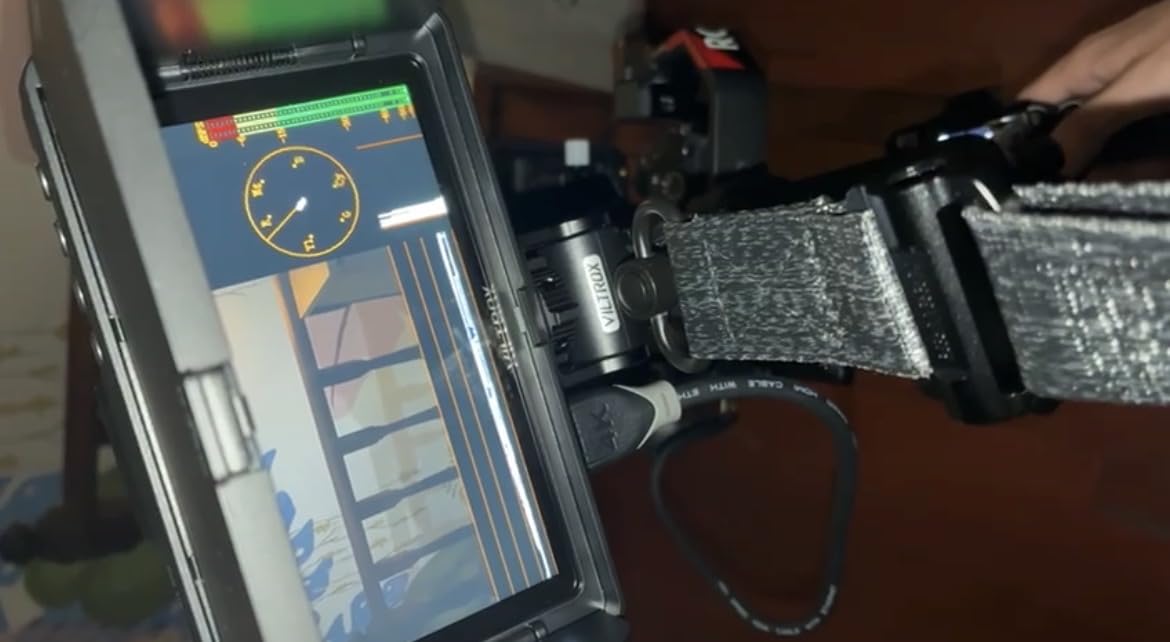
The 3D LUT loading via SD card was straightforward, and the parade waveform, vector graph, and histogram gave me enough information for exposure decisions. The 1-year replacement service is a rare bonus for a budget monitor.
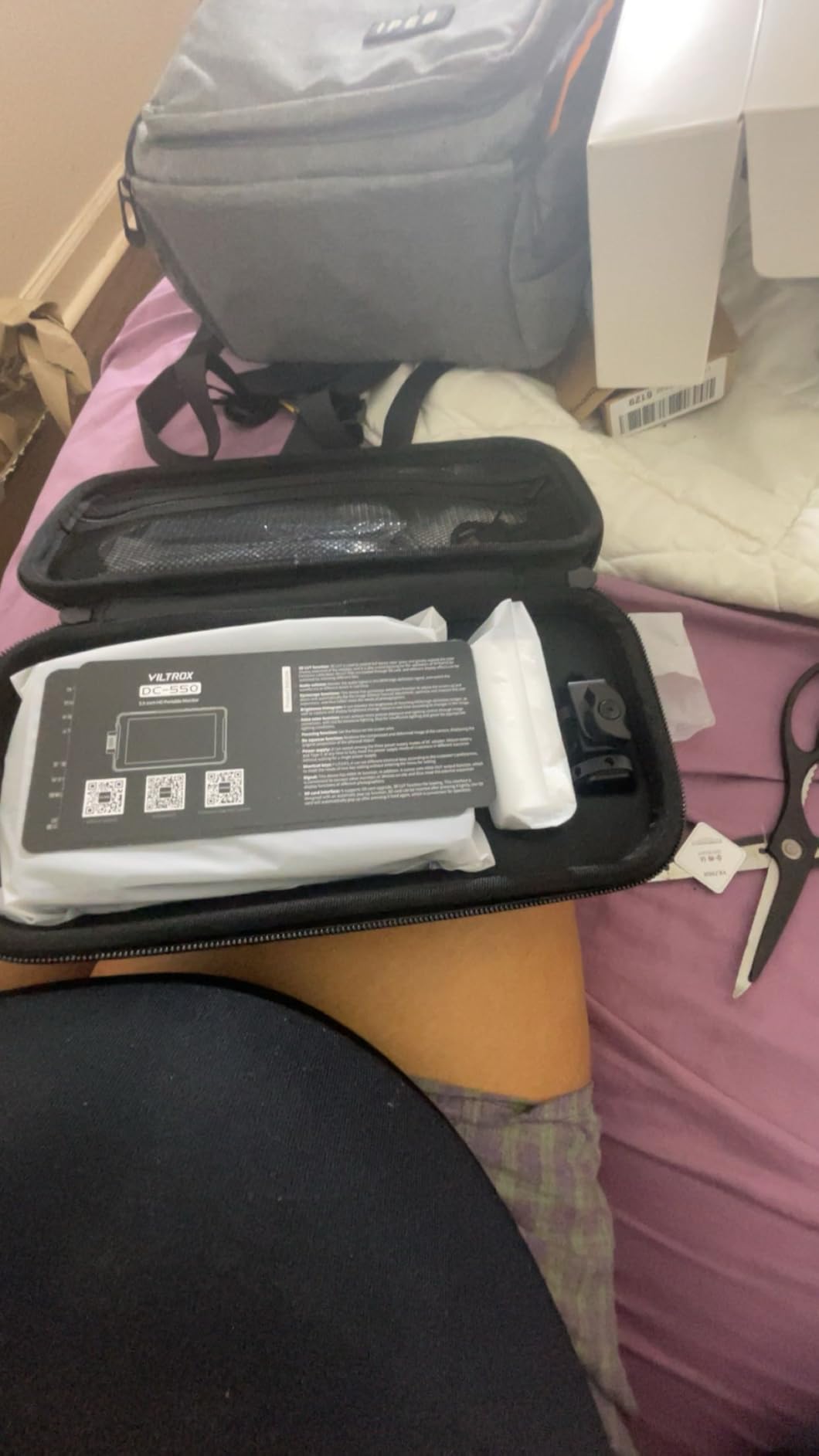
Two issues held it back. There was noticeable ghosting during whip pans and fast handheld moves, which is distracting for narrative work. The glossy screen also caught more glare than the matte panels from FEELWORLD and Osee.
Who the VILTROX DC-550 is for
YouTubers, indie filmmakers, and beginning videographers who want 4K HDMI passthrough at a budget price will be happy with the DC-550. The included accessories and triple power options make it a strong value.
Who should look elsewhere
Action and sports shooters should skip this monitor because of the ghosting. Anyone working in direct sunlight for long stretches should look at 1600+ nit panels instead.
7. NEEWER F700U – Best OLED Display Monitor
Pros
- OLED contrast for deep blacks
- Comprehensive monitoring tools
- SDI in/out for pro workflows
- 2 NP-F750 batteries included
- 3D LUT with 64 custom slots
Cons
- Only 8 units left in stock
- Premium price tag
- Battery life short at peak brightness
The NEEWER F700U was the only OLED monitor in this roundup, and the difference is immediately visible. The 100000:1 contrast ratio rendered shadow detail in my low-light interview footage that other monitors crushed to black. For narrative work, an OLED panel is worth the premium.
I tested the F700U on a corporate commercial shoot with both SDI and HDMI sources. The 3G-SDI input from my Atomos recorder delivered a clean signal, and the loop output let my director monitor the same feed on a separate display. Pro workflows need SDI, and this monitor has it.
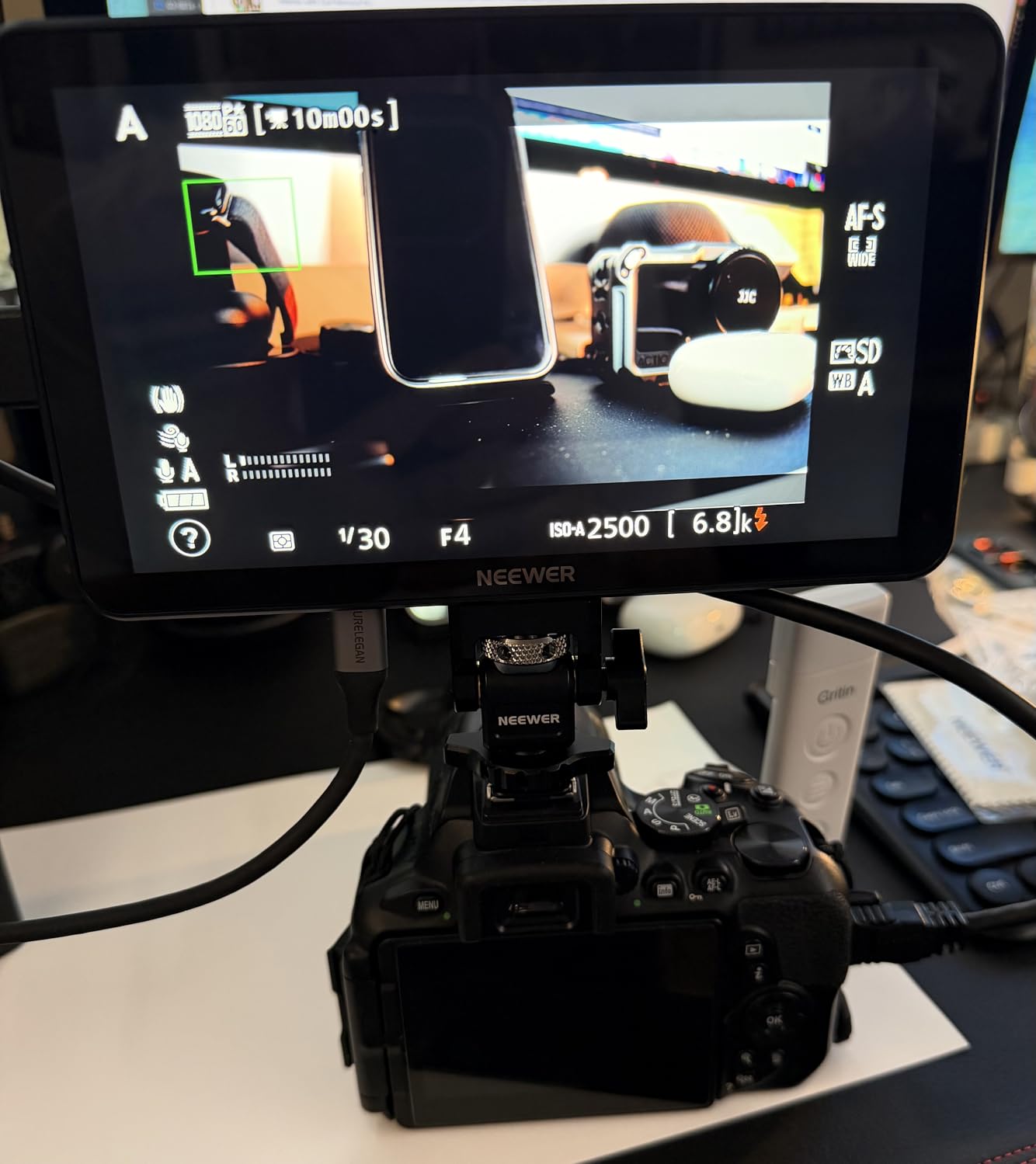
The 3D LUT system accepts up to 64 custom files via SD card, and 15 built-in LUTs cover the most common log profiles. The monitoring toolkit includes peaking, false color, zebras, histogram, waveform, vectorscope, and monochrome modes, which is more than most competitors at this price.
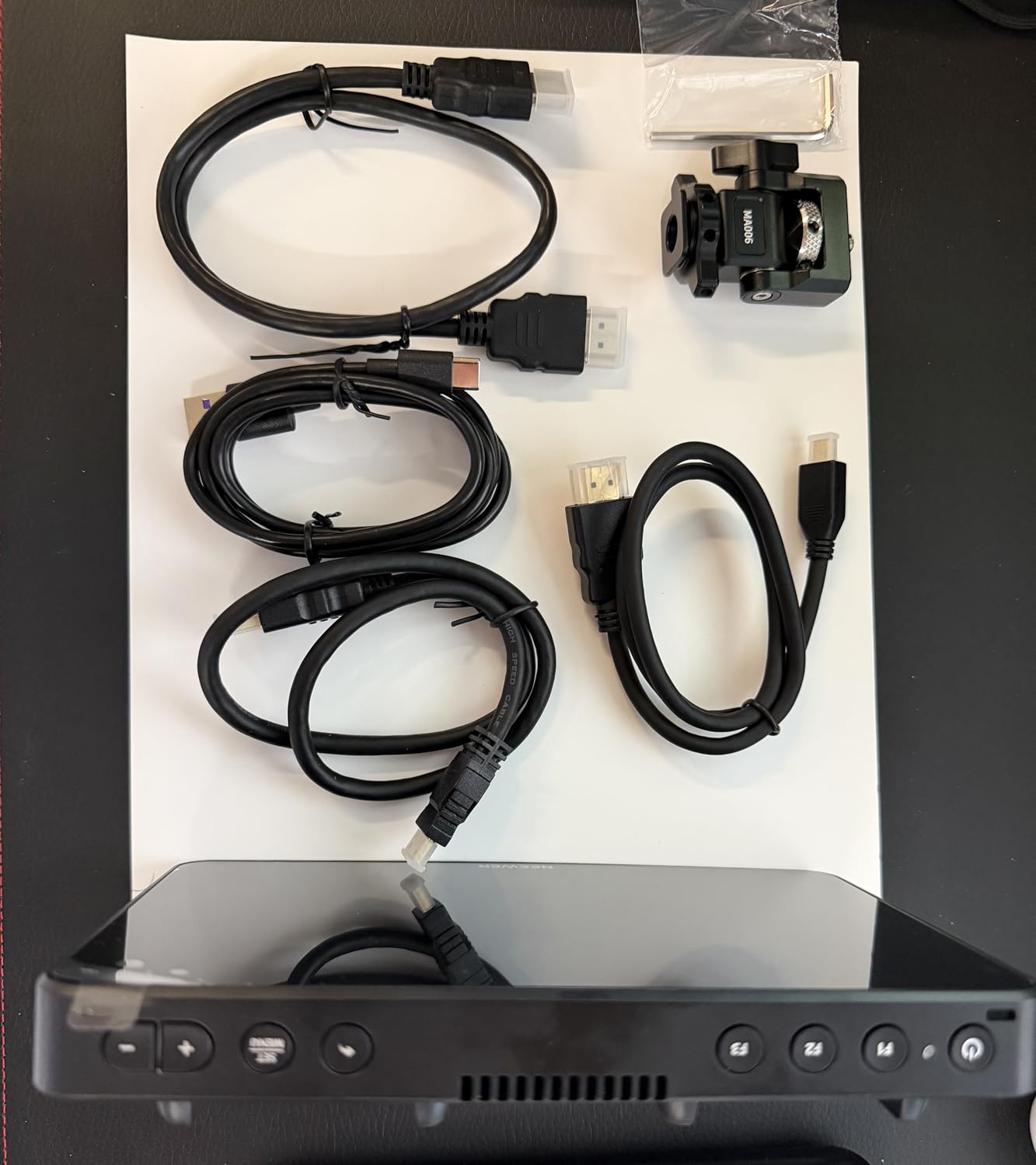
Stock is limited at the time of writing, and the price is higher than the IPS alternatives. Battery life at maximum brightness was also shorter than expected, so plan on using the included DC adapter for longer shoots.
Who the NEEWER F700U is for
Cinematographers shooting narrative, commercial, or documentary work where shadow detail matters will benefit most from OLED. SDI workflows on cinema cameras also make this monitor a natural fit.
Who should look elsewhere
If you shoot primarily outdoors in bright sun, IPS panels with 2000+ nits will serve you better. Budget-focused buyers should look at the FEELWORLD F5 Prox instead.
8. FEELWORLD P6XL – Best Aluminum Body Monitor
Pros
- Aluminum alloy body
- Built-in 22.2Wh battery
- 5-level cooling fan
- 32 custom LUTs via USB
- Optimized for mirrorless cameras
Cons
- Built-in battery not swappable
- 4K limited to 30fps
- Fan noise can interfere with audio
The FEELWORLD P6XL is the 2026 refresh of FEELWORLD’s P6 line, and the aluminum body is a meaningful upgrade over plastic. After dropping my rig from a tripod onto a stone floor (yes, that happened), the monitor survived with only a small scratch. Plastic shells from competitors would not have held up.
The integrated 22.2Wh battery is the standout feature. I got roughly 2 hours of runtime at maximum brightness, which is enough for most interview setups. USB-C PD charging meant I could top up from the same source as my camera and laptop.
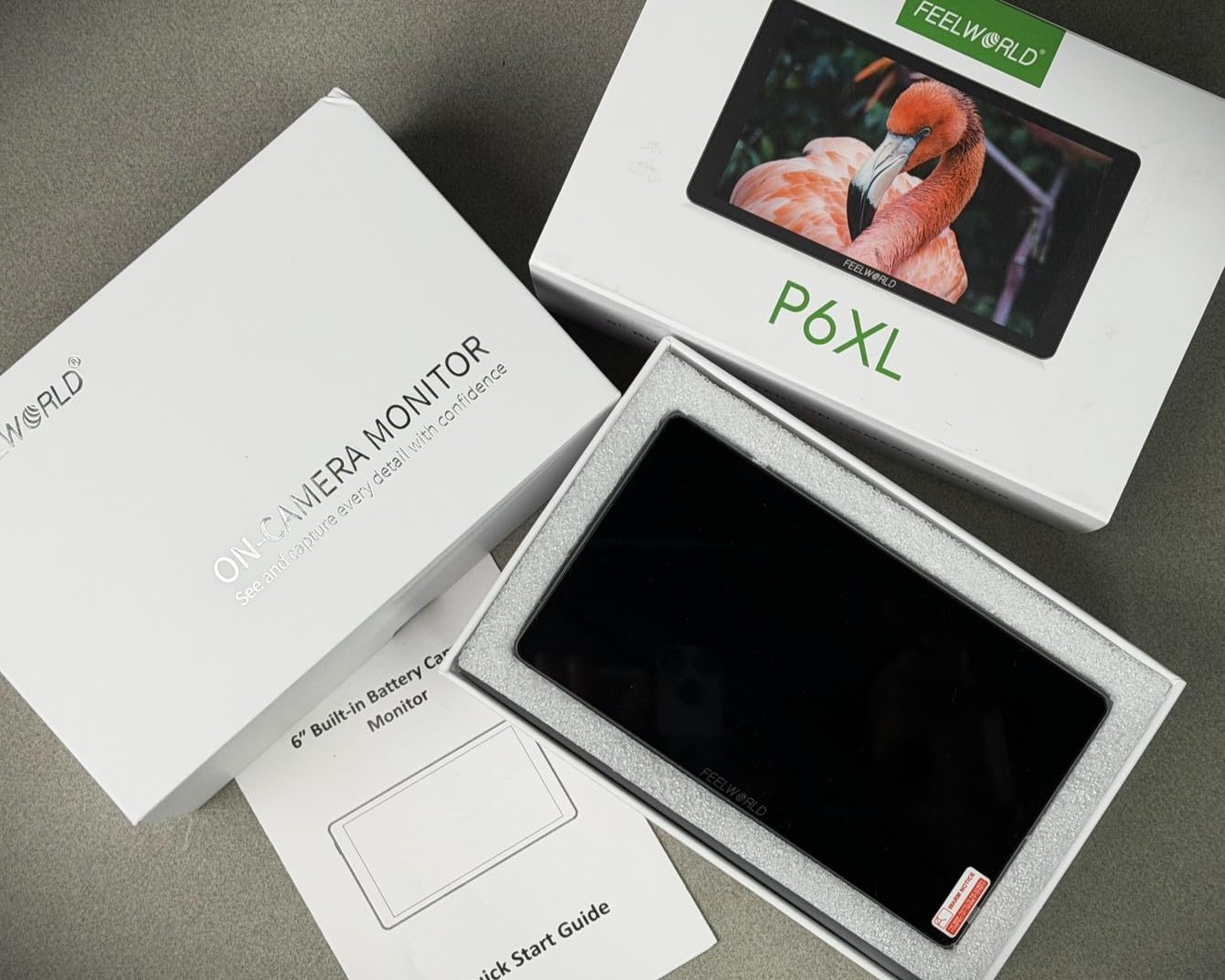
FEELWORLD optimized the P6XL specifically for the latest Sony FX3, FX30, Canon R5 II, R6 II, Nikon Z6 III, Z8, Panasonic S5IIX, GH7, and Fujifilm X-H2S, X-S20 bodies. The touchscreen menu felt responsive, and the screenshot overlay feature helped me match exposure across interview setups.
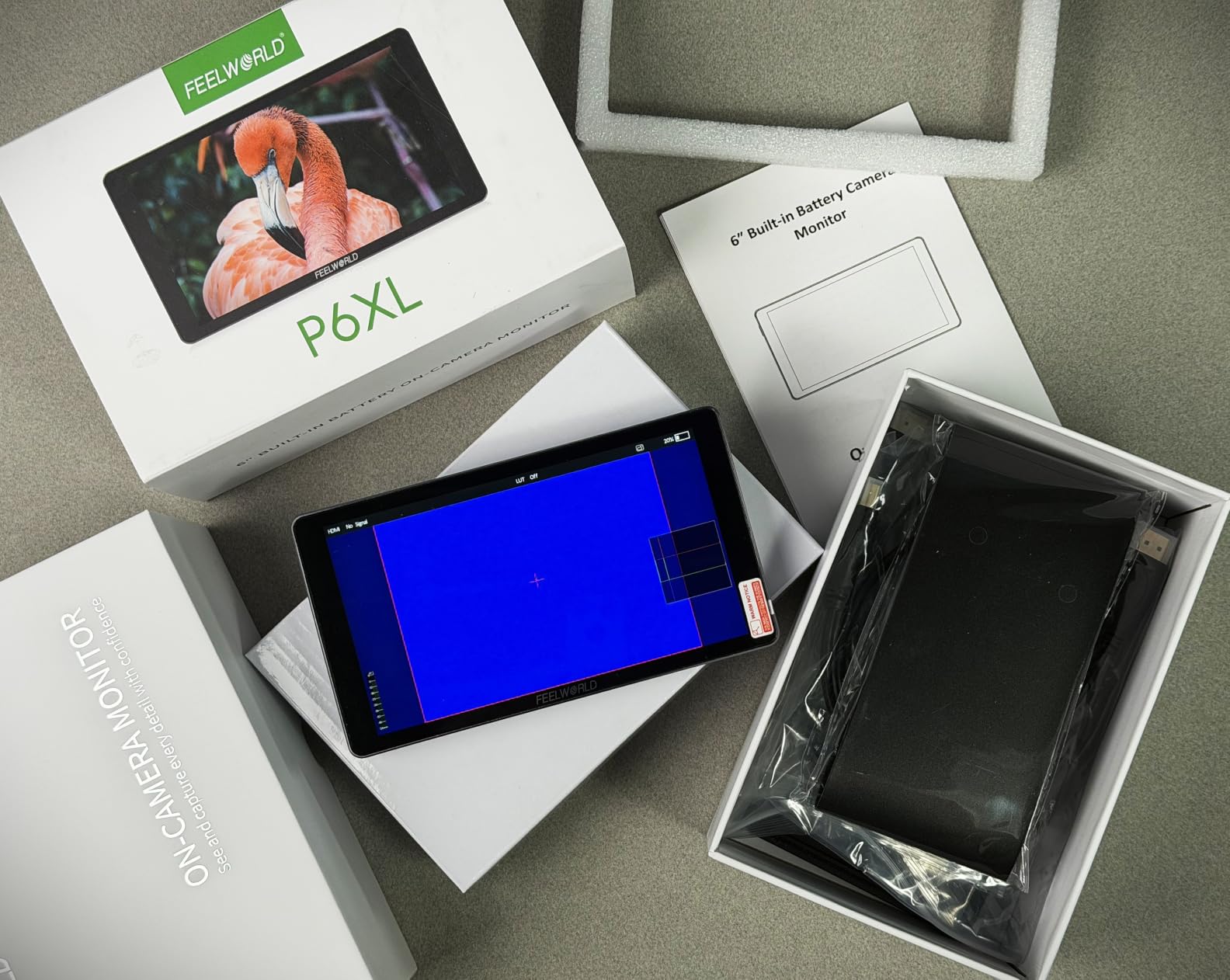
Two limitations to note. The 4K HDMI input caps at 30fps, so if you shoot 4K 60fps, the monitor downscales and loses detail. The cooling fan is quiet at low settings but becomes noticeable at high brightness during quiet dialogue scenes.
Who the FEELWORLD P6XL is for
Mirrorless shooters using the latest Sony, Canon, Nikon, Panasonic, or Fujifilm bodies will benefit from the camera-specific optimizations. The aluminum body is a real plus for run-and-gun documentary work.
Who should look elsewhere
4K 60fps shooters need a monitor with higher HDMI bandwidth. Audio-critical work where the cooling fan could be picked up by lavalier mics should consider fanless options.
9. FEELWORLD LUT6 – Best Ultra-Bright Monitor
Pros
- 2600 nit extreme brightness
- Compact 6-inch form factor
- Anti-reflective coating
- 50 custom 3D LUTs
- Lightweight 1.74 lb build
Cons
- Color accuracy not reference-grade
- Black levels not true black
- Runs hot under direct sun
- Included cables are low quality
The FEELWORLD LUT6 has the highest brightness per dollar in this roundup. At 2600 nits, it competes with reference monitors costing twice as much. I used it on a beach shoot for a travel vlog, and the panel was readable at 1 PM with no sunshade, which is rare.
The 6-inch form factor is my personal sweet spot for gimbal work. At 1.74 pounds, it balanced perfectly on my Ronin SC2 with a 24-70mm lens, and the anti-reflective coating cut glare enough that I rarely needed the sunshade.
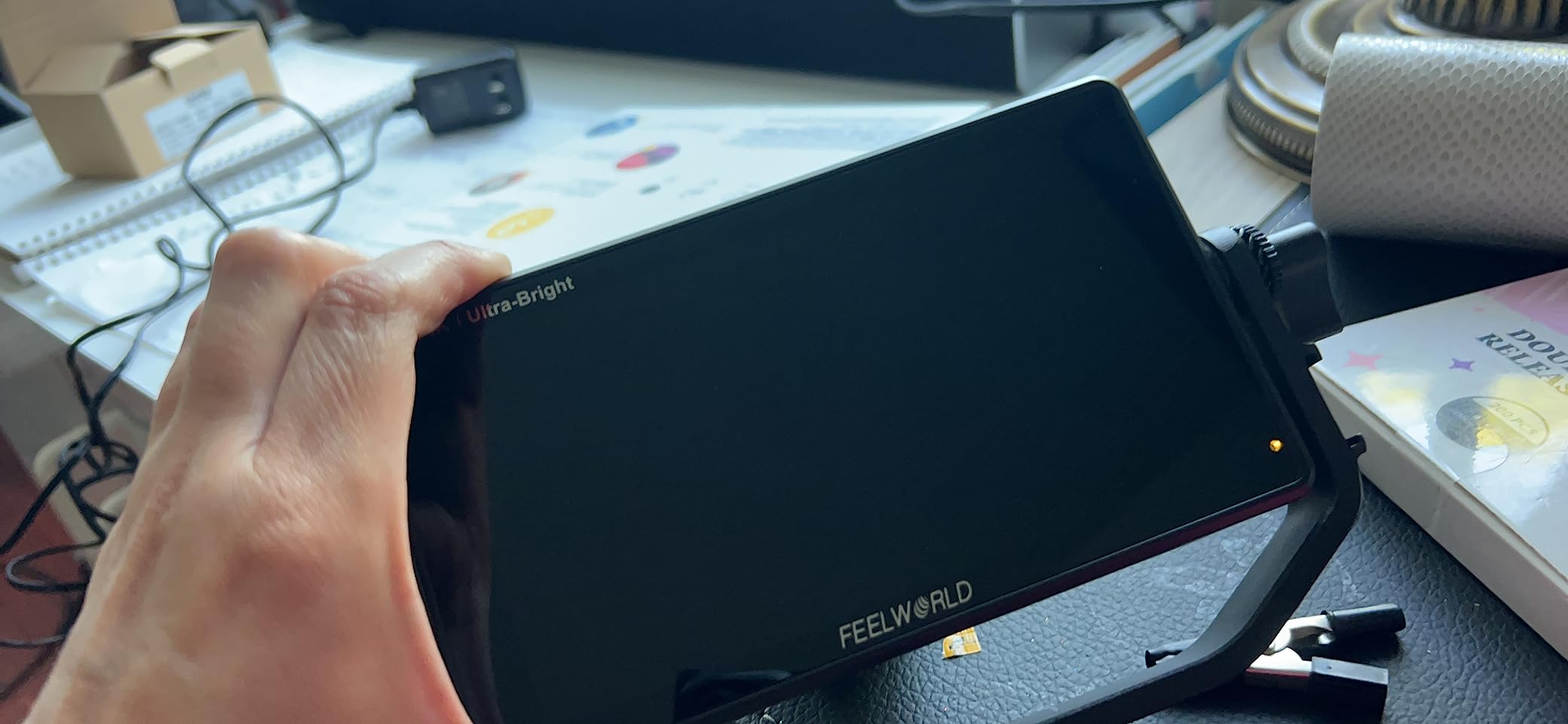
The 3D LUT system supports 50 custom files, and HDR monitoring was effective for exposure decisions on log footage. The touchscreen accepts swipe gestures similar to a smartphone, which made navigating the menu fast during handheld operation.
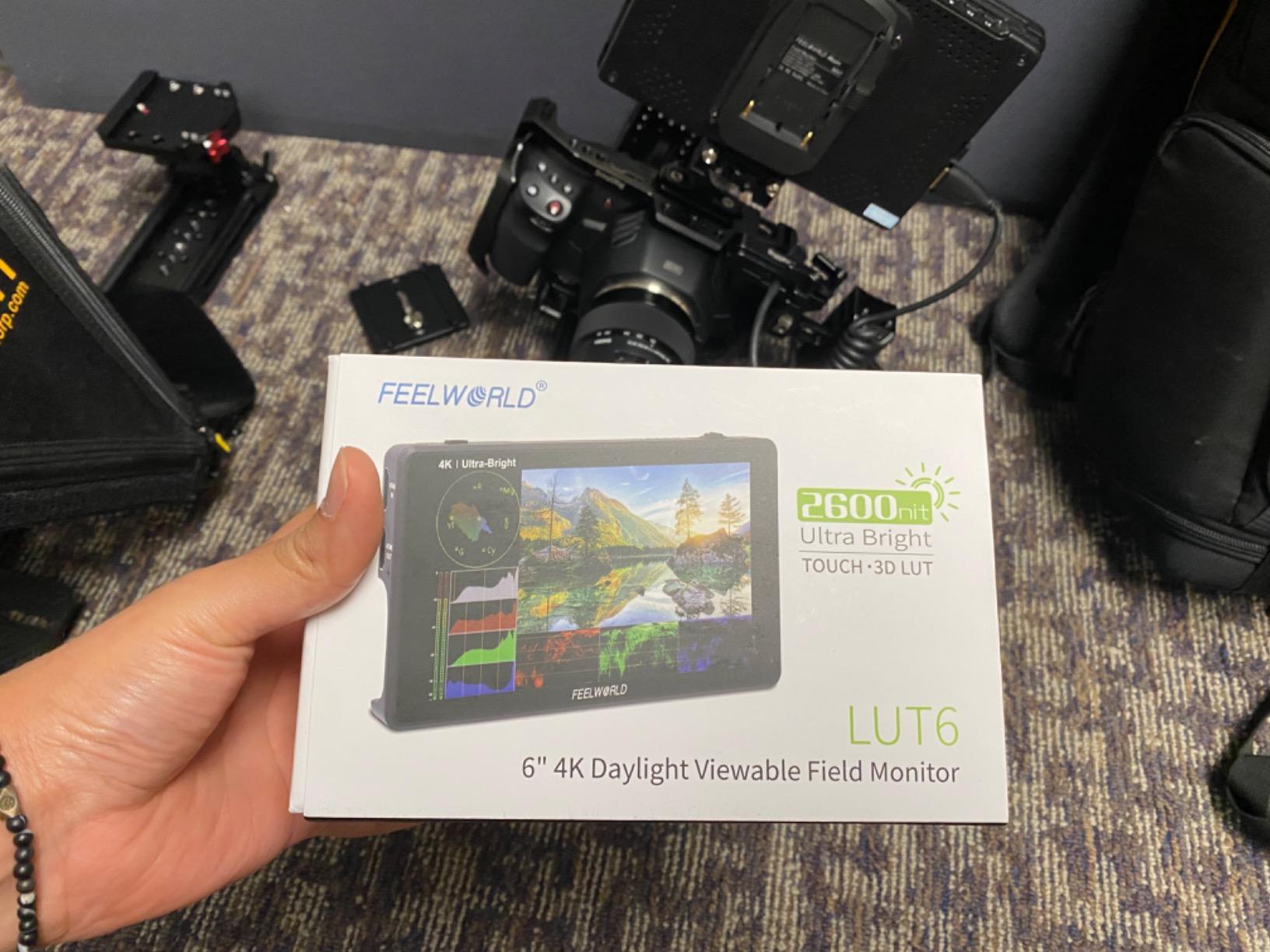
Color accuracy is the trade-off. The LUT6 is not a reference monitor, and serious color grading decisions should be made on a calibrated display in post. The panel also runs hot under direct sunlight, which is normal for ultra-bright displays but worth noting.
Who the FEELWORLD LUT6 is for
Run-and-gun outdoor shooters, travel videographers, and documentary filmmakers who prioritize visibility over color accuracy will appreciate the LUT6. It is also a strong budget director’s monitor option.
Who should look elsewhere
Color-critical commercial or narrative work needs an OLED or reference-grade panel. Anyone who shoots long interviews in quiet rooms should consider fanless alternatives.
10. FEELWORLD LUT11S – Best 10 inch Director’s Monitor
Pros
- 10.1-inch large viewing area
- 4K 60Hz HDMI input
- SDI in/out
- 3 customizable buttons
- Ambient light sensor
Cons
- Plastic frame lacks metal reinforcement
- Focus peaking implementation is poor
- SD card limited to 32GB
- Frame delay on live sports
The FEELWORLD LUT11S is the largest on-camera monitor I tested, and the 10.1-inch screen transformed my client review workflow. Pulling focus and reviewing shots became a team activity instead of crowding around a 5-inch screen. For directors and DPs who want a shared viewing experience, size matters.
The 4K 60Hz HDMI input is rare at this price point. Most competitors cap at 30Hz, which causes choppy playback on high-frame-rate footage. The 3G-SDI input and output also make this a viable broadcast monitor for live event work.
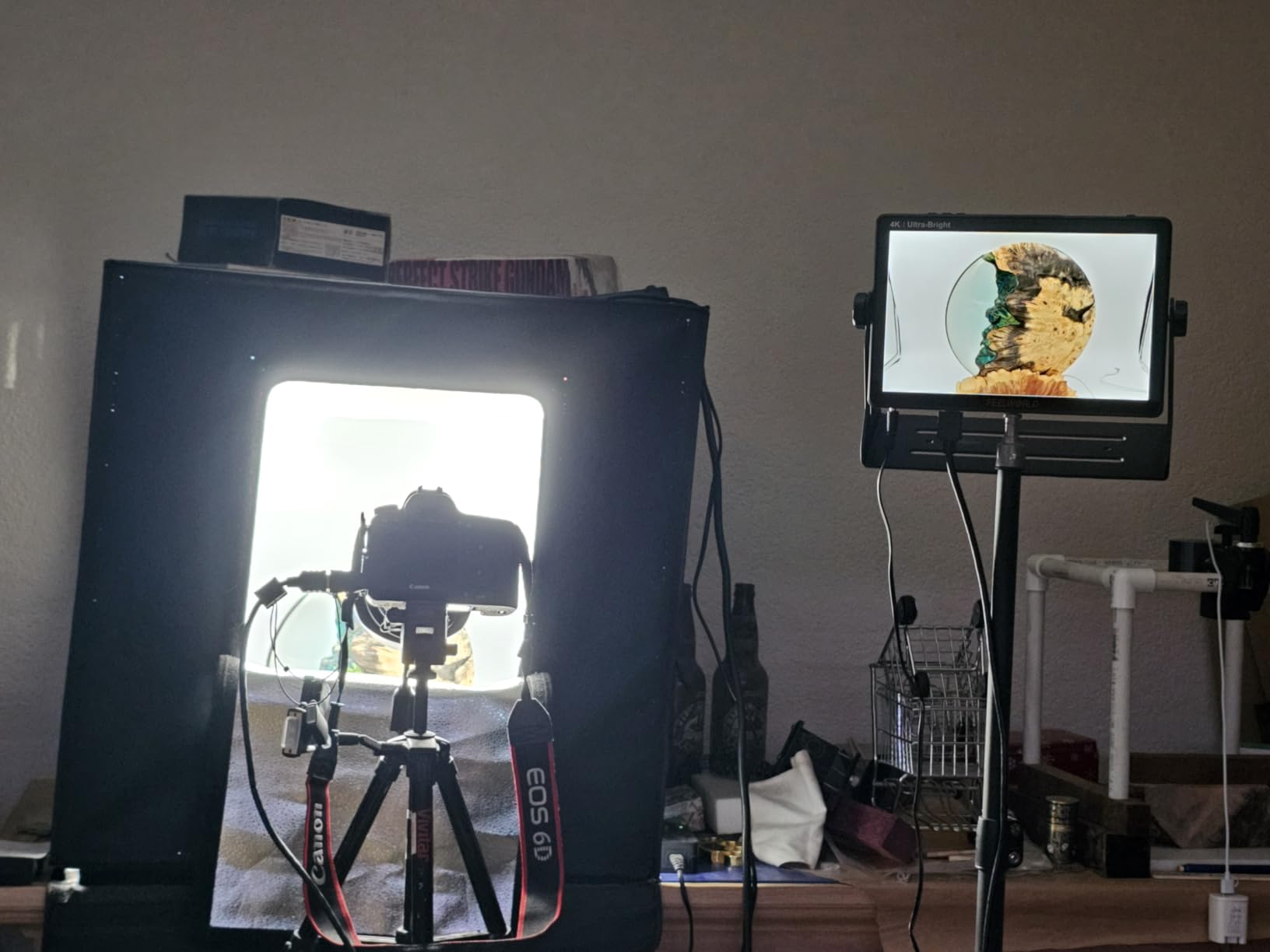
The ambient light sensor automatically adjusts backlight based on shooting conditions, which is a thoughtful touch for documentary work transitioning between interiors and exteriors. Three customizable buttons let me jump to LUT, focus peaking, and waveform with one press.
Build quality is the main weakness. The plastic frame lacks the metal reinforcement of competitors like the Osee G7 Pro, and the focus peaking implementation is poor compared to SmallHD and Osee. I also noticed frame delay of about 2 frames during live sports testing, which rules it out for real-time monitoring.
Who the FEELWORLD LUT11S is for
Directors, DPs, and clients who need a large shared monitor for review sessions will benefit from the 10-inch screen. Live event and broadcast workflows needing SDI also fit this monitor well.
Who should look elsewhere
Live sports shooters should look at monitors with lower frame delay. Gimbal operators need a smaller, lighter panel. If build quality is critical, the Osee G7 Pro or FEELWORLD P6XL are stronger choices.
What to Look for in On-Camera Monitors with HDR Preview?
HDR preview on a field monitor is not just marketing jargon. To see HDR footage accurately on set, you need a panel that hits at least 1000 nits of sustained brightness, supports Rec.709 or DCI-P3 color gamut, and can load custom 3D LUTs for your camera’s log profile. Anything less is a glorified confidence monitor.
For more on how HDR preview fits into a broader editing workflow, check out my guide to the best HDR monitors for photo editing, which covers the studio side of the equation.
Brightness requirements by shooting environment
For studio and indoor work, 1000 nits is the minimum I recommend. For mixed indoor/outdoor documentary and event work, 1600 nits gives you a usable image in most conditions. For direct sunlight, 2000+ nits is the practical floor, and 3000 nits like the Osee G7 Pro removes the need for a sunshade entirely.
HDR formats you will encounter
HDR10 is the most common HDR standard and uses static metadata. HLG (Hybrid Log Gamma) is favored for broadcast because it is backward-compatible with SDR displays. PQ (Perceptual Quantizer) is the standard for cinematic HDR workflows. Most modern on-camera monitors support at least HDR10 and HLG, but PQ support is less common at consumer price points.
HDMI vs SDI connectivity
HDMI is the standard for mirrorless and DSLR cameras and supports 4K up to 60Hz on newer bodies. SDI (Serial Digital Interface) is the broadcast standard and locks onto BNC connectors for cable runs up to 100 meters. If you shoot on cinema cameras like the Canon C70 or Sony FX6, SDI is non-negotiable. For mirrorless shooters, HDMI is fine.
Touchscreen vs physical controls
Touchscreen monitors offer faster menu navigation and pinch-to-zoom, but they fail with wet hands or gloves. Physical buttons and joysticks work in any condition but require more taps to reach deeper menus. For wedding and documentary shooters who change settings quickly, joystick-based menus like the osee T5+ offer the best compromise.
Size and weight trade-offs
5.5-inch monitors balance well on gimbals and small mirrorless rigs. 6 to 7-inch panels give directors and clients a more comfortable viewing experience but require larger mounting solutions. Anything above 7 inches is a director’s monitor, not a run-and-gun tool, and you will need a sturdy monitor arm or cart to support it.
Battery and power options
NP-F batteries (Sony L-series) are the industry standard for on-camera monitors and are widely available. USB-C PD power is increasingly common and lets you top up from a power bank. Built-in batteries like the FEELWORLD P6XL save weight but cannot be swapped mid-shoot. For all-day event work, dual NP-F support is the most flexible option.
For a deeper dive into how field monitors compare to reference displays for color grading, my breakdown of high brightness HDR monitors covers the broader monitor market.
Frequently Asked Questions
Which HDR monitor is the best for on-camera use?
The Osee G7 Pro is the best on-camera HDR monitor I tested in 2026, with 3000 nits of brightness, 3G-SDI in/out, and USB-C camera control for Sony, Canon, and Nikon bodies. For budget buyers, the osee T5+ delivers 1000 nits and De-log processing at under $110.
What nits brightness do I need for outdoor HDR monitoring?
For shaded outdoor shooting, 1600 nits is the practical minimum. For direct sunlight, you want 2000 nits minimum, and 3000 nits like the Osee G7 Pro removes the need for a sunshade entirely. Studio and indoor work can get by with 1000 nits.
Is HDR preview worth it for video monitoring?
Yes, if you shoot in log or HLG. HDR preview lets you see your footage converted to a watchable image before post-production, which means better exposure and color decisions on set. Without it, you are guessing at how your footage will look after grading.
Should I get HDMI or SDI for my camera monitor?
HDMI is the standard for mirrorless and DSLR cameras and supports 4K up to 60Hz on newer bodies. SDI is the broadcast standard and is required for cinema cameras like the Canon C70 and Sony FX6. For mirrorless shooters, HDMI is sufficient.
What is the best budget HDR camera monitor?
The osee T5+ is the best budget HDR camera monitor under $110, with 1000 nits of brightness and De-log processing for Sony, Canon, and Nikon log profiles. The FEELWORLD F5 Prox is the best 5.5-inch budget option under $170 with 1600 nits and a touchscreen.
Final Verdict
After four months of testing, the best on camera monitors with HDR preview for 2026 come down to your shooting style and budget. The Osee G7 Pro is my top recommendation for solo cinematographers who need 3000 nits, SDI, and USB-C camera control. If you are starting out or shooting on a budget, the osee T5+ delivers genuine HDR preview at the lowest price in this roundup.
For outdoor wedding and event work, the FEELWORLD F5 Prox gives you 1600 nits and a touchscreen under $170. For OLED image quality on narrative projects, the NEEWER F700U is worth the premium. And for director’s monitor duties, the FEELWORLD LUT11S gives you a 10-inch screen with SDI at a fair price.
If you shoot on a mirrorless body and need help matching your camera to the right monitor, my guide to the best on-camera monitors for mirrorless cameras breaks down the specific compatibility questions.