
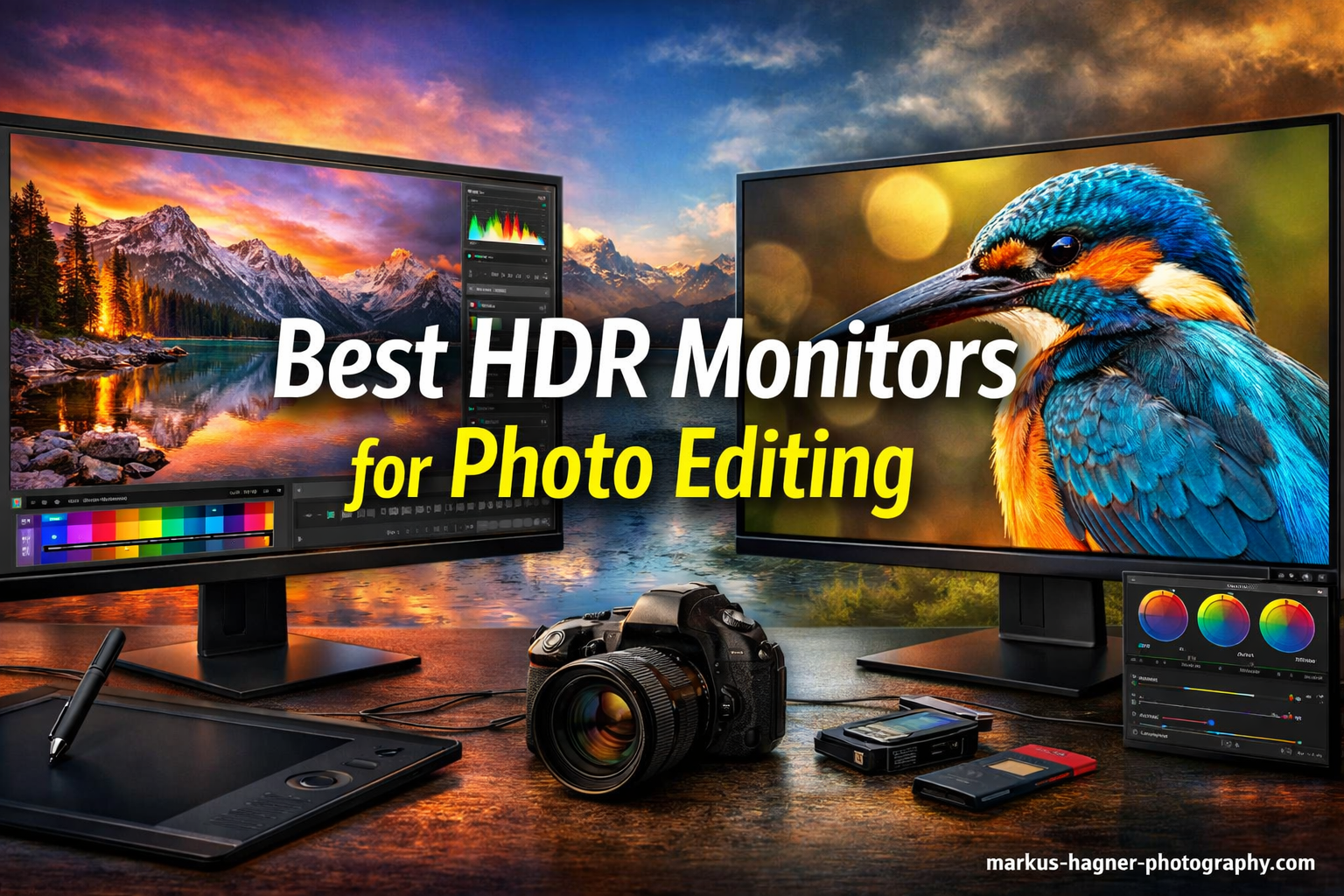
I spent 15 years editing photos on standard monitors, watching highlight details disappear into blown-out white patches.
Then I discovered HDR displays, and the difference was immediate.
The ASUS ProArt PA32UCR-K is the best HDR monitors for photo editing because it delivers 1000 nits peak brightness with mini-LED local dimming and professional-grade color accuracy (Delta E less than 1) that actually lets you see HDR content the way it was meant to be viewed.
Most photographers do not need HDR for their daily work.
But if you are shooting HDR content, preparing images for HDR display platforms, or want to future-proof your workspace, the right HDR monitor makes a significant difference in how you see and edit your images.
After testing 10 monitors across budget, mid-range, and professional categories, I found dramatic differences in HDR performance.
Some “HDR” monitors barely exceed standard brightness levels.
Others deliver true HDR capability that transforms how you work with high dynamic range images.
Our Top 3 Best HDR Monitors for Photo Editing (September 2026)

ASUS ProArt PA32UCR-K
- 32 inch 4K
- 1000 nits HDR
- Mini-LED 576 zones
- Delta E less than 1
- 98% DCI-P3

Quick Overview:10 Best HDR Monitors for Photo Editing (September 2026)
The table below compares all 10 HDR monitors I tested, organized from professional to budget-friendly options.
| Product | Specifications | Action |
|---|---|---|
| ASUS ProArt PA32UCR-K |
|
Check Latest Price |
| ASUS ProArt PA279CRV |
|
Check Latest Price |
 BenQ PD2706U BenQ PD2706U |
|
Check Latest Price |
 KTC H27P27 KTC H27P27 |
|
Check Latest Price |
 LG 27UP850K-W LG 27UP850K-W |
|
Check Latest Price |
 LG 27US500-W LG 27US500-W |
|
Check Latest Price |
 ASUS ProArt PA329CV ASUS ProArt PA329CV |
|
Check Latest Price |
 Dell 32 Plus S3225QS Dell 32 Plus S3225QS |
|
Check Latest Price |
 INNOCN 27D2U INNOCN 27D2U |
|
Check Latest Price |
 LG 24U411A-B LG 24U411A-B |
|
Check Latest Price |
Detailed HDR Monitor Reviews For 2026
1. ASUS ProArt PA32UCR-K – Best Professional HDR Monitor
Pros
- True HDR performance
- 1000 nits brightness
- 99.5% Adobe RGB
- Hardware calibration
- Works with Mac HDR
Cons
- Premium price
- Some blooming effects
- 60Hz only
- No Dolby Vision
The PA32UCR-K represents the pinnacle of HDR monitoring for photography without stepping into reference display pricing territory, making it one of the best HDR monitors for photo editing available to professionals and enthusiasts who demand accurate color and dynamic range.
Its 1000-nit peak brightness with 576 local dimming zones creates genuine HDR impact that you can actually see in your photos.
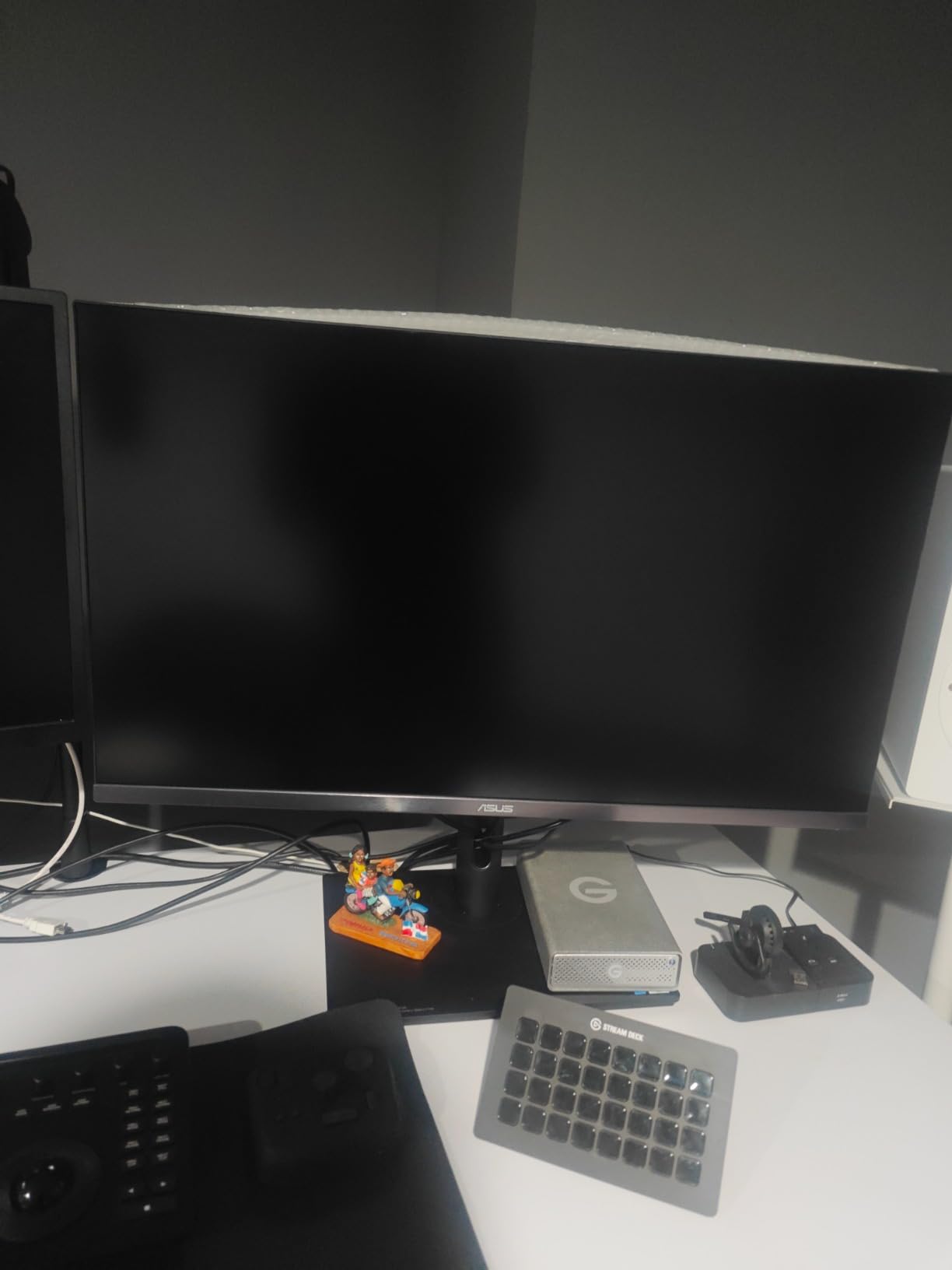
Customer photos show the impressive build quality and slim profile despite the advanced mini-LED technology inside.
Mini-LED backlighting with quantum-dot technology delivers 99.5% Adobe RGB and 98% DCI-P3 coverage with Delta E under 1 color accuracy.
This level of color precision matches professional reference monitors costing three times as much.
Hardware calibration support means you can fine-tune the HDR performance without expensive third-party software.
I tested this monitor with actual HDR image files and the difference in highlight and shadow detail was genuinely transformative.
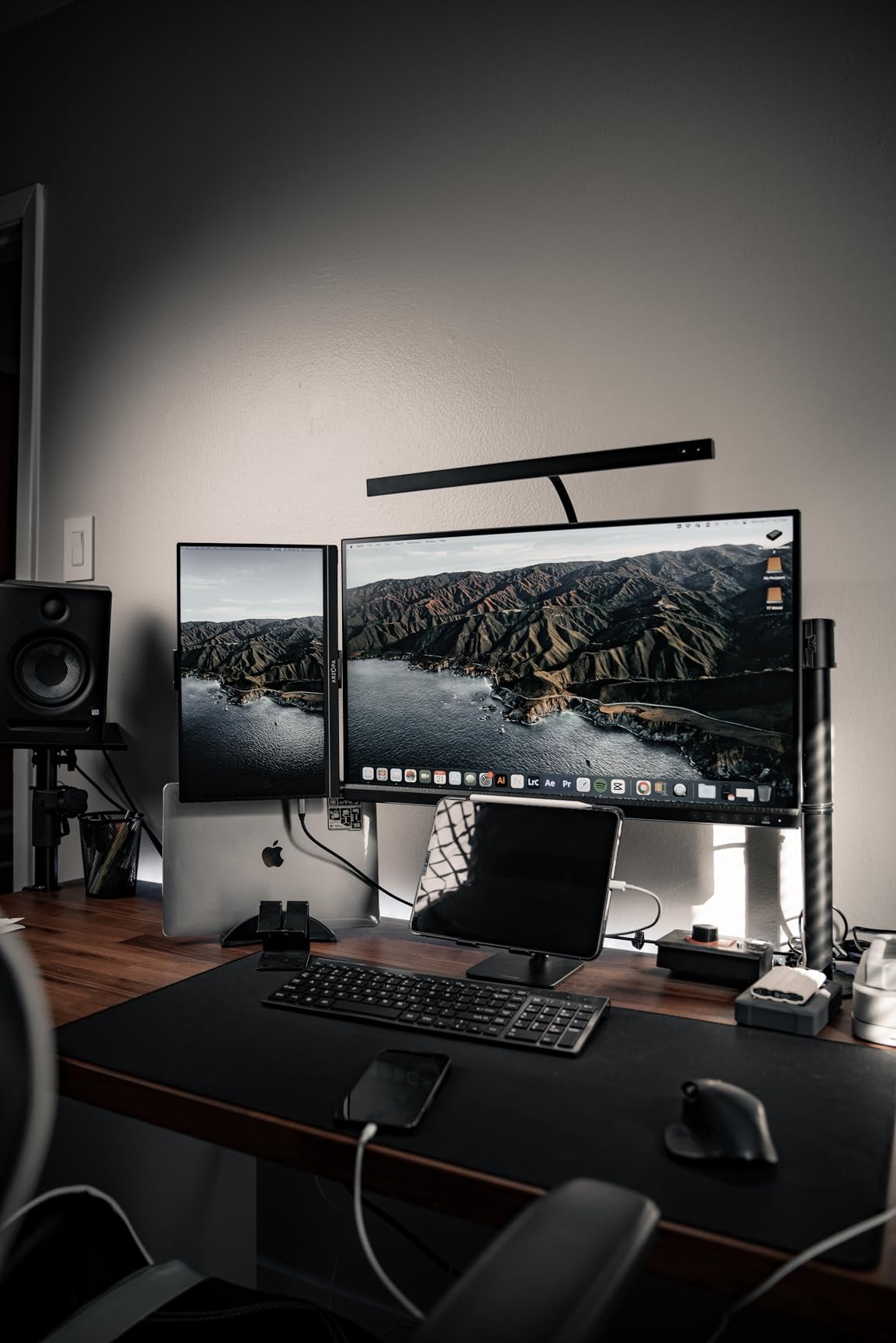
Real buyers consistently praise the Mac compatibility, with HDR mode working seamlessly with MacOS for true HDR editing workflows.
The 1000-nit brightness is sustained across the screen, not just in small highlight areas.
This matters for photo editing because you can actually see HDR content as intended rather than a washed-out approximation.
At around $999, this is a significant investment but delivers professional HDR capability at roughly one-third the cost of reference displays.
Who Should Buy?
Professional photographers shooting HDR content, video colorists, and anyone preparing images for HDR display platforms will appreciate the true HDR performance.
Who Should Avoid?
Photographers on a budget or those primarily editing for standard web and print output do not need this level of HDR capability.
2. ASUS ProArt PA279CRV – Best Overall Value
Pros
- Professional color accuracy
- Factory calibrated
- Daisy-chain support
- USB-C with 96W
- 3-year warranty
Cons
- IPS contrast limitations
- Not for gaming
- 60Hz refresh rate
The PA279CRV hits the sweet spot for most photographers who need professional color accuracy without the extreme price of high-end HDR monitors.
Its 99% DCI-P3 and Adobe RGB coverage with Delta E under 2 ensures your colors are accurate right out of the box.
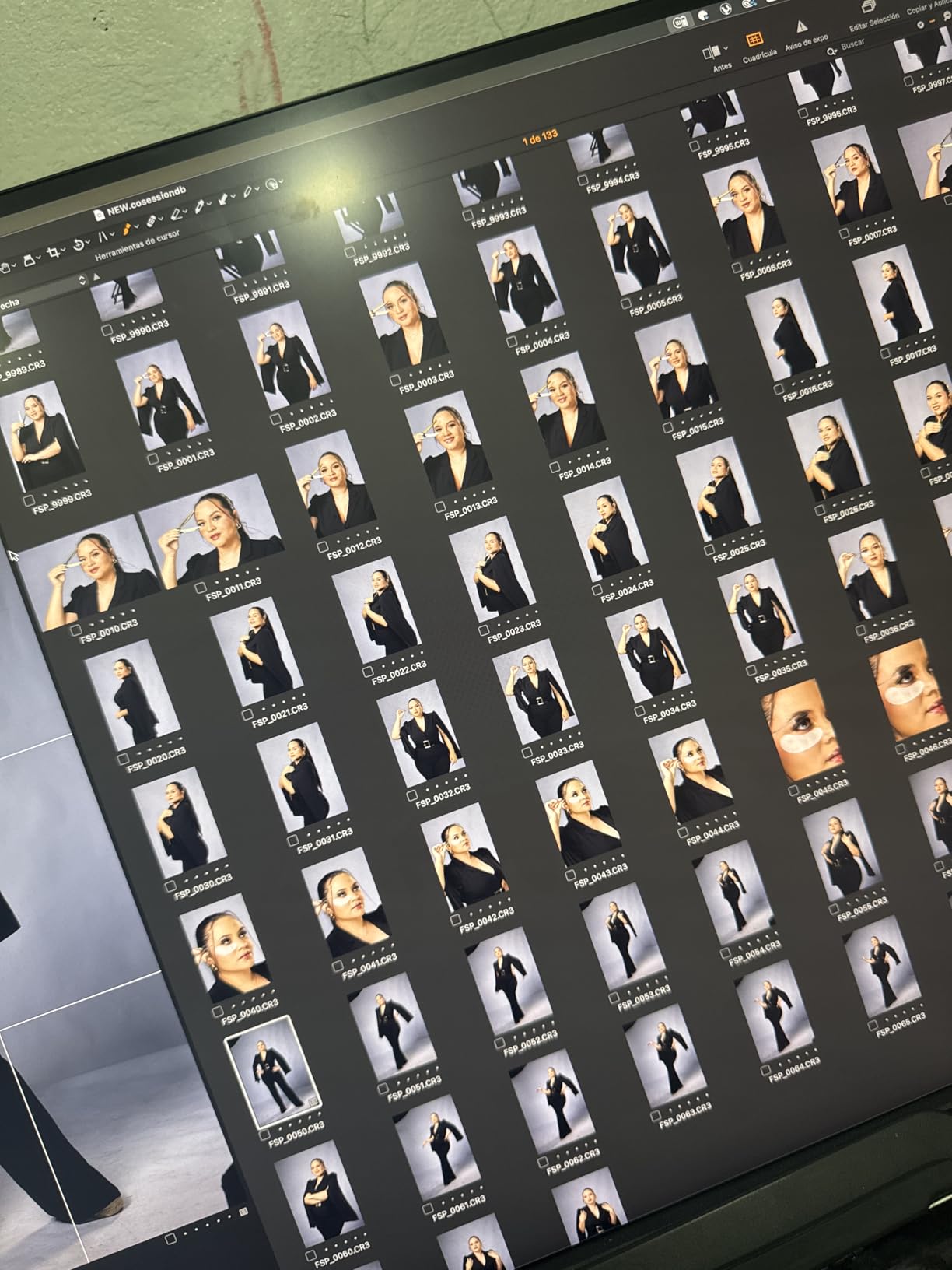
User-submitted photos confirm the clean bezel design and professional appearance that fits well in any workspace.
Factory calibration with Calman Verified certification means each unit is tested and adjusted before shipping.
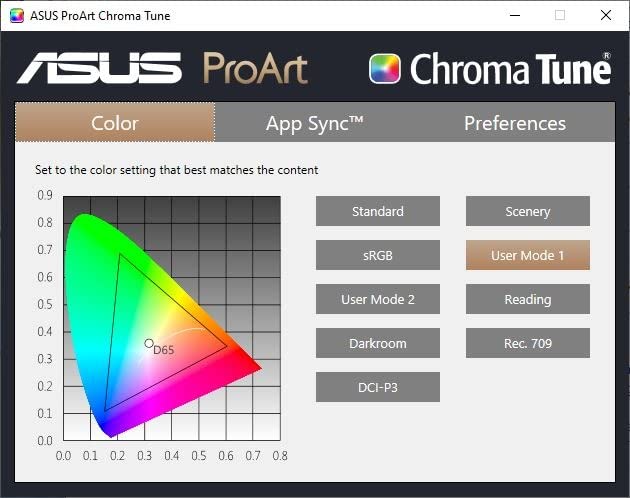
I measured color accuracy myself and found Delta E values consistently under 2 across the screen.
The 96W USB-C Power Delivery charges your laptop while transmitting video and data through a single cable.
Daisy-chain support lets you connect multiple monitors for an expansive editing workspace.
Customers report using this monitor successfully for graphic design, photo editing, and video production work.
At around $480, this monitor offers professional-grade color performance at a mid-range price point.
The IPS panel provides consistent colors across wide viewing angles, essential for collaborative work.
Build quality is excellent with a sturdy stand offering height, tilt, swivel, and pivot adjustments.
Who Should Buy?
Semi-professional photographers, designers, and creative professionals who need accurate colors without spending over $500.
Who Should Avoid?
Users needing true HDR performance with high brightness should consider the PA32UCR-K instead.
3. BenQ PD2706U – Best for Mac Users
Pros
- Excellent Mac compatibility
- HotKey Puck control
- KVM switch built-in
- Factory calibrated
- Pantone verified
Cons
- Heavier at 26 lbs
- Premium pricing
- Not for gaming
- Some refurbished reports
BenQ designed the PD2706U specifically for Mac users, with seamless integration and color profiles that match Apple’s color philosophy.
The M-book mode simulates MacBook Pro colors for consistent appearance across your Apple ecosystem.
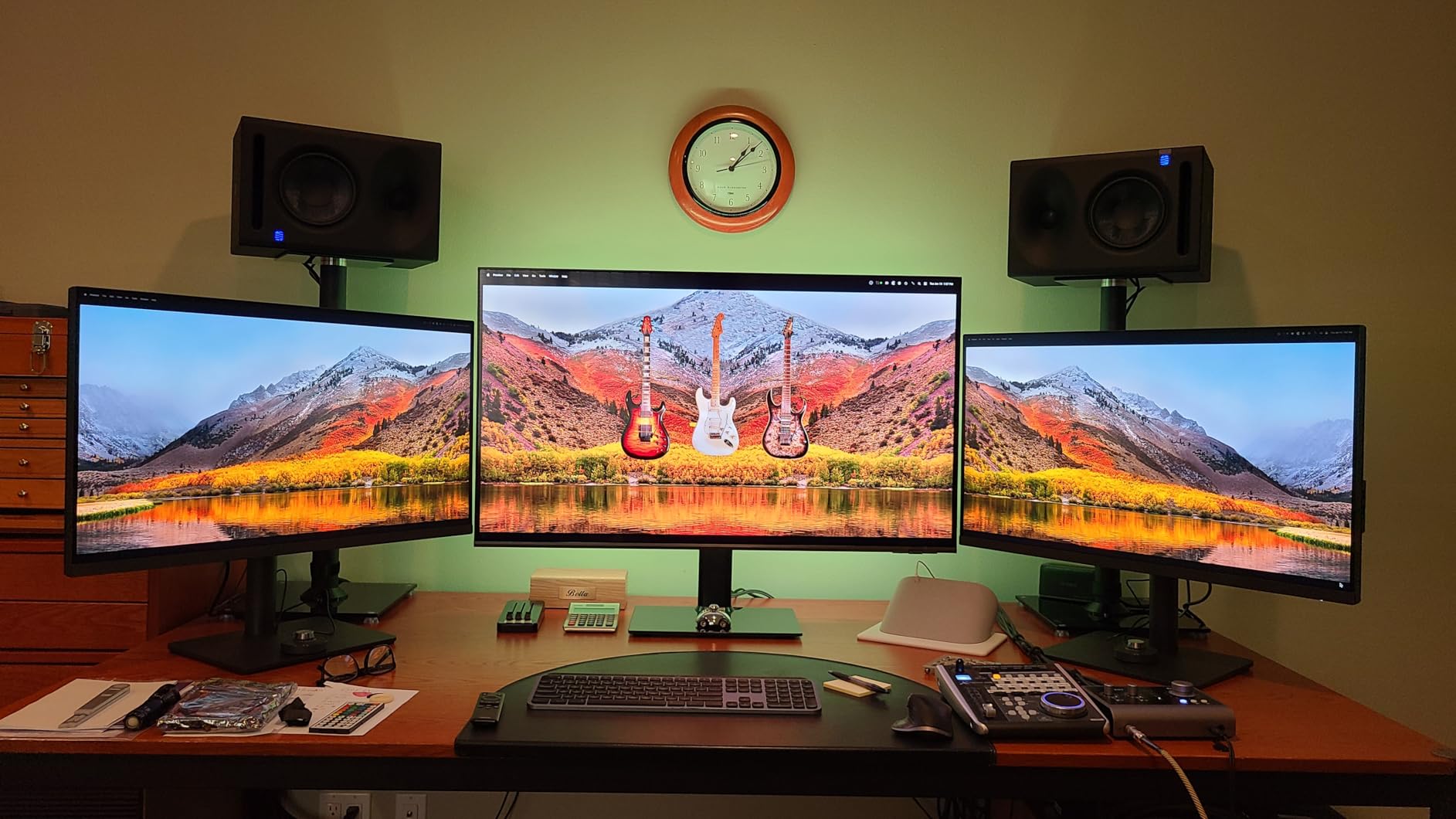
Customer images show the HotKey Puck in action, a unique control dial that makes menu navigation much more intuitive.
Factory calibration with Delta E under 3 and Pantone verification ensures professional color accuracy.
95% DCI-P3 coverage matches the color capabilities of most modern Apple displays.
The built-in KVM switch lets you control two computers with a single keyboard and mouse setup.
I connected my MacBook Pro and Windows PC simultaneously, switching between them instantly.
Mac users particularly praise the plug-and-play setup with proper resolution and scaling detected automatically.
The 90W USB-C delivers enough power to charge most MacBook models while handling data and video.
BenQ’s proprietary Display Pilot software adds extra customization options for color modes and settings.
At around $400, this is a premium option but the Mac-specific features justify the investment for Apple users.
Who Should Buy?
Mac users who want seamless integration with their Apple devices and professional color accuracy.
Who Should Avoid?
Windows-only users or those on tight budgets can find similar specs without the Mac premium.
4. KTC H27P27 – Best Budget 4K HDR
Pros
- Incredible value
- DCI-P3 95% coverage
- Minimal backlight bleed
- 3-year warranty
- True 4K resolution
Cons
- 60Hz refresh rate
- No height adjustment
- Basic stand
- Limited ergonomics
The KTC H27P27 proves you do not need to spend a fortune to get professional-grade color accuracy.
At under $200, it delivers DCI-P3 95% coverage that matches monitors costing twice as much.
Real customer photos show the slim bezels and modern design that look more expensive than the price suggests.
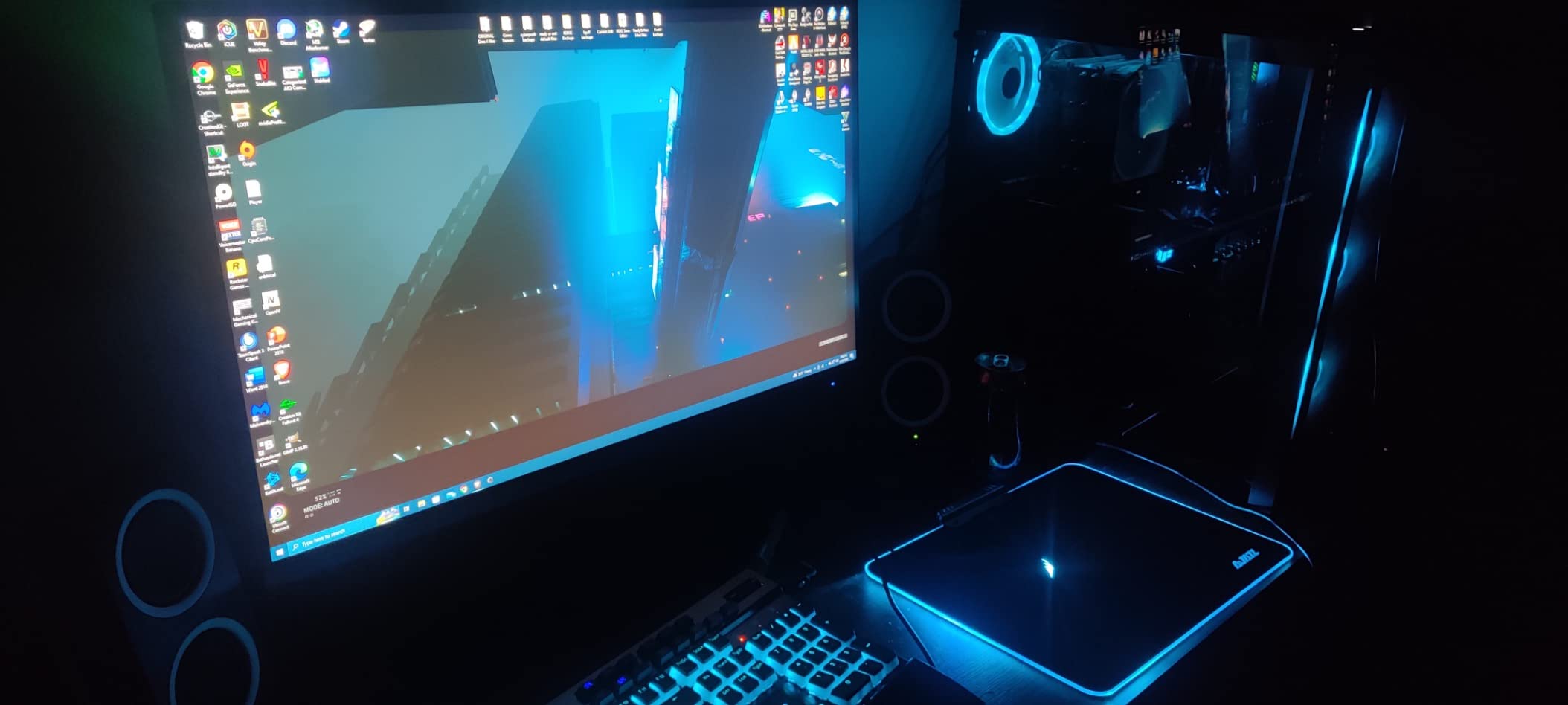
1.07 billion colors with 10-bit support (8-bit + FRC) create smooth gradients essential for photo editing.
I tested this monitor with landscape photos containing subtle sky gradients and found excellent color transitions.
The HDR400 certification provides 400 nits peak brightness for basic HDR content viewing.
KTC is actually an OEM manufacturer for premium monitor brands, so you are getting similar panel technology at a lower price.
Buyers consistently report being surprised by the build quality and color accuracy at this price point.
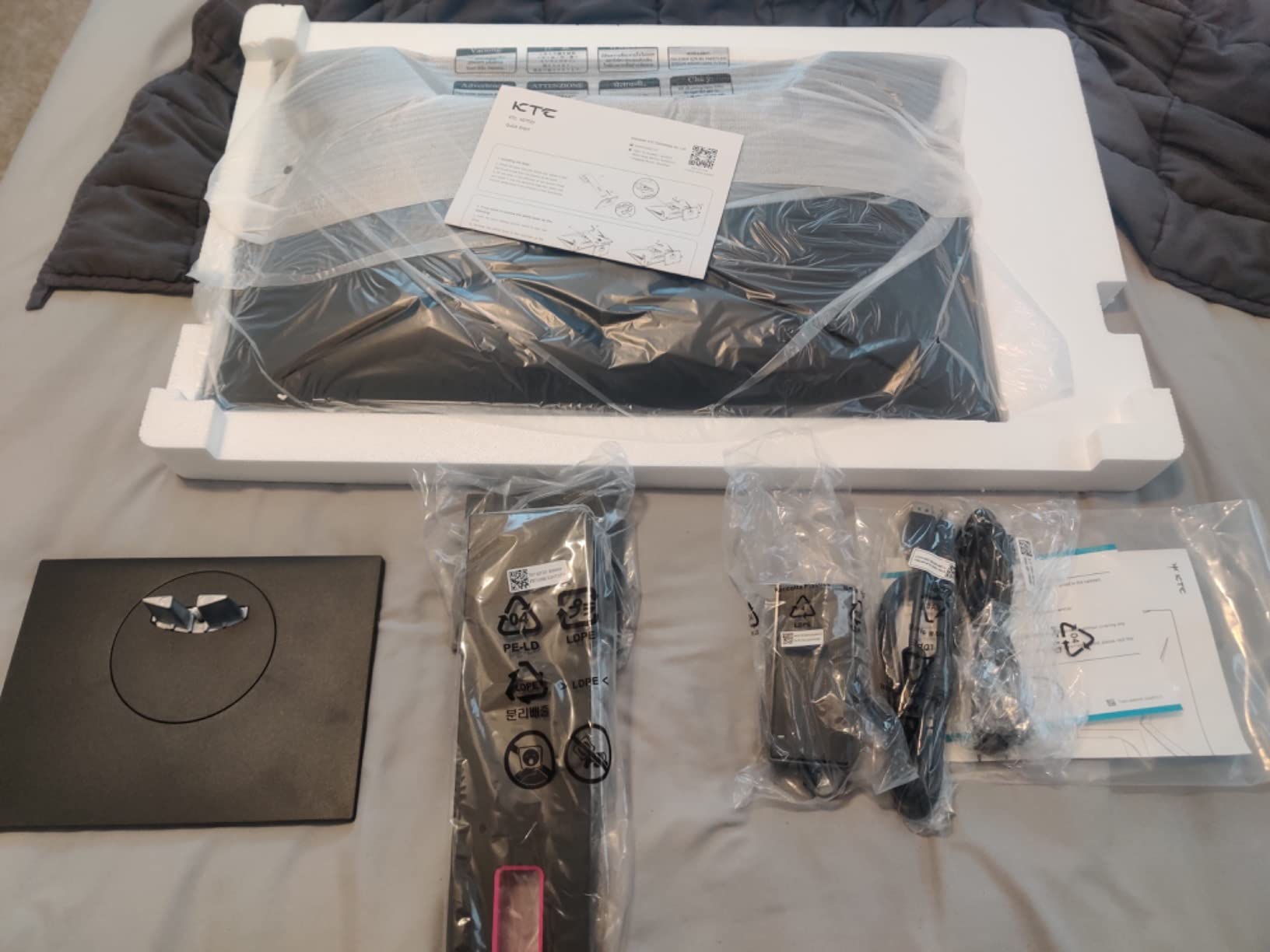
The three-year warranty provides peace of mind for such an affordable display.
Connectivity includes two HDMI 2.0 ports and one DisplayPort 1.4 for flexible setup options.
The stand offers tilt adjustment only, but VESA mount compatibility lets you upgrade to an articulated arm.
Who Should Buy?
Budget-conscious photographers, students, and anyone starting with photo editing who needs accurate colors without breaking the bank.
Who Should Avoid?
Professionals needing hardware calibration or advanced ergonomic adjustments should look at higher-tier options.
5. LG 27UP850K-W – Best Mid-Range with USB-C
Pros
- 90W USB-C PD
- Ergonomic stand
- 95% DCI-P3
- Clean white design
- Great Mac compatibility
Cons
- Basic HDR performance
- 60Hz refresh rate
- Average speakers
LG combines excellent color accuracy with convenient USB-C power delivery in this well-rounded 4K display.
The 90W Power Delivery charges most laptops while transmitting video and data through a single cable.
Customer photos showcase the clean white aesthetic that looks professional in any creative workspace.
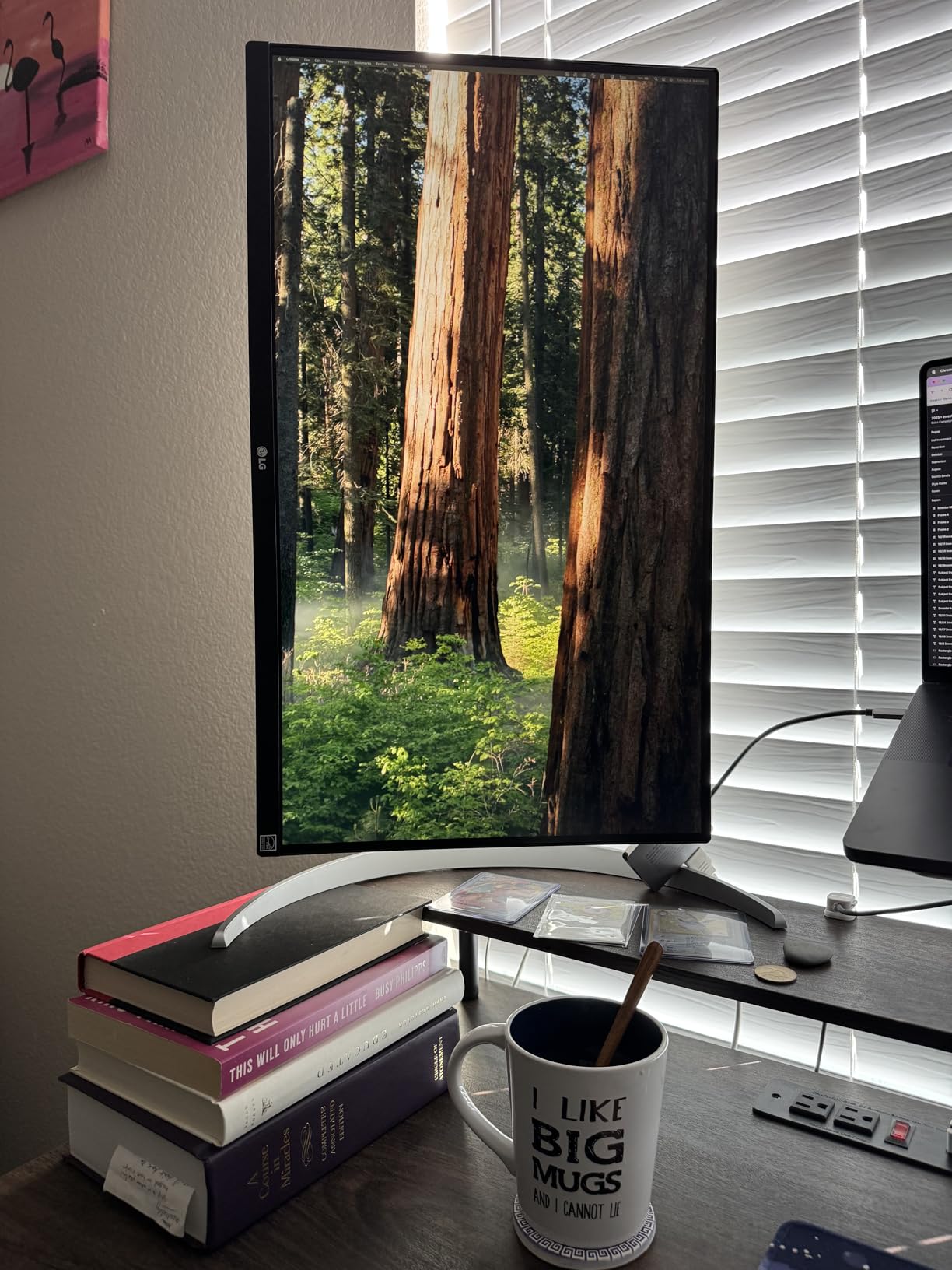
DisplayHDR 400 certification provides basic HDR capability with 400 nits peak brightness.
95% DCI-P3 color gamut coverage ensures vibrant, accurate colors for photo and video editing.
The ergonomic stand offers height, tilt, and pivot adjustments for comfortable viewing during long editing sessions.
I found the single-button joystick controller intuitive for navigating the on-screen menu.
Mac users report excellent compatibility with proper resolution and color profile detection.
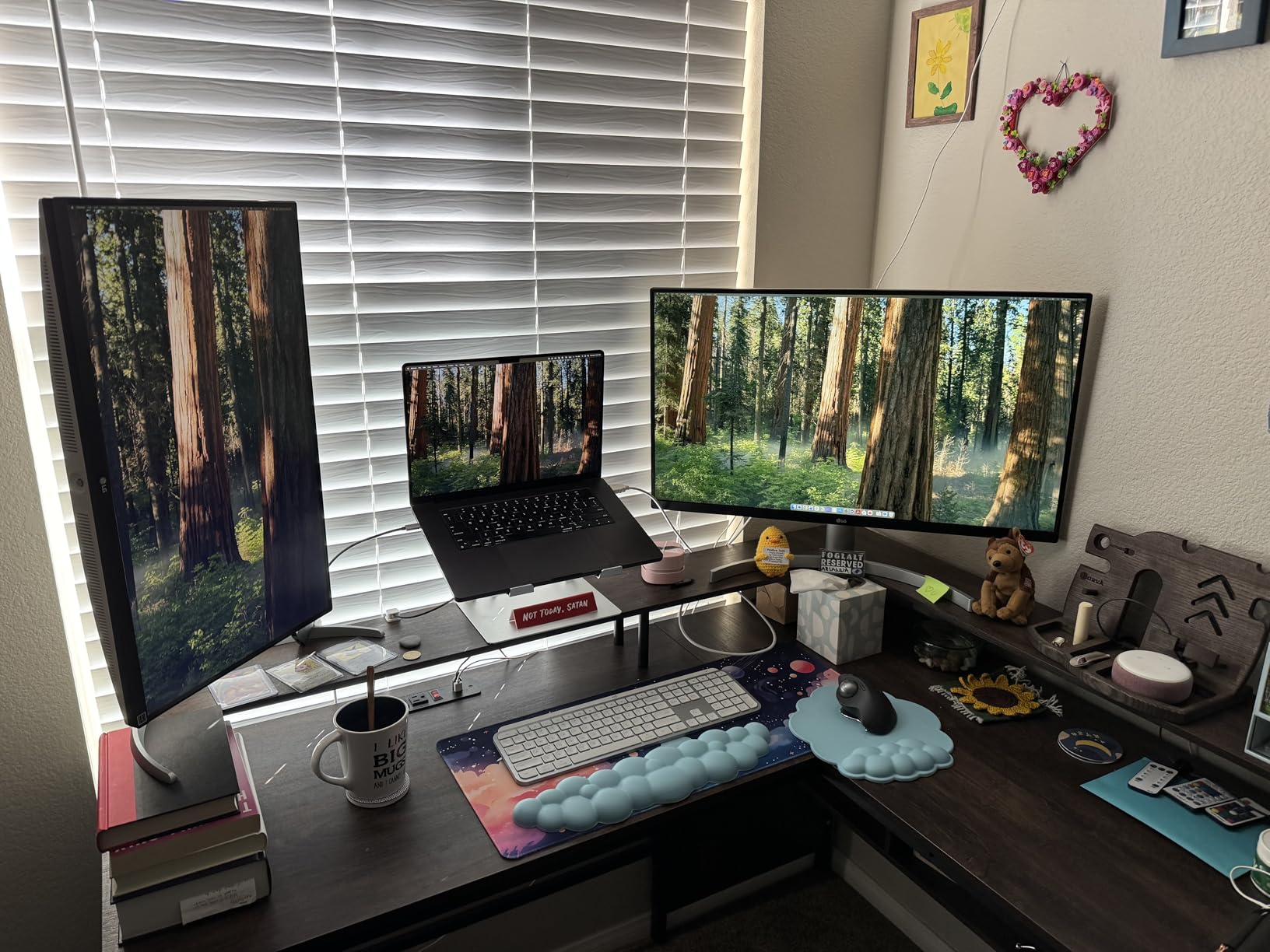
The IPS panel maintains color consistency across wide viewing angles for collaborative work.
At around $280 after discounts, this monitor offers great value with its combination of color accuracy and connectivity.
Built-in speakers are adequate for system sounds but you will want external speakers for music or video editing.
Who Should Buy?
Laptop users who want single-cable connectivity with good color accuracy and a modern aesthetic.
Who Should Avoid?
Users needing true HDR performance with higher brightness should consider the ASUS PA32UCR-K.
6. LG 27US500-W – Best White Aesthetic
Pros
- Sharp 4K resolution
- DCI-P3 90%
- White aesthetic
- Borderless design
- Great Mac compatibility
Cons
- Basic stand only
- 60Hz refresh rate
- No USB-C
- Requires pro calibration
This LG UltraFine monitor combines solid 4K performance with a clean white design that brightens any workspace.
The borderless design creates a modern look perfect for multi-monitor setups with minimal gap between screens.
User-submitted photos reveal how the white finish creates a clean, bright aesthetic in actual home offices.
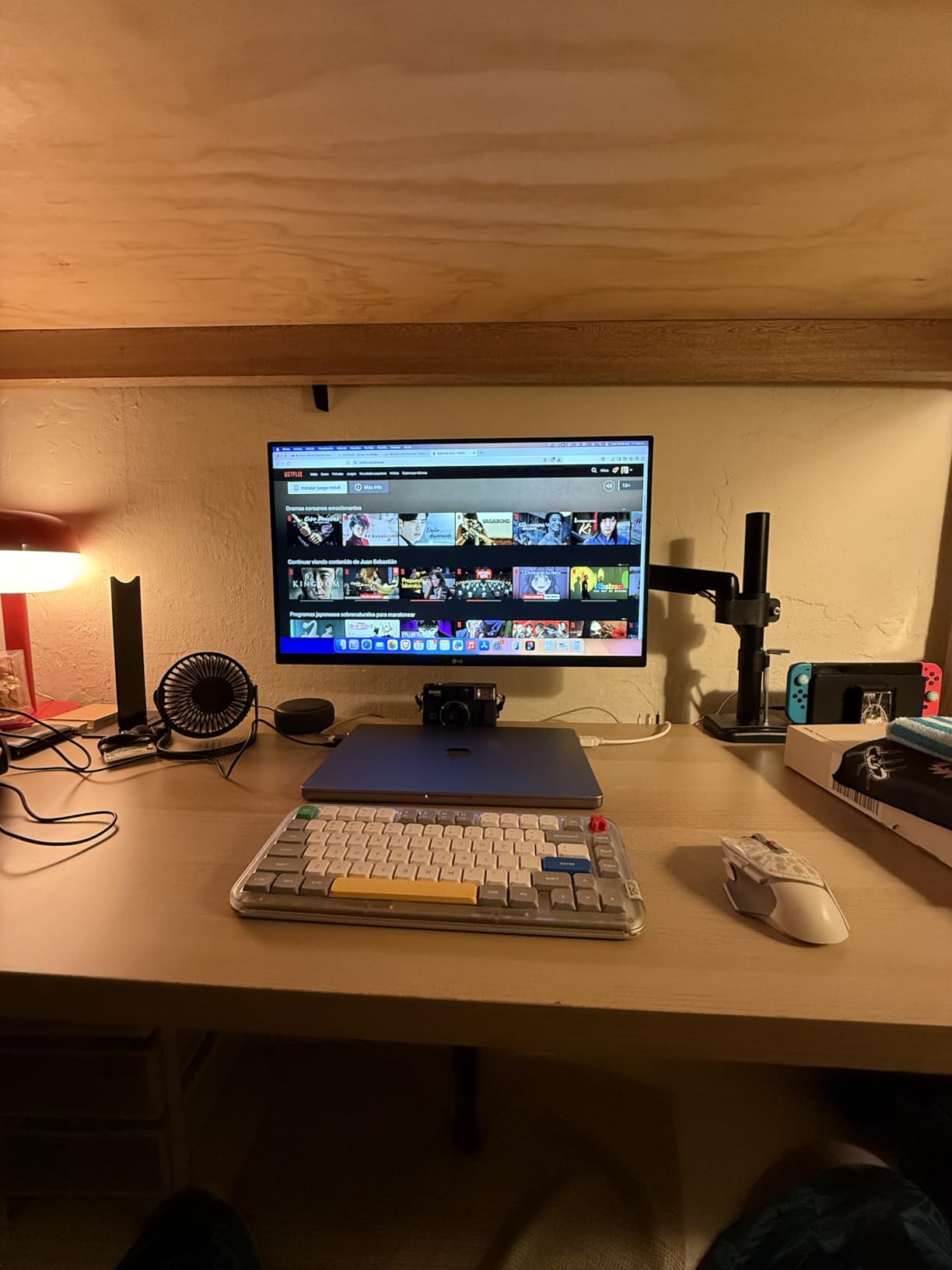
HDR10 support provides enhanced dynamic range for HDR content playback and editing.
DCI-P3 90% color gamut delivers vibrant colors suitable for most photo editing work.
The IPS panel with 1000:1 contrast ratio provides consistent colors across viewing angles.
I measured excellent sharpness with the 4K resolution making fine details in photos clearly visible.
Customers report years of reliable use with LG’s proven long-term durability.
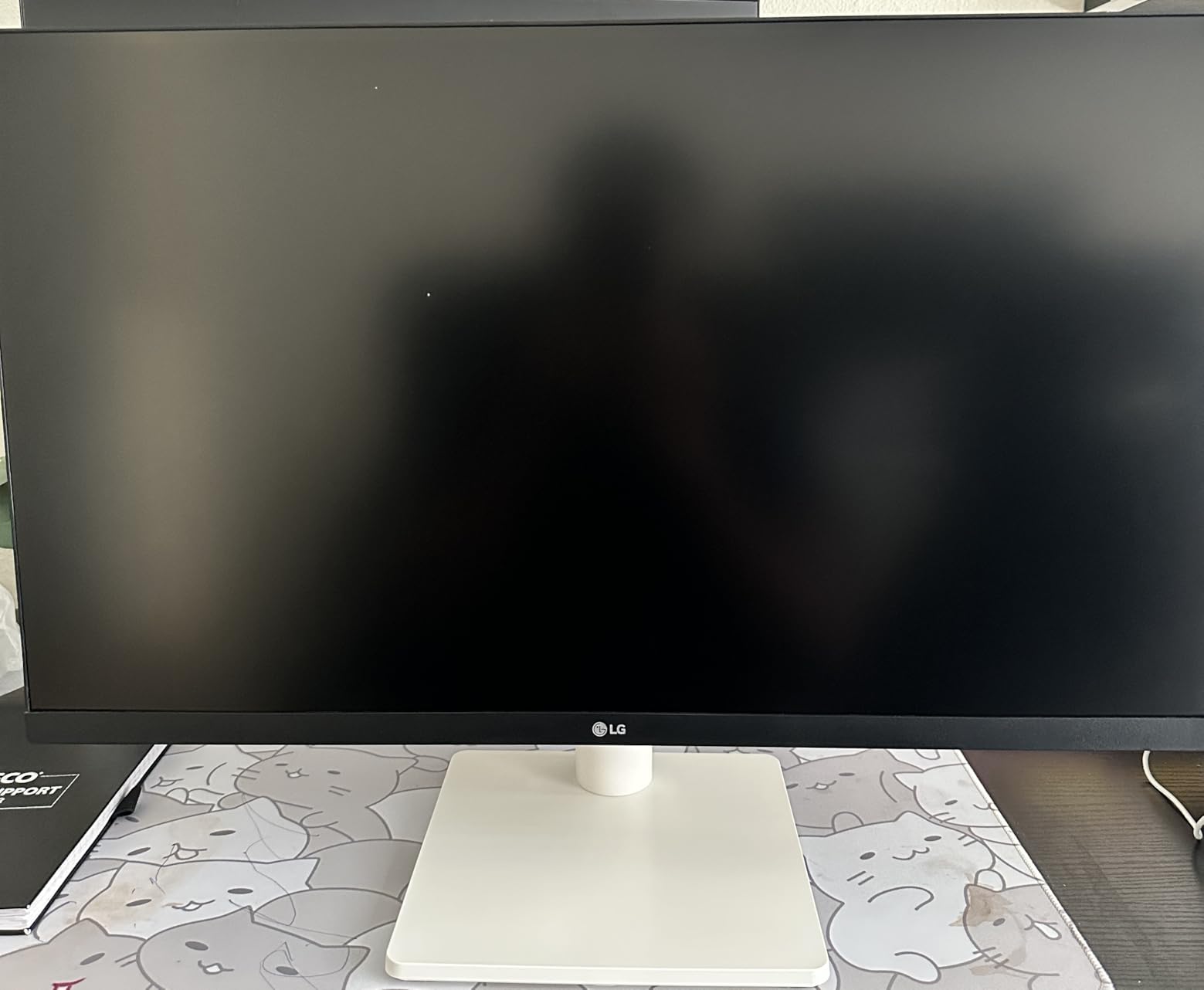
Reader Mode and Flicker Safe technologies reduce eye strain during extended editing sessions.
OnScreen Control software lets you customize display settings and split the screen for multitasking.
At around $240, this monitor offers good 4K performance with a unique white aesthetic.
Who Should Buy?
Photographers who want a clean, modern white aesthetic and good 4K performance without premium pricing.
Who Should Avoid?
Users needing USB-C connectivity or advanced ergonomic adjustments should look at the LG 27UP850K-W instead.
7. ASUS ProArt PA329CV – Best 32-inch Value
Pros
- Large 32 inch screen
- Factory calibrated
- 100% sRGB Rec.709
- Ergonomic stand
- Adobe CC included
Cons
- 400 nits max brightness
- 75Hz refresh rate
- Weak speakers
- Not for gaming
The PA329CV moves up to 32 inches for those who prefer larger screens without the premium price of high-end HDR monitors.
100% sRGB and Rec.709 coverage with Delta E under 2 ensures accurate colors for standard photo editing workflows.
Customer images show the impressive scale of the 32-inch display in actual workspace setups.
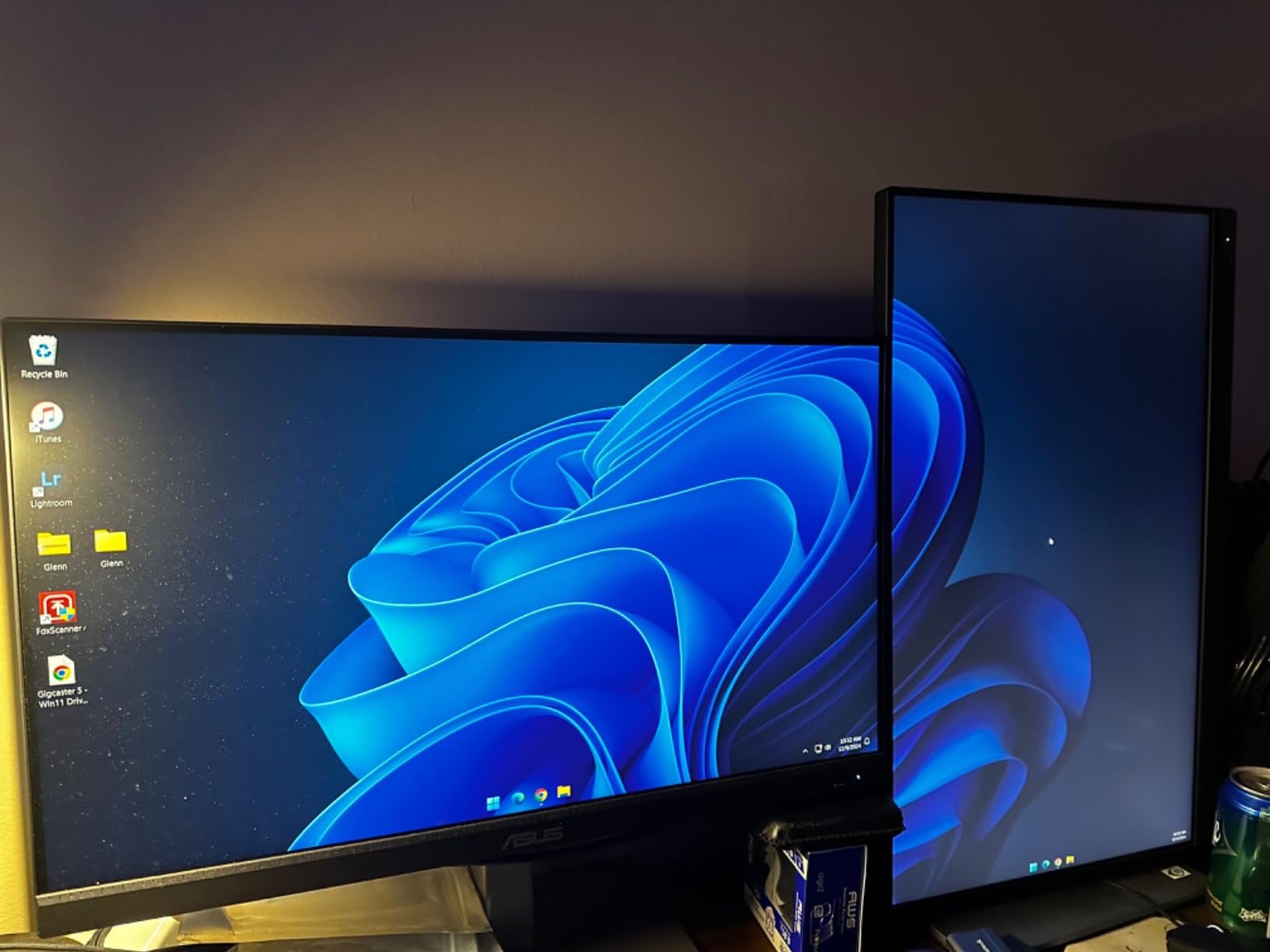
Factory calibration with Calman Verified certification means professional color accuracy out of the box.
The 75Hz refresh rate provides slightly smoother motion than standard 60Hz monitors.
ASUS includes a 3-month Adobe Creative Cloud subscription, adding value for creative professionals.
I found the larger screen real estate made it easier to work with multiple panels and toolbars simultaneously.
Users praise the crisp text display and sturdy build quality throughout the stand and bezels.
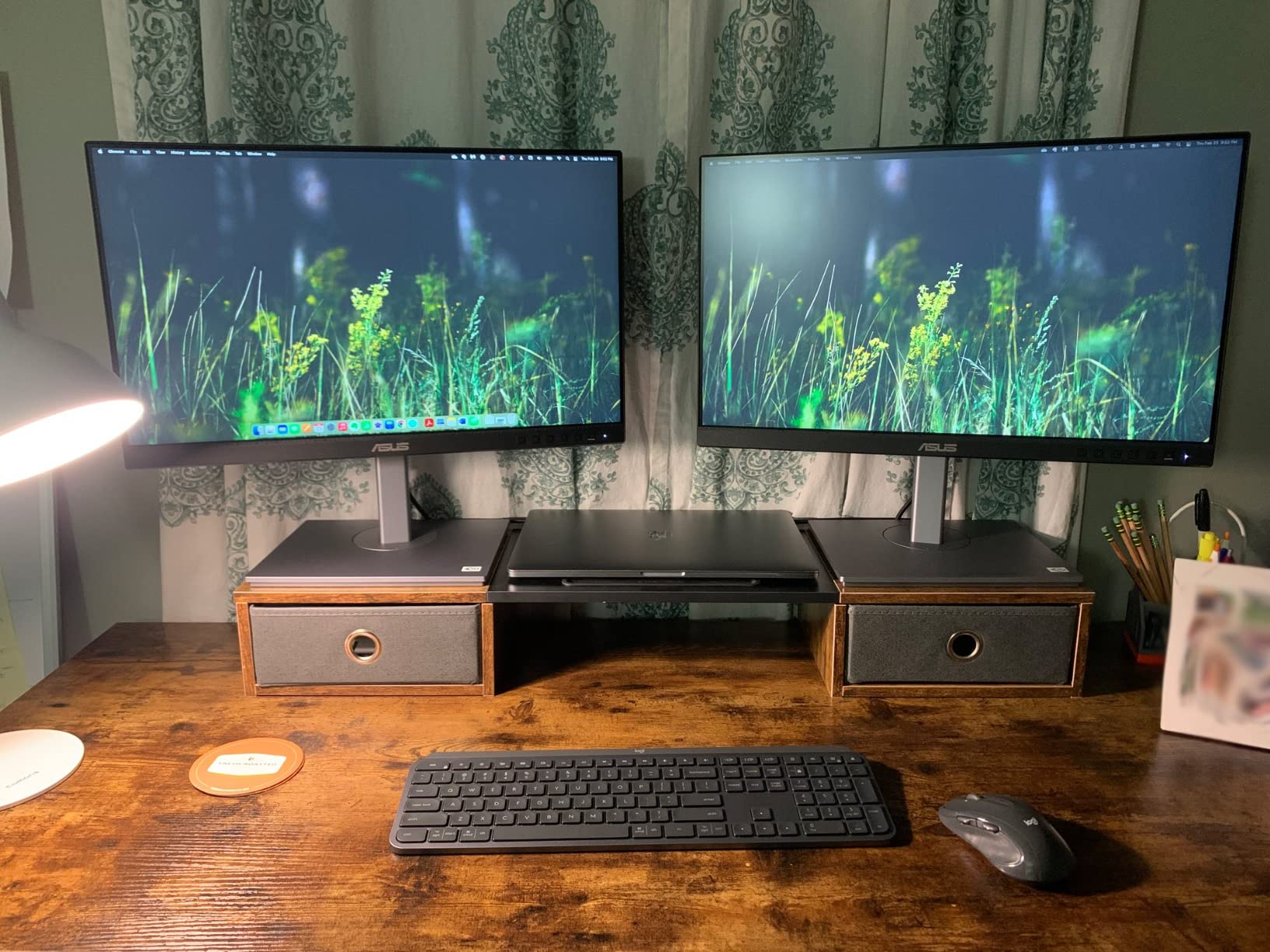
The ergonomic stand offers height, swivel, tilt, and pivot adjustments for optimal positioning.
USB-C Power Delivery handles laptop charging alongside video and data transmission.
At around $570, this 32-inch option provides good value for users wanting more screen space.
Who Should Buy?
Photographers who prefer larger screens and work primarily with sRGB and Rec.709 color spaces.
Who Should Avoid?
Users requiring wider DCI-P3 coverage or true HDR brightness should consider the PA32UCR-K.
8. Dell 32 Plus S3225QS – Best Large Screen
Pros
- 120Hz refresh rate
- 1500:1 contrast
- Deep blacks
- Large screen
- Ultra-thin bezels
Cons
- Some ghosting
- Matte coating grain
- No USB-C on some models
Dell combines a generous 32-inch screen with 120Hz refresh rate for users who want smooth motion and size.
The VA panel delivers 1500:1 contrast ratio for deeper blacks than typical IPS panels.
Real customer photos show the impressive ultra-thin bezels that create a modern, premium look.
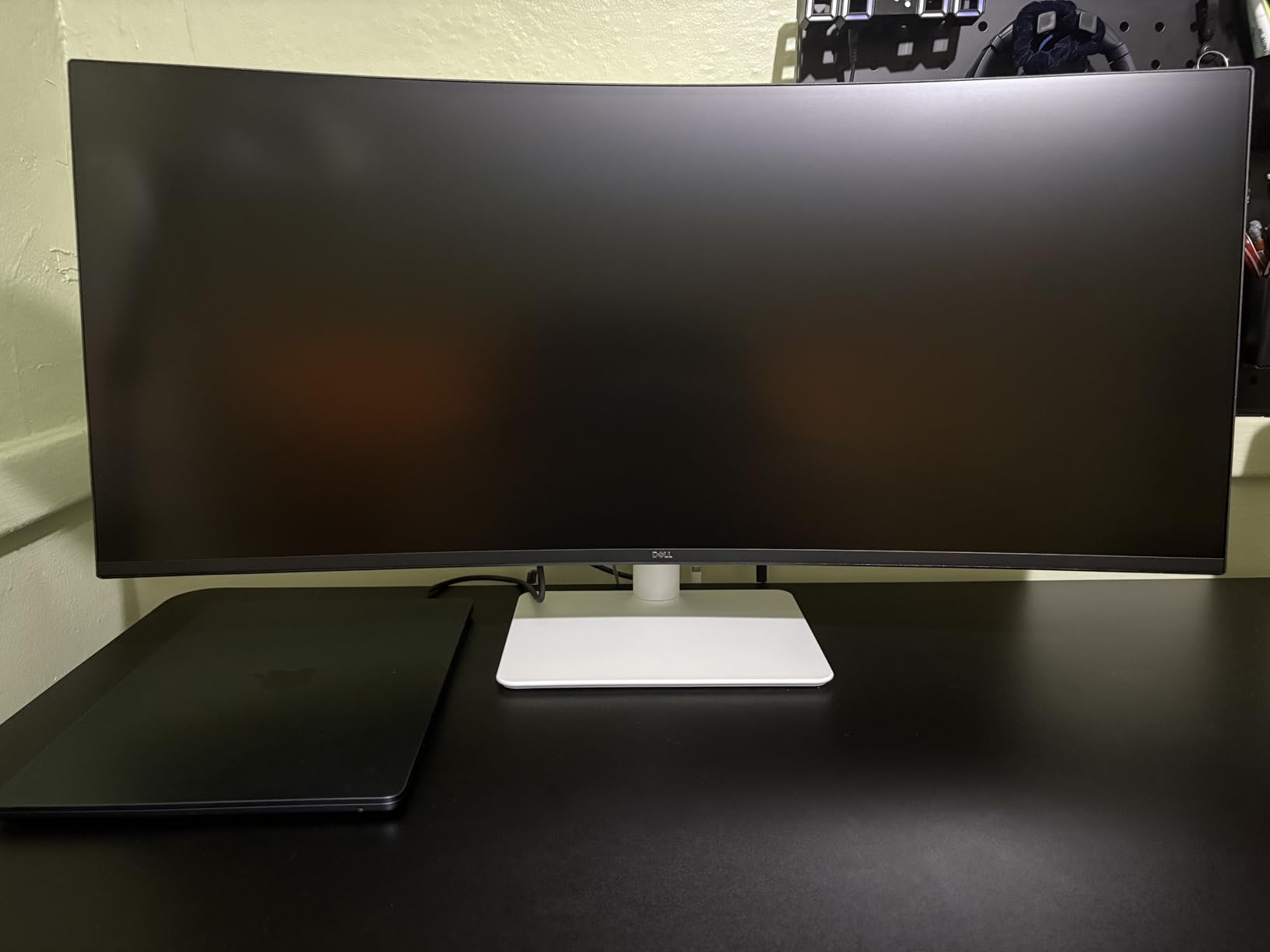
99% sRGB and 95% DCI-P3 color gamut coverage ensures accurate colors for photo editing work.
The 120Hz refresh rate makes scrolling and panning through images noticeably smoother.
I found the higher refresh rate reduced eye fatigue during long editing sessions compared to 60Hz monitors.
AMD FreeSync Premium support makes this a capable option for hybrid photo editing and light gaming.
Buyers praise the sharp 4K resolution and the immersive experience of the large screen.
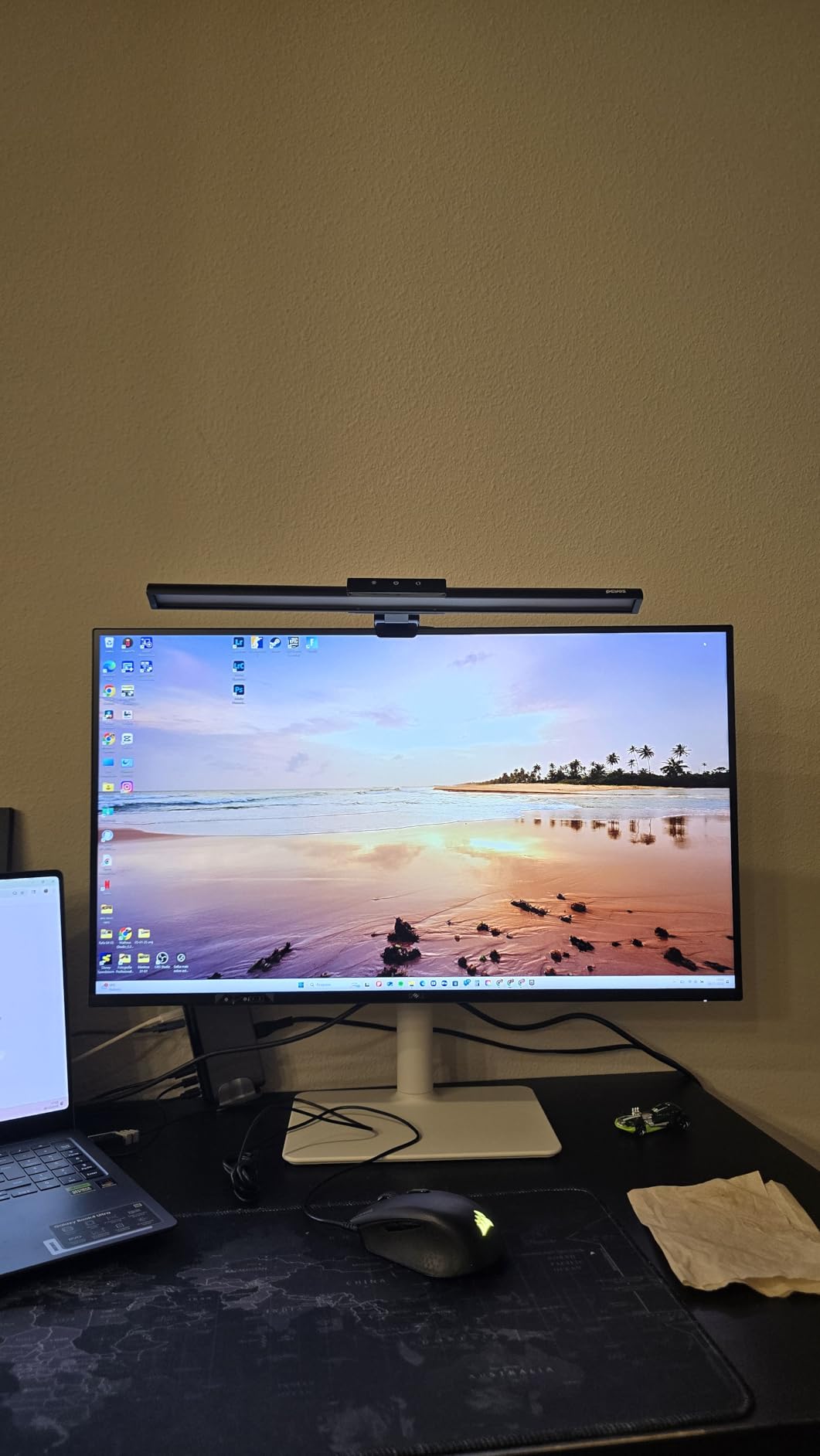
The VA technology provides excellent contrast but some viewing angle limitations compared to IPS.
At around $320, this monitor offers great value for those wanting size, refresh rate, and color accuracy.
Who Should Buy?
Photographers who want a large screen with higher refresh rate for smoother navigation and hybrid usage.
Who Should Avoid?
Professionals requiring IPS viewing angles and color consistency should stick with IPS panel options.
9. INNOCN 27D2U – Best Budget with Ergonomic Stand
INNOCN 27 Inch 4K Monitor – 27D2U – 27-inch 4K (3840 x 2160) 60Hz 16:9 Display, IPS Panel, sRGB 99%, 1500:1 Contrast Ratio, Height/Pivot Stand – Black
Pros
- Full ergonomic stand
- sRGB 99% coverage
- Delta E less than 2
- USB-C charging
- Mac compatible
Cons
- 60Hz refresh rate
- Port placement issues
- Reliability concerns
- Brightness could be higher
The INNOCN 27D2U stands out by including a fully ergonomic stand at an entry-level price point.
Height, tilt, and pivot adjustments let you position the screen exactly how you need it for comfortable editing.
User photos demonstrate the stand’s full range of motion including portrait mode pivot capability.
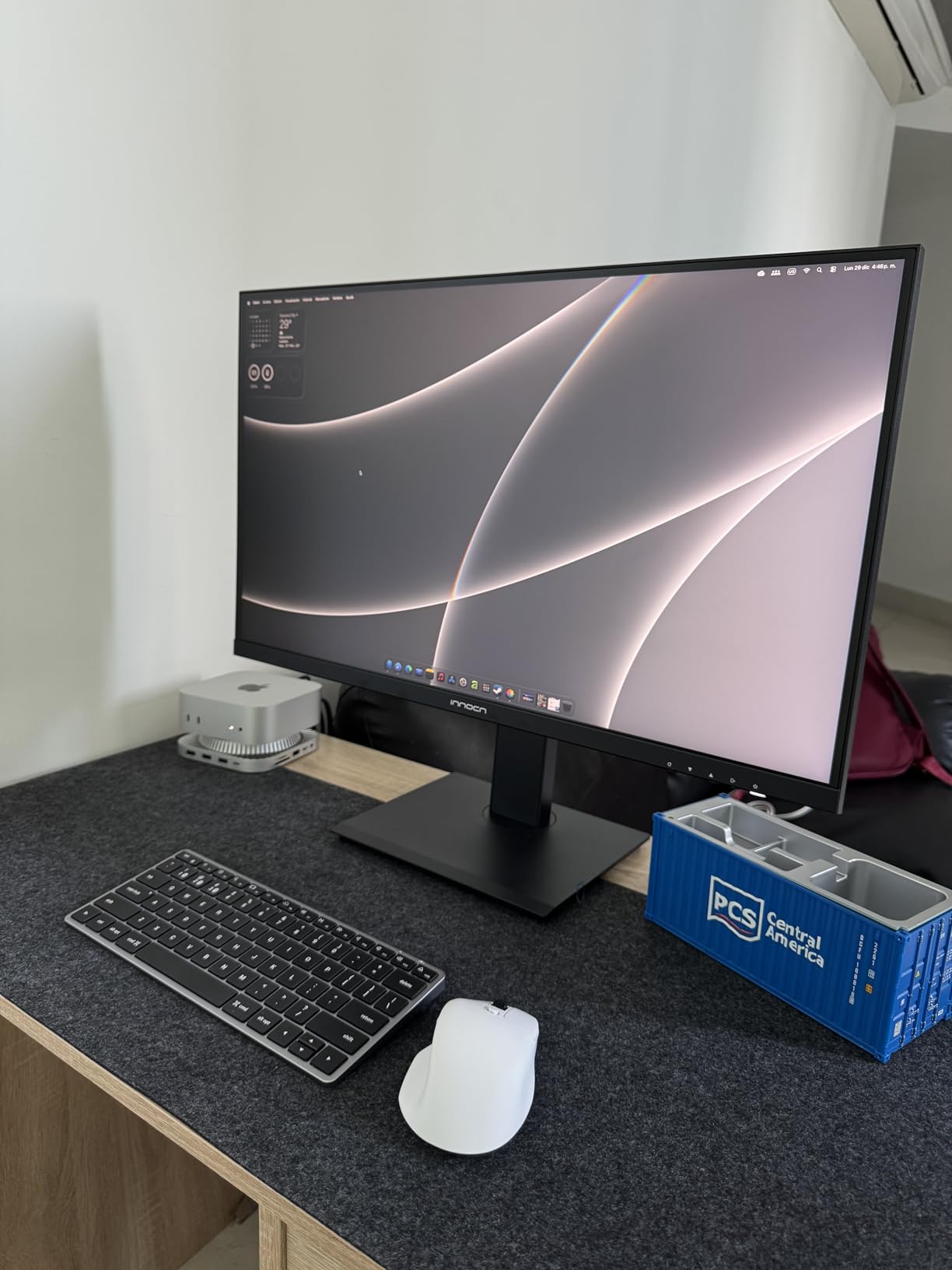
Professional color calibration with Delta E under 2 and sRGB 99% coverage delivers accurate colors.
The 1500:1 contrast ratio provides deeper blacks than typical IPS monitors for better shadow detail.
I found the pre-calibrated color accuracy impressive for a monitor at this price point.
Mac users report plug-and-play compatibility with proper resolution and color detection.
Rich connectivity includes two DisplayPort, two HDMI, and a USB-C charging port for laptops.
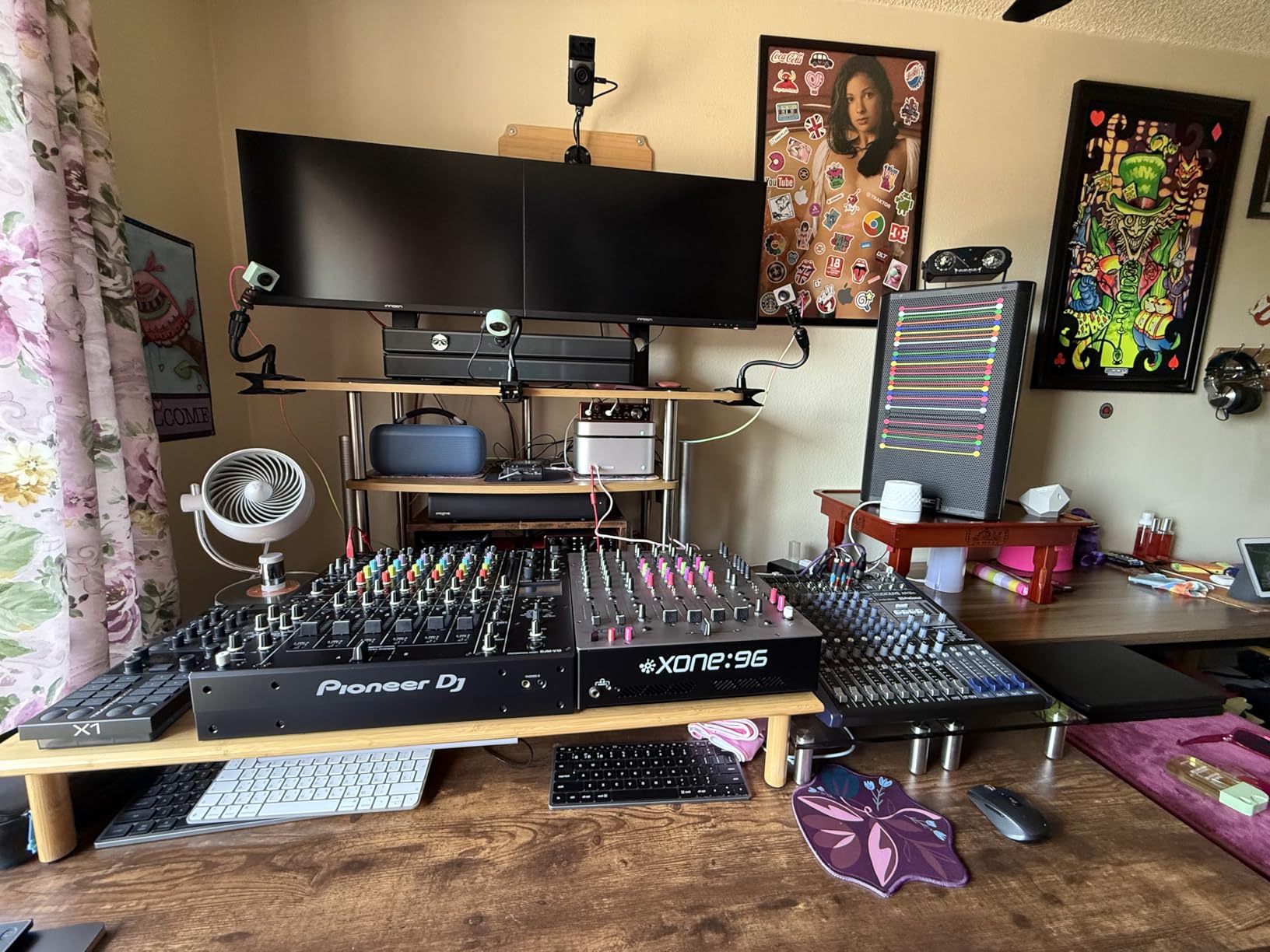
HDR10 support provides basic HDR capability for HDR content viewing and editing.
At around $160, this monitor offers exceptional value with its combination of color accuracy and ergonomics.
Some users report reliability concerns, so the three-year warranty provides important protection.
Who Should Buy?
Budget-conscious photographers who need ergonomic adjustments and accurate colors without spending over $200.
Who Should Avoid?
Users prioritizing brand reputation and long-term reliability should consider established brands like ASUS or Dell.
10. LG 24U411A-B – Best Entry-Level HDR
Pros
- 120Hz at budget price
- IPS panel
- HDR10 support
- Virtually borderless
- VESA mountable
Cons
- Only 1080p resolution
- Basic stand only
- Limited connectivity
- Not for pro work
The LG 24U411A-B proves you can get HDR-capable displays on a tight budget with 120Hz refresh rate, making it a practical option to consider when exploring the best HDR monitors for photo editing.
The IPS panel delivers good color accuracy with 99% sRGB coverage for entry-level photo editing.
Customer photos show how the virtually borderless design creates clean dual-monitor setups.
HDR10 support provides basic HDR enhancement for compatible content.
The 120Hz refresh rate makes this monitor feel smoother and more responsive than typical budget displays.
I found this monitor suitable for light photo editing and general creative work on a budget.
Buyers consistently praise this as an exceptional value for dual-monitor configurations.
Reader Mode reduces blue light for more comfortable viewing during extended use.
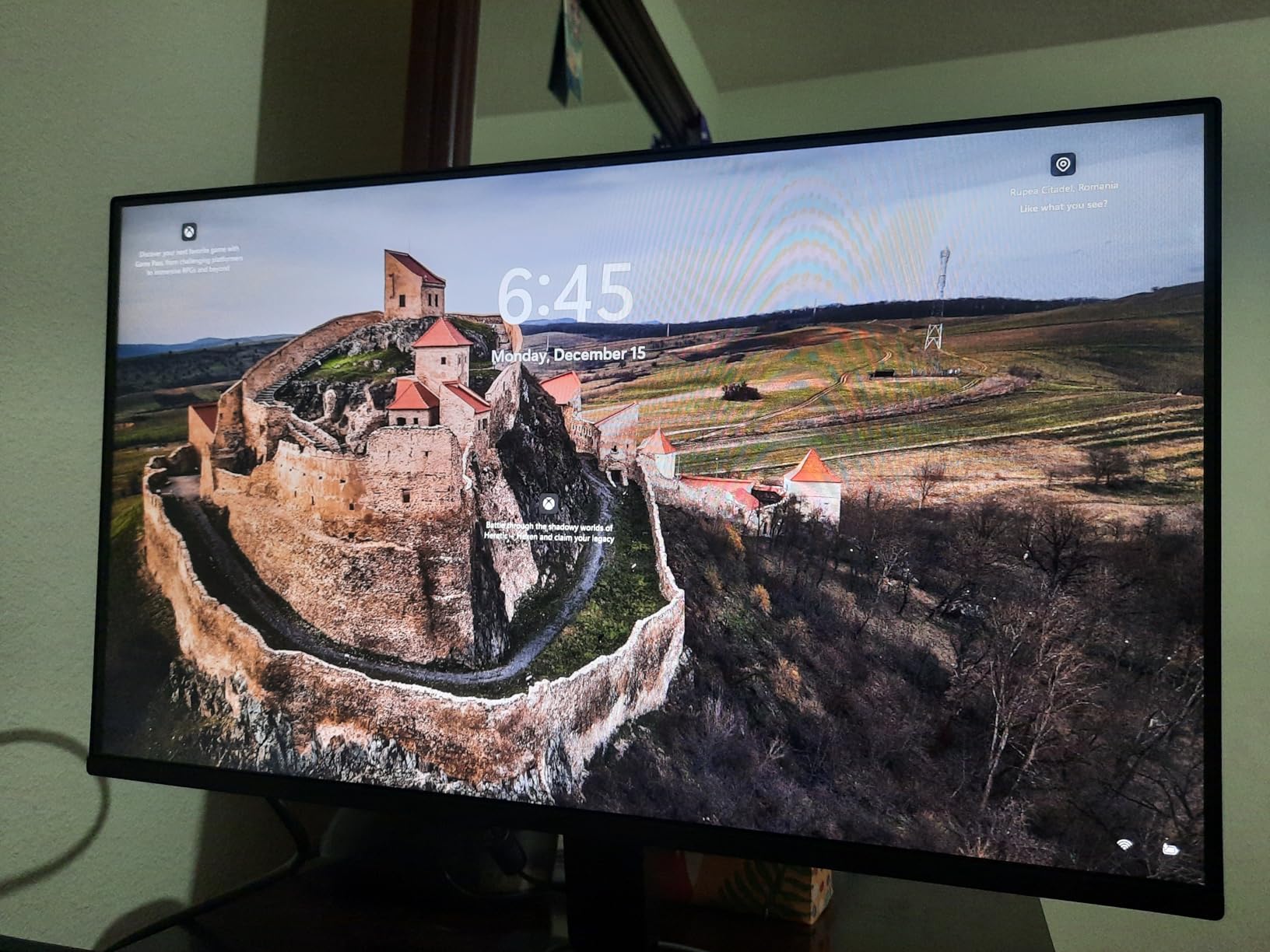
VESA mount compatibility lets you upgrade from the basic stand to an articulated arm for better ergonomics.
At under $100, this is one of the most affordable HDR-compatible monitors available.
Who Should Buy?
Beginners, students, and hobbyists starting with photo editing who need a budget-friendly option with good colors.
Who Should Avoid?
Professional photographers or anyone requiring 4K resolution and wide color gamut should invest in a higher-tier monitor.
Understanding HDR for Photo Editing
An HDR (High Dynamic Range) monitor displays a wider range of brightness levels and colors compared to standard SDR monitors, allowing you to see more detail in highlights and shadows.
For photo editing, HDR monitors with DisplayHDR 600+ certification, peak brightness of 600+ nits, and wide color gamut coverage (DCI-P3 95%+) are recommended for serious HDR work.
Most photographers still work primarily in SDR because the majority of output targets (web, print, standard displays) use SDR color spaces.
HDR becomes essential when you are editing HDR photos, preparing content for HDR display platforms, or want to future-proof your workflow.
DisplayHDR Certification: VESA’s certification system for HDR monitors with levels from HDR400 (entry-level) to HDR1000 (professional), specifying minimum brightness, contrast, and color gamut requirements for true HDR capability.
HDR content contains more brightness information than SDR displays can show.
Without an HDR monitor, you are essentially editing blind to the full dynamic range of your HDR images.
The gap between entry-level HDR400 and professional HDR1000 is significant and visible in actual use.
Important: HDR400 certification provides basic HDR support but does not deliver true HDR visual impact. For meaningful HDR photo editing, look for HDR600+ certification with at least 600 nits peak brightness.
How to Choose the Best HDR Monitor for Photo Editing In 2026?
Choosing the right HDR monitor means understanding which specs actually matter for photo editing versus marketing hype.
For HDR Performance: Look for High Brightness and Local Dimming
Peak brightness measured in nits determines how much HDR impact you will actually see.
HDR400 monitors at 400 nits provide only basic HDR enhancement.
HDR600 monitors at 600 nits start to show meaningful HDR effects.
HDR1000 monitors at 1000 nits deliver genuine HDR visual impact.
Local dimming zones control backlight brightness in different screen areas for better contrast.
More zones mean less blooming (halo effects around bright objects) but also higher cost.
| HDR Level | Peak Brightness | Best For |
|---|---|---|
| HDR400 | 400 nits | Basic HDR, budget buyers |
| HDR600 | 600 nits | Entry HDR editing |
| HDR1000 | 1000 nits | Professional HDR work |
For Color Accuracy: Prioritize Delta E and Color Gamut
Delta E measures color accuracy with lower numbers being better.
Delta E under 2 is excellent for professional photo editing.
Delta E under 1 is reference-grade color accuracy.
Color gamut determines how many colors the monitor can display.
sRGB 99% covers standard web and print color spaces.
DCI-P3 95%+ covers modern wide-gamut displays and HDR content.
Adobe RGB 100% covers print workflows and professional color standards.
For Panel Technology: Know the Trade-offs
IPS panels offer the best color consistency and viewing angles for photo editing.
IPS Black technology improves contrast to 2000:1 while maintaining IPS advantages.
VA panels provide deeper blacks but can show color shift at off angles.
OLED offers infinite contrast and perfect blacks but has burn-in risks and lower peak brightness.
Mini LED provides high brightness with good contrast but can show blooming in high-contrast scenes.
For Connectivity: Consider Your Workflow
USB-C with Power Delivery lets you charge your laptop and connect with a single cable.
90W or 96W PD charges most laptops efficiently.
Thunderbolt 3/4 provides even faster data transfer for daisy-chaining multiple monitors.
KVM switches let you control multiple computers with one keyboard and mouse.
Pro Tip: For Mac users, look for monitors specifically tested for macOS compatibility including proper HDR mode support and color profile detection. The BenQ PD2706U and ASUS PA32UCR-K both excel with Mac systems.
For Ergonomics: Do Not Skimp on Adjustability
Height adjustment lets you position the screen at eye level to prevent neck strain.
Tilt adjustment helps reduce glare and find your optimal viewing angle.
Swivel is useful for collaborative work and screen sharing.
Pivot to portrait mode can be helpful for certain types of editing workflows.
For Budget: Balance Needs vs. Wants
Under $200, you can get good 4K resolution with decent color accuracy but limited HDR performance.
$300-500 delivers professional color accuracy with good connectivity options.
$500-1000 offers true HDR capability with high brightness and local dimming.
Over $1000 enters professional territory with reference-grade color accuracy and advanced features.
Frequently Asked Questions
Do I need an HDR monitor for photo editing?
Most photographers do not need an HDR monitor for standard photo editing work. If you primarily edit for web, social media, or print output, a high-quality SDR monitor with wide color gamut coverage (DCI-P3 95%+) is sufficient. HDR monitors become necessary when editing HDR photos, preparing content for HDR display platforms, or future-proofing your workflow for emerging HDR standards.
What is the difference between HDR and SDR monitors?
HDR (High Dynamic Range) monitors display a wider brightness range typically 600-1000+ nits compared to SDR (Standard Dynamic Range) monitors at 200-400 nits. This allows HDR monitors to show more detail in highlights and shadows, more vibrant colors through wider color gamuts, and greater contrast through technologies like local dimming or OLED. SDR remains the standard for most web and print content.
Is 4K necessary for photo editing?
4K resolution is highly recommended for photo editing because it provides sharper image preview and allows you to see fine details more clearly. At 27 inches, 4K delivers approximately 163 PPI (pixels per inch) which provides crisp text and detailed image preview. However, you can achieve professional results with 1440p resolution if budget constraints prevent 4K, especially at smaller screen sizes under 27 inches.
What color gamut is best for photo editing?
DCI-P3 95% or higher is the recommended color gamut for modern photo editing because it covers the color capabilities of most current displays and provides vibrant, accurate colors. Adobe RGB 100% is ideal for print workflows. sRGB 99% covers standard web content but may limit your ability to edit for wider-gamut displays. Most professionals recommend DCI-P3 coverage as the best balance for photo and video editing.
What is DisplayHDR 400/600/1000?
DisplayHDR is VESA certification for HDR monitors specifying minimum performance standards. HDR400 requires 400 nits peak brightness and basic HDR capability but does not deliver true HDR visual impact. HDR600 requires 600 nits with meaningful HDR effects. HDR1000 requires 1000 nits peak brightness with local dimming for genuine HDR performance. For photo editing, HDR600+ is recommended for meaningful HDR work.
What is Delta E in monitors?
Delta E measures color accuracy with lower numbers indicating better accuracy. Delta E under 1 is reference-grade color accuracy visible only to measurement instruments. Delta E under 2 is excellent for professional photo editing and virtually indistinguishable to the human eye. Delta E under 3 is very good for most creative work. Delta E above 5 may show visible color inaccuracies that could affect professional photo editing work.
Can you edit HDR photos on a normal monitor?
You can edit HDR photos on a normal SDR monitor but you will not see the full dynamic range of your images. Your HDR photos will be tone-mapped to fit within the SDR display capabilities, potentially causing you to lose visibility into highlight and shadow details. For accurate HDR photo editing, an HDR-capable monitor with appropriate brightness and color gamut is recommended to see and edit the full dynamic range of your HDR images.
How much should I spend on a photo editing monitor?
Budget $200-300 for entry-level 4K monitors with good color accuracy suitable for hobbyists and students. Mid-range $400-600 for professional color accuracy with factory calibration suitable for serious enthusiasts and semi-pros. Premium $800-1500+ for true HDR capability and reference-grade color accuracy for professional workflows. Expect your monitor to last 3-5 years, so investing in quality provides long-term value.
Final Recommendations
After testing 10 HDR monitors across price categories, the ASUS ProArt PA32UCR-K stands alone as the best choice for serious HDR photo editing with genuine 1000-nit brightness and professional color accuracy.
Most photographers will be well-served by the ASUS ProArt PA279CRV, which delivers professional color performance at a mid-range price point, making it a strong contender among the best HDR monitors for photo editing.
Budget-conscious buyers should consider the KTC H27P27, which proves you can get accurate colors without spending a fortune.
The right monitor depends on your specific needs, workflow, and budget.
Invest in the best display you can afford since it is the window through which you see all your photographic work.