
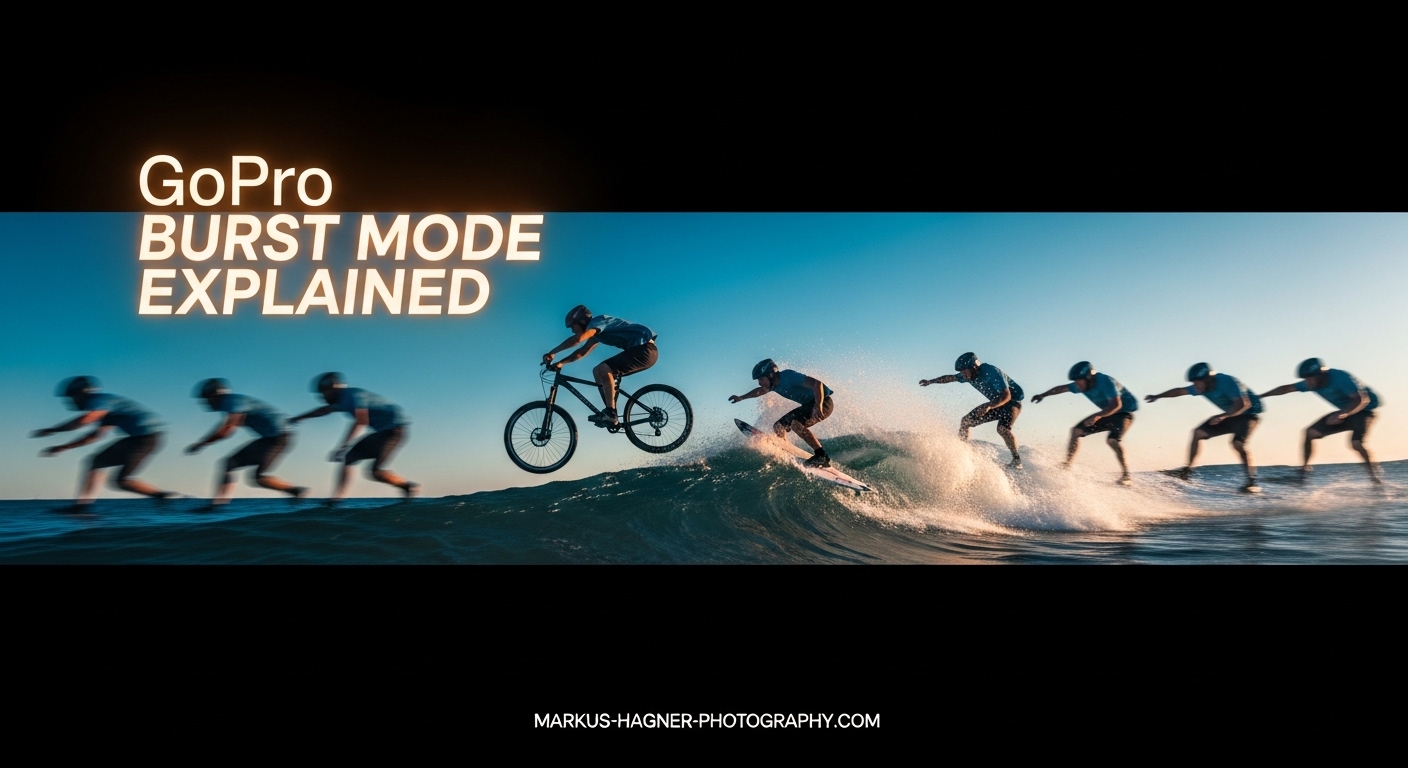
Capturing fast-moving action with a single photo often feels like pure luck. You press the shutter at what you think is the perfect moment, only to find your subject blurred, out of frame, or mid-blink. GoPro burst mode solves this problem by capturing multiple photos in rapid succession, giving you a sequence of frames to choose from. In this guide, I’ll explain exactly how GoPro burst mode works, which settings to use for different activities, and share practical tips I’ve learned from years of action photography.
What is GoPro Burst Mode?
GoPro burst mode is a high-speed continuous shooting feature that captures multiple still photos in rapid succession with a single shutter press. Depending on your GoPro model and selected setting, burst mode can capture anywhere from 3 photos in 1 second up to 30 photos in 1 second or even 60 photos across 3 seconds.
Each photo in a burst sequence is saved as an individual image file on your SD card. This means you can review every frame afterward and select the one perfect shot from the sequence. The feature works by using the camera’s electronic shutter to rapidly capture frames without the mechanical limitations of traditional cameras.
Burst mode is available on virtually all modern GoPro cameras, including HERO13 Black, HERO12 Black, HERO11 Black, HERO10 Black, HERO9 Black, and earlier models. The specific burst settings available vary by model, with newer cameras offering more options and faster burst rates.
The burst rate is measured in frames per second (fps). A setting like 30/1 means the camera captures 30 photos in 1 second, which equals 30 fps. Understanding burst rates helps you choose the right setting for your specific activity and the speed of action you’re trying to capture.
GoPro Burst Mode Settings Explained
GoPro offers several burst mode settings, each designed for different types of action and timing requirements. Here’s what each setting means and when to use it.
30/1 Burst (30 Photos in 1 Second)
The 30/1 setting captures 30 photos in a single second at 30 frames per second. This is ideal for extremely fast, split-second moments where timing is everything. Use 30/1 for capturing impacts, tricks, or any action that happens in a flash.
This setting works best for skateboarding tricks, motocross jumps, sports impacts, and similar quick actions. The main advantage is maximum frame coverage in minimal time. The downside is you have less time to compose your shot, and all 30 photos happen very quickly.
30/3 Burst (30 Photos in 3 Seconds)
The 30/3 setting captures 30 photos spread across 3 seconds, averaging 10 frames per second. This is my go-to setting for most action photography because it gives you extended coverage while still maintaining a rapid capture rate.
Use 30/3 for activities with longer duration like surfing, snowboarding runs, mountain biking, or any action that unfolds over a few seconds. This setting gives you more flexibility in timing your shot and captures the entire sequence of movement rather than just a split second.
60/3 Burst (60 Photos in 3 Seconds)
The 60/3 setting captures 60 photos across 3 seconds at 20 frames per second. This gives you the most photos to choose from and is perfect for activities where you want maximum coverage of an extended action sequence.
This setting is excellent for surfing, wakeboarding, kiteboarding, or any water sport where the action develops over several seconds. The trade-off is having more photos to sort through afterward and greater storage consumption.
10/1 Burst (10 Photos in 1 Second)
The 10/1 setting captures 10 photos in 1 second at 10 frames per second. This provides a good balance between coverage and selectability without overwhelming you with too many nearly identical frames.
Use 10/1 for general action shots, kids playing sports, pets in motion, or any situation where you want burst mode benefits without the extreme frame count. This setting is also more manageable for storage and post-processing.
3/1 and 5/1 Burst Settings
The 3/1 setting captures 3 photos in 1 second, while 5/1 captures 5 photos in 1 second. These lower burst rates are useful when you want just a few frames to choose from without filling your SD card.
These settings work well for portraits, group shots, or any situation where you want a few extra frames to ensure everyone’s eyes are open. They’re also useful when storage space is limited or when you don’t want to sort through dozens of nearly identical photos.
Auto Burst Mode
Auto burst mode, available on select GoPro models, automatically determines how many photos to capture based on lighting conditions and exposure requirements. The camera takes as many photos as possible while maintaining proper exposure.
In bright conditions, auto burst might capture 30 photos in 1 second. In lower light, it might reduce to 10 or fewer photos to ensure each frame gets adequate exposure. This setting is useful when lighting is variable or when you want the camera to optimize settings automatically.
How to Set Up and Use GoPro Burst Mode In 2026?
Setting up burst mode on your GoPro takes just a few taps. The exact steps may vary slightly between models, but the general process remains consistent across most GoPro cameras.
Step 1: Power on your GoPro camera by pressing the side power/mode button.
Step 2: Swipe left or right on the back touchscreen until you reach Photo mode. You’ll see a camera icon indicating still photo capture.
Step 3: Tap on the burst rate icon, which typically shows your current burst setting (like “30/1” or “Auto”). On some models, you may need to swipe up from the bottom to access settings first.
Step 4: Select your desired burst setting from the available options. Choose based on your activity: 30/1 for quick moments, 30/3 for extended action, 10/1 for general use.
Step 5: Frame your shot and press the shutter button to capture your burst sequence. Hold the camera steady during capture for sharpest results.
Step 6: After capture, swipe up to review your photos. Each photo in the burst sequence is saved as an individual file, so you can delete unwanted frames and keep only the best shots.
On HERO13 Black and newer models, you can also access burst mode through the Quik app for remote control and settings adjustment. This is useful when your GoPro is mounted in hard-to-reach positions.
When to Use GoPro Burst Mode?
Burst mode shines in any situation where timing is unpredictable or the action happens too quickly to capture with a single shot. Here are the scenarios where burst mode delivers the best results.
Action Sports: Skateboarding, snowboarding, skiing, surfing, mountain biking, motocross, and any fast-paced sport benefits from burst mode. The rapid sequence captures the entire trick or jump, letting you pick the perfect frame.
Water and Wave Photography: Waves move unpredictably, and the perfect moment often lasts just a fraction of a second. Burst mode captures the entire wave sequence, from the curl to the crash.
Wildlife and Pet Photography: Animals rarely pose on command. Burst mode helps capture pets mid-play, birds in flight, or any wildlife in motion.
Jump Shots and Aerial Tricks: Whether it’s a group jump photo or an aerial trick on a bike or board, burst mode ensures you capture the peak moment of height and extension.
Unpredictable Moments: Kids playing, surprise reactions, and candid moments often benefit from burst mode. You get multiple frames to choose from without worrying about perfect timing.
GoPro LiveBurst vs Standard Burst Mode
LiveBurst is a related but distinct feature available on newer GoPro models. Understanding the difference helps you choose the right tool for your situation.
LiveBurst captures 1.5 seconds of photos before AND after you press the shutter button, giving you 90 total images to choose from. Standard burst mode only captures photos after you press the shutter.
The key advantage of LiveBurst is that it captures moments you might have missed by reacting a half-second too late. The camera is continuously buffering photos, and when you press the shutter, it saves the previous 1.5 seconds plus 1.5 seconds afterward.
Use LiveBurst when the timing is completely unpredictable and you can’t anticipate when the action will happen. Use standard burst mode when you can see the action developing and can time your shutter press accordingly.
Burst Slo-Mo on HERO13 Black
HERO13 Black introduced Burst Slo-Mo, which combines burst capture with high frame rate video. This feature captures 400fps footage for slow-motion playback while also extracting still frames from the sequence.
Burst Slo-Mo is ideal when you want both slow-motion video and the ability to extract perfect still frames. It’s particularly useful for analyzing sports technique or creating content for social media where both video and photo formats are needed.
Tips for Capturing the Perfect Action Shot with Burst Mode (2026)
Getting sharp, well-composed action shots with burst mode requires more than just pointing and shooting. These tips will help you maximize your success rate.
Lighting Matters More Than You Think
Burst mode works best in bright lighting conditions. In lower light, the camera needs longer exposure times, which can result in motion blur even in burst mode. For indoor or low-light action, consider using burst mode with ProTune enabled to adjust ISO limits and shutter speed manually.
The ideal lighting for burst photography is bright, consistent daylight. Overcast days can work well too, as the diffused light prevents harsh shadows that might otherwise ruin action shots.
Position Yourself for Success
Anticipate where the action will happen and position yourself accordingly. For surfing, set up where the wave will break. For skateboarding, find the spot where the trick will be at its peak. Pre-focusing on this area helps ensure sharp shots.
Consider your background too. A clean, uncluttered background makes your subject stand out. Avoid positioning yourself where trees, poles, or other objects will appear to grow out of your subject’s head.
Hold Steady or Use a Mount
Camera movement during burst capture introduces blur in every frame. Hold the camera with both hands, tuck your elbows against your body, and plant your feet firmly. For the sharpest results, use a tripod or mount your GoPro to a stable surface.
If you’re hand-holding during fast action, consider using burst mode’s rapid capture to your advantage. Fire off a burst while tracking the subject, and you’ll likely get at least a few sharp frames even with some camera movement.
Watch Your Storage Space
Burst mode consumes storage quickly. A 60/3 burst captures 60 photos in just 3 seconds. If you’re shooting RAW files, each burst can consume significant SD card space. Always carry extra SD cards for action photography sessions.
I recommend cards with at least 64GB capacity for burst photography, and 128GB or larger for extended sessions. Fast write speeds (UHS-I V30 or better) help prevent buffer slowdown during rapid shooting.
Anticipate the Action
The best action photographers don’t just react, they anticipate. Watch the rhythm of the activity and learn when the peak moments occur. A surfer paddling for a wave, a skateboarder approaching a ramp, or a motocross rider lining up a jump all give visual cues that help you time your burst.
Start your burst slightly before the peak action begins. This ensures you capture the buildup, the peak, and the follow-through, giving you maximum options when selecting the best frame.
Common Burst Mode Issues and Solutions
Even with proper technique, burst mode can present challenges. Here are common issues and how to solve them.
Blurry Photos
Motion blur in burst photos usually results from camera movement, not subject movement. Stabilize your camera with both hands or use a mount. If blur persists, check that your shutter speed isn’t too slow. In ProTune, you can set a minimum shutter speed to freeze action.
Dark or Underexposed Photos
In burst mode, the camera uses fixed exposure settings across all frames. If your subject is backlit or lighting changes during the burst, photos may appear dark. Use exposure compensation or switch to spot metering to ensure proper exposure on your subject.
Buffer Limitations
Your GoPro has a finite buffer for burst photos. If the buffer fills, burst capture stops prematurely. To avoid this, use faster SD cards (V30 or higher) and allow time between bursts for the camera to write photos to the card.
Managing Large Photo Sets
Sorting through dozens or hundreds of burst photos can be overwhelming. Use the GoPro Quik app to review and delete unwanted frames in the field. This saves storage space and reduces post-processing time later.
Frequently Asked Questions
What is Burst mode on GoPro?
GoPro Burst Mode captures a rapid sequence of still photos in a single shutter press, allowing you to choose the perfect moment from high-speed action. Depending on your GoPro model and settings, burst mode can capture from 3 photos in 1 second up to 30 photos in 1 second or 60 photos in 3 seconds.
How do I turn on Burst mode?
Power on your GoPro, swipe to Photo mode, tap the burst rate icon, and select your desired burst setting (30/1, 30/3, 10/1, etc). The camera will then capture multiple photos in rapid succession when you press the shutter button.
When should I use Burst mode?
Use Burst mode for fast-action sports like skateboarding, surfing, snowboarding, and mountain biking. It’s also ideal for wildlife and pet photography, jump shots, aerial tricks, and any situation where timing is unpredictable and you need multiple frames to capture the perfect moment.
What is live burst GoPro?
GoPro LiveBurst captures 1.5 seconds of photos before AND after you press the shutter button, giving you 90 total images to choose from. Unlike standard burst mode which starts capturing when you press the shutter, LiveBurst helps you capture moments you might have missed by half a second.
Conclusion
GoPro burst mode transforms unpredictable action photography from a game of chance into a reliable technique for capturing perfect moments. By understanding the different burst settings, from 30/1 for split-second action to 60/3 for extended sequences, you can match your camera setup to any activity. The key is selecting the right setting for your specific situation, positioning yourself where the action will peak, and using proper technique to keep your shots sharp.
Whether you’re shooting surfing, skateboarding, wildlife, or just your kids playing in the backyard, burst mode gives you multiple frames to choose from and dramatically increases your chances of capturing that one perfect shot. Combined with LiveBurst for unpredictable moments and Burst Slo-Mo on HERO13 for combined video and photo capture, you have a complete toolkit for action photography in 2026.