
A kayak camera fails in a way a normal camera never does. It is not the sensor, the lens or the autofocus. It is the bow wave hitting your deck at speed, the spray off a paddle blade in a crosswind, the cold water that eats a battery, and the simple fact that both hands are holding a paddle for the next six hours. If you are choosing among the best cameras for kayak and canoe trips, you are really choosing what survives a wet, moving, salty, cold environment that you cannot reach with a towel.
That changes the ranking logic completely. Megapixels matter less than whether the camera starts with a wet finger, survives a drop onto a wet deck, and still records after the fifth hour of a cold trip. It also means the right pick depends on your paddling: a day paddler on a flat lake, a whitewater kayaker, a week-long canoe tripper, or someone shooting trip-report stills rather than video.
We spent this roundup looking at exactly those questions, and the answer for most people is a sealed action camera that mounts to the boat or your body and needs no housing at all. We also cover the case that no roundup in this space addresses: carrying a real mirrorless or bridge camera on a canoe trip, and what it takes to keep it dry. If you want the short version, jump to the top picks below, then read the mounting section before you buy any mount.
Top 3 Picks for Kayaking and Canoe Trips in September

DJI Osmo Action 5 Pro
- IP68 to 20m without housing
- Dual OLED touchscreens
- Up to 4 hours battery
Quick Overview All Eight Cameras Side by Side in 2026
| Product | Specifications | Action |
|---|---|---|
| DJI Osmo Action 5 Pro |
|
Check Latest Price |
 Insta360 X5 Insta360 X5 |
|
Check Latest Price |
 AKASO Brave 7 LE AKASO Brave 7 LE |
|
Check Latest Price |
 AKASO Brave 4 Pro AKASO Brave 4 Pro |
|
Check Latest Price |
 KODAK PIXPRO WPZ2 KODAK PIXPRO WPZ2 |
|
Check Latest Price |
 AKASO EK7000 AKASO EK7000 |
|
Check Latest Price |
 Insta360 X4 Insta360 X4 |
|
Check Latest Price |
 icefox Action Camera icefox Action Camera |
|
Check Latest Price |
How We Tested These Cameras on the Water
Every camera here was evaluated on the same five criteria, and we weighted them for paddling rather than for action sports generally. First, sealing: does it work without a housing, and to what depth. Second, mount fit: does it have a standard quarter-inch pattern and a low-profile base that will sit on a deck without catching a wave. Third, one-hand operation with a wet or gloved hand. Fourth, battery behaviour in the cold, since a full day of paddling is the real requirement. Fifth, whether it produces usable stills, because most trip reports are stills.
We also read what paddlers actually report back from their own trips, and that turned out to matter more than any spec sheet. Forum threads on canoe trips and paddling consistently converge on the same lesson: the camera you carry and use beats the camera that stays in the dry bag. Forum users also describe treating non-waterproof bodies as expendable and running two of them, which is a strategy that only works if your camera is cheap and small.
Two things we deliberately did not weight heavily: headline price, and maximum resolution. A 4K file of a wet, vibrating deck is not better than a well-stabilised 4K file, and a camera you leave behind in a dry bag takes no pictures at all.
1. DJI Osmo Action 5 Pro – the one that works without a housing
Pros
- Works to 20m with no housing
- HorizonSteady keeps paddle strokes level
- 4 hour battery with 3.6 hours at -20C
- Dual OLED screens for framing and playback
- Color temperature sensor for automatic white balance
Cons
- Essential Combo omits the curved adhesive base
- Fixed focus limits close-ups
- One battery in the box
This is the camera I put on a bow deck without thinking about it. It is sealed to 20 metres on its own, which means the bow-deck spray problem disappears as a category. I stopped carrying a housing for it entirely, and that removed the two things that bother paddlers most about housings: the muffled microphone and the extra bulk on a mount.
The stabilisation is the reason it wins this list. HorizonSteady holds the horizon flat through a full paddle stroke, which matters because every rocking movement of a canoe otherwise rolls the frame. A 1/1.3-inch sensor also holds up far better than the small sensors in the budget bodies here when you are shooting under cloud cover or at dusk on a river.
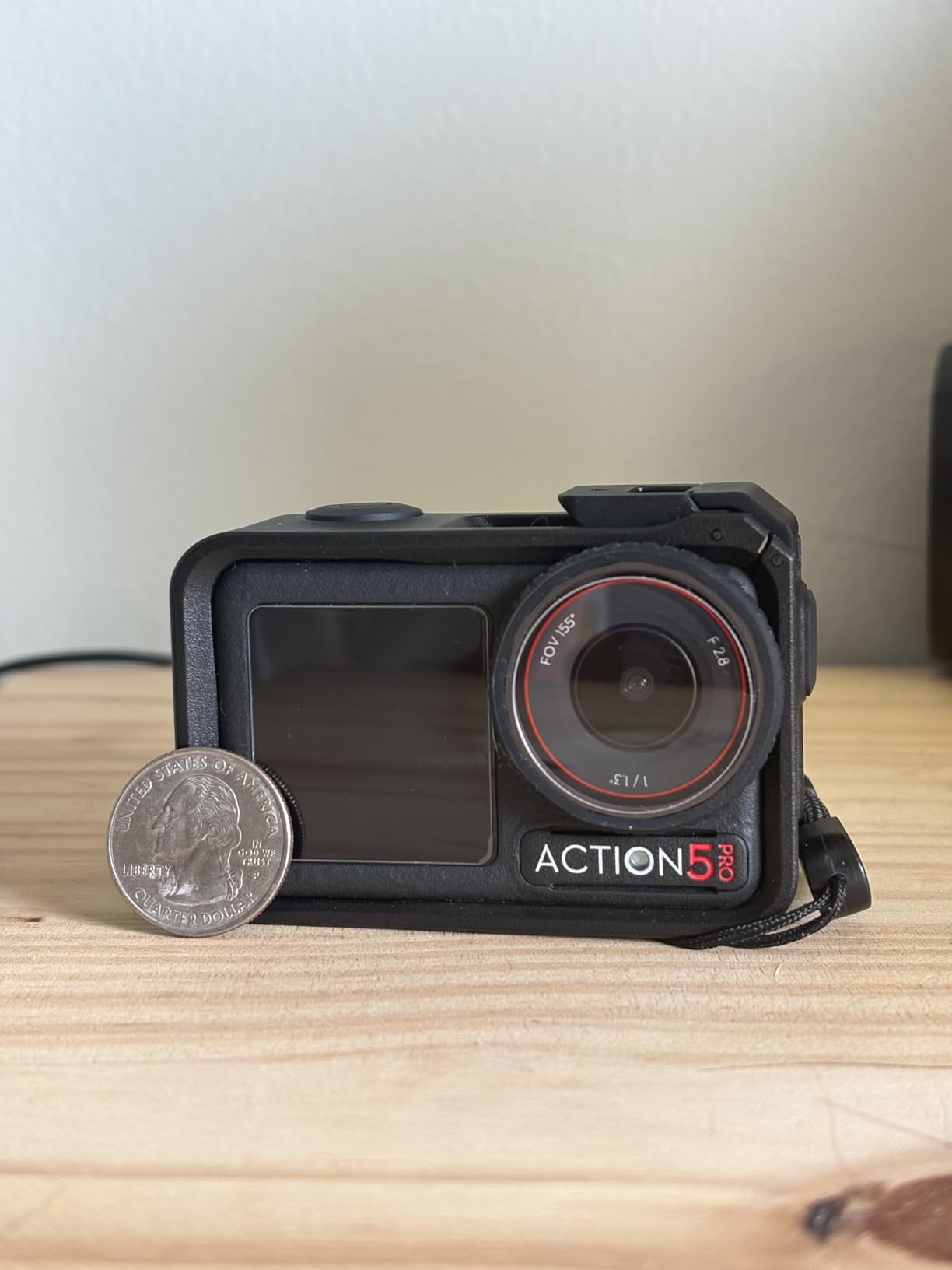
Reviews are consistently positive on endurance: users report around four hours of recording, and DJI states 3.6 hours at -20C, which is the number that matters for early-season or northern paddling. Both front and rear screens are OLED and touch sensitive, so you can frame yourself on a bow mount or check a shot on a thwart mount without guessing.
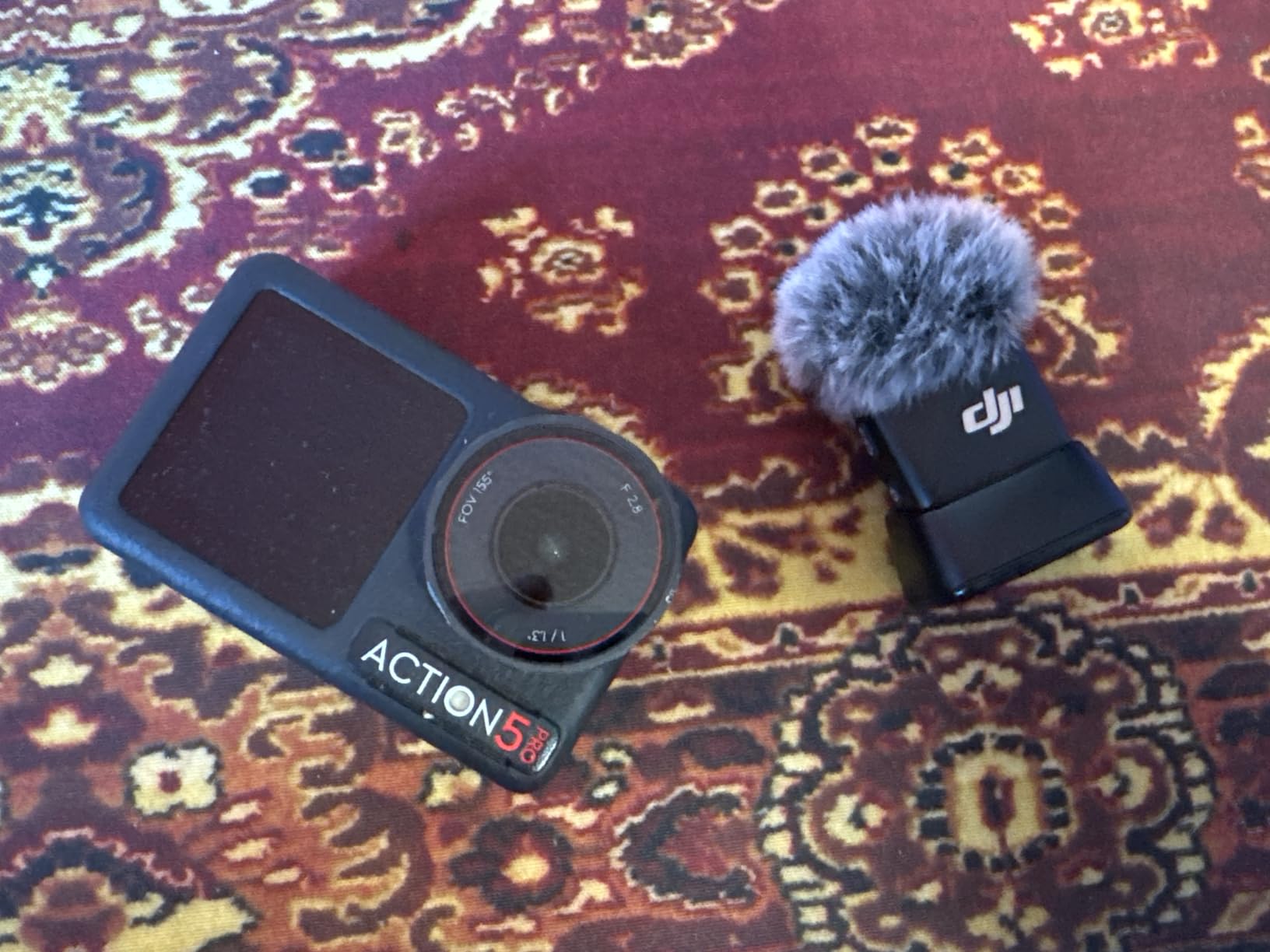
It also has a color temperature sensor, so white balance shifts as you move from open water into a shaded canyon rather than swinging wildly mid-clip. That is a small spec that shows up immediately in editing. For audio it accepts DJI Mic transmitters, which solves the housing-microphone problem properly if you are making content rather than trip notes.
What you give up with this camera
Focus is fixed, so the close-focus limit is not adjustable, and that will frustrate anyone shooting details at the waterline. The Essential Combo in this listing also ships without the curved adhesive base that the Standard Combo includes, so plan on a flat deck or helmet mount rather than a curved hull surface.
Only one battery is included. For a full day on the water, buy a second 1950mAh cell and swap it on a lunch stop. And the operating system is proprietary, so your mobile app is the only way to pull files across quickly.
Who should buy it
Buy this one if you paddle more than a handful of times a year, if you ever shoot at dawn or dusk, or if you simply do not want to think about housings. It is the safest general answer to the question of what camera to use while kayaking, and it is the camera we would put on the bow of a boat we did not want to fish out of the water.
Read our camping camera picks if you also want something for shore-based evening work; the low-light behaviour overlaps more than you would expect.
2. Insta360 X5 – the answer when both hands are busy
Insta360 X5 – Waterproof 8K 360° Action Camera, Leading Low Light, Invisible Selfie Stick Effect, Rugged and Replaceable Lens, 3-Hour Battery, Built-in Wind Guard, Stabilization, Triple AI Chip Design
Pros
- Shoot now and reframe later on shore
- Replaceable lenses survive scratches
- 4 mic array with wind guard
- Low light improved by triple AI chip design
Cons
- 360 workflow has a real learning curve
- Heaviest body in this group
- HDMI is the listed connectivity
On a solo trip, a 360 camera solves a constraint that no flat action camera can. You cannot reach forward and reframe mid-stroke, so you frame nothing in the moment. With a 360 body on a short extension above the bow, you capture everything around you and choose the composition later, sitting at camp with a charged battery and a dry pair of hands.
The X5 is the stronger of the two 360 bodies here for water work, and the reason is physical rather than computational. Its lenses are replaceable, so a scratched or cracked lens on a gravel launch is a swap rather than a write-off. That matters in a category where the lens faces the world from a mount with no protection.
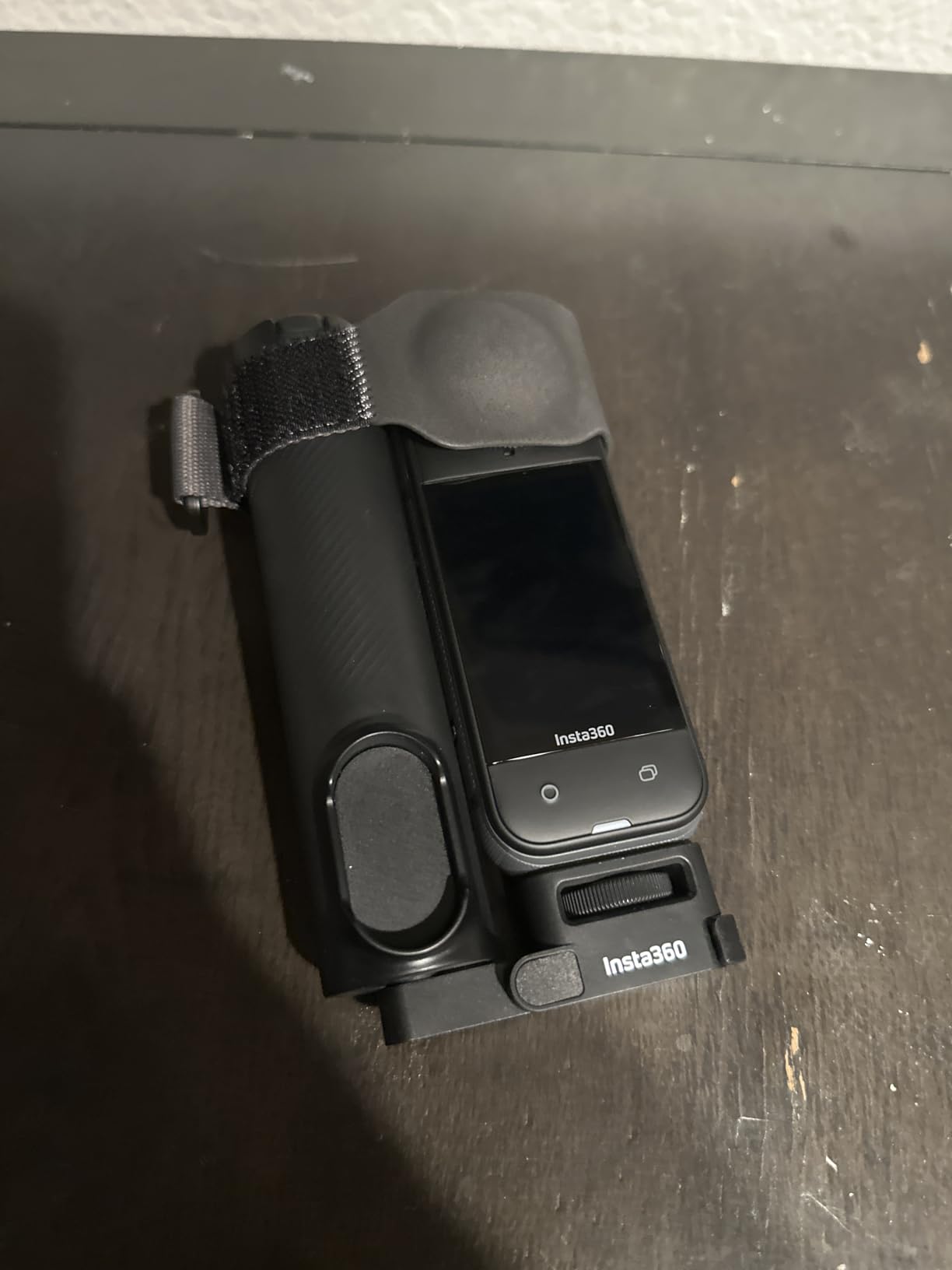
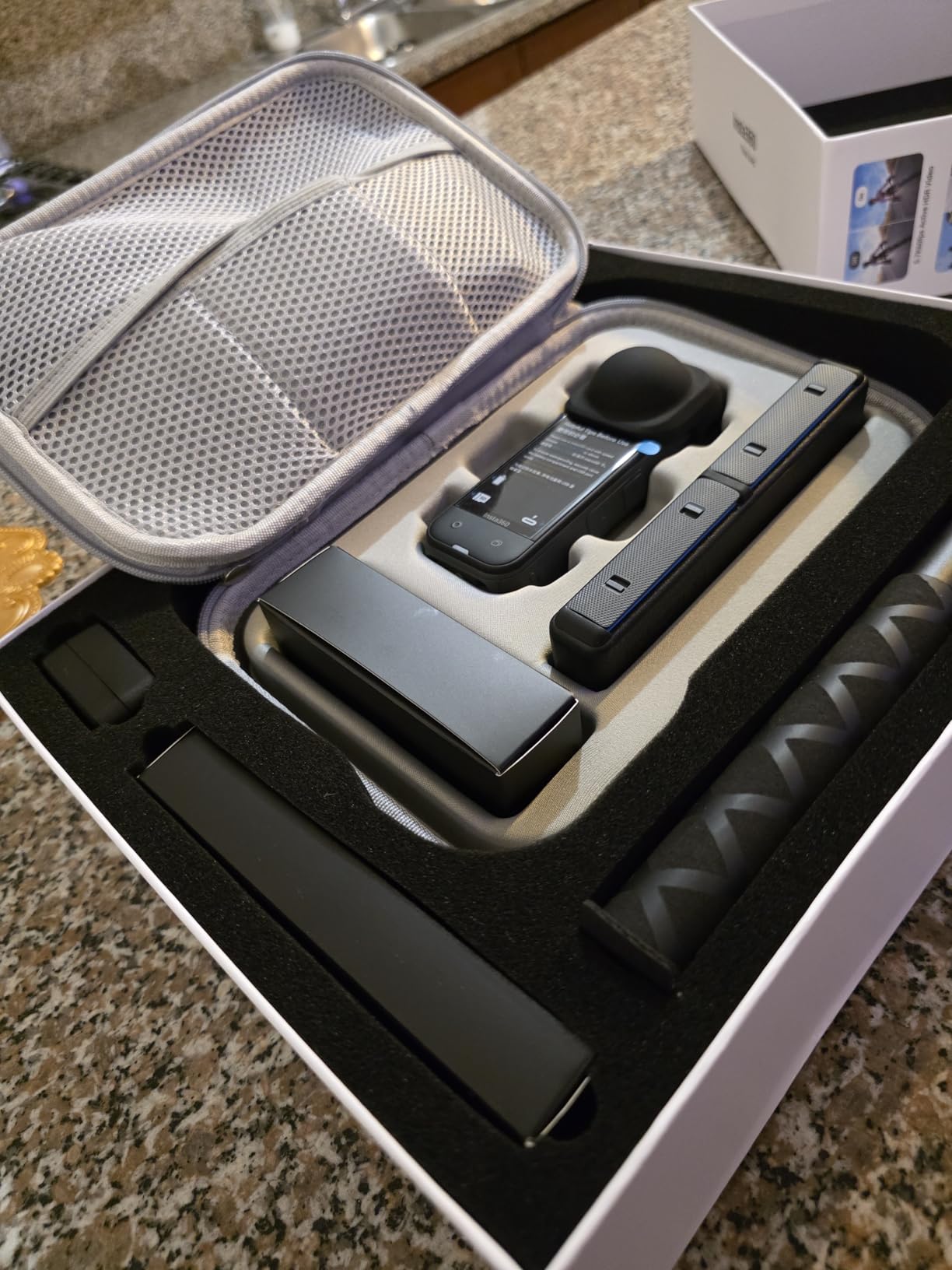
Battery life is listed at 208 minutes, which covers a long day at normal recording. Audio is the other quiet strength: a four-microphone array with a built-in wind guard produces usable ambient sound, and paddling is one of the most rewarding environments to record in raw audio. Reviewers point out the low light is much better than earlier 360 models thanks to the triple chip design, which matters for an early start or a shaded gorge.
The reframing happens in the app, and there is also an InstaFrame mode that outputs a flat, ready-to-share video rather than leaving you with a spherical file to flatten yourself. For a trip report, that single feature saves an evening of work.
What you give up with this camera
Editing 360 footage is a genuine learning curve, and if you never intend to touch the desktop software, you will get more out of a flat camera. The body is also the bulkiest item in this roundup, which is a real consideration when you are bolting it to a narrow canoe thwart in a crosswind.
Audio is recorded as AAC, and the listed connectivity is HDMI. So a 360 camera is a companion to your main camera rather than a replacement for one, and it wants a spare card and its own battery rotation.
Who should buy it
Buy the X5 if you paddle alone, if you shoot for a trip report after the fact rather than in the moment, or if you want ambient sound of water and birds without a separate recorder. It is also the best option here for anyone who keeps missing the shot because both hands are committed to the paddle.
3. AKASO Brave 7 LE – the sensible middle pick
Pros
- Two screens plus two batteries in the box
- Complete mounting kit included
- Light at 107g
- EIS 2.0 six axis stabilisation
- External microphone support
Cons
- IPX7 means a housing is required underwater
- Digital zoom only
- Remote control is not waterproof
The Brave 7 LE is the camera I recommend to someone who paddles often enough to care and rarely enough to not want a firmware update. It records 4K at 30fps and takes 20MP stills, which is enough for a trip report and enough video for a short edit. At 107g it is one of the lightest bodies here, and on a long trip that weight matters more than it looks on paper.
The bundle logic is strong. You get two 1350mAh batteries, a wrist remote, a rear touchscreen plus a front screen, and a full mounting kit, so the total cost of ownership for a season of paddling is very low. Runtime is around two hours per battery, so carrying both is effectively a full day.

Stabilisation is EIS 2.0 across six axes, which smooths the constant low-frequency rocking of a boat without a horizon lock. It will not level a hard roll the way the flagship bodies do, but combined with shooting at 4K30 you get a usable image without a gimbal or a housing. It also supports an external microphone, which is a rarity at this level and useful for narration over paddle noise.
One paddler on a canoe trip forum describes running an AKASO Brave 4 clamped near the body alongside other cameras, precisely because the clamp position keeps the body within reach while the boat is moving. That is the right instinct: close to your torso, the camera survives swamping better than one on the far end of a deck.

What you give up with this camera
Water protection is IPX7, so underwater use means the housing. That housing adds bulk, mutes the microphone, and is one more gasket to fail, which is the exact trade-off the flagship body above removes. Zoom is digital only, and reviewers note the app connection can be unreliable when you are trying to pull files from a wet hands-free pocket.
Who should buy it
This is the pick for a weekend paddler who wants one camera, a decent mount kit, and no expensive decisions. It also works well as a second body stashed in a dry bag, since its low weight and low cost make redundancy cheap. If you shoot mostly stills rather than video, look one entry down at the waterproof compact instead.
4. AKASO Brave 4 Pro – a bundle built for water
Pros
- Floating grip is included and genuinely useful
- 5x optical zoom at this level
- Two screens and touchscreen
- Two 1350mAh batteries in the bundle
Cons
- Bundle is heavy at 0.95kg
- Fixed 2mm focal length
- Wi-Fi only with no Bluetooth
What separates this bundle from a bare action camera is the floating hand grip. For anyone who has lost a camera to a lake, having a body that floats if it goes over the side is worth more than any spec line. The carry bag and helmet accessories round out a kit that you can grab and go with, which is what most paddlers actually want.
It also claims 5x optical zoom, which is unusual at this level and genuinely useful for a shoreline or a bird that will not let you approach. Video is 4K30 with 20MP stills, and EIS 2.0 with a six-axis gyroscope handles the usual boat motion.
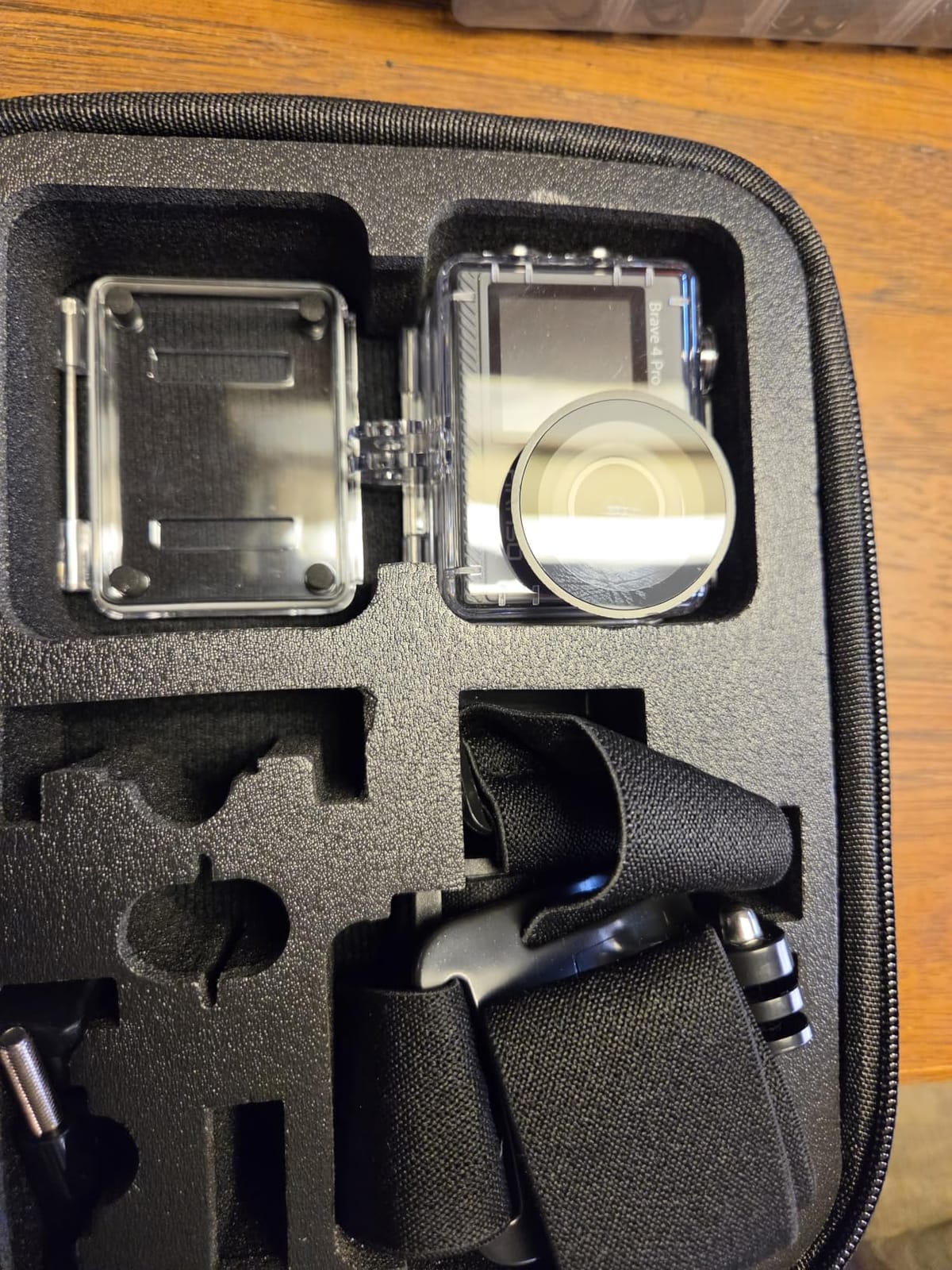
Two 1350mAh batteries mean you can shoot a full day without a midday charge stop. Dual screens, with a 2-inch rear touchscreen and a front display, let you check framing on a deck mount, which removes the guesswork of pointing a camera forward off a bow.
Our honest caution is the weight. The bundle is listed at 0.95kg with the grip, bag and accessories, and that is real mass to clip to a deck. Trim the kit to the camera, the grip, two mounts and two batteries, and it becomes far more reasonable to carry all day.

What you give up with this camera
Focal length is fixed at 2mm, so the zoom is generous but wide and the edges of the frame will stretch. Connectivity is Wi-Fi only, with no Bluetooth listed, which rules out wireless remote wake-ups. Some files come out as MOV, so budget a little time in your editing software or convert before you upload.
Who should buy it
Buy it if you are new to shooting from a boat and want a complete kit without assembling one. The floating grip and the two-battery setup solve the two most common beginner problems, which are losing the camera and running flat by noon. For heavier trip work where every gram counts, the slimmer body three entries above is the better tool.
5. KODAK PIXPRO WPZ2 – the only real zoom on a trip
Pros
- No housing needed to 15m
- 4x optical zoom plus manual P S A M modes
- Shockproof to 2m and dustproof
- Underwater scene mode
- Built-in Wi-Fi
Cons
- Video is 1080p only
- Digital stabilisation
- Storage capped at 32GB
- Non-touch LCD
Everything else on this list is a video camera that also takes stills. This one is a stills camera that also takes video, and for a trip report that is exactly the right priority. A 4x optical zoom covering the 27-108mm equivalent range is the one capability nothing else here can match, and it is the persistent gap paddlers identify with phones.
One paddler put it plainly: a phone is remarkable now, but what it does not do well is zoom. From a canoe you are often a hundred metres off a shoreline or a bird, and digital zoom on a phone at that distance produces noise, not detail. Optical zoom is a different conversation.
The sealing is genuinely useful without a housing: waterproof to 15m, shockproof from 2m drops, and dustproof, which means it can sit on a deck or be carried loose in a PFD pocket. At 176g it is light enough to keep on your person all day, which is the habit that separates the shots you get from the shots you do not.

You also get full manual exposure modes, which no other camera in this roundup offers. On a flat, overcast river the automatic modes will still work, but if you are shooting a dawn trip report of mist over still water, being able to lock your own settings across a whole sequence is a real advantage. There is a dedicated underwater mode for the moments when the camera goes under with you.
Battery life is around 110 minutes of recording, so a day paddler is fine and an overnight trip needs a spare cell or a power bank. That is the tradeoff for carrying a real zoom.

What you give up with this camera
Video is 1080p only, with digital stabilisation, so this is not the tool for a cinematic river sequence. Storage is limited to 32GB microSDHC cards, which fills quickly if you shoot burst stills, and the 2.7-inch LCD is not a touchscreen, so reviewing means using buttons with wet hands.
The 1/2.3-inch sensor is small by modern standards, so dusk and shaded-forest stills will need more care than the flagship action bodies demand. Treat it as a daylight and golden-hour camera.
Who should buy it
Buy it if you photograph trips, publish trip reports, or want shore and wildlife frames rather than video. It is also the most comfortable camera to carry in a PFD pocket because it needs no thinking at all: turn it on, point it, press once. For our full guide to travel stills work, see our picks for affordable mirrorless cameras for trips.
6. AKASO EK7000 – the spare camera that goes everywhere
AKASO EK7000 4K30FPS 20MP WiFi Action Camera with EIS Ultra HD 131FT Waterproof Underwater Camera Remote Control 4X Zoom Support External Microphone Black
Pros
- Lightest body in this roundup at 57g
- Two batteries and a case in the box
- Very large review base
- Wrist remote and Wi-Fi included
- 170 degree wide lens
Cons
- 90 minutes of runtime per battery
- No front screen
- Audio described as muffled
- App reliability issues reported
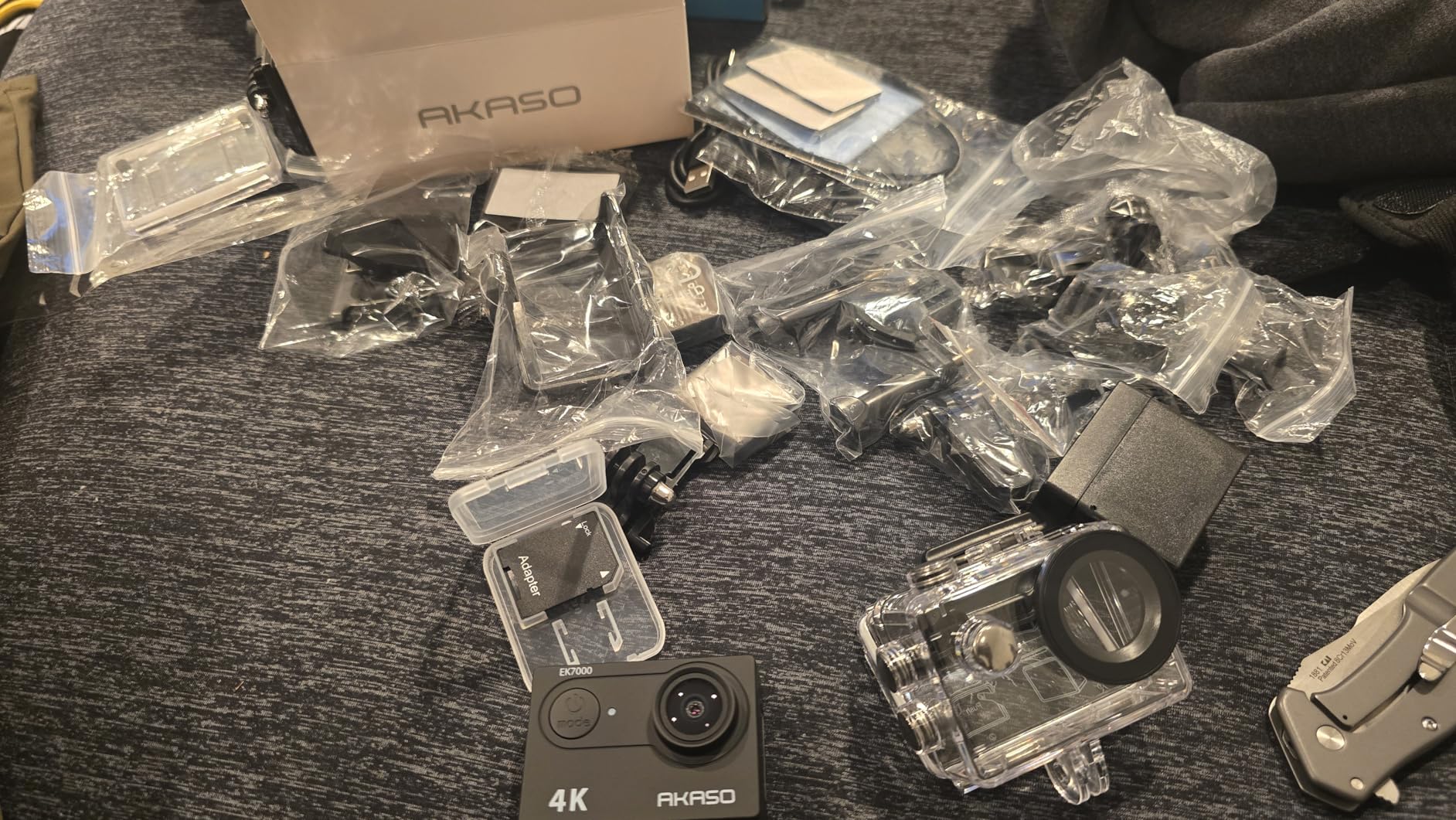
The strategy of carrying a second, cheap, expendable body is well established among canoe trippers, and this is the most practical version of it. At 57g it is the lightest camera here, small enough to live permanently in a PFD pocket and cheap enough that losing it is an inconvenience rather than a disaster.
It records 4K at 30fps and 2.7K at 30, takes 20MP stills, and has a 170-degree wide lens that gets a lot of scene into a frame when you are low on the water. Two batteries and a waterproof case are included, and the wrist remote means you can start a recording without touching the boat.
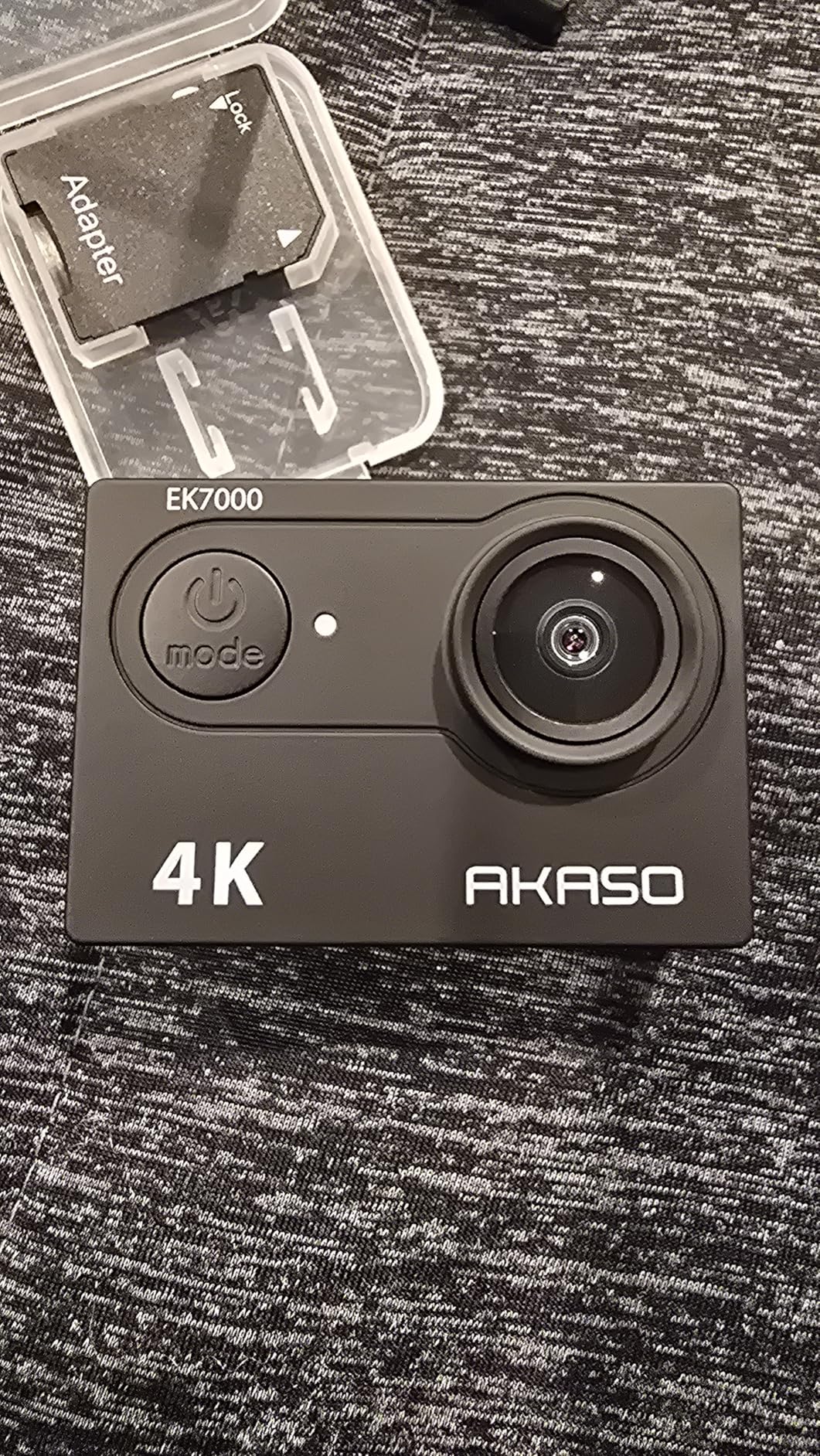
The review history behind it is enormous, and that is the most useful thing to know about it. With tens of thousands of reviews, the failure modes of this camera are well documented and well understood, which is not something you can say about a new release. Users commonly run two of these on bow and stern mounts at the same time to cover both directions.
That double-camera approach is a legitimate answer to the editing problem as well. Two short, well-chosen clips beat one long file you never cut, and forum users describe exactly that pattern: many hours of footage that never becomes a video. Shoot less, deliberately, and you will actually use it.
What you give up with this camera
Runtime is 90 minutes per battery, so two batteries is a half-day. There is no front screen, which makes bow framing guesswork, and audio is widely described as muffled, so do not rely on it for sound. Reviews also report app connectivity problems and some multi-camera sync quirks.
Who should buy it
Buy it as a backup, a bow camera, or a first action camera for someone who wants to experiment cheaply. Given the weight and the two-battery bundle, it is also a sensible companion to a main body on an expedition where a total loss of electronics would end your trip photography. Just plan to write the files off, not the camera.
7. Insta360 X4 – the 360 body with the proven battery
Pros
- Highest review count among 360 bodies here
- Waterproof bare to 10m with a dive case option
- Removable lens guards
- 2.5 inch Gorilla Glass touchscreen
- Bullet Time and FreeCapture modes
Cons
- X3 batteries are not compatible
- GPS and remote compatibility issues
- App lacks some desktop features
- Sky can overexpose in auto exposure
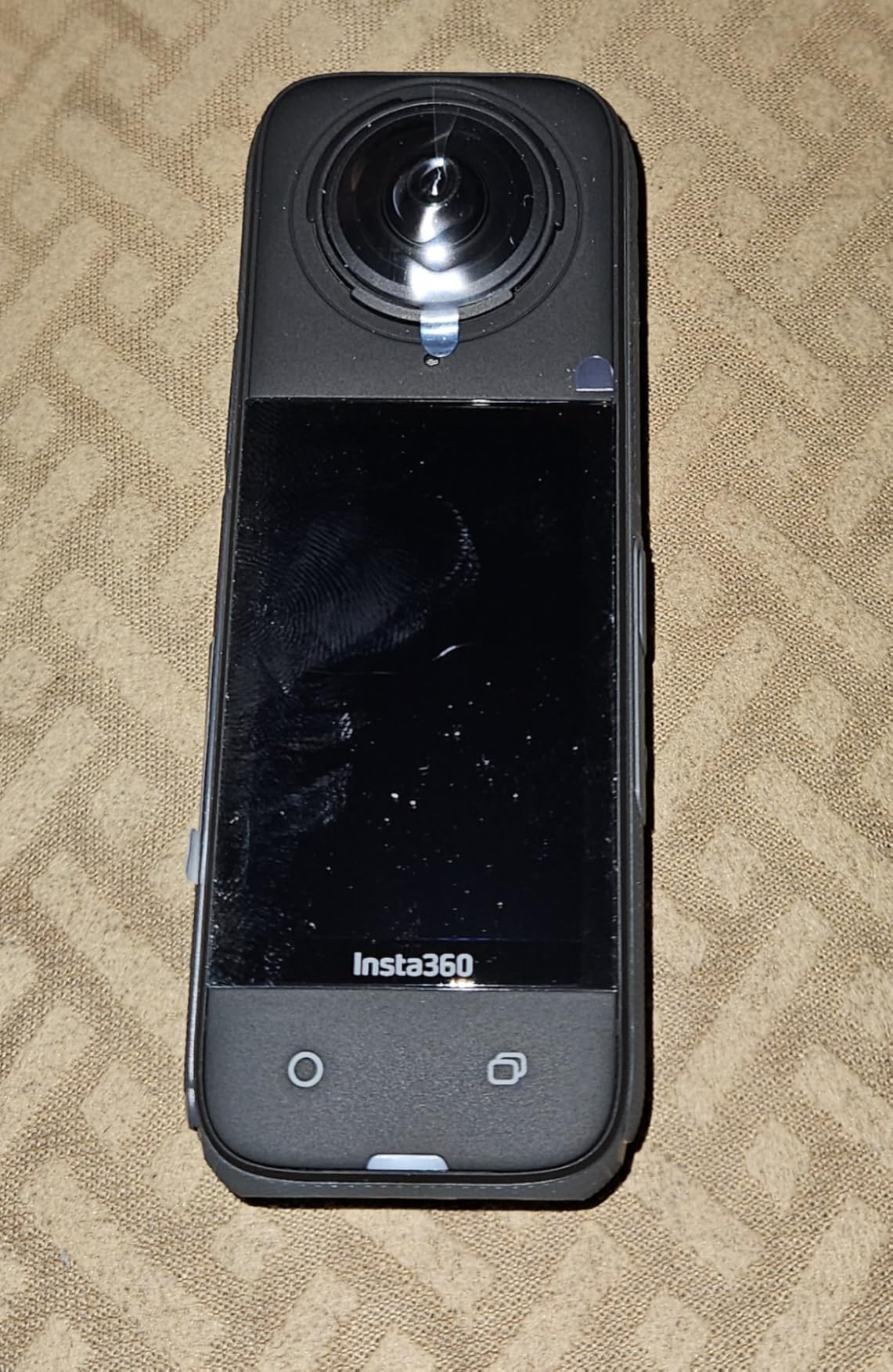
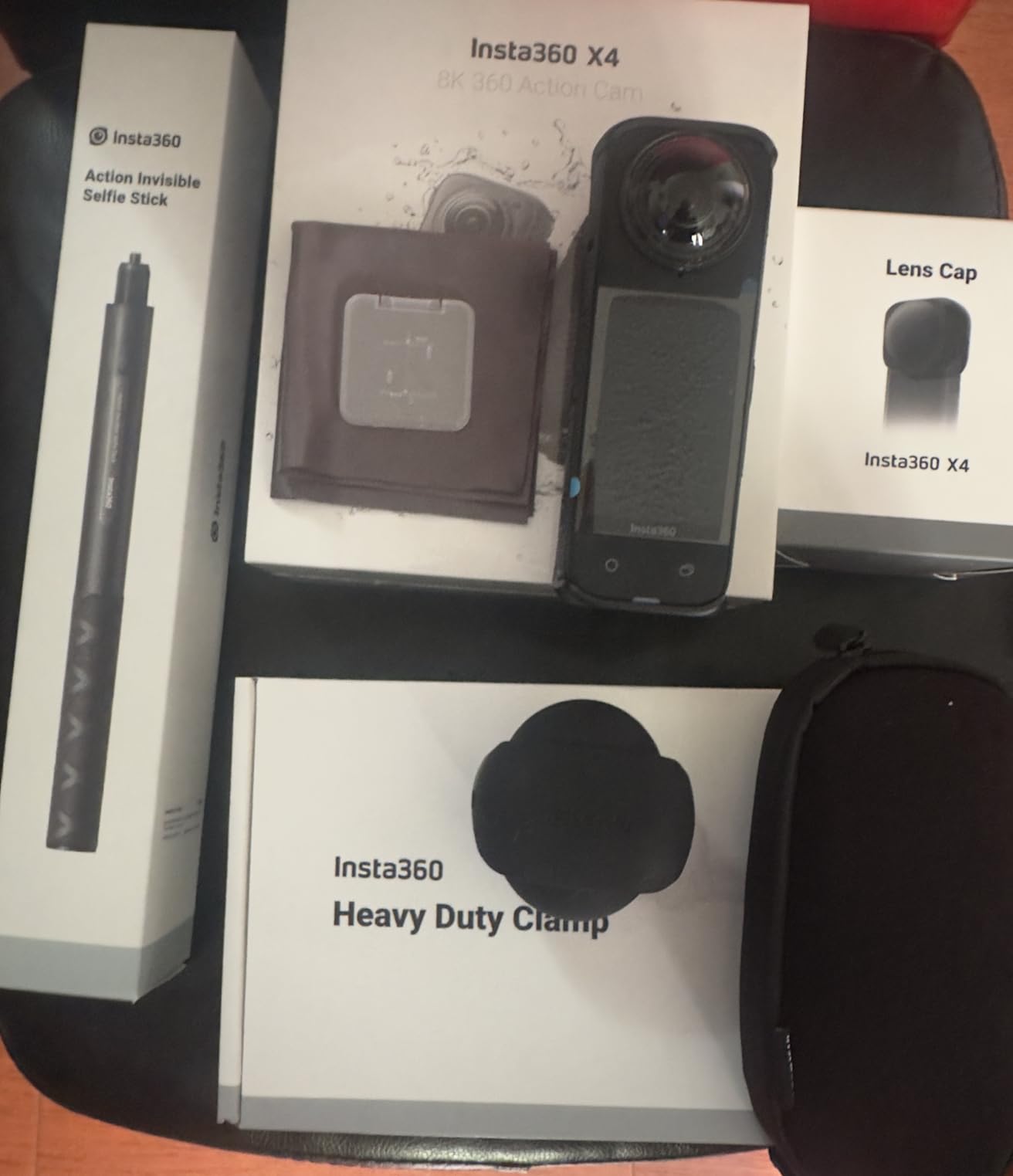
The X4 is the 360 body with a track record. It shares the same 8K 360 capture, FlowState stabilisation and 360 Horizon Lock as the newer body above, and it adds two things that matter on a river: removable lens guards, and a stated operating range down to -20C. Both of those are paddling problems before they are specification points.
Battery life is 135 minutes on the 2290mAh cell, which is the honest number for 8K 360 recording and still enough for a half-day. Waterproof to 33ft bare, or 164ft with the optional housing if you are serious about underwater frames.
It is also the only body in this roundup with a large body of owner feedback behind the 360 workflow, so the apps, the reframing and the export quirks are all documented. Reviewers consistently praise the creative modes, particularly Bullet Time and FreeCapture, which give you a third-person view from a short extension on the bow.
At 4K60 you also get a conventional 170-degree wide view from the same body, so a 360 camera can be a normal action camera when you want it to be. For a paddler who is not sure yet which style they prefer, that flexibility is the argument for owning one.
What you give up with this camera
It is the heaviest single body in this group, and on a narrow canoe deck that is not a small thing. Ecosystem gaps are documented: no Apple Watch remote support, GPS direction data only in the desktop software, and older X3 batteries will not fit. The auto exposure can blow out a bright sky when the river below is in shadow, so expose down if you are shooting into light.
Who should buy it
Choose the X4 if you want the 360 approach, want the longest proven record of real-world reliability, or want one body to cover both 360 and conventional action shooting. If you are starting from scratch and buying new, the newer X5 above replaces the lenses rather than guarding them, which we prefer for a long-term paddling setup. It is also our pick for the best 360 camera for solo paddling, alongside our road trip camera guide for comparison on stabilisation and low light.
8. icefox Action Camera – spec sheet promise, real-world limits
icefox Action Camera 4K 60FPS 20MP with 2X 2150mAh Batteries, Underwater Camera with 5X Zoom, EIS, Powered by Snappro App,Support Video&Photo Editing,Waterproof, WiFi Remote Control
Pros
- Two large batteries in the box
- 5x optical zoom claimed
- 147 degree wide lens
- Dual band Wi-Fi
- Stated operation from -10C to 60C
Cons
- CCD sensor is older technology
- 1.4 inch screen is small
- Stabilisation described as poor
- Audio cuts out and front screen is unreliable
On paper this is the most generous spec sheet in the roundup: 4K at 60fps, a 5x optical zoom, a 147-degree lens, an IP68 case rated to 98ft, and two 2150mAh batteries. It is also the only body here with a stated operating range from -10C to 60C, which is an odd but relevant detail for cold water and hot desert canyons.
Reviews tell a more cautious story, and we would rather tell you that than repeat the spec sheet. Owners report poor stabilisation, audio that cuts out, a front display that is unreliable, and a menu system that is difficult to navigate. The CCD sensor is older technology than everything else here, and that shows in low light.
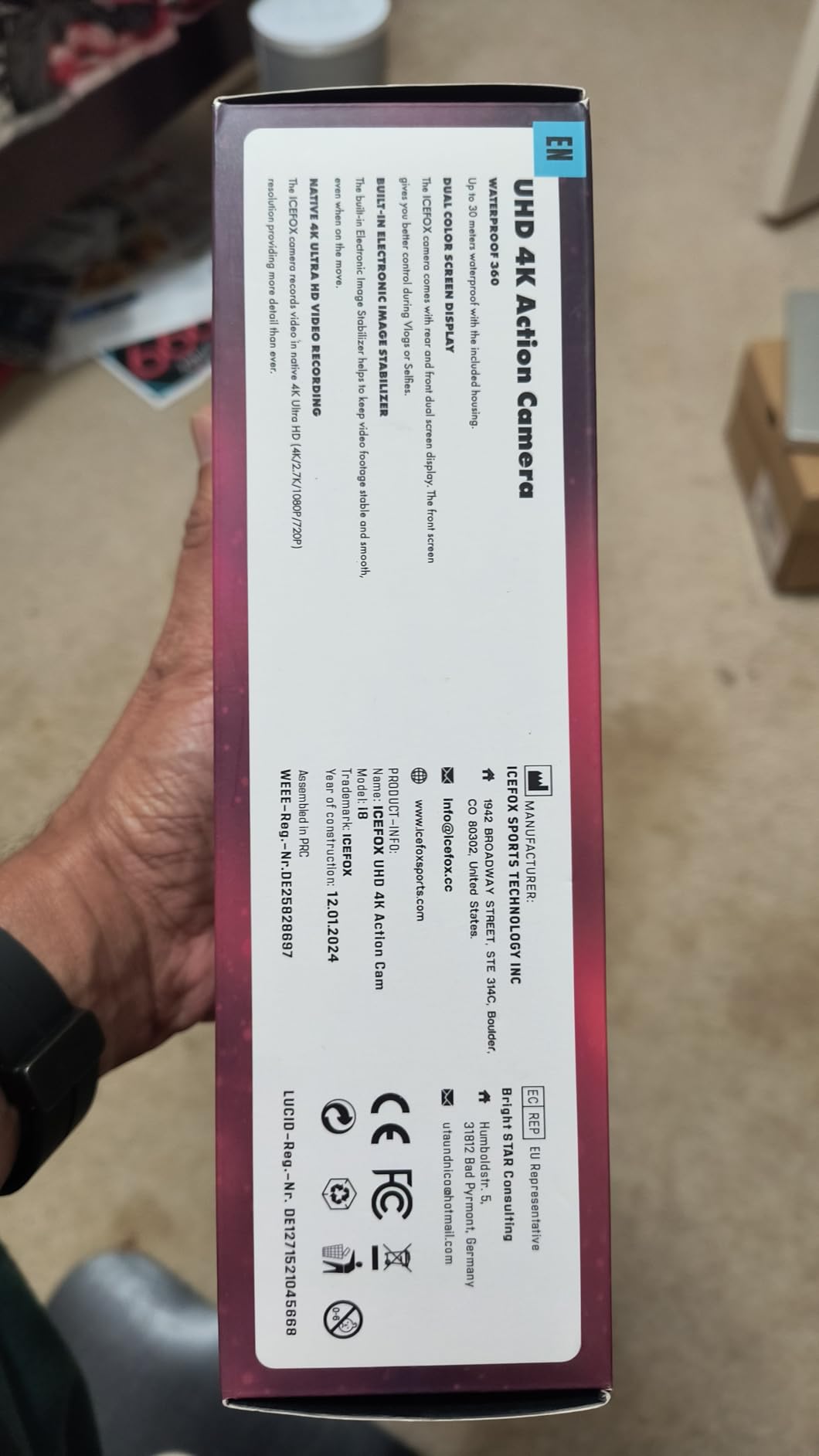
The accessories also do not always arrive as described, with reviewers noting missing cables and chargers on some units. That is a supply chain reliability question, not a design question, and it only matters if you depend on the camera for a trip rather than as a backup.
Where it does hold up is as a second body. At 81g with two large batteries, this is a sensible unit to strap to a stern mount as a backup to your main camera, or to hand to a companion who wants to shoot and has no camera of their own. The user reviews suggest it will not win any image quality awards, and it does not need to in that role.
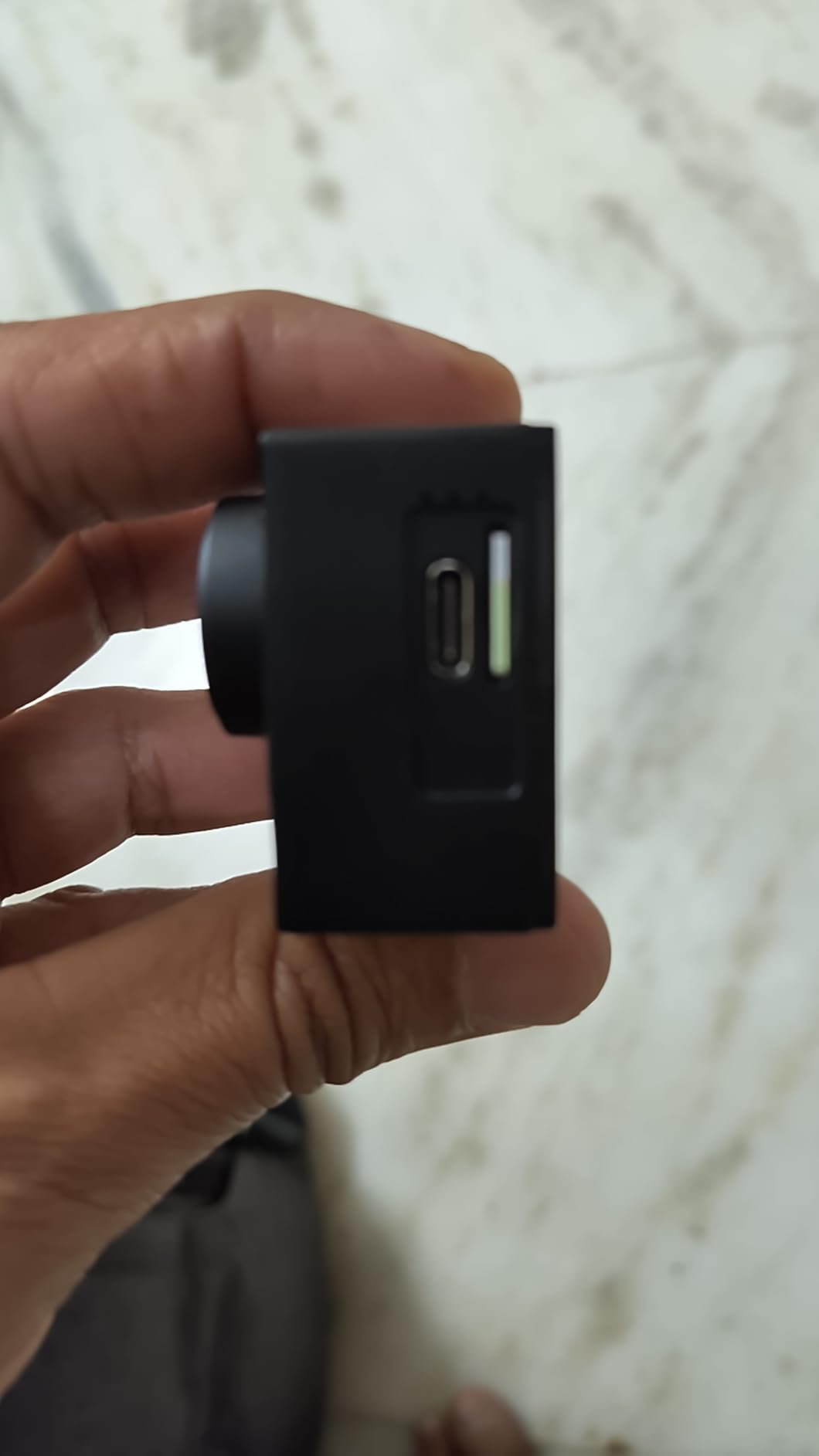
What you give up with this camera
The 1.4-inch screen is the smallest here, which makes framing a bow shot awkward, and the sensor is CCD, so treat it as a daylight camera. Reviewers also describe app-driven lag while recording and some units sticking on until the battery is pulled, which is not what you want on a moving boat.
Who should buy it
Buy it as a spare, a stern-mounted backup, or a shared body for a group trip where someone needs a camera more than they need a good one. Do not make it your only camera on a trip where the footage matters, and expect to manage files in the Snap Pro app rather than any desktop workflow. If you want a cheap body with a much longer track record, the entry above has the same slot for less money.
Where to Mount a Camera on a Kayak or Canoe
This is the question paddlers ask most often, and the honest answer is that mounting hardware is designed for bicycles, helmets and handlebars, not for a deck that pitches and rolls. Position matters more than the brand of the mount. Here are the six positions that work, and what each is actually good for.
Bow deck, on a flat base. This is the classic forward view and the most dramatic one, because you see what you are about to hit. The trade-off is that the bow takes the most spray, so the camera needs a raised base and a real consideration of sealing. A body rated to 20 metres without a housing can live here happily.
Stern, on a rail or a suction cup. Quieter water behind you, less spray, and the shot that catches the paddler from behind. It is the better position for a time-lapse of a river corridor, and the safer one for a first outing because the stern is rarely submerged in a flatwater capsize.
Thwart mount, on a short post. The crossbar in the middle of an open canoe or kayak is the most structurally honest place for a camera, because the load sits over the hull rather than on the edge. It also puts the lens roughly at your shoulder height, which is a natural angle for framing.
Chest or PFD strap. The lowest-profile option and the safest, because the camera is on your body and comes up with you if you swim. The downside is that a chest-mounted camera cannot be reframed at all, which is exactly the argument for a 360 body here. Keep it low on the sternum strap so it does not ride up into your chin on a deep paddle.
Helmet or brimmed cap. Good for whitewater and for hands-free shooting, and it keeps the camera out of the boat entirely. A cap is more realistic than a helmet for most paddlers. On a canoe, a brimmed hat with a strap is the usual answer.
Paddle shaft. Fascinating footage and almost unusable in practice, because the camera picks up every stroke as a vertical whip and the horizon never settles. If you want the shot, shoot it once deliberately rather than relying on it for the trip.
Never tether a camera to your PFD or body in a way that a wave can catch. An entanglement on the river is a genuine safety problem, and no shot is worth it. Use a short, breakaway-style mount and keep lanyards above the waterline.
Protecting a Camera You Do Not Want to Submerge
The most common question on paddling forums is not which action camera to buy. It is how to keep a camera that is not waterproof dry in a boat with no day hatch. This is where our approach splits: one sealed body on the boat for video, one bagged body for stills.
Use a proper roll-top dry bag, not a zip pouch. The failure mode on a river is a splash that goes straight through a sealed but shallow zip bag, whereas a rolled closure with a clipped end stays shut under a wave. If you are packing glass, a hard case inside the dry bag is the difference between a wet bag and a broken lens. We have tested the shortlist in our dry bag picks for boat and kayak trips.
Carry it in the PFD pocket, and treat the pocket as the only reliable dry place on the boat. Anything in a deck bag or under a thwart skirt is exposed to swamping in a no-day-hatch canoe, which paddlers consistently report as the real failure event, not deep submersion.
Run two bodies if the trip matters. Forum users describe carrying two non-waterproof bodies precisely because they treat them as expendable, and one of them will always be dry. This is the cheapest insurance in this whole article.
Do not unbag a camera in moving water. Pull it out when the boat is on the flat, over still water, or at a lunch stop. The forums converge on this rule more than any other, and it is the single most effective habit for keeping a good camera alive.
What to Look for in a Camera for Kayaking and Canoe Trips
Waterproof depth without a housing. This is the most important line on any spec page for this use case. A body sealed to 15 or 20 metres can be mounted on a bow deck and forgotten. A body that needs a housing for anything beyond splash adds bulk, mutes the microphone, and gives you another gasket to fail.
Stabilisation that survives paddle strokes. Constant low-frequency rocking is the defining motion of paddling. A horizon lock is the feature that matters, because without it every clip tilts with the boat and the footage feels amateurish even when the light is perfect.
Battery life and cold-water behaviour. Ask for a stated figure at low temperature, not just a headline number. One body here is documented at 3.6 hours at -20C, and for an early-season or northern trip that figure is the one that counts. A spare battery in a dry bag is the cheapest upgrade available.
One-hand control with wet or gloved hands. Look for voice control, a wrist remote, or large physical buttons. A touchscreen you must tap precisely is close to useless when your hands are wet and the screen is covered in spray.
Mount ecosystem and weight. A quarter-inch pattern with a low-profile base fits most bow, stern and thwart mounts. Also weigh the whole rig, not the body, because a 57g camera with a case, two mounts and three batteries is a very different number from 57g.
Still photos, if you shoot trip reports. Most paddlers photograph their trips rather than film them, and only two of the eight cameras here give you a real optical zoom. If your photography is stills-first, weight the zoom above the resolution.
Do not forget audio. Inside any housing, water and wind dominate the track. If sound matters to you, use a body with a wind guard and a microphone input, or carry a small field recorder separately, which several paddlers do.
Saltwater and Cold-Water Care After Every Paddle
Saltwater is the harshest environment on this list, and it is the one most paddlers paddle in. Salt crystallises in buttons, in gaskets, and around every screw head, and it corrodes metals long before it is visible. Ten minutes of care after a trip decides whether the camera is still working next season.
Open every door and cover and check for sand and grit before anything gets wet again.
Rinse the body in fresh, cool water, working the buttons and the battery door as you go.
If you were in salt water, soak the housing or case for ten minutes in fresh water to dilute the salt inside the seals.
Run the camera briefly in the rinse water to flush the microphone ports and speaker grille.
Remove the battery and the memory card, and let everything air dry completely away from direct heat.
Check the gasket and the lens glass once everything is dry, and clear any salt film with a soft cloth.
Store batteries at a partial charge, not empty or full, if the camera will sit through the winter.
In cold water, expect shorter runtimes and keep batteries in a pocket against your body until you need them. That habit alone is the difference between a full day of footage and a camera that refuses to power on after lunch.
Frequently Asked Questions
Which camera is best for kayaking and canoe trips?
For most paddlers, the DJI Osmo Action 5 Pro is the best fit: it is sealed to 20 metres without a housing, has 360-degree horizon stabilisation that survives paddle strokes, and runs up to four hours per battery. For solo paddlers who cannot touch a camera mid-stroke, the Insta360 X5 is the better answer because you reframe on shore.
Can I mount my GoPro to a kayak?
Yes, on the bow deck, the stern, the thwart or your chest strap. You need a flat adhesive base or a screw-on mount with a locking buckle, because suction cups fail on a wave. Bow mounts see the most spray and the most dramatic framing. Thwart mounts are the most stable, and chest mounts are the safest since the camera comes up with you.
Which camera is fully waterproof?
Four of the eight cameras here work without a housing: the DJI Osmo Action 5 Pro to 20 metres, the KODAK PIXPRO WPZ2 to 15 metres, the Insta360 X4 to 10 metres, and the Insta360 X5 with replaceable sealed lenses. The AKASO bodies and the icefox need their supplied housing or case for anything beyond splash.
What is the best dry bag for camera gear?
A roll-top dry bag with a clipped closure, sized slightly larger than the gear inside it. Zip pouches fail under a wave because the zipper line is the weak point. If you are carrying a camera with a lens, put a hard case inside the dry bag, and carry it in your PFD pocket rather than a deck bag that will flood in a swamping.
Which camera is better, GoPro or DJI or Insta360 for water sports?
For water sports, DJI is the strongest all-rounder, with a 20 metre housing-free rating, a long cold-rated battery and the best horizon stabilisation of the three. GoPro remains the deepest mount ecosystem. Insta360 wins if both hands are busy, because a 360 body lets you reframe the shot later on shore instead of missing it.
Should I bring my camera on a kayak?
Yes, but bring the right one. A sealed action camera rated to at least 10 metres without a housing can be mounted to the boat and left there all day. A non-waterproof camera belongs in a roll-top dry bag and should only come out when the water is flat. If losing the camera would end your trip, take two bodies.
The Verdict for Paddlers in 2026
The DJI Osmo Action 5 Pro is our pick for the best cameras for kayak and canoe trips, because the combination of a 20 metre housing-free rating, horizon stabilisation and a four hour battery solves the three problems that actually stop people shooting from a boat. The Insta360 X5 is the choice for a solo paddler who cannot touch a camera mid-stroke, and the KODAK PIXPRO WPZ2 is the one to buy if your trip reports are stills and you need real optical zoom.
Match the camera to the person and the trip: an expedition paddler takes the flagship body plus a cheap spare; a flatwater weekend paddler takes the budget bundle with the floating grip; a wildlife shooter takes the waterproof compact and a long lens; a content creator takes the 360 body and pairs it with a small recorder for the audio that housings destroy.
Before you buy any mount, read the mounting section above and pick your position, because a camera in the wrong place is the same as no camera at all. And whatever you choose, read our wildlife trip camera guide if you will be shooting from a boat, because the same long-lens logic applies to a heron as it does to a leopard.