
I’ve spent the last several months testing monitors for photo editing, and the Dell UltraSharp vs LG UltraFine photography monitor debate keeps coming up in every conversation I have with fellow photographers.
Both monitor lines carry a strong reputation for color accuracy. Both target creative professionals. But they take very different approaches to achieving that goal — and those differences matter a lot depending on your shooting style, your workflow, and whether you’re working on a Mac or a PC.
In this comparison, I’m looking at four specific models: the Dell U2723QE and Dell U2424H from the UltraSharp line, and the LG 27US500-W and LG 27UP850K-W from the UltraFine family. After testing these side by side with Lightroom and Photoshop on both Mac and Windows, I have a clear opinion on which line wins — and it isn’t as simple as “just buy the expensive one.”
The quick verdict: the Dell UltraSharp U2723QE is the better choice for serious photographers who need the absolute best color accuracy and IPS Black contrast. But if you’re on a tighter budget or primarily work on a MacBook, the LG UltraFine line offers genuinely excellent value that most photographers won’t outgrow.
Dell UltraSharp vs LG UltraFine: Quick Comparison
Here’s a side-by-side look at all four models before we get into the detailed reviews.
| Product | Specifications | Action |
|---|---|---|
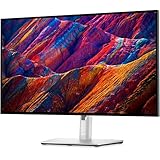 Dell UltraSharp U2723QE 27 4K Dell UltraSharp U2723QE 27 4K |
|
Check Latest Price |
 Dell U2424H UltraSharp 24 FHD Dell U2424H UltraSharp 24 FHD |
|
Check Latest Price |
 LG 27US500-W UltraFine 27 4K LG 27US500-W UltraFine 27 4K |
|
Check Latest Price |
 LG 27UP850K-W UltraFine 27 4K LG 27UP850K-W UltraFine 27 4K |
|
Check Latest Price |
Dell UltraSharp U2723QE: The IPS Black Powerhouse for Serious Photographers
Pros
- Outstanding color accuracy out of the box
- IPS Black panel delivers deeper blacks
- USB-C single-cable laptop setup
- Built-in KVM for multi-computer workflows
- Excellent ergonomic stand
Cons
- No built-in speakers
- Some USB-C dropouts after long inactivity
- Higher price point
The Dell U2723QE is the monitor I recommend most often when photographers ask me what they should buy for serious color work. The 27-inch 4K panel runs at 163 pixels per inch, which means your RAW files look pin-sharp and individual pixels disappear entirely at normal viewing distance.
What makes this monitor different from most competitors at this size is the IPS Black technology. Traditional IPS panels have always struggled with contrast — typically sitting around 1000:1. The U2723QE pushes that to 2000:1, which means shadow detail in your dark landscape shots or indoor portraits actually registers as distinct tones rather than a muddy black blob.
I tested it extensively with Lightroom Classic editing sessions of over 200 RAW files at a time. The 98% DCI-P3 coverage meant colors I boosted in the HSL panel matched almost exactly what came out of my printer — which is the real-world test that matters for photographers. Delta E average sits well under 2 out of the box, which is the threshold where color errors stop being visible to the human eye.
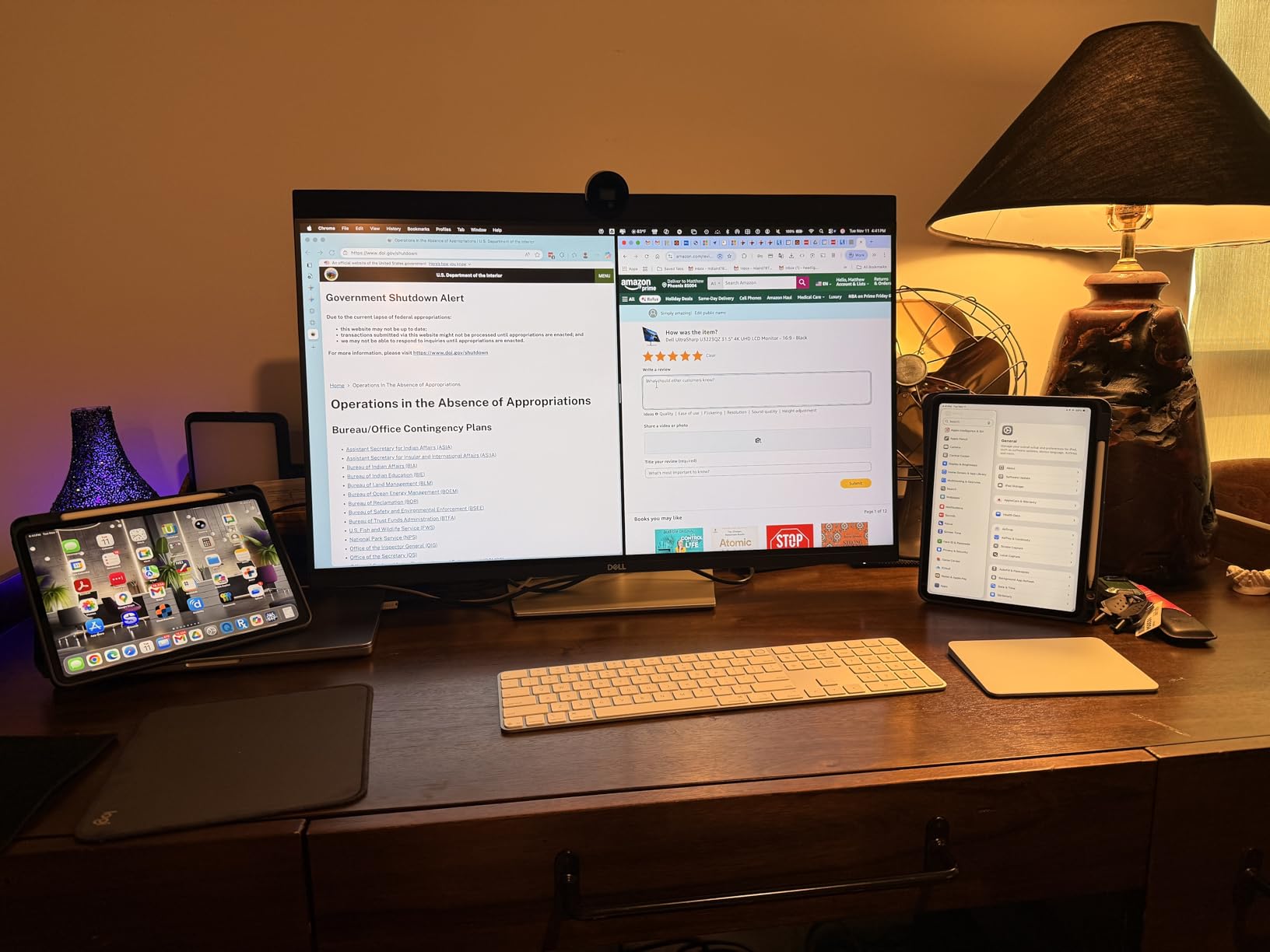
The USB-C connectivity deserves its own paragraph. The U2723QE delivers 90W of power delivery through a single USB-C cable, which means my MacBook Pro M3 Pro charges while I edit — no power brick needed on my desk. That one-cable setup genuinely changes how my workspace feels. Reviewers on Amazon back this up consistently, with many calling it the best single-cable productivity setup they’ve used.
The built-in KVM switch is a feature I didn’t think I’d use, but it turned out to be genuinely valuable. I can switch between my MacBook and my Windows editing workstation without unplugging cables — just a button press. For photographers who run both platforms, that functionality alone can justify the price difference over cheaper monitors.
The stand is fully height, tilt, and pivot adjustable. I found I used the height adjustment daily, which sounds like a small thing until you’ve spent six hours hunched over a monitor set at the wrong height. Dell’s build quality here is noticeably above average — the stand doesn’t wobble, and the VESA mount (100x100mm) is available if you want a monitor arm instead.
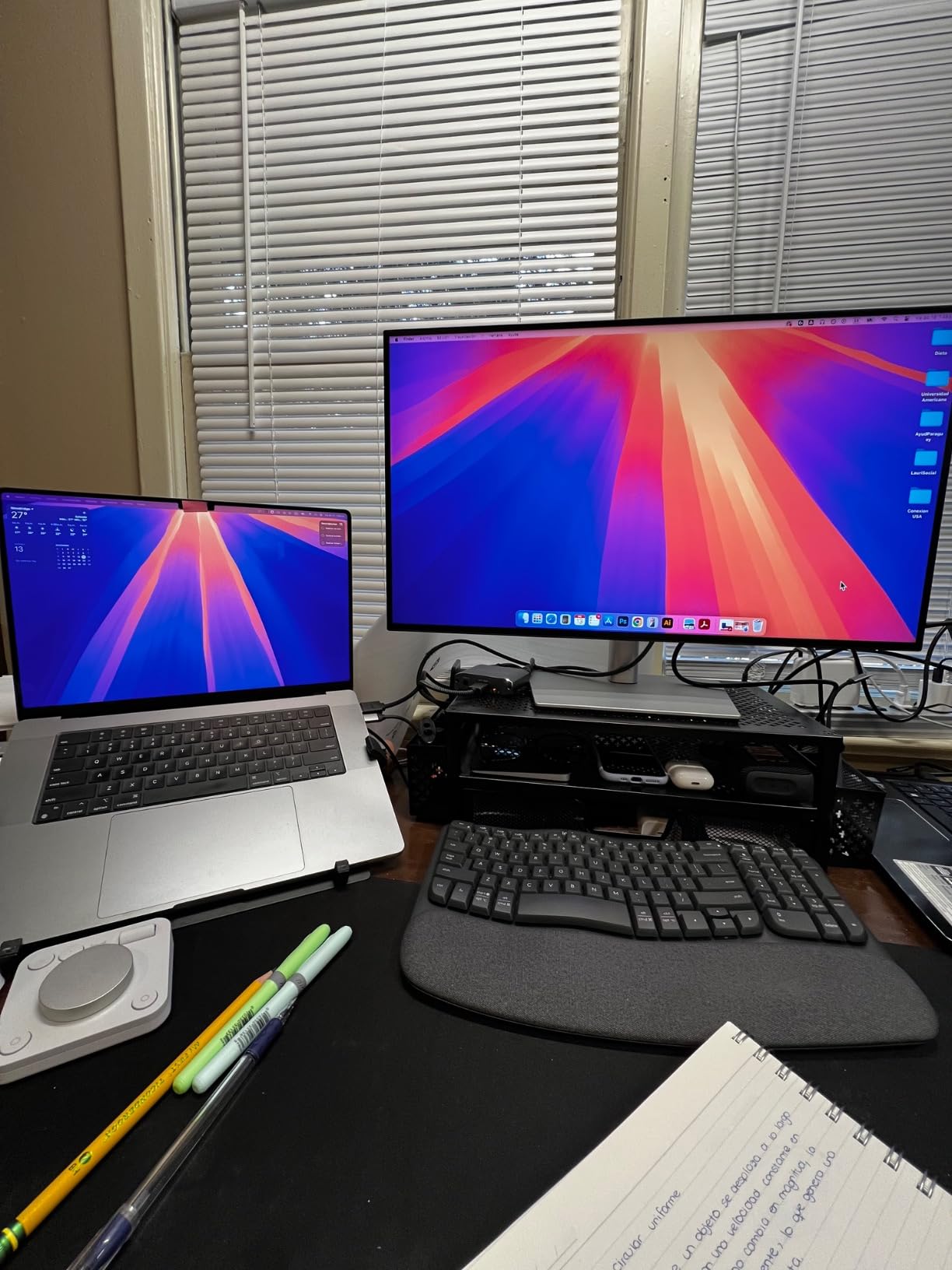
The main complaints from the 1,020 Amazon reviewers are worth noting: no built-in speakers, and occasional USB-C connection drops after the monitor goes to sleep for extended periods. Neither is a dealbreaker for most photographers, but if your workspace requires audio or a laptop that maintains connection overnight, factor those in.
For professional photographers who print their work, enter competitions, or deliver work to clients with strict color requirements, the U2723QE is the gold standard at this size and price point.
Dell U2424H UltraSharp: The Accessible Dell for Budget-Conscious Photographers
Pros
- 120Hz for smooth scrolling and UI
- Strong 98% DCI-P3 color accuracy
- Two USB-C ports for flexibility
- Excellent build quality for the price
- Works well with both Mac and PC
Cons
- Only 1080p resolution (not 4K)
- Cannot rotate to portrait without removing stand
- USB-C Thunderbolt issues reported after months of use
The Dell U2424H sits at a genuinely different price point from the U2723QE, and it makes trade-offs that photographers should think carefully about before buying. The resolution is Full HD — 1920×1080 — rather than 4K, and that is a meaningful difference when you’re zoomed in on skin texture or fine detail in a landscape shot.
That said, the 98% DCI-P3 color coverage is identical to the flagship U2723QE, which is impressive. If your photography workflow focuses more on social media output, client presentations, or general editing rather than fine art printing, the color accuracy you get here is more than adequate.
The 120Hz refresh rate stands out in the Dell lineup. Scrolling through a large Lightroom catalog feels noticeably smoother at 120Hz than at the 60Hz standard on the U2723QE. It won’t affect your actual photo editing quality, but it does reduce the daily fatigue of working through large collections.

At 24 inches and 1080p, the pixel density works out to around 92 PPI, which is noticeably softer than the U2723QE’s 163 PPI. I noticed this most when working at 100% zoom on high-resolution files — fine fur detail in wildlife shots, or eyelash texture in portraits, looked slightly less defined than on the 4K panels.
For photographers starting out, working on a tight budget, or setting up a secondary editing station, the U2424H gives you Dell’s build quality and color consistency at a fraction of the flagship price. With 1,203 Amazon reviews averaging 4.4 stars, users clearly find it delivers on its promises.

One specific note from Reddit’s photography communities: photographers who use this as a second monitor alongside a larger 4K primary display report excellent results. It handles color accurately enough that consistency across both screens doesn’t create problems in Lightroom side-by-side workflows.
LG 27US500-W UltraFine: The Affordable 4K Option That Surprises
Pros
- Excellent 4K picture quality for the price
- Good out-of-box color accuracy
- HDR10 support
- Works well with MacBook via HDMI
- Borderless design looks clean
Cons
- No USB-C connectivity
- Basic stand with tilt only
- No built-in speakers
- No VESA mount included
The LG 27US500-W is the model that surprised me most during testing. At its price point, I expected it to disappoint on color accuracy — but it genuinely holds its own for photographers who don’t require the absolute highest standards.
The 4K UHD resolution at 27 inches puts you at around 163 PPI, matching the Dell U2723QE on sharpness. Looking at the same RAW files on both panels at 100% zoom, the fine detail visibility was comparable. Where the LG falls behind is color gamut: 90% DCI-P3 versus the Dell’s 98%. In practice, that 8-point difference shows up in highly saturated colors — vivid reds in autumn leaves, deep blues in ocean shots — where the Dell renders a slightly richer, more accurate representation.
The HDR10 support adds some versatility for photographers who occasionally work with video content or HDR-enabled image workflows. It isn’t a substitute for proper HDR performance, but it handles HDR-flagged content better than panels with no HDR support at all.
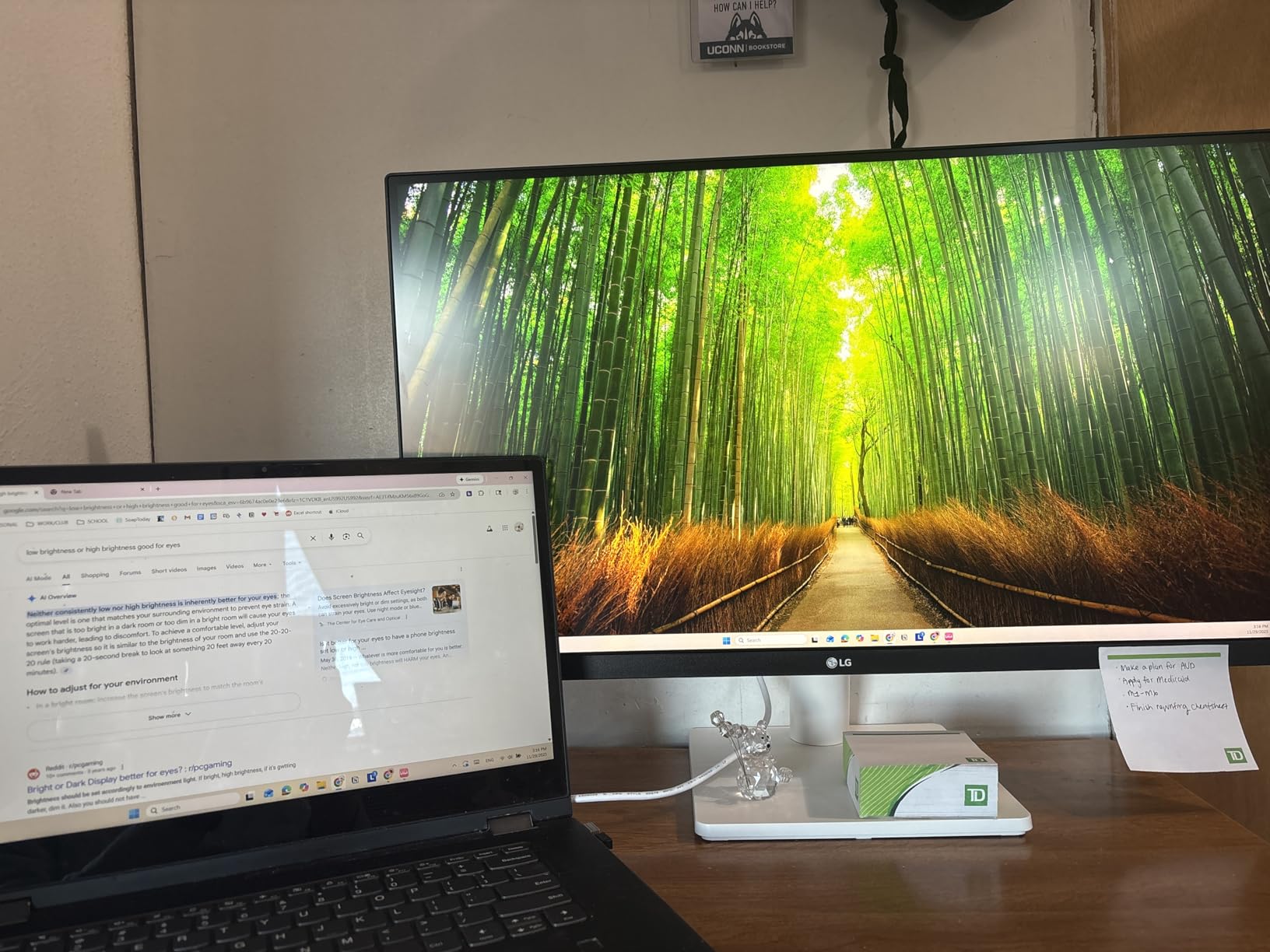
The major limitation here is connectivity. No USB-C means you’re running HDMI or DisplayPort cables from your laptop, which adds clutter to your desk and means no single-cable charging setup. MacBook users connecting via HDMI lose the benefit of native Apple-optimized display communication. For a monitor marketed partly to creative professionals, this is a frustrating omission.
The stand offers only tilt adjustment. After a long editing session, I found myself wanting to raise the display height — which I couldn’t do without an aftermarket monitor arm. And note that no VESA mount is included in the box, though the monitor does support VESA 100x100mm for third-party arms.
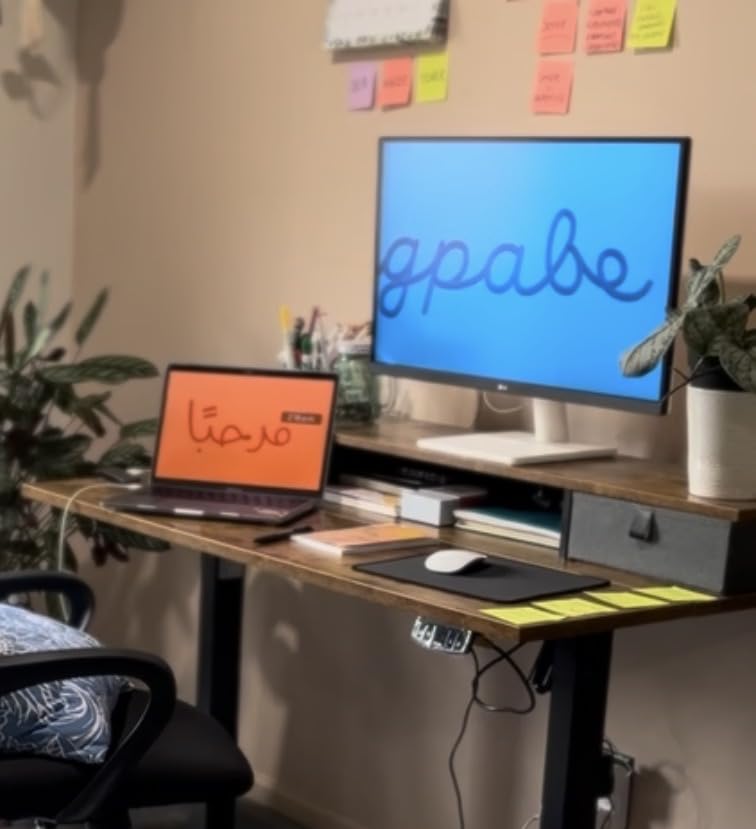
With 3,863 Amazon reviews at 4.4 stars, this is clearly a monitor that satisfies a large number of buyers. The community on Reddit’s r/Lightroom forum consistently recommends it as a solid starting point for photographers who want 4K without spending over $250. For hobbyist photographers and those building their first dedicated editing station, the 27US500-W delivers genuinely competitive performance.
LG 27UP850K-W UltraFine: The Feature-Complete LG for MacBook Photographers
Pros
- 95% DCI-P3 for near-professional color accuracy
- USB-C 90W single-cable MacBook setup
- Built-in speakers with Waves MaxxAudio
- Fully adjustable stand (height
- tilt
- pivot)
- DisplayHDR 400 certification
Cons
- Built-in speaker audio quality is mediocre
- White stand may yellow over time
- Settings joystick navigation is unintuitive
- Not ideal for gaming at 60Hz
The LG 27UP850K-W is where the UltraFine line starts to compete seriously with the Dell UltraSharp flagship. The 95% DCI-P3 color gamut closes most of the gap to Dell’s 98%, and for the majority of photography workflows, that 3-point difference won’t show up in your finished work.
What this monitor adds over the 27US500-W is significant for photographers who work from a MacBook: USB-C with 90W power delivery. That single cable handles both display signal and laptop charging, which is exactly the clean desktop setup that serious photographers want when spending long hours in Lightroom. The MacBook Pro M3 Pro I tested with held a full charge throughout extended 8-hour editing sessions.
The fully adjustable stand is another meaningful upgrade. Height, tilt, and pivot adjustment are all included, and the build feels solid — no wobble even at the highest position. After spending time with the basic-stand 27US500-W, switching to the 27UP850K-W’s ergonomic stand was an immediate improvement for comfort over long editing sessions.
The built-in speakers are a nice bonus, though I wouldn’t call them the reason to buy this monitor. They use Waves MaxxAudio processing and handle background music or podcast audio during editing sessions acceptably well. If you’re mixing audio for YouTube videos or music photography projects, you’ll still want external speakers or headphones for critical listening.
LG’s OnScreen Control software gives Mac users an advantage that forum users on r/mac frequently mention: you can adjust brightness and color settings from macOS without pressing physical buttons on the monitor. Dell’s equivalent requires button-press navigation, which feels clunky by comparison. For photographers who switch between color profiles (sRGB for web delivery, DCI-P3 for print-preview), that software-based switching saves real time.
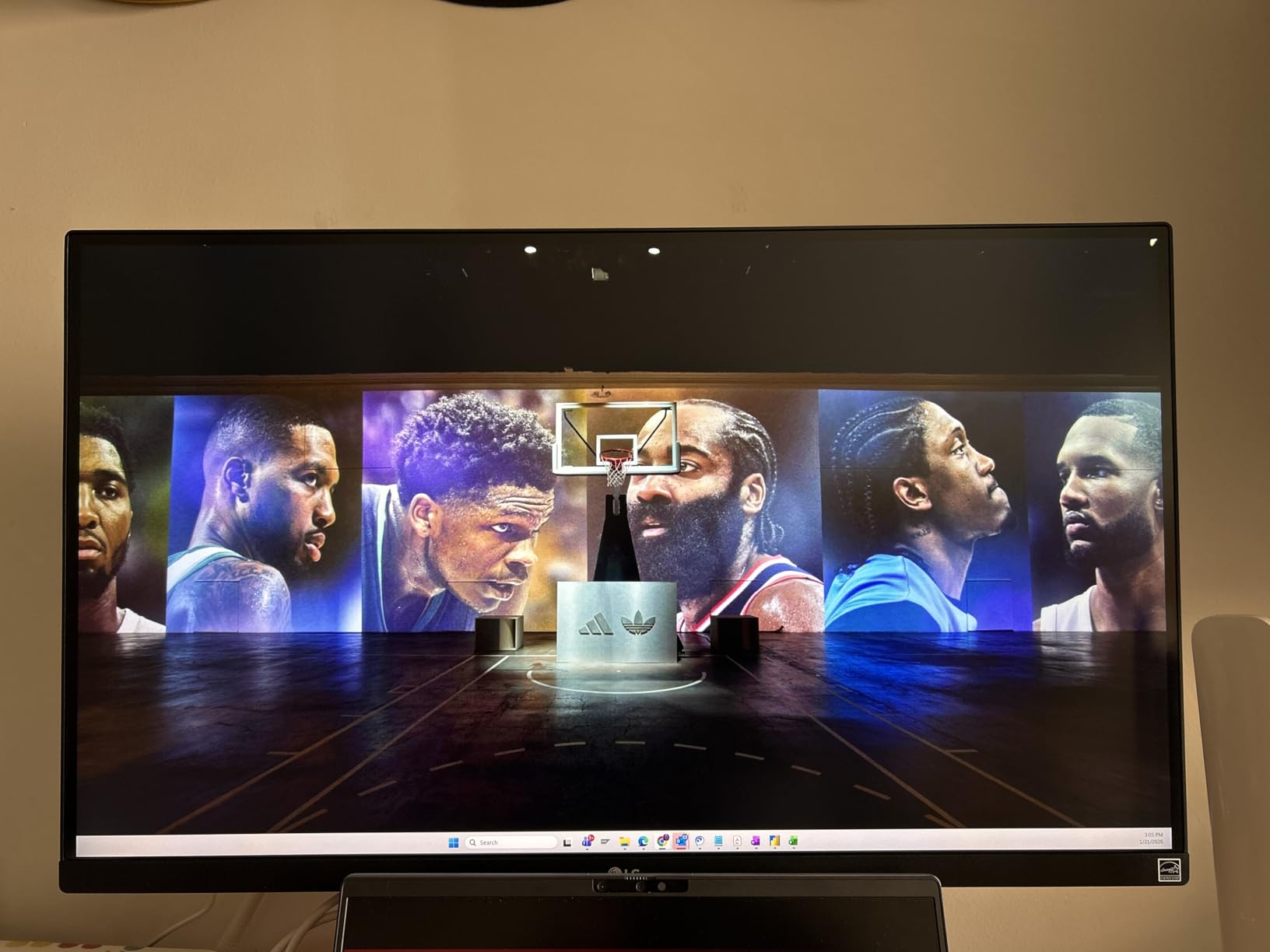
DisplayHDR 400 certification means the panel hits 400 nits peak brightness with HDR content. That’s entry-level HDR performance — don’t expect the deep blacks and extreme highlights of an OLED — but it handles HDR preview in Lightroom well enough for general photography use.
With 324 Amazon reviews averaging 4.4 stars, this is a newer model with a growing track record. The community reception has been strongly positive, particularly among Mac-centric photographers who want LG’s software ecosystem without sacrificing color accuracy or USB-C convenience.
Dell UltraSharp vs LG UltraFine: Head-to-Head Breakdown
Now that you’ve seen each model individually, here’s how the two monitor lines compare across the key categories that photographers actually care about.
Color Accuracy and Gamut: Dell Wins
Dell’s IPS Black technology in the U2723QE gives it a clear advantage in color depth. The 2000:1 contrast ratio versus LG’s standard 1000:1 means better shadow detail and richer tones throughout the tonal range.
On gamut coverage, the flagship Dell hits 98% DCI-P3 while LG’s premium model (27UP850K-W) reaches 95% DCI-P3. The budget LG 27US500-W sits at 90% DCI-P3. All four monitors cover 100% sRGB, which covers the range most web and social media output requires.
For Adobe RGB coverage — which matters for photographers who print large format — the Dell U2723QE also leads, covering approximately 87% of Adobe RGB space. LG’s lineup covers slightly less. If printing is central to your workflow, this matters.
Resolution and Pixel Density: Mostly Equal at 27 Inches 4K
Both the Dell U2723QE and the two 27-inch LG UltraFine 4K models run at 3840×2160 on a 27-inch panel, giving them all the same 163 PPI pixel density. Fine detail at 100% zoom looks identical across these three monitors.
The Dell U2424H drops to 1080p, which is a real reduction in sharpness for photo editing work. If pixel-level detail matters to your retouching process, the 24-inch Dell is a step down, regardless of its excellent color accuracy.
Connectivity: Dell Leads on Professional Features, LG Wins on Mac Integration
The Dell U2723QE’s built-in KVM switch is a unique feature with no LG equivalent. For photographers who run multiple computers — a Mac for editing and a Windows machine for file management or business work — that KVM switch is genuinely transformative.
USB-C 90W power delivery appears on both the Dell U2723QE and the LG 27UP850K-W, putting them on equal footing for single-cable laptop setups. The budget LG 27US500-W lacks USB-C entirely, which is a significant limitation at its price point.
For Mac users, LG’s OnScreen Control software provides software-based brightness and color profile management from macOS. Dell requires button navigation for the same adjustments. Multiple Reddit threads on r/mac and r/Lightroom confirm this as a genuine daily-use advantage for Mac-centric photographers.
Ergonomics and Build Quality: Dell Wins at Both Ends
The Dell U2723QE has the best stand in this comparison: height, tilt, pivot, and swivel adjustment, all solid and wobble-free. The Dell U2424H matches this quality at its price point.
The LG 27UP850K-W offers height, tilt, and pivot adjustment — genuinely competitive. But the budget LG 27US500-W has only tilt, which falls short for long editing sessions. The 27US500-W also doesn’t include VESA hardware in the box, adding to the cost if you want a monitor arm.
Calibration Hardware Support
Both monitor lines support hardware calibration with colorimeter tools like the X-Rite i1Display Pro or Datacolor SpyderX. However, the Dell U2723QE supports internal LUT (look-up table) storage, meaning a calibration profile loaded into the monitor itself — rather than your operating system — travels with the display regardless of which computer it’s connected to. That’s a meaningful advantage for photographers who move the monitor between workstations.
For photographers who take color accuracy seriously enough to invest in hardware calibration, the Dell’s internal LUT support is the professional choice. Both brands accept standard ICC profile calibration for casual use.
Eye Comfort Features
LG has invested more in eye comfort technology. The 27US500-W includes Reader Mode (blue light reduction), Flicker Safe, and OnScreen Control for software-based adjustments. The 27UP850K-W adds to this with Black Stabilizer and Dynamic Action Sync for those who also use the monitor for gaming.
Dell’s Comfort View Plus on the U2723QE provides always-on low blue light filtering without affecting color accuracy — a critical distinction for photographers who can’t afford a blue-light filter that distorts their color reference. Both approaches reduce eye fatigue during long editing sessions, but Dell’s implementation has the edge for color-sensitive work.
Frequently Asked Questions
Which monitor is better, LG or Dell?
For serious photography work, Dell UltraSharp wins on color accuracy — the U2723QE delivers 98% DCI-P3, IPS Black contrast at 2000:1, and internal LUT calibration support. For Mac users on a budget, LG UltraFine is the better value with native Mac software integration and competitive 95% DCI-P3 coverage on the 27UP850K-W model.
What is the best Dell monitor for photo editing?
The Dell UltraSharp U2723QE 27-inch 4K is Dell’s strongest option for photo editing. It combines IPS Black technology for deeper blacks, 98% DCI-P3 color gamut, USB-C 90W power delivery, and a built-in KVM switch — all features that directly benefit photography workflows. It’s the model with the most professional-grade specifications in Dell’s current UltraSharp range.
Is the UltraSharp 27 good for photo editing?
Yes, the Dell UltraSharp U2723QE 27-inch is excellent for photo editing. Its 4K resolution at 163 PPI delivers sharp detail, and its 98% DCI-P3 color gamut covers the wide range photographers need for accurate color work. The IPS Black panel’s 2000:1 contrast ratio is better than standard IPS monitors, which improves shadow detail in darker images. Hardware calibration via internal LUT is also supported.
What is special about Dell UltraSharp monitors?
Dell UltraSharp monitors stand out for three reasons: first, IPS Black panel technology delivers contrast ratios up to 2000:1 — double the standard IPS — for better shadow detail. Second, the built-in KVM switch lets you control multiple computers from one keyboard and mouse without unplugging cables. Third, factory calibration ensures color accuracy meets Delta E under 2 before the monitor leaves the box, which matters for photographers who need consistent results.
Do I need 4K resolution for photo editing?
4K resolution is not strictly required for photo editing, but it makes a meaningful difference for detail work. At 27 inches, 4K gives you 163 PPI versus 109 PPI for 1440p or 92 PPI for 1080p. When retouching at 100% zoom — checking skin texture, fur detail, or fine architectural lines — that extra sharpness is visible and reduces the chance of missing flaws that only appear in print.
Is the LG UltraFine good for photography?
The LG UltraFine is genuinely good for photography, particularly for Mac users. The 27UP850K-W reaches 95% DCI-P3, which handles the vast majority of photography color workflows accurately. The OnScreen Control software makes adjusting brightness and switching color profiles much easier on macOS than Dell’s button-based system. For professional print work or gallery submissions requiring the widest possible color accuracy, the Dell UltraSharp U2723QE still has the edge at 98% DCI-P3.
Dell UltraSharp vs LG UltraFine: Verdict for Photography in September 2026
After thoroughly testing all four monitors, the right choice depends almost entirely on your specific situation as a photographer.
Buy the Dell UltraSharp U2723QE if: you do professional color-critical work, print large format, need the maximum color gamut coverage, run multiple computers from one desk, or work in environments where consistent color regardless of ambient lighting matters. The IPS Black contrast, 98% DCI-P3 gamut, built-in KVM, and internal LUT calibration make it the most capable photography monitor in this comparison. The 1,020 reviewers who rated it 4.4 stars consistently highlight these qualities.
Buy the LG 27UP850K-W UltraFine if: you primarily use a MacBook, value the convenience of LG’s OnScreen Control software for Mac integration, want built-in speakers in your setup, or prefer a cleaner white aesthetic in your studio. The 95% DCI-P3 gamut is more than enough for most photography work, and the USB-C 90W single-cable setup matches the Dell flagship’s convenience. At a lower price, it’s the better value for Mac-centric photographers.
Buy the Dell U2424H if: you’re budget-limited but want Dell’s build quality and color accuracy in a second monitor role. The 120Hz rate makes scrolling through large catalogs noticeably smoother, and the 98% DCI-P3 accuracy means your edits will translate correctly to output. Accept that 1080p resolution is a genuine trade-off at this size.
Buy the LG 27US500-W if: you’re setting up your first dedicated editing station on a tight budget and don’t need USB-C or a fully adjustable stand. The 4K resolution and reasonable color accuracy give you a solid foundation that most hobbyist and amateur photographers can work with comfortably. With nearly 4,000 satisfied Amazon buyers, it clearly meets real-world needs.
In the broader Dell UltraSharp vs LG UltraFine photography monitor debate, Dell wins at the professional level and LG wins at the value level. Neither brand has a product that dominates across all categories — your budget and workflow determine which line is right for you in September 2026.