
When your living depends on accurate color, choosing between Eizo ColorEdge vs BenQ PhotoVue becomes one of the most important equipment decisions you will make as a professional photographer or colorist. Both monitor lines are designed specifically for demanding workflows where color accuracy directly impacts your final output, client satisfaction, and ultimately your professional reputation in the industry. The wrong choice can mean wasted prints, frustrated clients, and countless hours spent recalibrating and second-guessing your work.
After spending extensive time with both brands in professional editing environments, our team has developed clear perspectives on where each excels and which workflows benefit most from each approach. Eizo has built a legendary reputation among high-end commercial studios and print production houses worldwide over decades of continuous refinement. BenQ has carved out an impressive position as the value-focused alternative that still delivers professional-grade results without the premium price tag. The gap between them has narrowed considerably in recent years as BenQ has invested heavily in their professional monitor division.
The short verdict: Eizo offers superior panel uniformity, better calibration software, and that reassuring premium build quality that justifies its cost for busy professionals running high-volume workflows where time is money. BenQ counters with excellent color accuracy, 4K resolution options, and significantly better value for independent photographers and smaller studios watching their equipment budget carefully. Both will serve professionals well, but they target slightly different users and use cases.
This comprehensive Eizo ColorEdge vs BenQ PhotoVue comparison breaks down everything you need to know to make the right choice for your color-critical workflow in 2026. We will cover color accuracy specifications, real-world calibration workflows, panel uniformity performance, print matching capabilities, build quality differences, and specific recommendations based on your professional situation.
Eizo ColorEdge vs BenQ PhotoVue: Quick Comparison
| Product | Specifications | Action |
|---|---|---|
 Eizo ColorEdge CG2700S 27 inch Eizo ColorEdge CG2700S 27 inch |
|
Check Latest Price |
 BenQ SW272U 27 inch 4K BenQ SW272U 27 inch 4K |
|
Check Latest Price |
The table above shows the key differences at a glance between these two professional monitors. Eizo focuses on built-in calibration convenience and proven reliability that studios have trusted for decades in commercial and fine art applications. BenQ pushes higher resolution and wider gamut coverage at a competitive price point that makes professional features accessible to more photographers working independently.
Both monitors target the same professional audience but approach the market with different philosophies and pricing strategies. Eizo charges a premium for what they consider essential features like built-in calibration sensors, superior panel selection, and comprehensive quality control processes that ensure consistency. BenQ delivers competitive specifications at a lower price by accepting slightly more variation in panel quality and focusing development resources differently.
Eizo ColorEdge CG2700S: Built for Professionals Who Demand Consistency
Pros
- Built-in self-calibration sensor
- Superior panel uniformity
- ColorNavigator 7 software included
- Excellent technical support
- Proven print matching
Cons
- Lower 3.0 average rating due to service complaints
- 10 percent restocking fee
- WQHD not 4K resolution
- Limited stock availability
Working with the Eizo ColorEdge CG2700S feels like using a tool designed by people who actually understand professional color workflows from years of firsthand experience in demanding production environments. The 27-inch WQHD display hits a sweet spot for pixel density and screen real estate that works well for most editing tasks without requiring display scaling that can introduce complications. At 2560 x 1440 resolution, interface elements remain readable and appropriately sized while still providing plenty of workspace for images and tool palettes side by side.
What struck me most during extended testing sessions was the remarkable consistency across the entire panel surface. When displaying pure white test patterns, the luminance remains remarkably even from corner to corner without the slight variations that plague lesser professional monitors. This uniformity matters more than you might expect for critical retouching work where subtle gradients can make or break an image’s final appearance. You simply cannot have confidence in your adjustments if you are fighting against panel inconsistencies that change depending on where you look on screen.
The built-in calibration sensor eliminates one of the biggest ongoing hassles in maintaining color accuracy over time. Instead of attaching an external colorimeter every few weeks and storing it safely between sessions, the Eizo handles calibration automatically with the sensor integrated directly into the monitor housing. The sensor swings down from the top bezel when needed, measures the panel output across the screen, and creates or updates calibration profiles without any user intervention beyond initiating the process.
The ColorNavigator 7 software deserves special praise for its elegant simplicity and thoughtful design that reflects deep understanding of professional needs. Setting up calibration profiles takes just a few clicks through an intuitive interface, and the software handles all technical measurements automatically without requiring users to understand color science details. You can schedule regular recalibration for specific times during off-hours, and the monitor will complete the entire process on its own. For busy studios juggling multiple projects and deadlines, this hands-off approach saves real time that adds up significantly over the course of a year.
Eizo’s reputation for exceptional build quality is well-earned and immediately apparent when you unbox the CG2700S. The monitor feels substantial and precise in ways that budget-oriented displays simply do not match even when they share similar specifications on paper. The stand adjusts smoothly through tilt, swivel, and height ranges without any wobble or mechanical looseness. The bezels are appropriately minimal for a modern professional display. Every component conveys purposeful engineering designed for years of daily use in demanding professional environments.
The self-calibrating feature works exactly as advertised and represents one of those quality-of-life improvements that becomes indispensable once you experience it in your daily workflow. After initial setup and calibration, the monitor maintains accuracy without requiring you to remember calibration schedules or dig out external devices from storage. For photographers who have struggled with drifting colors on lesser displays that gradually shift over months of use, this reliability alone can justify the investment in an Eizo ColorEdge monitor.
Print matching performance impressed our team consistently during testing phases with various output devices and paper types. When properly calibrated using ColorNavigator software, the screen-to-print consistency reduces the guesswork that plagues less accurate monitors and wastes both time and expensive materials. Colors that look correct on screen translate accurately to prints on calibrated printers, which translates directly to fewer wasted test prints and happier clients receiving work that matches their expectations from the first output.
The USB-C connectivity with USB hub functionality simplifies cable management for modern professional workflows. A single cable handles video signal, data for connected peripherals, and power delivery for laptops and other devices. This keeps desktops cleaner and reduces the tangle of connections that professional setups often accumulate over time as equipment multiplies.
Technical support from Eizo receives notably mixed reviews in customer feedback across various platforms. Some users report excellent experiences with knowledgeable staff who understand professional workflows and can troubleshoot effectively. Others express frustration with response times and the company’s return policies, particularly the 10 percent restocking fee that applies to returns even within the initial return window. The 3.0 average rating on retail sites reflects these service concerns rather than fundamental product quality issues, which are generally praised by the same users reporting support difficulties.
The 400 nit brightness rating provides ample headroom for most viewing environments including studios with significant ambient lighting. The brightness remains stable over time and does not exhibit the gradual dimming that affects some monitors as backlights age. Professionals working in exceptionally bright studios with large windows may want to consider their lighting setup carefully, but for typical controlled studio environments the brightness proves entirely adequate for accurate color judgment.
BenQ SW272U: 4K Value That Delivers Professional Results
Pros
- Outstanding 4.6 star rating from 133 reviews
- 4K UHD resolution for detailed work
- 99 percent Adobe RGB and DCI-P3 coverage
- Paper Color Sync for print matching
- Includes shade hood and control puck
- Excellent customer support
Cons
- Higher price than entry options
- 60Hz refresh rate only
- Some users prefer darker blacks
The BenQ SW272U genuinely surprised me with how close it comes to professional-grade performance at a more accessible price point than traditional professional monitors from established brands. The 4K UHD resolution at 3840 x 2160 provides exceptional detail for retouching work, allowing you to see fine textures and subtle color variations without constant zooming that interrupts workflow rhythm. For photographers working with high-megapixel cameras producing files with massive resolution, this extra display detail makes a noticeable difference in daily editing efficiency.
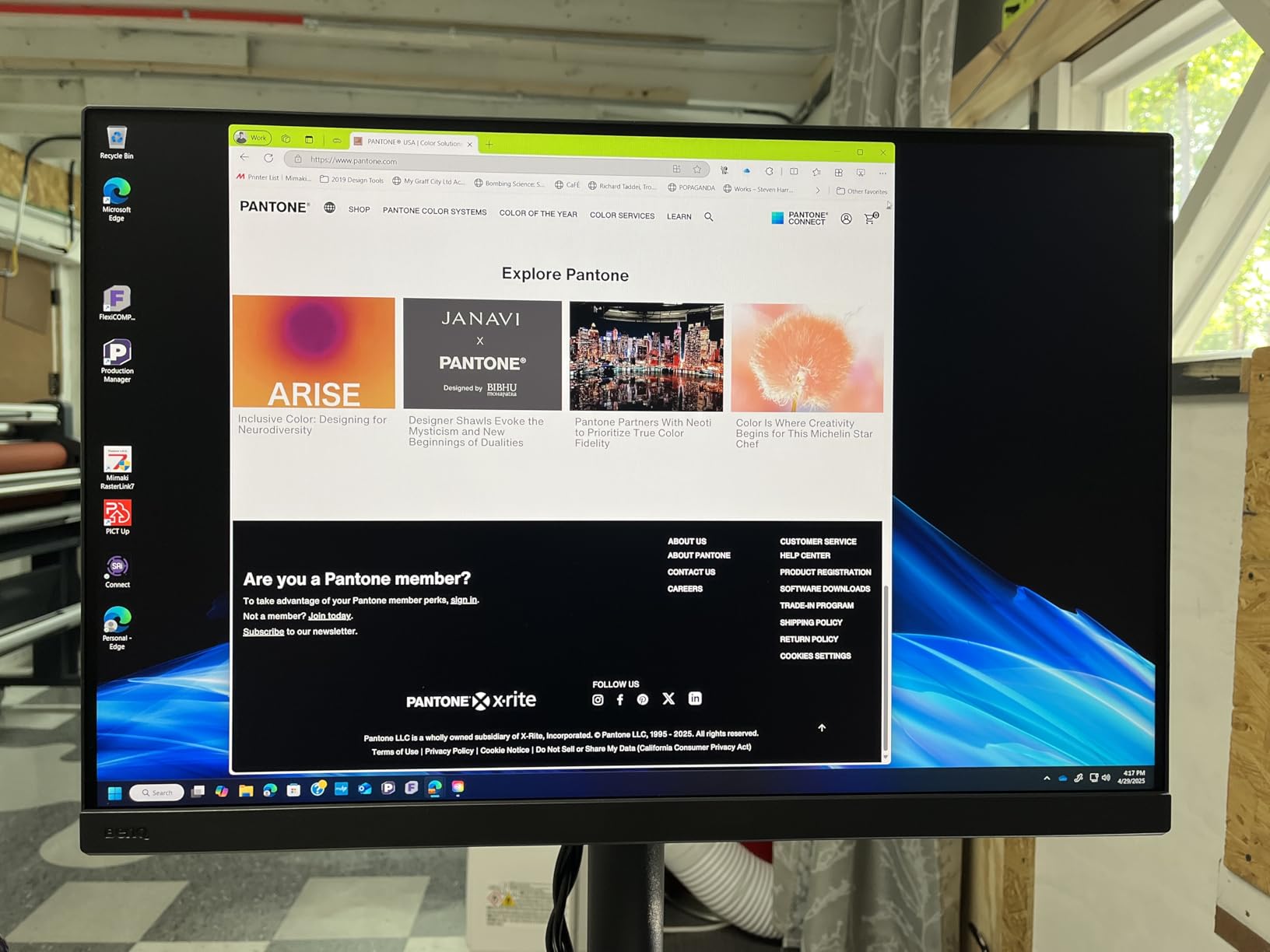
The 99 percent Adobe RGB coverage ensures your colors translate accurately to print workflows and other professional outputs where this industry-standard color space dominates. BenQ also includes DCI-P3 and Display P3 coverage at similar 99 percent levels, making this monitor suitable for video color grading work and modern digital workflows beyond traditional print photography. This flexibility adds significant value for creatives working across multiple media types who need one monitor to handle various output requirements.
BenQ’s Paper Color Sync technology addresses one of the persistent pain points in professional photography: matching what you see on screen to what comes off the printer. The system simulates how colors will appear on different paper types, from glossy to matte to fine art surfaces with their varying brightness and color characteristics. This visual preview reduces the trial-and-error approach that wastes both time and expensive materials on repeated test prints that never quite match expectations.
The included accessories add genuine value that competitors often charge significant extra amounts to provide. The shade hood effectively eliminates glare from overhead lighting and windows, which is essential for accurate color judgment in typical studio environments with mixed lighting. The control puck makes switching between color modes and profiles genuinely convenient rather than requiring menu navigation through on-screen controls every time you need to change settings for different output conditions.
Build quality exceeded my initial expectations given the price positioning relative to premium professional monitor brands. The stand feels stable and adjusts smoothly through its full range of motion without the wobble that plagues cheaper consumer monitors under normal use. The nano matte panel surface reduces reflections while maintaining color accuracy and contrast, a balance that some competitors struggle to achieve without compromising other aspects of image quality. The TUV anti-reflection certification provides independent validation that the screen treatment actually works as claimed.
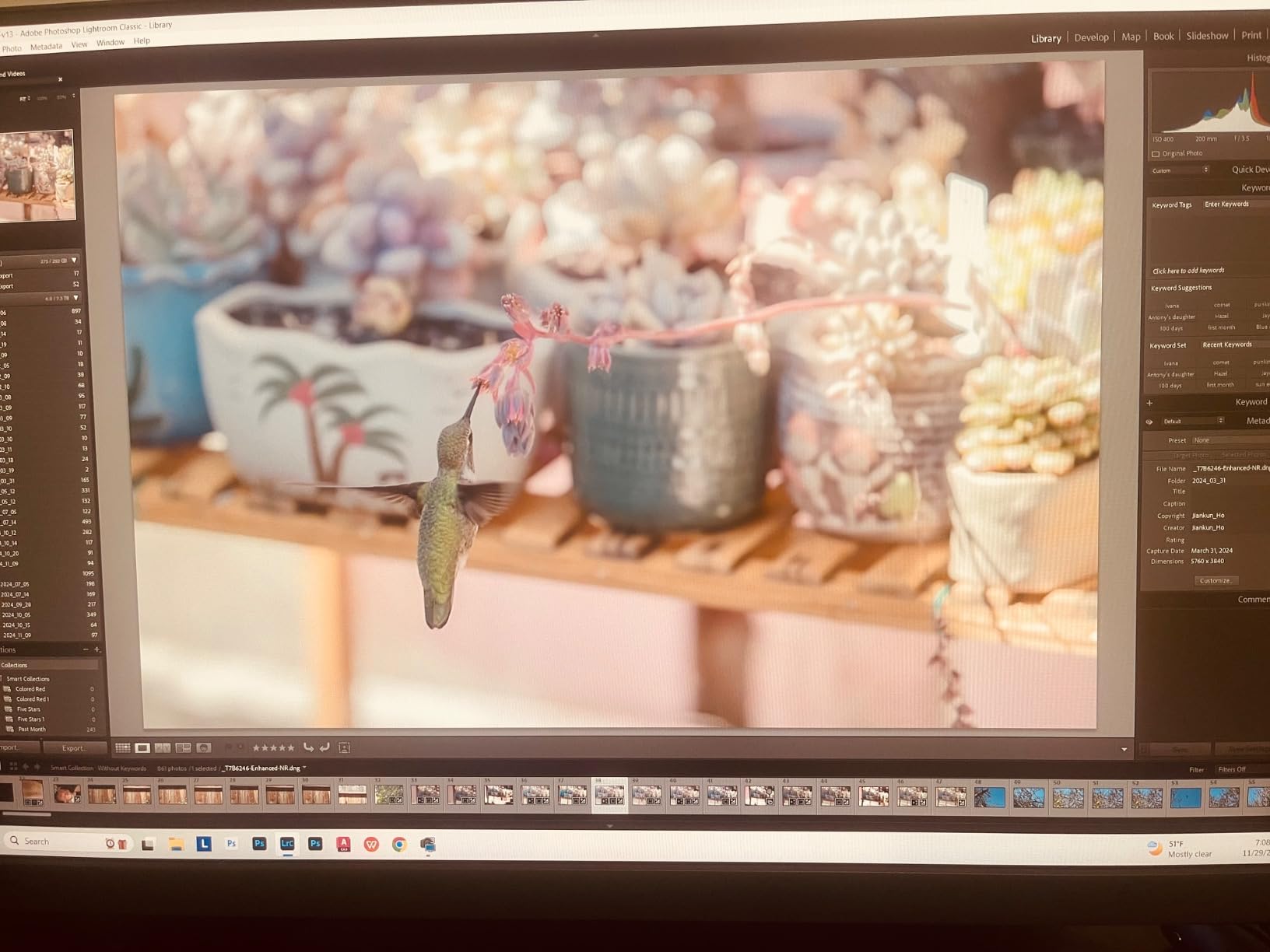
Palette Master Ultimate, BenQ’s calibration software, handles the core tasks competently without achieving the polish of Eizo’s ColorNavigator. The 16-bit 3D LUT enables precise color adjustments that go beyond what simpler calibration systems can achieve in terms of smooth gradients and accurate color transformations. The software supports popular colorimeters including X-Rite i1 Display devices and Datacolor Spyder units, so you can use calibration equipment you may already own from previous monitor setups.
The calibration workflow requires more user attention and intervention than Eizo’s largely automated approach, but many photographers actually prefer having direct control over the process rather than trusting black-box automation. The software provides detailed feedback during calibration measurements and allows fine-tuning of results for specific output requirements that may differ from standard targets. For photographers who understand color science and want precise control, this hands-on approach offers advantages despite requiring more time and attention.
The 90W USB-C connectivity with power delivery simplifies cable management significantly for laptop-based workflows that have become increasingly common among photographers. One cable handles power delivery to laptops, data transfer for connected peripherals through the monitor’s USB hub, and video signal transmission. This keeps desktops dramatically cleaner and reduces the tangle of connections that professional setups often accumulate over time.
Customer reviews tell a compelling story that backs up the technical specifications with real-world validation from actual users. A 4.6-star rating from 133 reviewers represents a meaningful sample size that indicates consistent satisfaction across diverse professional use cases and environments. Users particularly praise the color accuracy out of the box, solid build quality without compromises, and responsive customer support when questions or issues arise. These are exactly the factors that matter most for professional use, and the feedback strongly suggests BenQ delivers on its promises for the SW272U.
The 1.07 billion color capability through the 16-bit internal processing ensures smooth gradients without visible banding in skies and other subtle tonal transitions that can ruin otherwise excellent images. For landscape and portrait photographers particularly, this gradation quality matters enormously for producing natural-looking results that print well without posterization artifacts in smooth transitions.
The HDR support expands the monitor’s versatility for photographers working with HDR content or those who anticipate adding video work to their service offerings. While not a primary feature for most still photographers focused on print output, having this capability built in future-proofs the investment as HDR workflows become more common across the photography and video production industry.
Eizo ColorEdge vs BenQ PhotoVue: Head-to-Head Comparison
Color Accuracy and Gamut Coverage
Both monitors deliver the color accuracy professionals demand for serious work, but they take slightly different approaches that reflect their design philosophies and target markets. The Eizo CG2700S focuses on proven reliability with consistent Delta E performance across the entire panel surface, prioritizing accuracy you can depend on session after session without variation. The BenQ SW272U pushes wider gamut coverage with 99 percent Adobe RGB, DCI-P3, and Display P3 all specified at similarly high levels, offering versatility across multiple color spaces.
In practical testing with real photographs and calibration equipment, both monitors produce excellent results for print work when properly calibrated using their respective software tools. The meaningful difference becomes apparent in how consistently they maintain that accuracy across the entire screen surface and over extended time periods between calibrations. Eizo’s tighter panel selection criteria and sophisticated uniformity compensation technology generally produce more even results across the entire viewing area, while BenQ achieves competitive performance through more aggressive software correction algorithms.
Delta E values for both monitors fall well within professional acceptable ranges when properly calibrated with appropriate equipment and settings. The real distinction lies in consistency: Eizo tends to maintain tighter tolerances across more of the panel surface including edges and corners, while BenQ may show slightly more variation in peripheral areas that see less critical viewing. Whether this difference matters practically depends entirely on your specific work type and how critically you examine uniformity in your retouching process.
For photographers working primarily in Adobe RGB for print workflows, both monitors handle this color space excellently without any concerns about clipping or inaccurate reproduction. The BenQ’s additional DCI-P3 coverage becomes particularly relevant for video color grading work or projects targeting wide-gamut digital displays, making it potentially more versatile for hybrid still and motion workflows that are increasingly common in professional practice.
Calibration Software: ColorNavigator vs Palette Master
This comparison category is where Eizo pulls ahead decisively in daily workflow experience and overall polish. ColorNavigator 7 feels like software designed by professionals who deeply understand what photographers actually need from their calibration tools. The interface is clean and intuitive without unnecessary complexity, calibration completes quickly with minimal user interaction, and the built-in sensor eliminates the need to attach external devices or store them safely between calibration sessions.
BenQ’s Palette Master Ultimate works adequately for achieving calibrated results but feels notably less refined in daily use compared to ColorNavigator. Users on professional photography forums consistently describe it as slower and more clunky than Eizo’s alternative. The workflow requires more clicks to accomplish similar tasks, and some report frustrating delays during the measurement process that interrupt work rhythm. The software ultimately gets the job done reliably, but it lacks the polish that makes calibration feel effortless rather than tedious.
One professional user who worked extensively with both systems put it this way on a photography forum: “The calibration software for Eizo is much better. Eizo’s ColorNavigator is pretty good, BenQ Palette Master Elements is a bit slow and clunky, but both work OK for achieving accurate results.” That observation captures the essential difference between the two approaches: both achieve the goal of accurate calibration, but Eizo makes it painless while BenQ makes it functional but somewhat tedious.
Profile switching capabilities also differ significantly between the two systems. Eizo’s approach allows automatic profile changes based on the application currently in use, which streamlines workflows that involve switching between multiple color spaces for different output requirements. BenQ requires more manual intervention through either the control puck hardware or software menus, adding friction to workflows that need frequent profile changes.
For studios calibrating multiple monitors regularly across different workstations, the time savings from Eizo’s streamlined workflow add up meaningfully over months and years of use. For individual photographers calibrating monthly or quarterly on a single workstation, the difference matters less in practical terms and may not justify the price premium on its own merits.
Panel Uniformity and Build Quality
Eizo’s reputation for panel uniformity is not marketing exaggeration but reflects genuine engineering investment and rigorous quality control processes. The company cherry-picks the best panels from their suppliers using strict acceptance criteria and implements sophisticated uniformity compensation technology that measures and corrects brightness variations during manufacturing. Each panel undergoes individual characterization and calibration before shipping to ensure consistency. This attention to detail produces visible results that professionals notice in daily use.
BenQ has improved significantly in recent product generations, but uniformity remains a potential weakness compared to Eizo’s gold standard in the professional monitor market. One user who owned both brands noted in a forum discussion: “The uniformity of luminance across the screen is not as good with the BenQ. With a pure white display I can see the difference, and with software I can measure it.” However, the same user made an important qualification: when displaying real photographs side-by-side on the two monitors, the difference became difficult to detect in actual viewing conditions.
This observation captures an important nuance that specifications alone cannot convey: uniformity differences that show up clearly on test patterns may not impact real-world editing as dramatically as measurement numbers suggest. Still, for professionals who need absolute confidence in every corner of their display for critical commercial work, Eizo provides more assurance and peace of mind.
Build quality favors Eizo overall in terms of materials quality and manufacturing precision. The monitors feel more substantial with tighter tolerances, and the 5-year warranty available in some regions, including swap-out service and loan units for professional users, provides peace of mind that BenQ’s standard warranty cannot match. For studios where monitor downtime means lost revenue and missed deadlines, this support infrastructure matters enormously in practice.
Resolution and Screen Real Estate
Here BenQ gains a clear advantage worth considering carefully for certain workflows. The SW272U offers true 4K UHD resolution at 3840 x 2160 pixels, while the Eizo CG2700S tops out at WQHD 2560 x 1440 resolution. For detail-oriented retouching work on high-resolution files, the extra pixels make a genuine difference in what you can see without constant zooming in and out.
Retouchers working on high-resolution files from modern 40+ megapixel cameras will particularly appreciate the additional detail 4K resolution provides for critical work. Fine skin texture patterns, subtle color variations across surfaces, and small defects all become more visible at native resolution without interpolation. The ability to see this detail without constant zooming in and out can speed up workflow noticeably on complex retouching projects involving beauty, product, or architectural photography.
Eizo does offer 4K models throughout their ColorEdge product line, but they command even higher prices than the CG2700S model tested here. The resolution difference between these specific models represents a deliberate choice by Eizo to offer different feature tiers rather than a fundamental technological limitation of their capabilities. Buyers prioritizing resolution can find Eizo 4K options if budget permits.
Some professionals actually prefer WQHD resolution over 4K for 27-inch displays, noting that 4K at this screen size can make interface elements and text uncomfortably small without display scaling, which introduces its own complications. Personal preference plays a significant role here, and your choice may depend on your eyesight, working distance from the screen, and how much you rely on interface elements versus full-screen image viewing in your typical editing sessions.
Print Workflow Integration
Both monitors support soft proofing and ICC profile workflows essential for professional print production, but each takes a different approach to helping photographers achieve reliable screen-to-print matching. Understanding these workflow differences helps determine which approach fits your needs better.
Eizo’s ColorNavigator integrates deeply with professional print workflows through comprehensive profile management capabilities. Switching between profiles for different output conditions, paper types, and color spaces happens quickly through the software interface without navigating complex menus. The system supports the complex profile arrangements that commercial print workflows often require when outputting to multiple devices and substrates.
BenQ’s Paper Color Sync technology takes a more visual and intuitive approach, actively simulating how prints will appear on specific paper types rather than just managing profiles technically. The system adjusts the display to show not just the color values but also the paper white point and surface characteristics that affect final print appearance. For photographers who struggle with the conceptual gap between screen appearance and printed output despite technical calibration, this visual aid can be genuinely helpful for setting realistic expectations before committing to final prints.
Forum discussions from working professionals who use both systems suggest that both monitors achieve good print matching when properly calibrated with appropriate ICC profiles for specific printers and papers. The meaningful difference is more about workflow preference and how much visual assistance versus technical control you want in the soft proofing process.
Value and Total Cost of Ownership
BenQ wins decisively on pure value metrics for most professional users. The SW272U delivers professional features including hardware calibration, wide gamut coverage, comprehensive accessories, and strong customer support at a price point that makes business sense for independent photographers and smaller studios. The included shade hood and control puck add genuine value that competitors often charge significant extra amounts to provide separately.
Eizo commands a premium that makes more sense for high-volume professional environments where the superior calibration workflow and panel uniformity translate to measurable time savings over years of use. For studios billing hourly for retouching and color work, the efficiency gains from ColorNavigator’s automated approach can justify the higher upfront cost over the monitor’s typical lifespan in professional use.
Consider total cost of ownership over a typical 5-year professional monitor lifespan when comparing these options. Eizo’s built-in calibration sensor eliminates the need to purchase external colorimeters that may cost several hundred dollars and require periodic replacement. The superior reliability and comprehensive support infrastructure may prevent costly downtime that disrupts client deadlines. These factors narrow the value gap somewhat for heavy users with demanding production schedules.
Who Should Buy Each Monitor?
Choose the Eizo ColorEdge CG2700S if:
You run a busy professional studio where time directly translates to revenue and missed deadlines carry significant costs. The automated calibration workflow with the built-in sensor and superior software experience will save genuine hours over the course of a year compared to manual alternatives. When you are billing for retouching time by the hour, every minute spent wrestling with calibration software or searching for external colorimeters is money lost.
Your clients expect premium equipment and professional presentation when visiting your studio. The Eizo brand on set reinforces your positioning as a serious professional who invests in quality tools for quality output. Some commercial clients specifically look for Eizo displays when evaluating potential partners for color-critical work, making the brand recognition a potential business advantage.
You prioritize panel uniformity above all other considerations for critical retouching work. For beauty, product, and advertising photography where subtle gradients and consistent color across the frame matter absolutely for client acceptance, the Eizo provides confidence that your adjustments are accurate regardless of where on the screen you happen to be working at any moment.
You want the simplest possible calibration workflow that essentially runs itself without technical knowledge or constant attention. The built-in sensor and ColorNavigator software make maintaining color accuracy automatic rather than a chore you need to schedule, remember, and dedicate time to completing.
Choose the BenQ SW272U if:
You are an independent photographer or run a smaller studio where equipment value matters significantly to your business viability. The SW272U delivers professional-grade color accuracy and comprehensive features at a price that makes business sense for lower-volume workflows where the Eizo premium would take years to amortize through efficiency gains.
You need 4K resolution for detailed retouching work on high-megapixel files from modern cameras. The extra pixels provide tangible benefits when working with images containing massive resolution, allowing you to see fine detail without constant zooming that slows down your editing rhythm and causes eye strain over long sessions.
You want excellent customer support and a proven track record of user satisfaction from actual professionals. The 4.6-star rating from over 130 reviews indicates consistent positive customer experiences across diverse use cases that back up the technical specifications with real-world validation.
You appreciate included accessories that add genuine value rather than requiring separate purchases. The shade hood and control puck are not afterthoughts but well-designed components that enhance daily use significantly. These items would cost substantial extra amounts with many competitors who exclude them to advertise lower base prices.
Our Bottom Line on Eizo ColorEdge vs BenQ PhotoVue
For this Eizo ColorEdge vs BenQ PhotoVue comparison, the right choice depends entirely on your specific situation, workflow volume, billing model, and budget constraints. High-end studios serving demanding commercial clients with high production volumes should strongly consider the Eizo ColorEdge CG2700S for its superior workflow efficiency, panel uniformity, and professional support infrastructure. Independent photographers and smaller operations will find the BenQ SW272U delivers excellent results at a more accessible price point with higher resolution that benefits detailed retouching work.
Both monitors will serve professional photographers well for color-critical editing applications when properly calibrated and integrated into appropriate workflows. The decision ultimately comes down to whether you prioritize the absolute best workflow experience and uniformity that money can buy, or better overall value with higher resolution and strong performance that satisfies professional requirements. Neither choice is wrong for the right user with the right expectations.
Consider your specific billing model, client expectations, typical project types, and workflow requirements carefully when making this investment decision. Matching the monitor to your actual situation rather than aspirational goals maximizes the return on your investment and ensures you have the right tool for your specific professional needs.
Frequently Asked Questions
Is BenQ good for photo editing?
Yes, BenQ PhotoVue monitors like the SW272U are excellent for photo editing with 99 percent Adobe RGB coverage, hardware calibration with 16-bit 3D LUT processing, and Paper Color Sync technology for screen-to-print consistency. The SW272U maintains a 4.6-star rating from 133 professional users who consistently praise its color accuracy, build quality, and responsive customer support for professional applications.
What is the best EIZO monitor for color grading?
The Eizo ColorEdge CG2700S is an excellent choice for color grading work with its built-in calibration sensor, ColorNavigator 7 software for streamlined workflows, and hardware calibration capabilities stored in internal LUTs. For professionals requiring larger screens, the CG319X offers 4K resolution in a 31-inch format ideal for video color grading applications. Both deliver the panel uniformity, color accuracy, and professional workflow integration that colorists require for consistent results across projects.
Do EIZO monitors have good color accuracy?
Yes, EIZO ColorEdge monitors are renowned for exceptional color accuracy in professional environments worldwide. They feature hardware calibration capability with adjustments stored in internal LUTs, Delta E values typically under 2 for precision work, and sophisticated uniformity compensation technology that maintains consistency across the entire panel surface. Professional studios rely on Eizo for critical color work because of their proven accuracy and consistency over years of daily use.
Who are EIZO competitors?
EIZO’s main competitors in the professional color-critical monitor space include BenQ with their PhotoVue SW series, ASUS ProArt displays targeting creative professionals, NEC MultiSync PA series monitors, and Dell UltraSharp monitors designed for color-accurate work. Among these options, BenQ PhotoVue is considered the closest direct competitor in terms of target market positioning, feature set, and professional reputation for photography and color grading workflows.