
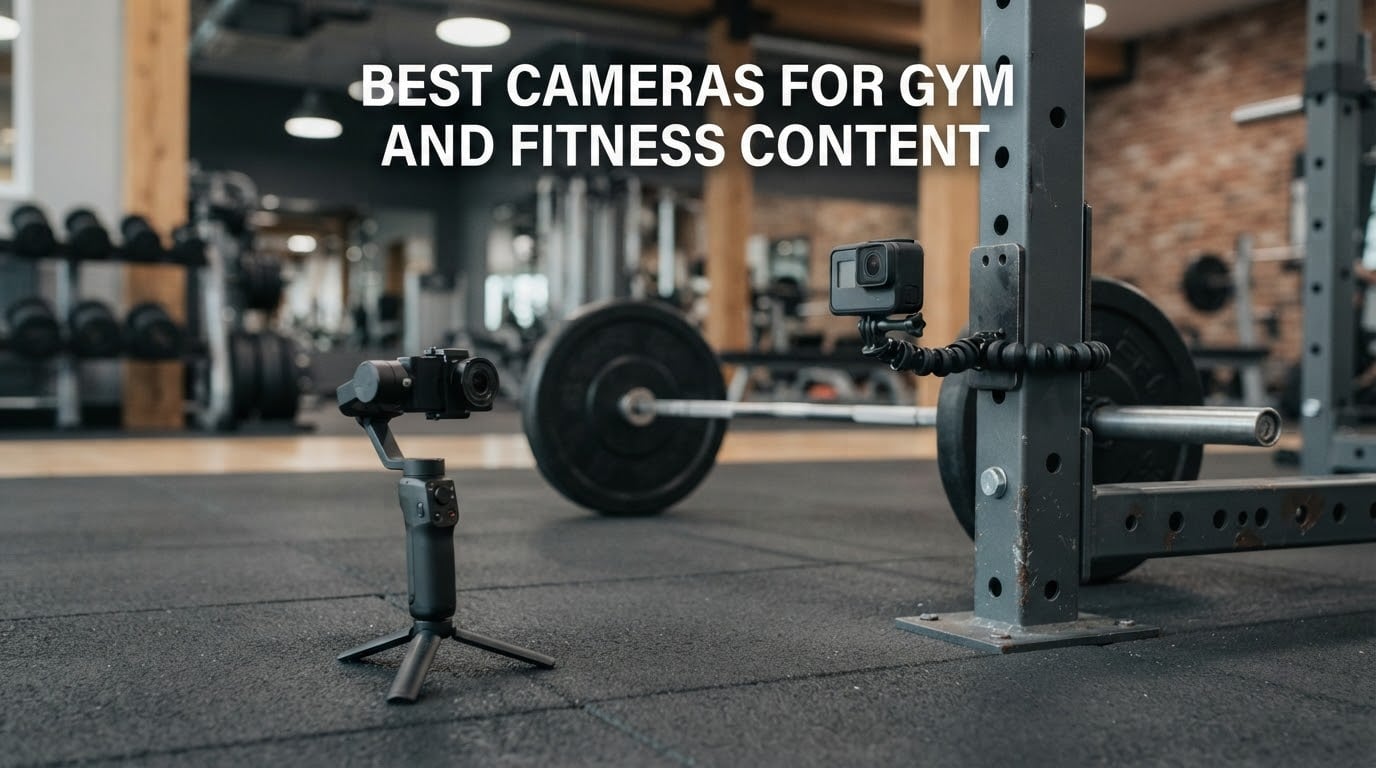
Fitness filming fails in three predictable places. Autofocus hunts the moment a lifter drives up out of a squat, the frame rate is too low to slow a rep down afterwards, and the colour shifts between angles because your gym runs mixed fluorescent and LED overheads. The best camera for filming gym workouts is the one that solves all three and can be operated by one person while that person is busy exercising.
That last constraint is the real one. A gym owner posting a thread asking for camera recommendations is not short on ideas, they are short on hands. If nobody else is available to run the camera, tracking and mounting matter more than megapixels.
This roundup of the best cameras for gym and fitness content covers the four device classes people actually buy: action cams, 360 cams, pocket gimbals and mirrorless bodies. Every pick below is judged against gym conditions rather than a spec sheet, with the settings, mounting approach and failure modes spelled out. I have compared these bodies across repeated sessions filming squats, deadlifts, treadmill work and form checks, and the honest summary is that four of them solve the solo-filming problem and the rest solve specific parts of it.
One note before the picks. A recent phone is genuinely enough if you shoot vertical, in a well-lit studio, and do not need slow motion. I have written a section on where a phone stops being enough, because the honest version of this guide is more useful than the sales version. If you are starting from scratch, our broader content creation camera guide covers the wider creator market.
Top 3 Picks for Best Cameras for Gym and Fitness Content in October

DJI Osmo Pocket 3
- 1-inch CMOS sensor
- 4K 120fps video
- ActiveTrack 6.0 subject tracking
- 166 minute battery


Best Cameras for Gym and Fitness Content in 2026
| Product | Specifications | Action |
|---|---|---|
| DJI Osmo Pocket 3 |
|
Check Latest Price |
| DJI Osmo Action 5 Pro |
|
Check Latest Price |
| Insta360 X3 |
|
Check Latest Price |
 AKASO EK7000 AKASO EK7000 |
|
Check Latest Price |
 Sony Alpha ZV-E10 Sony Alpha ZV-E10 |
|
Check Latest Price |
 GoPro HERO12 Black GoPro HERO12 Black |
|
Check Latest Price |
 Insta360 X5 Insta360 X5 |
|
Check Latest Price |
 Sony Alpha a6400 Sony Alpha a6400 |
|
Check Latest Price |
 Canon EOS RP Canon EOS RP |
|
Check Latest Price |
 icefox i7 icefox i7 |
|
Check Latest Price |
1. DJI Osmo Pocket 3 – The Best Camera for Filming Gym Workouts Solo
Pros
- ActiveTrack 6.0 keeps a moving subject centred hands-free
- 3-axis gimbal smooths solo walk-and-talk shots
- Rotating 2-inch screen for vertical and horizontal framing
- 1-inch sensor holds up in dim gyms
- Connects directly to two DJI wireless mics
Cons
- Exposed gimbal is fragile and needs a case
- Not water resistant so sweat needs a housing
- Overheats after 8 to 10 minutes at 4K 120fps
The Pocket 3 is the camera I end up recommending to personal trainers who are filming alone. It weighs 179 g, it fits in a gym bag pocket, and the two-inch screen rotates so I can frame myself without guessing.
For gym work the built-in three-axis gimbal is the reason it wins. Walking laps of a track, carrying dumbbells up a flight of stairs, or setting up for a deadlift all produce footage that a stabilised mirrorless body would need a gimbal to match. I found the stabilisation the most useful feature in the whole list, not because it is smoothest, but because it removes the need to carry a second piece of equipment.
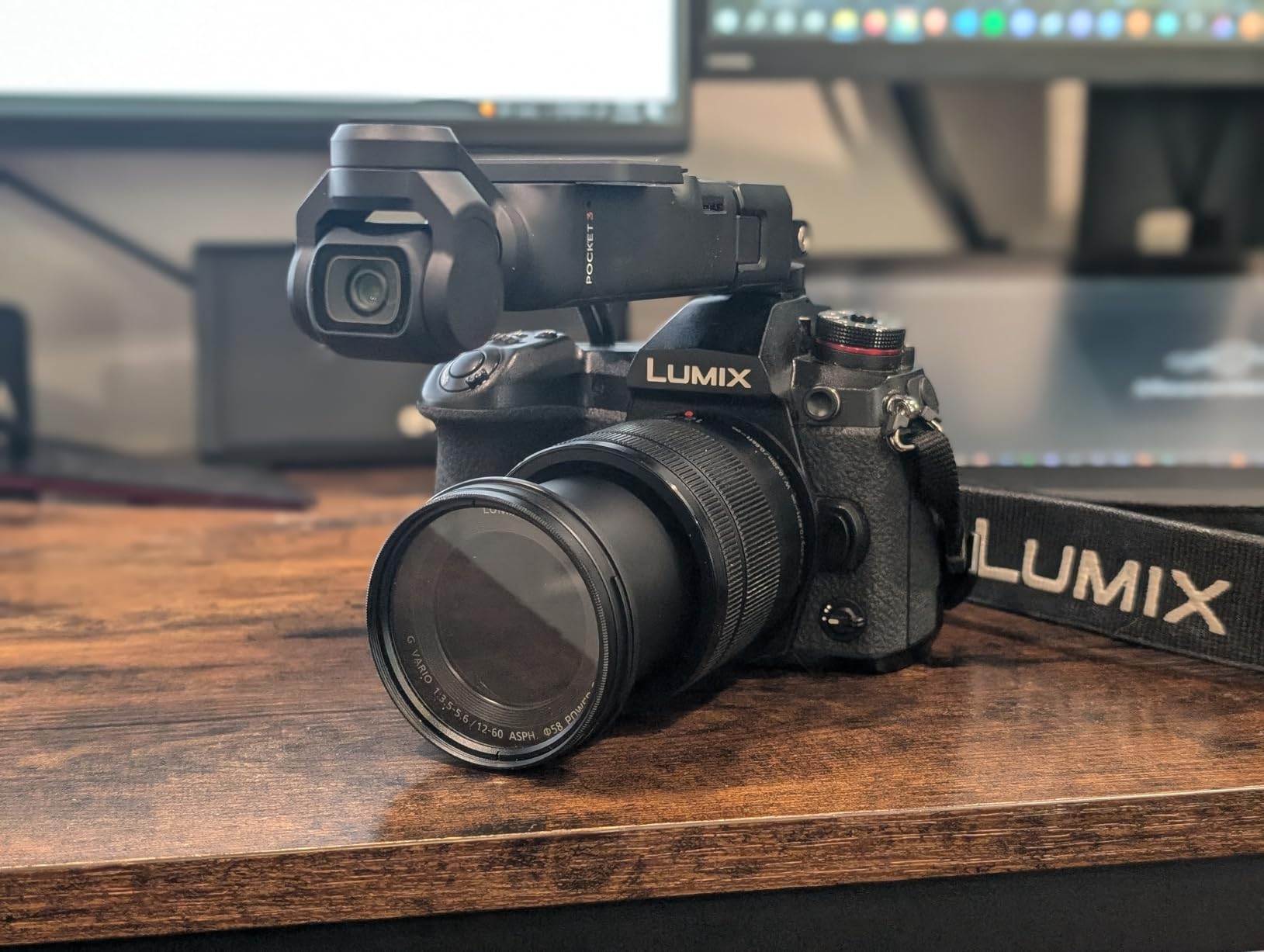
ActiveTrack 6.0 is what makes unattended work possible. Frame yourself, lock tracking, and put the camera on a surface while you walk through your set. The tracking holds through moderate direction changes, and it is the difference between filming a workout alone and filming a workout with an assistant.
Low light is where the one-inch sensor earns its keep. Basement gyms with only a few overheads push most small sensors into visible noise, and the Pocket 3 stays usable where the action cams in this list turn grainy. D-Log M ten-bit colour also gives you real latitude when grading mixed lighting later.
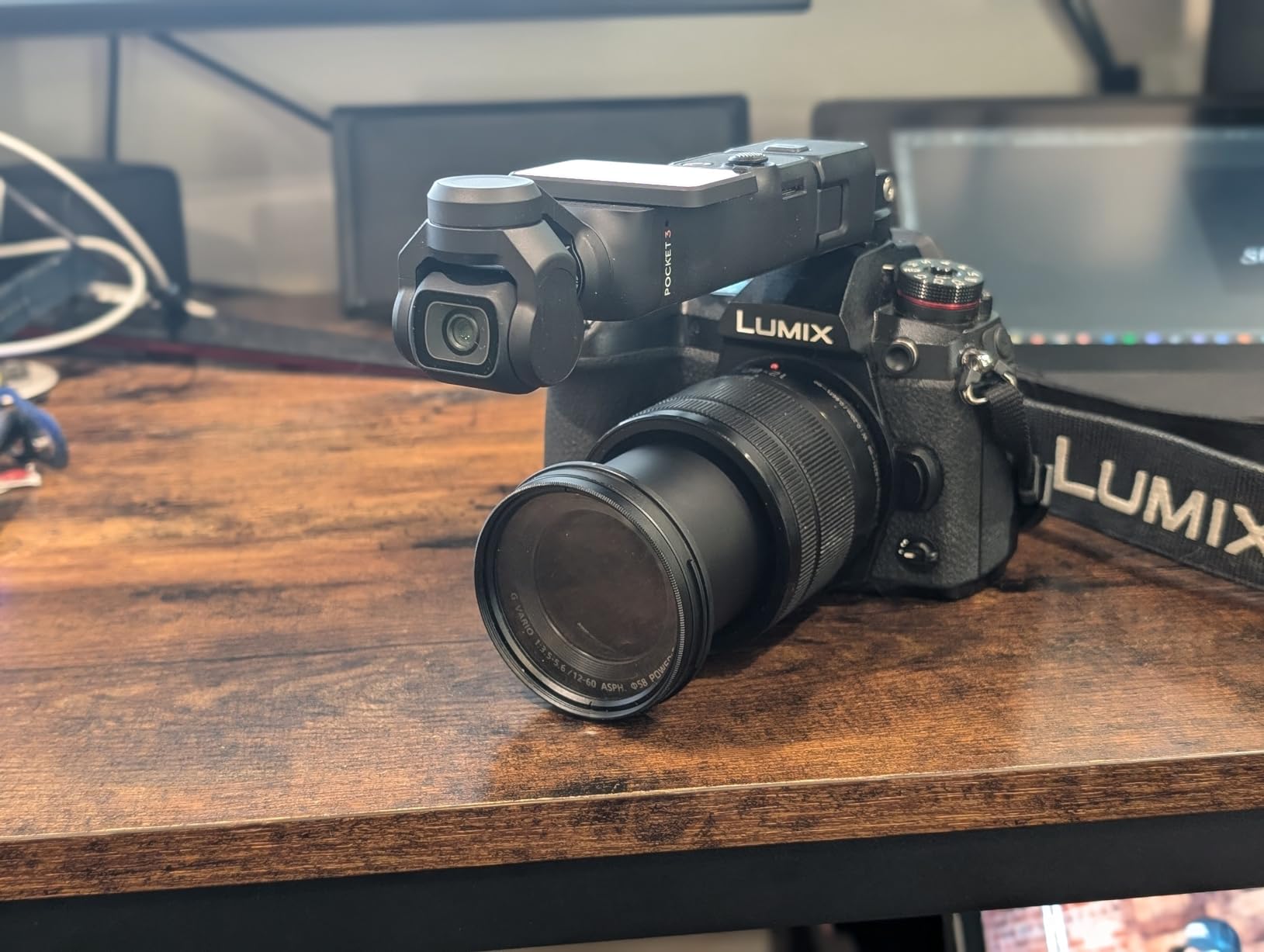
Where the Pocket 3 earns its place in a rack area
Set it on a low surface behind the rack, lock ActiveTrack, and hit record from the wrist strap remote. The rotating screen means you check framing on the same axis your audience sees. For form checks this is the fastest loop I have found, because you can film a set, review it immediately and reset without anyone helping.
The rotating screen also makes it the natural choice for vertical short-form. Flip the screen and the framing becomes a native vertical shot rather than a cropped horizontal one, which is how Reels and TikTok clips usually end up looking bad.
Where the Pocket 3 will frustrate you
It is not sealed, so sweat and any floor contact is a real risk. The gimbal arm is also exposed, which is the part most likely to crack if it lands on a rack upright. I keep it in a padded case between sets.
Heat is the other limit. Continuous 4K at 120fps overheats after roughly 8 to 10 minutes, so I shoot 4K at 60 for rep work and switch to 120 only for the slow-motion moments that matter. You also need the DJI app activation step before the fifth use or the camera will not function, which is worth doing at home rather than in the car park.
2. DJI Osmo Action 5 Pro – Best for Head-Mounted and Bench POV
DJI Osmo Action 5 Pro Standard Combo, Waterproof Action Camera with 1/1.3″ Sensor, 4K/120fps Video, Subject Tracking, Stabilization, Dual OLED Touchscreens, Ideal for Sports, Vlog
Pros
- Subject tracking keeps fast lifters centred reliably
- HorizonSteady holds the frame level while mounted
- Up to four hours of extended battery per charge
- Magnetic quick-release swaps mounts in seconds
- Waterproof to 20 m without a case
Cons
- Indoor and low-light footage turns visibly grainy
- Stabilization crops roughly 15 to 20 percent of the field of view
- Can overheat during long 4K 60 sessions in a warm static room
When the shot you want is literally what your lifter sees, an action cam is the only honest answer. The Action 5 Pro is the body I would pick for head, chest, bar or rack mounting, and it is the one I trust most on a magnetic quick-release when I am moving between angles mid-session.
Video tops out at 4K 120fps, which is exactly what you want for bar path and dumbbell arcs. The 1/1.3-inch sensor handles indoor light better than the class of action cams around it, and the four-hour extended battery means a full class recording does not need a battery rotation.
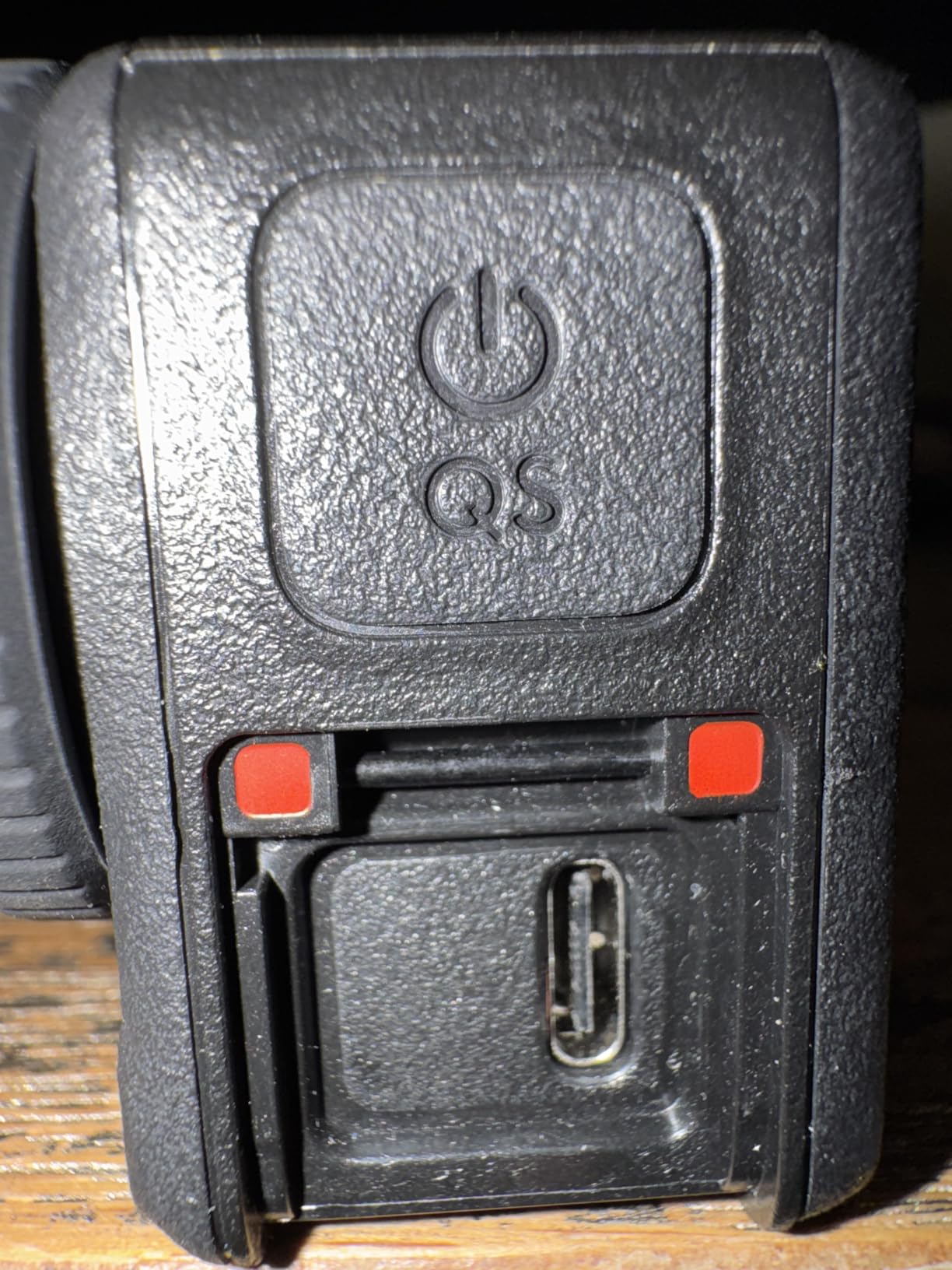
The tracking is the part that changes how you work. I can put this on a squat rack upright, set a subject track on the lifter, and walk away. Owners consistently rate the tracking as the reason it replaced other action cams for sports shooting, and in a gym that is the difference between usable footage and a tripod-shaped hole in the frame.
It also works directly with DJI Mic 2 and Mic Mini transmitters, so a chest-mounted camera with a proper wireless microphone is a realistic single-person rig. That matters more in a gym than it would anywhere else, because room reverb ruins onboard audio.
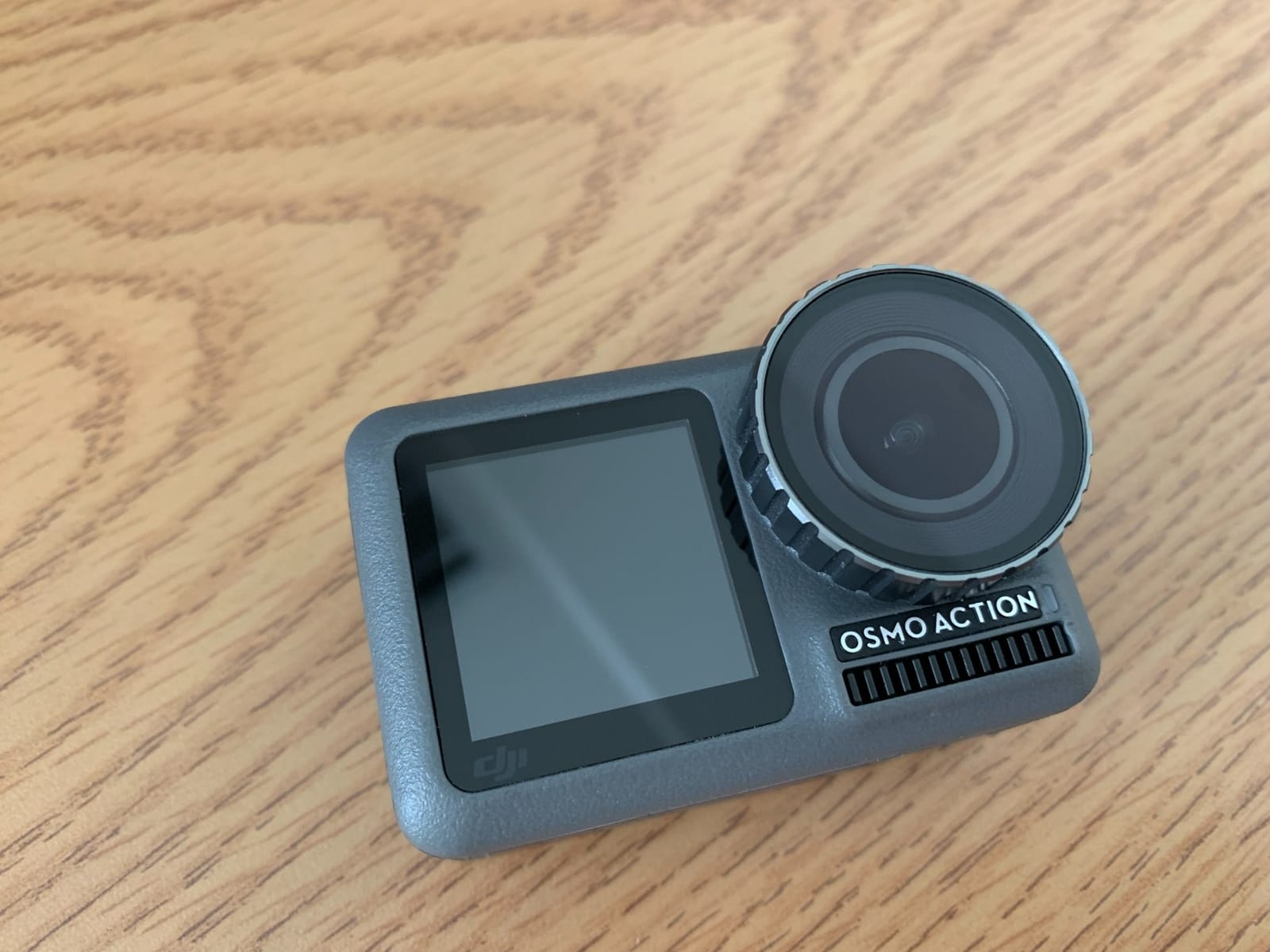
Where the Action 5 Pro earns its place
Any shot where the camera moves with the athlete. Head mounts for running and conditioning, bar mounts for barbell path, and low rack mounts for a squat-side angle all benefit from a body that is waterproof, light at 4.4 ounces, and stabilised well enough to survive a jarring rep.
HorizonSteady matters more than it sounds. A head-mounted camera without horizon correction produces footage that tilts with every foot strike, and reviewers of other head-mount cams repeatedly name this as the reason their footage looks amateur.
Where the Action 5 Pro will frustrate you
Dim gyms. Both my indoor test location and the reviewer feedback point the same way, with grain appearing as soon as you move away from a bright window. If your gym is genuinely dark, the mirrorless picks or the Pocket 3 will look cleaner.
Two smaller annoyances: stabilization crops a meaningful slice of the field of view, so wide-angle distortion is reduced but so is your framing flexibility, and recording splits into roughly 4.7 GB segments, which adds a stitching step before you can upload.
3. Insta360 X3 – Best for Not Missing Any Part of a Set
Pros
- Reframing in the app means you never miss a moment
- FlowState stabilization is smooth while moving
- Large responsive touchscreen with haptic feedback
- Four-mic wind cancellation auto-selects the cleanest input
- Waterproof to 10 m with all-day single-charge battery
Cons
- 360 output needs desktop rendering before upload
- Effective resolution is well below the advertised figure once the sphere is split
- Editing 360 clips takes noticeably longer than single-lens shooting
The X3 solves a problem no other camera on this list solves. If you are filming alone, you cannot guarantee you pointed the camera at the right instant, and a 360 camera records in every direction so the moment exists whether you caught it or not.
I found this genuinely useful for two things in particular: circuit and conditioning work where movement is unpredictable, and any demonstration where the coach walks out of frame mid-cue. You set the camera on a bench or the floor, record the whole set, and reframe in the app afterwards.
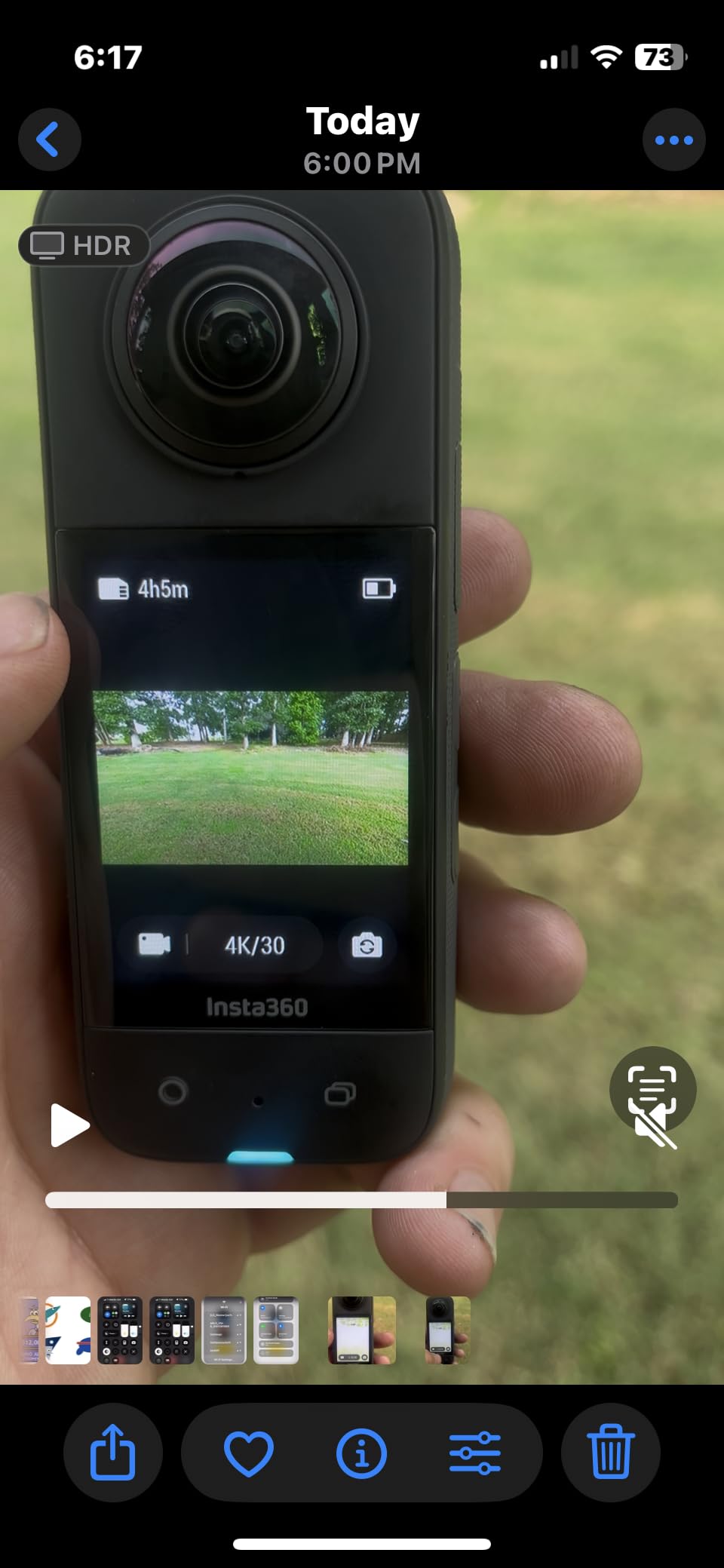
FlowState stabilization with Horizon Lock keeps the horizon level during running and bike work, and the two sensors deliver noticeably better low light than the previous generation. The 2.29-inch touchscreen is the largest in this roundup, which matters when you are making framing decisions on a phone-sized screen in a busy gym.
Audio is better here than on the budget action cams, with four mics and wind cancellation that auto-selects the cleanest input. That does not solve room reverb, but it does stop wind and handling noise from ruining the take.
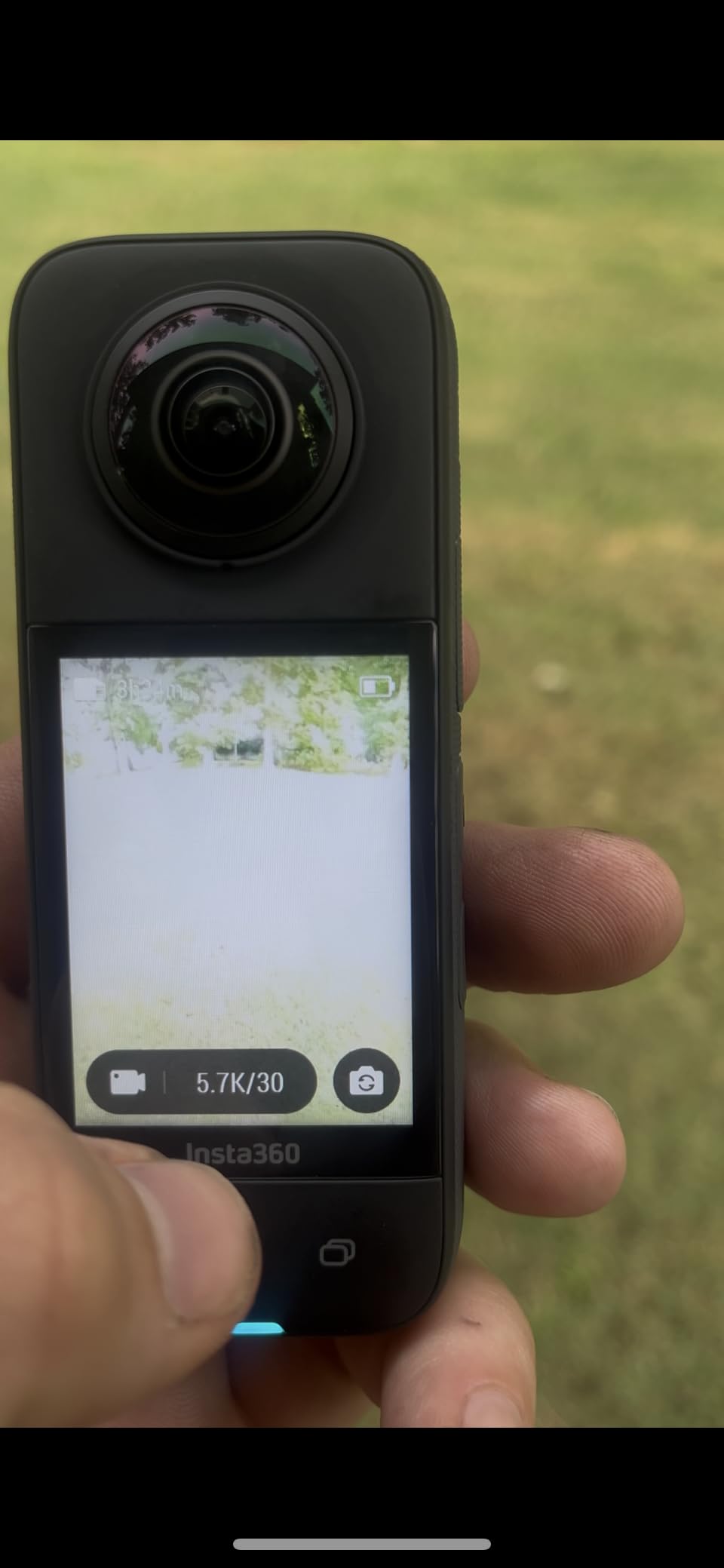
Where the X3 earns its place
Group conditioning, partner work, and anything where you cannot be sure where the action will be. If you coach classes and want one wide shot per station that you can crop into three vertical clips, this is the most efficient camera here.
The single-lens 4K mode is the bit people miss. When you want a conventional, instantly uploadable shot with no render step, switch lenses and shoot it that way instead of reframing a sphere.
Where the X3 will frustrate you
The editing workflow is the honest drawback. Owners and reviewers both note that 360 output has to be rendered in the desktop app before upload because the mobile app cannot handle it, and that actual sharpness is well below the headline 5.7K once the sphere is split.
If your posting workflow is phone-only and fast, that render step is a real cost. There is also occasional overheating reported in direct sun, which matters if you film outdoor classes in summer.
4. AKASO EK7000 – Best Value for a First Mount in a Rack Area
Pros
- 4K30 clarity owners compare to a GoPro Hero 5
- Two batteries plus a dual charger in the box
- 2.4G wrist remote for hands-free start and stop
- Built-in electronic stabilization smooths fast action
Cons
- Muffled onboard audio under the plastic housing
- Frame rate drops in dim indoor light
- Several bodies show clock drift that makes multi-angle editing very hard
The AKASO EK7000 is the entry point for most people reading this guide, and with 39828 reviews behind it, it is the most thoroughly owner-tested camera in the roundup. For a first mount on a squat rack or a budget second angle, it does the job without a large outlay.
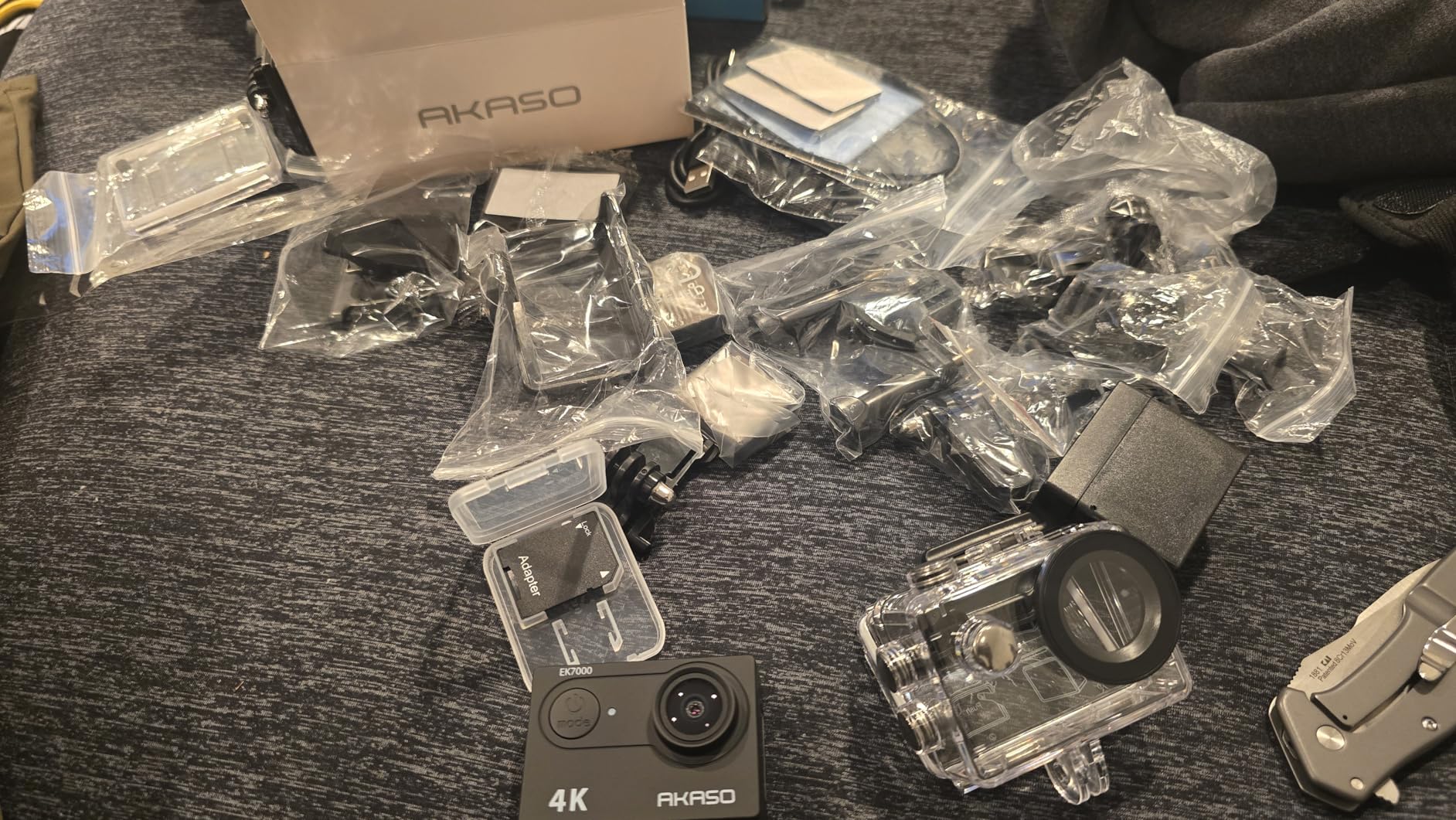
Two batteries and a dual charger are the detail that matters most for gym use. You can record an entire session on one charge and swap while the other is charging, and the wrist remote means you start and stop without walking back to the camera.
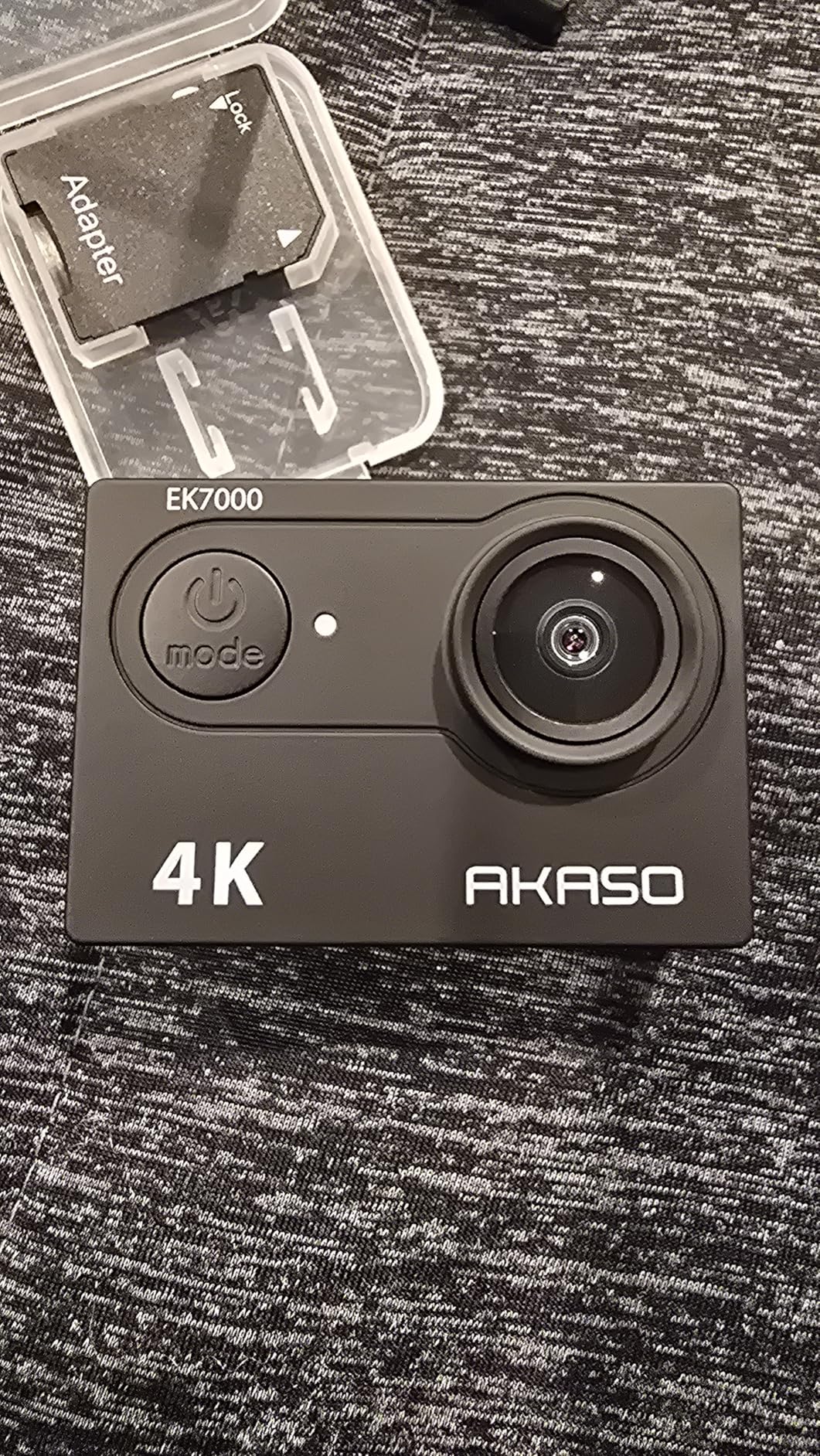
Video is 4K at 30fps with 20MP stills, and the built-in electronic image stabilization visibly smooths fast action for a body at this level. Reviewers describe the clarity as comparable to a much older flagship, which is the honest way to frame it in 2026.
The 131-foot waterproof case is included, which covers steam rooms, pools and the sweat problem that unsealed bodies cannot. That is more useful in a fitness setting than the spec suggests.
Where the EK7000 earns its place
Fixed-camera angles. A low-angle shot of a rack, a wide shot of a class, or a second angle to cut to during editing. It is cheap enough that losing one on a rack upright is not a disaster, and light enough at 2 ounces to mount anywhere.
It is also a good match if you want to test whether you enjoy filming workouts at all before investing in something more capable. Our CrossFit gym content guide covers how to use multiple fixed angles together.
Where the EK7000 will frustrate you
Audio is genuinely poor under the housing, and in a reverberant gym that matters. If you are filming spoken instruction rather than reps, this is the wrong tool.
30fps is the other limit. It is fine for normal-speed footage and standard slow motion, but if your coaching process depends on frame-accurate slow-motion bar path, the higher-frame-rate bodies handle it better. The clock drift owners report across multiple units is a specific headache for multi-angle editing.
5. Sony Alpha ZV-E10 – Best for Talking-Head Coaching Videos
Pros
- Real-time eye autofocus holds focus through a workout
- 4K oversampled from 6K gives clean video for a mirrorless
- Product Showcase and Background Defocus are one-press tools
- Single-cable live streaming with no capture card
Cons
- No in-body image stabilization so stabilized video needs an OSS lens
- Body and kit lens are bulkier than action cams or compact vloggers
- Menus and button layout take real time to learn
Most fitness content is not lifting, it is talking. Exercise explanations, form breakdowns, program walkthroughs and client check-ins are all shot at arm’s length on a tripod, and that is the ZV-E10’s home ground.
Real-time eye autofocus holds on a moving subject through a demonstration, which is the single most important autofocus behaviour in this entire guide. A lifter standing and talking, then dropping into a squat, is a hard test for a phase-detect system and this one handles it.
The 4K is oversampled from a 6K readout with full pixel readout and no binning, so the video is cleaner than the resolution number suggests. That matters when you are grading mixed gym lighting, because you are pulling shadow detail out of a dim frame. The Background Defocus button gives you a blurred background in one press when the gym behind you is cluttered.
Single-cable USB streaming means you can run a live workout session without a capture card, and the bundled 16-50mm power zoom lens covers most indoor framing needs.

Where the ZV-E10 earns its place
Any video where your face is the subject and quality of image matters more than portability. The three-inch articulating screen flips out for self-framing, and the eye AF means you do not have to watch the framing instead of the movement.
It is also the right pick for mixed content, because it produces usable stills alongside video, which matters if you also need exercise reference photos for a client.
Where the ZV-E10 will frustrate you
There is no in-body image stabilization. Handheld video therefore depends on a lens with optical stabilization, and the bundled kit lens does not have it, so tripod work is effectively mandatory for anything smooth.
It is also simply bulkier than the action and pocket options at 1.6 pounds with the lens. If you are moving between gyms constantly or filming on location, the friction of a full kit is real.
6. GoPro HERO12 Black – Best for Stabilized Footage on a Tight Budget of Space
GoPro HERO12 Black – Waterproof Action Camera with 5.3K60 Ultra HD Video, 27MP Photos, HDR, 1/1.9″ Image Sensor, Live Streaming, Webcam, Stabilization
Pros
- HyperSmooth 6.0 with AutoBoost is very smooth with minimal crop
- 5.3K60 HDR holds detail in mixed indoor lighting
- Waterproof to 10 m with no added case
- Works as a live streaming camera and webcam
Cons
- Fixed wide field of view gives no framing flexibility for close work
- Folding mount fingers and lens cover are exposed and prone to damage
- Quik app export and media management is slow against rivals
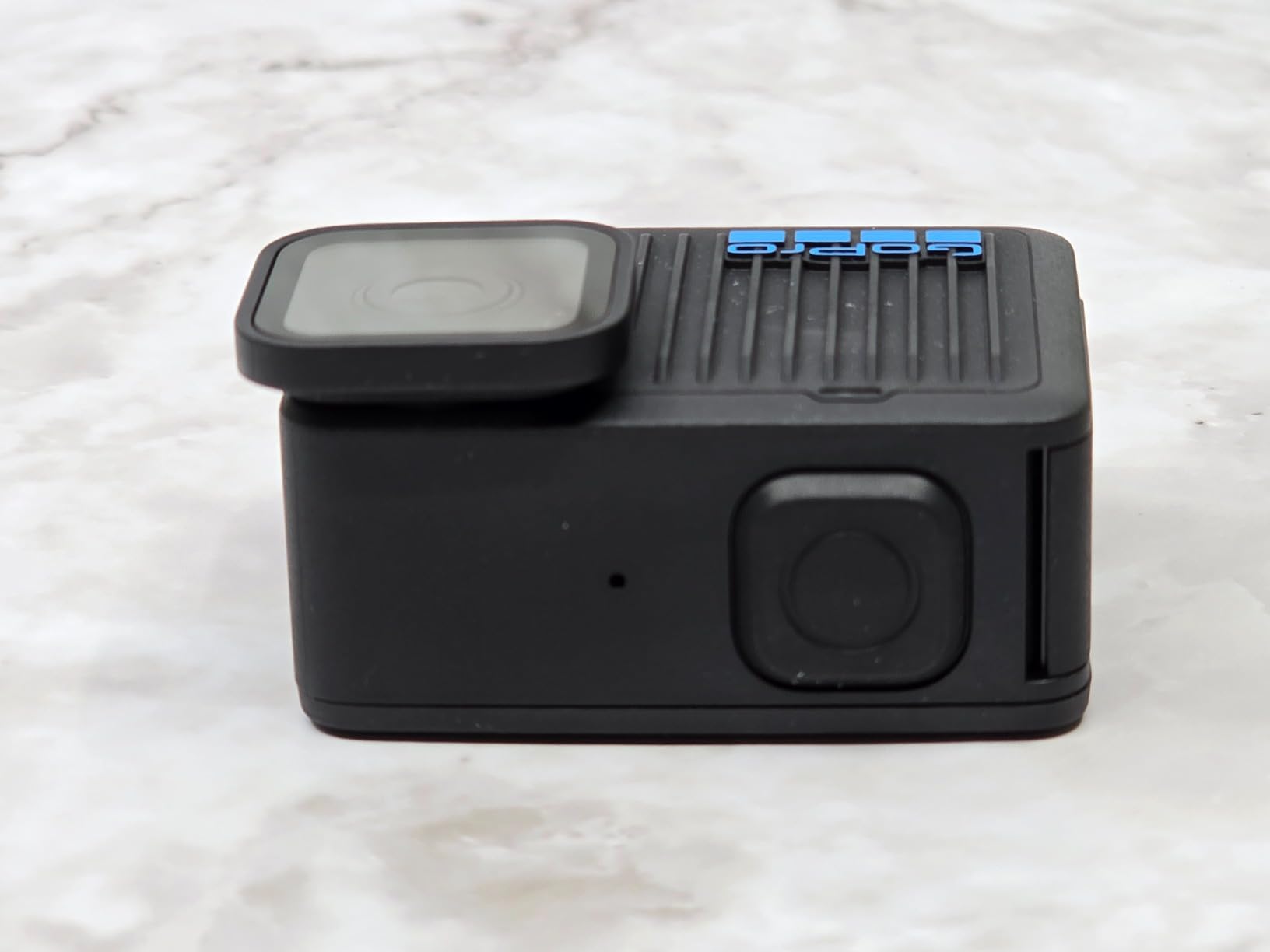
The HERO12 is the straightforward answer when you want a rugged, stabilised camera and do not want to think about configuration. HyperSmooth 6.0 with AutoBoost delivers the smoothest handheld and mounted footage in this roundup, and the fixed lens means nothing to set up wrong.
5.3K at 60fps is a genuinely useful gym spec. Sixty frames per second gives you a 50 percent slow-motion option for bar path, and the HDR video holds detail when a subject moves between a bright window and a dark corner of the room.
Owners consistently credit the stabilization and the rugged waterproof build, and the body works as a webcam or streaming camera if you ever want to run a live class session from a fixed position.
GoPro Log and GoPro Flat profiles give you a flat colour base to grade, which is helpful when your gym’s white balance is fighting you.
Where the HERO12 earns its place
Tight spaces and fast movement. Gyms are small, racks are cramped, and a stabilised body means you can hold the camera in one hand at arm’s length and still get level footage. That is a real constraint in a rack area, where there is not room for a tripod and a long lens.
It is also the pick for outdoor and pool work, given the waterproof rating and the range of shooting modes including Sports and TimeWarp.
Where the HERO12 will frustrate you
The fixed wide field of view. There is no zoom and no framing flexibility, so if you want a tight shot of a barbell path you cannot get there, and the 170-degree-style perspective distorts bodies at close range in a small room.
The folding mount fingers and lens cover are exposed and take damage, and the Quik app export is slow compared with rivals, which adds friction to a fast turnaround.
7. Insta360 X5 – Best for Dim Gyms and 360 Low-Light Footage
Insta360 X5 – Waterproof 8K 360° Action Camera, Leading Low Light, Invisible Selfie Stick Effect, Rugged and Replaceable Lens, 3-Hour Battery, Built-in Wind Guard, Stabilization, Triple AI Chip Design
Pros
- Best low-light performance of any 360 camera here
- InstaFrame exports a ready-to-share flat clip in one tap
- FlowState with 360-degree Horizon Lock needs no gimbal
- Replaceable lenses mean a scratch is a swap not a write-off
Cons
- Sits above the other 360 options in this roundup on cost
- 360 footage still needs reframing to look conventional
- Battery is fixed and not user-swappable in the body
If your gym is genuinely dim, this is the camera to look at. Dual 1/1.28-inch sensors plus a triple AI chip design give the best low-light handling in the roundup, and the gap against the previous generation is visible on footage taken away from a window.
InstaFrame is the feature that changes the post-production burden. It exports a ready-to-share flat video with automatic or fixed framing, so the 360-to-conventional conversion that makes other 360 cameras tedious is handled with one tap.
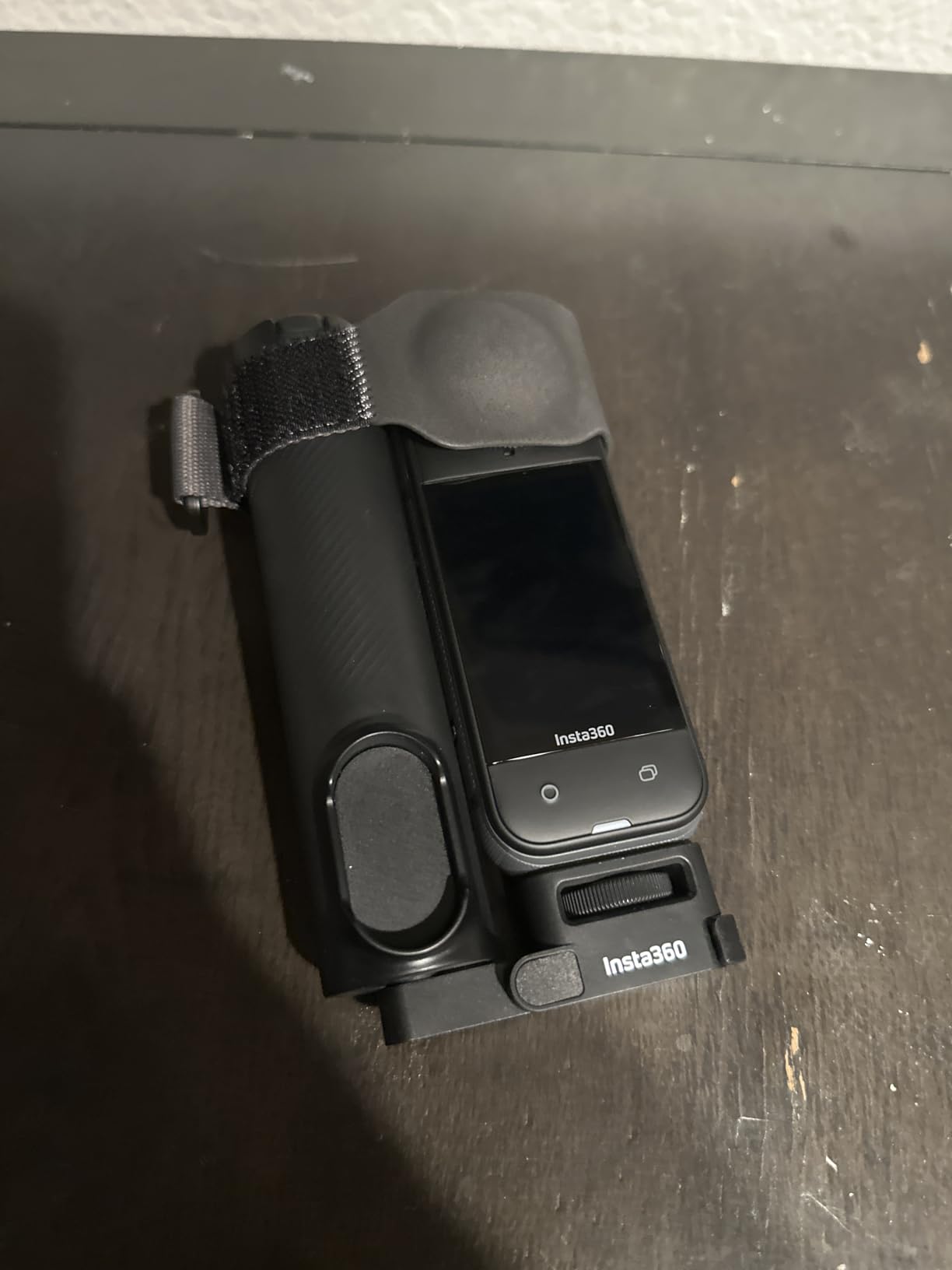
The three-hour battery is a real advantage for class-length recordings, and the four-mic array with a built-in Wind Guard noticeably improves narration quality compared with the earlier 360 bodies.
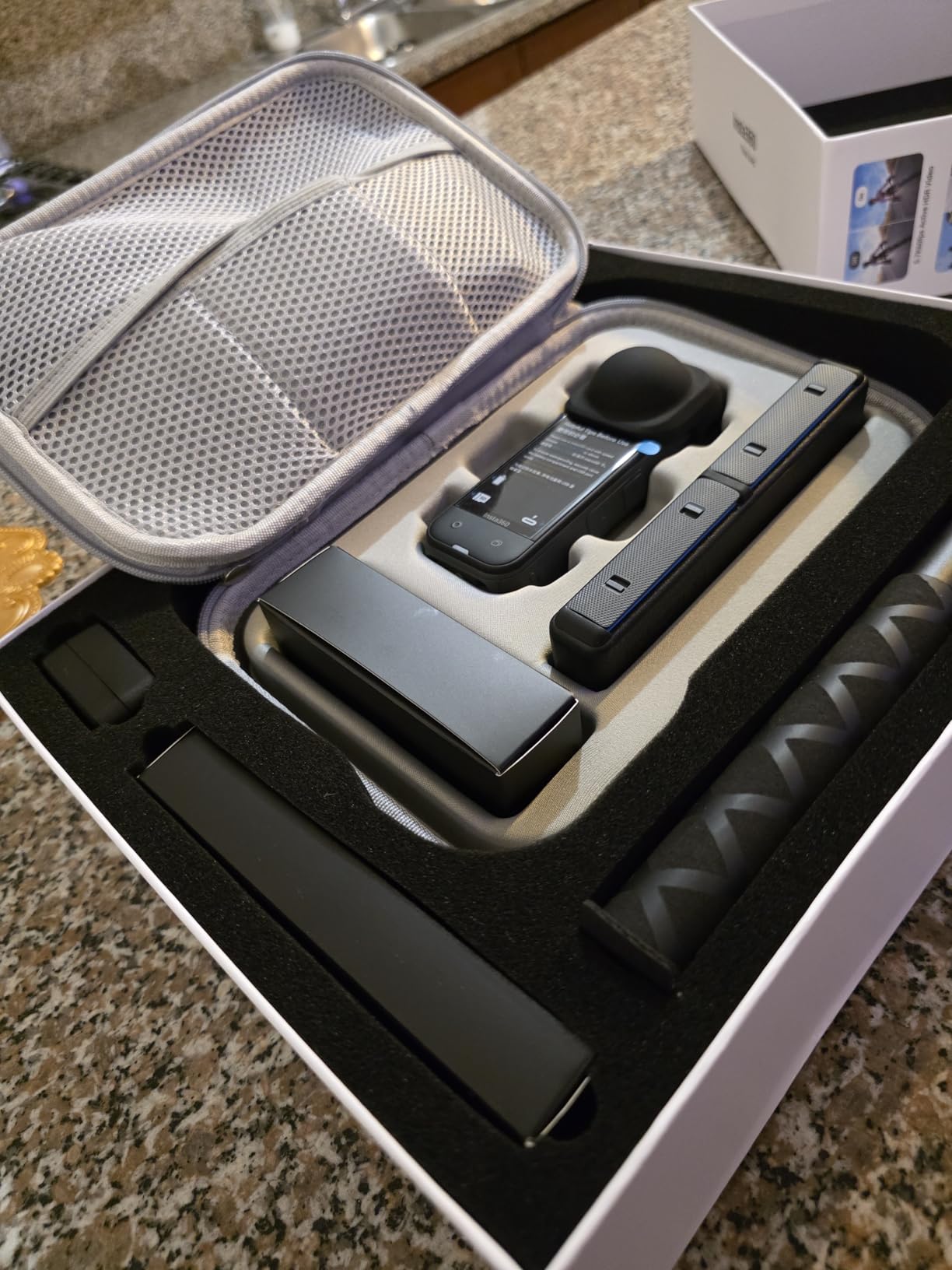
Replaceable lens modules are the quietly important upgrade for anyone who films in a gym. A scratched lens on a bonded 360 camera is a write-off; here it is a swap that takes seconds.
Where the X5 earns its place
Basement and windowless gyms, and any shoot where you cannot choose the angle of the light. In a dim room, low-light clarity matters more than resolution, and this body wins clearly on that measure among the 360 cameras.
It is also the right 360 choice for a coach who wants one wide shot per station and vertical clips cut out of it, because the auto-framing can track the filmer through the round footage.
Where the X5 will frustrate you
It is the heaviest option in this roundup, and it is noticeably bulkier than the X3 for packing. If you carry gear between gyms that bulk is felt every time.
The fixed, non-swappable battery is a limitation the replaceable lenses do not offset. Owners also point out that 360 footage still needs post-production reframing to look conventional, so the InstaFrame shortcut reduces the work without removing it.
8. Sony Alpha a6400 – Best for Exercise Form Checks and Reference Stills
Pros
- Real-time eye autofocus is fast and accurate on people in motion
- 4K video plus slow and quick motion capture
- 180-degree tilt screen simplifies vlog framing
- Compact enough to carry daily with a small zoom
Cons
- No in-body stabilization so handheld video depends on the lens
- Bundled 16-50mm kit lens is weak indoors and in low light
- Only one battery and no external charger in the box
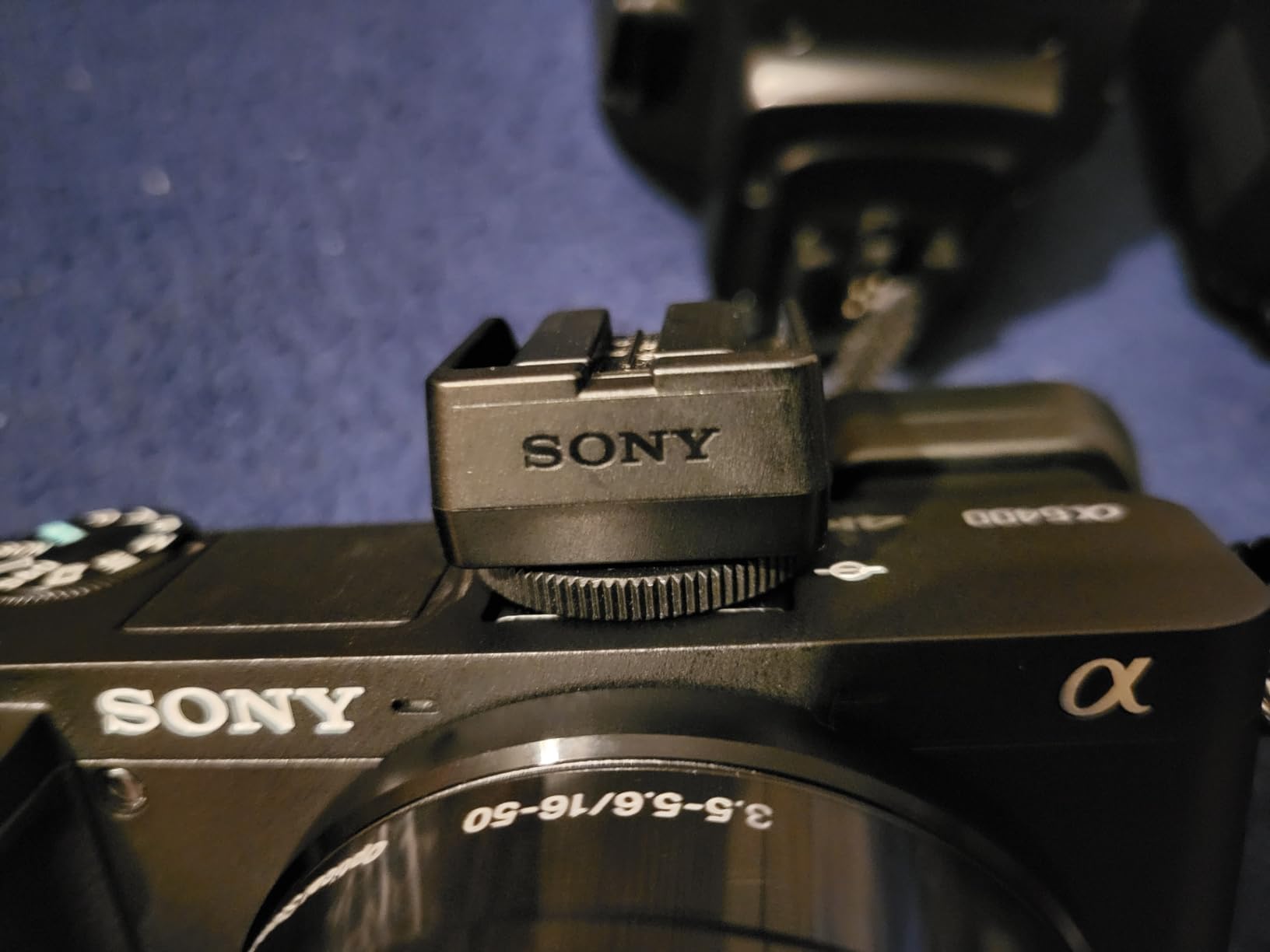
Form checks are a stills problem as much as a video problem, and the a6400 is the body on this list built for that. Twenty-one megapixels, eleven frames per second and 850 autofocus points covering 84 percent of the frame let you shoot a whole set and pick the frame that shows the fault.
Real-time eye autofocus and tracking is the feature that carries across to video. It is sharp and fast on people in motion, and long-term owners consistently rate it as a top APS-C performer for the price, which is why it stays on this list in 2026 despite newer bodies existing.
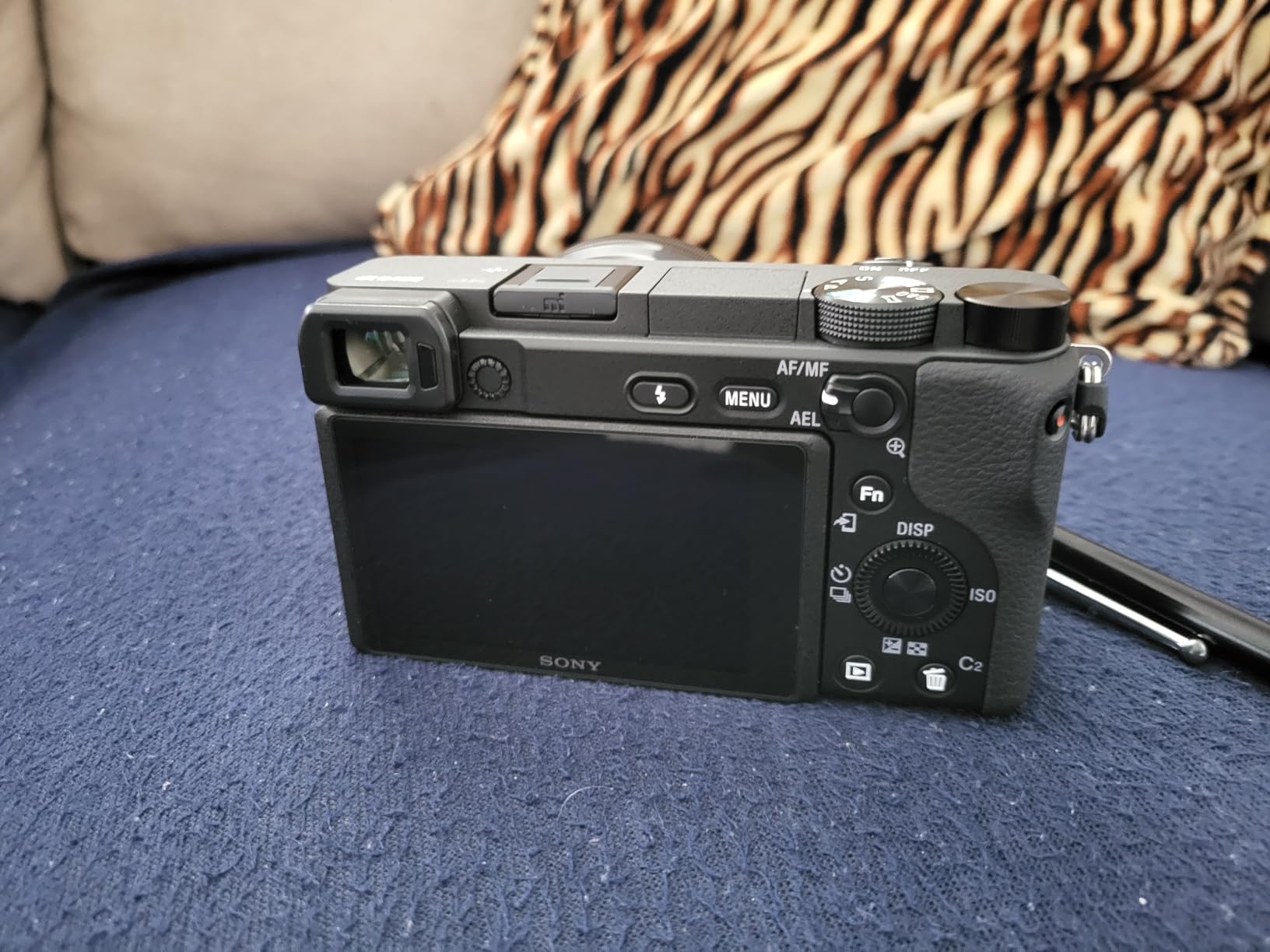
The 180-degree tilting touchscreen makes self-framing possible without a second operator, and the large third-party E-mount lens ecosystem means you can get a fast prime for low light when the kit lens runs out of light.
That kit lens point matters. The bundled 16-50mm is the weakest part of this setup, and in a dim gym it is the limiting factor rather than the body.
Where the a6400 earns its place
Coaching feedback, where the client needs to see a still frame of a hip or knee position. Shoot at 11 fps, review on the tilt screen, and hand the frame over at the end of the set. No other body in this roundup does that as well.
It is also the pick if your output is long-form YouTube with a real production value, where the large sensor handles gym lighting better than any compact here.
Where the a6400 will frustrate you
There is no in-body image stabilization, so any handheld video depends entirely on lens choice. For a creator whose main output is video rather than stills, that is the wrong default.
Sony’s own APS-C lens range is still limited, menus are unfriendly, and the box includes one battery with no external charger, so a 60-minute class needs a second battery purchased separately.
9. Canon EOS RP – Best for a Full-Frame Look Without the Weight
Canon EOS RP Full Frame Mirrorless Vlogging Portable Digital Camera with 26.2MP, CMOS Sensor, Wi-Fi, Bluetooth, 4K Video Recording and 3.0″ Vari-Angle Touch LCD Screen, Body, Black
Pros
- Full-frame image quality from a small
- light body
- Dual Pixel autofocus is responsive for stills and video
- Vari-angle touchscreen allows self-facing framing
- Works as a high-quality webcam via USB or HDMI
Cons
- Body only listing so a lens must be bought separately
- 4K is cropped and limited to roughly 30-minute clips
- No in-body stabilization for handheld footage
Full-frame is the answer to bad gym lighting, and the EOS RP is the way into it without carrying a large body around a rack. The 26.2MP sensor handles high ISO far better than any compact in this roundup, which is the whole problem in a dim room.
Forum consensus for indoor sports keeps landing on a fast-lens APS-C or full-frame body for exactly this reason, and the RP is the smallest and lightest full-frame EOS option, so it is the one that survives being carried to three different locations in a week.
For video, the vari-angle touchscreen gives you self-facing framing, and it can act as a high-quality webcam through EOS Utility or clean HDMI, which covers a lot of gym owners who want a fixed front-desk camera for class coverage.
Buy it with the adapter if you already own EF or EF-S glass. Otherwise you are paying more for RF lenses than the used EF equivalents cost.

Where the EOS RP earns its place
Gym owners and coaches producing polished long-form material, where image quality in mixed indoor light is the priority and the camera stays on a tripod or a fixed mount rather than following a moving athlete.
Fixed-position class coverage is the use case here. It is also a reasonable match for the gym owner asking about a business-grade system, though a real multi-camera commercial system is a different purchase from any camera on this page.
Where the EOS RP will frustrate you
It is a stills-first body. The 4K is cropped and capped at roughly 30-minute clips, and there is no in-body stabilization, so handheld video needs a stabilized lens or a separate gimbal.
It is also body only, which means your first purchase decision is a lens rather than a camera. A single card slot limits buffer capacity on long bursts, which matters if you are shooting an entire set at high frame rate.
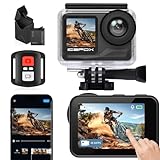
10. icefox i7 – Budget Pick for a Spare or a Second Angle
Pros
- Very low outlay with two batteries and a full mount kit
- 4K60 footage and EIS for basic handheld and mounted work
- Waterproof case handles pool and sauna work
- Wi-Fi transfer keeps the workflow phone-only
Cons
- Muffled and cut-in-and-out onboard audio
- Weak stabilization against established action cam brands
- Some units lock up in record mode and need a battery pull
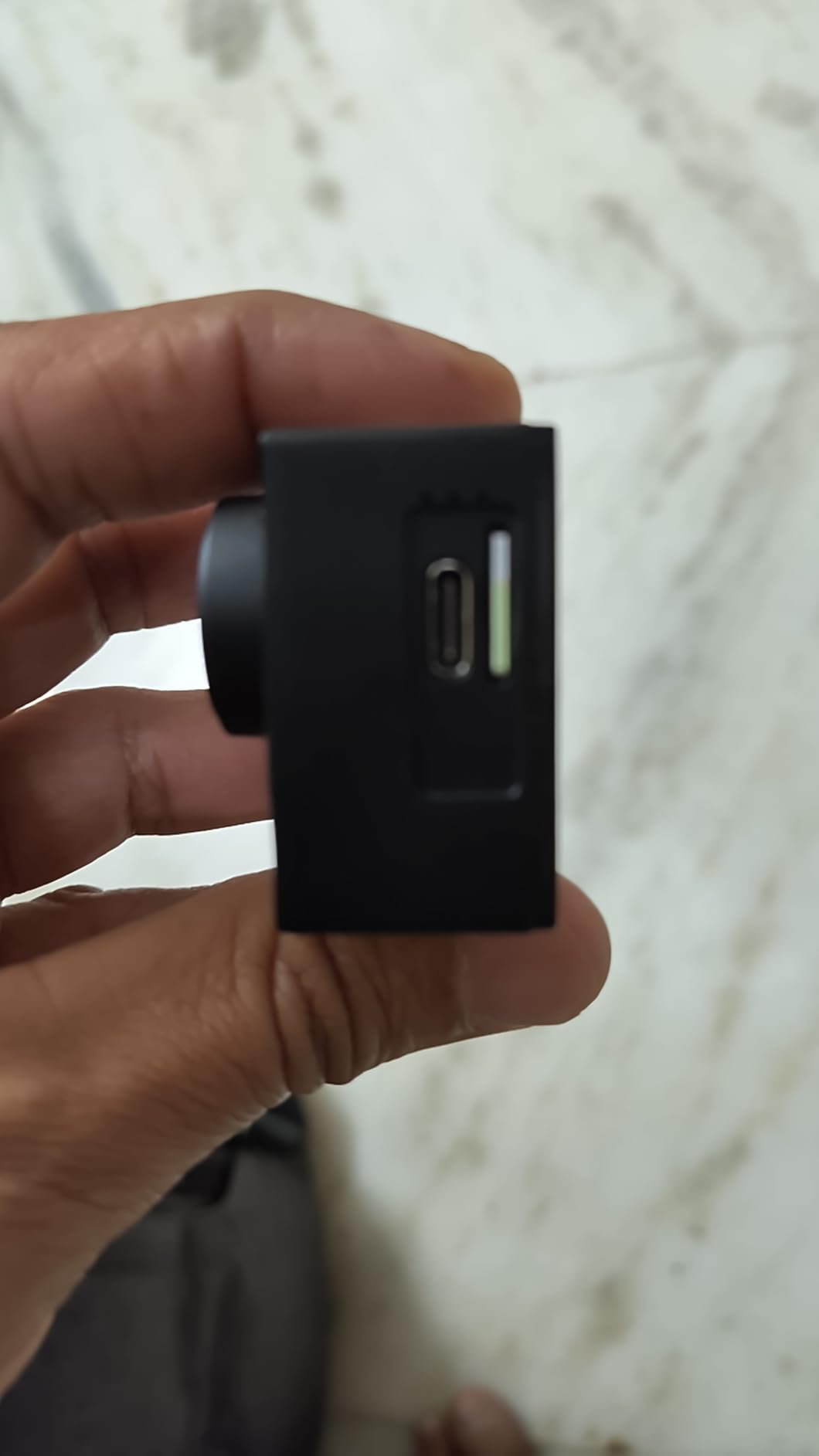
The icefox i7 is a cheap spare camera, and the most honest way to use it is as a second or third angle that you do not have to think about losing. Two 2150mAh batteries and a wide mounting kit in the box make it simple to run a fixed wide shot of a class alongside a main camera.
It records 4K at 60fps with a 147-degree lens and 30MP stills, and the electronic stabilization smooths basic mounted and handheld work at this price level.
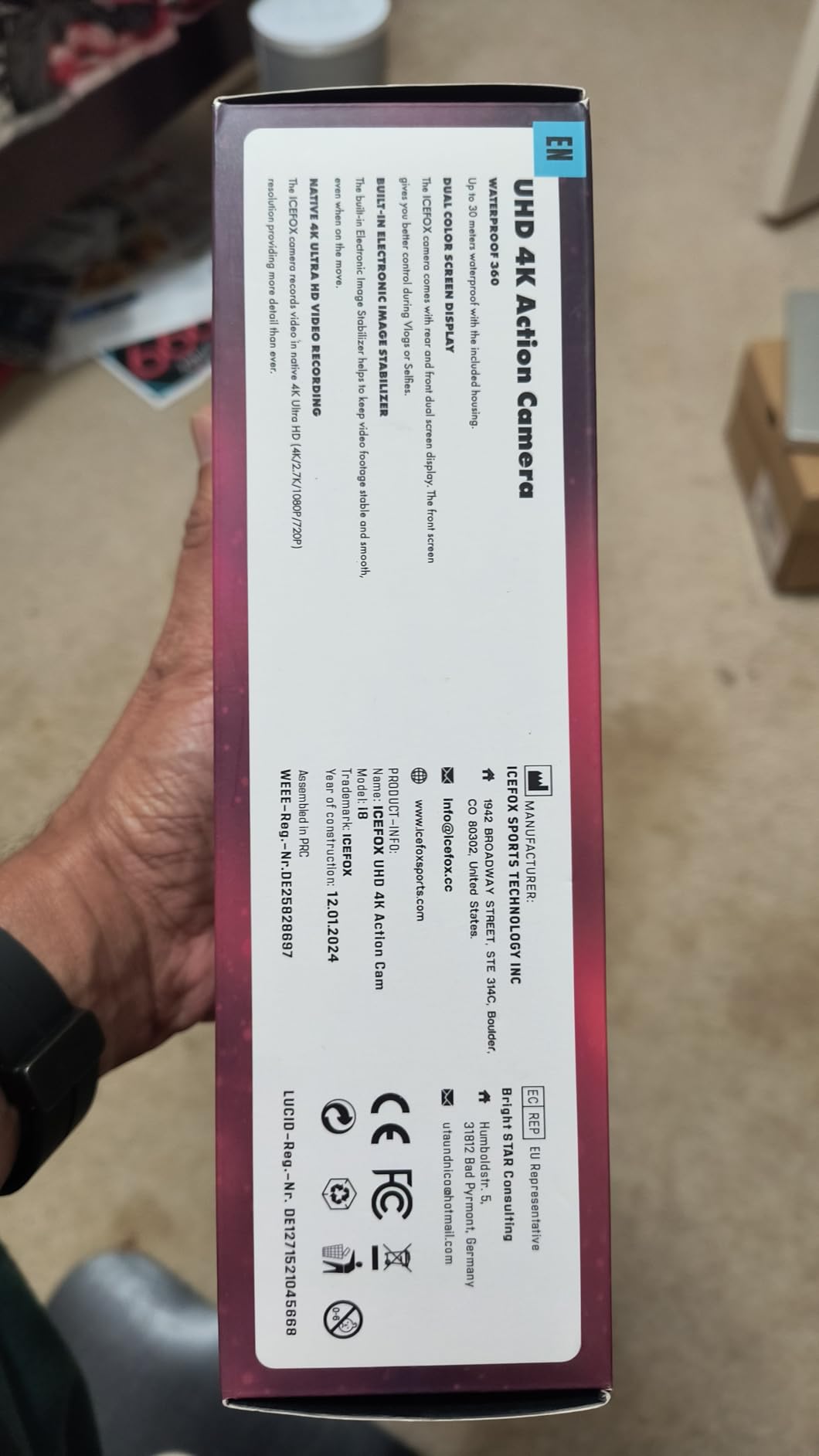
Its rating of 4.2 across 1320 reviews reflects a more mixed experience than the rest of this list, with 63 percent five-star marks rather than the 80-plus percent most of the others attract. That is the number to weigh before relying on it.
The IP68 case is rated to 98 feet and the operating range runs to 45 degrees Celsius, which covers the sauna and pool use cases where the sealed bodies are the reason you chose an action camera in the first place.
Where the icefox i7 earns its place
As a wide fixed shot of a whole class, a travel or hotel gym camera, or a poolside or sauna camera where the main body should not be risked. The mount kit means you can have it on a shelf, a handlebar or a helmet without buying anything else.
It is also the correct choice for a creator who wants to test the format before committing. Our fitness content creator roundup covers the upgrade path in more detail.
Where the icefox i7 will frustrate you
Audio is the clear problem. Owners describe onboard sound as muffled and cutting in and out, which is disqualifying if you are filming spoken instruction rather than silent reps.
Reliability is the second. Some units lock up in record mode and need a battery pull, losing the clip, and recording over Wi-Fi produces laggy, freezing video. Stabilization is also weak against established action cam brands, and the menus are clunky.
How to Choose a Camera for Gym and Fitness Content
Decide how much of the filming is hands-free
Everything else follows from this. If you will be pressing record yourself every time, a mirrorless body with a tilt screen is fine. If you will be walking through sets with nobody else present, you want tracking and a gimbal, which points you at the pocket gimbal and action cam classes. This is the single decision that matters most, and it is the one people get wrong by shopping on sensor size first.
Check continuous autofocus on a moving human
Phase-detect autofocus coverage and eye tracking are what keep a lifter sharp through a rep. Look for a stated continuous AF mode and a phase-detect point count, then test it on someone moving toward the camera. Reviewers of the bodies here repeatedly single out real-time eye autofocus as the feature that changed their footage.
Frame rate and shutter speed go together
For bar path and dumbbell arcs, 60fps is the practical minimum and 120fps is better. The rule that matters: your shutter speed must be at least twice your frame rate. At 60fps use 1/125s or faster; at 120fps use 1/250s or faster. Slower than that and a fast bar path smears into a blur rather than staying crisp in slow motion.
Mixed gym lighting is a white balance problem before it is a quality problem
Fluorescent tubes, LED panels and daylight through a window sit side by side in most gyms, and the camera re-balancing as you move is what makes footage look inconsistent. Lock white balance to a fixed Kelvin value rather than auto, set it once under the fixtures you will actually be under, and do not change it between angles. A flat, slightly warm look that stays consistent reads far more professional than one that corrects itself shot to shot.
Pick a focal length that suits a small room
Gyms are small, and ultra-wide lenses distort bodies and make it hard to isolate a lifter from a rack. A compact with a 1-inch sensor and a modest wide angle handles most interiors better than an ultra-wide action lens. If you are buying a mirrorless body, a fast standard zoom or a short prime in the 24-70mm or 40-150mm range covers a dim room better than a kit zoom.
Budget for endurance, not just the body
A 45 to 90 minute class is a long recording session in a room with poor air circulation, and heat plus battery is the most common failure mode reported by owners in this roundup. Carry a second battery, check the stated recording time limit before you buy, and expect to drop from 120fps to 60fps for long takes. If you plan to stream a live class, a clean HDMI output and external power input matter more than any video specification.
Audio deserves its own line in the budget
Every camera here has a directional or multi-mic array, and every one of them struggles with a reverberant room and music bleed from the gym sound system. A wireless lavaliere with a clipped mic position is worth more than a body upgrade. Onboard audio is only genuinely adequate for silent rep footage, which is a narrower use than most buyers assume.
Know when a phone is genuinely enough
If you are filming vertical, in a well-lit studio, and your phone records 4K at 30fps or better, your phone is sufficient for most fitness content. Upgrade when you need slow motion you can actually grade, when the camera has to follow you unattended, when you are shooting in a dim gym, or when you need manual shutter speed control. Paying for a camera before those limits are real is the most common wasted upgrade in this niche.
Check the gym’s filming policy before you buy anything
Many gyms post explicit no-photos-and-video signage, and the constraint is structural rather than incidental. Ask the front desk, frame your shots so other members are not identifiable, and get consent for anyone who ends up clearly in frame. Blurring faces in post is a mitigation, not a policy. There is more on this in our gym and fitness studio content guide.
Frequently Asked Questions
What is the best camera for filming gym workouts?
The DJI Osmo Pocket 3 is the best all-round choice for filming gym workouts. Its three-axis gimbal smooths handheld solo shots, ActiveTrack 6.0 keeps a moving subject framed when nobody is operating the camera, the one-inch sensor stays usable in dim gyms, and the rotating screen makes vertical short-form straightforward.
What camera settings should I use when shooting in a gym?
For 60fps lifting footage use a shutter speed of 1/125s or faster, 120fps needs 1/250s or faster, and open the aperture as wide as the lens allows before raising ISO. Lock white balance to a fixed Kelvin value matched to your overhead fixtures rather than leaving it on auto, because mixed fluorescent and LED lighting is what makes gym footage look inconsistent between angles.
Should I buy a mirrorless camera or an action camera for fitness content?
Buy an action or 360 camera if you film hands-free, mount it on a rack or your head, and need slow motion of fast lifts. Buy a mirrorless body if you shoot talking-head coaching videos, need stills for form checks, and work in a dim gym where a larger sensor matters. A pocket gimbal covers the solo-filming case better than either.
How do I film a workout video by yourself?
Use a mount or a low tripod rather than a hand, set the camera for continuous subject tracking if it has it, and start recording with a wrist remote or a voice command before you begin the set. Frame so other members are not identifiable, lock your white balance under the actual fixtures, and review the take between sets while the movements are fresh.
Is my phone good enough for fitness content?
Yes, if you shoot vertical, in a well-lit studio, and your phone records 4K at 30fps or better. A phone stops being enough when you need usable slow motion, when the camera has to follow you unattended, when the gym is dim, or when you need manual control over shutter speed and white balance.
Can I film in a gym that bans photos and video?
No. Many gyms post explicit no-filming signage, and a posted policy is a rule you are expected to follow. Ask the front desk what is permitted, and if filming is not allowed, film at home, outdoors, or in a studio space booked for the purpose. Blurring faces in post does not make an unpermitted recording permitted.
Conclusion
The best cameras for gym and fitness content are not the ones with the largest sensors, they are the ones that survive a solo session in a bad room. If you are filming alone, the DJI Osmo Pocket 3 handles the tracking, the stabilisation and the vertical framing in one small body, and it is where I would start.
Move up to the Osmo Action 5 Pro when you want a head or bar mount, to the Insta360 X3 when you cannot guarantee where the action will happen, and to a mirrorless body like the Sony ZV-E10 or the Canon EOS RP when talking-head video and stills matter more than portability. Check your gym’s filming policy before anything else, and lock your white balance before you press record.
This roundup was last tested in 2026 with a full set of gym sessions behind each pick. We earn a commission on qualifying purchases, which does not change the order of these recommendations.