
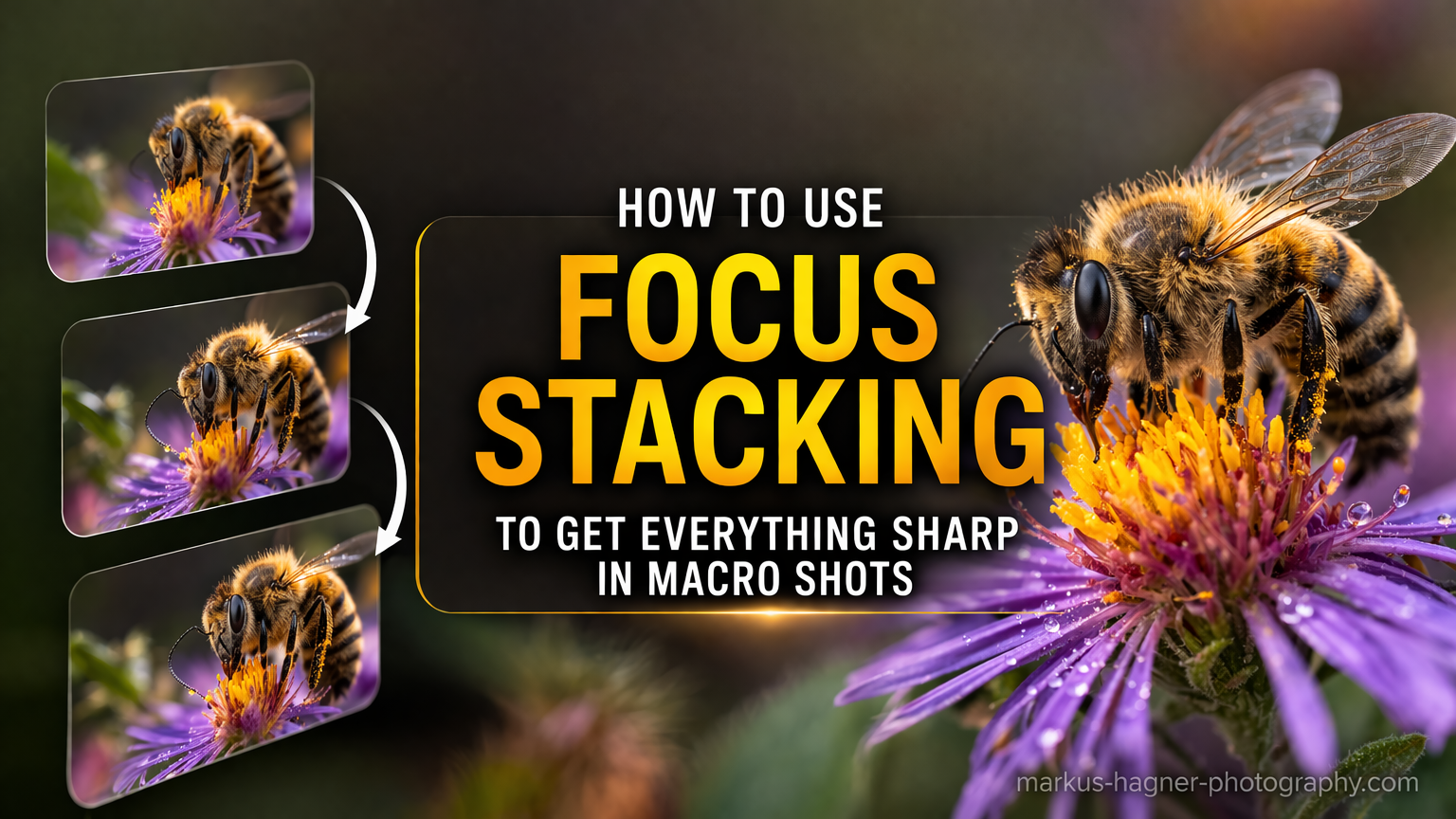
Have you ever tried photographing a tiny flower or insect, only to find that most of your subject appears soft? That frustration is universal among macro photographers. The closer you get, the shallower your depth of field becomes. At high magnifications, you might capture just a few millimeters of sharpness while the rest dissolves into blur.
Focus stacking macro photography solves this problem by combining multiple images into one perfectly sharp result. In this guide, I will walk you through everything you need to know about focus stacking, from the equipment required to the shooting technique and post-processing workflow. By the end, you will be creating macro photos with razor-sharp detail from front to back.
What Is Focus Stacking in Macro Photography?
Focus stacking is a technique where you capture several photos of the same subject, each focused at a slightly different distance, then merge them in software to create a single image with extended depth of field. The software automatically selects the sharpest portions from each frame and blends them together.
In macro photography, this technique becomes essential. When shooting at 1:1 magnification or higher, your depth of field might measure only 2-3 millimeters at f/8. Stop down to f/22 and you gain depth, but diffraction softens your entire image. Focus stacking lets you shoot at optimal apertures while still achieving front-to-back sharpness.
When Should You Use Focus Stacking?
You need focus stacking when your subject depth exceeds your available depth of field. This happens frequently with flowers, insects, jewelry, and product photography. You can also use it when you want wider apertures for pleasing background blur while keeping your subject completely sharp.
Skip focus stacking for flat subjects or when a single shot captures enough depth. If only a thin slice of your subject matters compositionally, a single well-focused frame works fine. Focus stacking adds time in both shooting and processing, so use it when the extra effort improves your results.
Equipment You Need for Focus Stacking
The beauty of focus stacking is that you can start with gear you probably already own. Here is what you need, organized by priority.
Essential Equipment
Camera with Manual Focus Control: Any interchangeable lens camera works. You need reliable manual focus, either through a focus ring or touchscreen controls. Live View or an electronic viewfinder helps tremendously for precise focus placement.
Macro Lens: A true macro lens (1:1 magnification) gives you the best results. Popular options include 90mm, 100mm, and 105mm focal lengths. You can also use extension tubes or close-up filters on standard lenses as a budget alternative.
Sturdy Tripod: Camera movement between shots ruins focus stacks. A solid tripod eliminates this variable. Make sure your tripod can hold your camera steady at awkward angles common in macro work.
Helpful But Optional Equipment
Focus Rail: A focus rail lets you move your camera forward and backward in precise increments. This provides more consistent focus steps than rotating the lens focus ring. Basic models cost under $50, while professional rails run several hundred.
Remote Shutter Release: A wired or wireless remote eliminates camera shake from pressing the shutter button. Your camera’s self-timer works as a free alternative.
Dedicated Stacking Software: Photoshop handles focus stacking well for most situations. Helicon Focus and Zerene Stacker offer more control and better results for complex stacks, but they cost extra.
Budget-Friendly Starting Point
You can begin focus stacking with just a camera, any close-focusing lens, and a tripod. Skip the focus rail initially and adjust focus manually. Use Photoshop if you already subscribe, or try free trials of dedicated software. Add specialized gear only after you understand the technique.
How to Shoot for Focus Stacking: Step-by-Step
The shooting phase determines your final image quality. Follow these steps to capture clean, stackable images every time.
Step 1: Set Up Your Camera
Switch to manual exposure mode. You want identical exposure across all frames so the software blends them seamlessly. Set your ISO to the lowest native value (usually ISO 100 or 64) for maximum image quality.
Choose your aperture carefully. F/8 to f/11 provides a good balance between depth of field and sharpness for most macro lenses. Wider apertures like f/5.6 give smoother backgrounds but require more frames. Avoid apertures smaller than f/16 where diffraction becomes noticeable.
Set your shutter speed based on your lighting. With a sturdy tripod and still subject, slower speeds work fine. For subjects affected by slight breeze or vibration, aim for 1/125 second or faster. Enable mirror lockup or electronic shutter to minimize internal vibration.
Step 2: Position Your Subject and Camera
Place your tripod so your camera moves parallel to your subject’s depth. This alignment helps the software blend frames cleanly. If shooting a flower head-on, your camera should point directly at its center.
Check your composition in Live View. Zoom in to 10x magnification and scroll across your subject. Notice which areas appear sharp and which fall soft. Plan where your focus stack needs to start and end.
Consider your background. Focus stacking can introduce artifacts around high-contrast edges, so avoid busy backgrounds when possible. A clean, distant background produces smoother results.
Step 3: Capture Your Focus Stack
Switch your lens to manual focus. Find the closest point on your subject that needs sharpness. This becomes your starting frame. Take the first shot.
Now rotate the focus ring slightly to move the sharp zone deeper into your subject. Take another shot. Repeat until you reach the farthest point requiring sharpness. For most macro subjects, 8 to 20 frames covers the full depth.
The key is consistent overlap between frames. Each shot should capture some of the sharp zone from the previous frame. Small focus steps produce cleaner blends than large jumps. With practice, you develop a feel for the right increment.
Step 4: Using Camera Focus Stacking Features
Many modern cameras include built-in focus stacking or bracketing. These automate the capture process and improve consistency.
Nikon Focus Shift: Found on the D850, Z6, Z7, Z8, Z9, and other models. Set your starting focus point, then configure focus step width (smaller values for macro), number of shots, and interval between frames. The camera captures the entire sequence automatically.
Sony Focus Bracketing: Available on recent Alpha cameras. Set focus bracket mode, choose the step size and shot count, then press the shutter once. The camera fires the entire sequence.
Canon Focus Bracketing: Found on EOS R series cameras and some DSLRs. Enable focus bracketing in the shooting menu, set your parameters, and shoot. Some Canon cameras can even merge the stack in-camera.
These automated features save time and reduce errors. If your camera offers focus stacking, learn its specific settings and experiment with different configurations.
Post-Processing: Merging Your Focus Stack
After capturing your images, software combines them into one sharp result. Here are three workflow options depending on your tools and needs.
Option 1: Photoshop Focus Stacking
Photoshop provides the most accessible entry point for focus stacking. Most photographers already have it, and the built-in tools handle most situations well.
Step 1: Import Your Images
Open Photoshop and go to File > Scripts > Load Files into Stack. Click Browse and select all your focus stack images. Check the box for “Attempt to Automatically Align Source Images” and click OK. Photoshop loads your images as layers in one document.
Step 2: Align Layers
If you did not enable auto-align during import, select all layers and choose Edit > Auto-Align Layers. Select “Auto” projection and click OK. This corrects minor positioning differences between frames.
Step 3: Blend Layers
With all layers still selected, choose Edit > Auto-Blend Layers. Select “Stack Images” as the blending method. Check “Seamless Tones and Colors” for smoother transitions. Click OK and wait for Photoshop to process.
Photoshop analyzes each layer, identifies the sharpest areas, and creates layer masks to blend them. The result appears as a single sharp image. Zoom in to 100% and check for artifacts or soft spots. Most stacks work perfectly on the first try.
Option 2: Lightroom to Photoshop Workflow
If you organize images in Lightroom, this workflow integrates smoothly with your existing process.
Import your focus stack images into Lightroom. Apply basic exposure corrections if needed, but avoid heavy edits that might affect blending. Select all images in the stack, right-click, and choose Edit In > Open as Layers in Photoshop.
Photoshop opens with your images as layers. Follow the Auto-Align and Auto-Blend steps described above. When finished, save the file (Command+S or Control+S). Lightroom imports the stacked result alongside your original frames.
This workflow keeps everything organized in your Lightroom catalog while leveraging Photoshop’s stacking power.
Option 3: Dedicated Stacking Software
For challenging stacks or maximum control, dedicated software often outperforms Photoshop.
Helicon Focus offers three stacking methods: Method A (weighted average), Method B (depth map), and Method C (pyramid). Method B works best for most macro subjects. The software produces clean results with minimal halos. Helicon also offers a retouching brush for fixing problem areas manually.
Zerene Stacker excels at difficult stacks with overlapping structures or fine hairs. Its PMax and DMap methods handle different situations. Many professional macro photographers prefer Zerene for insect photography where fine details matter most.
Both programs offer free trials. Test them on your typical subjects to see which produces better results for your work.
Tips for Better Focus Stacking Results
These practical tips address the most common challenges photographers face with focus stacking.
Choose the Right Number of Shots
More shots do not automatically mean better results. You need enough frames to cover your subject depth with overlap, but excessive frames increase processing time and file sizes. For most flowers and small subjects, 10 to 15 frames works well. Deep subjects or wider apertures may require 20 to 30 frames.
Select Apertures Strategically
F/8 to f/11 provides the sweet spot for most macro lenses. At these apertures, each frame captures reasonable depth while maintaining peak sharpness. If you want more background blur, open to f/5.6 and take more frames. Avoid stopping down past f/16 unless absolutely necessary.
Subject-Specific Approaches
Flowers: Wait for calm conditions or use a windbreak. Morning often provides still air and softer light. Position your camera to minimize the visible depth through petals.
Insects: Work quickly before your subject moves. Pre-focus and wait for the insect to land in your composition. Some photographers refrigerate insects briefly to slow them down (release them unharmed afterward).
Products: You control the environment completely. Use focus stacking for jewelry, watches, and small electronics where every detail must appear sharp.
Handle Wind and Movement
Wind presents the biggest challenge for outdoor focus stacking. Even slight movement between frames creates ghosting and blur. Use a windbreak, shoot early morning when air is still, or work indoors with cut flowers. For moving insects, capture bursts quickly and accept that some stacks will fail.
Common Problems and How to Fix Them
Even experienced photographers encounter issues with focus stacking. Here are solutions to the most frequent problems.
Halos Around Edges
Halos appear when the software struggles with high-contrast edges. They often occur along subject boundaries against bright backgrounds. Solutions include using smaller focus steps, avoiding busy backgrounds, or switching to dedicated software like Helicon Focus or Zerene Stacker.
Blurry Final Image
If your stacked result looks soft, check your individual frames first. Camera movement between shots causes misalignment the software cannot correct. Ensure your tripod is solid and use a remote shutter. Also verify your shutter speed eliminates subject movement from breeze or vibration.
Incomplete Depth Coverage
When portions of your subject remain soft, you likely missed focus points during capture. Take more frames with smaller focus steps. Some photographers shoot “insurance frames” beyond what they think they need, then discard extras during processing.
Alignment Artifacts
Ghosting or double images indicate alignment problems. Make sure Auto-Align Layers runs before blending. If problems persist, check that no frames shifted significantly during capture. Remove problematic frames from the stack and try again.
Frequently Asked Questions About Focus Stacking
Is focus stacking good for macro photos?
Yes, focus stacking is excellent for macro photography. It overcomes the shallow depth of field inherent in close-up work, allowing you to capture subjects with front-to-back sharpness. Professional macro photographers use focus stacking routinely for flowers, insects, products, and scientific documentation where maximum detail matters.
How to shoot macro for focus stacking?
Mount your camera on a sturdy tripod and set manual exposure. Focus on the nearest point of your subject, take a shot, then advance focus slightly deeper. Repeat until you reach the farthest point. Most macro subjects need 10 to 20 frames. Use f/8 to f/11 aperture and the lowest ISO for best quality.
How to get sharp macro photos?
For sharp macro photos, use a tripod to eliminate camera shake, shoot at optimal apertures (f/8-f/11), use manual focus with Live View magnification, and consider focus stacking for subjects with depth. Higher shutter speeds help counteract vibration, and electronic shutter or mirror lockup reduces internal camera movement.
Can you focus stack handheld?
Handheld focus stacking is possible but challenging. You need steady hands, fast continuous shooting, and a technique called focus breathing where you rock slightly forward while firing bursts. Success rates are lower than tripod work, and you need software that handles imperfect alignment. It works best for opportunistic shots where setting up a tripod is impractical.
Start Creating Sharper Macro Photos Today
Focus stacking transforms macro photography by eliminating the depth of field limitations that frustrate so many photographers. With basic equipment and a straightforward workflow, you can create images with detail that simply is not possible in a single exposure.
Start simple. Use your existing camera and lens, set up on a tripod, and practice the manual focus technique. Process your first stacks in Photoshop. As you gain confidence, explore dedicated software and advanced equipment like focus rails. Your results will improve with each attempt.
The technique takes practice, but the results speak for themselves. Those impossibly sharp macro photos you admire online almost certainly use focus stacking. Now you know how to create them yourself.