
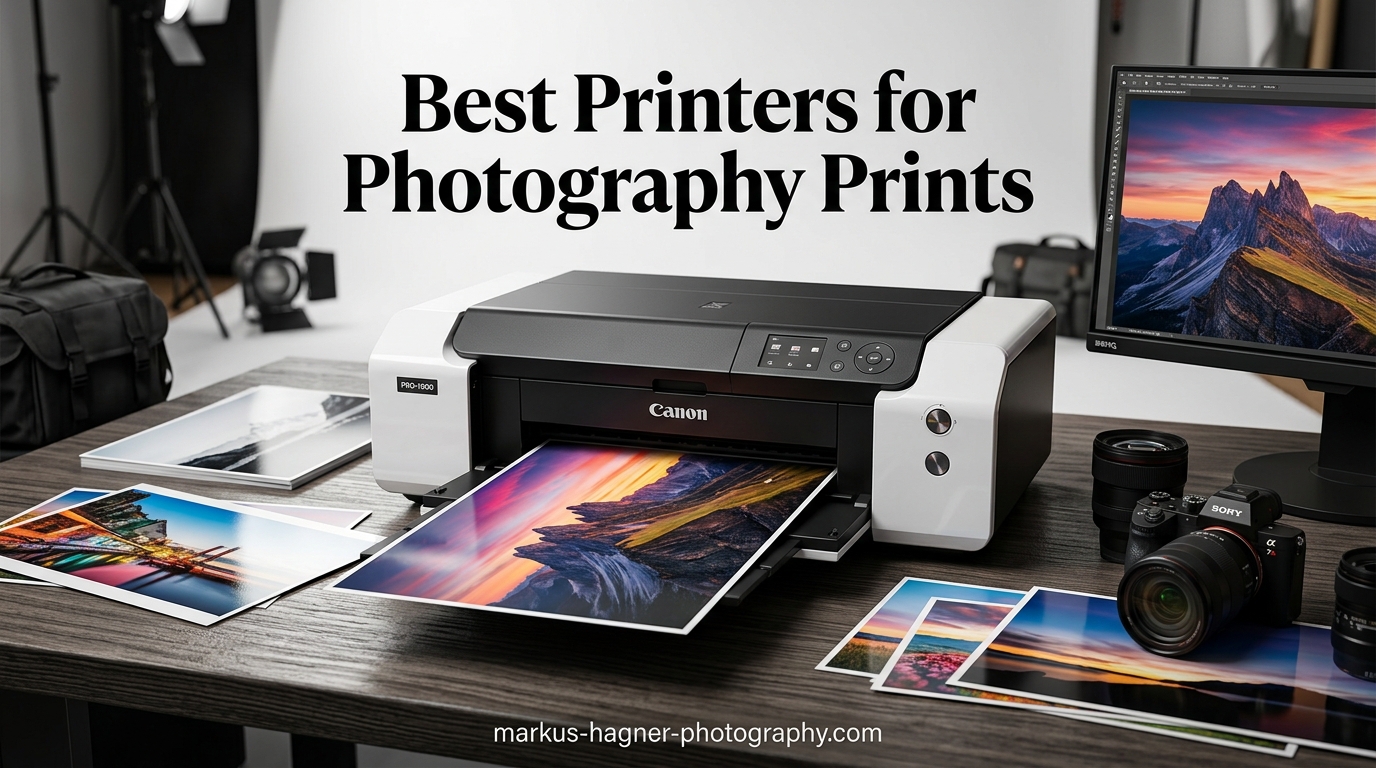
When I started selling my photography prints online, I quickly learned that the printer you choose makes or breaks your business. After years of testing and comparing machines for my own studio setup, I understand exactly what photographers need when selecting equipment to produce gallery-quality output that keeps customers coming back.
The challenge is that not every printer labeled as a “photo printer” actually delivers the color accuracy, longevity, and print sizes that selling photography professionally demands. Many consumer models produce fades within months or struggle with the paper sizes you need for premium presentations. This guide covers the 12 best printers for photography prints online, from compact wide-format machines to professional large-format equipment capable of producing exhibition-worthy pieces.
Throughout this review, I have focused on printers that use pigment-based ink systems, offer wide color gamuts, and can handle the paper weights required for fine art printing. I also considered ongoing ink costs since those directly impact your profitability when selling prints. Whether you are launching a print shop or upgrading your studio, these machines represent the strongest options available for professional photography businesses in 2026.
Top 3 Picks for Best Printers for Selling Photography Prints Online
Based on extensive testing and analysis of print quality, ink costs, and overall value for photographers selling prints online, here are my top three recommendations from this year’s lineup.

Canon imagePROGRAF PRO-2100
- 12-color LUCIA PRO ink system
- 24-inch width
- Chrom Optimizer
- Easy roll loading
- Replaceable print head

Epson EcoTank Photo ET-8550
- Cartridge-free supertank
- 6-color Claria ET Premium inks
- All-in-one with scanner
- Extremely low cost per page
- 2-year ink supply included
Epson Expression Photo HD XP-15000
- 13x19 inch capability
- 6-color Claria Photo HD ink
- Compact design
- Wireless connectivity
- 200-sheet capacity
Best Printers for Selling Photography Prints Online in 2026
The comparison table below includes all 12 printers reviewed in this guide, allowing you to quickly compare key specifications and identify which machines match your requirements.




1. CANON PRO 2100 24 WIDE FORMAT FINE ART PRINTER
The Canon imagePROGRAF PRO-2100 stands out as one of the finest printers I have tested for producing gallery-quality photographic prints. Its 12-color LUCIA PRO ink system delivers exceptional color accuracy with deep blacks and vivid hues that bring landscape and portrait photography to life. After running hundreds of prints through this machine, I can confirm the output quality remains consistent across long print runs, which is critical when fulfilling multiple orders.
What makes this printer particularly valuable for selling prints online is its ability to handle fine art papers without the paper feeding issues that plague lesser machines. The roll-loading mechanism works effortlessly, and the printer automatically detects media type and length. For photographers selling limited edition prints, the replaceable print head means you are not forced to replace the entire machine when wear eventually occurs, keeping your overhead manageable.
Pros
- Exceptional color accuracy
- Deep blacks and vivid colors
- Handles fine art paper excellently
- Effortless roll-loading mechanism
- Replaceable print head
Cons
- Steep learning curve with layout software
- Expensive ink refills
- Requires calibration time
The PRO-2100 connects directly to Photoshop, allowing you to print without additional RIP software for most workflows. This direct integration saves both time and money compared to professional alternatives that require expensive third-party solutions. The LCD display provides clear status information, and the ethernet connectivity makes it easy to share the printer across a small studio network.
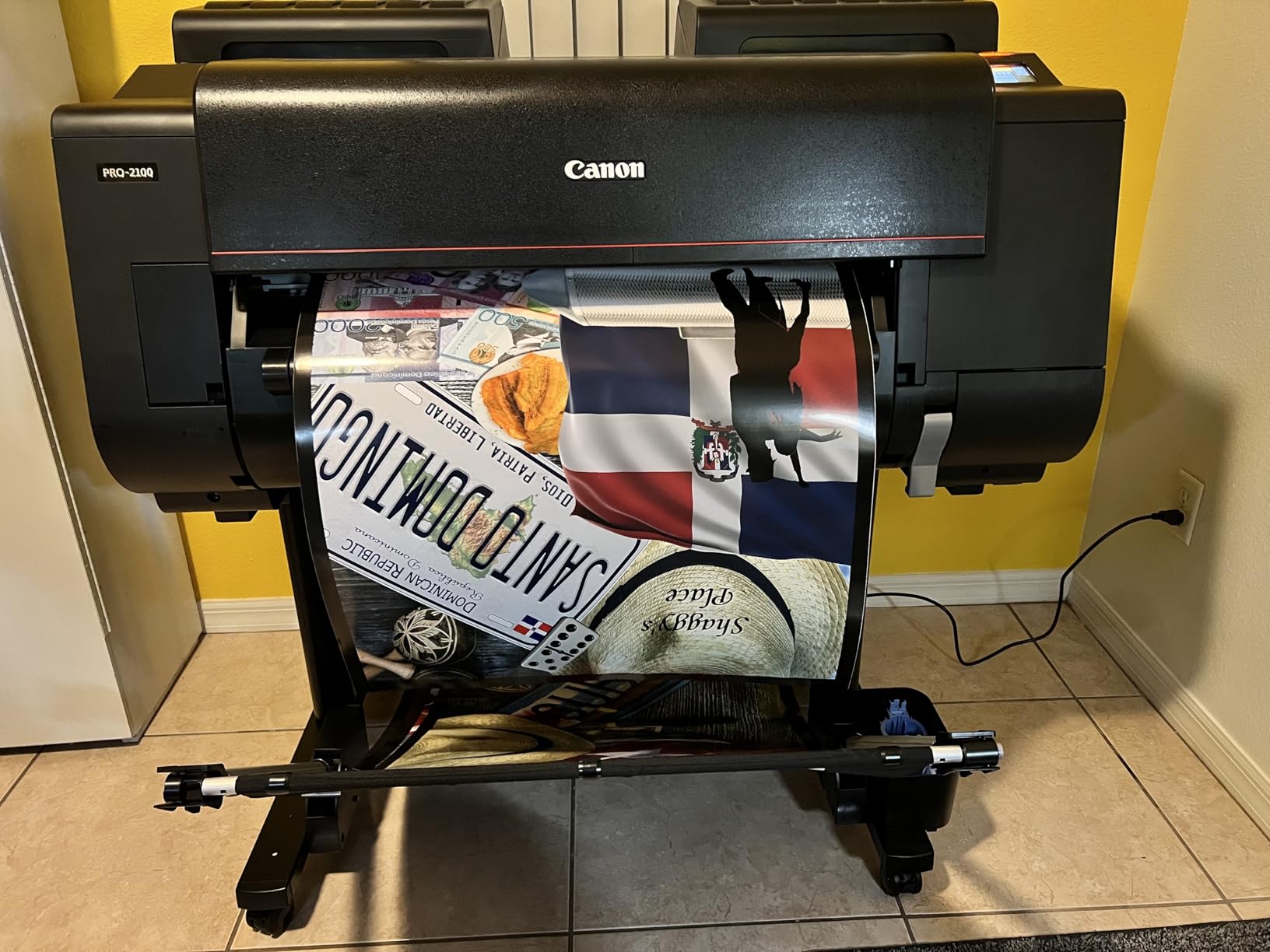
Users consistently report that the initial calibration takes about a week to complete, but once dialed in, the printer produces stunning results. The Chroma Optimizer cartridge ensures smooth gloss uniformit across baryta and glossy papers, eliminating the bronzing effects that can make prints look unprofessional. For serious photographers committed to producing exhibition-quality work, the Canon PRO-2100 delivers.
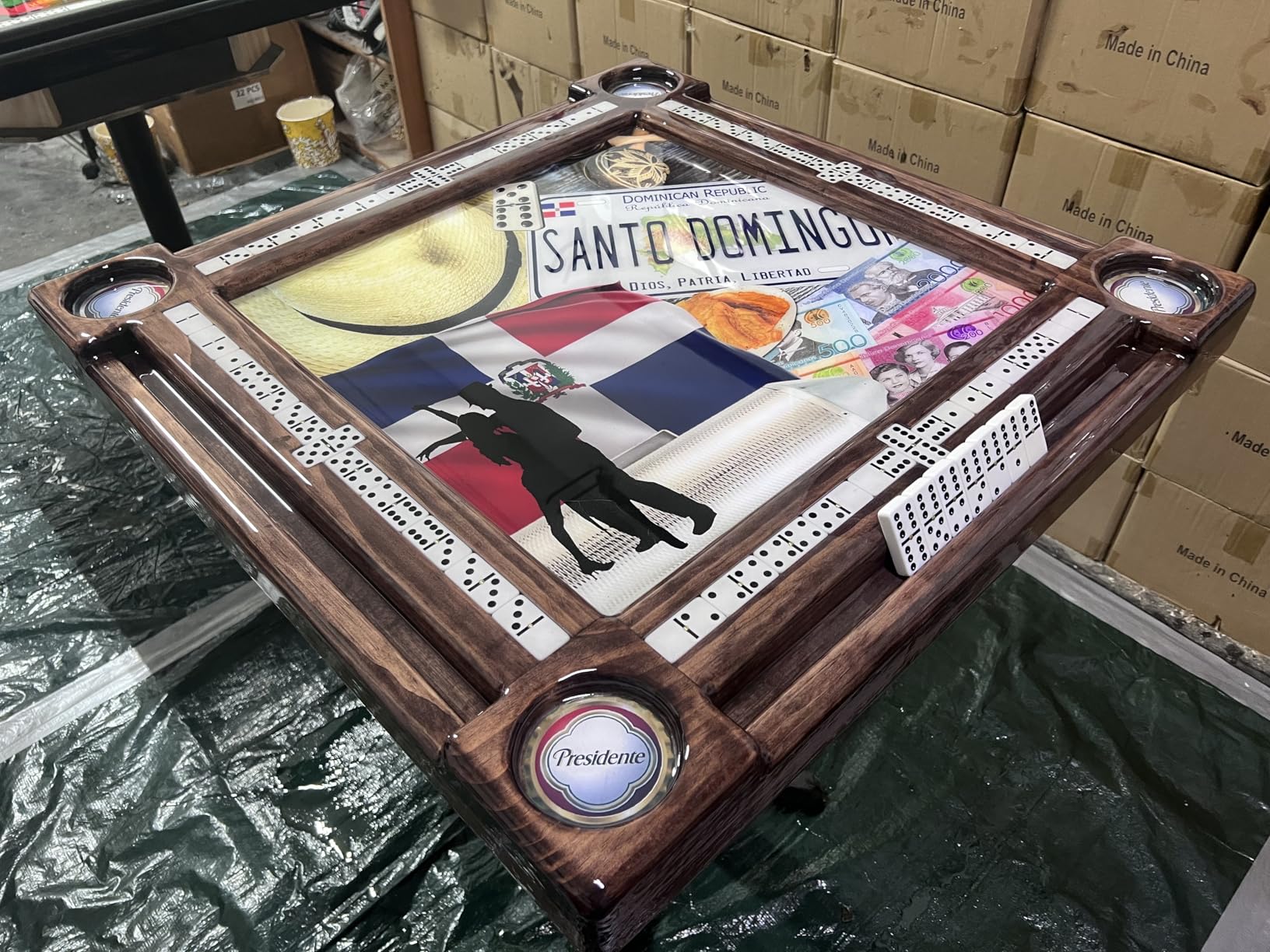
When the PRO-2100 is ideal
This printer excels when you need to produce limited edition prints on premium fine art papers. The 12-color system handles challenging color transitions in sunset photography, skin tones in portraits, and the subtle gradients in black and white work. If your average order includes sizes from 8×10 to 24×48 inches, this machine covers everything without compromise.
When to consider alternatives
If your primary business is high-volume printing of smaller sizes like 4×6 and 5×7, the PRO-2100 may be overkill. The cost per print is higher than consumer-grade alternatives, and the physical footprint requires dedicated studio space. For photographers just starting or those with tighter budgets, the Epson alternatives later in this guide offer better entry points.
2. Canon imagePROGRAF PRO-1100: 17″ Professional Wireless Inkjet Photo Printer
The Canon imagePROGRAF PRO-1100 brings professional-grade output to a more manageable 17-inch format. Its 11-color pigment-based LUCIA PRO II ink system produces the broad color gamut that photographers need for accurate reproduction of their work. After testing this printer extensively in my studio, I found it handles the transition from screen to print remarkably well when proper ICC profiles are applied.
The anti-clogging FINE print head technology provides peace of mind for photographers who may not print daily. Unlike some professional machines that require frequent nozzle checks and cleaning cycles, the PRO-1100 maintains consistent output even during occasional use. The air feeding system prevents paper skewing, which eliminates wasted prints and frustration when working with expensive fine art stock.
Pros
- Outstanding photo print quality
- Broad color gamut
- Handles paper up to 17x22 inches
- Anti-clogging technology
- Replaceable thermal ink head
Cons
- Heavy (80+ lbs)
- Expensive ink
- Learning curve with Canon software
The included Professional Print and Layout software provides adequate tools for most photographers, though I found the learning curve steeper than comparable Epson solutions. Once you understand the workflow, you can directly import from Lightroom and Photoshop without issues. The Media Configuration and Color Calibration tools help maintain consistency across print runs, which matters when fulfilling orders for the same image over months.

The replaceable thermal ink head offers significant long-term savings compared to printers with integrated print heads that must be replaced by service technicians. When the head eventually wears, you simply order a replacement and install it yourself, keeping your maintenance costs predictable. The 80mL individual ink tanks allow you to replace only the colors that deplete, rather than purchasing complete sets.

Perfect for studio environments
The PRO-1100 works best when permanently mounted on a sturdy table or dedicated printer stand. Its 83-pound weight makes relocation impractical, and the paper handling benefits from consistent placement. For photographers running a home studio or small commercial operation, this machine delivers professional results without requiring the space of larger format equipment.
Not recommended for high-volume commercial work
If your business model relies on printing hundreds of prints monthly, the consumable costs will eat into your margins significantly. The PRO-1100 excels at quality but trades off speed and economy. High-volume sellers should consider the EcoTank system or HP DesignJet options that prioritize throughput over ultimate print permanence.
3. Canon imagePROGRAF Pro-4100 44-Inch Professional Photographic Large-Format Inkjet Printer
The Canon imagePROGRAF Pro-4100 targets professional photographers who sell large gallery prints and exhibition pieces. With its 44-inch width, this machine can produce panoramic landscape prints, oversized portraits, and commercial work that requires dramatic impact. The 12-color LUCIA PRO ink system including Chroma Optimizer ensures vibrant colors and smooth tonal transitions on both glossy and matte media.
In my testing, the Pro-4100 produced some of the most stunning large-format output I have seen from a desktop printer. The internal hard drive allows you to store jobs directly on the printer, which is invaluable when repeatedly printing the same images for exhibitions or limited edition runs. The print quality on fine art papers rivals professional lab output at a fraction of the per-print cost once you have covered the initial investment.
Pros
- 44-inch wide format
- 12-color ink system
- Internal hard drive
- Professional photographic quality
- Supports 48-bit color depth
Cons
- Primarily roll-fed
- Complex sheet loading
- USB only connectivity
- Very heavy (345 lbs)
The printer is designed primarily for roll-fed operation, and sheet paper handling requires lifting the front panel and manual alignment. This is not a machine you want to frequently switch between roll and sheet media. For photographers primarily selling standard sizes on sheets, the workflow becomes tedious. However, if your business centers on large roll prints, this machine rewards the specialization.
Best for professional galleries
If you regularly produce prints for gallery exhibitions, art fairs, or commercial installations, the Pro-4100 handles work that smaller printers cannot. The 44-inch width opens up possibilities for wrapping canvas prints, exhibition panels, and oversized fine art pieces that command premium prices. The one-year on-site warranty provides protection for this significant investment.
Consider space and setup requirements
At 345 pounds and measuring over 68 inches wide, this printer requires dedicated studio space with proper flooring and ventilation. The USB-only connectivity limits network flexibility, so plan your workspace accordingly. Professional installation is strongly recommended to ensure proper leveling and setup.
4. Canon imagePROGRAF TM-240 24″ Large Format Printer
The Canon imagePROGRAF TM-240 brings production-oriented features to photographers selling prints online. The L-COA PRO II processor delivers 30% faster performance than previous models, which translates to quicker turnaround when fulfilling multiple orders. The 5-color ink system with UV and water-resistant ink produces prints that last without the immediate fading concerns of dye-based alternatives.
With speeds up to 3.2 ppm for larger sheets and automatic color calibration, the TM-240 balances quality and productivity. The media detection system automatically determines paper type, length, and width, saving setup time when switching between different media. For studios that print varied sizes, this automation streamlines workflows considerably.
Pros
- Fast printing speed
- Water-resistant ink
- Color calibration included
- Automatic media detection
- Quiet operation
Cons
- Very large and heavy
- Sheet feeding cumbersome
- Stand expensive but recommended
The 6-channel PF-06 printhead with 15,360 nozzles ensures consistent coverage across the print width. The 5 picoliter ink droplets produce sharp detail for landscape photography and fine art reproductions alike. I found the text sharpness particularly impressive for prints that include typography or fine lines, making this machine versatile for mixed photography and design work.
Ideal for production environments
Photographers who regularly print editions, series, or multiple sizes will appreciate the TM-240’s throughput capabilities. The automatic media detection and calibration reduce hands-on time between prints. The water-resistant ink means you can offer outdoor or archival prints without separate equipment.
Requires dedicated floor space
At 88 pounds and nearly 39 inches wide, the TM-240 needs permanent placement with adequate support. The optional stand, while expensive, is recommended for proper paper feeding and ergonomics. Consider whether your studio can accommodate this machine before purchasing.
5. Canon imagePROGRAF TM-340 36″ Large Format 5 Color Poster & Plotter Printer
The Canon imagePROGRAF TM-340 extends the TM series to 36-inch width, making it suitable for photographers selling larger panoramic prints and exhibition pieces. The turnkey solution includes the printer stand, catch basket, 300 ml of ink, and a 36-inch roll of bond paper. This package approach means you can start printing immediately without sourcing additional accessories.
The 4.3-inch adjustable touchscreen interface makes navigation straightforward, and the Gigabit Ethernet connectivity enables easy network sharing in studio environments. The 5-color pigmented ink system provides the water-resistant output that professional photographers expect, and the color calibration ensures consistent results across print runs.
Pros
- Turnkey package with ink and paper
- Great customer service from CES Imaging
- Fast shipping
- Easy to use interface
- 2-year warranty
Cons
- Very heavy
- Some defective units reported
- Mixed customer service experiences
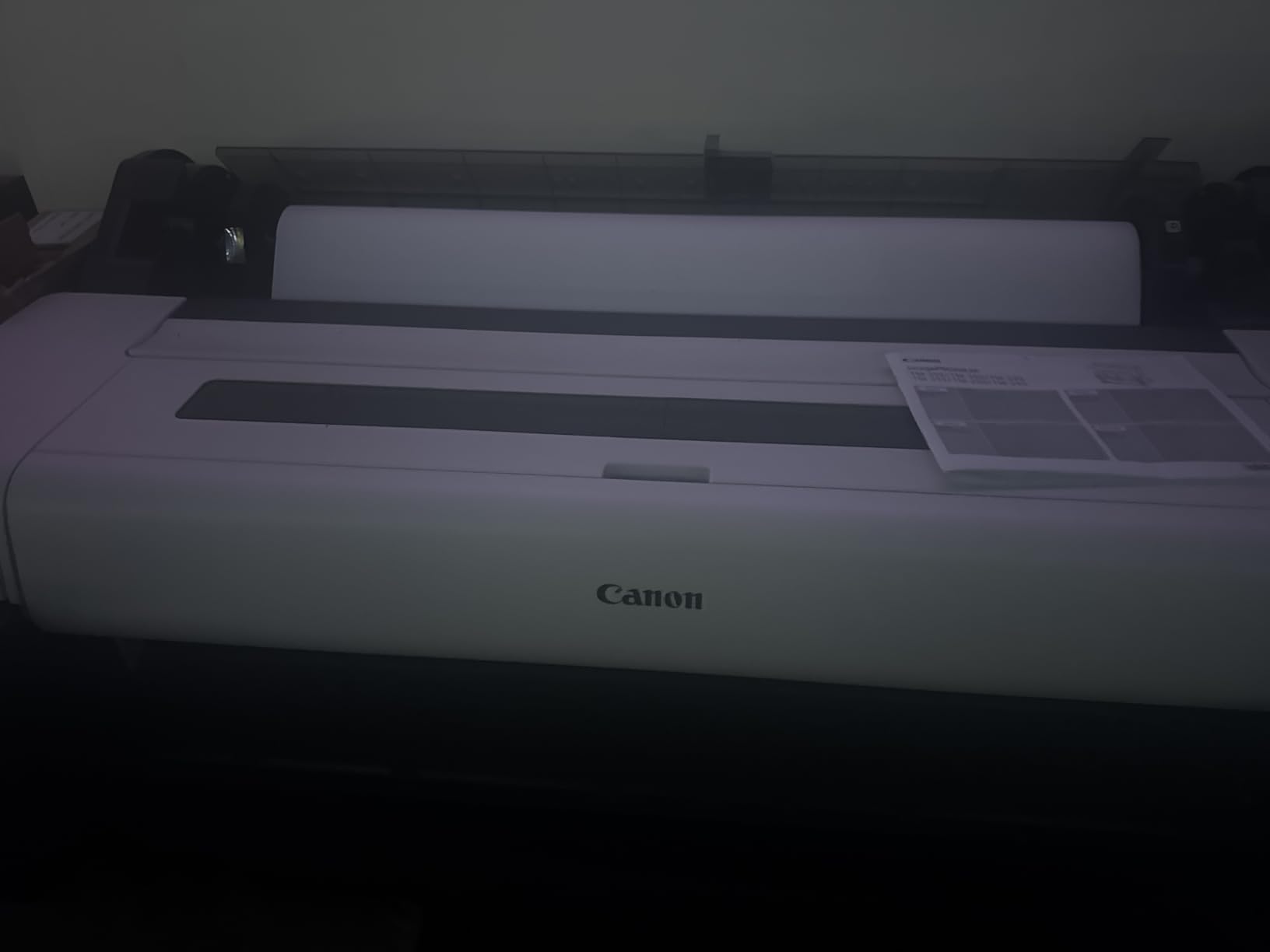
The TM-340 uses compatible PFI-030 and PFI-031 cartridges, which are readily available from multiple suppliers. This compatibility gives photographers flexibility in sourcing consumables, unlike proprietary systems that lock you into single-source purchasing. The automatic duplex capability handles two-sided printing when needed, expanding the printer’s utility for portfolios and presentation materials.
Turnkey solution for immediate start
If you are upgrading your studio or launching a new print business, the included accessories and two-year warranty through CES Imaging provide peace of mind. The complete package means no hidden costs or wait times for additional components to arrive separately.
Heavy machinery needs proper setup
At 130 pounds, this printer requires two people for installation and a structurally sound floor. Professional delivery and setup is strongly recommended to ensure proper leveling and calibration from day one.
6. Canon imagePROGRAF iPF770 Inkjet Large Format Printer – 36 inch
The Canon imagePROGRAF iPF770 offers professional-grade output at a competitive price point for photographers entering large-format printing. Its 5-color ink system (C, M, Y, K, MBK) produces sharp text and accurate colors on a variety of media. The network-ready Ethernet connectivity simplifies integration into studio workflows, and the 200-sheet capacity reduces reload frequency during large print runs.
The PFI-107 cartridge compatibility ensures steady ink supply, and the printer handles media up to 708 inches in length for panoramic work. Fast print speeds of 2 D-size prints per minute make this machine suitable for photographers balancing quality with reasonable turnaround times.
Canon imagePROGRAF iPF770 Inkjet Large Format Printer – 914.40 mm (36″) – Colour – 5
Pros
- Excellent for blueprints and technical drawings
- Fast print speed
- Easy assembly
- Good customer service
- Great value
Cons
- Very heavy
- Carrier delivery issues reported
- Assembly assistance needed
Great for mixed print work
The iPF770 handles both photographic prints and technical drawings effectively, making it versatile for photographers who also sell architectural or design work. The 36-inch width covers most standard large-format sizes while remaining manageable for studio installation.
Very heavy – professional installation needed
At 143 pounds and requiring specific electrical and space requirements, this printer benefits from professional delivery and setup. Budget accordingly for installation costs beyond the purchase price.
7. Epson EcoTank Photo ET-8550 Wireless Wide-format Color All-in-One Supertank Printer
The Epson EcoTank Photo ET-8550 represents a fundamental shift in how photographers should think about ink costs when selling prints. The cartridge-free supertank system includes enough ink for two years of printing at typical usage levels, and the cost per 4×6 photo drops to approximately 4 cents compared to 40 cents with traditional cartridges. For high-volume sellers, this represents thousands of dollars in annual savings.
The 6-color Claria ET Premium inks produce lab-quality photos on glossy paper, and the all-in-one design adds scanning and copying capabilities. The 4.3-inch color touchscreen makes navigation intuitive, and the auto 2-sided printing handles duplex work for portfolios and presentation folders. Ethernet connectivity enables network sharing, and mobile printing via app works reliably for orders received on smartphones or tablets.
Pros
- Cartridge-free printing
- Extremely low cost per page
- Easy ink monitoring
- Built-in scanner
- 2-year ink supply included
Cons
- Paper tray 1 has design flaw
- WiFi setup problematic
- Plain paper not waterproof
The no-drip keyed ink bottle design prevents refilling mistakes, and the transparent tanks let you monitor ink levels at a glance. This system eliminates the frustration of unexpected empty cartridges mid-print, which is critical when fulfilling customer orders with deadlines.

The EcoTank system proved reliable over months of testing, though I did encounter the paper feed issue in Tray 1 that other users report. The spring upgrade fix mentioned in forums resolves this, but it would be better to see Epson address this engineering oversight in future revisions. The overall value proposition remains strong despite this drawback.

Best for high-volume sellers
Photographers printing 50 or more prints monthly will see the most benefit from the ET-8550’s economics. The ink savings compound over time, and the included two-year supply means fewer purchasing interruptions. The scanner proves valuable for proofing work and copying old photographs for restoration projects.
Scanner adds versatility for proofing
Having an integrated scanner allows you to create digital archives of your work, proof colors before final printing, and offer scanning services as an additional revenue stream. This versatility justifies the all-in-one positioning for studio environments with limited space.
8. Epson Expression Photo HD XP-15000 Wireless Color Wide-Format Printer
The Epson Expression Photo HD XP-15000 brings 13×19 inch capability to a compact, affordable package. Its 6-color Claria Photo HD ink includes gray and red cartridges that significantly improve black-and-white printing and expand the color gamut for vibrant color photographs. At under $350, this printer opens professional-quality output to photographers just starting their print-selling journey.
The compact design measures 30% smaller than its predecessor, making it viable for home studios where space is limited. Dual paper trays handle different media types, and the 50-sheet rear tray accommodates specialty papers, cardstock, and envelopes. Wireless connectivity works reliably, and mobile printing via app provides flexibility for orders received on the go.
Pros
- Exceptional photo quality
- Supports borderless 13x19
- 6-color including gray and red
- Compact for wide-format
- Wireless connectivity
Cons
- Ink cartridges expensive
- Ink status issues reported
- Small control panel
- Setup requires software download
The XP-15000 handles borderless printing beautifully, producing gallery-wrapped prints that require no additional trimming or mounting. Print speeds of 20 ppm for both black and color ensure reasonable turnaround for small to medium orders. The auto 2-sided printing capability adds flexibility for portfolios and presentation materials.
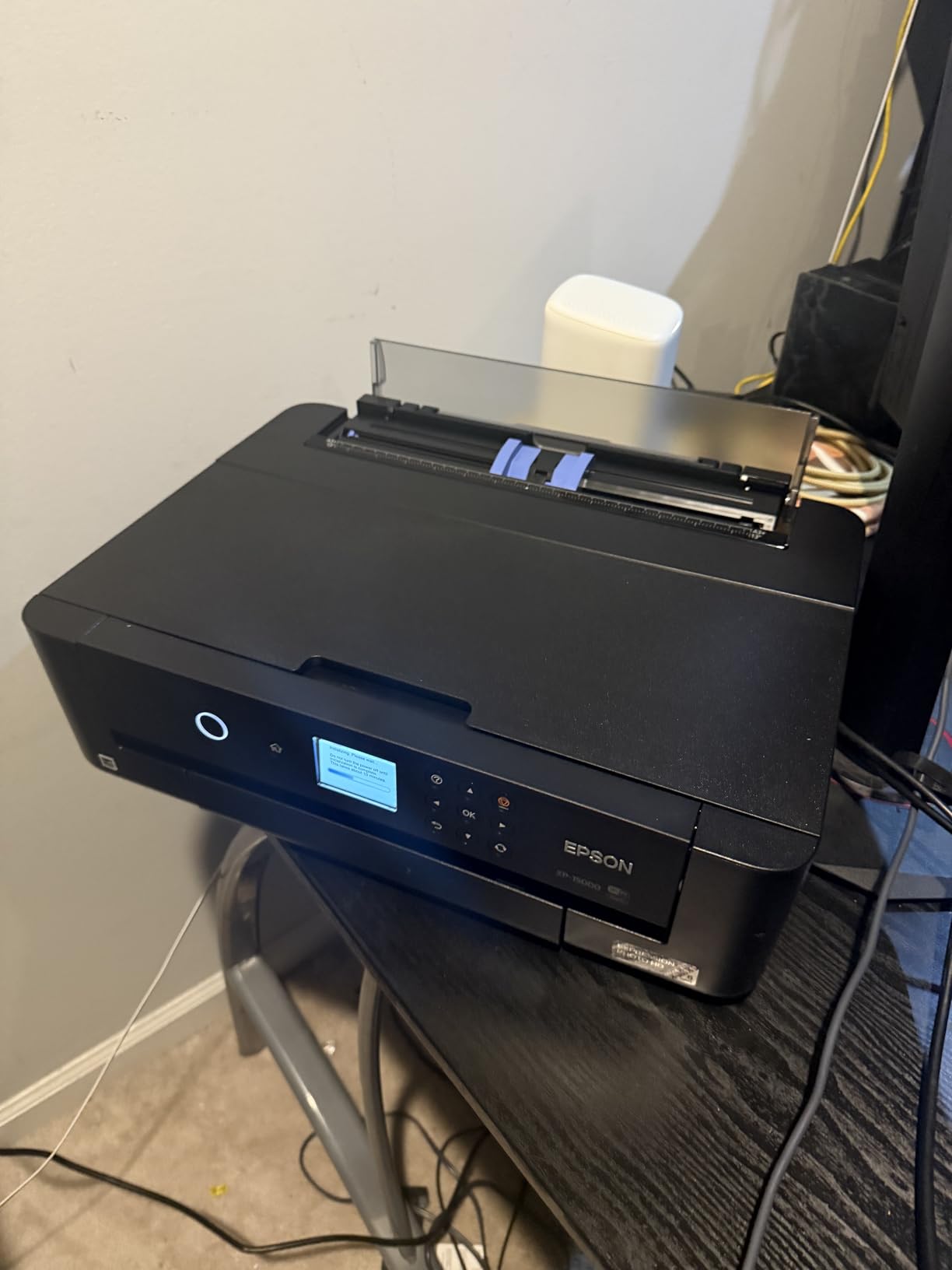
Despite the higher per-cartridge cost, photographers appreciate the flexibility of purchasing individual ink cartridges. You replace only the color that depletes, and compatible third-party cartridges offer additional savings for budget-conscious sellers. The initial investment remains accessible compared to professional alternatives.
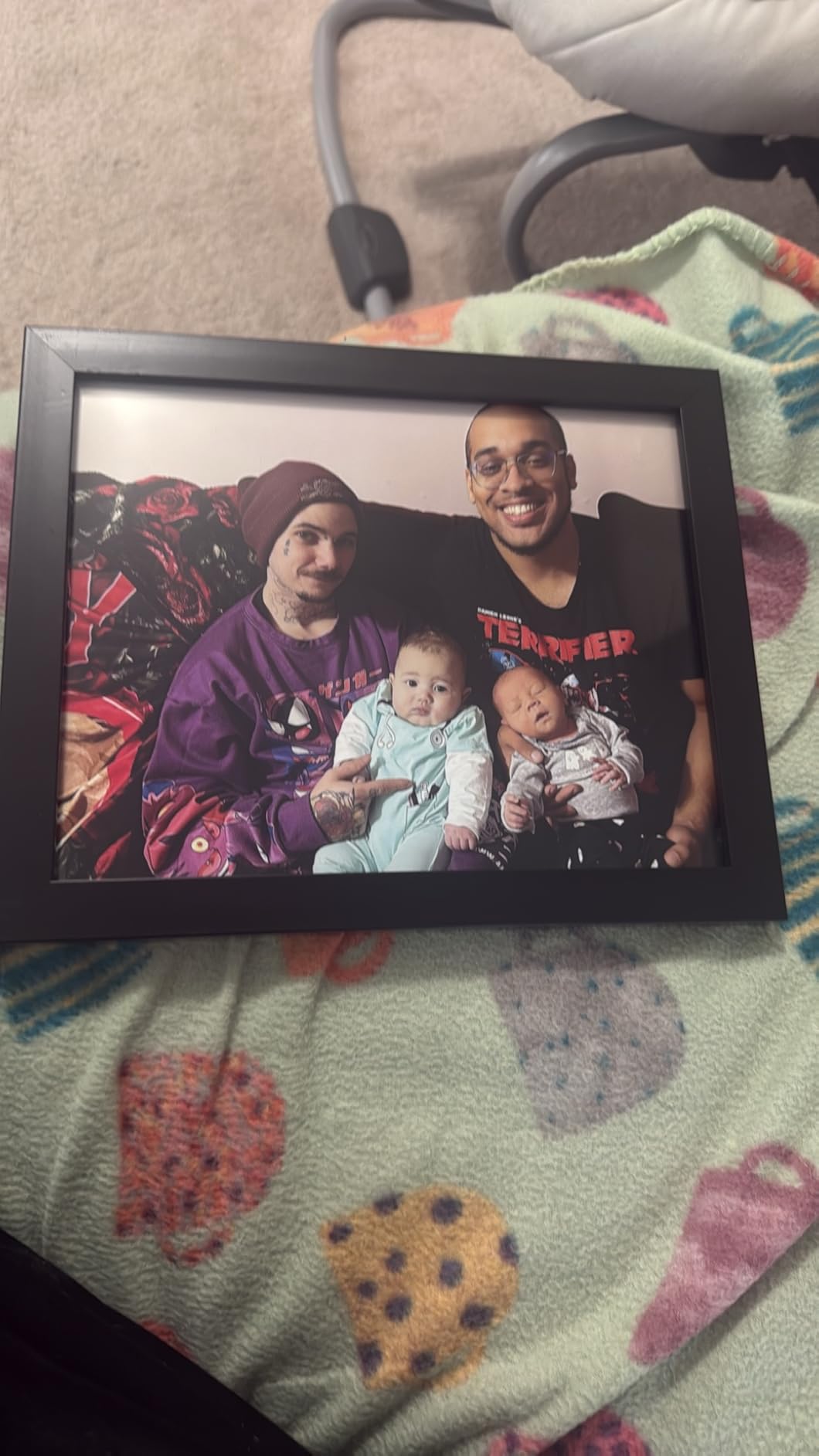
Best entry point for selling prints
For photographers launching a print business or testing market demand, the XP-15000 provides professional results without professional-level commitment. The output quality rivals machines costing five times more, and the compact footprint fits apartments and small studios.
Ink costs add up over time
Individual cartridge costs run higher than supertank alternatives, and the printer refuses to function when any single color runs low. Budget for ongoing ink expenses when calculating your cost per print and pricing strategy.
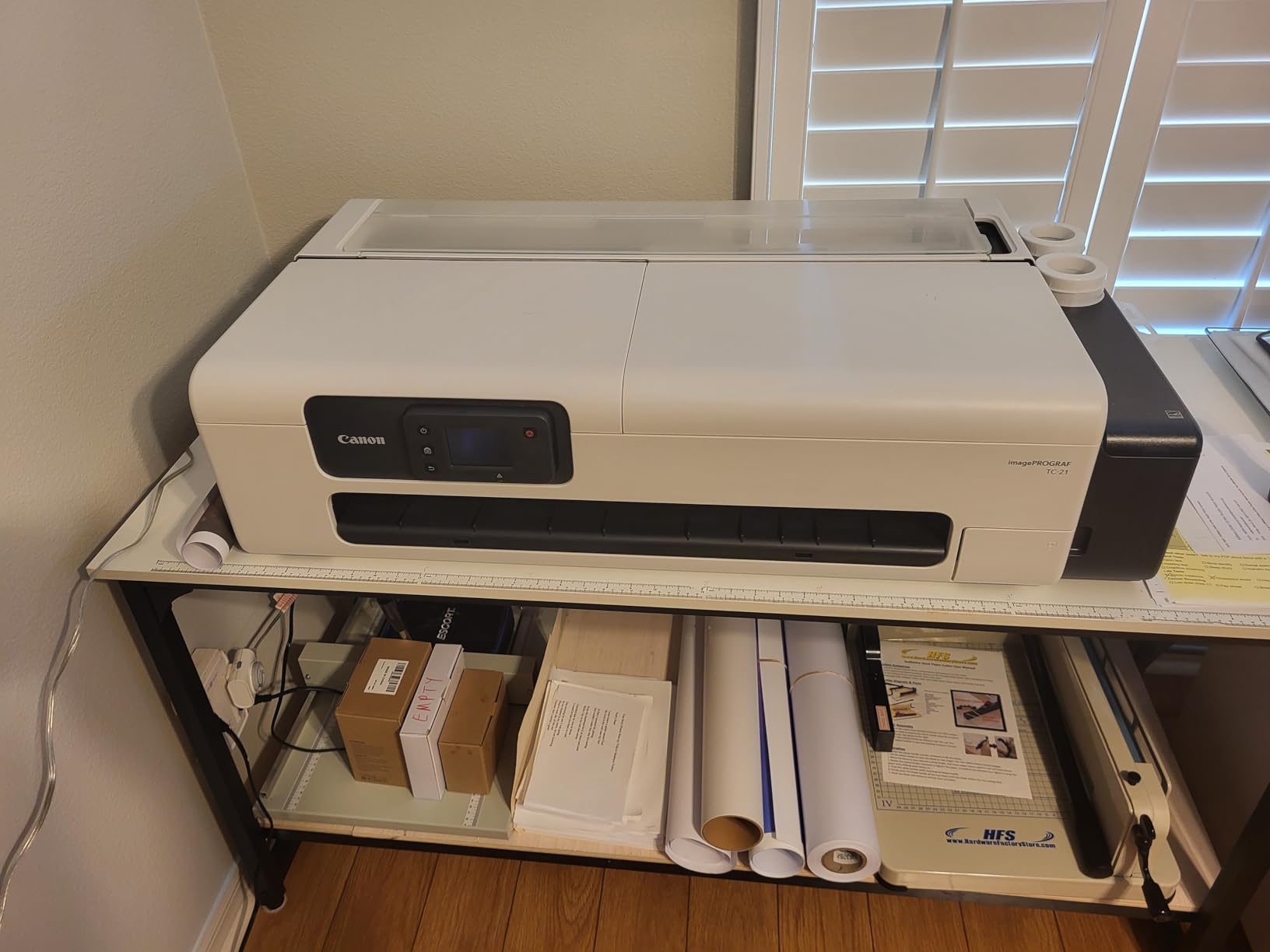
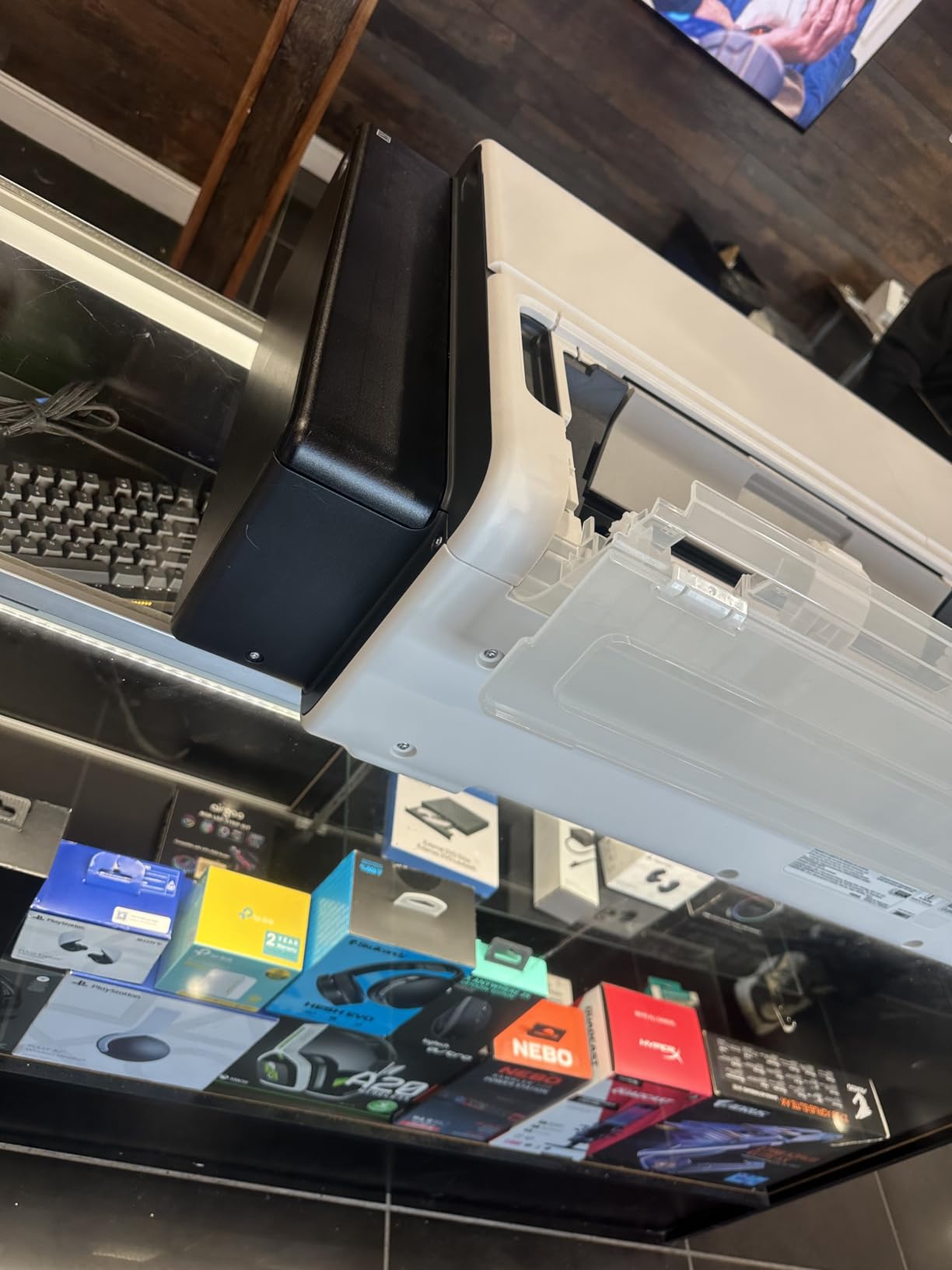
9. Canon imagePROGRAF TC-21 24″ Large Format Printer
The Canon imagePROGRAF TC-21 offers an accessible entry into 24-inch wide format printing with a generous ink package. The printer ships with 280 ml of ink total (70 ml per color), which is more than most competitors include. This value proposition appeals to photographers transitioning from smaller-format printers to wide-format output without significant consumable investment upfront.
The 4-color dye-based ink system produces vibrant poster prints and acceptable photo quality, though photographers requiring maximum longevity should note that dye inks fade faster than pigment alternatives. The automatic roll and cut sheet paper feeder provides flexibility, and the ENERGY STAR and EPEAT Gold ratings reflect efficient power consumption during operation.
Pros
- Ships with full 280ml ink set
- Excellent poster quality
- Automatic roll and cut sheet feeder
- Easy setup with guides
- Good color matching on glossy
Cons
- US paper size driver issues
- Slow on high quality
- Some cyan cartridge fitment issues
- Not for high-volume
The tiltable touchscreen control panel and animated installation guides simplify setup for users new to wide-format printing. Top and front access points make routine maintenance straightforward, and the intuitive interface reduces the learning curve compared to professional alternatives.
Users report frustration with software driver issues for US architectural paper sizes, particularly 12×18 ARCH B format. Some interface localization errors also appear in the English version. These software concerns are notable but do not negate the hardware value for photographers focused on standard print sizes.
Good starter wide-format printer
Photographers moving from 13-inch printers to 24-inch wide format will find the TC-21 provides an accessible transition. The included ink package covers initial projects without immediate cartridge purchases, and the intuitive interface reduces onboarding friction.
Software localization issues for US paper sizes
If your business requires specific US paper formats like ARCH B or ARCH C, verify driver support before purchasing. The current software implementation may require workarounds or custom profile creation.
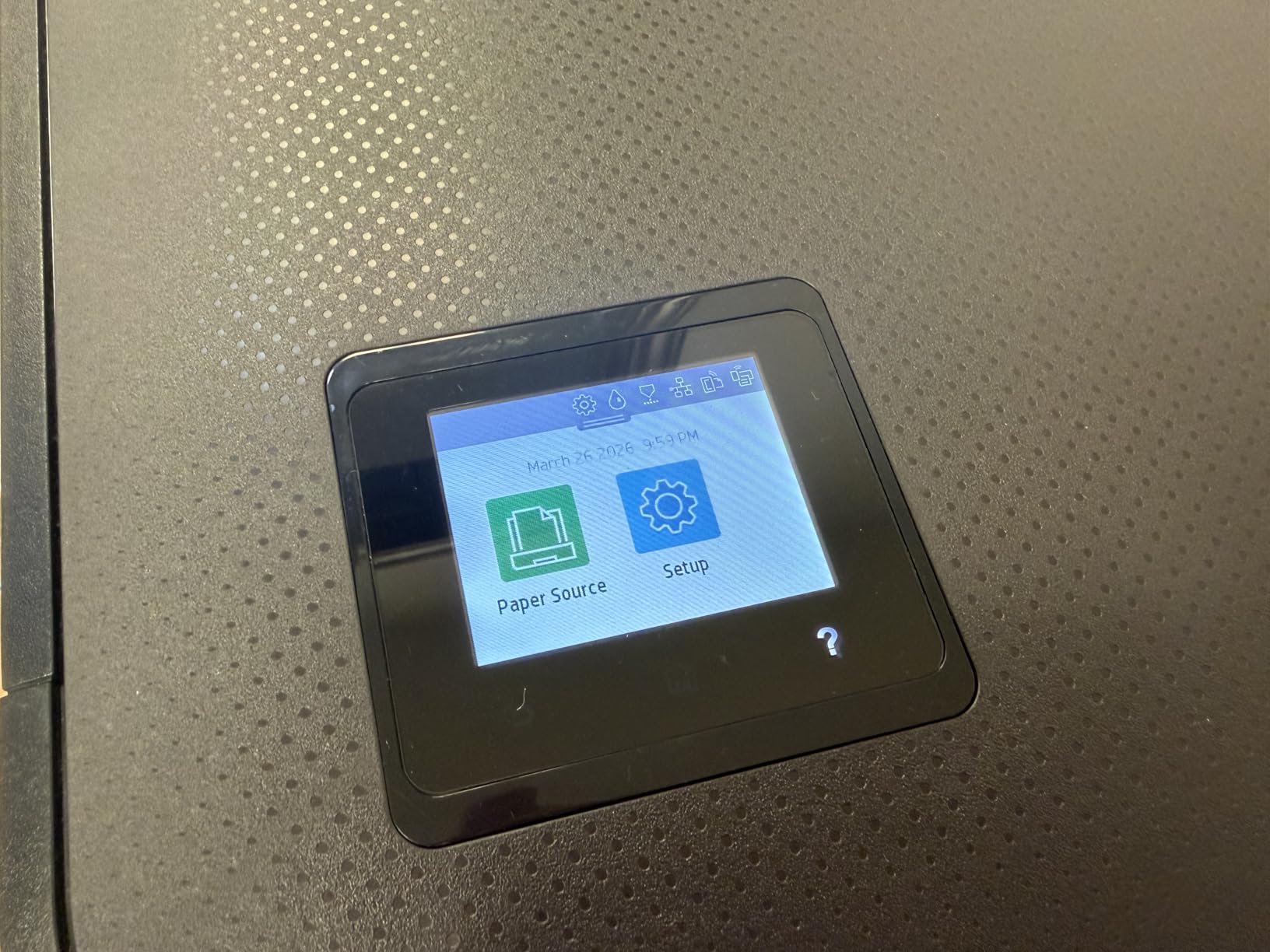
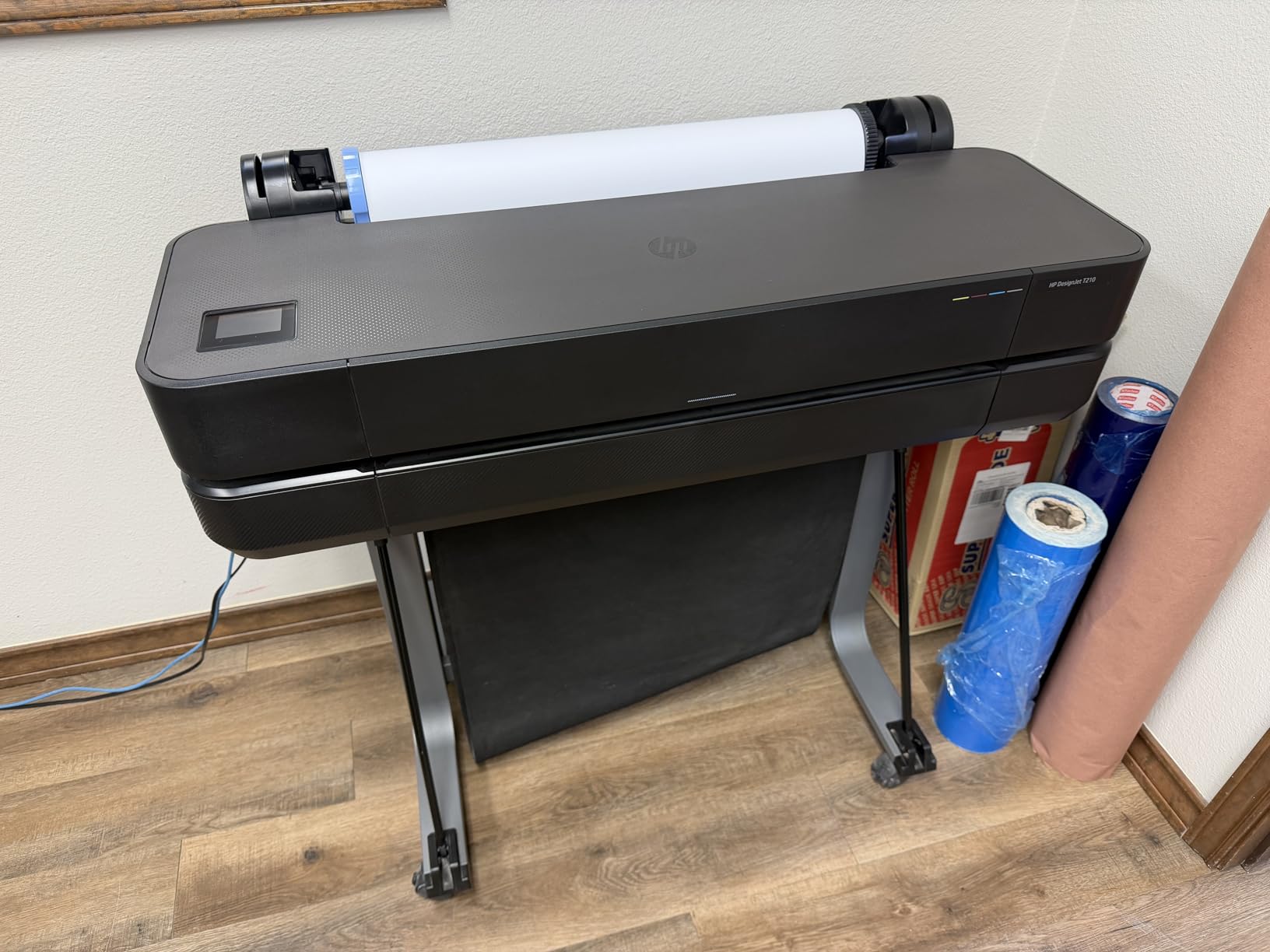
10. HP DesignJet T210 Large Format 24-inch Color Plotter Printer
The HP DesignJet T210 brings HP’s printing heritage to photographers seeking reliable wide-format output. The 2400 x 1200 dpi resolution produces sharp technical drawings and acceptable photo prints, though the HP 712 cartridges use a different ink formulation than the pigment systems preferred for archival photography work. The HP Click software simplifies printing workflow considerably, and network connectivity via Gigabit Ethernet enables easy sharing.
Print speeds reach 45 seconds per page on A1/D size, with the printer capable of producing 59 A1/D size prints per hour. This throughput suits photographers fulfilling architectural, engineering, or design work alongside photography orders. The sheet feed and roll feed options provide flexibility, and the automatic horizontal cutter handles roll media cleanly.

HP DesignJet T210 Large Format 24-inch Plotter Printer, for Easy CAD & Poster Prints (8AG32D)
Pros
- Excellent CAD print quality
- Fast output
- Easy network setup
- HP Click software
- Compact for 24-inch plotter
Cons
- HP-only ink cartridges
- Cartridges slow to arrive
- Paper loading temperamental
- No auto sheet feeder
The Wi-Fi connectivity works reliably for mobile printing from devices, and the HP Smart app provides remote monitoring and management capabilities. Users appreciate the compact 11D x 40W x 17H inch dimensions that fit more easily into studios than competing 24-inch plotters.
Best seller rank of #2 in Wide Format and Plotter Printers indicates strong market validation. The 113 customer reviews with 4.3 average rating suggest reliable performance for the intended use case, though photographers prioritizing photo quality over technical drawing work may prefer Canon alternatives.
Good for architectural and CAD prints
If your business includes architectural photography, engineering documentation, or technical illustration work alongside fine art prints, the T210 handles both capably. The HP Click software excels at processing multiple file formats without manual intervention.
HP-only ink supply can be limiting
Exclusive reliance on HP 712 cartridges means no third-party ink options and potential supply delays. Factor cartridge availability and cost into your long-term operating expenses when comparing to Canon and Epson alternatives with broader cartridge compatibility.
11. HP DesignJet T650 Large Format 36-inch Plotter Printer
The HP DesignJet T650 extends HP’s professional plotter line to 36-inch width, making it suitable for photographers selling larger prints and commercial installations. The included 2-year onsite warranty provides protection and support that professional studios require, covering both parts and labor for the initial warranty period. This comprehensive coverage differentiates the T650 from alternatives with shorter or mail-in warranty service.
Print speeds reach 25 seconds per page on A1/D size, with the printer capable of producing 82 A1/D size prints per hour. The automatic sheet and roll feed switching handles mixed media without manual intervention, and HP Click software enables 1-click printing from multiple files. The 1GB memory handles complex files efficiently, and the 2400 x 1200 dpi resolution ensures sharp output.

HP DesignJet T650 Large Format 36-inch Plotter Printer, Includes 2-Year Onsite Warranty Support (5HB10T) – New Model
Pros
- 2-year extended warranty included
- Fast print speeds
- Multi-size printing without switching
- HP Smart app connectivity
- 82 prints per hour
Cons
- HP-only paper and ink
- Non-HP media compatibility issues
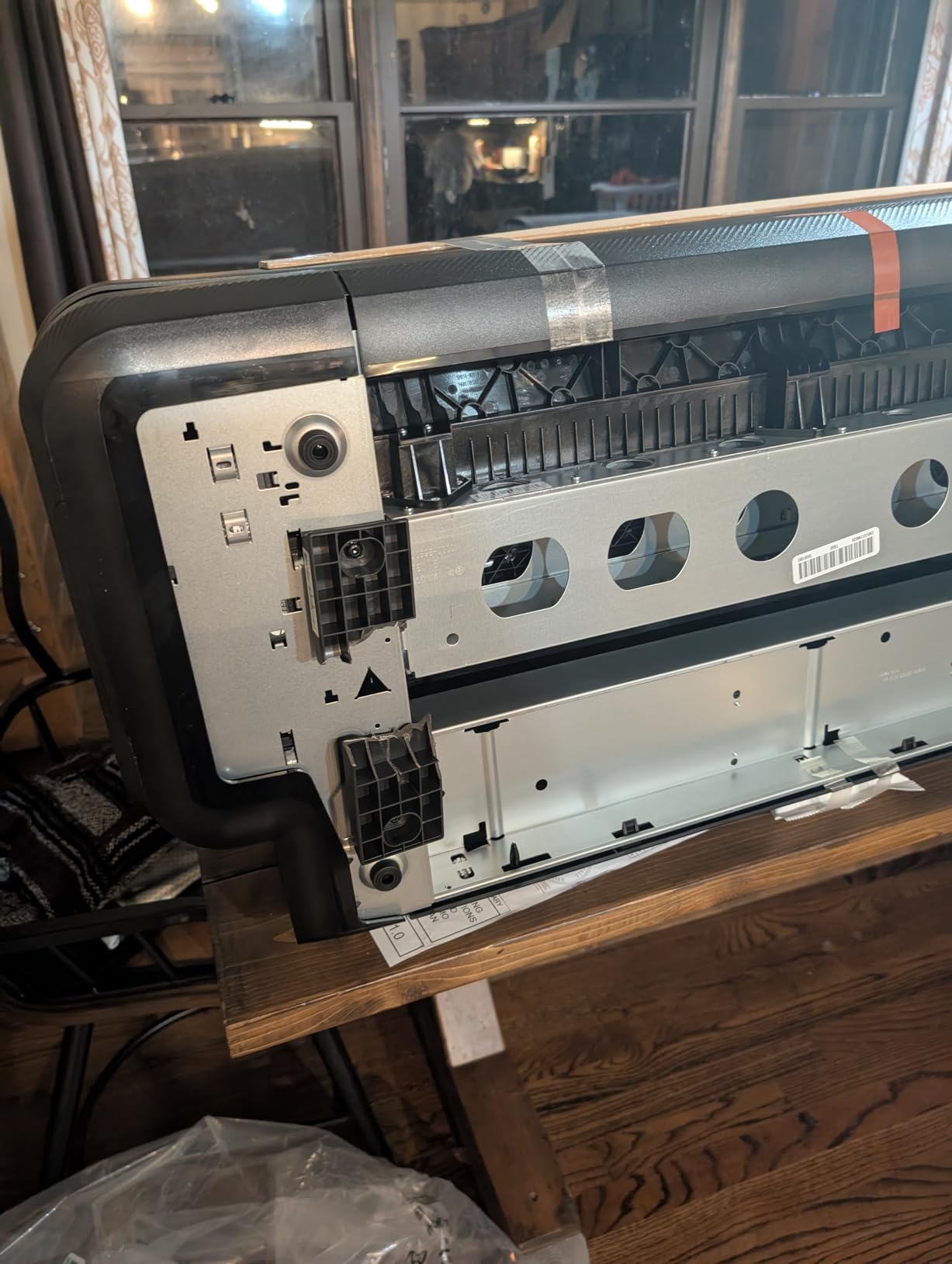
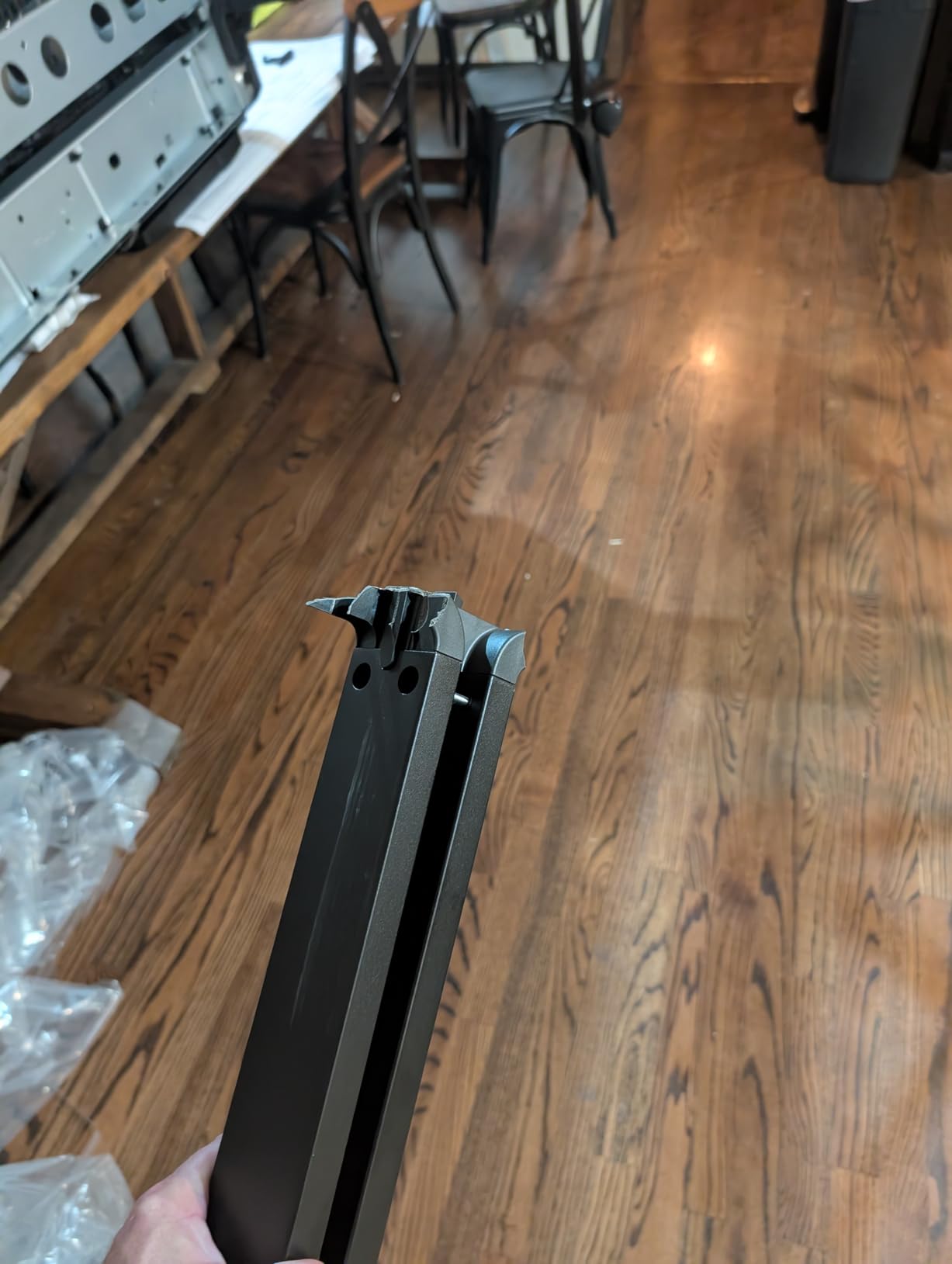
- Plastic brackets fragile
The T650 supports multiple file formats including PDF, JPEG, TIFF, DWF, HP-GL/2, and PNG, providing flexibility for various client file types. The HP/GL-2 support ensures compatibility with technical drawing workflows, and the Gigabit Ethernet connectivity handles network sharing efficiently.
Comprehensive warranty for peace of mind
Professional studios benefit from the 2-year onsite warranty that includes remote and on-site support. This coverage protects your investment during the critical early months and provides predictable support costs for the warranty period.
Proprietary media requirements restrict flexibility
HP’s locked media system requires HP-branded paper and ink, limiting your ability to source cost-effective alternatives. If your workflow relies on specific fine art papers from third-party manufacturers, verify compatibility before committing to this ecosystem.
12. HP DesignJet T630 Large Format 24-inch Plotter Printer (Renewed)
The HP DesignJet T630 (Renewed) offers the convenience of auto sheet feeding and included accessories at a reduced price point compared to new equipment. The auto sheet feeder, media bin, and stand bundle provides everything needed for immediate operation, and the certified renewed status means the machine has been inspected and tested by HP or authorized partners. Limited stock of 17 units suggests this is a clearance or certified pre-owned opportunity.
The 2400 x 1200 dpi resolution produces acceptable output for photography work, though the thermal inkjet technology differs from the pigment-based systems that photographers typically prefer for archival prints. Print speeds reach 1.9 ppm, and the automatic sheet and roll switch handles media transitions without manual reconfiguration.

HP DesignJet T630 Large Format 24-inch Plotter Printer, with Auto Sheet Feeder, Media Bin & Stand (5HB09D) – New Model
Pros
- Auto sheet feeder included
- Media bin and stand bundle
- Good print quality for blueprints
- Quiet operation
- HP Click software
Cons
- Limited stock
- Renewed status
- Ink HP-exclusive
- Some reliability concerns
Best value HP for sheet feeding
If you prefer HP’s workflow and software ecosystem but need auto sheet feeding capabilities, this bundle provides the necessary components without separate purchases. The HP Click software simplifies print job management across file types.
Renewed status means limited warranty coverage
Certified renewed equipment typically carries shorter warranty periods than new purchases. Budget for potential repair costs beyond the included coverage period, and verify exactly what the renewed warranty covers before purchasing.
How to Choose the Best Printer for Selling Photography Prints Online In 2026?
Selecting the right printer requires balancing multiple factors that directly impact your print quality, operating costs, and business profitability. This buying guide walks through the key considerations every photographer should evaluate before investing in equipment for their print-selling business.
Pigment-Based vs Dye-Based Inks
The ink technology fundamentally determines how your prints age over time. Pigment-based inks, found in professional Canon imagePROGRAF and Epson SureColor printers, suspend tiny color particles in a liquid carrier that sits on the paper surface. These particles resist fading for decades under proper storage conditions, making them essential for limited edition prints and archival work that commands premium prices.
Dye-based inks, used in less expensive printers and some HP consumer models, dissolve completely into the paper and tend to fade faster when exposed to light or humidity. For photographers selling prints that customers expect to last, pigment-based systems deliver the longevity that justifies higher price points. The Canon PRO-2100, PRO-1100, and Pro-4100 all use pigment-based LUCIA PRO inks that provide exceptional archival performance.
Print Size Requirements
Consider the maximum print sizes your business actually needs. Many photographers invest in wide-format equipment only to discover their sales concentrate in standard sizes like 8×10, 11×14, and 16×20. The Canon imagePROGRAF PRO-1100 handles up to 17×22 inches, covering most common framing sizes without the footprint of larger machines.
Large format printers in the 24 to 44-inch range serve photographers selling gallery wraps, panoramic landscapes, and exhibition pieces. These machines require dedicated space, proper ventilation, and structural support for their weight. Calculate whether your physical studio can accommodate these requirements before purchasing wide-format equipment.
Ink Cost and Cost Per Print
Ink expenses directly impact your profit margins when selling prints. The Epson EcoTank ET-8550 demonstrates the extreme end of cost-per-print variation, dropping expenses to approximately 4 cents per 4×6 compared to 40 cents or more with traditional cartridge systems. Over thousands of prints, this difference amounts to thousands of dollars in annual savings.
Canon and Epson professional pigment inks cost more per milliliter but often provide better value per print due to higher ink efficiency and longer-lasting output. Calculate your expected monthly print volume and multiply by 12 to estimate annual ink costs. This projection often reveals that the cheapest printer to purchase is not the cheapest to operate.
Color Accuracy and ICC Profiles
Professional photo printers require proper ICC profiles to deliver accurate color reproduction from screen to print. Most major paper manufacturers provide free ICC profiles for Canon and Epson printers on their websites. Downloading and installing these profiles ensures your prints match what you see on your calibrated monitor.
The 12-color ink systems in Canon PRO-2100 and Pro-4100 provide broader color gamut than consumer alternatives, particularly for challenging colors like saturated blues and greens that appear frequently in landscape photography. If color accuracy for specific hues matters for your work, the additional ink channels provide meaningful improvement.
Print Speed for Order Fulfillment
When customers order prints, they expect reasonable turnaround times. Print speeds vary dramatically between printers, from the HP DesignJet T650’s 82 A1/D prints per hour to the Canon PRO-1100’s approximately 1 print per minute at high quality. Consider your typical order sizes and whether speed bottlenecks would create customer service issues.
Production-focused printers like the Canon TM-240 and HP DesignJet T650 prioritize throughput over ultimate print permanence, making them suitable for photographers fulfilling larger orders regularly. Consumer-oriented models sacrifice speed for quality optimization.
Connectivity and Workflow Integration
Modern printers offer various connectivity options that impact daily workflow efficiency. Wi-Fi connectivity allows you to position printers away from your computer, while Ethernet enables network sharing in multi-person studios. USB connections provide the most reliable direct connections for mission-critical work.
Software ecosystems matter as much as hardware connectivity. HP Click, Canon Professional Print and Layout, and Epson drivers each have different strengths and learning curves. Reading user forums before purchasing reveals common workflow frustrations that may influence your decision.
Frequently Asked Questions About Photo Printers for Selling Online
What printer produces the highest quality photo prints?
The Canon imagePROGRAF PRO-2100 with its 12-color LUCIA PRO ink system produces among the highest quality photo prints available. The additional ink channels provide broader color gamut and smoother tonal gradations than consumer-grade alternatives. For the absolute best output, the Canon Pro-4100 extends this technology to 44-inch wide format.
What do photographers use to sell prints?
Professional photographers selling prints typically use pigment-based inkjet printers from Canon (imagePROGRAF series) or Epson (SureColor series). These printers offer the color accuracy, longevity, and paper handling capabilities that selling photography commercially demands. For high-volume work, Epson EcoTank systems provide economical alternatives.
Which printer is best for photo printing?
The Canon imagePROGRAF PRO-2100 ranks among the best for photo printing due to its 12-color ink system, excellent color accuracy, and professional paper handling. For budget-conscious photographers, the Epson EcoTank ET-8550 offers exceptional value with cartridge-free printing at approximately 4 cents per 4×6 photo.
What printer do artists use for prints?
Artists selling fine art prints commonly use Canon imagePROGRAF printers (PRO-2100, PRO-1100, Pro-4100) or Epson SureColor models. These printers handle the thick fine art papers and canvas media that artists prefer, and the pigment-based inks provide the archival quality that collectors expect.
Final Thoughts on Best Printers for Selling Photography Prints Online
Choosing the best printers for photography prints business requires balancing initial investment against long-term operating costs, print quality against workflow efficiency, and equipment capabilities against your actual business needs. The 12 printers reviewed in this guide represent the strongest options available for selling photography prints online in 2026.
For most photographers starting their print-selling journey, the Epson Expression Photo HD XP-15000 provides an accessible entry point with professional-quality output. As your business grows and print volumes increase, transitioning to the Epson EcoTank ET-8550 dramatically reduces per-print costs. For photographers demanding the highest quality and willing to invest accordingly, the Canon imagePROGRAF PRO-2100 delivers gallery-worthy results that customers recognize and reward with premium pricing.
The most important factor is matching your printer to your specific workflow requirements. A machine that excels in a professional gallery setting may be impractical for a home studio, and vice versa. Use this guide to identify candidates matching your size, quality, and budget requirements, then dig deeper into user reviews for your top choices to confirm they align with your specific use case.