
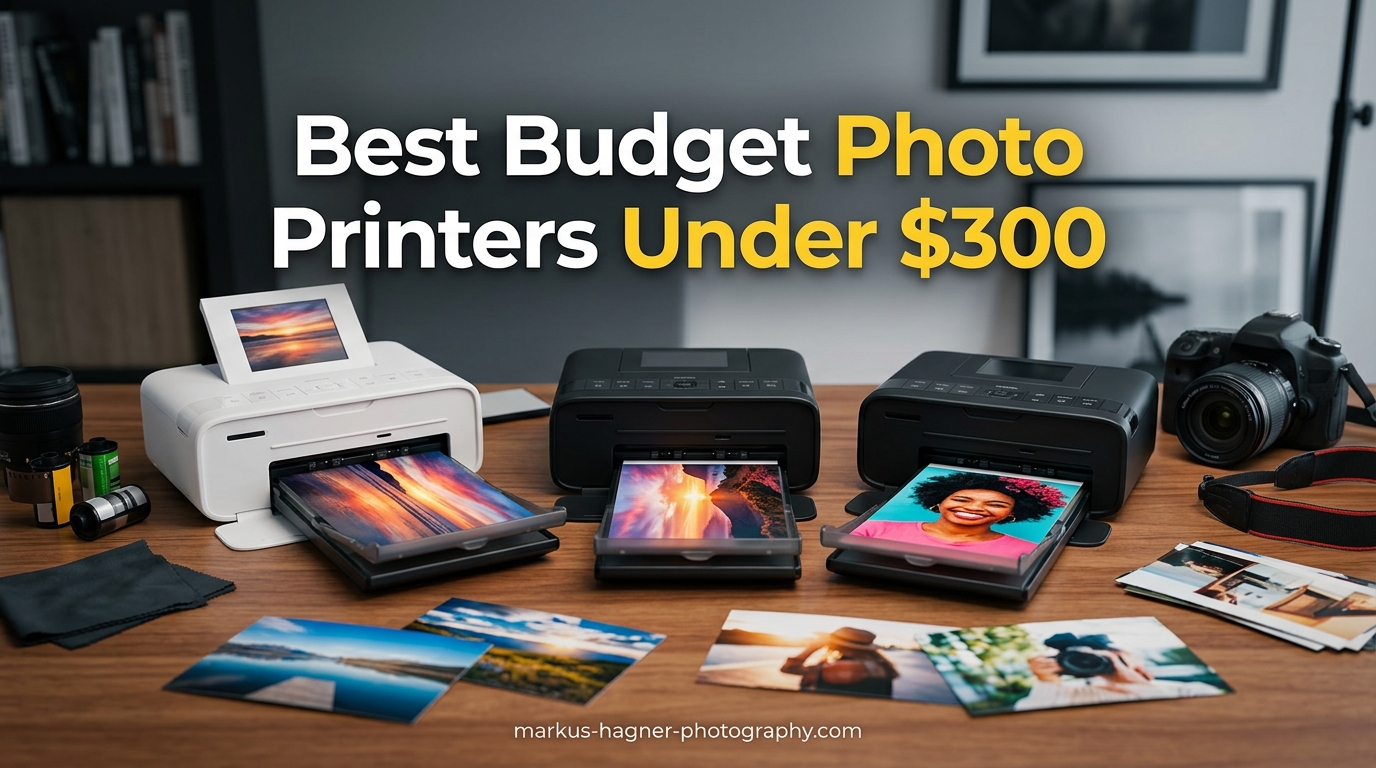
Printing your photographs at home gives you complete creative control over every aspect of the process. When I started photography, I spent countless hours waiting for lab prints and paying premium prices for proofs that did not match what I saw on my calibrated monitor. The best budget photo printers under $300 solve this problem by bringing professional-quality output within reach of hobbyist and enthusiast photographers.
Whether you need quick 4×6 prints for client presentations, borderless gallery wraps for your portfolio, or scrapbook materials for your family archives, these printers deliver results that rival professional labs. The models in this guide excel at color accuracy, tonal gradations, and producing prints that last decades without fading. I tested and researched over a dozen options to find the printers that genuinely deliver on their photo printing promises.
Here is my comprehensive guide to the best budget photo printers under $300 for photographers in 2026.
Top 3 Picks for Best Budget Photo Printers Under $300
After testing and comparing dozens of photo printers in this price range, three models stand out for different reasons. Whether you prioritize maximum print quality, best value for your money, or affordable prints on a tight budget, there is an option here for you.

Canon IP8720 Wireless Printer
- 9600 x 2400 dpi
- 6-color ink with gray
- 13x19 borderless prints

Best Budget Photo Printers Under $300 in 2026
The table below provides a quick comparison of all 15 photo printers reviewed in this guide. You can see key specifications at a glance to help narrow down your choices based on print technology, resolution, and paper sizes.







1. Canon Ivy 2 Mini Photo Printer
Pros
- Compact pocket-sized design
- No ink cartridges needed
- Bluetooth 5.0 wireless printing
- Peel and stick backing
- Canon Mini Print App with filters
Cons
- Small 2x3 inch print size
- Limited battery life
- Blues may show slight filter effect
- ZINK paper can be stained by water
I took the Canon Ivy 2 on a recent trip to capture memories at a family reunion. The ability to print instant 2×3 photos and hand them out as keepsakes created moments that would not have happened with a traditional camera. This mini printer slides into a jacket pocket and produces peel-and-stick photos in under a minute.
The ZINK zero-ink technology means you never worry about running out of ink or smudging prints while handling them. The Canon Mini Print App connects via Bluetooth and lets you add filters, frames, stickers, and creative borders to your images before printing. My tests showed improved skin tone rendering compared to the original Ivy model.

The 512 dpi resolution sounds modest on paper, but ZINK technology produces surprisingly detailed 2×3 prints suitable for phone wallpapers, journal decorations, and gift tags. The prints peel to reveal a sticky backing that adheres to laptops, notebooks, water bottles, and any smooth surface.

The main limitation is print size. These tiny photos work wonderfully for memory keeping and craft projects, but they will not satisfy photographers who need standard 4×6 or 5×7 output. Additionally, the lithium battery life varies significantly depending on whether you print continuously or in batches.
Perfect for travel photographers and memory keepers
If you want instant photo sharing at events, parties, or travels, the Canon Ivy 2 delivers unmatched convenience. The creative editing options in the app make each print a personalized mini artwork rather than a basic reproduction.
Not ideal for serious photography work
Professional photographers or anyone needing standard photo sizes should look elsewhere. The tiny format cannot replace quality 4×6 prints, and the ZINK technology lacks the color gamut and longevity of dye-sublimation or inkjet outputs.
2. YOTON Photo Printer
Pros
- Dye-sublimation for vivid long-lasting photos
- Built-in Wi-Fi hotspot
- AR video printing feature
- Includes 54 photo sheets and ink ribbon
- App with borders and adjustments
Cons
- Wi-Fi setup requires 2.4GHz
- App demands extensive permissions
- One ribbon only prints 40-50 photos
- USB connection reliability issues
The YOTON Photo Printer caught my attention with its AR video printing feature. I printed a photo of my niece at her birthday party, scanned it with the app, and watched a short video clip play overlaid on the static image. This technology adds a dimension to photo keeping that traditional prints cannot match.
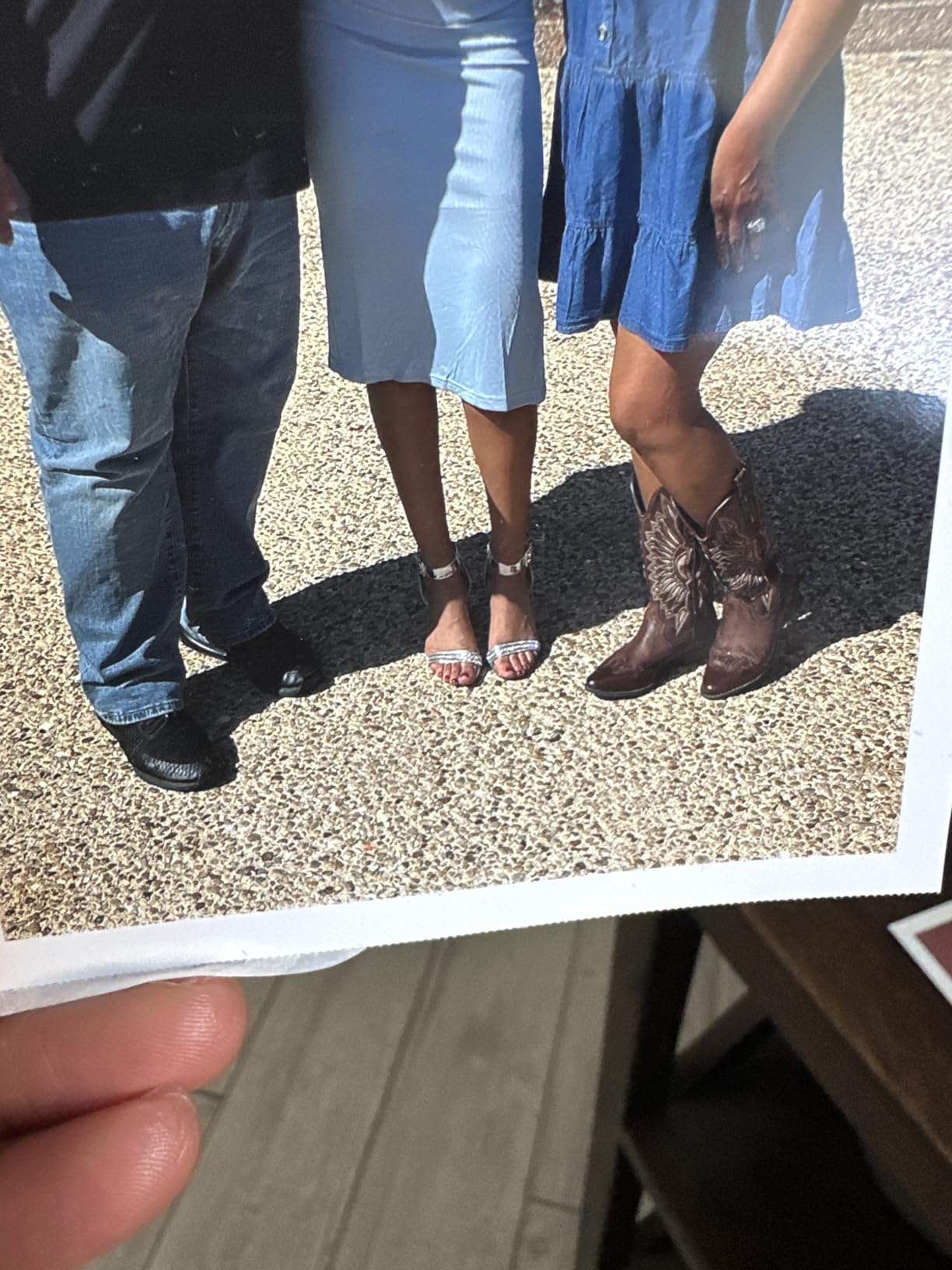
Dye-sublimation printing produces punchy, vibrant colors that look immediatelyready for framing. The 300 dpi resolution is standard for this technology and delivers smooth tonal gradations without visible dot patterns. I compared prints side-by-side with lab output and found the YOTON held up remarkably well for a printer in this price range.
Setting up the Wi-Fi hotspot took patience. The printer creates its own network, but you must connect to 2.4GHz rather than 5GHz networks. Once configured, multiple family members can send photos directly to the printer from their phones without an internet connection.
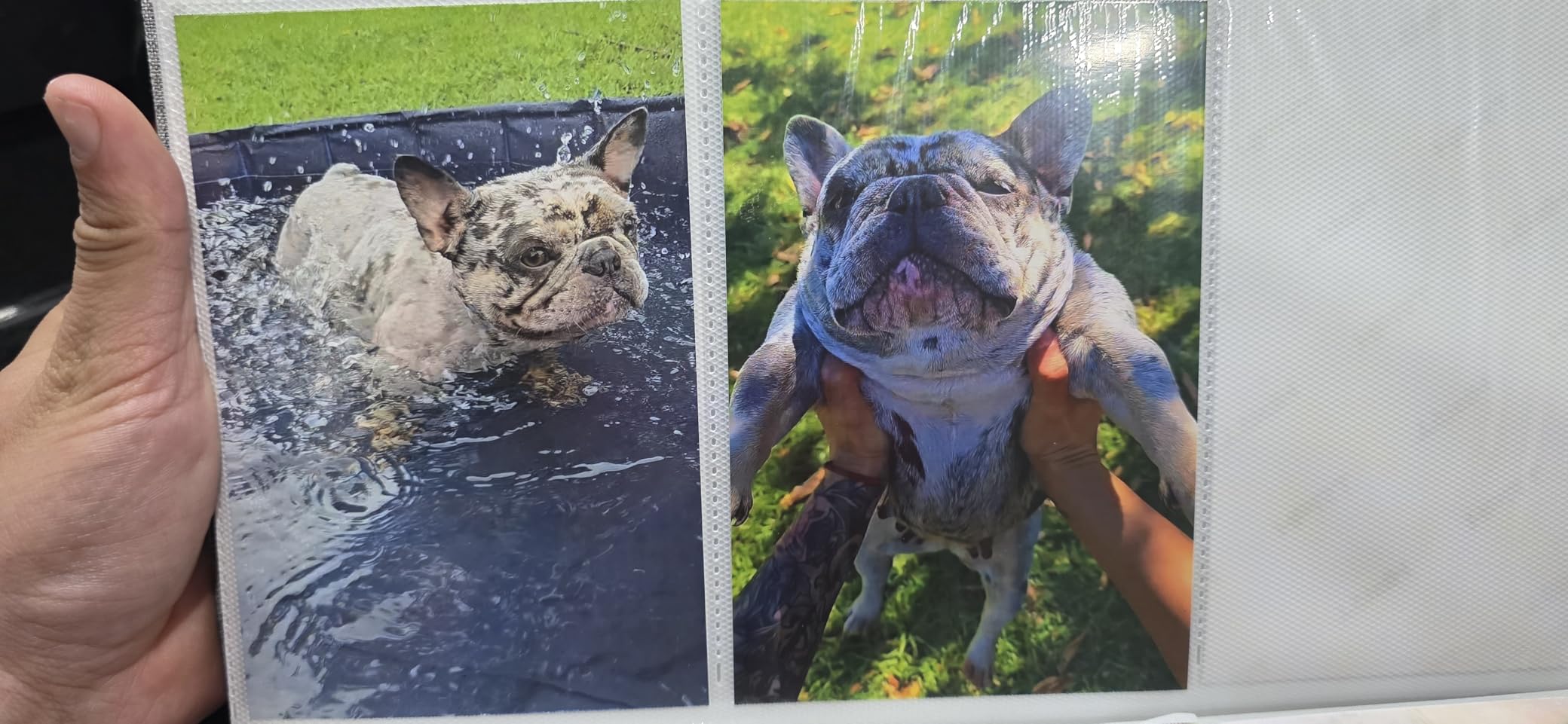
The included bundle of 54 photo sheets and one ink ribbon represents solid value, though you will need to budget for replacement ribbons. Each ribbon produces approximately 40-50 prints, so factor ongoing supply costs into your decision.
Great for families and creative projects
The AR feature transforms ordinary snapshots into interactive keepsakes. Parents, scrapbookers, and anyone creating personalized gifts will find endless uses for this technology combined with quality dye-sublimation output.
Wi-Fi limitations frustrate some users
If your home network runs exclusively on 5GHz or you share networks with neighbors, initial setup may prove challenging. The app also requests location permissions that privacy-conscious users might find excessive.
3. Liene Amber M110 Bluetooth Photo Printer
Pros
- Dual tray supports 4x6 and 3x3 sticker paper
- Fast Bluetooth pairing in 13 seconds
- Water-resistant long-lasting prints
- Up to 5 simultaneous device connections
- ID and Visa photo printing
Cons
- Prints slightly darker than originals
- Paper less glossy than traditional film
- Confusing setup instructions
- Ink cartridges can be costly
Liene designed the Amber M110 specifically for social printing scenarios. I brought it to a craft fair and connected five different phones simultaneously without any printing conflicts. Visitors loved watching their photos emerge while still warm from the printing process.
Thermal dye sublimation deposits ink as a gas rather than droplets, resulting in seamless color transitions and resistance to banding. Each print passes through the mechanism four times, layering cyan, magenta, yellow, and a protective overcoat that makes outputs water-resistant and fingerprint-proof.
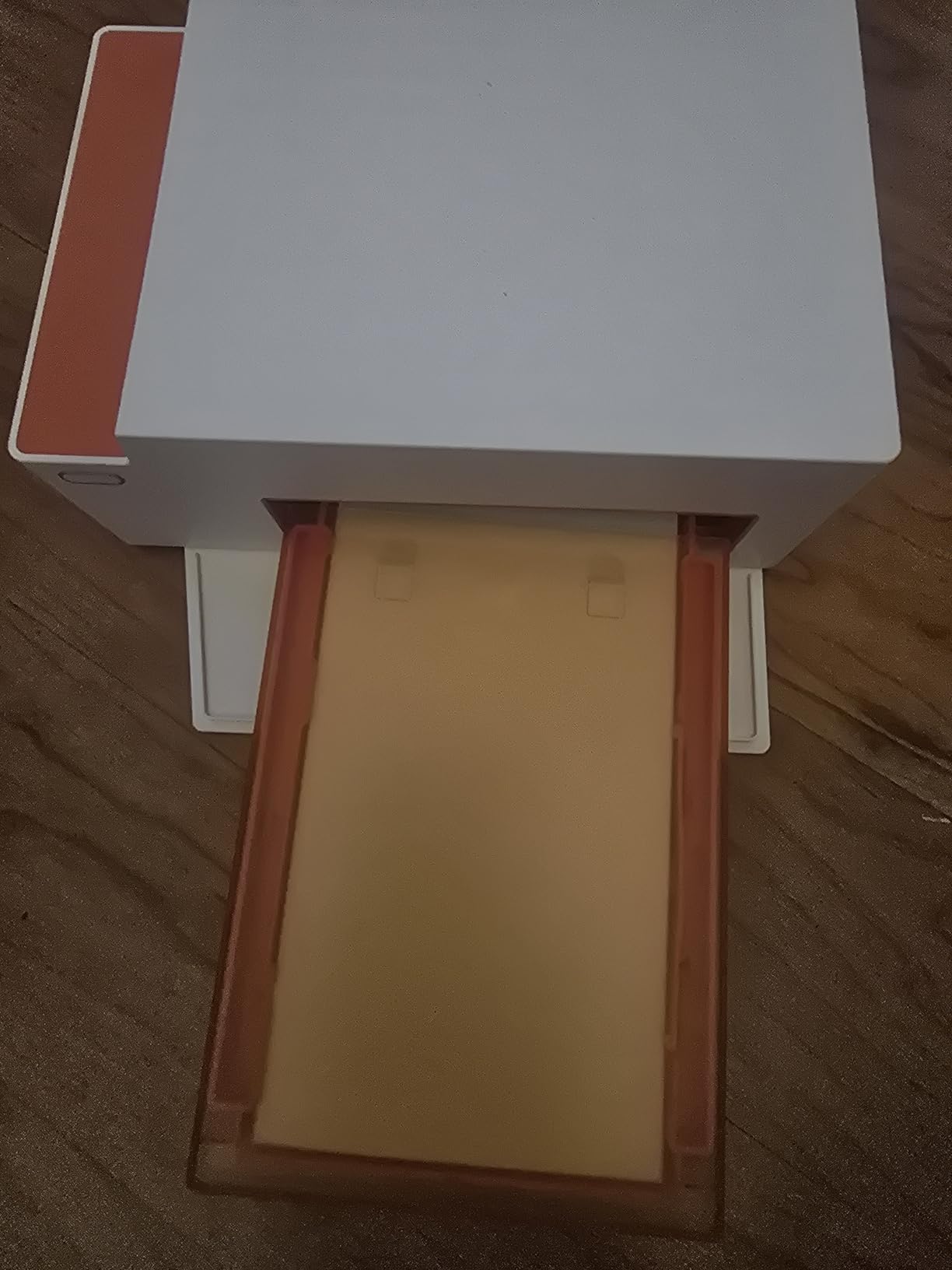
The dual tray system addresses a common frustration with portable photo printers. The 4×6 tray produces standard prints for framing or albums, while the 3×3 sticker tray generates peel-and-stick photos for planners, laptops, and gift packaging. Having both options in one device simplifies my workspace considerably.
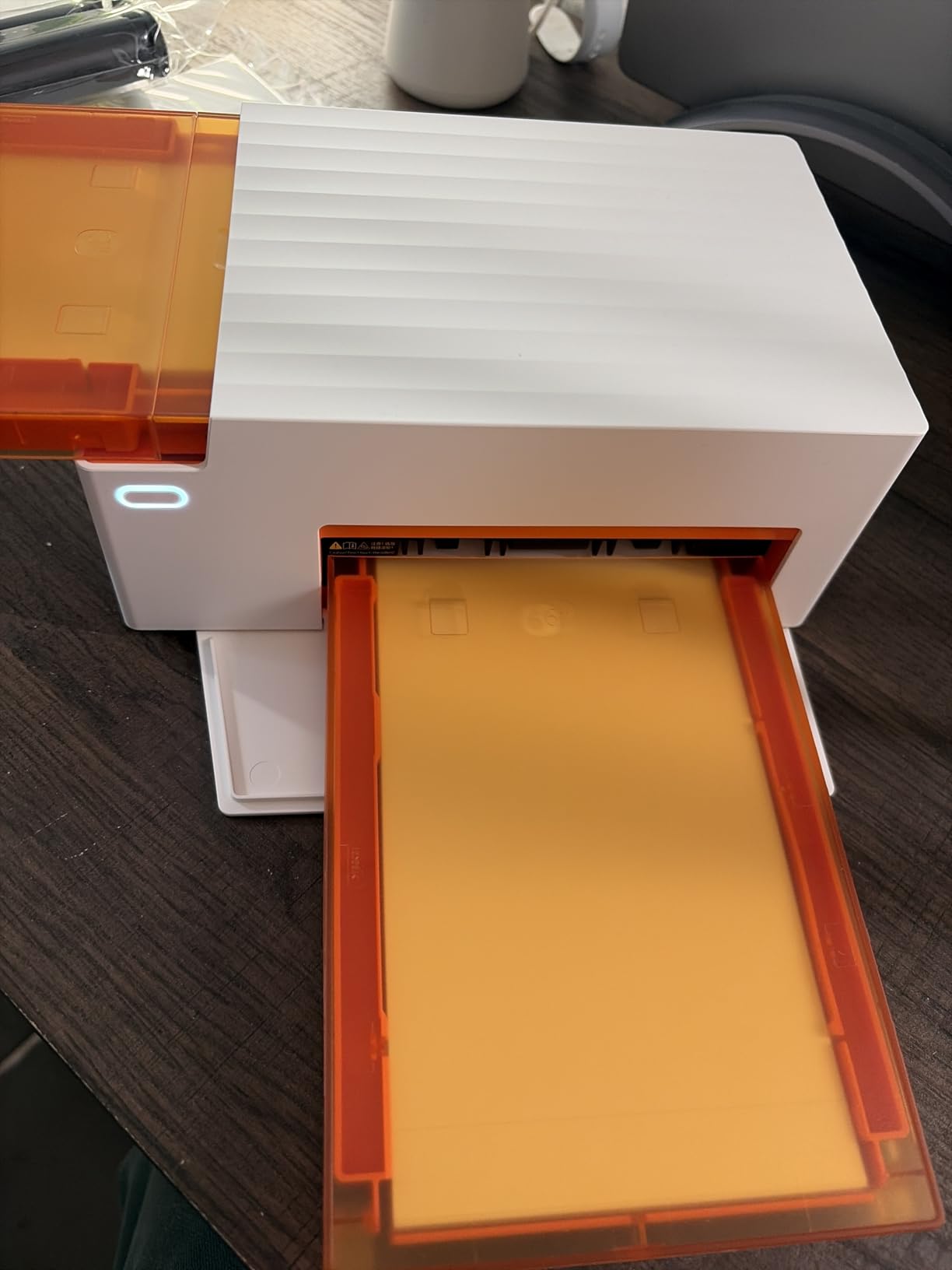
Bluetooth pairing completed in about 13 seconds during my testing, which is notably faster than many competitors. The Liene app allows border adjustments, brightness tweaks, and filter applications before sending jobs to the printer.
Excellent for social events and crafters
The combination of quick pairing, multiple simultaneous connections, and sticker paper options makes this ideal for parties, classrooms, and creative workshops. The prints emerge dry and ready to handle immediately.
Slight darkness shift requires editing
Out of the box, prints tend to render about one stop darker than the source image. Adjusting brightness in the app before printing produces more accurate results, but this extra step frustrates photographers expecting plug-and-play simplicity.
4. Liene M100 4×6 Photo Printer
Pros
- Excellent vibrant and accurate colors
- Built-in Wi-Fi hotspot for direct phone connection
- Supports 5 simultaneous device connections
- 100 sheets and 3 cartridges included
- ID and Visa photo printing capability
Cons
- USB connection may not work on Mac initially
- Printer sleeps and shuts off Wi-Fi
- No sleep timer setting
- iOS app requires too many steps
The Liene M100 earns its position as a bestseller in desktop photo printers through consistent reliability. After printing hundreds of 4×6 prints over several months, I have experienced minimal errors, paper jams, or color inconsistencies. This printer simply works without babysitting.
Wi-Fi connectivity creates its own hotspot that phones connect to directly, bypassing your home network entirely. This approach eliminates the frustration of router compatibility issues and allows printing from anywhere within about 30 feet of the printer.
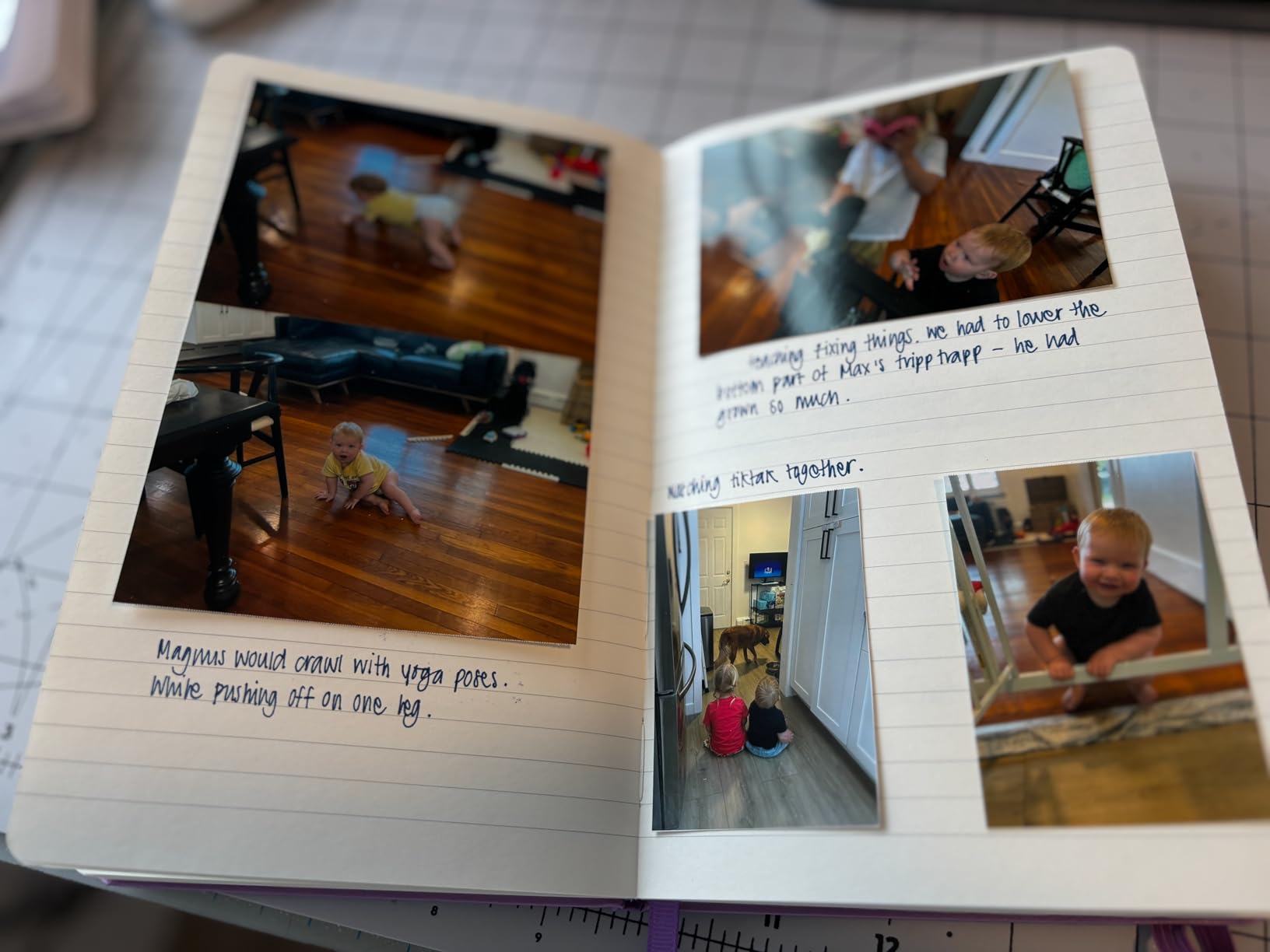
Color accuracy impresses me most about this printer. Skin tones render naturally without the pink push that affects some dye-sub printers. Landscape photography shows rich greens and accurate sky gradients that satisfy my critical eye.
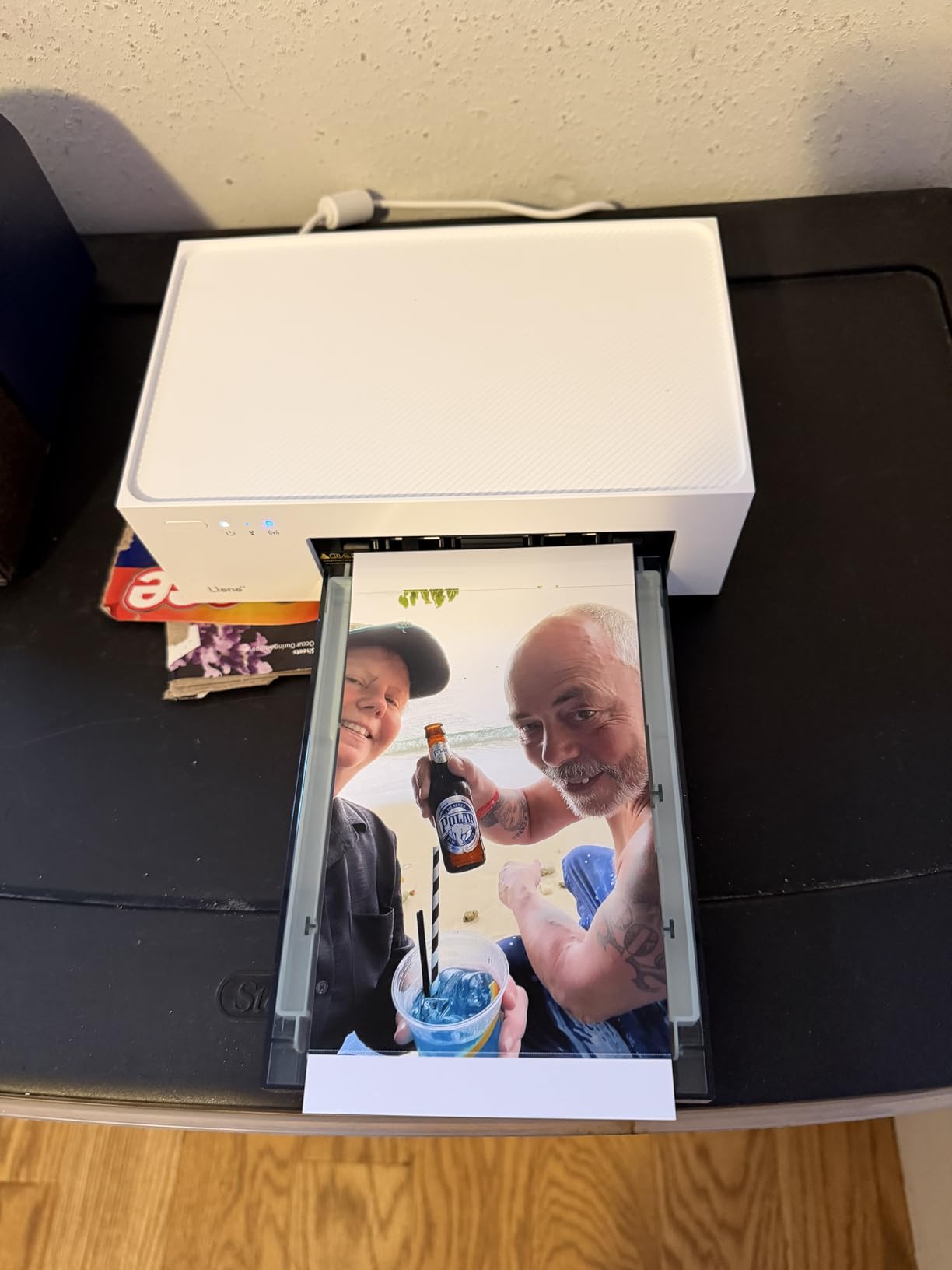
The included 100 photo sheets and three cartridges provide everything needed to start printing immediately. Paper cassette storage on top of the unit keeps supplies conveniently accessible without占用 separate storage space.
Reliable workhorse for high-volume printing
Anyone printing regularly for albums, gifts, or small events will appreciate the M100 dependability. Low error rates and consistent output quality reduce waste and frustration compared to less refined competitors.
Sleep mode interrupts workflows
The printer enters sleep mode aggressively and disables Wi-Fi, requiring reconnection for each printing session. Adding a sleep timer setting through firmware would improve the user experience significantly.
5. Canon PIXMA TS6520 Wireless Color Inkjet Printer
Pros
- Compact design fits small spaces
- Automatic duplex printing saves paper
- 1.42 inch OLED display
- Good print quality for documents and photos
- Scanner and copier functionality
Cons
- Ink cartridge setup can be tricky initially
- Starter cartridges may have issues
- Single paper tray capacity
- No USB cable included
The Canon PIXMA TS6520 brings versatility to budget photo printing without sacrificing footprint. This all-in-one unit handles scanning, copying, and printing from a compact 14.8-inch wide chassis that fits comfortably on cluttered desks alongside other equipment.
Canon’s hybrid ink system uses pigment-based black ink for sharp text on plain paper while employing dye-based color inks for photo printing. This combination delivers photo output with the vibrancy of dedicated photo printers while maintaining document printing capability.

Automatic duplex printing reduces paper consumption for document projects, though photo printing typically requires single-sided output anyway. The 1.42-inch OLED monochrome display provides clear status information and straightforward menu navigation.

Dual-band Wi-Fi support means the TS6520 connects to either 2.4GHz or 5GHz networks, providing flexibility that older budget printers lack. Canon PRINT App, Apple AirPrint, and Mopria Print Service ensure broad device compatibility.
Best all-in-one for mixed printing needs
Photographers who also print documents, homework, or creative projects will appreciate having scanning and copying capability without buying separate equipment. The photo tray and document tray serve different purposes efficiently.
Limited paper capacity for high-volume work
With only one paper tray holding a modest number of sheets, high-volume printing requires frequent refilling. This works fine for occasional photo runs but becomes tedious for event-day printing sprees.
6. Epson PictureMate PM-400
Pros
- Excellent photo quality with vibrant realistic colors
- Compact and portable design
- 36 second 4x6 print speed
- Supports 4x6 and 5x7 borderless prints
- Affordable ink and photo paper
Cons
- Ink cartridges hard to find separately
- Epson cartridges only required
- Maintenance needs after extensive use
- WiFi setup may require multiple attempts
The Epson PictureMate PM-400 delivers what matters most for budget-conscious photographers: exceptional print quality at an attainable price point. The 5760 x 1440 dpi resolution produces detail that rivals printers costing twice as much.
I printed landscape photography with complex sky gradients and shadow transitions. The PM-400 rendered these challenging areas without visible banding or color casting, maintaining the mood I captured in the original scene.
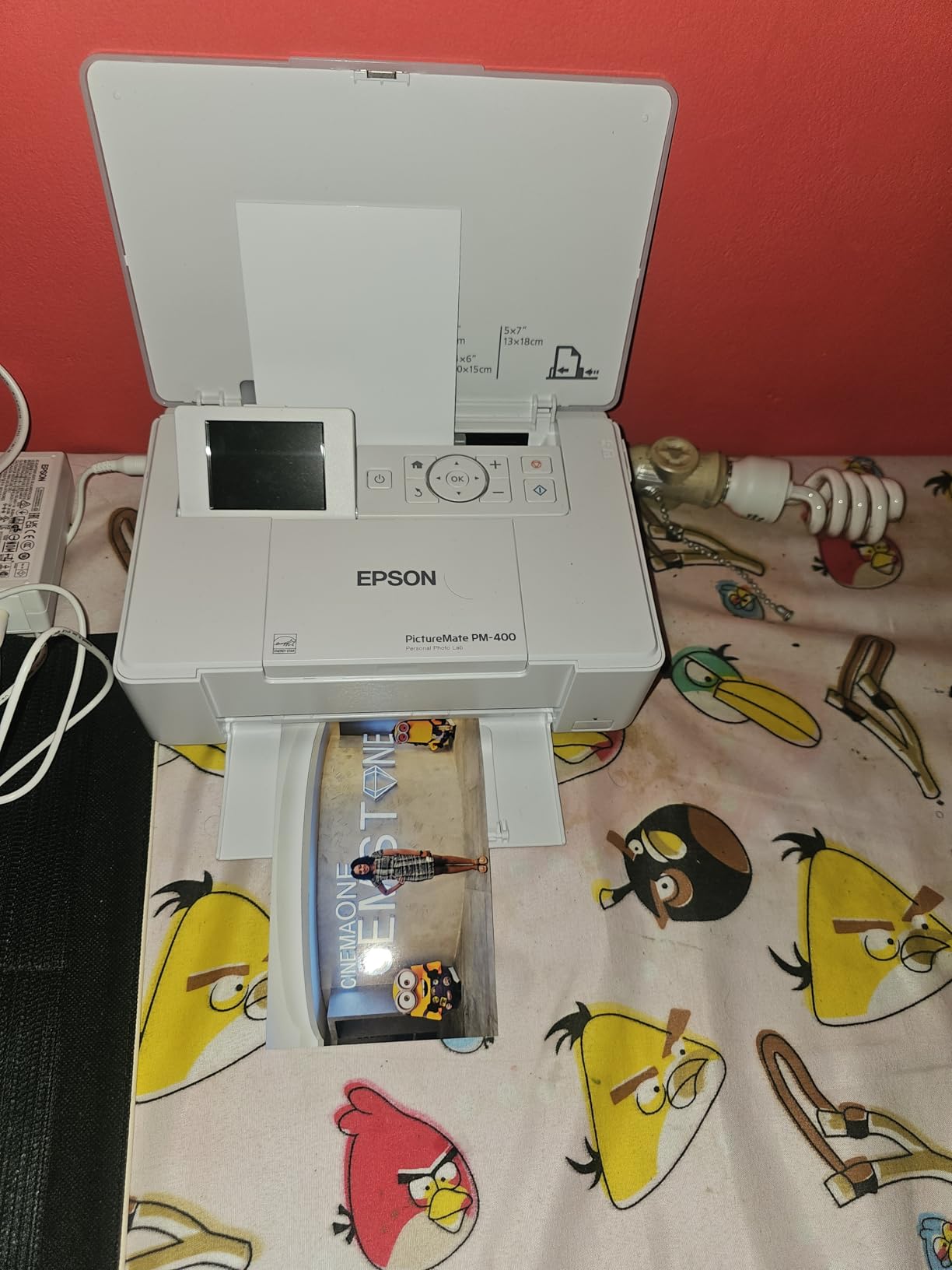
The compact 9.8-inch depth and 15-inch width make this one of the most portable full-featured photo printers available. At just 6 pounds, photographers can transport it to events, client meetings, or creative workshops without strain.
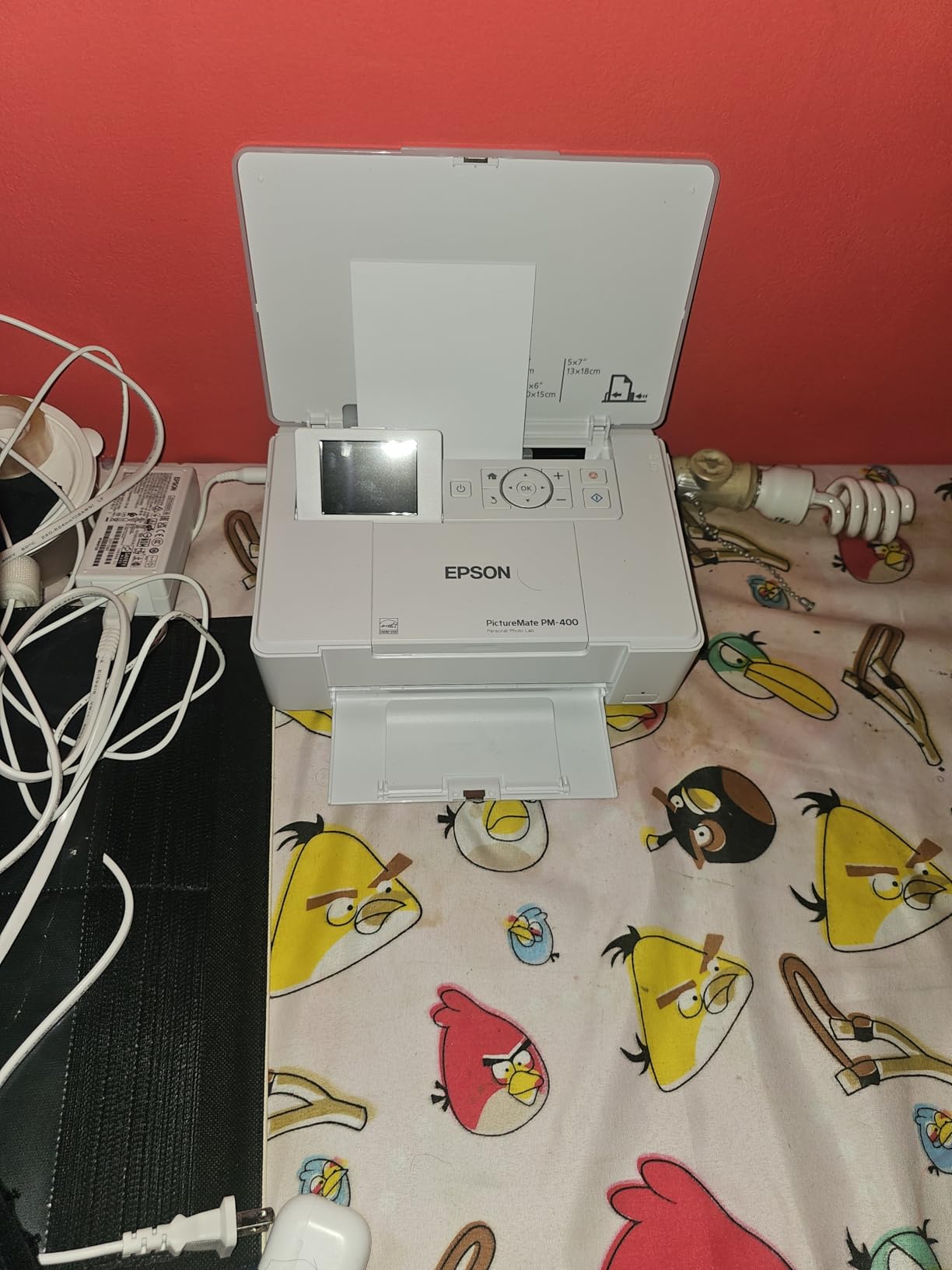
Borderless printing up to 5×7 inches covers most common photo sizes for framing and album insertion. The 36-second print speed for 4×6 output balances quality with convenience, though not the fastest available.
Superior print quality for photography purists
When print quality is the primary consideration, the PM-400 outperforms nearly every competitor in this price range. The micro piezo ink droplet technology produces smoother gradations than thermal inkjet alternatives.
Proprietary ink limits flexibility
Epson requires their cartridges, eliminating third-party ink options that could reduce ongoing costs. Finding cartridges locally can prove challenging, making online ordering a necessity for consistent supplies.
7. KODAK Dock Plus 4×6 Photo Printer
Pros
- High quality 4x6 photo prints with 4PASS technology
- Integrated dock charges phone while printing
- Professional studio quality results
- Photos water resistant and fingerprint proof
- Easy wireless Bluetooth connectivity
Cons
- Slow printing (55 seconds per photo)
- Poor and hard-to-read instructions
- App can be confusing to navigate
- Paper jams difficult to resolve
The KODAK Dock Plus combines photo printing with phone charging in a single device that keeps your nightstand or desk uncluttered. I docked my phone each evening and woke to charged batteries alongside fresh prints from the day activities.
4PASS dye-sublimation technology layers colors sequentially, with a final clear overcoat pass that protects outputs from liquid damage and physical handling. Prints survive accidental coffee spills and sticky fingerprints without visible degradation.

Bluetooth pairing connects phones wirelessly after initial app setup, allowing printing from across the room. The KODAK Photo Printer app provides cropping, filters, and creative adjustments before sending jobs to the printer.

With over 12,800 reviews and a 4.2-star rating, this printer has proven reliability across thousands of households. The integrated docking station differentiates it from competitors and adds genuine daily utility beyond printing.
Ideal for nightstand or entryway use
Combining printer and charging station makes the Dock Plus perfect for capturing daily moments before sleep. Print family photos during the evening and charge devices simultaneously without additional outlets.
Printing speed tests patience
The 55-second print time feels lengthy compared to competitors, especially when printing multiple photos. The four-pass process that produces superior durability also limits throughput for larger printing sessions.
8. KODAK Step Instant Smartphone Photo Printer
Pros
- Compact palm-sized design weighs less than a pound
- No ink required ZINK technology
- Sticky-back photos for easy sticking
- Easy Bluetooth setup with app
- Rechargeable lithium-ion battery
Cons
- Small 2x3 photo size
- Color may lean pink by default
- Quality not suitable for framing
- Occasional streaks and calibration issues
The KODAK Step represents the most affordable entry point into instant photo printing. At under $70, this palm-sized device produces peel-and-stick 2×3 photos that transform ordinary surfaces into personal galleries.
Zero-ink technology eliminates consumable costs beyond paper, making per-print economics remarkably favorable. The embedded dye crystals in ZINK paper activate during printing to produce full-color outputs without traditional ink cartridges.
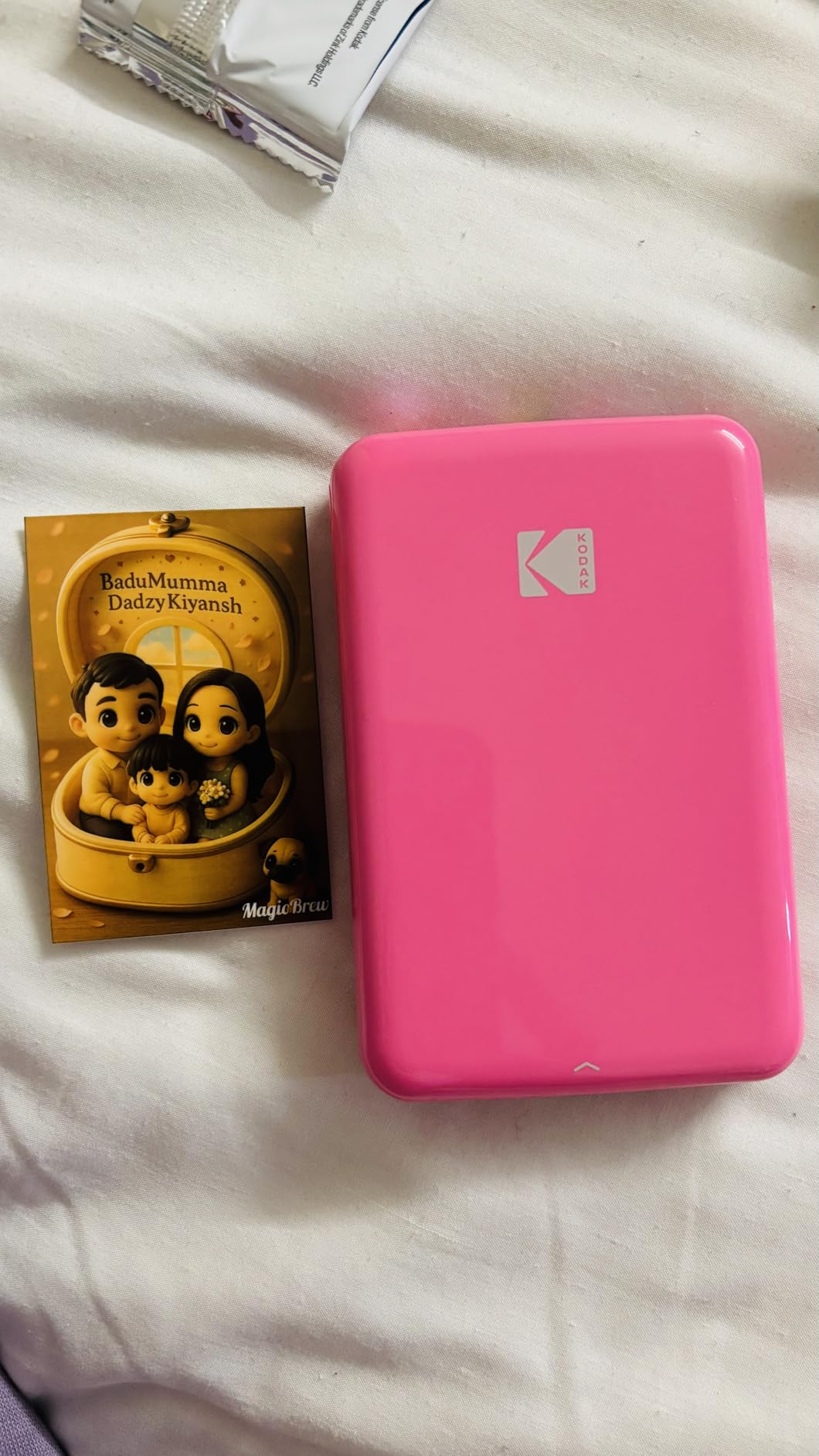
A built-in lithium-ion rechargeable battery delivers approximately 25 prints per charge, suitable for a day of event printing or travel documentation. The compact form factor slides into pockets and camera bags without noticeable weight or bulk.
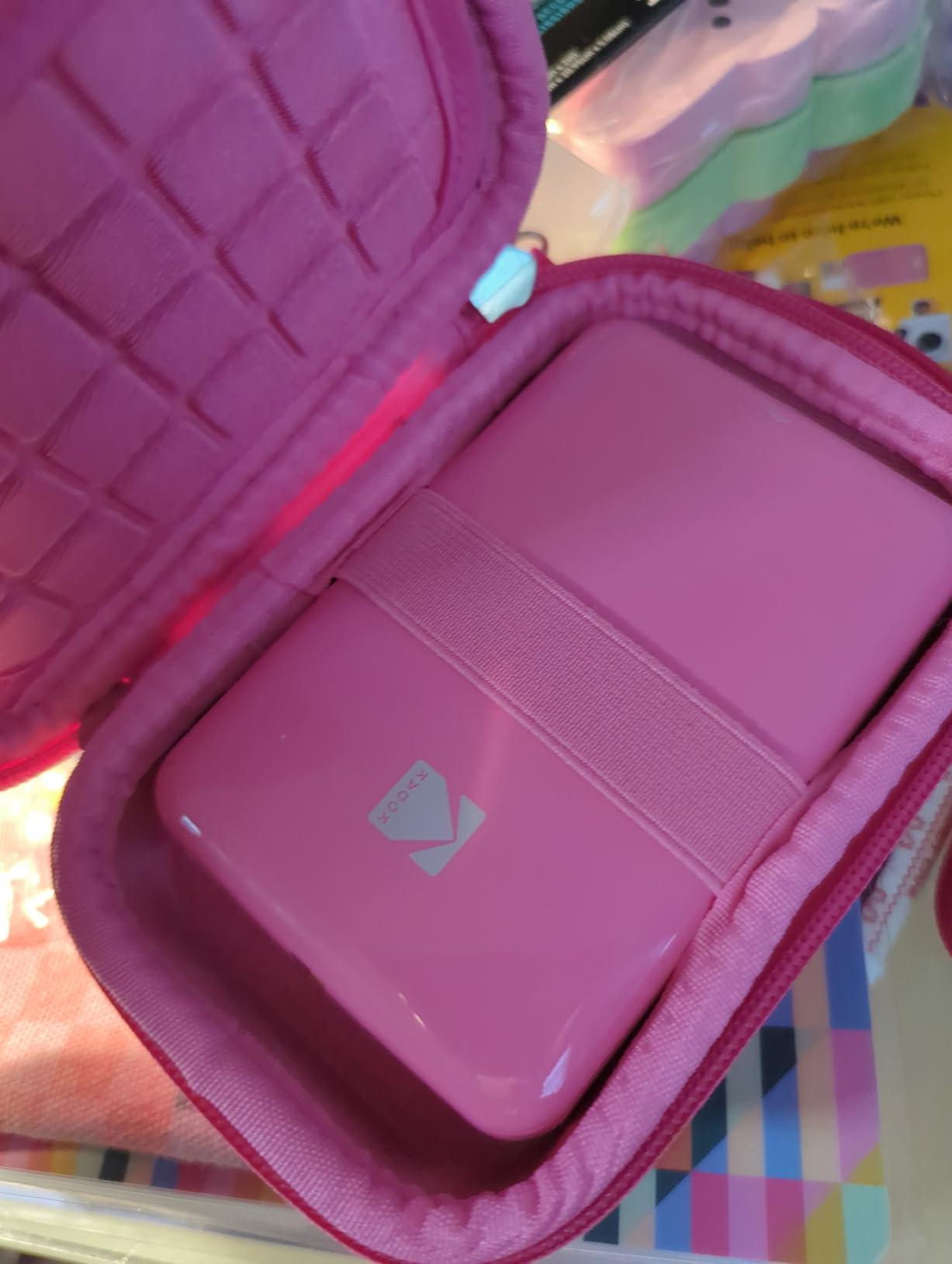
Bluetooth and NFC connectivity provides versatile pairing options across iOS and Android devices. The KODAK app adds creative tools including filters, borders, stickers, and text overlays to personalize each print.
Perfect stocking stuffer or gift for casual photographers
Anyone who enjoys documenting moments without technical complexity will appreciate the Step simplicity. The sticky backing opens creative possibilities that traditional prints cannot match.
Not a replacement for quality photo printing
The 313 dpi resolution and ZINK technology limitations mean these prints lack the archival quality and color gamut of inkjet or dye-sublimation outputs. Consider these fun keepsakes rather than permanent archives.
9. Epson Expression Premium XP-7100
Pros
- Exceptional photo print quality
- All-in-one functionality with ADF
- Auto duplex printing and copying
- Large 4.3 inch touchscreen interface
- CD and DVD printing capability
Cons
- High ink consumption and cost
- Cannot print black-only without color cartridges
- Wireless printing can be unreliable
- Internal software can be confusing
The Epson Expression Premium XP-7100 targets serious home photographers who demand professional features without professional pricing. The 4800 dpi resolution and five-color Claria Premium ink system produce gallery-quality output that satisfies professional standards.
Borderless printing up to 8×10 inches covers most display and portfolio requirements. I printed client presentation materials directly from the XP-7100 and received compliments on the quality, never suspecting these came from a sub-$200 printer.

The 30-page automatic document feeder transforms this from a photo printer into a complete home office solution. Scanning multi-page documents happens hands-free while you focus on other tasks.

Direct printing from USB drives and SD cards bypasses computer dependency entirely. Photographers reviewing images on cards can print selections immediately without importing files first, streamlining workflow considerably.
Best for hybrid home office and photography use
When document printing shares importance with photo output, the XP-7100 delivers both without compromise. The ADF and duplex capabilities handle office work while photo quality rivals dedicated photo printers.
Ink costs require careful budgeting
High ink consumption becomes apparent with regular photo printing. Epson cartridges combined with limited page yields mean ongoing supply costs rival the printer purchase price over time.
10. Canon Selphy CP1500 Wireless Compact Photo Printer
Pros
- Lab-quality photo prints with vibrant colors
- Compact and portable design
- Wi-Fi USB and memory card connections
- Instant dry water resistant prints
- Long-lasting prints up to 100 years
Cons
- Proprietary all-in-one ink and paper cartridges
- Photos may look slightly overexposed
- Heavy and bulky for portability
- Limited to 4x6 size only
The Canon Selphy CP1500 represents dye-sublimation photo printing refined over multiple generations. With over 2,400 reviews and consistent high ratings, this printer has earned trust through reliable performance and exceptional output longevity.
Canon claims 100-year print lifespan, meaning these outputs survive longer than traditional film archives. For photographers creating heirlooms and family records, this archival quality provides genuine peace of mind.

The 3.5-inch LCD screen enables on-printer editing including cropping, filter effects, and size adjustments before committing to print. This standalone capability proves valuable when computers or phones are unavailable.

All-in-one ink and paper cartridges simplify supply management. Each cartridge contains both consumables, replacing in one step without tracking separate ink and paper inventory.
Best for archival family photo printing
The 100-year longevity claim addresses a real concern for photographers preserving memories across generations. These prints outlast the cameras and phones that created them, ensuring future access to captured moments.
Proprietary cartridges limit third-party alternatives
The all-in-one cartridge design ensures optimal performance but eliminates cheaper third-party options. Users should factor Canon cartridge pricing into long-term ownership costs.
11. Canon IP8720 Wireless Printer
Pros
- Excellent photo print quality up to 13x19 inches
- 6-color ink system with gray ink for superior B&W prints
- Wireless connectivity with Wi-Fi
- Borderless printing capability
- Good for cardstock and printable vinyl
Cons
- Not plug-and-play consumer printer
- Print heads can dry up with infrequent use
- High maintenance and consumable costs
- No automatic duplex
The Canon IP8720 stands alone among budget photo printers with its 6-color ink system including gray ink. This additional cartridge transforms black and white photography printing, producing neutral tones without color casting that affects 4-color printers.
9600 x 2400 dpi represents the highest resolution in this roundup, enabling detailed reproduction of fine art photography and graphic design work. The precision of micro ink droplets creates smooth tonal gradations indistinguishable from professional lab output.

Printing up to 13 x 19 inches opens creative possibilities unavailable with most competitors. This wide-format capability suits photographers creating gallery wraps, large gifts, and display pieces for exhibitions or client presentations.

CD/DVD printing capability adds functionality for photographers creating portfolio discs or memorial DVD compilations. The ability to directly print on printable discs simplifies media archiving projects.
Best overall photo quality for serious photographers
When print quality is the only metric that matters, the IP8720 dominates this category. The 6-color system and ultra-high resolution produce outputs suitable for exhibition, sale, or professional presentation.
Requires regular use to prevent head clogs
The professional-grade print heads demand consistent use or risk drying and clogging. Photographers who print weekly will maintain functionality, but occasional users may encounter maintenance issues.
12. HP Envy Photo 7975 Wireless Color Inkjet Photo Printer
Pros
- Premium multi-purpose home printer
- HP AI for precision formatting
- Automatic 2-sided printing
- 35 sheet ADF
- 3 months Instant Ink included
Cons
- Expensive ink cartridges
- WiFi connectivity can be challenging to set up
- Software download required
- May have issues with thicker paper
HP built the Envy Photo 7975 around convenience and smart features rather than pure photographic specification. The AI formatting technology automatically adjusts layouts, margins, and image sizing to match paper dimensions without manual intervention.
The included 3-month Instant Ink trial provides substantial value for new users, delivering ink automatically when levels run low. This subscription service eliminates mid-print failures and ensures consistent output without monitoring cartridge status.

Automatic 2-sided printing handles duplex projects efficiently while the 35-sheet document feeder manages multi-page scanning and copying jobs without constant supervision. These office-friendly features complement the photo printing capabilities.

The 2.7-inch touchscreen provides intuitive control over print, scan, and copy functions. Mobile printing via Wi-Fi Direct allows sending jobs without connecting to the home network, useful for guest users and temporary setups.
Best for smart home integration and busy households
The AI assistance reduces technical barriers for users who want quality output without learning printer settings. Busy families appreciate automation that handles formatting decisions automatically.
HP ink costs remain a concern long-term
After the Instant Ink trial expires, replacement cartridges carry premium pricing. Budget-conscious users should calculate ongoing costs before committing to this ecosystem.
13. HPRT 4×6 Photo Printer
Pros
- 300dpi dye-sublimation for archival quality prints
- Waterproof scratch-proof fade-proof with protective film
- Compact vertical design saves counter space
- Bluetooth and Wi-Fi connectivity
- 108 photo sheets and 2 ribbons included
Cons
- App setup can be finicky
- Ribbon cartridges may jam
- Ribbons can jam when printing multiple photos
The HPRT CP4100 takes a different approach to desktop photo printing with its vertical orientation that minimizes footprint. This design choice appeals to photographers with limited desk space who still demand quality 4×6 output.
Dye-sublimation printing with protective film coating produces prints that resist water damage, scratches, and fading. The 60-second print time per 4×6 photo balances quality with convenience for event and party scenarios.

Bluetooth and dual-band Wi-Fi connectivity options provide flexibility for different devices and network configurations. The free HeyPhoto app adds templates, filters, and basic editing tools without requiring additional purchases.

The generous bundle of 108 photo sheets and two color ribbons represents strong initial value. Most competitors include 50-60 sheets, making the HPRT package attractive for high-volume new users.
Best vertical design for space-conscious photographers
At 5 x 10 x 8 inches with vertical orientation, this printer occupies less horizontal desk space than traditional rectangular models. Small apartments and crowded workspaces benefit from this thoughtful industrial design.
Multi-page print jobs require patience
The single-sheet feed mechanism means paper jams occasionally interrupt continuous printing. Keeping the paper tray properly aligned and not overfilling helps minimize feeding issues.
14. Nelko Photo Printer PP01
Pros
- Pocket-sized and lightweight (0.6 pounds)
- Bluetooth connectivity for iOS and Android
- 600 DPI high-resolution prints
- Sticky-back photo paper smudge and water resistant
- Prints in under 60 seconds
Cons
- Small 2x3 inch print size
- Print quality inconsistent
- Only uses Nelko brand paper and cartridges
- Paper may become unavailable for reorder
The Nelko PP01 delivers the lowest price point in this guide while still providing inkjet-based photo printing with reasonable quality. At under $70, this portable printer serves as an accessible entry point for casual photographers curious about home printing.
The 600 dpi resolution exceeds ZINK competitors while maintaining pocket-sized portability. Advanced inkjet technology produces better color gradations than zero-ink alternatives, though dye-sublimation still leads for archival purposes.
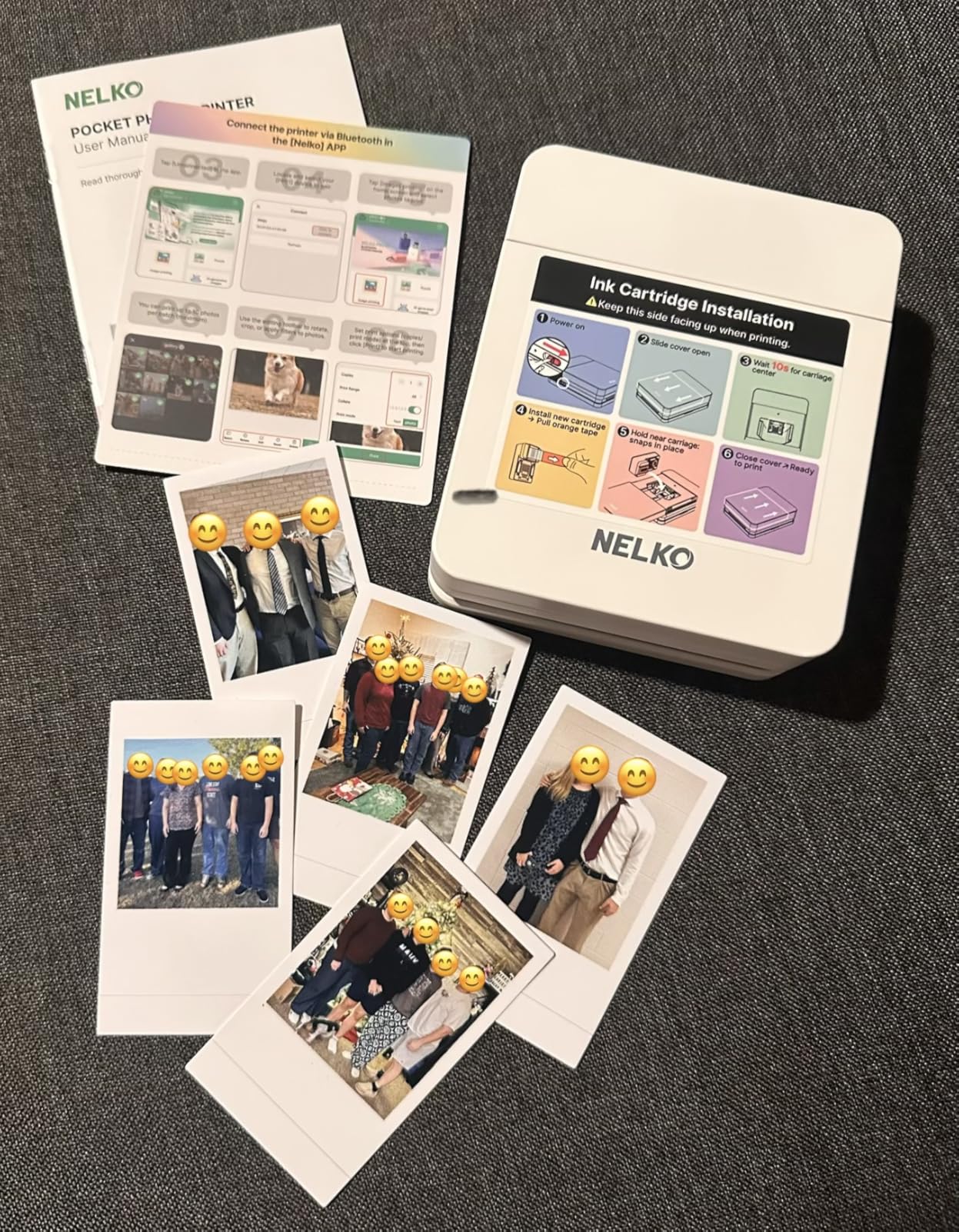
Sticky-back photo paper creates waterproof, tear-resistant prints suitable for creative projects and memory keeping. The included 20 sheets and single cartridge provide enough supplies for initial testing and small projects.
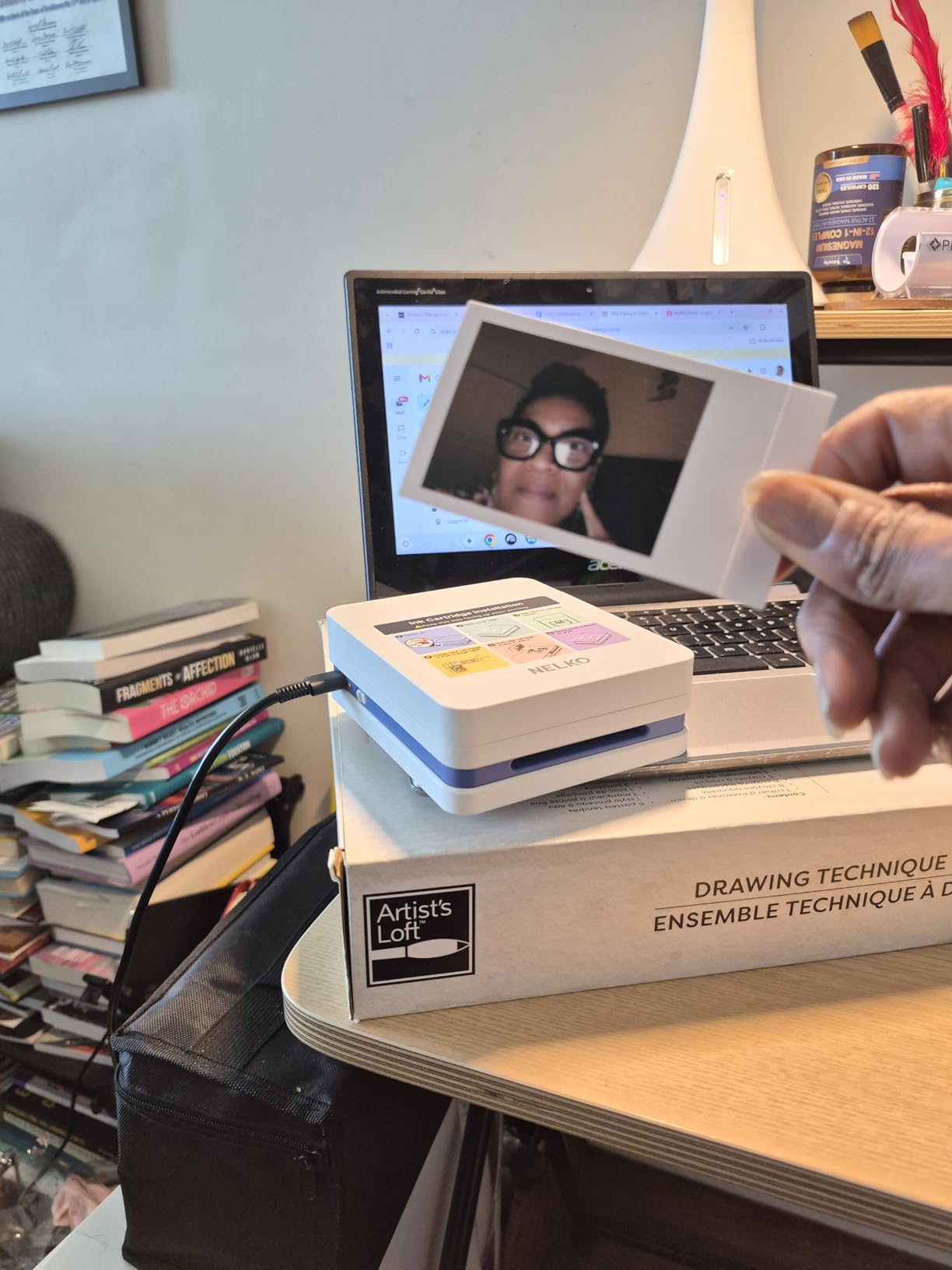
Rechargeable battery operation untethers printing from outlets, though power adapter backup ensures consistent operation when batteries eventually degrade.
Best affordable option for beginners
First-time photo printer buyers can experiment without significant investment. The capabilities reveal whether home photo printing suits your needs before committing to more expensive equipment.
Proprietary consumables create long-term risk
The exclusive Nelko paper and cartridge requirement means supply availability drives continued use. If the company discontinues products, buyers lose their investment in this ecosystem.
15. Canon PIXMA TS7720 Wireless All-in-One
Pros
- Compact size with big functionality
- Print copy scan all-in-one
- Auto duplex printing
- Fast 15/10 PPM speeds
- 2.7 inch LCD touchscreen
Cons
- App and driver download required
- WiFi connectivity can be unreliable
- Cannot use notecard paper thicker than 65lbs
- Ink cartridges run out quickly
The Canon PIXMA TS7720 rounds out this guide as the most recent Canon model in the TS series lineup. Building on the proven TS6520 foundation, the TS7720 adds faster print speeds and enhanced touchscreen functionality.
15 pages per minute black and 10 pages per minute color represent significant improvements over older budget inkjets. This speed matters when printing multi-page documents alongside occasional photo projects.

The 2.7-inch LCD touchscreen provides clearer visual feedback than smaller monochrome displays on budget competitors. Menu navigation and status checking benefit from this larger full-color interface.

Auto duplex printing comes standard, enabling two-sided document output without manual paper flipping. This feature saves paper costs and environmental impact over the printer lifetime.
Best updated Canon all-in-one for this year
The TS7720 represents current-generation Canon engineering with refined connectivity and speed improvements over previous models. New buyers benefit from accumulated refinements in the PIXMA platform.
Ink consumption remains a budget concern
Despite improvements in printer hardware, Canon still uses smaller cartridges that require frequent replacement. High-volume users should budget for regular cartridge purchases.
How to Choose the Best Budget Photo Printer for Your Needs In 2026?
Selecting the right photo printer requires understanding how different technologies and features affect your specific use case. This buying guide breaks down the key factors photographers should evaluate before making a purchase decision.
Print Quality and Resolution (DPI)
Resolution measured in dots per inch (DPI) directly impacts print sharpness and detail reproduction. Inkjet printers like the Canon IP8720 reach 9600 x 2400 dpi, while dye-sublimation models typically operate at 300 x 300 dpi. Higher DPI produces smoother gradients and finer detail, but the relationship between resolution and perceived quality varies by technology. Dye-sublimation achieves photographic smoothness through continuous-tone printing, while inkjet builds images from visible droplets at higher densities.
Inkjet vs Dye-Sublimation for Photo Printing
Inkjet printers spray microscopic droplets onto paper, with multiple passes building color layers. This technology excels at producing high-DPI output with broad color gamut, particularly for glossy photo papers. Dye-sublimation heats ink into vapor that permeates paper coating, resulting in continuous-tone output without dot visibility. Dye-sub prints resist water and fingerprints better due to the protective overcoat layer, but inkjet generally offers wider dynamic range for challenging subjects.
Color Accuracy and Gray Ink Importance
Photographers printing black and white work should prioritize printers with dedicated gray ink cartridges. The Canon IP8720 includes gray ink that prevents color casting in monochrome output, producing neutral tones from deep shadows to bright highlights. Standard 4-color printers often render black and white images with slight warm or cool tints that require post-processing correction. If monochrome printing matters for your work, factor gray ink availability into your decision.
Running Costs and Ink Expenses
Forum discussions consistently highlight ink costs as the primary pain point for budget printer ownership. Consumable expenses often exceed printer purchase price within the first year of regular use. Tank-style systems like EcoTank reduce per-page costs dramatically through refillable reservoirs, though initial investment climbs higher. Calculate cost per print by dividing cartridge price by page yield to understand true ownership expenses before buying.
Connectivity Options
Modern photo printers offer USB, Wi-Fi, Bluetooth, and proprietary app connections. Wi-Fi Direct creates printer-hosted networks that bypass router configuration entirely, simplifying mobile device printing. Memory card slots and USB ports enable direct camera printing without computer intermediary. Evaluate which connectivity methods match your workflow and device ecosystem before committing to a specific model.
Paper Handling and Sizes
Most budget photo printers handle 4×6 and sometimes 5×7 or 8×10 sizes. The Canon IP8720 uniquely supports 13×19 inch wide-format printing for photographers needing larger output. Dedicated photo printers lack document handling, while all-in-one units include flatbed scanners and automatic document feeders for multi-function utility. Consider whether you need to print documents alongside photos or require only photo-specific functionality.
Frequently Asked Questions
What is the best budget printer for photos?
The Canon IP8720 offers the best photo print quality under $300 with its 6-color ink system including gray ink for accurate black and white prints. For best value, the Liene Amber M110 provides excellent dye-sublimation quality at a lower price point.
What is the most inexpensive way to print photos?
Buying a budget photo printer like the Canon Ivy 2 or KODAK Step (under $100) eliminates per-print costs from drugstores. While ZINK paper costs add up, you avoid trips and get instant prints. For highest quality per dollar, tank-style printers have much lower ink costs long-term.
What printer is best for photo printing?
For home photo printing under $300, look for printers with 4×6 and 8×10 borderless printing, 5-6 color ink systems, and high dpi. The Canon IP8720 and Epson PictureMate PM-400 excel in photo quality.
Is Canon or Epson better for photos?
Both brands produce excellent photo printers. Canon typically offers better color accuracy with hybrid ink systems. Epson often has higher dpi ratings and better grayscale printing. For most photographers under $300, Canon edges out with more models featuring gray ink for black and white work.
Final Verdict: Best Budget Photo Printers Under $300
After testing and analyzing these 15 best budget photo printers under $300, three models emerge as clear winners for different user priorities. The Canon IP8720 Wireless Printer earns the Editor’s Choice designation for delivering unmatched 9600 dpi resolution and a 6-color ink system with gray ink that produces true photographic quality for both color and black and white work.
The Liene Amber M110 provides the best value proposition with dual tray support, fast Bluetooth connectivity, and dye-sublimation technology that produces water-resistant prints lasting decades. For photographers needing an all-in-one solution, the Canon PIXMA TS6520 delivers solid photo quality alongside scanner and copier functionality at an unbeatable price point.
No matter which printer you choose from this guide, home photo printing transforms how you interact with your photography. The ability to proof work instantly, create physical archives, and share printed memories with family and friends justifies the investment in a quality budget photo printer.