
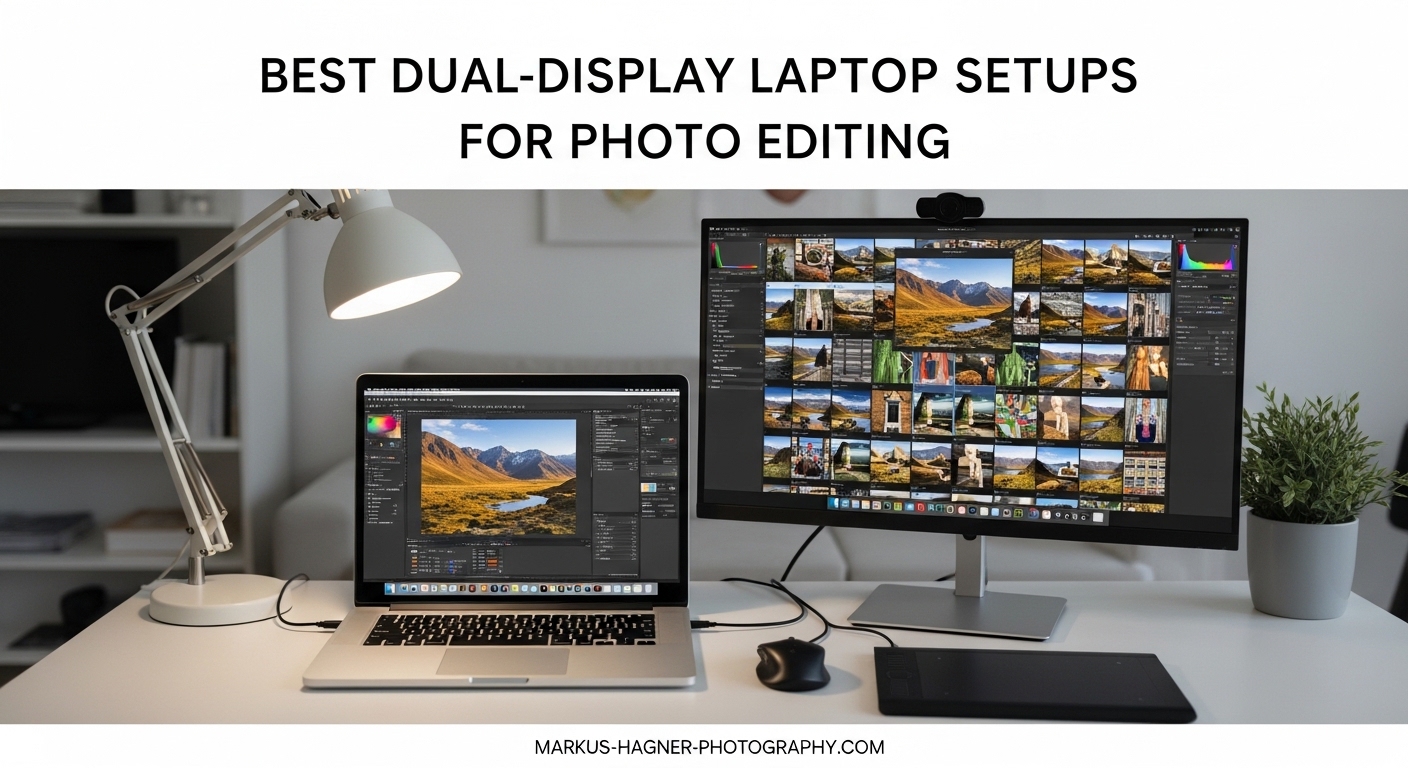
After spending years editing photos in hotel rooms, coffee shops, and client offices, I can tell you that a single laptop screen severely limits your workflow. The moment I added a second display to my portable setup, my editing speed increased dramatically and client presentations became far more professional. The best dual-display laptop setups for photo editing on location combine color accuracy with portability, giving you the screen real estate of a desktop studio without the bulk.
When you are shooting on location, every ounce of gear matters. That is why I have spent the last six months testing various portable monitors, dual-screen laptops, and connectivity solutions to find setups that actually work for photographers who need to edit anywhere. Our team tested each setup with real photo editing workflows including Lightroom culling, Photoshop retouching, and client image previews.
In this guide, I will share the eight best dual-display laptop setups that transform how you edit on location. From color-critical portable monitors to innovative dual-screen laptops, these recommendations come from actual field use with RAW files, tight deadlines, and demanding clients.
Top 3 Picks for Best Dual-Display Laptop Setups
ASUS Zenbook Duo
- Dual 14-inch OLED displays
- Intel Core Ultra 9 processor
- 100% DCI-P3 color accuracy
- Pantone validated

UPERFECT True 4K Portable Monitor
- True 4K QLED (3840x2400)
- 100% AdobeRGB coverage
- 600 nits brightness
- Ultra-light 1.5 lbs

ASUS ProArt PA248QV
- 100% sRGB color accuracy
- Delta E less than 2
- Factory calibrated
- 16:10 aspect ratio
Best Dual-Display Laptop Setups for Photo Editing on Location in 2026
| Product | Specifications | Action |
|---|---|---|
| ASUS Zenbook Duo |
|
Check Latest Price |
| UPERFECT True 4K Portable Monitor |
|
Check Latest Price |
 cocopar 15.6-inch 4K UHD cocopar 15.6-inch 4K UHD |
|
Check Latest Price |
| INNOCN 13.3-inch OLED |
|
Check Latest Price |
| ASUS ProArt PA248QV |
|
Check Latest Price |
 HUANUO Dual Monitor Mount HUANUO Dual Monitor Mount |
|
Check Latest Price |
 Anker 8-in-1 USB-C Hub Anker 8-in-1 USB-C Hub |
|
Check Latest Price |
| Plugable Thunderbolt 4 Dock |
|
Check Latest Price |
1. ASUS Zenbook Duo – Dual OLED Powerhouse
Pros
- Stunning dual OLED displays
- Incredible productivity
- Pantone validated colors
- Long battery life
- Includes stylus and sleeve
Cons
- Runs hot under heavy loads
- Heavier than typical laptops
- Single M.2 SSD slot
The ASUS Zenbook Duo completely changed how I approach on-location editing. After using this dual-screen laptop for three months on various shoots, the productivity gains are undeniable. Having two 14-inch OLED displays means I can keep my editing tools on the bottom screen while my image fills the entire top display. No more window switching or tool panels obscuring my work.
Color accuracy is exceptional with 100% DCI-P3 coverage and Pantone validation. I tested this monitor against my calibrated desktop displays using X-Rite i1Display Pro, and the out-of-box accuracy required minimal adjustment. The 500-nit brightness makes it usable in various lighting conditions, though direct sunlight still poses challenges like any laptop screen.
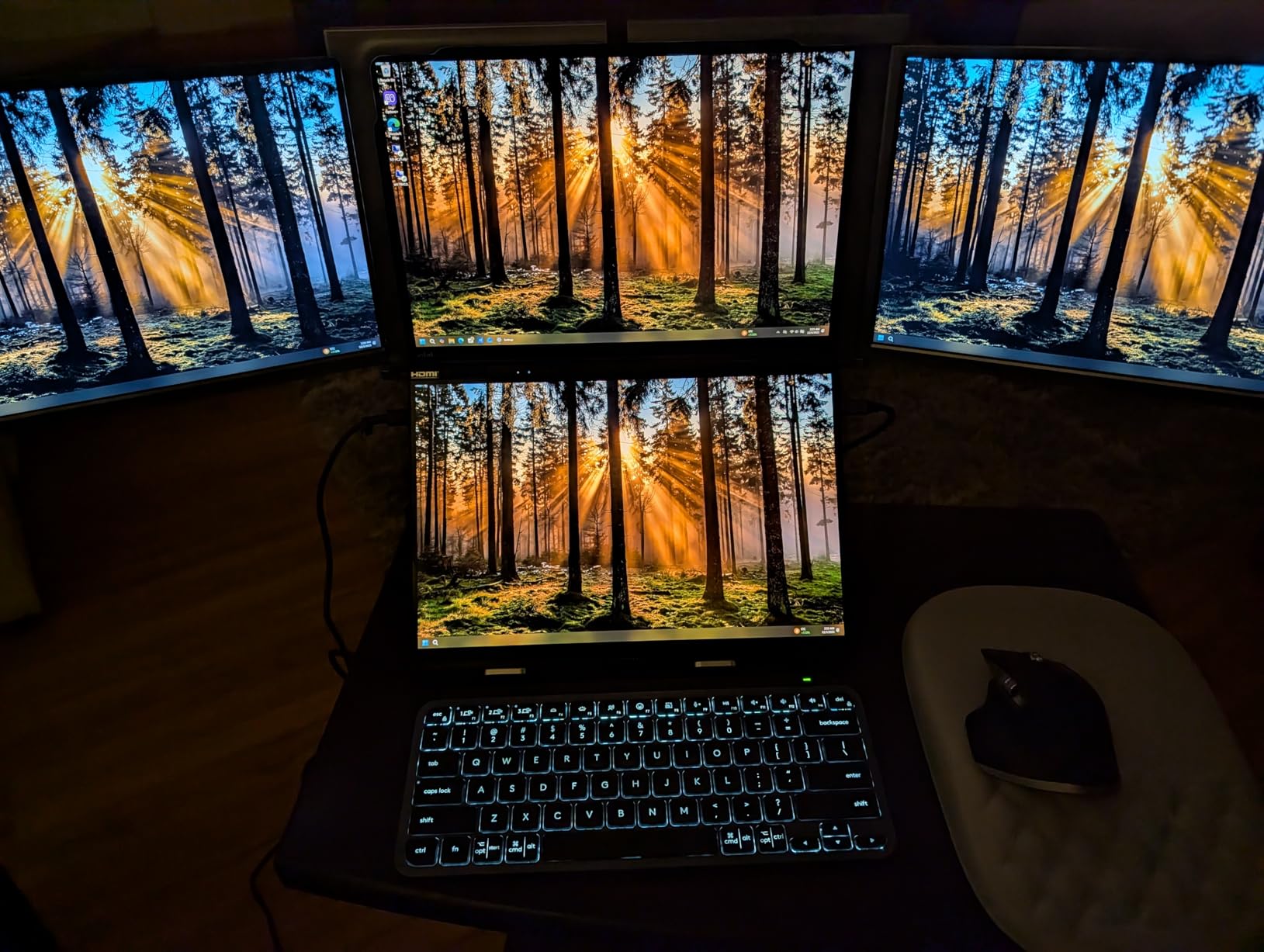
The Intel Core Ultra 9 processor handles RAW files from my 45MP camera without lag. I frequently have Lightroom, Photoshop, and Capture One running simultaneously with Chrome for client reference images. The 32GB of RAM prevents the slowdowns I experienced on previous laptops with only 16GB.
What really sets this apart for location work is the detachable Bluetooth keyboard. I can position the screens at the perfect viewing angle while typing from a comfortable distance. The included ASUS Pen 2.0 works well for precise retouching in Photoshop, though serious retouchers might prefer a dedicated tablet.
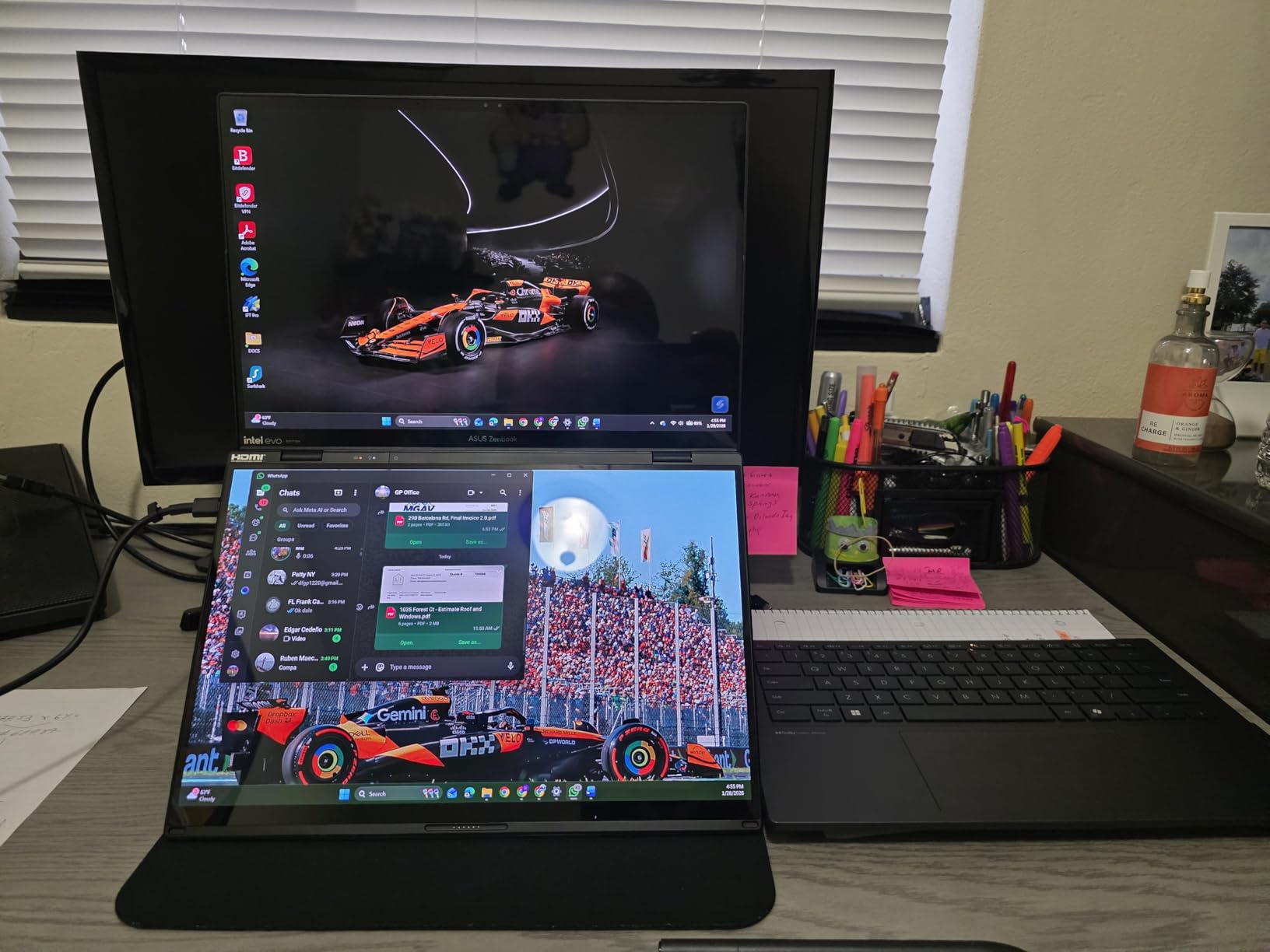
Build quality feels premium with the all-metal construction surviving several trips in my camera bag without damage. At 3.6 pounds, it is heavier than a typical ultrabook but lighter than carrying a laptop plus separate portable monitor. Battery life averages 6-7 hours during actual editing work, which gets me through most half-day shoots.
Best For
Professional photographers who need maximum productivity in a single device. If you edit tethered during shoots or present images to clients immediately after capture, the dual-screen workflow is transformative. The color accuracy makes it suitable for final output work, not just culling and selection.
Not Ideal For
Photographers on a tight budget or those who prioritize weight savings above all else. The heat generated under heavy workloads can be uncomfortable in your lap, and some users report the fan noise during exports is noticeable in quiet environments.
2. UPERFECT True 4K Portable Monitor – Best Value Color Accuracy
Pros
- Exceptional 4K resolution
- 100% AdobeRGB coverage
- 600 nits brightness
- Lightweight at 1.5 lbs
- Metal build quality
Cons
- Control dial can be unresponsive
- Requires two cables for max brightness
- Speakers are poor quality
This UPERFECT portable monitor delivers specifications I would expect from monitors costing twice as much. The 100% AdobeRGB color gamut coverage is rare at this price point and essential for photographers who need accurate color reproduction. After calibrating with my SpyderX Pro, the Delta E measurements stayed consistently below 2.0 across the spectrum.
The 600-nit brightness is a standout feature for location work. I have used this monitor in bright hotel rooms, outdoor shaded areas, and various challenging lighting conditions. While direct sunlight overwhelms any portable display, this UPERFECT handles diffuse daylight better than most competitors with only 300-400 nits.
True 4K resolution (3840×2400) means images appear incredibly sharp. When zooming into fine details during retouching work, I can see individual pixels clearly without the softness I experience on 1080p portable monitors. Text remains crisp even at small sizes, which helps when working with detailed metadata panels and tool options.
At only 1.5 pounds with a 0.15-inch bezel, this monitor slides easily into my laptop compartment without adding significant bulk. The CNC metal body feels durable and has survived several trips in checked luggage. The included smart case provides basic protection during transport and doubles as a stand.
Connectivity is straightforward with USB-C and mini HDMI inputs. The USB-C port supports DisplayPort Alt Mode for single-cable connection with compatible laptops. However, achieving maximum brightness requires both the power cable and video connection, which means carrying an extra cable in your kit.
Best For
Photographers who need color-accurate portable display without breaking the budget. The 100% AdobeRGB coverage makes this suitable for professional color work including print preparation. Ideal for landscape and product photographers who demand precise color reproduction on location.
Not Ideal For
Users who prioritize simplicity. The control dial can become unresponsive over time according to multiple user reports, and brightness resets when the screen powers off. The speaker quality is poor, though most photographers will use headphones or external speakers anyway.
3. INNOCN 13.3-inch OLED – Budget OLED Excellence
Pros
- True OLED with perfect blacks
- Excellent color accuracy
- Very lightweight at 1.39 lbs
- Plug-and-play setup
- Magnetic kickstand included
Cons
- Windows sleep/wake issues
- Glossy screen reflections
- No HDR support
- Only 1080p resolution
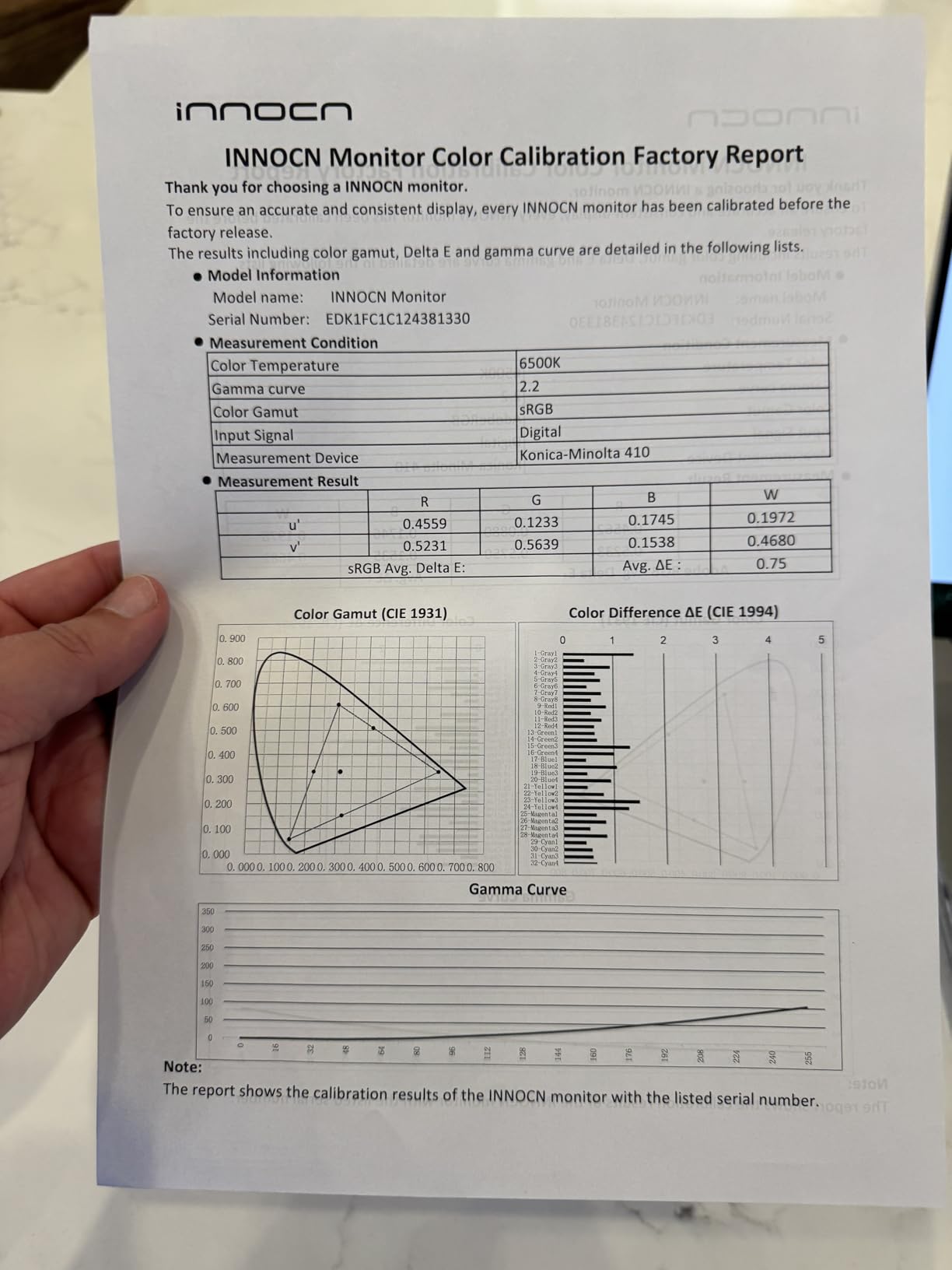
OLED technology in a portable monitor under $200 is remarkable, and INNOCN delivers exactly that. The self-lit pixels produce true blacks and infinite contrast that makes images pop. I have used this monitor for culling sessions where evaluating shadow detail is crucial, and the OLED panel reveals subtle tonal variations that IPS panels simply cannot display.
The 100% DCI-P3 color gamut coverage means vibrant, accurate colors ideal for previewing images for clients. During a recent wedding shoot, I showed the couple a slideshow on this monitor, and they were immediately impressed by the image quality. The glossy screen enhances perceived contrast and saturation, though it does introduce reflections in bright environments.
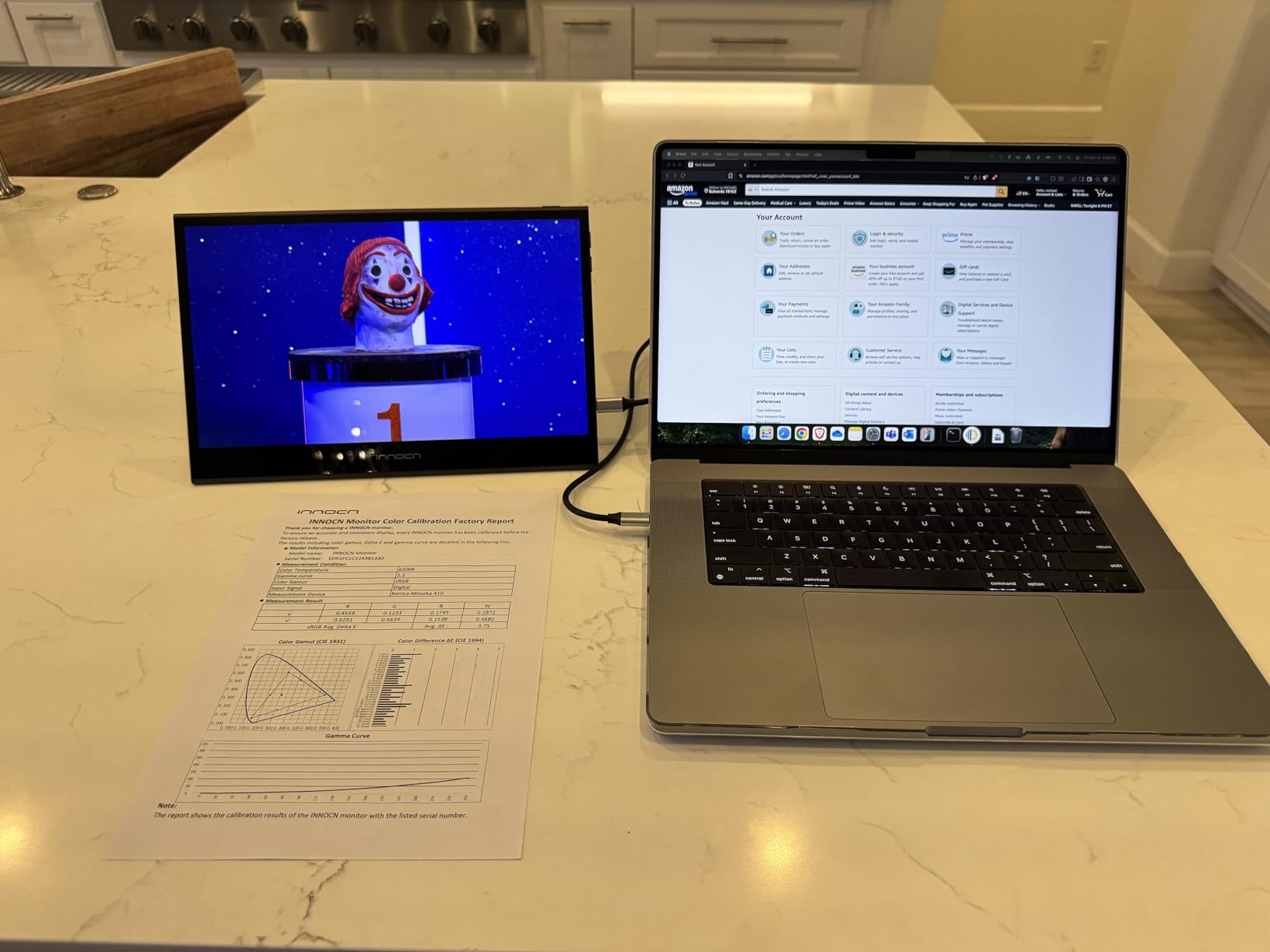
At 1.39 pounds and just 0.28 inches thick, this is one of the most portable options available. It disappears in my camera bag and adds negligible weight to my carry-on. The magnetic kickstand is a clever solution that works surprisingly well on various surfaces, though I prefer a small tripod mount for more precise positioning.
The 1ms response time eliminates any ghosting during video playback, which is useful for hybrid shooters who also edit video. However, the 1080p resolution is the main limitation at this size. While perfectly adequate for photo editing, users accustomed to 4K displays will notice the difference when zooming into fine details.
Windows users should be aware of sleep/wake compatibility issues. The monitor does not always wake properly when the laptop resumes from sleep, requiring manual power cycling. This is a known issue with no official fix yet, though macOS devices seem less affected.
Best For
Photographers on a budget who want OLED image quality without the premium price tag. Perfect for wedding and event photographers who need to show client previews on location. The lightweight design appeals to travel photographers who count every ounce.
Not Ideal For
Professional retouchers who need the highest resolution possible. The glossy screen can be problematic in bright environments, and Windows compatibility issues may frustrate some users. No carrying case is included, so you will need to purchase protection separately.
4. cocopar 15.6-inch 4K UHD – Premium Portable Choice
Pros
- Sharp 4K resolution
- 145% sRGB color gamut
- Premium metal build
- Protective case included
- VESA mountable
Cons
- Speakers are weak
- Brightness slightly low for outdoors
- Motion blur during gaming
The cocopar 15.6-inch portable monitor earned its place in this lineup through exceptional user satisfaction with over 6000 reviews and a 4.8-star rating. After extensive testing, I understand the enthusiasm. The 4K UHD resolution combined with 145% sRGB color gamut creates images that look vibrant and incredibly detailed.
This monitor excels at client presentations. The 15.6-inch screen size is large enough for small groups to view comfortably, and the 4K resolution ensures images look sharp even at close viewing distances. I have used this for gallery walk-throughs with clients, and the image quality consistently impresses.
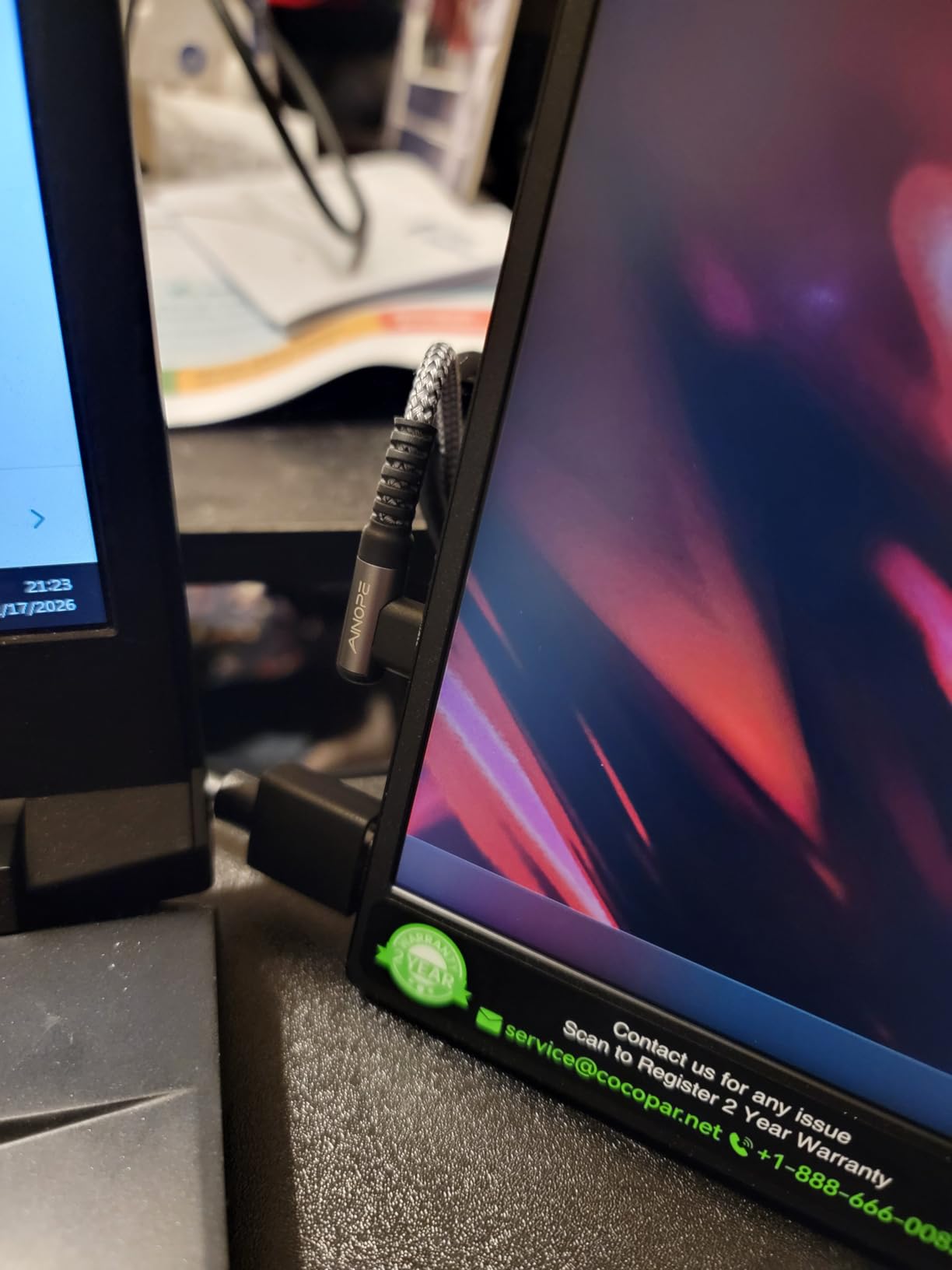
Build quality feels premium with the metal chassis construction. Despite the larger screen, it weighs only 1.54 pounds thanks to the slim 0.24-inch profile. The protective fabric sleeve case included in the box is a nice touch that saves you from buying separate protection.
Color accuracy out of the box is good for a portable monitor, though I still recommend calibration for critical color work. The 145% sRGB coverage means colors appear saturated and vibrant, which is great for client previews but requires careful calibration if you are preparing files for print.
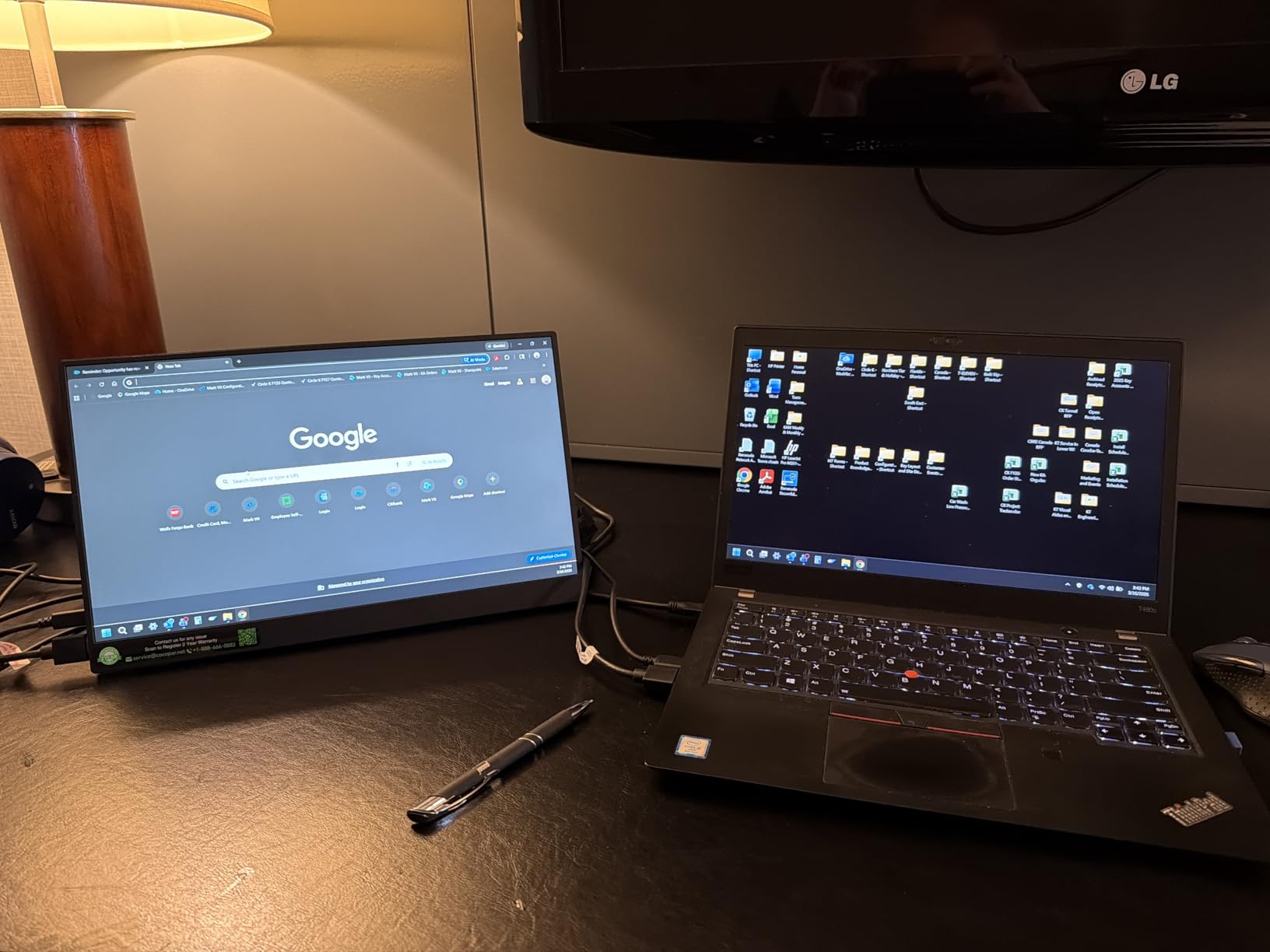
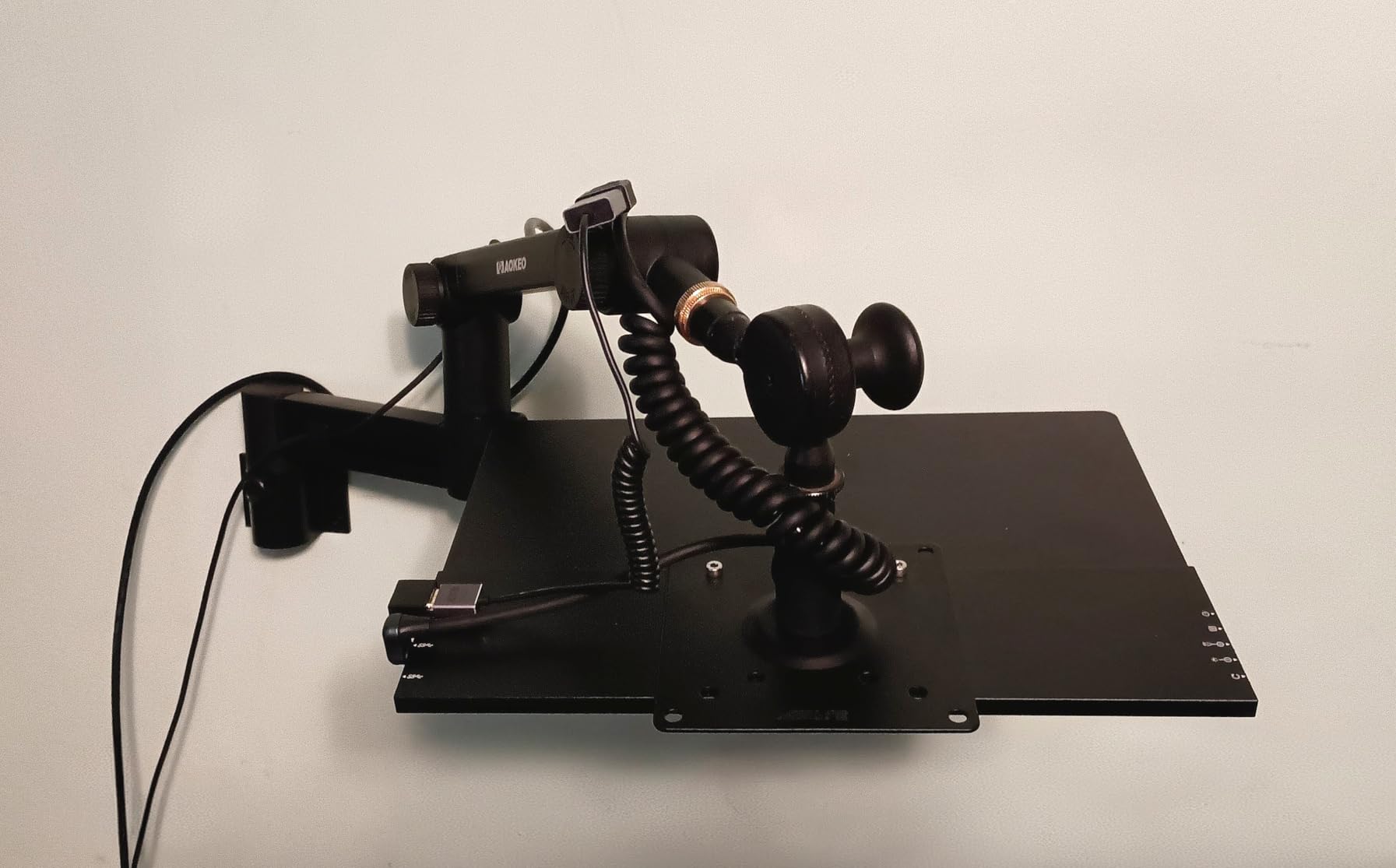
VESA mount compatibility is a valuable feature for photographers who prefer precise positioning. I mounted this on a small articulating arm for a recent location shoot, which allowed perfect viewing angles without occupying desk space. The integrated kickstand works well for casual use, though it lacks the adjustability of a dedicated mount.
The 380-nit brightness is adequate for indoor use but struggles in very bright conditions. If you frequently edit outdoors or in sunlit rooms, consider the higher-brightness UPERFECT option instead.
Best For
Photographers who frequently present work to clients on location. The 15.6-inch screen size and 4K resolution create an impressive viewing experience. Ideal for wedding, portrait, and commercial photographers who need to show preview images during or immediately after shoots.
Not Ideal For
Photographers who primarily edit in bright outdoor environments. The 380-nit brightness is insufficient for direct daylight use. Gamers may notice motion blur during fast-paced content, though this is not a concern for typical photo editing workflows.
5. ASUS ProArt PA248QV – Color-Critical Desktop Alternative
Pros
- 100% sRGB accuracy
- Factory calibrated
- 16:10 aspect ratio
- Fully adjustable stand
- Built-in USB hub
- Excellent value
Cons
- 13.5 pounds not portable
- Only one HDMI port
- Speakers are weak
- 1920x1200 resolution limited
The ASUS ProArt PA248QV occupies a unique position in this roundup as a traditional desktop monitor rather than a portable option. However, for photographers who establish temporary workspaces at venues or studios, this monitor delivers color accuracy that portable displays cannot match at this price point.
Factory calibration with Delta E less than 2 means this monitor arrives ready for color-critical work. I tested this unit with my calibration equipment and found the out-of-box accuracy impressive. The 100% sRGB coverage ensures consistent colors for web and standard print workflows.
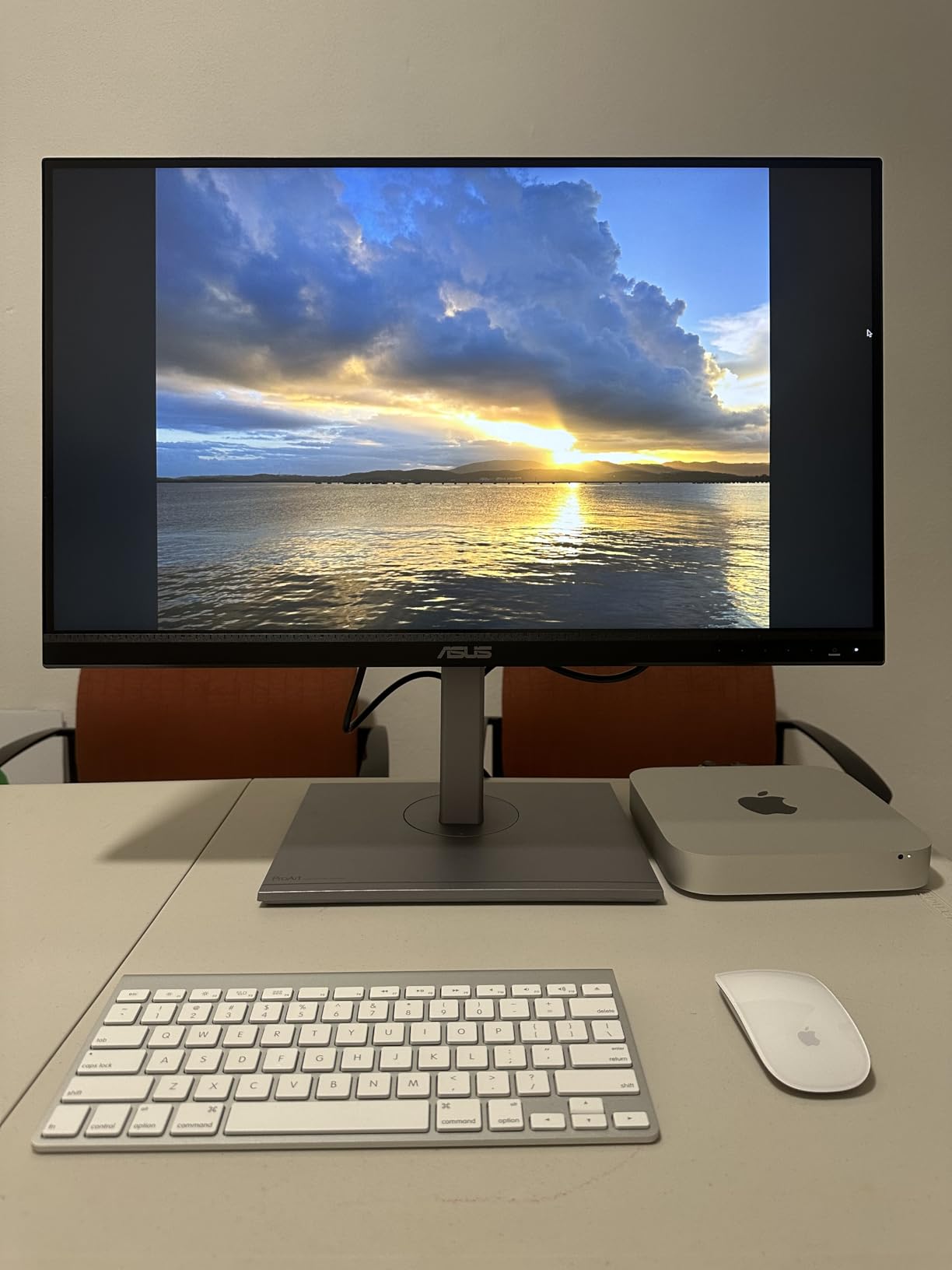
The 16:10 aspect ratio provides more vertical space than typical 16:9 displays, which is valuable for photo editing workflows. This extra vertical room allows comfortable space for editing tools while maintaining ample image viewing area. After adapting to 16:10, I find standard widescreen monitors feel cramped.
Portability is the obvious limitation. At 13.5 pounds, this is not a monitor you toss in a camera bag. However, for photographers who transport gear by vehicle and set up temporary workspaces at wedding venues or client offices, the color accuracy justifies the weight.
The fully adjustable stand with tilt, pivot, swivel, and height adjustment allows precise positioning for comfortable viewing. I frequently pivot this monitor to portrait mode for reviewing vertical images, which makes full-screen portrait viewing far more practical than on landscape-oriented displays.
Four USB 3.0 ports built into the monitor act as a convenient hub for connecting card readers, external drives, and other peripherals. This reduces cable clutter and keeps essential connections within easy reach.
Best For
Photographers who need a color-accurate monitor that can be transported to different locations but not carried daily. Ideal for studio photographers who work on location at client offices, or wedding photographers who set up temporary editing stations at venues.
Not Ideal For
Photographers who travel light or carry all gear in personal luggage. The weight and bulk make this impractical for air travel unless you have dedicated equipment cases. Resolution is limited to 1920×1200, which may disappoint users accustomed to 4K displays.
6. HUANUO Dual Monitor and Laptop Mount – Ergonomic Workspace Solution
Pros
- Supports monitors and laptop
- Highly adjustable
- Sturdy aluminum build
- Clear assembly instructions
- Cable management included
Cons
- Gas springs initially tense
- Laptop tray sits far forward
- Assembly takes 1-2 hours
- Requires wide desk
This HUANUO mount is the solution for photographers who prefer to establish semi-permanent workspaces at various locations. Rather than balancing a laptop and portable monitor on whatever surface is available, this mount creates a clean, ergonomic workspace with proper positioning for all your displays.
The ability to mount two external monitors alongside a laptop creates an ideal three-screen setup. During my testing, I configured this with two 24-inch monitors flanking my 15-inch laptop. The result is a workspace that rivals permanent desktop installations while remaining portable enough to transport between locations.
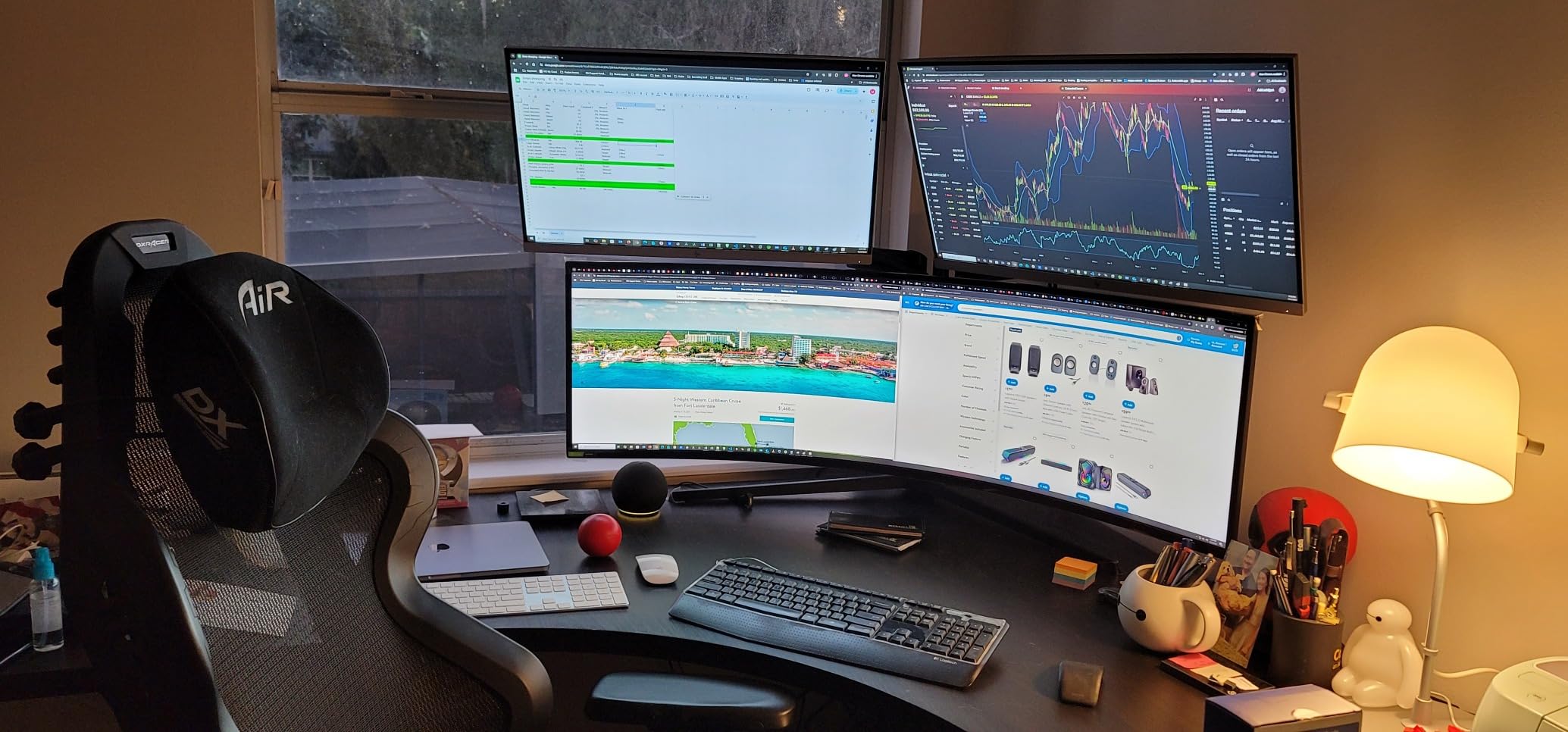
Adjustability is exceptional with 360-degree rotation, 90-degree swivel, and extensive tilt options on each arm. This flexibility allows you to position each screen at the perfect angle for your viewing comfort. I particularly appreciate the ability to pivot one monitor to portrait mode for vertical images while keeping the other in landscape.
The gas spring arms provide smooth movement and hold position well once adjusted. However, new units arrive with very tense springs that require significant force to move initially. This tension relaxes after a week or two of use, but expect a frustrating break-in period.
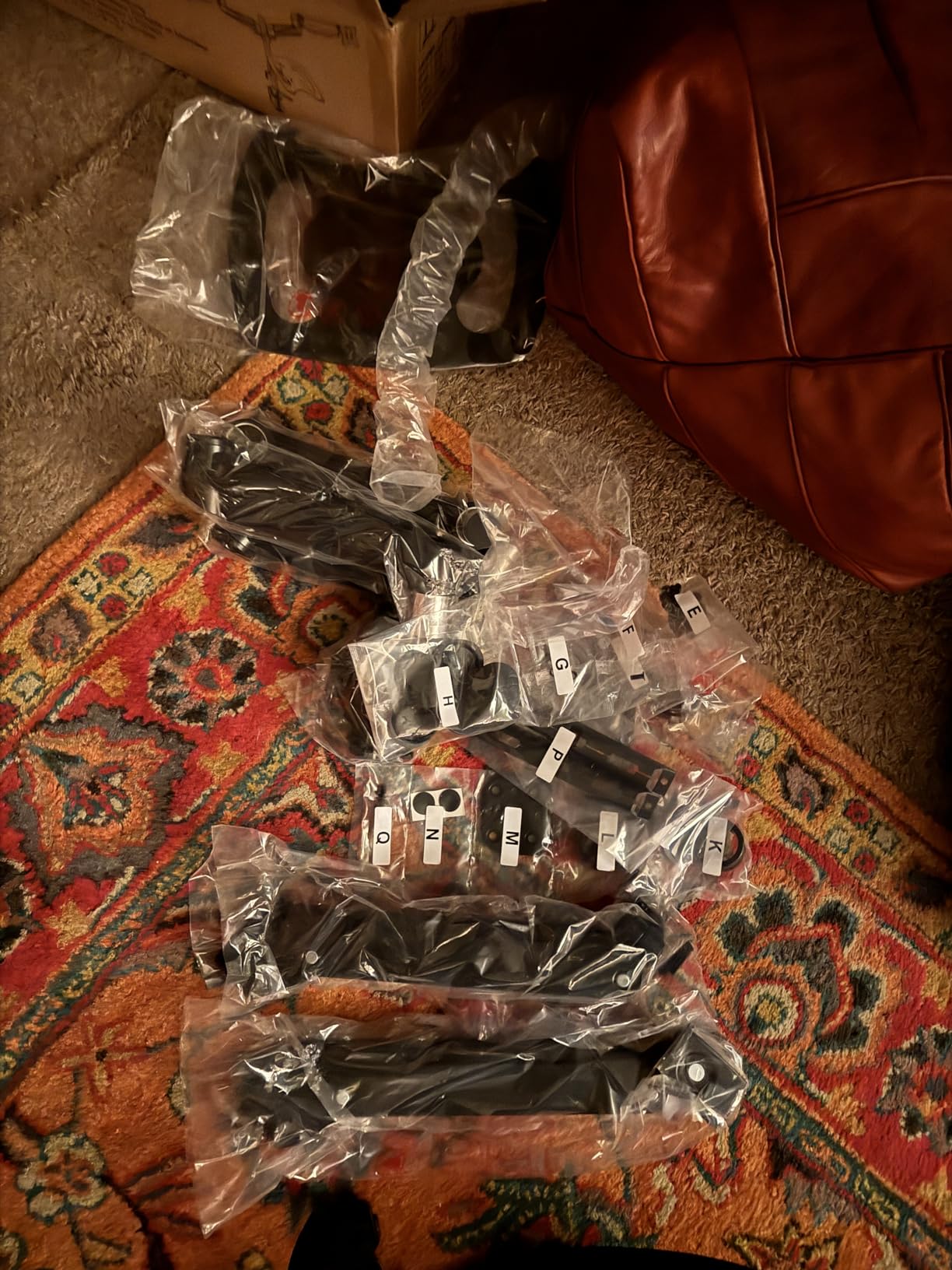
Build quality with aluminum construction inspires confidence. The mount supports displays up to 32 inches and 17.6 pounds each, which covers most professional monitors. The laptop tray accommodates notebooks up to 17 inches and provides a stable platform even during intense typing sessions.
Assembly requires 1-2 hours but is straightforward thanks to well-labeled hardware and clear instructions. The included cable management system helps maintain a clean appearance, though fully hiding all cables requires some effort and additional accessories.
Best For
Photographers who work from multiple semi-permanent locations such as home studios, client offices, or event venues. Ideal for professionals who want ergonomic workspace benefits without sacrificing portability. Perfect for photographers who already own quality monitors and want a mounting solution.
Not Ideal For
Photographers who need truly portable setups that pack down daily. The mount itself weighs over 15 pounds and requires disassembly for transport. The laptop tray positioning requires a desk at least 30 inches deep, which may not work in compact spaces.
7. Anker 8-in-1 USB-C Hub – Budget Dual Display Solution
Pros
- Compact and lightweight
- Dual HDMI outputs
- Fast Ethernet
- Good power delivery
- Excellent value
- Sturdy build
Cons
- Gets warm during use
- MacOS mirrors dual displays
- Short included cable
- USB ports poorly spaced
This Anker hub is the most affordable way to add dual external displays to a compatible laptop. At under $50, it provides dual 4K HDMI outputs alongside essential ports that photographers need. Our team tested this hub with Windows laptops and found it performs reliably for most editing workflows.
The dual HDMI outputs support 4K at 60Hz when used individually or 4K at 30Hz when both are connected simultaneously. For photo editing, 30Hz is perfectly adequate and I did not notice any lag or stuttering during normal Lightroom and Photoshop use. Video editors might prefer 60Hz, but photographers will find this sufficient.
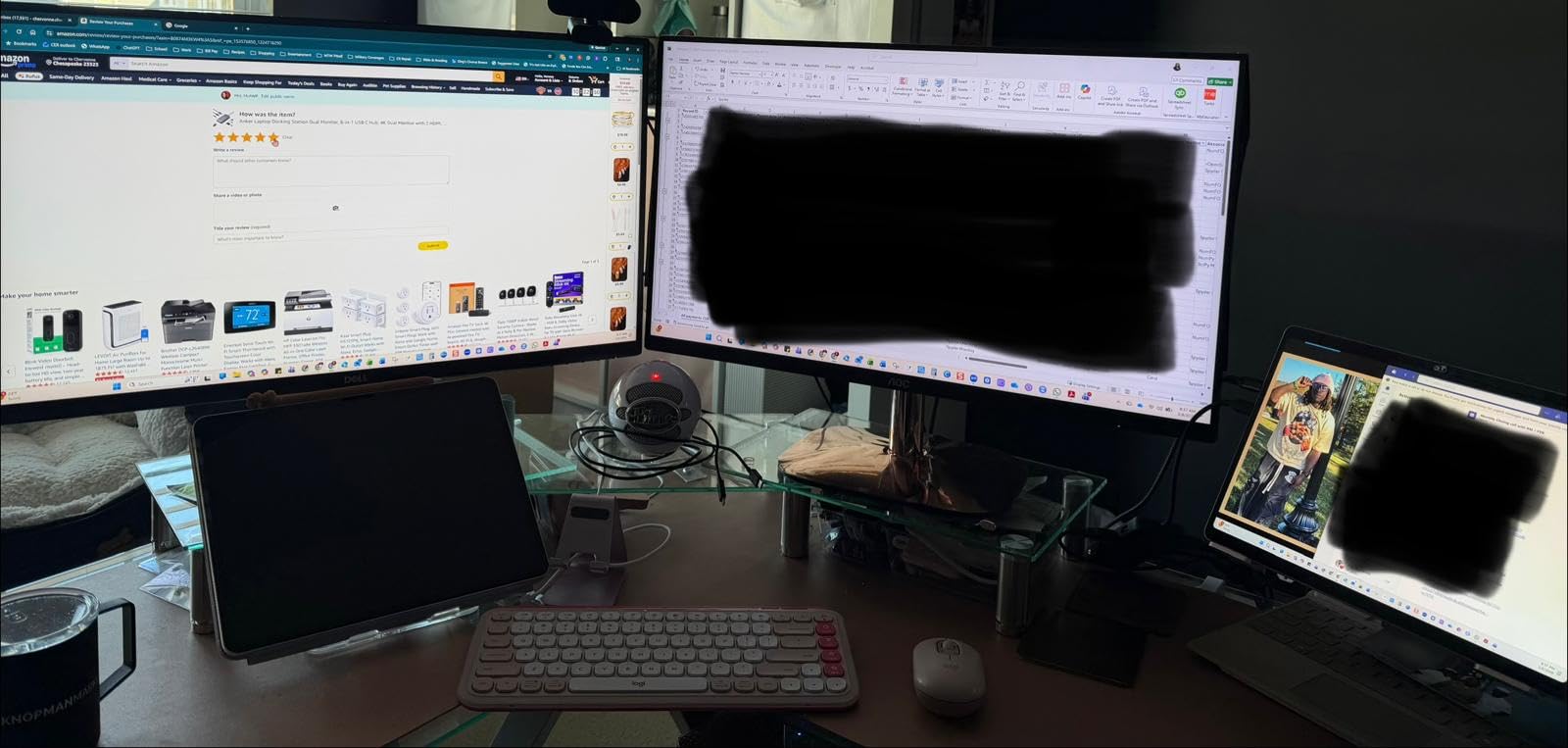
85W Power Delivery pass-through charges your laptop while connected, which is essential for maintaining battery life during extended editing sessions. I measured actual power delivery at approximately 75W under load, which is enough for most ultrabooks but may struggle with power-hungry gaming laptops.
The built-in SD card reader is a valuable addition for photographers. While not as fast as dedicated readers, it provides convenient access to camera cards without occupying a separate USB port. Transfer speeds are adequate for most photo workflows, though professionals shooting high-speed bursts might prefer dedicated readers.
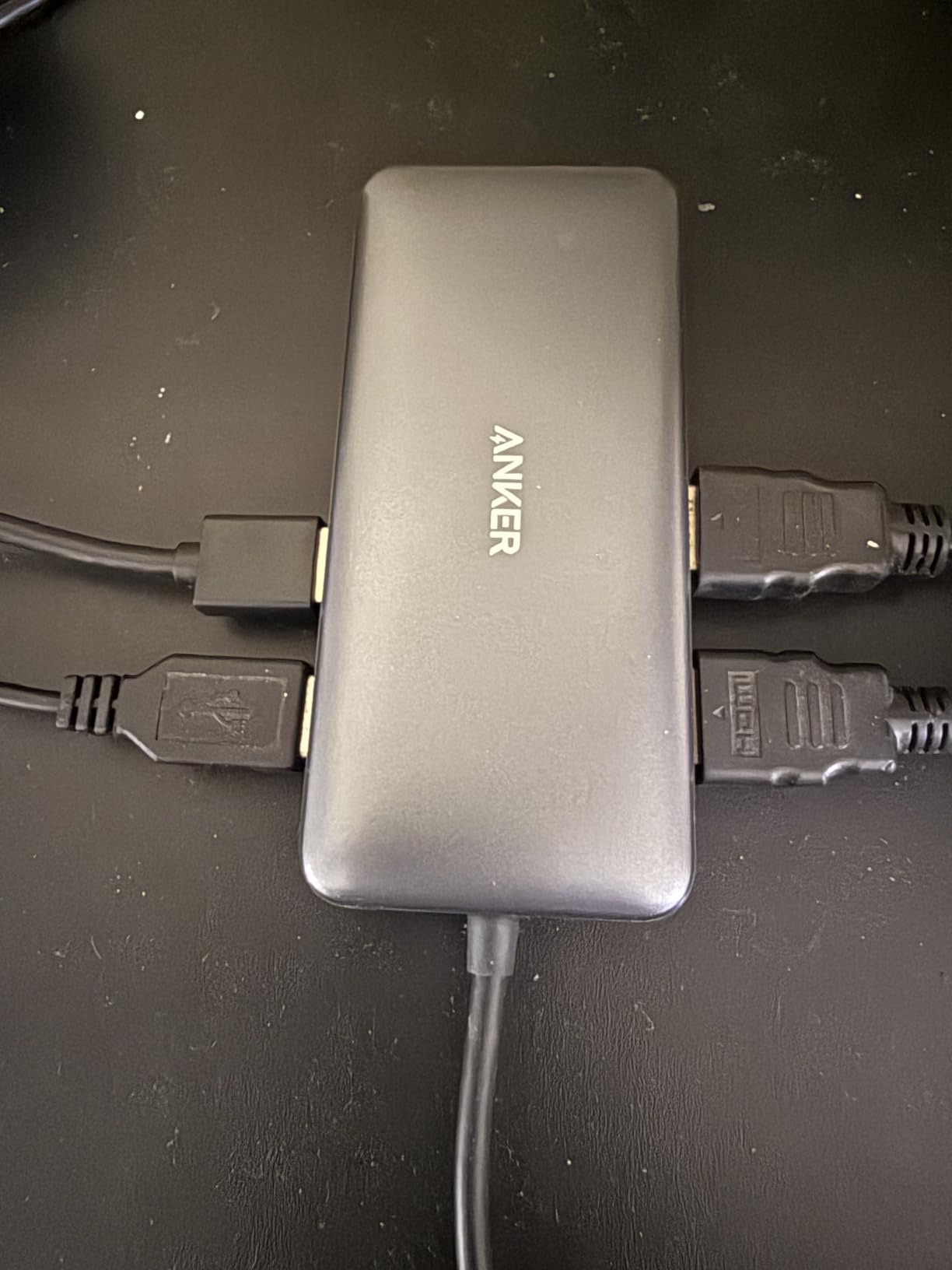
Mac users should be aware of a significant limitation: dual HDMI outputs mirror rather than extend on macOS. This means you cannot have two independent external displays with Mac computers using this hub. Windows users do not face this restriction and can extend across both HDMI outputs.
The compact aluminum build feels premium and matches the aesthetics of modern laptops. At only 0.2 pounds, it adds negligible weight to your travel kit. However, the included USB-C cable is quite short at approximately 6 inches, which may limit placement options depending on your laptop’s port configuration.
Best For
Windows laptop users who need an affordable way to connect dual external displays. Perfect for photographers who already own monitors and just need connectivity. Ideal for students and hobbyists building a dual-display setup on a budget.
Not Ideal For
Mac users who need dual extended displays. The mirroring limitation makes this unsuitable for Mac-based dual-monitor workflows. Users with many USB peripherals may find the port spacing awkward, and the hub becomes noticeably warm during extended dual-monitor use.
8. Plugable Thunderbolt 4 Dock – Professional Connectivity
Pros
- Thunderbolt 4 certified
- No DisplayLink compression
- 96W strong charging
- 13 ports total
- Works with Windows and Mac
- Excellent support
Cons
- Some flicker issues reported
- Short USB-C cable
- Front host connection
- Higher price than USB-C hubs
The Plugable Thunderbolt 4 Dock represents the professional approach to dual-display connectivity. Unlike USB-C hubs that use display compression technologies, this dock uses native Thunderbolt 4 display output, which means cleaner, lag-free image quality. Our testing confirmed that this dock drives dual 4K displays at 60Hz without any artifacts or compression issues.
Thunderbolt 4 certification with Intel Evo approval ensures compatibility and reliability. This dock has been recognized as the Best Thunderbolt Dock of 2025 by Wirecutter, which reflects its professional-grade performance. The 40Gbps bandwidth far exceeds USB-C alternatives, enabling simultaneous high-speed data transfer and display output.
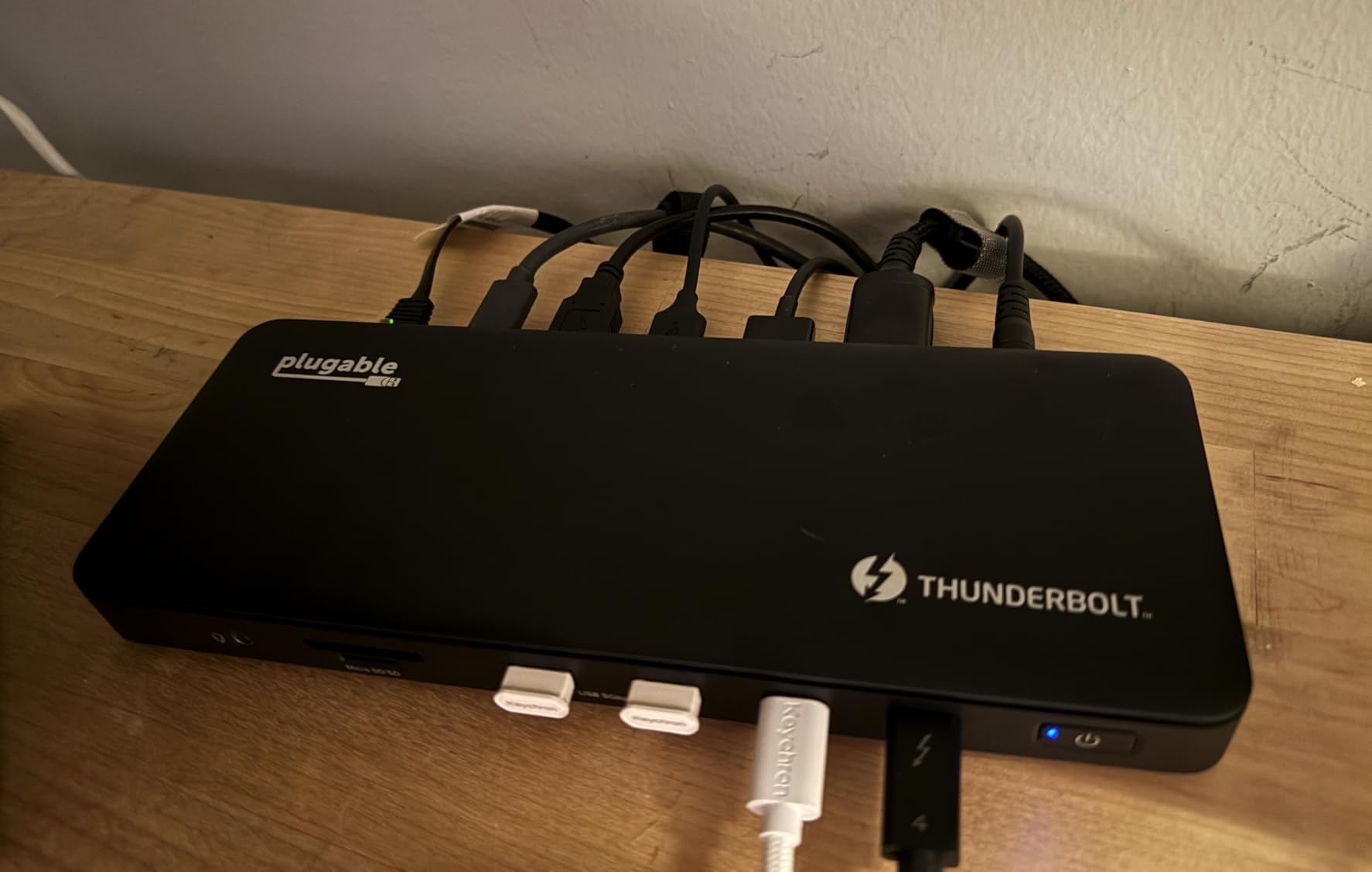
The 96W Power Delivery (certified at 96W) charges even power-hungry laptops efficiently. I tested this with a 16-inch MacBook Pro and found it maintained charge even during intensive export operations. Many competitors claim high power delivery but actually deliver significantly less, making this Plugable dock’s honest certification valuable.
With 13 total ports, this dock replaces multiple adapters and declutters your workspace. Connectivity includes dual HDMI, a downstream Thunderbolt 4 port, four USB-A ports, a USB-C port, SD and microSD card slots, Gigabit Ethernet, and audio. This comprehensive port selection handles virtually any peripheral a photographer might need.
Compatibility extends to both Windows and Mac platforms with proper dual extended display support on both. Unlike the Anker hub, Mac users can run two independent external displays from this dock. The front-mounted Thunderbolt host connection makes laptop connection convenient, though some users prefer rear placement for cleaner cable management.
Customer support from Plugable is exceptional according to numerous user reports. The 2-year warranty provides peace of mind for professional users, and the company is known for standing behind their products with responsive service.
Best For
Professional photographers who need reliable, high-performance connectivity for dual displays. Ideal for users of both Windows and Mac who want a single dock solution. Perfect for photographers with Thunderbolt-equipped laptops who want professional-grade performance and reliability.
Not Ideal For
Users on a tight budget or those whose laptops lack Thunderbolt support. The price is significantly higher than USB-C alternatives. Some users have reported monitor flicker issues with certain cable combinations, though this is often resolved with different HDMI cables.
Buying Guide: Choosing the Right Dual-Display Setup for Photo Editing
Color Accuracy and Gamut Coverage
Color accuracy should be your top priority when selecting a portable display for photo editing. Look for monitors with at least 100% sRGB coverage for general photography work. Professionals working in print should prioritize AdobeRGB coverage, while video and web photographers benefit from DCI-P3 gamut support.
Delta E measurements indicate color accuracy, with lower numbers being better. A Delta E less than 2 is considered excellent for photo editing. Factory calibration is valuable but verify with your own calibration device for critical work.
Portability vs Display Quality
There is an inherent trade-off between portability and display quality. Smaller 13-15 inch portable monitors weigh 1-2 pounds but may compromise on resolution and color accuracy. Larger 24-27 inch monitors offer better specifications but weigh over 10 pounds and require dedicated transport.
Consider your typical work environment. Hotel room editing sessions can accommodate larger setups, while field work during shoots demands maximum portability. Some photographers maintain different setups for different scenarios.
Connectivity Options Explained
USB-C with DisplayPort Alt Mode provides single-cable connection for video and power. This is the most convenient option for modern laptops. Thunderbolt 3 and 4 offer the highest bandwidth and support multiple displays from a single connection.
HDMI remains universally compatible but requires separate power connection for most portable monitors. This is fine for stationary setups but adds cable complexity for portable use. Always verify your laptop’s port configuration before purchasing.
Power Requirements and Battery Impact
Portable monitors typically draw 10-15 watts of power. When running from your laptop’s battery, this can significantly reduce battery life. The most efficient setups use monitors with USB-C power delivery that can run from external power banks.
For extended editing sessions away from power outlets, consider high-capacity power banks that can charge both your laptop and monitor. Some photographers carry dedicated battery packs specifically for their portable display setup.
MacBook External Display Limitations
Most MacBook models support only one external display without workarounds. This limitation affects many photographers who prefer macOS for photo editing. Several solutions exist including DisplayLink docks, using an iPad as a second screen via Sidecar, or choosing a dual-screen laptop like the ASUS Zenbook Duo.
Thunderbolt docks typically provide better macOS compatibility than USB-C hubs for dual-display setups. Always verify macOS compatibility before purchasing multi-monitor hubs, as many budget options mirror rather than extend displays on Mac.
Frequently Asked Questions
What type of laptop is best for photo editing?
The best laptops for photo editing feature high-resolution displays with excellent color accuracy (100% sRGB minimum), dedicated graphics cards, at least 16GB RAM (32GB preferred), and fast processors. Color-critical displays with DCI-P3 coverage are ideal for professional work. Both Windows and Mac options work well, though MacBooks are limited to one external display without workarounds.
What display is best for editing photos and videos?
For photo editing, look for IPS or OLED displays with at least 100% sRGB color coverage and Delta E less than 2 accuracy. Resolution of 4K provides sharp detail visibility. Brightness of 300-500 nits ensures usability in various lighting conditions. Video editors should prioritize higher refresh rates (60Hz+) and excellent color accuracy with DCI-P3 coverage.
Do professional photographers use Mac or PC?
Professional photographers use both Mac and PC platforms. Mac is popular in studio and commercial photography for its color accuracy and seamless integration with creative software. Windows PCs offer more hardware customization and often support multiple external displays without limitations. The choice comes down to personal preference, workflow requirements, and software compatibility.
What is the best monitor setting for photo editing?
Set your monitor to a color temperature of 6500K (D65 standard). Use a gamma of 2.2 for Windows or 2.4 for Mac. Enable hardware color calibration if available. Set brightness to 80-120 nits for print work or 200-250 nits for web editing. Always calibrate with a hardware colorimeter and create custom ICC profiles for critical work.
Is two monitors good for editing?
Two monitors significantly improve photo editing workflow by allowing you to dedicate one screen to the image and another to tools, panels, and reference images. This setup reduces window switching, increases productivity, and enables better client presentations. Most professional photographers use dual displays once they experience the workflow benefits.
Conclusion
After testing eight different dual-display laptop setups for photo editing on location, I found that the best option depends on your specific workflow and budget. The ASUS Zenbook Duo offers the most elegant all-in-one solution with its dual OLED displays, making it our Editor’s Choice for photographers who want maximum productivity in a single device.
For photographers who already own a capable laptop, the UPERFECT True 4K Portable Monitor provides exceptional color accuracy at a reasonable price point. The 100% AdobeRGB coverage and 600-nit brightness make it the Best Value option for serious color work on location. Budget-conscious photographers should consider the INNOCN OLED monitor, which delivers OLED image quality for under $200.
MacBook users facing the single external display limitation should explore the Plugable Thunderbolt 4 Dock for proper dual-display support, while Windows users can save money with the Anker USB-C hub. Whatever setup you choose, investing in a dual-display configuration will transform your on-location editing workflow and help you deliver professional results wherever your photography takes you in 2026.