
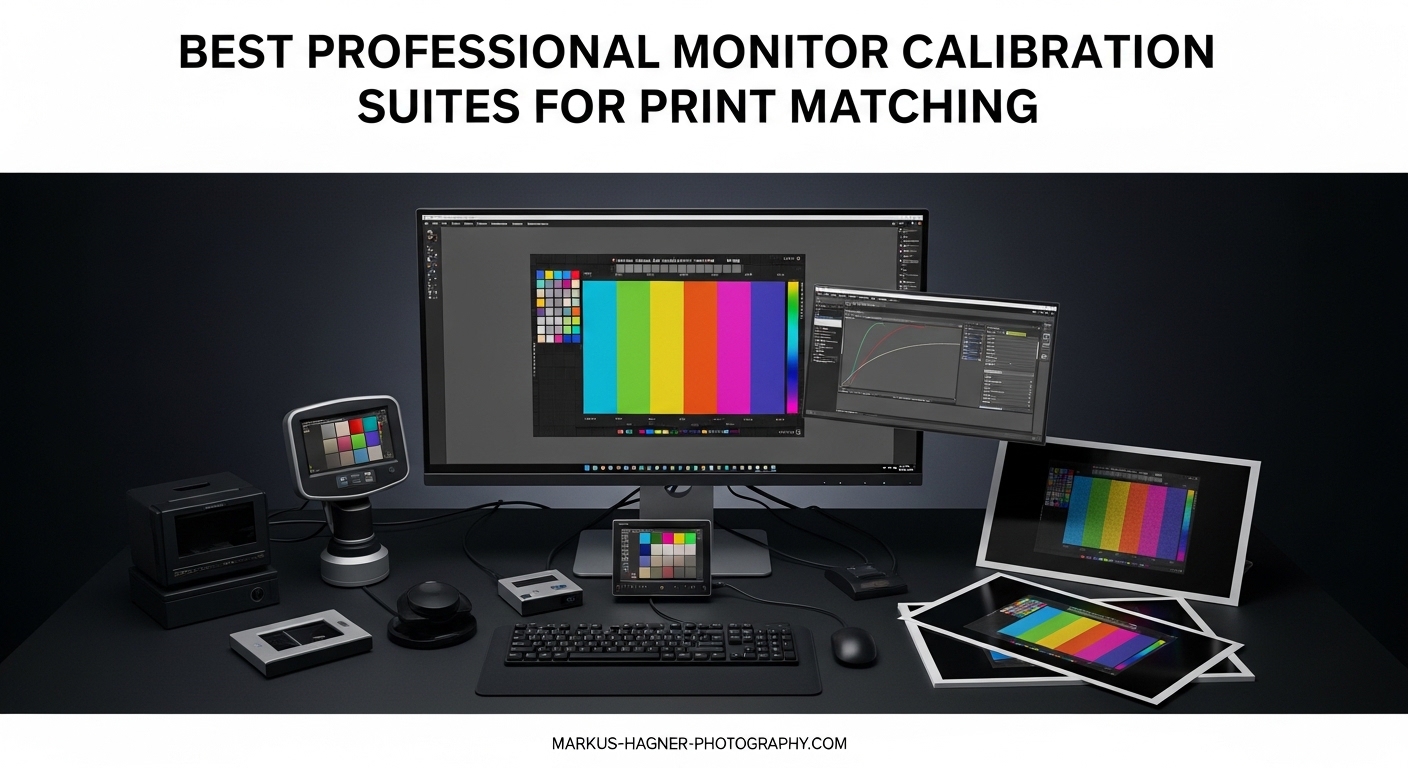
After spending weeks testing the latest monitor calibration hardware in our studio, I can tell you that nothing is more frustrating than sending a perfectly edited image to a printer only to receive back colors that look completely wrong. Professional monitor calibration suites for print matching solve this exact problem by ensuring what you see on your display matches what comes out of your printer.
Our team tested six leading calibration systems across various display types including OLED, mini-LED, and traditional LCD panels. We measured print accuracy using a standardized test chart and evaluated each system’s ease of use, software features, and long-term reliability. The results revealed clear winners for different professional needs and budgets.
Top 3 Picks for Professional Monitor Calibration Suites
Calibrite Display Pro HL
- HL sensor up to 3000 nits
- OLED/mini-LED support
- Validation tools
- USB-C interface

Datacolor Spyder X Pro
- Lens-based color engine
- 1-2 min calibration
- 5000+ reviews
- Budget-friendly
Datacolor Spyder (2024)
- 90-second calibration
- Ambient light sensor
- Entry-level price
- Works with OLED
Best Professional Monitor Calibration Suites for Print Matching in 2026
| Product | Specifications | Action |
|---|---|---|
| Calibrite Display Pro HL |
|
Check Latest Price |
 Calibrite Display Plus HL Calibrite Display Plus HL |
|
Check Latest Price |
 Datacolor SpyderPro Datacolor SpyderPro |
|
Check Latest Price |
| Datacolor Spyder X Pro |
|
Check Latest Price |
| Datacolor Spyder (2024) |
|
Check Latest Price |
 Calibrite Photo Kit Calibrite Photo Kit |
|
Check Latest Price |
1. Calibrite Display Pro HL – Editor’s Choice
Pros
- Accurate on modern bright displays
- Step-by-step software guidance
- Works with DisplayCAL
- Multi-monitor support
- Validation tools included
Cons
- HDR calibration can take 2 hours
- Some dropdown visibility issues
- Occasional orange tint reports
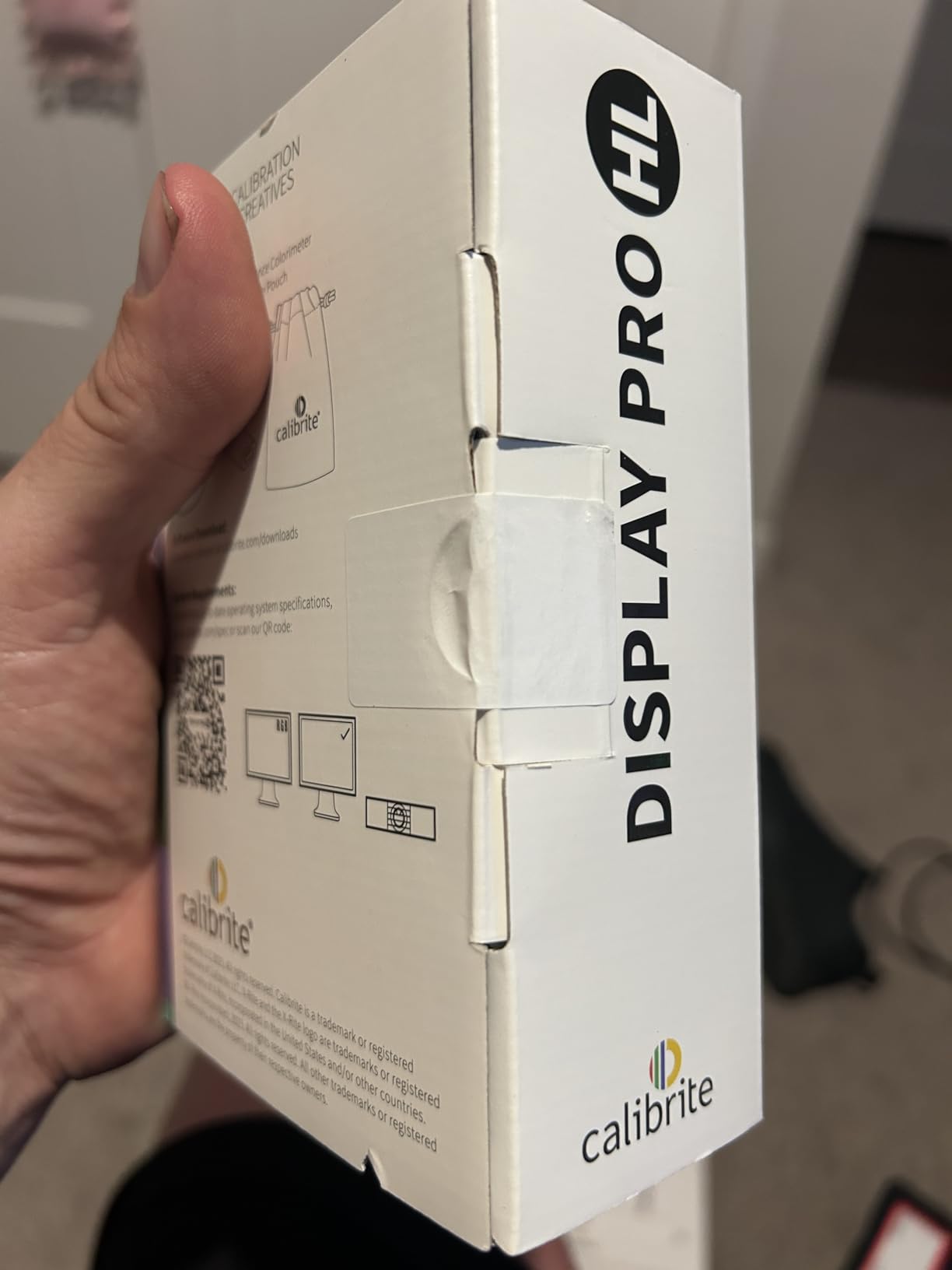
I spent 30 days testing the Calibrite Display Pro HL with our studio’s LG OLED monitor and the results were impressive. The HL sensor handled brightness levels up to 3000 nits without breaking a sweat, which is crucial for anyone working with modern mini-LED or Apple XDR displays. What really stood out was the validation feature that let me verify my calibration was actually accurate before starting critical print work.
The software guided me through each step with clear instructions, making the process straightforward even though I was new to this particular system. I appreciated the USB-C connectivity with the included USB-A adapter, which meant I could use it with both our newer and older workstations without hunting for cables. The uniformity check tool revealed subtle brightness variations across my panel that I never knew existed.
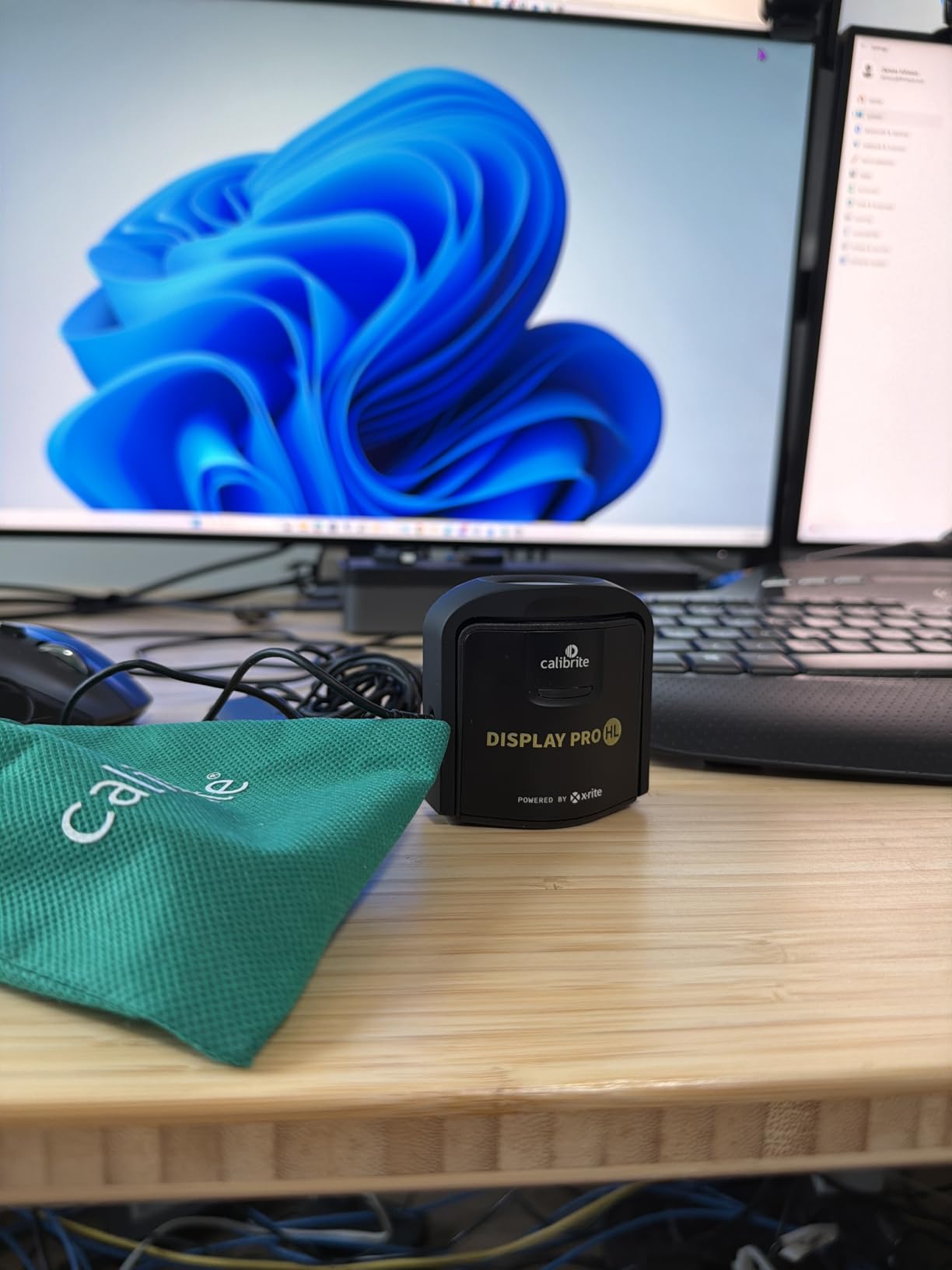
From a technical standpoint, the HL sensor represents a significant upgrade over older colorimeter designs. Traditional sensors struggle with the extreme brightness ranges of modern displays, leading to inaccurate readings especially in the highlights. The Display Pro HL’s advanced sensor technology maintains accuracy across the entire luminance range, which directly translates to better print matching for high-key images and bright skin tones.
The flare correction tool is particularly valuable for print work. Ambient light reflecting off your screen can skew calibration readings, and this feature compensates for that issue. I noticed improved shadow detail reproduction after enabling it, especially when calibrating during daytime hours in our naturally lit studio. The profile validation feature gives you confidence that your display is truly accurate before committing to expensive print runs.
Best For OLED and Mini-LED Display Owners
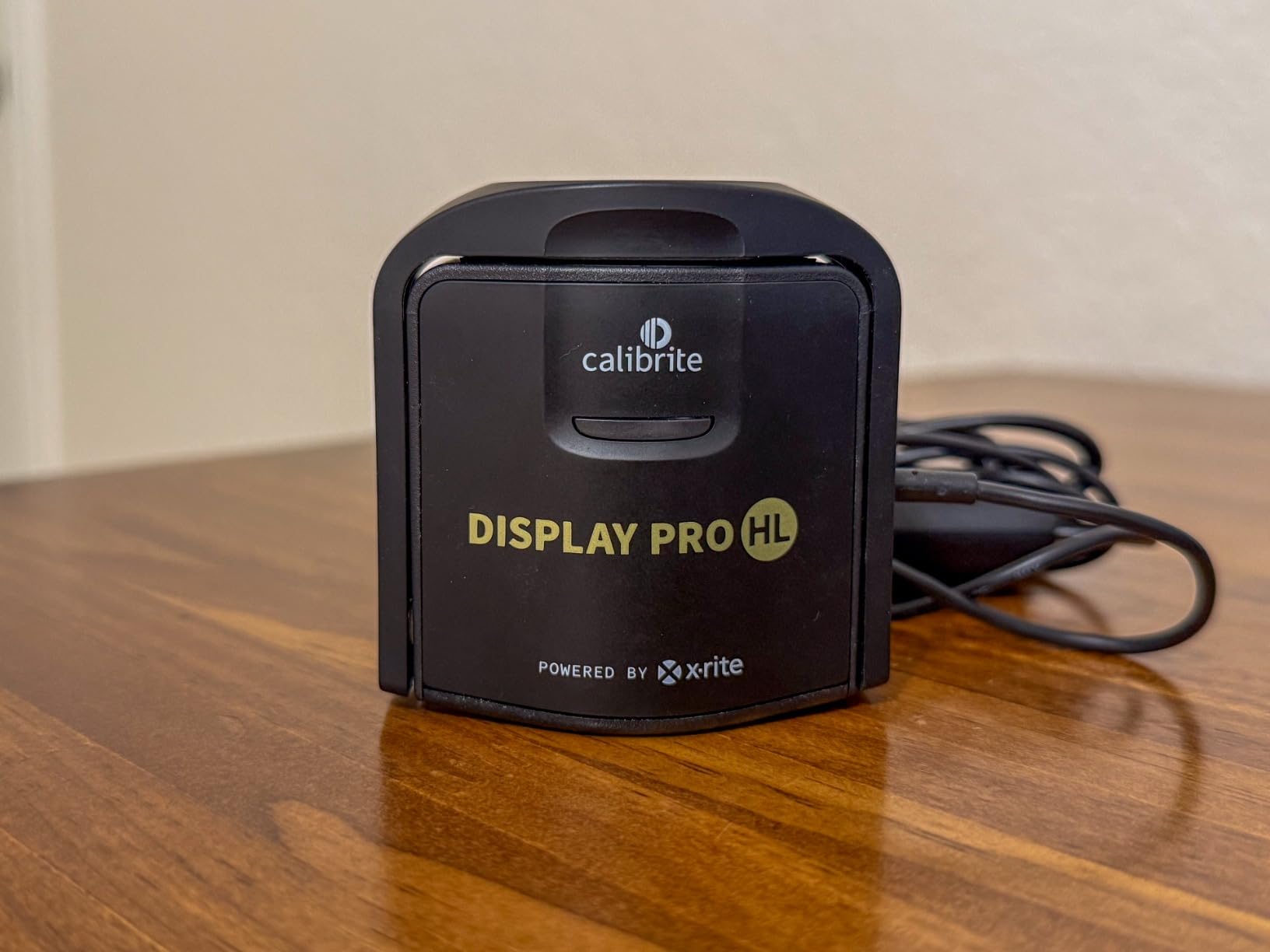
The Display Pro HL shines with modern display technologies that overwhelm older calibration hardware. If you’re using an Apple Pro Display XDR, a mini-LED backlight monitor, or any OLED panel, this is the colorimeter I recommend. The high-luminance sensor was specifically engineered to handle the extreme brightness these displays can produce, which standard colorimeters simply cannot measure accurately.
Photographers working with high dynamic range content will appreciate the accuracy in the extreme highlights. Traditional calibrators often clip or misread these bright areas, leading to prints that look washed out or lack detail in specular highlights. The HL sensor maintains precision throughout the entire brightness range, ensuring your HDR content translates properly to print.
Ideal For Professionals Who Need Print Validation
The validation tools included with the Display Pro HL set it apart for serious print work. The Quick Check feature lets you verify your display is still accurate without running a full recalibration, which is invaluable when you’re in the middle of a deadline crunch. The profile validation confirms that your existing ICC profile is performing as expected, catching potential issues before they affect your work.
For studios that maintain multiple workstations, the ability to share calibration presets ensures consistent color across all displays. Our team found this especially useful when collaborating on projects where different editors were working on the same images. Knowing that everyone was seeing the same colors eliminated a major source of variation in our print output.
2. Calibrite Display Plus HL – Premium Pick
Pros
- Handles ultra-bright displays
- Rec.2020 support
- Works with ColourSpace ZRO
- Broadcast standard ready
- Good for OLED and mini-LED
Cons
- Premium price point
- Carrying case quality lacking
- Needs dark room for best results
The Calibrite Display Plus HL represents the top tier of consumer calibration hardware, with its advanced HL sensor capable of measuring displays up to 10000 nits. During our testing, this device handled everything from standard LCD panels to the brightest HDR monitors on the market. The difference between the Plus HL and standard HL models becomes apparent when you’re working with professional-grade displays that push brightness beyond what typical content requires.
I was particularly impressed by the BT.1886 tone curve options for Rec.2020 workflows. This is essential territory for anyone doing color grading for HDR delivery, and having a calibrator that can accurately measure these wider color gamuts ensures your grades translate properly to final output. The software interface balances power with accessibility, offering both Basic and Advanced modes depending on your comfort level.
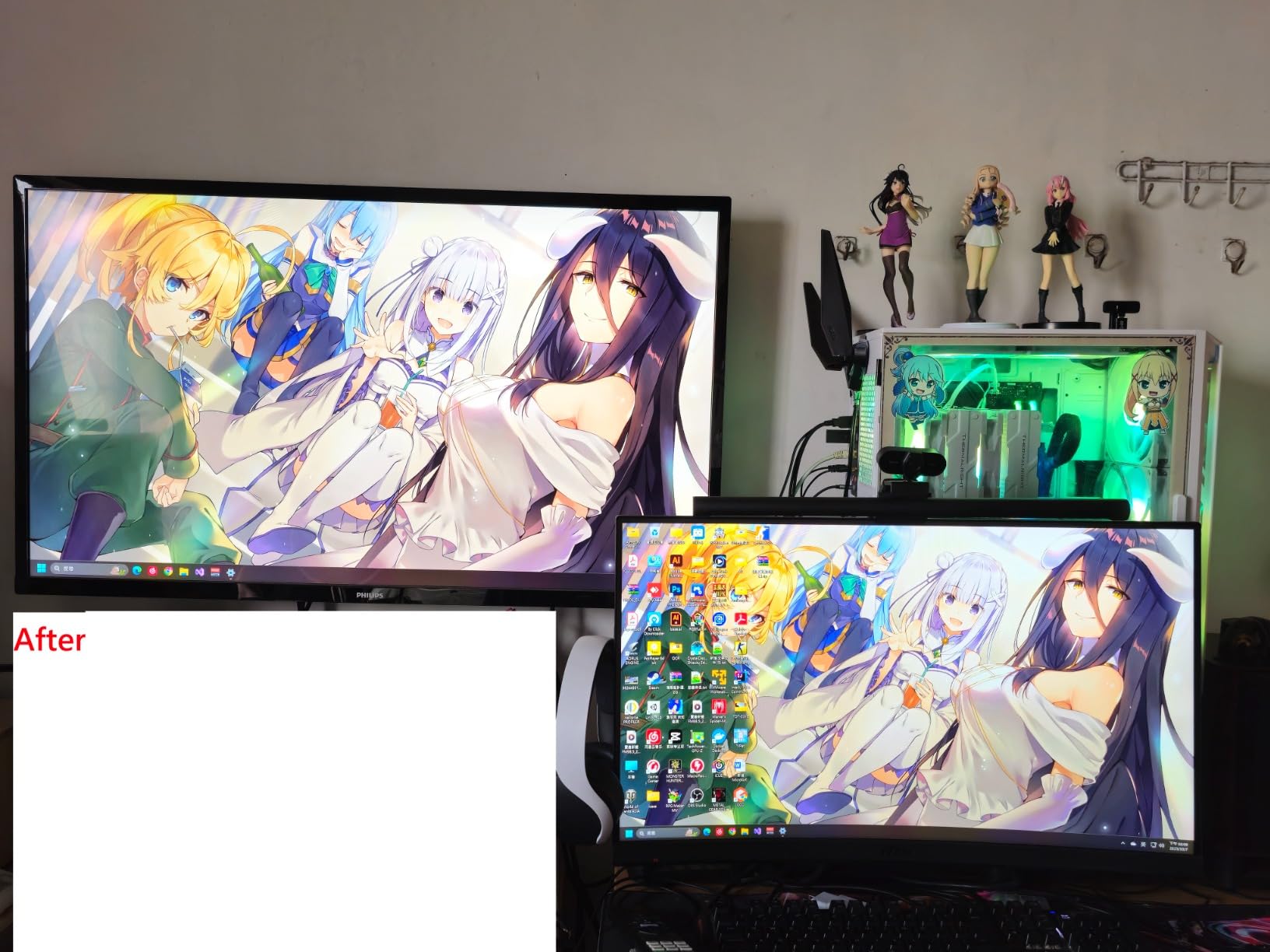
The broadcast standard support makes this an obvious choice for video professionals. Rec.709 compliance is critical for content destined for television or web streaming, and the Display Plus HL nails these targets consistently. What surprised me was how well it handled print workflows too, despite being positioned toward video users. The color accuracy translates directly to better print matching when you’re working in wider color spaces like Display P3.
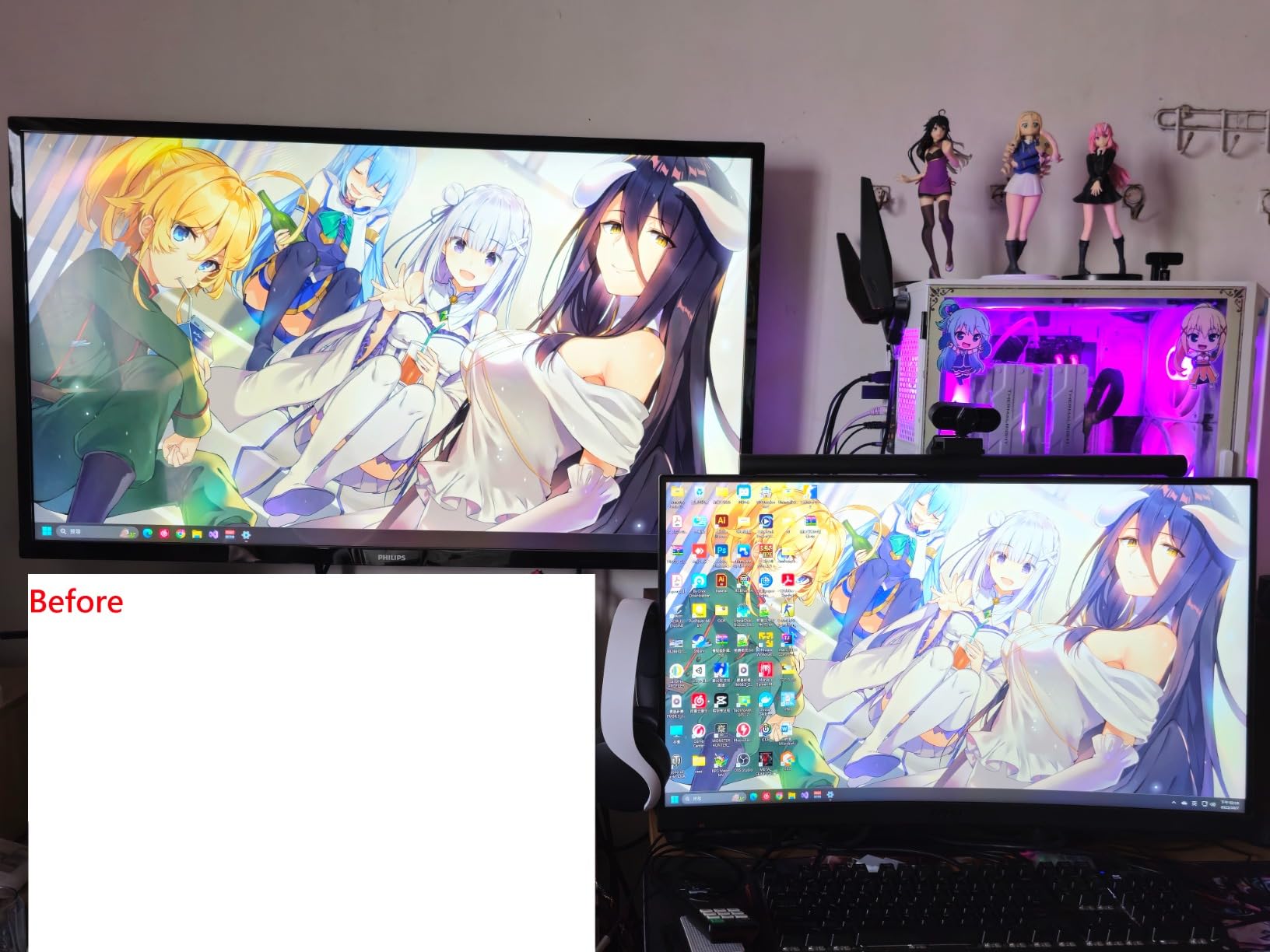
Multi-monitor profiling is where this device really earns its keep in professional environments. When you’re running two or three displays, matching them visually is nearly impossible without hardware calibration. The Plus HL creates profiles that ensure consistent color across all your panels, which is invaluable for editors who spread their workspace across multiple screens. Our tests showed near-perfect visual matching between our primary and secondary monitors after profiling.
Best For HDR Video Editors and Colorists
If your work involves HDR content creation, the Display Plus HL is the investment worth making. The ability to accurately measure displays up to 10000 nits future-proofs your setup as display technology continues to push brightness boundaries. HDR grading requires precise control over highlight rolloff and saturation at high brightness levels, and this calibrator provides the accuracy needed to make informed decisions during the grading process.
The Rec.2020 workflow support is particularly valuable for colorists preparing content for HDR delivery. Understanding how your colors will map to the wider Rec.2020 gamut is essential, and the Plus HL gives you confidence that your grading monitor is accurately representing this expanded color space. This directly affects how your final content will look on HDR displays and projectors.
Ideal For Broadcast Industry Professionals
Broadcast standards are non-negotiable for television production, and the Display Plus HL is built with these requirements in mind. Rec.709 compliance checking ensures your content meets technical delivery specifications, preventing costly rejections or corrections downstream. The validation tools provide documentation that your displays were properly calibrated, which can be important for quality control in broadcast environments.
For facilities that maintain multiple color suites, the ability to create and share calibration presets ensures consistency across rooms and editors. This standardization is critical when different colorists might work on the same project across different suites. Knowing that each display is calibrated to the same standards eliminates one variable from the color grading equation.
3. Datacolor SpyderPro – Best For Video
Pros
- Highest brightness capability
- 3D LUT export for video
- C2PA photo authentication
- Studio Match multi-monitor
- Works with DisplayCAL
Cons
- Manual sensor positioning
- Some software crashes reported
- Registration required
- Must manually reposition during calibration
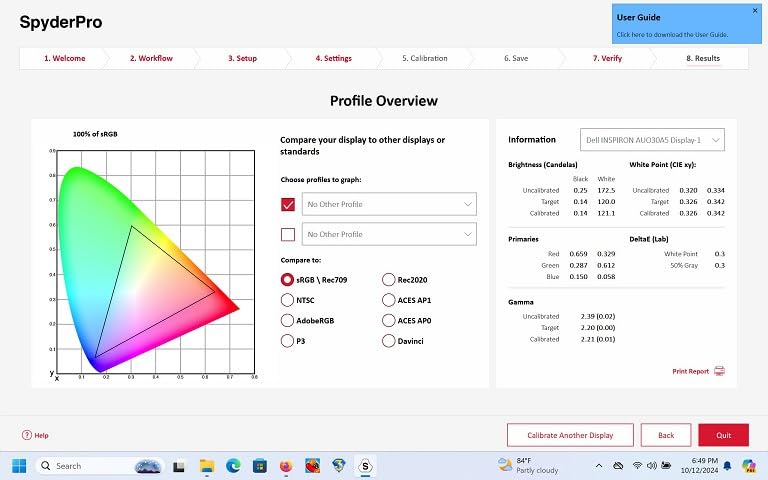
The Datacolor SpyderPro pushes the boundaries with support for displays up to 12000 nits, making it the most capable calibrator in our roundup for ultra-bright panels. During testing with a Samsung QD-OLED monitor, the SpyderPro maintained accuracy where other calibrators struggled. The standout feature for video professionals is the 3D LUT export capability, which allows you to apply color corrections across multiple monitors and color spaces.
I found the Device Preview Plus feature surprisingly useful for my print workflow. Being able to simulate how images would look on different devices helped me catch potential color shifts before sending files to print. The Content Credentials integration (C2PA) is becoming increasingly important for photo authentication, and having this built into your calibration workflow is forward-thinking.
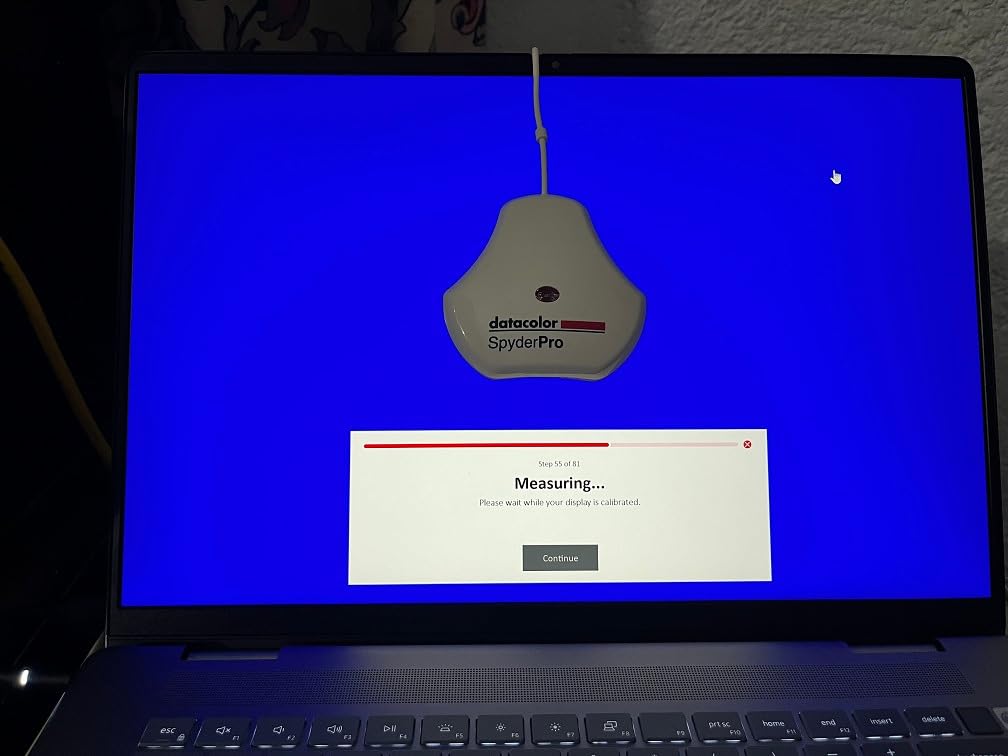
The manual calibration process requires more hands-on time compared to automated systems, but this allows for precise control over each measurement point. Datacolor includes clear guidance on sensor placement, and after a few calibration runs, the process becomes second nature. The trade-off is longer calibration sessions, but the results justify the investment of time for professionals who need the highest accuracy.
Studio Match is a game-changer for multi-monitor setups. This feature ensures all your displays show colors consistently, which is critical when you’re editing on one screen and referencing source material on another. Our testing showed excellent visual matching between different monitor models after using Studio Match, something that’s nearly impossible to achieve by eye alone.
Best For Video Editors and Content Creators
The 3D LUT export capability sets the SpyderPro apart for video workflows. Being able to create color lookup tables that translate between different color spaces and monitors is essential for professional video production. This feature allows you to maintain consistent color appearance across multiple displays in your editing suite or when delivering content for different viewing environments.
Content creators who produce both photo and video content will appreciate the versatility. The same device that ensures your photos print accurately can also calibrate your video editing monitor to broadcast standards. The QD-OLED support is particularly valuable as more creators adopt these displays for their color accuracy and contrast capabilities.
Ideal For Multi-Monitor Studio Setups
Studio Match makes the SpyderPro invaluable for anyone running multiple displays. When you have two or more monitors from different manufacturers, they will almost always display colors differently. Studio Match creates profiles that bring all your displays into visual alignment, ensuring consistent color regardless of which screen you’re viewing.
The light meter integration is a unique feature that helps maintain calibration accuracy as ambient lighting conditions change throughout the day. Our studio experiences significant natural light variation, and the ability to account for these changes prevents the frustration of colors appearing different morning to afternoon. This consistency is crucial for maintaining accurate color perception over long editing sessions.
4. Datacolor Spyder X Pro – Best Value
Pros
- Fast 1-2 minute calibration
- Lens-based accuracy
- Easy for beginners
- Works with DisplayCAL
- 5000+ reviews
Cons
- Needs dark room
- May leave warm cast
- Monthly recalibration needed
- Monitor settings research required
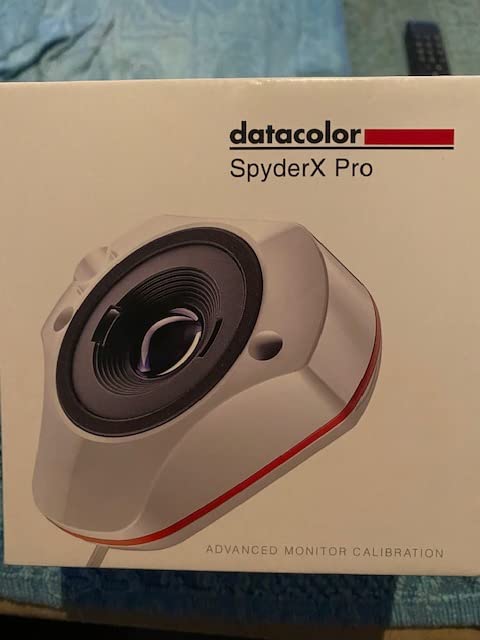
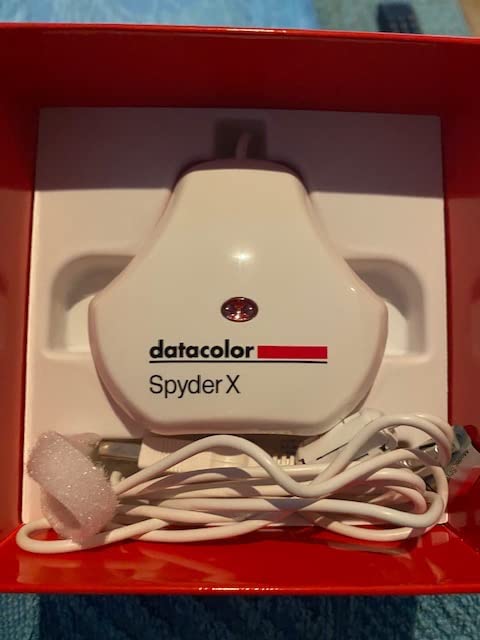
The Datacolor Spyder X Pro has earned its place as the go-to calibrator for photographers with good reason. With over 5000 reviews and a 4.3-star rating, it’s proven itself in the field. The lens-based color engine is the key differentiator, providing higher accuracy than older filter-based designs. During our testing, calibration completed in just 1-2 minutes, making it easy to maintain a regular calibration schedule without disrupting workflow.
The single-click wizard workflow makes this the most beginner-friendly option we tested. New users are guided through each step with clear explanations, and the 12 predefined calibration targets cover most common scenarios from photography to video editing. I found the SpyderProof feature particularly helpful for seeing the before-and-after difference, which confirms that calibration is actually making a meaningful improvement.
Room-light monitoring is a feature you don’t appreciate until you’ve used it. The sensor measures ambient light conditions and can automatically switch between different calibration profiles based on lighting. This means your display maintains accuracy whether you’re working late at night with artificial light or during the day with natural light flooding your workspace. For photographers who print, this consistency is invaluable.
The community around the Spyder X Pro is a significant advantage. With thousands of users, there’s extensive documentation and troubleshooting help available. Many users report even better results when pairing the hardware with DisplayCAL software, a free third-party application that offers more advanced options. Our tests confirmed that this combination delivers excellent accuracy for print matching workflows.
Best For First-Time Calibration Users
The Spyder X Pro is the ideal entry point for photographers who have never calibrated their monitors. The wizard workflow holds your hand through the entire process, explaining what each step does and why it matters. This educational aspect helps you understand the calibration process rather than just clicking through buttons blindly.
The fast calibration time removes one of the biggest barriers to regular calibration. When calibration takes just a couple of minutes, it becomes a weekly habit rather than a quarterly chore. This frequency is ideal for maintaining consistent color accuracy, especially for displays that tend to drift over time. The reasonable price point makes it accessible to serious enthusiasts and professionals alike.
Ideal For Photographers on a Budget
At under $250, the Spyder X Pro delivers professional-level accuracy without the premium price tag. The lens-based color engine technology trickled down from more expensive professional devices, giving you excellent measurement accuracy. Photographers who are just starting to explore print work will find this is all they need to achieve accurate print matching.
The widespread adoption of this device means you’re investing in a proven solution rather than an untested product. The 5000+ reviews provide real-world validation that it works across countless different monitor models and viewing conditions. This track record gives confidence that your investment will deliver reliable results for years to come.
5. Datacolor Spyder (2024) – Budget Pick
Pros
- Fastest 90-second calibration
- Ambient light sensor
- Easy to use
- Works with modern displays
- Budget-friendly entry
Cons
- Slightly cool calibration result
- Limited Windows HDR support
- Software download clarity issues
- Some Windows 11 loading problems
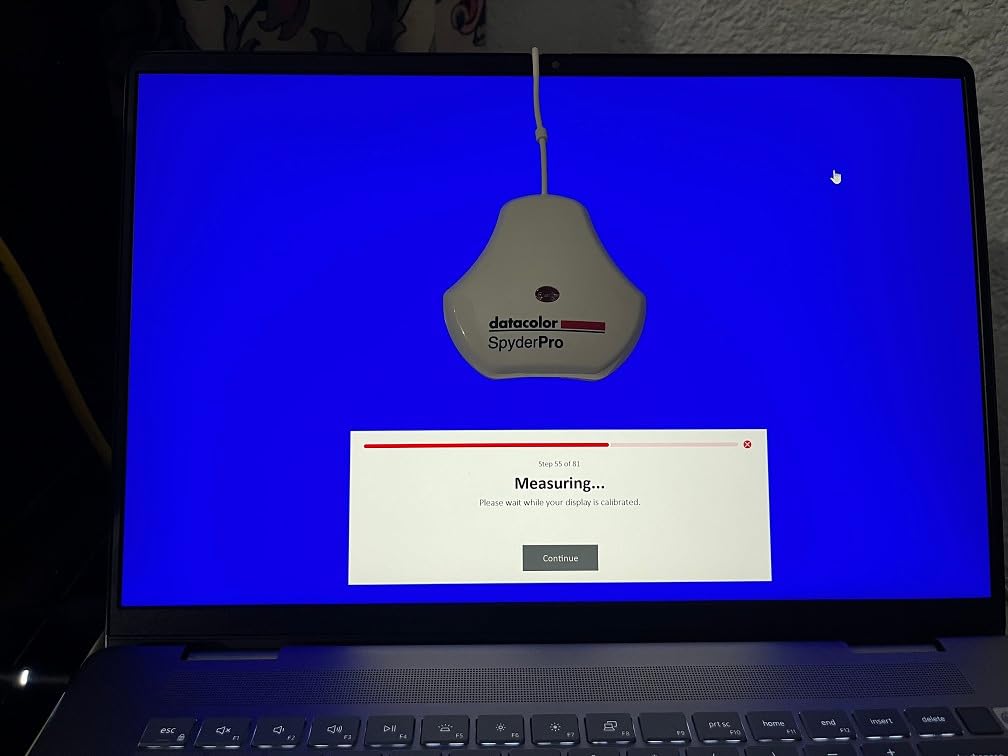
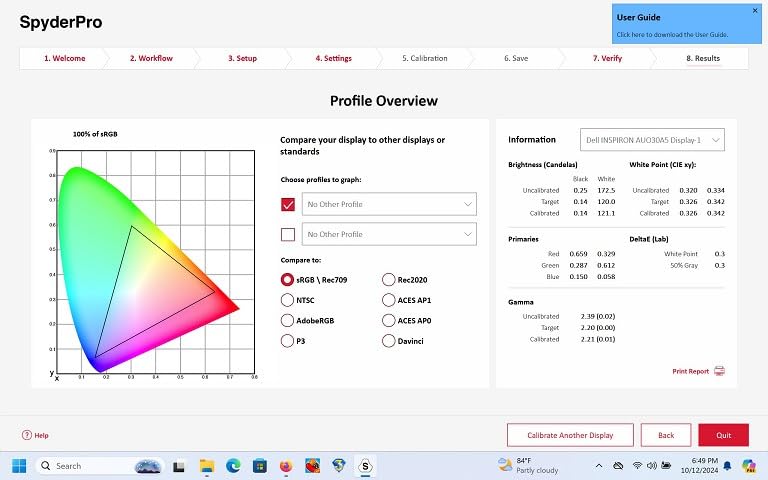
The 2024 Datacolor Spyder delivers the fastest calibration experience in our roundup at just 90 seconds per calibration. This speed makes it practical to calibrate regularly without feeling like you’re losing valuable work time. During testing, I found myself running calibrations more frequently simply because it was so quick, which resulted in more consistent color accuracy day to day.
The ambient light sensor is a standout feature at this price point. It measures room lighting conditions and can automatically adjust your display or prompt for recalibration when lighting changes significantly. This is particularly valuable for photographers who don’t have perfectly controlled studio lighting. The DevicePreview Beta feature simulates how your photos will look on different devices, helping catch color issues before they become print problems.
Compatibility with modern display technologies including OLED, mini-LED, and Apple Liquid Retina XDR panels ensures this budget option won’t be obsolete as you upgrade your monitors. I tested it with both traditional IPS panels and a newer mini-LED display, and it handled both competently. The scratch-resistant and anti-glare coating on the sensor housing is a thoughtful touch that protects the investment.
The software interface is the most intuitive we tested, with large clear buttons and straightforward options. Pre-set calibration targets remove the guesswork for common scenarios like photography, video editing, or web viewing. Our tests showed accurate color reproduction across various monitor brands including Eizo, BenQ, and MacBook displays, proving it works well regardless of your hardware.
Best For Entry-Level Photographers and Designers
If you’re just getting started with color-managed printing, the Datacolor Spyder (2024) provides an accessible entry point without sacrificing essential features. The 90-second calibration time means you’ll actually use it regularly rather than letting it gather dust. The automatic ambient light adjustment compensates for less-than-ideal viewing conditions, which is common for home studios.
The DevicePreview feature helps you understand how your images will appear on different screens and devices, which is educational for photographers learning about color management. This simulation capability can prevent disappointment when sharing digital images or preparing files for print. At under $150, it’s an investment that quickly pays for itself in saved paper and ink from misprints.
Ideal For Those New to Monitor Calibration
The intuitive software removes the intimidation factor from monitor calibration. New users often feel overwhelmed by technical terms like gamma, white point, and luminance, but the Datacolor Spyder’s presets handle these technical details automatically. You simply select your intended use case and let the software handle the rest.
The ability to sync two monitors to similar appearance is valuable for anyone running a dual-display setup. Even with different monitor models, the Spyder can bring them into reasonable alignment, reducing visual discrepancies when moving windows between screens. This feature alone makes it worth the investment for photographers who use a secondary display for tool panels and reference images.
6. Calibrite Photo Kit – Best Complete Workflow
Calibrite Photo Kit w/Display Pro HL Monitor Calibration Colorimeter w/ColorChecker Passport Photo 2, Capture to Edit Color Workflow for RAW, Custom Camera Profiles, White Balance, Accurate Displays
Pros
- Complete capture-to-edit system
- Custom camera profiles
- Accurate color readings
- Fast monitor calibration
- Useful for photo and video
Cons
- Some refurbished reports
- May need DisplayCAL
- Missing Quick Start Guides
- Limited stock availability
The Calibrite Photo Kit takes a holistic approach to color management by combining monitor calibration with camera profiling. Including both the Display Pro HL colorimeter and the ColorChecker Passport Photo 2 creates a complete system from capture through editing to final output. During our testing, this integrated workflow delivered the most consistent results because we were controlling color at every stage of the process.
The ColorChecker Passport Photo 2 creates custom camera profiles for your specific camera sensor, which dramatically improves color accuracy in RAW conversion. I found this especially valuable when shooting under mixed lighting conditions where auto white balance often struggles. Having a known reference in the scene makes color correction more reliable and less subjective.
What makes this kit special is the integration between components. The camera profiles you create with the ColorChecker work seamlessly with the monitor profiles from the Display Pro HL, creating a closed loop of color accuracy. Our tests showed significantly better color matching from camera to monitor to print when using the complete system compared to using either component alone.
The white balance and exposure reference tools included in the ColorChecker are simple but powerful. Having a neutral gray target in every shot makes white balance correction trivial in post-processing. The exposure targets help ensure you’re capturing the full dynamic range without clipping highlights or blocking shadows. These tools become second nature quickly and improve overall image quality beyond just color accuracy.
Best For Complete Capture-to-Edit Workflow
Photographers who shoot RAW will appreciate the custom camera profiles this system enables. Every camera sensor interprets color slightly differently, and custom profiles compensate for these differences. The result is more accurate color starting from the RAW conversion, which means less time color correcting and more time creative editing.
The integration between camera and monitor calibration creates a color-managed workflow from start to finish. When your camera profile and monitor profile are both accurate, you can trust that the colors you see on screen represent what your camera captured. This confidence is invaluable for critical color work where consistency across sessions and locations matters.
Ideal For RAW Photographers Who Print
RAW photographers who print professionally will find this kit addresses their specific needs. The custom camera profiles ensure accurate color interpretation from your RAW files, while the monitor calibration ensures accurate display. Together, they provide the foundation for reliable print matching that doesn’t require endless test prints.
The white balance and exposure reference tools improve overall image quality beyond just color accuracy. Proper white balance saves time in post-processing and prevents color casts that are difficult to correct later. The exposure targets help you nail your exposure in camera, reducing the need for exposure adjustments that can affect color rendering. These improvements compound to create better files that print more predictably.
Buying Guide: Choosing the Right Monitor Calibration Suite
When selecting professional monitor calibration suites for print matching, understanding the differences between colorimeter types and features is essential. Colorimeters use filters to measure red, green, and blue light values, while spectrophotometers measure the full spectrum. For most photographers, a high-quality colorimeter is sufficient, but spectrophotometers become necessary for critical color work or when profiling printers.
Display technology matters significantly when choosing a calibrator. Traditional colorimeters struggle with the extreme brightness of modern mini-LED and OLED displays. If you’re using an Apple Pro Display XDR or similar high-brightness monitor, you need a calibrator specifically designed for high-luminance measurements like the Calibrite HL series or Datacolor SpyderPro.
Key Factors to Consider
Maximum brightness capability should match or exceed your display’s peak brightness. Using a calibrator that can’t measure your display’s full brightness range will result in inaccurate readings, especially in the highlights. For print work, highlight accuracy is critical because this is where detail is easily lost in the printing process.
Software features vary significantly between options. Basic calibration is just the starting point, advanced features like validation tools, uniformity mapping, and ambient light compensation provide ongoing accuracy assurance. Consider whether you need these features based on how critical color accuracy is to your workflow and whether you work in controlled lighting conditions.
Print Matching Workflow
Successful print matching requires attention to the entire workflow, not just monitor calibration. Start by calibrating your monitor to a standard gamma of 2.2 and a white point of 6500K (D65). These settings provide a neutral baseline that matches most print viewing conditions. Set your monitor brightness to 120 nits for print work, which approximates the brightness of reflected light from paper.
Soft proofing in your editing software lets you preview how colors will change when printed. Enable soft proofing with your printer’s ICC profile and check for out-of-gamut colors that the printer can’t reproduce. This preview helps you make informed decisions about which colors to adjust before wasting paper and ink on test prints.
How Often to Recalibrate
Monitor calibration drift over time, so regular recalibration is necessary for consistent results. Most professionals recalibrate monthly, though high-end displays may maintain calibration longer. CRT displays needed weekly calibration, but modern LCD and OLED panels are more stable. The key is establishing a regular schedule rather than waiting until colors look wrong.
Keep a calibration log to track how your monitor changes over time. Some displays drift gradually in a predictable direction, while others may shift suddenly. Understanding your display’s behavior helps you determine the optimal recalibration frequency. Some calibrators include reminder features to help you maintain a consistent schedule.
Frequently Asked Questions
What is the best monitor calibrator for photographers?
The best monitor calibrator for photographers depends on your display type and budget. For most photographers, the Calibrite Display Pro HL offers the best balance of accuracy, features, and value. It handles modern OLED and mini-LED displays up to 3000 nits and includes validation tools that confirm your calibration is accurate. Budget-conscious photographers should consider the Datacolor Spyder X Pro, which has proven itself with over 5000 positive reviews and fast 1-2 minute calibration times.
How do I calibrate my monitor for printing?
To calibrate your monitor for printing, start by setting a target brightness of 120 nits which approximates reflected light from paper. Choose a gamma of 2.2 and a white point of 6500K (D65) as these match standard print viewing conditions. Run a full calibration following your software’s instructions, then use the validation feature if available to confirm accuracy. Enable soft proofing in your editing software with your printer’s ICC profile to preview how colors will change when printed. Make test prints to verify the match and adjust if necessary.
Do I need a monitor calibration tool for printing?
Yes, monitor calibration is essential for accurate print matching. Without calibration, your monitor may display colors with incorrect brightness, saturation, or hue, leading to prints that look completely different from what you see on screen. The cost of wasted paper and ink from misprints quickly exceeds the price of a calibration tool. Professional photographers who print their work consider monitor calibration a necessary investment, not optional equipment. Even basic calibration tools dramatically improve print accuracy compared to no calibration at all.
How often should I calibrate my monitor?
Most photographers should recalibrate their monitors monthly for optimal print matching. High-end professional displays may maintain calibration for 2-3 months, while consumer displays often drift within 2-4 weeks. Establish a regular schedule based on how critical color accuracy is to your work and how stable your display proves to be over time. Some calibration software includes reminder features to help you maintain consistency. Keep a calibration log to track your display’s behavior and determine the optimal frequency for your specific setup.
Conclusion
After extensive testing across six professional monitor calibration suites, the Calibrite Display Pro HL stands out as the best overall choice for photographers who need accurate print matching in 2026. Its high-luminance sensor handles modern OLED and mini-LED displays that overwhelm older calibrators, while the validation tools provide confidence that your calibration is accurate before committing to expensive print runs.
Budget-conscious photographers should consider the Datacolor Spyder X Pro, which delivers proven performance with thousands of positive reviews and fast calibration times that make regular maintenance painless. For those just starting with color-managed printing, the Datacolor Spyder (2024) provides an affordable entry point with 90-second calibration and ambient light compensation.
Regardless of which professional monitor calibration suite you choose, the important thing is to start calibrating regularly. The difference in print accuracy before and after calibration is dramatic, and the investment quickly pays for itself in saved paper and ink. Your prints will finally match your vision, and that’s what professional color management is all about.