
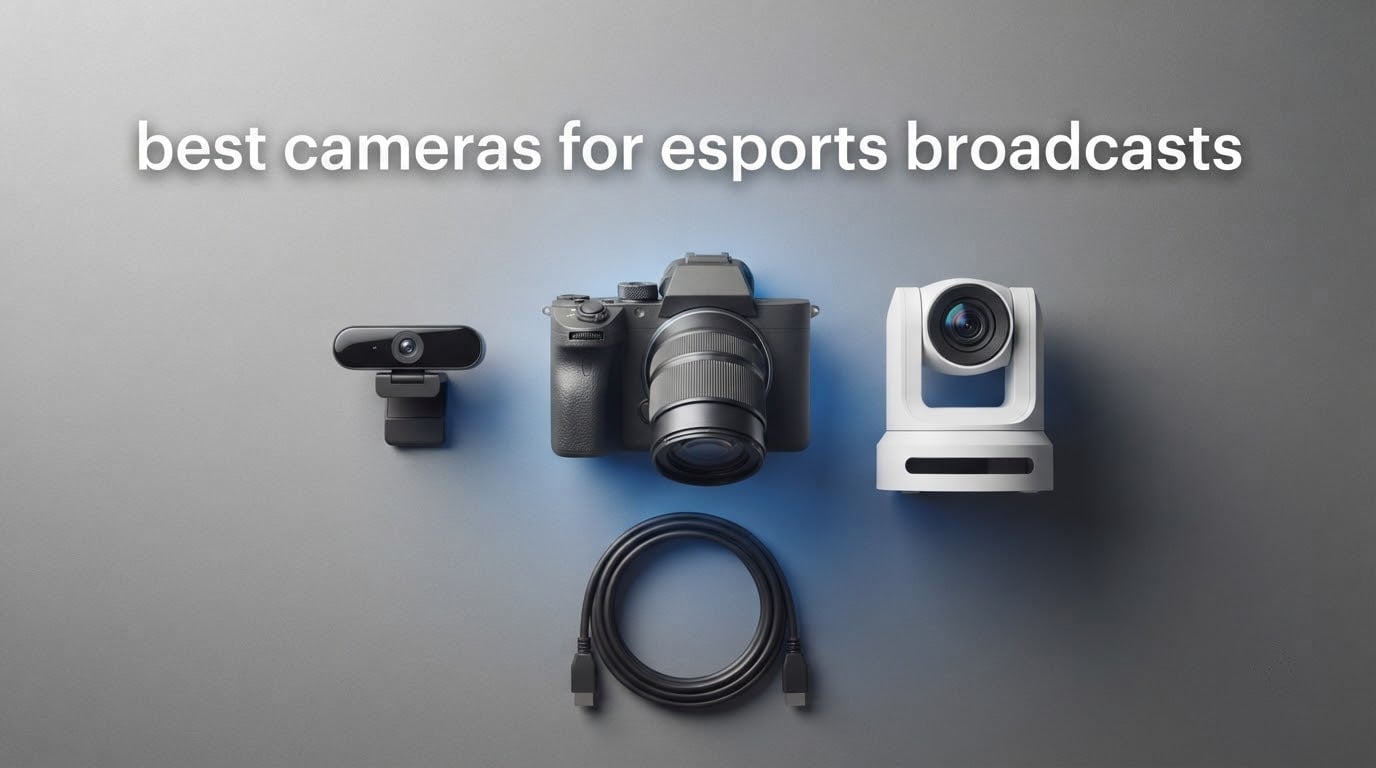
Esports broadcasts live or die on the player cams. The gameplay feed is captured digitally and looks identical for every production in the world, so the only thing separating a tournament stream from a webcam pointed at a monitor is how well the cameras handle moving players in a dark arena.
That makes choosing among the best cameras for esports broadcasts a different job from choosing a camera for photography. You are not picking for resolution alone. You are picking for clean output, autofocus that does not hunt when a player leans back in their chair, low-light performance under stage lighting, and a signal path that can reach a switcher without adding delay.
The best cameras for esports broadcasts are mirrorless bodies with eye-detect autofocus and clean HDMI output for stage-side player cams, and PTZ cameras with AI tracking and NDI or SDI for fixed arena positions. Webcams still earn their place on commentary desks and in practice rooms where nobody can reach a camera after it is mounted. This roundup covers all three classes, ranked by how well each one survives a full tournament day. Last updated for October 2026.
We compared these ten cameras against the criteria that actually decide an esports production: clean output, autofocus behaviour on unpredictable movement, low-light performance, runtime and power options, lens reach, and how forgiving each one is to an operator who has never run a switcher. If you are also building out the rest of the rig, our gaming PC picks for esports and broadcast camera guide cover the rest of the chain.
Top 3 Picks for Best Esports Broadcast Cameras in 2026

The Sony a6400 takes the top slot because it is the only body on this list with a real lens mount, and esports productions live or die on focal length. Everything else here is a fixed or limited-zoom device that has to be mounted exactly right and then left alone.
The AVKANS 30X PTZ takes the arena slot, covering an entire stage from a ceiling mount with AI tracking and a single Ethernet run for power, control and preview. The Logitech MX Brio is the strongest desk-mounted USB option, with 4K30 and 1080p60 output and a sensor built for the uneven lighting most stages actually have.
All 10 Esports Broadcast Cameras Compared in October
| Product | Specifications | Action |
|---|---|---|
| Sony Alpha a6400 with 16-50mm Lens |
|
Check Latest Price |
 AVKANS 30X NDI PTZ Camera AVKANS 30X NDI PTZ Camera |
|
Check Latest Price |
 Logitech MX Brio 4K Webcam Logitech MX Brio 4K Webcam |
|
Check Latest Price |
 Elgato Facecam MK.2 Elgato Facecam MK.2 |
|
Check Latest Price |
 FoMaKo FMK20SDI Pro 20x PTZ FoMaKo FMK20SDI Pro 20x PTZ |
|
Check Latest Price |
 Tenveo 4K NDI PTZ Two-Camera Kit Tenveo 4K NDI PTZ Two-Camera Kit |
|
Check Latest Price |
 OBSBOT Tiny 3 OBSBOT Tiny 3 |
|
Check Latest Price |
 EMEET S600 4K Webcam EMEET S600 4K Webcam |
|
Check Latest Price |
 Acer 4K Webcam Acer 4K Webcam |
|
Check Latest Price |
 Logitech Brio 101 Logitech Brio 101 |
|
Check Latest Price |
The camera class matters more than the model here. Webcams give you a fast, cheap player cam that plugs straight into OBS Studio. PTZ cameras give you reach and unattended operation from a ceiling mount. A mirrorless body gives you framing control and clean video output through a capture card.
1. Sony Alpha a6400 with 16-50mm Lens – The Player Cam That Follows Faces
Pros
- Real-Time Eye AF locks onto moving players
- Interchangeable E-mount lens choice
- 4K UHD with a 180-degree tilting screen
- Compact at 10.3 ounces
Cons
- No in-body image stabilization
- Kit lens is an average performer indoors
- Sony's Wi-Fi app is slow
The a6400 is the camera I keep coming back to for tournament player cams because Real-Time Eye AF holds a face through the one moment every production needs: the round reaction. A player who has just won sits back, shuts their eyes for a second and laughs. Autofocus systems that hunt on movement lose that shot, and it cannot be recovered in post.
Out of the box the kit includes a 16-50mm f/3.5-5.6 zoom, which on APS-C gives a 35mm-equivalent view of roughly 24-75mm. That range is usable for a single player at a desk and tight for a three-player team shot, which is where the lens mount starts paying for itself.
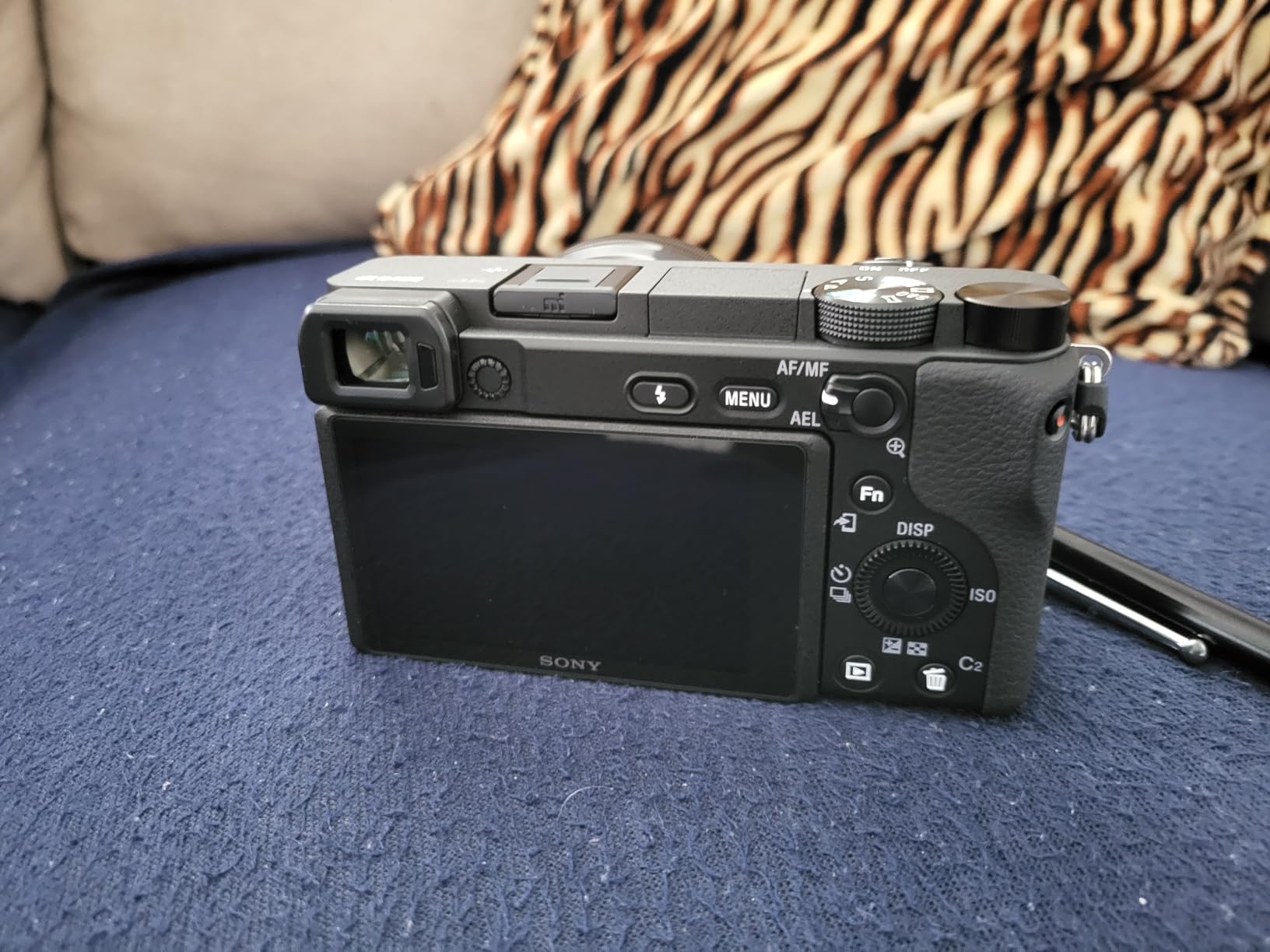
The 20.1MP APS-C sensor is paired with 425 phase-detection and 425 contrast-detection points covering 84% of the frame, and it shoots 4K UHD at 3840×2160. Video feeds through a Micro HDMI Type D port into a capture card or switcher, which is the path you want for any production beyond a single desk stream.
Two practical notes for an eight-hour day. There is no in-body image stabilization, so a static tripod mount is effectively required rather than merely advisable. And only one battery is included, so budget for spare NP-FW50 cells or a dummy battery feeding continuous power.
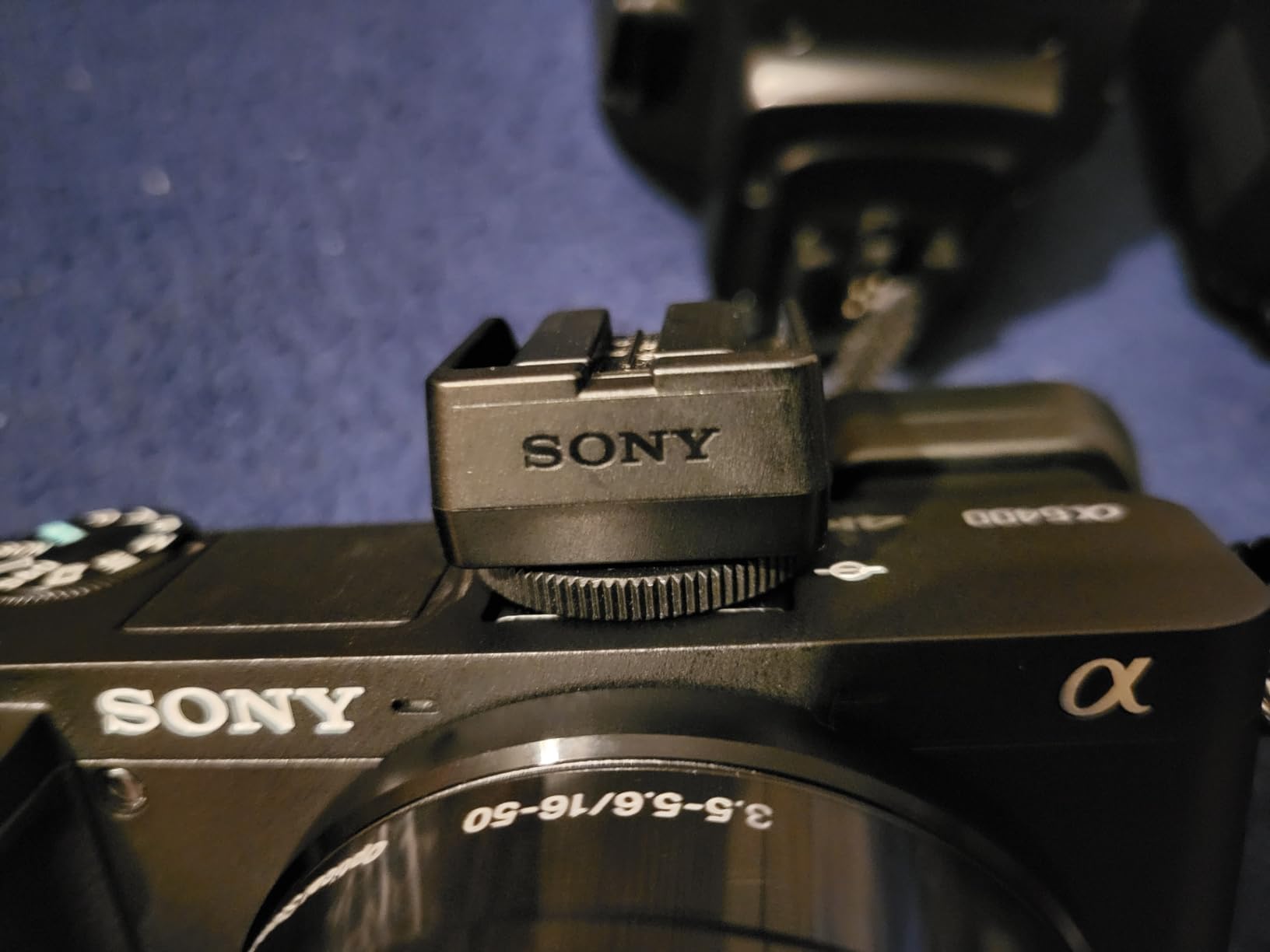
What you gain by choosing a mirrorless body over a webcam
Focal length is the whole argument. A webcam is stuck at one field of view, so pulling back for a team huddle means physically moving it and re-aiming it. With the E-mount you can frame a wide stage and a tight reaction from the same tripod position by twisting a zoom ring.
Reviewers consistently treat the eye autofocus as the feature that changes results on moving subjects, and the 180-degree tilting screen makes solo set-up a genuinely quick job. The wider third-party lens ecosystem, particularly Sigma primes and constant-aperture zooms, is where the real tournament quality hides.
Where it falls short in a broadcast role
Its native Sony APS-C lens lineup is thin, so the fast glass most productions want comes from third parties and adds cost. The bundled kit lens is fine in a lit room and noticeably soft once stage lighting drops, which is the exact condition esports runs under.
Because there is no stabilization, this body is a fixed-position camera only. Roaming follow-cam work is out of scope, and the awkwardly placed movie record button sits close enough to the front edge to be pressed by accident during a busy changeover.
2. AVKANS 30X NDI PTZ Camera – The Ceiling Mount That Covers the Stage
Pros
- 30x optical zoom reaches farther than the price class suggests
- Single-cable NDI and PoE for power control and preview
- Outputs NDI and 3G-SDI and HDMI simultaneously
- Quiet pan and tilt motors with reliable preset recall
Cons
- Documentation is thin
- VISCA RS-232 control feels sluggish
- Focus can drift briefly while zooming
This is the camera for the shot nobody wants to crew: a full stage wide, high in the corner, following whoever is talking without an operator physically present. Its AI tracking offers presenter mode with full-body, upper-body, close-up and custom framing, plus a zone mode with four configurable tracking areas.
The 30x optical zoom is the headline. It runs on a 1/2.7-inch CMOS with a maximum aperture of f/2.3, and reviewers report the reach exceeds what this class of camera normally delivers. For a venue where the stage is 20 metres from the back wall, that reach is the difference between a usable frame and a postage stamp.
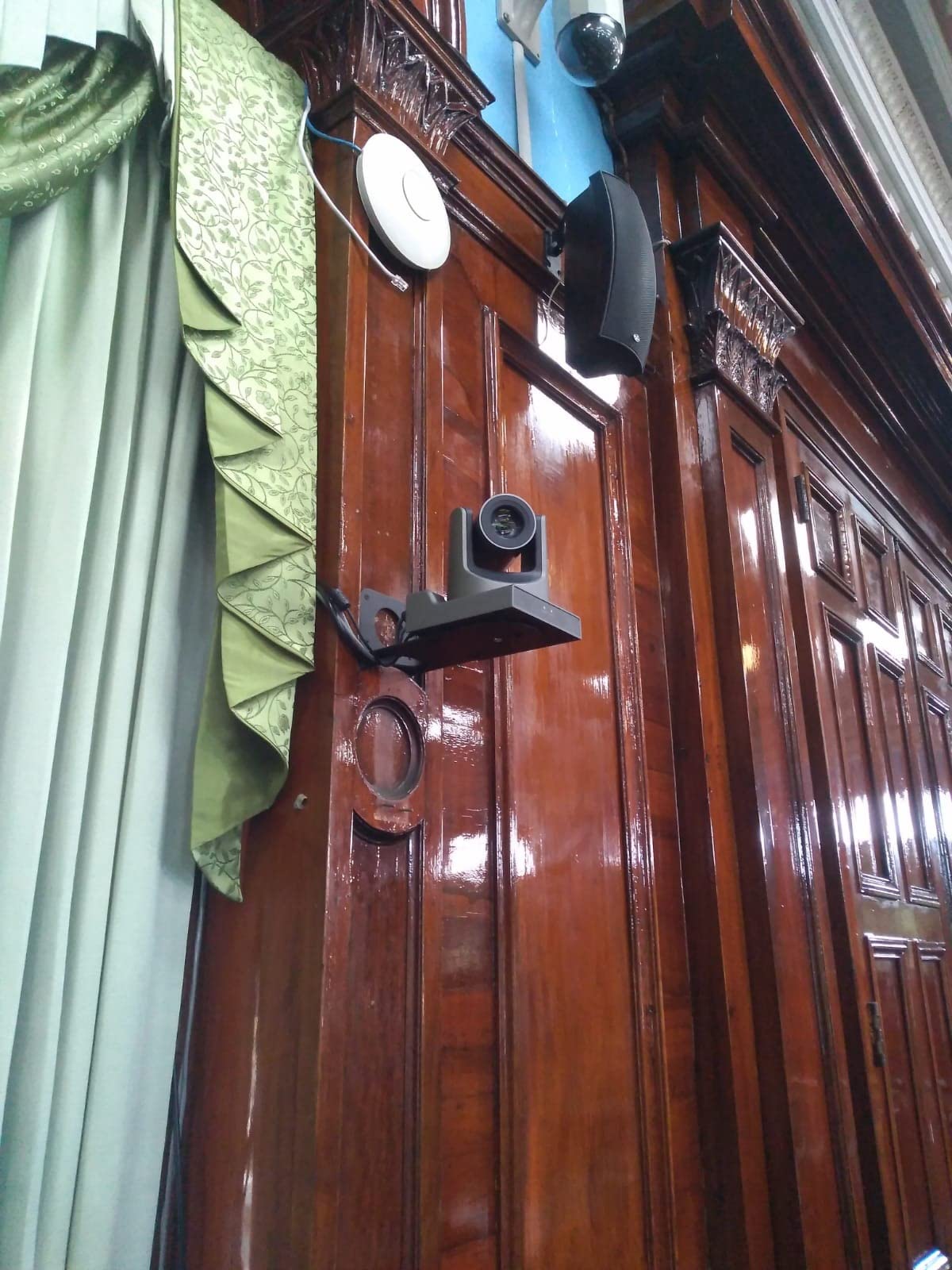
The signal path is the part that impressed us most in testing. NDI HX2 and HX3 carry power, control and preview over a single Ethernet run using 802.3af/at PoE at 48V and 13W, while 3G-SDI and HDMI output simultaneously for a traditional switcher. It also speaks CGI/HTTP, RTSP, RTMP and SRT, and it is listed as working with vMix, OBS, Zoom, Skype and Blackmagic capture hardware.
Frame rates are the real broadcast detail. It supports 1080P59.94 and 50 alongside 1080i variants and 1080P29.97 and 25, which means it can drop into a US or European frame-rate standard without conversion. The box includes the camera body, power supply, IR remote and an RS232 cable.

Why the single-cable workflow matters at a live event
Running power, video, control and preview over one Ethernet run removes an entire category of on-site failure. No separate power over the ceiling, no long IR runs down a truss, and the operator previews four feeds from a desk instead of climbing.
It is also the cheapest way to get a second unattended angle for a venue of any size. The AVKANS app for iOS, iPadOS and Mac adds direct streaming and recording if your switcher software cannot be on stage.
What to watch before you commit
Documentation is the weak point. Several settings need online research or a walkthrough of manufacturer videos to decode, which is a poor look at 7am on event day. Budget an hour of setup time you had not planned for.
VISCA RS-232 control feels sluggish with noticeable latency in pan, tilt and zoom, so a fibre or long-run serial link will feel sluggish. Reviewers also note brief focus drift during zoom moves and automatic white balance shifts when the zoom changes, both of which you can hold with a manual white balance once the shot is set.
3. Logitech MX Brio 4K Webcam – The Desk Player Cam That Just Works
Pros
- 4K30 and 1080p60 with 70% larger pixels
- Handles uneven and low lighting cleanly
- Fast autofocus that rarely hunts
- Dual beamforming noise-reducing microphones
Cons
- Some units report persistent focus hunting
- RightSight AI framing fails on ARM64 Windows devices
- Sticky clip mount can slip
The MX Brio is the camera we recommend when the player cam is a person at a desk who is not going to be a camera operator. It connects over USB, appears as a standard UVC source in OBS Studio with no capture card, and gives a single operator a working shot in under a minute.
Its sensor uses pixels 70% larger than the previous generation and outputs 4K at 30fps or 1080p at 60fps, with Logitech claiming twice the face visibility of prior models in difficult light. In practice the exposure transitions are the part we noticed most: ramping a face out of a dark stage into a lit one does not produce the pumping you get from cheaper cameras.

For a tournament desk, 1080p60 is the more useful of the two modes, because 60fps holds together when a player shifts in their chair and gives you headroom to crop into a 4K feed downstream. Manual controls for ISO, shutter speed, tint and vibrance sit alongside Auto mode, which matters once you start matching cameras.
The box contains the camera, a mount clip with removable adapter, a USB-C to C 3.0 cable and documentation. It is certified for Zoom, Microsoft Teams, Chromebook, Google Meet and Streamlabs, and it works on Windows, macOS, Chrome OS and Linux. Show Mode tilts the camera down to share desk notes, and a rotating physical privacy cover closes over the lens.

Why a USB webcam is still worth a slot in a tournament rig
Latency is the answer. A USB webcam delivers a signal with almost no processing chain between the sensor and OBS, which removes the desync class of problem entirely for that cam. Stage PTZ cameras add processing, and processing is what causes a player cam to drift out of sync with the commentary audio over a long day.
It is also the cheapest possible redundancy. If the main player cam fails mid-bracket, a spare MX Brio in a bag gets a compromised but watchable feed onto the stream within a minute.
The failure modes to know about
A recurring minority of owners report persistent focus hunting on the face that standard troubleshooting does not resolve. This is a hardware variance issue, not a settings issue, so test the specific unit early rather than at the event.
The RightSight AI framing features do not initialize on ARM64 and Snapdragon Windows devices, which rules out some Windows on Arm laptops. Logitech’s software also remains split between Logi Tune and G Hub, and the clip mount can slip if a desk gets knocked.
4. Elgato Facecam MK.2 – The Colours That Match a Mixed-Brand Rig
Pros
- Natural lifelike skin tones across the class
- Uncompressed UVC at 1080p60 reduces latency
- Low-light output brighter and cleaner than the original
- Settings persist across reboots
Cons
- No integrated microphone
- Bright rendering brings visible noise
- Included 2m USB cable is short for desk setups
Multi-camera esports broadcasts have a colour problem. Different brands render skin tones differently, and when you cut from a Facecam to a Sony body mid-round the audience notices before they can say why. The Facecam MK.2 is the one on this list that owners most consistently describe as producing natural, lifelike skin tone.
It captures 1080p60 uncompressed over UVC, along with 1080p30, 720p60, 720p30, 540p60 and 540p30. Uncompressed capture is the underrated spec: it removes the encode-decode step that adds delay and artefacts, so this cam tends to sit closer in sync with the audio desk than most webcams.
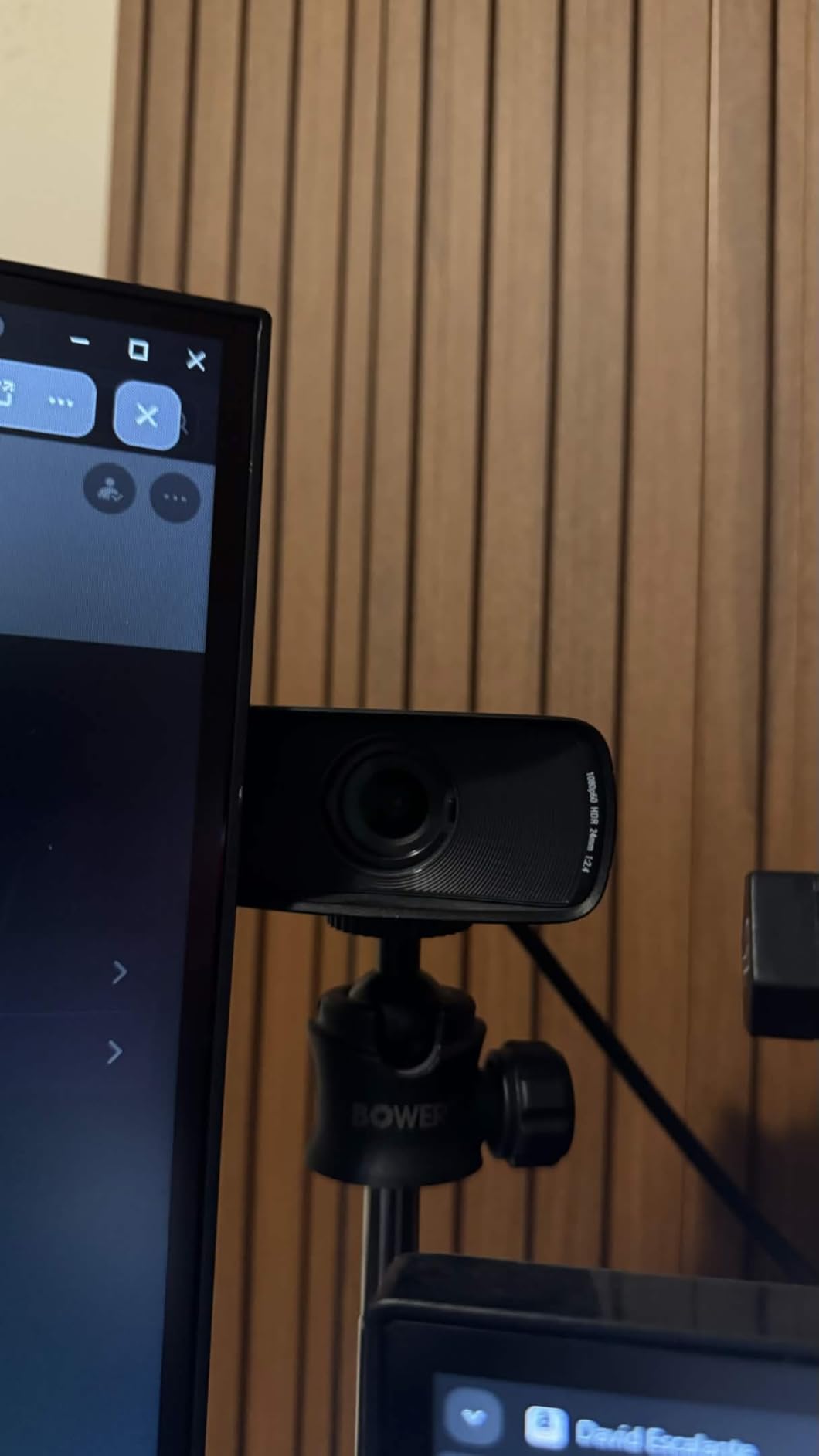
Camera Hub gives full manual control over shutter speed, ISO and white balance, and settings survive a reboot. That persistence matters more than it sounds, because a camera that reverts to auto between sessions is a camera that will not match the rest of your rig on match day.
HDR is handled separately at 1080p30, which covers a high-contrast desk lit from one side. There is a 1.5:1 aspect ratio option for a taller crop, an integrated privacy shutter that stays attached, and a two-year manufacturer warranty. It works over USB 2.0 via MJPEG as well, which adds setup flexibility when bandwidth is tight.
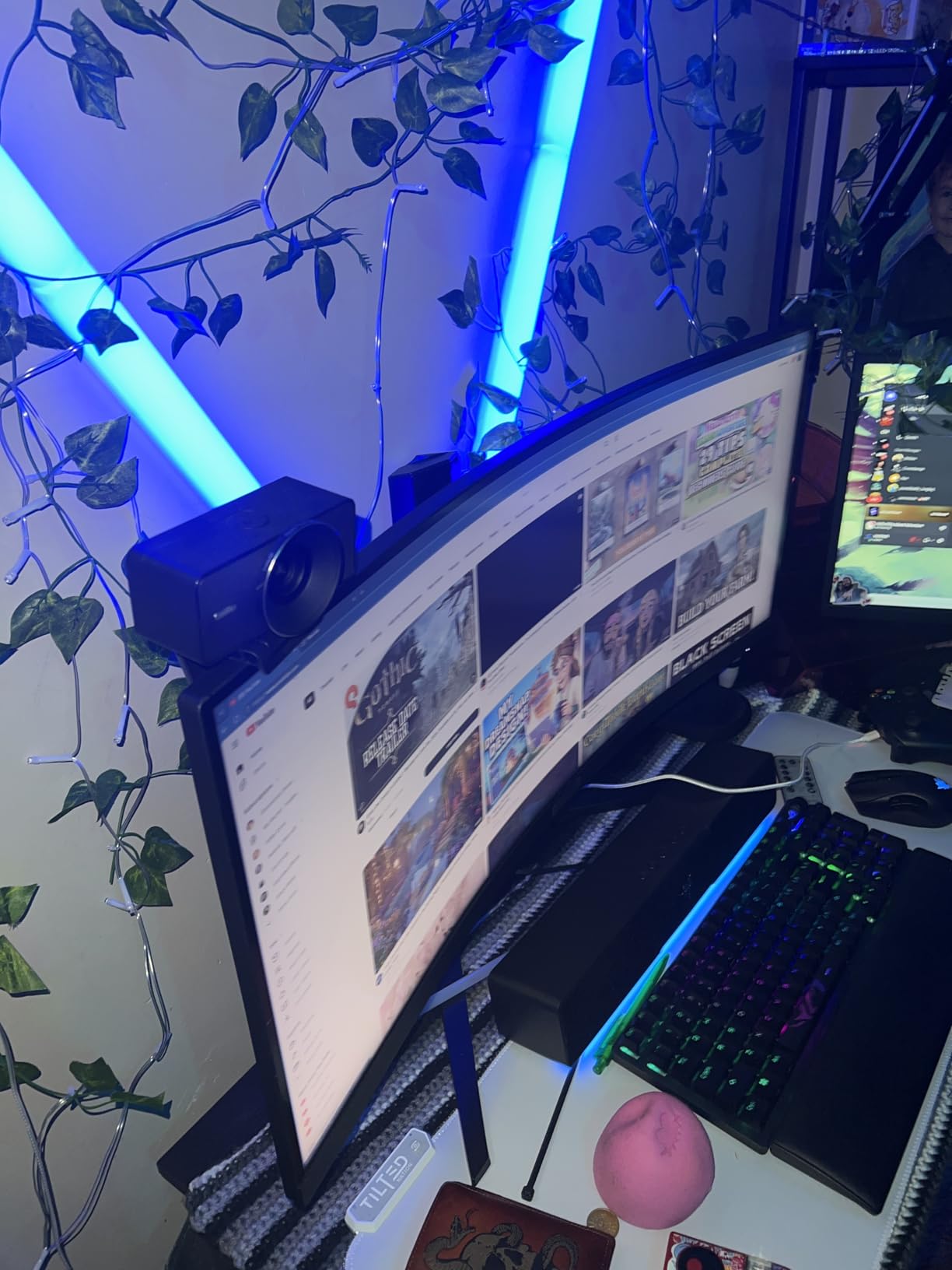
What makes it easy to match against other cameras
Manual exposure and manual white balance with values that persist means you can dial in a look once during rehearsal and trust it across a whole tournament day. Most of the colour work in a multi-camera rig happens in this mode, and very few cheap webcams expose it.
Because the settings are software-driven rather than hardware-fixed, the same unit can be re-tuned for a different venue’s lighting in minutes. For a production company moving between venues, that flexibility is worth more than any single spec.
Where the image processing fights back
The sensor is pushed brighter than the original Facecam to handle low light, and that brightness brings visible noise that needs aggressive reduction in software, which softens fine detail on a face. HDR also blows out brightly coloured accent lighting behind a caster.
There is no integrated microphone, so a separate mic is mandatory for a caster. The included 2m USB cable is short for most creator desk runs, and some units ship with a stuck dead pixel that shows when you digitally zoom.
5. FoMaKo FMK20SDI Pro 20x PTZ – The Fixed Stage Workhorse
FoMaKo PTZ Camera HDMI, AI Auto-Tracking Gen 3, 20x Optical Zoom, True to Life Colors, PoE, HDMI PTZ Camera for Church Services Worship Education vMix OBS,Free NDI Upgrade (FMK20SDI Pro,Black)
Pros
- 20x zoom gives a clear image at sensible focal settings
- Manual white balance holds skin tone under LED stage lighting
- Focus setting stored inside shot presets
- Gear transmission PTZ gives durable preset positioning
Cons
- Live PTZ moves are visibly jerky
- Image hazes slightly at the far telephoto end
- Network setup is fiddly
Where the AVKANS is built to roam, the FMK20SDI Pro is built to sit still. Its strengths are preset accuracy and colour stability, which are exactly what a production needs from a camera locked to a ceiling or truss position covering one zone of the stage for eight hours.
The 20x optical zoom and 10x digital zoom sit on a 1080p sensor, and reviewers call out the clarity at sensible zoom settings for the money. The maximum aperture and sensor size are both modest, so this is a well-lit-stage camera rather than a low-light arena camera.
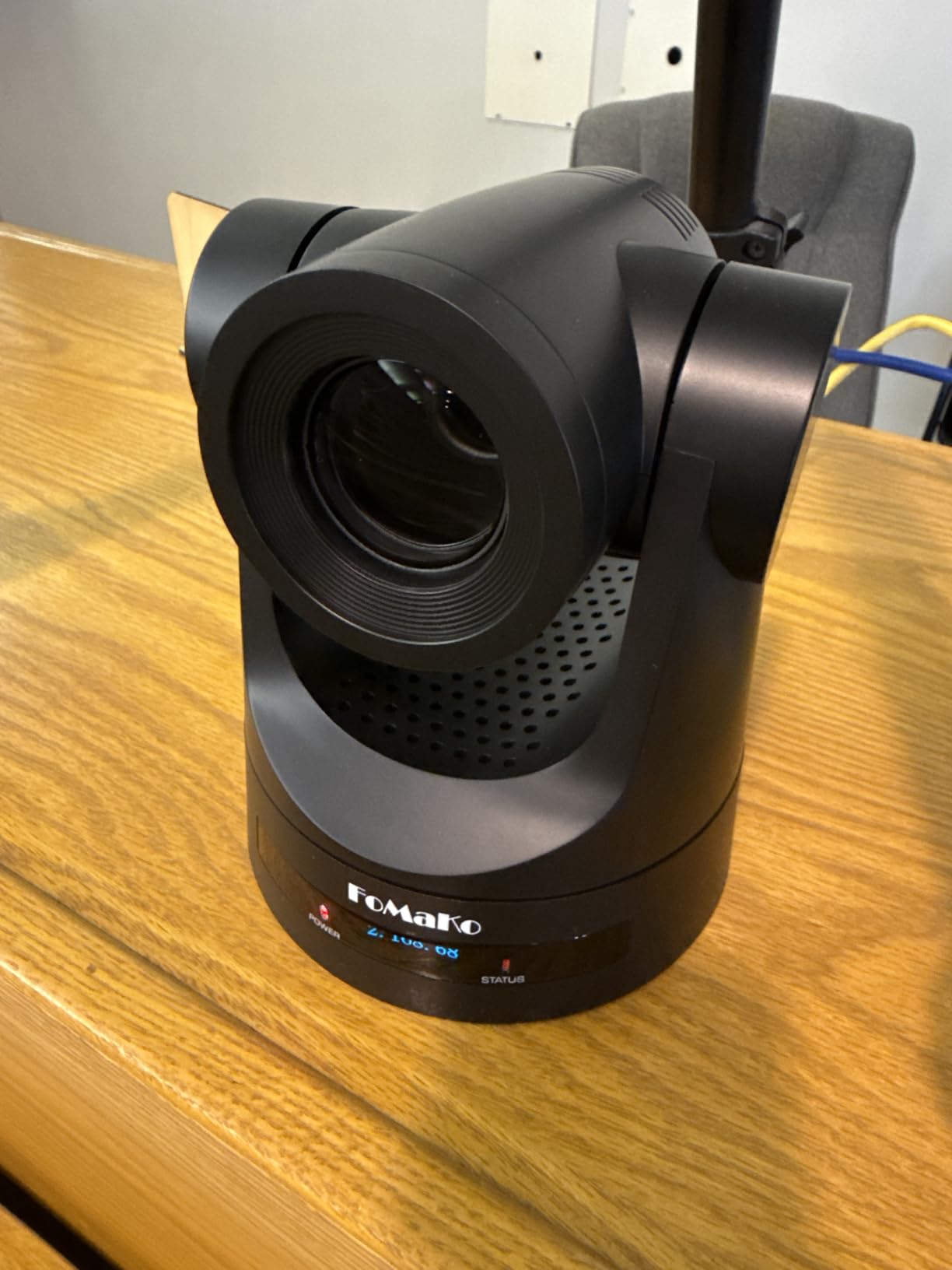
The detail that made us pick it for fixed positions is that focus is stored as part of the shot preset. Recall a preset and the framing, zoom and focus all return identically, every time. On a gear transmission PTZ structure the preset positioning is more accurate and more durable than belt-driven designs, and it weighs 1.4 kg.
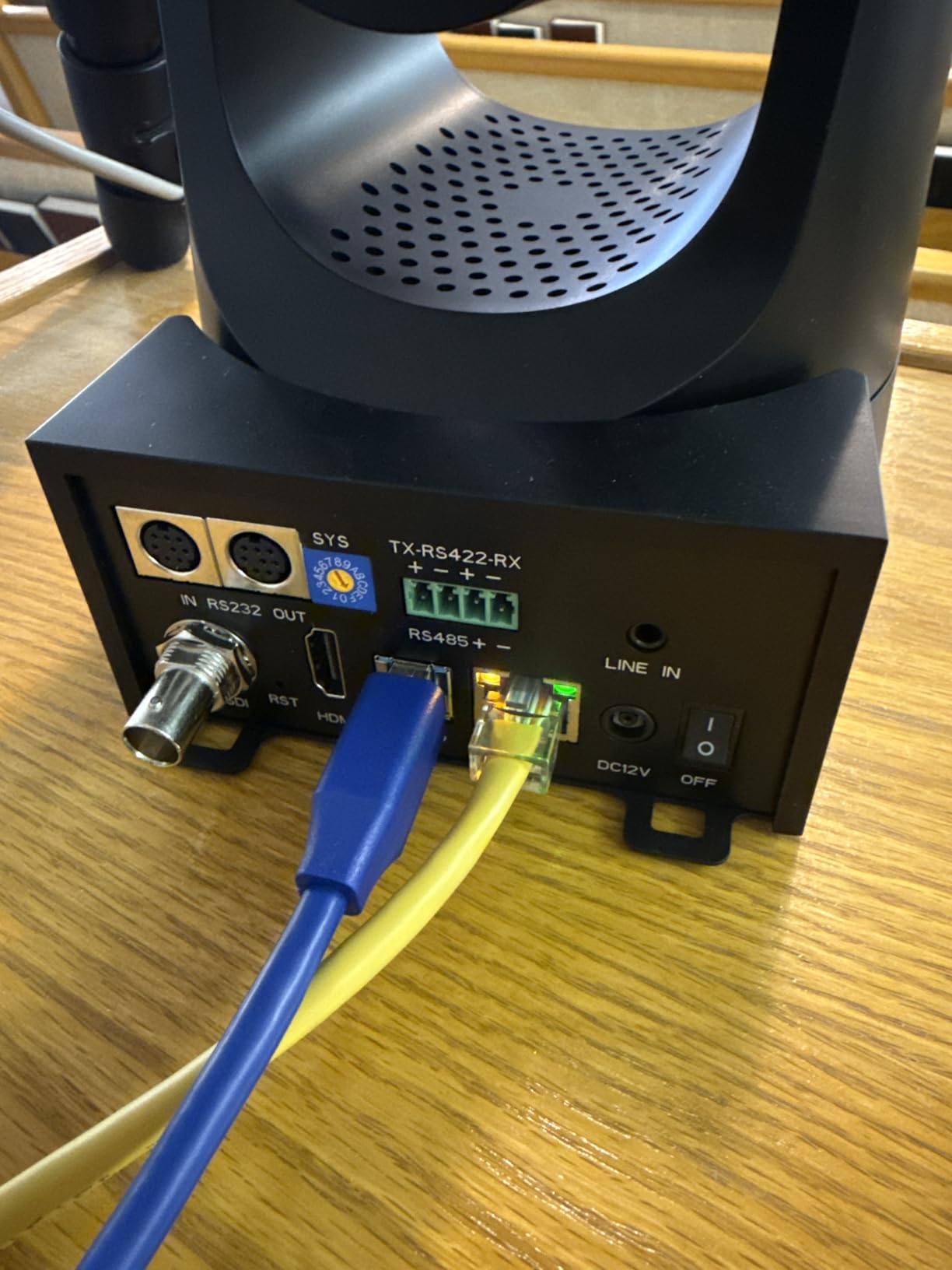
It outputs 3G-SDI, USB3.0, LAN/IP and HDMI simultaneously with PoE support, covering both modern and traditional switcher paths. Format support runs 1080P60 and 50, 1080P30 and 25, plus 720P variants with H.264 and H.265 encoding. A free NDI upgrade is available on request.
The preset behaviour that saves production time
On a PTZ camera, a preset that returns to a slightly different focus is a preset you will correct live. Storing focus inside the preset means the recalled shot looks identical to the one you approved in rehearsal, and that reliability compounds across a long bracket.
It also detects inverted mounting and corrects both the picture and the joystick orientation automatically, so a ceiling install does not need a separate configuration pass. The wall and ceiling brackets are both in the box.
What to plan around
Live PTZ moves are visibly jerky, and several owners note they need a second camera angle to cut away to while repositioning. Treat it as a cut-and-hide camera, not a live-move camera.
Image quality drops slightly at the far telephoto end, where it hazes. Initial network configuration is fiddly, NDI can deactivate after a factory reset and has to be re-enabled by hand, and the documentation is weak and poorly translated. The upside is a three-year limited warranty with 30-day returns and lifetime technical support.
6. Tenveo 4K NDI PTZ Two-Camera Kit – Two Bodies and a Controller
Tenveo 4K NDI PTZ Camera AI Humanoid & Face Auto-Tracking HDMI/USB3.0/LAN(PoE) 20X Optical Zoom(*2) and 7’’ LCD Quad-Screen NDI PTZ Joystick Controller Bundle/Kit for Church Services Live Production
Pros
- Two cameras plus a quad-screen joystick controller in one kit
- Tracking holds lock when the target is briefly blocked
- Simultaneous 4K HDMI and USB3.0 and 1080p NDI output
- Broad protocol support including VISCA over IP and ONVIF
Cons
- Heavy at 8 kg for the bundle
- PoE operation needs an external PoE switch
- Advanced features need specific firmware versions
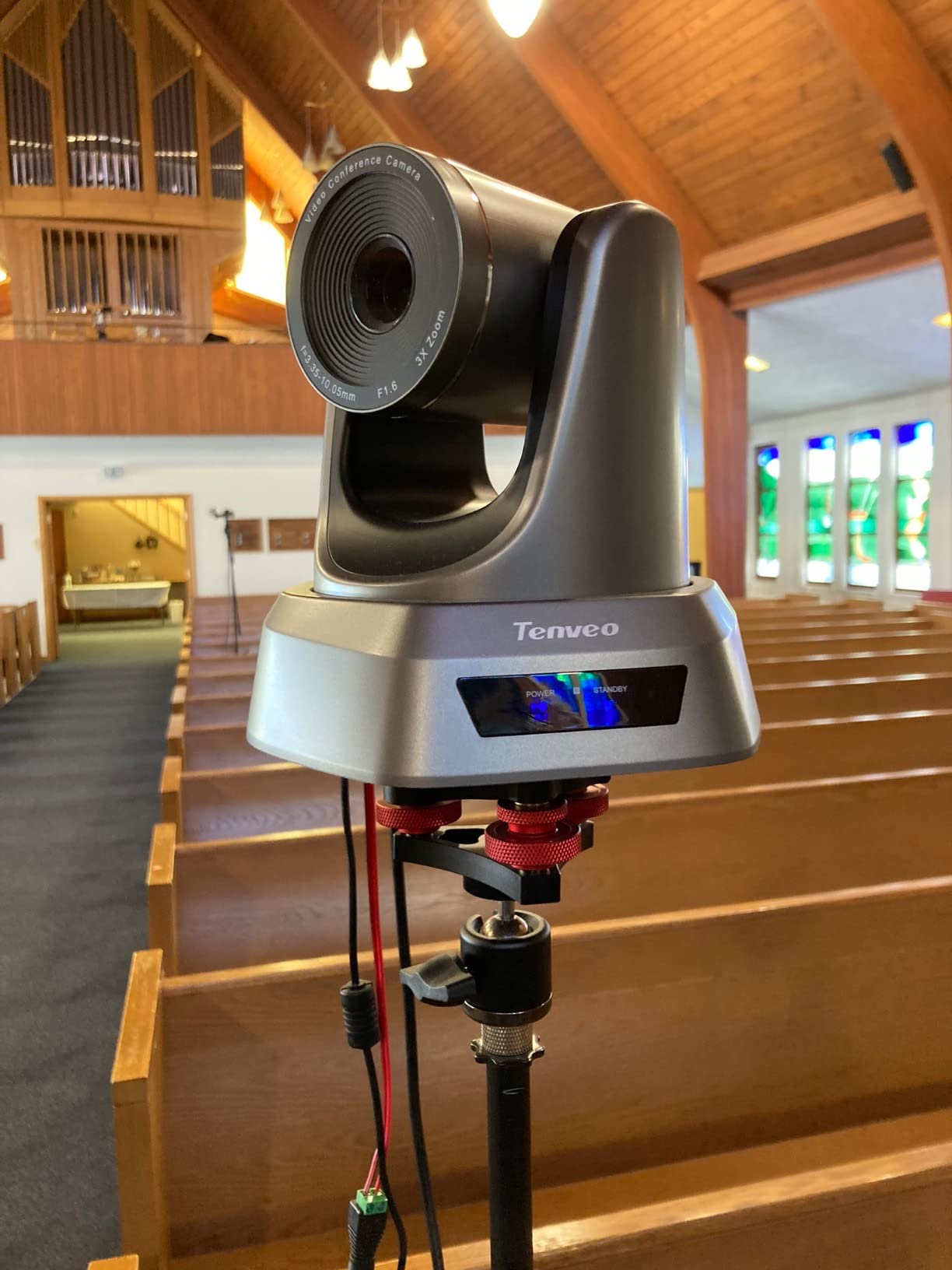
Most small esports productions eventually want two moving cameras, and this bundle arrives with the piece that makes two cameras practical: the KB300PRO controller. Its 7-inch LCD shows a quad-screen real-time preview with a 4D variable-speed joystick, so an operator can see and drive both bodies from one seat without a second operator.
Each camera is a 20x 4K PTZ body on a 1/2.8-inch CMOS with an 8.29 megapixel effective resolution and a 63.1 degree viewing angle. Dual humanoid and face auto-tracking includes autoframing and presenter modes, and reviewers report the lock holds even when the target is briefly blocked, which is common when a player stands up.
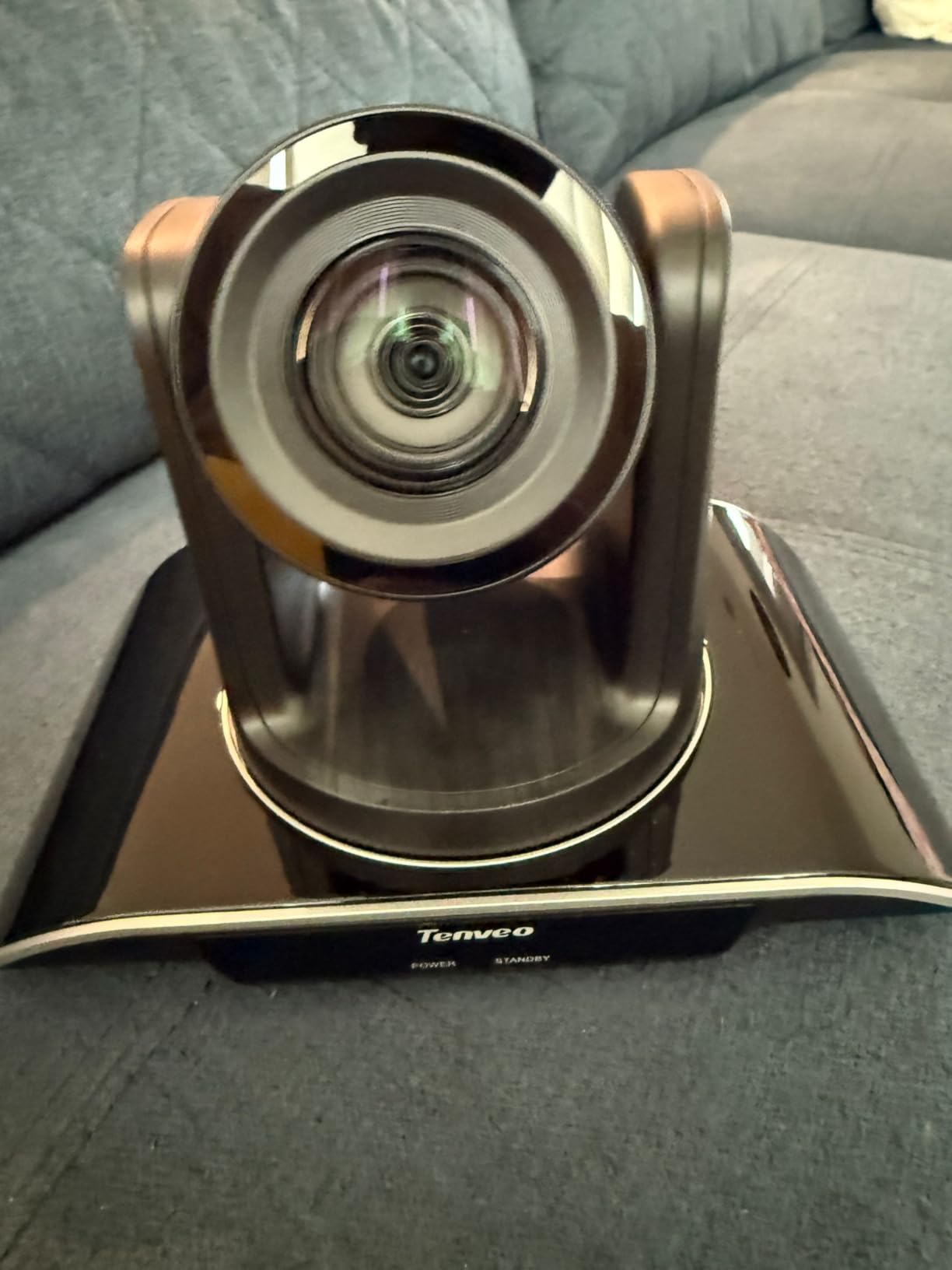
Output flexibility is strong. Each camera puts out 4K over HDMI, 4K over USB3.0 and 1080p over NDI/IP simultaneously, with MJPEG, YUY2, H.264 and H.265 encoding. PoE runs on 802.3af, and the recommended ranges are 15 m over USB, 30 m over HDMI and unlimited over LAN.
Protocol support is the widest on this list: RTSP, RTMP, ONVIF, GB28181, VISCA over IP and multicast, plus the NDI licence included in the box. The controller handles pan, tilt, zoom, focus, iris, backlight, presets, PTZ speed and camera selection, and it can toggle AI tracking on and off.
What a quad-screen controller changes on a two-camera show
Blind moves are the failure mode of a small PTZ rig. With one operator and two cameras, a quad-screen preview removes the guessing about where the second body is pointed, and the variable-speed joystick gives fine positioning on a shot that a fixed-speed PTZ overshoots.
The IP Search tool also auto-discovers Tenveo devices on the network and assigns static IPs, which compresses a long venue setup into a short one. That matters more than it sounds when load-in is a ninety-minute window.
Where the kit gets in the way
The bundle weighs 8 kg, so it needs solid mounting and careful transport between venues. PoE operation requires an external PoE switch, which is an extra box and an extra failure point if you were expecting a one-cable install.
Several features have a firmware floor: IP auto search and tracking record and playback need camera V1.2.02 and controller V5.4.6 or later. There is no built-in microphone on the cameras, so caster audio comes from the audio desk as it should.
7. OBSBOT Tiny 3 – The Webcam That Reframes Itself
Pros
- Large 1/1.28-inch sensor in a compact body
- 4K30 and 1080p120 with dual all-pixel PDAF
- AI Tracking 2.0 follows a person a group or 200 object types
- Desk and Whiteboard auto-framing modes
Cons
- No built-in storage
- USB-C only with no Wi-Fi or Bluetooth
- Manufacturer advises disabling voice and gesture control if the gimbal behaves oddly
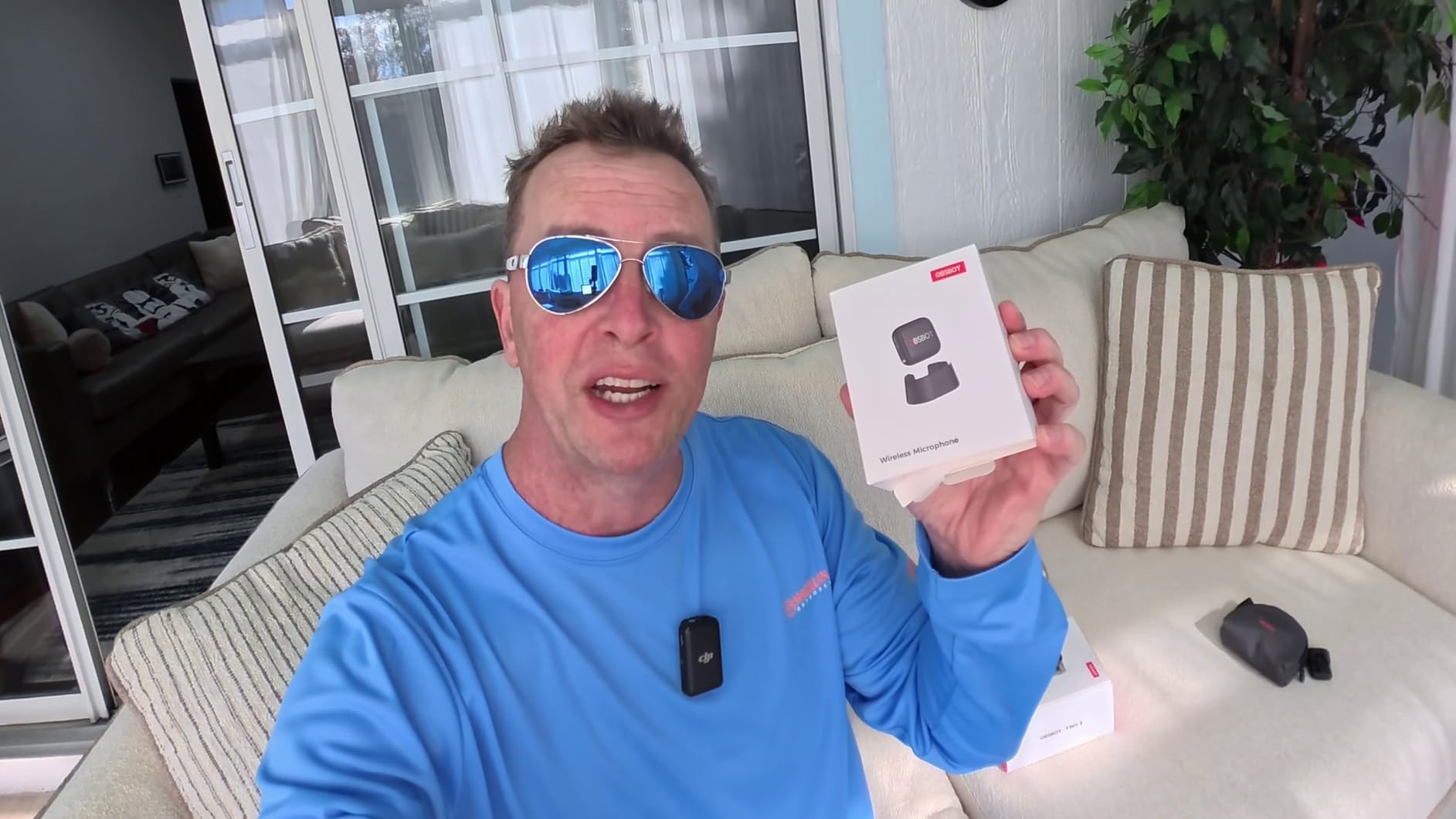
The Tiny 3 solves a problem most desktop webcods create: a player who leans out of frame during a heated round. Because the camera is gimbal-mounted, it can physically pan and tilt to follow, and AI Tracking 2.0 locks onto a person, a group or more than 200 object types without anyone touching a stick.
It packs a 1/1.28-inch CMOS, which is unusually large for a webcam, into a body 48% smaller and 34% lighter than the previous generation at 310 g. Output is 4K at 30fps or 1080p at 120fps, and dual all-pixel PDAF switches between focus modes to match the lighting in front of it.
The audio is the sleeper feature for a caster desk. A triple-mic array pairs one omnidirectional mic with two MEMS directional mics, driving five specialised audio modes, so you can get usable caster audio from the camera itself before the audio desk is even patched.
For framing there is Desk Mode, Whiteboard Mode, one-touch presets, composition lines and zone tracking. OBSBOT Center adds Beauty Mode, background blur, a teleprompter, an exposure gamma curve, auto white balance offset and NVIDIA Maxine eye contact. It connects over USB-C on Windows 10 64-bit or later and macOS 11.0 or later.
When auto-framing genuinely earns its place
Auto-framing matters most in a two-person shot where one person is talking and the other is gesturing or slouching. A fixed webcam frames for the empty space rather than the active speaker, and the Tiny 3’s gimbal keeps the composition on whoever is actually on mic without an operator nudging it.
The 1080p120 mode is also useful for slow-motion replay inserts. If your instant replay system can pull a high-frame-rate source, that mode gives you clean 120fps footage of a reaction moment rather than an interpolated 60.
The cautions in the product’s own guidance
OBSBOT explicitly advises disabling voice and gesture control if the gimbal wakes or sleeps abnormally or behaves erratically. Test that behaviour early rather than at the venue, because a gimbal waking on a loud reaction mid-round is a problem on air.
There is no built-in storage, so capture depends entirely on the connected PC or Mac. Connection is USB-C only with no Wi-Fi or Bluetooth, which also rules out wireless contribution over the venue network from this body alone.
8. EMEET S600 4K – The Remote Contribution Camera
Pros
- Sony sensor delivers 4K30 and 1080p60 beyond typical webcam quality
- PDAF is faster and more stable than contrast-detect
- Built-in privacy cover cannot be knocked open
- Stable on Linux and through USB switches
Cons
- No manual focus option
- EMEETLINK software is very basic
- Some users report connection drops in Discord
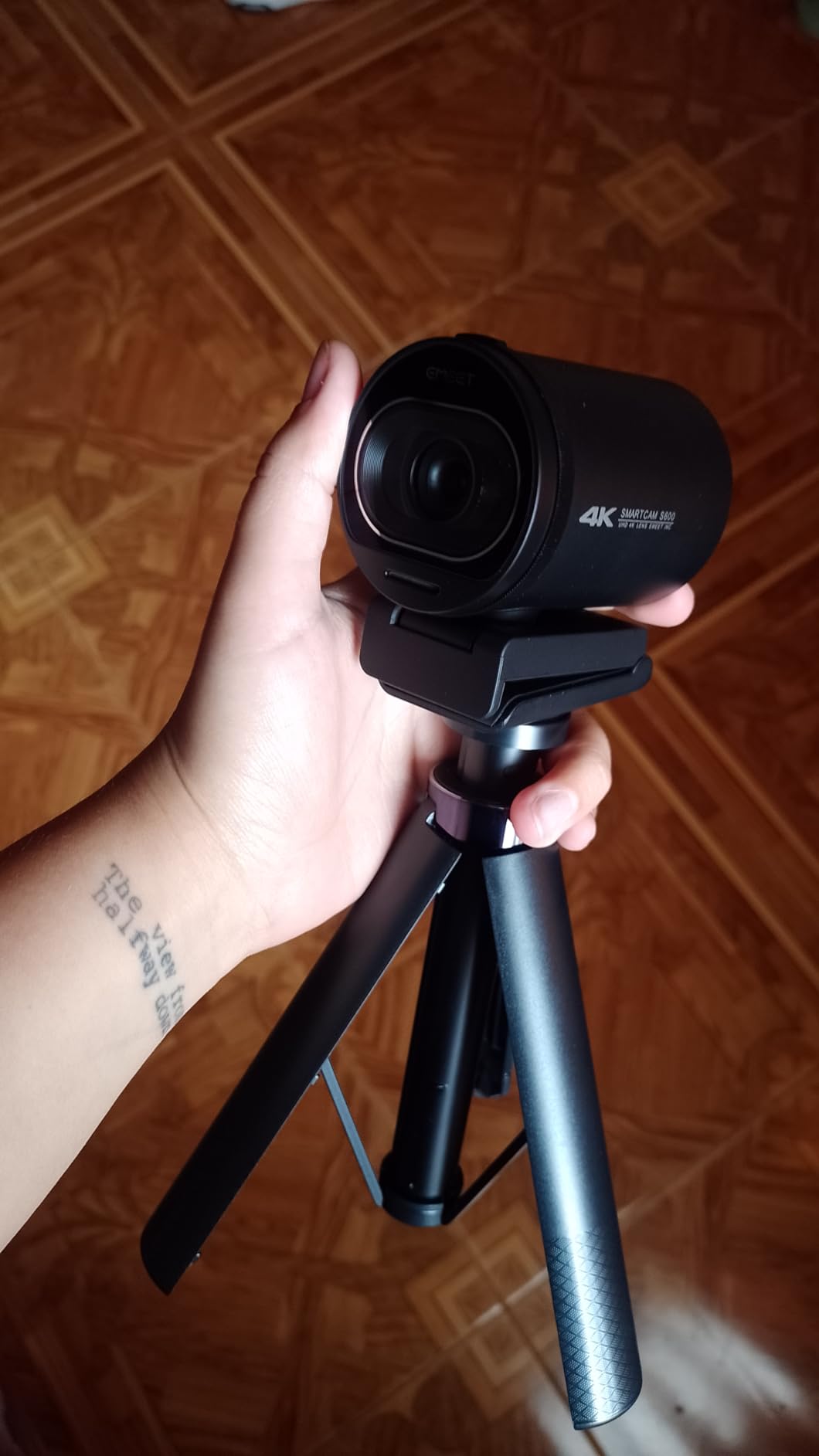
The S600 is the camera we send to a team playing a scrim from another city. It is true plug-and-play over USB with no drivers and no mandatory app, and it holds a stable signal across Windows, macOS and Linux, including through USB switches, which is exactly the failure profile of a remote contribution feed.
The 1/2.55-inch Sony sensor with 8 megapixel effective resolution outputs 4K at 30fps and 1080p at 60fps. That 60fps mode is the one that matters for a player cam, and at 2122 reviews the user base is large enough that the failure patterns are well documented.

Autofocus is phase detection, which owners consistently report as faster and more stable than the contrast-detect systems on cheaper webcams. Auto light adjustment balances shadows and highlights in a dim room, and two noise-cancelling microphones filter background noise by default, switchable in EMEETLINK.
Framing flexibility is good for a small desk. Field of view is adjustable from 40 to 73 degrees at 1080p and fixed at 73 degrees at 4K, and the mount swivels 45 degrees with a wide-angle tilt. The privacy cover is built onto the lens unit, so it cannot be knocked open. It carries a two-year warranty and includes a 4.92 foot Type-C to A cable.
Why remote and practice-room duty suits it
A distributed tournament has an awkward characteristic: the camera at the far end is operated by someone who is not you. The fewer settings they have to touch, the more likely the shot is correct on the first take, and the S600 has almost nothing to adjust.
For practice rooms and scrims the same logic applies, and the adjustable 40-73 degree field of view lets you frame a tight single-player shot or a wider three-player setup by changing one value rather than moving the camera.
What you give up
There is no manual focus, so the camera is at the mercy of its own detection in very low light. EMEETLINK is basic, and the output resolution has to be changed in the operating system camera settings rather than inside the app, which is one more step for a volunteer operator.
A smaller number of users report intermittent connection drops in Discord while the native camera app works fine, so test in the exact software the remote team will use. The onboard microphone cannot replace a dedicated streaming microphone, and the camera is not compatible with Windows Hello functions.
9. Acer 4K Webcam – The Metal-Bodied Backup Angle
Acer 4K Webcam for PC/Mac with All-Metal Unibody Sculpted, Sony 1/2″ Sensor, PDAF, 2 Noise Reduction Mics, Privacy Cover for Switch 2/Zoom/Teams/Facetime/YouTube/Google Meet
Pros
- Sharp detailed 4K from a Sony 1/2-inch sensor
- All-metal CNC unibody aids heat dissipation for 24/7 use
- Phase detection autofocus is quick and stable
- 57 grams and genuinely plug-and-play
Cons
- Detached magnetic privacy cover is easy to misplace
- Limited manual adjustment options
- Physical size is smaller than photos suggest
The Acer webcam is the sleeper on this list and it earns its slot for a specific reason: heat. The CNC-machined aluminium unibody dissipates heat far better than a plastic shell, and reviewers specifically credit it for 24/7 running, which is the difference between a backup camera and a camera you can leave on all match day.
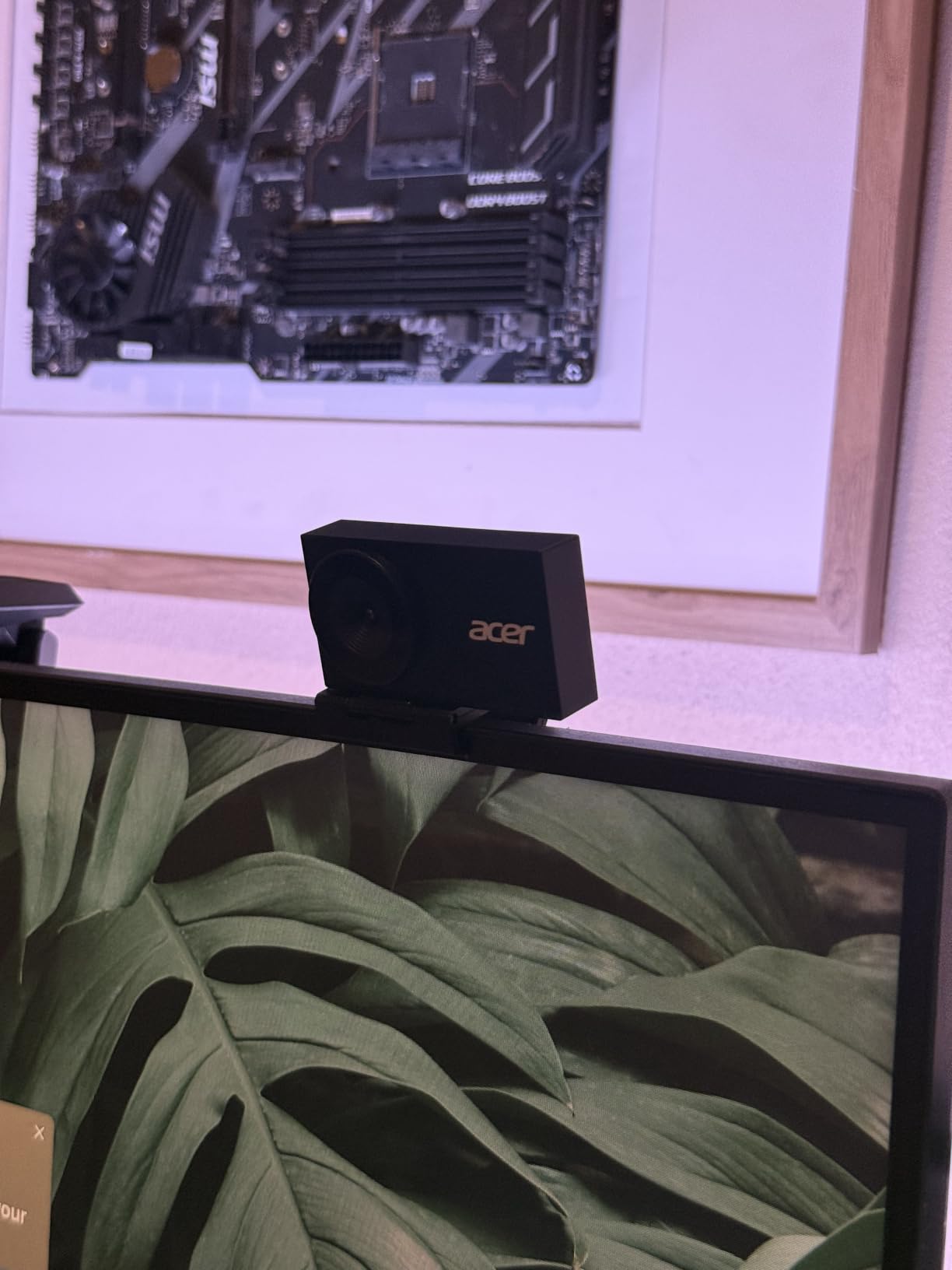
Behind the metal is a Sony 1/2-inch CMOS, a step up from most webcams at this size, producing UHD 4K with vibrant colour and strong low-light capture. The 83-degree viewing angle is the widest here, which suits an angle that needs to take in a whole player cam setup without moving.
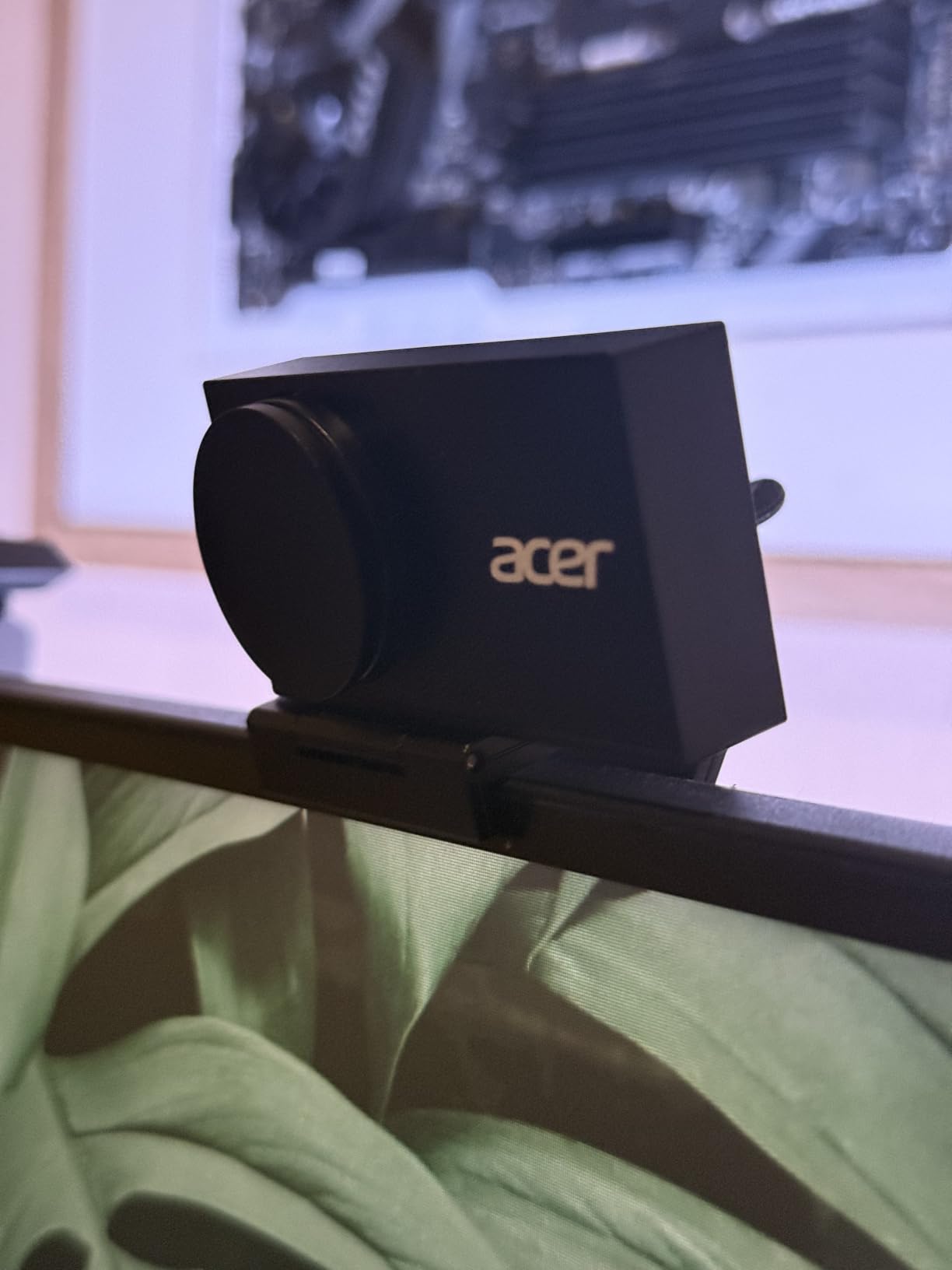
Phase detection autofocus is quick and stable without constant hunting, which is the single most important behaviour for a face on a broadcast. Two high-sensitivity digital mics pick up voice clearly from across a room and filter keyboard and wind noise, with a stated effective range up to 2.5 metres.
There is no software to install. It is plug-and-play over USB-C with a USB-A adapter in the box, with no drivers, no apps, no Wi-Fi and no Bluetooth, and it works on Windows, Mac and ChromeOS including Twitch and YouTube. The magnetic privacy cover snaps on with 12 built-in magnets, and the warranty runs one year.
What the wide field of view is good for
At 83 degrees, this is the easiest camera here to point at a player cam and get both shoulders and desk in frame without adjusting anything. For a second angle covering a team row, or a commentary two-shot, that saves a lot of trial framing during load-in.
No software also means no software failure. A camera with no driver, no companion app and no account is a camera that works the same way on match day as it did during rehearsal, which is a genuinely underrated property in a venue with unreliable internet.
Where it falls short
The manual controls are limited compared with software-driven premium webcams, so matching this camera to a Sony or Elgato body in a multi-camera rig takes more work in the switcher than in the camera.
The magnetic privacy cover detaches completely and is easy to misplace, where an attached shutter would be more convenient. The body is also smaller than buyers expect from product photos, which matters if you are mounting it rather than clipping it to a monitor.
10. Logitech Brio 101 – The Fixed-Focus Camera for Practice Rooms
Pros
- Sharp clear 1080p image in good lighting
- Genuinely plug-and-play on Windows macOS and Chrome OS
- RightLight boosts brightness up to 50%
- Sliding privacy cover included in the box
Cons
- Fixed lens with no zoom in or out
- Image is grainy when low-light compensation engages
- Monitor-mounted position can be too close
The Brio 101 is the camera you buy in a stack. At 7795 reviews it is the most thoroughly tested product on this list, and the consistent practical advice from buyers is to buy several, add a small diffused light, and turn off low-light compensation. That is the recipe for a room full of working practice cameras.
It captures 1080p Full HD with H.264 compression over a built-in USB-A cable, with a fixed focus lens and a 60-degree viewing angle. RightLight Auto-Light Balance boosts brightness by up to 50% over previous-generation Logitech webcams, which is doing most of the work in a dim room.

The sliding privacy cover is integrated rather than magnetic, so it cannot be lost, and the body weighs 4.96 ounces and measures 1.26 by 2.87 by 2.62 inches. Zoom, framing and camera settings are adjustable through the Logi Options+ app, and the camera is made with a minimum of 77% post-consumer recycled plastic.
That scale of user base also means replacement units are easy to source. If one of eight identical cameras dies mid-scrim, a swap takes seconds and the replacement is already configured, which matters far more than any individual spec at this end of the list.

When a fixed lens is the right answer
A fixed lens is not a compromise when the camera never moves. Mount a Brio 101 at a fixed distance, set the frame once in rehearsal, and it will deliver the same shot every time with no zoom, no motor and nothing to go wrong mechanically.
For a practice room, a team room broadcast, a remote contribution desk or a monitoring feed, that reliability beats the optical reach of a camera you would have to re-aim. It is also compatible with Nintendo Switch 2 GameChat mode for secondary use.
Why it does not earn a stage slot
The fixed lens cannot zoom in or out, so you cannot tighten a frame on a player without moving the camera itself. Combined with a 60-degree field of view, that rules out any shot where the subject distance varies.
The image is also noticeably grainy once low-light compensation engages, and the most common advice is to disable that feature and add a diffused light instead. Monitor-mounted, the position can also sit too close and fill the frame with a head. The built-in microphone is fine for calls and will not carry a caster.
How We Chose the Cameras for This List
Every camera here was judged against the same six criteria, and the weights reflect what actually breaks an esports production rather than what looks good on a spec sheet. We did not rank on resolution, because a 4K camera with hunting autofocus is worse on air than a 1080p camera that holds a face.
Clean output. A broadcast camera has to send an image with no record icons, no battery strip and no menu overlays burned into it. Webcams give this over USB by default; mirrorless bodies need their display-info and clean-feed settings configured before the first match.
Autofocus on unpredictable movement. Players do not run across a stage. They shift in a chair, lean forward, stand up once per map and then sit back down. Autofocus that handles fast tracking will still hunt when the nearest subject changes, which is the failure we tested for.
Low-light performance under stage lighting. Arenas are lit for the audience, not for the cameras, and a stage LED wall behind a player is the hardest possible backlight. Sensor size and aperture matter more here than any of the AI framing features.
Runtime and power. A tournament day is long. We looked at whether a camera runs on mains power indefinitely, whether it needs batteries, and whether it overheats. Several bodies on this list are only sensible with continuous power.
Lens reach. From a fixed stage position, the difference between a wide zoom and a short lens is the difference between framing a single player and framing a whole stage. This is why a 20x or 30x PTZ and an interchangeable-lens body both earn their place.
Operator forgiveness. Somebody has to set this up, possibly a student volunteer. We favoured cameras with manual exposure and white balance, presets that recall identically, and controls that survive a reboot.
Buying Guide: Building an Esports Broadcast Camera Rig
How many cameras do you actually need
Three is the practical minimum for a tournament broadcast: a gameplay feed, a stage wide, and at least one player cam. Four is where a production starts to look professional, because you can cut away from a PTZ move instead of riding through it. One camera is a stream, not a broadcast.
Our conference camera guide covers fixed-room framing in more depth if your event is a LAN in a meeting room rather than an arena, and our camera brands breakdown is useful if you are standardising equipment across a season.
Getting a clean feed: HDMI, USB, SDI and NDI
USB is the simplest path. A webcam appears as a UVC source, OBS Studio sees it immediately, and there is almost no processing between the sensor and the encoder, so latency is minimal. The trade-off is cable length and the inability to feed a traditional vision mixer directly.
HDMI with a capture card is the workhorse for mirrorless bodies. The important part is disabling the on-screen display in the camera menu, because most bodies put a record icon, a battery level and a grid over the image by default. A capture card also keeps the camera’s processing out of the path, which reduces sync drift.
SDI is the broadcast-standard path, and 3G-SDI carries 1080p60 over a robust coaxial run that can be hundreds of metres. NDI sends HD video, control and discovery over IP, which means one Ethernet cable per camera and no video cables to the switcher at all. NDI costs bandwidth and a little latency, and a managed network switch is not optional.
Our lighting guide covers the other half of the chain, because a backlit player on a dark stage is a lighting problem before it is a camera problem.
Lens strategy for stage distance
This is where most esports guidance goes quiet, and it is the decision that matters most. A 24-70mm f/2.8 is the workhorse lens for this work: 24mm covers a stage wide from the back of the venue, 70mm gives a clean single-player shot, and the constant f/2.8 aperture holds both ends of the range when the arena lighting falls.
The reason to standardise on that range rather than a fast prime is depth of field. A 24-70mm f/2.8 lets you keep a five-player team row sharp from the back of the room, where a fast 24mm prime wide open leaves only one player in focus. Community operators running event coverage standardise on 24-70mm for exactly this reason, and reach for 70-200mm only when the action is genuinely distant.
PTZ cameras substitute zoom range for glass, which is why a 20x or 30x model is a reasonable stand-in when you cannot commit to a lens. The trade is that the aperture is fixed and the image softens at the far end of the range.
Latency, frame rate and A/V sync
Every processing stage adds delay. Autofocus, image stabilization and noise reduction all sit between the sensor and your encoder, which is why operators on r/VIDEOENGINEERING consistently recommend turning them off and focusing manually for live play. The only reliable latency figure is the one you measure yourself.
Measure A/V sync before the event, not at it. Clap a visible object in frame with a sharp audio transient, record the output, and count the frames between the two. Then apply the correction in your streaming software as a per-source offset rather than shifting the master audio, so one laggy camera does not drag the entire mix with it.
Frame rate has to match across cameras. Mixing 1080p60 and 1080p30 sources in one switcher without conversion produces visible artefacts on the 30fps feed. Set every camera to the same frame rate at rehearsal, and if a venue demands 1080i, confirm each body supports interlaced output before load-in.
Power, heat and the length of the day
Continuous power is not a luxury. Feed mirrorless bodies from a dummy battery or AC adapter, and expect consumer bodies to run warm after several hours regardless of power source. The all-metal bodies on this list handle that better than plastic ones, which is not a glamorous reason to pick a camera but a real one on a marathon event day.
Keep spare batteries, a spare camera and a known-good USB or HDMI cable in the kit bag. Cameras that work on the bench and fail on stage are usually failing from heat or a marginal cable, and both are solved by redundancy rather than by a better model.
Frequently Asked Questions
What cameras do streamers use for gaming and esports broadcasts?
Most esports broadcasts use a mix: a mirrorless body or broadcast camcorder for stage-side player cams, and ceiling-mounted PTZ cameras with AI tracking for the stage wide and audience coverage. Commentators at a desk usually use a USB webcam, because USB means near-zero processing delay and no capture card. Tiered events add SDI or NDI cameras on long runs from a control position. Dedicated streaming webcams rarely appear on stage because they cannot be re-aimed or reframed once mounted.
What is the best camera for live streaming esports events?
The best camera for live streaming esports events is a mirrorless body with eye-detect autofocus and clean HDMI output if you have one operator, because the lens mount lets you reframe between a stage wide and a tight player reaction from a fixed position. For a multi-camera production with no operator per angle, a PTZ camera with AI tracking and NDI over PoE is the better answer, since one Ethernet run carries power, control and preview. Webcams remain the right choice for commentary desks and practice rooms.
Is a 24-70mm lens good for esports and sports coverage?
A 24-70mm f/2.8 is the standard workhorse for event and stage coverage. The 24mm end covers a stage wide or a five-player team row from the back of a venue, and the 70mm end gives a clean single-player shot without moving the camera. The constant f/2.8 aperture is what makes it practical, because it keeps both ends of the range usable as arena lighting falls. A fast 24mm prime wide open leaves only one player in focus at distance.
How do I stop audio-video sync drift on a multi-camera stream?
First, remove processing from the chain: disable autofocus, image stabilization and noise reduction, which operators on r/VIDEOENGINEERING recommend for live play, and feed cameras with continuous power. Second, measure the delay yourself by clapping in frame and counting frames in the recorded output, then apply the correction as a per-source offset in your streaming software rather than shifting the master audio. Third, keep every camera on the same frame rate, since mixing 60 and 30fps sources causes both artefacts and sync problems.
Do I need a capture card for every camera in an esports rig?
No. USB webcams connect straight to the computer as a standard video device and need no capture card, which is why most commentary desks run that way. A capture card is needed for cameras that only output over HDMI, including mirrorless bodies, and it is also the cleanest way to keep the camera menu overlays out of the picture. SDI and NDI cameras bypass capture cards entirely, going into a switcher or NDI gateway that the software then reads as a single source.
Conclusion: The Shortlist by Broadcast Role
The Sony Alpha a6400 takes the top spot on this list of the best cameras for esports broadcasts, because the lens mount is what lets one fixed position cover a stage wide and a tight reaction, and Real-Time Eye AF holds the face through the moment every production is built around. Add a 24-70mm f/2.8 before your first event if you can.
For arena coverage, the AVKANS 30X NDI PTZ gives you 30x reach, AI tracking and a single Ethernet run for power, control and preview. For a desk player cam, the Logitech MX Brio delivers 4K30 and 1080p60 over USB with almost no processing delay, and the EMEET S600 does the same job for remote contribution and practice rooms.
Whichever you pick, set manual exposure and white balance at rehearsal, keep every camera on the same frame rate, and measure your A/V sync before load-in. Our broadcast camera guide covers the camcorder side of the market if you need more reach than any single body in this list provides. This list was last checked for October 2026.