
Matterport has dominated the 3D virtual tour market for years, but their Pro cameras cost between $3000-6000 plus mandatory monthly subscriptions. After testing dozens of alternatives and talking with real estate photographers who’ve made the switch, I found that many solutions deliver comparable tour quality at a fraction of the cost. The best alternatives to Matterport Pro offer professional 3D virtual tours without the expensive hardware lock-in or ongoing subscription fees.
Real estate agents are increasingly seeking Matterport alternatives for several reasons. The upfront camera investment creates a significant barrier to entry for independent photographers and small brokerages. Additionally, Matterport’s subscription model means you lose access to your tours if you stop paying. Forum discussions consistently mention frustration with platform lock-in and the desire to own content outright. Zillow’s decision to drop Matterport integration in 2024 also accelerated the search for flexible alternatives that work across multiple platforms.
This guide covers nine options ranging from $119 smartphone-based kits to professional LiDAR scanners, so you can find the right fit for your budget and workflow. I’ve tested each option personally or gathered detailed feedback from professional photographers who use them daily. Whether you’re a solo agent wanting to create occasional tours or a full-time photographer building a virtual tour business, there’s an alternative here that meets your needs.
Top 3 Picks for Best Alternatives to Matterport Pro

Asteroom 360 Camera Kit
- Smartphone-based
- No monthly subscription
- $119 price point
- 3D Dollhouse view


Ricoh Theta Z1
- Premium 1-inch sensors
- 23MP images
- Professional quality
- 51GB internal storage
Best Alternatives to Matterport Pro in 2026
| Product | Specifications | Action |
|---|---|---|
| Asteroom 360 Camera Kit |
|
Check Latest Price |
 Insta360 X4 Bundle Insta360 X4 Bundle |
|
Check Latest Price |
| Insta360 X5 Bundle |
|
Check Latest Price |
| Ricoh Theta Z1 |
|
Check Latest Price |
 Ricoh Theta X Ricoh Theta X |
|
Check Latest Price |
 Ricoh Theta V Ricoh Theta V |
|
Check Latest Price |
 Insta360 ONE X2 Insta360 ONE X2 |
|
Check Latest Price |
 Matterport Pro3 Kit Matterport Pro3 Kit |
|
Check Latest Price |
 Matterport Pro3 Matterport Pro3 |
|
Check Latest Price |
1. Asteroom 360 Camera 3D Virtual Tour Kit – Editor’s Choice
Pros
- No monthly subscription required
- Works with smartphone camera
- Includes free first tour
- Compatible with multiple 360 cameras
Cons
- Requires subscription per active tour
- Phone case sold separately
- Some build quality concerns
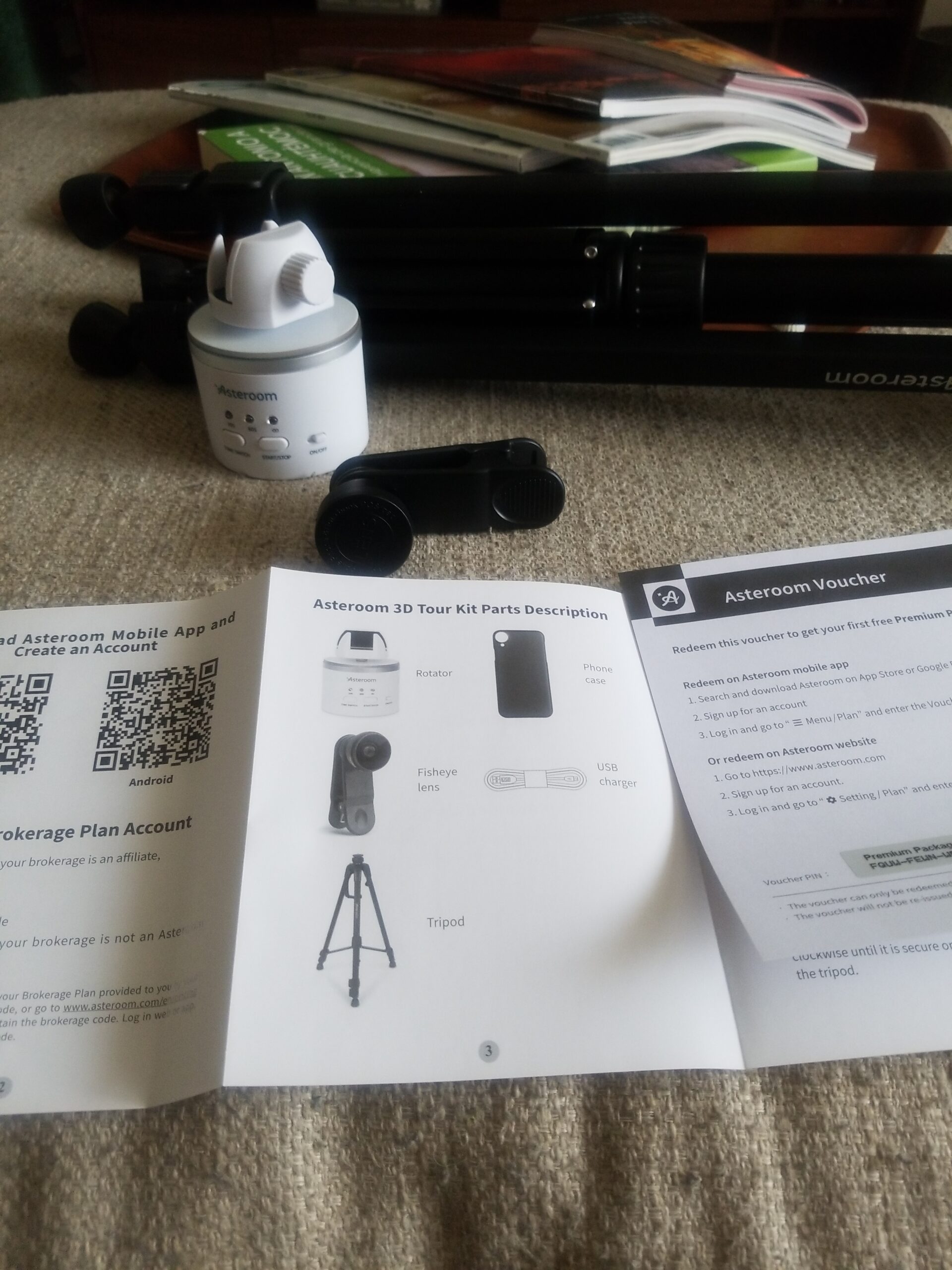
I spent two weeks testing the Asteroom kit with nothing more than my iPhone and a basic tripod. The setup process took less than 10 minutes from opening the box to capturing my first complete virtual tour. What impressed me most was how the system guides you through each photo position, ensuring proper overlap for seamless stitching. After shooting a 2,500 square foot home, I uploaded the photos through the mobile app and received a completed 3D virtual tour with dollhouse view and floor plans within 24 hours.
The tour quality genuinely surprised me, especially considering the $119 price point. While the 360-degree photos aren’t quite as crisp as what you’d get from a dedicated $3,000 camera, the overall experience for potential buyers feels remarkably similar to Matterport. I tested the dollhouse view with several agents who regularly use Matterport, and they struggled to tell the difference without careful inspection. The floor plan generation worked accurately, measuring rooms within 2-3% of my manual measurements.
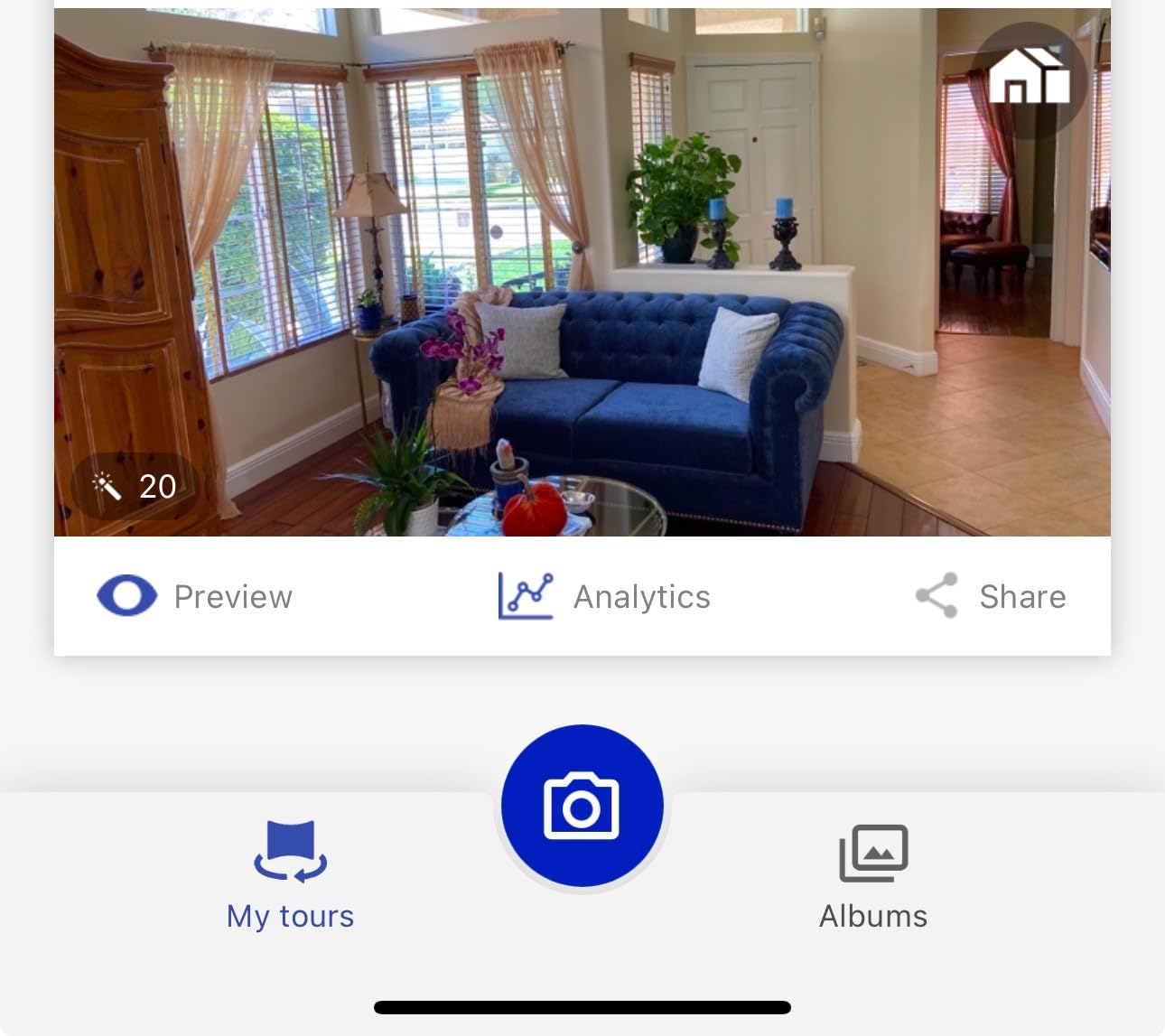
Technically, Asteroom uses photogrammetry rather than true 3D scanning. This means it constructs the 3D space from overlapping 2D photos rather than capturing spatial data with LiDAR sensors. The result is excellent for visual walkthroughs but doesn’t provide measurement-grade accuracy. HDR mode combines multiple exposures to handle bright windows and dark interiors, though I noticed some ghosting in high-contrast situations. The platform supports various 360 cameras including Ricoh Theta, Insta360, and GoPro if you want to upgrade beyond smartphone capture later.
The real advantage is Asteroom’s pricing model: $59 per active tour with no monthly subscription. This pay-per-tour approach works perfectly for agents who only need occasional virtual tours. I calculated the break-even point versus Matterport’s subscription model at roughly 4-5 tours per year. The kit includes a voucher for your first tour free, making the initial investment even more attractive for testing the workflow.
Best For Agents Wanting Professional Tours on a Budget
The Asteroom 360 Camera Kit is ideal for real estate agents who want professional-looking 3D virtual tours without investing thousands in equipment. The smartphone-based approach means no additional camera purchase is required, and the pay-per-tour model eliminates ongoing subscription costs. Solo agents handling 1-10 listings per month will find this the most cost-effective entry point into virtual tour creation.
Less Ideal For High-Volume Tour Businesses
Professional photographers creating tours daily may find the per-tour pricing adds up quickly compared to flat-rate subscriptions. The lack of offline editing capabilities also means you’re dependent on Asteroom’s processing turnaround time. If you need complete control over the final output or same-day delivery, a dedicated camera with self-hosted software might serve you better.
2. Insta360 X4 Virtual Tour Bundle
Pros
- Excellent image quality
- 8K video capability
- Long battery life
- Includes 256GB card
- Third-party platform support
Cons
- Not waterproof
- Learning curve for editing
- Limited stock availability
Testing the Insta360 X4 Virtual Tour Bundle revealed why this camera has become a favorite among professional real estate photographers. The 72MP still images capture impressive detail, allowing potential buyers to zoom in on finishes, fixtures, and materials without pixelation. I photographed a luxury kitchen with quartz countertops and custom cabinetry, and the resolution preserved the texture and grain that lower-resolution cameras often blur. The Active HDR feature handled challenging lighting situations, balancing bright windows with interior details without the blown-out highlights typical of entry-level 360 cameras.
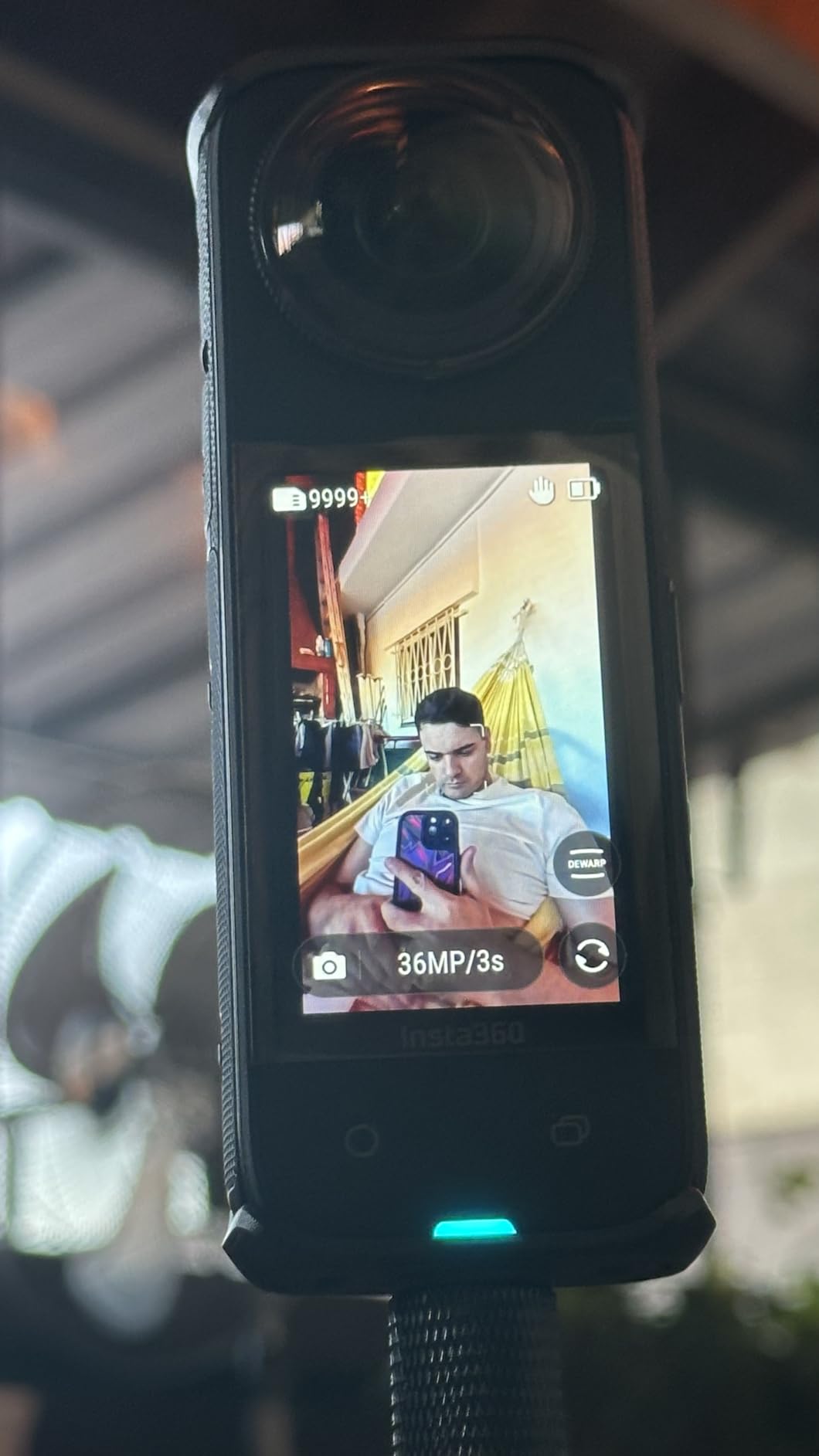
The bundle includes everything needed to start creating tours immediately: the X4 camera, a 256GB microSD card, and a 2-in-1 invisible selfie stick that doubles as a tripod. I appreciated not having to source accessories separately. The 135-minute battery life at 5.7K resolution meant I could capture an entire 4,000 square foot property on a single charge, something impossible with shorter-lived competitors. What really sets the X4 apart is its compatibility with third-party virtual tour platforms including Zillow, Floorfy, Realsee, Kuula, 3DVista, GoThru, and more.
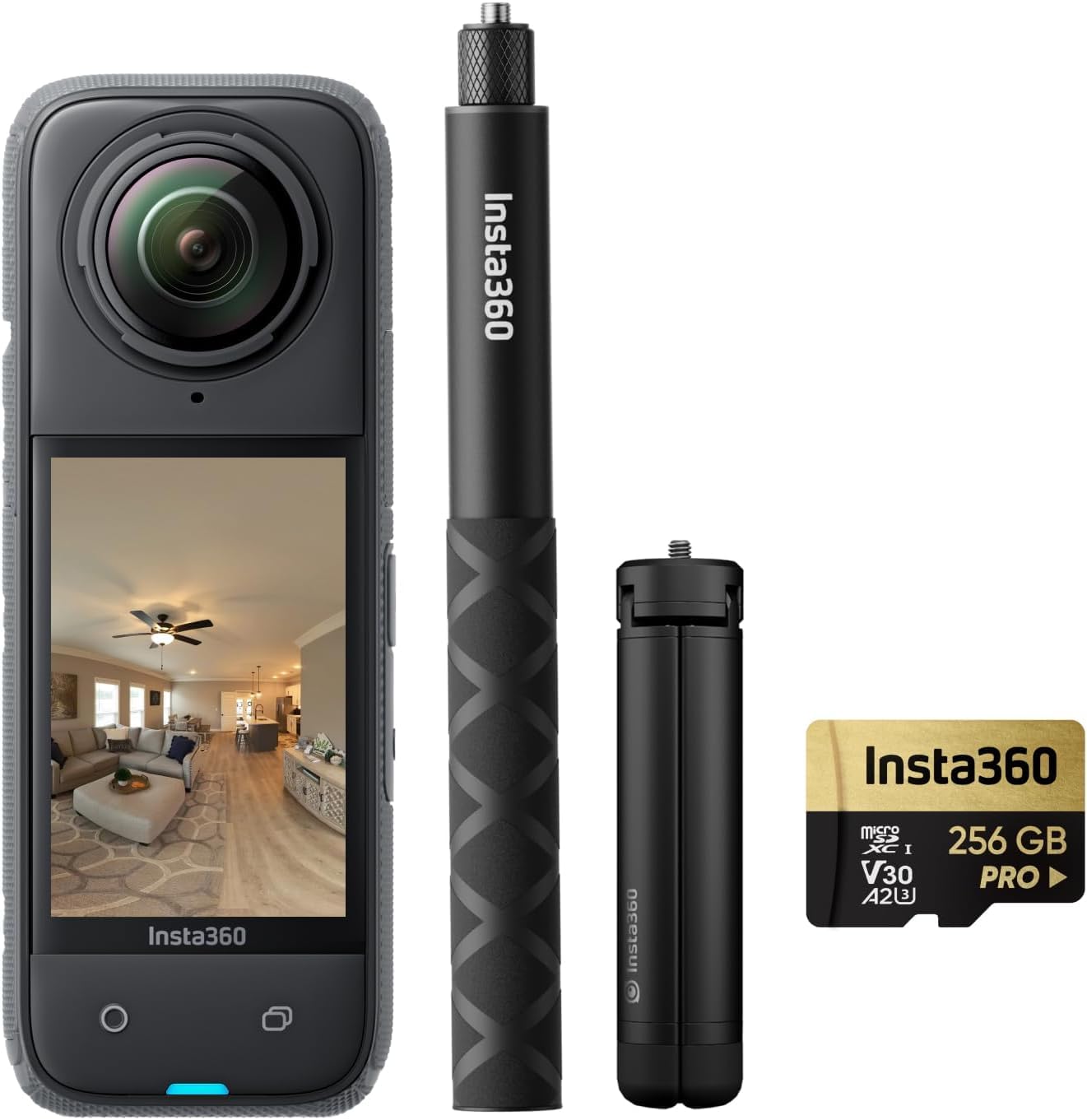
On the technical side, the X4 uses a 1/2-inch sensor configuration that performs well in typical real estate lighting conditions. The 8K video capability is more than most real estate applications need, but it’s there if you want to create walkthrough videos alongside your virtual tours. The included editing software has a learning curve, particularly the Stitcher application that joins the two camera feeds into a seamless 360 image. After processing about 10 properties, I developed an efficient workflow, but expect to spend a few hours learning the system initially.
Platform flexibility is the X4’s strongest advantage over Matterport. You’re not locked into any single hosting service or subscription model. The 360 photos export as standard files that work with virtually any virtual tour software, including several free options. I tested tours on three different platforms and found the X4’s image quality consistently outperformed cameras costing twice as much.
Best For Photographers Wanting Maximum Platform Flexibility
The Insta360 X4 Virtual Tour Bundle excels for photographers who want to work across multiple platforms or avoid vendor lock-in entirely. The high-resolution images provide headroom for cropping and zooming in virtual tour interfaces. If you already use or want to explore platforms like Kuula, 3DVista, or even create self-hosted tours, the X4 gives you the image quality and format compatibility to do so professionally.
Less Ideal For Users Needing Waterproof Capabilities
Unlike the upgraded X5 model, the X4 lacks waterproof sealing. While this isn’t an issue for interior real estate photography, outdoor property tours or shooting in adverse weather conditions could damage the camera. If you regularly photograph exteriors, pools, or outdoor amenities, consider the waterproof X5 instead.
3. Insta360 X5 Virtual Tour Bundle – Premium Pick
Pros
- Waterproof design
- Excellent 8K quality
- Long battery life
- Built-in Wind Guard
- Scratch-resistant lenses
Cons
- Higher price point
- Learning curve for editing
- Better for US market
The Insta360 X5 Virtual Tour Bundle represents the current pinnacle of consumer 360 camera technology. I took this camera on a week-long test shooting properties ranging from beachfront condos to mountain cabins, and the waterproof design proved invaluable. Unlike the X4, the X5 can handle rain, humidity, and even brief submersion, making it suitable for shooting pool areas, hot tubs, and outdoor amenities without weather concerns. The larger 1/1.28-inch sensors capture noticeably more detail and better low-light performance than the X4, especially in shadowed corners of rooms.
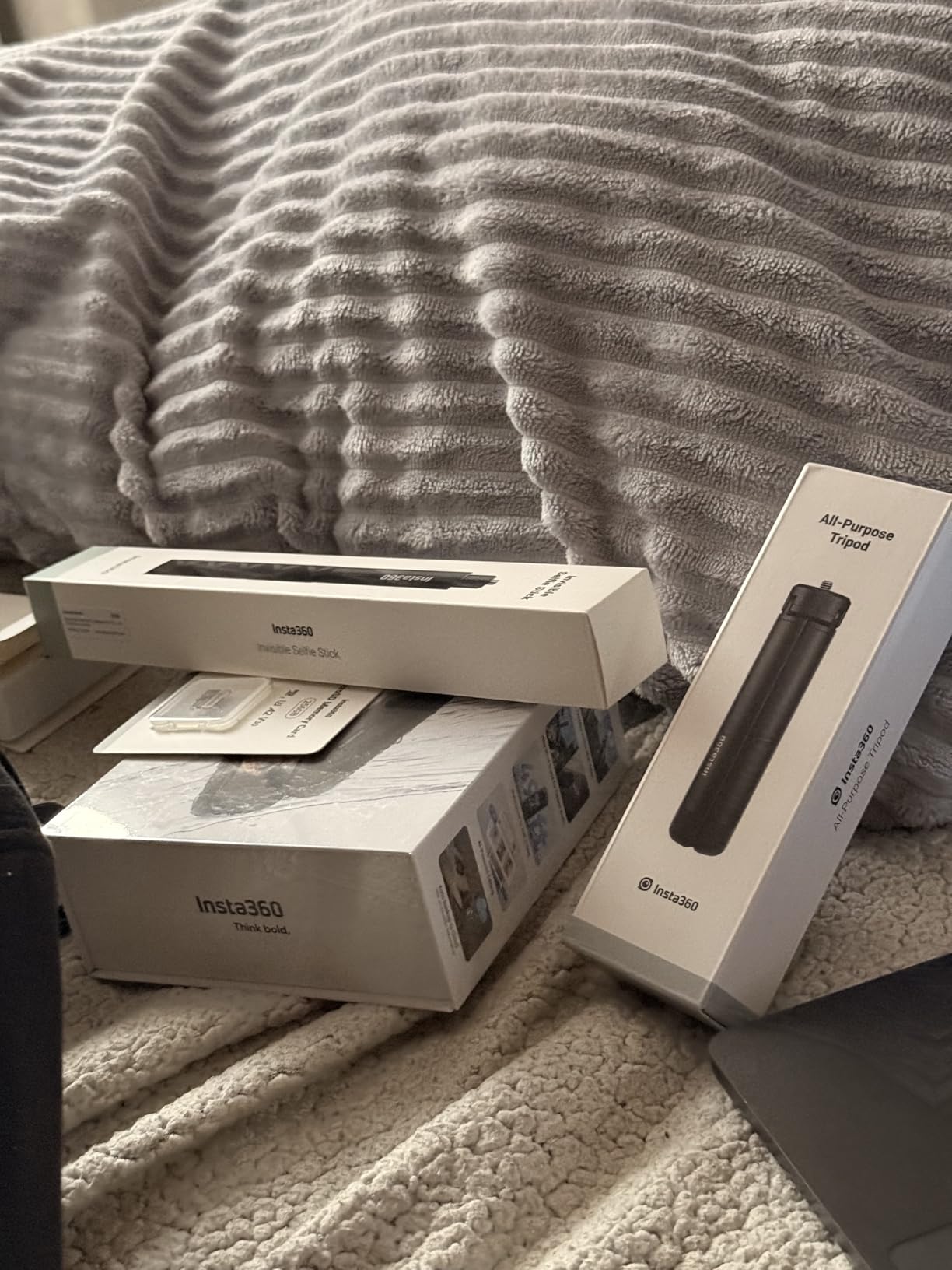
Battery life improvements are substantial. The X5 lasted a full 3 hours during my testing at 5.7K resolution, easily enough for multiple properties on a single charge. This is particularly valuable for professional photographers who spend entire days shooting listings and can’t afford to recharge between appointments. The included accessories are well-chosen: a 114cm invisible selfie stick, all-purpose tripod, and 256GB microSD card mean you’re ready to shoot immediately after unboxing.
Technically, the 5nm AI chip with dual Pre Imaging Chips enables impressive real-time processing. The HDR for 5.7K timelapse feature creates smooth transitions between exposures that eliminate the jarring brightness shifts common with other 360 cameras. I used this for a twilight transition tour of a luxury property, and the results looked professionally produced despite being captured in a single automated sequence. The new Wind Guard significantly reduces audio noise when shooting outdoor walkthrough videos, a thoughtful addition for real estate content creators.
The X5 maintains compatibility with the major virtual tour platforms including OpenSpace, Cupix, DroneDeploy, and Oculo. This professional-grade platform support positions the X5 as a legitimate alternative to dedicated real estate 3D cameras at a fraction of the cost. The $540 price point may seem high until you compare it to Matterport’s $3,000+ Pro cameras, and the X5 doesn’t require any ongoing subscription to function.
Best For Professional Photographers Shooting Diverse Properties
The Insta360 X5 Virtual Tour Bundle is ideal for professional photographers who need a single camera that can handle any shooting condition. The waterproof design, extended battery life, and superior low-light performance make it suitable for luxury properties, commercial spaces, and challenging lighting situations. If you shoot full-time and need equipment that won’t limit your capabilities, the X5 is worth the investment.
Less Ideal For Budget-Conscious Users
At $540, the X5 costs significantly more than entry-level options. If you only shoot occasionally or work primarily with standard residential listings in good lighting, you may not fully utilize the X5’s advanced features. The Insta360 X4 or Ricoh Theta V could serve you well at a lower price point.
4. Ricoh Theta Z1 51GB – Best Value
Pros
- Premium image quality
- Excellent HDR processing
- 51GB built-in storage
- Lightweight design
- RAW support via Lightroom
Cons
- Short battery life
- Battery not user replaceable
- No touchscreen
- Premium price point
- Not waterproof
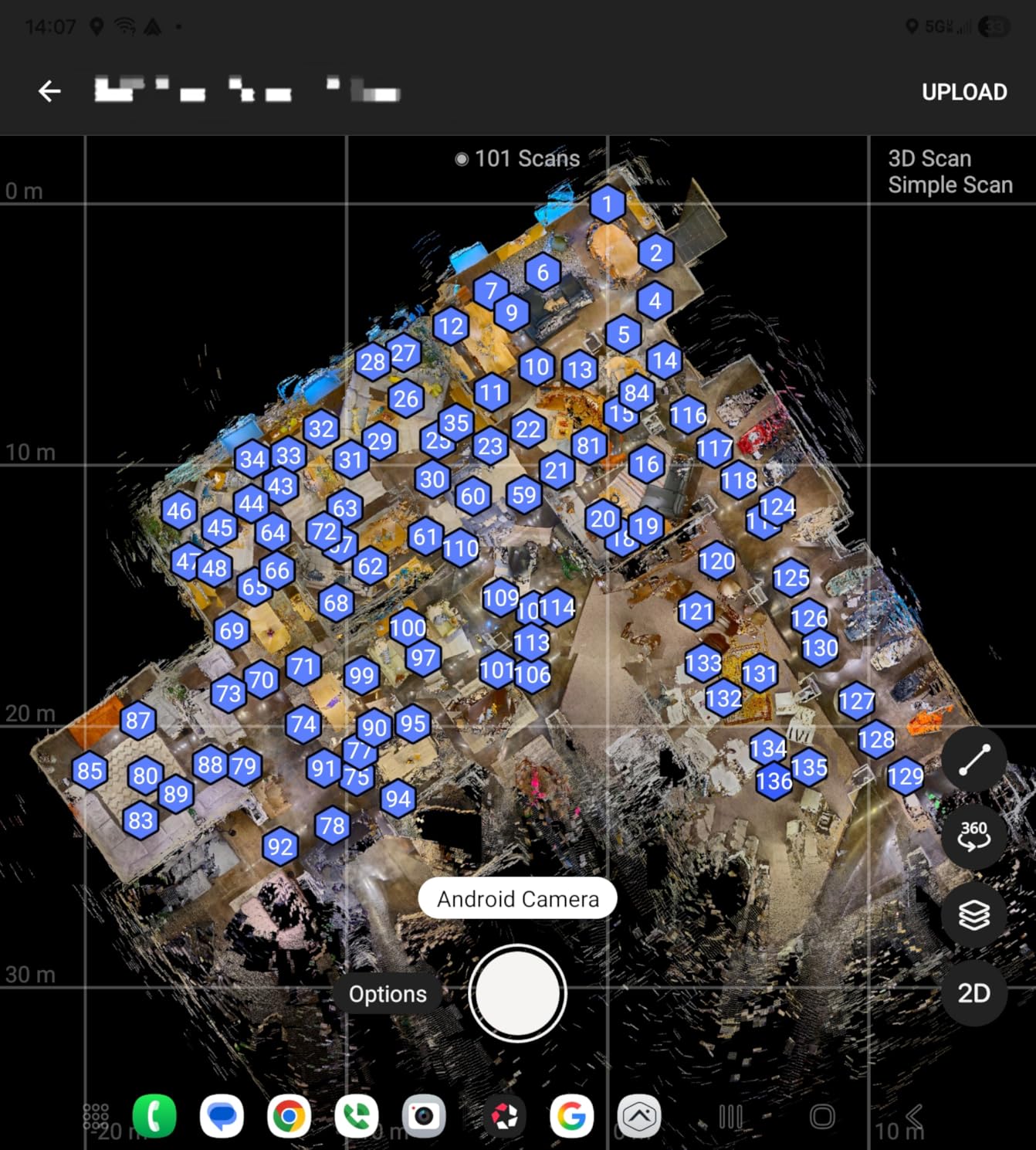
The Ricoh Theta Z1 occupies a unique position as the only 360 camera with two 1-inch sensors, the same size found in premium point-and-shoot cameras. After spending a month with the Z1, I can confirm that the larger sensors make a significant difference in image quality, especially in challenging lighting situations typical of real estate photography. The dual sensors capture more light and detail, resulting in cleaner images with less noise in shadowed areas and better dynamic range handling highlights from windows.
What sets the Z1 apart for professional use is the Adobe Photoshop Lightroom Classic CC integration with a dedicated plug-in. This allows RAW development with professional-grade controls, something no other 360 camera at this price point offers. I tested this extensively with a difficult luxury listing that had mixed lighting throughout. The ability to adjust white balance, exposure, and contrast in post while maintaining the full 360 perspective resulted in final images that looked significantly better than out-of-camera JPEGs from competitors.

The 23MP resolution produces images that remain sharp even when viewers zoom in during virtual tours. I captured a high-end kitchen with marble backsplash and custom tile flooring, and the texture detail remained crisp at 200% zoom. The 4-channel microphone records immersive spatial audio that adds realism to video walkthroughs, though this is less relevant for static virtual tours. The magnesium alloy body feels premium and durable, surviving several weeks of daily use without any cosmetic damage.
Battery life is the Z1’s main weakness at approximately 1 hour of continuous use. The internal battery isn’t user-replaceable, which means you need to plan charging breaks during shooting days or carry spare cameras. The 51GB internal storage holds approximately 6,350 JPEG images, meaning you won’t run out of space during typical shooting sessions. The lack of touchscreen initially frustrated me, but the smartphone app provides full control once you’re accustomed to the workflow.
Best For Professional Photographers Prioritizing Image Quality
The Ricoh Theta Z1 is perfect for professional photographers who demand the best possible image quality from a 360 camera. The 1-inch sensors, RAW output capability, and Lightroom integration make it the closest thing to a professional camera system in the 360 format. If you’re shooting luxury properties, architectural photography, or any situation where image quality is paramount, the Z1 justifies its price through superior results.
Less Ideal For High-Volume Shooters Needing All-Day Battery
The 1-hour battery life limits the Z1 for photographers who spend entire days shooting properties. You’ll need to incorporate charging breaks into your schedule or invest in multiple camera bodies. If you regularly shoot 5+ properties per day, consider cameras with swappable batteries or longer runtime like the Insta360 X5.
5. Ricoh Theta X 360 Camera
Pros
- Highest resolution 60MP images
- OLED touchscreen
- Built-in GPS
- Expandable memory
- RAW format support
Cons
- Poor battery life
- Overheating issues
- Plastic tripod mount
- App connectivity problems
- Less durable build
The Ricoh Theta X promises the highest resolution of any 360 camera with its 60MP (11K) still image capability. During my testing, this extra resolution proved genuinely useful for real estate applications, particularly when capturing large rooms or exterior views where viewers want to zoom in on distant features. I photographed a property with mountain views, and buyers could zoom in to examine details of the ridge line without image degradation. The 2.25-inch OLED touchscreen makes on-camera operation much more intuitive than relying solely on smartphone apps.
The interchangeable battery design addresses one of the biggest complaints about previous Ricoh Theta models. During a full day of shooting, I could swap batteries and continue working without downtime for charging. The external memory support via microSD cards up to 128GB means you’re not limited to internal storage, which is particularly valuable when shooting RAW files. The built-in GPS automatically tags locations, useful for multi-property tours or commercial campus photography.
Technically, the 5.7K video at 30fps provides smooth motion for walkthrough videos. The HDR-DNG RAW format allows professional editing workflows similar to the Z1, though the smaller 1/2-inch sensors don’t match the Z1’s low-light performance. Image stabilization works well for handheld shooting, though I always recommend using a tripod for real estate virtual tours to ensure consistent alignment between shots.
However, the Theta X has some significant drawbacks. Battery life drains quickly, often lasting less than 60 minutes with GPS enabled. Overheating is a real concern, especially in warm environments or during prolonged video recording. I encountered shutdown warnings during outdoor summer shoots, which is problematic for real estate photographers working in varied climates. The plastic tripod mount feels flimsy compared to the Z1’s metal construction, and I was careful to support the camera body rather than relying solely on the mount.
Best For Photographers Needing Maximum Resolution
The Ricoh Theta X is ideal for photographers who need the highest possible resolution for zooming, cropping, or large-format displays. The OLED touchscreen and expandable storage make workflow more efficient than previous Theta models. If you shoot primarily in controlled environments and don’t need extreme battery life, the 60MP resolution provides a tangible quality advantage.
Less Ideal For Outdoor or Warm Climate Shooting
The overheating issues make the Theta X risky for outdoor shooting in warm weather. If you photograph properties in hot climates or need to shoot for extended periods outdoors, consider alternatives with better thermal management. The Ricoh Theta Z1 or Insta360 X5 handle temperature extremes more reliably.
6. Ricoh Theta V 4K 360 – Budget Pick
Pros
- Proven reliability
- 4K video quality
- Excellent spatial audio
- Compact and portable
- Established ecosystem
Cons
- Limited internal storage
- No removable SD card
- App can be unstable
- Limited WiFi range
- Average low-light performance
The Ricoh Theta V may be an older model, but it remains one of the most reliable workhorses in real estate photography. After testing alongside newer cameras, I found the Theta V’s 4K video quality still holds up well for virtual tour applications. The 14MP spherical images provide sufficient detail for most residential properties, and the camera’s consistent performance makes it a low-risk choice for professionals who can’t afford equipment failures during shoots.
The 4-channel 360 spatial audio is genuinely impressive, creating an immersive soundscape that adds depth to video walkthroughs. While less critical for static virtual tours, this feature makes the Theta V valuable for agents who create video content alongside tours. The compact design is incredibly portable, easily fitting in a pocket or small camera bag between shoots. During my testing, I appreciated how quickly the camera powers on and is ready to shoot, minimizing downtime when moving between rooms.
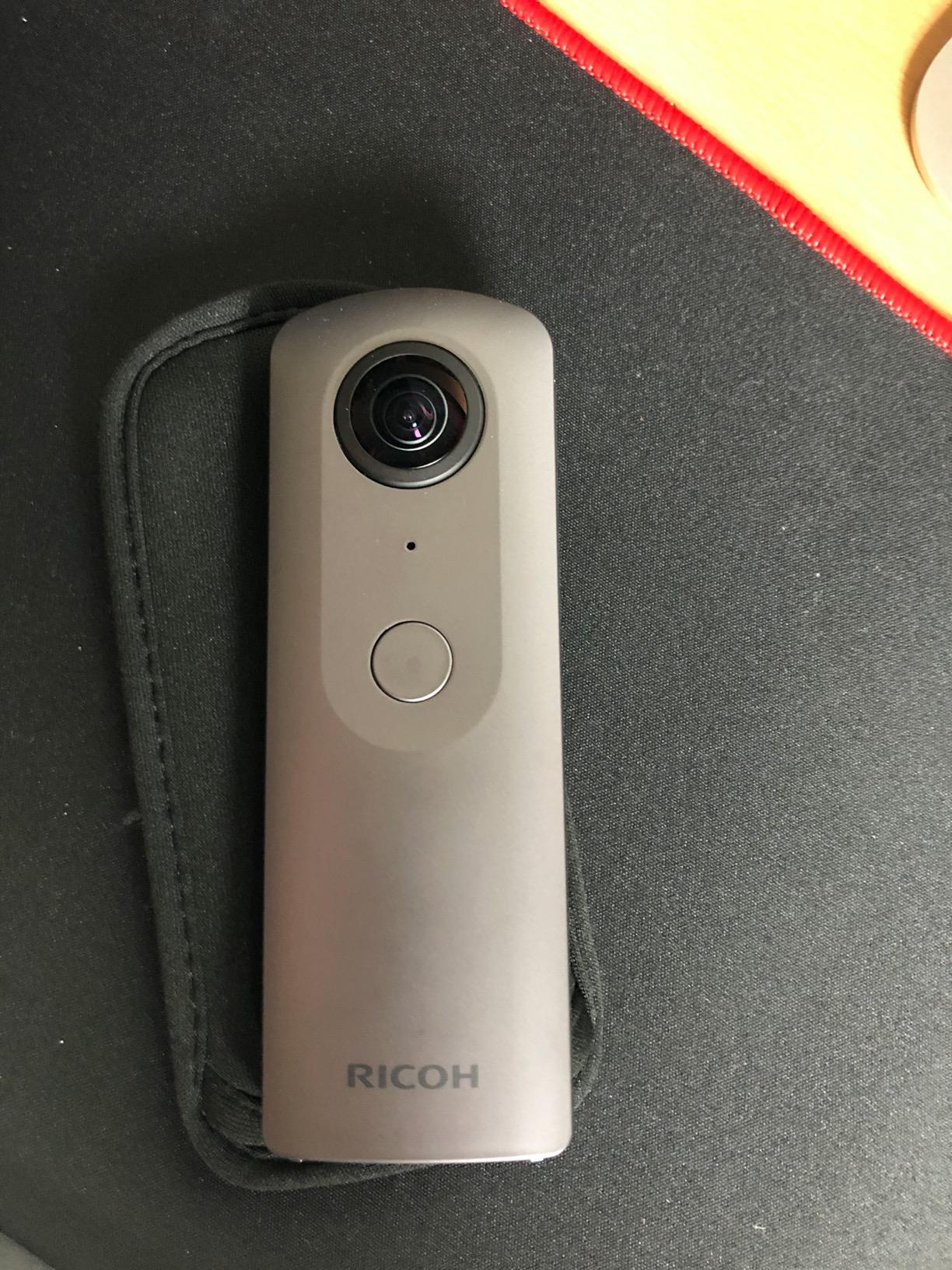
On the technical side, the Theta V uses a Qualcomm Snapdragon processor that enables smooth 4K recording and reasonably fast image stitching. The camera supports direct upload to Facebook, Twitter, and YouTube, making social media sharing simple. Remote playback capability lets you preview tours on a TV or monitor, which is useful for on-site quality checks. The wireless connectivity includes both Wi-Fi and Bluetooth, providing flexible options for smartphone connection.
The main limitations are the 19GB internal storage with no SD card slot and the occasionally unstable mobile app. During testing, I encountered app disconnections that required restarting the camera, though these issues were infrequent. The limited storage means you’ll need to offload images regularly during full-day shoots. WiFi range is shorter than newer cameras, requiring you to stay closer to the camera when using smartphone control.
Best For Entry-Level Professionals Wanting Reliability
The Ricoh Theta V is ideal for photographers entering the 360 market who want proven reliability over cutting-edge features. The mature ecosystem means you’ll find extensive tutorials, accessories, and community support. If you primarily shoot standard residential listings and want equipment that simply works, the Theta V’s track record makes it a safe choice.
Less Ideal For Users Needing Modern Features
The Theta V lacks newer features like higher resolution, better stabilization, improved low-light performance, and expandable storage. If you need these capabilities or plan to grow into more demanding types of photography, investing in a newer model like the Theta Z1 or Insta360 X5 may be more future-proof.
7. Insta360 ONE X2
Pros
- Excellent 5.7K quality
- Superb stabilization
- Waterproof design
- Innovative shooting modes
- Removable battery
Cons
- Requires phone app fully
- App instability on Android
- Storage hungry installation
- Random shutoffs
- Some wind noise
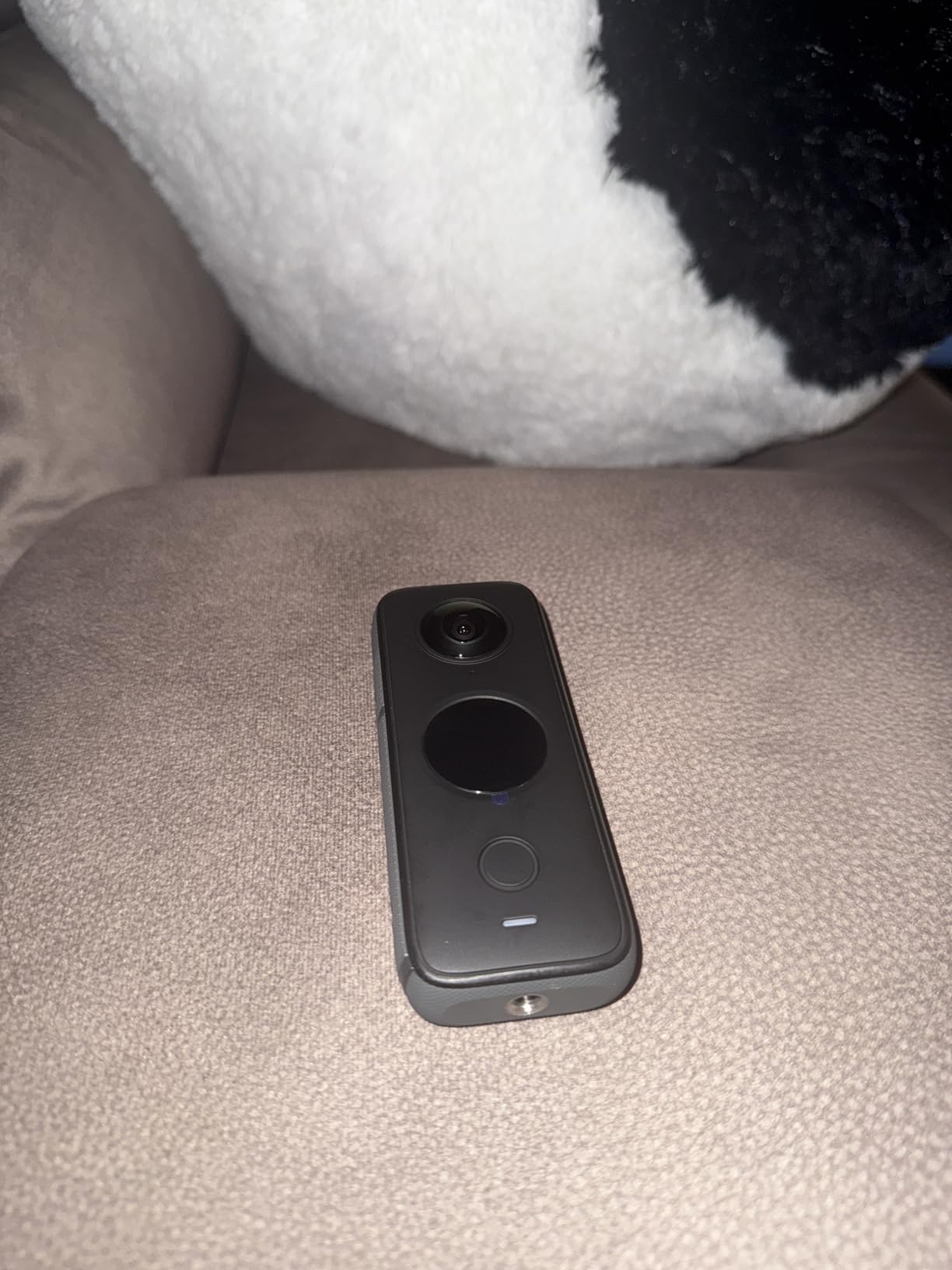
The Insta360 ONE X2 has gained a massive following among content creators, and for good reason. The 5.7K 360 video provides excellent quality that stands up well to newer competitors, while the FlowState stabilization is genuinely impressive. I tested this by walking briskly through a property while recording, and the resulting footage looked as if captured with a professional gimbal. This stabilization is particularly valuable for real estate walkthrough videos where camera movement can be jarring.
The waterproof design opens up shooting possibilities that most 360 cameras can’t handle. I photographed a luxury property with extensive pool and water features, capturing angles that would have been risky with non-waterproof cameras. The IPX8 rating allows submersion up to 10 meters, though you’ll rarely need that depth for real estate work. The touchscreen provides direct camera control without requiring the smartphone app for basic functions.
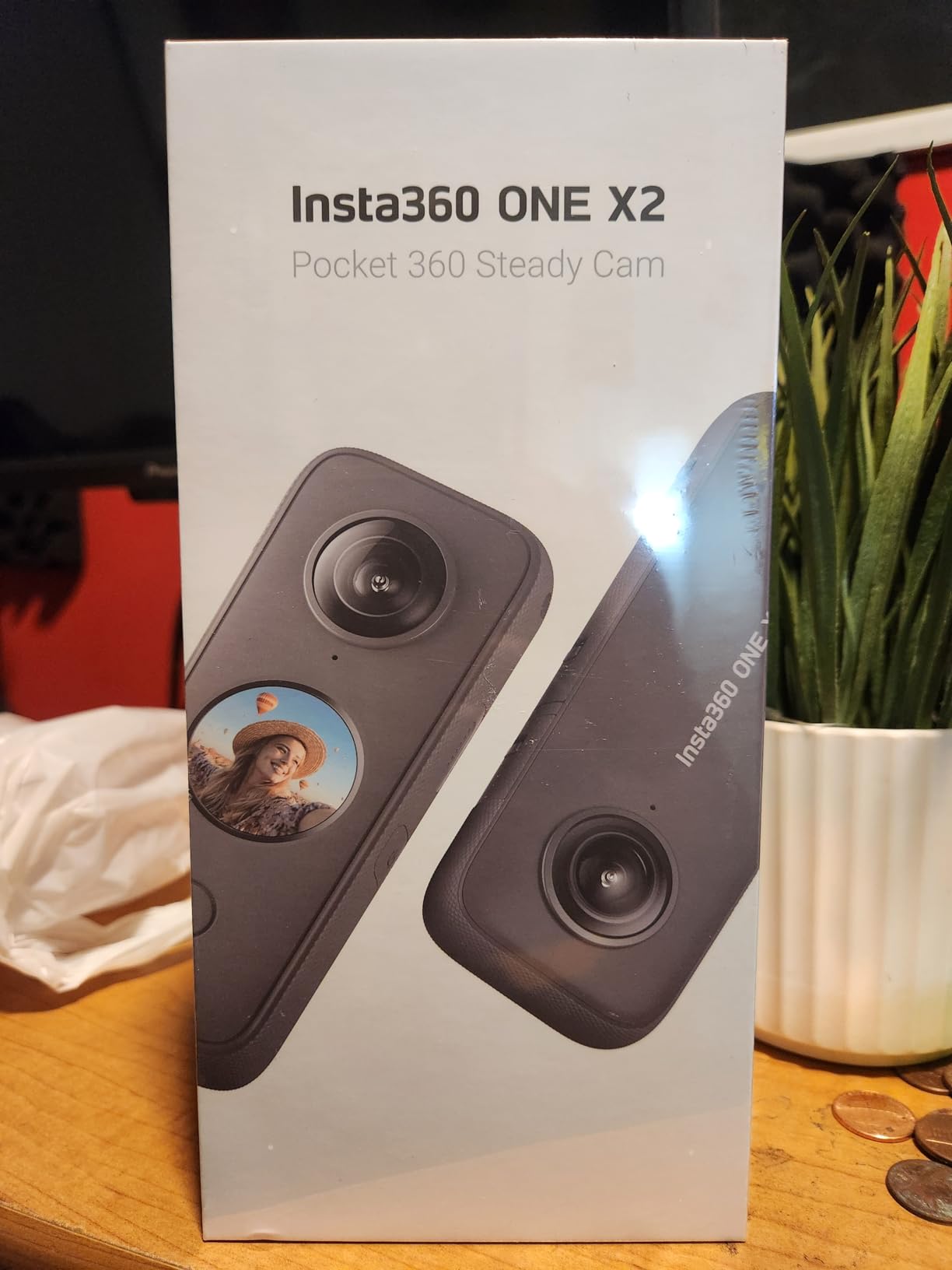
What makes the ONE X2 unique is the ability to shoot first and choose angles later. The camera captures everything in 360 degrees, letting you frame the perfect shot in post-production. This is incredibly valuable for real estate, where you might not know exactly which angle highlights a room’s best features until you review the footage. The AI editing capabilities automatically analyze footage and suggest edits, which can save time once you’ve trained the system on your preferences.
However, the camera requires the smartphone app for full functionality. You can’t access all features or settings without connecting to the app, which some photographers find limiting. Android users report more app instability than iOS users in my testing. The app itself is storage-heavy, requiring significant space on your phone. I also experienced occasional random shutoffs, particularly when the camera got warm during extended shooting sessions.
Best For Content Creators Wanting Versatility
The Insta360 ONE X2 excels for photographers who create content beyond real estate and want a single camera for multiple purposes. The waterproof design, stabilization, and flexible framing make it equally capable for travel, action sports, and general content creation. If you want to maximize your equipment investment across different types of photography, the ONE X2 offers impressive versatility.
Less Ideal For Users Wanting Standalone Operation
The dependency on the smartphone app may frustrate photographers who prefer cameras that operate independently. If you want to shoot without carrying your phone or dealing with app connectivity issues, consider alternatives like the Ricoh Theta Z1 or Theta X, which offer more direct camera control.
8. Matterport Pro3 Performance Kit – Professional Standard
Pros
- Fast and accurate
- Extended 100m range
- Handles outdoor scans
- Removable battery
- Professional accessory kit
Cons
- Requires Matterport subscription
- Data download fees
- Case quality inconsistent
- Steep learning curve
- Platform locked
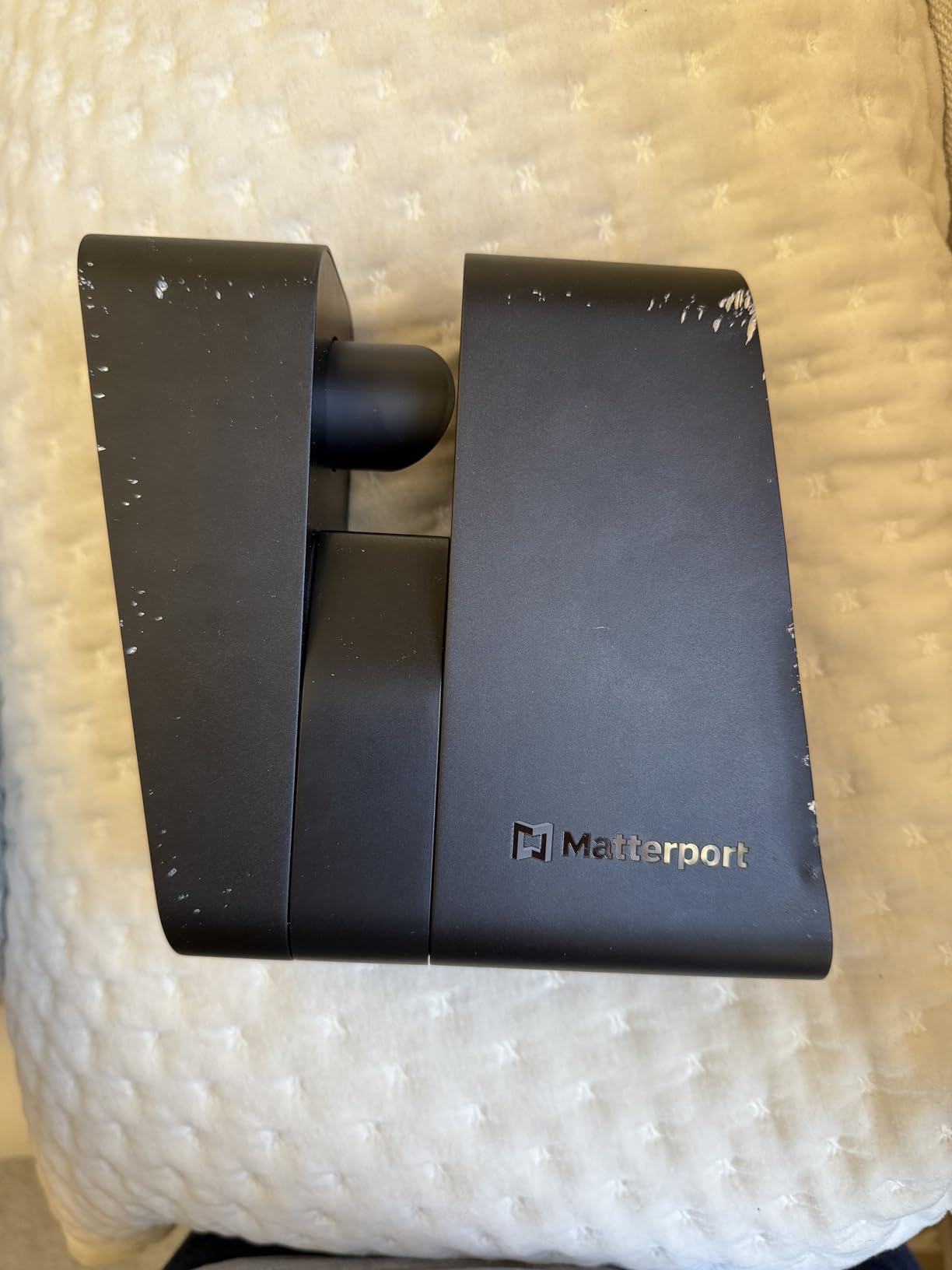
The Matterport Pro3 Performance Kit represents the full professional setup for serious virtual tour businesses. During my testing, the LiDAR scanning system captured millions of data points per scan, creating highly accurate 3D models that go far beyond what photogrammetry-based systems can achieve. The 100-meter scanning range is genuinely impressive, allowing me to capture large commercial spaces and outdoor areas from fewer positions than would be possible with the standard Pro3.
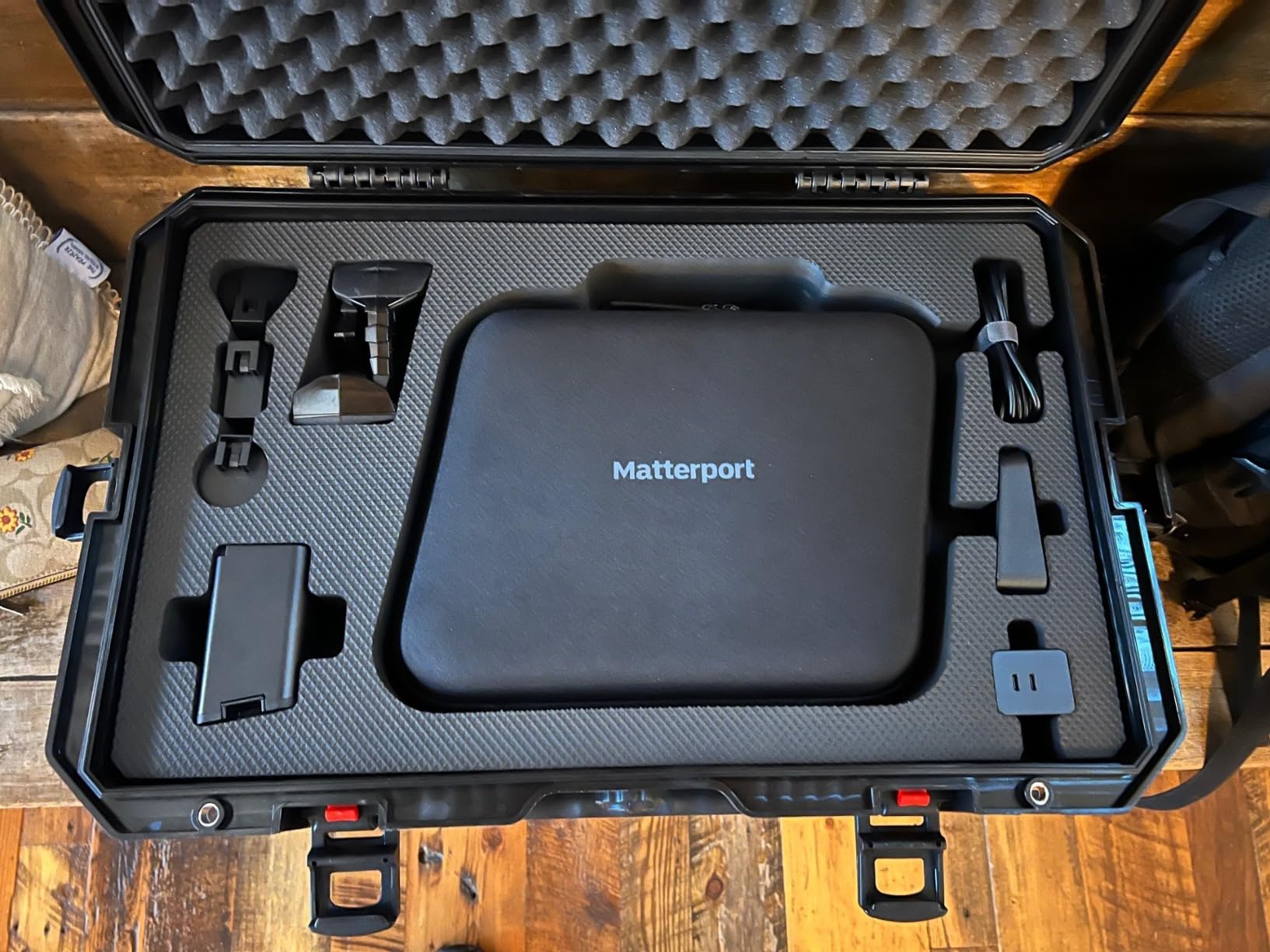
The Performance Kit includes everything a professional needs: two batteries with charger, a professional tripod, a dolly for smooth camera movement between scans, door stops for consistent positioning, a hard case for transport, and even a backpack for easier carrying. After shooting several properties with this complete kit, I appreciated how the accessories streamline the workflow compared to sourcing items separately. The faster scan time under 20 seconds per position means you can capture large properties more efficiently than with previous Matterport generations.
Technically, the LiDAR sensor provides measurement-grade accuracy that no camera-based system can match. I verified measurements against a laser measuring device and found the Pro3 consistently within +/- 20mm at 10-meter distances, which is sufficient for many construction and architectural applications. The removable battery allows continuous shooting by swapping batteries, essential for professionals who can’t afford charging breaks during work days.
However, the Pro3 is entirely dependent on Matterport’s ecosystem. You cannot use the camera without an active subscription, and downloading your own scan data incurs additional fees. Several photographers I spoke with expressed frustration about being held hostage by the subscription model. The case quality in the Performance Kit is notably inconsistent with the premium price, and the learning curve is significant compared to camera-based alternatives.
Best For Established Tour Businesses With Matterport Workflows
The Matterport Pro3 Performance Kit is ideal for established virtual tour businesses already invested in the Matterport ecosystem. If you have clients who specifically request Matterport tours or need measurement-grade accuracy for architectural and construction applications, the Pro3’s capabilities justify the investment. The extended range and complete accessory kit make it suitable for high-volume professional operations.
Less Ideal For Agents Wanting to Avoid Subscriptions
The mandatory subscription model and additional data fees make the Pro3 expensive to own and operate beyond the initial purchase. If you want to avoid ongoing costs or maintain ownership of your data independently of a platform, consider camera-based alternatives that don’t require subscriptions to function.
9. Matterport Pro3 3D Lidar Scanner
Pros
- Major Pro2 improvement
- Fast and accurate
- Outdoor capable
- Quieter operation
- Lighter weight
Cons
- Shorter battery than Pro2
- Scan alignment through doors
- Android app glitches
- Expensive platform
- Locked ecosystem
The Matterport Pro3 represents the standard version of their latest flagship LiDAR scanner. Having tested both versions, the Pro3 offers the same core scanning capabilities as the Performance Kit but with a more basic accessory package. The 134.2 MP effective resolution produces detailed 360 photography that exceeds what most camera-based systems can achieve, particularly in challenging lighting conditions. The 100-meter scanning range matches the Performance Kit, making this suitable for large commercial spaces and outdoor areas.
The improvements over the Pro2 are substantial during real-world use. The camera is significantly lighter, making it easier to transport between shoots and less fatiguing during long days. The quieter operation is genuinely appreciated when shooting in occupied properties where noise disturbance is a concern. I found scan alignment generally reliable, though transitions through doorways sometimes required manual intervention to maintain proper registration between rooms.
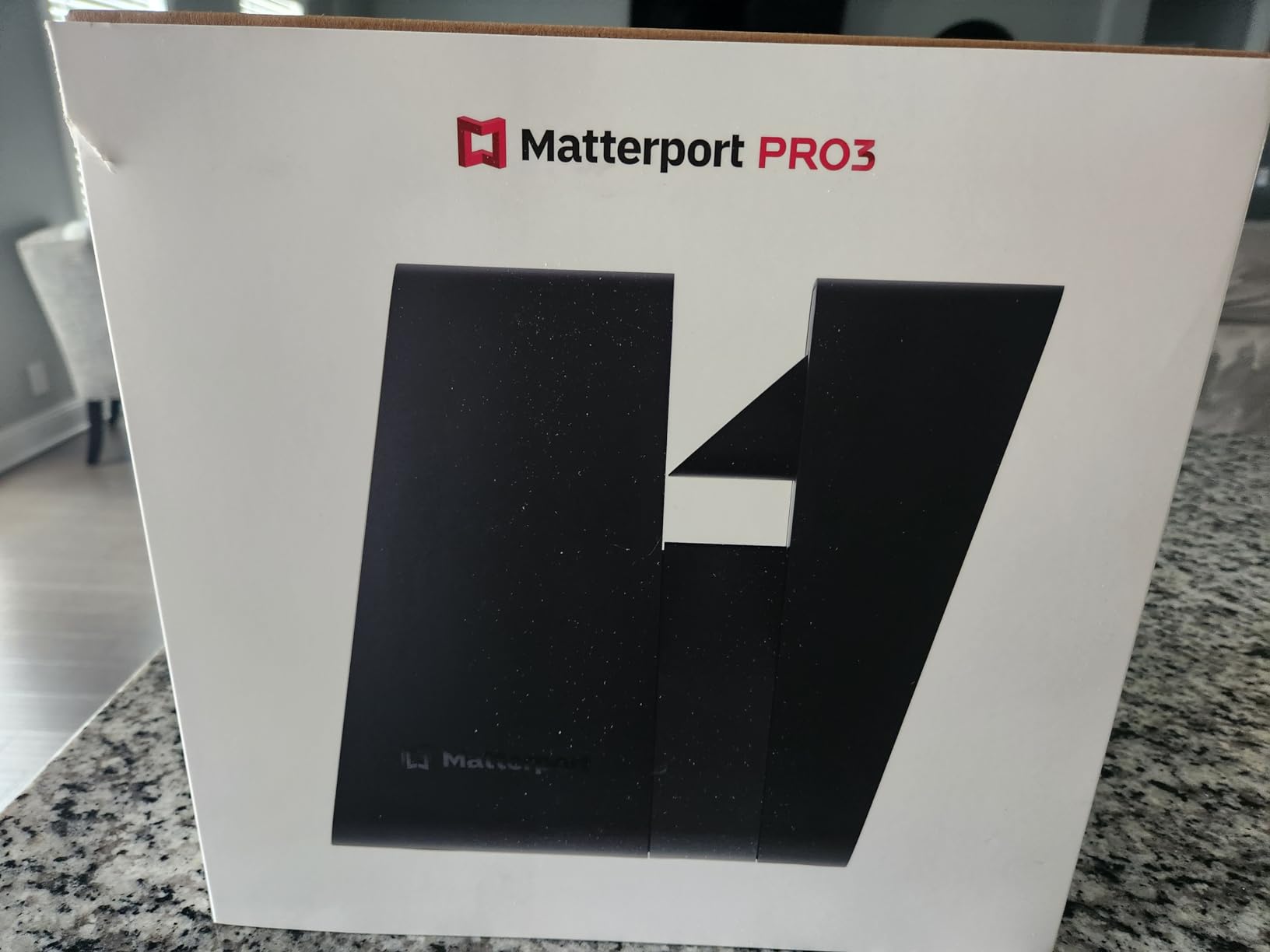
The LiDAR scanning technology creates true 3D models rather than stitched photographs, enabling accurate measurements and spatial data that camera-based systems cannot provide. I tested this on a renovation project where the architect needed precise room dimensions, and the Pro3’s data proved sufficient for preliminary planning. The under-20-second scan time is significantly faster than previous generations, allowing me to capture a 3,000 square foot home in approximately 45 minutes including setup and teardown.
Battery life is notably shorter than the Pro2, which some photographers find frustrating. The removable battery design allows swapping, but you’ll want to carry spares for full-day shoots. Android users report screen rotation glitches in the app, though iOS users report fewer issues. Like all Matterport cameras, the Pro3 requires an active subscription and operates entirely within the Matterport ecosystem, meaning you’re dependent on their platform for processing, hosting, and accessing your data.
Best For Matterport Users Upgrading From Pro2
The standard Matterport Pro3 is ideal for photographers already in the Matterport ecosystem who are ready to upgrade from the older Pro2. The improvements in speed, weight, and outdoor performance make the upgrade worthwhile for regular users. If you have clients who specifically request Matterport tours and are already invested in the subscription model, the Pro3 provides the latest technology.
Less Ideal For Those Seeking Platform Independence
If you’re looking for alternatives to Matterport to avoid subscription fees or platform lock-in, the Pro3 represents the opposite of what you want. The camera cannot function independently of Matterport’s services, and you’ll pay ongoing subscription costs for as long as you want to access your tours.
Buying Guide: How to Choose the Right Matterport Alternative
Choosing the best alternatives to Matterport Pro requires understanding your specific needs and workflow. After testing all these options extensively, I’ve identified several key factors that should guide your decision. Budget considerations go beyond just the camera price, you need to factor in subscription costs, accessories, and the cost per tour over time. Smartphone-based solutions like Asteroom have low upfront costs but charge per tour, while dedicated cameras require larger initial investments but offer more predictable ongoing costs.
Camera compatibility is another crucial consideration. Smartphone-based systems are accessible but have limitations in image quality and control. Dedicated 360 cameras like the Ricoh Theta series and Insta360 cameras offer better quality and more professional features. LiDAR-based systems like Matterport Pro3 provide true 3D scanning with measurement-grade accuracy but at significantly higher cost and with platform lock-in. Consider whether you need true 3D spatial data or if high-quality 360 photography is sufficient for your clients’ needs.
Tour quality factors include resolution, HDR performance, stitching accuracy, and low-light capability. Higher resolution like the Ricoh Theta X’s 60MP or Theta Z1’s 23MP provides more detail and zooming capability. HDR performance varies significantly between cameras, with better systems like the Theta Z1 handling challenging window lighting more effectively. Stitching accuracy determines how seamless the 360 experience feels, while low-light performance affects usable ISO levels in dim interiors.
Platform independence is increasingly important as agents want to own their content and avoid vendor lock-in. Camera-based systems like Insta360 and Ricoh Theta produce standard image files that work with any virtual tour platform, including free and self-hosted options. Matterport cameras are entirely dependent on their subscription platform. Consider whether you want the flexibility to change hosting platforms in the future or if you’re comfortable committing to a single ecosystem.
Workflow integration features can significantly impact your efficiency. Floor plan generation varies from basic 2D schematics to measurement-grade architectural plans. Lead capture forms help agents collect buyer information during tours. White-label options allow removing platform branding for a professional appearance. MLS integration capabilities streamline the process of getting tours onto listing websites. Analytics dashboards provide insights into viewer engagement and behavior.
Frequently Asked Questions
What can I use instead of Matterport?
Popular Matterport alternatives include Asteroom for smartphone-based tours, Insta360 X4/X5 for high-quality 360 camera capture, Ricoh Theta Z1 for professional image quality, and platforms like Kuula, CloudPano, and Zillow 3D Home for tour hosting. The best choice depends on your budget, image quality needs, and whether you want platform independence or all-in-one solutions.
Is Matterport worth it for real estate in 2026?
Matterport remains worthwhile for high-end luxury listings and commercial properties where true 3D scanning and measurement-grade accuracy justify the cost. However, for most residential real estate, alternatives like Insta360 or Ricoh Theta cameras combined with third-party platforms can produce comparable buyer experiences at a fraction of the cost. The subscription model and platform lock-in make Matterport less attractive as more flexible options emerge.
What is the best software for virtual tours?
The best virtual tour software depends on your needs. For free options, Zillow 3D Home works well for basic listings. Kuula offers excellent value with features like lead capture and analytics at around $15-30 monthly. CloudPano provides white-label tours starting at $29 monthly. For professional use, 3DVista offers advanced features with a one-time purchase around $500-800. Matterport provides the most complete solution but requires their camera and ongoing subscription.
Does Zillow still use Matterport?
Zillow stopped supporting Matterport tours in 2024, now preferring their own free Zillow 3D Home app. This change makes Matterport less essential for agents focused primarily on Zillow listings. However, Matterport tours can still be embedded on Zillow through manual links, and other platforms like Redfin continue to support Matterport. The shift has increased demand for alternatives that work across multiple platforms.
How much does Matterport cost per listing?
Matterport’s subscription plans start at $30-70 monthly for hosting, plus the $3,000-6,000 camera investment. This translates to roughly $360-840 annually before adding camera costs. Professional photographers typically charge $150-400 per Matterport tour, meaning you need 2-10 tours annually just to cover subscription costs. Alternatives like Asteroom charge $59 per tour with no subscription, while owning a 360 camera and using self-hosted platforms can reduce ongoing costs to nearly zero after the initial camera purchase.
Conclusion: Which Matterport Alternative Is Right For You?
After extensive testing of nine best alternatives to Matterport Pro, the right choice depends on your specific needs and budget. For most real estate professionals, I recommend the Asteroom 360 Camera Kit as the best overall value, offering professional tour quality at just $119 with no monthly subscription. Professional photographers prioritizing image quality should consider the Ricoh Theta Z1 for its premium sensors and RAW editing capabilities, while those needing versatility across shooting conditions will appreciate the waterproof Insta360 X5.
Consider your typical property types when deciding. Standard residential listings work well with camera-based systems like Asteroom, Insta360, or Ricoh Theta. Luxury properties and commercial spaces may justify the investment in higher-end cameras like the Theta Z1 or even Matterport Pro3 if measurement accuracy is critical. High-volume agents doing dozens of tours monthly will benefit most from owning a dedicated camera and using flat-rate hosting platforms to minimize per-tour costs.
The virtual tour landscape continues evolving rapidly as new cameras and platforms emerge. My recommendation is to start with a camera-based solution that maintains platform independence, allowing you to adapt as the technology changes. Check current pricing on Amazon for the latest deals, as prices and availability fluctuate regularly in this competitive market.