Split Toning and Color Grading for Cinematic Film Photos (August 2026)

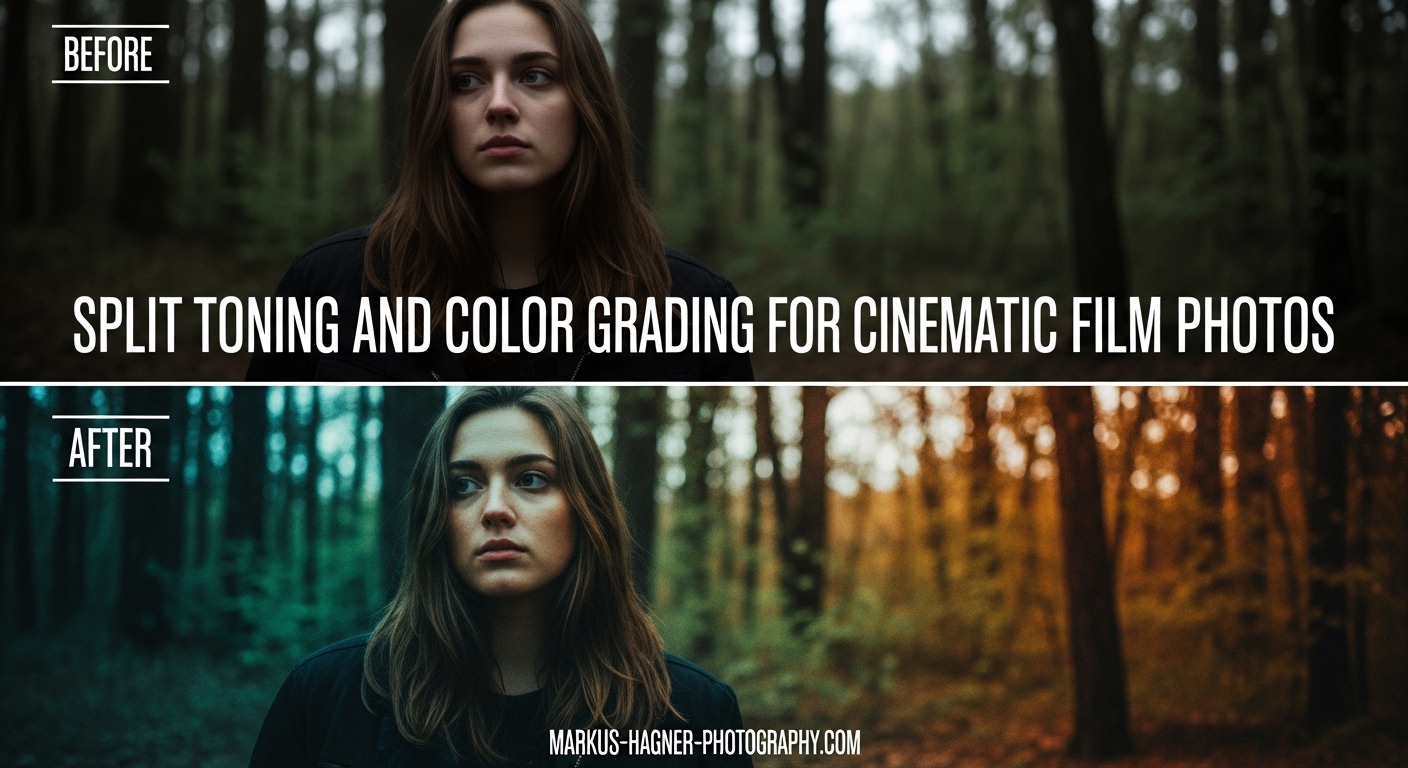
Split Toning and Color Grading for Cinematic Film Photos

There is something undeniably captivating about the cinematic film look in photography. That rich, moody atmosphere. The sophisticated color palette that draws viewers into the scene. The good news is you do not need expensive equipment or a film camera to achieve this aesthetic. With split toning and color grading techniques in Adobe Lightroom, you … Read more

How to Use Capture One Color Editor for Targeted Hue and Saturation Adjustments (August 2026)

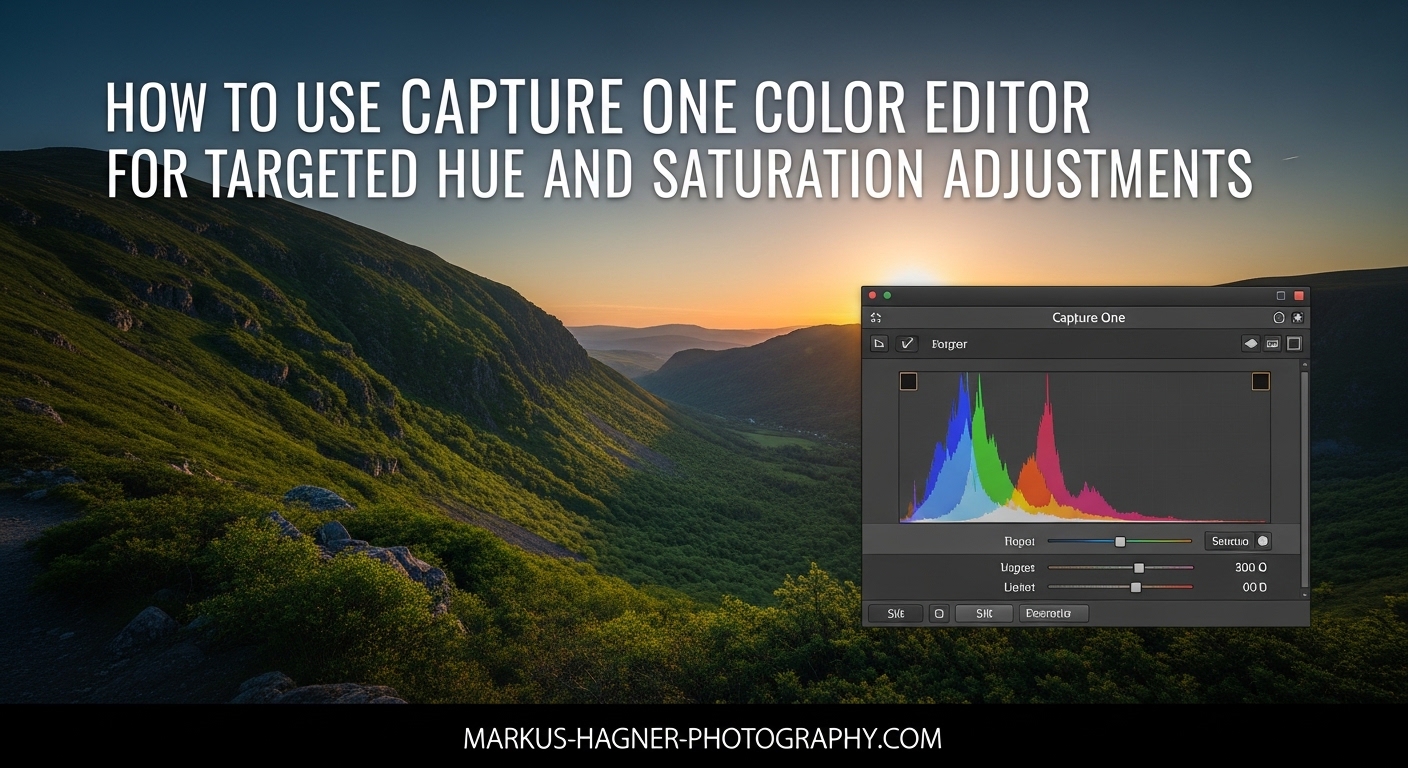
How to Use Capture One Color Editor for Targeted Hue and Saturation Adjustments

Capture One’s Color Editor is one of the most powerful tools for targeted color adjustments in photo editing. Whether you need to fix a color cast, enhance skin tones, or create dramatic color shifts, this tool gives you precise control over individual colors without affecting the rest of your image. In this guide, I will … Read more

How to Use Smart Objects in Photoshop for Non-Destructive Editing (August 2026)

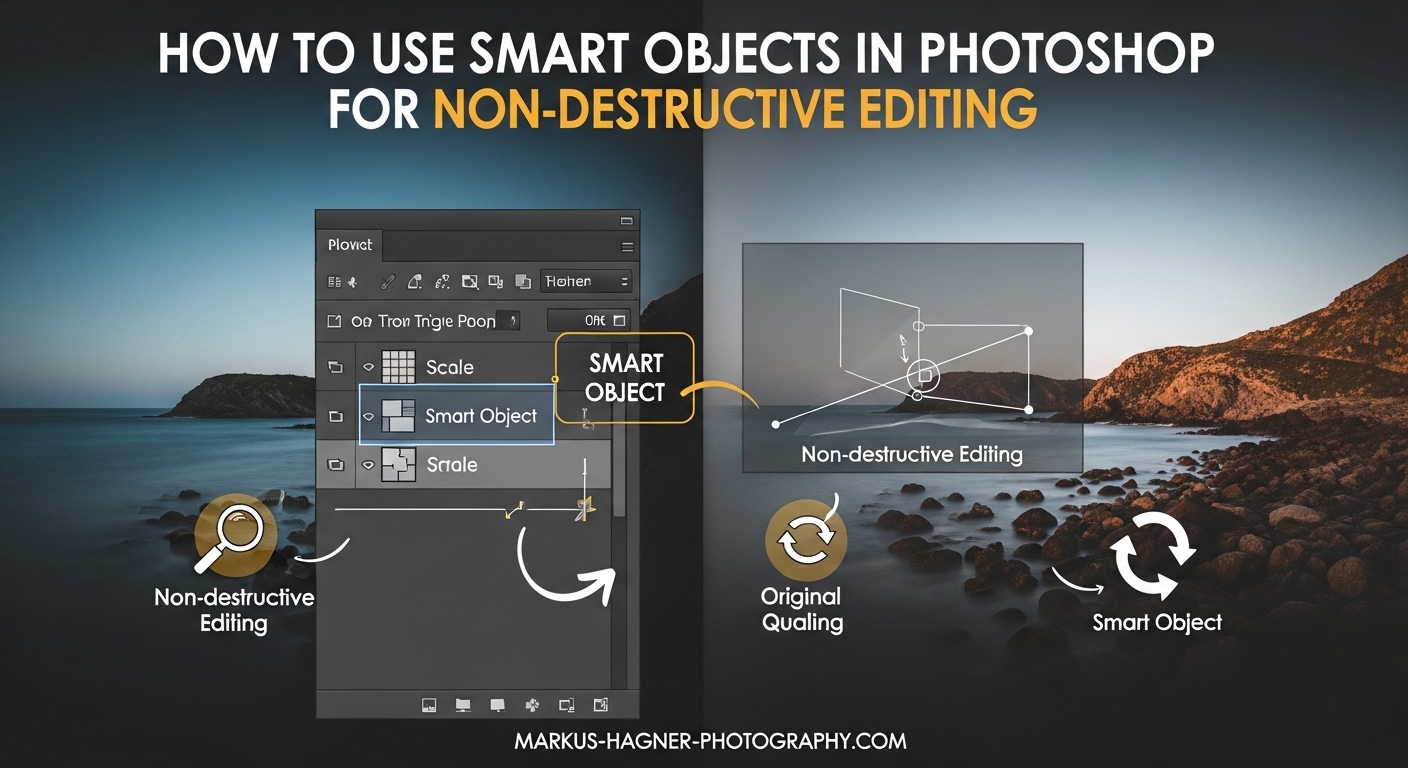
How to Use Smart Objects in Photoshop for Non-Destructive Editing

Every photographer and designer has experienced that sinking feeling when they realize an edit cannot be undone. You scale an image down, then need it larger again, only to discover the quality has degraded beyond recovery. Smart Objects in Photoshop solve this problem by preserving your original image data no matter how many transformations you … Read more

How to Dodge and Burn Portraits in Photoshop for Sculpted Professional Results (August 2026)

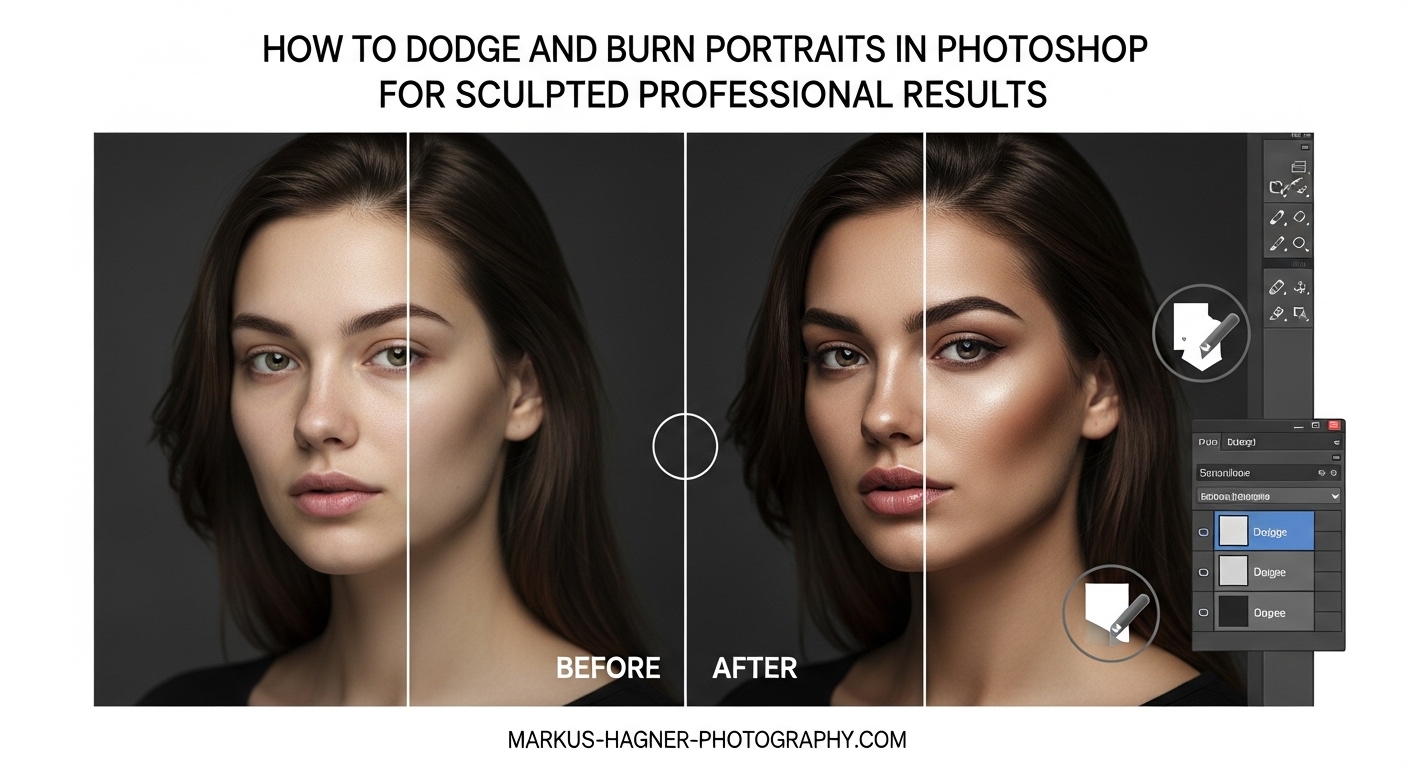
How to Dodge and Burn Portraits in Photoshop for Sculpted Professional Results

Every portrait photographer reaches a point where their images look good but lack that professional polish. The secret often lies in dodging and burning, a technique that transforms flat photos into dimensional, sculpted portraits. When I first learned how to dodge and burn portraits in Photoshop, my editing workflow changed completely. What once took hours … Read more

How to Use Frequency Separation in Photoshop for Natural Skin Retouching (August 2026)

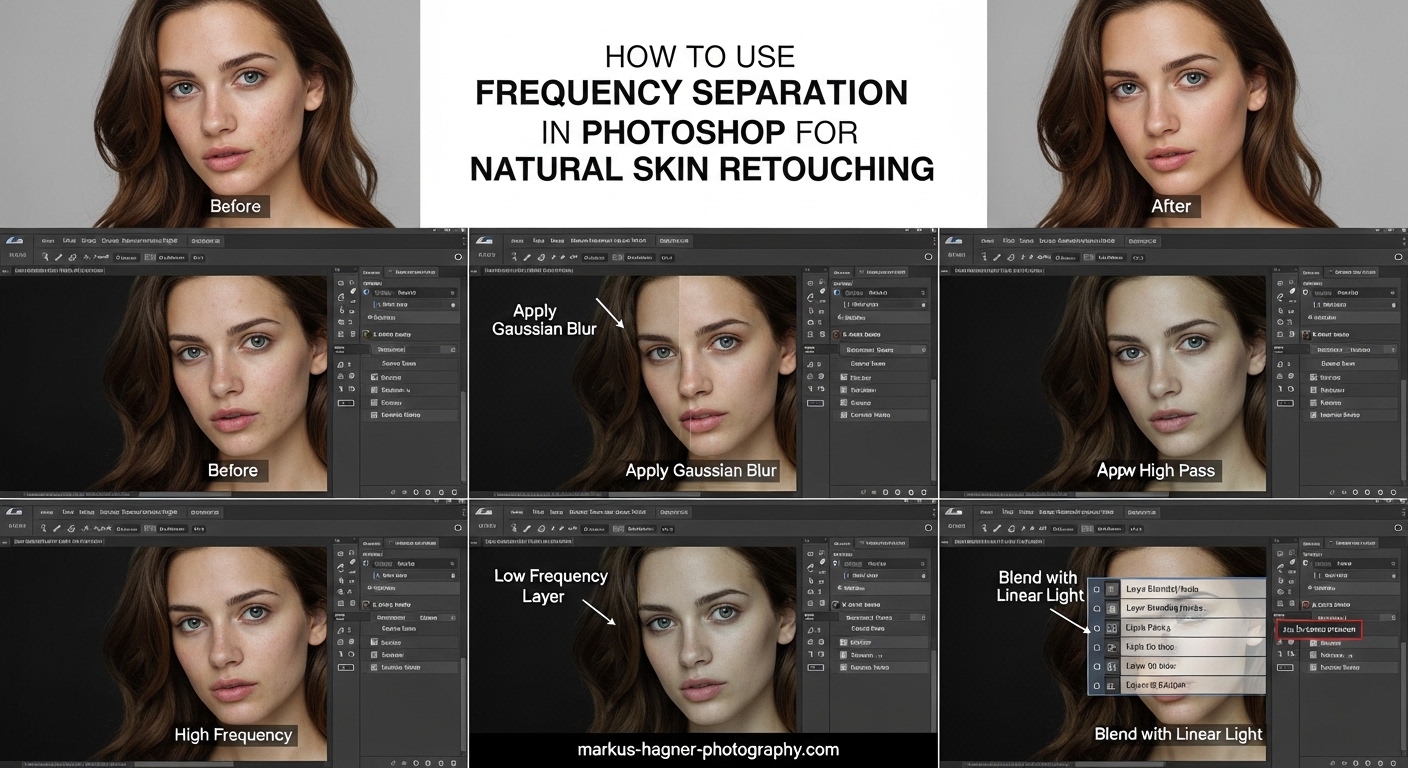
How to Use Frequency Separation in Photoshop for Natural Skin Retouching

Learning frequency separation Photoshop skin retouching transformed how I approach portrait editing. After years of struggling with unnatural results and the dreaded plastic look, this technique finally gave me the control I needed. In this guide, I’ll walk you through every step of the process, from understanding what frequency separation actually does to troubleshooting common … Read more

How to Use Lightroom Color Grading Panel to Add Mood to Your Photos (August 2026)

How to Use Lightroom Color Grading Panel to Add Mood to Your Photos

Transforming a flat, lifeless image into something that evokes emotion is one of the most satisfying parts of photo editing. The Lightroom Color Grading Panel is your secret weapon for this transformation. It replaced the old Split Toning tool and gives you far more control over how colors affect different tonal ranges in your photos. … Read more

Radial Gradient Lightroom (August 2026) Draw Attention to Subject

Radial Gradient Lightroom

Every photographer wants their subject to stand out. The radial gradient in Lightroom is one of the most effective tools for achieving this goal. It lets you create targeted adjustments in an elliptical shape, drawing the viewer’s eye exactly where you want it. Whether you’re editing portraits, landscapes, or product shots, mastering this tool will … Read more