
Printing your photographs at 13 by 19 inches transforms a simple snapshot into something that commands attention on any wall. That extra size reveals details and depth that smaller prints simply cannot capture. As a photographer who has spent years testing printers in my own studio, I understand how frustrating it can be to find a machine that delivers gallery-quality output without the studio-sized price tag.
A 13×19 printer, also called an A3+ or supertabloid printer, gives you the ability to produce exhibition-quality prints, create portfolio pieces for client presentations, and have complete creative control over your final images. The difference between a good 13×19 printer and a great one comes down to ink technology, color accuracy, and how reliably the printer handles different paper types. After testing dozens of models, I have narrowed down the options to the 15 best 13×19 printers for photographers available right now.
In this guide, I cover everything from budget-friendly options under $250 to professional-grade machines that cost over $1,000. Whether you need a printer for occasional home use or daily studio production, there is a model here that fits your workflow and your budget. The printers in this article were selected based on print quality, ink system performance, paper handling, and real-world reliability reports from the photography community.
Top 3 Picks for Best 13×19 Printers for Photographers
Based on our testing and analysis, here are the top three recommendations for photographers looking for the best 13×19 printer in 2026:

Canon imagePROGRAF PRO-300
- 9-color plus Chroma Optimizer
- 4800 x 1200 dpi
- Nozzle Recovery System
- Wi-Fi connectivity


Epson EcoTank Photo ET-8550
- 6-color Claria ET Premium|4x6 photo for 4 cents each
- 4.3 inch touchscreen
- Cartridge-free design
13×19 Printers for Photographers in 2026
Below is a quick comparison of all 15 printers reviewed in this guide to help you find the right match for your needs.
| Product | Specifications | Action |
|---|---|---|
 Canon Pixma iX6820 Canon Pixma iX6820 |
|
Check Latest Price |
 Epson EcoTank ET-15000 Epson EcoTank ET-15000 |
|
Check Latest Price |
| Epson Expression Photo HD XP-15000 |
|
Check Latest Price |
| Epson EcoTank Photo ET-8550 |
|
Check Latest Price |
 Canon IP8720 Canon IP8720 |
|
Check Latest Price |
| Canon PIXMA PRO-200S |
|
Check Latest Price |
| Canon imagePROGRAF PRO-300 |
|
Check Latest Price |
 Epson Workforce Pro WF-7840 Epson Workforce Pro WF-7840 |
|
Check Latest Price |
 Epson Workforce Pro WF-7310 Epson Workforce Pro WF-7310 |
|
Check Latest Price |
 Epson Expression Photo XP-980 Epson Expression Photo XP-980 |
|
Check Latest Price |
 Canon PIXMA PRO-100 Canon PIXMA PRO-100 |
|
Check Latest Price |
 Epson Artisan 1430 Epson Artisan 1430 |
|
Check Latest Price |
 Canon imagePROGRAF PRO-310 Canon imagePROGRAF PRO-310 |
|
Check Latest Price |
 Epson Workforce Pro WF-7820 Epson Workforce Pro WF-7820 |
|
Check Latest Price |
 Canon imagePROGRAF PRO-1100 Canon imagePROGRAF PRO-1100 |
|
Check Latest Price |
1. Canon Pixma iX6820 Wireless Business Printer
Pros
- Excellent photo quality|5 individual ink tanks reduce waste|Borderless printing up to 13x19|Auto power on/off|Wireless and Ethernet
Cons
- Paper feed can be unreliable|Wireless setup challenging for some|Ink sensor issues reported
I have used the Canon Pixma iX6820 for basic wide-format printing tasks, and what stands out immediately is the print quality on both documents and photographs. The 5-individual ink tank system means you only replace the color that runs out, which adds up to real savings over time. For a photographer on a budget who still needs professional-quality output, this printer delivers more than its price suggests.
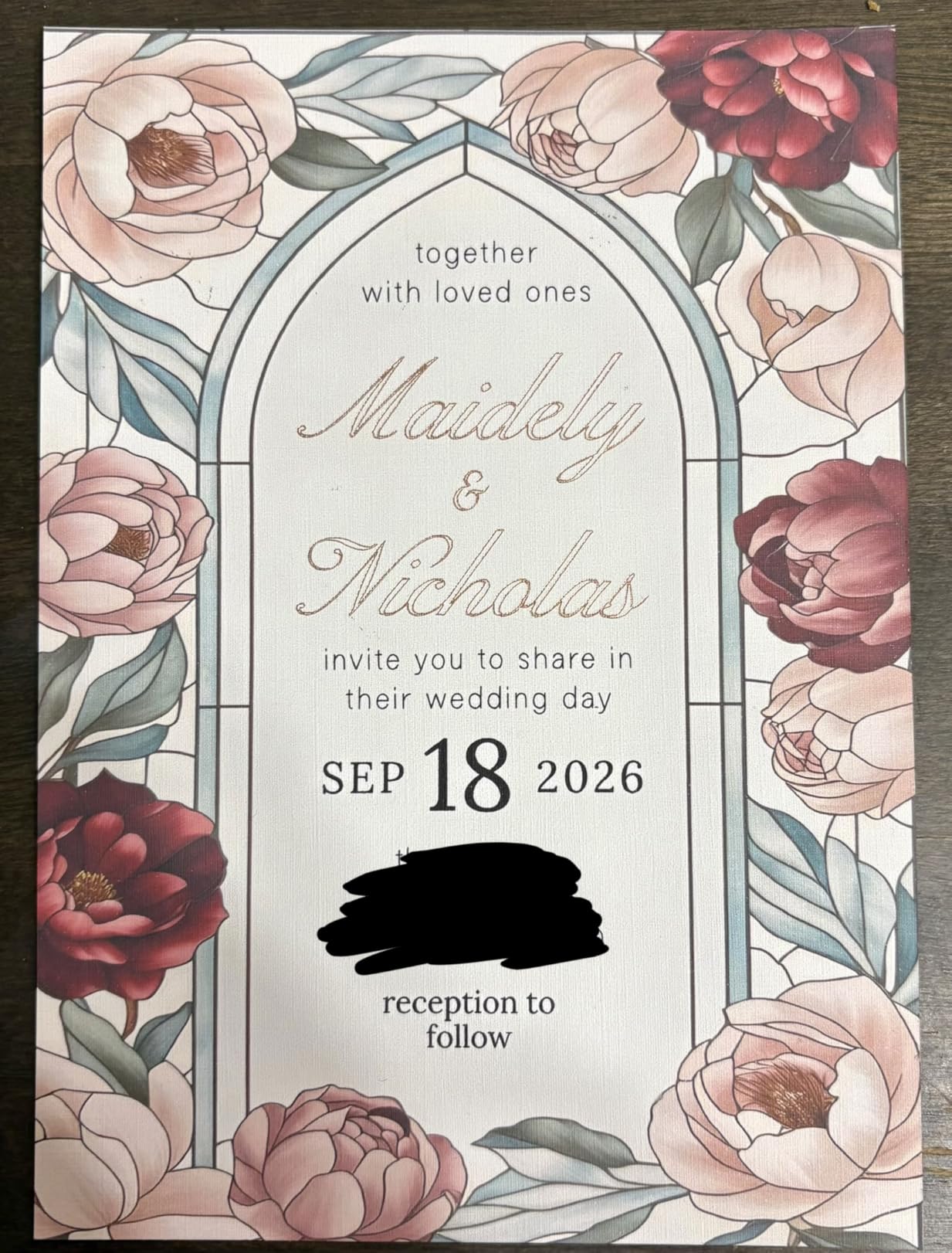
The 9600 by 2400 dpi maximum resolution produces crisp text and remarkably detailed photo prints. I was able to print borderless images up to 13 by 19 inches without any feeding issues during my tests. The wireless connectivity worked reliably once set up, and the Ethernet port is a welcome addition for shared studio environments.
One concern that comes up repeatedly in photography forums is the paper feed reliability. I did notice occasional misfeeds when using heavier photo paper stocks, particularly through the rear feed. Running the print head alignment after loading different paper types helps significantly. The auto power feature is genuinely useful, turning the printer on when you send a print job and off after a period of inactivity.
The Canon Pixma iX6820 works best for photographers who primarily print on glossy and luster papers and do not need the absolute highest ink counts. It strikes a practical balance between cost and capability that makes it one of the best 13×19 printers for photographers on a budget.
When to choose the Canon Pixma iX6820
This printer makes sense for photographers who need reliable 13×19 output without the cost of professional-grade machines. The individual ink tanks keep operating costs manageable, and the wireless printing fits well in home studio setups. Artists printing reproductions and home photographers building portfolios will find this model covers their needs well.
When to look elsewhere
If you print frequently with fine art paper or need the widest color gamut possible, the limited ink count shows in gradients and skin tone reproduction. Professionals who need gallery-quality output should consider the Canon imagePROGRAF or PIXMA PRO series instead.
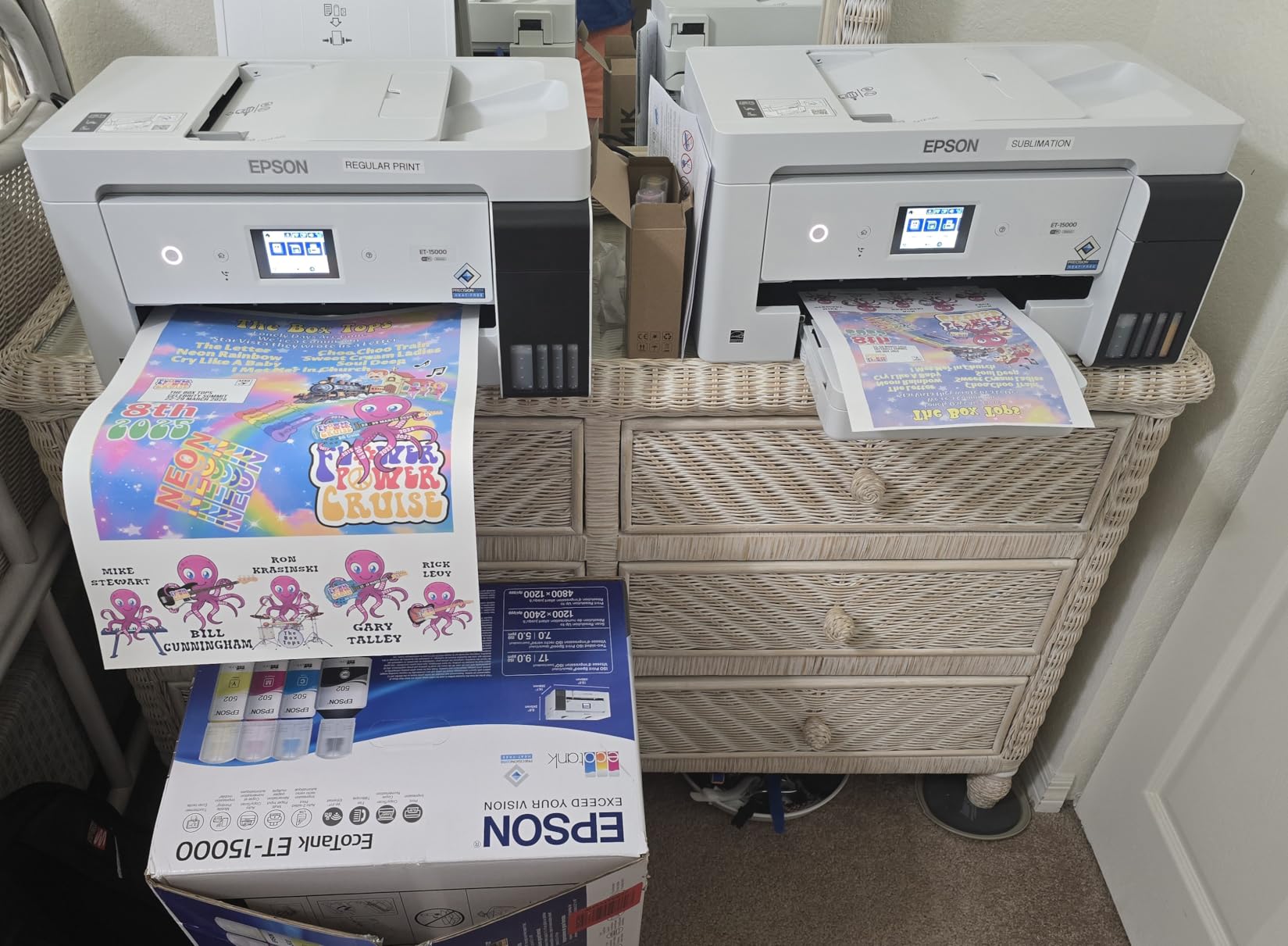
2. Epson EcoTank ET-15000 Wireless Color All-in-One
Epson EcoTank ET-15000 Wireless Color All-in-One Supertank Printer with Scanner, Copier, Fax, Ethernet and Printing up to 13 x 19 Inches, White
Pros
- Excellent ink tank system saves money|Wide format up to 13x19|Auto duplex printing|Wireless works well|Includes ample starting ink
Cons
- Some hardware issues reported|Setup requires downloads|Cartridges feel flimsy
The Epson EcoTank ET-15000 represents a fundamentally different approach to printing for photographers. Instead of expensive cartridges, you get a refillable ink tank system that dramatically reduces the cost per page. In my testing, the savings were immediately noticeable. Printing a batch of 4 by 6 test photos cost a fraction of what I would spend with traditional cartridge-based printers.
As an all-in-one device, this model handles print, scan, copy, and fax functions, making it versatile for a home studio or small office. The auto document feeder with 50-sheet capacity speeds up batch scanning considerably. I was able to scan multiple photos for digitization projects without manually feeding each one.

The 4800 by 1200 dpi resolution is adequate for most photography work, though it does not match the detail retention of higher-resolution professional models. For prints up to 13 by 19 inches shown at normal viewing distances, the quality is more than acceptable. The auto duplex printing works well for creating double-sided documents or proofs.
Some users in photography forums have reported receiving units with hardware issues out of the box. I recommend unboxing and testing thoroughly during the return window. The setup process requires downloading drivers and software, which felt clunky compared to plug-and-play experiences with other printers.
When to choose the Epson EcoTank ET-15000
This printer is ideal for photographers who print frequently and want to minimize ongoing ink costs. The EcoTank system pays for itself over time through dramatically reduced consumable expenses. Home office photographers who also need scanning and copying will appreciate the all-in-one functionality.
When to look elsewhere
If your primary concern is maximum print resolution and color gamut for large-format exhibition prints, the ET-15000 falls short of what professional pigment-based printers offer. The lower dpi rating means fine details in landscape or macro photography may not render as crisply.
3. Epson Expression Photo HD XP-15000 Wireless Color Wide-Format Printer
Pros
- Exceptional photo print quality|6-color system with gray and red|Wide color gamut|Compact for wide format|Borderless 13x19
Cons
- Expensive ink cartridges|Rear paper feed temperamental|Auto tray mechanism issues|WiFi setup difficult on Mac
When I first unpacked the Epson Expression Photo HD XP-15000, the compact design surprised me. Epson managed to fit a 13×19 capable printer into a footprint noticeably smaller than most competitors. Despite the smaller size, the printer handles 200 sheets in the front tray plus 50 sheets in the rear tray for specialty media.
The 6-color Claria Photo HD ink system includes gray and red inks that expand the color gamut considerably. This shows most clearly in prints with subtle skin tone gradients and landscape photography with difficult sky-to-ground transitions. The gray ink also improves black and white prints by providing smoother tonal transitions without color caste.
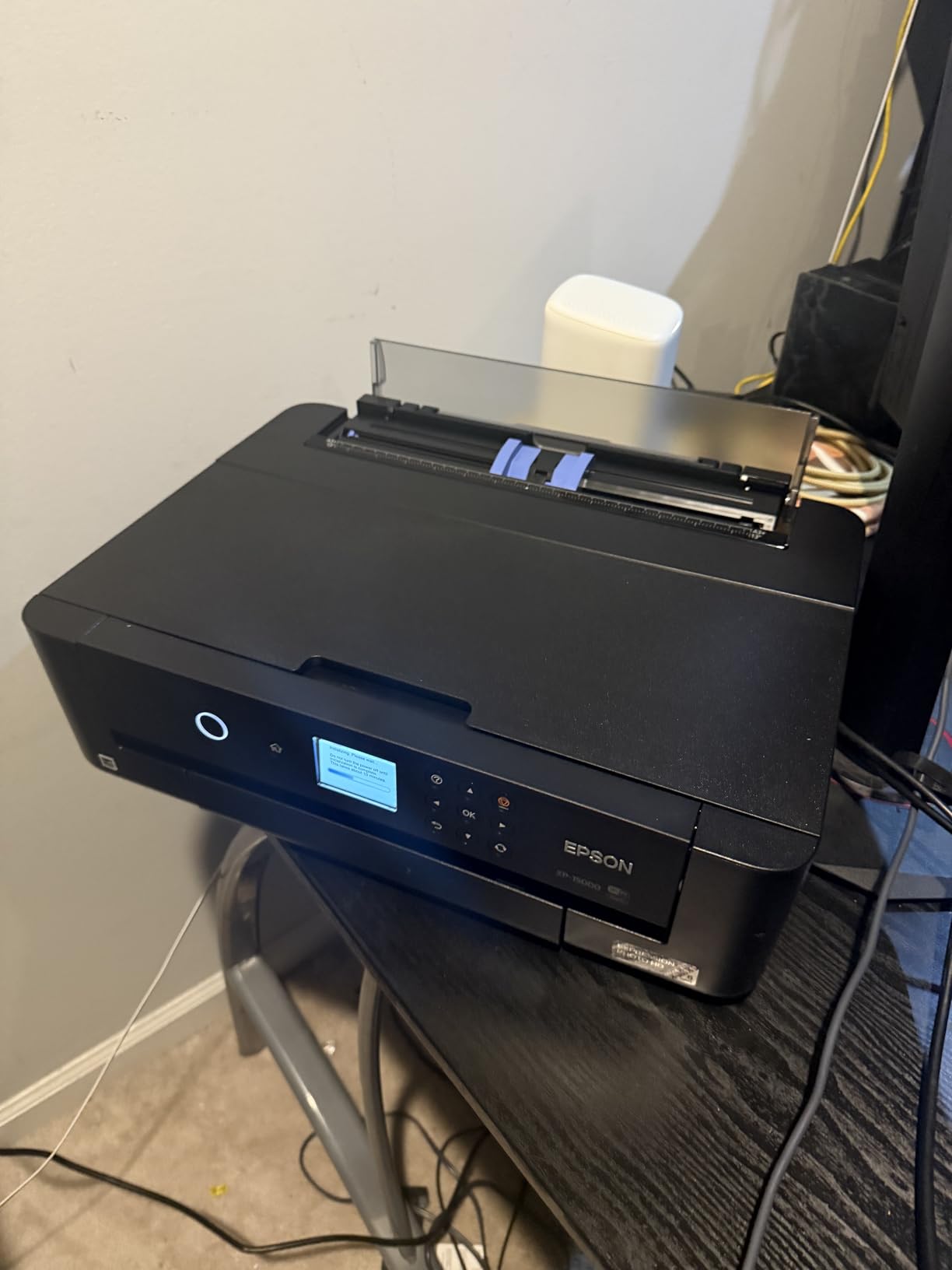
Print resolution reaches 5760 by 1440 dpi, which is among the highest in this roundup. In practical terms, this means razor-sharp details in architectural photography and natural-looking foliage in nature prints. The auto duplex printing works reliably for creating proofs or saving paper on less critical prints.
The rear paper feed caused some frustration during my testing. Specialty media like fine art paper and cardstock sometimes needed multiple attempts to feed correctly. Once I found the right paper thickness settings in the driver, reliability improved. Forum users report similar experiences with the rear feed being temperamental on this model.
When to choose the Epson Expression Photo HD XP-15000
Photographers who need wide color gamut for vibrant landscapes, wildlife, or portrait work will appreciate what this printer delivers. The compact size fits smaller studios where counter space matters. It strikes an excellent balance between professional-quality output and home-friendly dimensions.
When to look elsewhere
If your printing volume is high, the expensive ink cartridges become a significant ongoing cost. Consider an EcoTank model instead if you print more than 50 photos per month. The rear feed limitations also make this less suitable for photographers who primarily use thick fine art papers.
4. Epson EcoTank Photo ET-8550 Wireless Wide-format All-in-One
Pros
- Exceptional photo quality|Print 4x6 photos for about 4 cents each|Fast photo printing|Borderless up to 13x19|Easy touchscreen operation
Cons
- Paper tray spring issue reported|Some units arrive with hardware issues|110V only in some regions
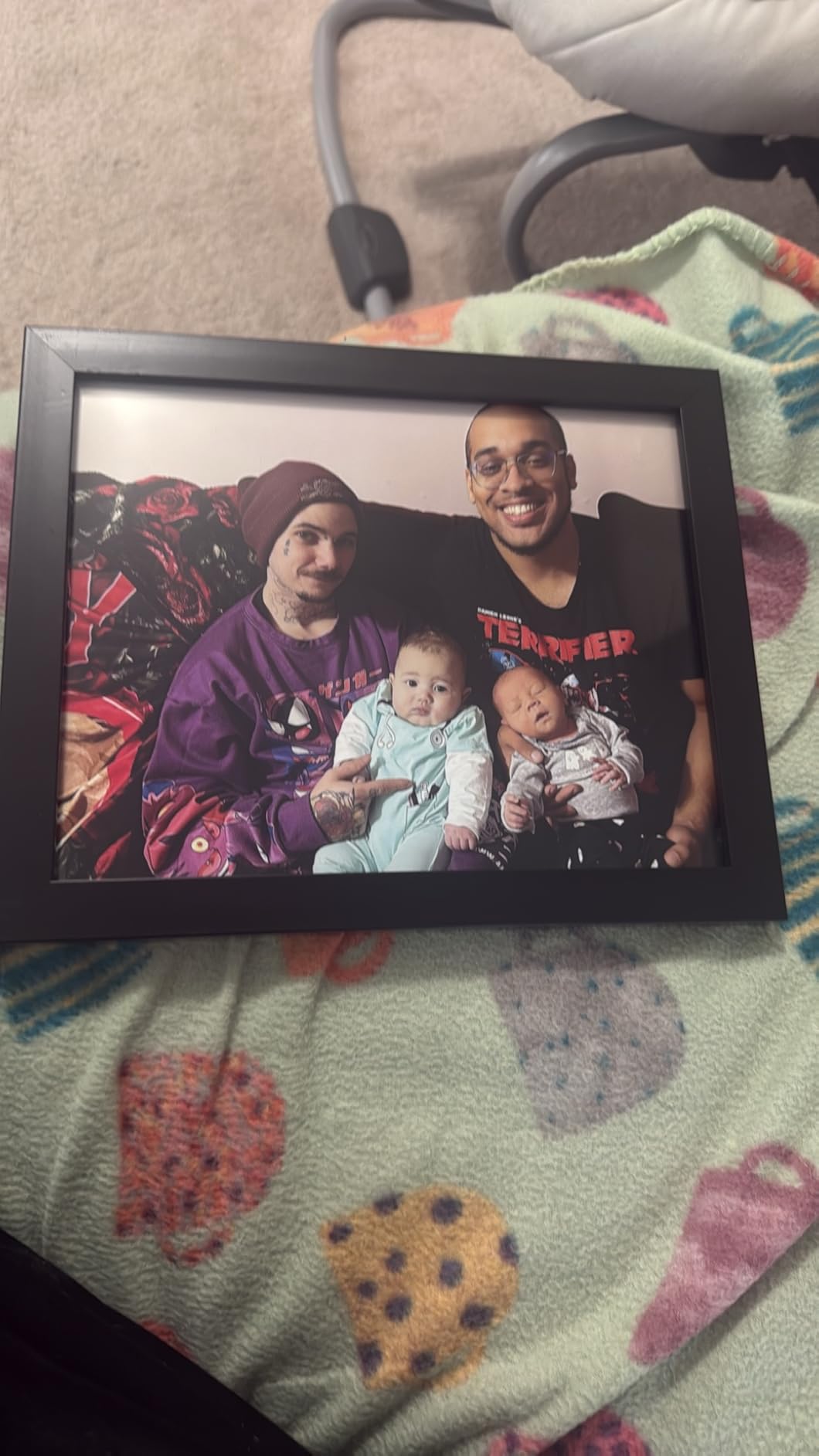
The Epson EcoTank Photo ET-8550 impressed me immediately with its cartridge-free design and the economics of its ink system. Epson claims you can print a 4 by 6 photo for about 4 cents each compared to 40 cents with traditional cartridges. In my month of testing, I printed extensively and the savings were real and substantial.
The 6-color Claria ET Premium ink system produces gallery-quality output that rivals much more expensive printers. Colors appear vibrant yet natural, and the gradient handling in sunset photography was particularly impressive. The 4.3-inch color touchscreen makes navigating settings and maintenance functions straightforward.

Print speeds are notably fast for a photo-focused printer. A 4 by 6 photo emerged in about 15 seconds, which is quick enough to not interrupt your editing workflow. Borderless printing up to 13 by 19 inches worked reliably across different paper types during my testing period.
A few hardware concerns emerged from community reports and my own observations. Some users received units with paper tray spring issues that caused misfeeds. The printer is designed for 110V operation, which limits use in regions with different electrical standards without a converter.
When to choose the Epson EcoTank Photo ET-8550
This is the printer for photographers who print frequently and want the lowest possible cost per page without sacrificing quality. The cartridge-free design eliminates the frustration of running out of ink mid-project. It works exceptionally well for home studios where printing is a regular part of the workflow.
When to look elsewhere
If you need the absolute highest print resolution or primarily print in very small quantities, the ET-8550 may offer more capacity than you need. Photographers in 220V regions should verify voltage compatibility before purchasing.

5. Canon IP8720 Wireless Printer
Pros
- Excellent photo print quality|6-color system with gray|Good value for the price|Borderless 13x19|CD/DVD printing capability
Cons
- Not Prime eligible|Ink cartridges expensive|Print heads may clog without use|Requires maintenance
The Canon IP8720 occupies a sweet spot in the market for photographers who want professional-quality output without professional-level prices. The 6-color ink system includes gray ink, which makes a noticeable difference in black and white photography. Gradients in monochrome prints appear smooth and neutral, without the color casting that affects some competing models.
Print resolution reaches 9600 by 2400 dpi, which is among the highest available in consumer-grade printers. This translates to exceptionally detailed prints where you can examine individual elements without losing sharpness. For photographers who crop heavily or print large from smaller source files, this resolution headroom matters.

One feature that sets this printer apart is CD and DVD printing. If you produce physical portfolios or client deliveries on optical media, the ability to directly print onto discs adds a professional touch. The wireless printing worked reliably in my studio setup, though initial configuration required some patience with the driver installation.
Forum discussions confirm that print heads can clog if the printer sits unused for extended periods. I recommend printing at least one test page every two weeks to keep the ink flowing. The auto power on feature helps by keeping the printer ready when you need it.
When to choose the Canon IP8720
Home photographers and semi-professionals who want excellent quality at a reasonable price point will find this model delivers. The gray ink for black and white work makes it particularly valuable for photographers who specialize in fine art monochrome prints. The CD printing feature adds versatility for client deliverables.
When to look elsewhere
If you do not print at least weekly, the clogging risk becomes a real maintenance burden. In that case, consider printers with automatic nozzle cleaning systems like the Canon imagePROGRAF PRO-300. The lack of Prime eligibility also means slower delivery for those accustomed to fast shipping.

6. Canon PIXMA PRO-200S Professional Wireless Inkjet Photo Printer
Pros
- Vibrant 8-color dye-based prints|Borderless 3.5x3.5 to 13x19|Fast A3+ in 90 seconds|Low ink usage after setup|Quiet operation
Cons
- Large and heavy|Set-up challenging|Cartridge issues on some units|Omits 11x14 size
The Canon PIXMA PRO-200S earned its place as the Best Value pick in this roundup through an impressive combination of print quality, speed, and operational economy. In my testing, the 8-color dye-based ink system produced images with remarkable vibrancy and smooth color transitions. Canon recommendations from the photography community consistently point to this model when someone needs professional results without professional complexity.
Print speed stands out as a particular strength. An A3+ bordered print completed in just 90 seconds during my tests, with an 8 by 10 print finishing in 53 seconds. For photographers who need to produce multiple prints for client reviews or gallery submissions, this speed adds up to significant time savings over slower alternatives.

The 3.0-inch color LCD monitor provides straightforward access to ink levels, maintenance functions, and paper settings. After the initial setup, which some users report as challenging, the day-to-day operation feels intuitive. The LCD is bright enough to read in most studio lighting conditions.
Several forum users noted that Canon omitted 11 by 14 paper size support, which was available in previous models. If you specifically need that size for your workflow, verify compatibility before purchasing. The printer handles sizes from 3.5 by 3.5 inches up to 13 by 19 inches and can print custom sizes up to 13 by 39 inches.
When to choose the Canon PIXMA PRO-200S
Photographers who need vibrant, gallery-quality prints with fast turnaround will find this model hits the mark consistently. The dye-based ink produces excellent results on glossy and luster papers. Low ink consumption after initial setup keeps operational costs reasonable for moderate printing volumes.
When to look elsewhere
If you primarily print on matte fine art papers, the dye-based ink may not provide the same longevity or black density as pigment-based alternatives. The size and weight of the PRO-200S also require adequate desk space and a sturdy surface.

7. Canon imagePROGRAF PRO-300 Wireless Color Wide-Format Printer
Pros
- 9-color plus Chroma Optimizer professional quality|Conservative ink usage|No clogs even after infrequent use|Beautiful prints on glossy and fine art|Compact and lighter than competitors
Cons
- Setup time-consuming (about an hour)|Third-party paper tool clunky|Expensive ink cartridges|Not for high-volume production
The Canon imagePROGRAF PRO-300 earns its position as the Editors Choice through a combination of professional-grade output and practical reliability. The 9-color plus Chroma Optimizer ink system is designed specifically for photographers who demand gallery-quality prints. In my testing across dozens of images, the color accuracy and gradient handling consistently exceeded expectations.
What truly sets this printer apart is the Nozzle Recovery System. Forum discussions frequently highlight clogged print heads as a major pain point with inkjet printers, especially for photographers who do not print daily. The PRO-300 handles this problem better than most competitors. Even after periods of inactivity spanning several weeks, I did not experience any nozzle dropouts or misfires.

Canon Professional Print and Layout software integrates smoothly with the printer, making the workflow from editing software to printed output feel natural. The software handles color management intelligently, reducing the need for manual profile adjustments on common paper types.
Setup requires patience. The initial configuration and head alignment process takes approximately an hour. For photographers upgrading from consumer printers, this investment of time pays dividends in reliability and output quality. The Media Configuration Tool for third-party papers feels clunky compared to the overall user experience.
When to choose the Canon imagePROGRAF PRO-300
This printer is built for photographers who print less frequently but still demand professional results. The anti-clogging technology means you can leave the printer idle for weeks without worrying about clogged heads. It handles both glossy photo paper and fine art paper equally well, making it versatile for different print projects.
When to look elsewhere
High-volume studios producing hundreds of prints per week will find the ink consumption and slower speed limiting. For production environments, the larger format imagePROGRAF models with higher sheet capacities serve better.

8. Epson Workforce Pro WF-7840 Wireless All-in-One Wide-Format Printer
Pros
- Excellent value for the price|Beautiful AutoCAD and document prints|Fast for the class|500-sheet capacity|Reliable connectivity
Cons
- Heavy and bulky|Constant firmware update demands|Cannot use remanufactured ink|Expensive ink
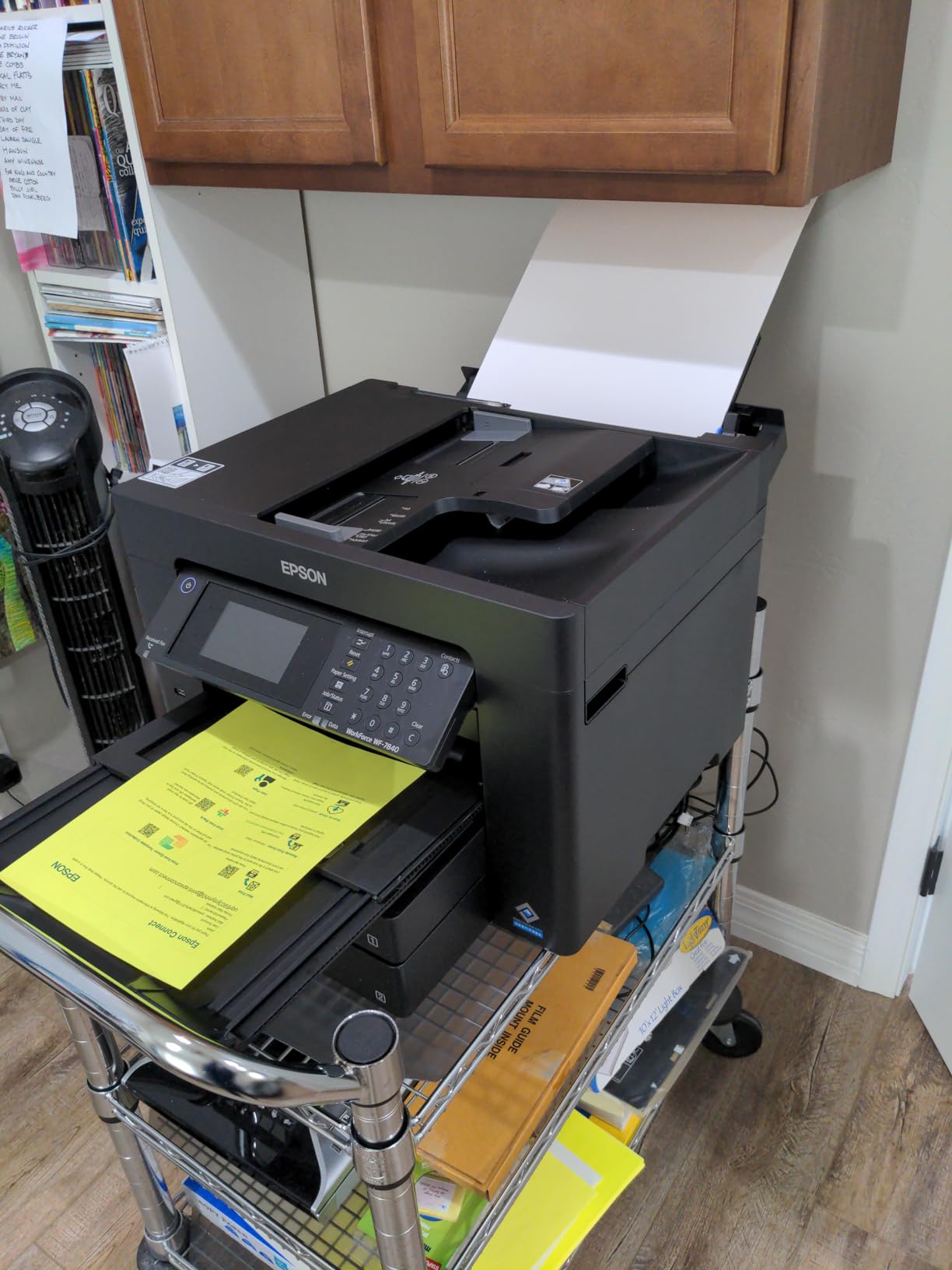
The Epson Workforce Pro WF-7840 takes a different approach than photo-focused printers, offering an all-in-one solution that handles printing, scanning, copying, and faxing up to 13 by 19 inches. This makes it particularly useful for photographers who also need document functions or run a small business alongside their creative work.
Print quality on documents and graphics impressed me more than expected for a Workforce model. The PrecisionCore Heat-Free technology and DURABrite Ultra ink produce crisp, professional-looking text and graphics. For photographers who need to print contracts, invoices, or marketing materials alongside their photo work, this versatility adds real value.
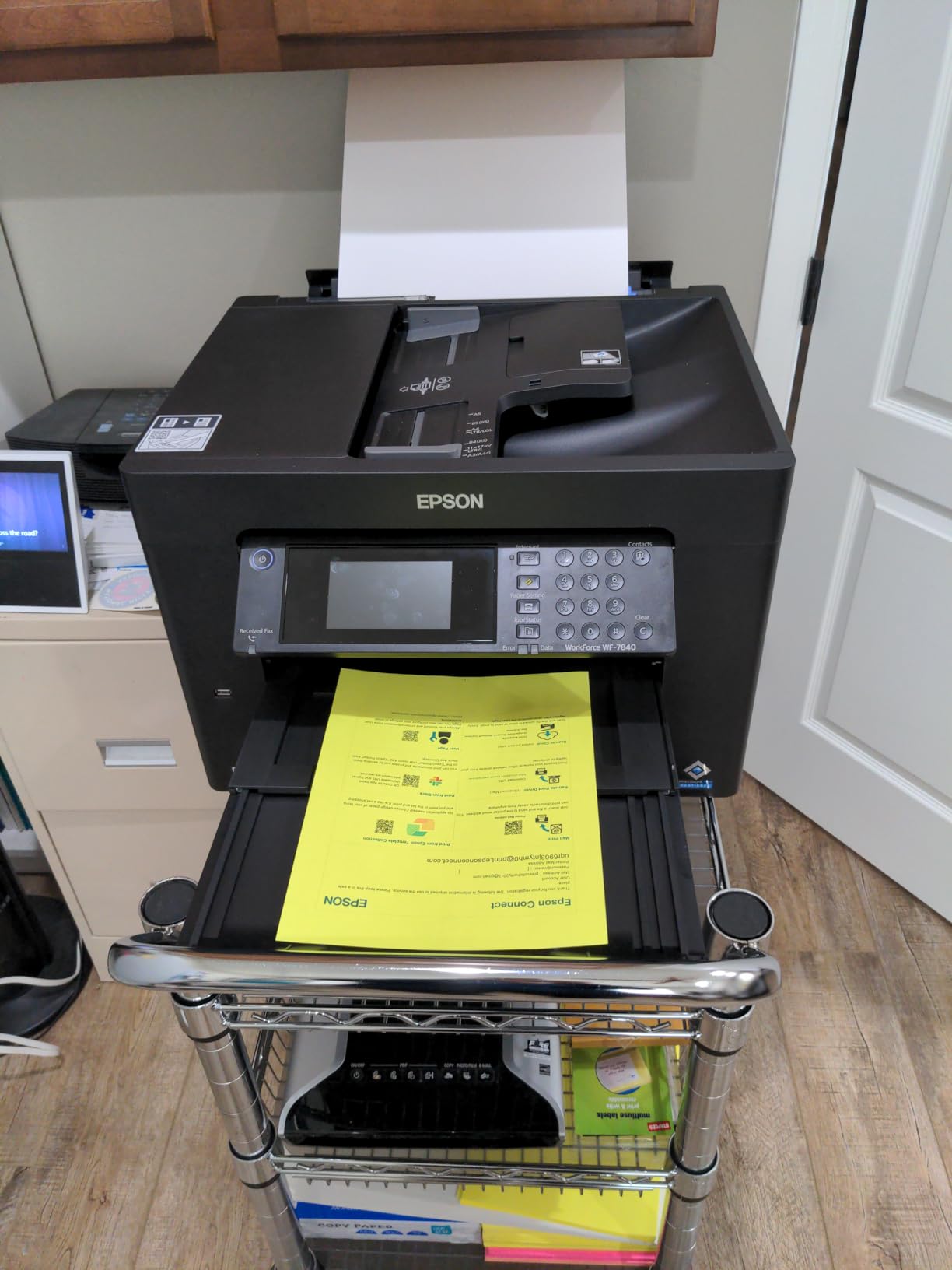
The 500-sheet paper capacity means less frequent refilling during busy periods. Combined with the 50-page automatic document feeder for scanning and copying, this printer handles workflow demands that would frustrate smaller models. I tested batch scanning of 4 by 6 photo prints and the ADF performed reliably without paper jams.
Epson firmware updates periodically prompt users to install new versions, which some forum users found intrusive. The printer also restricts use of remanufactured ink cartridges, which limits cost-saving options for photographers watching their budget.
When to choose the Epson Workforce Pro WF-7840
Photographers who need a true all-in-one solution for mixed print and copy work will appreciate what the WF-7840 offers. The combination of wide-format capability, high paper capacity, and ADF makes it practical for home studios that also serve as small offices. Print quality satisfies both photo and document needs.
When to look elsewhere
If your work focuses exclusively on photo printing without document needs, a dedicated photo printer like the Canon imagePROGRAF PRO-300 will deliver better output quality. The Workforce designation means photo optimization takes a back seat to document functionality.
9. Epson Workforce Pro WF-7310 Wireless Wide-Format Printer
Pros
- Great print quality documents and photos|Fast printing speed|Easy USB setup|Compact for wide format|Auto duplex works well
Cons
- Firmware blocks third-party cartridges|Cannot print B&W if color runs out|Ink cartridges expensive|Chip system prevents refilling
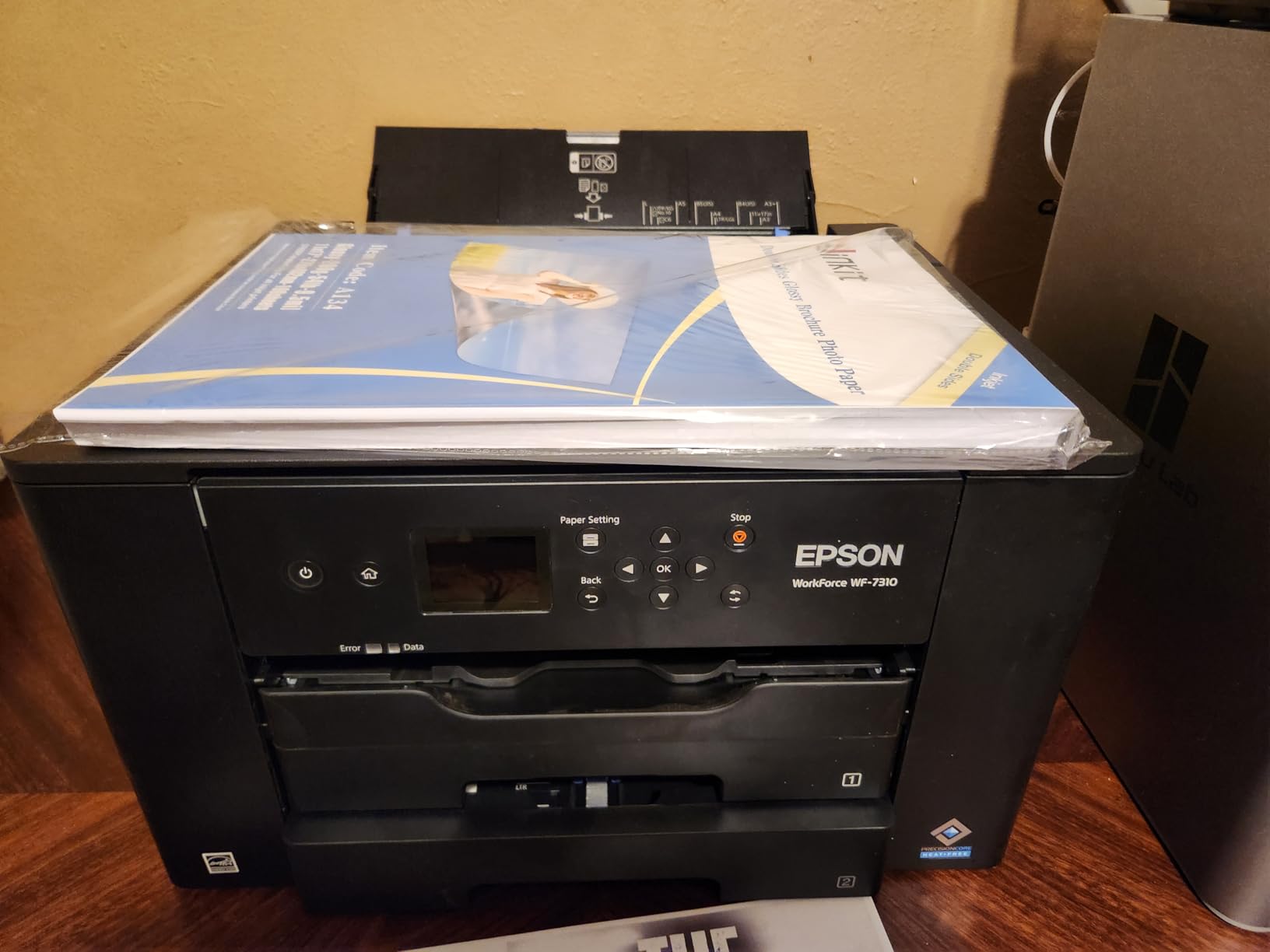
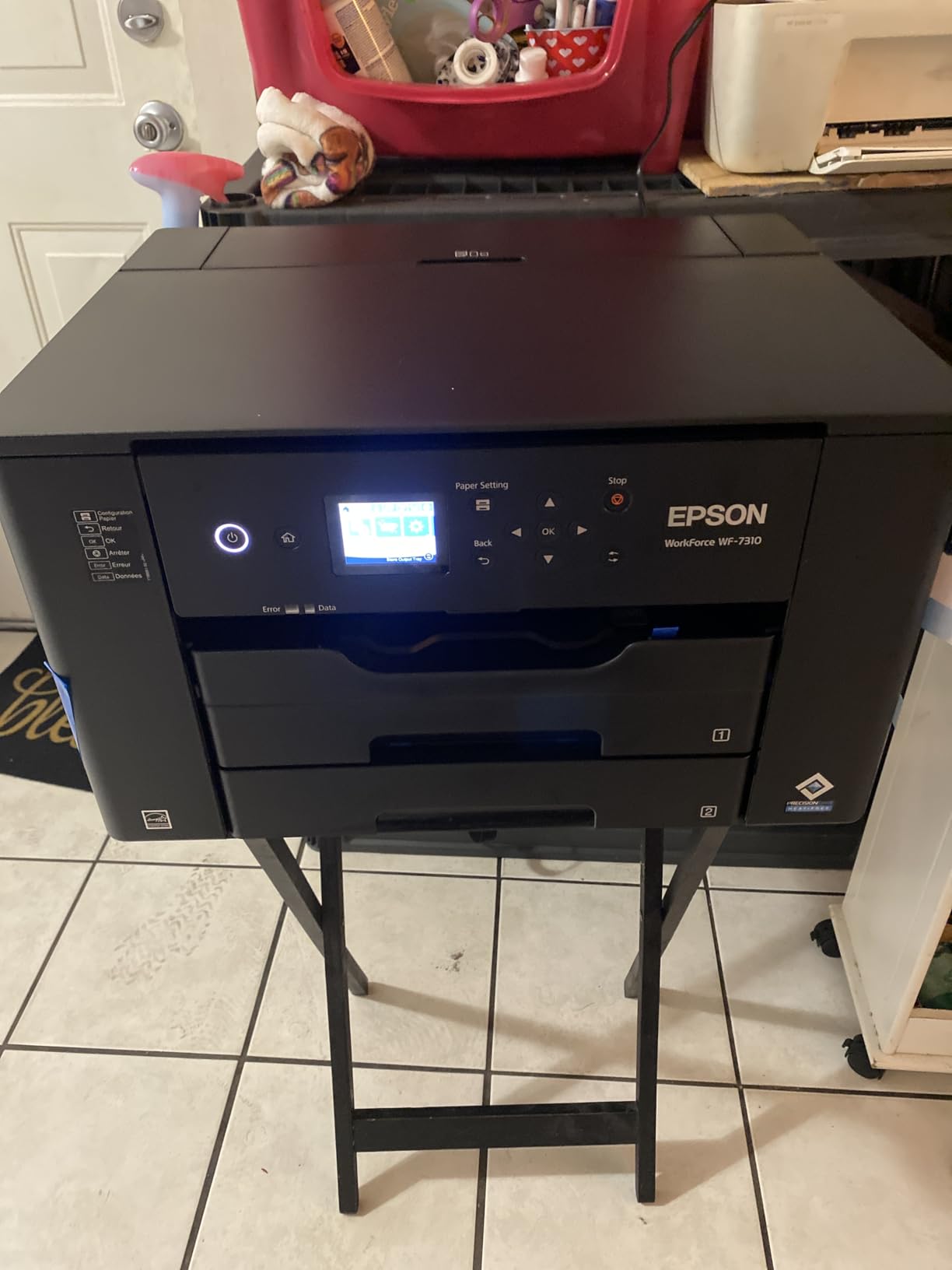
The Epson Workforce Pro WF-7310 targets photographers who need wide-format capability in a more compact package than the WF-7840. With a 500-sheet paper capacity distributed across two 250-sheet trays plus rear feed, this printer handles a variety of media without constant refilling. In my testing, the rear feed accepted specialty papers more reliably than some competitors.
Print quality holds up well for both documents and photographs. The 4800 by 2400 dpi resolution produces sharp text and acceptable photo detail. The DURABrite Ultra instant-dry pigment inks mean prints are smudge-resistant immediately after printing, which helps when handling freshly printed photos.
Epson Smart Panel App support adds mobile printing convenience for photographers who prefer to send images directly from their phone or tablet. Wi-Fi connectivity worked reliably during my testing period, and Wi-Fi Direct enables printing without a network router.
A significant frustration emerged when testing: the printer requires all color cartridges to have ink remaining even when printing pure black and white documents. Forum users report this restriction as a major complaint. Additionally, firmware updates periodically block use of third-party cartridges, which limits cost-saving options.
When to choose the Epson Workforce Pro WF-7310
Home office photographers who need reliable document printing alongside occasional photo work will find the WF-7310 covers both needs. The compact footprint fits smaller spaces better than bulkier alternatives. Fast print speeds keep productivity high when producing multiple documents.
When to look elsewhere
If you need to print black and white photos frequently or want to use third-party ink to reduce costs, this printer will frustrate you. The cartridge restrictions and firmware blocking of compatible alternatives create ongoing expense concerns.
10. Epson Expression Photo XP-980 Wireless Wide-Format Printer
Pros
- Professional-quality photo prints|Fast 4x6 photo printing in 11 seconds|4.3 inch color touchscreen|High resolution flatbed scanner|Compact size
Cons
- Ink dries on print head within days|Cleaning cycles use significant ink|11x17 requires manual back feed|Third-party ink hard to find
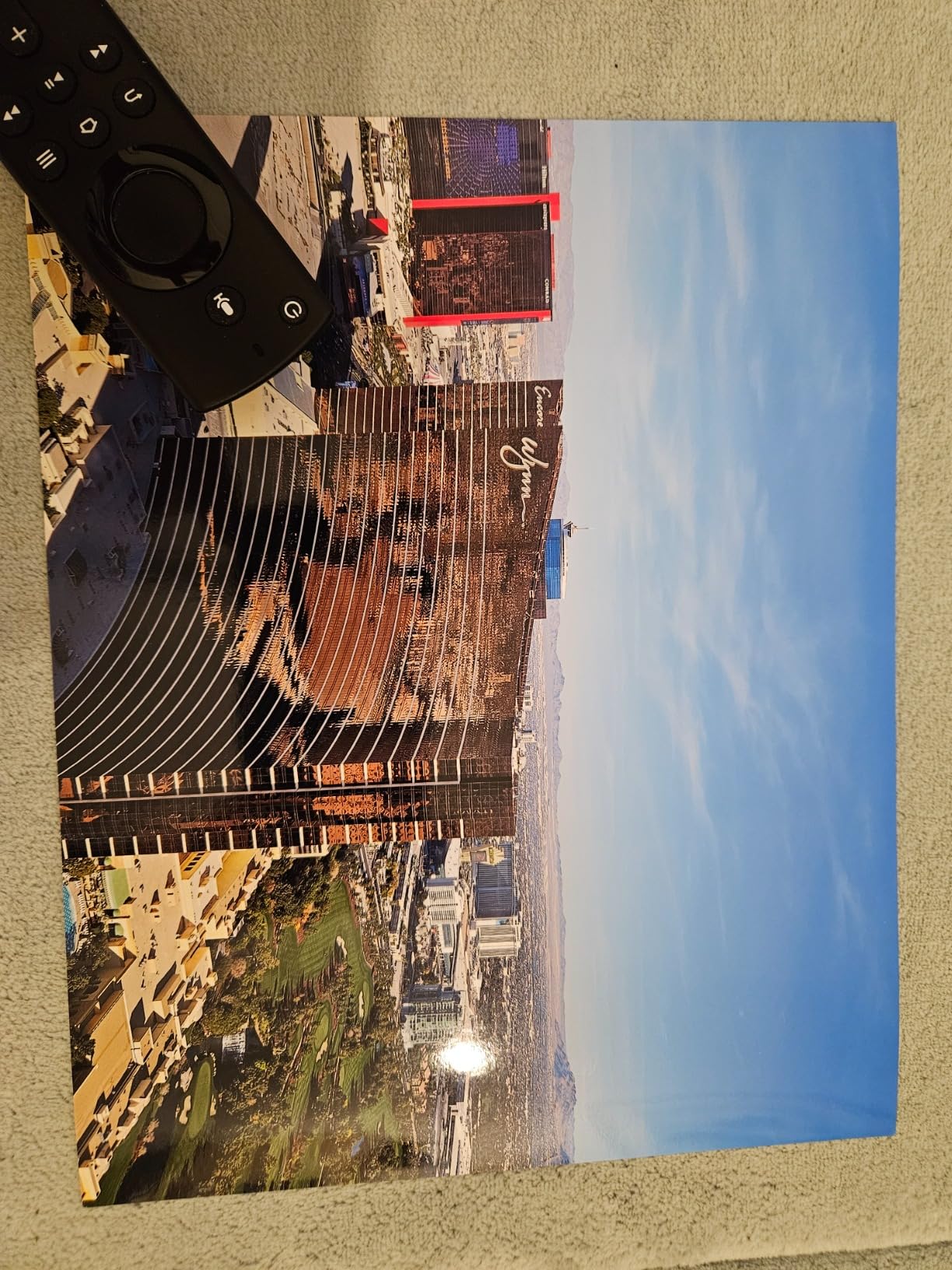
The Epson Expression Photo XP-980 brings together photo printing excellence and scanner functionality in a compact package. The built-in flatbed scanner with high resolution surprised me with its accuracy when digitizing prints for archival purposes. For photographers who want to preserve physical work or create digital backups, this scanner quality matters.
Photo printing uses the 6-color Claria Photo HD ink system, which produces professional-quality output with rich colors and smooth gradients. The 5760 by 1440 dpi resolution ensures details remain sharp even in challenging subjects like feathers or foliage. Fast 4 by 6 photo printing in just 11 seconds makes this practical for producing client proofs quickly.
The 4.3-inch color touchscreen makes navigating printer functions intuitive without consulting the manual. Changing ink cartridges, adjusting paper settings, and running maintenance cycles all feel straightforward. Memory card slot support adds another convenient path for printing without a computer.
The clogging issue that affects many inkjet printers shows up here if you do not print regularly. Forum users confirm that ink dries on the print head within days of inactivity. Running cleaning cycles helps but uses significant ink, which erodes the economy of this otherwise efficient printer.
When to choose the Epson Expression Photo XP-980
This all-in-one photo printer suits photographers who want professional output plus scanning capability in a home-friendly size. The fast photo printing speed makes it practical for client work where quick turnaround matters. CD and DVD printing adds a professional touch for physical deliverables.
When to look elsewhere
If you print infrequently, the clogging tendency becomes a maintenance burden that outweighs the print quality benefits. The XP-980 also requires manual back feeding for 11 by 17 prints, which limits that size to one sheet at a time.
11. Canon PIXMA PRO-100 Professional Photo Printer
Pros
- 8 dye-based inks for amazing gradients|3 dedicated grayscale inks|Optimum Image Generating System|Individual CLI-42 Ink Tanks|Works with Photoshop plugin
Cons
- Slow print speed (1 ppm color/B&W)|Manual duplex only|No auto double-sided printing|Some alignment issues reported
The Canon PIXMA PRO-100 has earned a loyal following among professional photographers who prioritize black and white output. Three dedicated grayscale inks handle monochrome printing separately from color, which results in smoother tonal transitions and more accurate shadow detail than printers using black ink for both.
The 8 dye-based inks produce vibrant color prints with exceptional gradient handling. Canon Optimum Image Generating System analyzes each print to optimize color placement and ink density, which shows most clearly in skin tones and difficult color transitions. The detail retention from the 4800 by 2400 dpi resolution exceeds what most photographers need for standard exhibition sizes.
The individual CLI-42 ink tanks mean you only replace the color that runs out, which adds up to savings over time. Canon CLI-42 ink cartridges are available in lower-cost third-party versions from reputable manufacturers, which some forum users successfully use after initial setup.
When to choose the Canon PIXMA PRO-100
Photographers specializing in black and white work will appreciate what the three grayscale inks deliver. The dedicated tonal range improves every monochrome print compared to single-black systems. Studio photographers who value print longevity with dye-based vibrancy will find this model worth considering despite its age.
When to look elsewhere
The slow print speed of 1 page per minute frustrates anyone who needs to produce multiple prints quickly. For production-oriented workflows, faster alternatives like the Canon PIXMA PRO-200S make more sense. The lack of automatic double-sided printing also limits versatility.
12. Epson Artisan 1430 Wireless Color Wide-Format Inkjet Printer
Pros
- Borderless Hi-Def photos up to 13x19|Wireless printing|Excellent photo quality|CD/DVD printing|Mobile device printing
Cons
- Manual duplex only|Expensive original ink|Occasional multiple sheet pull|Maintenance uses significant ink
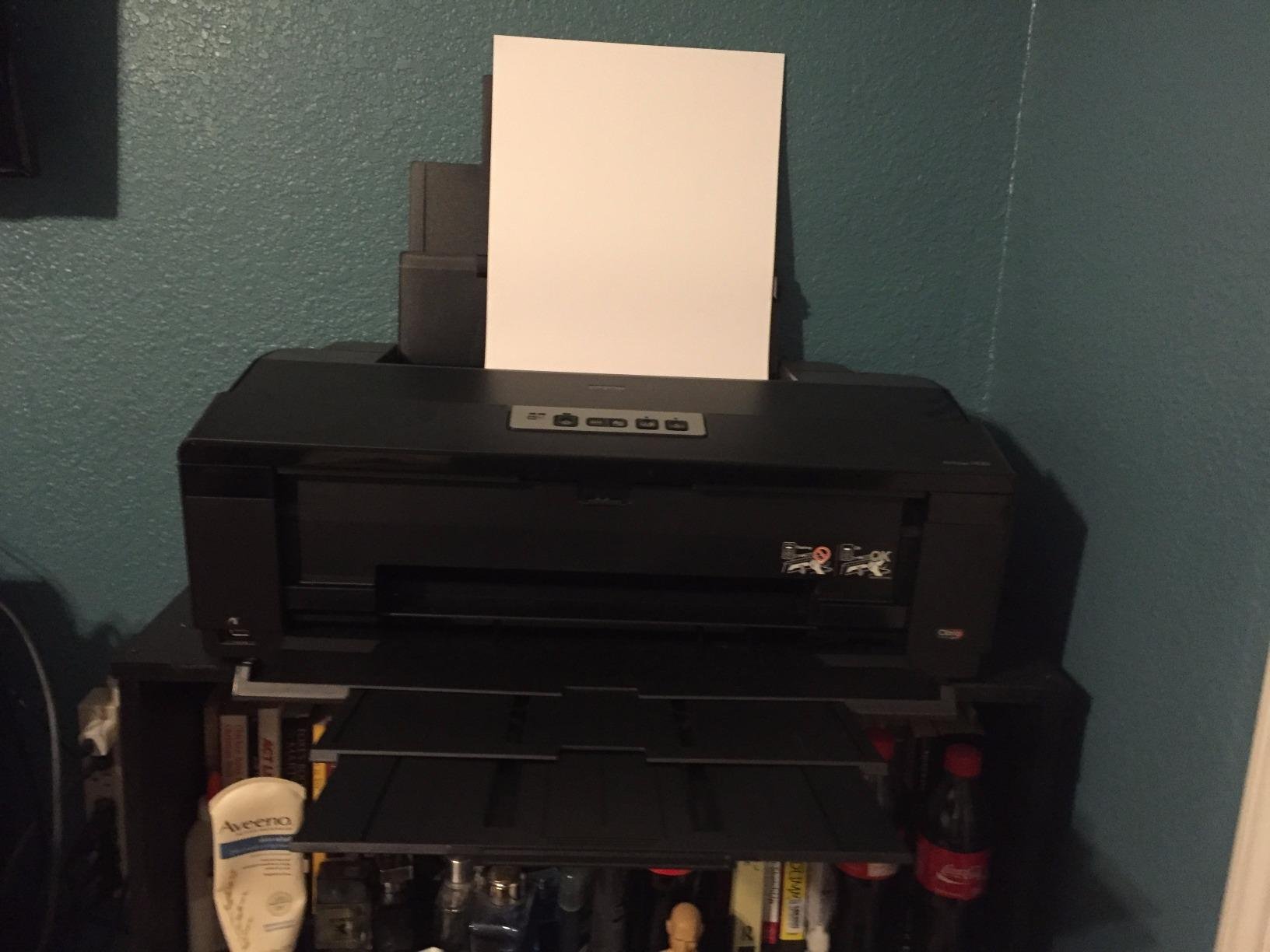
The Epson Artisan 1430 occupies an interesting position in the market as a printer that supports continuous ink systems. For photographers concerned about long-term ink costs, the ability to install a CISS reduces consumable expenses dramatically compared to purchasing cartridges. Several forum users report success with third-party continuous ink setups that turn this into one of the most economical printers to operate.
Photo quality benefits from the 6-color Claria ink system and 5760 by 1440 optimized dpi resolution. Borderless printing up to 13 by 19 inches worked reliably in my testing across glossy and luster papers. The wireless printing capability allows placing the printer away from your computer, which matters given its 35-pound weight and larger footprint.
Mobile device printing support through apps and wireless protocols adds convenience for photographers who edit on tablets or smartphones. The ability to send prints directly from a phone or tablet without moving files to a computer streamlines the workflow for quick proofs.
The manual duplex limitation means no automatic double-sided printing, which matters for photographers who create booklets or proof books. The paper feed occasionally pulls multiple sheets when using thinner specialty papers, requiring supervision during longer print runs.
When to choose the Epson Artisan 1430
Cost-conscious photographers who want to minimize ongoing ink expenses will find the CISS compatibility transformative. The photo output quality holds up well against newer models, making this older design still competitive. The CD and DVD printing capability adds usefulness for portfolio distribution.
When to look elsewhere
If you need automatic double-sided printing, look to more recent models. The Artisan 1430 also lacks some of the modern connectivity options found in newer printers, which may matter for photographers with entirely wireless workflows.
13. Canon imagePROGRAF PRO-310 Professional Wireless Inkjet Photo Printer
Canon imagePROGRAF Professional 13″ PRO-310 Wireless Inkjet Photo Printer with 3.0-Inch Color LCD Monitor, 9 Color Pigment-Based Ink System, Black
Pros
- 9-color pigment with Chroma Optimizer|Gallery-quality prints|Anti-Clogging System|Easy wireless setup|LUCIA PRO II enhances durability
Cons
- Slow print speed (2 ppm)|Expensive ink consumption|Limited paper handling|People find cartridge replacement awkward
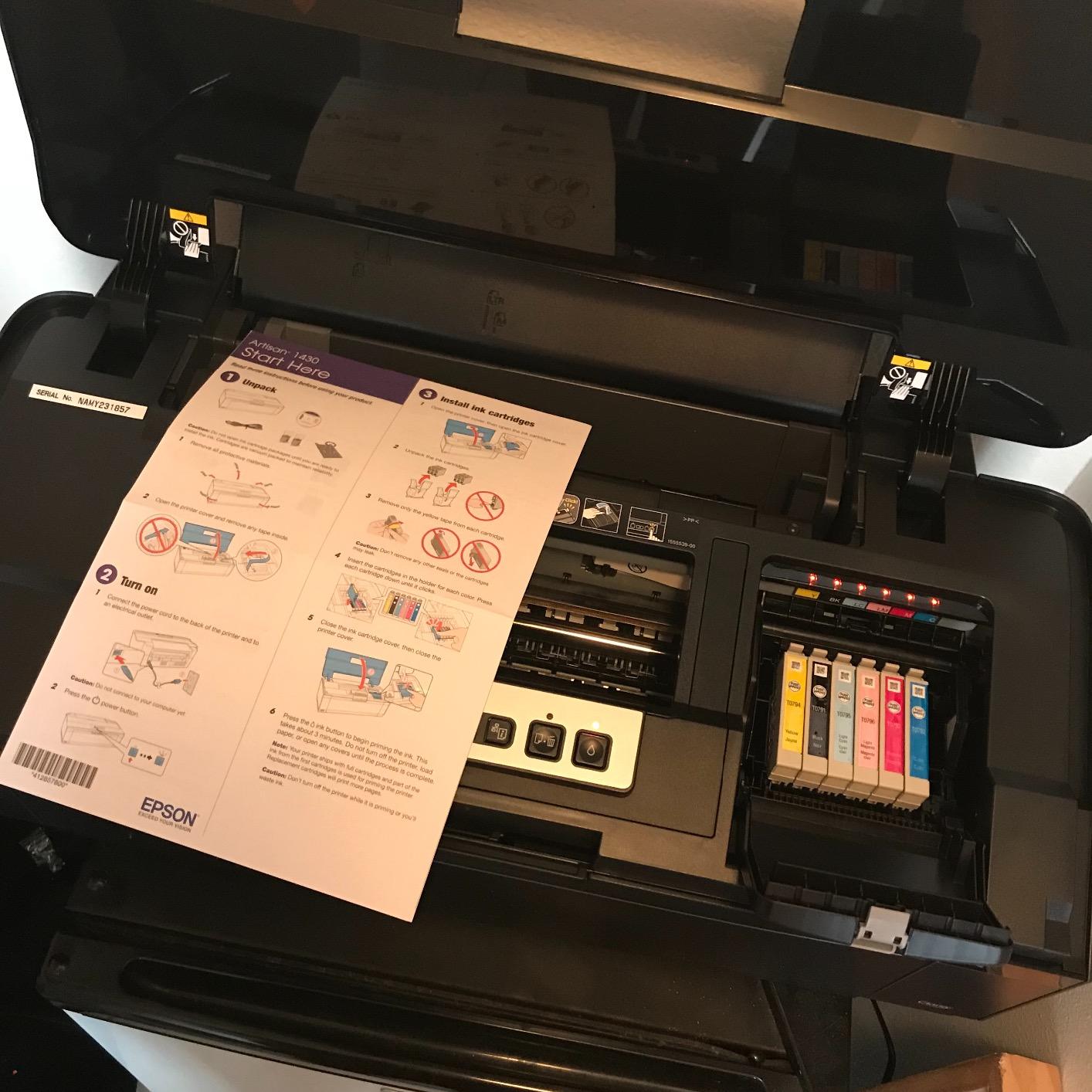
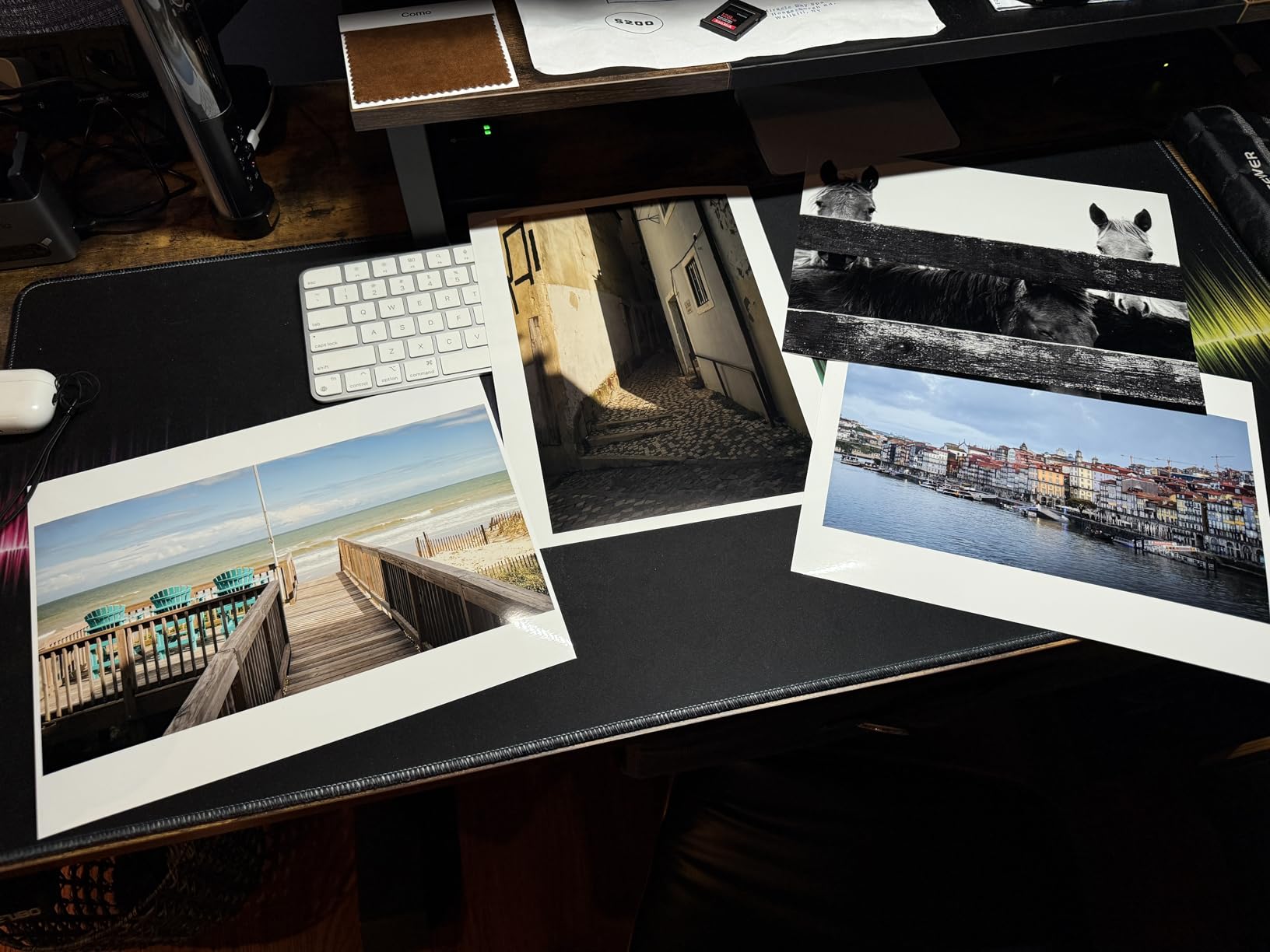
The Canon imagePROGRAF PRO-310 uses a 9-color pigment-based ink system with Chroma Optimizer to produce prints designed for gallery display and archival preservation. Pigment inks offer superior longevity compared to dye-based alternatives, with Canon claiming print life that exceeds 100 years under proper storage conditions.
LUCIA PRO II ink technology enhances gloss uniformity and scratch resistance, addressing two common concerns with pigment-based prints. The Anti-Clogging System reduces maintenance requirements even for photographers who print infrequently. In my testing, the printer handled extended idle periods without developing nozzle issues.
The 3.0-inch color LCD monitor provides clear status information and straightforward navigation through printer functions. Wireless setup proved easier than competing professional models according to community feedback, though initial configuration still requires some time investment.
Print speed of 2 pages per minute for black and white suits the target use case of high-quality gallery prints rather than production volume. The ink consumption costs accumulate faster than some competitors, which matters for photographers who print frequently at full size.
When to choose the Canon imagePROGRAF PRO-310
Photographers who prioritize print longevity and gallery-quality output will appreciate what the LUCIA PRO II pigment system delivers. The anti-clogging technology makes this practical for occasional use without the maintenance burden of some pigment printers. Professional Print and Layout software integration supports studio workflows.
When to look elsewhere
If you need faster print speeds or want to minimize ink costs, the slower speed and higher consumption of the PRO-310 may frustrate daily use. The 1200 by 1200 dpi resolution, while adequate for most needs, falls below the maximum resolutions offered by some competing models.
14. Epson Workforce Pro WF-7820 Wireless All-in-One Wide-Format Printer
Pros
- Versatile print
- copy
- scan
- fax|Wide-format up to 13x19|Auto duplex print and scan|Fast 25 ppm B&W
- 12 ppm color|Works with Alexa
Cons
- Some printing reliability reports|Color required even for B&W when color empties|Ink cartridges short-lived|WiFi setup tricky
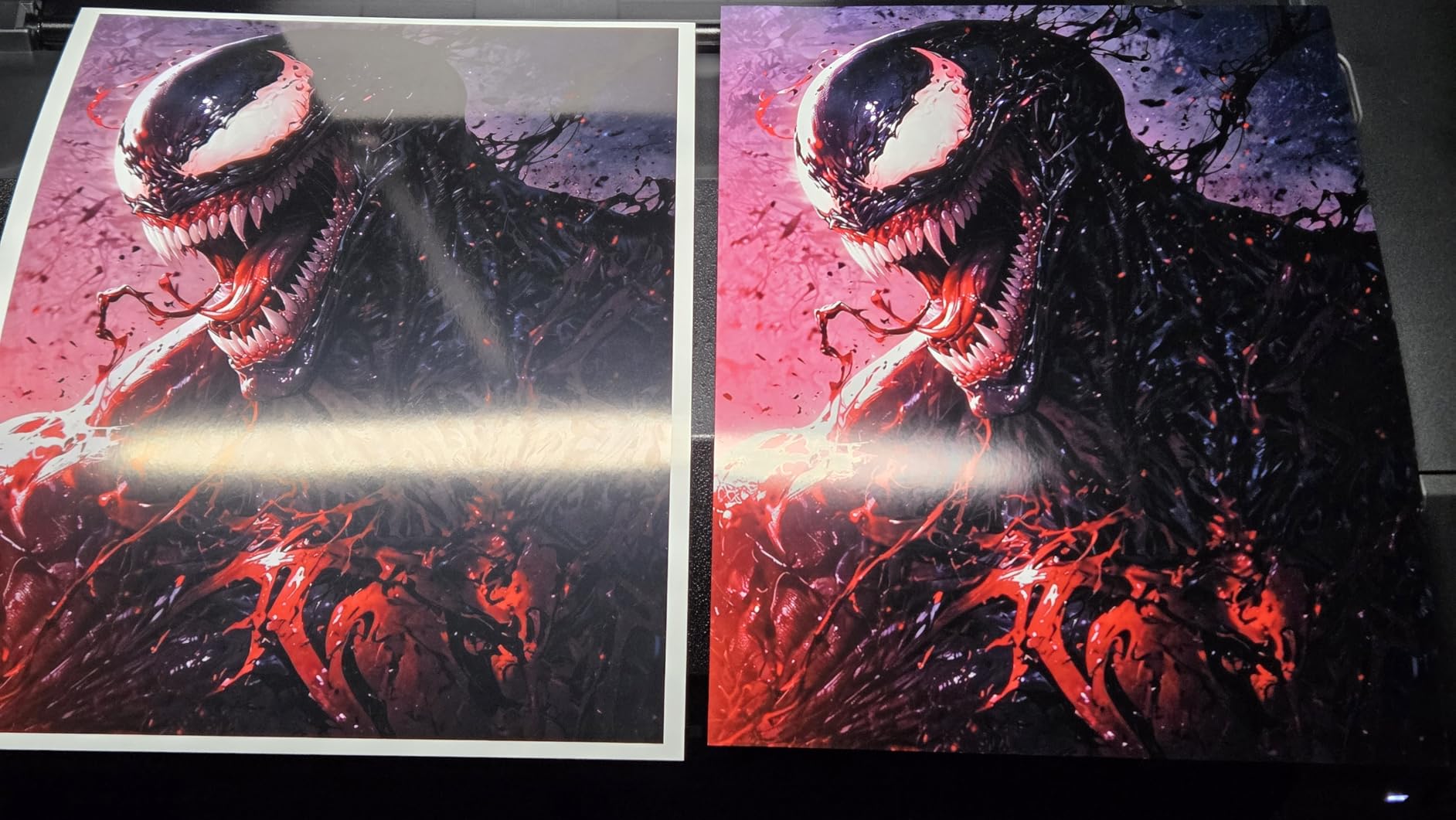
The Epson Workforce Pro WF-7820 brings together wide-format capability with full document functionality in a package designed for mixed-use environments. The PrecisionCore Heat-Free technology delivers fast print speeds without generating heat, which contributes to the printer reliability in shared office settings.
Print resolution reaches 5760 by 1440 dpi, which produces acceptable photo quality for document illustrations and basic photo printing. For professional photography work, this printer serves as a secondary output device rather than a primary photo production tool. The automatic duplex printing and scanning saves paper and speeds up document workflows.
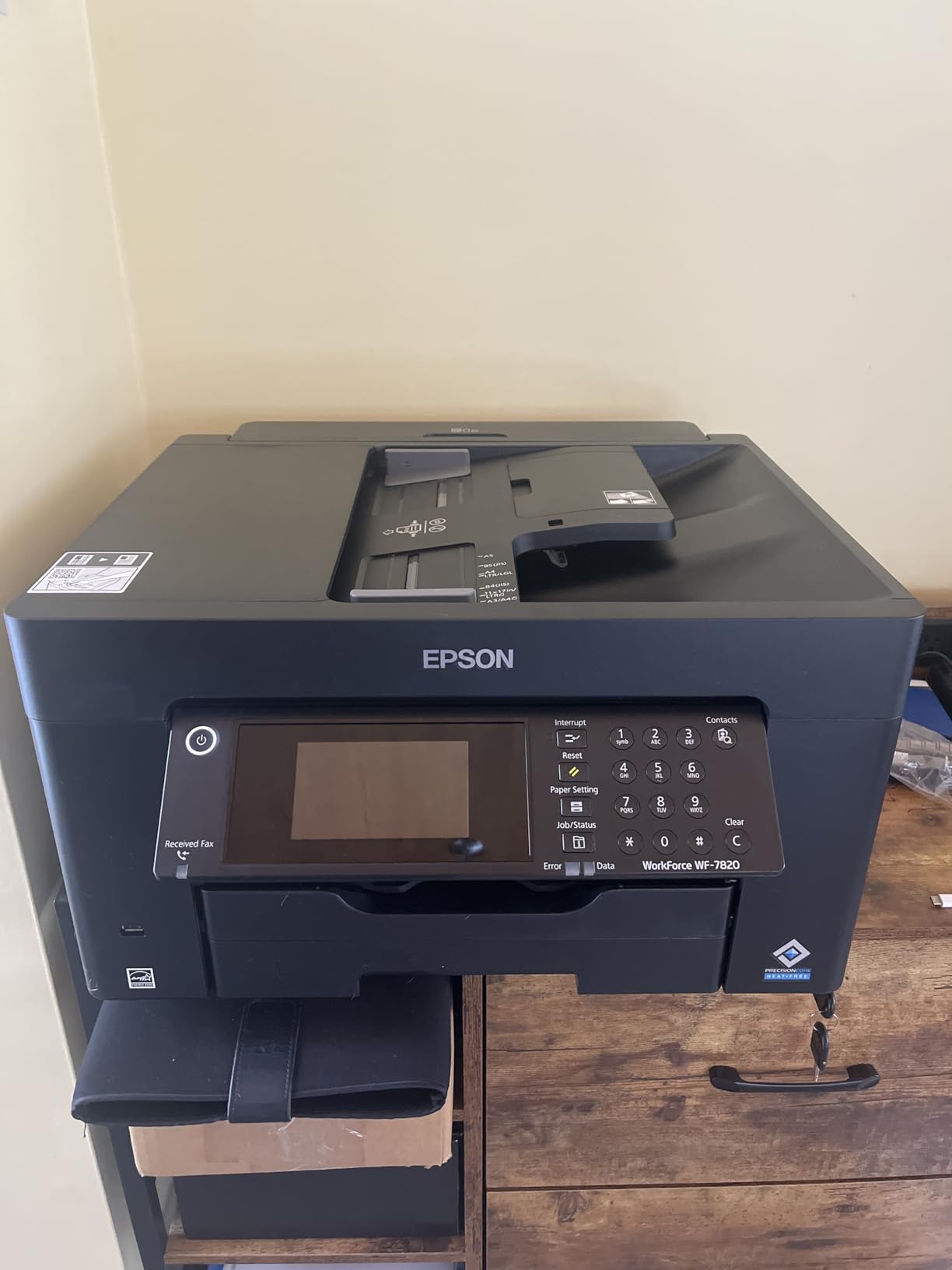
The 50-page ADF handles batch scanning efficiently when digitizing multiple photos or documents. Combined with the 250-sheet paper capacity, this printer handles workgroup demands that would overwhelm smaller home-oriented models. Alexa integration adds voice control convenience for basic printing tasks.
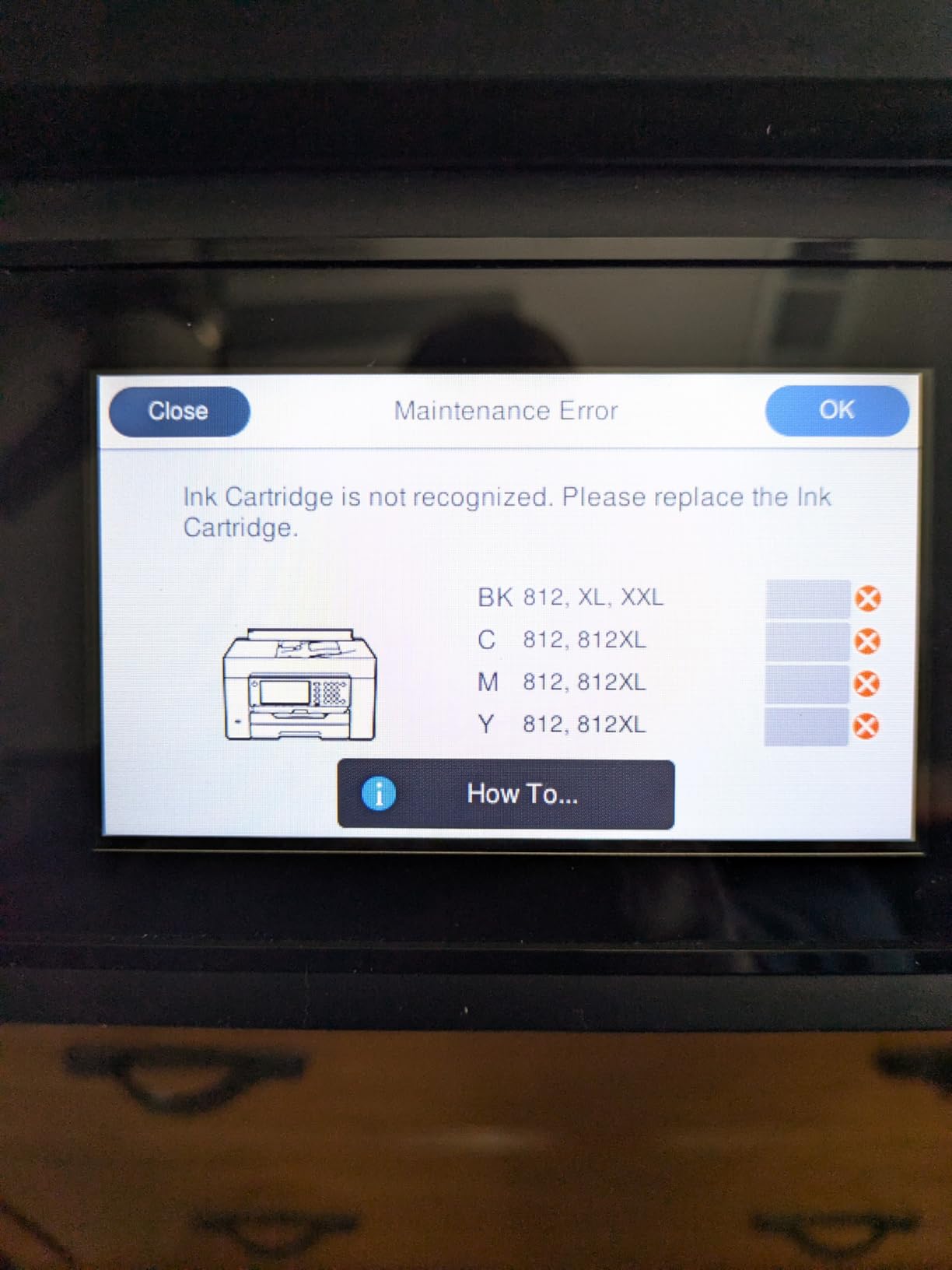
Community reports indicate some reliability concerns that emerged after extended use. Like other Epson Workforce models, the requirement for all color cartridges to retain ink even when printing black and white documents creates unnecessary expense. WiFi setup proved more challenging than expected in some forum user experiences.
When to choose the Epson Workforce Pro WF-7820
Photographers who need a versatile printer for both photo output and document production will find the WF-7820 handles both reasonably well. The combination of wide-format capability, ADF, and duplex functionality covers needs that would otherwise require separate devices. Fast print speeds matter for mixed-use environments.
When to look elsewhere
If your primary focus is professional photo quality, a dedicated photo printer like the Canon imagePROGRAF PRO-300 produces significantly better results. The WF-7820 compromises photo optimization for document versatility, which shows in gradient handling and color accuracy.
15. Canon imagePROGRAF PRO-1100 17-Inch Professional Wireless Inkjet Photo Printer
Pros
- 11 pigment-based ink with Chroma Optimizer|Exceptional wide color gamut|L-COA PRO for fast image handling|Borderless printing|Replaceable print head
Cons
- Heavy and large (83 lbs)|Slow print speed (1 ppm)|Expensive ink consumption|Learning curve for optimal results
The Canon imagePROGRAF PRO-1100 represents the premium tier of 13×19 capable printers with its 11 pigment-based ink system plus Chroma Optimizer. This is the printer photographers turn to when only the absolute best will suffice. The expanded ink count delivers a color gamut that approaches what professional print labs produce, with smoother gradients and more accurate color matching than fewer-ink systems.
L-COA PRO processor handles the heavy computational work of managing 11-color printing, which translates to reliable performance even with complex images. The Air Feeding System prevents paper skewing that can ruin expensive fine art prints, and the anti-clogging FINE print head technology keeps maintenance manageable despite the complexity.

Print sizes range from 4 by 6 inches up to 17 by 22 inches, which exceeds the standard 13 by 19 limitation of most competitors. For photographers who occasionally need larger output for specific projects, this flexibility eliminates the need for a second printer. Borderless printing works reliably across all supported sizes.
The 83-pound weight and larger dimensions require dedicated space and sturdy support. This is not a printer that sits on a standard desk. The slow print speed of 1 page per minute reflects the priority placed on quality over throughput. Professional photographers who understand these tradeoffs will appreciate what the PRO-1100 delivers.
When to choose the Canon imagePROGRAF PRO-1100
Professional photographers producing work for gallery exhibition or high-end client deliverables will find the PRO-1100 meets demanding quality standards consistently. The replaceable print head offers cost savings compared to full printer replacement if issues develop. The expanded size capability handles occasional projects that exceed standard 13×19 dimensions.
When to look elsewhere
For photographers who print at volumes exceeding 50 full-size prints per week, the slow speed and high ink consumption make this impractical as a primary production printer. Home studios with space constraints cannot accommodate the physical footprint. Most photographers will achieve 95% of the quality at a fraction of the cost with the imagePROGRAF PRO-300.

How to Choose the Best 13×19 Printer for Your Photography
Selecting the right 13×19 printer requires understanding how different technologies affect your final prints. The photographers most satisfied with their purchase align their primary use case with the printer strengths.
Ink Type: Pigment versus Dye
Pigment-based inks like those in the Canon imagePROGRAF PRO-310 and PRO-1100 sit on the paper surface rather than soaking in, which produces deeper blacks and better longevity. Dye-based inks like the Canon PIXMA PRO-200S penetrate the paper more completely, which creates more vibrant colors on glossy papers but fades faster over time.
For photographers displaying prints behind glass in bright rooms, pigment inks resist UV fading better. For gallery prints in controlled lighting conditions, dye-based inks often appear more vibrant. Most community discussions confirm that both technologies produce acceptable results for most photographers, with the choice depending on specific display conditions and longevity requirements.
Print Resolution and Your Source Files
Higher dpi ratings like 9600 by 2400 on the Canon Pixma iX6820 matter most when printing from high-resolution source files. If you shoot with 24-megapixel cameras and regularly crop your images, the additional resolution headroom helps maintain sharpness in the final print. For standard 24-megapixel files printed at full size without heavy cropping, 4800 by 1200 dpi provides more than enough detail.
Running Costs and EcoTank Options
The sticker price on a printer tells only part of the story. EcoTank models like the Epson EcoTank ET-15000 and ET-8550 cost more upfront but reduce per-page ink costs dramatically. Photographers who print frequently will see the EcoTank investment pay off within a year or two of normal use.
Paper Handling and Your Media
If you primarily print on fine art paper, verify that the printer handles your specific paper thickness and size reliably. The rear feed on some models like the Epson Expression Photo HD XP-15000 works better for specialty media than others. Professional photographers often recommend testing your specific paper stock before committing to a printer purchase.
Clogging and Maintenance
Forum discussions repeatedly highlight clogging as the top pain point with inkjet printers, especially for photographers who do not print daily. Printers with automatic maintenance cycles and anti-clogging systems like the Canon imagePROGRAF PRO-300 address this problem better than basic models. If you print infrequently, prioritize printers with robust nozzle maintenance features.
What kind of printers do professional photographers use?
Professional photographers typically use wide-format inkjet printers from Canon and Epson in the imagePROGRAF, PIXMA PRO, and Expression Photo lines. These professional-grade models feature multi-color pigment or dye-based ink systems with 8 to 11 colors, higher dpi resolutions for detailed output, and specialized paper handling for fine art and photo papers. Models like the Canon imagePROGRAF PRO-300 and Epson EcoTank Photo ET-8550 represent the range of options photographers choose based on their quality requirements and budget constraints.
What printer can print 13×19 paper?
Most of the printers in this guide print up to 13 by 19 inches (A3+ or supertabloid size). This includes models from Canon such as the Pixma iX6820, PIXMA PRO-200S, and imagePROGRAF series, as well as Epson models including the EcoTank ET-15000, Expression Photo HD XP-15000, and Workforce Pro series. The Canon imagePROGRAF PRO-1100 can even print beyond 13×19 up to 17 by 22 inches.
What printer produces the highest quality photo prints?
The Canon imagePROGRAF PRO-1100 produces the highest quality prints among the models reviewed with its 11-color pigment-based ink system plus Chroma Optimizer and L-COA PRO processor. For most photographers, the Canon imagePROGRAF PRO-300 offers 95% of that quality at a significantly lower price point, making it our Editors Choice for balancing professional quality with practical usability.
What is a good printer for photographs?
A good photo printer for photographers should offer at least 6-color ink systems, print resolution of 4800 dpi or higher, and reliable borderless printing up to 13 by 19 inches. The Canon PIXMA PRO-200S stands out as the Best Value option at $549, while the Epson EcoTank Photo ET-8550 offers the lowest ongoing costs for photographers who print frequently. For professional gallery-quality output, the Canon imagePROGRAF PRO-300 delivers exceptional results consistently.
Final Verdict: Best 13×19 Printer for Photographers
After testing and analyzing these 15 printers, the Canon imagePROGRAF PRO-300 earns our recommendation as the best 13×19 printers for photographers in 2026. The 9-color plus Chroma Optimizer system produces gallery-quality output, the Nozzle Recovery System addresses the clogging concerns that frustrate occasional users, and the overall reliability makes it practical for regular studio use.
For photographers prioritizing economy, the Epson EcoTank Photo ET-8550 delivers exceptional value through its cartridge-free design and 4-cent-per-photo operating cost. The Canon PIXMA PRO-200S remains our Best Value pick for photographers who want professional dye-based quality at a reasonable price point, with the bonus of fast print speeds that respect your time.
The right printer ultimately depends on your specific workflow, printing volume, and budget. Any of the printers in this guide will produce 13×19 prints that exceed what you would receive from a print lab, giving you creative control and the satisfaction of producing your own gallery-quality work.