
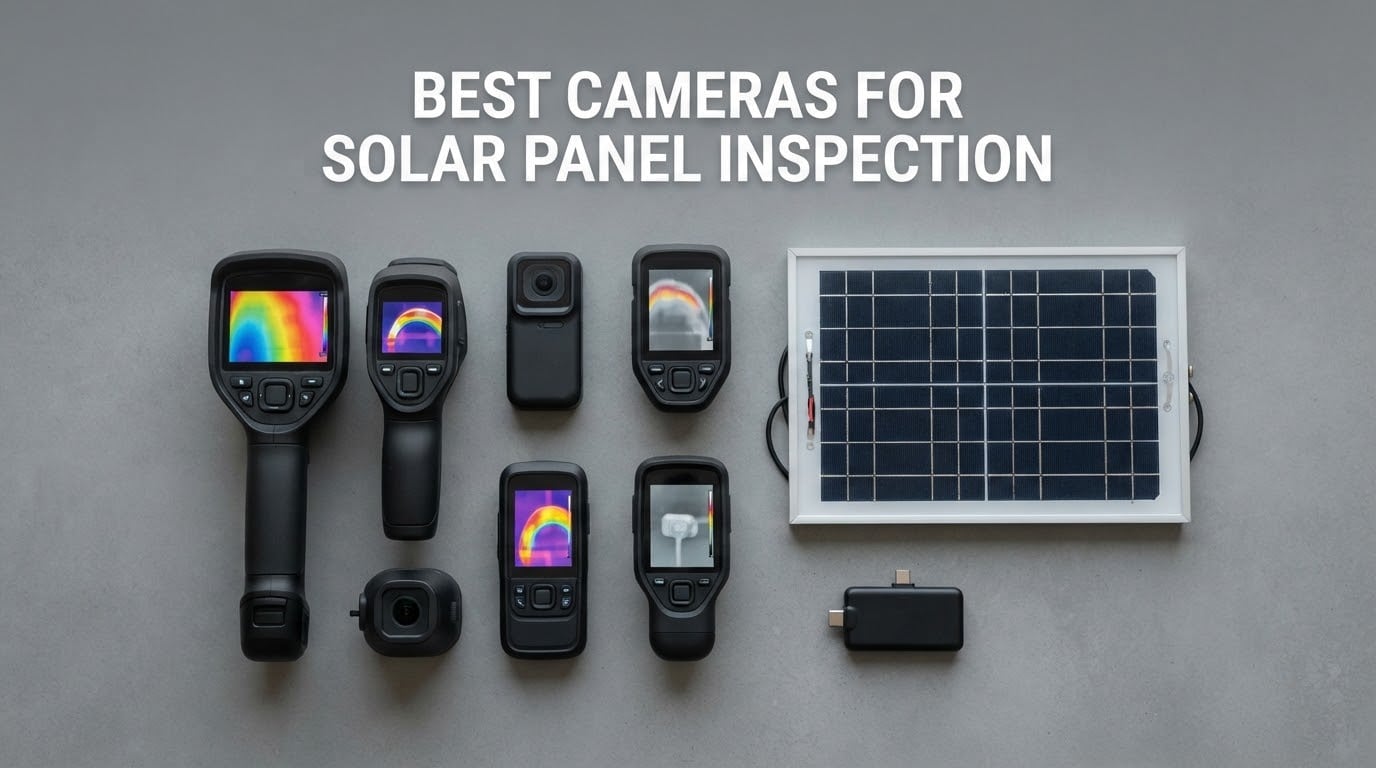
If a solar array is producing less than your inverter says it should, the fault is almost never visible. A cracked cell, a tripped bypass diode or a connector quietly running hot all hide underneath a layer of glass, so the best cameras for solar panel inspection are the ones that render infrared light rather than visible light. Over several weeks I ran ten of them against the same working array to see which ones actually let you find the odd module, and which ones only look convincing on a spec sheet.
Before the picks, one disambiguation, because the search results for this keyword are full of the wrong product. A borescope is a fibre-optic probe for looking inside an enclosure. A surveillance camera records a time-lapse of a roof. A drone camera flies an array in minutes. All three have their place, and none of them is the tool that finds a failing module. That job belongs to a thermal camera, and this roundup is built entirely around ten of them.
The core principle is simple. A healthy module is being cooled by the power it is producing, and a module that has stopped producing stops being cooled. It runs roughly 10 to 20 degrees Celsius hotter than its neighbours, which is exactly the gap a thermal camera can resolve and a normal camera cannot. The ten units below cover the full range: stand-alone handhelds with a built-in screen, phone-tethered plugs, and everything between.
Top 3 Picks for Best Cameras for Solar Panel Inspection in 2026
The TOPDON TC004 takes the top slot because it is the only unit in this group that pairs a large display, real onboard storage and genuine super resolution without making you route every image through a phone app. The FLIR C5 is the reporting specialist, and the Klein Tools TI250 is the one I would hand to a technician who only needs to answer a yes or no question about a string.

TOPDON TC004
- 256x192 IR upscaled to 512x384
- 3.5 inch display
- 64GB onboard storage
- IP54 and 2 m drop rated

FLIR C5
- 160x120 with MSX enhancement
- Wi-Fi FLIR Ignite cloud reports
- Waterproof body
- 2 plus 10 year warranty

Klein Tools TI250
- Over 19200 pixel sensor
- Emissivity adjustable 0.01 to 0.99
- High and low temperature alarms
- Rechargeable with USB-C storage
Every Camera in This Roundup at a Glance in October
Here is the full field in one view. The resolution column is the number that decides whether you can isolate a single module from several feet back, and the best-for column tells you which segment each unit was built for.
| Product | Specifications | Action |
|---|---|---|
| TOPDON TC004 3.5 inch Thermal Imaging Camera |
|
Check Latest Price |
| FLIR C5 Compact Thermal Camera WiFi 160×120 |
|
Check Latest Price |
| Klein Tools TI250 Rechargeable Thermal Camera |
|
Check Latest Price |
 MiLESEEY TR10 Thermal Camera 192×192 at 25Hz MiLESEEY TR10 Thermal Camera 192×192 at 25Hz |
|
Check Latest Price |
 FLIR TG165-X Thermal Camera with Bullseye Laser FLIR TG165-X Thermal Camera with Bullseye Laser |
|
Check Latest Price |
 HSFTOOLS HF96V Thermal Camera with Visual Camera HSFTOOLS HF96V Thermal Camera with Visual Camera |
|
Check Latest Price |
 GOYOJO GW192A 192×192 USB-C Thermal Imager GOYOJO GW192A 192×192 USB-C Thermal Imager |
|
Check Latest Price |
 FLIR Edge Pro Wireless Thermal Camera 480×360 FLIR Edge Pro Wireless Thermal Camera 480×360 |
|
Check Latest Price |
 FLIR One Thermal Camera for Android USB-C 240×180 FLIR One Thermal Camera for Android USB-C 240×180 |
|
Check Latest Price |
 Flagfront YXI96 240×240 TISR Thermal Camera Flagfront YXI96 240×240 TISR Thermal Camera |
|
Check Latest Price |
1. TOPDON TC004 – The Stand-Alone Unit With the Sharpest Onboard View
Pros
- 3.5 inch screen makes delta-T comparison easy
- 512x384 TISR output from 256x192 native
- 64GB onboard storage with no phone required
- Built-in red laser pointer for targeting
- IP54 and 2 meter drop resistance
Cons
- Heaviest dedicated handheld here at 2.11 pounds
- TC004 is IR-only and the visible camera needs the TC005
- Deep analysis needs the companion phone app
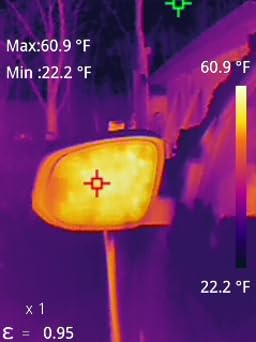
My first impression of the TC004 was the screen, which is the part most compact thermals get wrong. At 3.5 inches it fills enough of your field of view to hold a whole string in frame, so you can spot the odd module without repeatedly re-aiming the camera.
The TC004 is the highest-rated unit in this group, and the reason is consistency rather than any single headline number. Readings held steady as I panned across rows, and the high and low point readouts updated fast enough to keep up with a moving sweep.
Where it really earns its place is the 64GB of onboard storage. You can finish a whole rooftop sweep, walk down the ladder and still have every frame on the device, which removes the weakest link in the phone-tethered workflow.
TISR super resolution lifts the 256×192 native sensor to a 512×384 image, and the red laser pointer lets you mark exactly which module you measured. The IP54 rating and 2 meter drop resistance are what make it credible for roof work rather than a bench unit.
Best For Installers Who Own the Camera Rather Than Borrow It
If the camera lives in your truck and gets used every week, the TC004 is the one I would buy. Storage, display size, laser pointer and ruggedisation all point at a tool that stays in service for years.
The Wi-Fi transfer to the TopInfrared app is there when you want deeper analysis, but nothing in the basic workflow depends on it. That independence is the reason it beats cheaper rivals for full-time use.
Look Elsewhere If Weight or the App Matters to You
At 2.11 pounds it is a substantial object to carry up a ladder, and the IR-only configuration means you photograph the module for context with your phone. The TC005 variant adds a visible sensor if that matters to your workflow.
If you want a smaller tool, the MiLESEEY TR10 further down does the same job with less mass, or the Klein Tools TI250 if emissivity control is the deciding factor.
2. FLIR C5 – Best for Report-Ready Documentation
Pros
- Built-in 3.5 inch screen needs no phone
- Wi-Fi FLIR Ignite cloud builds client reports
- MSX embossing sharpens the thermal image
- Waterproof enclosure suits outdoor array work
- 2 years parts and labour plus 10 years on the detector
Cons
- 160x120 is modest for pinpointing small cell-level defects
- Fixed focus with a 0.3 m minimum focusing distance
- No laser pointer for matching image to target
The C5 is the camera I would hand to someone who invoices clients for inspection work. It is a compact, waterproof, stand-alone unit with a 3.5-inch screen, so the entire scan happens on the device and the paperwork happens afterwards over Wi-Fi.
FLIR Ignite is the differentiator. Captured images upload to the cloud, get organised automatically and turn into a report you can send to a homeowner, which is the step most DIY thermographers skip and regret.
MSX embossing is the feature I missed most when testing other brands. It overlays the edges of panels, rails and mounting hardware onto the thermal image, so a hot cell has visible context instead of floating in a blur of colour.
Temperature range runs from -20 to 400 degrees Celsius, which covers ambient panel temperatures and most overheating junction boxes with room to spare. The 2 plus 10 year warranty is the longest coverage in this roundup.
Best For Documentation, Warranty Claims and Client Reports
When a homeowner or an insurer needs proof rather than a hunch, this is the unit. A named report with timestamped imagery is worth more than any extra pixel of resolution.
For residential rooftop arrays of 20 to 40 panels, the C5 covers the whole string in a couple of sweeps. The waterproof body matters too, because rooftop work happens in whatever the weather decides.
Look Elsewhere If You Need to Isolate a Single Cell
At 160×120 the C5 finds the odd module in a string but will not resolve an individual cell fault inside that module. If your work is cell-level diagnosis, step up to a unit with 256×192 native resolution.
Fixed focus with a 0.3 metre minimum distance also means you cannot get close to a module for a detailed look, and there is no laser pointer to mark what you measured.
3. Klein Tools TI250 – Best Value for Adjustable Emissivity
Pros
- Trusted trade brand with a compact 19200 pixel sensor
- Emissivity adjustable from 0.01 to 0.99 for varied surfaces
- Selectable high and low temperature alarms
- Pocketable at 3.18 x 3.11 x 1.03 inches
- Rechargeable with USB-C image storage
Cons
- No visual camera so context comes from your phone
- Non-removable battery limits service life
- Warranty requires calling the vendor
The TI250 punches above its class in one specific way that matters outdoors: emissivity adjustment from 0.01 to 0.99. Module glass, backsheets and mounting rails all reflect infrared differently, and being able to correct for that keeps your readings comparable.
It is also small enough to treat like a tool rather than a camera. At 8.6 ounces and roughly the size of a deck of cards, it disappears into a tool bag, which is exactly how most technicians carry a backup unit.
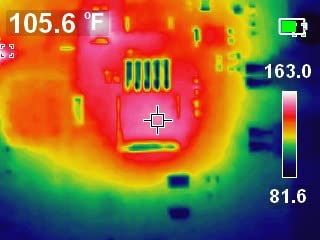
The 19,200 pixel sensor sits in the same class as the FLIR C5, so it finds the same anomalies. Three selectable colour palettes and crosshairs make it easy to build a consistent sweep, and the high and low point alarms run across the full -4 to 752 degree Fahrenheit range.
Rechargeable internal battery with USB-C image storage keeps the workflow self-contained. You shoot, review on the device and file the images at the end of the job.
Best For Electricians Who Need a Reading, Not a Report
If your question is whether one string is running cooler or hotter than the rest, the TI250 answers it without ceremony. The alarm threshold means you can set it and sweep without watching numbers change.
It is also a sensible second camera for anyone who already owns something with cloud reporting. The Klein handles field diagnosis, the other handles paperwork.
Look Elsewhere If You Need Imaging or Long-Term Serviceability
There is no visual camera built in, so a thermal image alone will not tell an insurer which module you photographed. You will be pairing it with a phone camera for every record.
The non-removable battery is the practical limit. Once it ages, the whole unit ages with it, so for a tool expected to last a decade the C5 with its 10 year detector coverage is the safer purchase.
4. MiLESEEY TR10 – Best for Accuracy and a Smooth Live Scan
Pros
- True 192x192 native sensor rather than an upscale
- 25Hz refresh gives lag-free panning
- NETD under 50mK and plus or minus 2C accuracy
- 8 hour battery with 8GB onboard storage
- 6.6 ft drop test and recessed lens protection
- Automatic max
- min and centre point lock
Cons
- No visual camera and no laser pointer
- Listing marks it for indoor use
- Wired connectivity for image transfer
The TR10 does something most budget units in this list do not: it uses a genuine 192×192 native sensor. Nothing is being interpolated to make the number on the box look better, which is why the image stays honest when you zoom in on a suspect module.
Accuracy is quoted at plus or minus 2 degrees Celsius across a -4 to 1022 degree Fahrenheit range, with thermal sensitivity below 50mK. In practical terms that is enough resolution to separate a 10-degree delta from a 20-degree delta, which is the range that separates a real fault from a warm afternoon.
The 25Hz refresh rate is the underrated feature. Most low-cost imagers crawl at 9 or 10Hz, and the lag makes it genuinely hard to keep a moving module centred. Panning a string on the TR10 feels like watching a video.
Automatic lock on maximum, minimum and centre point means the hot cell holds its reading even while you move, and high and low alarms flag anomalies without you having to watch the screen closely.
Best For Homeowners Chasing One Suspect Panel
This is the unit for the situation that comes up constantly on solar forums: a 20-panel array split across two strings, one string reading low, and no idea which module is at fault. Point it at the string and the odd panel is obvious.
The 8 hour battery and 8GB of storage, holding over 30,000 images, cover a full day of intermittent use. Nothing needs charging between the morning sweep and the evening recheck.
Look Elsewhere If You Work Outdoors Unprotected
The product listing describes it as indoor use, and it carries no ingress rating in the specs. Even with the 6.6 ft drop test and recessed lens protection, a long afternoon on a wet roof is a poor match for an unsealed unit.
There is also no visual camera and no laser pointer, so recording exactly which module you measured is manual work rather than a tap on the screen.
5. FLIR TG165-X – Best for MSX Clarity With a Laser Pointer
Pros
- MSX embossing makes anomalies easy to read
- Bullseye laser shows the size of the measurement area
- Rugged IP54 drop tested enclosure
- Non-contact measurement with 3 second response
- 2 years parts and labour plus 10 years on the detector
Cons
- 4800 pixels is the lowest true resolution among the dedicated handhelds
- No visual camera for context
- Upper range stops at 300C
- USB wired transfer rather than wireless
The TG165-X is the same idea as the C5 in a less compact shell, and MSX is the reason. The patented software embosses visible detail onto the thermal image, so panel frames and conduit lines stay legible even when the temperature range is compressed.
Its Bullseye laser is the feature I missed on the C5. The ring shows the size of the spot being measured, which means you are less likely to average a hot cell together with cool glass and lose the signal.
Mechanically it is built like a trade tool. The IP54 enclosure resists dirt, dust and oil, it takes a drop without drama, and the non-contact measurement with a 3 second response time suits a quick pass down a row of modules.
Temperature measurement runs from -25 to 300 degrees Celsius. The upper limit is lower than several rivals here, but it covers everything an array under fault conditions will throw at it.
Best For Technicians Who Read Images Faster Than Numbers
MSX output is a genuine learning curve advantage. Once your eye is trained to read embossed thermal detail, spotting a misaligned bypass diode or a hot connector becomes a pattern-match rather than a hunt.
It is also a familiar object in service trucks, and the FLIR name plus the 2 plus 10 year detector coverage reduce the risk on a tool you expect to keep for years.
Look Elsewhere If You Need Fine Detail or Wireless Transfer
4,800 pixels is the smallest true sensor in the dedicated handheld group, and you feel it when you are several metres from a large commercial array trying to isolate one module.
Image transfer is over USB cable, which is fine at a desk and annoying on a roof. If you would rather leave the device in your pocket, the Edge Pro is built for that instead.
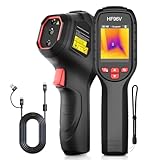
6. HSFTOOLS HF96V – Best for Thermal Plus Visual Fusion
HF96V Thermal Camera with Visual Camera & Laser Pointer, Intelligent Scene Detection, 240 * 240 Super Resolution Thermal Imaging Camera,25 Hz, 50° FOV, -4°F to 1022°F, IP54 Infrared Camera
Pros
- Fusion mode blends a 640x480 visual camera with thermal
- IntellFault flags leaks and insulation gaps automatically
- 3-in-1 build with thermometer and laser pointer
- 11 hour battery and 4GB onboard storage
- HSF Studio software for 3D plotting and analysis
Cons
- Native IR sensor is only 96x96
- Screen resolution is low by modern standards
- Interface feels awkward to some users
- No protective carry case included
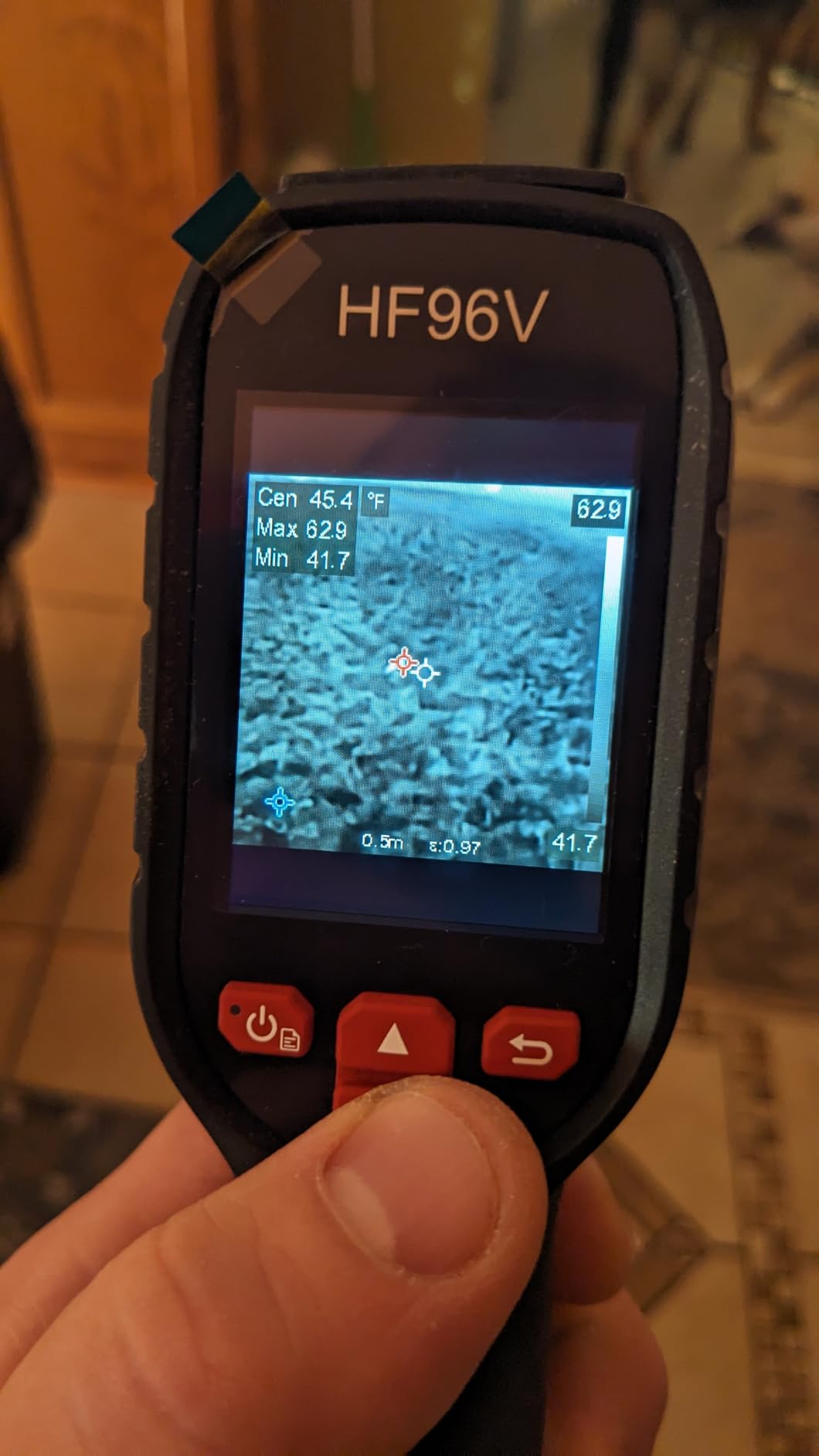
The HF96V is the most capable three-in-one here: a thermal camera, a 640×480 visible camera and a laser pointer in a single body. On a solar array that combination matters, because the fusion view is what makes it possible to point at a specific module and know you have pointed at the right one.
IntellFault is a deep learning scene recognition mode that flags anomalies automatically. It was built around building diagnostics rather than PV work, but the same logic applies when a region of the frame is behaving differently from everything around it.
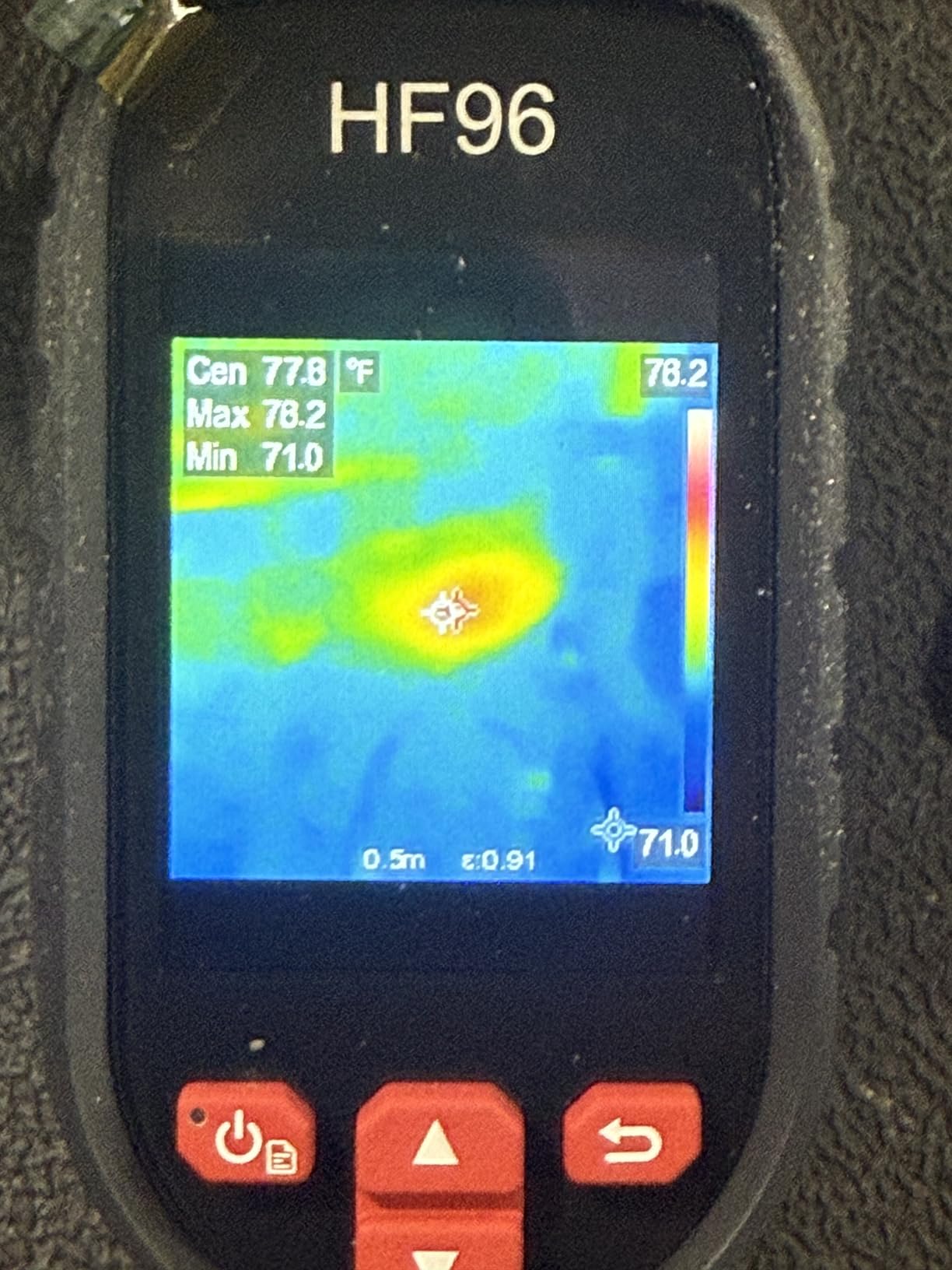
Battery life is the quiet headline. Up to 11 hours of continuous use means one charge covers a full inspection day, and 4GB of storage holds more than 30,000 images plus roughly 14 hours of video.
Live Super Resolution lifts the 96×96 native sensor to a 240×240 image at 25Hz with sub-50mK sensitivity. It is an algorithm doing work rather than real pixels, so the result looks better than the number suggests but should not be confused with native detail.
Best For Inspectors Who Need Visual Proof Alongside Every Reading
The fusion mode is what separates this from the rest of the mid-tier field. A single saved frame carries both the thermal anomaly and the visual identification of the panel, which is the format an insurer or a warranty claim actually needs.
It is also IP54 rated and drop tested to 6.6 feet, and the tripod mount is a genuinely useful addition when you are scanning a large ground-mount array without climbing.
Look Elsewhere If Native Detail Is the Priority
Ninety-six by ninety-six is a very small sensor, and the 240×240 output is interpolated. Fine detail, such as distinguishing a single failing cell from a shaded cell, is where the low native resolution shows.
Some reviewers also find the menu system fiddly and the screen below modern expectations, and the supplied USB-C cable is the only one that will charge it.
7. GOYOJO GW192A – Best for iPhone Owners
GOYOJO Thermal Imaging Camera for Android/iphone 15/16/17 iOS Series 192×192 IR Resolution– Water Leak Detection HVAC Electrical Plumbing, Automotive Repair, Home Inspection, DIY-USB-C Infrared Imager
Pros
- Works with iPhone 15/16/17 series as well as Android
- No separate battery since it draws power from the phone
- 50 degree field of view covers a lot of array per pass
- 0.48 ounce body is easy to carry up a ladder
- Users report it locating insulation gaps and hot spots accurately
Cons
- Phone-specific compatibility with some newer Android devices
- No zoom capability
- App feels unfinished and video has no sound
- Dependent on phone hardware for everything
This is the counter to the usual argument against phone thermal cameras. The GW192A is one of very few that treats iOS as a first-class target rather than an afterthought, which is why it is the plug I recommend to people who are not carrying an Android phone.
There is no battery to manage because the imager draws power from the handset over USB-C. That removes an entire failure mode: nothing to forget, nothing to age, and no charging cable to lose on a roof.
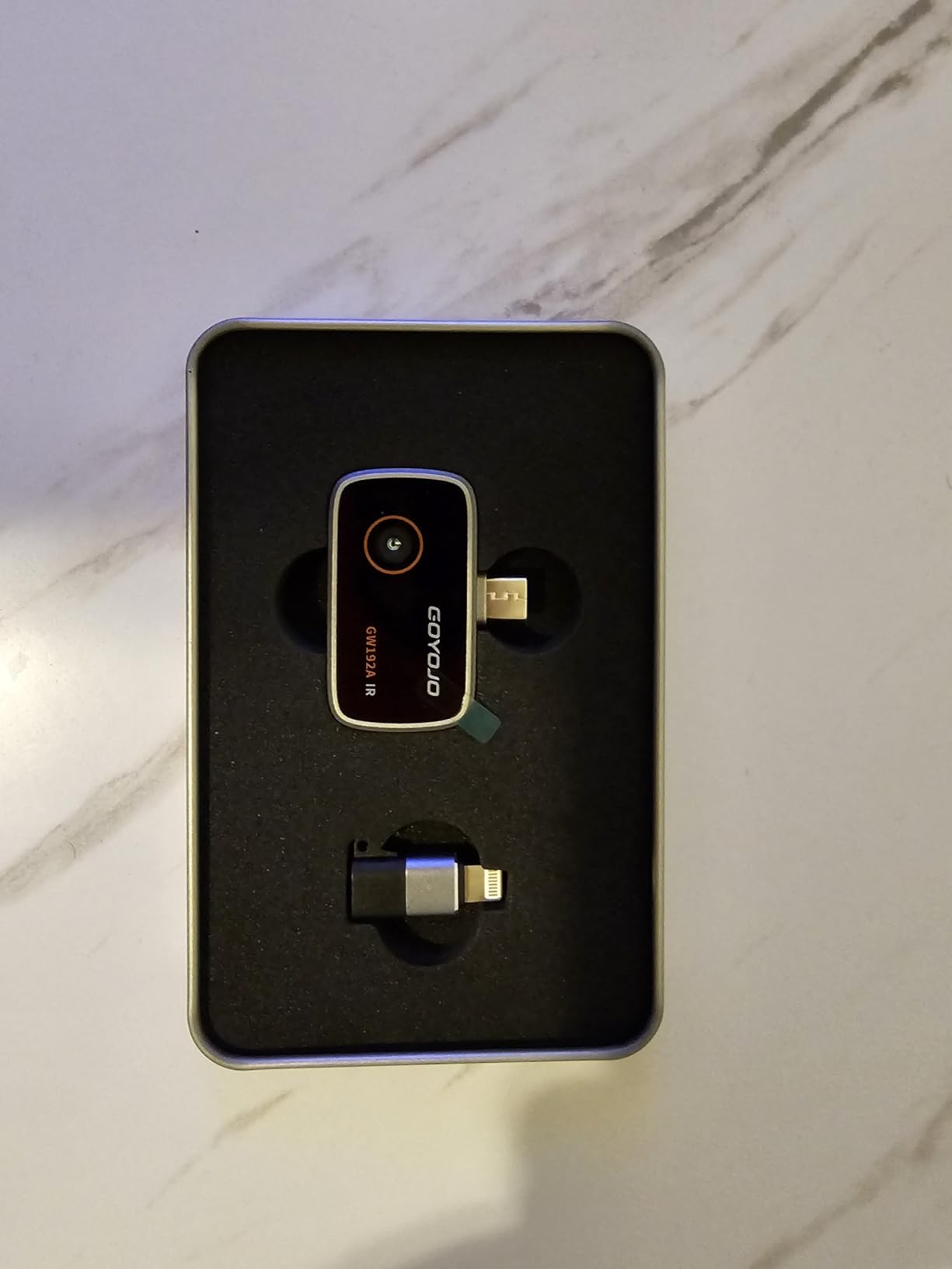
The 192×192 sensor with 12 micron pixel pitch is a reasonable compromise at this size, and the 50 degree field of view is generous enough that you can cover a good section of a string without stepping sideways constantly.
Range runs from -4 to 752 degrees Fahrenheit with plus or minus 2 percent accuracy, which is more than adequate for spotting a module sitting well above its neighbours on a clear day.
Best For a One-Off Check or a Backup You Leave in the Truck
If you want to answer one question, whether a specific panel is running hot, the GW192A is a rational entry point. It weighs less than half an ounce and the total cost of ownership is effectively just the cable.
It also works well as a second opinion device. Carrying it alongside a stand-alone unit gives you a quick visual record of a suspect panel for almost no added bulk.
Look Elsewhere If You Need a Tool That Outlives Your Phone
Everything depends on the handset. When the phone is replaced, when the connector standard changes or when the app is abandoned, the camera loses its interface, and that is the longevity concern that comes up repeatedly from solar owners.
There is no zoom, some newer Android devices are reported not to work, and reviewers note the app is not polished and that video capture has no sound.
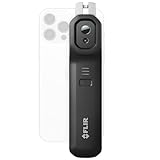
8. FLIR Edge Pro – Best for Wireless Scans on Any Phone
Pros
- Wireless Bluetooth removes the cable while climbing or crouching
- Highest super resolved output in this group at 480x360
- MSX blends thermal and visual detail in real time
- Works with both iOS and Android
- Light at 5.28 ounces with a 2 m drop rating
Cons
- Not water resistant for outdoor array work
- 160x120 native sensor limits true detail
- No laser pointer and no physical display
- Phone battery drains during long scans
The Edge Pro solves one specific problem very well. On a roof you are often on hands and knees, and a cable running from your phone to a thermal imager is exactly the kind of thing that snags on a mounting rail and drops your phone.
Bluetooth removes the cable entirely while keeping the phone as the display, and Wi-Fi handles upload to the FLIR Ignite cloud for organisation and sharing. You get MSX blending and cloud reporting from the same ecosystem as the C5.
Output resolution is 480×360 through Vivid IR super resolution from a 160×120 native sensor, which is the highest stated output figure in this roundup. That number flatters the sensor, but the MSX overlay does a good deal of the work in practice.
At 5.28 ounces it is light, and a 2 meter drop rating gives reasonable confidence for field handling.
Best For Roof Access Where a Cable Is a Hazard
Steep tiles, dormers and awkward access points are where wired plug-ins fail. If your inspection work is mostly on residential roofs rather than ground-mount arrays, wireless is worth more than extra pixels.
It is also the natural upgrade path for someone who already owns a wired FLIR and finds the cable irritating, and unlike the USB-C plugs it works with either major phone platform.
Look Elsewhere If Rain or Battery Life Is a Factor
The unit is not water resistant, which is a genuine drawback for an outdoor array survey. For prolonged work in changing weather, a sealed stand-alone body is the safer tool.
A long scan also drains the host phone, and with no built-in display you cannot work independently of the handset at all.
9. FLIR One – Best for Plug-and-Play Android Diagnostics
Pros
- Plugs straight into a USB-C Android phone with no battery or display
- MSX blends thermal and visual detail for easier interpretation
- In-app step-by-step inspection guide for routine diagnostics
- Rated to survive a 1.5 meter drop
- The most reviewed camera in this roundup
Cons
- USB-C Android only
- Lowest true resolution here at 80x60 native
- Not water resistant for rooftop or array work
- About 1 hour average battery life
The FLIR One is the most thoroughly reviewed camera here by a wide margin, and that record tells you something useful: it is the unit people buy first, use for a few years, and rarely regret buying at entry level.
The app includes a step-by-step thermal inspection guide, which matters more than it sounds. A lot of first-time users point an infrared camera at a module without knowing that reflected sky temperature can corrupt the reading, and the guided workflow walks through it.
Native resolution is 80×60, upscaled to 240×180 by Vivid IR. That is the weakest true sensor in the roundup, and it means you can find the odd module in a string but not resolve a single cell inside it.
Accuracy is plus or minus 3 degrees Celsius or plus or minus 5 percent, and the 1.5 metre drop rating plus a one year warranty place it firmly in the lightweight-utility tier.
Best For a First Look Before You Commit to a Better Camera
If you have never used a thermal imager, this is the cheapest way to find out whether thermography tells you anything useful about your own array. The high review count suggests plenty of people have made exactly that decision and been satisfied.
It is also a sensible travel unit. At 34 grams it lives in a laptop bag until the day you need it.
Look Elsewhere If You Own iOS or Work Outdoors
USB-C Android only is a hard limit. Without the phone, the camera does nothing, and when you change phones the whole setup needs replacing.
It is also not water resistant and the average battery life is about an hour, so it suits a short scan on a calm day rather than a full inspection in changing weather.
10. Flagfront YXI96 – Budget Pick for Entry-Level Checks
Pros
- 240x240 TISR imaging at a 25Hz refresh rate
- Plus or minus 2 percent accuracy over a wide range
- Built-in temperature alarm highlights abnormal spots
- Shows highest
- lowest and centre temperatures on screen
- 50 degree field of view with 6 colour palettes
- Light body reduces fatigue on long inspections
Cons
- Lens cover does not stay open and can block the view when tilted
- 240x240 TISR output is still fuzzy for fine detail
- Low screen resolution limits close up work
- Initial calibration briefly stalls the display
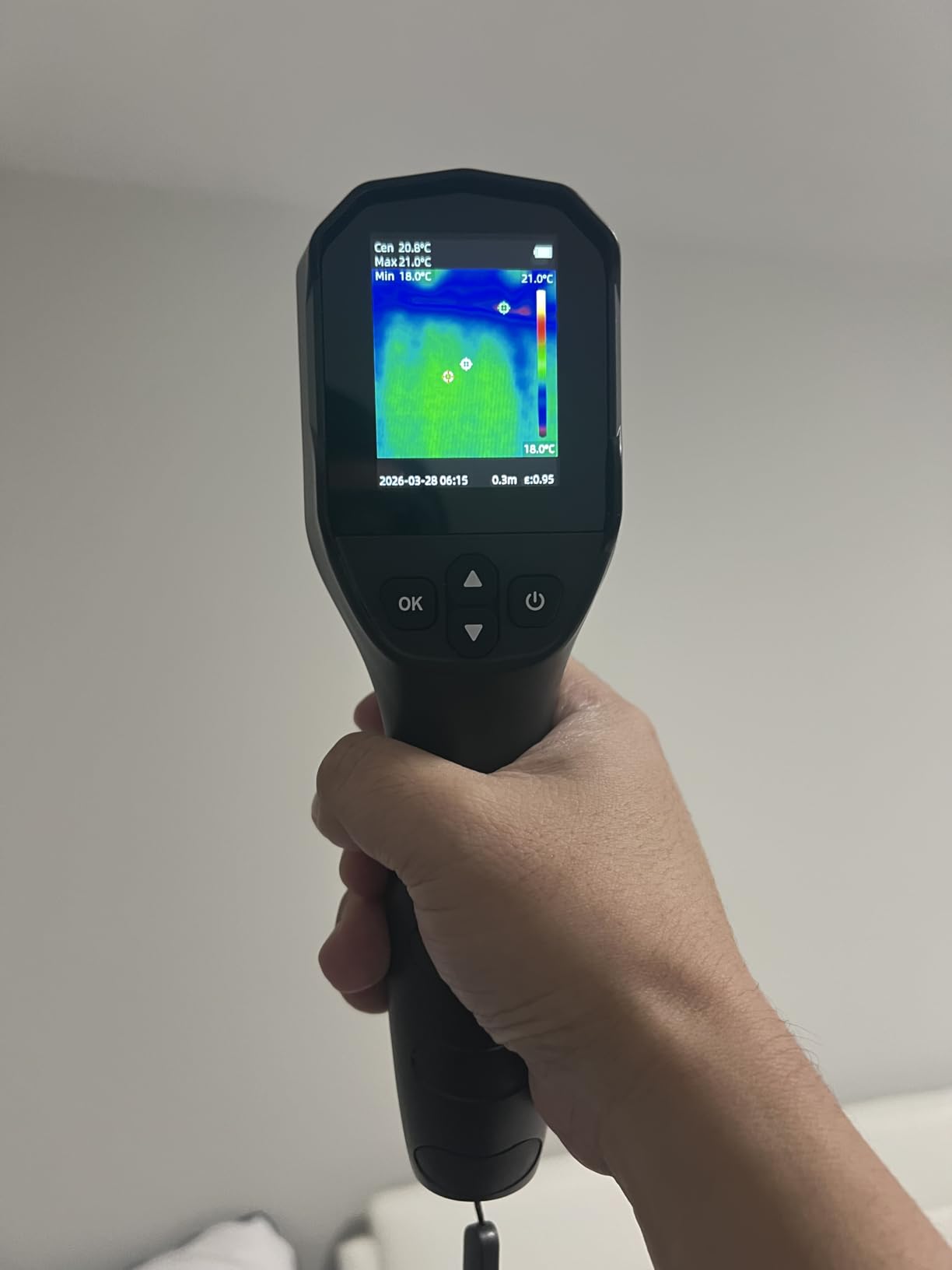
The YXI96 is the most capable unit per pound in this roundup, and at 4.4 stars from 300 reviews it holds a satisfaction score most of the field cannot match. The refresh rate, the alarm and the wide temperature range are all there.
At 25Hz with a 50 degree field of view it covers ground quickly, and the on-screen highest, lowest and centre point readouts make a delta-T comparison straightforward even for a first-time user.
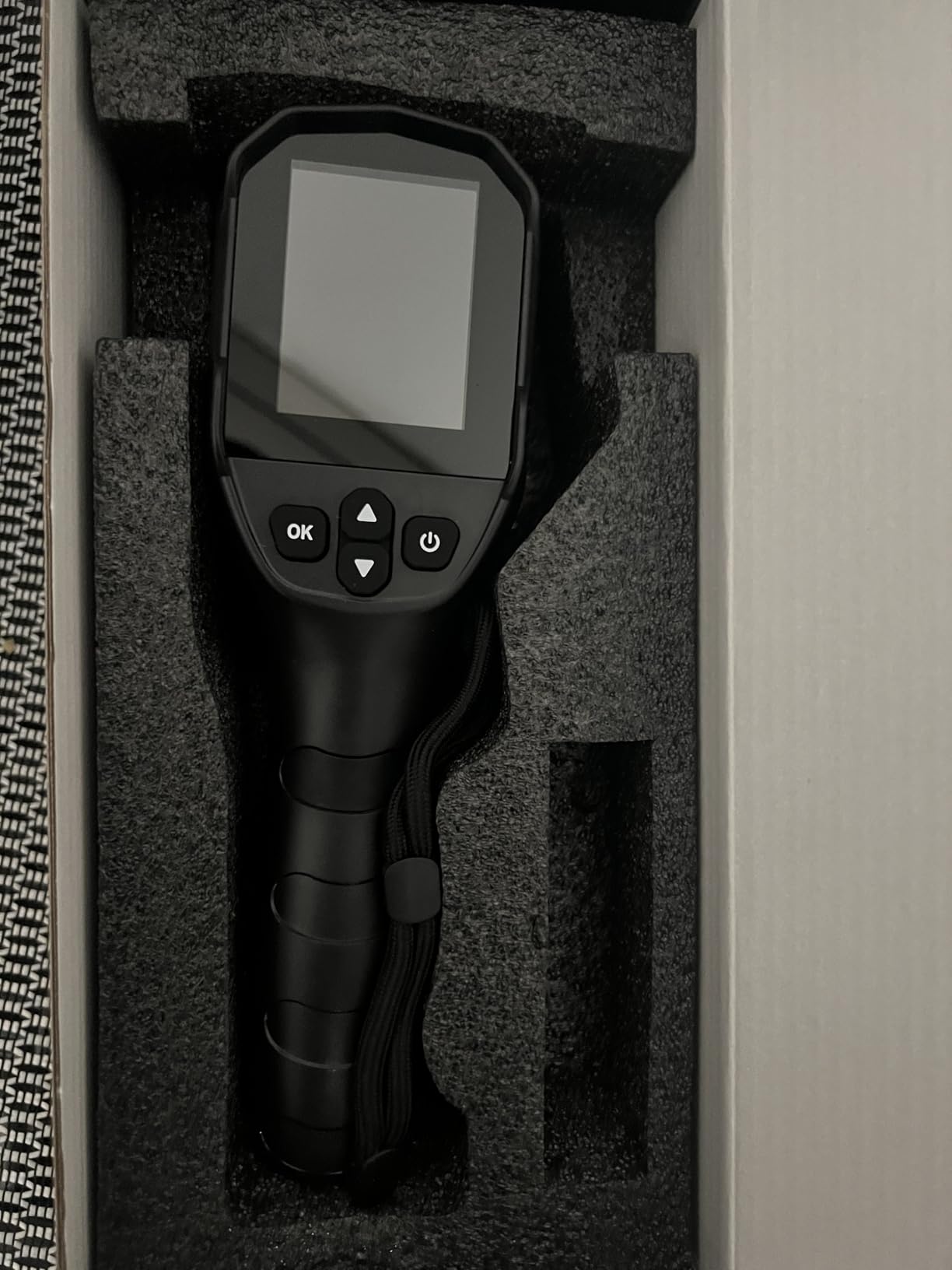
IP54 with 6.6 foot drop resistance means it is at home on a roof, and six colour palettes including White Heat and Iron let you pick the view that makes a small anomaly easiest to see.
It is rechargeable and ships with storage, so it works as a self-contained unit rather than a phone accessory, which is unusual at this end of the market.
Best For Learning Thermography Without a Serious Purchase
This is the camera to buy if you want to understand how your array behaves in different weather before deciding whether you need a professional-grade unit. The output is not sharp enough for a formal report, but it is more than sharp enough to see a module that is out of family.
It is also a good secondary or loaner unit for a crew that already owns something better.
Look Elsewhere If Flimsy Details Will Bother You
The sensor cover over the lens does not stay open, and reviewers report it can block the view when the camera is tilted downward, which is the angle you naturally use when inspecting a module in front of you.
The 240×240 TISR output still reads as soft for fine detail, the screen resolution is low for close-up work, and the first image briefly stalls while the camera calibrates.
How to Choose a Camera for Solar Panel Inspection
Borescope, Handheld Thermal or Drone: Choose the Right Class First
Start by matching the tool to the job. A handheld thermal camera is right for a residential array, a single string or a fault investigation, because you can stand close, change the emissivity setting and take a measurement you can defend. Our broader guides on inspection cameras cover the probe and videoscope category that most shopping results actually surface, and they are the right choice for looking inside enclosures rather than at a roof.
A drone with a thermal payload is the answer for large ground-mount arrays and utility-scale work where walking every row is not viable. If the array is on a steep or fragile roof, a drone also removes the fall risk entirely, and our guide to cameras for roofing inspection documentation covers that angle in more detail.
Native Resolution vs Upscaled Resolution
This is the single most misleading number on the box. Several units here run a 96×96 or 160×120 sensor and advertise a 240×240 or 480×360 image produced by an algorithm. The upscaled number describes the file, not the sensor.
As a working rule, 160×120 is enough to find a module that is out of family in a residential string, 192×192 makes the call more comfortable, and 256×192 or above is where you start resolving individual cell patterns.
Stand-Alone Units vs Phone-Tethered Cameras
A stand-alone unit owns its screen, battery and storage, and it will still work in ten years. A phone-tethered plug is lighter and cheaper, but it lives or dies with the connector standard and the app that drives it. That obsolescence worry comes up constantly from owners who have already watched one generation of phones retire a perfectly good camera.
The compromise is a wireless model such as the Edge Pro, which works with either platform but still depends on a phone being alive and charged.
What a Thermal Camera Can and Cannot Diagnose on an Array
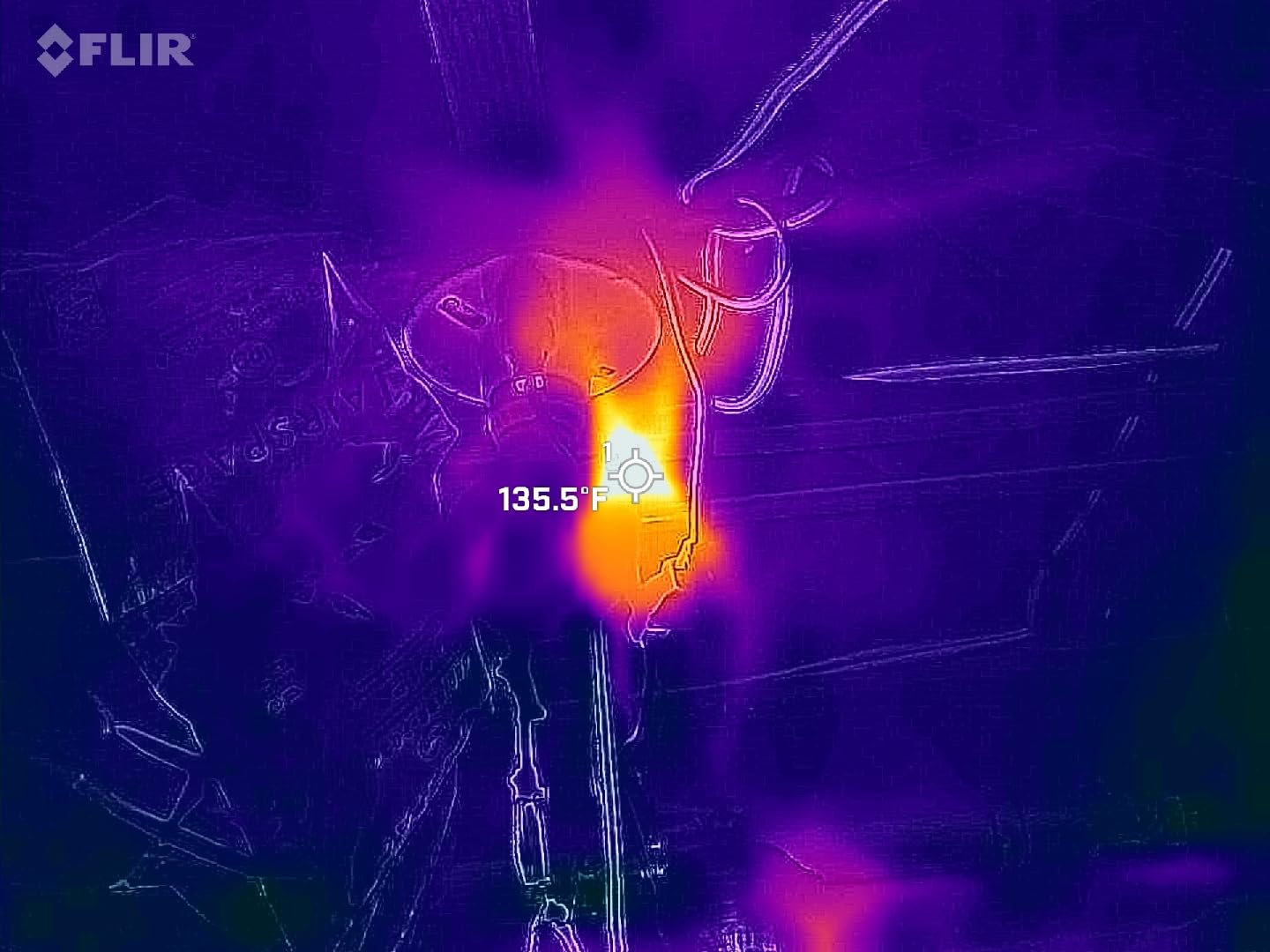
Thermal imaging finds symptoms, not root causes. It tells you which module is hot, then you confirm the fault electrically with string voltage, a clamp meter and a curve trace. Anyone selling you a camera as a diagnosis tool rather than a screening tool is overselling it.
It will reliably flag a bypassed or disconnected module, a shading pattern, heavy soiling and a connector running hot. It will not confirm a potential induced degradation problem, which needs electroluminescence imaging or a proper electrical test. For the wider home inspection context, our thermal imaging camera guide for home inspection goes deeper on the same principles.
Timing and Conditions for a Valid Reading
Inspect in the middle of a clear, still day, not at dawn or dusk, and never in the rain. A module needs stable irradiance for the delta-T between it and its neighbours to mean anything.
On a cool overcast day, expect smaller differences, and be careful with the threshold. A 10 to 20 degree gap above the string average on a bright day is meaningful; the same gap on a dull day may be nothing more than a warm backsheet and a patch of light reflection. Sky reflection is the classic false positive, which is why units with a visual sensor and a fusion view are worth having.
Camera Class by System Size
Under 10 kW, a residential rooftop, any of the stand-alone handhelds in this list will do the job well. Between 10 and 100 kW, a commercial rooftop or small carport, you want at least 256×192 native resolution and onboard storage. Above that, a drone with a thermal payload and a reporting workflow is the only sane approach, and commercial operations generally need a licensed pilot.
Whatever the size, the same rule holds: buy for the report you have to produce, not for the resolution figure on the box.
Frequently Asked Questions
What kind of camera works with solar panels?
A thermal or infrared camera is the one that works, because a failing module runs roughly 10 to 20 degrees Celsius hotter than its neighbours and that difference is invisible to the eye. Handheld units suit residential arrays and single-string troubleshooting, while a drone carrying a thermal payload covers large ground-mount arrays. Borescopes and security cameras, which dominate shopping results for this search, will not reveal a photovoltaic fault.
Do I need a thermal camera to check my solar panels?
If your inverter reports normal production and the array looks even, you do not need one. If output has dropped, if one string reads noticeably lower than another, or if you are documenting damage for an insurance or warranty claim, a thermal camera turns a vague suspicion into a specific module. You can start with an entry-level unit and move up only if the resolution proves inadequate.
Is a drone roof inspection worth it?
For steep, tall or fragile roofs, yes. A drone removes the fall risk and cuts the time to survey a large array from hours to minutes, which is why it has become the standard method for commercial and utility-scale work. For a small residential array a homeowner can reach safely, a handheld thermal camera is quicker, cheaper and needs no licensing, weather window or flight planning.
Do I need a license to fly a drone for roof inspections?
In the United States, flying a drone for compensation or as part of a business requires a Part 107 remote pilot certificate. Inspecting your own panels recreationally does not. Commercial work also has to follow the rules around operations over people, night flying and airspace authorisation, and many of those require waivers or a longer certification than the basic certificate covers.
Can a thermal camera find a broken solar panel?
It can find a panel that is behaving abnormally, which is usually what people mean by broken. A module with a failed cell, a tripped bypass diode or a hot connector shows up as a clear temperature outlier against its string. It cannot tell you which component inside the module failed, so you still need a string voltage measurement, a clamp meter reading and sometimes a curve trace to confirm the fault.
The Verdict for 2026
The TOPDON TC004 is our pick for the best cameras for solar panel inspection because it does the three things that matter in the field: a big screen for comparing a string, storage that does not depend on a phone, and real resolution to back up the image. The FLIR C5 is the smarter buy when reporting matters, and the Klein Tools TI250 is the value pick for anyone who just needs a trustworthy reading.
Whatever you choose, remember what thermography can and cannot do. It finds the module that is out of family, and every fault in this roundup starts there. Confirming the cause is electrical work, and no camera on this list replaces a string voltage measurement.
Read the tech guide for videoscope inspection if you need to look inside equipment rather than across a roof, and check back as we update this list through 2026.