
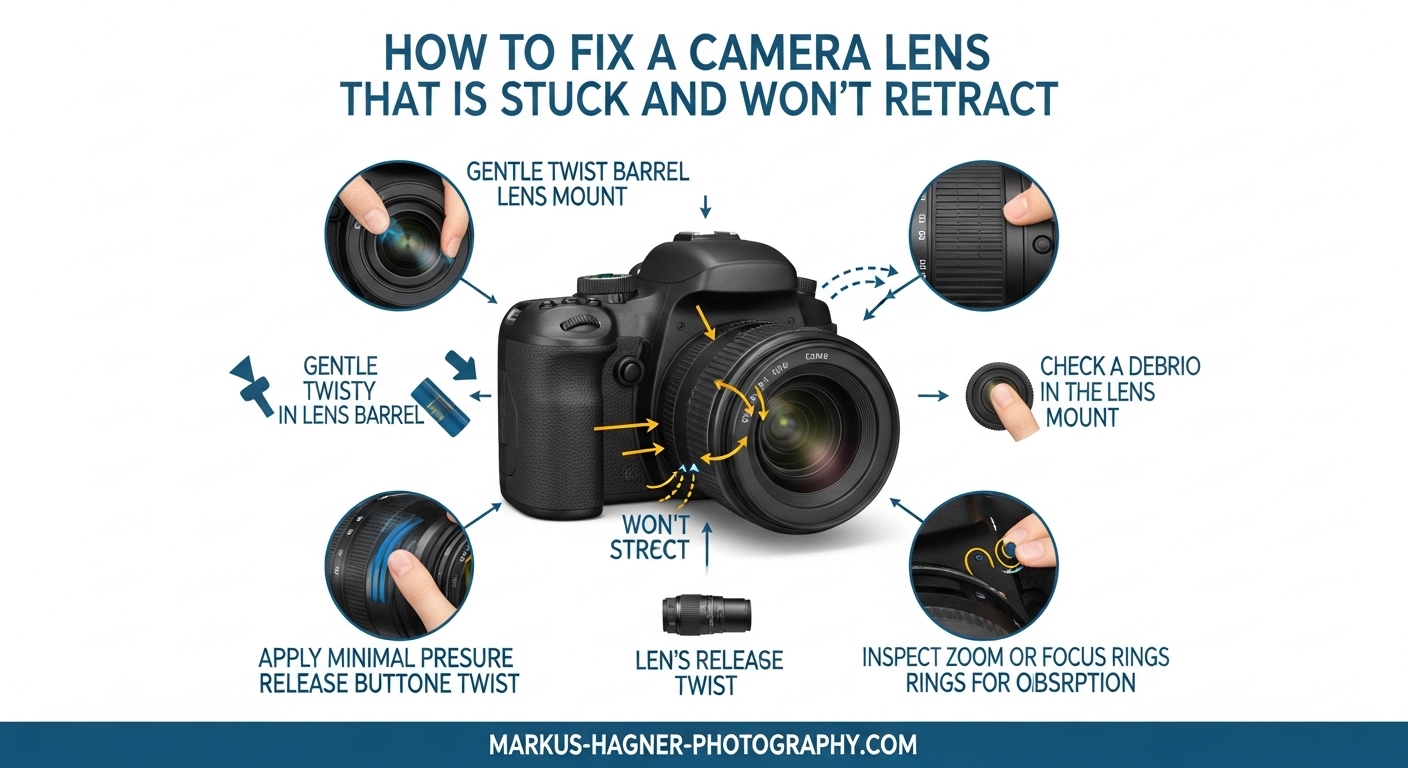
There’s nothing more frustrating than pulling out your camera for a shot, only to find the lens stuck in an extended position. A camera lens stuck in place is one of the most common issues photographers face with compact cameras, point-and-shoot models, and any device with a retractable zoom lens. The good news? Most stuck lens problems can be fixed at home without specialized tools or expensive repairs.
In this guide, I’ll walk you through the exact steps I’ve used to successfully unjam camera lenses on Canon PowerShot, Sony Cyber-shot, Nikon Coolpix, and similar compact cameras. We’ll start with the simplest solutions that require no tools, then move to more involved methods if needed. I’ll also share what not to do, so you avoid making the problem worse.
Table of Contents
- Quick Diagnosis: What’s Causing Your Stuck Lens
- How to Fix a Camera Lens That Is Stuck Without Tools
- Removing Dirt and Debris from the Lens Barrel
- Power and Battery-Related Solutions
- Brand-Specific Lens Reset Methods
- What NOT to Do: Common Mistakes That Can Destroy Your Lens
- When to Seek Professional Repair
- How to Prevent Your Camera Lens from Getting Stuck
- Frequently Asked Questions
- Conclusion
Quick Diagnosis: What’s Causing Your Stuck Lens
Before attempting any fix, it helps to understand why your lens won’t retract. The lens mechanism uses motorized gears to extend and retract the lens barrel. When something interferes with these gears or creates friction, the lens cannot complete its movement cycle and may display an error message.
Common causes include:
- Physical obstruction: Dirt, sand, lint, or debris lodged between the lens barrel sections
- Impact damage: The camera was dropped or bumped, misaligning the lens barrel
- Power issues: Low battery or corrupted camera settings preventing proper lens operation
- Moisture damage: Water or humidity affecting the internal lens motor or electronics
- Mechanical failure: Worn gears, broken ribbon cables, or failed motor
Look closely at your lens barrel. Do you see visible dirt, sand particles, or debris? Does the lens make grinding noises when you try to extend or retract it? These clues will help you choose the right solution method.
How to Fix a Camera Lens That Is Stuck Without Tools
These methods require nothing but your hands and a bit of patience. I recommend trying these first before moving to other solutions.
Method 1: Battery Reset
This is the single most effective fix for a lens stuck due to power issues or software glitches. Many photographers report this works when nothing else does.
Steps:
- Turn off your camera completely
- Remove the battery and memory card
- Wait at least 30 seconds (some recommend up to 15 minutes)
- Reinsert the battery (fully charged is best)
- Power on the camera and see if the lens retracts normally
If the camera displays a lens error, try this process 2-3 times. Some cameras need multiple reset cycles to clear the error state.
Method 2: Power Cycle with Lens Assistance
This technique involves gently helping the lens while the camera attempts to retract it.
Steps:
- Turn off the camera
- Place your thumb and index finger around the lens barrel (not on the glass)
- Power on the camera
- As the lens begins to extend, apply gentle pressure pushing it inward
- Listen for the lens motor engaging
- If the lens retracts slightly, continue gentle pressure until fully closed
Important: Use only light pressure. If you feel strong resistance or hear grinding, stop immediately and try a different method.
Method 3: The Tapping Method
This method has worked for many users on Reddit and photography forums. It’s particularly effective for lenses stuck due to minor misalignment.
Steps:
- Lay the camera on its back on a soft surface
- Power on the camera
- While the lens is extending, gently tap the lens barrel with a pencil or pen
- Tap around the barrel at different points, not just one spot
- The vibrations can help realign stuck gears or dislodge debris
One forum user described this as percussive maintenance, and it genuinely works for many cases of minor mechanical sticking.
Method 4: Gravity Assist
Sometimes a different angle helps the lens mechanism overcome resistance.
Steps:
- Hold the camera with the lens pointing straight down
- Power on the camera
- The weight of the lens barrel combined with gravity may help it extend or retract properly
- Try different angles (45 degrees, pointing up) if the first attempt fails
Removing Dirt and Debris from the Lens Barrel
If you suspect dirt, sand, or debris is causing your stuck lens, these cleaning methods can help. Physical obstruction is the most common cause of lens errors, especially for cameras used outdoors.
Compressed Air Technique
What you’ll need: Can of compressed air (like those used for keyboard cleaning)
Steps:
- Turn off the camera and remove the battery
- Hold the camera with the lens facing down
- Use short bursts of compressed air around the gaps between lens barrel sections
- Work your way around the entire lens barrel circumference
- Wait 30 seconds, then power on and test
Warning: Don’t shake the compressed air can or tilt it while spraying, as this can release liquid propellant that damages electronics.
Vacuum Cleaner Method
This technique works well for sand particles that compressed air might push deeper into the mechanism.
What you’ll need: Vacuum cleaner with narrow crevice attachment, piece of paper
Steps:
- Turn off the camera
- Set your vacuum to low suction if possible
- Place a piece of paper over the crevice tool to prevent the lens from being sucked in
- Position the vacuum near (not touching) the lens barrel gaps
- Move around the barrel, sucking out debris from each section
- Power on and test the lens movement
Many photographers have reported success with this method after beach trips where sand got into the lens mechanism.
Paper Insertion Technique
For stubborn debris between lens barrel sections, a thin piece of paper can dislodge particles.
What you’ll need: Clean, thin paper (printer paper works well)
Steps:
- Turn off the camera
- Cut or fold paper to create a thin edge
- Gently insert the paper edge between the lens barrel sections (not into the lens optics)
- Slide the paper around the circumference to dislodge debris
- Work around all accessible gaps
- Use compressed air or vacuum to remove dislodged particles
- Power on and test
Caution: Never insert anything into the lens itself – only between the outer barrel sections.
Power and Battery-Related Solutions
Sometimes the lens mechanism is fine, but the camera doesn’t have enough power to drive it properly. A lens stuck extended often occurs when the battery dies mid-retraction.
Fully Charge Your Battery
It sounds obvious, but many troubleshooting attempts fail because users try fixes with a partially charged battery. The lens motor requires significant power to extend and retract.
Steps:
- Charge your battery until the charger indicates full charge
- If using AA batteries, install fresh alkaline or fully charged rechargeables
- Insert the freshly charged battery
- Power on – the lens may retract automatically on first boot
Clean Battery and Lens Contacts
Corroded or dirty contacts can cause intermittent power issues that affect lens operation.
What you’ll need: Isopropyl alcohol (90% or higher), cotton swab
Steps:
- Remove the battery
- Dip a cotton swab in isopropyl alcohol
- Gently clean the battery contacts inside the camera
- Clean the contacts on the battery itself
- Allow everything to dry completely (5-10 minutes)
- Reinsert the battery and power on
Factory Reset
Corrupted camera settings can sometimes cause lens errors. A factory reset restores default settings and may resolve software-related issues.
General steps (varies by brand):
- Access the camera’s Setup or Settings menu
- Look for Reset, Initialize, or Factory Reset option
- Select the option to reset all settings
- The camera will restart – watch for lens movement during boot
Brand-Specific Lens Reset Methods
Different camera manufacturers have slightly different procedures for dealing with lens errors. Here are specific methods for the most common brands.
Canon PowerShot Lens Error Fix
Canon PowerShot cameras are notorious for lens errors, but they also have a built-in reset that often works.
Steps:
- Remove the battery and memory card
- Leave the camera without power for at least 10 minutes
- Insert a fully charged battery (no memory card)
- Power on while holding the shutter button down
- Continue holding until the lens attempts to extend
- If successful, power off and insert your memory card
Sony Cyber-shot Reset Procedure
Sony cameras have a dedicated reset button on many models.
Steps:
- Locate the RESET button (usually a small recessed button near the battery compartment)
- Use a paperclip or similar tool to press and hold the reset button for 5-7 seconds
- Power on the camera
- The camera will initialize to factory settings
- Test lens extension and retraction
Nikon Coolpix Troubleshooting
Nikon Coolpix cameras often respond to a specific power sequence.
Steps:
- Remove the battery
- Hold the power button for 30 seconds (this discharges capacitors)
- Insert a fully charged battery
- Power on while gently applying pressure to the lens barrel
- If the lens moves, continue gentle assistance until fully retracted
What NOT to Do: Common Mistakes That Can Destroy Your Lens
Before attempting more aggressive fixes, understand what can permanently damage your camera.
Never Use WD-40 or Household Lubricants
This is the most common mistake people make. WD-40 and similar lubricants will damage the precision gears, dissolve lubricants already inside the mechanism, and can seep into the lens optics causing permanent haze. Even a small amount can destroy your camera beyond repair.
If your lens needs lubrication, this is a job for a professional service center with the correct synthetic lubricants designed for camera mechanisms.
Don’t Force the Lens
Excessive force will strip the plastic gears inside the lens mechanism. If gentle pressure doesn’t work, stop. The internal components are delicate and easily damaged.
Avoid Disassembly Unless Experienced
Taking apart a lens assembly requires specialized tools and knowledge. The ribbon cables inside are fragile, and improper reassembly will make the camera unusable. Disassembly also voids any remaining warranty.
When to Seek Professional Repair
Not every stuck lens can be fixed at home. Knowing when to stop attempting DIY repairs can save you from making an expensive repair impossible.
Seek professional help if:
- You hear grinding or clicking noises (indicates broken gears)
- The lens barrel is visibly bent or misaligned
- DIY methods have failed after multiple attempts
- The camera was dropped from significant height
- There’s visible moisture or corrosion inside the lens
- Your camera is still under warranty
Repair vs Replace: Cost Considerations
Professional lens repair for compact cameras typically costs between $100 and $250 depending on the damage. For budget cameras that cost $200-300 new, replacement often makes more financial sense. For higher-end cameras ($500+), professional repair is usually worthwhile.
To find qualified repair services, contact the manufacturer’s authorized service center or search for camera repair shops with positive reviews in your area.
How to Prevent Your Camera Lens from Getting Stuck
Prevention is always easier than repair. Here’s how to keep your lens working smoothly for years to come.
- Keep the lens clean: Use a blower brush regularly to remove dust before it works into the mechanism
- Use a camera case: Protect the lens from dirt and debris when not in use
- Avoid beach environments: Sand is the enemy of retractable lenses – use a protective housing if you must shoot near sand
- Keep batteries charged: Don’t let batteries run completely flat, as this can leave the lens stuck mid-cycle
- Handle with care: Even small drops can misalign the lens barrel
- Store properly: Turn the camera off (lens retracted) before storing
- Regular maintenance: Periodically extend and retract the lens to keep the mechanism working smoothly
Frequently Asked Questions
How do I fix a stuck camera lens?
Start with a battery reset: remove the battery for 30 seconds, reinsert it, and power on. If that fails, try gently pushing or pulling the lens barrel while powering on. For debris-related issues, use compressed air around the lens barrel gaps. Most stuck lenses can be fixed with these simple methods without professional repair.
Why won’t my camera lens retract?
A lens that won’t retract is usually caused by dirt or debris in the lens barrel, low battery power, impact damage from a drop, or a software glitch. Start by cleaning around the lens with compressed air and ensuring your battery is fully charged. If the camera was dropped, internal mechanical damage may require professional repair.
Can I use WD-40 on a camera lens?
Never use WD-40 or any household lubricant on a camera lens. These products will damage the precision gears inside the lens mechanism, dissolve existing lubricants, and can seep into the lens optics causing permanent damage. If your lens needs lubrication, take it to a professional service center that uses proper camera-specific lubricants.
How much does camera lens repair cost?
Professional lens repair for compact cameras typically costs between $100 and $250 depending on the extent of damage and the camera model. For high-end cameras, repair is often worthwhile. For budget cameras under $300, replacement may be more cost-effective than repair. Manufacturer authorized service centers generally charge more but use genuine parts.
Is it worth repairing a stuck camera lens?
It depends on the camera’s value and the repair cost. For cameras worth $500 or more, professional repair at $100-250 is usually worthwhile. For budget cameras under $300, replacement often makes more sense. If the stuck lens is caused by simple debris or power issues, DIY fixes are free and often successful. For impact damage or internal mechanical failure, professional assessment is recommended.
Can a stuck camera lens be fixed without taking it apart?
Yes, most stuck lens issues can be resolved without disassembly. Try these methods in order: battery reset, gentle lens manipulation while powering on, compressed air cleaning around the barrel, vacuum method for debris, and factory reset. Disassembly should only be attempted by experienced technicians as it risks damaging ribbon cables and voiding warranties.
Conclusion
A camera lens that is stuck and won’t retract is frustrating, but in most cases, you can fix it yourself with the methods I’ve outlined above. Start with the simplest solutions – battery reset and gentle manipulation – before moving to cleaning methods like compressed air or vacuum techniques. The key is patience and gentle pressure rather than force.
Remember to never use WD-40 or household lubricants, as these will cause permanent damage. If multiple DIY attempts fail, or if you hear grinding noises indicating broken gears, professional repair is your best option. And going forward, regular lens cleaning and proper storage will help prevent this problem from happening again.
With these techniques, you should be able to get your camera back in working order and return to capturing the shots that matter. Good luck with your repair!