
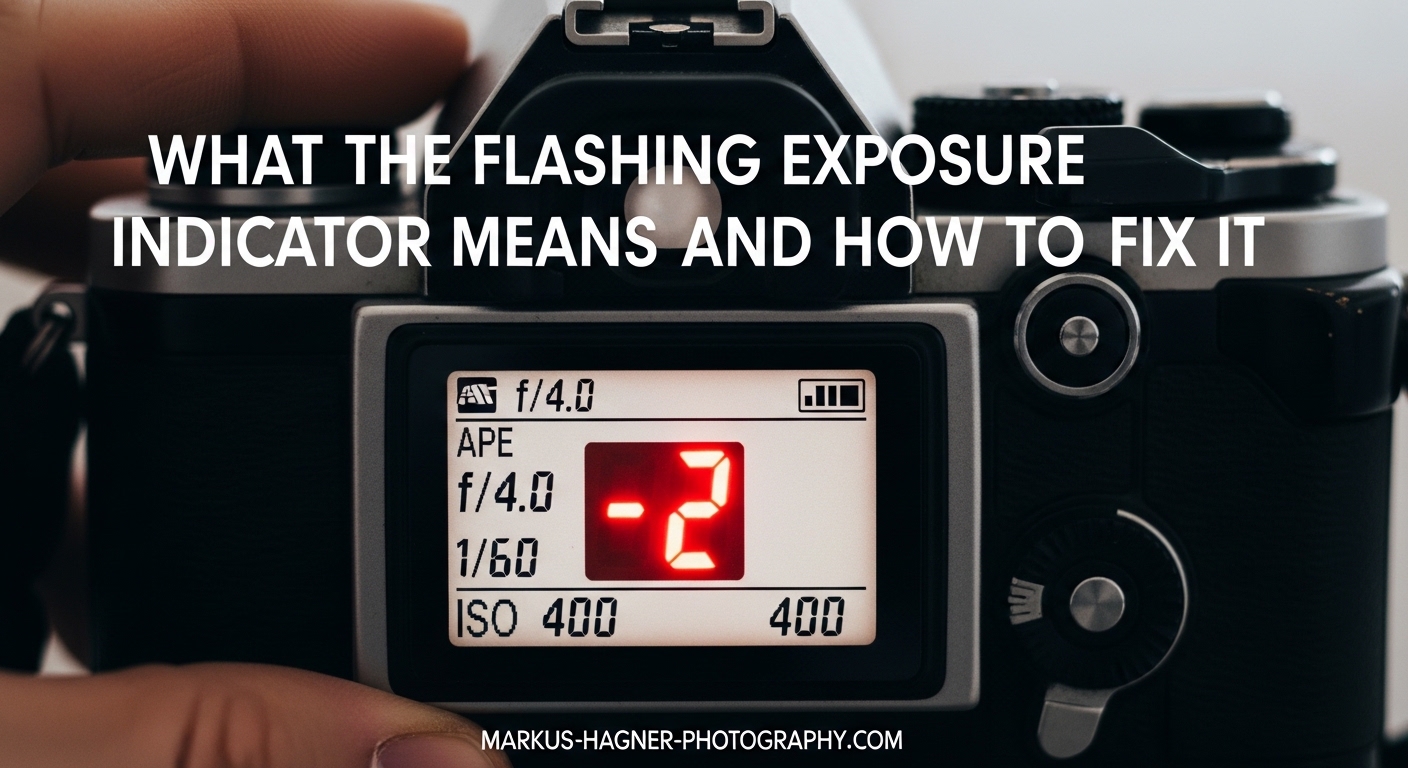
You look through your camera’s viewfinder, ready to capture the perfect shot, and there it is—a blinking exposure indicator. Is something wrong with your camera? Should you be worried? The good news is that a flashing exposure indicator is rarely a sign of a malfunction. It is your camera trying to communicate with you, and understanding what it is saying will make you a better photographer.
In this guide, I will explain exactly what the flashing exposure indicator means across different camera brands, why it happens, and how to fix it when needed. By the end, you will know whether that blinking light is a warning that needs your attention or simply an informational signal you can ignore.
Table of Contents
What the Flashing Exposure Indicator Means?
A flashing exposure indicator means one of two things: either your current exposure settings are outside the camera’s metering range, or a specific camera feature is active and informing you about it. Understanding which of these applies to your situation is the key to responding correctly.
Warning Flashing vs Informational Flashing
There is a big difference between warning flashing and informational flashing. Warning flashing tells you that the scene is too bright or too dark for your current settings to produce a properly exposed image. Informational flashing simply lets you know that a feature like Auto ISO, bracketing, or Auto Exposure Compensation is turned on.
I have seen many photographers panic when they see their indicator flashing, only to discover later that their photos turned out perfectly fine. That is because the flashing was informational, not a warning. Learning to tell the difference saves you from unnecessary stress.
Ambient Light vs Flash Metering
One of the most confusing aspects for many photographers is understanding that the exposure meter in your viewfinder only measures ambient light, not flash output. When you use flash, the camera calculates flash exposure separately and does not display it in the viewfinder meter.
This is why your exposure indicator might flash when using flash even though your final image looks properly exposed. The meter is showing you the ambient light reading only, which might be very dim in a flash photography scenario. This is completely normal behavior.
Reading the Flashing Direction
Pay attention to which side of the meter the indicator is flashing on. If it flashes on the plus (+) side, your image is overexposed or will be. If it flashes on the minus (-) side, your image is underexposed. The camera is telling you which direction you need to adjust your settings.
However, remember that this only applies to warning flashing. If the indicator is flashing because of Auto ISO or bracketing, the direction may not indicate an exposure problem at all.
Common Causes of a Flashing Exposure Indicator
Let me walk you through the most common reasons your exposure indicator might be flashing. I have organized these from most frequent to least frequent based on my experience and what I have seen in photography forums over the years.
Cause 1: Scene Exceeds Metering Range
The most common cause is simply that your scene is too bright or too dark for the camera’s meter to display a proper reading. Most camera meters have a range of about -3 to +3 stops from middle gray. When light conditions fall outside this range, the indicator will flash to warn you.
This commonly happens in extremely bright conditions like snow or beach scenes, or in very dark environments like night photography. The solution is to adjust your aperture, shutter speed, or ISO to bring the exposure back within range.
Cause 2: Auto ISO Is Enabled
When Auto ISO is turned on, many cameras will flash the exposure indicator to let you know the camera is automatically adjusting ISO for you. I have seen Sony users particularly confused by this behavior, as some Sony cameras prevent the meter from displaying a normal reading when Auto ISO is active.
If your images look properly exposed but the indicator keeps flashing, check whether Auto ISO is enabled. You can usually find this in your ISO settings menu.
Cause 3: Bracketing Mode Is Active
Bracketing mode (often labeled BKT on Nikon cameras) causes the exposure compensation indicator to flash as a reminder that you are shooting multiple exposures at different settings. This is purely informational—the camera is telling you the feature is on, not that there is a problem.
I remember a forum discussion where a photographer spent hours trying to figure out why their indicator was flashing, only to discover they had accidentally turned on bracketing. Check your drive mode or shooting menu if you suspect this might be the cause.
Cause 4: Auto Exposure Compensation Is On
Some cameras, particularly Nikon models, have an Auto Exposure Compensation (Auto EC) feature that automatically adjusts exposure compensation based on scene analysis. When this feature is active, the EC indicator will flash constantly to inform you that the camera is making automatic adjustments.
On the Nikon D750, for example, you can find this setting in custom setting b3. Turning Auto EC off will stop the indicator from flashing if this is the cause.
Cause 5: Using Flash in Low Light
When shooting with flash in dim conditions, the ambient light meter will show severe underexposure because it only reads the ambient light, not the flash output. This causes the indicator to flash on the minus side even though your flash will properly light the scene.
This is where checking your histogram becomes important. The meter may show flashing, but your histogram will reveal whether the actual exposure is correct once the flash fires.
Cause 6: Shooting Mode Limitations
In Shutter Priority mode, if your maximum aperture is too small for the lighting conditions, the indicator will flash because the camera cannot open the aperture any wider. Similarly, in Aperture Priority mode, if your shutter speed reaches its limit, the indicator will flash.
Switching to Manual mode gives you full control and lets you set whatever settings you need, though the meter will still warn you if exposure falls outside its range.
How to Fix the Flashing Exposure Indicator?
Now that you understand the causes, here are specific solutions organized by camera brand. Different manufacturers handle exposure indicators differently, so finding your brand below will give you the most relevant fixes.
Nikon Cameras
Nikon cameras have a few specific settings that commonly cause indicator flashing. First, check custom setting b3 in your camera’s menu—if Auto EC is turned on, the indicator will flash constantly. Turn this off if you do not want automatic exposure compensation.
Next, look for the BKT icon on your control panel or in your viewfinder. If bracketing is active, either turn it off or accept that the flashing is informational. Finally, verify your metering mode is set appropriately for your subject—matrix, center-weighted, or spot metering each behave differently.
Canon Cameras
On Canon cameras, check your exposure compensation dial or settings. If you have dialed in compensation, the indicator may flash to remind you. Canon users should also check their exposure simulation settings in Live View, which can affect how exposure is displayed.
For Canon R5 and R6 users specifically, exposure simulation with flash can cause confusion because the camera shows what the ambient exposure looks like without accounting for flash output.
Sony Cameras
Sony Alpha cameras often flash the exposure indicator when Auto ISO is active. Try turning off Auto ISO to see if the indicator behaves normally. If you need Auto ISO for your shooting situation, learn to ignore the flashing or use alternative exposure tools.
Sony’s zebra patterns are an excellent alternative to the exposure meter for judging exposure. Zebras show overexposed areas directly on your LCD or EVF, giving you a more visual representation of exposure than the numerical meter.
Universal Solutions
Regardless of your camera brand, these steps will help you troubleshoot any flashing indicator issue:
First, check your histogram instead of relying solely on the meter display. The histogram shows you the actual distribution of tones in your image and is more reliable than a flashing indicator.
Second, try adjusting your settings manually. If the scene is too bright, use a faster shutter speed, smaller aperture, or lower ISO. If too dark, do the opposite.
Third, if nothing else works and you suspect a camera malfunction, a factory reset often fixes unexplained behavior. Just remember to back up your custom settings first.
Frequently Asked Questions
Is a flashing exposure indicator bad?
Not necessarily. It can be a warning about exposure issues, but it can also simply indicate that a feature like Auto ISO or bracketing is active. The key is learning to distinguish between warning flashing and informational flashing.
Why does my exposure meter flash when using flash?
The built-in light meter only reads ambient light, not flash output. Flash exposure is calculated separately, so the meter shows the ambient exposure only. This is normal behavior and does not indicate a problem.
How do I stop the exposure indicator from flashing?
First identify the cause. If Auto ISO, bracketing, or Auto EC is causing the flashing, turn off that feature in your camera menu. If the scene is too bright or dark, adjust your aperture, shutter speed, or ISO to bring exposure within the meter’s range.
Why does the indicator flash in manual mode?
In manual mode, the indicator still shows whether your settings will result in proper exposure based on the meter reading. If it flashes, your current combination of aperture, shutter speed, and ISO is outside the metering range for the light conditions.
Conclusion
Understanding what your flashing exposure indicator means transforms it from a source of confusion into a useful tool. Remember that the indicator is there to help you, whether it is warning you about exposure problems or simply letting you know a feature is active. Check your histogram for accurate exposure information, consult your camera manual for brand-specific settings, and trust that most of the time, a flashing indicator is just your camera doing its job—not a sign of a broken camera.
Next time you see that blinking light in your viewfinder, take a breath, check your settings, and use the troubleshooting steps I have outlined here. You now have the knowledge to diagnose exactly what your camera is trying to tell you about the flashing exposure indicator.