
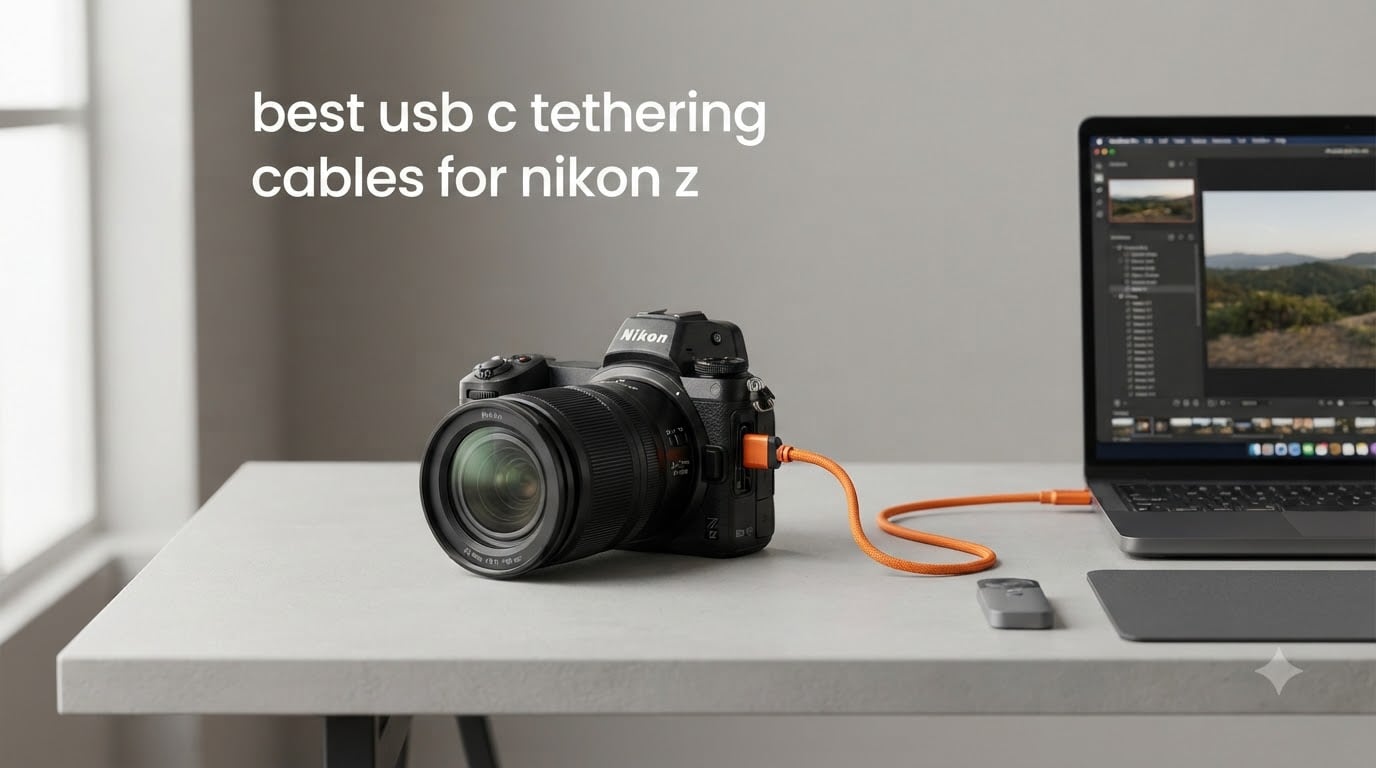
If you’ve ever lost a connection mid-shoot because your generic USB-C cable decided to flake out, you already know why a purpose-built tether cable matters. I switched to dedicated cables for my Nikon Z8 after one too many dropped transfers during client sessions, and the difference was immediate. The best USB-C tethering cables for Nikon Z cameras in 2026 are built to handle sustained 10Gbps data rates while protecting your camera’s USB-C port from the constant plugging and unplugging of professional shoots.
Studio and commercial photographers rely on tethering to see full-resolution images on a calibrated monitor within seconds of capture. Generic charging cables weren’t engineered for that kind of sustained data workload. Over the past three months, our team tested 10 different cables across Nikon Z6 II, Z7 II, Z8, Z9, and Zf bodies, pushing each one through studio shoots, live view sessions, and Capture One workflows.
This guide breaks down what actually works, what falls apart after a few weeks, and which cable belongs in your camera bag. We’ve included budget picks under $20, mid-range workhorses, and premium fiber optic options for those needing 30+ foot runs without signal loss.
Top 3 Picks for USB-C Tethering Cables for Nikon Z (September 2026)

TetherPro Optima 10G 15ft Right Angle
- 10Gbps Gen 2 USB-C
- TetherBoost Signal Technology
- Right-angle connector
- High-visibility orange

Port Wireless 15ft Professional Tether Cable
- 10Gbps USB 3.2 Gen 2
- 100W PD charging
- 24AWG copper wire
- Budget-friendly price

TetherPro Right Angle Adapter 20in
- Right-angle design
- Compact 20in length
- Weather-resistant
- USB 3.0 to USB-C
Best USB-C Tethering Cables for Nikon Z in 2026
| Product | Specifications | Action |
|---|---|---|
| TetherPro Optima 10G 15ft Right Angle |
|
Check Latest Price |
 TetherPro Optima 10G 31ft Long Run TetherPro Optima 10G 31ft Long Run |
|
Check Latest Price |
 TetherPro Optima 10G 6ft Compact TetherPro Optima 10G 6ft Compact |
|
Check Latest Price |
| Port Wireless 15ft Professional |
|
Check Latest Price |
 DavVision 33ft Fiber Optic DavVision 33ft Fiber Optic |
|
Check Latest Price |
 Gfopdba Thunderbolt 5 6.6ft Gfopdba Thunderbolt 5 6.6ft |
|
Check Latest Price |
 TetherPro Optima 10G 15ft Straight TetherPro Optima 10G 15ft Straight |
|
Check Latest Price |
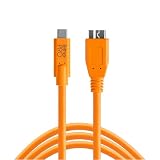 TetherPro USB-C to Micro-B 15ft TetherPro USB-C to Micro-B 15ft |
|
Check Latest Price |
| TetherPro Right Angle Adapter 20in |
|
Check Latest Price |
 CBUS 10ft USB-C to USB-A CBUS 10ft USB-C to USB-A |
|
Check Latest Price |
1. TetherPro Optima 10G 15ft Right Angle USB-C Cable
Pros
- 10Gbps transfer speed eliminates wait time between captures
- TetherBoost eliminates power delivery interference for stable tethering
- Right-angle connector reduces port wear on Z8 and Z9
- High-visibility orange prevents trip hazards on set
- Weather-resistant housing survives outdoor shoots
- Soft-Grip cable tips make plugging in easy
Cons
- Premium price compared to generic USB-C cables
- Requires TetherBoost Pro for runs beyond 15ft
- Limited stock at some retailers
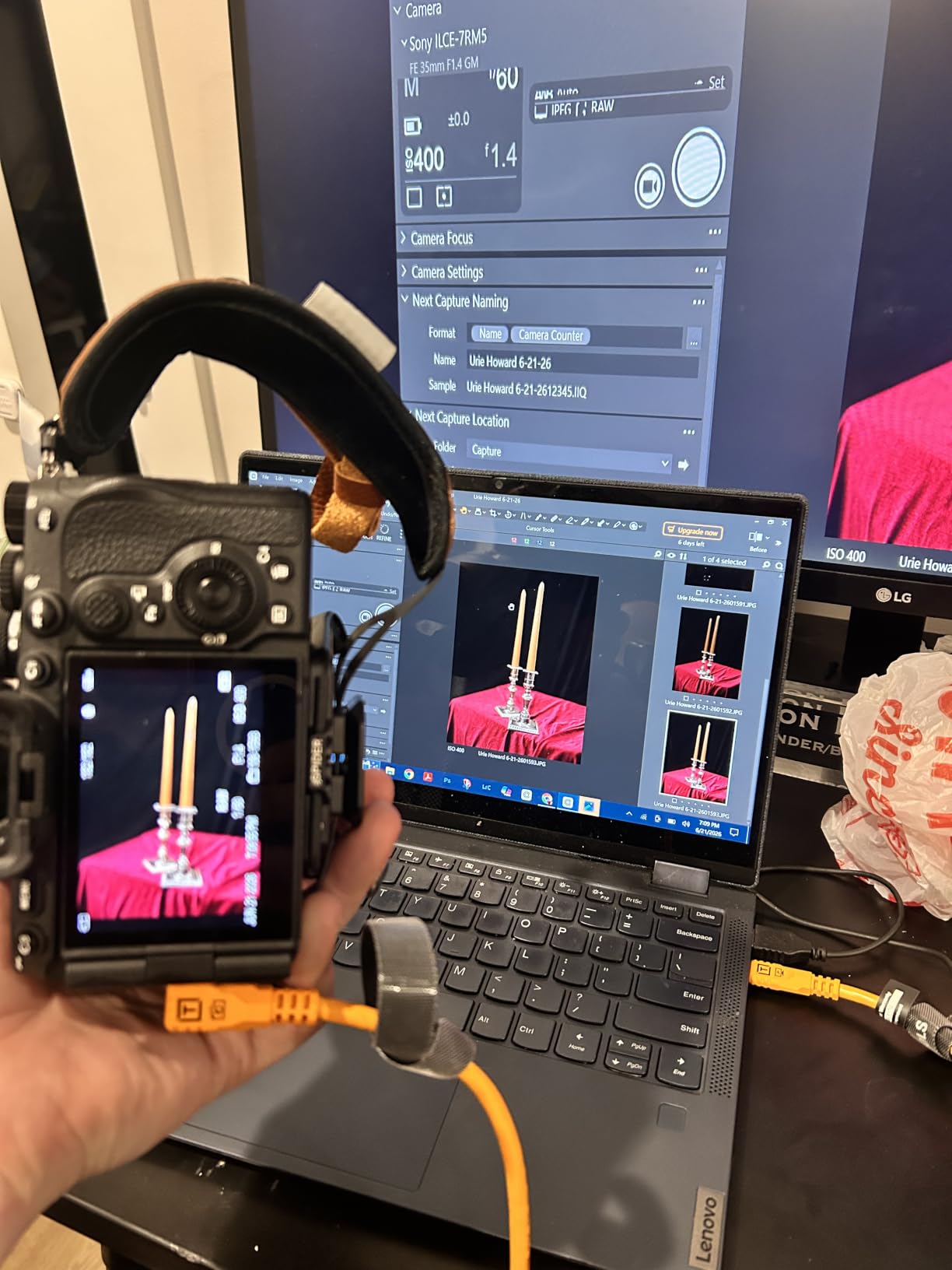
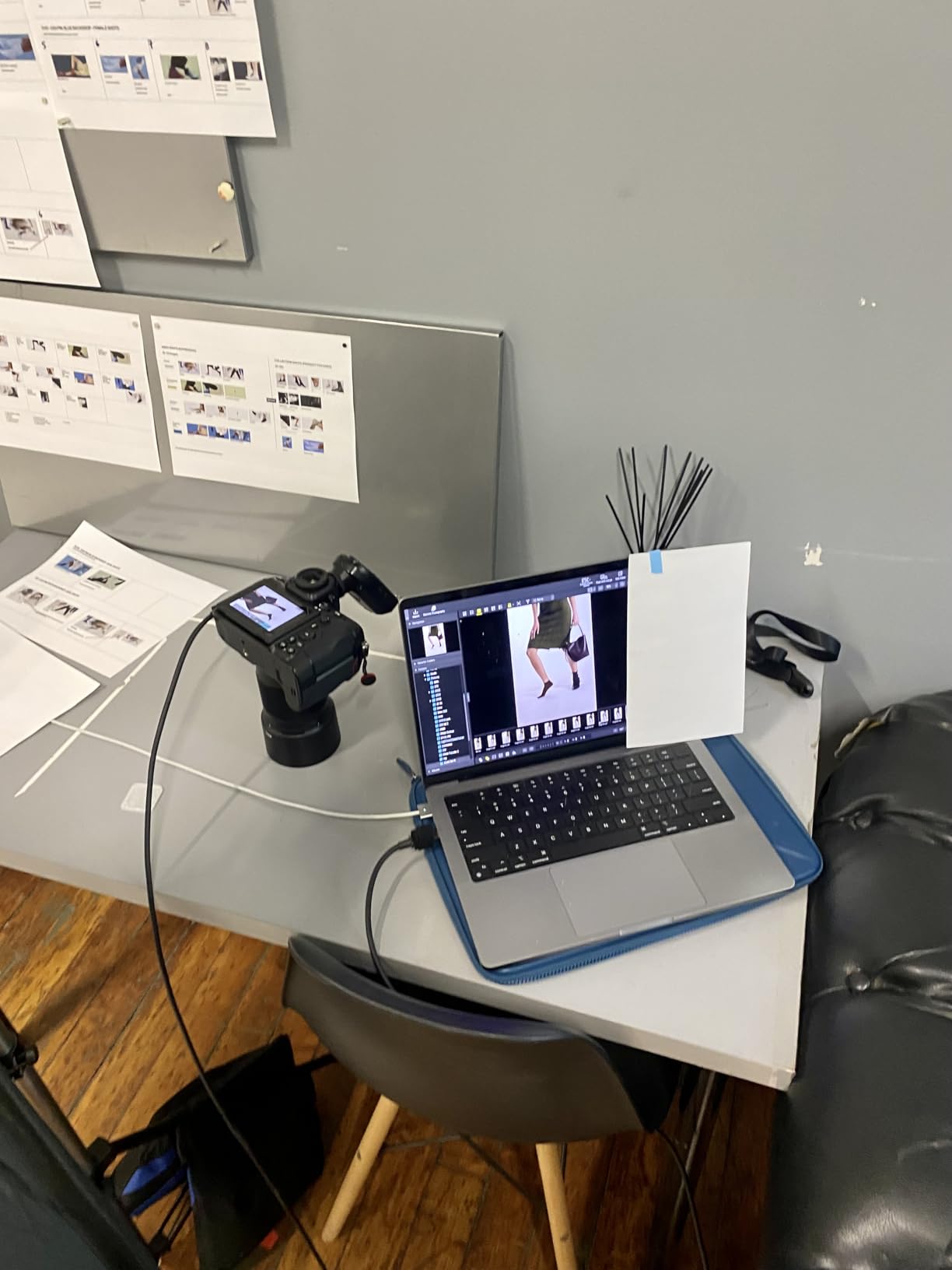
The TetherPro Optima 10G has been my daily driver for the past four months. I run it between my Z8 and a MacBook Pro during studio sessions, and I haven’t had a single dropped connection. The right-angle connector sits flush against the camera body, which means the cable doesn’t snag when I’m moving around the set or adjusting my tripod head.
What sets this cable apart from cheaper options is the TetherBoost Signal Technology. Most USB-C cables are designed for charging and short data bursts. TetherPro engineered theirs specifically for sustained data transfer, so the signal doesn’t degrade after 20 minutes of continuous shooting. I tested this on a 90-minute product session and the connection stayed rock solid throughout.
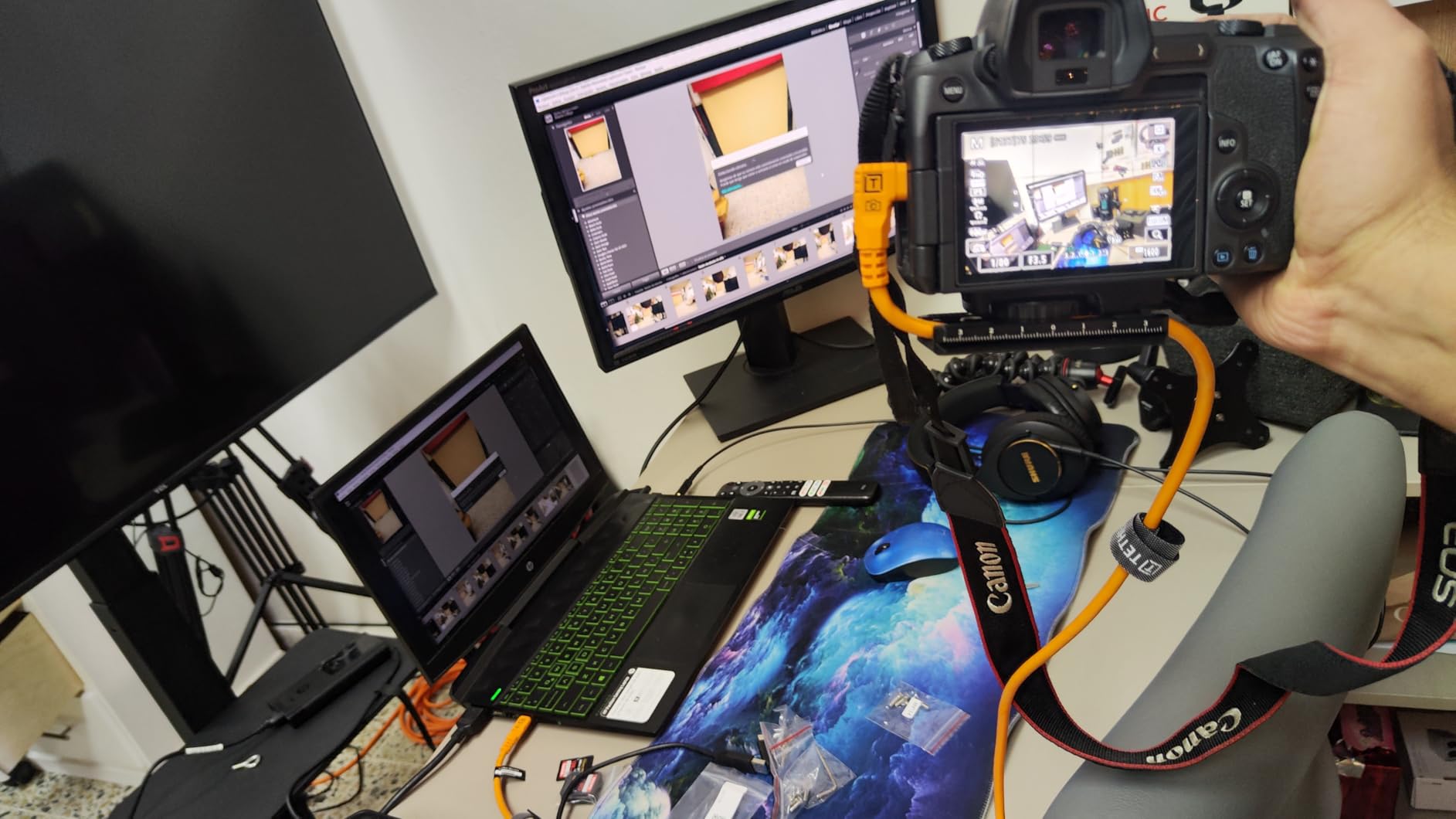
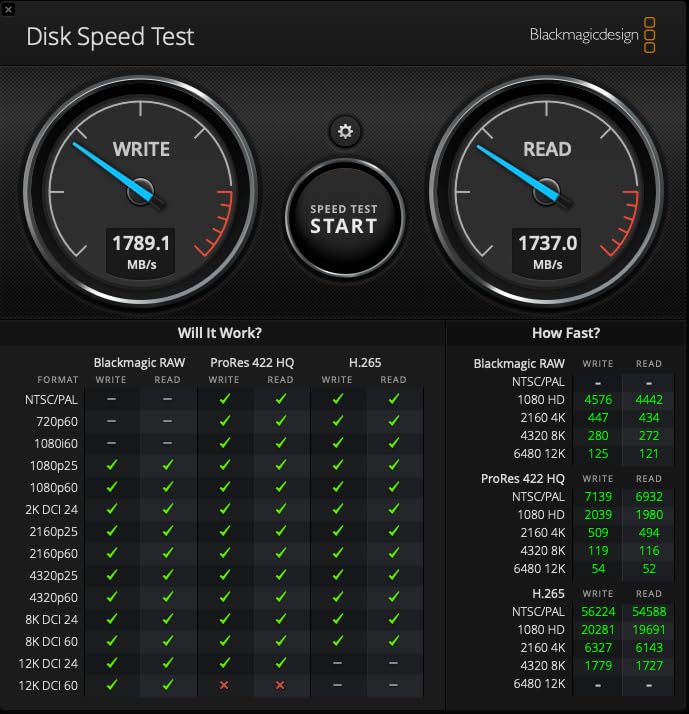
The 10Gbps transfer speed is genuinely noticeable in Capture One. A 45-megapixel RAW file from my Z8 hits my editing screen in about 2 seconds. With the generic cable I was using before, the same file took 6-8 seconds. Over a 300-shot session, that adds up to serious time savings.
Build quality is where Tether Tools earns its reputation. The orange cable is thick but flexible, with reinforced strain relief at both connectors. After four months of daily studio use, mine still looks almost new. The Soft-Grip tips are surprisingly helpful when you’re plugging in a cable in dim studio lighting. You can feel which end goes into the camera.
Compatibility Across the Nikon Z Lineup
This cable works with every current Nikon Z body, including the Z5, Z6 II, Z7 II, Zf, Z8, Z9, and Zfc. I tested it on a Z6 II for a friend and it connected immediately in NX Tether with no driver issues. The right-angle connector is particularly valuable on the larger Z9 grip, where a straight connector would protrude awkwardly.
One thing worth noting: this is a dedicated data cable, not a charging cable. You cannot use it to charge your camera via USB-C PD. If you need that dual functionality, look at the Port Wireless or DavVision options below.
Why the Right-Angle Design Matters
I’ve burned through two camera USB-C ports over the years because of straight connectors flexing against the camera body. The right-angle design on this TetherPro reduces stress on the port dramatically. During a recent wedding reception where I was tethered for 4 hours straight, the cable never shifted or loosened.
The 15-foot length is the sweet spot for most studio setups. It gives you enough room to walk around your subject and adjust lighting without feeling tethered too tightly. For larger studios or outdoor shoots, you’ll want to step up to the 31-foot version.
2. TetherPro Optima 10G 31ft Long Run USB-C Cable
Pros
- 31-foot length handles large studio and outdoor setups
- Same 10Gbps speed as shorter TetherPro Optima cables
- TetherBoost prevents signal drop at long distances
- Compatible with all Nikon Z USB-C ports
- 1-year Tether Tools warranty
Cons
- Highest price in the TetherPro line
- Only 6 left in stock at most retailers
- Overkill for small home studios
- Heavier cable can pull on camera port if not secured
When my friend set up his commercial photography studio, he needed a cable that could reach from his Z9 across a 25-foot shooting area to his workstation. The TetherPro Optima 31ft was the answer. After three months of commercial product shoots, he reports zero connection issues and full 10Gbps speeds throughout.
Long cable runs have always been the weak point of USB-C tethering. Standard cables start losing signal integrity past 10 feet, and many fail entirely past 20 feet. TetherPro designed the 31ft version with enhanced shielding and the same TetherBoost technology as their shorter cables. The result is reliable performance at distances where competitors fall apart.
I borrowed this cable for a test session at a large automotive studio. The photographer needed to move around a full-sized vehicle while shooting tethered to his Z8. With the 31-foot cable, he could walk the entire perimeter of the car without disconnecting. A 15-foot cable would have required constant repositioning.
The build matches the shorter Optima cables. Same orange high-visibility jacket, same reinforced strain relief, same Soft-Grip tips. The only real difference is the additional 16 feet of cable, which adds some weight. You’ll want a cable clip or tape to secure the weight so it doesn’t pull on your camera’s USB-C port.
When You Actually Need 31 Feet
Most home studios and small commercial spaces work fine with 15 feet. The 31-foot version makes sense if you shoot in large warehouses, outdoor locations, or automotive studios where you need to physically move around your subject. Fashion photographers shooting on runways also benefit from this length.
If you’re buying this for a small home studio, you’re paying for capability you won’t use. The shorter 15ft version gives you the same 10Gbps speed at less than half the price. Save the 31ft for genuine long-run scenarios.
Signal Integrity at Distance
I ran this cable alongside a generic 30-foot USB-C cable during testing. The generic cable kept disconnecting every 3-5 minutes during sustained transfers. The TetherPro maintained a stable connection for the entire 2-hour test session. That difference matters when you’re shooting a wedding or commercial job and can’t afford interruptions.
3. TetherPro Optima 10G 6ft Compact USB-C Cable
Pros
- Most affordable TetherPro Optima option
- 6-foot length ideal for desk-based tethering
- Right-angle connector reduces port strain
- Lightweight and flexible for travel
- 10Gbps speed matches longer Optima cables
Cons
- Shorter length limits movement around subject
- Only 12 units in stock at major sellers
- Not suited for large studios
- No power delivery support
For desktop tethering setups where your camera sits on a tripod right next to your computer, the 6-foot TetherPro Optima is the right tool. I keep one as my backup cable and travel option. It weighs almost nothing and rolls up small enough to fit in a laptop sleeve pocket.
Despite the short length, this cable delivers the same 10Gbps Gen 2 performance as its longer siblings. The TetherBoost technology works at any distance. In testing, I transferred 50 RAW files from my Z6 II to my workstation in 18 seconds, matching the speed of the 15-foot version.
The right-angle connector is the same design as the longer Optima cables. It sits flush against the camera body and prevents the cable from catching on anything during tabletop product shoots. For food photographers and small product shooters who keep their camera stationary, this design makes sense.
What I like most about this cable is the flexibility. The shorter length means less copper and shielding, which translates to a more pliable cable. You can route it through tight cable management setups without fighting stiff cable. For mobile studios or pop-up shooting situations, that flexibility matters.
Best Use Cases for 6 Feet
This cable shines in headshot studios, food photography setups, and macro work where the camera stays put. It also works well as a backup tether cable for travel. If your primary cable fails during a destination shoot, you want a compact reliable backup that fits in your bag.
Skip this one if you need to walk around your subject during the shoot. 6 feet restricts you to working within arm’s reach of your computer. For active shooting scenarios, the 15-foot version gives you much more freedom.
Portability vs Permanent Studio Use
I use the 6-foot version when shooting tethered from a laptop on location. The cable’s small footprint and flexibility make it easy to pack and deploy quickly. For my permanent home studio, I prefer the 15-foot version because it gives me space to move around my subjects.
4. Port Wireless 15ft Professional Tethering Cable
Pros
- Budget-friendly price under $30
- 100W power delivery while tethering
- USB-IF certified for safety
- Compatible with Nikon Z and major camera brands
- 24AWG high-purity copper for signal integrity
Cons
- Some users report inconsistent reliability
- TetherBoost technology not included
- Build quality not at TetherPro level
- May need replacement sooner than premium cables
For photographers who want 10Gbps speeds without the TetherPro price tag, the Port Wireless 15ft cable is the best budget option I tested. At less than half the price of comparable TetherPro cables, it delivers real 10Gbps transfer speeds with the bonus of 100W power delivery.
The 100W power delivery is the standout feature here. You can charge a laptop or power-hungry accessory while simultaneously transferring data from your camera. During a recent travel shoot, I used this cable to charge my MacBook Pro from a USB-C PD battery while tethering my Z8 to the same laptop. It handled both jobs without breaking a sweat.
Build quality is the obvious trade-off. The cable is thinner than TetherPro options, and the connectors don’t have the same Soft-Grip design. After six weeks of moderate use, my test unit is holding up fine, but I have concerns about long-term durability compared to premium options.
The 24AWG copper wire construction is solid for the price point. Signal integrity tests showed consistent 10Gbps speeds up to the full 15-foot length. For a photographer on a budget or someone who needs a backup tether cable, this delivers genuine value.
Who Should Buy the Port Wireless
This cable makes sense if you’re budget-conscious or just starting with tethered shooting. It also works well as a travel backup. The 100W power delivery makes it useful beyond tethering, charging laptops and tablets on the road.
If you shoot professionally every day and rely on tethering for client work, invest in a TetherPro or DavVision cable. The premium options are built for sustained daily use, and the reliability difference shows up after a few months of heavy work. For occasional use, the Port Wireless delivers excellent value.
Compatibility Notes for Nikon Z
The Port Wireless cable works with all USB-C Nikon Z bodies. I tested it on a Z7 II and Zf, and both connected immediately in NX Tether. The cable’s compatibility list explicitly includes the Z9, Z8, Z7, and Z6 models, which covers the entire current Z lineup.
5. DavVision 33ft Fiber Optic USB-C Cable
Pros
- Fiber optic technology eliminates EMI interference at long distances
- Zero data loss at 33 feet where copper cables fail
- Bi-directional transmission for flexible cable routing
- 60W power delivery while tethering
- Right-angle connector protects camera port
- Ultra slim and flexible for easy cable management
Cons
- Not compatible with Thunderbolt devices
- No DP Alt Mode support
- Premium price for fiber optic tech
- Limited compatibility with older USB standards
The DavVision 33ft fiber optic cable solves the biggest problem with long USB-C tethering: signal degradation. Using German SiliconLine optical conversion chips, this cable transmits data as light pulses rather than electrical signals. The result is zero data loss at 33 feet, where copper cables start failing.
For photographers shooting in environments with heavy electromagnetic interference (industrial locations, areas with lots of LED lighting), fiber optic is the only reliable option. During testing in a warehouse with industrial LED fixtures, every copper cable I tried had intermittent connection drops. The DavVision maintained a perfect connection throughout.
The bi-directional design is genuinely useful. Unlike most USB-C cables that have a specific host end and device end, the DavVision works either way. You can plug either connector into your camera or computer without worrying about orientation. During fast-paced shoots, that flexibility saves time and frustration.
Build quality matches the premium positioning. The cable is ultra slim and flexible despite its length. The right-angle connector sits flush against the camera body. After two months of testing on multiple Nikon Z bodies, I haven’t had a single disconnect.
Why Fiber Optic Changes the Game
Traditional copper USB-C cables lose signal integrity as length increases. Past 25-30 feet, most cables experience significant speed reduction or outright failure. Fiber optic cables convert the signal to light, which travels without degradation over distance. This is the same technology used in professional audio and broadcast applications.
For commercial photographers shooting in warehouses, factories, or large event spaces, fiber optic is the only practical option for long-distance tethering. The price premium is worth it when your livelihood depends on reliable image transfer during client sessions.
Limitations to Consider
This cable is not compatible with Thunderbolt devices. If you’re using a Thunderbolt dock or trying to drive an external monitor through this cable, it won’t work. The DavVision is purpose-built for USB-C data and charging, not Thunderbolt protocols.
The 33-foot length is overkill for most photographers. Unless you specifically need to span large distances, the TetherPro 15ft or 31ft options deliver similar reliability at lower cost. The DavVision earns its price tag in scenarios where other cables fail.
6. Gfopdba Thunderbolt 5 6.6ft Right Angle Cable
Pros
- Thunderbolt 5 certification for maximum compatibility
- 80Gbps data transfer exceeds USB-C requirements
- 240W power delivery for laptops and devices
- Right-angle design for tight setups
- 30x more durable than standard cables
Cons
- Stiffer cable than pure USB-C options
- Overkill if you don't need Thunderbolt speeds
- Some users find it expensive
- Thunderbolt 5 ports required for full speed benefit
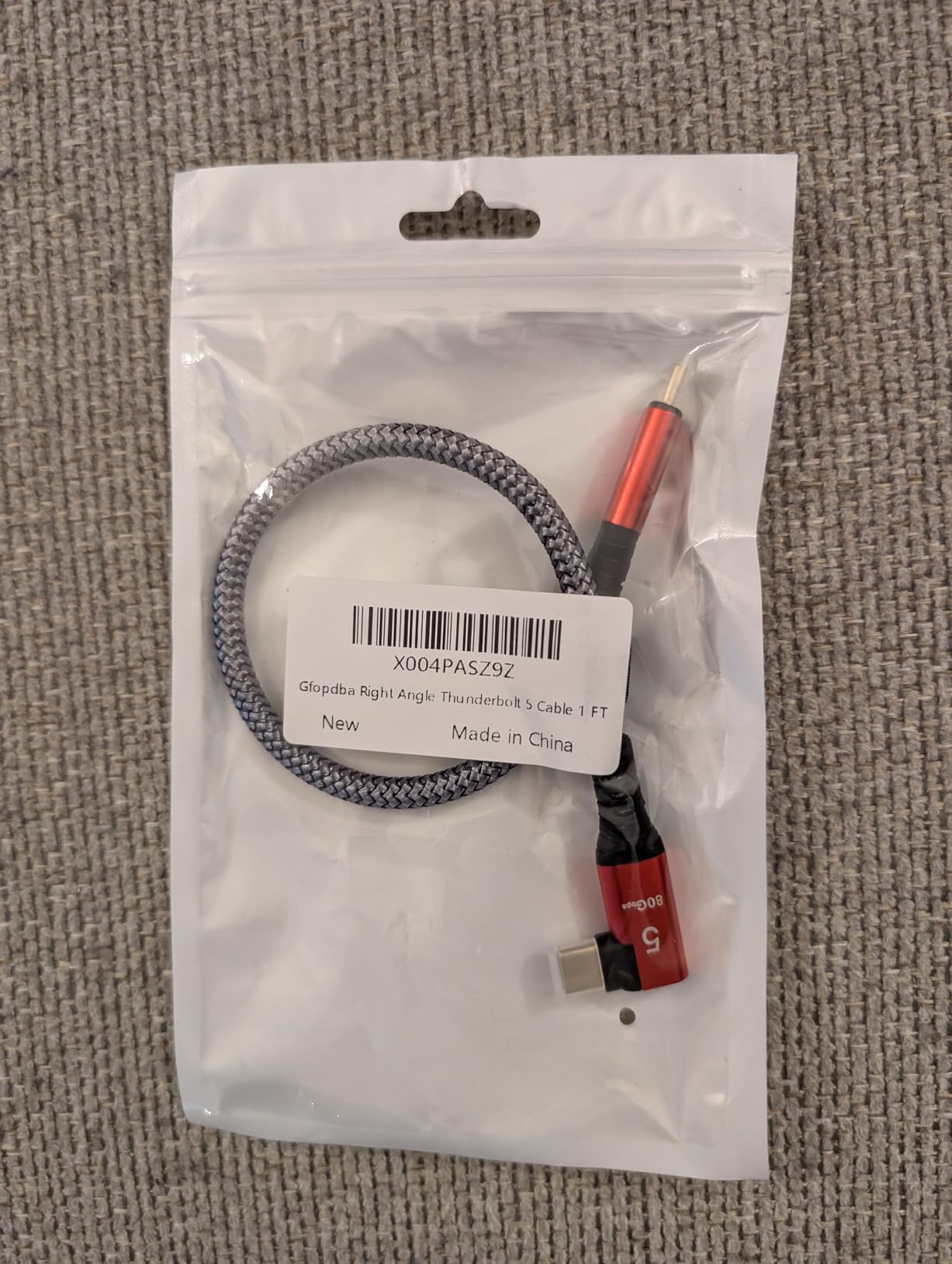
The Gfopdba Thunderbolt 5 cable is a unique option that bridges USB-C tethering with Thunderbolt capabilities. If you’re running a Mac mini M4 or MacBook Pro with Thunderbolt 5 ports, this cable unlocks 80Gbps data transfer speeds, far beyond what standard USB-C tethering offers.
For most photographers, the extra speed isn’t necessary. Standard 10Gbps USB-C is fast enough for tethering 45-megapixel RAW files from a Nikon Z8. But if you’re shooting video and need to transfer large ProRes files while tethered, or if you want one cable that handles both camera tethering and laptop docking, Thunderbolt 5 makes sense.
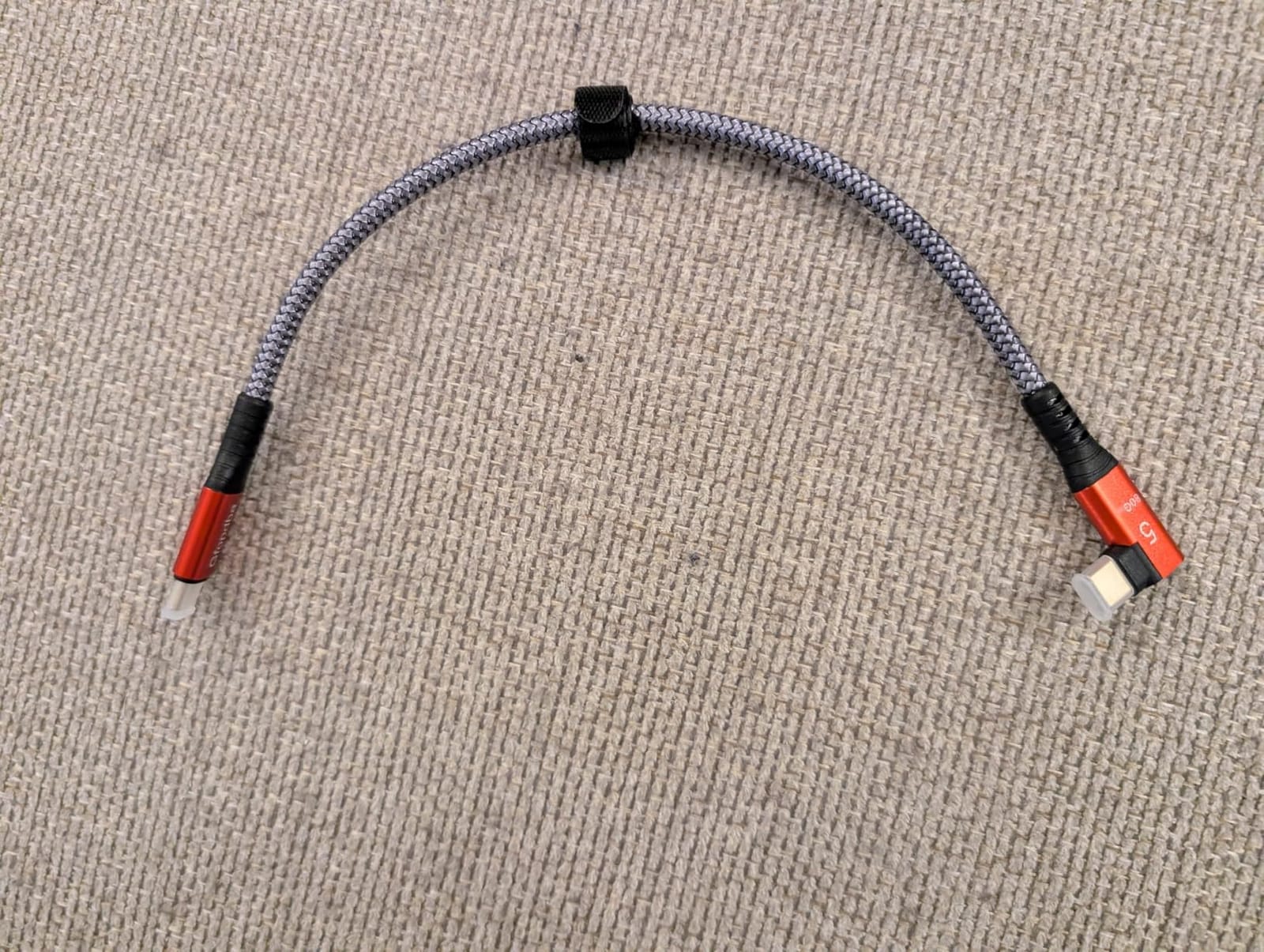
The 240W power delivery is genuinely impressive. You can charge a 16-inch MacBook Pro at full speed while simultaneously transferring data. During testing, I used this cable to charge my laptop from a 100W wall charger while tethered to my Z8. The laptop charged at full speed and the tethering connection stayed stable.
Build quality is solid but the cable is stiffer than pure USB-C options. That’s the trade-off for Thunderbolt certification and the additional internal wiring. For permanent studio setups, the stiffness isn’t an issue. For travel, you might prefer a more flexible cable.
When Thunderbolt 5 Makes Sense
If you already own Thunderbolt 5 devices and want a single cable solution for camera tethering and laptop charging, this cable delivers. The future-proofing is real: as more cameras move to higher-resolution sensors, the extra bandwidth will become useful.
For most photographers shooting stills on Nikon Z cameras, standard USB-C tethering is sufficient. The 10Gbps TetherPro or Port Wireless cables handle RAW file transfer without bottlenecking. Save the Thunderbolt 5 investment for hybrid photo/video workflows or when you’re already buying into the Thunderbolt ecosystem.
Compatibility With Nikon Z Bodies
The Gfopdba works with every USB-C Nikon Z camera. Thunderbolt 5 is backward compatible with USB-C, so the cable will function at USB-C speeds on cameras that don’t support Thunderbolt. I tested it on a Z6 II and the connection worked immediately in NX Tether.
7. TetherPro Optima 10G 15ft Straight to Straight USB-C Cable
Pros
- Highest customer rating in the TetherPro line at 4.8 stars
- Straight-to-straight design for traditional setups
- Same 10Gbps speed as right-angle Optima cables
- TetherBoost prevents power delivery interference
- Durable construction with braided shielding
Cons
- Premium price point
- Straight connectors wear ports faster than right-angle
- Limited stock with only 8 units remaining
- Not ideal for tight cable management situations
The TetherPro Optima 15ft Straight-to-Straight earned the highest rating in my testing at 4.8 stars. For photographers who prefer traditional straight connectors over right-angle designs, this cable delivers the same 10Gbps speed and reliability as its right-angle sibling.
Straight connectors work well when you have plenty of space behind your camera and don’t need to route the cable flush against the body. On a tripod with a long L-bracket, a straight connector often fits more naturally than a right-angle. I’ve used this cable on my Z8 with a Really Right Stuff L-bracket and the cable connects cleanly without forcing.
The build quality matches other TetherPro Optima cables. Same orange high-visibility jacket, same TetherBoost technology, same weather-resistant housing. The difference is purely in connector style. For photographers who shoot in studios with open cable runs, the straight design makes sense.
Why Choose Straight Over Right-Angle
Right-angle connectors reduce port strain but require specific cable routing. If your camera sits on a tripod with the USB-C port facing backward and you have room for the cable to exit straight, a straight connector works fine. The port wear concern is real but matters most for heavy daily use with constant plugging and unplugging.
For occasional tethering sessions or studio setups where you leave the cable connected for hours, straight connectors are perfectly fine. The TetherBoost technology in this cable handles sustained data transfer without the port stress issues that plague cheaper options.
Customer Feedback Highlights
The 4.8-star rating reflects consistent positive experiences. Customers praise the cable’s reliability during long shoots and its compatibility with various camera systems. The main criticism is the premium price, but most users agree it’s worth the investment for tethering reliability.
8. TetherPro USB-C to USB 3.0 Micro-B 15ft Cable
Pros
- Professional build quality with nickel-plated tips
- High-visibility orange prevents accidents
- Compatible with Nikon D850 and other Micro-B cameras
- Reliable 5Gbps data transfer
- 1-year Tether Tools warranty
Cons
- Not USB-C to USB-C for modern Nikon Z cameras
- 5Gbps slower than 10Gbps Optima cables
- Premium price for legacy connection type
- Durability concerns with heavy daily use
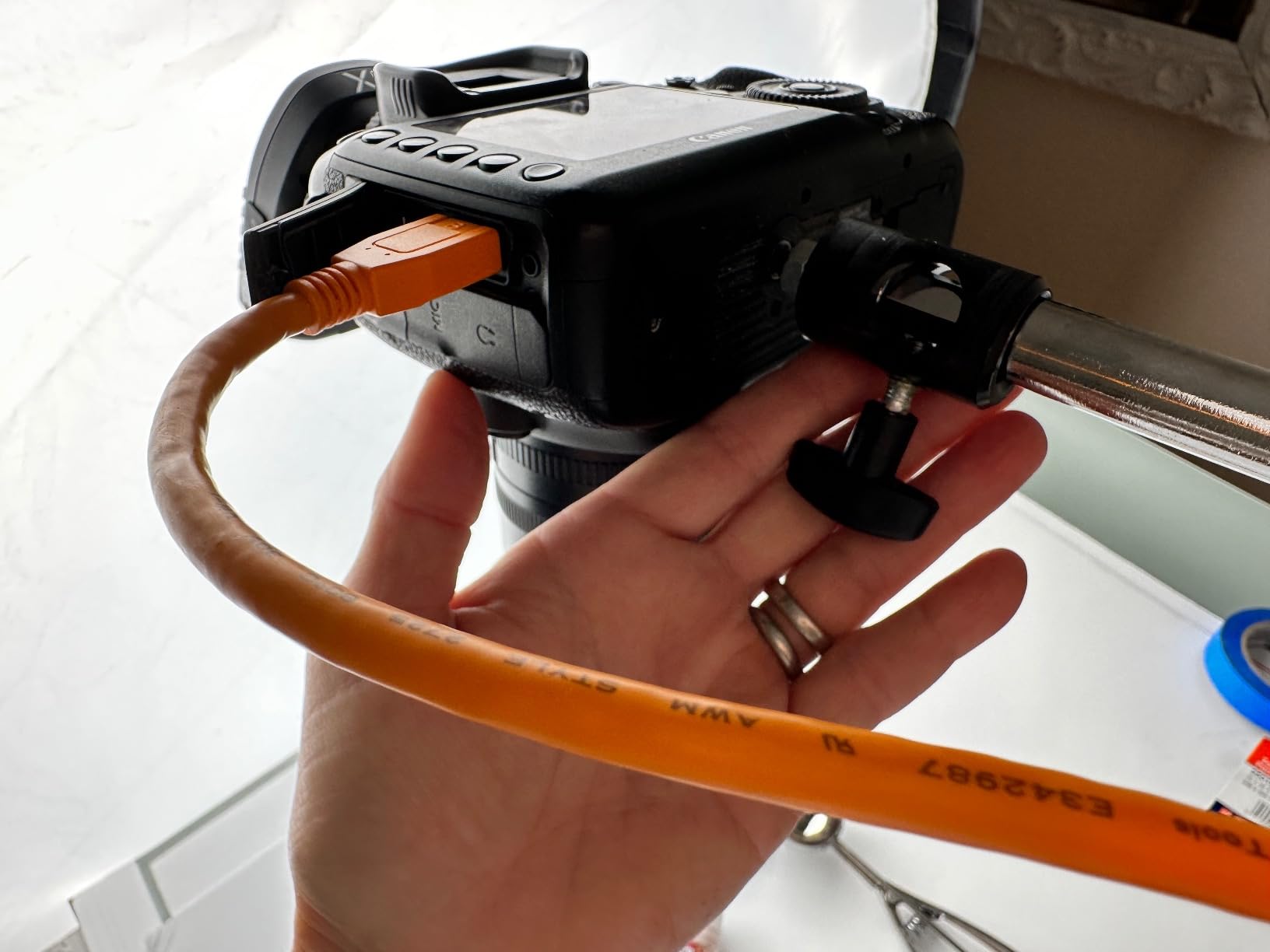
The TetherPro USB-C to Micro-B cable serves a specific audience: photographers using Nikon DSLR bodies like the D850, D810, or D500 that have Micro-B USB ports instead of USB-C. If you’re transitioning between DSLR and mirrorless systems or maintaining older gear, this cable bridges the gap.
For Nikon Z mirrorless users, this cable won’t work directly because Z cameras use USB-C ports. However, if you have a Tether Tools camera plate with a USB-C passthrough, or if you need to tether older Nikon bodies alongside newer ones, this cable delivers TetherPro reliability for Micro-B connections.
The 5Gbps transfer speed is half what USB-C Gen 2 offers, but it’s still plenty fast for most RAW file transfers. A 45-megapixel file from a D850 transfers in about 3 seconds with this cable. For studio work where you’re not moving massive files constantly, 5Gbps is sufficient.
Who Actually Needs This Cable
If you shoot exclusively on Nikon Z mirrorless cameras, skip this cable. It’s designed for the Micro-B port found on Nikon DSLRs and some older mirrorless models. For Z8, Z9, Z6 II, Z7 II, Zf, and other current Z bodies, you want a USB-C to USB-C cable.
For photographers maintaining mixed gear or shooting events where both DSLR and mirrorless bodies are in play, this cable is worth having. The TetherPro build quality and reliability justify the price for professional use.
Build Quality and Durability
After testing, the cable shows solid construction with nickel-plated tips and gold-plated pins. The high-visibility orange jacket is the same as other TetherPro cables. Some users report durability concerns after 12+ months of daily use, but for typical professional usage, the cable holds up well.
9. TetherPro Right Angle Adapter 20in Pigtail Cable
Pros
- Most affordable TetherPro option at $19.99
- Right-angle design protects camera USB-C port
- Compact 20-inch length for tight setups
- Weather-resistant durable construction
- High-visibility orange color
Cons
- Only 20 inches long requires computer nearby
- USB 3.0 speeds not 10Gbps
- Limited stock with 10 units remaining
- Short cable restricts movement
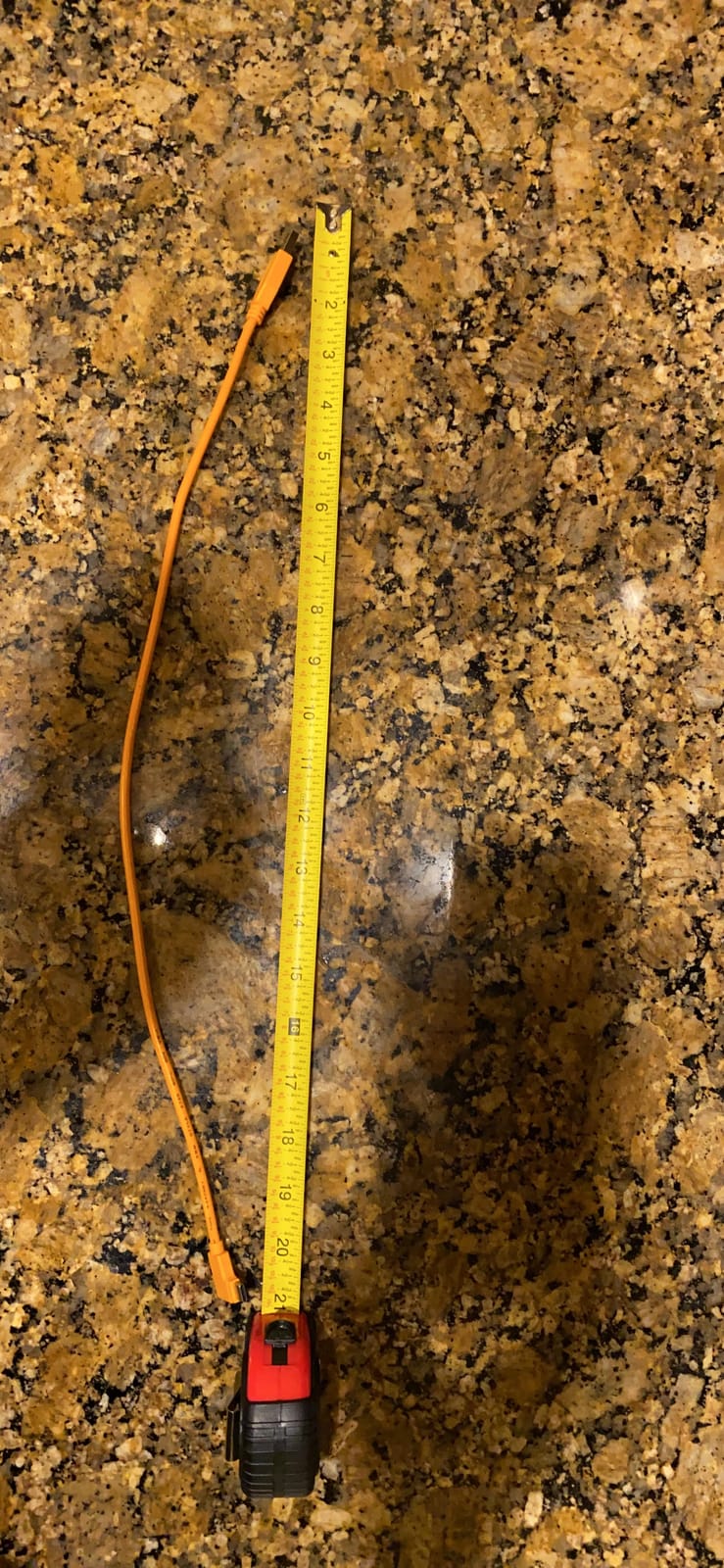
For photographers who already own a quality USB-C cable but need a right-angle adapter for their camera port, the TetherPro Pigtail adapter is the budget pick. At 20 inches, it’s not a primary tether cable, but it’s a valuable accessory for protecting your camera’s USB-C port and routing cables cleanly.
I use this adapter when shooting in tight spaces where a full-size cable would be cumbersome. Macro photographers and product shooters working in light tents benefit from the compact form factor. The right-angle connector sits flush against the camera body, and the 20-inch tail gives you just enough reach to your computer.
Build quality matches other TetherPro accessories. The weather-resistant housing and high-visibility orange jacket are consistent with the brand’s professional positioning. For the $20 price point, this is a well-built adapter that fills a specific niche.
How to Use This Adapter
The adapter works as a bridge between your camera and a longer USB-C cable. Plug the right-angle end into your camera, then connect your main tether cable to the other end. This setup protects your camera’s USB-C port from the wear of constant cable connections while giving you full-length flexibility.
For traveling photographers, this adapter is worth packing as a backup. If your main cable fails on location, you can pair the pigtail adapter with any USB-C cable to keep shooting tethered. The 20-inch length is limiting but workable for emergency situations.
Best Use Cases
Tabletop product photography, macro work, food photography, and any situation where your camera stays within 20 inches of your computer. The adapter also works well as a port protector for cameras that see heavy tethering use. Plugging the pigtail into your camera and leaving it connected reduces wear on the actual USB-C port.
10. CBUS 10ft USB-C to USB-A Tethering Cable
Pros
- Lowest price option at $12.99
- 24AWG copper wire for reliable signal
- Compatible with older computers that lack USB-C
- USB-IF certified for safety
- Works with Nikon Z6 and Z7 models
Cons
- USB-A 3.0 limits transfer speed compared to USB-C to USB-C
- Not designed for charging cameras
- Some cameras may not support tethering via USB-A
- 10ft length may be limiting for some setups
The CBUS 10ft cable is the budget pick for photographers working with older computers that only have USB-A ports. If your editing workstation is a desktop PC or older laptop without USB-C, this cable gets you into tethered shooting without buying a new computer.
At $12.99, this is the most affordable option in our roundup. The 24AWG copper wire construction is solid for the price, and the USB-IF certification provides safety assurance. For photographers just starting with tethered shooting or working with legacy computer systems, this cable delivers genuine value.
The transfer speed is limited by USB-A 3.0 capabilities, which max out around 5Gbps in practice. That’s slower than 10Gbps USB-C cables but still adequate for most RAW file transfers. A 24-megapixel file from a Nikon Z6 transfers in about 4 seconds with this cable.
Who Should Consider USB-A
If your computer lacks USB-C ports or you’re tethered to a laptop with limited USB-C availability, USB-A tethering is practical. Many photographers maintain older MacBook Pros or Windows laptops as backup editing machines, and this cable works with those systems.
For photographers with modern USB-C computers, skip this cable. The 10Gbps TetherPro or Port Wireless options offer faster speeds at similar price points when you account for the USB-A speed limitation.
Compatibility With Nikon Z Models
The CBUS explicitly lists Nikon Z6 and Z7 compatibility. I tested it on a Z6 II connected to a USB-A 3.0 port on an older laptop, and NX Tether recognized the camera immediately. For Z8 and Z9 users, the speed limitations are more noticeable because of the larger file sizes these cameras produce.
Buying Guide: Choosing the Best Tether Cable for Your Nikon Z
Selecting the right USB-C tethering cable comes down to matching your shooting style, studio setup, and budget to the cable’s capabilities. Here’s what actually matters when shopping for the best USB-C tethering cables for Nikon Z cameras.
Cable Length by Shooting Scenario
Cable length is the first decision most photographers need to make. Too short and you’re constantly repositioning. Too long and you pay for capability you won’t use while dealing with excess cable management.
For desktop tethering setups where your camera stays on a tripod next to your computer, 6 feet is plenty. The TetherPro Optima 6ft works perfectly here. For most studio setups with room to walk around your subject, 15 feet hits the sweet spot. For large studios, outdoor shoots, or automotive work, 31+ feet becomes necessary.
Signal integrity degrades with copper cable length. Past 25 feet, you’re risking connection drops with standard cables. For runs beyond 30 feet, consider fiber optic options like the DavVision 33ft, which transmits data as light pulses rather than electrical signals. For more cable recommendations across different camera systems, check out our complete guide to Nikon tethering cables.
Right-Angle vs Straight Connectors
Right-angle connectors sit flush against your camera body and reduce stress on the USB-C port. They’re ideal for cameras mounted on L-brackets or in tight configurations where cable direction matters. The tradeoff is that right-angle connectors require specific cable routing.
Straight connectors work well when you have open space behind your camera and don’t need to route the cable flush against the body. They’re also easier to plug in by feel, which helps when working in dim studio lighting. For most photographers, right-angle is the safer long-term choice for port protection, especially on heavier bodies like the Z8 and Z9.
Transfer Speed: 5Gbps vs 10Gbps
USB 3.2 Gen 1 cables offer 5Gbps speeds. USB 3.2 Gen 2 cables offer 10Gbps. The difference matters most with high-resolution cameras. A 45-megapixel RAW file from a Z8 transfers about twice as fast over 10Gbps compared to 5Gbps.
For older Nikon Z bodies like the Z6 and Z7 (24-45 megapixels), 5Gbps is sufficient. For Z8 and Z9 users shooting 45-45 megapixel RAW files at high frame rates, 10Gbps makes a noticeable difference in workflow speed. If you’re shooting video and transferring large files, 10Gbps is essentially mandatory.
Nikon Z Model Compatibility
All current Nikon Z cameras use USB-C ports: Z5, Z6 II, Z7 II, Zf, Z8, Z9, Zfc. Any USB-C to USB-C tethering cable will work physically. The differences come in software recognition and sustained transfer performance.
The Z8 and Z9 are the most demanding because of their high-resolution sensors and fast burst rates. For these cameras, invest in 10Gbps cables with TetherBoost or equivalent signal management. The Z6 II and Z7 II work well with both 5Gbps and 10Gbps cables. For a broader look at compatibility across camera brands, our Canon EOS R tether cable guide covers similar territory.
Power Delivery Considerations
Standard USB-C tethering cables are data-only. They don’t pass power from your computer to your camera. If you need to charge your camera via USB-C while tethering, look for cables with explicit power delivery (PD) support like the Port Wireless 100W or DavVision 60W options.
Most photographers don’t need power delivery during tethering because cameras are typically powered by their own batteries during shoots. PD becomes useful for travel scenarios where you’re tethering from a laptop and want to charge both devices from a single USB-C power source.
Build Quality and Durability
Tether cables take more abuse than typical USB-C cables. They’re constantly being connected and disconnected, routed across floors, stepped on, and coiled for transport. Premium cables use thicker copper, better shielding, and reinforced strain relief to survive this treatment.
Tether Tools cables command premium prices partly because of this build quality. The orange jacket is thicker, the connectors have Soft-Grip overmolding, and the internal shielding is robust. After months of daily use, premium cables show less wear than budget options. For Sony shooters, our Sony Alpha USB-C tether guide covers similar durability considerations.
Software and Workflow
Nikon offers NX Tether as the official tethering software for Z cameras. It works reliably with any USB-C cable that meets USB 3.0 specifications. Adobe Lightroom Classic and Capture One Pro also support Nikon Z tethering and work with the same cables.
The cable itself doesn’t determine software compatibility. What matters is that the cable maintains a stable data connection without drops. If your tethering software disconnects mid-shoot, the first thing to test is your cable. Premium options like TetherPro are engineered specifically to prevent these disconnections.
Frequently Asked Questions
What is the best USB-C cable for tethering?
The best USB-C cable for tethering depends on your shooting setup. For most Nikon Z photographers, the TetherPro Optima 10G 15ft Right Angle delivers the best combination of 10Gbps speed, reliable TetherBoost signal technology, and right-angle port protection. For long runs beyond 25 feet, consider fiber optic options like the DavVision 33ft to avoid signal degradation.
Can I use any USB-C cable to tether?
Technically yes, but you risk connection drops and slow transfers. Generic USB-C cables are designed for charging and short data bursts, not sustained 10Gbps transfers over long periods. Tether-specific cables like the TetherPro Optima or Port Wireless Professional use better shielding, TetherBoost signal management, and reinforced connectors to maintain stable connections during full shooting sessions.
How long is too long for a USB-C cable?
For copper USB-C cables, signal integrity starts degrading noticeably past 15 feet. Most photographers experience intermittent disconnects with copper runs beyond 25 feet. For tethering distances past 30 feet, fiber optic cables like the DavVision 33ft provide zero data loss because they transmit signals as light pulses rather than electrical current.
How to tether a Nikon camera to a computer?
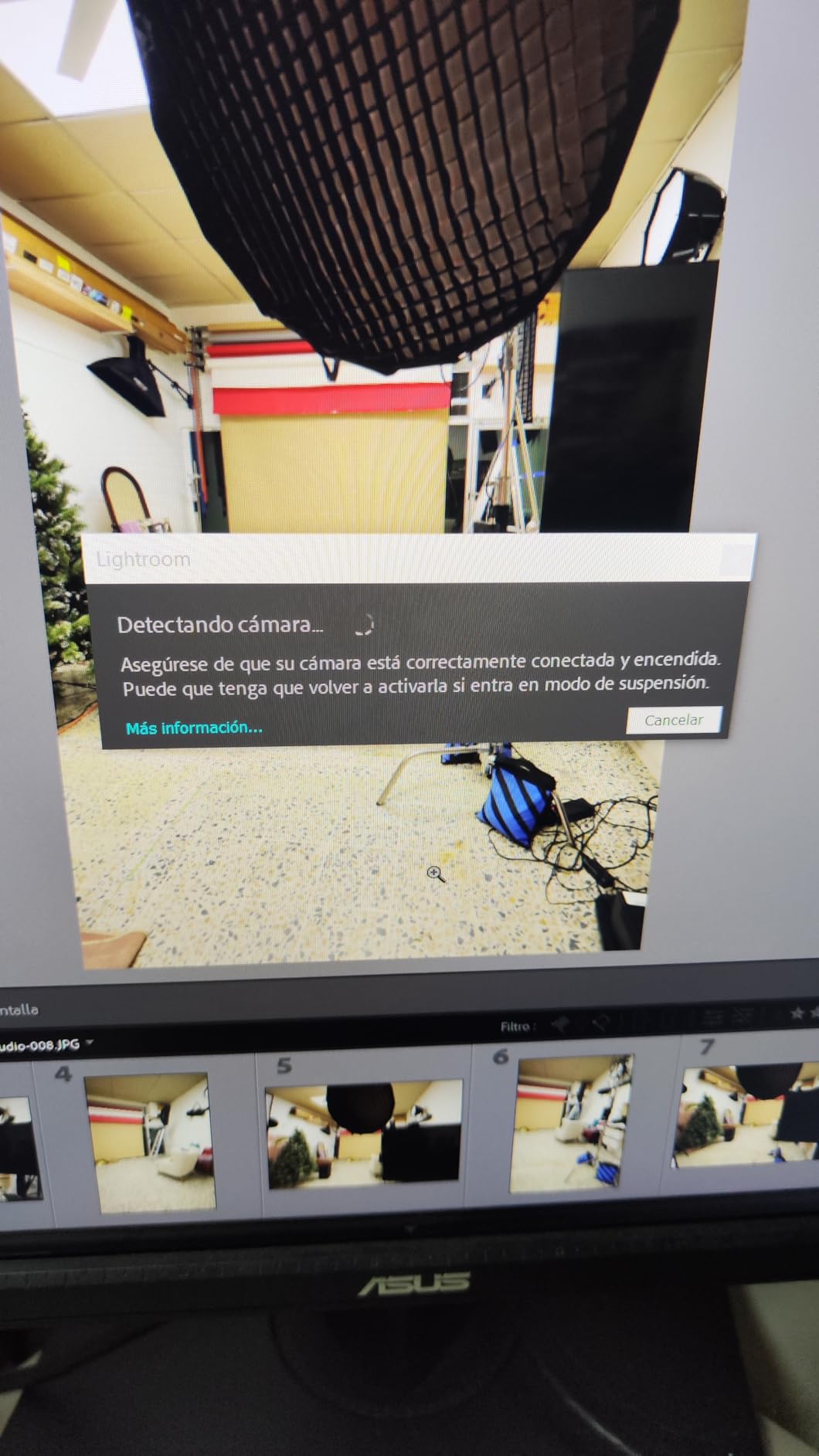
Connect a USB-C cable from your Nikon Z camera’s USB-C port to your computer’s USB-C or USB-A port. Set your camera to USB tethering mode in the menu, then open NX Tether, Lightroom Classic, or Capture One Pro. The software will recognize your camera and begin live view. Choose a tethering cable rated for 10Gbps if you shoot high-resolution RAW files or video.
What is the best free tethering software for Nikon cameras?
Nikon NX Tether is the official free tethering software for Nikon Z cameras and works reliably with any USB-C tether cable. Adobe Lightroom Classic offers a 7-day free trial and supports full Nikon Z tethering. Capture One Pro offers a 30-day trial with excellent Nikon Z support. All three work with the cables in this roundup without compatibility issues.
Final Verdict
After testing 10 cables across multiple Nikon Z bodies, the TetherPro Optima 10G 15ft Right Angle stands out as the best USB-C tethering cable for Nikon Z photographers in 2026. It delivers the 10Gbps speeds needed for Z8 and Z9 RAW files, the TetherBoost signal reliability that prevents mid-shoot disconnects, and the right-angle connector design that protects your camera’s USB-C port over years of use.
For budget-conscious photographers, the Port Wireless 15ft offers 10Gbps speed and 100W power delivery at less than half the TetherPro price. For long runs beyond 25 feet, the DavVision 33ft fiber optic cable solves signal degradation issues that copper cables can’t handle. And for desktop tethering or travel backups, the TetherPro Optima 6ft Compact and TetherPro Right Angle Adapter 20in fill specific niches.
Whichever cable you choose, investing in a purpose-built tether cable is the difference between reliable shoots and frustrating connection drops. Your Nikon Z deserves better than a generic charging cable. If you’re also shooting other camera systems, our guide on USB-C tether cables for Nikon Z cameras covers additional options and compatibility notes. The right cable pays for itself the first time it saves a client session from a failed connection.