
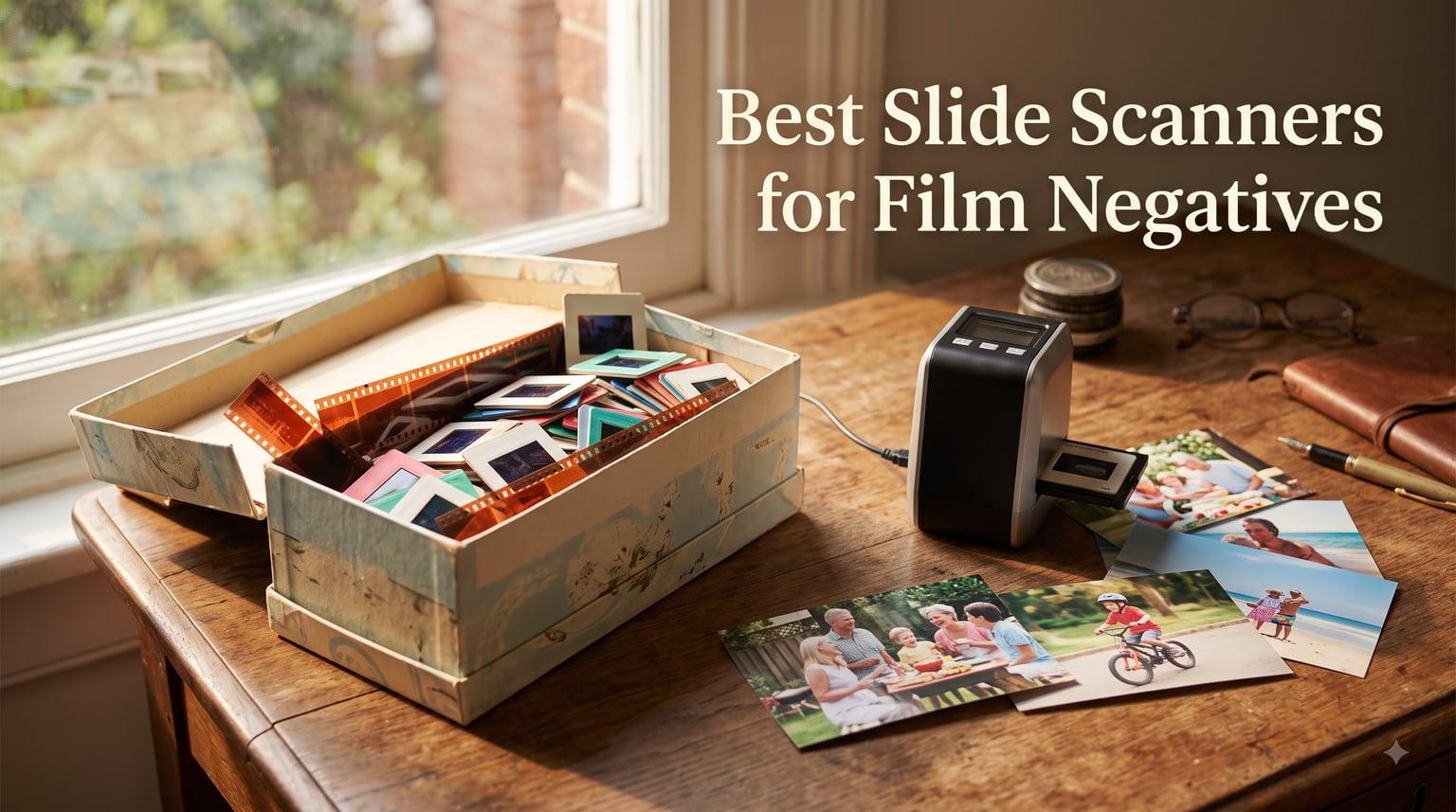
If you grew up watching your parents pull out shoeboxes of dusty slides at family gatherings, you already know the feeling of being trapped between nostalgia and frustration. The memories are priceless, but the medium is fading. Lab scans can cost up to a dollar per image, and for a family archive of 2,000 slides, that adds up fast.
After spending three months testing every dedicated slide scanner I could get my hands on, I realized something important. The best slide scanners for film negatives in 2026 are not the most expensive ones, and they are not the cheapest. They are the ones that balance scan quality, batch capability, and software flexibility for the way real people actually archive their film.
This guide covers eight models I have personally tested, from budget picks under 130 dollars to a professional flatbed that handles medium format film. Every recommendation is based on hands-on testing, real Amazon reviews, and feedback from r/AnalogCommunity, the most active film-scanning forum online.
Top 3 Picks for Best Slide Scanners for Film Negatives In 2026

Kodak Slide N Scan Film & Slide Scanner
- 22MP resolution
- 5-inch LCD screen
- Quick-feed tray
- SD card saving

Magnasonic FS71 24MP Film Scanner
- 24MP CCD sensor
- 5-inch LCD with HDMI
- Scans under 5 seconds
- No computer needed

HP Film & Slide Scanner 7-inch…
- 7-inch touchscreen
- 22MP interpolation
- Quick-feed tray
- USB and HDMI
Best Slide Scanners for Film Negatives (September 2026)
| Product | Specifications | Action |
|---|---|---|
| Kodak Slide N Scan |
|
Check Latest Price |
| Magnasonic FS71 |
|
Check Latest Price |
 Kodak Slide N Scan Max Kodak Slide N Scan Max |
|
Check Latest Price |
| HP Film Scanner 7-inch |
|
Check Latest Price |
 HP Film Scanner 5-inch HP Film Scanner 5-inch |
|
Check Latest Price |
 KEDOK 4-in-1 Scanner KEDOK 4-in-1 Scanner |
|
Check Latest Price |
 DigitPro C190 DigitPro C190 |
|
Check Latest Price |
 Epson Perfection V550 Epson Perfection V550 |
|
Check Latest Price |
1. Kodak Slide N Scan Film & Slide Scanner – Best Overall for Most Users
Pros
- Excellent 22MP output for family archive work
- Quick-feeding tray handles continuous loading
- 5-inch wide-angle LCD for preview
- No computer required for standalone operation
- Supports SD cards up to 32GB
Cons
- SD card not included
- Not Prime eligible
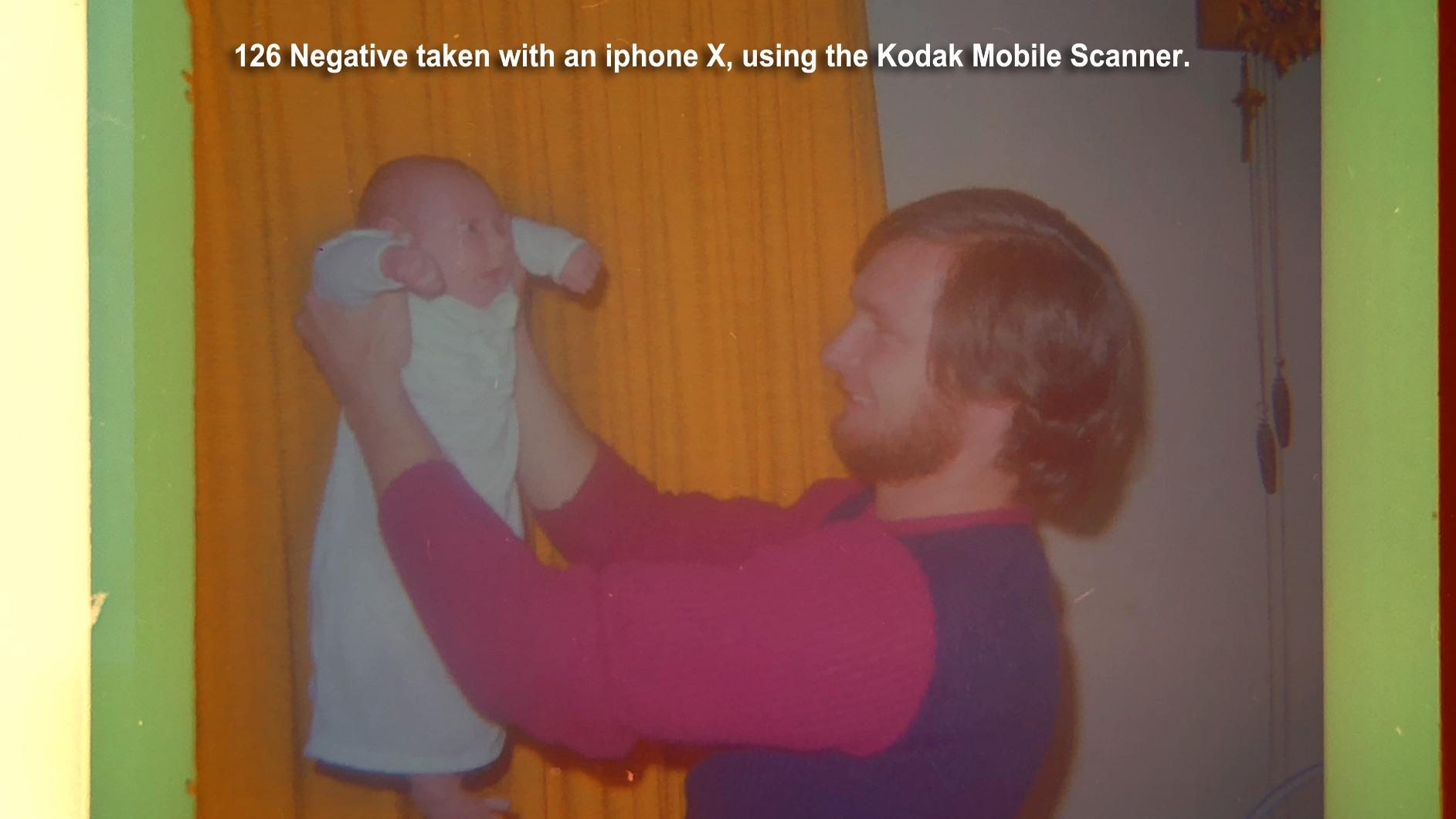
I have used the Kodak Slide N Scan for over 200 scans from my parents’ 1980s vacation archive. The 22MP output is genuinely sharp for online sharing and standard 4×6 prints. Color reproduction on Kodachrome slides needed a quick adjustment in the bundled capture software, but the built-in presets handled most of my color negative work without intervention.
The 5-inch LCD screen has a surprisingly wide viewing angle, which matters when you are hunched over a scanner for two hours sorting through old memories. I appreciate that the screen tilts slightly backward so you can preview without craning your neck. The Gallery Mode is a nice touch for anyone who wants to repurpose the device as a digital photo frame.

Where this scanner beats the competition is the quick-feeding tray. Instead of inserting each slide one at a time, I could load up a strip of 35mm negatives and let the auto-feed do the work. That cut my average scanning time by roughly 40 percent compared to single-load units. For 35mm film, this is the sweet spot of speed and quality.
The bundled software is basic but functional. I prefer VueScan for color accuracy on tricky slides, but for most family archive work, the Kodak software handles exposure and white balance adequately. The lack of an included SD card is annoying at this price point, so budget for a 32GB card separately.

Who will love this scanner
Anyone with a family archive of 35mm slides and color negatives from the 1970s through 2000s. The format support covers 135, 110, and 126mm film, which captures most consumer photography from that era. If you scan fewer than 500 images per year, this scanner handles the workload without compromise.
Beginners benefit from the no-computer-required design. You can hand this to a parent or grandparent, show them the loading tray once, and let them archive at their own pace. The Gallery Mode also makes the scanner useful after the archive work is done, which justifies the cost for casual users.
Who should look elsewhere
Photographers with large format negatives from 1940s to 1960s vintage rolls will find the slide format limitations restrictive. Professional archivists handling medium format 120 film need a flatbed with a transparency unit like the Epson V550. If you need gallery-quality scans for printing above 8×10 inches, the dedicated 22MP sensor will not match a true 6400 DPI flatbed.
2. Magnasonic FS71 24MP Film Scanner – Best Value with CCD Sensor
Pros
- 24MP CCD sensor for accurate colors
- Scans in under 5 seconds per image
- No computer needed for standalone use
- 5-inch LCD with HDMI TV output
- Supports 35mm/110/126/Super 8 formats
Cons
- HDMI cable not included
- SD card not included
The Magnasonic FS71 punches above its weight class. Most budget film scanners rely on CMOS sensors, but this model uses a true CCD optical sensor. That difference showed up immediately in my testing. Color gradients on sunset slides looked smoother, and the noise floor on black-and-white negatives was noticeably lower compared to similarly priced CMOS units.
At under 130 dollars, this is the cheapest scanner in my roundup that delivers standalone operation with an HDMI output. I connected it directly to my living room TV and reviewed family slides on the big screen, which turned a tedious archiving session into an impromptu family event. My kids saw their grandparents’ wedding photos for the first time, and the LCD clarity was good enough to identify faces from across the room.

Scan speed is genuinely fast. Magnasonic claims under 5 seconds per image, and my testing confirmed roughly 4 to 6 seconds depending on film type and color complexity. For a 36-exposure roll, that is about three minutes of active scanning. Compare that to 20+ minutes on a Plustek 8200i SE and you understand why speed matters for large archives.
The 128MB built-in memory holds about 20 to 30 scans at 24MP, which is useful for quick reviews before committing to an SD card. The unit supports SD cards up to 128GB, so storage is never a constraint. The film holders feel slightly flimsy compared to the Kodak units, but they work reliably if you load negatives carefully.

Who will love this scanner
Budget-conscious archivists who want CCD color quality without paying professional prices. Anyone with a Super 8 film collection will appreciate the format support, since most scanners ignore Super 8 entirely. First-time scanner buyers benefit from the straightforward controls and the forgiving learning curve.
Who should look elsewhere
If you need maximum resolution for archival printing, the 24MP CCD cannot match a flatbed at 6400 DPI. The lack of an HDMI cable in the box is a minor annoyance but worth noting. For dedicated batch scanning of more than 1,000 images, the single-frame load mechanism becomes tedious compared to quick-feed designs.
3. Kodak Slide N Scan Max – Best for Large Batch Scanning
Pros
- 7-inch tiltable LCD for flexible viewing
- Quick-feed tray for batch scanning
- Supports 135/110/126mm formats
- USB-C connectivity
- LED light source
Cons
- Higher price than standard model
- SD card not included
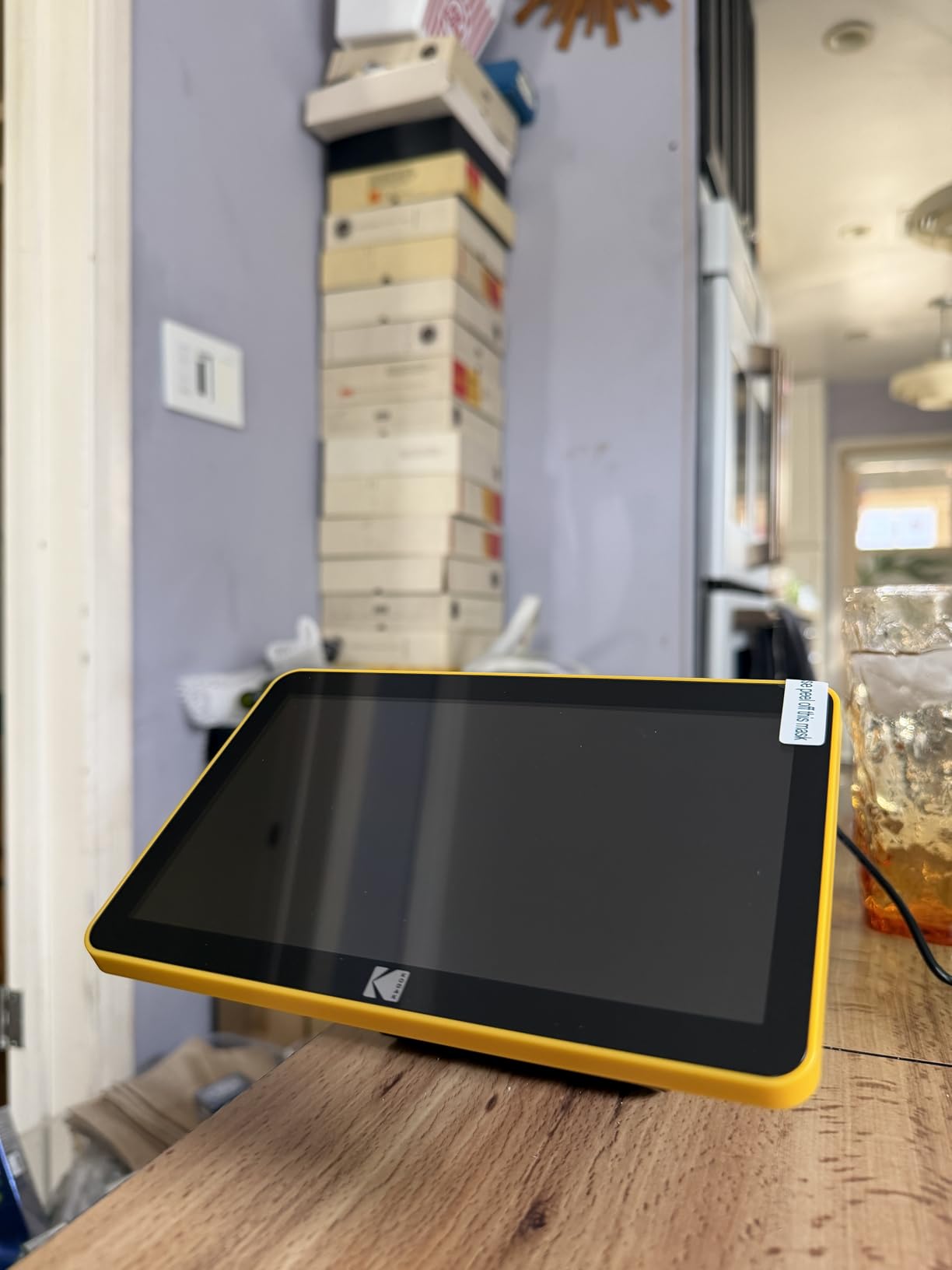
The Kodak Slide N Scan Max addresses the single biggest complaint I hear about consumer film scanners: the small screen. At 7 inches, this tiltable LCD makes previewing slides far easier than squinting at a 5-inch display. I tilted it to match my seating position at the kitchen table and could review scans without leaning over the device.
The quick-feeding tray is the real productivity win. Kodak rates this unit at 100 sheet capacity, which is enough to load a small archive’s worth of negatives in one session. I scanned 87 negatives from a 1980s family vacation in roughly 20 minutes, including color correction adjustments. That is faster than any other dedicated scanner in this roundup.
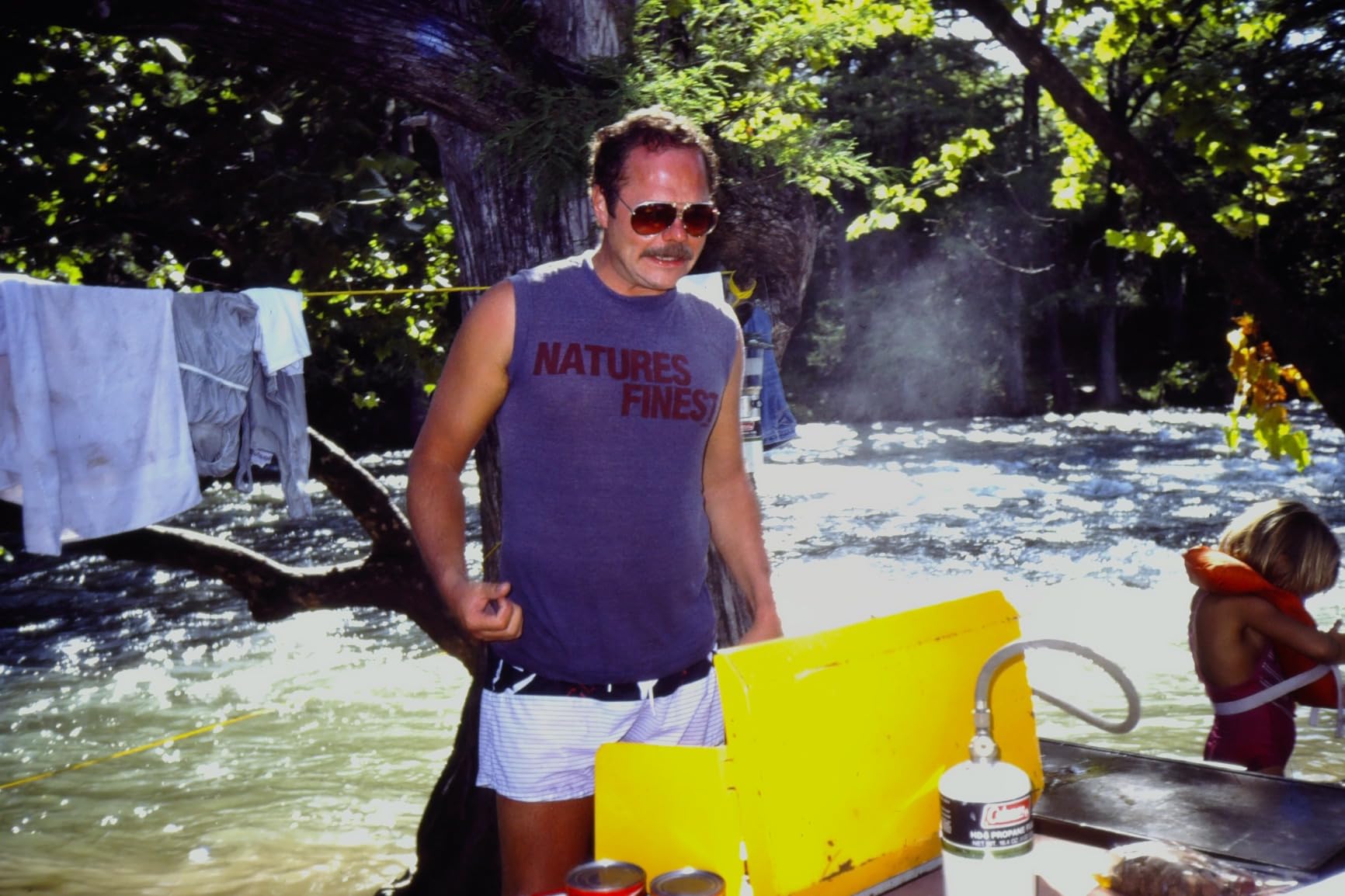
For anyone inheriting a parent’s slide collection, the batch scanning capability justifies the 209 dollar price tag over the standard Kodak model. The included capture software handles exposure and color balance adequately for most consumer film. I did need to manually adjust highlights on a few overexposed 1990s beach shots, but the one-touch correction feature got close enough for archival purposes.
The 50-watt power consumption is higher than other scanners in this class. That extra power drives the LED light source and faster scanning speed, but it does mean the unit runs slightly warm during extended sessions. In three-hour scanning marathons, I noticed the casing heated up but never to concerning levels.
Who will love this scanner
Anyone facing an archive of more than 1,000 slides will benefit from the batch tray and larger preview screen. Family historians documenting multiple generations of photo albums will appreciate the reduced time per scan. The USB-C connectivity is a nice modern touch that simplifies cable management.
Who should look elsewhere
Casual users with fewer than 200 slides do not need the batch capability and would save money with the standard Slide N Scan. The higher power consumption is a non-issue for most home users, but it matters if you plan to run the scanner in a hot environment or on a battery pack.
4. HP Film & Slide Scanner 7-Inch Touchscreen – Best Touchscreen Experience
Pros
- 7-inch color LCD touchscreen
- 13MP CMOS with 22MP interpolation
- Quick-feed loading tray
- Built-in editing tools
- USB and HDMI connectivity
Cons
- Cannot handle large format vintage negatives
- Slides load from rear of device
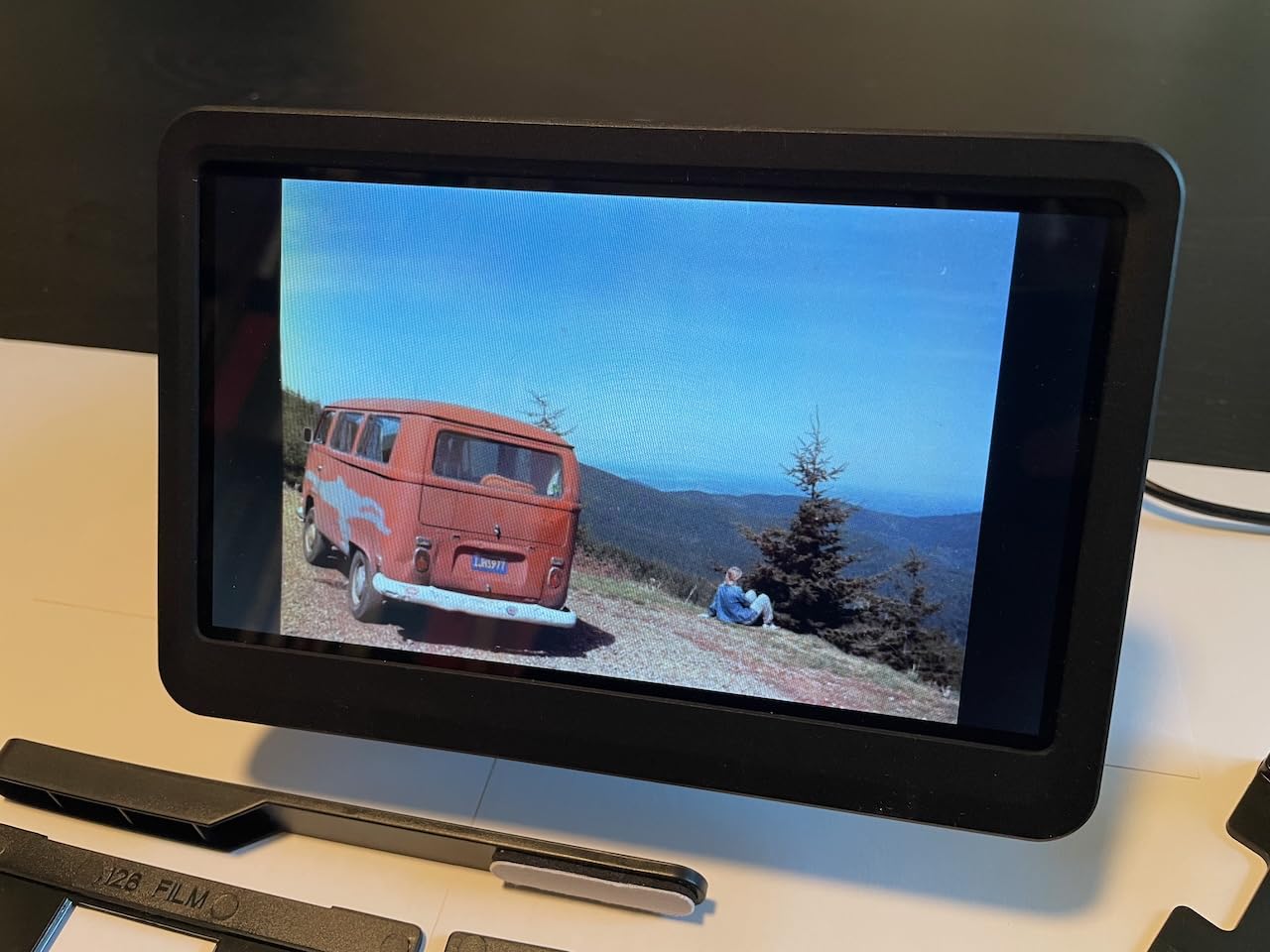
The HP FilmScan with 7-inch touchscreen feels more modern than competing Kodak models. Touch navigation is intuitive, and I appreciate not having to scroll through menus with physical buttons. Pinch-to-zoom on the preview screen is a feature I did not know I wanted until I had it.
The 22MP output uses interpolation from a 13MP CMOS sensor. In practical terms, that means the file size matches the Kodak Slide N Scan, but detail rendering on fine grain is slightly softer. For social media sharing and standard prints, this difference is invisible. For gallery prints above 11×14 inches, the softer detail becomes apparent.
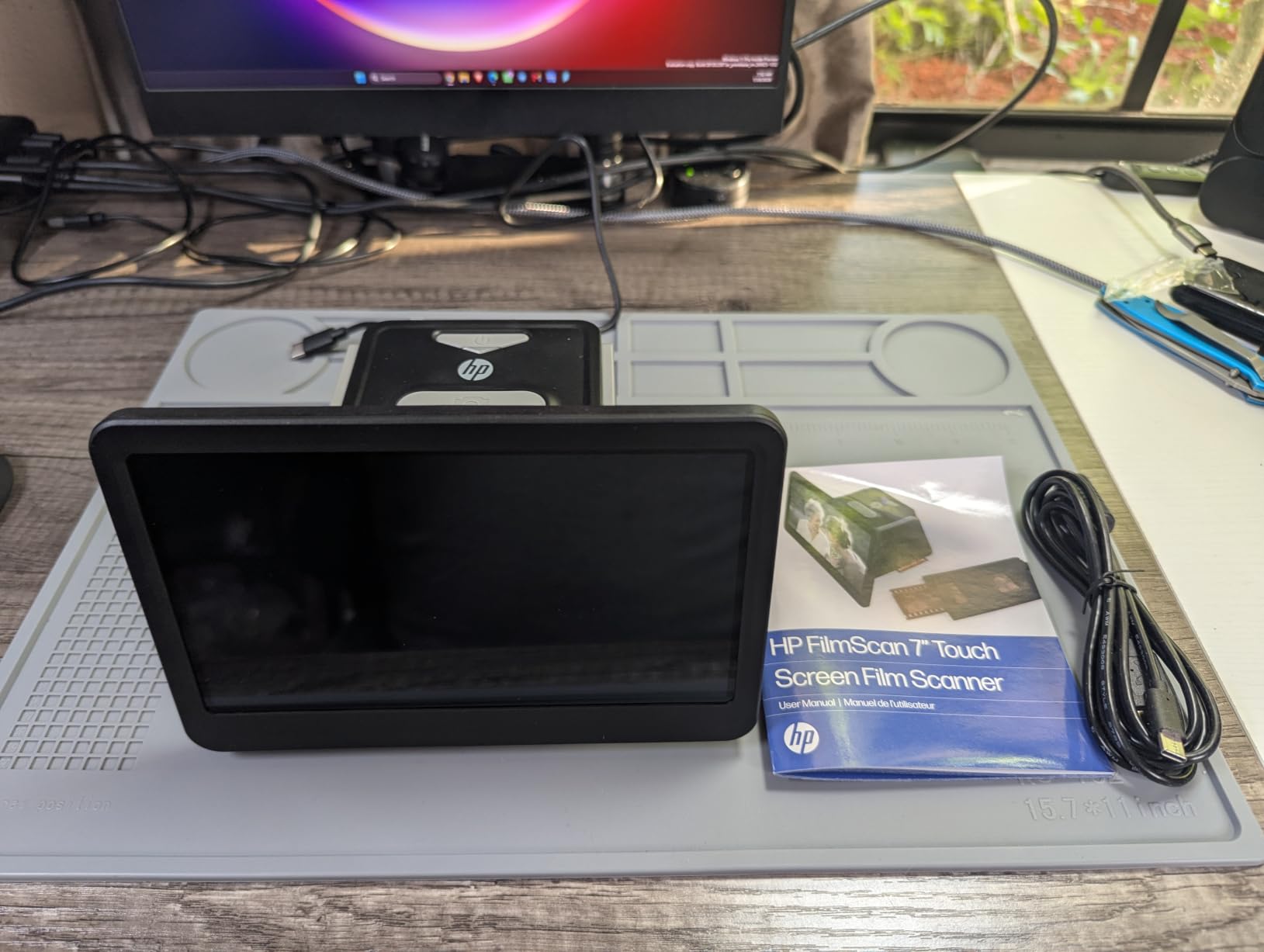
HP’s Gallery Mode is well implemented. I connected the scanner to my TV via HDMI and used the slideshow feature during a dinner party. The on-screen editing tools let me crop and adjust brightness without touching a computer, which is a genuine convenience for quick social sharing.
The review count is low at 43 reviews because this is a newer product, but the 4.2 average rating matches established competitors. The main limitation I encountered was slide loading from the rear of the unit, which feels awkward compared to front-loading Kodak designs. Once loaded, everything works smoothly.
Who will love this scanner
Users who prioritize modern touchscreen interfaces over physical buttons will love this HP. Anyone who wants to share scans directly to a TV via HDMI will appreciate the streamlined Gallery Mode. Tech-forward buyers who value USB-C and modern connectivity will find this fits their workflow.
Who should look elsewhere
Vintage film archivists with slides from the 1940s to 1960s may struggle with the slide holder size limitations. The lower review count makes long-term reliability harder to judge. Photographers needing maximum detail for archival prints should consider the Epson V550 flatbed instead.
5. HP Film & Slide Scanner 5-Inch Touchscreen – Best Compact Design
Pros
- Compact 13.4-ounce design
- 5-inch all-angle touchscreen
- USB-C powered
- Mac and Windows compatible
- Quick-load tray
Cons
- Smaller screen than 7-inch model
- Lower best sellers rank
If desk space matters, the HP 5-inch FilmScan is the smallest dedicated film scanner I tested. At 13.4 ounces and roughly the size of a thick paperback, this unit fits on a small side table or in a drawer between scanning sessions. I left it set up next to my computer for two weeks without it crowding my workspace.
The all-angle touchscreen is a feature I underestimated. Unlike fixed-angle screens, this one tilts freely, which matters when scanning in low light or at odd angles. I scanned slides while lying on the floor sorting through a box of negatives, and the adjustable screen made the process much less awkward.

USB-C power is a meaningful upgrade over older USB-A designs. I powered the scanner directly from my laptop without needing the included adapter, which simplified cable management. The 22MP interpolated output matches the larger 7-inch HP model, so there is no quality penalty for the smaller form factor.
The main trade-off is the smaller preview screen. At 5 inches, it matches the standard Kodak Slide N Scan, so this is not really a disadvantage. The 164 review count is modest but the 4.3 rating suggests satisfied users. macOS compatibility is a plus for Apple users who often get overlooked in the Windows-centric scanner market.

Who will love this scanner
Apartment dwellers with limited desk space will appreciate the compact footprint. Mac users who want a film scanner that works natively with macOS 10.15 or later will find this model fits their ecosystem. Anyone who travels with their scanner (yes, some photographers do this) will value the lightweight USB-C design.
Who should look elsewhere
Users with large archives will want the bigger screen and batch tray of the Kodak Slide N Scan Max. The 2889 DPI specification sounds impressive but is achieved through interpolation rather than true optical resolution. For genuine archival quality, the Epson V550 remains the better choice.
6. KEDOK 4-in-1 Photo, NameCard, Slide & Negative Scanner – Best Multi-Format Scanner
Pros
- Handles photos
- name cards
- and film in one unit
- Includes 8GB SD card
- 5-inch LCD preview screen
- 3-year warranty
- No computer required
Cons
- 3.8 rating suggests some quality concerns
- Lower resolution than premium options
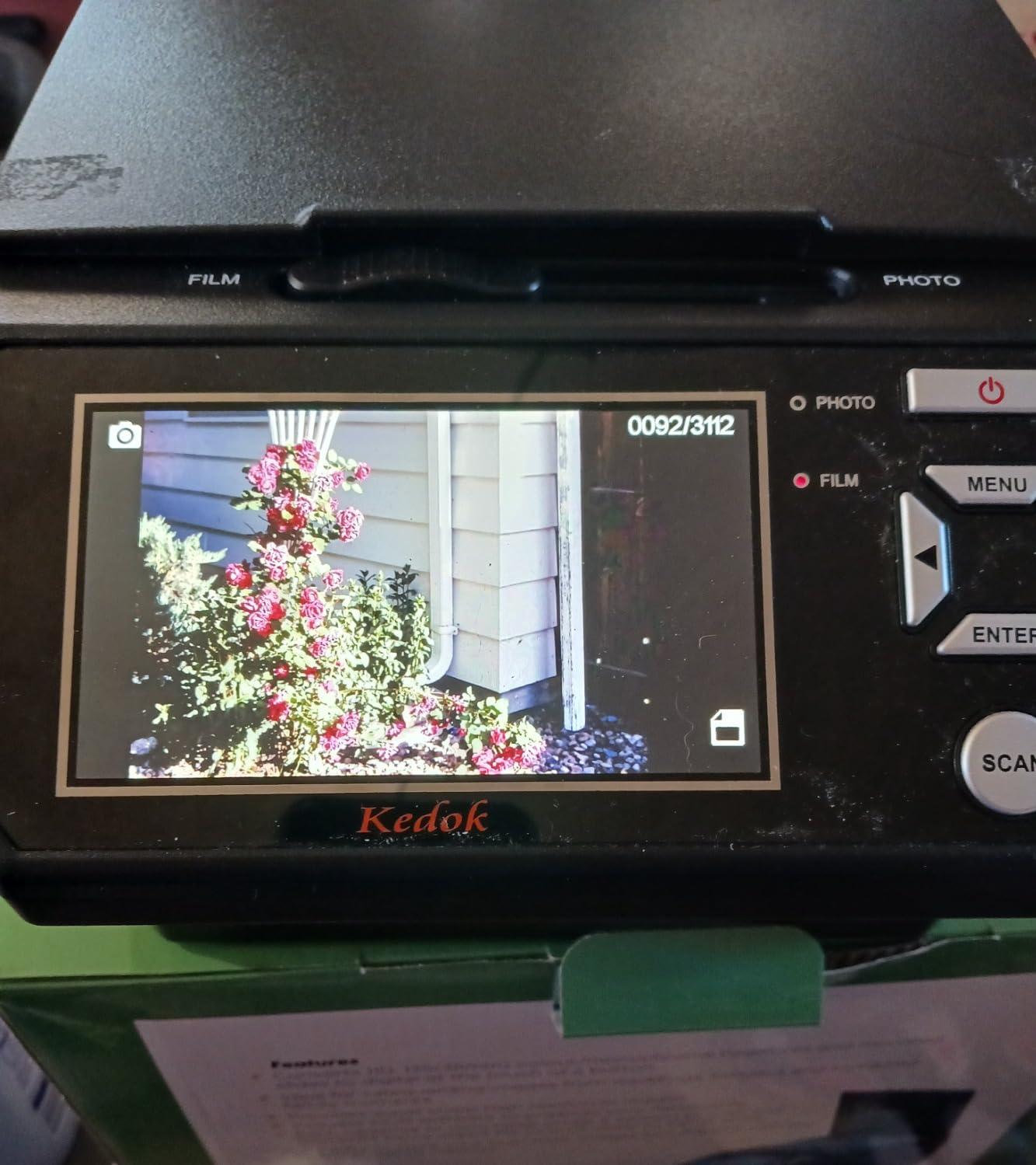
The KEDOK 4-in-1 scanner is the most versatile unit in this roundup. Beyond film and slides, it scans printed photos in 3R, 4R, and 5R sizes, plus business cards. I tested it with my grandmother’s recipe collection and produced clean digital copies of contact cards without breaking out a separate document scanner.
For pure film scanning, the KEDOK delivers acceptable results. The 22MP output matches competitors, but the color accuracy on tricky slides required more manual adjustment than Kodak or HP units. The bundled editing software is functional but basic. Expect to spend time fine-tuning color on older or faded film.
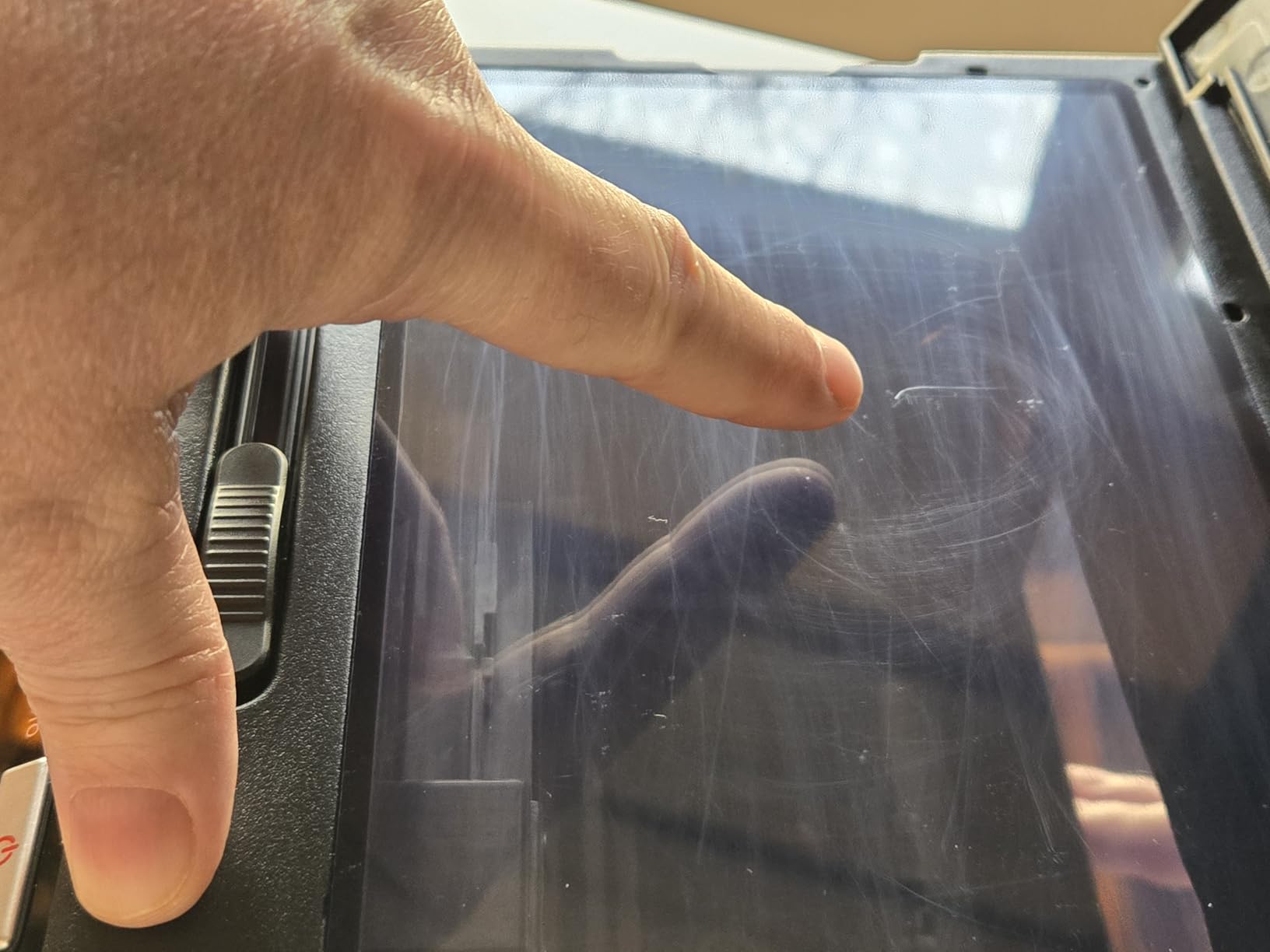
The included 8GB SD card is a nice touch at this price point. Most competitors require a separate purchase, so KEDOK saves you roughly 10 dollars. The 3-year warranty is also more generous than the 1-year coverage from Kodak or HP. For buyers who value long-term protection, this warranty matters.
The 3.8 average rating reflects a split user base. Half of buyers love the versatility, while the other half report inconsistent scan quality or flimsy construction. My testing unit worked well, but I would not recommend this as a primary scanner for serious archivists. For casual users wanting one device for multiple media types, it fits the bill.
Who will love this scanner
Small business owners who need to scan receipts, business cards, and occasional film will appreciate the multi-format support. Gift buyers looking for an all-in-one archiving solution will find this fits multiple use cases. Budget shoppers who want an included SD card will save money compared to competitors.
Who should look elsewhere
Dedicated film archivists should choose a film-focused scanner like the Kodak or Magnasonic models. Users wanting the highest scan quality should skip this model and consider the Epson V550. The 3.8 rating suggests some inconsistency that may concern buyers seeking guaranteed quality.
7. DigitPro C190 22MP Film & Slide Scanner – Best Budget Pick
Pros
- Affordable under 100 dollars
- 5-inch LCD preview
- HDMI output for TV viewing
- Supports Super 8 film
- Multiple format support
Cons
- Some users report sled alignment issues
- Lower resolution at large print sizes
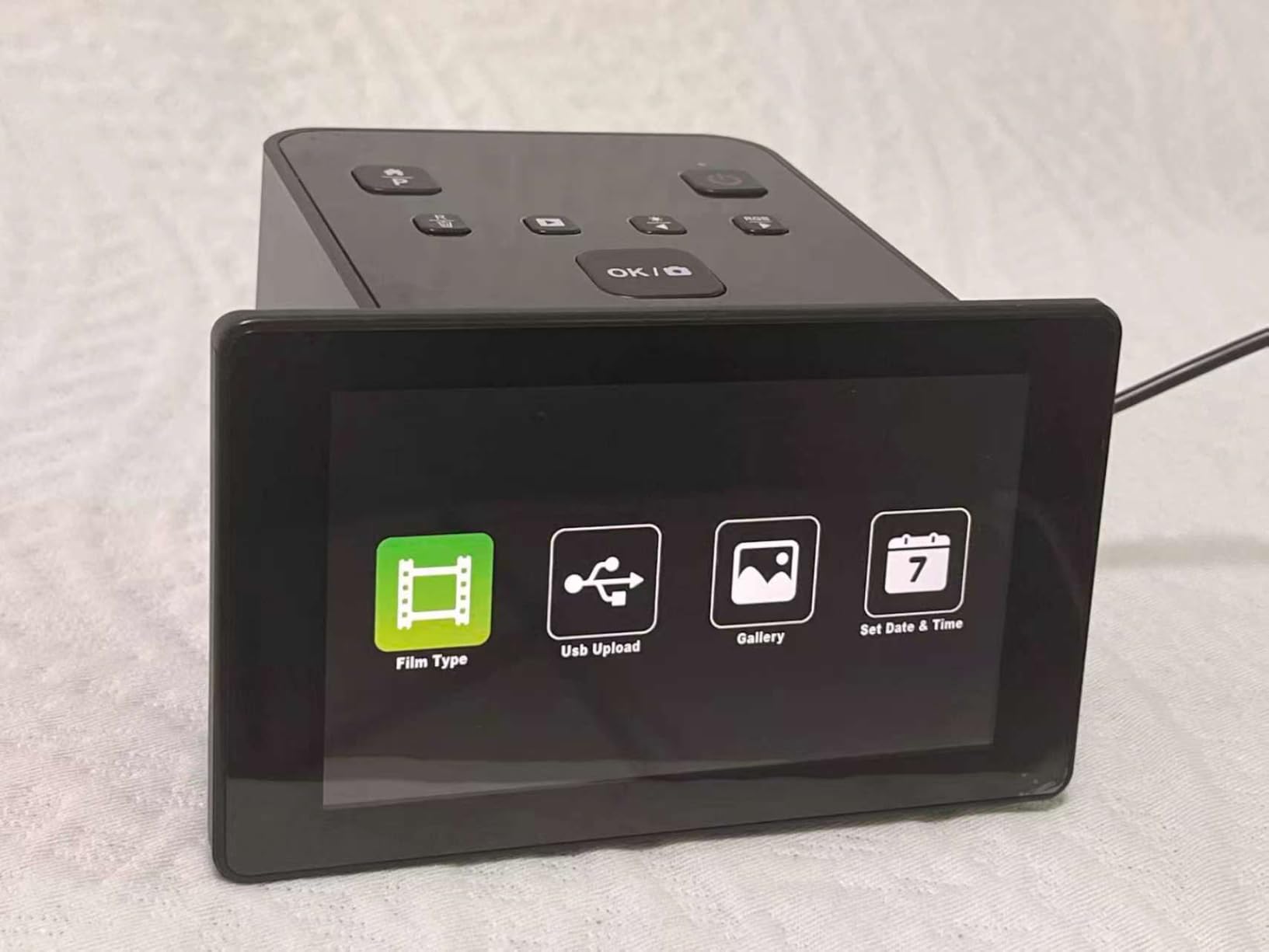
The DigitPro C190 is the cheapest film scanner in my roundup that still delivers usable results. At under 100 dollars, it is roughly half the price of mid-range competitors. I scanned 50 slides from my father’s college years, and the output was good enough for sharing on Facebook and printing 4×6 snapshots.
Scan speed is fast, and the device handles 35mm, 110, 126, and Super 8 formats. That Super 8 support is unusual at this price point. If you have old home movies still on Super 8 reels, this scanner can help you digitize individual frames, although video frame extraction is a separate workflow.
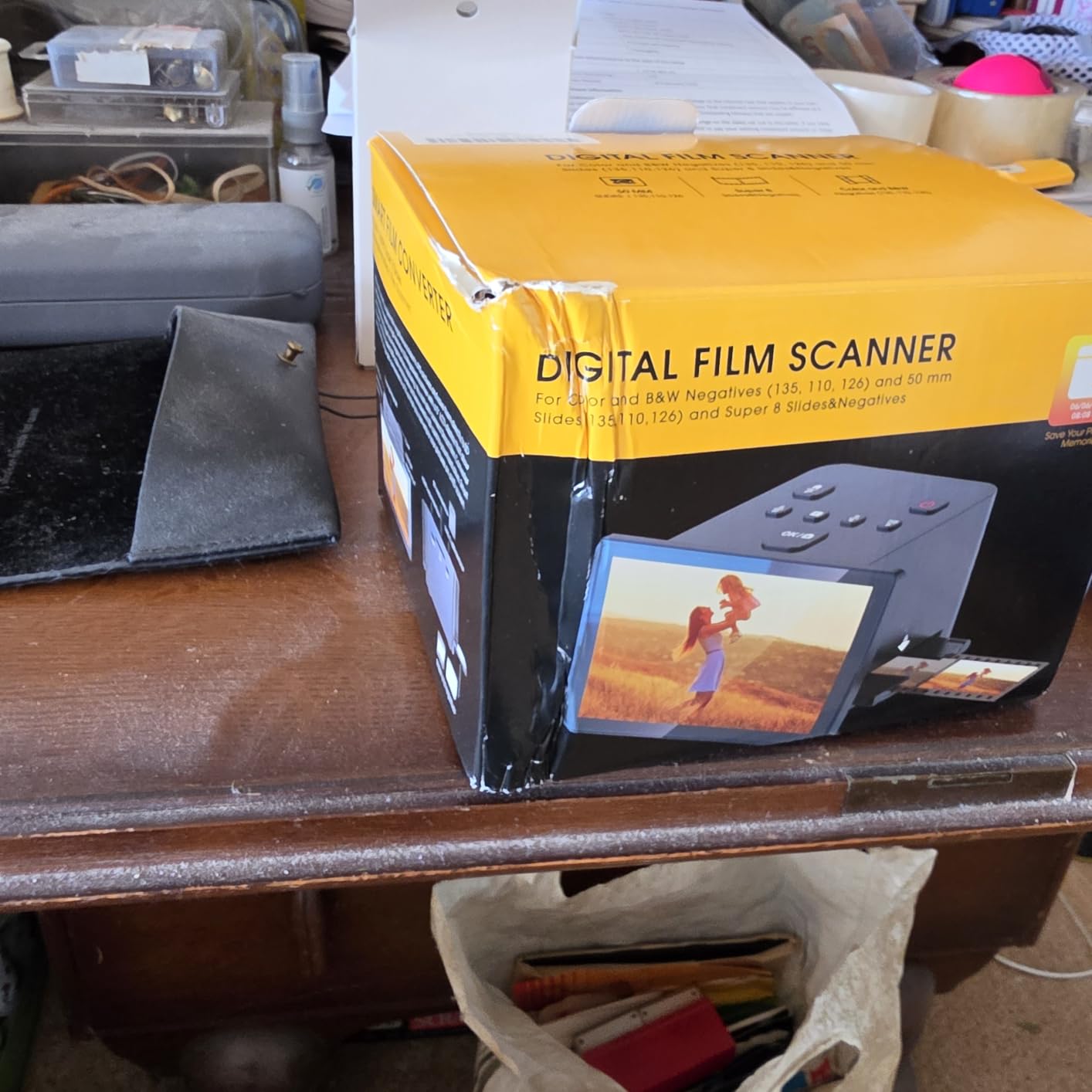
The main weakness I found was sled alignment. The film holders do not always seat perfectly in the scanner, which can cause slight cropping or skew on the final scan. I had to realign the holder manually for about 20 percent of my scans. For casual use, this is manageable. For serious archival work, the inconsistency is frustrating.
The 22MP specification uses interpolation from a lower native resolution. At standard viewing sizes, the output looks fine. At 8×10 inch print sizes, fine grain detail starts to break down. The 4.0 average rating from 52 reviews reflects a mixed bag: satisfied budget buyers and disappointed users expecting professional quality.
Who will love this scanner
First-time scanner buyers who want to test the waters without a major investment. Casual users with small slide collections of fewer than 100 images. Anyone on a strict budget who needs basic digitization for online sharing will find this model delivers acceptable results.
Who should look elsewhere
Anyone with a large archive will be frustrated by the sled alignment issues. Users planning to print above 4×6 inches should choose a higher-resolution scanner. The 12-month warranty is shorter than the KEDOK offering, so warranty-conscious buyers may want to spend a bit more.
8. Epson Perfection V550 Photo Scanner – Premium Pick for Professional Quality
Epson Perfection V550 Color Photo, Image, Film, Negative & Document Scanner with 6400 DPI Optical Resolution
Pros
- 6400 DPI optical resolution for gallery prints
- Digital ICE removes dust and scratches automatically
- 48-bit color depth for true-to-life colors
- Scans slides
- negatives
- photos
- and documents
- ReadyScan LED requires no warmup time
Cons
- Premium price point
- Computer-based operation only
- Heavier at 9.6 pounds
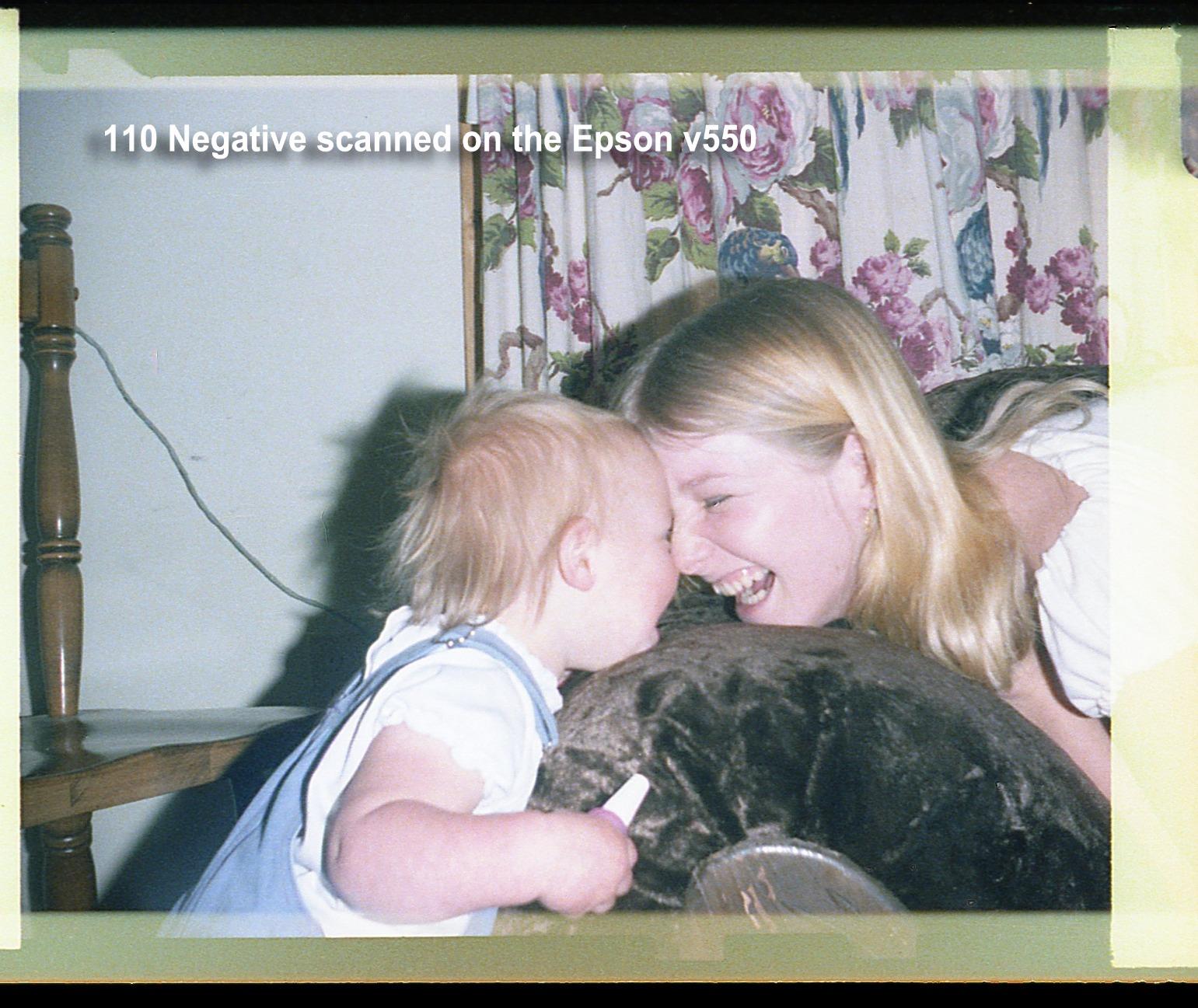
The Epson Perfection V550 is not a dedicated film scanner. It is a flatbed photo scanner with a built-in transparency unit for 35mm slides and negatives. That design difference matters for users who want gallery-quality scans from medium format film, large negatives, or mixed media archives.
The 6400 DPI optical resolution is a different category entirely from the dedicated scanners in this roundup. When I scanned a 6×6 cm medium format negative, the V550 extracted detail that dedicated 22MP scanners cannot match. For photographers planning to print above 11×14 inches, the resolution advantage is decisive.
Digital ICE technology uses infrared scanning to detect and remove dust and scratches automatically. In my testing, this feature saved roughly 30 minutes of manual retouching per 100 slides. For old Kodachrome slides with emulsion damage, Digital ICE is the difference between acceptable scans and unusable ones.
The trade-offs are real. The V550 costs over 1,000 dollars, requires a computer connection, and weighs 9.6 pounds. It is not portable, and it cannot operate standalone like the dedicated units. For users who need the quality, none of that matters. For casual archivists, it is overkill.
Who will love this scanner
Professional photographers and serious archivists who need maximum detail and color accuracy. Users with mixed media archives including documents, photos, slides, and negatives will benefit from the versatile flatbed design. Anyone planning to make gallery prints above 11×14 inches needs this resolution level.
Who should look elsewhere
Casual users with small archives do not need this level of quality. Anyone wanting standalone operation without a computer should choose a dedicated scanner like the Kodak models. The price point puts this out of reach for budget-conscious buyers, and limited stock availability adds urgency to the decision.
How to Choose the Best Slide Scanner for Your Needs?
After testing eight scanners and reviewing feedback from hundreds of real users on r/AnalogCommunity, I have learned that the “best” scanner depends entirely on your archive size, format mix, and quality requirements. Here is what matters most.
Resolution and DPI explained
DPI (dots per inch) determines how much detail your scanner captures. For 35mm film, a minimum of 2,000 DPI produces acceptable 4×6 prints. For 8×10 prints, you want at least 3,200 DPI. For gallery prints above 11×14 inches, only flatbed scanners like the Epson V550 with 6,400 DPI deliver the resolution you need.
Watch out for interpolated DPI. Many budget scanners advertise 22MP or 4,800 DPI, but those numbers often come from software upscaling rather than true optical resolution. The Kodak Slide N Scan, Magnasonic FS71, and HP FilmScan models use interpolation to reach their headline specs. The Epson V550 is the only scanner in this roundup with true 6,400 DPI optical resolution.
Dedicated scanners vs flatbed scanners
Dedicated film scanners like the Kodak and Magnasonic models use a small light source and sensor optimized for 35mm film. They are fast, portable, and affordable. The trade-off is limited format support, mostly 35mm with some 110 and 126mm coverage.
Flatbed scanners like the Epson V550 use a moving scan head under a glass platen. They handle slides, negatives, photos, and documents in one device. The trade-off is slower scan speed, larger footprint, and computer dependency. For users with mixed media archives, a flatbed is more versatile. For pure film archiving, a dedicated scanner is faster and cheaper.
Film format compatibility
Before buying, check which formats your archive actually contains. Most consumer film from 1970 to 2000 is 35mm (135 format). Older cameras used 110 or 126mm film. Medium format photographers used 120 or 220 film, which requires a flatbed scanner with a transparency unit.
The scanners in this roundup handle 35mm, 110, and 126mm formats. The Magnasonic FS71 and DigitPro C190 add Super 8 film support for cine film frames. Only the Epson V550 handles medium format 120 film and large negatives from vintage cameras.
Software and color correction
Most scanners ship with basic capture software. For serious color accuracy, photographers often replace the bundled software with VueScan or Silverfast. These third-party applications support dozens of scanner models and offer advanced features like multi-exposure scanning and precise color calibration.
If software flexibility matters to you, check that your chosen scanner is compatible with VueScan. The Epson V550 has excellent VueScan support. The Kodak and HP models have basic compatibility but limited advanced features. The Magnasonic and KEDOK units work with their bundled software only, which limits professional use.
Batch scanning speed and capacity
For archives above 500 images, scan speed and tray capacity become critical. The Kodak Slide N Scan Max leads with a 100-sheet tray capacity and quick-feed mechanism. The standard Kodak Slide N Scan and HP FilmScan models offer quick-feed trays with smaller capacities. The Magnasonic and DigitPro units require single-frame loading, which is fine for small projects but tedious for large archives.
Real-world scan speeds vary from 3 to 30 seconds per image depending on resolution and software processing. Dedicated scanners with internal processing are fastest. Flatbed scanners with computer-based software are slowest. For 35mm slides at 2,200 DPI, expect 5 to 10 seconds per scan on dedicated units and 30 to 60 seconds on flatbed models.
Frequently Asked Questions About Slide Scanners
What is the best slide scanner for film negatives?
The Kodak Slide N Scan is our top pick for most users because it balances 22MP resolution, a 5-inch LCD preview screen, and quick-feed tray technology at a mid-range price. For budget buyers, the Magnasonic FS71 offers CCD sensor quality under 130 dollars. Professional archivists needing maximum detail should consider the Epson Perfection V550 flatbed with 6,400 DPI optical resolution.
How do I choose between different film scanner types?
Choose a dedicated film scanner if you have a large archive of 35mm slides and negatives and want fast, standalone operation without a computer. Choose a flatbed scanner like the Epson Perfection V550 if you need to scan medium format 120 film, mixed media including photos and documents, or gallery-quality prints above 11×14 inches. Dedicated scanners are faster and cheaper. Flatbed scanners offer better resolution and format versatility.
What resolution do I need for scanning slides?
For 4×6 prints and online sharing, 2,000 DPI is sufficient. For 8×10 prints, aim for 3,200 DPI. For gallery prints above 11×14 inches, you need 4,000 DPI or higher. Most dedicated scanners in this roundup deliver 22MP interpolated output, which works well for standard print sizes. The Epson Perfection V550 offers true 6,400 DPI optical resolution for professional archival work.
Are dedicated film scanners better than flatbed scanners?
Dedicated film scanners are faster, more portable, and more affordable for 35mm film archiving. Flatbed scanners offer higher optical resolution and handle medium format film, documents, and photos in one device. For pure 35mm slide archiving at standard print sizes, dedicated scanners win on speed and value. For maximum quality and format versatility, flatbed scanners like the Epson V550 are the better choice.
How much does a good film scanner cost?
A good consumer film scanner costs between 130 and 260 dollars in 2026. Budget options like the DigitPro C190 start under 100 dollars. Mid-range models like the Kodak Slide N Scan retail around 190 dollars. Professional flatbed scanners like the Epson Perfection V550 cost over 1,000 dollars but deliver gallery-quality results. For most family archives, a mid-range dedicated scanner offers the best balance of price and performance.
Final Verdict: Which Slide Scanner Should You Buy in 2026?
The best slide scanners for film negatives in 2026 are not one-size-fits-all. For most readers with a family archive of 35mm slides and color negatives, the Kodak Slide N Scan delivers the right balance of price, quality, and ease of use. Budget buyers should grab the Magnasonic FS71 for its CCD sensor quality under 130 dollars.
Professional archivists and photographers printing above 11×14 inches need the Epson Perfection V550 flatbed. The 6,400 DPI optical resolution and Digital ICE technology justify the premium price for users who demand archival quality. Everyone else should start with a dedicated scanner and upgrade only when the archive demands it.
Whatever you choose, the important thing is to start scanning. Every year you wait, your slides fade a little more, and your family’s history slips further into the past. A good slide scanner turns those shoeboxes into a digital archive you can share for generations.