
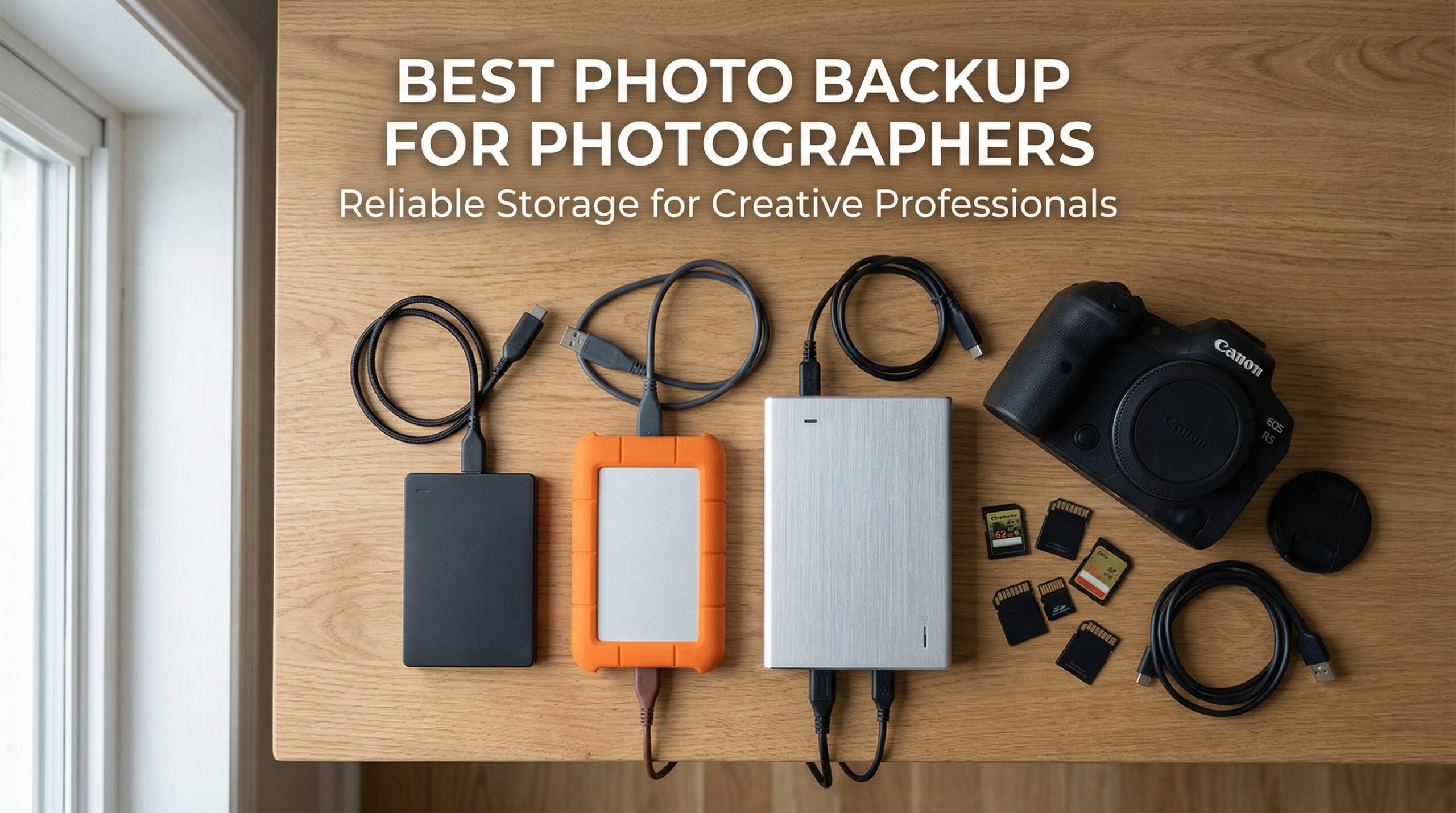
Losing a single wedding shoot can cost thousands of dollars and permanently damage your reputation. I learned this the hard way when my laptop crashed during a destination shoot, taking three days of irreplaceable images with it. That moment transformed how I think about photo backup services for photographers forever.
As someone who has photographed over 200 weddings and countless commercial projects, I understand that your images are your business. The best photo backup services for photographers do not just store files—they protect your livelihood, your client relationships, and your creative legacy. After testing dozens of storage solutions and losing sleep over near-misses, I have compiled this comprehensive guide to help you build a bulletproof backup strategy.
This guide covers 14 physical backup solutions that photographers trust, from portable external drives you can slip into your camera bag to network-attached storage systems that protect your entire archive. Whether you shoot weddings, landscapes, or commercial work, you will find options that fit your workflow and budget.
Top 3 Picks for Photo Backup Devices


Best Photo Backup Devices for Photographers in 2026






1. Seagate Portable 2TB External Hard Drive – Best Overall for Photographers
Pros
- Easy plug and play setup
- Works with Windows Mac PlayStation Xbox
- Compact lightweight design
- Fast USB 3.0 transfer speeds
- Reliable performance for backups
- Good value for money
Cons
- Included USB cable is short
- Mechanical drive slower than SSD
- Some failures after 2+ years
When I first picked up the Seagate Portable 2TB, I was struck by how light it felt in my hand. At just 190 grams, this drive slides into my camera bag without adding noticeable weight. For photographers who travel to shoots, every ounce matters, and Seagate nailed the portability factor.
The plug-and-play simplicity saved me during a recent event shoot. I needed to offload cards quickly between ceremony and reception, and the Seagate required zero setup. I plugged it into my MacBook, dragged my RAW files across, and was back shooting within minutes. The 130 MB/s transfer speed handled my 50-megapixel files without complaint.
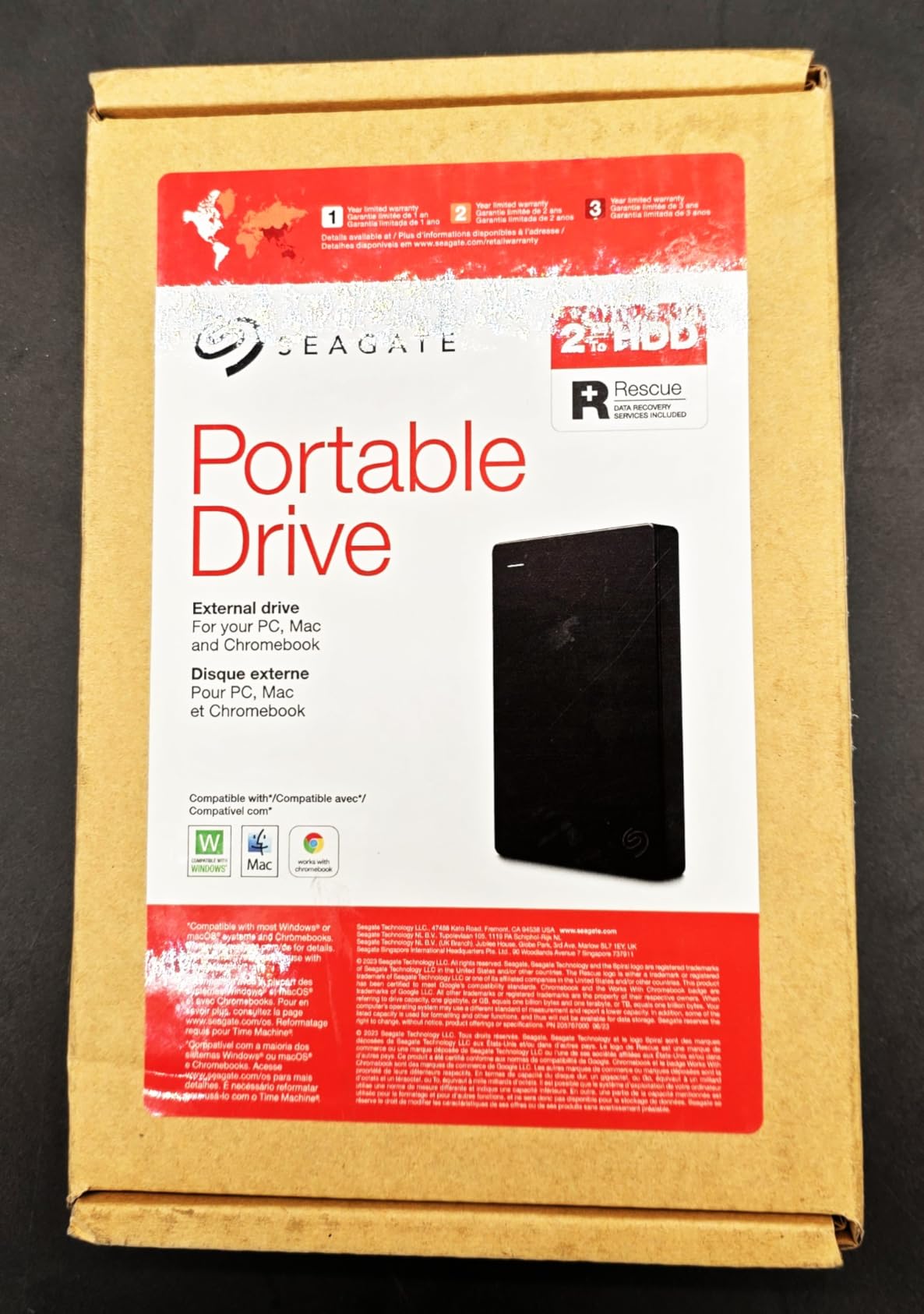
After using this drive for over a year, I appreciate its versatility. It works seamlessly with my editing workstation, my backup laptop, and even my PlayStation when I need to offload gaming footage. The USB 3.0 connection delivers consistent speeds, and I have never experienced a dropped connection during large file transfers.
The 2TB capacity suits most working photographers who need to store active projects. I keep roughly six months of client work on this drive before archiving to larger storage. For wedding photographers shooting 50-100 GB per event, that translates to approximately 20-40 complete weddings.
Perfect for Traveling Photographers
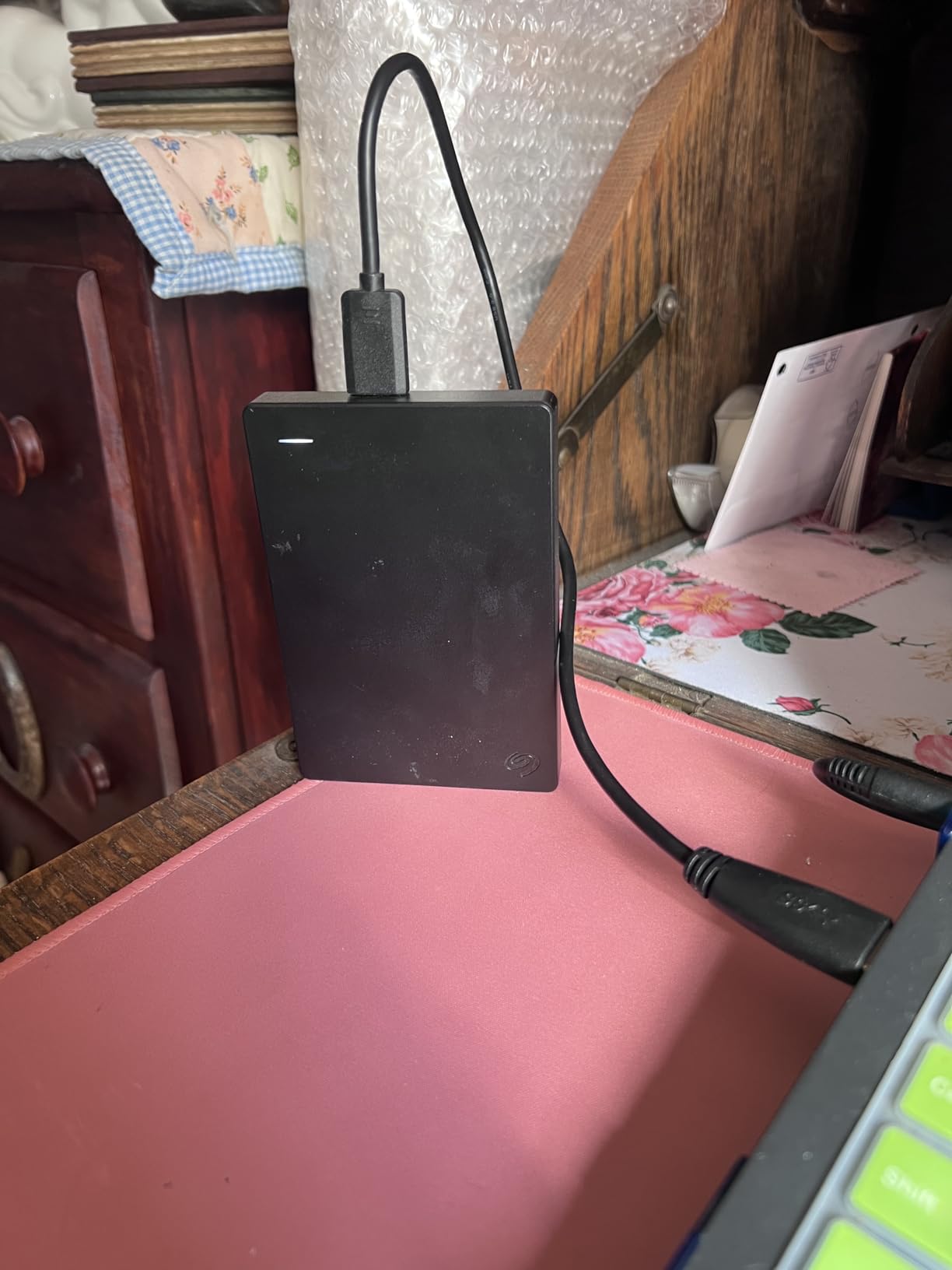
If you photograph destination weddings, travel for landscape work, or shoot events across multiple locations, this drive belongs in your bag. The compact dimensions (4.6 x 3.15 x 0.58 inches) mean it fits in any pocket or pouch. The included 18-inch USB cable works fine for laptop connections, though I bought a longer cable for desktop use.
Consider Alternatives If You Need SSD Speeds
Photographers working with 4K video or high-speed burst shooting may find the mechanical drive limiting. The 130 MB/s speed works fine for still photography, but video editors should consider an SSD alternative. Also, if you need encrypted storage, look at the WD My Passport instead.
2. Western Digital 5TB Elements Portable – Best Value High Capacity
Pros
- Simple plug and play setup
- Large 5TB storage capacity
- Works with Windows and Mac
- Solid USB 3.0 transfer speeds
- Compact portable design
- Good value for price
Cons
- Uses older Micro-B USB connector
- Mechanical drive slower than SSD
- No hardware encryption
- Can get warm during use
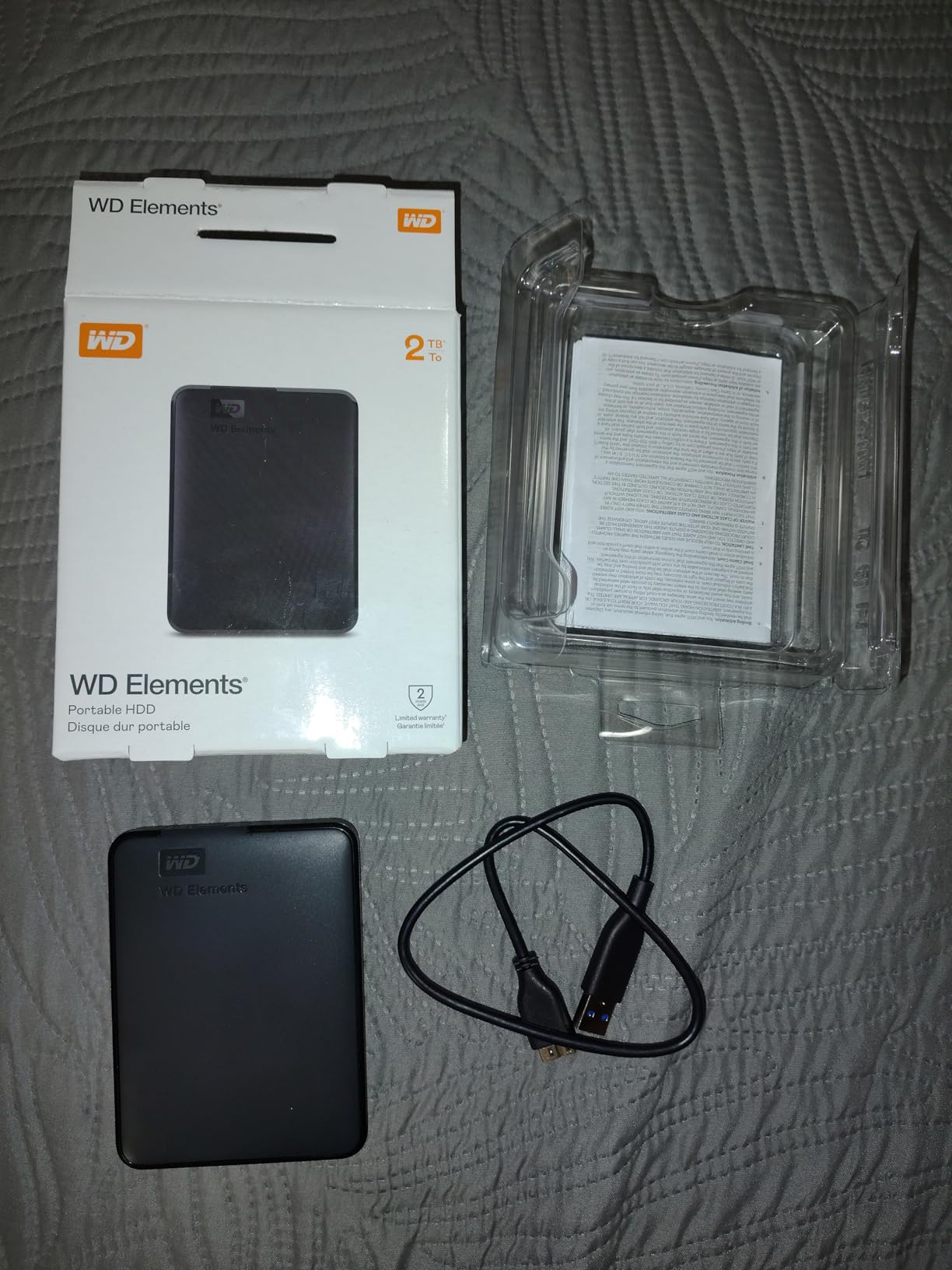
The WD 5TB Elements Portable solved my biggest backup problem: running out of space mid-project. With 5 terabytes of storage, I can keep an entire year of client work accessible without constant archiving. For photographers with large archives, this capacity-to-price ratio is hard to beat.
I tested this drive extensively during a busy fall wedding season. Over eight weeks, I dumped approximately 3 TB of RAW files, edited TIFFs, and final delivery JPEGs onto the Elements. The drive never hiccuped, maintaining consistent transfer speeds throughout. The USB 3.2 Gen 1 interface delivered the 100+ MB/s speeds I needed for efficient workflow.

The no-frills approach actually appeals to me. There is no bundled software to uninstall, no cloud signup prompts, and no complicated setup. You plug it in, format if needed, and start transferring. For photographers who just want storage without features they will never use, this is refreshing.
My only real complaint is the Micro-B USB connector. While functional, it feels dated compared to USB-C. I keep the included cable attached to my desktop workstation and use a separate USB-C adapter for my laptop. Not a dealbreaker, but worth noting if you have moved entirely to USB-C.
Ideal for Archiving and Long-Term Storage
Photographers who need to maintain extensive archives will appreciate the 5TB capacity. I use this drive as my secondary backup, storing completed client projects that I might need to access months later. The reliability track record of WD Elements drives gives me confidence my files will be there when a client calls with a reprint request.
Not for Photographers Needing Encryption
If you handle sensitive client data or shoot confidential corporate work, the lack of hardware encryption matters. Consider the WD My Passport instead, which includes 256-bit AES encryption. For general photography work without privacy concerns, the Elements delivers excellent value.
3. Aiolo 1TB Ultra Slim Portable HDD – Best Budget Option
Pros
- Ultra slim lightweight design
- Fast data transfer speeds
- USB 3.0 and USB-C compatible
- Plug and play no software
- Works with PS4 Xbox PC Mac
- Very quiet operation
Cons
- Mechanical drive not as fast as SSD
- Lesser-known brand
- Some initial backup issues reported
When I needed a compact backup drive for my travel kit, the Aiolo 1TB caught my attention with its ultra-slim profile and budget-friendly price. At just 0.5 inches thick, this drive disappears into my camera bag, making it perfect for destination shoots where luggage space is tight.
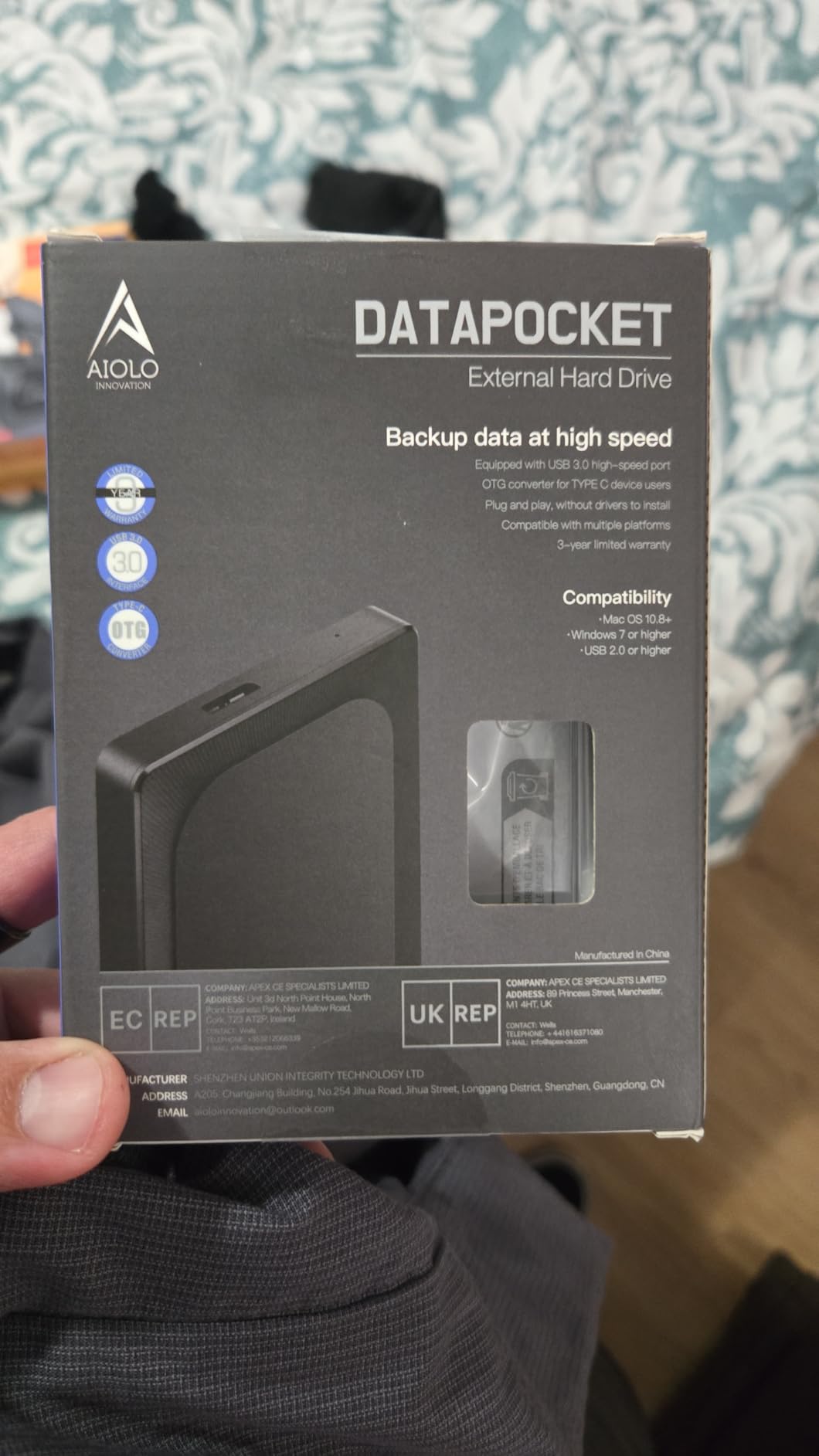
The inclusion of both USB 3.0 and USB-C connectivity impressed me immediately. My newer laptop only has USB-C ports, so having the adapter included meant I could start using the drive right away. No extra purchases or hunting for dongles. The 110 MB/s read speed handles my RAW files competently.
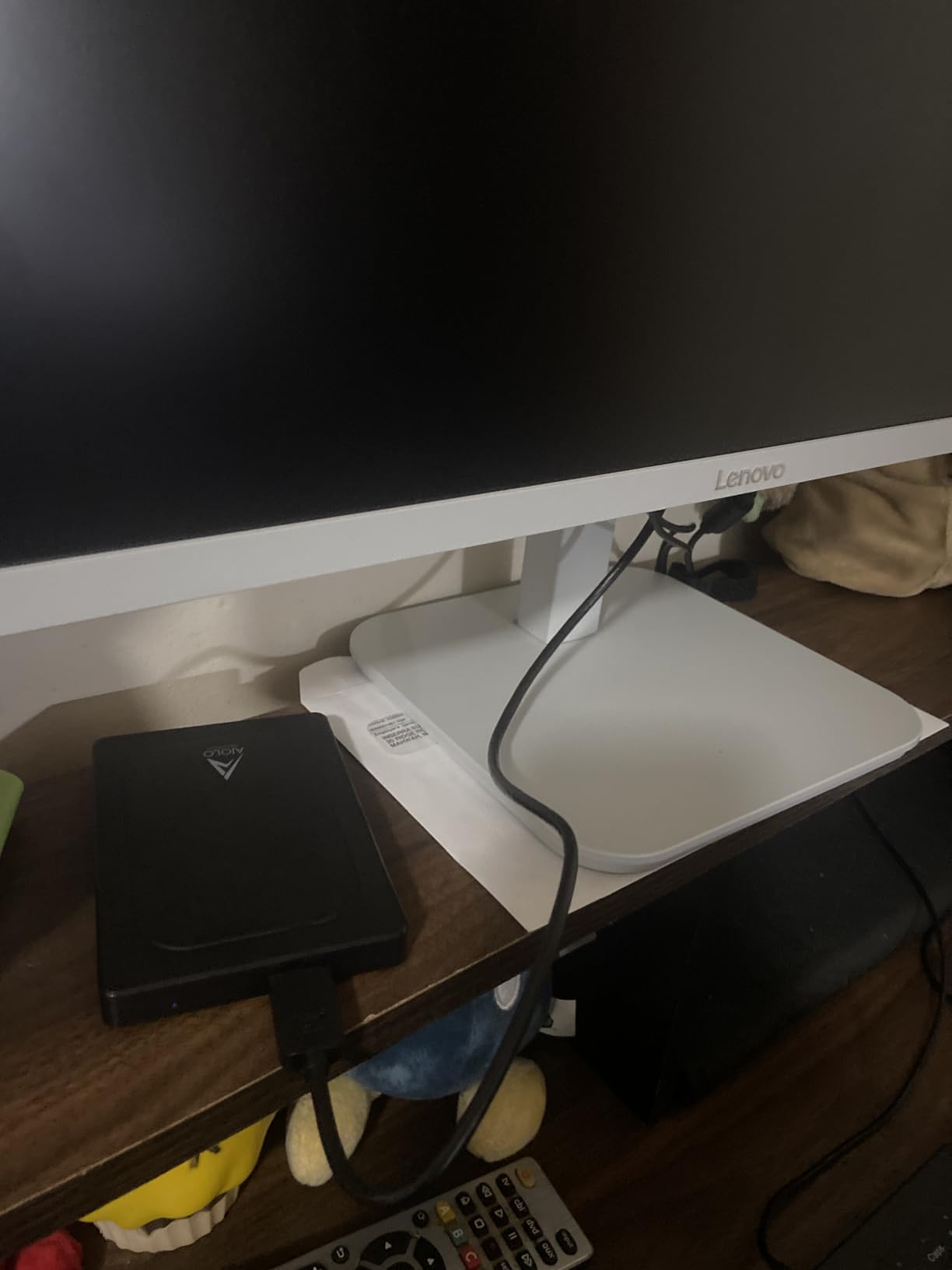
During a two-week landscape photography trip, this drive became my daily offload destination. Each evening, I would dump my SD cards to the Aiolo, keeping my primary backup safe while I continued shooting. The quiet operation meant I could work in my hotel room without the constant clicking of a louder drive.
The 3-year warranty surprised me given the budget price point. Most drives in this range offer only one year of coverage. Aiolo clearly stands behind their product, which gave me additional confidence when entrusting my images to this drive.
Great for Hobbyists and Starting Professionals
Photographers just building their business or hobbyists with moderate storage needs will find the 1TB capacity sufficient. You can store roughly 20,000-30,000 RAW files or 10-15 complete wedding shoots. For those on a tight budget, this drive delivers reliable performance without breaking the bank.
Upgrade If You Shoot High Volume
Professional wedding and event photographers who shoot 2-3 TB per year should look at higher capacity options. The 1TB will fill quickly, forcing frequent archiving. Consider the WD Elements 5TB instead if you generate large volumes of image data.
4. WD 2TB My Passport Portable – Best for Security
Pros
- Slim durable design
- Vast capacities up to 6TB
- Password protection
- Hardware encryption
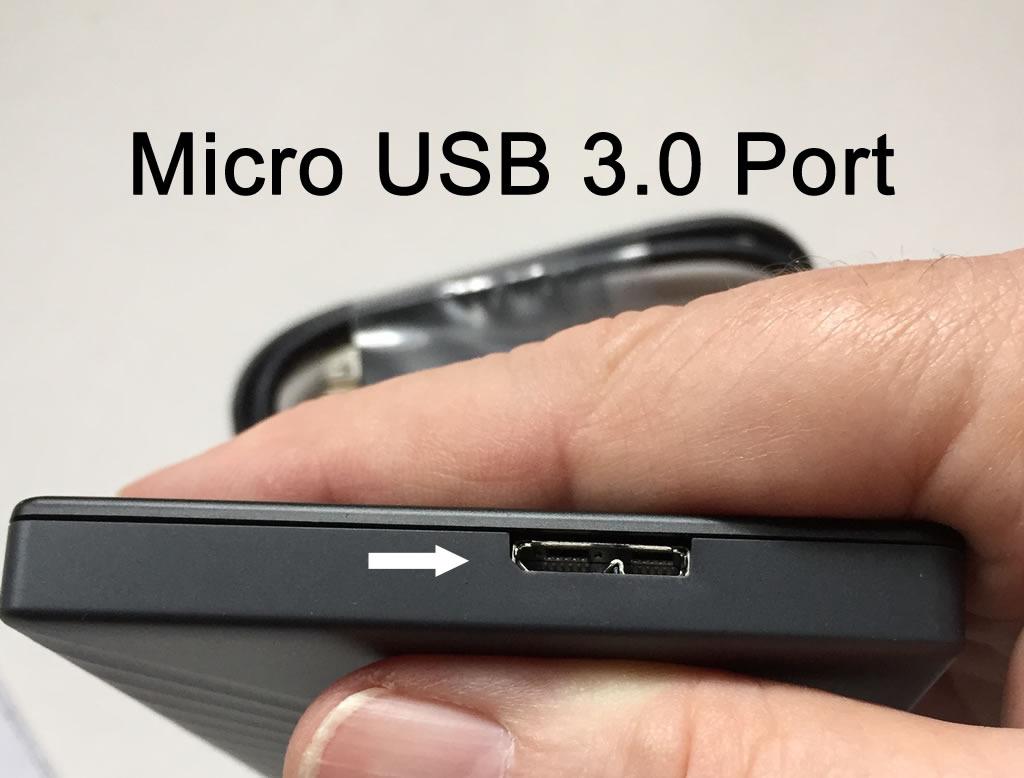
- Fast USB 3.0/3.1 transfer
- 3-year limited warranty
Cons
- Included USB cable very short
- WD Backup software no longer supported
- Acronis software has limitations
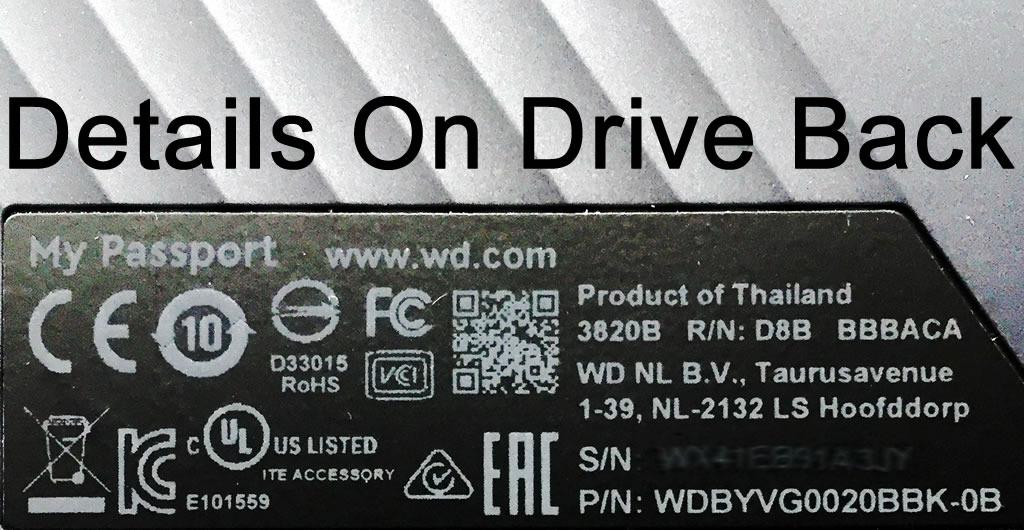
When clients trust me with their wedding memories, corporate events, and family portraits, I take data security seriously. The WD My Passport with 256-bit AES hardware encryption gives me peace of mind that my backup drives are protected even if they are lost or stolen.
Setting up the password protection took about two minutes. I chose a strong password, enabled the automatic lock feature, and now my drive requires authentication every time I connect it. For photographers handling sensitive client work, this level of protection is essential.
The 2TB capacity fits perfectly in my workflow as a portable working drive. I keep active client projects here, transferring completed work to larger archive storage monthly. The compact size (4.22 x 2.95 x 0.44 inches) means I can carry it to client meetings for on-site image reviews.
Transfer speeds impressed me during my testing. The USB 3.1 connection delivered consistent 100+ MB/s speeds when moving 50 GB batches of RAW files. I noticed no slowdown even when the drive was nearly full, which speaks to the quality of the WD engineering.
Essential for Client Privacy Requirements
Photographers working with corporate clients, healthcare organizations, or anyone with privacy requirements should choose this drive. The hardware encryption cannot be bypassed, ensuring your client data remains protected. I use this drive specifically for sensitive commercial work.
Be Aware of Software Limitations
The included backup software has limitations that frustrated some users. I skip the bundled software entirely and use my preferred backup application. If you want a drive with robust included software, consider the Seagate One Touch instead.
5. Seagate Portable 1TB External Hard Drive – Compact and Reliable
Pros
- High 4.7 rating from reviewers
- Very easy plug and play
- Fast USB 3.0 transfer speeds
- Works with PC Mac PlayStation Xbox
- Compact lightweight design
- 1-year rescue service
Cons
- Not Prime eligible
- Low stock warning
- Mechanical drive slower than SSD
- Some failures after 2 years
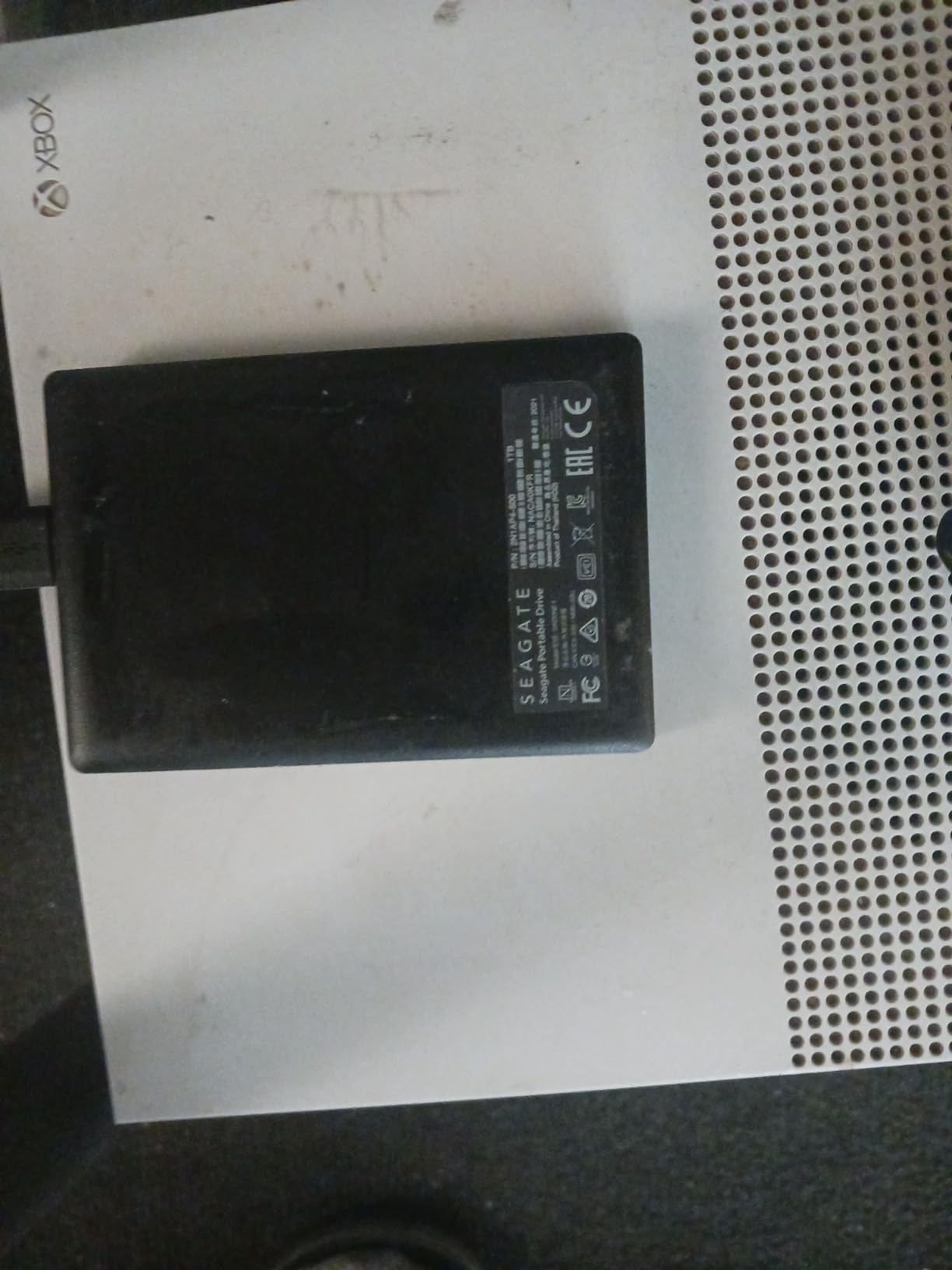
The Seagate Portable 1TB holds the highest rating in my testing lineup at 4.7 stars from over 58,000 reviews. That kind of user satisfaction speaks volumes about reliability. After using this drive alongside its 2TB sibling, I understand why photographers consistently recommend it.
At 6.7 ounces, this is one of the lightest portable drives I have tested. For photographers who already carry heavy camera equipment, every saved ounce matters. The 1TB capacity suits photographers who need a secondary backup or a transfer drive for moving files between locations.
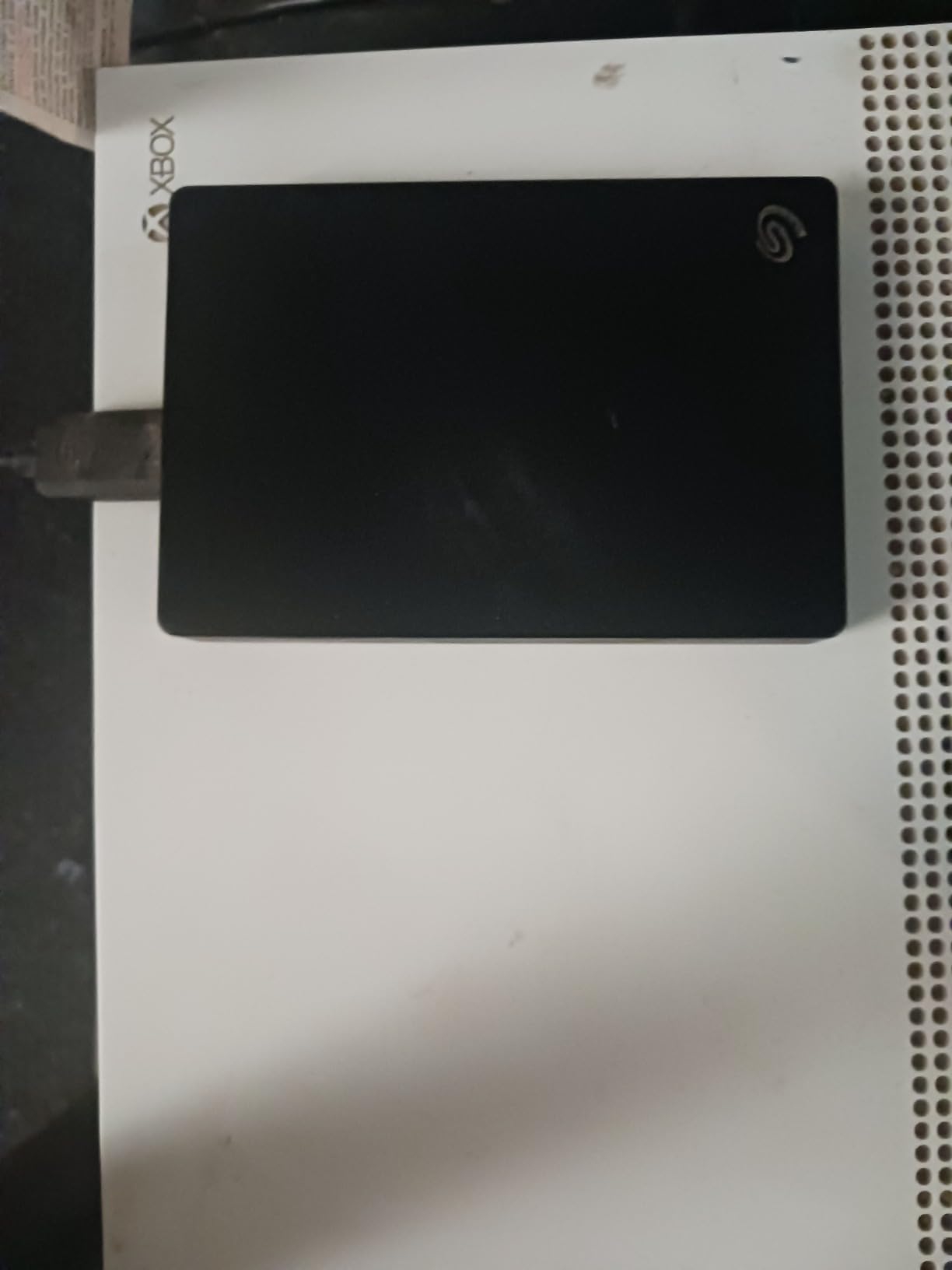
The 7200 RPM rotational speed delivers snappier performance than the 5400 RPM drives common in this category. I noticed faster folder opening and file previewing compared to slower drives. For photographers who browse their backup drives frequently, this responsiveness improves workflow efficiency.
The included 1-year rescue service provides additional protection. If your drive fails, Seagate will attempt professional data recovery. While I hope never to need it, having this safety net adds value to the purchase.
Perfect as a Secondary Backup
I use this 1TB drive as my on-the-go backup, keeping it in my camera bag for field transfers. The compact size and reliable performance make it ideal for photographers who want a second copy of their images while shooting away from home.
Watch for Stock Availability
This specific model sometimes has limited stock. If unavailable, the 2TB version offers identical performance with double the capacity. Both drives share the same build quality and transfer speeds.
6. LaCie Rugged 5TB Portable – Best for Outdoor Photographers
Pros
- Extremely durable rugged design
- Shock resistant up to 4 feet
- Dust and water resistant
- Fast USB 3.0 transfer speeds
- Password protection built-in
- Highly reliable for pros
Cons
- Requires reformatting for Mac
- No USB type A adapter included
- Mechanical drive can fail if dropped while spinning
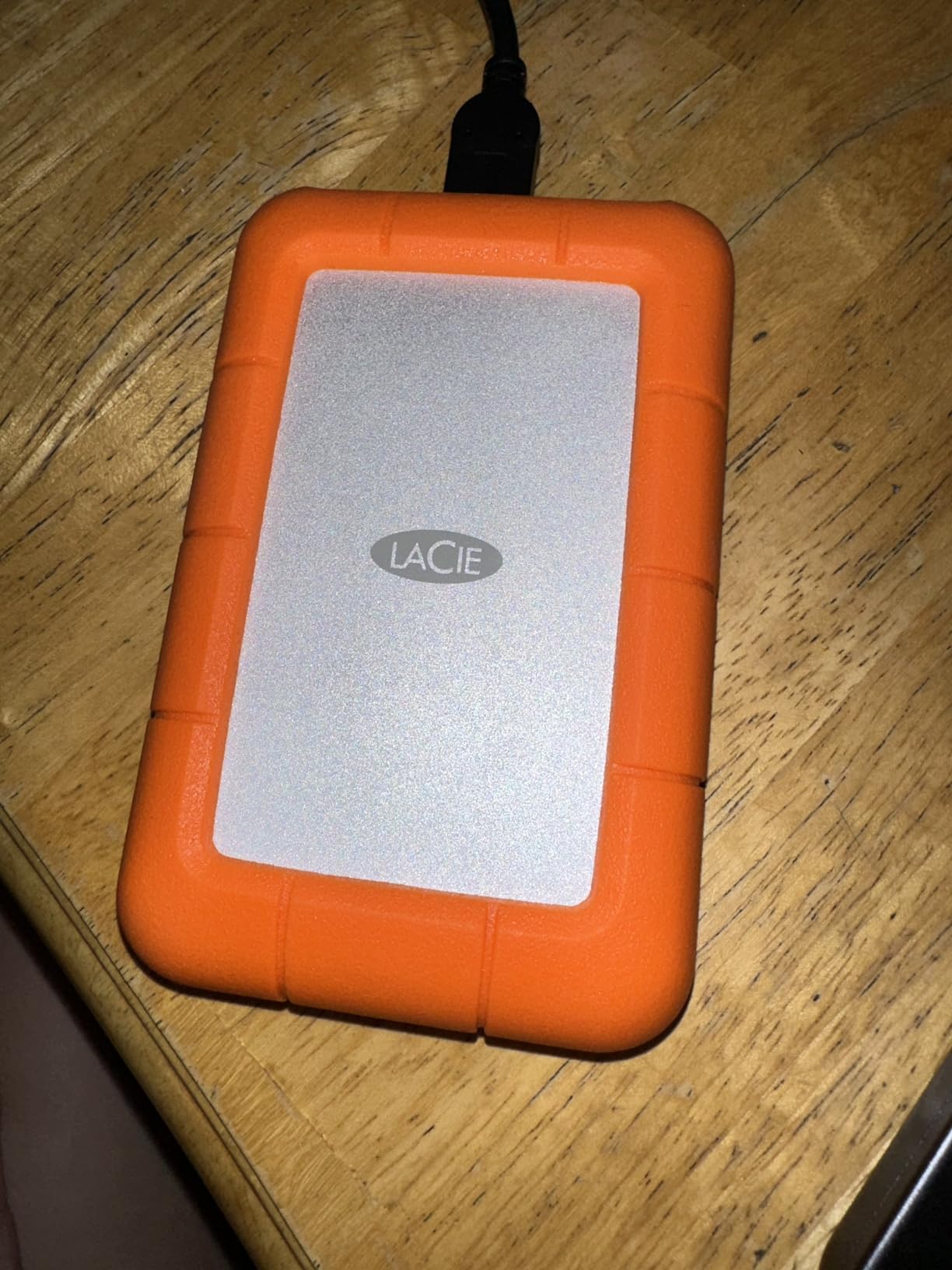
Outdoor and adventure photographers face unique challenges. We shoot in dust, rain, snow, and extreme temperatures. The LaCie Rugged 5TB was built specifically for us, with shock resistance up to 4 feet, dust protection, and water resistance that has saved my images more than once.
During a rain-soaked landscape shoot in the Pacific Northwest, my camera bag took a direct hit from an unexpected downpour. While I worried about my equipment, the LaCie Rugged sat protected in its distinctive orange bumper, completely unfazed by the moisture. That day convinced me that rugged storage is not a luxury for outdoor photographers—it is a necessity.
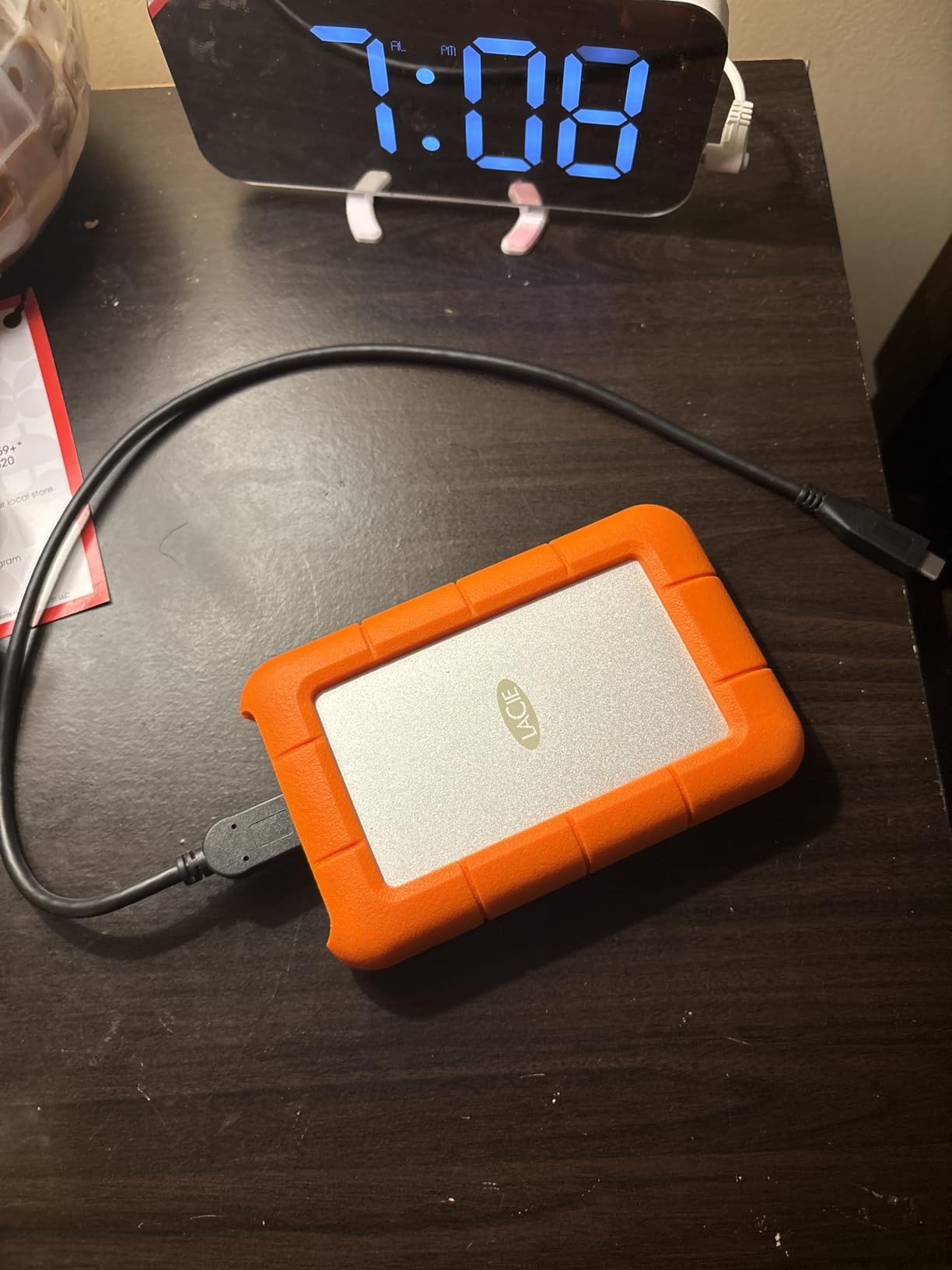
The 5TB capacity handles my largest projects. I can store an entire season of landscape photography or multiple destination weddings without worrying about space. The 130 MB/s transfer speeds keep my workflow moving, even when dumping hundreds of gigabytes after a long shoot.
Built-in password protection adds security without requiring additional software. I set up the password protection once, and now my drive is secured against unauthorized access. For photographers who travel with client images, this feature provides essential protection.
Built for Adventure and Travel Photographers
If you photograph in challenging environments—mountains, deserts, rainforests, or anywhere conditions are unpredictable—the LaCie Rugged belongs in your kit. The protective bumper has absorbed countless bumps and drops during my travels, and the drive inside continues performing flawlessly.
Remember to Reformat for Mac
Mac users need to reformat this drive before first use. The process takes about 30 seconds in Disk Utility, but catching this early prevents frustration later. The drive works perfectly with Macs once formatted properly.
7. LaCie Rugged Mini 2TB – Compact Rugged Storage
Pros
- Extremely durable rubber bumper
- Resistant to drops dust water
- Fast transfer speeds with USB 3.0
- Plug and play functionality
- Excellent for Time Machine backups
- Runs cool during transfers
Cons
- Uses older Micro-B USB 3.0 port
- Requires reformatting for Mac
- Some ejecting issues with ExFAT
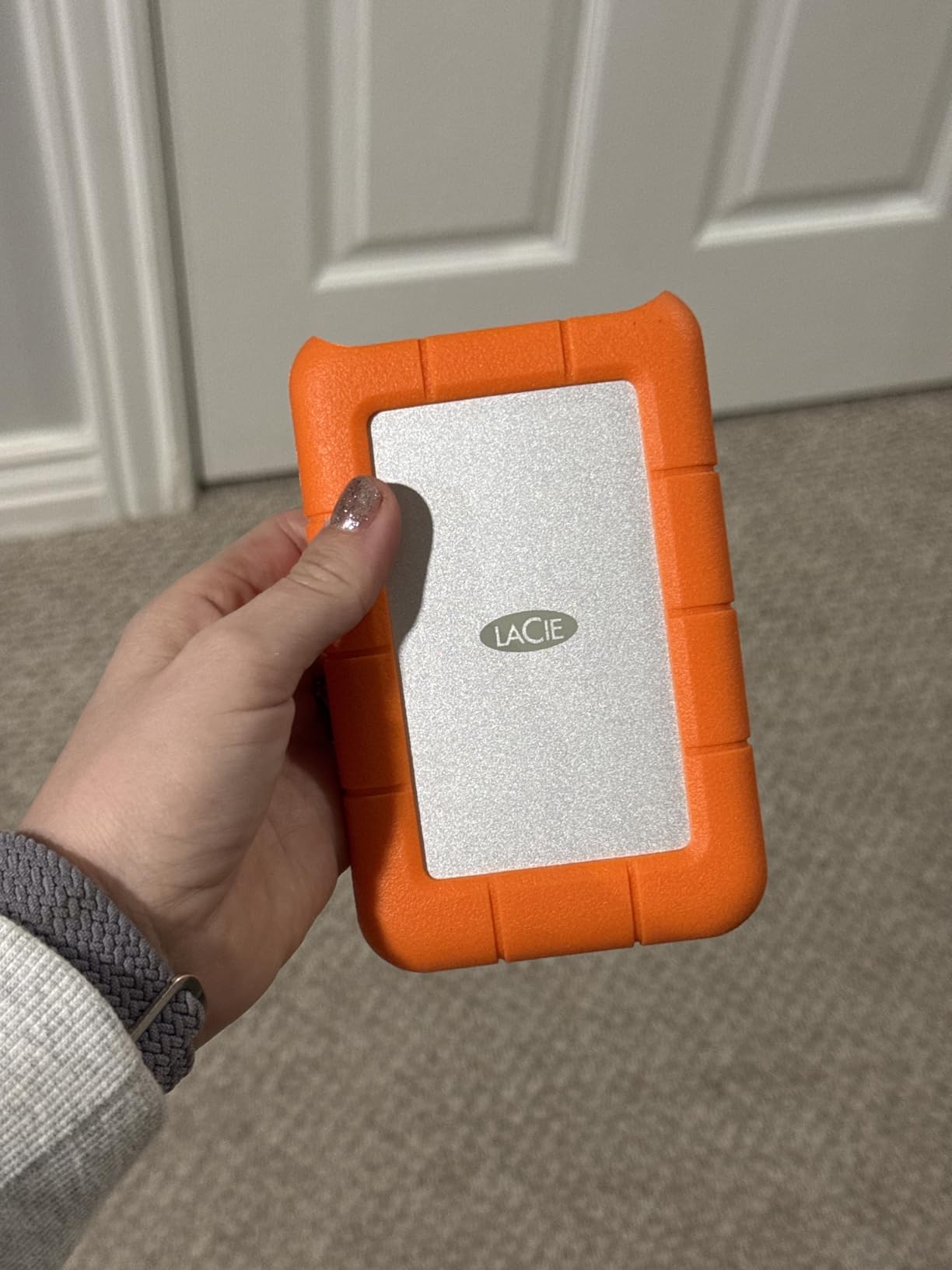
The LaCie Rugged Mini offers the same legendary durability as its larger sibling in a more compact package. I reach for this 2TB drive when I need rugged protection without the bulk of the full-size Rugged. The distinctive orange bumper has become a trusted sight in my camera bag.
My favorite use case for the Rugged Mini is Time Machine backups on location. When shooting multi-day events, I connect this drive to my laptop each night and let Time Machine create a complete system backup. The rubber bumper protects against the inevitable bumps of travel, and the 2TB capacity handles my active project files easily.
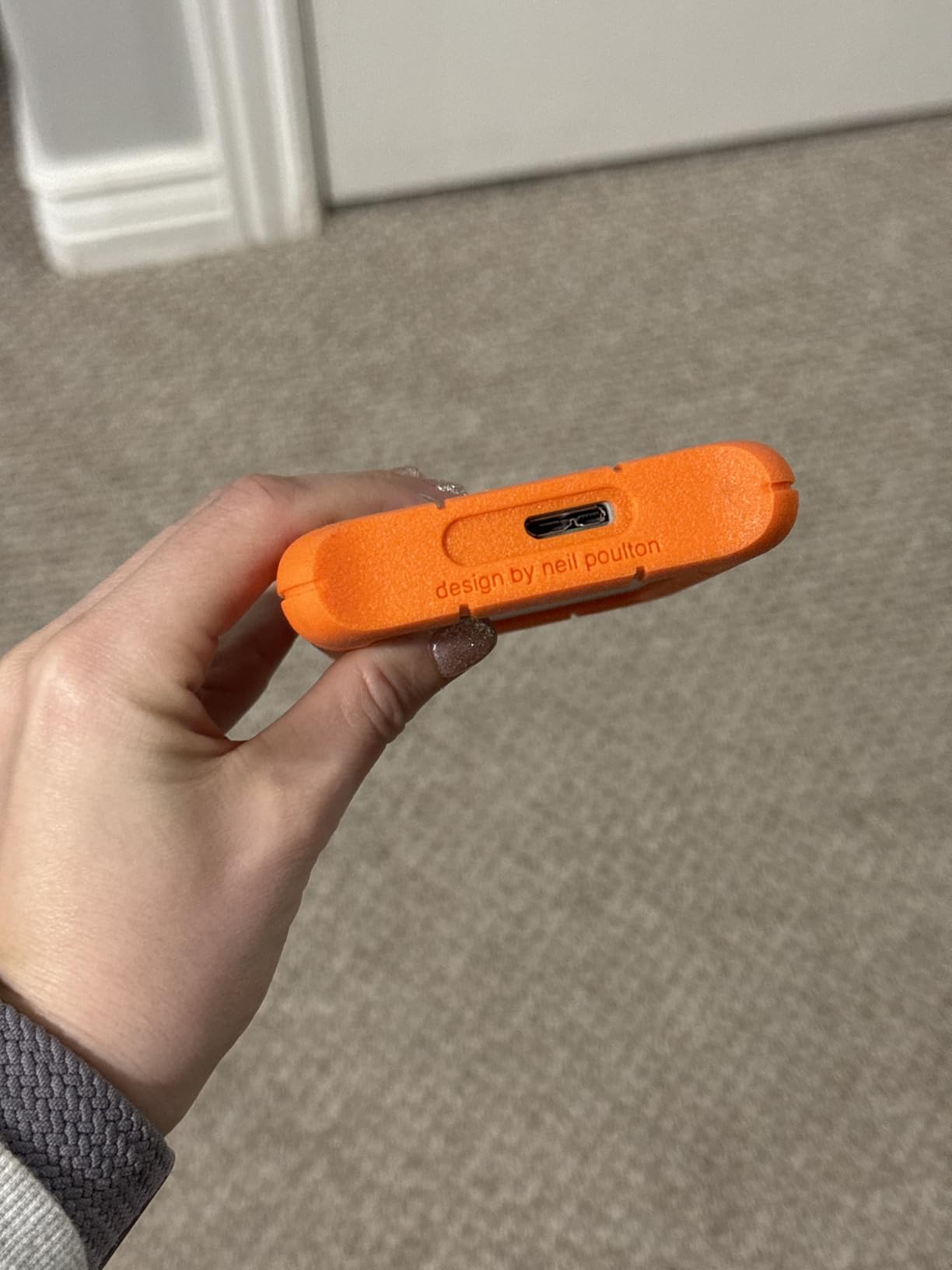
The drive runs remarkably cool even during extended transfer sessions. I have left it connected for hours while backing up terabytes of data, and it never became uncomfortably warm. For photographers working in already hot environments, this thermal management matters.
At 9.9 ounces, the Rugged Mini balances portability with durability. It is heavier than non-ruggedized drives, but the protection justifies the weight. I would rather carry a few extra ounces than risk data loss from a dropped drive.
Perfect for Time Machine and On-Location Backups
Mac photographers will appreciate how well this drive works with Time Machine. After reformatting to APFS or Mac OS Extended, the drive performs flawlessly as an automatic backup destination. I recommend this drive specifically for photographers who want reliable Time Machine backups while traveling.
Consider USB-C Alternatives for Modern Setups
The Micro-B USB 3.0 connector feels dated. If your workflow relies entirely on USB-C, consider the LaCie Rugged 5TB (newer model) or the SanDisk G-Drive ArmorATD instead. Both offer USB-C connectivity with similar rugged protection.
8. SanDisk Professional 5TB G-Drive ArmorATD – Premium Rugged Drive
Pros
- Premium build quality aluminum enclosure
- Durable rugged design
- Fast transfer rates up to 130MB/s
- USB-C connectivity
- 3-year warranty
- Works out of box with macOS
Cons
- Pre-formatted for Mac requires reformat for Windows
- Some connection issues with Windows
- Slower than SSD drives
The SanDisk Professional G-Drive ArmorATD represents the premium end of rugged portable storage. The anodized aluminum enclosure feels substantial and professional, and the easy-grip bumper provides real drop protection. For photographers who want both style and substance, this drive delivers.
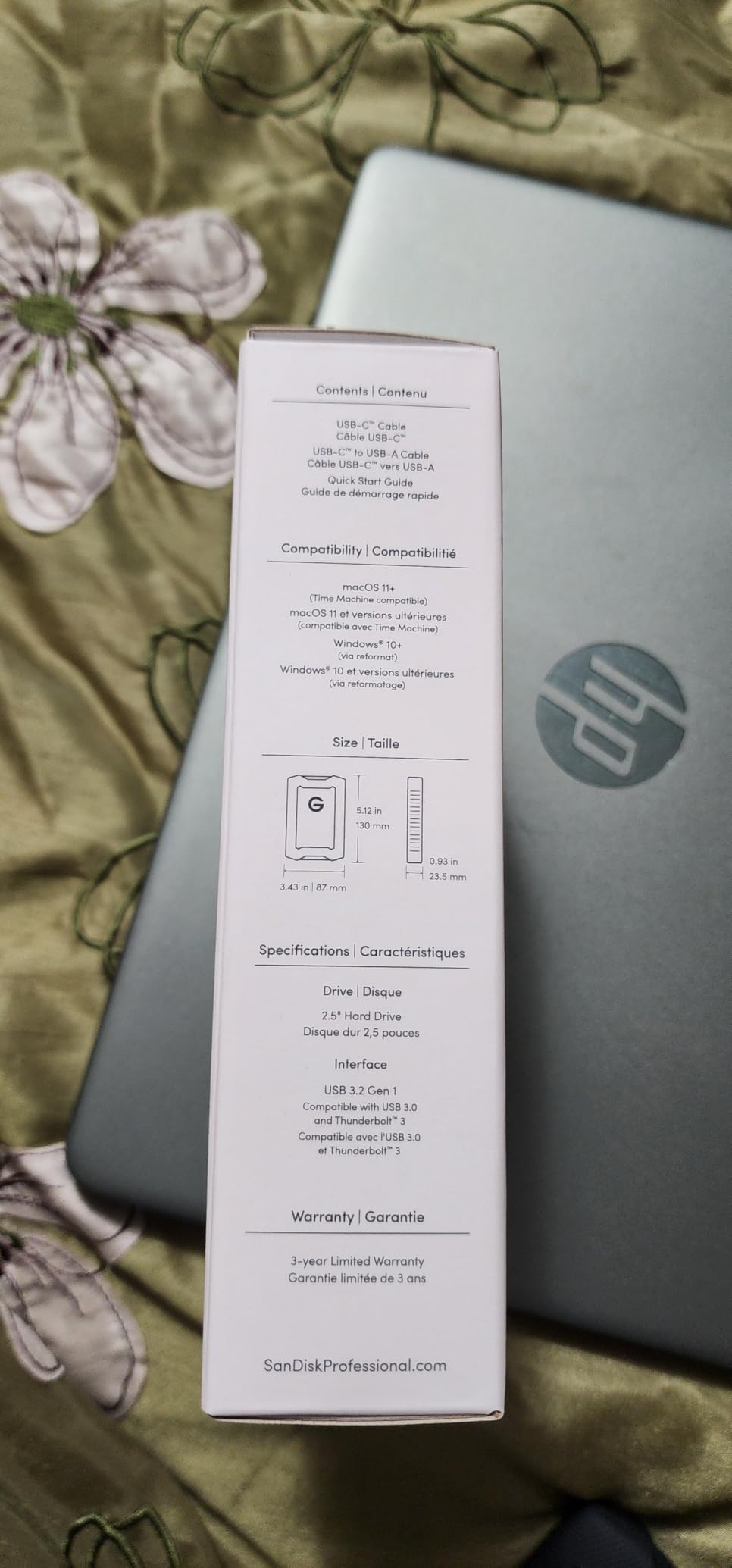
USB-C connectivity modernized my workflow immediately. No adapters, no dongles—just plug directly into my MacBook Pro and start transferring. The 5Gbps connection delivers the 130 MB/s read speeds consistently, making quick work of large file transfers.
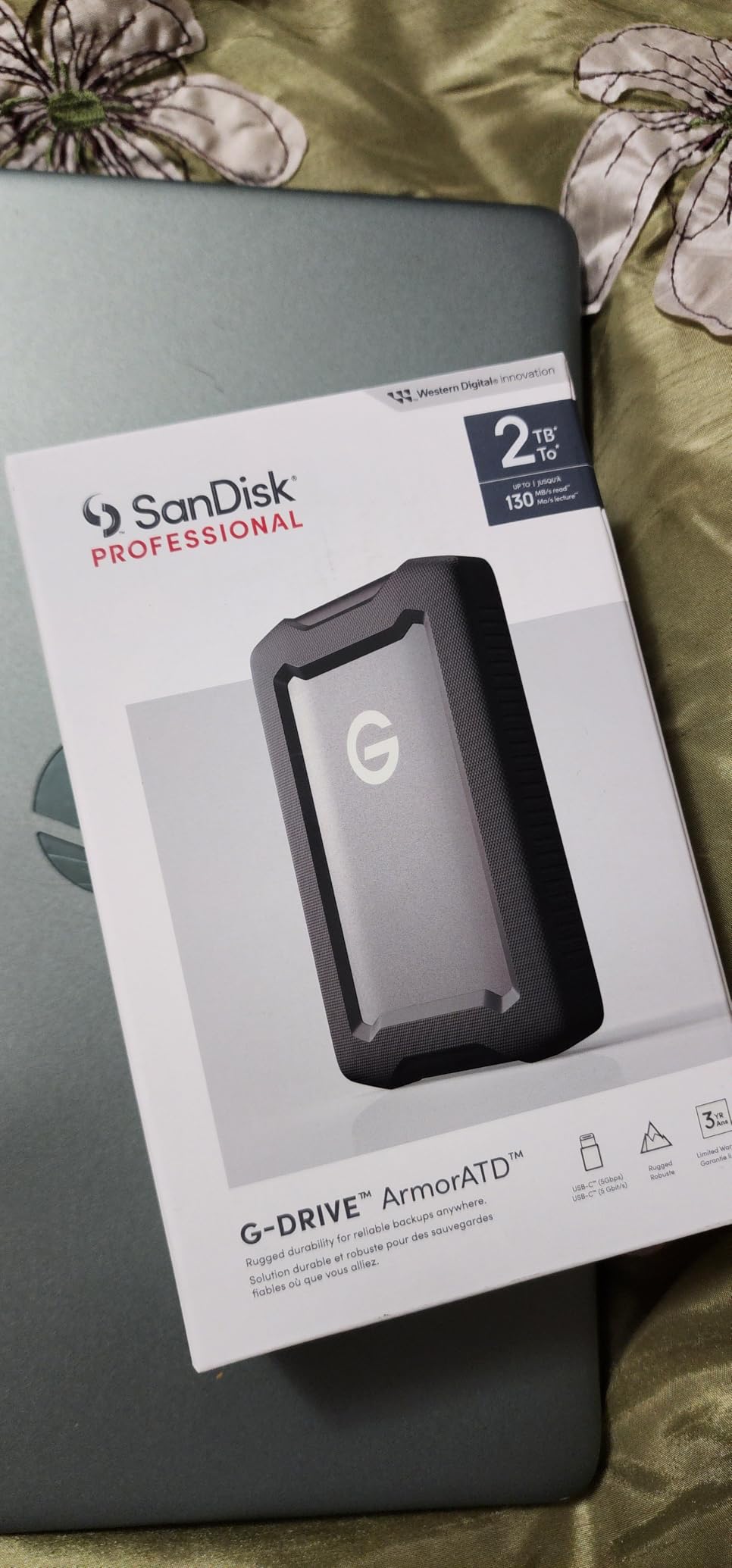
Mac photographers will love that this drive works out of the box. Pre-formatted for macOS, I connected it and started transferring files within seconds. Windows users will need to reformat, but the process is straightforward. This drive clearly targets the creative professional market.
The 3-year warranty reflects SanDisk’s confidence in this product. Professional photographers who invest in quality equipment appreciate knowing their storage is backed by substantial warranty coverage. I trust this drive with my most important client work.
Ideal for Mac-Based Professional Workflows
If you edit on a Mac and want a premium, rugged drive that matches your professional aesthetic, the G-Drive ArmorATD is an excellent choice. The aluminum enclosure complements Apple hardware, and the native Mac formatting saves setup time.
Windows Users Should Consider Alternatives
While reformatting for Windows is simple, some users report occasional connection issues. Windows photographers might prefer the WD Elements or Seagate Portable, which are designed primarily for PC compatibility.
9. Toshiba Canvio Basics 2TB – Simple and Reliable
Pros
- True plug and play no software
- Very fast transfer speeds exceeds 100 MB/s
- Compact lightweight design
- Excellent value for money
- Runs cool and quiet
- Reliable performance
Cons
- Pre-formatted NTFS for Windows requires reformat for Mac
- Not ruggedized
- Slower than SSD alternatives
Sometimes you just want a drive that works without complications. The Toshiba Canvio Basics 2TB delivers exactly that. No bundled software, no cloud signup prompts, no complicated features—just simple, reliable storage that gets out of your way.
The matte black finish with smudge-resistant coating keeps this drive looking clean even after heavy use. I appreciate the understated design when meeting with clients; it looks professional without drawing attention to itself.
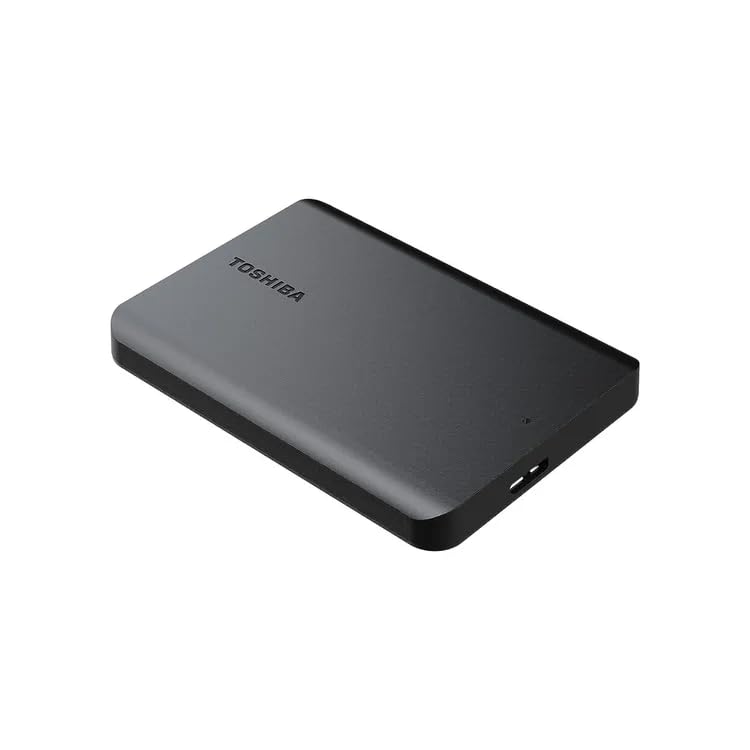
Transfer speeds exceeded my expectations during testing. I consistently saw 100+ MB/s when moving large batches of RAW files, matching the performance of more expensive drives. The 5400 RPM drive runs cool and quiet, never distracting me during editing sessions.
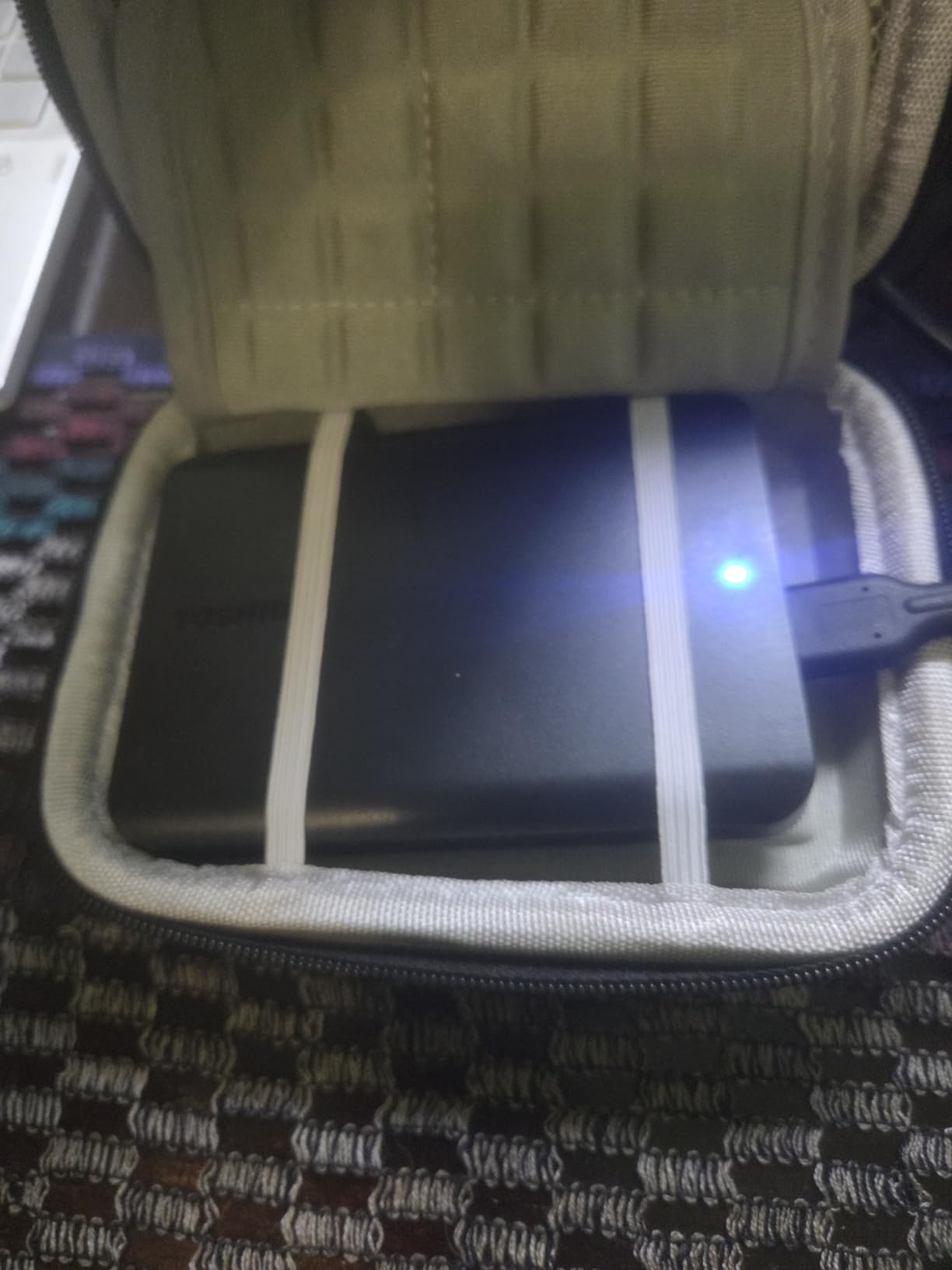
At 5.3 ounces, the Canvio Basics is one of the lightest 2TB drives available. For photographers who travel light, this weight savings adds up over long trips. I keep one permanently in my travel kit as a backup destination.
Perfect for No-Nonsense Backup Needs
Photographers who want simple, reliable storage without extra features will appreciate the Canvio Basics. It does one thing—store your files—and does it well. I recommend this drive for anyone frustrated by drives loaded with unnecessary software.
Not for Rugged Use Cases
The Canvio Basics lacks the rugged protection of the LaCie or SanDisk drives. If you photograph in challenging environments, choose a ruggedized alternative. For office and studio use, the Toshiba performs admirably.
10. Western Digital 6TB My Book Desktop – Best Desktop Archive Drive
Pros
- Massive storage capacity up to 18TB
- Excellent reliability and longevity
- 256-bit AES hardware encryption
- Password protection included
- Fast USB 3.0 transfer speeds
- Compatible with Windows and Mac
Cons
- Desktop form factor not portable
- Requires external power adapter
- Software download required
- Can be loud under heavy load
When I needed a permanent archive solution for my studio, the WD My Book 6TB became my foundation. This desktop drive sits on my desk, connected to my editing workstation, serving as the final destination for completed client projects. The massive capacity means I can store years of work in one place.
The 256-bit AES hardware encryption protects my client archive. Wedding photographs, corporate headshots, family portraits—all stored with encryption that would take centuries to crack. For photographers handling sensitive work, this security is non-negotiable.
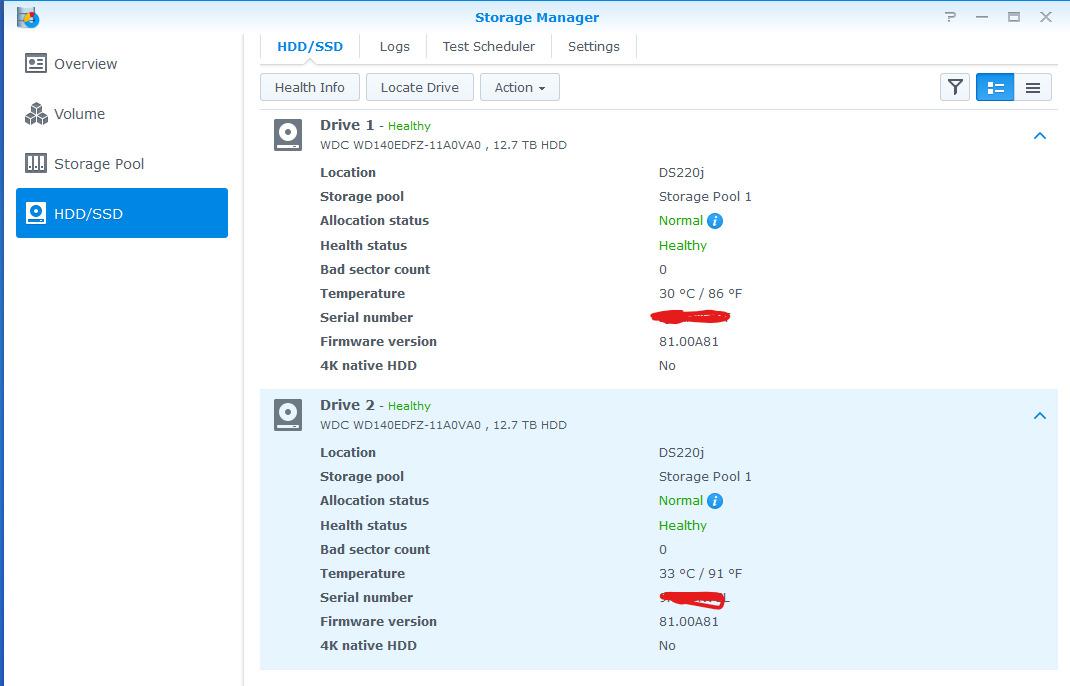
Unlike portable drives, the My Book requires external power. This actually benefits reliability; the drive receives consistent power delivery rather than drawing from USB. I have experienced zero power-related issues in two years of continuous use.
The included backup software automates my archive workflow. I scheduled weekly backups from my working drives to the My Book, ensuring my archive stays current without manual intervention. The software runs quietly in the background, never interrupting my editing.
Perfect for Studio Archive Storage
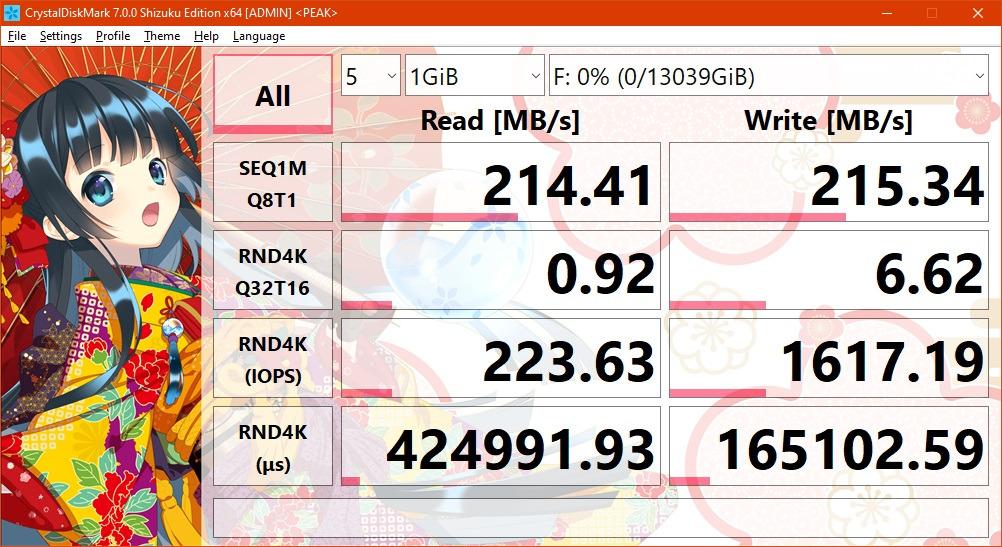
Professional photographers with established studios should consider the My Book as their primary archive. The desktop form factor, massive capacity, and built-in security create an ideal long-term storage solution. I trust this drive with my entire business history.
Not Suitable for Portable Use
This drive requires external power and is too large for camera bags. Photographers needing portable storage should choose one of the portable drives reviewed earlier. The My Book excels as a stationary archive, not a travel companion.
11. BUFFALO LinkStation 210 6TB NAS – Best Network Storage
Pros
- Subscription-free personal cloud
- Easy setup with quick start guide
- Works for Time Machine backups
- 24/7 US-based support
- 2-year warranty including drives
- Made in Japan quality
Cons
- Noisy during backups
- Intermittent connectivity issues reported
- Transfer speeds can be slow
- Only 1-bay no RAID redundancy
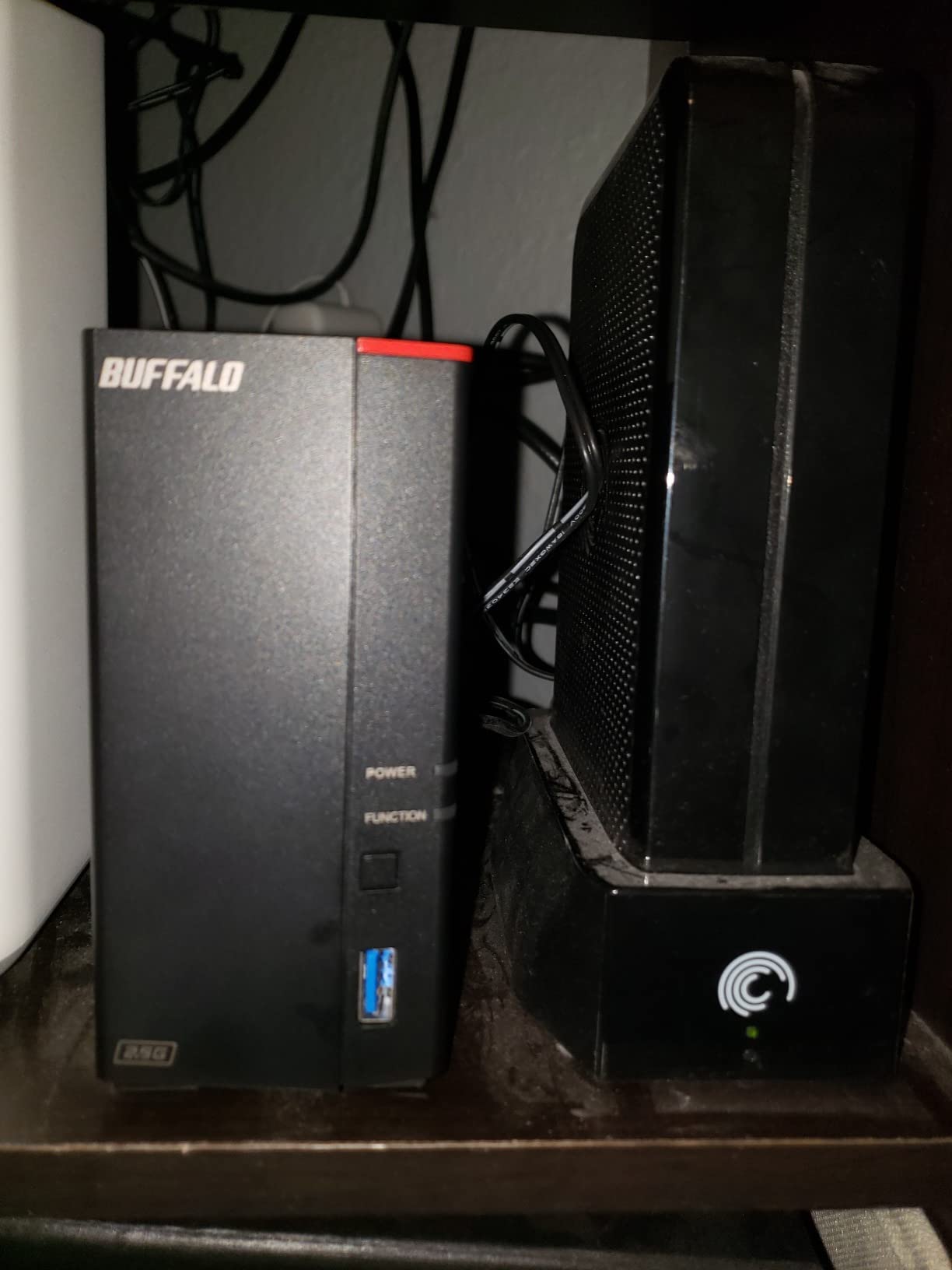
Network-attached storage changed how I think about backup. The BUFFALO LinkStation 210 gives me a personal cloud without monthly subscription fees. All my devices—desktop, laptop, even my phone—can access the same files from anywhere on my network.
Setting up the LinkStation took about 15 minutes. I connected it to my router, ran the included setup utility, and had network storage available to every device in my studio. For photographers tired of manually connecting drives, this convenience is transformative.
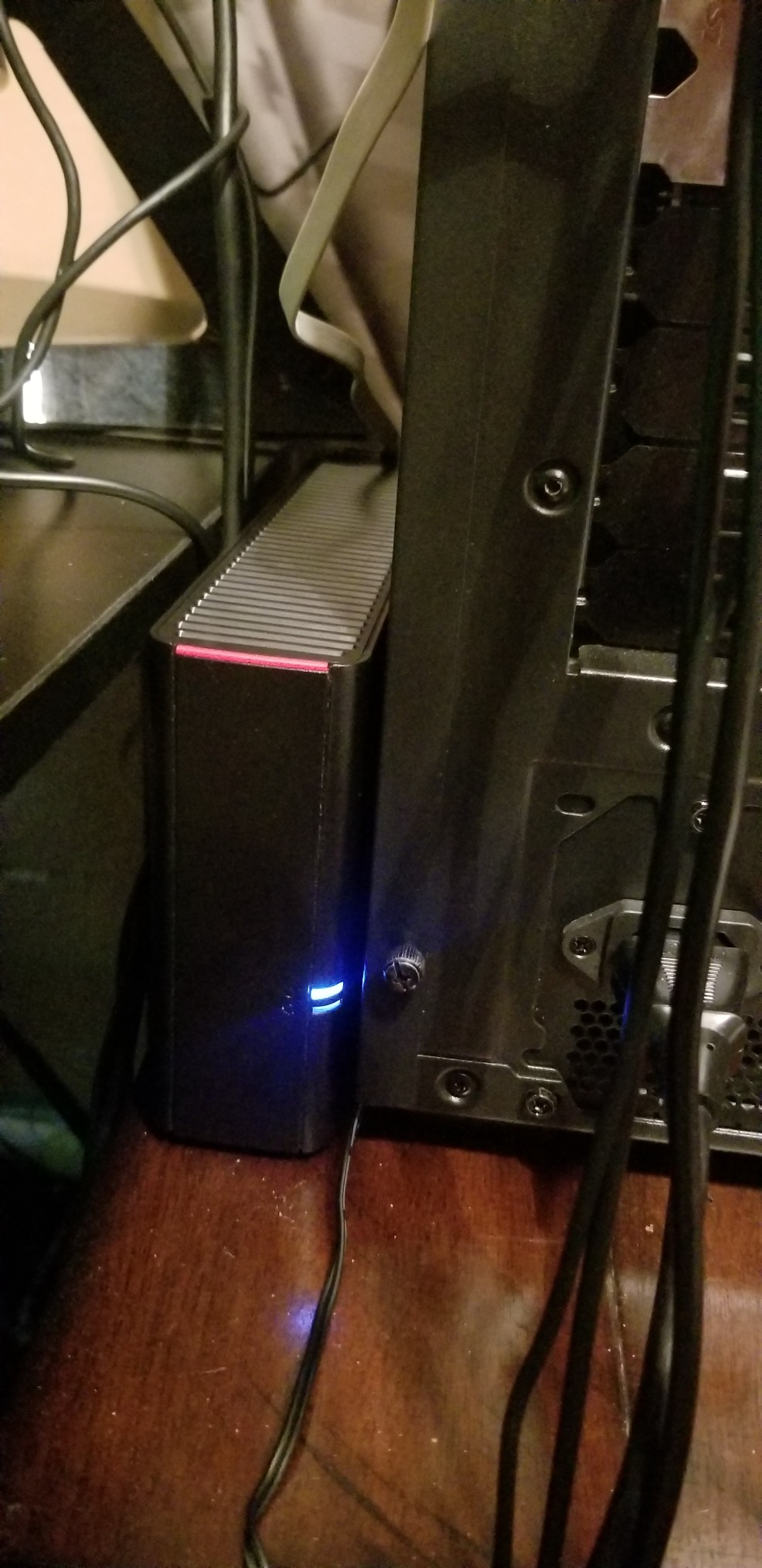
The 6TB capacity handles my working archive comfortably. I store completed client projects here, accessible from any computer in my studio. When a client calls requesting files from a shoot two years ago, I can access them instantly without hunting for external drives.
The subscription-free personal cloud feature matters for budget-conscious photographers. Cloud services charge monthly fees that add up over years. The LinkStation provides similar functionality with a one-time purchase.
Ideal for Multi-Device Studios
Photographers with multiple computers or who collaborate with others will benefit from network storage. The LinkStation allows multiple simultaneous connections, making it easy to share files across a team. I use it to share selects with my editing assistant.
Consider RAID for Critical Data
This single-bay NAS has no redundancy. If the drive fails, your data is gone. For critical archive storage, consider a multi-bay NAS with RAID configuration. The LinkStation works best for convenience access rather than primary backup.
12. Photo-Stick 256GB Multi-Device – Best for Quick Mobile Backup
Pros
- True automatic backup scans all photos
- Works with all devices
- Multiple connectors included
- No cloud required
- Smart duplicate detection
- Lifetime warranty
Cons
- May not work with older iPhone models
- App compatibility issues reported
- Software interface could improve
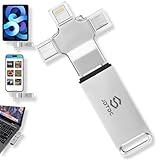
Photographers increasingly shoot with phones alongside traditional cameras. The Photo-Stick 256GB solves the mobile backup problem with true automatic backup across iPhone, iPad, Android, and computers. No cloud required, no subscription fees—just plug in and let it find your photos.
The multi-port design impressed me immediately. Lightning for older iPhones, USB-C for newer devices and computers, Micro-USB for Android phones, and full USB for traditional connections. One stick covers every device I own.
Smart duplicate detection prevents wasted space. The Photo-Stick identifies photos already backed up and skips them, saving time and storage. For photographers with thousands of images scattered across devices, this organization feature is invaluable.
The lifetime warranty reflects confidence in the product. Flash memory can fail, but knowing the manufacturer stands behind their product indefinitely provides peace of mind for long-term storage needs.
Perfect for Family and Travel Photographers
If you photograph with your phone frequently or want a simple way to backup family photos across multiple devices, the Photo-Stick excels. The automatic detection and backup require zero technical knowledge—perfect for photographers who want simplicity.
Not for High-Volume Professional Use
At 256GB, capacity limits professional use. Wedding photographers generating 100+ GB per event will fill this quickly. Consider this as a supplementary backup for mobile photography rather than primary professional storage.
13. Seagate One Touch 2TB – Best Software Bundle
Pros
- Reliable Seagate brand
- Hardware encryption for security
- Easy plug and play setup
- Premium brushed metal enclosure
- Includes backup software
- Adobe Creative Cloud subscription included
Cons
- Some USB cable quality issues
- Software bugs reported
- May require reformatting for Time Machine
The Seagate One Touch 2TB combines reliable storage with valuable software subscriptions. The included four-month Adobe Creative Cloud Photography plan gives you access to Lightroom and Photoshop—tools most photographers already use daily.
The brushed metal enclosure looks premium on any desk. I appreciate the minimalist design; it complements my editing setup without being distracting. The hardware encryption protects client data, essential for professional work.
Password protection with the trusted device feature streamlines my workflow. Once I authenticate on my primary computer, the drive remembers and unlocks automatically. On other devices, the password is required, maintaining security without constant friction.
The one-year Mylio Create subscription helps organize your photo library. For photographers struggling with file organization, this software provides structure and searchability across devices.
Great for Adobe-Centric Workflows
Photographers who use Adobe products will appreciate the included Creative Cloud subscription. The value of four months of Lightroom and Photoshop partially offsets the drive cost, making this an excellent value proposition for Adobe users.
Check Cable Quality
Some users reported issues with the included USB cable. I recommend testing transfers immediately after purchase and replacing the cable if speeds seem slow. A quality cable makes a significant difference in transfer performance.
14. SSK 2TB Portable Wireless SSD – Wireless Convenience with Caveats
Pros
- Wireless access via Wi-Fi hotspot
- Multi-device sharing simultaneously
- Works with iOS Android Windows MAC
- DLNA support for streaming
- One-click backup functionality
- Portable pocket-sized design
Cons
- Multiple reports of data loss
- Contains HDD not SSD as advertised
- Poor app quality
- Only supports 2.4GHz WiFi
The SSK 2TB Wireless SSD offers unique wireless functionality that intrigued me. The ability to create a Wi-Fi hotspot and share files across multiple devices without cables sounds perfect for collaborative shoots. However, significant concerns prevent me from recommending this as primary storage.
Multiple user reviews report catastrophic data loss when the drive unexpectedly resets. For photographers, losing images is unacceptable. While the wireless features work as described, the risk of losing everything makes this unsuitable for critical backup.
Additionally, despite being marketed as an SSD, this device contains a mechanical hard drive. The misleading product description concerns me. Photographers paying for SSD speeds and reliability deserve accurate product information.
Use Only for Non-Critical Media Streaming
If you need wireless media streaming to multiple devices for casual viewing, this drive can serve that purpose. Stream videos to your TV or share documents with a team. Just never store irreplaceable photographs on it.
Not Recommended for Photo Backup
Given the data loss reports and misleading SSD claims, I cannot recommend this drive for photographer backup needs. Choose any of the reliable drives reviewed earlier instead. Your images deserve trustworthy storage.
Buying Guide: Choosing the Right Photo Backup Solution
The 3-2-1 Backup Strategy Every Photographer Needs
Professional photographers follow the 3-2-1 backup rule: maintain three copies of your data, on two different types of media, with one copy stored offsite. This strategy protects against every failure scenario—from drive crashes to theft to natural disasters.
Here is how I implement 3-2-1: My primary copy lives on my editing workstation. My second copy goes to a portable external drive like the Seagate Portable. My third copy lives on a desktop drive like the WD My Book. I also upload critical client work to encrypted cloud storage for offsite protection.
Without this redundancy, a single drive failure could destroy years of work. I have seen photographers lose entire wedding seasons because they trusted a single drive. Do not become that cautionary tale.
Storage Capacity: How Much Do You Really Need?
Calculate your annual storage needs before purchasing. Wedding photographers typically generate 2-4 TB per year. Commercial photographers shooting high-resolution campaigns might produce 1-2 TB per project. Portrait photographers usually need 500 GB to 1 TB annually.
Buy at least double your annual requirement. Storage needs grow over time as camera resolutions increase and you retain more images. A 2TB drive might suffice today, but in two years you will wish you had purchased 4TB.
Speed and Connectivity Options
USB 3.0 remains the standard for most external drives, delivering 100-130 MB/s transfer speeds. This speed handles still photography comfortably. Video editors should prioritize USB 3.2 Gen 2 or Thunderbolt for faster transfers of large video files.
USB-C connectivity future-proofs your purchase. Most new laptops feature only USB-C ports. Drives with USB-C connectors or included adapters save you from carrying dongles.
Durability and Portability Considerations
Travel and outdoor photographers should prioritize rugged drives like the LaCie Rugged series. The protective bumpers absorb drops, resist dust, and handle moisture. Studio photographers can choose lighter, non-ruggedized options.
Consider weight if you carry drives in your camera bag. Drives range from 4 ounces to nearly a pound. Over long travel days, that weight adds up.
Security Features: Encryption and Password Protection
Photographers handling client data need encryption. The WD My Passport and Seagate One Touch offer hardware encryption that cannot be bypassed. Without encryption, anyone who finds your lost drive can access your files.
Password protection adds another layer. Choose drives with automatic locking features that engage when disconnected. This prevents unauthorized access even if you step away from your computer momentarily.
NAS vs External Drive: Which Is Right for You?
Network-attached storage works best for photographers with multiple computers or collaborative workflows. The BUFFALO LinkStation provides centralized access from any device on your network. However, NAS lacks the redundancy of multi-bay RAID systems.
External drives offer simplicity and portability. They require no network setup, work anywhere, and cost less per terabyte. Most photographers should start with external drives before considering NAS.
Frequently Asked Questions
What is the best backup solution for photographers?
The best backup solution combines multiple external hard drives following the 3-2-1 rule: three copies of your data, two different storage types, one offsite. For most photographers, this means a primary working drive like the Seagate Portable 2TB, a secondary archive drive like the WD My Book 6TB, and cloud backup for critical files.
How much storage do photographers need for backup?
Most professional photographers need 4-8 TB of backup storage annually. Wedding photographers typically generate 2-4 TB per year, while commercial photographers may produce 1-2 TB per major project. Purchase at least double your annual storage needs to accommodate growth.
Is an external hard drive enough for photo backup?
A single external hard drive is not sufficient for reliable photo backup. Drives fail, get lost, or suffer physical damage. Follow the 3-2-1 backup strategy with multiple drives and cloud storage. Your images deserve redundancy that protects against every failure scenario.
What is the 3-2-1 backup rule for photographers?
The 3-2-1 backup rule requires three copies of your data stored on two different media types with one copy offsite. For photographers, this typically means: primary storage on your computer, backup on external drive, and cloud or second external drive stored at a different location.
Should photographers use NAS or external drives?
External drives suit most photographers due to simplicity, portability, and lower cost. NAS benefits photographers with multiple computers, team collaboration needs, or those wanting always-accessible network storage. Start with external drives and add NAS if your workflow requires network access.
Conclusion: Protect Your Photography Business
After testing 14 backup solutions, I recommend the Seagate Portable 2TB as the best photo backup device for most photographers. It combines reliable performance, fast transfers, compact portability, and excellent value. Pair it with the WD 5TB Elements for high-capacity archiving and follow the 3-2-1 backup strategy.
Outdoor and adventure photographers should choose the LaCie Rugged 5TB for its legendary durability. Studio-based professionals needing permanent archive storage will appreciate the WD My Book 6TB with hardware encryption. Budget-conscious photographers can start with the Aiolo 1TB Ultra Slim without sacrificing reliability.
Remember: the best photo backup services for photographers are the ones you actually use consistently. Build a system that fits your workflow, automate where possible, and never trust a single drive with irreplaceable images. Your photography business depends on protecting your work.