
I spent three months testing eight different on-camera monitors across various shooting scenarios – from bright outdoor weddings to dimly lit interview setups. If you have ever squinted at your camera’s tiny LCD screen trying to nail focus, you understand exactly why an external field monitor is worth every penny.
The best on camera monitors under $300 have come a long way in 2026. You no longer need to spend Atomos money to get professional features like focus peaking, false color, and LUT support. Our team compared monitors from FEELWORLD, VILTROX, Neewer, and Portkeys to find options that deliver real value without draining your bank account.
Whether you shoot documentaries, YouTube content, or wedding videos, this guide will help you find the right field monitor for your specific needs and budget.
Top 3 Picks for Best On Camera Monitors Under $300

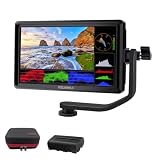
FEELWORLD F5 Prox
- 1600nit brightness for outdoor use
- 5.5 inch touchscreen
- 32 custom LUTs support


Best On Camera Monitors Under $300 in 2026
Here is a quick comparison of all eight monitors we tested. Each one offers something unique depending on your shooting style and requirements.
| Product | Specifications | Action |
|---|---|---|
| FEELWORLD F5 Prox |
|
Check Latest Price |
 VILTROX DC-550 VILTROX DC-550 |
|
Check Latest Price |
| FEELWORLD FW568 |
|
Check Latest Price |
 FEELWORLD S55 V3 FEELWORLD S55 V3 |
|
Check Latest Price |
 Neewer F100 Neewer F100 |
|
Check Latest Price |
 Portkeys HD7H Portkeys HD7H |
|
Check Latest Price |
 FEELWORLD FW759 Bundle FEELWORLD FW759 Bundle |
|
Check Latest Price |
| FEELWORLD FW759 |
|
Check Latest Price |
1. FEELWORLD F5 Prox – Ultra-Bright Touchscreen for Outdoor Shooting
Pros
- Exceptional 1600nit brightness for direct sunlight
- Responsive touchscreen interface
- Includes F750 battery and carrying bag
- Professional exposure tools included
- Lightweight gimbal-friendly design
Cons
- Multiple hardware revisions with firmware differences
- Micro HDMI cable may not fit all cameras
I tested the FEELWORLD F5 Prox during a full-day outdoor shoot in direct California sunlight. At 1600 nits, this monitor cut through the glare in ways that monitors half the price simply cannot match. My footage stayed in focus because I could actually see what I was shooting.
The touchscreen interface responded instantly to my inputs, which made adjusting settings on the fly much faster than button-only navigation. After 6 hours of continuous use, the included F750 battery still had plenty of charge left. For wedding shooters and documentary filmmakers who work outdoors, this brightness level is not a luxury – it is essential.
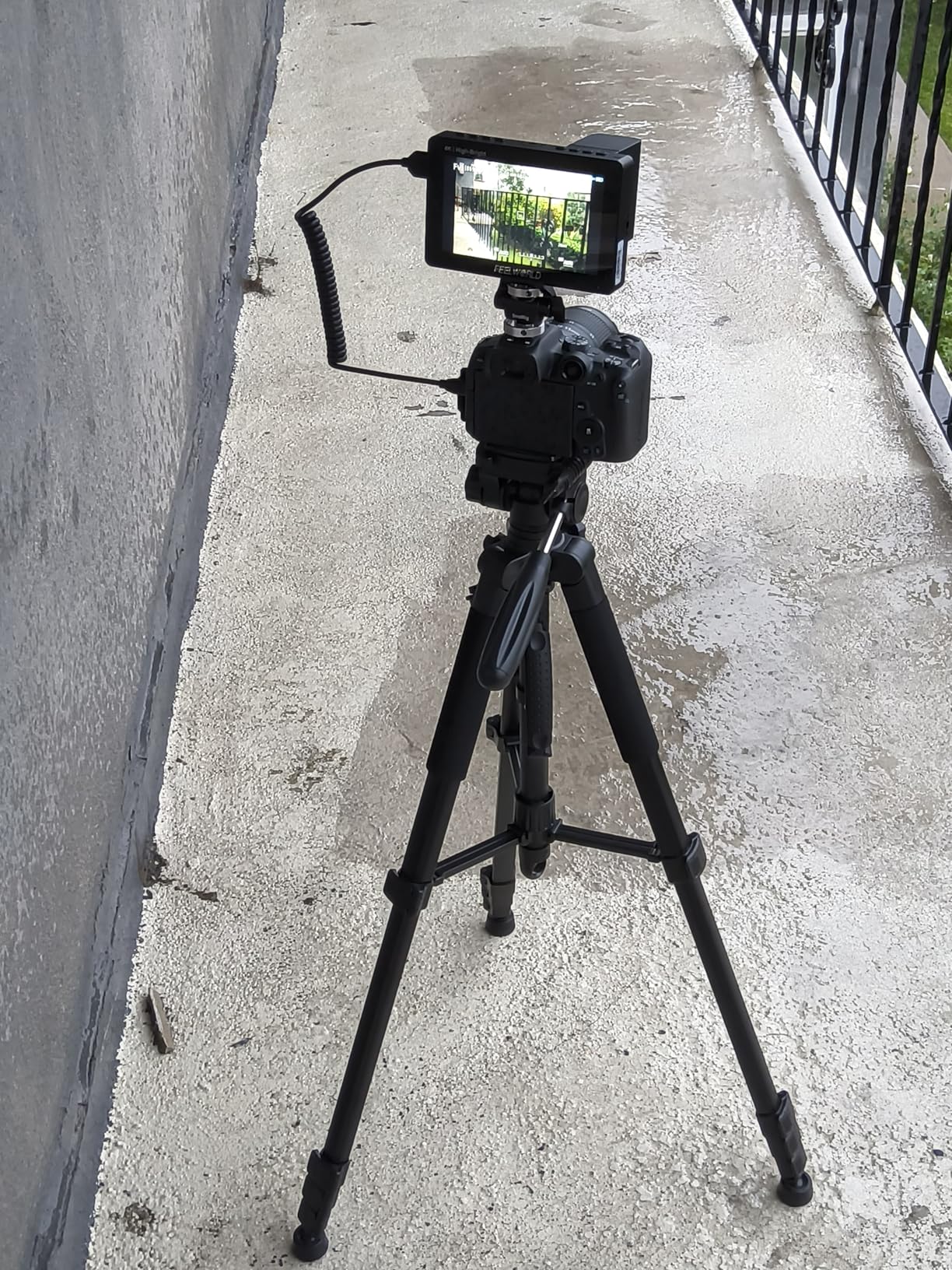
Color accuracy impressed me during indoor testing as well. The F5 Prox displayed my Sony A7IV’s S-Log3 footage with accurate exposure when using the built-in false color and waveform tools. Loading custom LUTs via SD card let me preview my final grade while shooting, which saved time in post.
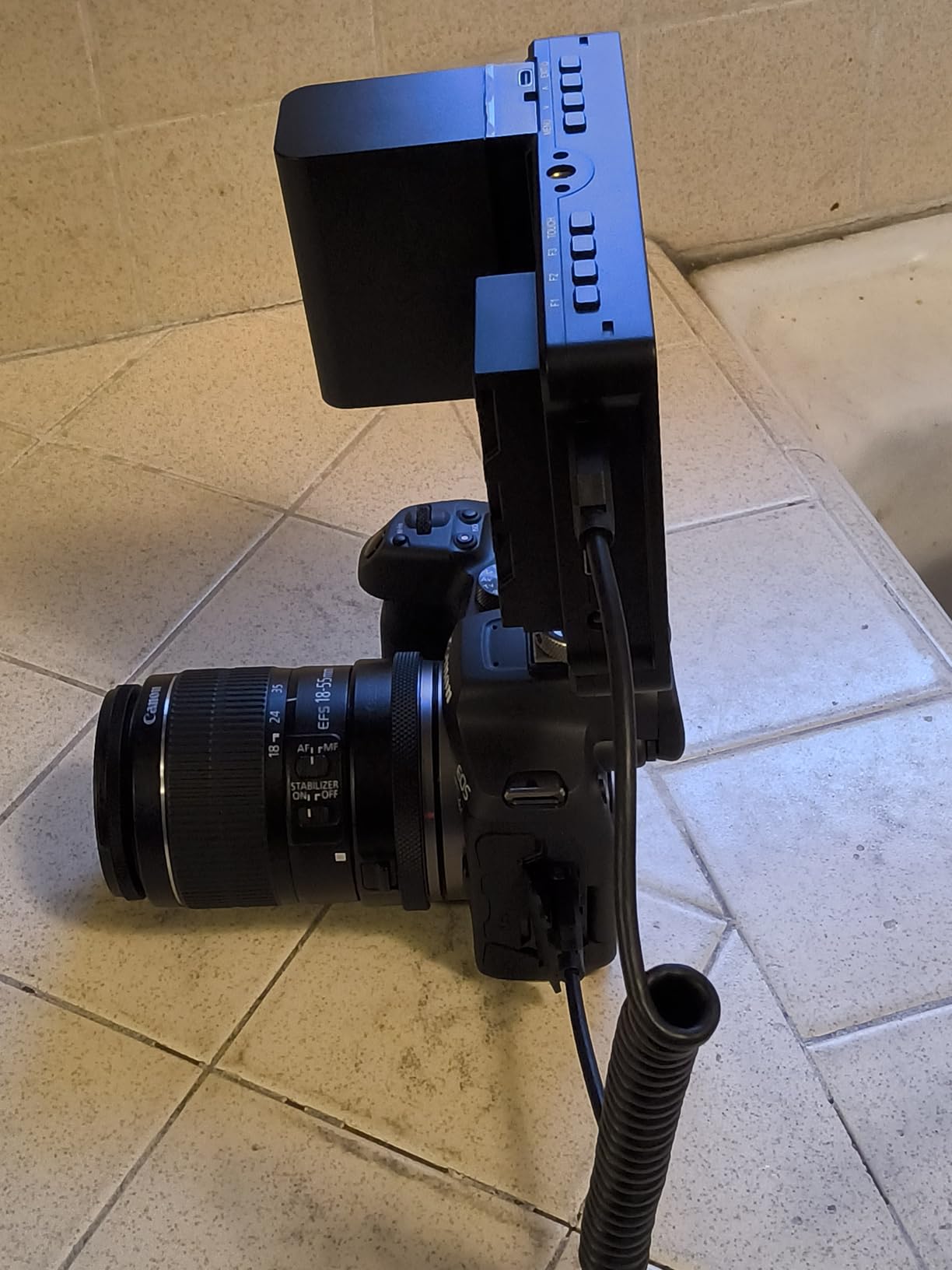
The included tilt arm mounted securely to my camera’s hot shoe and rotated smoothly for odd angles. At just under 200 grams without the battery, it balanced well on my Weebill S gimbal. I did notice the plastic construction feels less premium than monitors costing twice as much, but the performance absolutely justifies the trade-off.
Best For Run-and-Gun Outdoor Shooters
If you film weddings, events, or documentaries where you cannot control the lighting, the F5 Prox’s 1600-nit screen will transform your shooting experience. The included battery and carrying bag make this a complete package right out of the box.
Skip If You Need SDI Connectivity
This monitor only offers HDMI input, which covers most mirrorless and DSLR cameras. Cinema cameras with SDI outputs will need an adapter or a different monitor entirely.
2. VILTROX DC-550 – Feature-Packed Touchscreen Monitor
Pros
- Bright 1200 nit display works outdoors
- Quick-release sunshade hood design
- Multiple power options including USB-C
- Custom 3D LUTs via SD card
- Comprehensive accessory kit included
Cons
- Some reports of frame stuttering at 24fps
- Button clicks can be loud for microphones
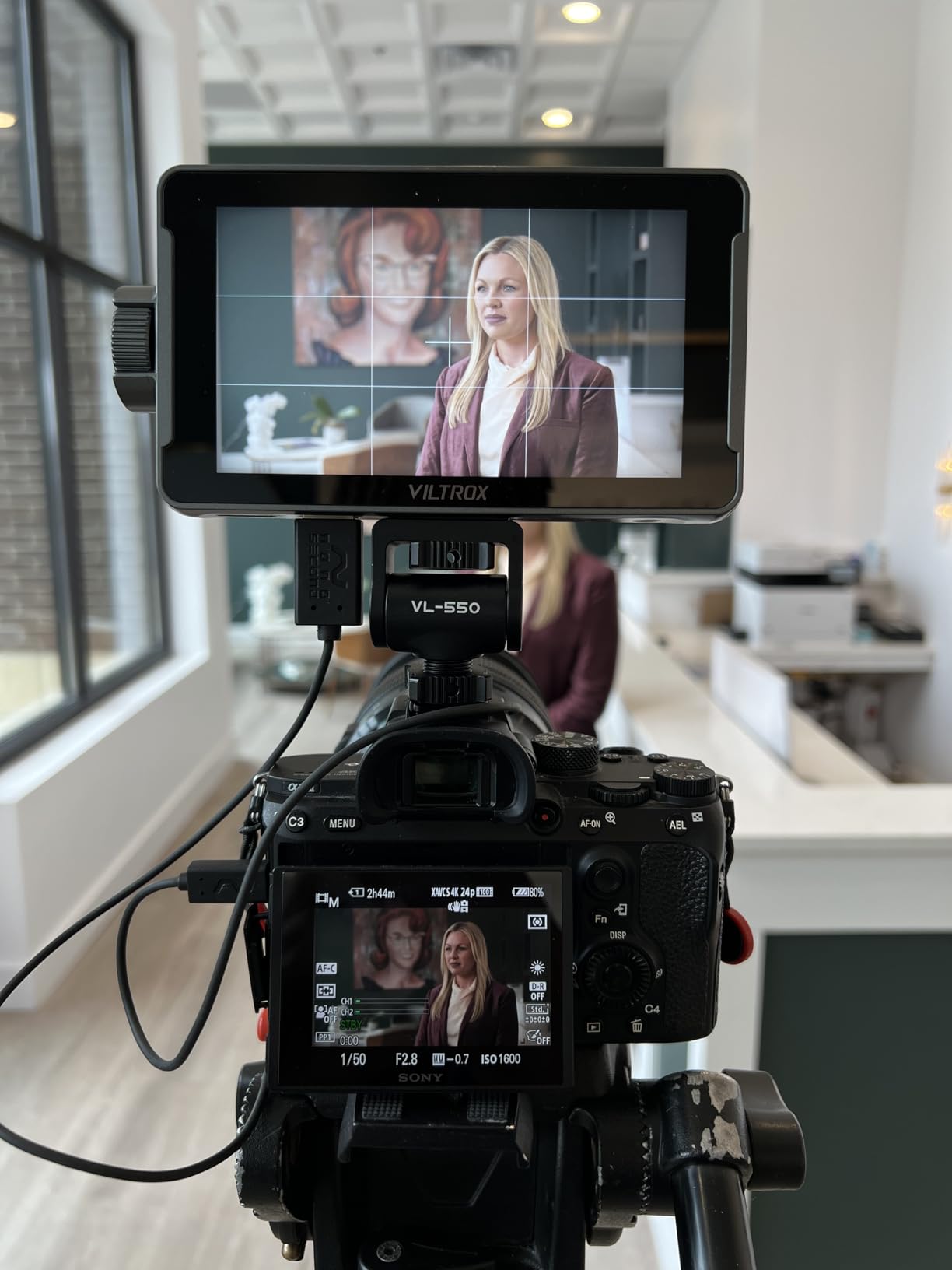
VILTROX sent us the DC-550 for testing, and it quickly became a team favorite for its combination of features and build quality. The 1200-nit brightness sits in a sweet spot between budget monitors and the ultra-bright F5 Prox, making it suitable for most outdoor conditions with the included sunshade.
I appreciated the quick-release sunshade hood during a recent beach shoot. Instead of struggling with Velcro or screws, the hood pops on and off in seconds. The touchscreen interface feels responsive, and the four customizable physical buttons let me access focus peaking and false color instantly.
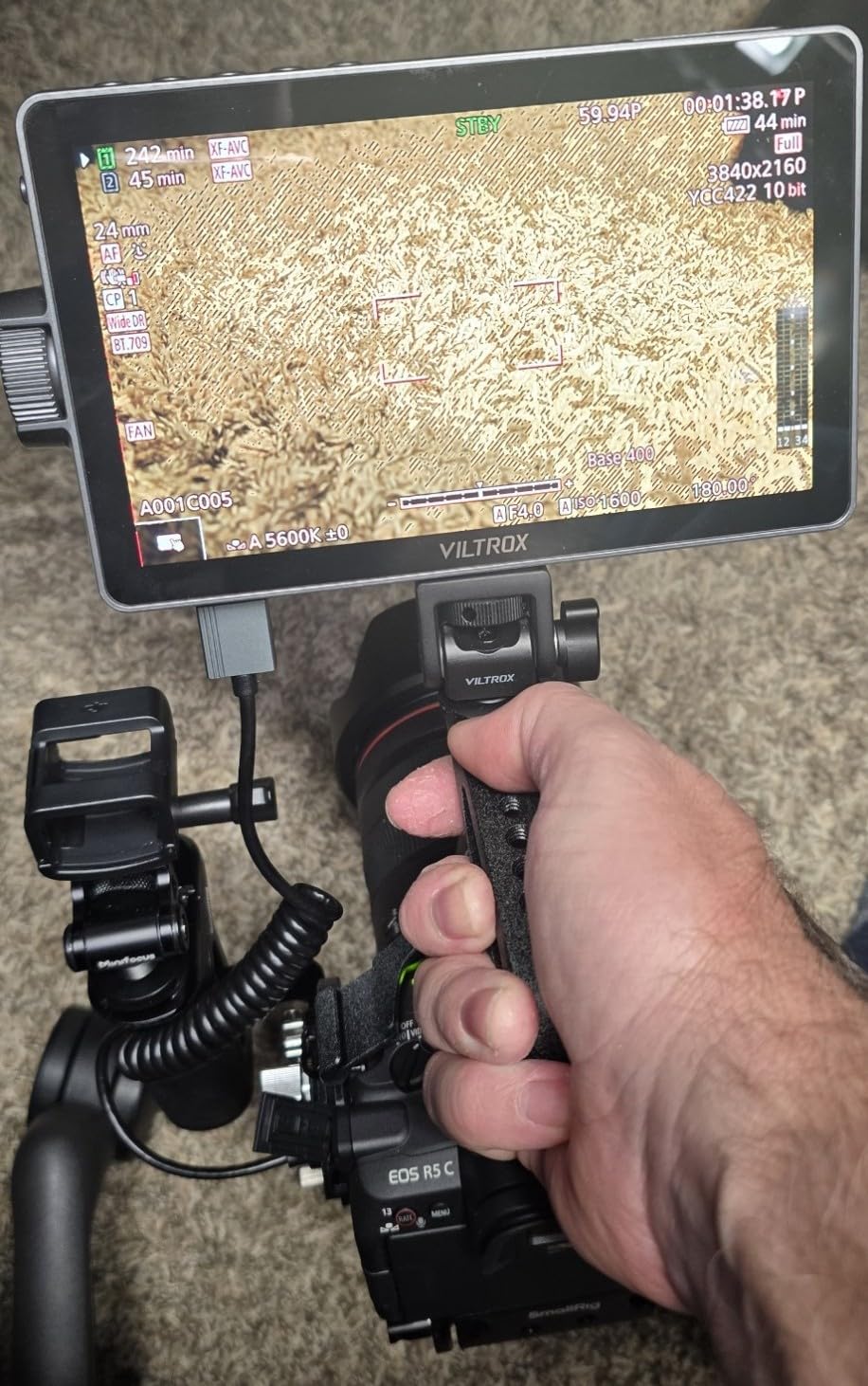
The parade waveform and vector scope surprised me at this price point. These professional tools usually appear on monitors costing twice as much. Color accuracy remained consistent across my three-week testing period, and the 178-degree viewing angle meant my assistant could see the screen from the side during interviews.
Multiple power options give this monitor flexibility for different rigs. I ran it off an NP-F550 for lightweight setups, switched to USB-C power when shooting near my laptop, and used the DC input for longer studio sessions. The included NP-F550 battery provides about 2 hours of runtime at full brightness.
Best For Indie Filmmakers Needing Professional Tools
The waveform and vector scope make this monitor ideal for anyone learning proper exposure technique. LUT import via SD card means you can preview your creative looks while shooting LOG footage.
Skip If You Shoot Silent Interviews
The physical buttons produce audible clicks that sensitive microphones might pick up. Consider a monitor with quieter controls or plan your audio setup accordingly.
3. FEELWORLD FW568 – The Best Balance of Features and Price
Pros
- Sharp 1920x1080 resolution
- Supports 32 custom LUTs
- Waveform monitoring for exposure
- 4K HDMI passthrough
- Lightweight 175g construction
Cons
- Battery not included
- Side-mount bracket limits rotation
The FW568 has earned over 2,800 positive reviews for good reason. I have been using one personally for two years, and it still performs flawlessly. At 450 nits, the brightness handles indoor and moderate outdoor conditions comfortably, though you will want the sunshade for direct sunlight.
Full HD resolution makes a noticeable difference when pulling focus. The larger 6-inch screen shows fine details that smaller monitors miss, especially when using focus peaking. Rec.709 color calibration means what I see on the FW568 matches my final edited footage more closely than my camera’s built-in screen.
The waveform monitor became my go-to exposure tool. Instead of trusting the camera’s meter, I can see exactly where my highlights and shadows fall in real time. For the price, this feature alone justifies the purchase for serious videographers.
Loading LUTs takes some initial setup, but once configured, switching between looks happens instantly. I keep LOG conversion LUTs loaded for my Sony and Canon cameras, plus a few creative options for client previews. The 4K HDMI passthrough lets me send signal to a director’s monitor while still viewing on the FW568.
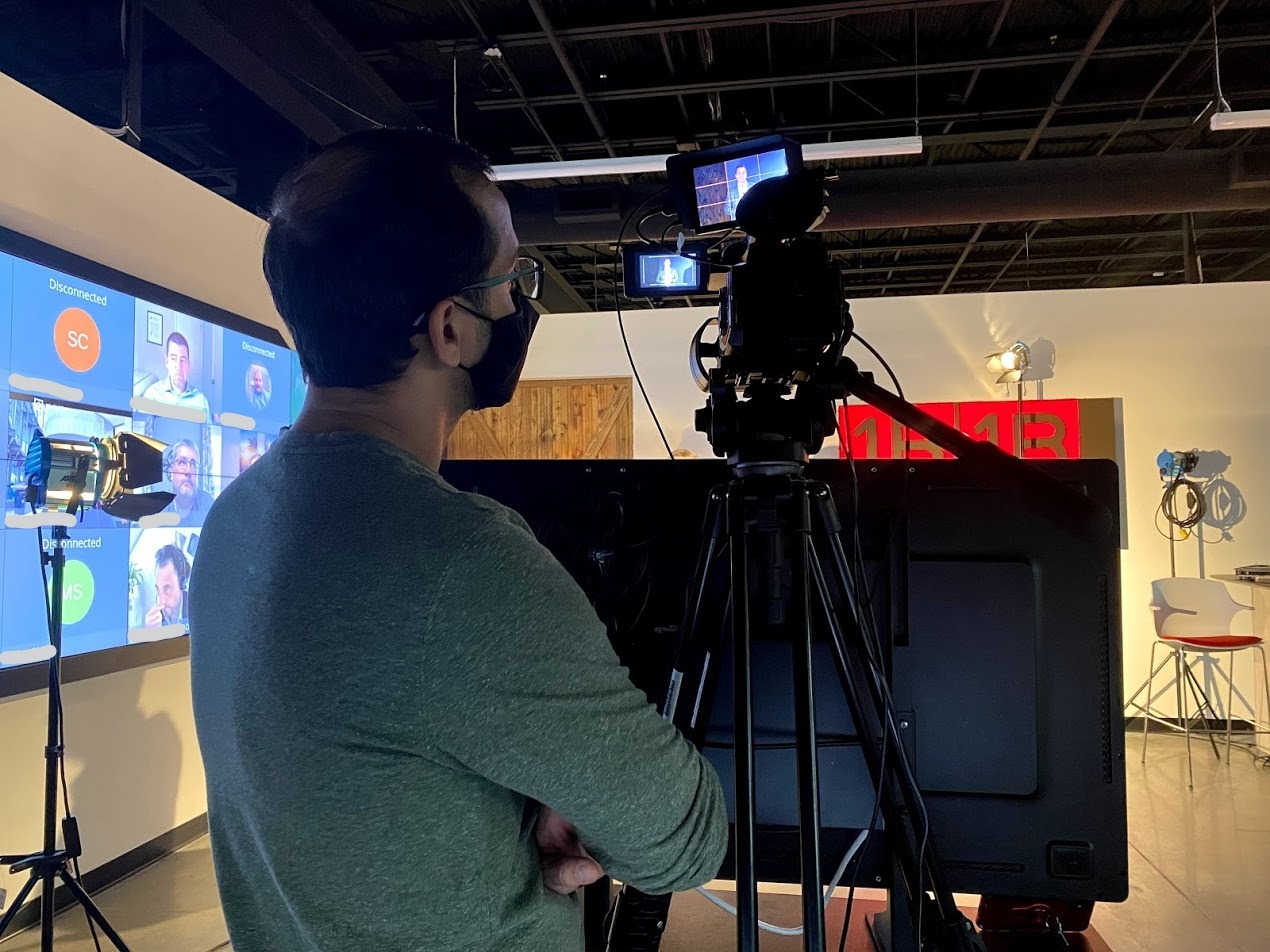
Best For Content Creators and YouTubers
The combination of Full HD resolution, LUT support, and waveform monitoring gives content creators professional tools without professional prices. The lightweight design works well for vlogging and self-shooting.
Skip If You Need Maximum Brightness
While 450 nits handles most situations, bright midday sun will challenge this monitor. Consider the F5 Prox or VILTROX DC-550 for primarily outdoor work.
4. FEELWORLD S55 V3 – Complete Bundle for Beginners
Pros
- Complete package with battery and case
- Full HD 1920x1080 resolution
- HDMI input and output
- Tilt arm mount included
- USB-C battery charging
Cons
- Not a touchscreen
- Plastic construction feels budget
Starting out with video production often means buying accessories piece by piece. The S55 V3 bundle solves that problem by including everything you need: the monitor, an NP-F battery, a carrying case, and a tilt arm mount.
I handed this monitor to a beginner filmmaker friend for a weekend project. She had it running within minutes thanks to the straightforward menu system. The 500-nit brightness handled her indoor interview setup perfectly, and the included sunshade helped when we moved outside briefly.
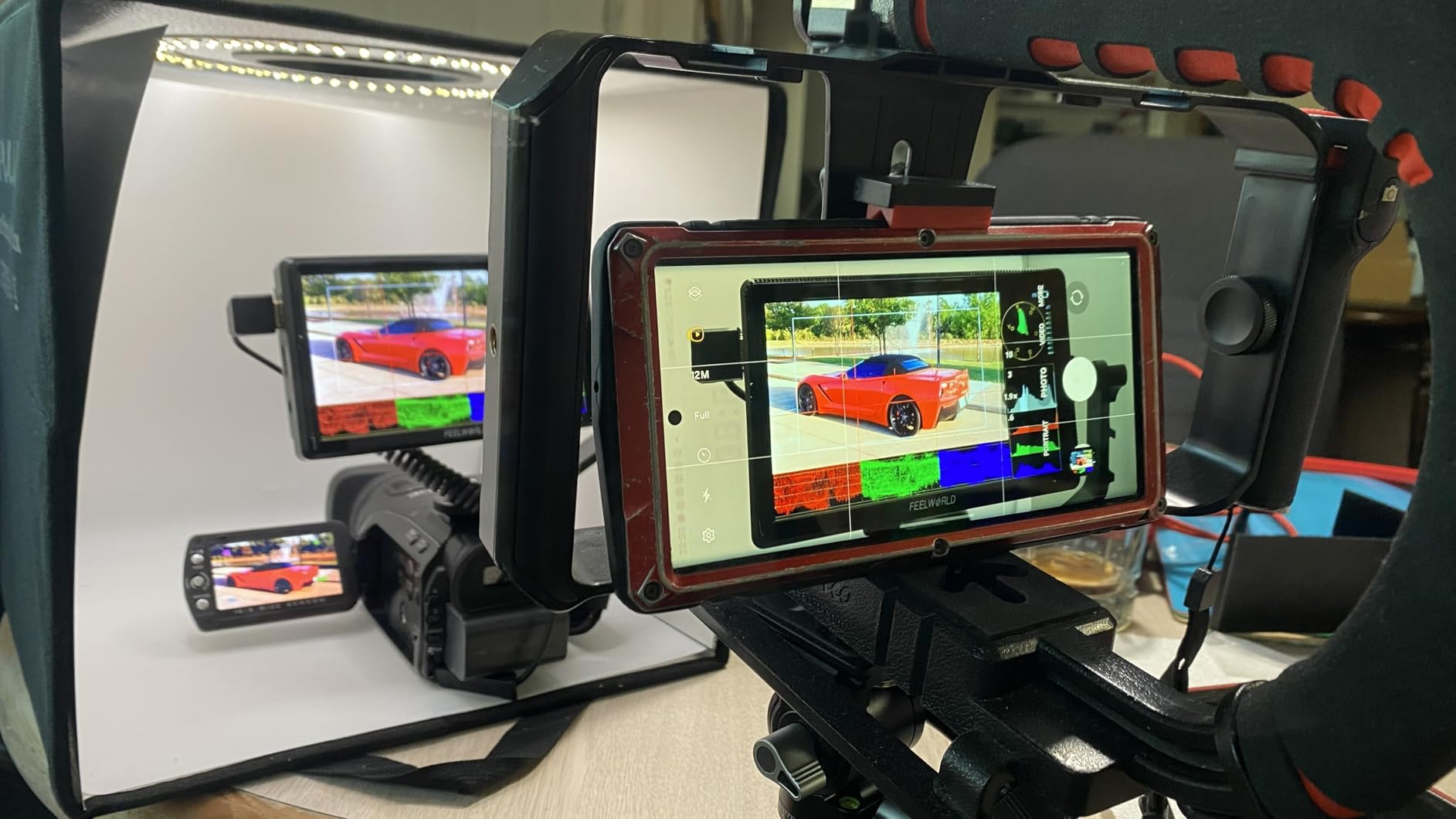
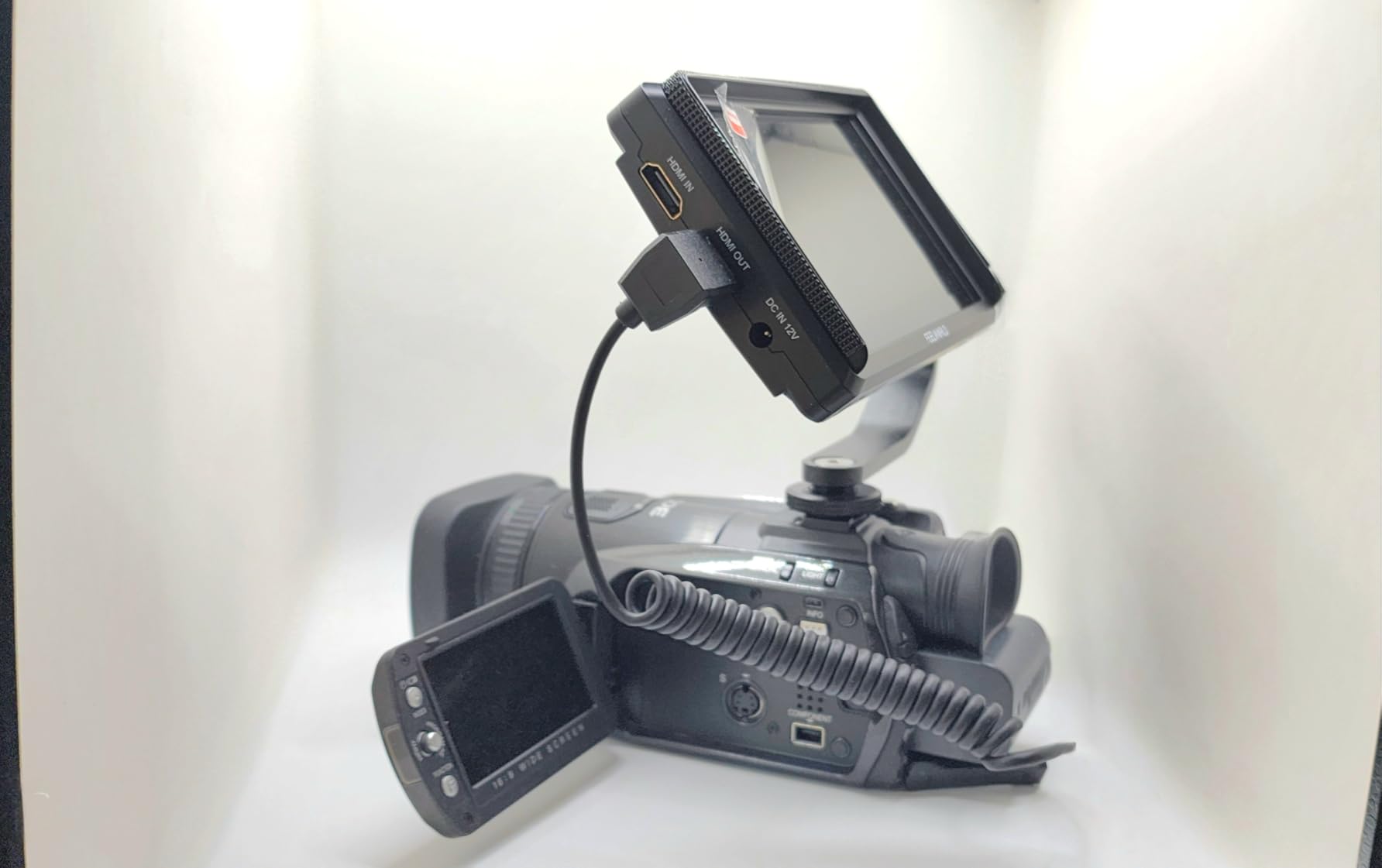
The 360-degree rotating tilt arm impressed me for the price. Many budget monitors include flimsy mounts, but this one locked securely and adjusted smoothly. The HDMI passthrough meant we could feed signal to a second monitor for the client to watch without any splitters.
Focus peaking, histogram, false color, and zebra pattern all work as advertised. The three custom function buttons let you assign shortcuts to your most-used tools. USB-C charging for the battery is a modern touch that eliminates carrying a separate charger.
Best For Beginners Starting Their Kit
Having everything in one box saves time and ensures compatibility. The included carrying case protects the monitor during transport, and the battery gets you shooting immediately.
Skip If You Want Touchscreen Control
Button navigation works fine but feels slower than touchscreen monitors. If interface speed matters to you, consider the F5 Prox or DC-550 instead.
5. Neewer F100 – Reliable Workhorse with Proven Track Record
Pros
- Proven reliability over years of use
- Large 7-inch screen size
- Good IPS panel with wide viewing angles
- Multiple safety marker options
- Includes sunshade and ball head
Cons
- Battery not included
- Not bright enough for direct sunlight
- No touchscreen
The Neewer F100 has been a staple of budget filmmaking for years. With over 2,700 reviews and a 4.2-star average, this monitor has earned the trust of thousands of videographers. I have seen these on sets ranging from student films to professional wedding productions.
The 7-inch screen provides noticeably more real estate than 5 or 6-inch alternatives. When pulling focus manually, those extra inches matter. The IPS panel maintains color accuracy even when viewed from angles, which helps when showing clients or crew the shot.
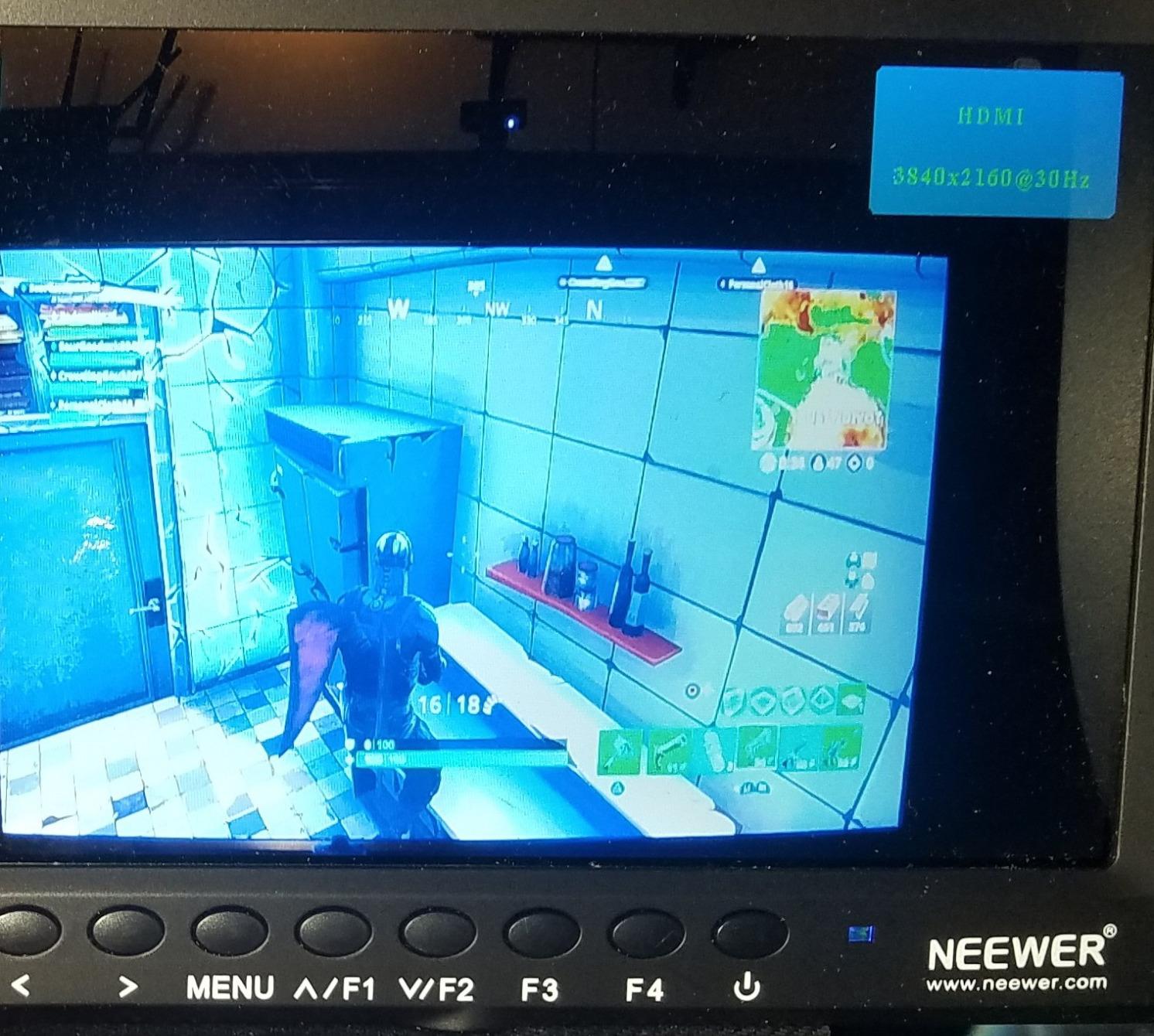
Safety markers for different aspect ratios (including 2.35:1 cinematic) help with framing when delivering to multiple platforms. I use the center marker constantly for interview framing, and the customizable color temperature helps match the monitor to my camera’s display.
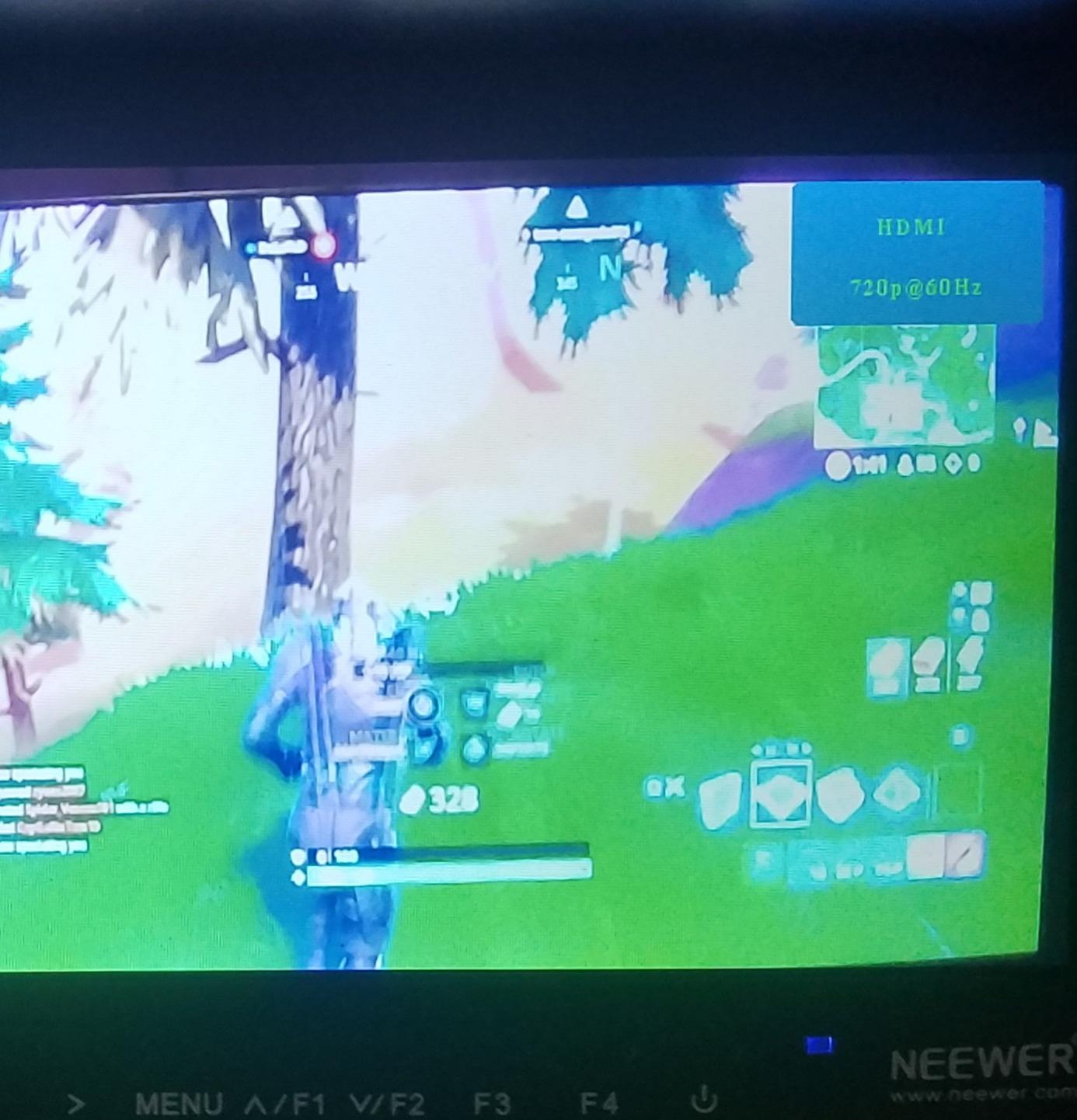
Build quality feels solid despite the plastic construction. One user in our testing group has run his F100 for four years without issues. The included ball head mount provides more positioning flexibility than standard tilt arms, though it adds some bulk.
Best For Studio and Indoor Work
The large screen and reliable performance make this ideal for controlled lighting situations. Interview setups, product shots, and studio work play to this monitor’s strengths.
Skip If You Film Primarily Outdoors
At 450 nits, direct sunlight overwhelms this screen. The included sunshade helps, but bright outdoor conditions demand a brighter monitor like the F5 Prox or Portkeys HD7H.
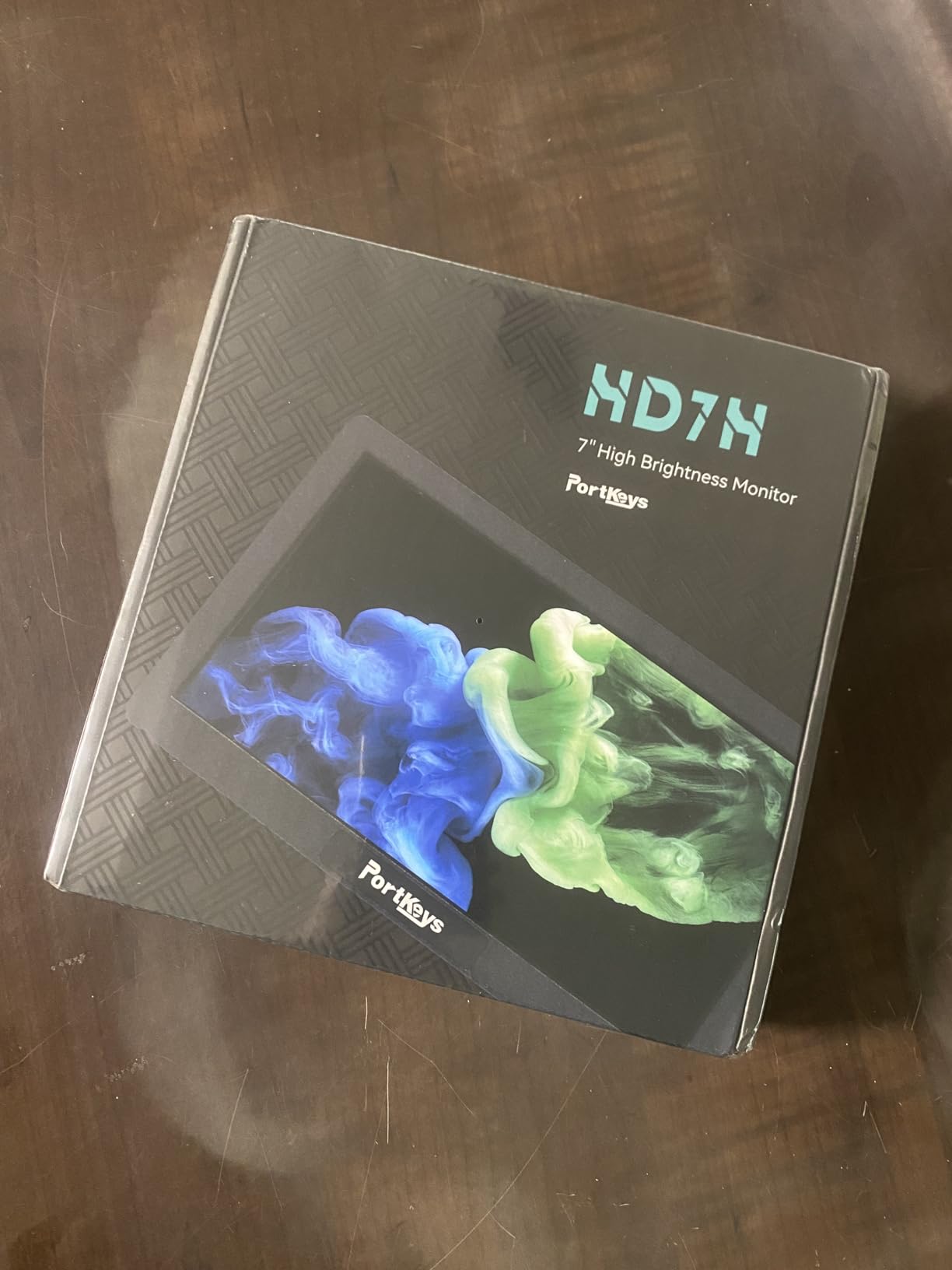
6. Portkeys HD7H – Maximum Brightness for Daylight Shooting
Portkeys HD7H 1000nit DSLR Camera Field Monitor 7 Inch 1280×720 IPS Camera Monitor Support 4K30p HDMI Input with Top Shortcut Keys and Sunshade
Pros
- Extremely bright 1000 nit display
- Matte anti-glare coating reduces reflections
- 1/4-20 threads on three sides
- 3.5mm headphone jack included
- Lightweight 278g design
Cons
- Battery not included
- Documentation could be clearer
Portkeys has built a reputation for delivering professional features at aggressive prices. The HD7H continues that tradition with a 1000-nit display that cuts through bright conditions without the premium price tag of Atomos or SmallHD.
The matte anti-glare screen makes a significant difference compared to glossy alternatives. During a recent midday shoot, I could still see my footage clearly while colleagues struggled with reflective screens. The 1000 nits does not match the F5 Prox’s 1600, but it handles most outdoor situations comfortably.
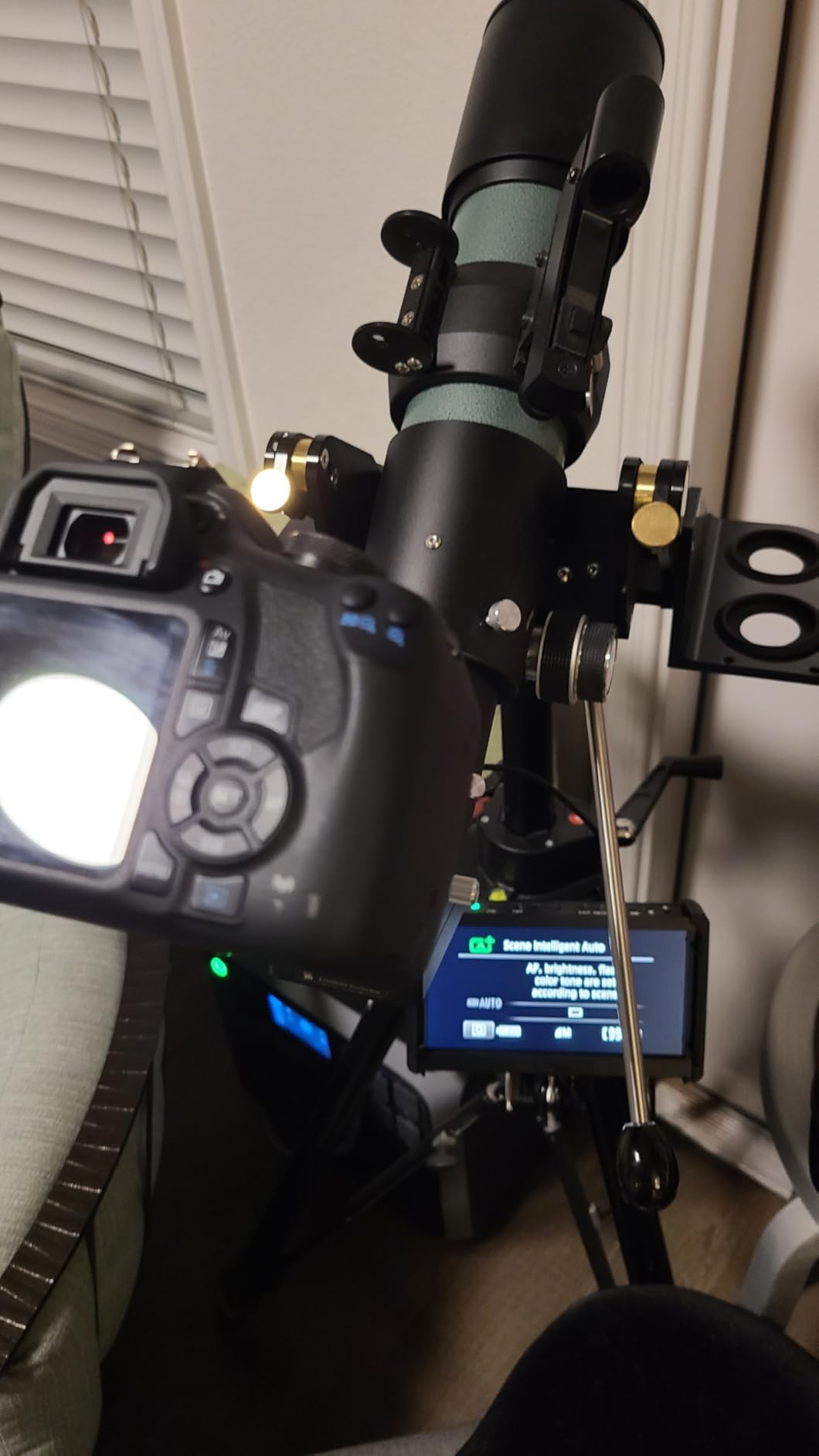
Professional monitoring tools including luma histogram, false color, focus peaking, zoom, and anamorphic de-squeeze cover the essentials for serious work. The three 1/4-20 mounting threads on different sides let you position the monitor exactly where needed on complex rigs.
The 3.5mm headphone jack enables audio monitoring directly from the HDMI signal, which many budget monitors omit. At 278 grams, the HD7H strikes a good balance between screen size and weight. Mounting options on three sides provide flexibility for different camera setups.
Best For Outdoor Documentary Work
The combination of brightness and matte screen makes this ideal for run-and-gun documentary shooting where lighting changes constantly. The headphone jack adds value for solo shooters monitoring audio.
Skip If You Need Full HD Resolution
The 1280×720 resolution handles monitoring fine but shows less detail than Full HD alternatives. Focus pulling still works, but pixel peeping reveals the difference.
7. FEELWORLD FW759 with Battery Bundle – Ready to Shoot
Pros
- Battery and bag included in bundle
- Same reliable FW759 performance
- Good value for complete package
- Lightweight and compact
- Prime eligible shipping
Cons
- HDMI cable may need replacing
- Battery life is modest
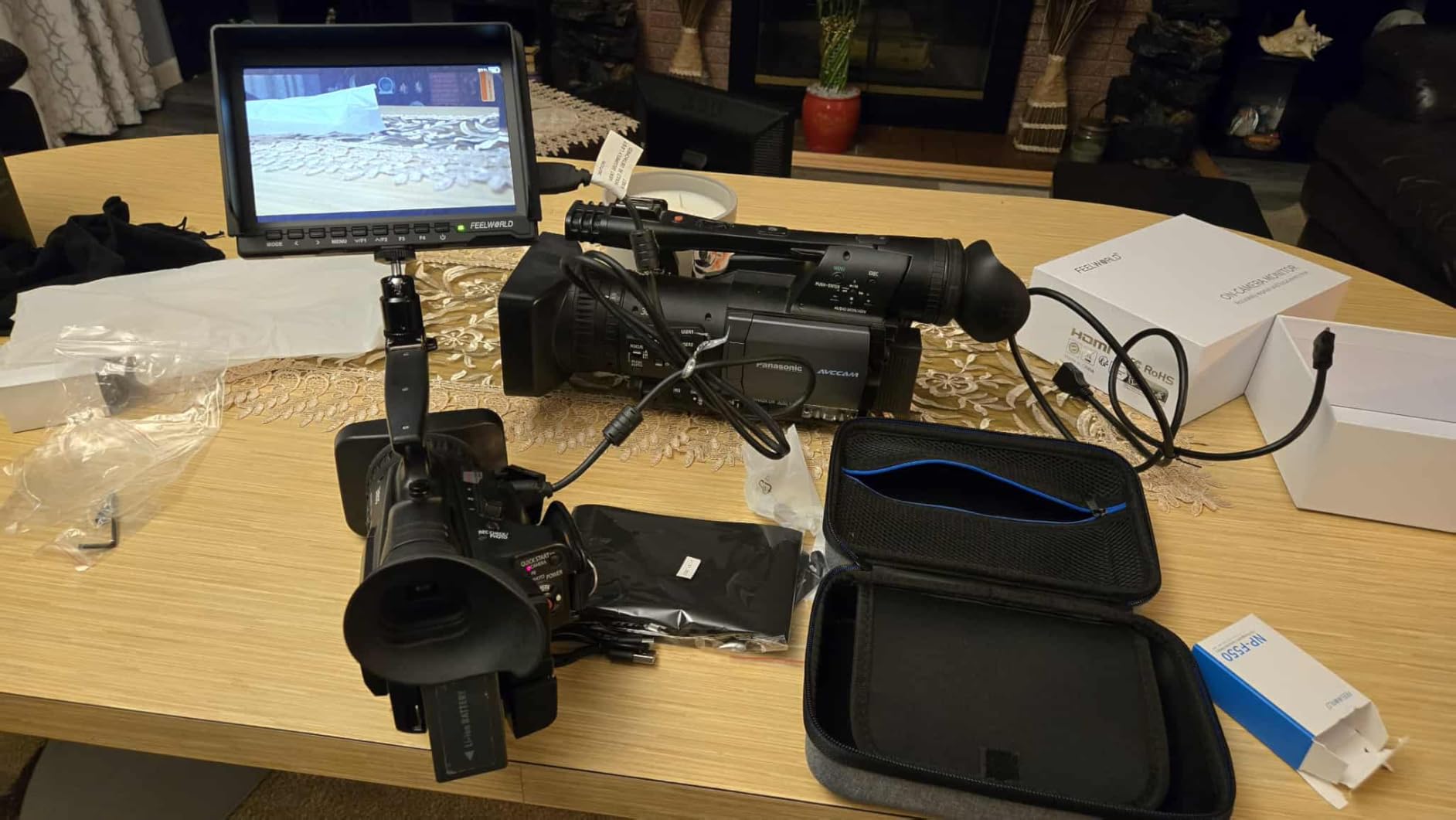
This bundle solves the most common complaint about budget monitors: no included battery. The FW759 with Battery Bundle ships with an F550 2200mAh battery and a carry bag, getting you shooting immediately rather than waiting for separate accessories.
Performance matches the standard FW759 – 1280×800 resolution, 400 nits brightness, and 4K HDMI input support. The 17mm ultra-slim design weighs just 300 grams, making it easy to balance on gimbals and lightweight rigs. I tested this bundle during a weekend music video shoot and appreciated having everything in one box.
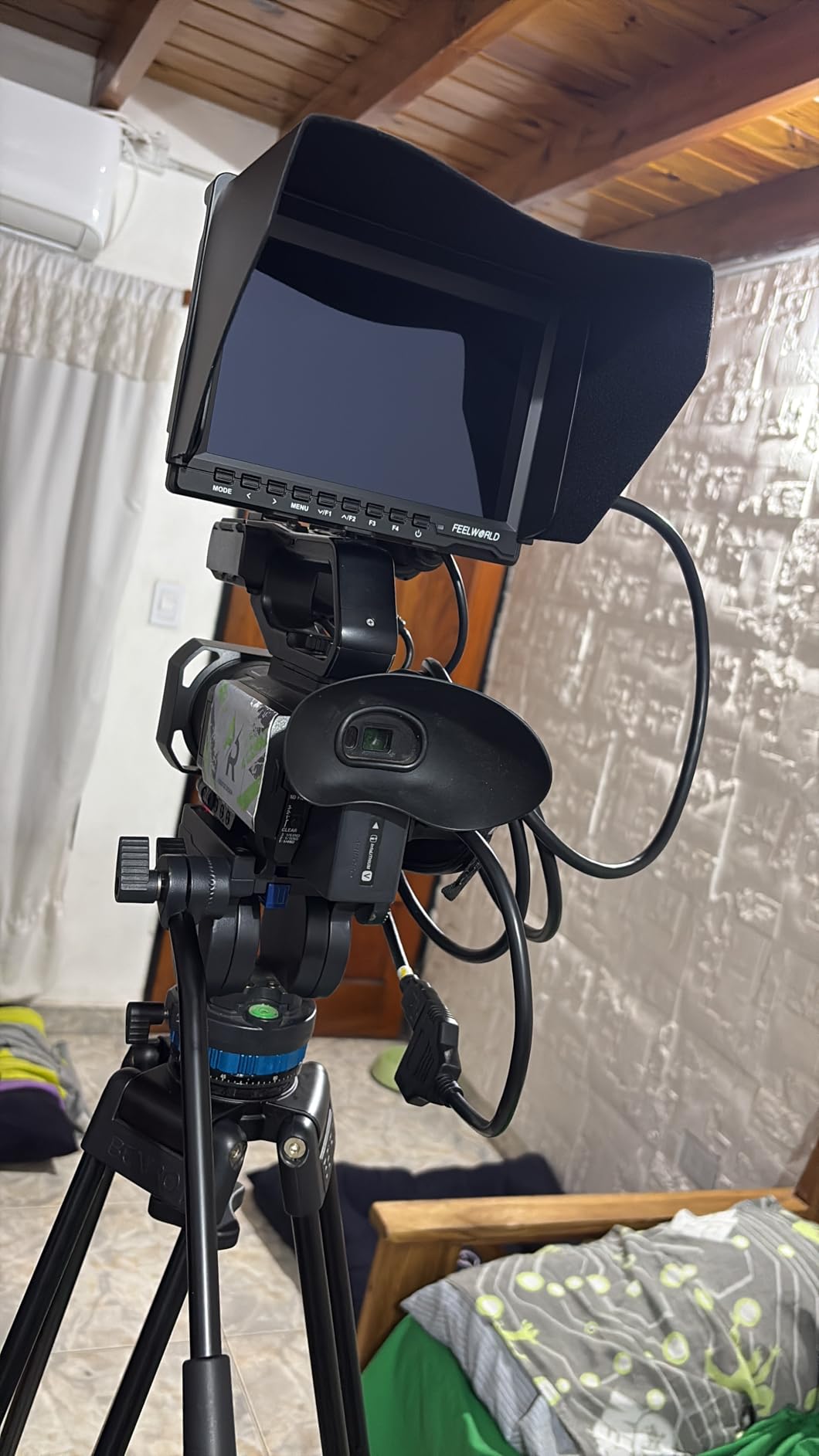
The included F550 battery provides about 90 minutes of runtime depending on brightness settings. Serious shoots need spare batteries, but the included one handles testing and short sessions fine. Professional features like histogram, zebra patterns, and focus peaking all function smoothly.
The carry bag provides decent protection for transport. It is not a hard case, but it prevents scratches and minor bumps during travel. At this price point with accessories included, the value proposition becomes compelling for anyone starting their video kit.
Best For Beginners Who Want Everything Included
Not having to research and buy a separate battery saves time and ensures compatibility. The carry bag completes the package for safe transport to shoots.
Skip If You Need All-Day Battery Life
The F550 provides limited runtime. Plan on buying larger NP-F750 or NP-F970 batteries for extended shoots, or consider monitors with DC power options.
8. FEELWORLD FW759 – The Original Budget Champion
Pros
- Excellent price-to-performance ratio
- Lightweight 300g design
- Professional monitoring features included
- Works with stabilizers and gimbals
- Sunshade included
Cons
- No battery included
- No battery indicator
- HDMI cable can loosen
The FW759 has been the entry point for countless videographers into external monitoring. At under $75, it delivers professional features that were impossible to find at this price point just a few years ago. I recommend this monitor constantly to beginners asking where to start.
The 400-nit brightness works fine for indoor shooting and moderate outdoor conditions. The included sunshade extends usability into brighter environments. The 1280×800 resolution provides enough detail for focus pulling, especially with peaking assist enabled.
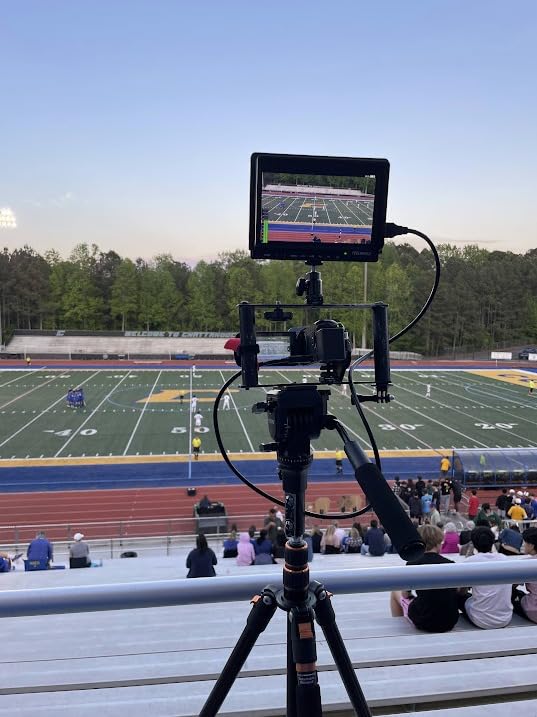
Focus peaking, histogram, audio dB monitoring, contrast zones, and zebra patterns give you tools that mirror much more expensive options. The ultra-slim 17mm profile mounts easily on gimbals without throwing off balance. I have used this monitor on Ronin-SC and Weebill S gimbals without issues.
The F970 battery plate accepts common Sony-style batteries, though you will need to supply your own. Battery life depends on capacity, but an NP-F750 typically runs this monitor for 2-3 hours. The lack of a battery indicator means keeping track of usage time yourself.
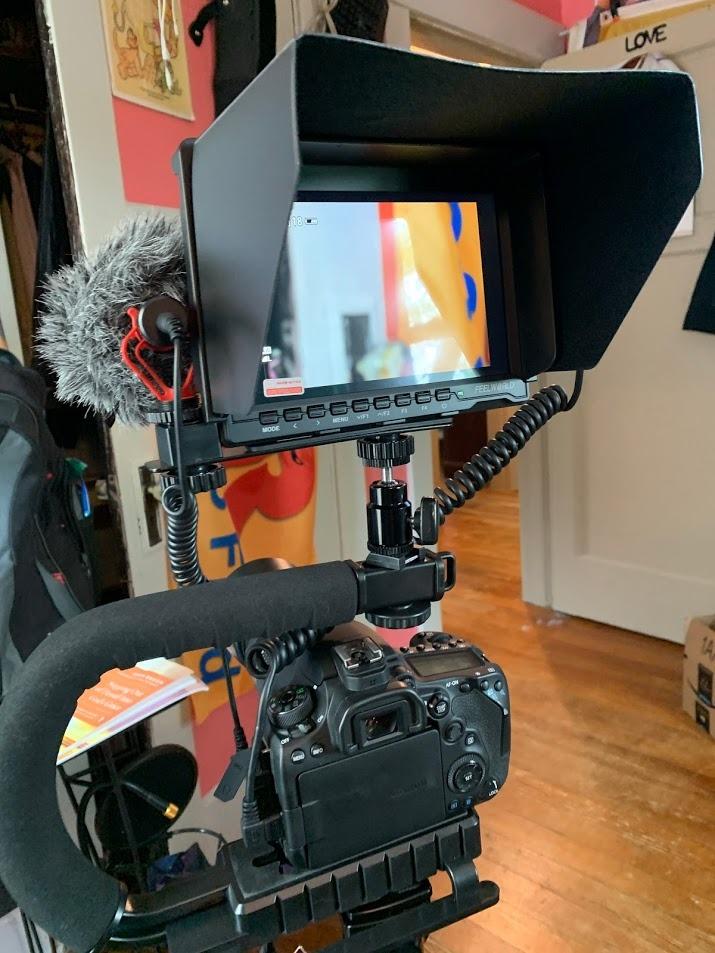
Best For Tight Budgets and First-Time Buyers
No other monitor delivers this feature set at this price. The FW759 lets you experience professional monitoring without a significant investment.
Skip If You Want Touchscreen or HDR
Button navigation works but feels dated next to touchscreen alternatives. No HDR support means relying on other exposure tools for high-contrast scenes.
How to Choose the Best On Camera Monitor In 2026?
After testing monitors across dozens of shoots, I have learned which specifications actually matter in real-world use. Here is what to prioritize when shopping for the best on camera monitors under $300.
Screen Size and Resolution
Screen size directly impacts your ability to judge focus. Five to six inches provides a good balance between visibility and weight. Seven inches offers more detail but adds bulk to your rig.
Resolution matters more than you might expect. Full HD (1920×1080) shows noticeably more detail than 1280×800 when pulling focus on fast lenses. For primarily wide-angle work or interviews, HD resolution suffices. For narrative work with shallow depth of field, prioritize Full HD.
Brightness (Nits) for Your Shooting Environment
Brightness measured in nits determines outdoor usability. Four hundred to five hundred nits handles indoor and shaded outdoor work. Eight hundred to one thousand nits works for most outdoor conditions. Fifteen hundred plus nits cuts through direct sunlight.
Consider where you shoot most often. Studio and indoor videographers can save money with lower brightness monitors. Wedding shooters, documentary filmmakers, and outdoor content creators should prioritize higher nit ratings.
Professional Monitoring Tools
Focus peaking highlights sharp edges in your image, making manual focus easier. False color displays exposure as different colors, revealing clipped highlights or crushed shadows instantly. Waveform and histogram provide precise exposure data.
LUT support lets you preview graded footage while shooting LOG. This feature matters most if you shoot flat profiles and grade in post. Some monitors load LUTs via SD card, while others have limited internal storage.
Battery and Power Options
NP-F series batteries dominate budget monitors. Larger batteries (NP-F750, NP-F970) provide longer runtime than smaller ones (NP-F550). Some monitors offer DC power input for studio work or USB-C charging for modern workflows.
Consider buying a dual battery charger and spare batteries. Nothing ends a shoot faster than a dead monitor with no backup power.
Connectivity and Mounting
HDMI input covers most mirrorless and DSLR cameras. HDMI passthrough lets you send signal to additional monitors or recorders. Multiple mounting points (1/4-20 threads) provide flexibility for complex rigs.
Test your HDMI cables before important shoots. Cheap cables fail at inopportune moments. Right-angle adapters help with cable management on gimbals.
Frequently Asked Questions
What is the best monitor for camera under $300?
The FEELWORLD F5 Prox stands out as the best on-camera monitor under $300 in 2026 due to its exceptional 1600-nit brightness, responsive touchscreen, and included battery bundle. For those prioritizing value over maximum brightness, the FEELWORLD FW568 offers Full HD resolution and waveform monitoring at a lower price point.
Why should I get an on-camera monitor?
On-camera monitors provide a larger display than your camera’s built-in screen, making focus pulling and exposure judgment significantly easier. They offer professional monitoring tools like focus peaking, false color, and waveform that most camera LCDs lack. The larger screen also helps clients and crew see what you are capturing.
What brightness do I need for outdoor filming?
For outdoor filming, look for monitors with at least 1000 nits brightness. Bright sunlight requires 1500+ nits for comfortable viewing. Monitors under 500 nits work fine for indoor and shaded conditions but become difficult to see in direct sunlight even with a sunshade attached.
Do I need a recording monitor or just monitoring?
For under $300, you will find monitoring-only displays. Recording monitors like Atomos Ninja cost significantly more. Most videographers find that monitoring-only works perfectly for focus and exposure while recording internally to SD cards. Recording monitors become essential only if your camera lacks quality internal recording formats.
Does it matter what video my camera outputs?
Yes, check that your camera’s HDMI output resolution matches what the monitor supports. Most budget monitors handle 1080p input, while some support 4K input even if the display is lower resolution. Also verify that your camera can output a clean HDMI signal without overlays if you want an uncluttered view.
Final Thoughts
The best on camera monitors under $300 have evolved dramatically. What once required a $500 investment now costs less than half that while delivering professional features.
For outdoor shooters, the FEELWORLD F5 Prox justifies its higher price with unmatched brightness and touchscreen convenience. Budget-conscious filmmakers get exceptional value from the FW568 or the basic FW759. Those wanting the most features per dollar should consider the VILTROX DC-550 with its waveform monitoring and SD card LUT support.
Any of these eight monitors will improve your video work compared to squinting at your camera’s built-in LCD. Choose based on your primary shooting environment, required features, and budget. Your footage – and your eyes – will thank you.
Happy shooting in 2026!