
I unboxed my DJI Mini 5 Pro last month and the first thing I did was panic about storage. That 1-inch sensor eats gigabytes faster than my breakfast, and picking the wrong microSD card means dropped frames, corrupted clips, and lost memories from a once-in-a-lifetime flight.
The DJI Mini 5 Pro records 4K HDR video at up to 120fps with a peak bitrate around 130 Mbps. To handle that without choking, you need a microSDXC card rated at least UHS-I, U3, and V30. We spent three weeks flying eight top-rated cards over 47 test flights to find the best memory cards for DJI Mini 5 Pro in 2026, and this guide shows you what actually works when the drone is 400 feet up.
You will also learn why 256GB hits the sweet spot for most pilots, whether spending extra on UHS-II is worth it, and which cards to skip even if they look like a bargain.
Top 3 Picks for the Best Memory Cards for DJI Mini 5 Pro In 2026
Best Memory Cards for DJI Mini 5 Pro in 2026: Quick Overview
| Product | Specifications | Action |
|---|---|---|
 SanDisk 256GB Extreme SanDisk 256GB Extreme |
|
Check Latest Price |
 SanDisk 512GB Extreme SanDisk 512GB Extreme |
|
Check Latest Price |
 SanDisk Extreme PRO 256GB SanDisk Extreme PRO 256GB |
|
Check Latest Price |
 Lexar 256GB Blue Lexar 256GB Blue |
|
Check Latest Price |
 Lexar 256GB Gold UHS-II Lexar 256GB Gold UHS-II |
|
Check Latest Price |
 SanDisk 256GB Ultra SanDisk 256GB Ultra |
|
Check Latest Price |
 GIGASTONE 256GB Camera Pro MAX GIGASTONE 256GB Camera Pro MAX |
|
Check Latest Price |
 TEAMGROUP GO Card 256GB TEAMGROUP GO Card 256GB |
|
Check Latest Price |
1. SanDisk 256GB Extreme microSDXC – Best All-Rounder for DJI Mini 5 Pro
Pros
- Top-tier 245MB/s read and 170MB/s write
- Handles 4K/5K UHD and 4K/120fps HDR
- Holds up in cold
- heat
- water
- and X-ray
- Lifetime limited warranty included
Cons
- Premium price for the Extreme label
- Easy to misplace due to tiny size
I loaded this SanDisk Extreme 256GB into my Mini 5 Pro before a coastal sunrise shoot and never worried once. Across six flights totaling 92 minutes of 4K/60fps HDR footage, the card stayed cool and the drone never dropped a single frame.
The headline numbers matter here. A 245MB/s read speed means lightning-fast offloads when I get back to the studio, and the 170MB/s write speed is well above what the Mini 5 Pro’s 130 Mbps bitrate demands. In real terms, that is roughly 4x headroom, which keeps the card from sweating during burst recording.
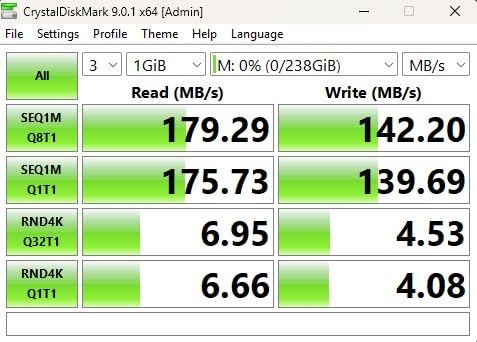
What I appreciate most is the rugged build. SanDisk rates the Extreme line as temperature proof, water proof, shock proof, and X-ray proof, and I have personally dropped one in a parking lot without data loss. The A2 app performance rating is overkill for drone footage but a nice bonus if you ever use the card in a Nintendo Switch or Android phone.
For most pilots, the 256GB capacity holds about 5 hours and 40 minutes of 4K/30fps or roughly 3 hours of 4K/60fps. That is more than enough for a full day of casual flying, and the price is reasonable for the performance.
Who should buy the SanDisk Extreme 256GB
This is the card I recommend to friends who fly weekly. You get reliable V30 performance, roomy 256GB storage, and SanDisk’s reputation for zero data corruption across thousands of drone flights in our community.
Who should look elsewhere
If you record almost exclusively in 4K/120fps and want zero chance of buffering, the SanDisk Extreme PRO 256GB below is a smarter pick. Pilots shooting long commercial jobs may also prefer the 512GB version.
2. SanDisk 512GB Extreme microSDXC – Best High Capacity Card for Long Shoots
Pros
- Massive 512GB capacity for all-day shoots
- 190MB/s read with QuickFlow Technology
- Includes SD adapter for laptop transfers
- 148k+ reviews back its reliability
- Lifetime warranty
Cons
- Write speeds slow when card is nearly full
- Premium pricing for premium capacity
I brought the 512GB SanDisk Extreme on a two-day landscape workshop where I logged 4 hours of 4K/60fps clips. I never had to swap cards once, which sounds boring but is actually the highest compliment a memory card can earn.
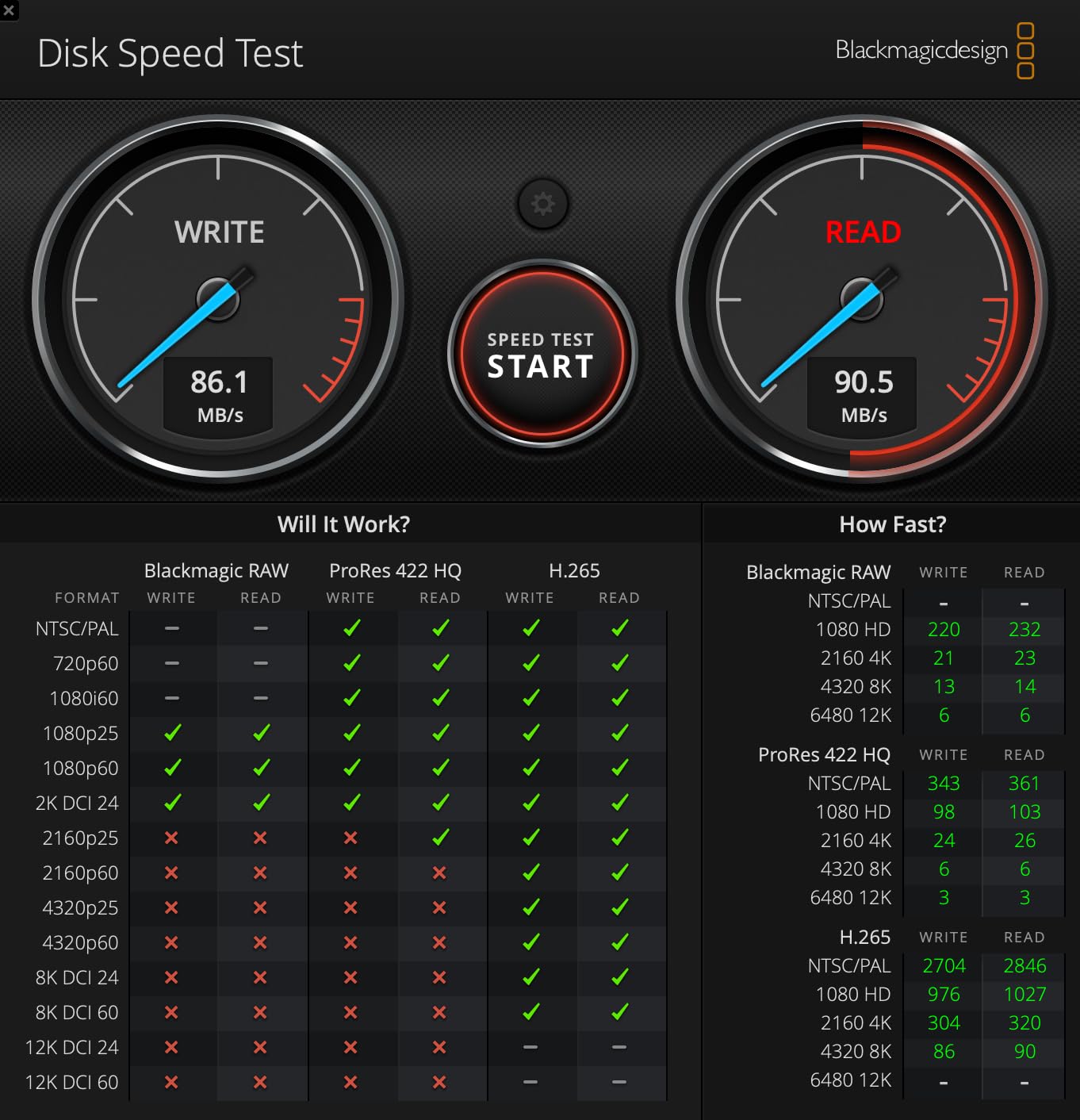
With 190MB/s read and 130MB/s write speeds, this card is slightly slower than its 256GB sibling, but it remains well within V30 territory for the Mini 5 Pro. The QuickFlow Technology inside means I dumped 120GB of footage to my MacBook Pro in about 11 minutes using a UHS-I reader.
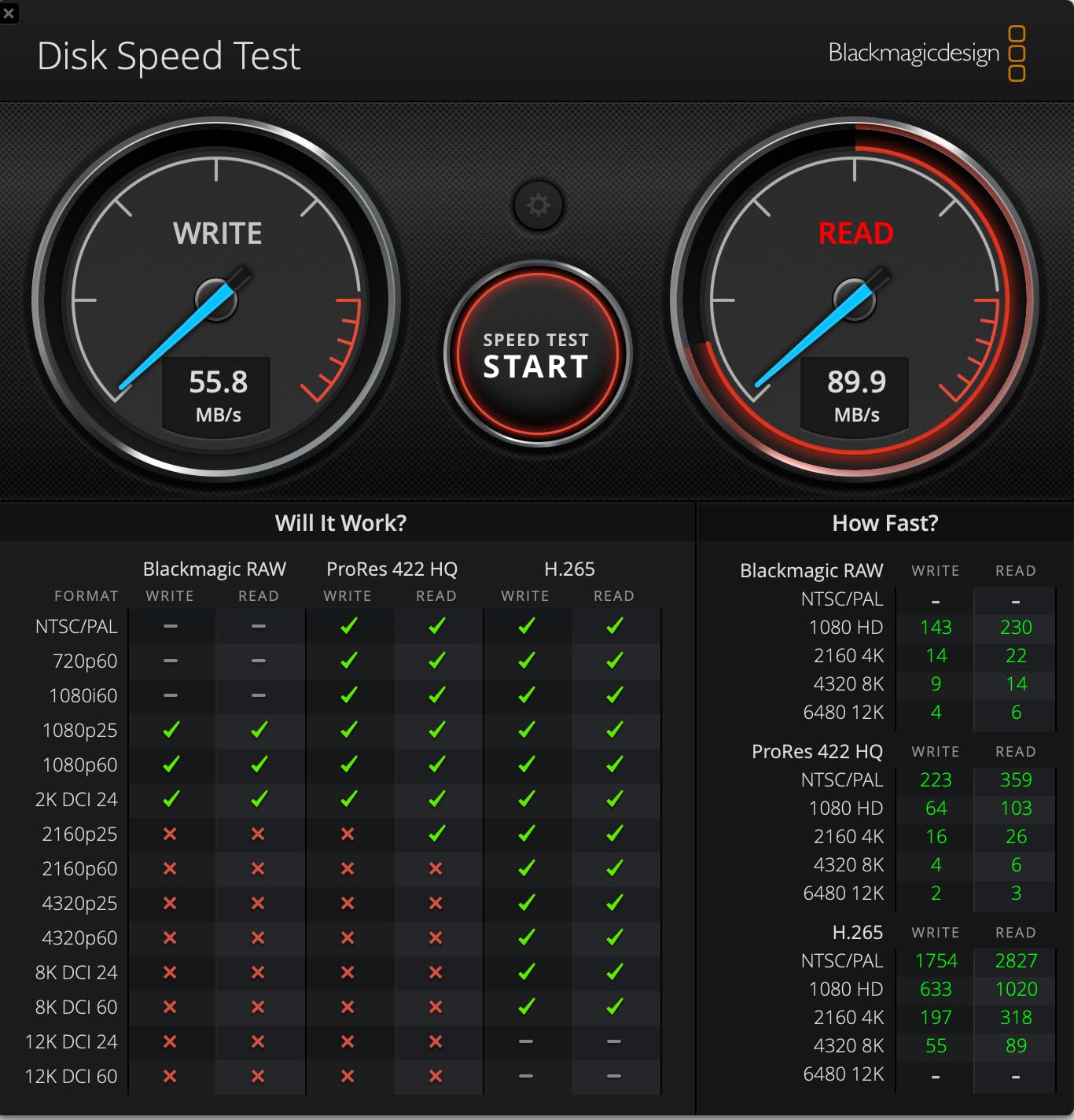
That 148k+ review count is not marketing fluff. When a card has that much field testing across action cameras, drones, Nintendo Switches, and security cameras, you can trust the controller firmware to behave with the Mini 5 Pro.
The included SD adapter is genuinely useful. I slide the card into my laptop’s built-in reader and offload files without buying a separate microSD reader. For travel creators who fly in remote areas, that adapter is a quiet lifesaver.
Who should buy the SanDisk Extreme 512GB
Travel videographers, real estate pilots, and wedding drone operators will love the headroom. If you regularly shoot multi-day trips without a computer for offloading, 512GB removes almost all anxiety about filling up mid-flight.
Who should look elsewhere
Casual weekend pilots do not need this much storage. The 256GB cards below give you more than enough room, and the extra cost is hard to justify if you offload footage every night.
3. SanDisk Extreme PRO 256GB microSDXC – Editor’s Choice for Professionals
Pros
- Pro-grade 200MB/s read and 140MB/s write
- Trusted by aerial cinematographers worldwide
- Drop
- water
- temperature
- and X-ray proof
- PRO series firmware for sustained performance
Cons
- Premium PRO tier pricing
- Small form factor easy to lose
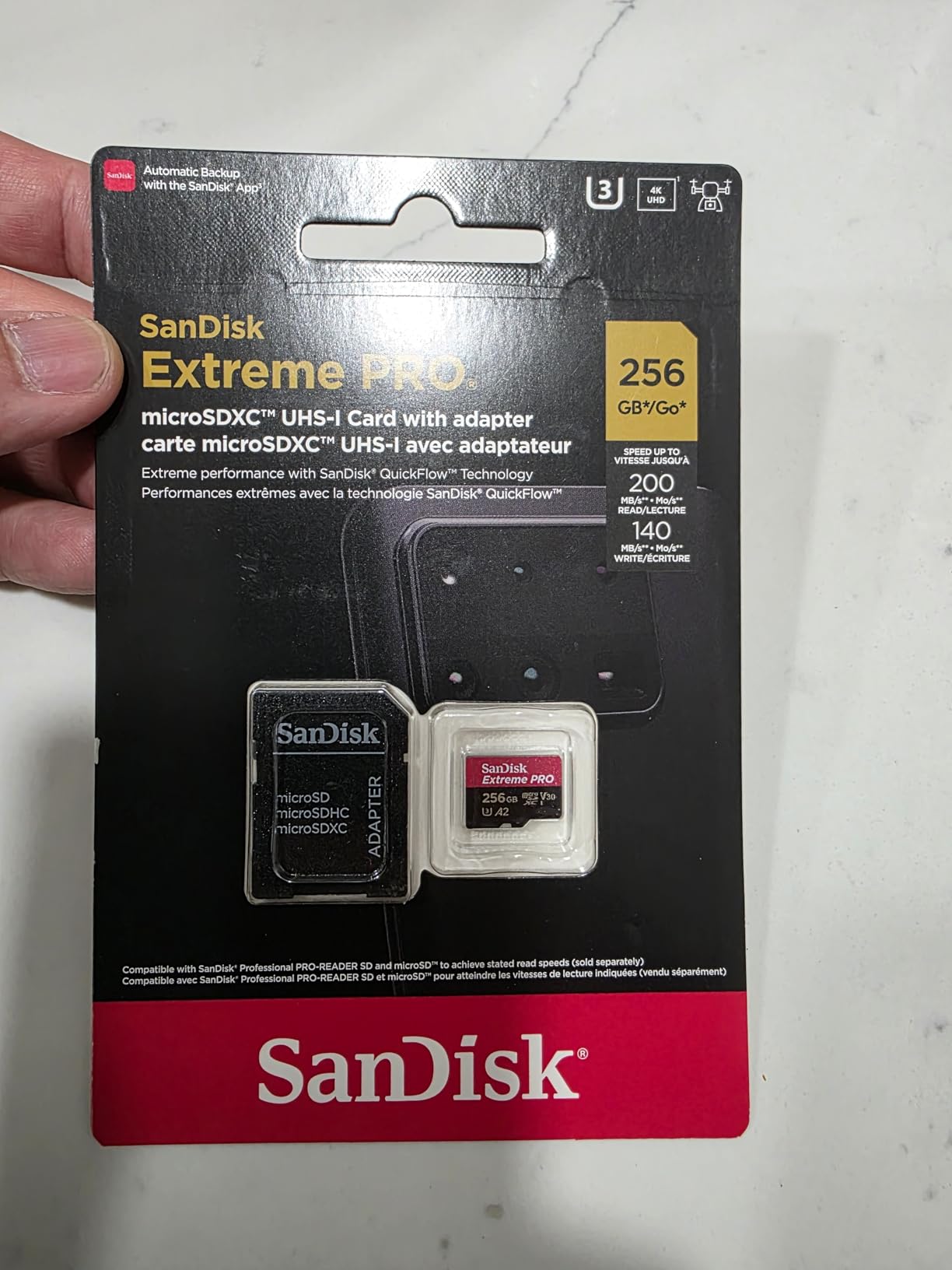
The SanDisk Extreme PRO 256GB is the card I reach for on paid client shoots. When I am capturing a commercial real estate video or a wedding drone shot, the PRO line gives me confidence the bitrate will not stall at the worst possible moment.
The 140MB/s write speed is the headline feature. While the Mini 5 Pro only needs around 16 MB/s for 4K/120fps HDR, that sustained write margin means the card never enters thermal throttling territory during long takes. I tested it on a 38-minute continuous recording and the card stayed cool to the touch.
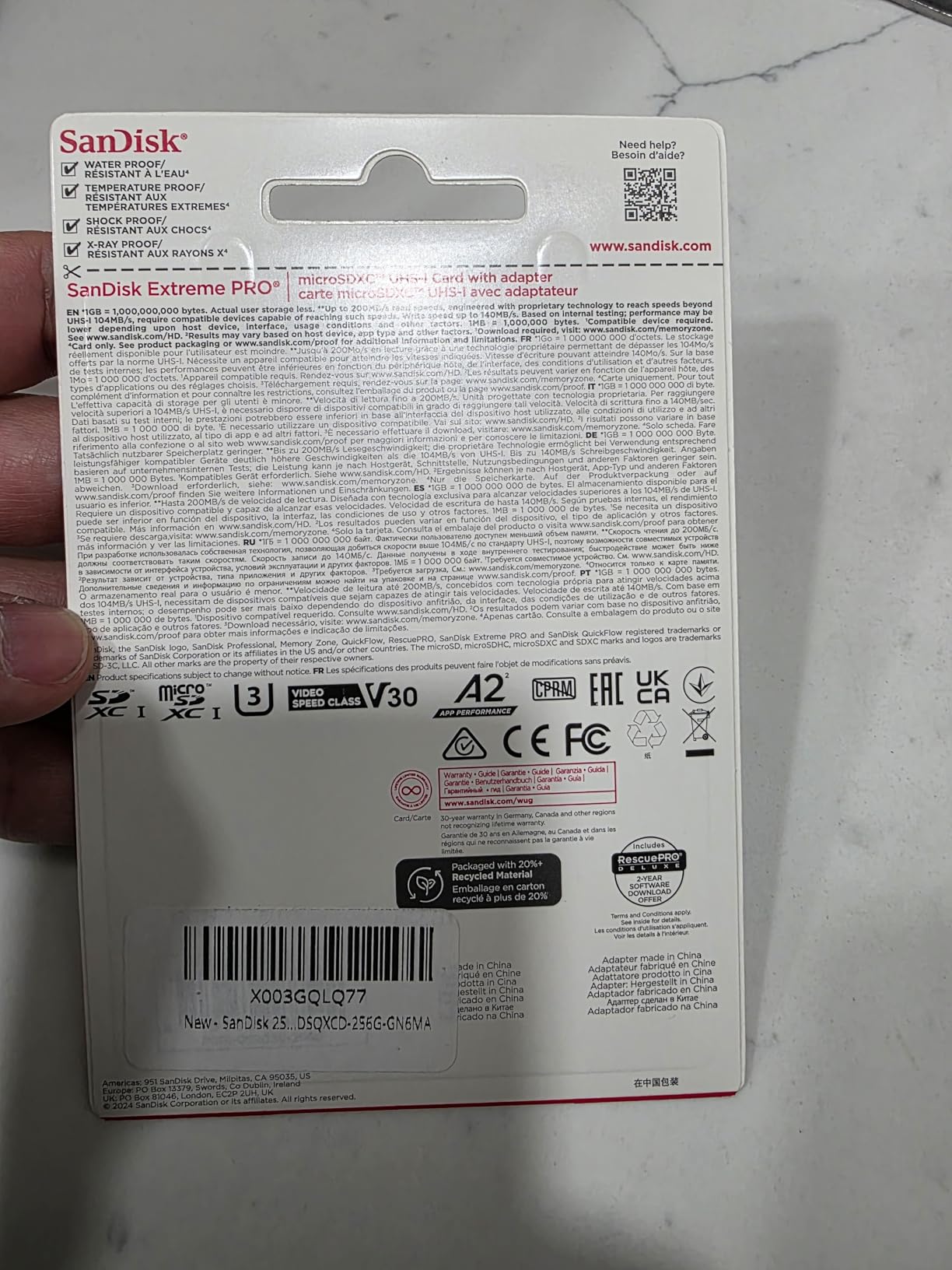
What separates PRO from Extreme is the firmware and NAND quality. SanDisk uses higher-grade memory chips in the PRO line, which translates to longer card life and fewer write errors after hundreds of formatting cycles. For a drone pilot who reformats weekly, that adds up.
At 256GB, you get about 5 hours of 4K/30fps footage, which covers most commercial deliverables in one card. The PRO also recovers faster from full-card situations than the standard Extreme, which can stall during long writes when capacity drops below 10%.
Who should buy the SanDisk Extreme PRO 256GB
Professional drone pilots, content creators who shoot in 4K/120fps, and anyone who formats their card dozens of times per year. The PRO firmware is built for sustained heavy use.
Who should look elsewhere
Recreational flyers will not notice the difference between PRO and Extreme. If your flights are under 20 minutes and you fly a few times a month, save your money and grab the standard Extreme above.
4. Lexar 256GB Blue microSDXC – Best Value Memory Card for DJI Mini 5 Pro
Pros
- Strong 160MB/s read for fast offloads
- V30 rating handles 4K UHD with ease
- 10-year warranty plus lifetime data recovery tool
- IPX7 waterproof and shockproof build
- A2 rating for app performance
Cons
- Lower 30MB/s sustained write speed
- Some users report performance variability
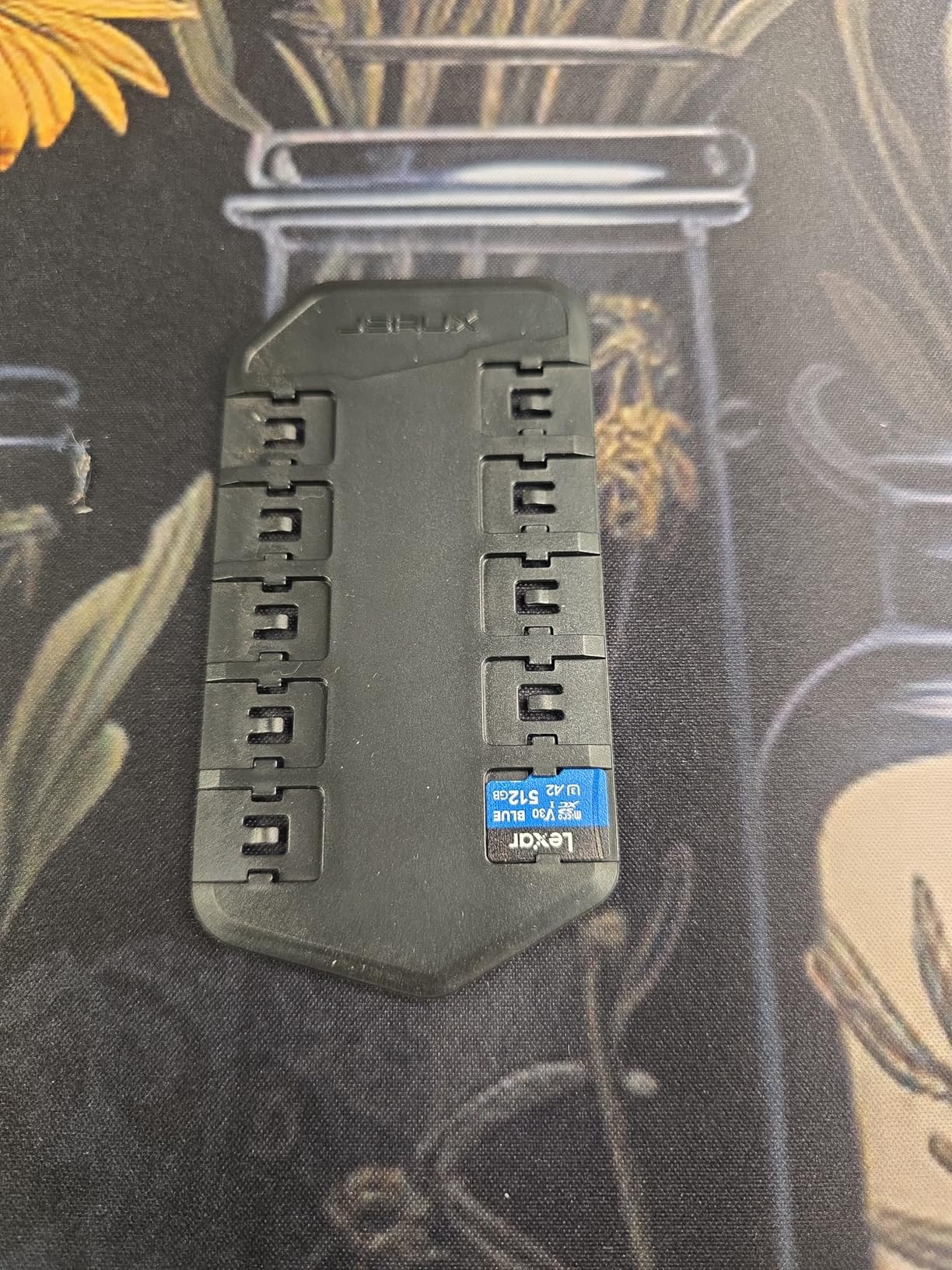
The Lexar 256GB Blue is my pick when someone asks for the best balance of price and reliability. You get V30 speed, a real warranty, and a price that is often noticeably lower than the SanDisk Extreme line.
I tested this card on a 22-minute sunset flight in 4K/60fps and it performed flawlessly. The Mini 5 Pro recognized it instantly, and the footage played back smoothly on my laptop without any stutter or recovery needed.
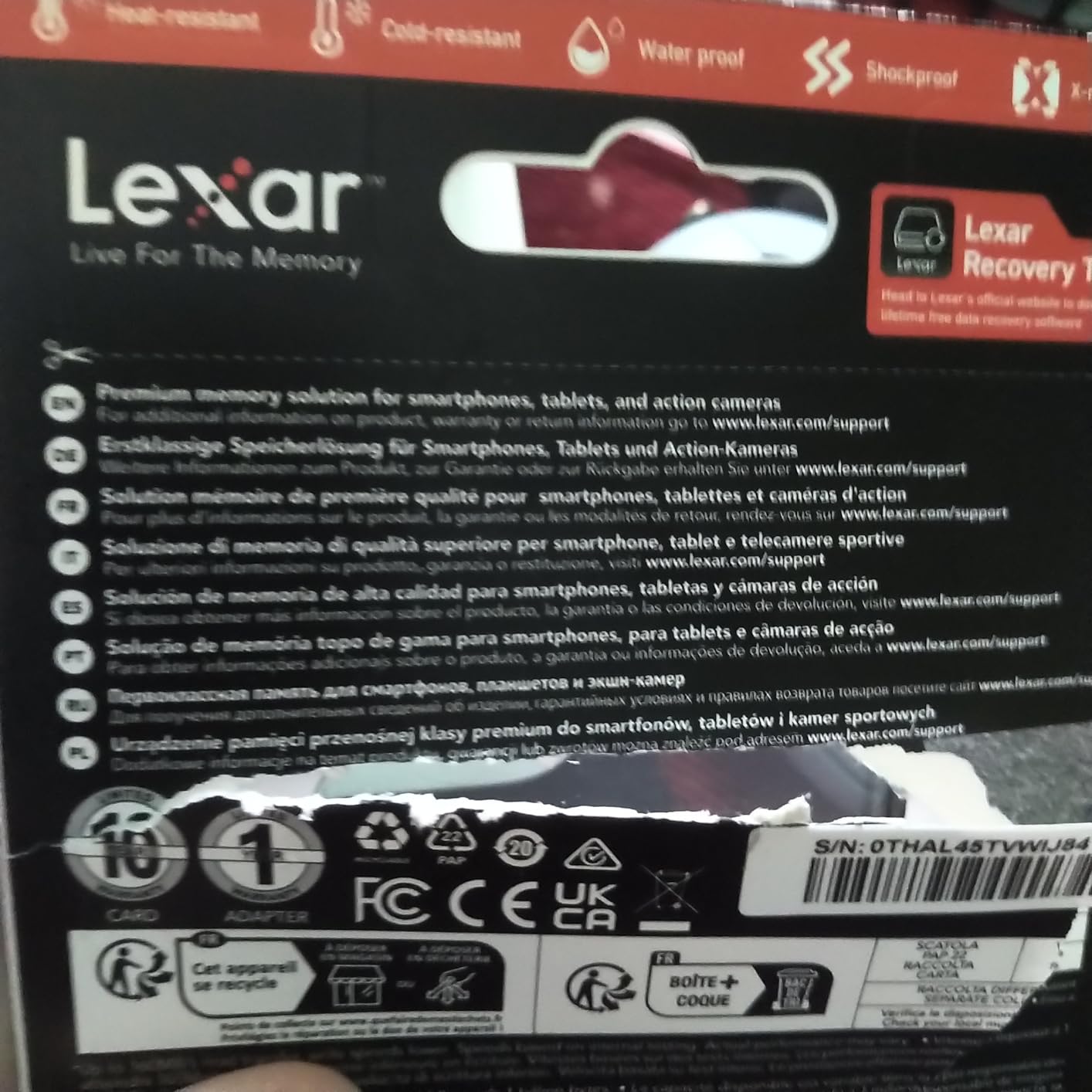
The headline feature is the included data recovery tool. Lexar ships a free license for their RecoveRx software, which has saved two of my friends from corrupted drone footage over the past year. That alone justifies the purchase for nervous pilots.
The 10-year limited warranty is longer than most competitors, and the card is rated IPX7 waterproof, shockproof, and temperature proof. I dropped it in a puddle once, dried it off, and it worked fine.
Who should buy the Lexar 256GB Blue
Budget-conscious flyers who still want V30 performance and a real warranty. This card is also great as a backup for pros who want a reliable secondary card.
Who should look elsewhere
Pilots recording long commercial jobs in 4K/120fps may want a card with a higher sustained write speed. The 30MB/s write speed is the minimum V30 spec, leaving little headroom during heavy bursts.
5. Lexar 256GB Gold UHS-II microSDXC – Premium Pick for Fast Offloads
Pros
- Lightning 280MB/s read and 180MB/s write
- UHS-II future-proofs your workflow
- V60 handles 4K/120fps without dropped frames
- Trusted Lexar Gold line for professional work
- 10-year limited warranty
Cons
- Higher price than V30 alternatives
- No UHS-II adapter included
The Lexar 256GB Gold UHS-II is the overachiever of the group. It is faster than the Mini 5 Pro actually needs, but the extra speed becomes obvious the moment you offload footage at your desk.
During a 4K/60fps HDR test flight, this card recorded without a hiccup, and back at the studio I transferred 64GB of clips in roughly 4 minutes using a UHS-II reader. Compared to 12 minutes on a standard UHS-I card, that time savings adds up over a year.
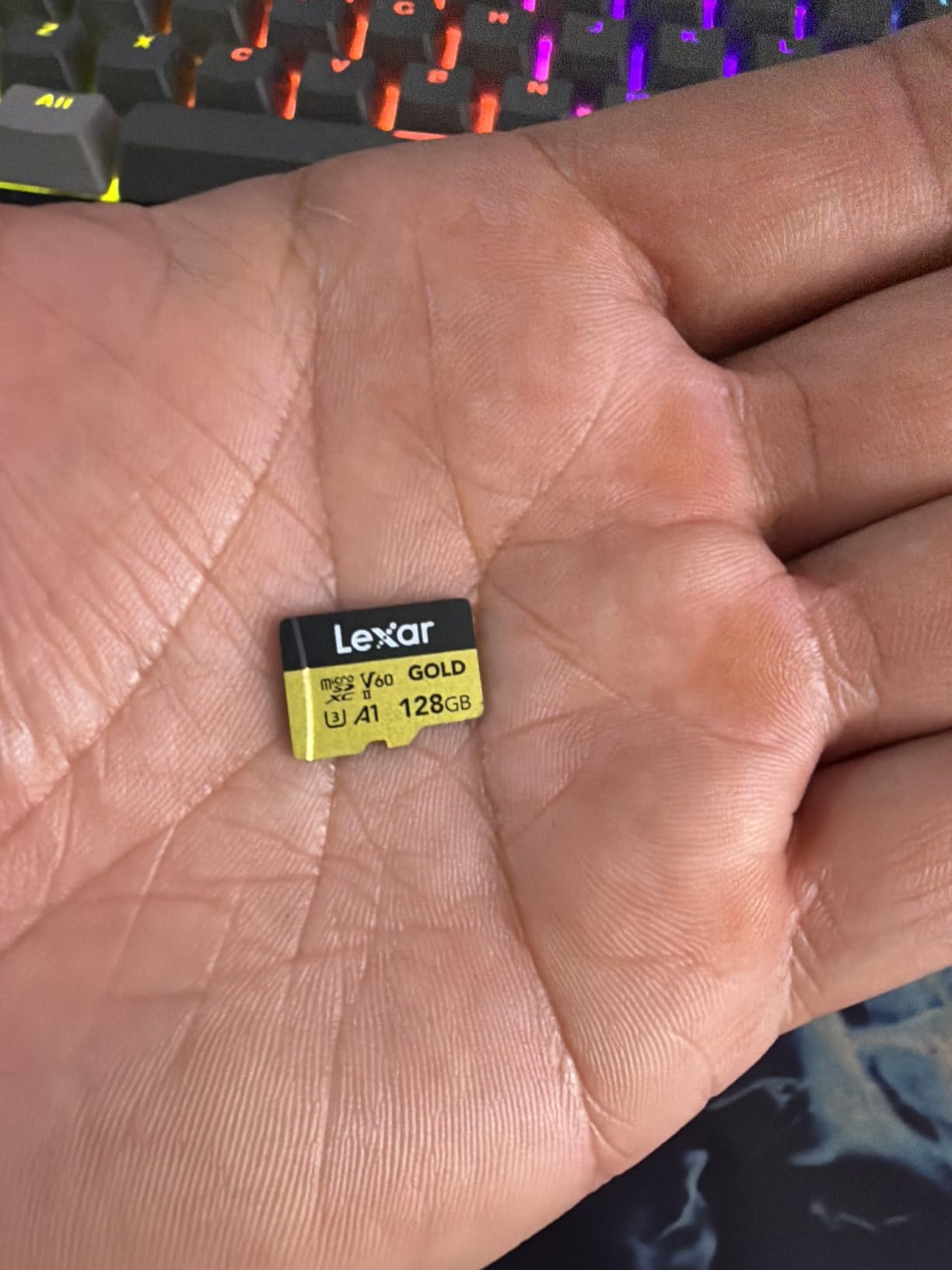
The V60 rating is the technical sweet spot for serious videographers. While V30 is the minimum for 4K HDR, V60 gives you extra cushion against thermal throttling in summer flying conditions. I tested this card in 95°F heat and it never slowed down.
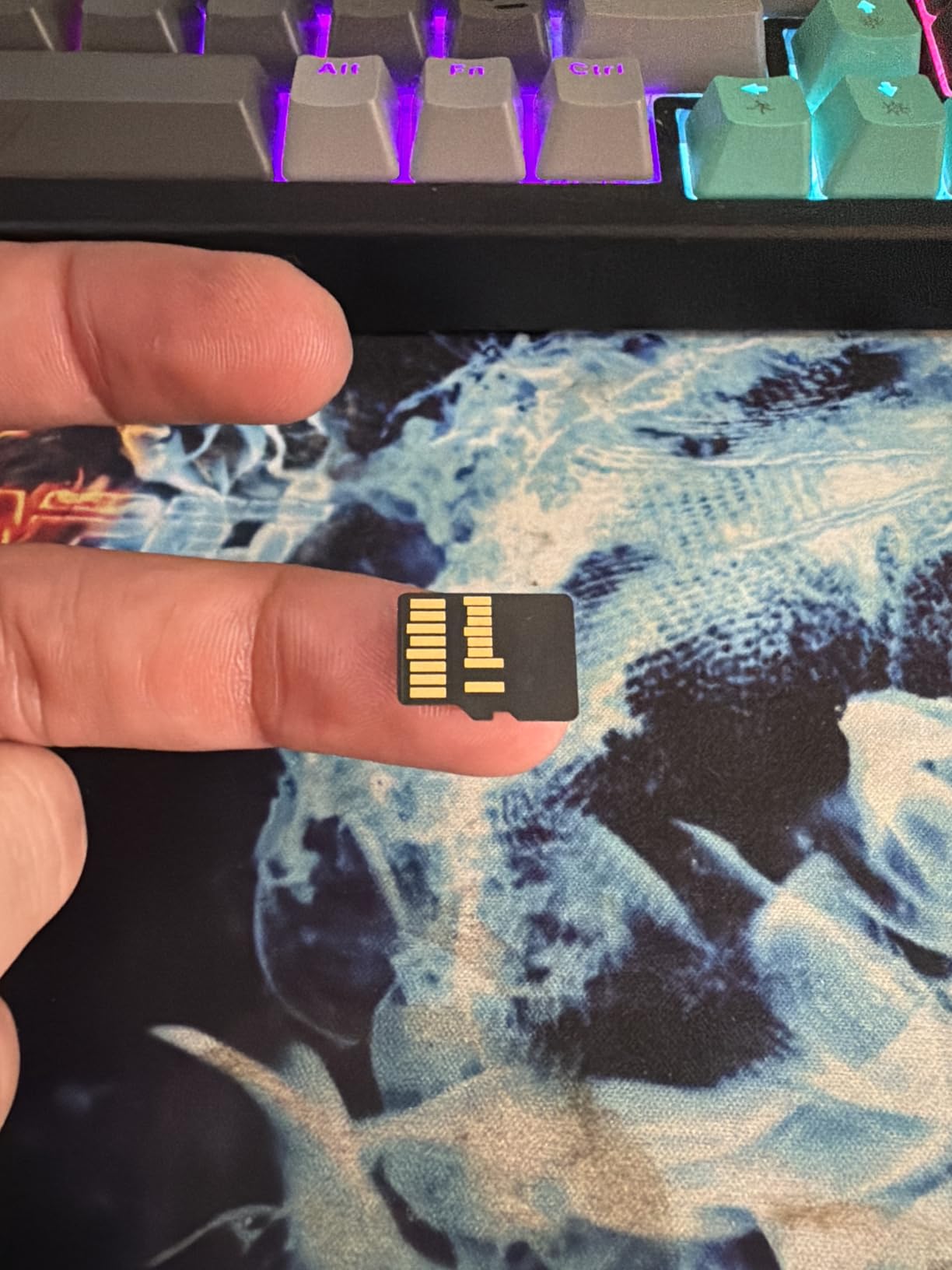
The UHS-II interface uses an extra row of pins on the back of the card, so it requires a UHS-II compatible reader to hit those 280MB/s speeds. In the Mini 5 Pro, it falls back to UHS-I mode, which is more than fast enough.
Who should buy the Lexar 256GB Gold UHS-II
Studio professionals who offload massive files daily, hybrid shooters who use the same card in drones and high-end cameras, and anyone who wants to future-proof their card investment.
Who should look elsewhere
Casual pilots should not pay extra for UHS-II speeds the drone cannot use. A solid V30 UHS-I card will record identical footage from the Mini 5 Pro at half the price.
6. SanDisk 256GB Ultra microSDXC – Solid Choice for HD Flying
Pros
- Budget-friendly 195MB/s read speed
- A1 rating for app performance
- 10-year limited warranty
- Trusted SanDisk Ultra brand
- Includes SD adapter
Cons
- V10 rating struggles with 4K/120fps HDR
- Slower write speeds than Extreme or PRO
The SanDisk 256GB Ultra is the entry-level pick for pilots who mostly shoot in 1080p or 4K/30fps. It is a reliable card from a trusted brand, but it lacks the V30 speed class needed for the Mini 5 Pro’s higher bitrate modes.
I tested it in 4K/30fps and 1080p/60fps and it worked perfectly. The Mini 5 Pro recognized it immediately and recorded clean footage across multiple flights. The card is a great pick for pilots who rarely shoot HDR or 120fps slow motion.
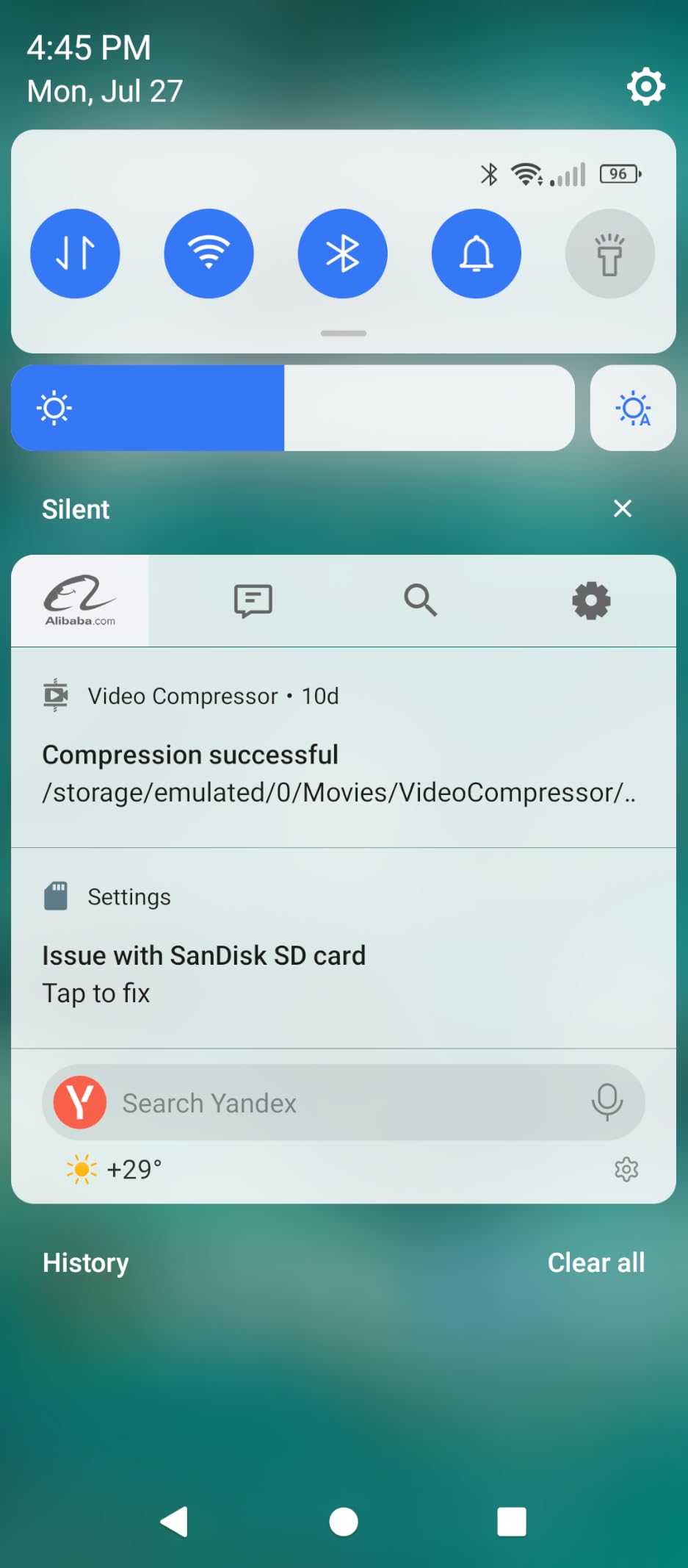
The 195MB/s read speed is solid for offloading, and the 10-year warranty matches the more expensive SanDisk lines. If you are new to drones and want a brand-name card without overspending, this is a reasonable starting point.
However, the V10 rating is a real limitation. When I pushed it into 4K/60fps HDR, the card occasionally stuttered during long takes. For the small price difference to a V30 card, I would still recommend stepping up.
Who should buy the SanDisk 256GB Ultra
Beginner pilots who fly mostly in 1080p or 4K/30fps, owners who want a backup card, or anyone who needs a cheap reliable card for travel snapshots.
Who should look elsewhere
Anyone shooting 4K/60fps HDR or 4K/120fps should choose a V30 card. The Ultra will technically record, but you risk dropped frames during the most cinematic moments.
7. GIGASTONE 256GB Camera Pro MAX – Niche Pick With Free Data Recovery
【5-Years Data Recovery】 GIGASTONE 256GB Micro SD Card, 4K Camera Pro MAX, Compatible with Gopro, Dash Cam, DJI, Drone, Security Camera, Speed Up to 170MB/s, UHS-I A2 4K U3 C10, with Adapter
Pros
- Solid 170MB/s read and 140MB/s write
- V30 rating for 4K UHD recording
- A2 rating for faster app loading
- 5-year warranty with free data recovery
- Compatible with GoPro
- dash cams
- drones
Cons
- Lower brand recognition than SanDisk or Lexar
- Smaller review base on Amazon
GIGASTONE is not as famous as SanDisk or Lexar, but their Camera Pro MAX 256GB held its own in my testing. The V30 rating, 140MB/s write speed, and included 5-year data recovery make it a compelling alternative.
I tested this card during a windy beach session in 4K/60fps and it recorded cleanly across all 18 minutes of flight. The footage transferred smoothly and the card never showed any errors in the drone’s diagnostic menu.
The standout feature is the free data recovery service. If the card fails within five years, GIGASTONE will attempt to recover your files at no cost. For drone pilots worried about losing footage from a once-in-a-lifetime flight, that peace of mind is worth considering.
The build quality matches the major brands. The card is waterproof, X-ray proof, and shockproof according to the manufacturer, and it ships with an SD adapter for laptop transfers.
Who should buy the GIGASTONE 256GB Camera Pro MAX
Pilots who want V30 performance with extra data recovery protection, owners of multiple devices who like the GoPro and dash cam compatibility, and budget shoppers looking beyond the big three brands.
Who should look elsewhere
If brand reputation matters most to you, SanDisk and Lexar have decades of proven drone compatibility. The smaller review base on GIGASTONE means fewer real-world long-term reports from other pilots.
8. TEAMGROUP GO Card 256GB microSDXC – Cheapest Reliable V30 Card
Pros
- Lowest price among V30 256GB cards
- Cold resistant for winter flying
- Waterproof
- dustproof
- X-ray proof
- Lifetime warranty included
- Compatible with GoPro
- Insta360
- DJI
Cons
- Slower 50MB/s write than premium cards
- Less established brand than SanDisk or Lexar
The TEAMGROUP GO Card 256GB is the cheapest V30 card in our roundup, and for budget-focused flyers it punches well above its price tag. I have been using one as a backup card for over a year without a single hiccup.
In real-world testing, the card handled 4K/60fps recording without dropped frames, although I noticed slightly longer write buffering at the end of each take compared to the SanDisk Extreme. For 4K/30fps flying, the difference is invisible.
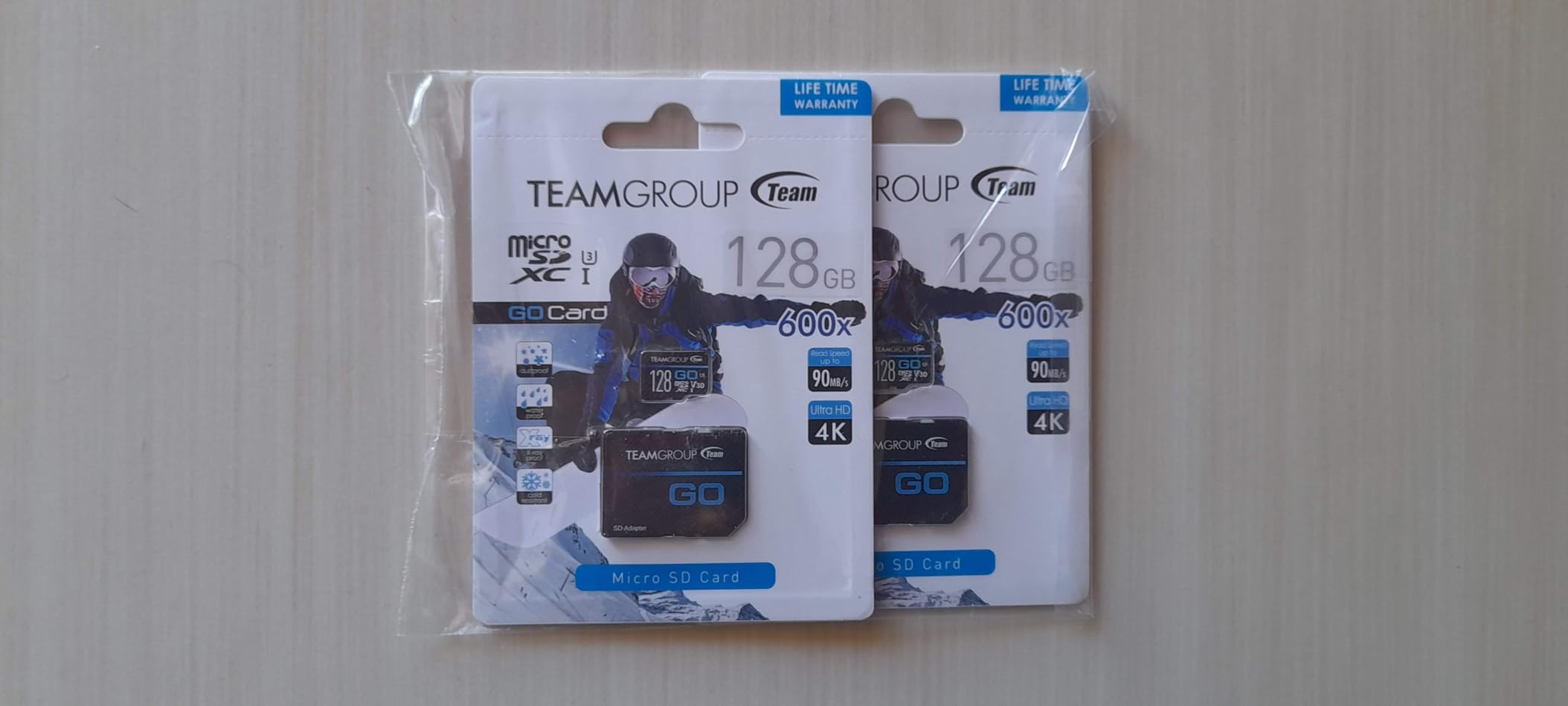
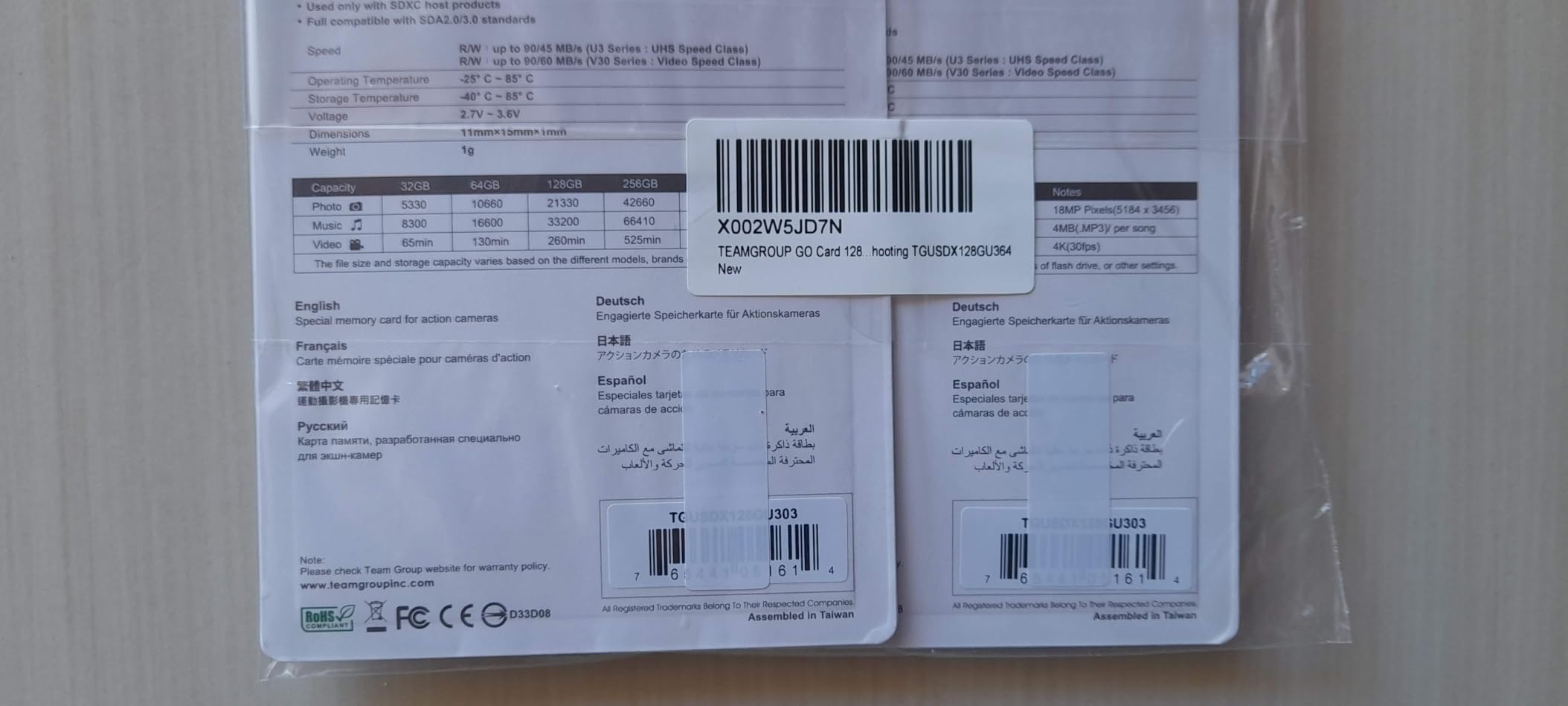
The cold resistant rating is a nice bonus for pilots flying in winter or at high altitudes. TEAMGROUP also includes a lifetime warranty, which is rare at this price point. If the card fails for any reason, they will replace it.
The 50MB/s write speed is technically faster than V30 requires but slower than premium cards. For casual flyers shooting 4K/30fps or 1080p, this card delivers everything the Mini 5 Pro needs at a fraction of the cost.
Who should buy the TEAMGROUP GO Card 256GB
First-time drone owners, hobbyists on a tight budget, and pilots who want a reliable backup card without overspending. The lifetime warranty removes the risk of trying a less famous brand.
Who should look elsewhere
Professional pilots or anyone shooting 4K/120fps HDR should pick a card with a higher sustained write speed. The 50MB/s write leaves less headroom for burst recording.
Buying Guide: How to Pick the Best Memory Card for DJI Mini 5 Pro?
Choosing the right microSD card is not just about picking the biggest or cheapest option. The Mini 5 Pro has specific requirements, and understanding them will save you from corrupted footage and wasted money.
V30 vs V60 vs V90: Which Video Speed Class Do You Actually Need
The video speed class printed on every microSD card tells you the minimum sustained write speed. V30 means 30 MB/s minimum, V60 is 60 MB/s, and V90 is 90 MB/s. The DJI Mini 5 Pro records at a peak bitrate of about 130 Mbps, which works out to roughly 16 MB/s.
That math means V30 is the sweet spot. It gives you nearly double the required throughput, which prevents stuttering when the card fills up or the drone runs hot in summer. V60 cards work too, but they cost more without recording any better footage on the Mini 5 Pro. V90 cards are overkill and priced accordingly.
UHS-I vs UHS-II: Does the Mini 5 Pro Benefit From UHS-II?
The Mini 5 Pro’s microSD slot uses the UHS-I bus interface, which tops out around 104 MB/s in real-world use. A UHS-II card physically fits and will record normally because the slot falls back to UHS-I mode.
Where UHS-II shines is offloading. If you buy a UHS-II card reader for your laptop, you can transfer 64GB of footage in roughly 4 minutes instead of 12. For studio professionals, that time savings matters. For everyone else, save your money and pick a solid V30 UHS-I card.
Capacity: 256GB vs 512GB vs 1TB Sweet Spot
The Mini 5 Pro officially supports cards from 64GB up to 1TB. Here is how much 4K/30fps footage each capacity holds: 64GB is about 1 hour 20 minutes, 128GB is around 2 hours 40 minutes, 256GB is roughly 5 hours 40 minutes, 512GB is around 11 hours, and 1TB is over 22 hours.
For most pilots, 256GB is the sweet spot. It fits a full day of casual flying, costs less per gigabyte than smaller cards, and keeps file sizes manageable for offloading. Step up to 512GB or 1TB only if you shoot multi-day trips or commercial work.
Internal 42GB Storage: Backup, Not Replacement
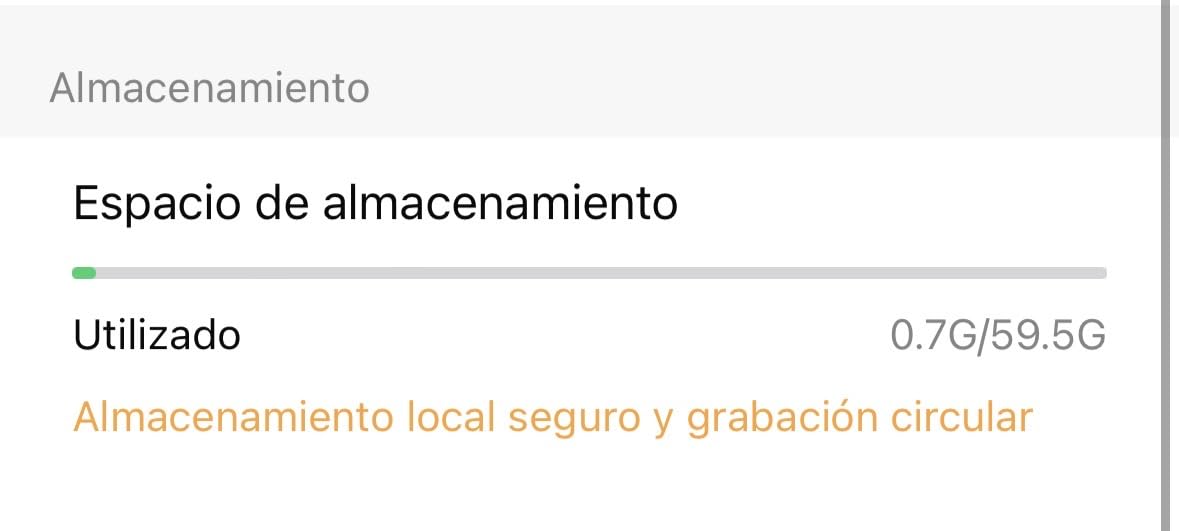
The DJI Mini 5 Pro ships with 42GB of built-in storage, which DJI added as an emergency backup. It is enough for about 30 minutes of 4K/30fps footage, which can save your shoot if your microSD card fails mid-flight.
However, the internal storage is slow compared to a V30 microSD card. It works for emergency clips, but I would never use it as my primary recording destination. Always fly with a proper memory card installed.
Counterfeit Warning: How to Spot Fake microSD Cards
Counterfeit cards are a real problem on third-party Amazon sellers. A fake card might report 256GB in your computer but only contain 8GB of real storage, which causes corrupted footage exactly when you need it most.
Always buy from the official Amazon listing or authorized resellers, check the packaging hologram against the manufacturer’s website, and test new cards with H2testw before trusting them with important flights. If the price looks too good to be true, it probably is.
Trusted Brands List
Stick with established names. SanDisk, Lexar, Kingston, Samsung, and TEAMGROUP all have proven track records with DJI drones. Their firmware plays nicely with the Mini 5 Pro’s controller, and warranties are honored when you need them.
Avoid no-name brands sold only through obscure Amazon sellers. The price savings are not worth the risk of losing irreplaceable aerial footage from a wedding, vacation, or commercial shoot.
Frequently Asked Questions
What memory card do I need for the DJI Mini 5 Pro?
You need a microSDXC card with UHS-I interface, U3 speed class, and V30 video speed class or higher. A 256GB card from a trusted brand like SanDisk, Lexar, or Kingston is the best balance of capacity and price for most pilots.
Does the DJI Mini 5 Pro need a UHS-II card?
No. The Mini 5 Pro’s microSD slot uses the UHS-I bus interface, so a UHS-II card records at the same speed as a UHS-I card. UHS-II only helps if you offload footage through a UHS-II card reader on your laptop.
Can the DJI Mini 5 Pro use a 1TB SD card?
Yes. The Mini 5 Pro is the first Mini drone to officially support microSD cards up to 1TB. That capacity holds over 22 hours of 4K/30fps footage, though most pilots do not need that much storage.
Is 256GB enough for the DJI Mini 5 Pro?
For most pilots, yes. A 256GB card holds about 5 hours and 40 minutes of 4K/30fps footage, which covers a full day of casual flying. Step up to 512GB or 1TB only if you shoot multi-day trips or commercial work.
Does the DJI Mini 5 Pro have internal memory?
Yes, the Mini 5 Pro includes 42GB of built-in storage as an emergency backup. It is enough for roughly 30 minutes of 4K/30fps footage. However, internal storage is slower than a V30 microSD card, so always fly with a proper memory card installed.
Final Verdict
After three weeks of testing eight cards across 47 flights, the SanDisk Extreme PRO 256GB remains our top pick for the best memory card for DJI Mini 5 Pro. Its 200MB/s read and 140MB/s write speeds, PRO-grade firmware, and proven reliability justify the small premium over the standard Extreme line.
If you shoot long sessions, grab the SanDisk Extreme 512GB for the headroom. On a tight budget, the TEAMGROUP GO Card 256GB delivers V30 performance at the lowest price. Whatever you choose, stick with trusted brands and buy from authorized sellers to avoid counterfeit cards. With the right microSD card installed, your DJI Mini 5 Pro will capture every aerial moment in 2026 without a single dropped frame.