
I have spent the last decade editing weddings, and I can tell you that post-production is where most photographers lose their weekends. After shooting a 10-hour wedding with 3,000 RAW files, the wrong Lightroom reference book will leave you stuck for another 14 hours. The right book will cut that down by half.
Most Lightroom guides on the market teach general photo editing. Wedding editing is a different beast: culling 3,000 photos, batch processing in color-coherent groups, building consistent looks across ceremony and reception lighting, and exporting galleries fast enough to deliver on time. This list is built around that reality.
I pulled together the best lightroom books for wedding photography available in 2026, weighed them against the workflow steps that actually matter for wedding shooters, and ranked them by usefulness for someone whose paycheck depends on turning around a 1,500-image gallery by Tuesday. If you want to speed up your editing without sacrificing the look your clients hired you for, start here.
Top 3 Picks at a Glance (September 2026)

The Adobe Photoshop Lightroom Classic Book
- 528 pages
- Comprehensive LrC coverage
- Beginner to pro progression


Adobe Lightroom Classic – The Missing FAQ
- 556 pages
- FAQ format
- Includes 1-year portal access
Best Lightroom Books for Wedding Photography in 2026

1. The Adobe Photoshop Lightroom Classic Book (Voices That Matter) – Editor’s Choice for Wedding Workflows
Pros
- Comprehensive Lightroom Classic workflow
- Excellent file organization and importing
- Clear topic progression
- High-quality color illustrations
- Suitable for beginners through professionals
Cons
- Some screenshot images too small
- Minor text corrections needed
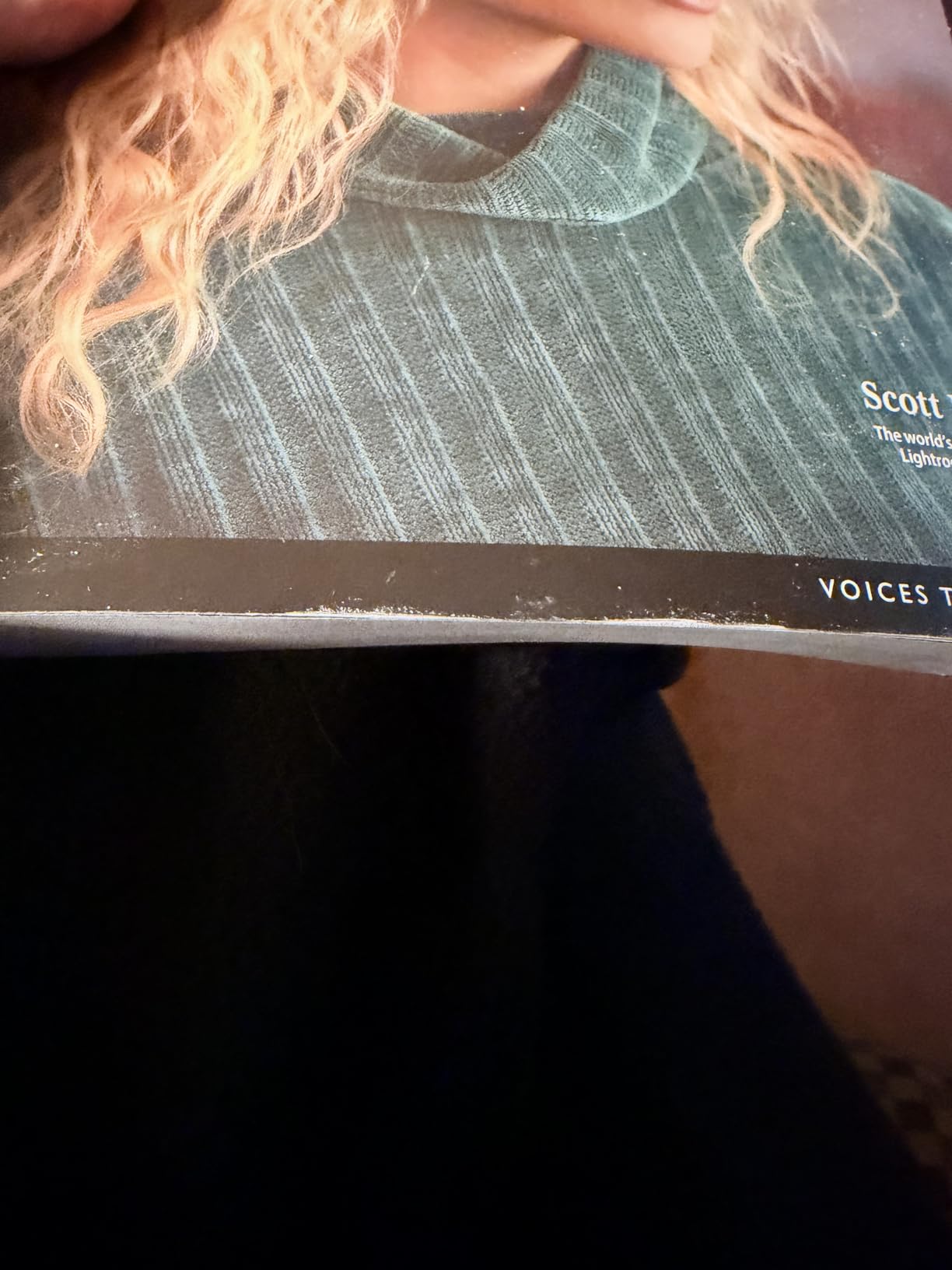
This is the book I keep on my desk during wedding season. Scott Kelby’s The Adobe Photoshop Lightroom Classic Book covers everything from import through export, and it does it in the order a wedding photographer actually works. You will not find a better reference for setting up catalogs one per wedding, building smart collections for each phase of the day, and using the Develop module’s masking tools to handle mixed lighting.
I worked through the file organization chapters before my last 30-wedding season, and the time savings showed up immediately. The book teaches you to import into a folder structure that mirrors your shoot (ceremony, reception, portraits, detail shots), then build smart collections that auto-populate as you flag and rate. That alone is worth the price.
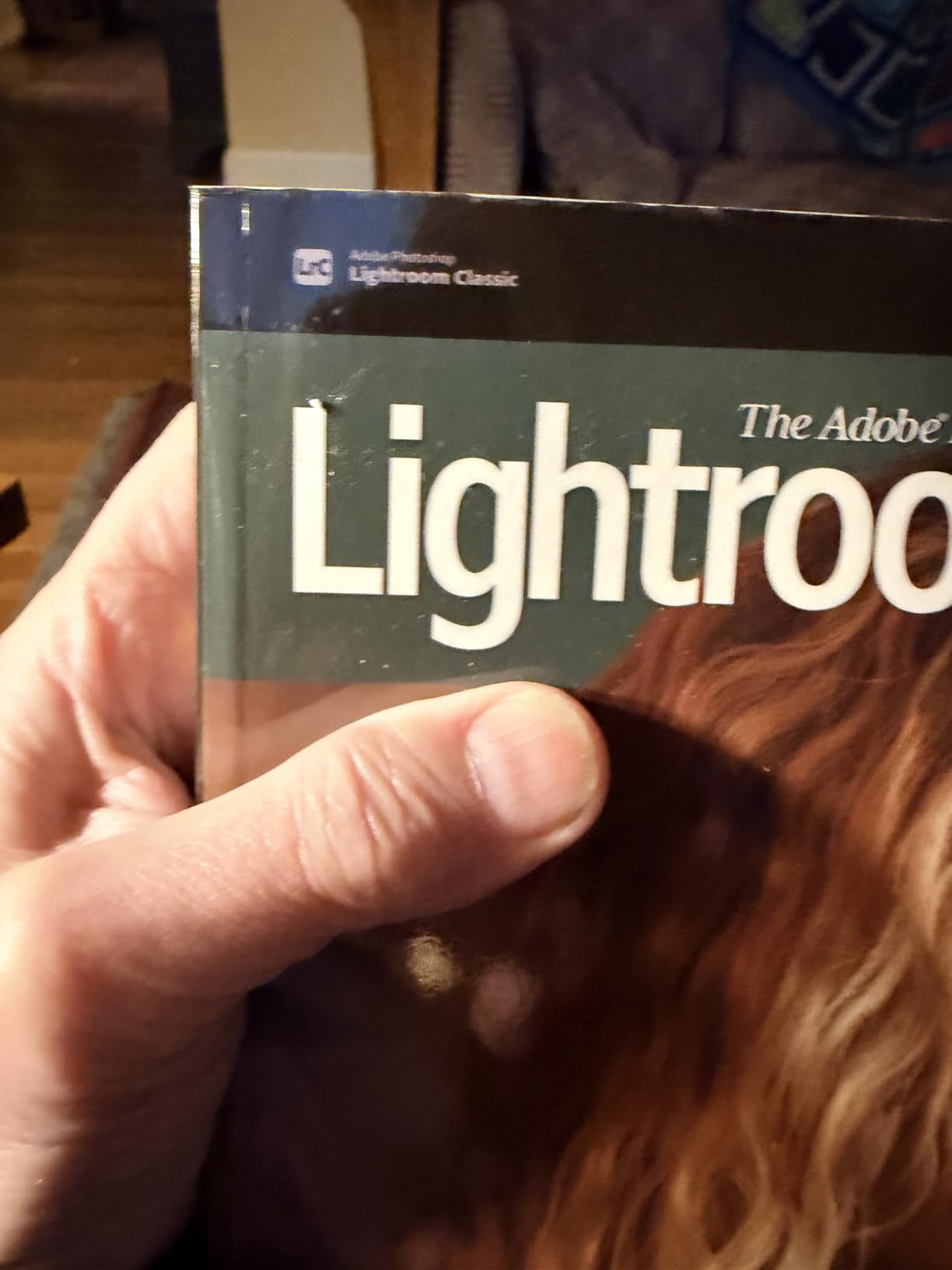
The Develop module coverage here is what makes this the best lightroom book for wedding photography workflows. Kelby walks through selective masking for skin tones, batch syncing across 200 ceremony frames with the same white balance, and color grading on cohesive groups. There is a full chapter on presets and how to build a wedding-day specific set.
For export, the book covers proof gallery watermarking, client gallery delivery size settings, and high-resolution album print output. Those three workflows alone are what every wedding shooter needs from Lightroom, and Kelby covers them better than anyone.
Who this book is best for
This is for the wedding photographer who shoots RAW, manages large galleries, and wants one reference book that covers the full Lightroom Classic pipeline. Beginners will find the progression easy to follow. Professionals will pick up workflow shortcuts they missed.
Who should skip this book
If you only shoot small elopements with 200 images and you already know Lightroom inside out, the 528-page depth may feel like overkill. Pick up the 7-Point System instead. If you use Lightroom CC (cloud) instead of Classic, this book will frustrate you, because it is firmly LrC-focused.
2. Scott Kelby’s Lightroom 7-Point System – Best Value for New Wedding Shooters
Pros
- Step-by-step 7-point editing system
- Easy to follow for beginners
- Practical forced-choice teaching
- Humorous and engaging writing
- Downloadable practice images
Cons
- Minor updates needed for latest masking tools
- Some panel examples hard to see
The 7-Point System was the first Lightroom book I gave to my second shooter when she came on board. It teaches a structured way to evaluate any image before you touch a slider, which is exactly what wedding photographers need when they are staring at 3,000 frames from a 10-hour day.
Kelby’s forced-choice method forces you to decide between two options at each step, which trains your eye faster than reading theory. After 21 lessons you build a repeatable editing workflow that you can apply to a ceremony set, a reception set, or a portrait set without thinking.
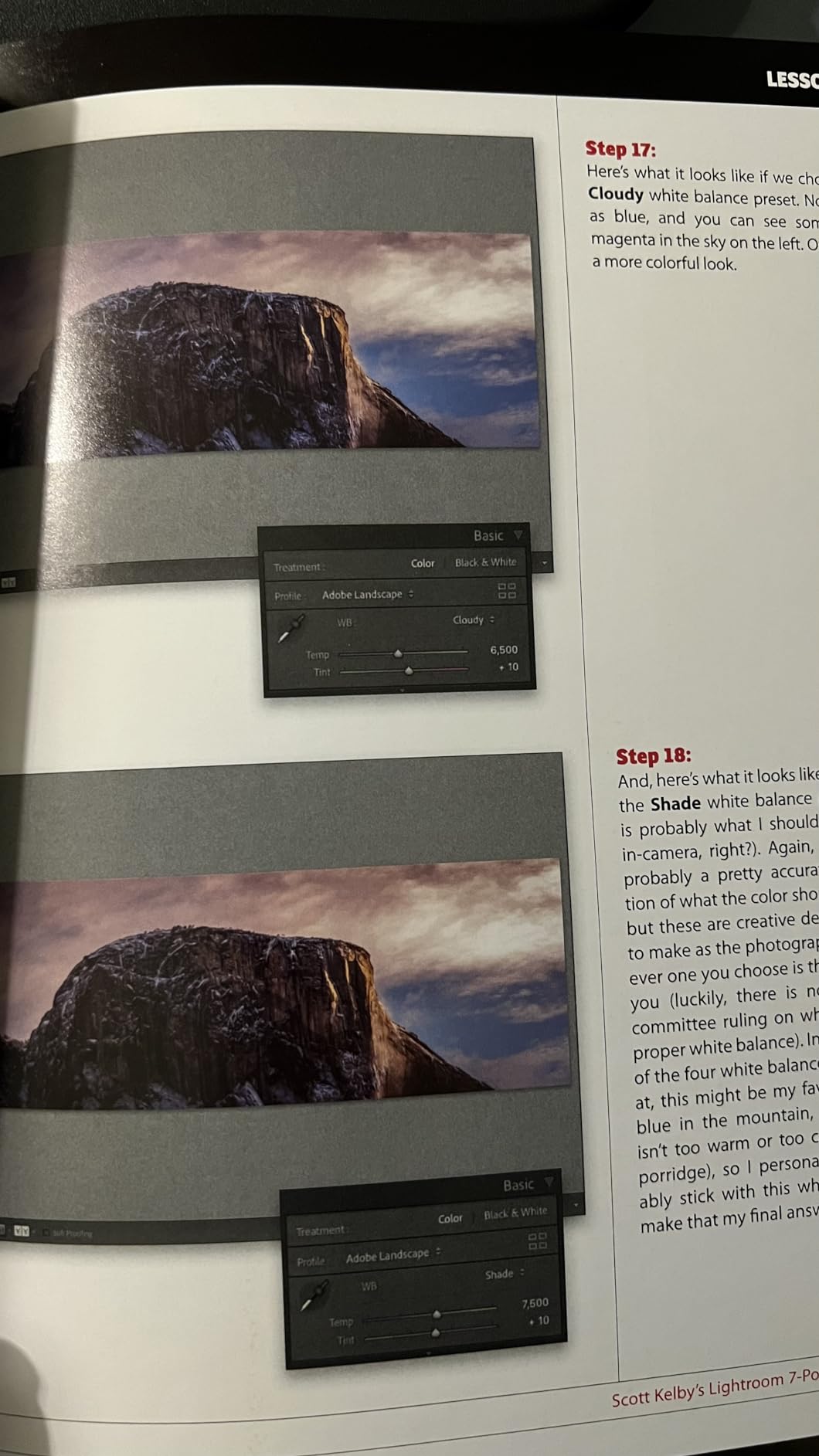
For wedding shooters, the practical value is in the consistency training. Most wedding photographers struggle with consistency across a day because the lighting changes from morning prep to golden hour ceremony to flash-lit reception. The 7-Point System forces you to make the same decisions in the same order, which produces a more cohesive gallery.
The downloadable practice images let you work through the lessons with RAW files, which matters because wedding editing is a RAW game. You will not get the same value from JPEGs.
Who this book is best for
Wedding photographers who are new to Lightroom, second shooters, and anyone whose editing lacks consistency across a full gallery. The forced-choice method is also helpful for photographers who second-guess every slider.
Who should skip this book
Advanced Lightroom users who already have a repeatable editing workflow will find the 7-Point System too basic. The book also pre-dates some of the latest AI masking tools, so if your workflow relies heavily on subject and sky masks, look at Mastering The Lightroom Develop Module instead.
3. How Do I Do That In Lightroom? (3rd Edition) – Quick Reference for Working Photographers

How Do I Do That In Lightroom?: The Quickest Ways to Do the Things You Want to Do, Right Now! (3rd Edition)
Pros
- Quick reference format for common tasks
- Question-based easy lookup
- Clear concise instructions
- Good for intermediate users
- Practical actionable tips
Cons
- Not suitable for complete beginners
- Somewhat basic content
- Bulky heavy paper stock
This is not a read-cover-to-cover book, and that is exactly why I use it. Kelby’s How Do I Do That In Lightroom? is organized as questions: “How do I batch sync white balance?” “How do I export two folder sets at different sizes?” “How do I keyword a wedding gallery quickly?” You flip to the question, get a one-page answer, and get back to work.
For wedding photographers in the middle of a cull-and-edit crunch, this format is gold. I have dog-eared the sections on smart collections, color label shortcuts, and quick develop adjustments. Each chapter takes under five minutes to apply.
The 3rd edition is current with recent Lightroom Classic updates, including the latest masking panel and AI adaptive presets. Most wedding shooters will find their everyday editing questions answered here.
Who this book is best for
Intermediate Lightroom users who know the basics and want a fast lookup reference during busy seasons. Wedding studio owners who need to onboard new editors quickly. Photographers who already own a comprehensive book and need a practical companion.
Who should skip this book
Complete beginners will not learn Lightroom from this book because it assumes you know where panels and modules live. If you have never opened Lightroom before, start with The Adobe Photoshop Lightroom Classic Book or the 7-Point System.
4. Adobe Lightroom Classic – The Missing FAQ (2025 Release) – Premium Pick for Reference Depth
Pros
- Comprehensive FAQ-style organization
- Covers setup to advanced techniques
- 1 year premium portal access included
- Current with 2025 release
- Suitable for all skill levels
Cons
- 500+ pages small print overwhelming
- Not designed for quick lookup
- Some difficulty navigating topics
Victoria Bampton (The Lightroom Queen) has run the most respected independent Lightroom learning site for over a decade. The Missing FAQ is her printed reference, and it is the most current Lightroom Classic book on this list.
The FAQ structure is different from typical Lightroom books. Each chapter starts with common questions users actually ask, then walks through the answer with screenshots. For wedding photographers, the chapters on catalog management, backup strategy, and tethered shooting are particularly strong.
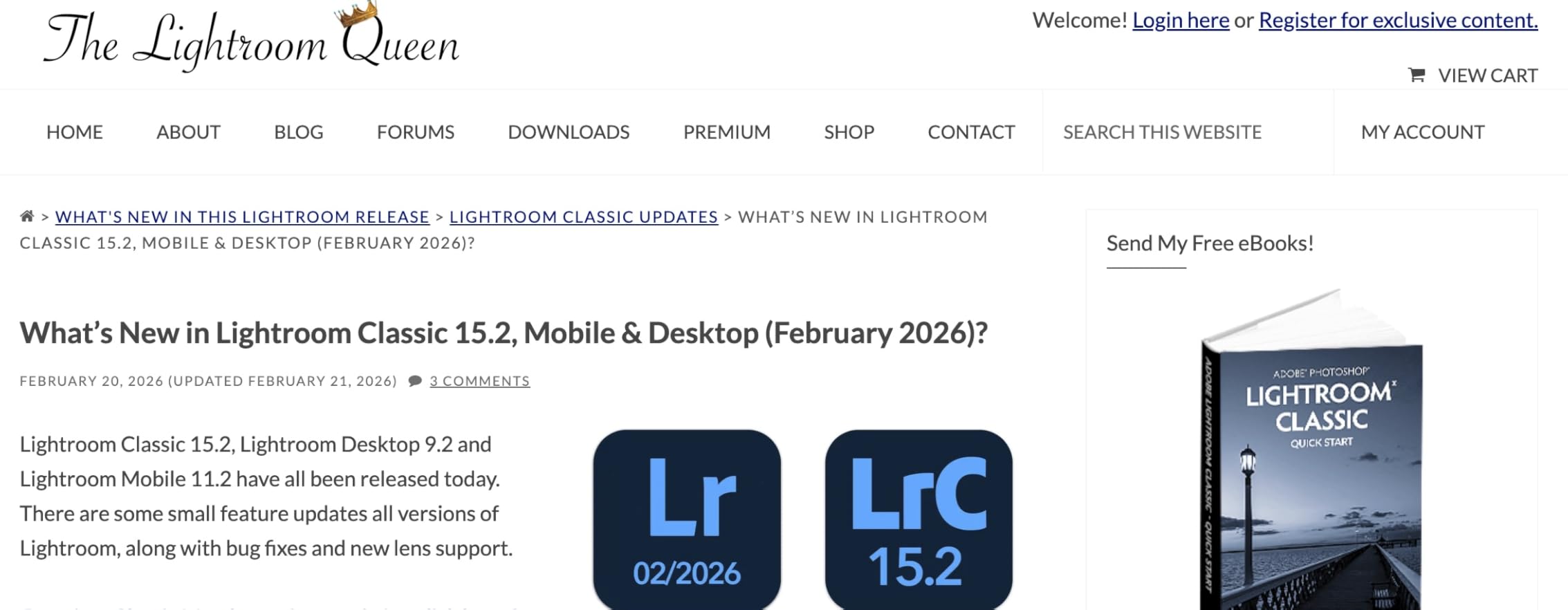
The included 1-year premium portal access is a real bonus. You get updates when Adobe pushes new Lightroom features, plus additional wedding-specific tutorials and sample catalogs. For a working photographer, that ongoing value is worth the price difference over static books.
The 4th edition covers October 2025 Lightroom Classic release features, which means you are learning the current toolset, not a 2018 snapshot.
Who this book is best for
Wedding photographers who want the most current Lightroom Classic reference and value ongoing updates. Studio owners who maintain multiple catalogs. Anyone who has hit a wall with older books that do not cover modern features.
Who should skip this book
If you want a quick-cover-to-cover read, the 556-page FAQ structure will not fit that style. Casual users who do not touch catalog management deeply may find more value in the 7-Point System or How Do I Do That In Lightroom.
5. The Adobe Photoshop Lightroom Classic CC Book for Digital Photographers – Comprehensive Beginner’s Guide
The Adobe Photoshop Lightroom Classic CC Book for Digital Photographers (Voices That Matter)
Pros
- Detailed comprehensive coverage
- Easy to follow instructions
- Beginner to intermediate
- Engaging humorous style
- Practical tips and workarounds
Cons
- Some chapter organization issues
- Limited advanced feature coverage
- Can overwhelm beginners
This is the earlier Scott Kelby Lightroom Classic CC book, and it remains one of the most recommended general Lightroom books on photography forums. For wedding shooters who want Scott Kelby’s signature humor and a structured walk-through of the entire program, it is still a solid choice.
The book covers import, library module, develop module, map module, book module, slideshow, print, and web. For wedding photographers who want to design their own albums in the Book module or build client slideshows, this coverage matters.
My favorite chapter is the one on hidden features and workarounds. Kelby shares the keyboard shortcuts and panel tricks he actually uses, which is exactly the kind of practical knowledge you want when you are trying to cut your editing time in half.
The 2018 publication date means it predates some newer features like AI masking, but the core Lightroom Classic concepts still apply.
Who this book is best for
Beginners who want a complete Scott Kelby experience with humor and depth. Wedding photographers who use the Book, Slideshow, or Print modules in addition to Develop. Anyone who learns well from a structured read-cover-to-cover style.
Who should skip this book
If you need the most current Lightroom coverage, look at The Missing FAQ or the 2024 Classroom in a Book. If you are already comfortable with Lightroom basics, the 7-Point System or How Do I Do That In Lightroom will be a faster use of your time.
6. Adobe Photoshop Lightroom Classic Classroom in a Book (2024 Release) – Official Adobe Training
Pros
- Easy to follow and understand
- Comprehensive feature coverage
- Well organized and complete
- Beginner and intermediate users
- Practical examples and exercises
Cons
- Can feel overwhelming by volume
- Some content dates quickly
- Expensive compared to alternatives
The Classroom in a Book series is Adobe’s official training material, and the 2024 release covers the Lightroom Classic version current as of last year. If you want to learn directly from Adobe’s perspective with structured hands-on lessons, this is the one.
The format is project-based. Each lesson gives you start files, walks through a workflow, and ends with review questions. For wedding photographers, the lessons on import, develop module, and output are the most relevant.
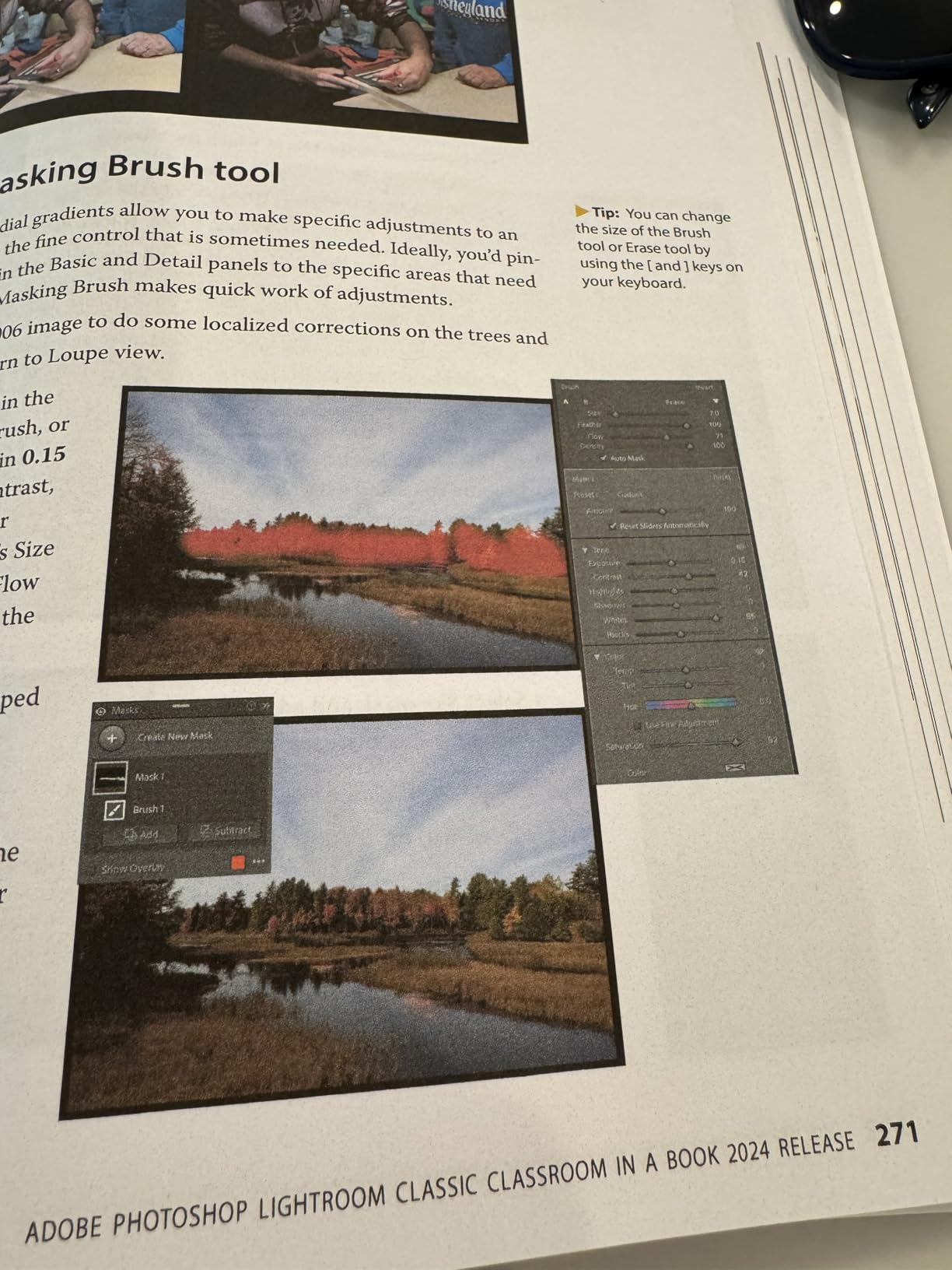
The book covers 2024 release features, which include some of the AI masking tools and updated panorama features. The content is slightly older than The Missing FAQ but newer than Kelby’s CC Book.
The classroom structure is good for self-paced learners who like clear milestones. The downside is the price point: at over $69 it costs more than most other options.
Who this book is best for
Wedding photographers who prefer structured lessons with start files and review questions. Anyone who trusts Adobe Press as the authoritative source. Studio owners who want a consistent training resource for new editors.
Who should skip this book
If you want current 2025 Lightroom coverage, look at The Missing FAQ. If you do not need the hands-on lesson structure, Kelby’s books give you more wedding-applicable wisdom per page.
7. Fine Art Wedding Photography: How to Capture Images with Style for the Modern Bride

Fine Art Wedding Photography: How to Capture Images with Style for the Modern Bride
Pros
- Stunning fine art wedding examples
- Practical film photography techniques
- Detailed lighting and composition
- Inspiring for all levels
- Covers business and artistic aspects
Cons
- Limited content at 160 pages
- Focused on film photography
- Some readers found it surface-level
- Not comprehensive for professionals
This is the only book on the list that is specifically about wedding photography style, and it is included because every Lightroom book teaches you the tool but not the look. Jose Villa’s Fine Art Wedding Photography teaches the aesthetic that many high-end wedding photographers chase in post.
Villa is known for film-based wedding imagery with soft pastels, low contrast, and creamy highlights. The book explains his lighting, composition, and color philosophy in a way that translates directly into Lightroom Develop module decisions.
For Lightroom users, the practical value is in the post-production direction. Once you understand Villa’s target look, you can reverse-engineer it with Lightroom’s tone curve, color grading panel, and HSL adjustments. The book gives you the destination, even if it does not teach the Lightroom steps.
At 160 pages it is brief, and the 2011 publication date makes some references feel dated. The aesthetic lessons still apply.
Who this book is best for
Wedding photographers who want to develop a fine art, film-inspired editing style. Second shooters learning the high-end wedding look. Anyone whose Lightroom work needs an artistic anchor to give it direction.
Who should skip this book
If you are looking for Lightroom workflow tutorials, this is not the right book. It is style and inspiration, not Develop module training. For pure Lightroom mechanics, look at the Kelby or Bampton books on this list.
8. Wedding Photography from the Heart – Documentary Style and Business Mindset

Wedding Photography from the Heart: Creative Techniques to Capture the Moments that Matter
Pros
- Inspirational philosophical approach
- Beautiful photography examples
- Practical business advice
- Uncomplicated easy read
- Understanding emotional aspects
Cons
- Not technical or how-to guide
- Dated content from 2009
- Limited modern technique coverage
Joe Buissink’s Wedding Photography from the Heart is another non-Lightroom book on this list, included for the same reason as Fine Art Wedding Photography: editing in Lightroom is in service of a larger storytelling goal, and this book teaches that goal.
Buissink shoots celebrities and high-end weddings with a documentary, photojournalistic approach. The book explains his philosophy of capturing moments rather than directing them, and how that influences his editing choices in post.
For Lightroom users, the practical value is in understanding what to look for during the shoot. The moments you capture drive the moments you edit, and Buissink’s book trains your eye to see those moments in real time.
The 2009 publication date is a limitation, but the philosophical core holds up. The business advice (client communication, album sales, pricing) remains relevant.
Who this book is best for
Wedding photographers who want a reminder that editing serves the story, not the other way around. Documentary-style shooters. New wedding photographers who need business and mindset guidance alongside their Lightroom training.
Who should skip this book
If you want Lightroom tutorials, skip this one. If you shoot only technical, posed weddings with heavy direction, the photojournalistic approach will not match your style.
9. Mastering The Lightroom Develop Module – Best for AI Masking and Modern Tools

Mastering The Lightroom Develop Module: A Practical Guide Book for Photographers Using Lightroom Classic
Pros
- Excellent masking feature coverage
- Clear tool explanations
- Valuable for new and experienced users
- Covers latest AI features
- Comprehensive workflow guide
Cons
- Small illustrations hard to read
- Limited indexing for navigation
Robin Whalley’s Mastering The Lightroom Develop Module is the most recent Lightroom Classic book on this list, and it focuses on the part of Lightroom that matters most to wedding shooters: the Develop module.
Wedding editing happens almost entirely in the Develop module. Import, cull, then spend hours adjusting exposure, white balance, color grading, and masking. Whalley covers each of those areas in depth, with particular strength on the masking tools that Adobe has rebuilt in recent releases.
The book covers AI features like subject masking, sky replacement, and adaptive presets. For wedding photographers shooting in mixed lighting, these tools save hours of brushing.
The Kindle + paperback availability is a real plus. The paperback is great for desk reference; the Kindle lets you search quickly when you are stuck on a specific tool.
Who this book is best for
Wedding photographers who spend most of their editing time in the Develop module and want current AI tool coverage. Anyone whose workflow relies heavily on masking for skin tones, sky exposure, or selective color. Photographers who want a recent, focused companion to a broader Lightroom book.
Who should skip this book
If you want broad Lightroom coverage including library, catalog, and output modules, this Develop-only focus will leave gaps. Pick this up as a companion to one of the bigger Kelby or Bampton books.
10. The Adobe Photoshop Lightroom CC / Lightroom 6 Book – Deepest Reference for Power Users

The Adobe Photoshop Lightroom CC / Lightroom 6 Book: The Complete Guide for Photographers
Pros
- Most comprehensive Lightroom reference
- Detailed why and how explanations
- Excellent for experienced users
- Covers advanced features thoroughly
- Companion website with updates
Cons
- Not for complete novices
- Can overwhelm by depth
- Index difficult to use
- Best read from beginning
Martin Evening’s The Adobe Photoshop Lightroom CC / Lightroom 6 Book is the most thorough Lightroom reference ever published. At 744 pages it is also the longest book on this list, and for advanced wedding photographers who want to understand every Lightroom feature in depth, it remains a gold standard.
Evening explains not just how to use a feature but why it works the way it does. For wedding photographers who want to understand color science, RAW processing, and tone curve behavior at a deeper level, this book delivers what other guides skip.
The companion website provides sample images and ongoing updates, which extends the book’s value past its 2015 publication date.
Who this book is best for
Advanced wedding photographers who want to understand Lightroom at a technical level. Studio owners who maintain their own presets and need deep color theory knowledge. Anyone who treats Lightroom editing as a craft worth studying deeply.
Who should skip this book
Beginners will find this overwhelming. The 744-page depth and the technical explanations assume Lightroom familiarity. If you are starting out, pick one of the Kelby books or the 7-Point System first.
How to Choose the Right Lightroom Book for Your Wedding Workflow?
Picking a Lightroom book is not about page count or author fame. It is about matching the book’s structure to where you actually get stuck in your wedding editing workflow. Here is how I think about it for wedding photographers.
If you want a closer look at preset-driven workflows for weddings, my guide on best lightroom books for wedding photography presets covers the software side of the same challenge.
Skill level matters more than page count
Beginners need structure. The 7-Point System, Lightroom Classic CC Book, and Classroom in a Book all give you a guided walk-through. Intermediate users need fast lookup. How Do I Do That In Lightroom? and Mastering The Lightroom Develop Module serve that need. Advanced users want depth and theory, which is where The Missing FAQ and Martin Evening’s book shine.
Buy the book that matches where you get stuck, not the thickest book on the shelf.
Wedding-specific workflow coverage
Most Lightroom books teach the software in a generic way. Wedding editing has specific patterns: culling 3,000 images, batch editing ceremony photos at the same white balance, color grading reception images with flash lighting, exporting two gallery sizes for online and print. Look for books that address those workflows specifically.
The Adobe Photoshop Lightroom Classic Book (Kelby’s LrC edition) does the best job of these workflows in a printed format. Pair it with my guide on portrait presets for the style side of wedding editing.
Print vs digital editions and updates
Lightroom changes every year. Adobe pushes new AI features, masking updates, and module changes regularly. A 2018 printed book will be partly outdated by 2026. If currency matters to you, prioritize books with recent editions (The Missing FAQ 4th edition, Mastering The Lightroom Develop Module) or books with companion portal access that includes updates.
For comparison context on Lightroom versus other editors, my breakdown of Photoshop vs Lightroom covers when you might still need both tools.
How to actually apply what you learn
A book on the shelf does not edit your wedding. Set a 30-day plan: read one chapter, apply that chapter’s workflow to your next wedding gallery, measure the time savings. Repeat. After three weddings you will know which book was worth the price.
For the broader editing ecosystem beyond Lightroom, my take on landscape presets shows how Lightroom skills transfer across genres, and my Lightroom Classic vs Capture One comparison helps if you ever consider switching editors.
Frequently Asked Questions
What is the best Lightroom preset for wedding photos?
The best Lightroom preset for wedding photos is one you build yourself based on your camera, lighting, and style. Starting points like Mastin Labs, Tribe Archipelago, or VSCO wedding packs give you a base, but wedding lighting varies too much across ceremonies and receptions for a single off-the-shelf preset to fit every image. Use a preset as your starting point and adjust exposure and white balance per image.
What are the best wedding photo books?
The best wedding photo books combine Lightroom training with wedding-specific workflows. For Lightroom mechanics, The Adobe Photoshop Lightroom Classic Book by Scott Kelby and The Missing FAQ by Victoria Bampton lead the category. For wedding style and business, Fine Art Wedding Photography by Jose Villa and Wedding Photography from the Heart by Joe Buissink round out the picture.
What Lightroom preset use the luxury wedding photographers?
Luxury wedding photographers typically use a layered approach: a base preset for color and tone, plus selective adjustments for skin tones and detail. Many build their own presets to maintain consistency across a wedding gallery. They also lean on Lightroom’s masking tools to polish skin, control sky exposure, and grade ceremony and reception lighting separately. The Adobe Photoshop Lightroom Classic Book and Mastering The Lightroom Develop Module both cover this workflow.
Are Lightroom books still worth buying in 2026?
Yes, especially for wedding photographers. Free YouTube tutorials are great for one-off tips but they do not give you a structured workflow. A good Lightroom book teaches you a repeatable editing sequence that you can apply to every wedding gallery, which is what saves time during busy season. Books also explain the why behind settings, which video tutorials often skip.
How long does it take to learn Lightroom for wedding editing?
Most wedding photographers reach a functional editing workflow in 30 to 60 days of focused practice. The first 30 days are about learning the Develop module basics: exposure, white balance, tone curve, HSL panel. The next 30 days are about building your wedding-specific presets and practicing on real galleries. After 60 days, your editing time per image should drop noticeably.
Final Verdict
If I had to pick one book from this list, it would be The Adobe Photoshop Lightroom Classic Book by Scott Kelby for the editor’s choice spot. It is the most complete Lightroom Classic reference that addresses the actual workflows wedding photographers use: catalog setup, batch editing, masking, and gallery export. It earned the top spot on this best lightroom books for wedding photography roundup because it solves real post-production problems, not generic editing exercises.
Pair it with one of the style books (Fine Art Wedding Photography or Wedding Photography from the Heart) and you have everything you need to build both Lightroom skills and a wedding photography aesthetic. Pick the book that matches your current skill level and start applying the lessons to your next wedding gallery.