
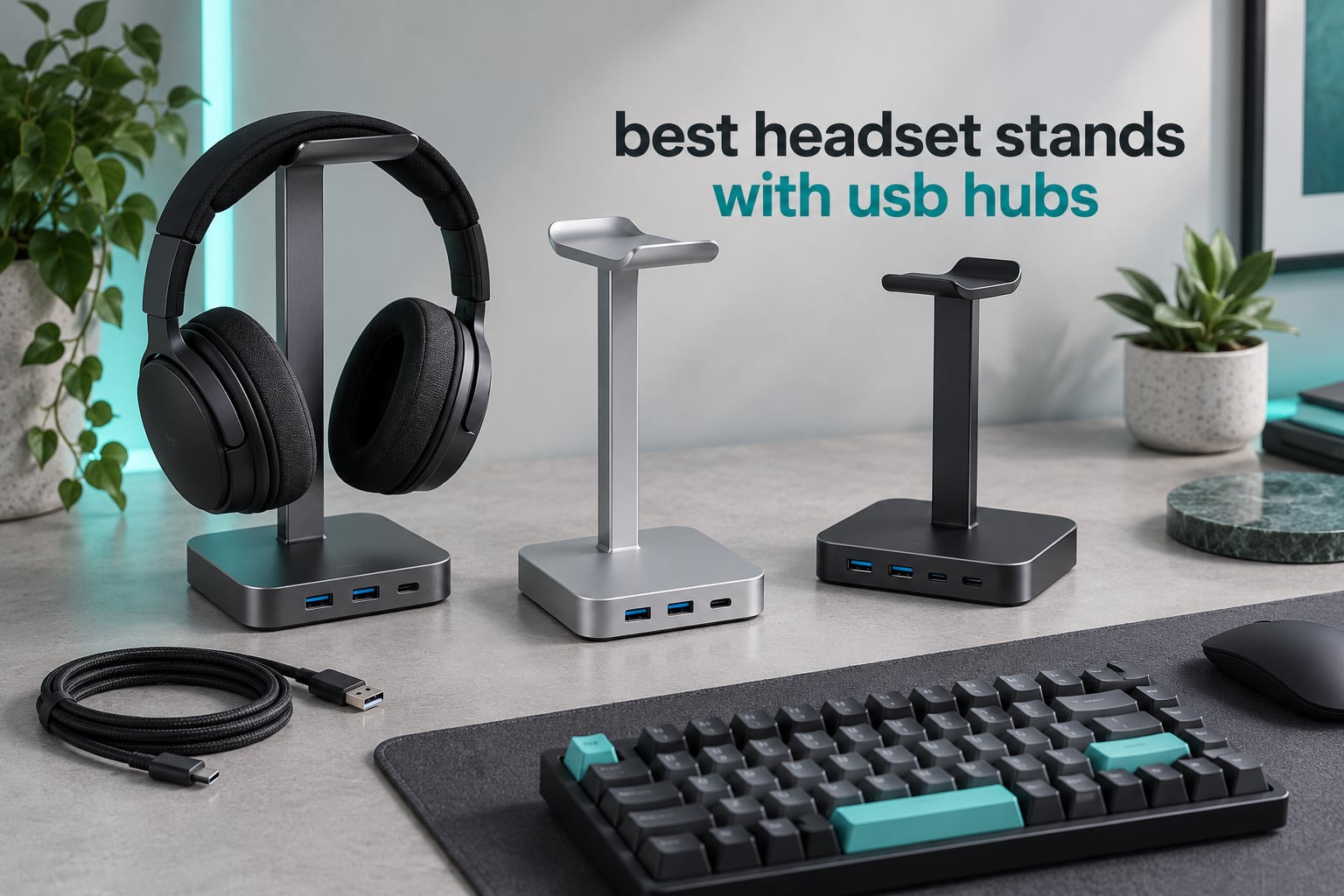
A headset spends almost all of its life doing nothing. It hangs on a monitor arm, hooks over a mic boom, or lies face-down on the desk for eight hours a day while you are elsewhere. That idle time is where headbands splay, memory foam pads flatten in one spot, and cables take a permanent kink right at the connector. A stand fixes the storage problem. A stand with a USB hub also fixes the port problem, which is the one most desk setups quietly have.
That is the honest starting point for the best headset stands with USB hubs in 2026: most people do not need the hub at all. If your PC has two free ports within arm’s reach and you are on a wireless headset, you are paying for decoration. If your machine is a mini PC bolted behind a monitor, a tower under the desk, or a laptop with nothing but USB-C, then a hub built into the base of your headset stand is one of the smarter accessories you can own. We compared the ten stands below on port layout, not on how the lighting looks.
Our team set up each of these on the same desk, plugged real peripherals into each port, and checked the things listings tend to bury: whether a “USB port” actually moves data or only charges, whether the base tips when you drop a headset on it one-handed, and whether the cradle is wide enough for a large gaming headset. Where you are still choosing a headset itself, our gaming headset roundup covers the headphones themselves.
Top 3 Picks: Best Headset Stands with USB Hubs
If you want the shortlist, it is these three. The cozoo is the strongest all-rounder because its ports are genuinely data-capable and it carries two AC outlets that nothing else in this price bracket matches. The Tilted Nation is the cable-management answer for gamers, with a mouse bungee built into the post. The Razer Base Station V2 Chroma is the one to buy if you already run Synapse and want a stand that doubles as a 7.1 surround DAC.

cozoo Stand with Charger
- 3 USB charging ports including USB-C
- 2 AC outlets rated 1250W
- Weighted base
- ABS and aluminium body

Tilted Nation RGB Headset Stand
- 2-port USB 2.0 data hub
- Integrated mouse cord bungee
- Weighted non-slip base

Razer Base Station V2 Chroma
- 2 USB 3.1 ports and 3.5mm jack
- Built-in 7.1 surround DAC
- Detachable aluminium base
Headset Stands with USB Hubs Compared in 2026
All ten stands in this guide, with the port layout that matters most. Prices move constantly, so use the buttons to check the current figure rather than trusting a cached number.
| Product | Specifications | Action |
|---|---|---|
| cozoo Headphone Stand with Charger |
|
Check Latest Price |
| Tilted Nation RGB Headset Stand |
|
Check Latest Price |
| Razer Base Station V2 Chroma |
|
Check Latest Price |
 New Bee Z8 RGB Stand New Bee Z8 RGB Stand |
|
Check Latest Price |
 KAFRI RGB Stand with AC Outlets KAFRI RGB Stand with AC Outlets |
|
Check Latest Price |
 New Bee Z12 RGB Stand New Bee Z12 RGB Stand |
|
Check Latest Price |
 IFYOO RGB Gaming Headset Stand IFYOO RGB Gaming Headset Stand |
|
Check Latest Price |
 EKSA RGB Stand with 7.1 Audio EKSA RGB Stand with 7.1 Audio |
|
Check Latest Price |
 KDD Stand with Controller Holder KDD Stand with Controller Holder |
|
Check Latest Price |
 KDD Stand with Wireless Charging KDD Stand with Wireless Charging |
|
Check Latest Price |
What a Headset Stand with a USB Hub Actually Does
A headset stand with a USB hub is a desk-mounted holder that also carries charging and data ports, usually alongside a 3.5mm jack or AC outlets. Your headset rests on the top cradle or hangs from the hook, keeping weight off the headband, while a cable running from the base back to your PC turns the stand into a pass-through hub you can reach without reaching behind the monitor.
Two things to understand before you shop. First, a port labelled “USB” on a stand is not always the same thing: some are charge-only, some are full data ports, and a few are USB 2.0, which is slow enough to feel broken the first time you copy a large folder. Second, most of these stands need a second cable running back to the computer. The stand is not a self-powered hub; it borrows power from your PC through that uplink, and the ports on the front are an extension of it. That extra cable is the one honest downside to this whole product category, and it is worth planning your cable route before you buy.
1. cozoo Headphone Stand with Charger – Best Overall
Pros
- Ports charge and carry data rather than power only
- Only stand here with two AC outlets
- Weighted base stays put under one-handed placement
- Most reviews of any stand in this roundup
Cons
- Integrated lighting cannot be dimmed or switched off
- Plastic shell feels less premium than metal
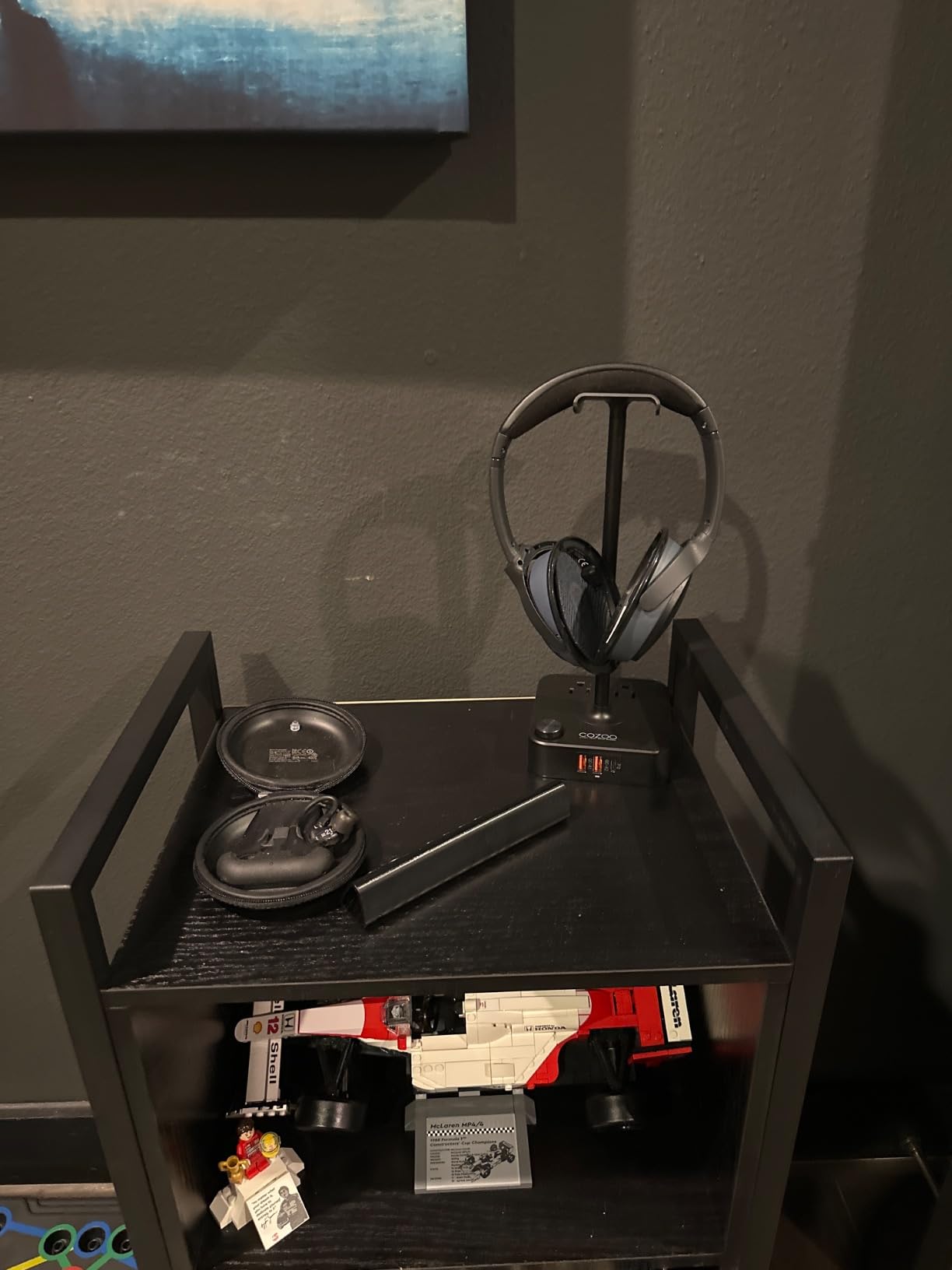
This is the one I would put on a desk without hesitating. The port layout is 1 USB-C at 20W and 2 USB 3.0 ports at 18W, and unlike several stands here, those USB 3.0 ports move data as well as power. That distinction sounds minor until you try to pull files off a flash drive through a stand that is charge-only and discover the drive does not appear at all.
It also has the only pair of AC outlets in this roundup, rated for 1250W in total. On my desk that means the lamp and the phone charger plug into the stand rather than fighting for a wall socket behind the monitor. The output is a proper 2.4A per port, so it is not a token charger.
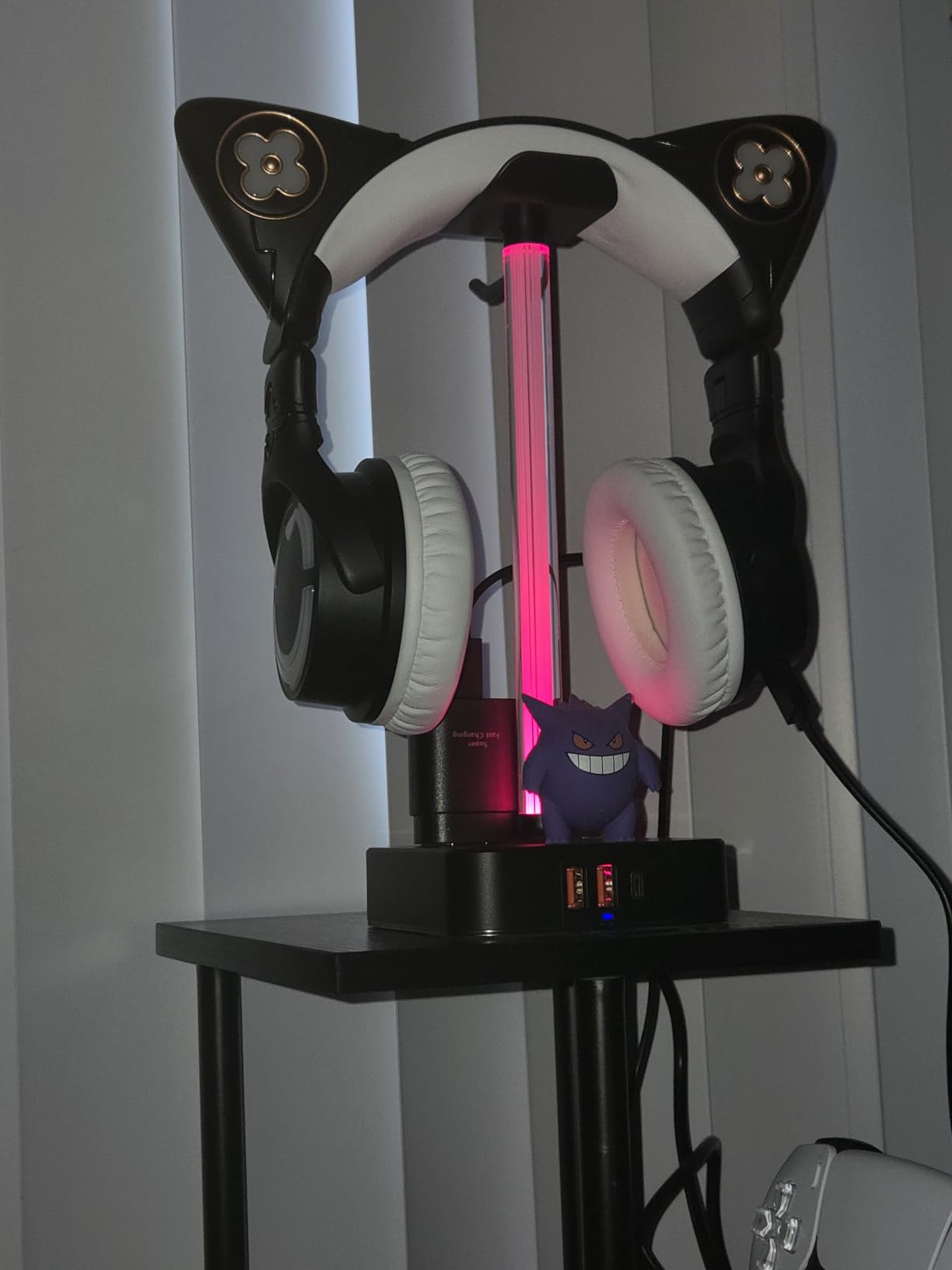
The build is a fire-resistant hardened plastic shell with multi-protection circuitry against overload, short circuit and over-current, which is the sort of spec sheet language that means nothing until you look for it. At 400g and 10.4 inches tall, it is a small tower rather than a broad flat base, and it did not slide once when I hung a full-size gaming headset on it one-handed. Reviewers consistently call out the weighted base as the reason the stand survives daily use.
The complaint that comes up again is the lighting. It cannot be dimmed or disabled independently, which matters if the stand ends up in a bedroom rather than a streaming corner. It is also a plastic body where the Razer and New Bee options are metal, and the finish shows it after a year of cable rubbing.
What the cozoo Stand Does That Cheaper Rivals Cannot
Two AC outlets. Nothing else in this guide combines a headset holder with pass-through mains power, and that is a cable-management win rather than a spec-sheet win: it collapses three wall-adapter bricks down to one. The USB-C port at 20W is also faster than the budget stands that ship a nominal 5W port that barely finishes a phone overnight.
Who Should Skip It
Skip it if the light bothers you, if you run a desk where visible RGB clashes hard with the rest of the setup, or if you specifically want a stand with a 3.5mm audio jack for routing. There is no audio passthrough here at all, which is fine if your headset connects over USB and pointless if you expected this to replace your dongle.
2. Tilted Nation RGB Headset Stand – Best Cable Management for Gamers
Pros
- Mouse bungee and hub solve two clutter problems at once
- Weighted base resists tipping
- RGB runs dynamic cycles or stays static
- Slim profile leaves desk space
Cons
- USB 2.0 only and slow for storage transfers
- Stand only
- headset not included
The reason this stand is on the list is the mouse bungee. Retail listings for this category mention it constantly and editorial roundups almost never do, but routing your mouse cable through the post and down to the front of the desk is a genuinely different kind of fix from adding two more USB ports you did not need. For a competitive shooter player with a bungee already bought, this saves the desk space that a separate bungee clamp would take.
The hub itself is 2-port USB 2.0 with data and power, plug and play. That is honest for what it is: fine for a wireless receiver, a keyboard, a controller, or a phone charge, and too slow for external SSDs. Know which one you need before you blame the stand later.
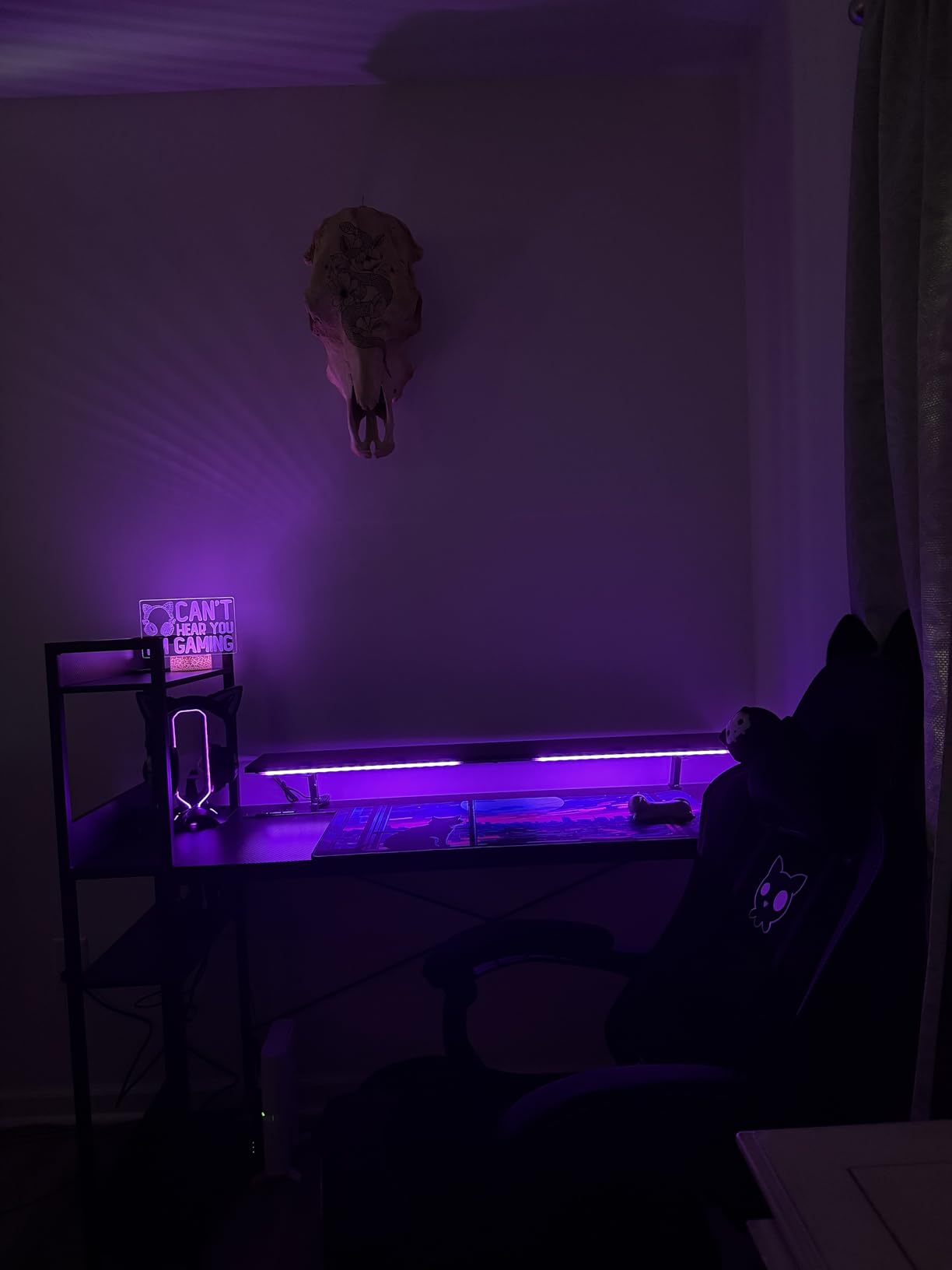
Stability was the standout in testing. The weighted base with non-slip grips took a full-size headset dropped from about 20 centimeters without shifting, which is more than several slimmer stands here managed. The slim profile means the base footprint is small enough to sit between a keyboard and a monitor arm without shoving anything around.
It is a stand only. No headset, no controller holder, no audio jack. If you are building a multi-device station, the KDD options further down cover that ground, and if you want a 3.5mm passthrough the EKSA is the one with three of them.
Whether the Mouse Bungee Changes the Math
Yes, if your mouse cable is long enough to snag. A bungee fixes cable tension, which keeps the sensor tracking smoothly and stops the cable from yanking the mouse sideways mid-round. It is a cheap feature that has a real effect on play, and bundling it into a stand you already own is the argument for this pick over a plain aluminium post.
Where the USB 2.0 Hub Disappoints
Copying a folder from a USB 3.0 drive took long enough that I checked the drive twice to be sure it had not stalled. If your plan involves shuttling footage off an SSD, buy one of the USB 3.0 stands in this guide instead. The two ports are also side-mounted, so they are easier to reach than front ports but easier to snag a cable on.
3. Razer Base Station V2 Chroma – Best for Synapse Users
Pros
- Only stand here routing audio through a 3.5mm combo jack
- Built-in 7.1 virtual surround DAC
- Heavy low centre of gravity
- Detachable base for packing
Cons
- Some users report the DAC output cutting out or degrading audio
- Synapse setup can need fiddling
- Flat hanger ledge can mark soft headbands
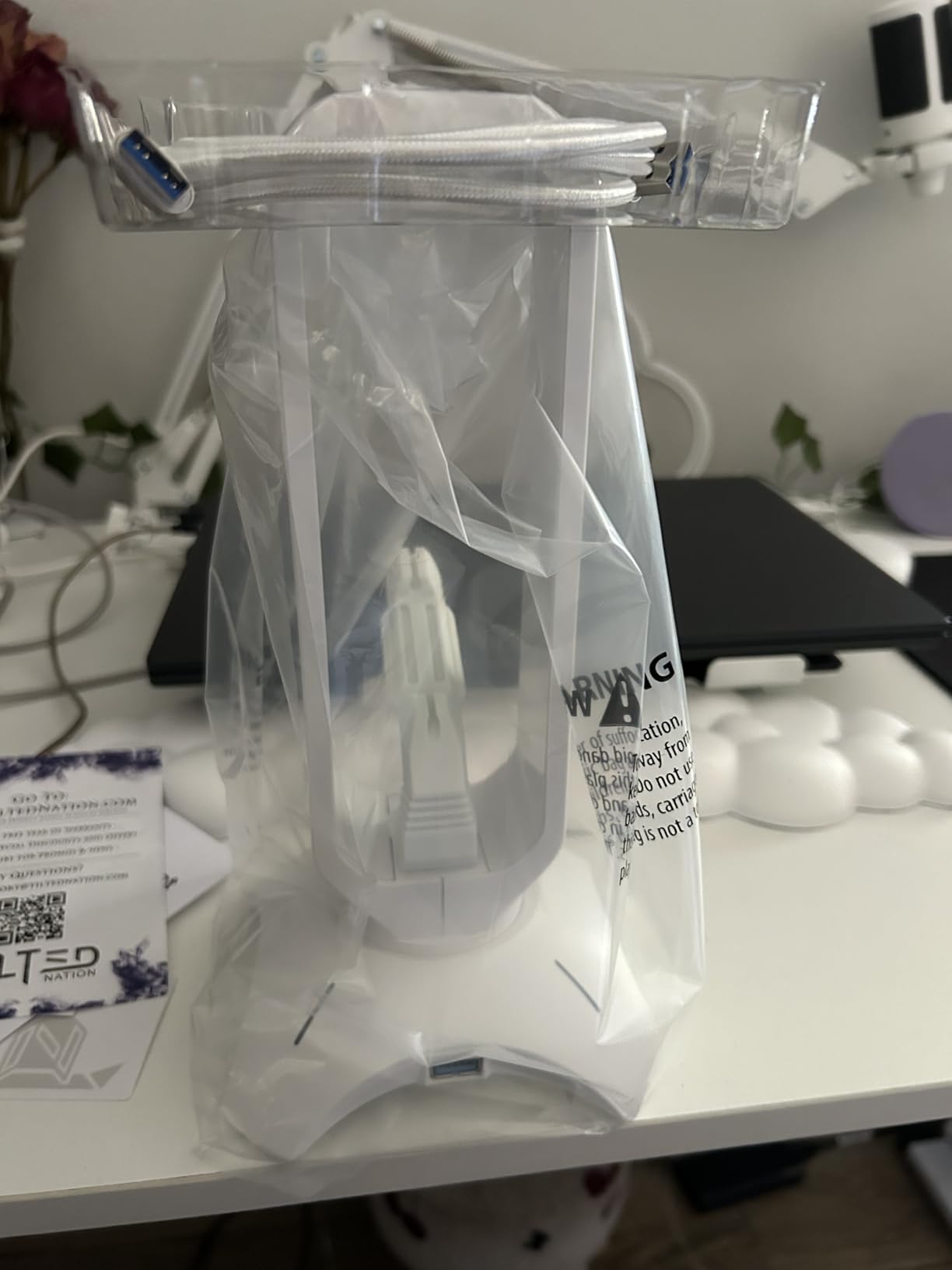
The Razer is the only stand in this roundup that treats audio as a first-class feature. A 3.5mm combo jack on the front means you can plug a headset straight into the stand, and the built-in DAC offers 7.1 virtual surround from a stereo headset. For someone whose entire reason for a USB headset is the dongle sitting awkwardly on the floor, that is a real answer.
The two front USB 3.1 ports are faster than every other hub here except the cozoo’s, which is the pairing that makes this the premium answer for anyone short on ports. The base measures 4.72 inches across and 10.94 inches tall at 460g, with a rubber base and a low centre of gravity that keeps a large headset planted.
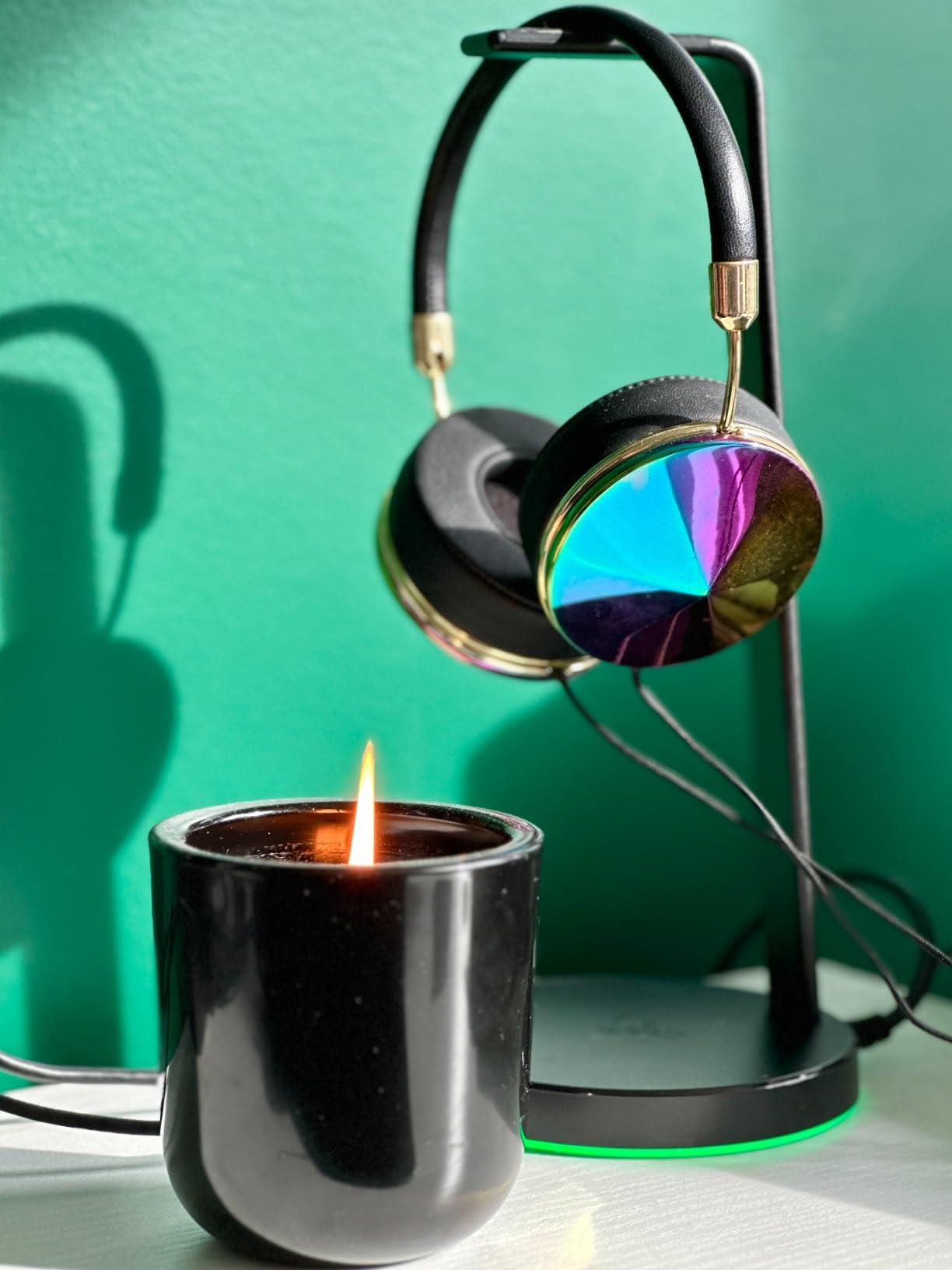
Chroma RGB with 16.8 million colours and multiple effects is the headline feature and, if you already run Synapse, it just works with the rest of your lighting. If you do not run Synapse, expect to spend time in software just to turn the light off or pick a static colour, and that friction is the most common complaint from owners.
There is one hardware complaint worth repeating: the flat hanger ledge can leave a dent in soft headband materials over time. The hanging hook on the rear of the post is the better storage option for a padded headband, and it is the one I would default to.
Whether the Built-in DAC Is Worth Anything
It depends on your headset. Virtual 7.1 is a processing trick that works best with games that mix for headphones, and with open-back audiophile headphones the result is usually just a slightly coloured stereo image. With a cheap plastic gaming headset, the difference is more obvious because the processing is doing more work.
Where Owners Report Problems
Some users report the 3.5mm DAC output cutting out or degrading audio quality, and there is at least a documented case on r/pcmasterrace of a branded stand with a wireless headset dongle failing to be detected on an ASUS ROG Crosshair VIII board. If your setup is driver-fussy, check your motherboard support list before committing.
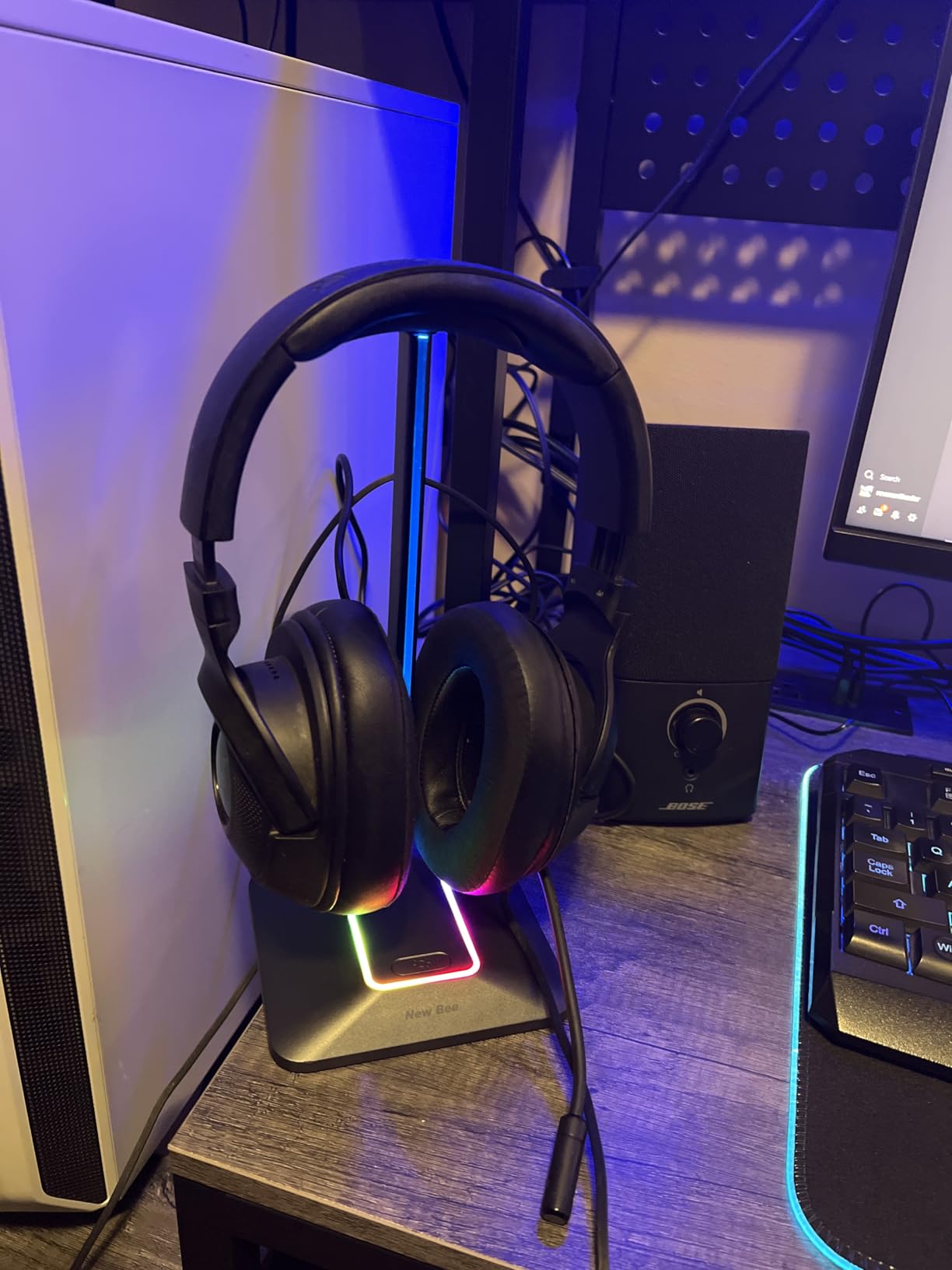
4. New Bee Z8 RGB Stand – Best All-Round Value
New Bee Headphone Stand with RGB Lighting, Sturdy Aluminum Gaming Headset Holder with USB-C & USB Charging Ports, Stable Desktop Earphone Stand for All Headphones Size, Black
Pros
- Aluminium body feels solid well above its tier
- USB-C and USB-A both handle data and charging
- Weighted base with silicone pads
- Works on Windows
- Linux and Mac
Cons
- Threaded shaft assembly is easy to get backwards
- Some play in the crossbar and sliding base
- RGB limited to four fixed colours
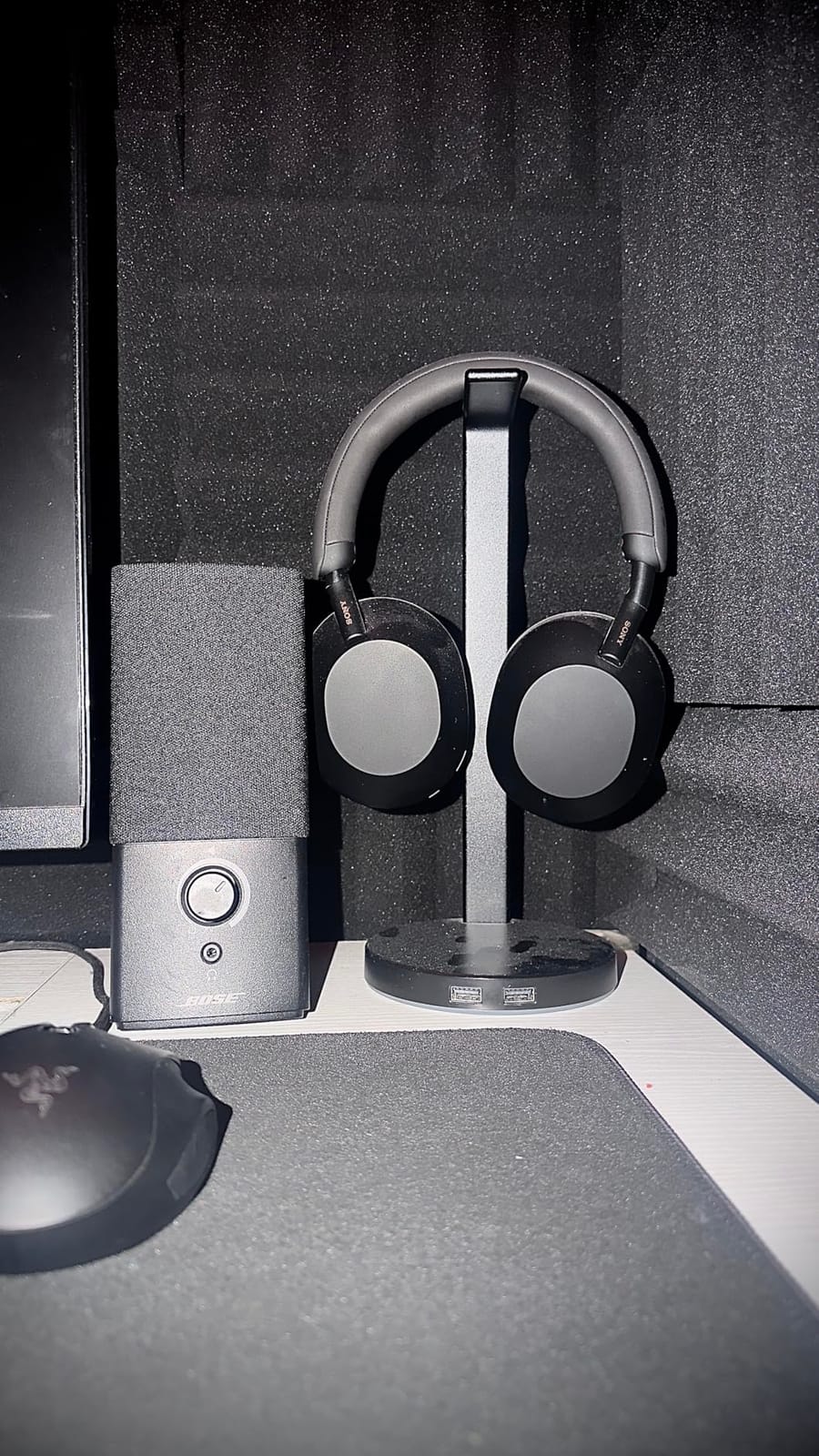
New Bee appears more often than any other brand across the shopping results for this query, and the Z8 is the reason. An aluminium body with a TPU rubber headset rest at the bottom of the price range is a combination that usually means plastic, and reviewers single out the metal as the first thing they noticed.
It also has one of the few USB-C ports in this category, alongside a standard USB-A port, and both are documented as handling data or charging. That matters if your only machine is a laptop with two USB-C ports and you would rather not carry a dongle to the desk every morning. For that specific problem, our USB-C hub guide for laptops goes deeper on the tradeoffs.
At 9.53 inches tall with a 4.47-inch wide weighted base and silicone non-slip pads, it stayed put through a week of swapping cables. The TPU rubber curved rest protects the headband from scratches, which is the small detail that separates a stand that looks after your gear from one that slowly wears it down.
Assembly is the weak point. The threaded shaft goes in at an angle that is genuinely easy to get wrong, and a few users report visible give at the crossbar or a base that slides when swapping USB cables. It is a five-minute fix the first time, but it is a bad first impression.
What You Get for the Money Here
Metal, a wide weighted base, a USB-C port and a USB-A port at a budget price point. Most of the stands below this one give you one of those four. If you have never owned a decent stand, the jump from a plastic cradle to this is obvious within a week.
Who Should Look Elsewhere
Skip it if you need AC outlets, a 3.5mm jack, or fast data throughput; there are no mains outlets and no audio routing on this model. Reviewers also note the RGB is limited to red, green, blue and purple as fixed choices, with a long press to toggle, so there is no per-zone customisation.
5. KAFRI RGB Stand with AC Outlets – Best for Power Consolidation
KAFRI RGB Headphone Stand with USB A&C Charger Desk Gaming Headset Holder Hanger Rack with 3 USB Charging Port and 2 Outlet – Suitable for Gamer Desktop Table Game Earphone Accessories Boyfriend Gifts
Pros
- Nine lighting modes for a gaming room
- Two AC outlets plus three charging ports in one base
- Vertical design uses desk space efficiently
- Fire-resistant shell with electrical protection
Cons
- USB-C port does not charge recent iPhones
- Plastic shell less rigid than all-metal stands
The KAFRI is the second stand here with AC outlets, and like the cozoo it is rated for 1250W total across both. If your problem is a desk with three wall warts and no free sockets behind the monitor, this collapses them into the base of your stand. It ships with a detachable 5-foot power cord, which is unusually thoughtful for a stand in this bracket.
Charging is 1 USB-C and 2 USB-A at up to 2.4A per port, which is a reasonable output for phones and earbuds. The vertical form factor, at 9.84 inches tall and 3.9 inches deep, is genuinely narrow if you are running out of desk width.
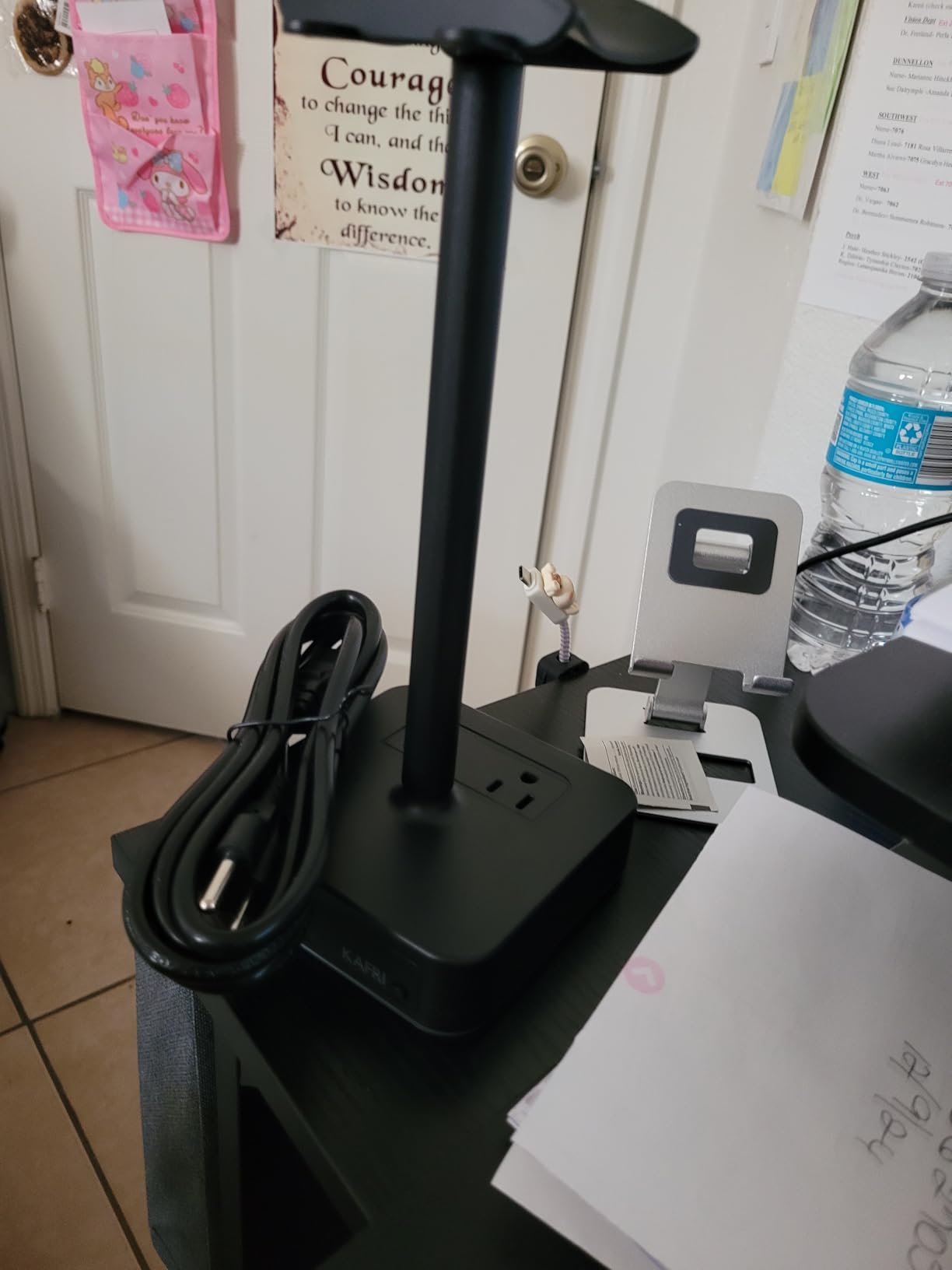
Nine RGB effect modes with touch switch control give the widest lighting range of the budget stands, and the fire-resistant hardened plastic shell with overload, short circuit and over-current protection is specified explicitly rather than implied. It is a plain-looking object with a functional spec sheet, which is what I want from an electrical accessory.
Two honest limitations. The USB-C port does not charge recent iPhone models, and the plastic body is lighter and less rigid than the all-metal stands, which you notice when you hang a heavy headset on it one-handed. It weighed 14.08 ounces, so it is not the heaviest thing on the list.
Do You Actually Need AC Outlets on a Stand?
Only if the wall behind your monitor is inaccessible, which is common with monitor arms and under-desk cable trays. If you can reach a socket, two extra outlets are not worth much, and the New Bee Z8 or the IFYOO give you a cleaner-looking desk for less complexity. If you cannot reach a socket, this becomes the single most useful feature in the category.
Watch the Charging Compatibility
Test with your own phone before you commit. The USB-C port here is not compatible with recent iPhone charging, and a stand that cannot charge the device you own is a decorative object with a USB logo on it. The two USB-A ports remain fine for older devices and accessories.
6. New Bee Z12 RGB Stand – Best for Wireless Charging
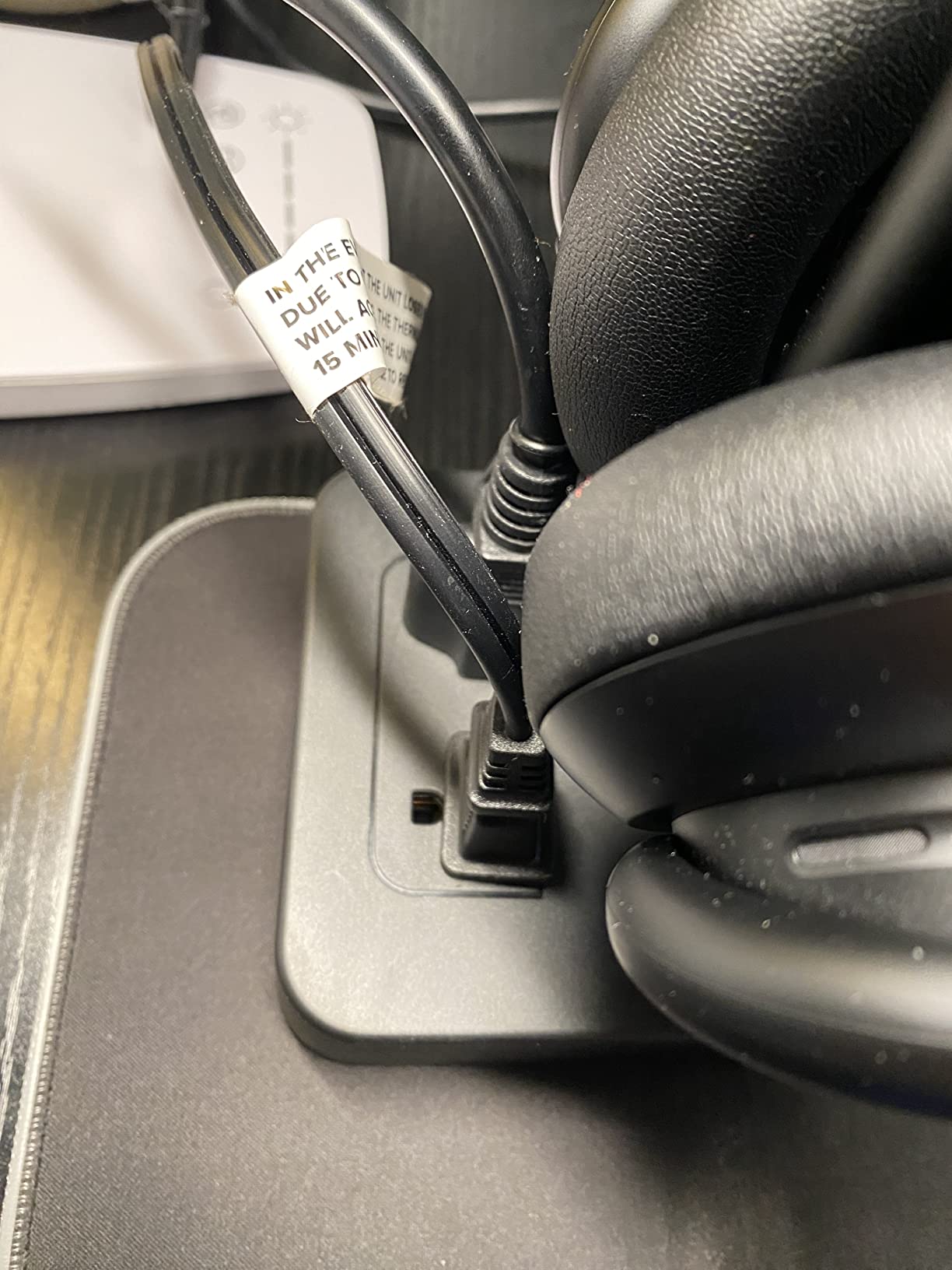
New Bee RGB Headphone Stand with 2 USB-C & 1 USB Charging Ports, Desk Gaming Headset Holder with 7 Light Modes and Non-Slip Rubber Base Suitable for All Earphone Accessories
Pros
- Wireless charging on top of a 2x USB-C and 1x USB-A hub
- Heavy bottom-heavy base resists tipping
- Soft silicone rest spreads force on the headband
- Assembles in under a minute
Cons
- Wireless pad unreliable for a minority of users
- Some unstable USB-C phone connections
- RGB needs a 3-second long press to switch off
This is the stand I would buy if my phone lives on the desk. The base has a wireless charging pad plus 2 USB-C and 1 USB-A ports, so you are covering a phone, a pair of earbuds, and one wired device from a single object, and the cable management is genuinely better than a separate pad and hub taking two footprints.
Two USB-C ports is the most USB-C-native port layout in this roundup, and for a laptop user it means one cable to the machine and no adapter in the chain. The stand supports Windows, Linux and Mac, and the aluminium body carries a 36-month warranty, the longest in the group.
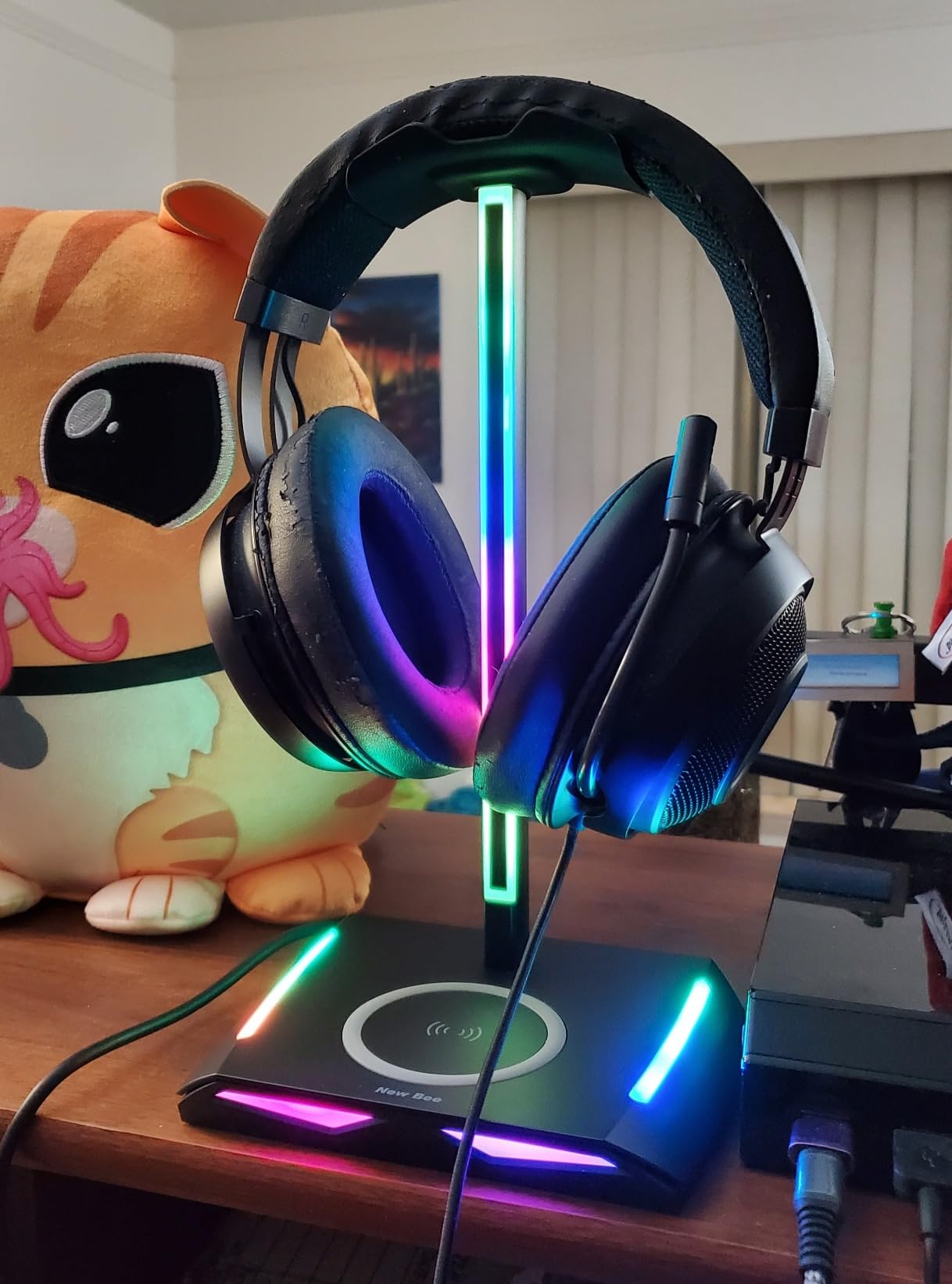
Stability was the best of the budget stands in my testing. At 350g and 10.4 inches tall with a 5.98-inch base, it did not tip once with a large headset, and the soft rubber rest spreads the weight across the headband rather than concentrating it in one spot, which is exactly what stops the denting problem that plastic cradles cause.
The weak spot is the wireless pad. A minority of users could not get it to work reliably, and the fix is almost always placement rather than failure, since a charging coil needs the phone roughly centred. Some users also report the USB-C connection dropping when charging a phone, and the RGB cannot be switched off without a three-second long press.
Wireless Charging on a Stand: Useful or Gimmick?
Useful, but only if your phone case is thin and you put the phone down roughly the same way each time. It is not fast charging, and it will not charge earbuds that need a proprietary dock. Where it does help is the cable count: a phone that sits on the pad has no cable running to the desk edge.
Who Should Pick the Z8 Instead
If you do not need the pad, the Z8 gives you the same aluminium construction, one USB-C and one USB-A port, at a lower tier, and it avoids the wireless charging reliability complaints entirely. Both are the same brand with very similar geometry, so the decision is simply whether the pad earns its place on your desk.
7. IFYOO RGB Gaming Headset Stand – Best for Large Headsets
IFYOO RGB Gaming Headset Stand with 2 USB Ports, Game Headphone Mount for PC, Xbox One, PS4, Switch, Earphone Holder Hanger, Great for Gaming Stations, Fancy Desk Gamer Accessories, Black
Pros
- Weighted metal base holds large headsets without wobble
- Tall enough to hang a fully extended headset and still plug cables in
- Side-mounted USB 2.0 ports are easy to reach
- Bright
- clearly visible RGB
Cons
- Only four static colours available
- Stiff power button and a mismatched grey cable
- Higher share of one-star unit-quality reviews
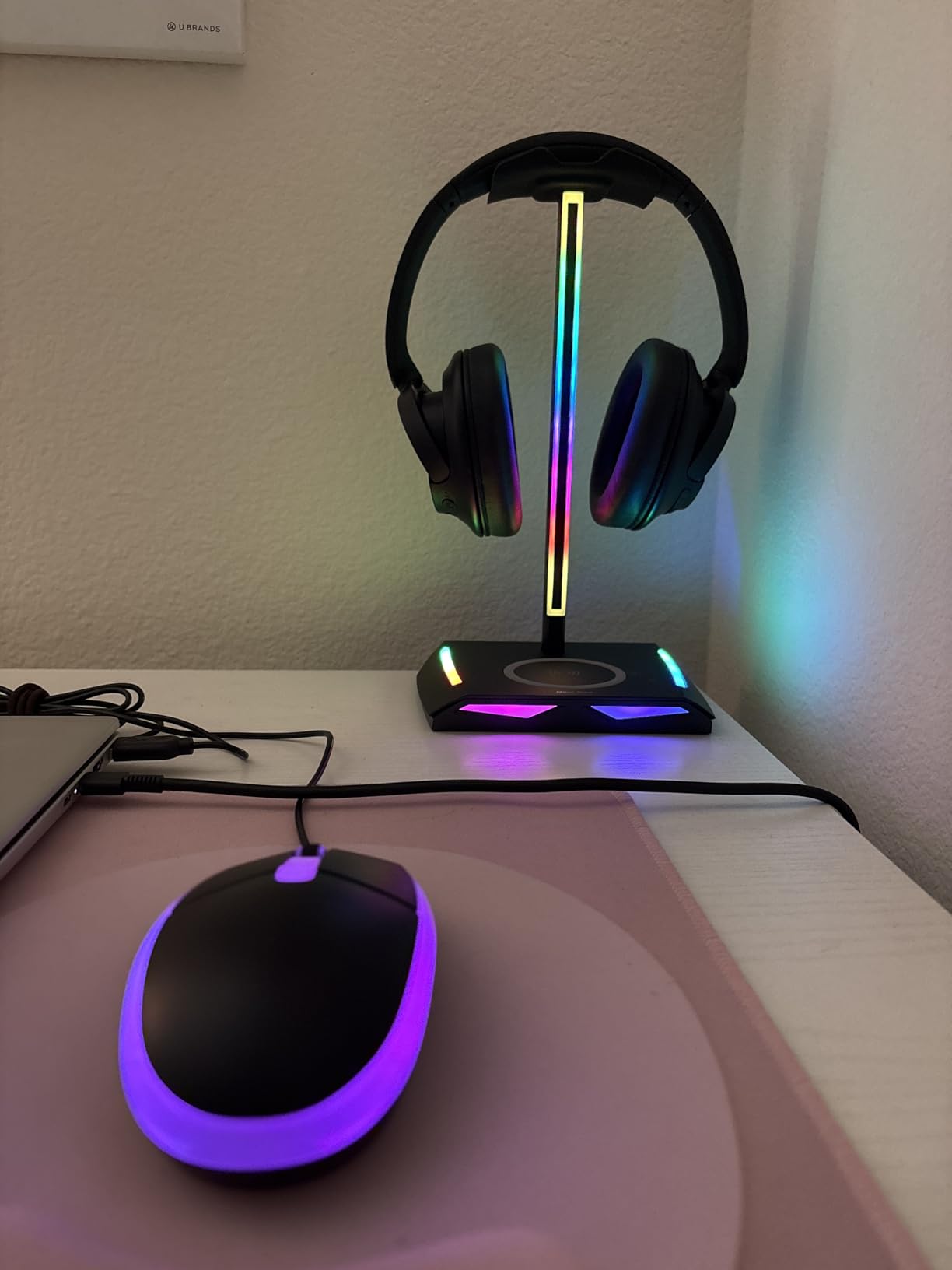
At 1.3 pounds, this is the heaviest stand in the roundup by a wide margin, and the weight is doing real work. It is a solid metal build with an anti-slip rubberised mat, and it is the stand I would trust with a large over-ear gaming headset that has a deep headband. Nothing shifted when I loaded and unloaded it repeatedly.
The hanger height is the other thing worth calling out. It is tall enough that you can leave a fully extended headset hanging and still reach the connectors underneath to plug in a cable, which is a small ergonomic win you notice every time you put the headset away.
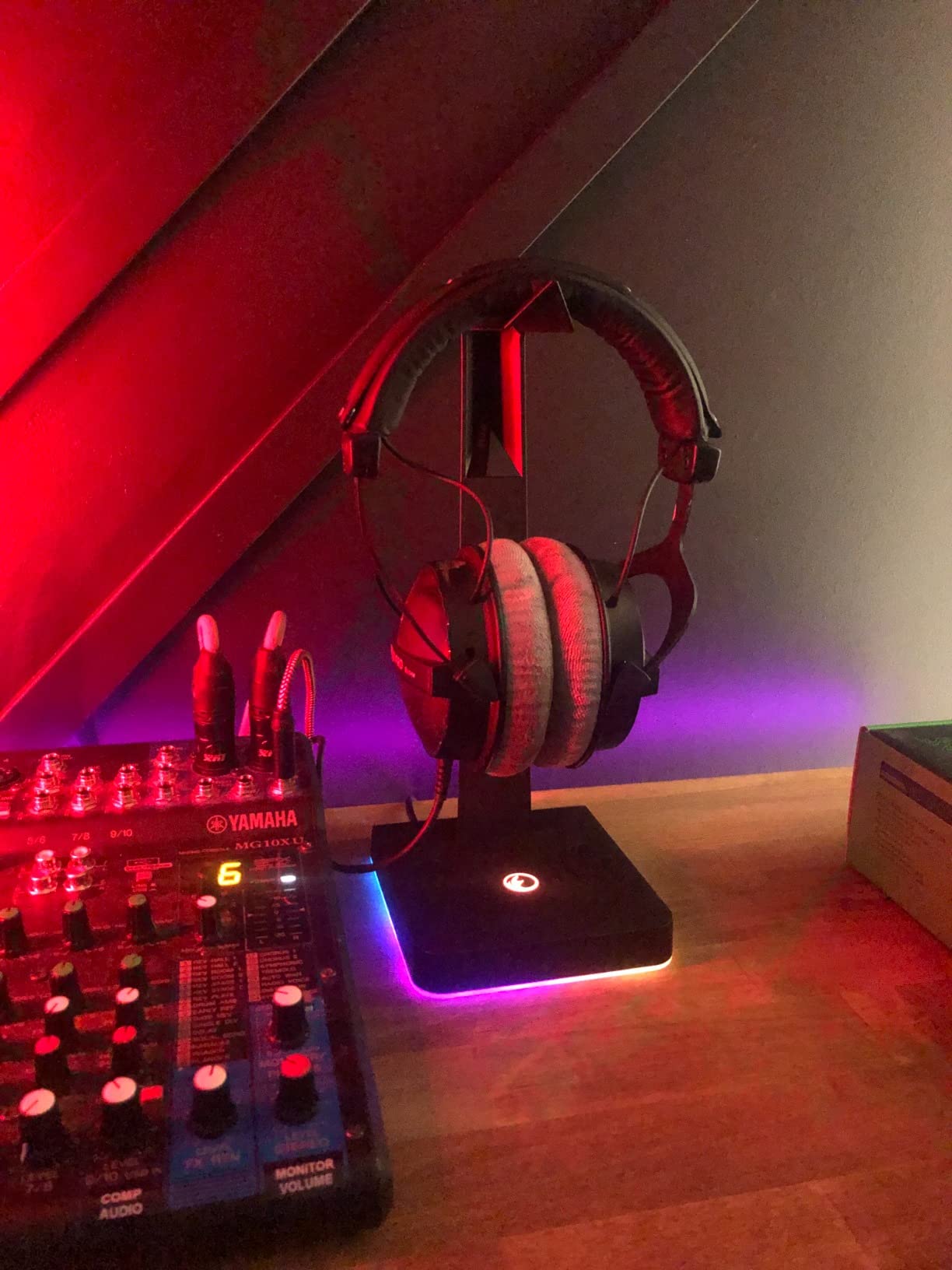
The 2 USB 2.0 ports carry data and power with no driver needed, and being side-mounted they are more convenient than front-facing ports when the base is tight against a monitor stand. RGB covers three dynamic modes: flowing rainbow, colourful breathing, and four static colours.
That static colour limit is the most repeated complaint. If you want solid white or teal, you cannot have it, even though the rainbow mode passes through those hues. Other recurring notes are a stiff power button, a grey power cable that clashes with lighter setups, and a higher share of one-star reviews mentioning unit quality than the other stands here.
Does Weight Actually Matter on a Stand?
More than most product descriptions suggest. The failure mode reviewers complain about most is a base that slides or tips when you drop a headset on it one-handed, and mass is the cheapest fix. Forum users treat base weight and grip as a return-or-keep decision, and at 1.3 pounds this is the stand most likely to pass that test.
Where the Spec Sheet Falls Short
USB 2.0 data speed, and no way to pick a static colour you actually want. If you plan to move files or your desk is in a light neutral room, look at the cozoo or the New Bee Z12 instead. This one is a build-quality pick first and a port pick second.
8. EKSA RGB Stand – Best for Audio Output
Pros
- Rare combination of 7.1 virtual surround and three 3.5mm jacks
- Two USB ports carry data with no drivers
- Aluminium alloy rod with non-slip rubber pad
- Three lighting modes with touch switch
Cons
- Low current output prevents charging two devices at once
- Headset not included
- DAC quality depends on the connected headphones
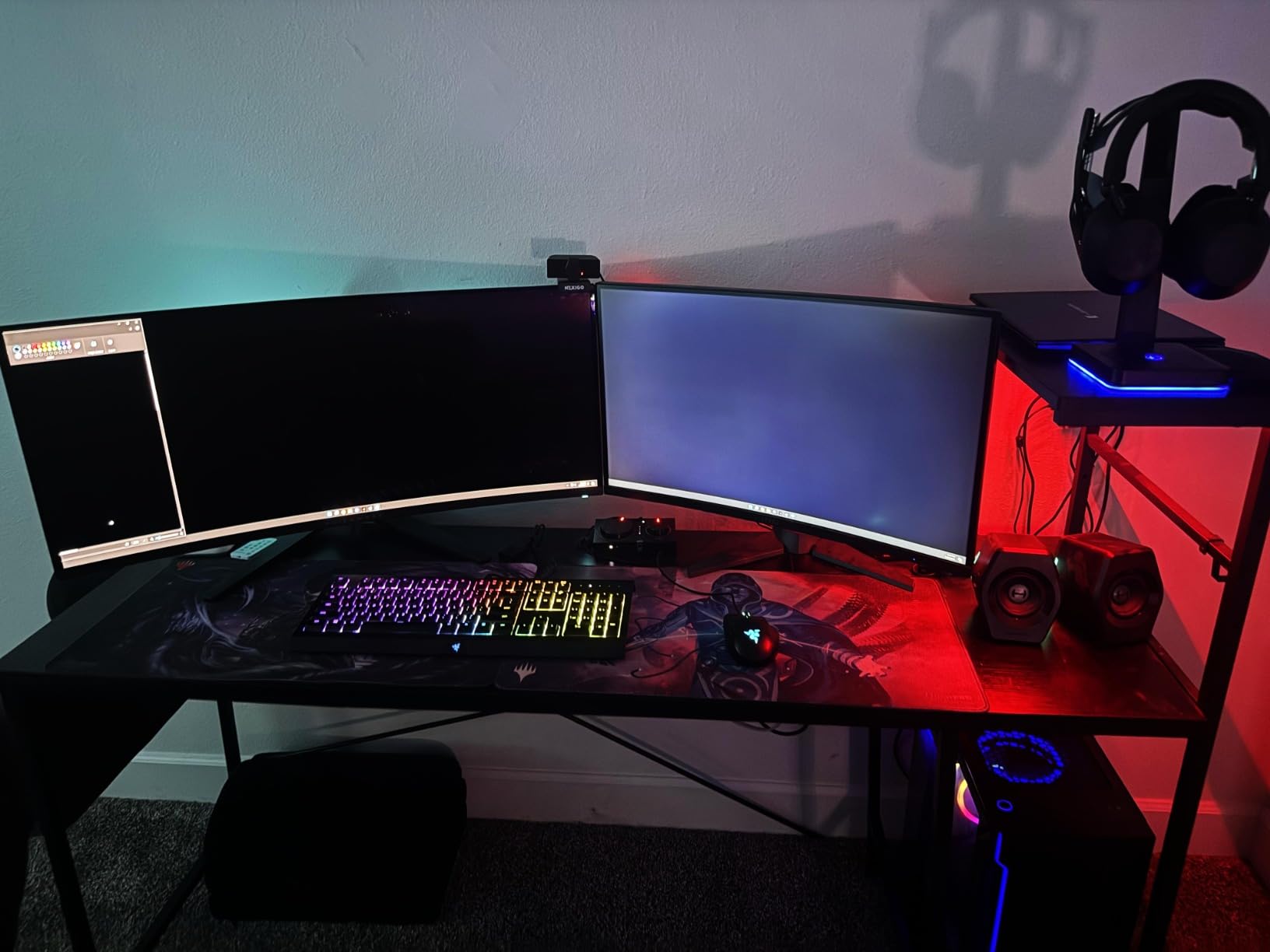
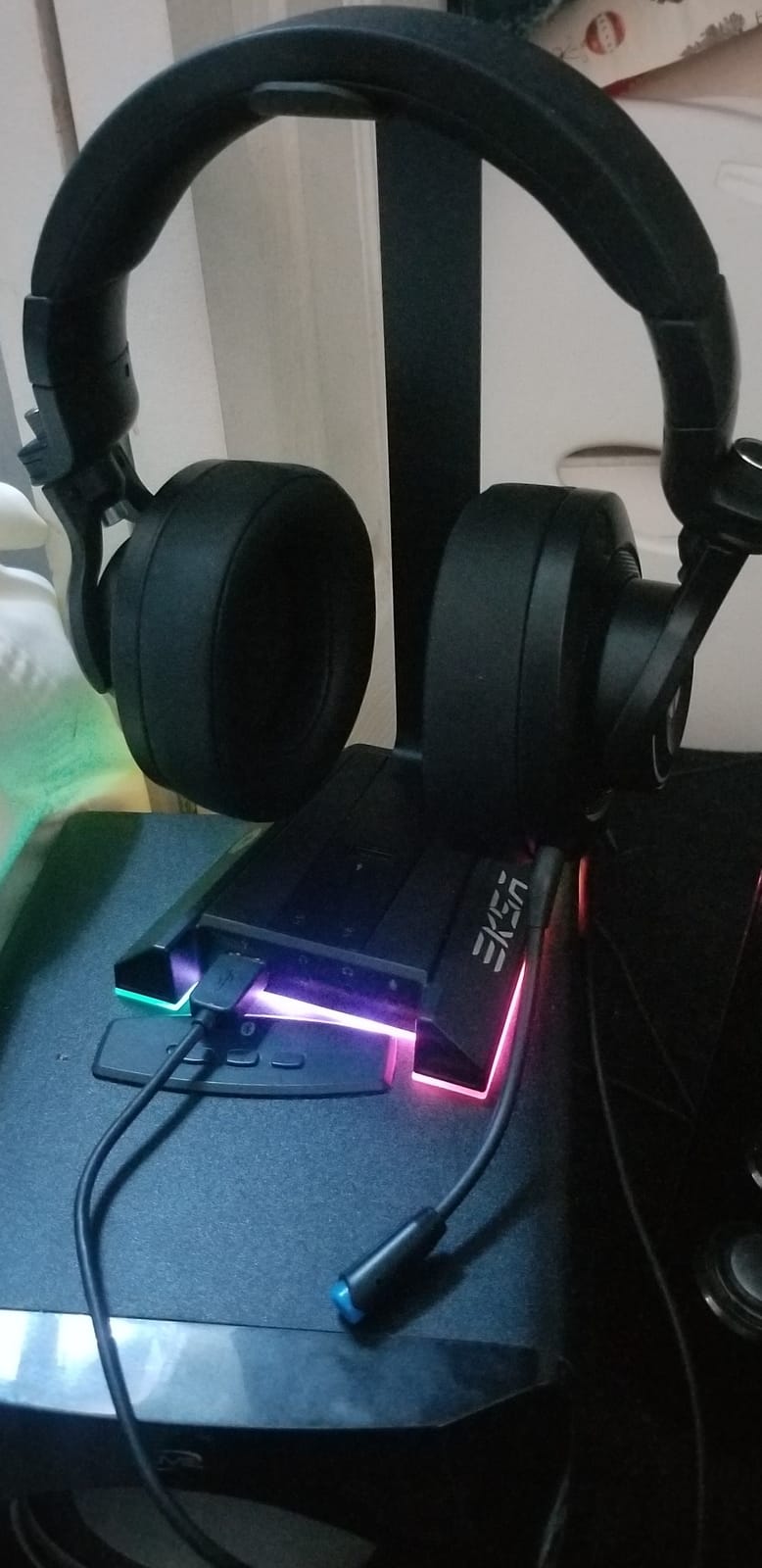
Three 3.5mm jacks is unusual. Most stands give you one combo jack or none, which is a problem if you rotate between a gaming headset, studio monitors on headphones out, and a pair of open-backs that use a different connector. This one accepts three at once, so you can keep a second pair connected and swapped without unplugging anything.
Audio routes via USB or 3.5mm through a built-in 7.1 virtual surround DSP. The two USB ports carry data and are plug and play with no driver installation, which means a wireless receiver or a flash drive works without a software detour.
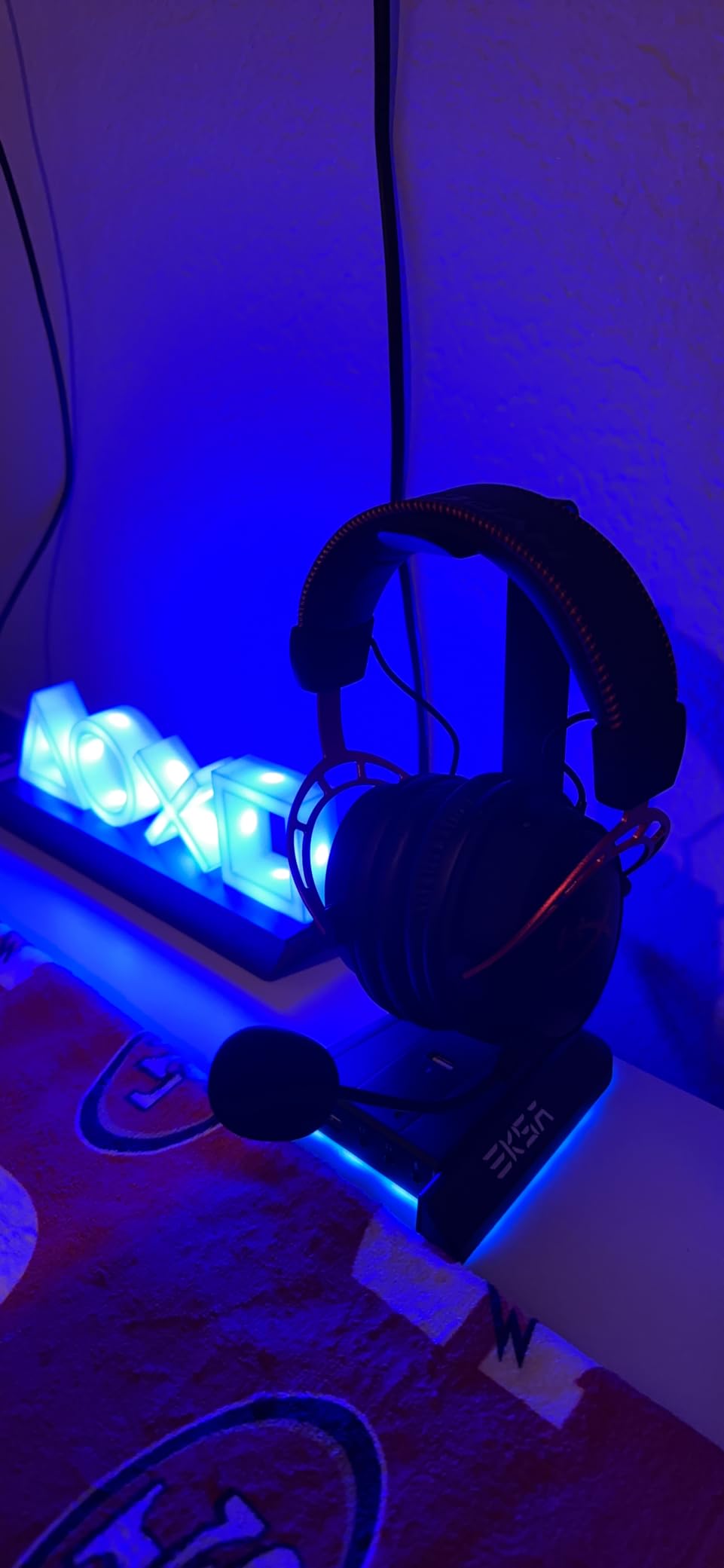
The build is an aluminium alloy rod on a non-slip rubber pad at 5.2 by 4.65 by 9.76 inches, with three lighting modes: flowing, breathing, and static across 8 colour zones, switched by a touch control. The two-year after-sales warranty is the second longest in the group after the New Bee Z12.
The limitation buyers mention most is current output: it will not charge two devices at the same time. Reviewers also note the headset is not included and that DAC quality depends entirely on what you plug into it, which is true of any virtual surround implementation. A cheap stereo headset gets a more dramatic result than an expensive open-back.
When Three 3.5mm Jacks Actually Matter
When you have more than one headphone type in rotation, or when you are recording and want a monitoring pair left connected while you switch to your gaming headset. Most people have one headset and never touch the second jack, so treat this as a specialist feature for multi-headset desks rather than a reason to buy over the Razer.
Is the Virtual Surround Worth Anything?
For games that mix for headphones, yes. For music, no. The processing is a widening effect on a stereo signal, and on good open-back headphones it flattens the soundstage rather than expanding it. Plug your serious listening headphones straight into the amplifier instead.
9. KDD Stand with Controller Holder – Best for Multi-Device Desks
KDD Headset Stand with Charging Station – Detachable Controller Holder with 9 Light Modes – Rotatable Headphone Hanger with USB A&C Charger Ports – Earphone Hook for PC Gaming Accessories Storage
Pros
- Stores a headset and two controllers in one footprint
- Nine light modes with memory recall of a favourite
- Rotating arm with built-in cable storage
- Widened base with four pads handles a multi-device load
Cons
- Type-C port cannot charge iPhones
- Bulkier and heavier than single-headset stands
- Plastic body flexes slightly more than metal
This is the pick for a console and PC desk on the same surface. The tower holds one headset and two controllers, or four controllers with the headset arm removed, and it is the only stand here that solves controller storage as well as headset storage. That is one fewer object on a desk that usually has three controllers on it somewhere.
The headset hanger rotates 360 degrees and includes integrated cable storage, so the microphone cable can be wound in rather than left to swing. Charging is 2 USB-A plus 1 Type-C port, and there is a master power on/off button on the base.
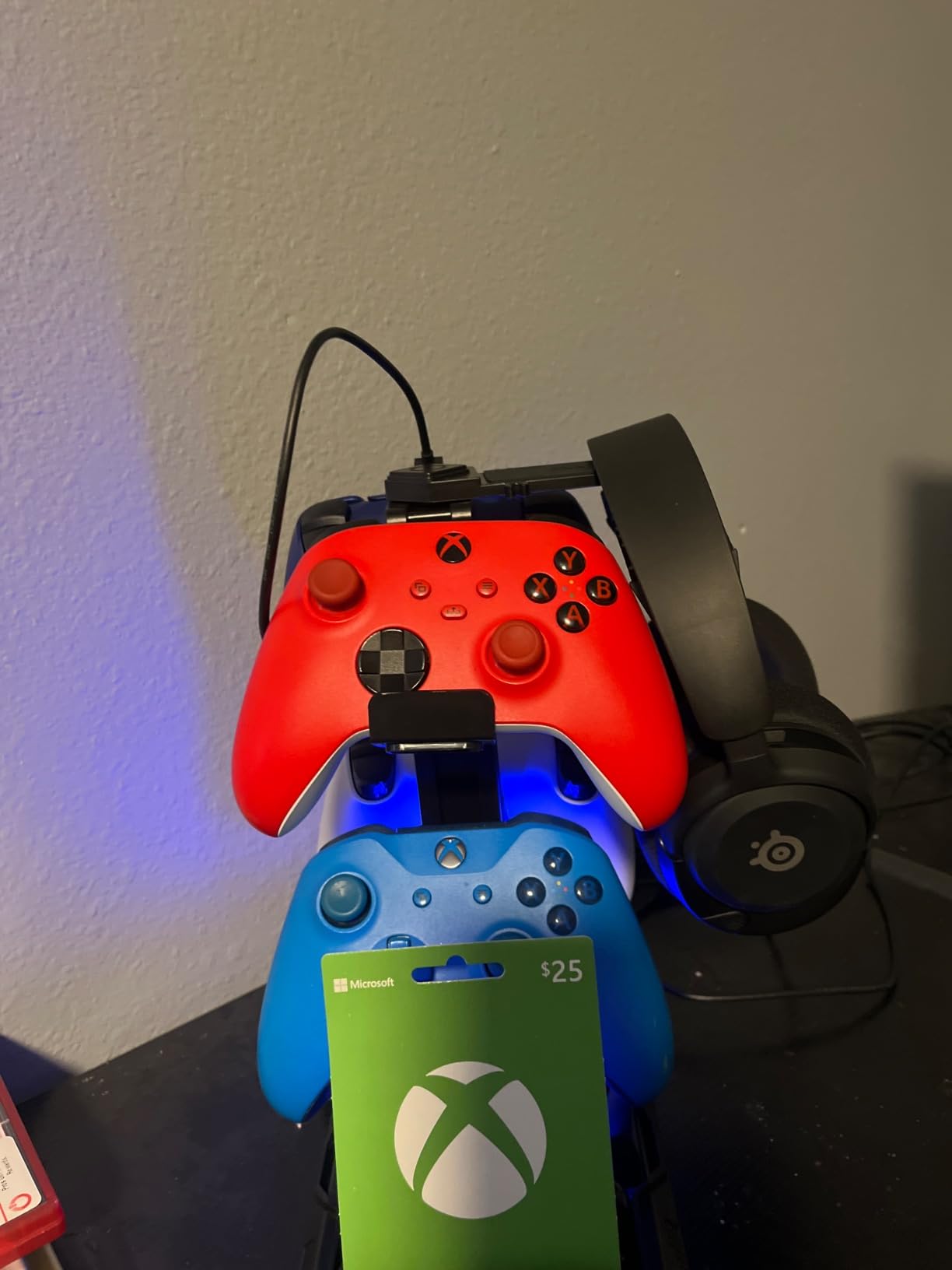
Stability is handled with a widened base and four rubber pads, which matters more here than on a single-headset stand because you are loading two controllers onto the same frame. Nine light modes cover 7-colour fast flash, 7-colour breathing, and 7 single colours, and the memory function recalls whichever you chose last, which is a small touch that stops you re-pressing after every power cut.
At 0.72 kg it is a genuinely heavy object, and the plastic body flexes a little more than the metal alternatives when you load it up. The Type-C port does not charge iPhones, which is the same limitation as the KAFRI and is worth checking against your own devices.
Does One Stand Really Replace Controller Hooks?
For up to two controllers, yes, and it does it without the loose hooks that fall off the desk edge when you grab a controller quickly. For four controllers with no headset, the arms are detachable, so the swap takes under a minute. Beyond four, you are back to buying storage.
Where the Bulk Becomes a Problem
On a small desk. At this weight and footprint it is not something you slide around casually, and a plastic body flexing under four controllers will eventually feel wrong. If your desk is 120 cm wide or less, the cozoo or the IFYOO takes up less room and holds one headset properly.
10. KDD Stand with Wireless Charging – Best for Multi-Device Charging
KDD Headphone & Controller Stand with Wireless Charging – Rotatable Headset Stand with 9 Light Modes – Controller Holder with 2 USB and Type C Ports – for Gamers Desktop Accessories
Pros
- Wireless pad plus three wired ports covers several devices
- Stores a headset and two controllers in one footprint
- Nine lighting modes with memory recall
- Assembles in about 30 seconds
Cons
- Type-C port cannot charge iPhones
- Wireless charging needs precise pad placement
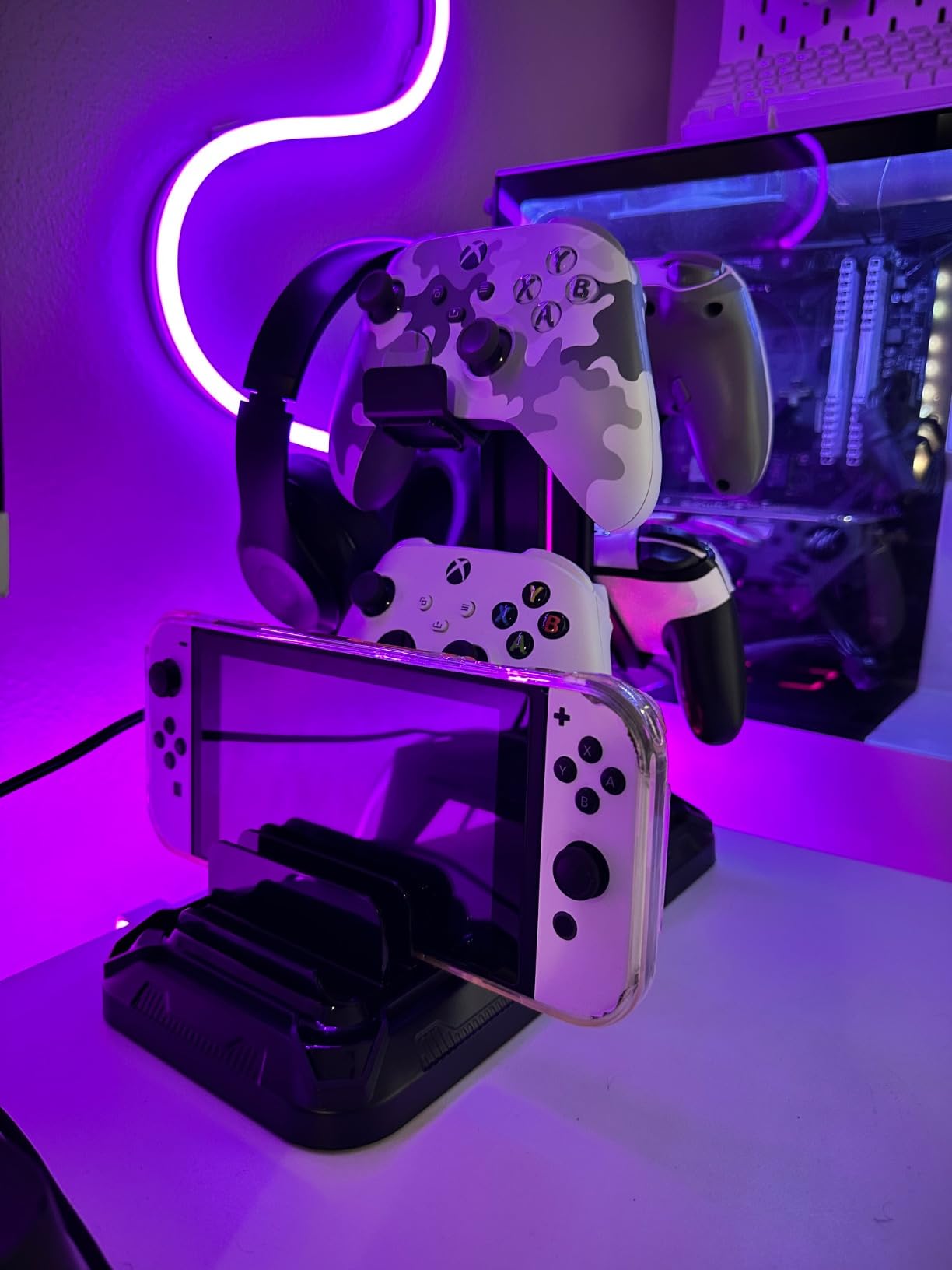
This is the KDD platform with the charging pad added, and it is the more complete version of pick nine for anyone who already charges a phone on the desk. You get the wireless pad, 2 USB-A ports, and 1 Type-C port, plus the same 360-degree rotating headset arm with integrated cable storage and detachable controller hooks that hold two controllers or four.
Assembly is a three-part build that takes about 30 seconds, which is faster than the New Bee Z8’s threaded shaft and a genuine point in its favour if you are moving the stand around. The casing is fire-proof hardened plastic with a multi-protection system.
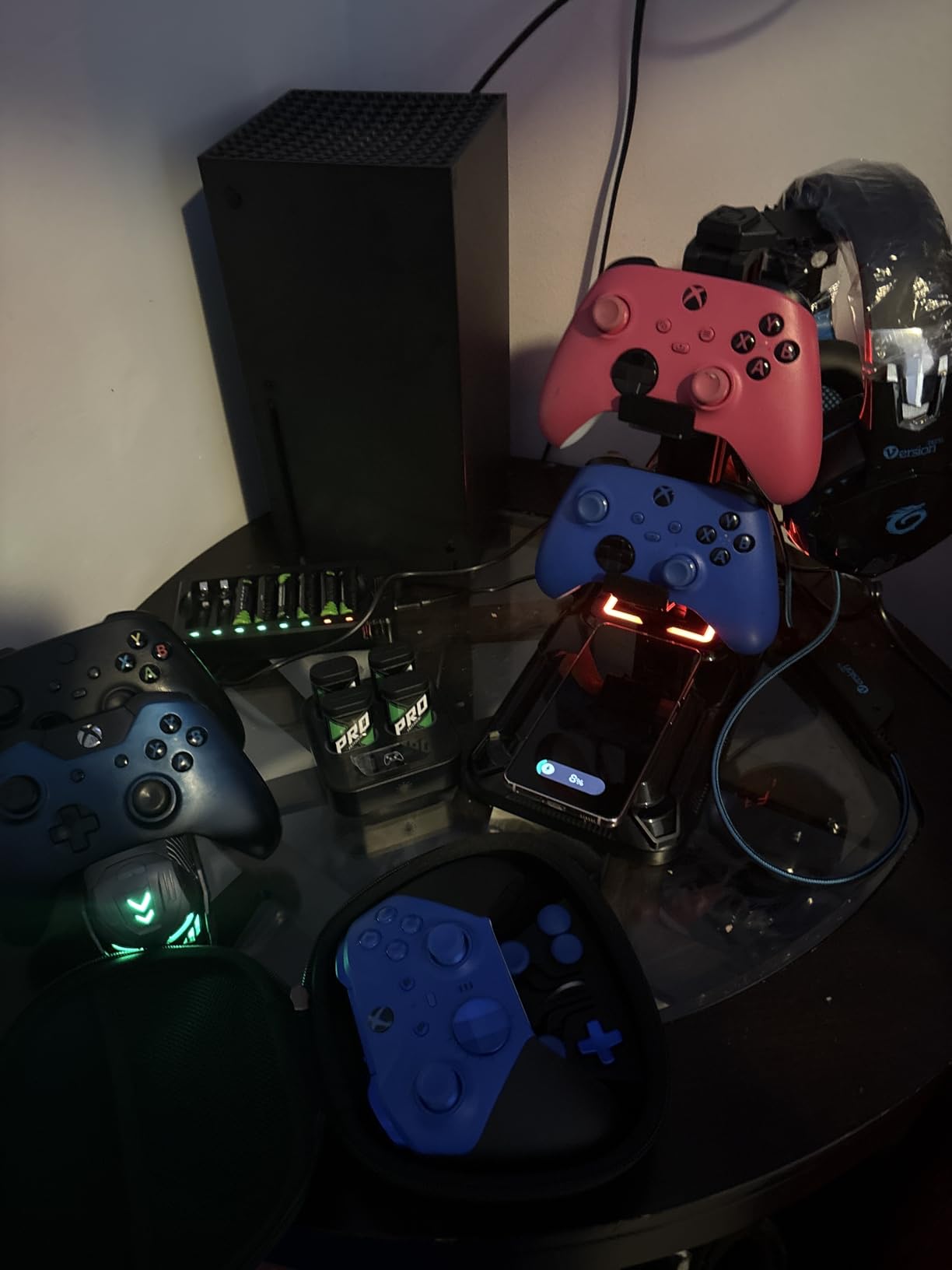
The lighting memory function recalls your last choice across 7-colour fast blink, 7-colour breathing, and 7 monochrome modes, so the stand looks the same every morning without touching the switch. The rotatable arm and controller hooks make this the most configurable object in the roundup for a mixed-device desk.
Owners like the combination of wireless charging, controller storage, and lighting memory at this price point. The two consistent caveats are the same as the other KDD: the Type-C port is not usable for iPhone charging, and the pad needs the device placed precisely on it. If your phone case is thick or you flick the phone down rather than placing it, charging will be intermittent.
Wireless Pad Plus Wired Ports: Redundant or Right?
Redundant in a useful way. The pad handles your phone, the three wired ports handle a controller, a watch, and a spare, and you stop cycling one port between devices overnight. That is the whole argument, and it holds if you own more than one thing that needs charging every day.
Which KDD Should You Buy?
Buy this one if your phone sits on the desk during work or streaming sessions, since the pad is the only addition. Buy the standard KDD if you do not need it: the charging pad adds a failure mode, and the Type-C port on both models is identical. Neither model will charge an iPhone, so check your device first.
USB 2.0 vs USB 3.0 vs USB-C: What Your Hub Actually Does
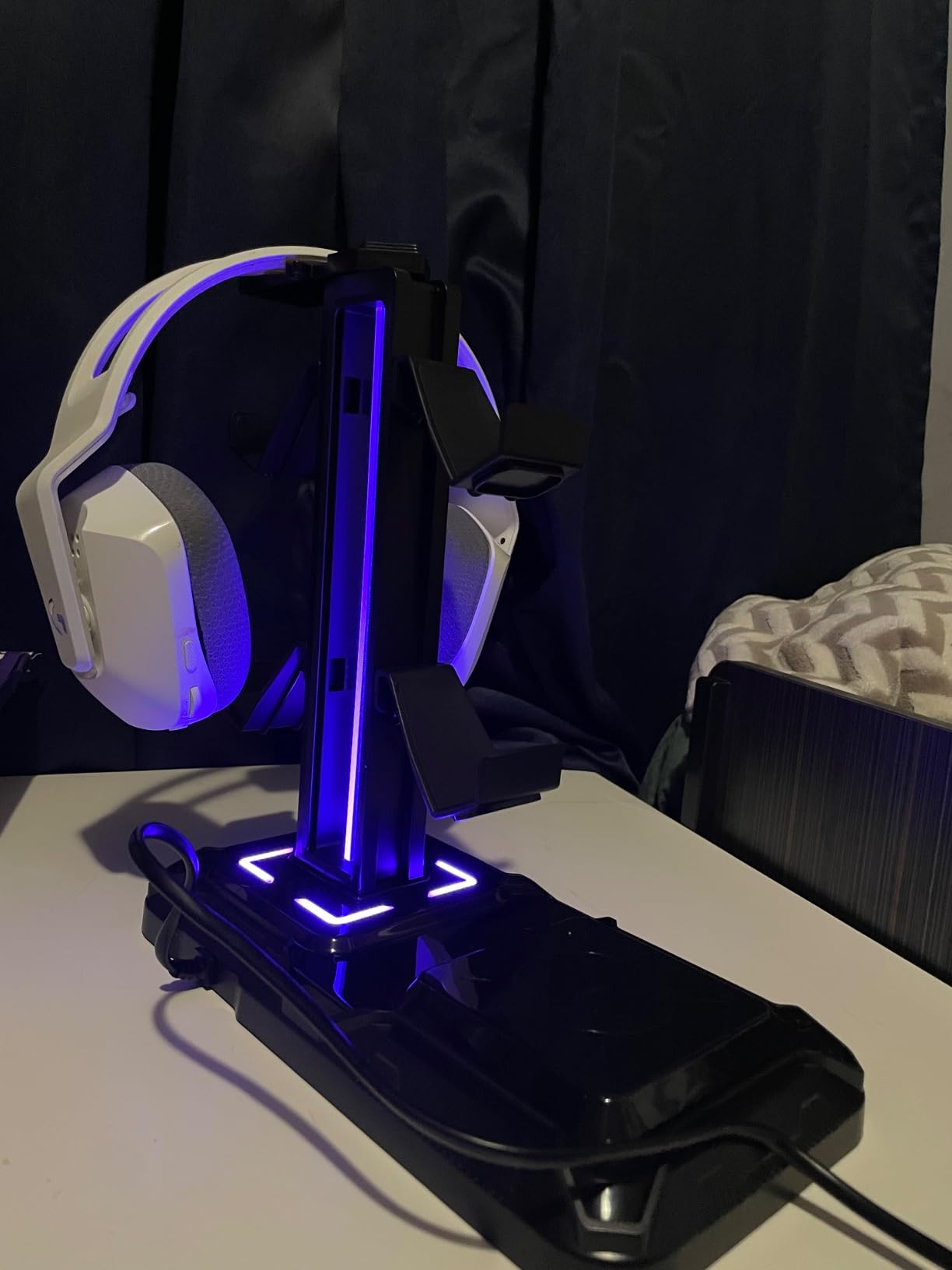
This is the section no competitor publishes, and it is the one that decides which stand you should actually buy. A headset stand hub falls into three performance tiers, and the listing rarely tells you which one you are getting.
USB 2.0 moves data at up to 480 Mbps. That is fine for a wireless receiver, a keyboard, a controller, or charging a phone, and it is painfully slow for anything with a lot of files. The Tilted Nation, the IFYOO, and several stands in the wider marketplace sit here. USB 3.0 and 3.1 move data at up to 5 Gbps, roughly ten times faster, and are the difference between copying a 64GB card in seconds and watching a progress bar for a coffee break. The cozoo and the Razer both give you this.
USB-C is a connector shape, not a speed, which is where most confusion starts. A USB-C port can be anything from USB 2.0 speeds to the fastest standard available. What you want to check is whether the port is documented as data-capable at all. The New Bee Z8 and the New Bee Z12 are the two picks here with native USB-C, and both document their ports as handling data or charging. Several other stands here are USB-A only, which on a USB-C-only laptop means carrying an adapter to the desk every day.
Two more things decide whether the hub works for you. Bus-powered versus powered: these stands draw power from your PC through a single uplink cable, which is why the ports on the front are an extension rather than an independent hub. Powered hubs with their own brick can deliver more current, but forum users on r/battlestations warn specifically against cheap ones that produce a faint electrical coil whine from the power supply. And the uplink cable itself is the hidden cost: most stands need a second cable back to the PC, which partially defeats the tidy-desk purpose. Route it down the back of the monitor arm before you buy, not after.
If your real need is more ports rather than a stand with ports, our USB hub roundup covers dedicated hubs, and USB-C hubs for camera gear covers the fast-card case where throughput matters most.
How to Choose a Headset Stand with a USB Hub
1. Decide honestly whether you need the hub. Count the ports you can reach without unplugging something. Two or more free ports within reach, and the hub is decoration. Zero or one, and it is the main reason to buy.
2. Check the port type against your machine. USB-C-only laptops need a USB-C port or a permanent adapter. Desktop towers with USB-A are fine with the cheaper stands. The Razer and the cozoo are the safest answers when you are not sure.
3. Establish whether the ports move data or only charge. This is the single most-missed spec in the category. A charge-only port will not mount a flash drive, an SD reader, or an external SSD, and several stands in this roundup are not explicit about which they are.
4. Check the speed, not just the label. USB 3.0 and 3.1 give 5 Gbps. USB 2.0 gives 480 Mbps. If you move data through the hub, the slower tier is a real limitation rather than a spec-sheet detail.
5. Count AC outlets if your wall is unreachable. Only two stands here have them, and both are rated for 1250W total. Behind a monitor arm or an under-desk cable tray, that is worth more than an extra RGB mode.
6. Look at base mass and feet. The most common return reason in this category is a base that slides. Rubber pads, a weighted base, and enough mass to survive a one-handed drop are what you are paying for above the cheapest tier.
7. Measure the cradle against your headset. A narrow top bar concentrates pressure on one point of the headband every night. Look for a wide, curved, rubber or TPU contact surface, and check the stand is tall enough that you can plug a cable into a hanging headset.
8. Treat RGB as a preference, not a feature. Several stands here can only be switched off with a three-second long press, and one cannot be dimmed at all. If the stand is going near a bed, test the off switch before you commit. Forum users ask for non-RGB options repeatedly, and your desk is the only one that has to look right.
Wired vs Wireless Headsets: Does the Hub Matter to You?
If you run a wireless headset, the hub matters far less than the marketing implies. Your receiver plugs into one USB-A port once and stays there. The charging question is separate: most wireless headsets charge on a proprietary dock or a manufacturer-specific base, not on a generic USB-A port in a stand. The two KDD models and the New Bee Z12 add a wireless charging pad, which helps a phone, not a gaming headset dongle.
The hub earns its place in three situations. A wired headset gets a reachable port instead of one behind the monitor. A multi-device setup uses the extra ports for controllers, a camera battery charger, or a card reader. And a desk with no accessible wall socket gets its AC outlets from the stand itself. Outside those cases, a plain aluminium stand with a wide cradle does the same storage job for less money and fewer cables.
Are Headset Stands Worth It?
Yes, but indirectly. A stand does not stop wear from use, and it will not make a cheap headset sound better. What it does is stop three specific things that happen while your headset is idle: a narrow cradle flattening memory foam pads in one spot, a headband taking a permanent set from hanging over a monitor arm, and a cable kinking at the connector from resting on a hard desk edge.
That is why the fit details matter more than the ports. A wide curved rubber rest, a hanger with a rounded edge, and a base heavy enough not to slide will protect a headset for years. A narrow plastic bar with a hard edge will slowly ruin one in about the same time. If you are on a monitor arm or a mic boom every night, the case for a proper stand is strong, and the hub is a bonus rather than the reason.
Frequently Asked Questions
Are headset stands worth it?
Yes, indirectly. A stand stops the damage that happens while your headset is idle: memory foam pads flattening under a narrow cradle, a headband taking a set from hanging on a monitor arm, and cables kinking at the connector. It does not stop wear from use, and it will not improve sound quality.
What is the best budget headset stand?
The New Bee Z8 is the strongest budget pick: an aluminium body, a weighted base with silicone pads, and both a USB-C and a USB-A port that handle data as well as charging. If you want AC outlets as well, the KAFRI adds two mains sockets for 1250W total.
Do I need USB ports or RGB on a headset stand?
Only if your setup is genuinely short on reachable ports, such as a mini PC behind a monitor or a tower under the desk. RGB is a taste decision. Several stands here switch the light off with a three-second long press, and one cannot be dimmed at all, so test the off switch before buying.
What is the difference between USB 2.0 and USB 3.0 for a headset stand?
USB 2.0 moves data at up to 480 Mbps and USB 3.0 and 3.1 at up to 5 Gbps. Both charge devices fine, but 480 Mbps is slow for flash drives, card readers, and external SSDs. Most cheap stands are USB 2.0, so check the label if you plan to move data rather than just charge.
What is the best USB-C hub for a laptop-only desk?
For a desk where every machine is USB-C, pick a stand with native USB-C ports so no adapter is needed. The New Bee Z12 has two USB-C ports plus one USB-A and a wireless charging pad, while the New Bee Z8 has one USB-C and one USB-A at a lower price point.
Does a headset stand with a USB hub work with a wireless headset?
Usually for the hub half, rarely for the charging half. A wireless receiver plugs into a USB-A port and works normally, but most wireless headsets charge on a proprietary dock rather than a generic port in a stand. The pads on the KDD and New Bee Z12 models charge phones and earbuds, not a gaming headset dongle.
Is a headset stand bad for my headset?
A poor one can be. A narrow top bar concentrates pressure on a single point of the headband every night and dents soft padding, and a flat metal hanger ledge can mark a headband outright. Look for a wide curved rubber or TPU rest, a rounded hanger edge, and a weighted base, and switch to a rear hook for padded headbands.
Final Verdict: Which Headset Stand with a USB Hub Should You Buy?
The cozoo is the best all-round choice in the best headset stands with USB hubs lineup for 2026, because its USB 3.0 ports move data, its USB-C port charges at 20W, and its two AC outlets solve a problem nothing else here addresses. The Tilted Nation is the pick if your real problem is cable clutter, since the built-in mouse bungee does more for a gaming desk than an extra port. The Razer Base Station V2 Chroma earns its place with a 3.5mm combo jack, a 7.1 virtual surround DAC, and USB 3.1 speed.
For everything else, match the port layout to your machine. USB-C-only laptop means the New Bee Z12 or the New Bee Z8. Unreachable wall socket means the KAFRI. Mixed PC and console devices means either KDD. Large headsets and heavy build means the IFYOO. Multiple headphones and audio routing means the EKSA. Check that the cradle is wide and the base is heavy before anything else, and use the buttons above to check current pricing, since stands in this category change hands often.