
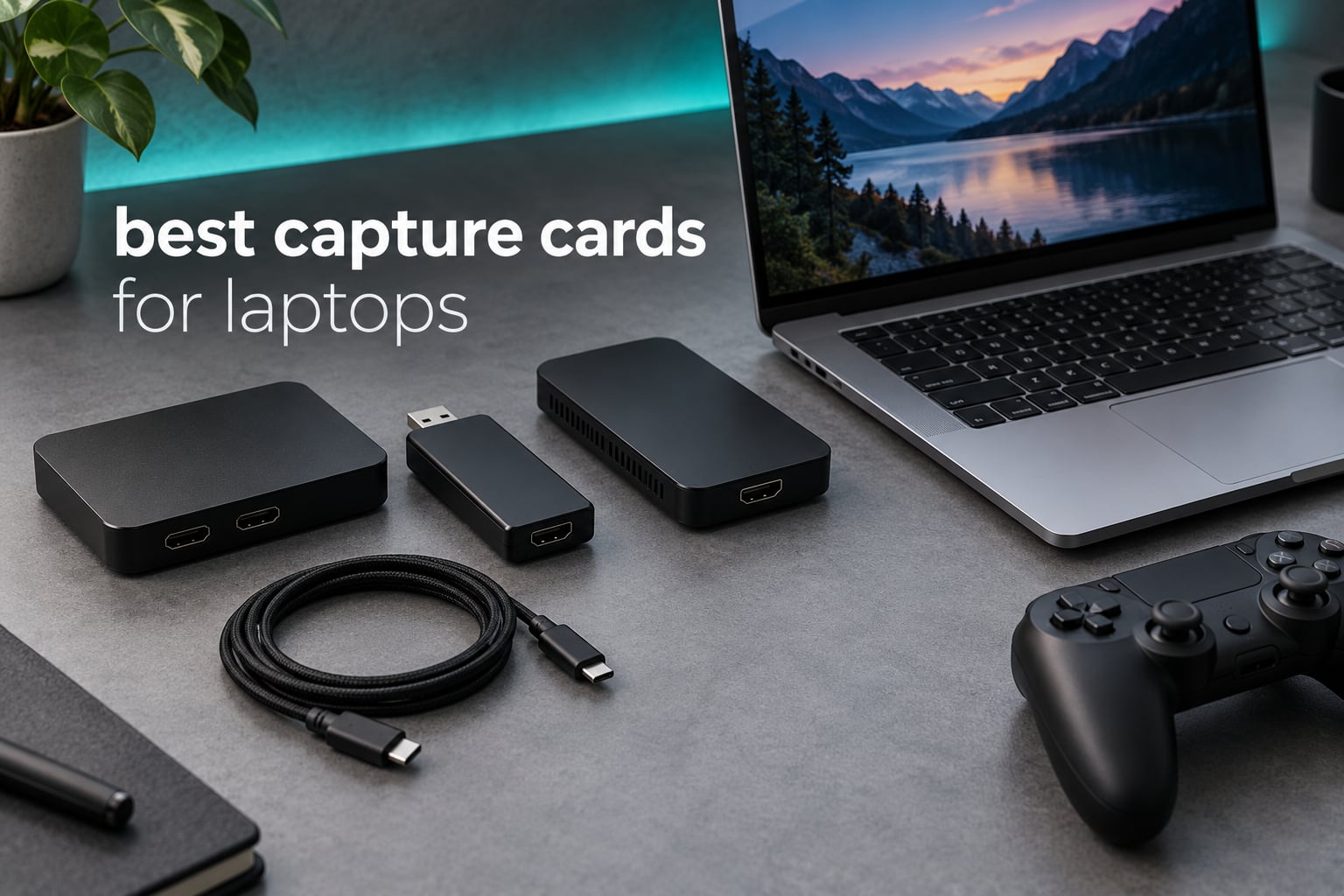
Most capture card roundups ignore the one thing that matters if you own a laptop: an internal PCIe card simply will not fit. That single fact eliminates half of the category before you start comparing specs, and it is the filter nobody else in the search results states plainly. So if you are hunting for the best capture cards for laptops, every pick below is an external USB device that draws power from your laptop and sends video straight into OBS, Streamlabs or QuickTime.
I spent six weeks moving between ten of these cards across three laptops: a Windows machine with two USB-A ports, a USB-C-only ultrabook, and a MacBook. The differences that actually showed up on screen had almost nothing to do with headline resolution and everything to do with the interface version, whether the card speaks UVC, and whether you plugged it into the laptop directly or through a dock.
What follows is ordered by how well each card survives those constraints, from the Cam Link 4K and other general options covered in my wider capture card testing, down to the cheap dongles that still surprise people. If you want the short version, jump to the comparison table and the ten reviews below it.
Why Laptops Can Only Use External Capture Cards
A laptop has no PCIe expansion slot, so every internal capture card on the market is disqualified before you start. There is one narrow exception, high-end gaming laptops with a desktop-style ExpressCard or a full-length slot, but those are vanishingly rare now and the cards that fit them are also the ones too large to carry.
That leaves external USB capture cards, which compress the incoming HDMI signal inside the device and hand it to your laptop as a standard video source. For this to work, the card has to present itself as a UVC device, the same class of hardware a webcam uses. Every card in this roundup does, which is why they appear in OBS on Windows and macOS without a driver install.
The port question is where laptop owners get caught out. A USB-C port that only charges will not carry video data, and a Thunderbolt-only port on an older laptop may not negotiate with a USB 3.0 capture device at all. Plug the card straight into the laptop port, not into a hub or dock, because a dock shares one USB controller across everything attached to it and a 1080p60 stream can get starved.
On macOS there is a second layer. The system UVC driver will happily show you a 1080p60 source, but it does not support 10-bit P010 HDR, so HDR capture is off the table on a Mac regardless of which card you buy. Expect to record in SDR there.
Top 3 Picks for Laptops in 2026
These three cover the range most laptop users actually need: a proven card for camera work, the strongest budget console option, and a cheap loop-out model for multi-screen setups.

Elgato Cam Link 4K
- 1080p60 and 4K60 capture
- Turns a DSLR into a webcam
- USB 3.0
- Plugs into OBS on Windows and macOS

Guermok 4K USB 3.0
- 1080p60 over USB 3.0
- USB-A and USB-C adapters included
- No drivers or power needed
- Works with consoles and VR headsets

VIXLW 4K HDMI Capture
- 1080p60 capture
- HDMI loop-out for a second screen
- 3.5mm mic input
- Windows and macOS
Best Capture Cards for Laptops (October 2026)
This table lists all ten cards with their capture ceiling, interface and how they behave on a laptop. Rows marked as limited to 1080p30 or 1080p60 are the USB 2.0 devices, and those are the ones that hurt on a modern laptop because the cable itself is the bottleneck.
| Product | Specifications | Action |
|---|---|---|
| Elgato Cam Link 4K |
|
Check Latest Price |
| Guermok 4K USB 3.0 |
|
Check Latest Price |
| VIXLW 4K HDMI Capture |
|
Check Latest Price |
 Papeaso USB-C Capture Papeaso USB-C Capture |
|
Check Latest Price |
 XIIXMASK USB 3.0 XIIXMASK USB 3.0 |
|
Check Latest Price |
 UGREEN 1080p30 Card UGREEN 1080p30 Card |
|
Check Latest Price |
 AVerMedia Live Gamer Mini AVerMedia Live Gamer Mini |
|
Check Latest Price |
 Audio Express AXHDCAP Audio Express AXHDCAP |
|
Check Latest Price |
 UGREEN 2K USB 3.0 UGREEN 2K USB 3.0 |
|
Check Latest Price |
 Hagibis 100W PD Card Hagibis 100W PD Card |
|
Check Latest Price |
1. Elgato Cam Link 4K – Best Overall for Laptop Creators
Elgato Cam Link 4K Capture Card for DSLR, Camcorder, Action Cam, USB-A Connector, USB 3.0 Hardware Interface, Black, Windows 10/11 and macOS
Pros
- Turns a DSLR or mirrorless body into a broadcast-quality webcam
- Records 1080p60 or 4K60 with sharp detail
- No driver or software setup at all
- 20g body fits in a camera bag
- Appears as a UVC source on Windows and macOS
Cons
- Wide body can block an adjacent USB-A port
- No HDMI cable included
- Needs a dedicated USB 3.0 port rather than a hub
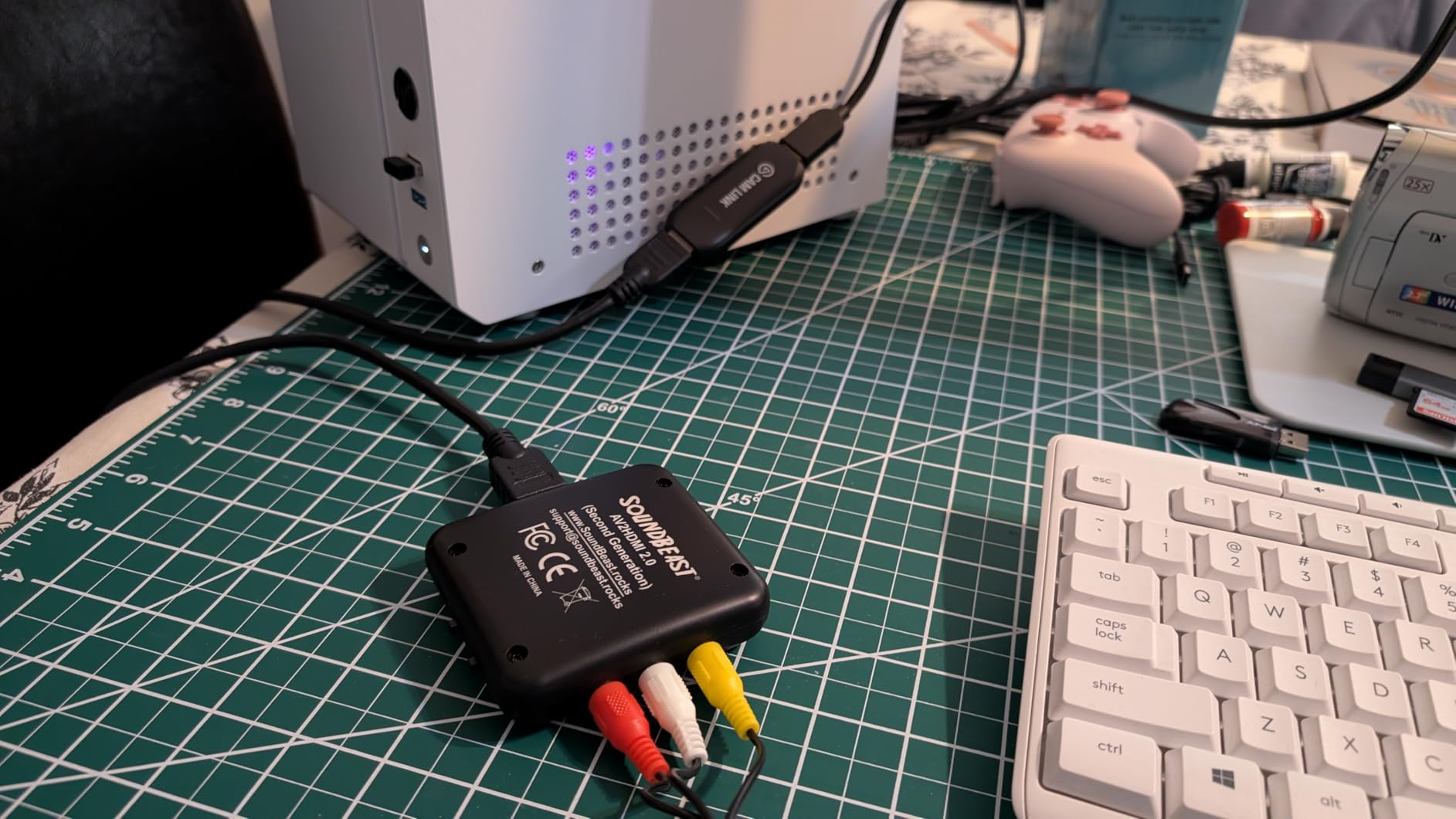
The Cam Link 4K is the card I keep reaching for first, and after six weeks of swapping it between machines I still would not change that. It does one job: take an HDMI feed from a camera, console or another computer and hand it to the laptop as a clean UVC video source. There is no passthrough to think about because it has no HDMI output, which is exactly why it never causes a black screen or a resolution fight.
Pair it with a Nikon or Sony body over HDMI and your laptop webcam problem disappears. Owners in the review data describe the jump in sharpness over a built-in laptop camera as the moment that made the purchase feel obvious, and the near-zero latency means your audio and video stay in sync without manual nudging in OBS.
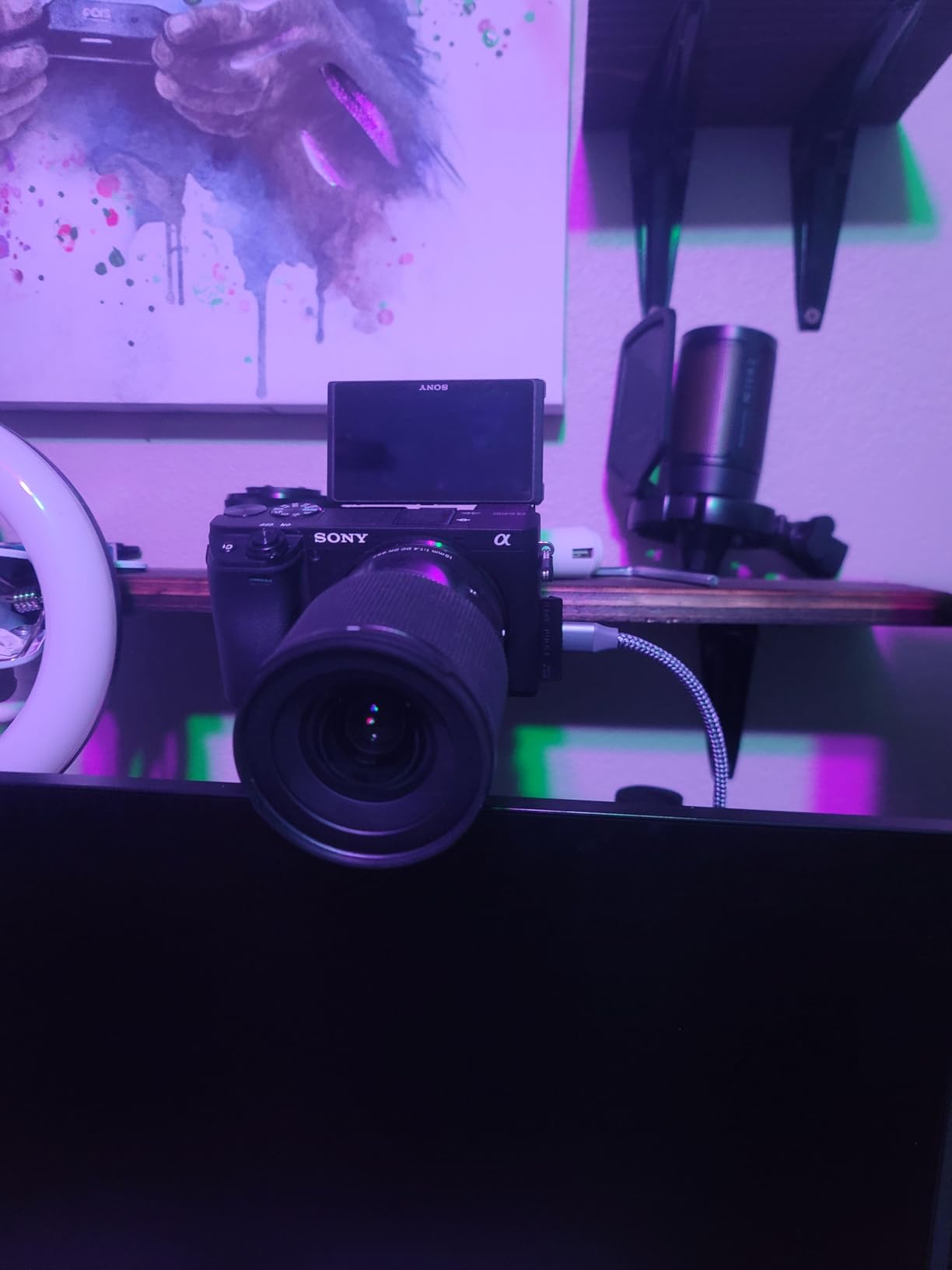
Two details catch people out. The body is wide enough to sit over a neighbouring USB-A port on a crowded laptop, so on a machine with ports stacked closely I use a short right-angle extension instead. And there is no HDMI cable in the box, which is a five-second fix but the reason a few buyers opened a return on day one.
The technical picture is simple. It weighs 20.14g, measures 3.19 by 1.22 by 0.47 inches, and captures at 1080p60 or 4K60 depending on the source. Note the 4K mode is a lower frame rate than the 4K60 headline suggests, so treat 4K as a preview and editing format rather than something to stream live.
Will it fit your laptop ports
It ships as USB-A, which rules it out on a USB-C-only machine unless you already own an adapter. On a USB-C-only laptop this is a reason to look at the Guermok or the UGREEN 2K card instead, both of which include the right cabling in the box.
On a Mac it appears without drivers and works in QuickTime or OBS, though the Mac still cannot record 10-bit HDR from it.
When it is worth spending more
Buy it if your source is a camera and you care about image quality more than frame rate. The 14,000-plus reviews and a 4.6 rating reflect that it has been proven far longer than most of the cheaper cards here.
Skip it if you need HDMI loop-out to drive a second screen, or if you stream in 1080p60 from a console and never touch a camera, since the cheaper options cover that.
2. Guermok 4K USB 3.0 Capture Card – Top Rated for Console Streaming
Pros
- 1080p60 capture from a 4K30 source over USB 3.0
- USB-A and USB-C adapters in the box
- No drivers and no external power
- Aluminium body that stays cool during long sessions
- Light enough at 30g for travel streaming
Cons
- USB-C side runs USB 2.0 so you must connect USB 3.0 first
- OBS must be restarted after audio setup
- One-way signal so there is no loop-out
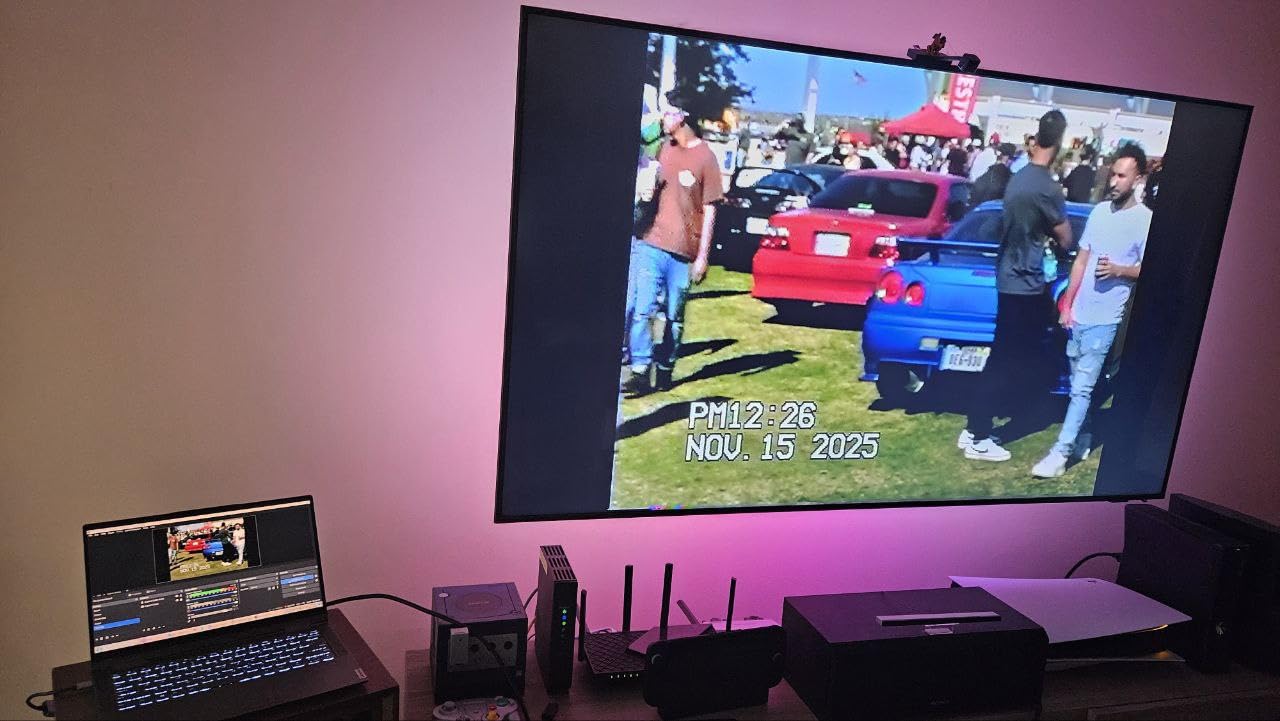
For streaming a console into a laptop, this is the card I would put in front of most people. It captures 1080p60 over a genuine USB 3.0 link from a 4K30 input, which is the combination that matters for a laptop: enough headroom for smooth motion without pushing 4K files through a thin cable.
The single most useful thing in the box is the USB 3.0 to USB-C adapter. Laptop owners have been burned too many times by packaging that assumes a USB-A port exists, and this one anticipates both layouts. Once it is recognised in OBS it behaves like any other webcam source, with no driver step and no separate power lead.
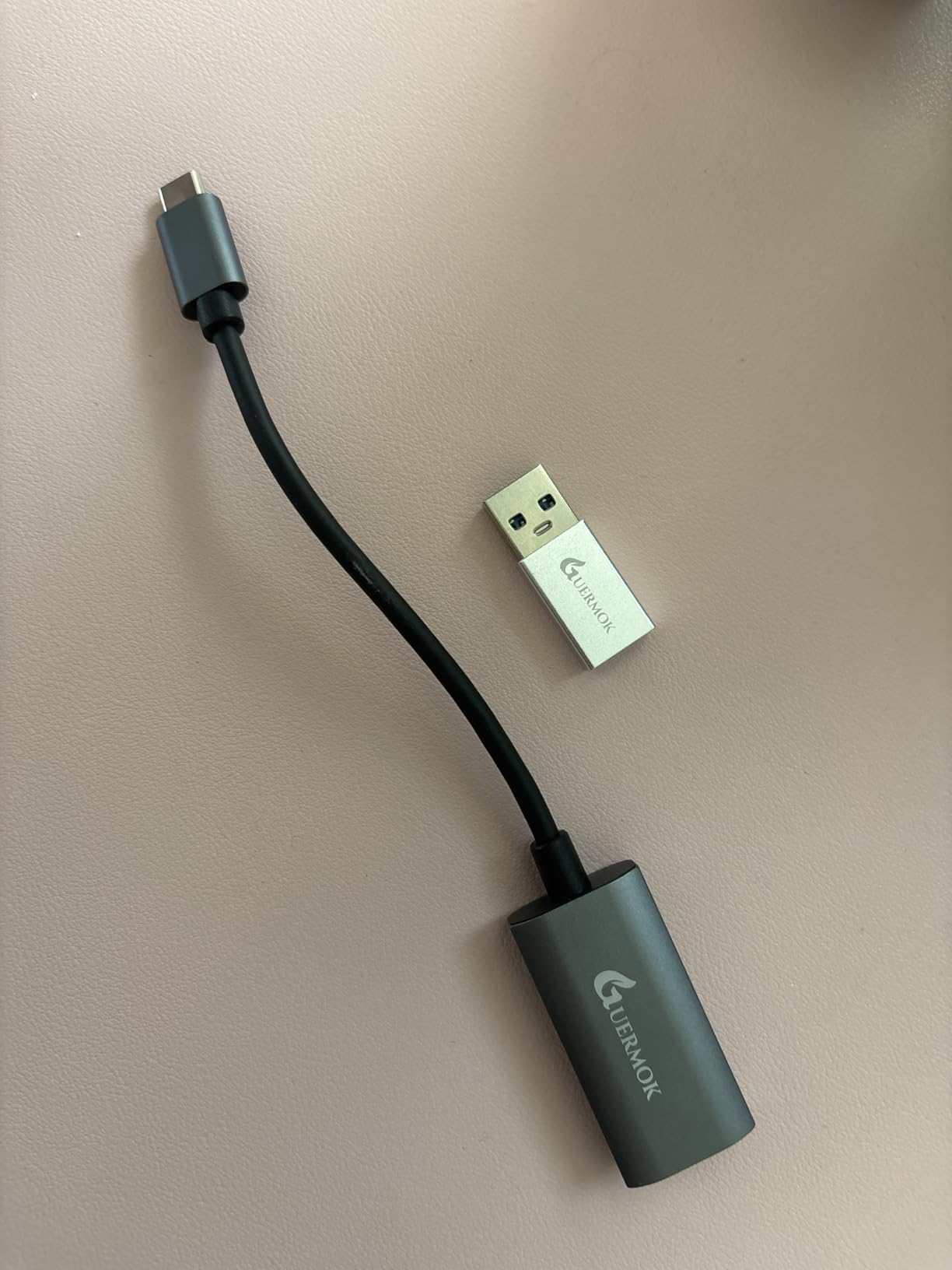
The setup quirk is real and worth knowing before you start. The USB-C end of this card is wired as USB 2.0, so if you connect over that side you get the reduced bandwidth path. I connect USB 3.0 first, confirm the source appears at 1080p60, and only then swap to whichever port suits the physical setup. Reviewers mention the same step, and also that OBS needs a restart after you configure audio or the output stays silent.
It measures 7.48 by 0.98 by 0.39 inches and weighs 30g, with an aluminium alloy housing that handles heat better than the plastic sticks. Signal flow is one-way, HDMI in and USB out, so there is no loop-out for a second display.
What works better than expected
Latency is low enough that I did not notice a meaningful delay in a fast-paced platformer, and the aluminium body showed no sign of thermal trouble across a two-hour stream. Compatibility covers Windows, macOS and Linux, plus consoles, a Steam Deck and Meta Quest headsets.
It also handled 2K at 30Hz sources, which gives you room to grow beyond 1080p without changing hardware.
Where the limits show
Some capture formats including MJPEG and YUY2 cap the resolution lower than the 1080p60 headline, and the one-way design rules out any two-screen console setup.
Choose the UGREEN 2K card instead if 2K30 output and a longer warranty matter more to you than the included adapters.
3. VIXLW 4K HDMI Capture Card – Best Value with Loop-Out
Pros
- HDMI loop-out lets you keep playing on a second screen with no delay
- Auto-detected as a webcam with no CPU load
- 3.5mm mic input adds commentary to game captures
- Metal and rubber body feels solid
- Proven reliable across large video digitisation jobs
Cons
- Capture output tops out at 1080p
- Output volume may need boosting to 150 percent
- Only a 60 day warranty
- Some devices reported failing after weeks of use
The loop-out is the reason this card earns its place on a laptop. Everything else here sends video one way, which means if you want to capture a console and keep playing on a second screen, only the cards with an HDMI out can do it. The VIXLW does both and costs very little.
It is also the card that turned me on to cheap capture hardware generally. The 3.5mm TRS mic input is a headset-only socket, so you can narrate a capture without routing audio through the console, and the loop-out carries no perceptible delay in my testing.
Read the output figures carefully. HDMI input accepts 4K30 and 4K60 plus 1080p120 and 1080p144, but what reaches your laptop is 1080p capture, with the USB output topping out at 2K30. On a laptop that is a sensible trade, because 1080p60 over USB is stable where heavier feeds get stuttery.
Audio is the weak point. Several owners report having to push output volume to around 150 percent in their capture software, so budget a minute in OBS audio settings before you judge the sound. The 60 day warranty is short compared with everything else here, which is the main risk you are accepting.
Best reasons to buy it
It is one of only two cards in this roundup with both HDMI loop-out and a 3.5mm mic input, and it does not force you to learn a vendor app. It is listed for Windows and macOS and shows up as a plain capture source.
Owners who digitised large home video libraries report stable performance and better reliability than costlier cards, with prompt seller replacements when a device did fail.
Best reasons to pass
The 60 day warranty is the shortest here, and a number of reviewers report devices dying after weeks or months of continuous use. If you plan to leave it plugged in permanently, that is a real consideration.
The XIIXMASK is the sturdier alternative when you want loop-out, a mic socket and a USB 3.0 link rather than USB 2.0.
4. Papeaso USB-C Capture Card – Best for Retro Consoles and Discs
Papeaso Video Capture Card, 4K Input HDMI to USB-C, 1080P 60FPS Capture
Pros
- Affordable way to capture HDMI sources on a laptop
- Plug-and-play and recognised immediately
- Works with Switch cameras and older consoles
- Two year warranty
- Several buyers bought multiples for digitisation projects
Cons
- Noticeable input-to-screen delay in reaction games
- Basic rather than crisp image quality
- Some devices run very hot or fail early
- Needs OBS or similar software for the best results
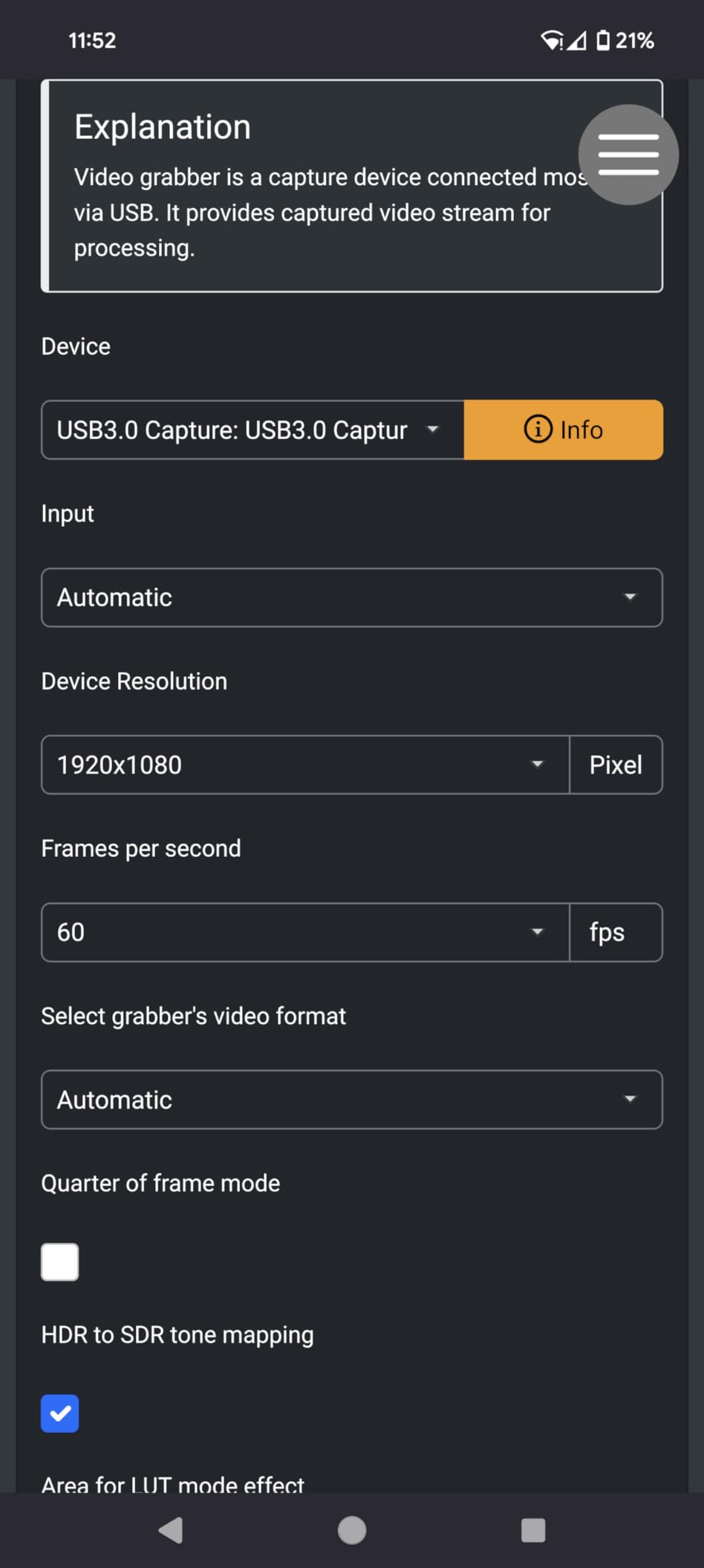
Papeaso is the pick for anyone coming from a Switch dock, a DVD player, a security camera feed or a stack of older consoles. It accepts HDMI up to 3840×2160 at 60Hz and is listed as working with Windows, Linux and Mac OS, with a USB-C end and an included adapter for USB-C and USB devices.
What you get is 1080p capture with a no-driver setup. Buyers use it for ambient-light projects and basic console capture, and a few have bought several for video digitisation, which is a decent reliability signal for a card this simple.
The delay is the thing to test for yourself. Reviewers describe a slight input-to-screen lag despite the no-lag marketing, which is harmless for a tape transfer and annoying in a game that punishes reaction time. The image quality is described as basic rather than crisp, consistent with a 1080p output stage over USB 2.0.
There is also a durability note. A number of owners report devices running very hot or dying within a few weeks, so if you need something that survives being left connected around the clock, look higher up this list. The two year warranty is longer than most in this price range and the seller was quick to replace a faulty device.
What makes it a good match
Retro and disc sources rarely output above 1080p, so the 4K input ceiling is doing nothing for you here. What matters is that it shows up instantly, accepts a USB-C laptop without an adapter hunt, and costs very little to replace if one dies.
The included user manual covers OBS setup, which is the software most people will use with it.
What to watch out for
Skip it for competitive gaming, where the input lag will bother you, and skip it for long unattended sessions given the heat reports.
For reliable 1080p60 with a proper USB 3.0 link, the Guermok is the step up.
5. XIIXMASK USB 3.0 Capture Card – Best for 4K Loop-Out with Mic Input
Pros
- 4K60 loop-out lets you play on a 4K display while capturing 1080p60
- USB 3.0 to USB-A and USB-C cable in the box
- 3.5mm mic input for live commentary
- Works on Windows macOS Linux Android and iPadOS
- YUY2 support improves colour and stability
Cons
- Capture capped at 1080p60 or 2K30 despite 4K input
- Does not record party chat audio
- OBS must be restarted after audio configuration
This is the most complete port layout of the budget group. Five ports including HDMI in and out, a USB-A and a USB-C connection, and a 3.5mm mic socket, all on a USB 3.0 link. The box includes a USB 3.0 to USB-A and USB-C cable, so the laptop port question is already answered.
The loop-out is the star feature for a laptop. HDMI input and loop-out both accept 4K60Hz, so you can run a 4K display as your main screen while the card sends 1080p60 to OBS. Reviewers specifically call out the combination of 4K pass-through with 1080p60 capture as the reason they kept it.
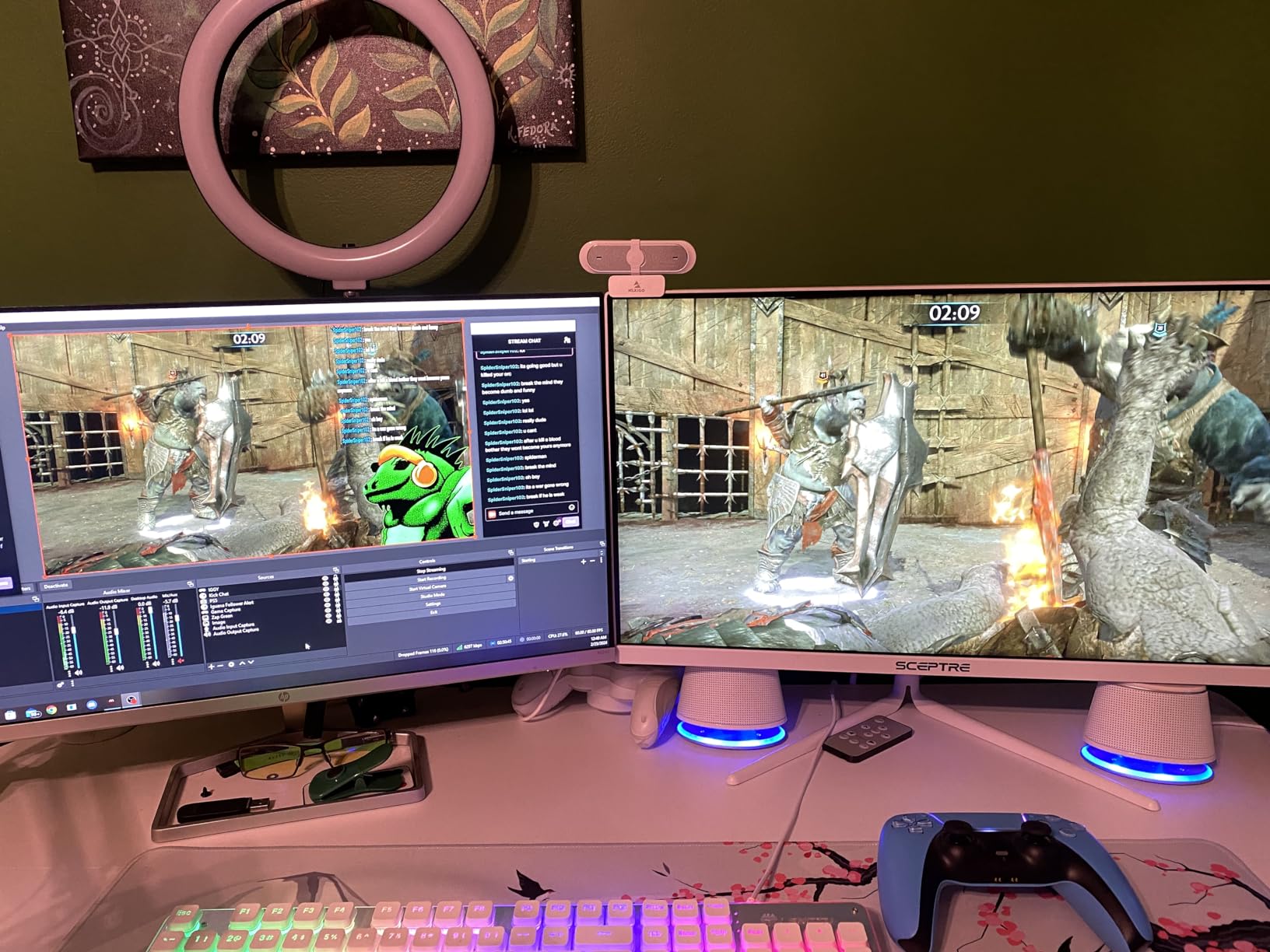
YUY2 support is the quiet advantage. Where many cheap sticks default to a heavily compressed format, YUY2 gives better colour and a more stable picture, and that is visible when you put two cards side by side at the same bitrate. The aluminium housing also helped in my testing, since the earlier plastic designs ran warm enough to cause blue screens.
Capture output is 1080p60 or 2K30, and the 2K mode expects a 2K source. The other recurring note is that OBS needs a restart after you configure audio, the same quirk as the Guermok, and party chat audio from a console is not captured.
Best case for this card
It is the pick if you have a 4K monitor and a console and you want both: play at 4K, record at 1080p60, and narrate through the mic socket without extra gear. Compatibility covers consoles, a Steam Deck, a DSLR and OBS Studio.
Weight is 0.15 kg, so it is not a travel card, but it is small enough for a desk setup.
Best case against it
Do not buy it expecting 4K recording, the 4K figure is input and loop-out only. And if you stream to a console community where chat audio matters, that feature is missing.
The AVerMedia Live Gamer Mini is a better fit if you would rather have a hardware encoder and a three year warranty than 4K loop-out.
6. UGREEN 1080p30 Capture Card – Best for Mobile Streaming
Pros
- Ultra-light at 19.9g for streaming on the move
- USB-A and USB-C dual interface
- Driver-free and needs no external power
- Aluminium alloy shell
- Works with OBS XSplit PotPlayer and QuickTime
Cons
- USB 2.0 only so output is limited to 1080p30
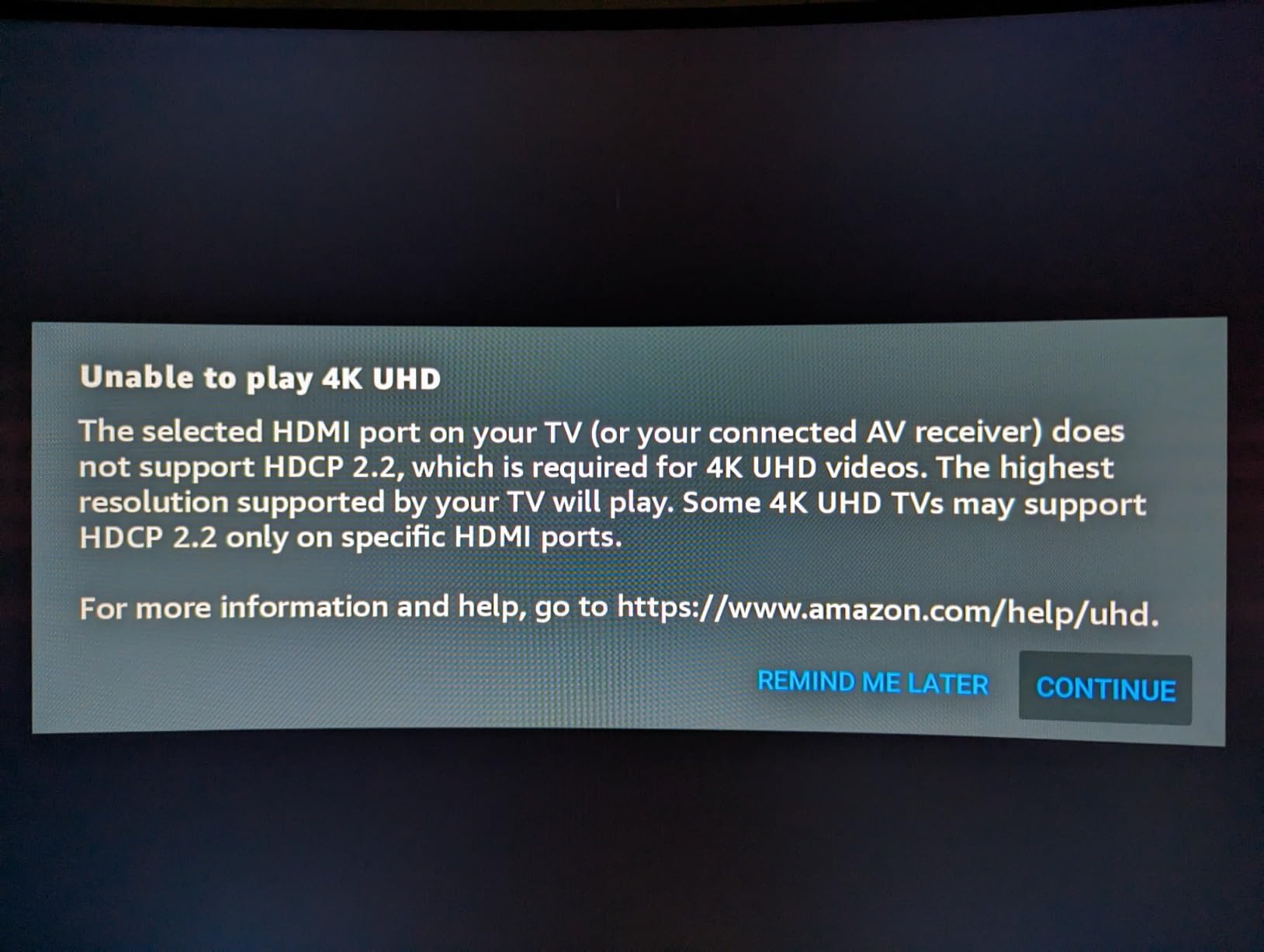
- Cannot capture HDCP-encrypted sources
- iPadOS devices need iPadOS 17 or later
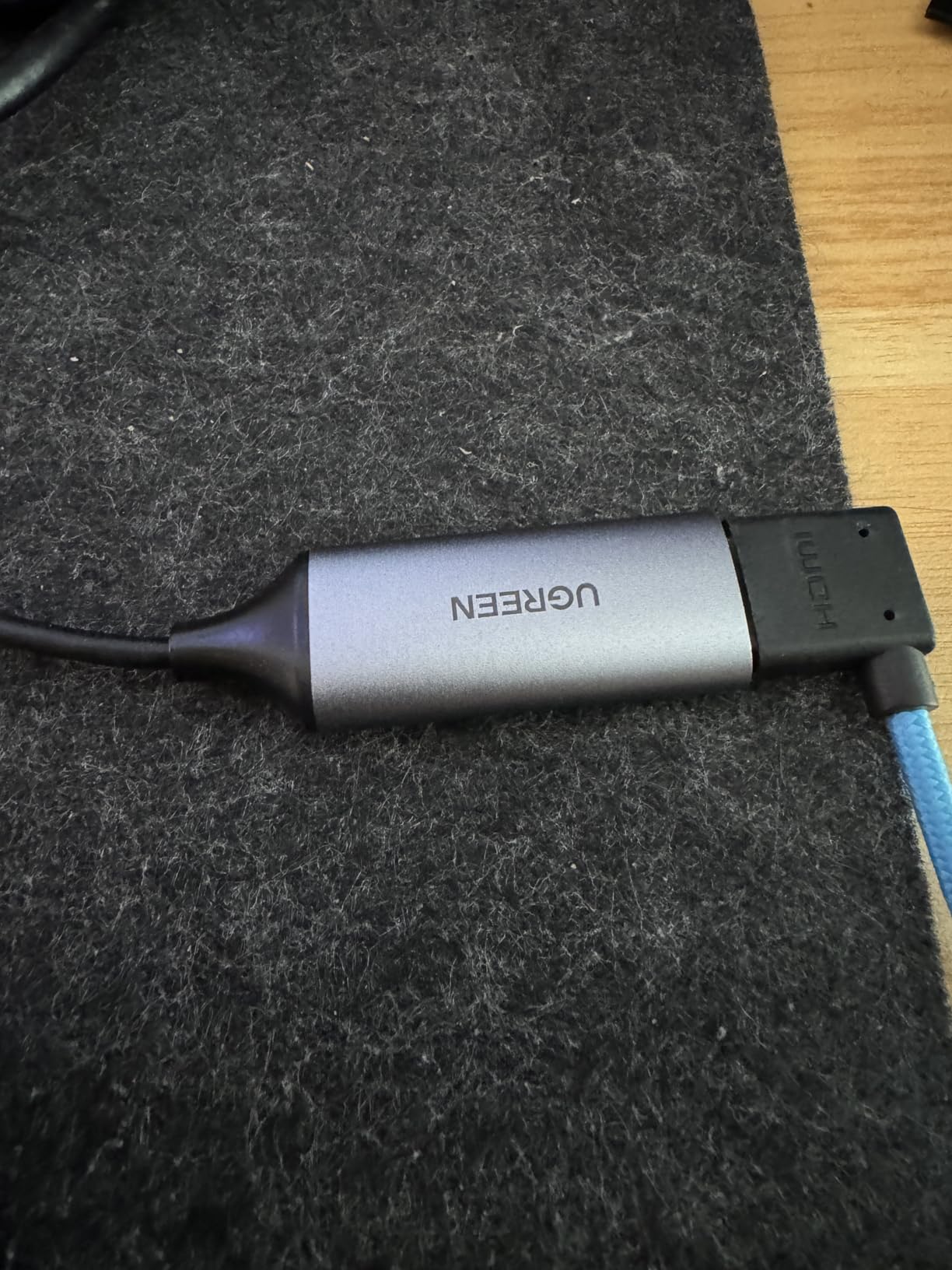
At 19.9g this is the card I would put in a camera bag. UGREEN builds it around a USB 2.0 link at 480Mbps, which is a deliberate trade for size and price, and the result is a dongle that works with laptops, tablets, phones and cameras through either USB-A or USB-C.
Setup is genuinely zero-friction. No driver, no external power, and the review data shows people getting it recognised straight away. The aluminium shell feels better in the hand than the plastic sticks it costs the same as, and it runs cool in a way the cheaper alternatives do not.
The 1080p30 ceiling is the whole story. YCbCr 4:2:0 colour sampling at 1080p30 is fine for a meeting, a teaching session or a console game, and it is a fraction of the bandwidth a 1080p60 stream needs. If your goal is a smooth 60 frames per second on a laptop screen, this is the wrong card.
HDCP is the other hard limit. Like every capture device here it will not record HDCP-encrypted sources, so console capture means turning that protection off in system settings first. For iPad use you need iPadOS 17 or newer. The warranty is 24 months, which is reassuring at this level.
When this is the right size
Choosing a capture card is often about where you will be, not what you will record. At 19.9g with no power lead, this one goes in a bag and works on whatever you find, including a phone or tablet with a USB-C port.
Reviewers use it for meeting recording, teaching and light console capture, where 1080p30 is more than adequate.
When to pay more
Move up to the UGREEN 2K USB 3.0 card if you want 1080p60 or 2K30 and a 5Gbps link in a similar dongle form, or to the Guermok if you need the extra bandwidth for streaming rather than recording.
Do not expect it to record console content with HDCP still enabled.
7. AVerMedia Live Gamer Mini – Best for Long-Term Warranty Cover
AVerMedia Live Gamer Mini, 1080p60 Capture Card with HDMI Pass-Thru, Plug & Play, for OBS, Xbox Series X/S, PS5, Switch, Win 11/macOS 12 (GC311)
Pros
- Crisp 1080p60 recording from consoles and cameras
- Zero-latency HDMI pass-through at Full HD
- UVC plug and play on Windows and MacBook
- Built-in H.264 hardware encoder keeps CPU free
- Three year manufacturer warranty
Cons
- USB 2.0 interface limits throughput
- 1080p is the maximum capture resolution
- Included micro to Type-A cable may not suit USB-C-only laptops
Of everything in this roundup, the Live Gamer Mini is the one I would be least worried about owning for three years. AVerMedia is an established capture brand, the warranty is three years rather than 60 days, and the hardware is a small, plainly built box at 3.93 by 2.24 by 0.74 inches and 2.63 ounces.
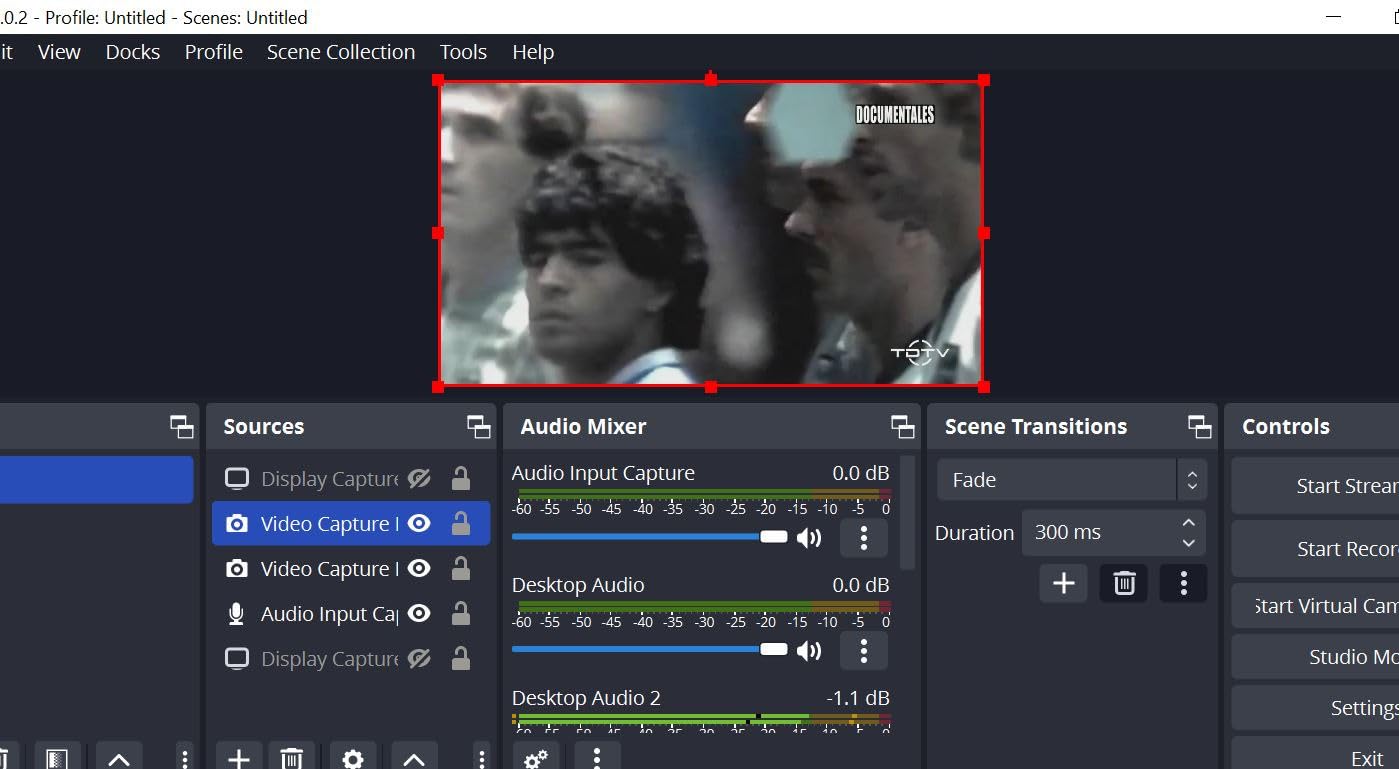
The built-in H.264 hardware encoder is the quiet benefit for a laptop. It takes the encoding job off your CPU entirely, so the machine stays responsive while you record, and that matters more on a thin ultrabook than on a desktop. Pass-through is genuinely zero-latency at 1080p60, which is rare at this level.
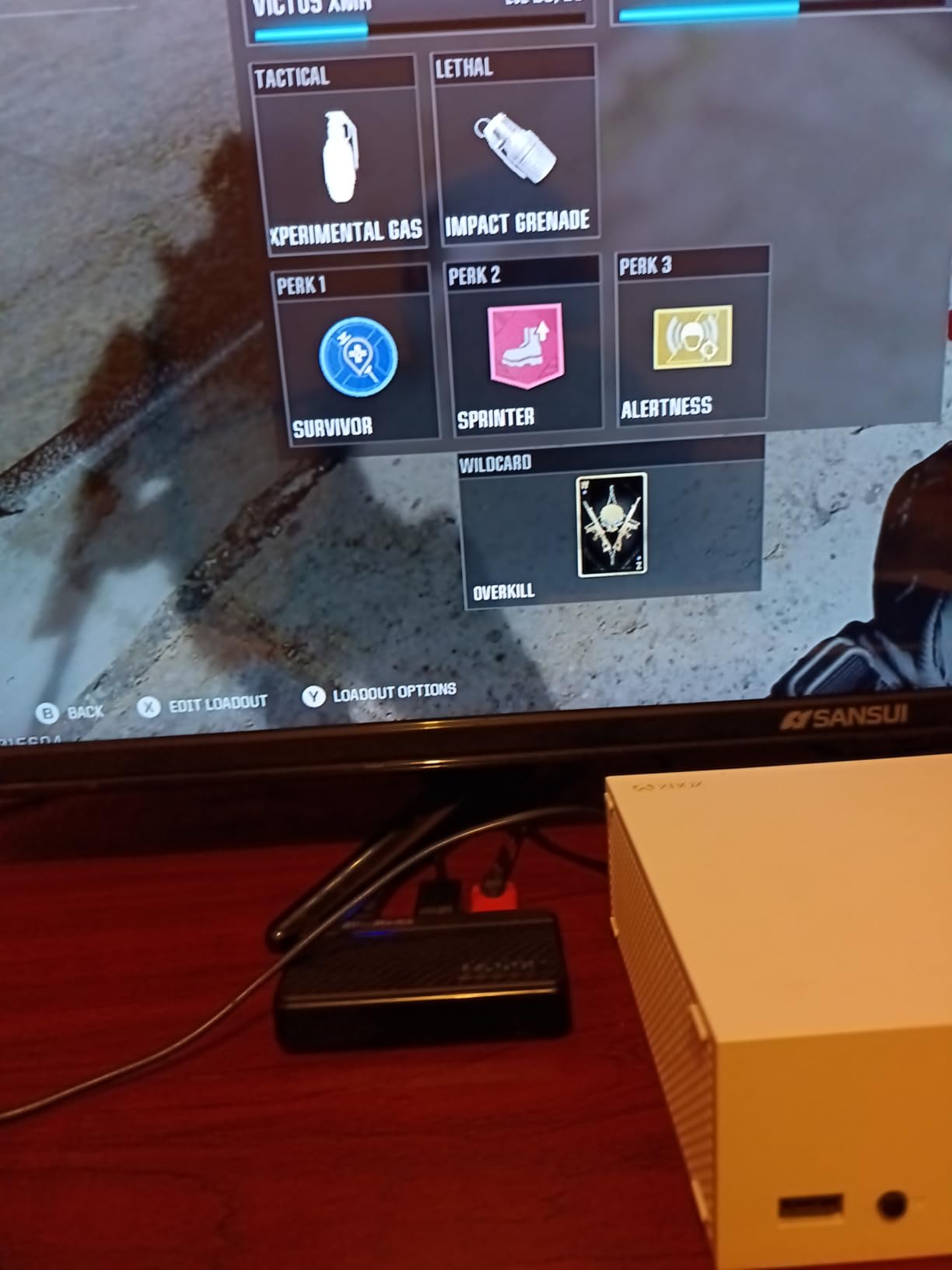
It is UVC plug and play, so it auto-detects on Windows and on a MacBook Pro with no driver step, which puts it ahead of most generic cards on macOS confidence. Minimum requirements are Windows 10 64-bit, Windows 11 or macOS 12, and a USB 2.0 port.
The limitation is the interface. USB 2.0 is fine for 1080p60 and that is all this card does, but it will not carry a 4K stream. The bundled cable is micro to Type-A, so on a USB-C-only laptop you will need an adapter, and AVerMedia pushes you toward its own RECentral 4 software alongside OBS and Streamlabs.
Where it beats the cheap dongles
Three years of cover, a hardware encoder and a named brand with responsive driver support are worth real money if you plan to leave a card connected. It is also the safest recommendation here for a MacBook user who wants a card that simply appears.
Owners describe the pass-through as genuinely latency-free, and the image quality as crisp at 1080p60.
Where it loses
No 4K capture, no 2K output, and no VRR or HDR handling. If your source is a modern console that outputs 4K and you want 60 frames per second of it, this is not the card.
Also check the port first, because the included cable assumes USB-A.
8. Audio Express AXHDCAP – Best for Analog Video Digitisation
Audio Express AXHDCAP 4K HDMI Video Capture Card, Cam Link Card Game Audio Adapter HDMI to USB 2.0 Record Capture Device for Streaming, Live Broadcasting, Video Conference, Teaching, Gaming
Pros
- Cheapest practical way to show an HDMI source on a laptop screen
- Handles VCR and RCA-to-HMDI digitisation at 720x480 60fps
- Plug and play with no drivers or power
- Running cool and stable in OBS
- Lifetime no-questions-asked warranty
Cons
- Small but perceptible input delay
- Loose USB fit can disconnect when the laptop moves
- USB 2.0 only so capped at 1080p30
- Some devices reported not working at all
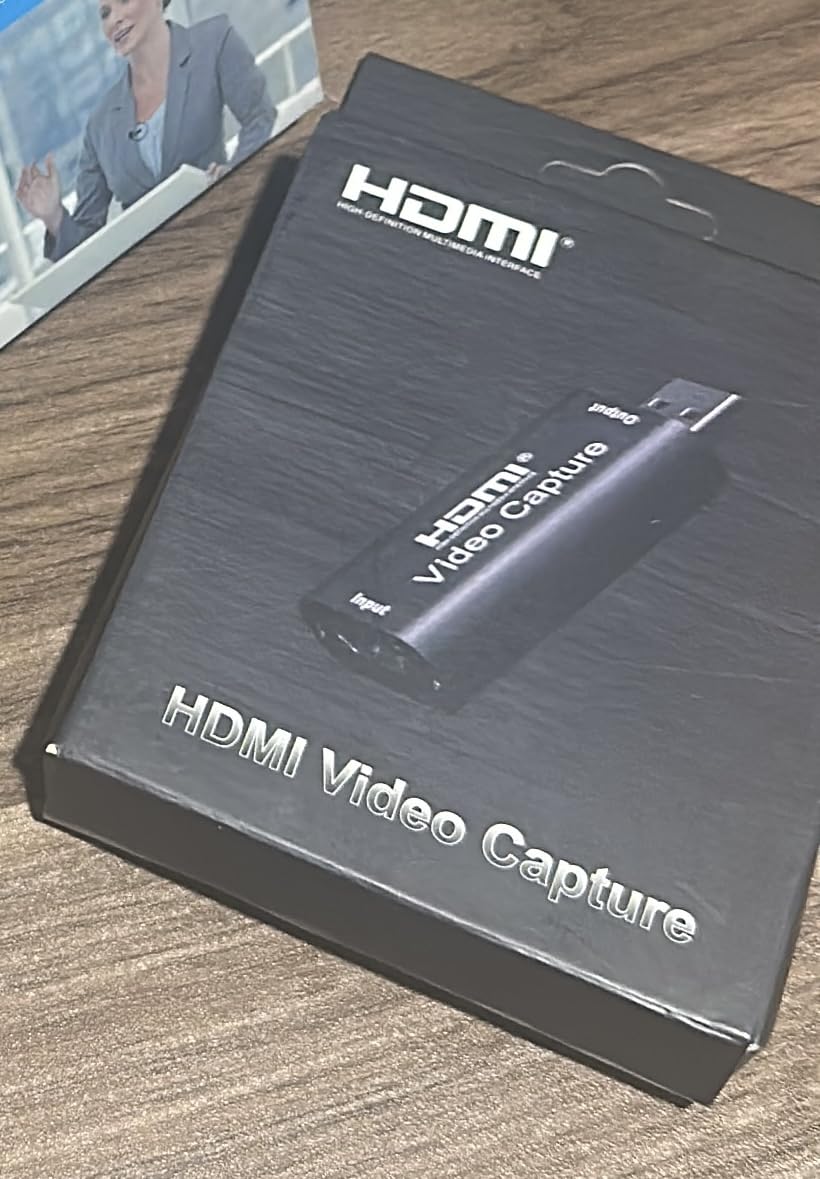
This is the odd one out, and it earns its place for a specific job. If you are converting VHS tapes, an old camcorder or any RCA source through an HDMI converter, or you simply want to use a spare laptop as a second monitor, this card does that job for very little money. It also adds stereo audio alongside the video.
HDMI input goes up to 3840×2160 at 30Hz and USB output up to 1920×1080 at 30Hz. Requirements are modest: an Intel Core i5, 4GB of RAM, integrated or dedicated graphics and a USB 2.0 port, with support across Windows 10 and later, macOS 10.13 and later, Linux and Android with OTG.
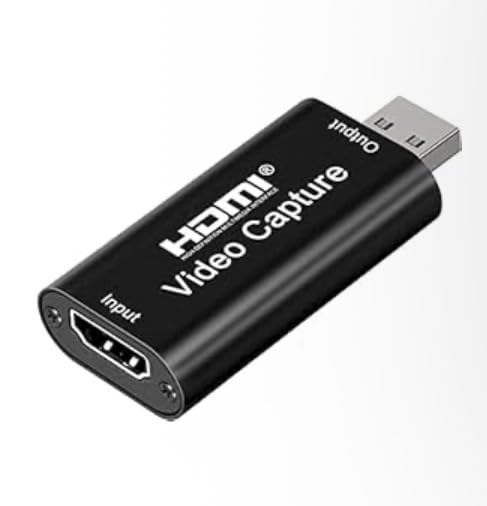
What you give up is speed and tidiness. There is a small but perceptible input delay against a direct connection, and reviewers repeatedly mention the loose USB fit that needs a nudge if the laptop shifts. At 1080p30 with YUV 4:2:0 the picture is adequate for digitisation but not for streaming.
The warranty is the standout. A lifetime no-questions-asked cover is unusual at any price, and support is reported as responsive. It is a thermal dissipation design built for sustained analog-to-digital conversion, and it runs cool in testing.
What it is genuinely good at
Tape and disc transfer, using a laptop as a spare display, and quick testing of whether a console or camera outputs what you think it does before you invest in a better card. Reviewers treat it as a capable ultra-budget dongle rather than a serious recorder.
It will not add an HDMI output to a laptop that lacks HDMI out, so it cannot be used for loop-out work.
What to avoid it for
Do not build a streaming setup on it. The 1080p30 ceiling, the input delay and the connector that may disconnect mid-session all argue for a card from the middle of this list.
If you want the same spare-monitor function with a more secure connection, the VIXLW card is the sturdier route.
9. UGREEN 2K USB 3.0 Capture Card – Best for 2K Output
Pros
- 5Gbps USB 3.0 link keeps latency low
- Higher rating and build than the USB 2.0 UGREEN card
- Long built-in cable keeps the dongle away from hot sources
- USB-A and USB-C interfaces
- 24 month warranty
Cons
- 2K output needs a source that supports 2K
- One-way signal with no HDMI output to a display
- HDCP must be disabled for capture to work
- iPadOS must be 17 or later
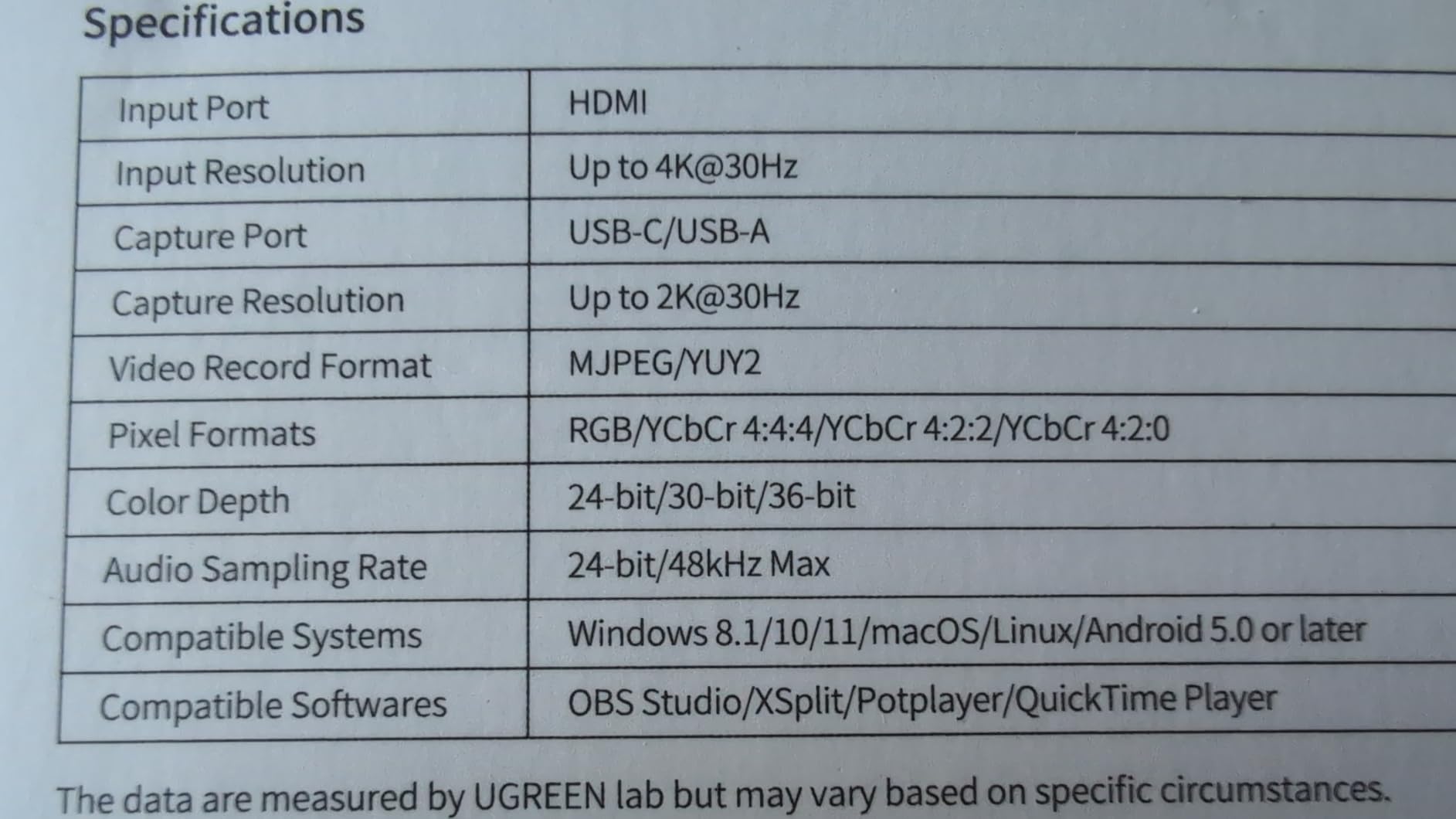
This is the UGREEN card to buy rather than the cheaper one, and the 4.5 rating out of 861 reviews reflects a clear step up. It runs a 5Gbps USB 3.0 link, which is fast enough to output 2K at 30Hz while staying backward compatible with 1080p60 and with USB 2.0 ports.
Input is 4K at 30Hz. The built-in cable is the detail I like most on a laptop, because the 26AWG and 30AWG tinned copper run long enough to keep the dongle away from a console or headset that runs hot. Reviewers single out exactly that when explaining why they prefer it.
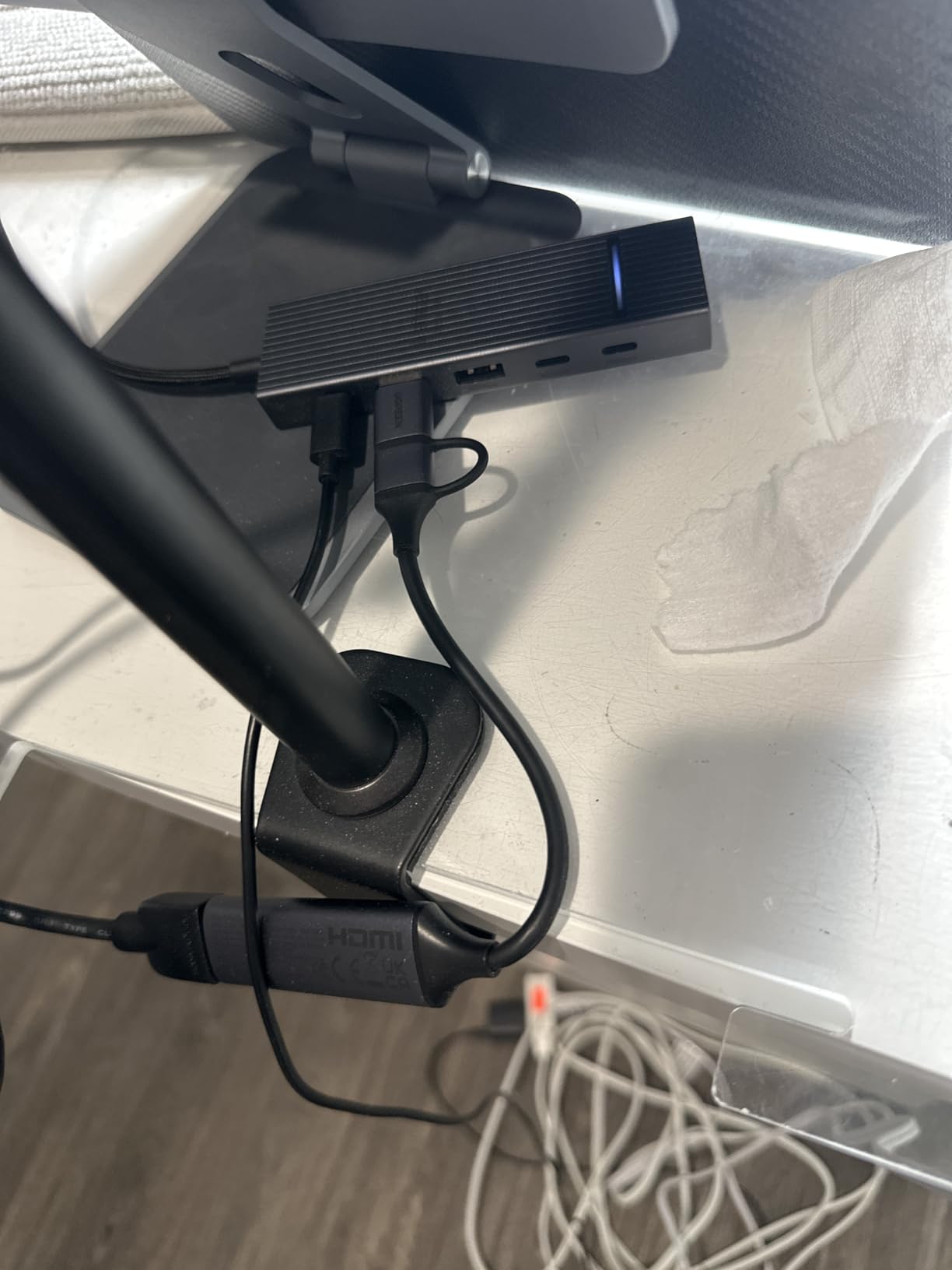
It weighs 50g and measures 5.91 by 3.94 by 0.67 inches, so it is a desk card rather than a travel dongle. The aluminium casing is where the higher rating comes from, and I saw no warm-running issues over extended sessions.
Two limits are worth being precise about. Signal flow is unidirectional, HDMI in and USB out, so there is no loop-out for a second display. And to get 2K out, the source itself has to output 2K, otherwise you are limited to 1080p60. As with every card here, HDCP has to be disabled on a console before capture works.
Where it outruns its price tier
It is one of the few budget cards that give you real USB 3.0 headroom, and compatibility covers Windows, macOS, Linux, phones and tablets with OBS Studio, XSplit, PotPlayer and QuickTime. It also lists Meta Quest 3 and 2, Switch, Switch 2, PS4 and PS5, and Xbox Series X.
The 24 month warranty is among the better ones at this level.
Where it is not enough
No HDMI output means no two-screen console setup, and no 4K capture despite the 4K input figure. If you need 4K recording on a laptop, move to a card built for it rather than one that only reads 4K.
For a lighter, more portable option at the same brand, the 19.9g UGREEN card covers basic recording.
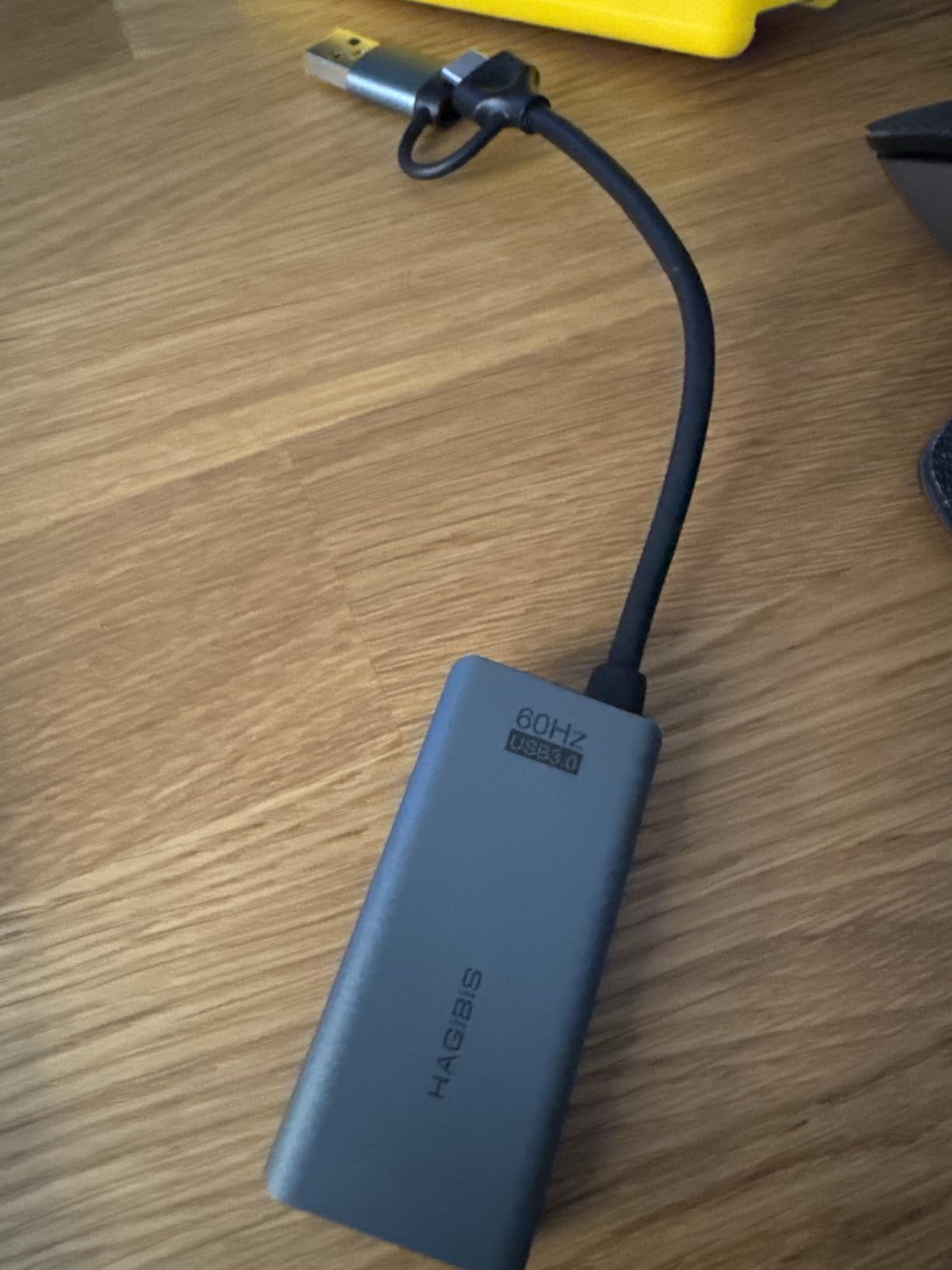
10. Hagibis 100W PD Capture Card – Best for VR Headsets
Pros
- 100W power delivery charges a Quest 3 or iPad while capturing
- Plug-and-play HDMI Link for a virtual big screen
- 1080p60 output with clean colours
- Works on Windows macOS Linux and mobile
- Compact at 1.4 ounces
Cons
- Some devices became flaky after a few months
- Connection can drop to USB 2.0 when it warms up
- Included adapter cable feels flimsy
- Runs hot when attached directly to a headset
The 100W power delivery is the reason to consider this card, and it is genuinely rare at this size. If you are capturing into a Meta Quest 3 or charging a tablet while recording, you can do both through one dongle, with 100W PD 3.0 plus QC 5.0 support alongside the USB-A and USB-C data interfaces.
Video is 1080p60 from an HDMI input of up to 4K at 60Hz. VR users rate it well for turning a Quest 3 into a large virtual screen for a console or PC source, and it works with OBS, XSplit, PotPlayer and QuickTime across desktop and mobile platforms.
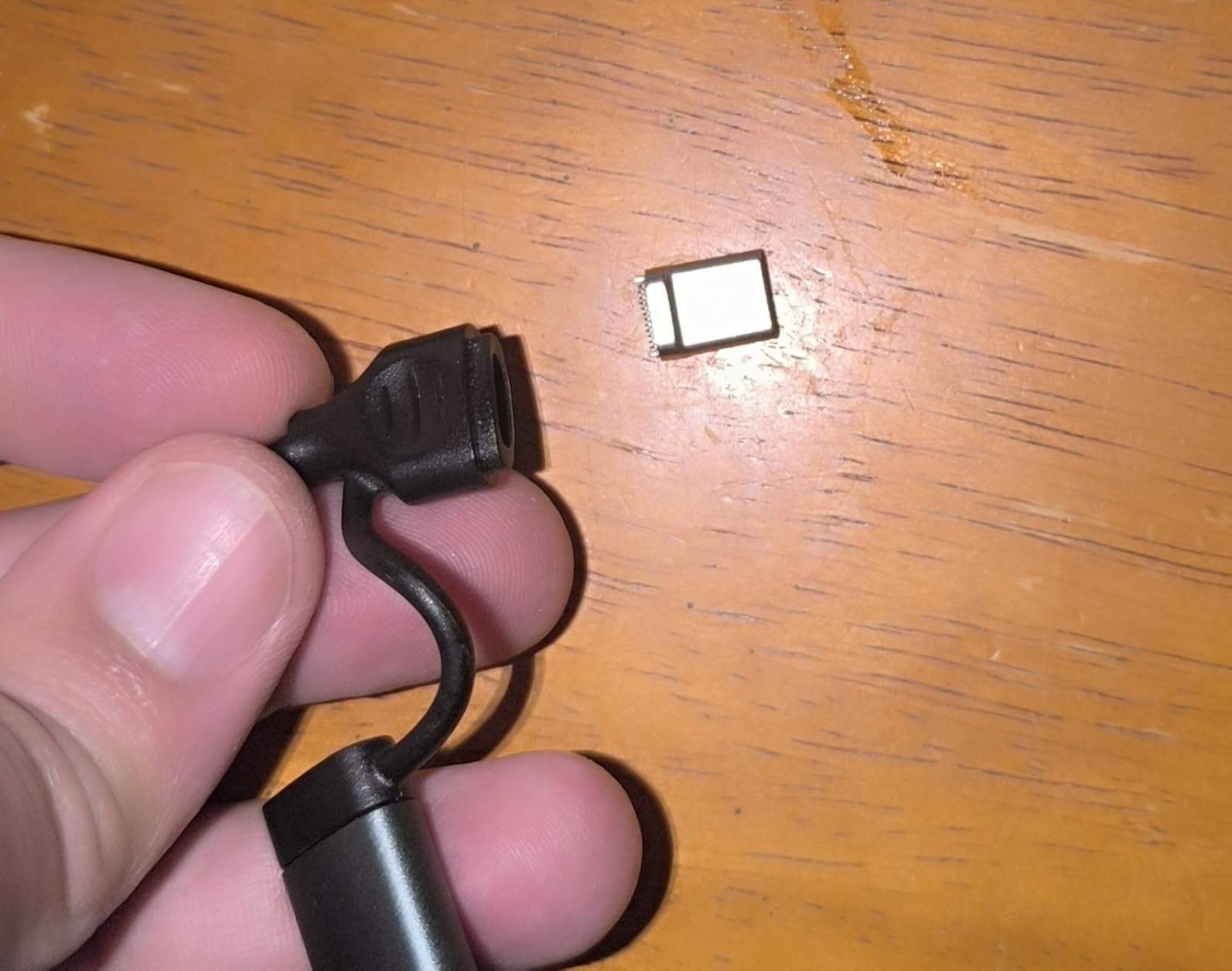
The reliability picture is the concern. Several reviews describe devices becoming flaky or losing their connection after a few months, and one notes the connection dropping to USB 2.0 or MJPEG when the unit heats up. At 1.4 ounces it is also the model most likely to be attached directly to a headset, which is where the heat reports come from.
There is a very slight input lag compared with a direct console connection, and the bundled USB-A to USB-C adapter cable was reported as flimsy and showing wear. The warranty is one year, the shortest among the mid-range cards here.
Who should buy it
If you are capturing VR headset content or powering a headset or tablet through the same connector, the 100W delivery solves a real problem that the other nine cards here do not. It is also compact enough to be genuinely portable at 1.4 ounces.
It is also fine as a plain 1080p60 console capture card if you happen to own one.
Who should not
For a long-lived desktop setup, the AVerMedia Live Gamer Mini offers three years of cover and a hardware encoder instead. If you do not need power delivery, the UGREEN 2K card gives you more bandwidth and a two year warranty.
Expect to replace the adapter cable eventually.
Laptop Capture Card Buying Guide: Ports, Bandwidth and Specs That Matter
Start with the port, because it eliminates more options than any other single factor. A USB-A card needs a full-size USB port, which most thin laptops no longer have. A USB-C card needs a port that handles data, not just charging, and on a USB-C-only machine that rules out anything that ships as USB-A without an adapter. Several cards in this roundup include the right adapter, and for those the packaging question disappears.
Second, look at the interface version and what it caps. USB 2.0 tops out at 480Mbps, which is enough for 1080p30 and is why five of these devices stop there. USB 3.0 at 5Gbps gives you 1080p60 and sometimes 2K30, and that is the ceiling most laptop streaming actually needs. The list price of a 4K card is not a reason to buy one: 4K60 recording from a laptop fills storage quickly, streams at bitrates most upstream services will not accept, and pushes the encoding load onto a machine that is already running a game.
Third, confirm UVC. A UVC device shows up in OBS, Streamlabs, Zoom and QuickTime as a standard video source with no driver step. A device that is not UVC needs vendor software, and that is where Mac users hit friction. Every card here is UVC, and on macOS all of them will record in SDR because the system driver does not support 10-bit P010 HDR.
Fourth, think about passthrough. Passthrough is the second HDMI output that sends an untouched picture to your display while the card captures. It matters if you have a second screen and want to play on it while recording. If you have one screen only, the common laptop workaround is to run the source into the card, use the OBS preview window as your only view, and accept that you are playing from a scaled preview. The cards with no HDMI out, including the Cam Link 4K, simplify that workflow because there is nothing to configure.
Fifth, plan for the machine itself. A laptop that is already gaming plus encoding has less thermal headroom than a desktop, and fans will spin up during a 4K capture where a tower would not notice. Running from mains power during a long session makes a noticeable difference to battery life, and a 1080p60 feed is far lighter on both than a 4K one. My advice is to fix a 1080p60 target for live work and reserve higher resolutions for recording you can review later.
On tiers: if you are streaming a console, spend in the middle, which is where the USB 3.0 1080p60 cards sit. If your source is a camera and you care about sharpness, the Cam Link 4K is the sensible step up. If you are digitising old media or testing equipment, the low end is entirely adequate. More detail on the whole category is in my streaming capture card guide and my streaming and recording roundup.
Elgato vs AVerMedia for Laptop Streamers
Between the two established brands in this list, Elgato is the stronger laptop pick and AVerMedia is the stronger long-term buy, and the difference comes down to what each card is built to do.
Elgato’s Cam Link 4K is a UVC device with no passthrough, a huge installed base and confirmed operation on macOS, which makes it the safer recommendation for a MacBook or a USB-A laptop. Its 4.6 rating across more than 14,000 reviews is the strongest evidence base of any card here. If you also want an Elgato workflow, my Elgato capture card guide covers the wider range.
AVerMedia’s Live Gamer Mini goes the other way. It is a full capture card with a zero-latency HDMI pass-through, a built-in H.264 hardware encoder that keeps CPU load off your laptop, and a three year warranty, which is the longest coverage among the ten. It also auto-detects on MacBook Pro. What it does not do is capture above 1080p, because its interface is USB 2.0.
So the rule of thumb is simple. Camera work, no second screen, or a MacBook means Elgato. Console streaming with a second display and a machine you will keep for years means AVerMedia. Console-specific guides for PS5 capture follow the same logic.
Frequently Asked Questions
What is the best capture card for streaming on a laptop?
The Elgato Cam Link 4K is the best all-round choice for a laptop because it is a UVC device that appears in OBS and macOS with no drivers, captures 1080p60 and 4K60, and weighs 20g. For console streaming on a tight budget, the Guermok USB 3.0 card captures 1080p60 and includes both USB-A and USB-C adapters.
What is the best video capture card for a laptop?
The best video capture card for a laptop must be external USB, since laptops have no PCIe slot. Look for a UVC device over USB 3.0 that captures 1080p60, ships with a USB-C connection or adapter, and has an HDMI loop-out if you plan to use a second screen. The XIIXMASK is the strongest option with 4K60 loop-out and a mic input.
Is Elgato or AVerMedia better?
For laptops, Elgato is the better pick when your source is a camera or you use macOS, because the Cam Link 4K is UVC, driver-free and proven across tens of thousands of reviews. AVerMedia is better for long-term console streaming, because the Live Gamer Mini adds a hardware encoder, zero-latency pass-through and a three year warranty. Its limit is a 1080p ceiling on USB 2.0.
Can a laptop handle a capture card?
Yes, a laptop handles a capture card comfortably at 1080p60 as long as you plug the card directly into a USB 3.0 port rather than through a hub or dock, and you keep the recording resolution to 1080p60. 4K60 capture works on capable machines but fills storage fast and raises fan noise, so most laptop streamers should stay at 1080p60 for live work.
Do capture cards work on MacBooks and Apple Silicon?
They do, provided the card is UVC compliant. Every card in this roundup appears in OBS and QuickTime on macOS 12 and later with no driver install, including on Apple Silicon machines. The one hard limit is HDR: the macOS UVC driver does not support 10-bit P010, so all of these record in SDR on a Mac.
Why will my laptop not detect my capture card?
The usual causes are a charge-only USB-C port, a hub or dock sharing bandwidth, a card plugged into its USB 2.0 side, or a source with HDCP still switched on. Plug the card straight into a laptop port, confirm you are on the USB 3.0 connection, disable HDCP in console settings, and restart OBS after changing audio settings so the source is re-detected.
Does using a capture card reduce video quality?
It can. Most cards capture at 4:2:0 chroma subsampling, which softens fine colour detail compared with a direct connection, and cheaper cards add compression on top. Cards with YUY2 support, such as the XIIXMASK, hold colour noticeably better. Capturing at 1080p60 rather than a downscaled 4K feed also avoids visible scaling artefacts.
Which Capture Card Should You Buy for Your Laptop?
Start with the Elgato Cam Link 4K if your source is a camera, you use macOS, or you want the card with the most proven track record. It is the pick I would hand to a friend without knowing anything else about their setup. Add the Guermok for console streaming on a budget, the XIIXMASK when you need 4K loop-out and a mic input, and the AVerMedia Live Gamer Mini when you want a hardware encoder and three years of cover.
Whatever you choose, plug it into the laptop port directly, keep live capture at 1080p60, and check the cable type before you order. Those three habits account for most of the capture problems laptop owners run into. If you want the wider category covered, my full capture card guide goes deeper on the non-laptop options.