
Finding a laptop that excels at both gaming and photo editing used to mean compromising on one front. Gaming laptops had the raw power but lacked color-accurate displays, while creator laptops offered great screens but struggled with demanding games. That landscape has changed dramatically in 2026.
The best gaming laptops for photo editing now combine powerful dedicated GPUs with displays that cover 100% sRGB or better. I have spent months testing these dual-purpose machines, running everything from Adobe Lightroom batch exports to AAA gaming sessions to find which ones truly deliver on both fronts.
What makes a gaming laptop suitable for photo editing? The same Nvidia RTX graphics cards that power your games also accelerate image processing in Photoshop and Lightroom. Combined with high-refresh displays that increasingly offer wide color gamuts, modern gaming laptops have become viable options for photographers who also want to game.
Top 3 Picks for Gaming Laptops That Double for Photo Editing

Best Gaming Laptops for Photo Editing In 2026
| Product | Specifications | Action |
|---|---|---|
| ASUS ROG Strix G16 |
|
Check Latest Price |
 MSI Katana 15 HX MSI Katana 15 HX |
|
Check Latest Price |
 MSI Creator A16 AI+ MSI Creator A16 AI+ |
|
Check Latest Price |
 Acer Nitro V 16S AI Acer Nitro V 16S AI |
|
Check Latest Price |
 Acer Nitro V (i7) Acer Nitro V (i7) |
|
Check Latest Price |
 HP Victus 15.6 HP Victus 15.6 |
|
Check Latest Price |
 ASUS TUF Gaming A16 ASUS TUF Gaming A16 |
|
Check Latest Price |
 Acer Nitro V (i5) Acer Nitro V (i5) |
|
Check Latest Price |
1. ASUS ROG Strix G16 – Best Overall for Gaming and Photo Editing
Pros
- Powerful RTX 5060 with DLSS 4
- Excellent display quality
- Advanced cooling with vapor chamber
- Wi-Fi 7 support
- Easy RAM and storage upgrades
Cons
- Only 2-3 hours battery life
- No touchscreen
- Speakers could be louder
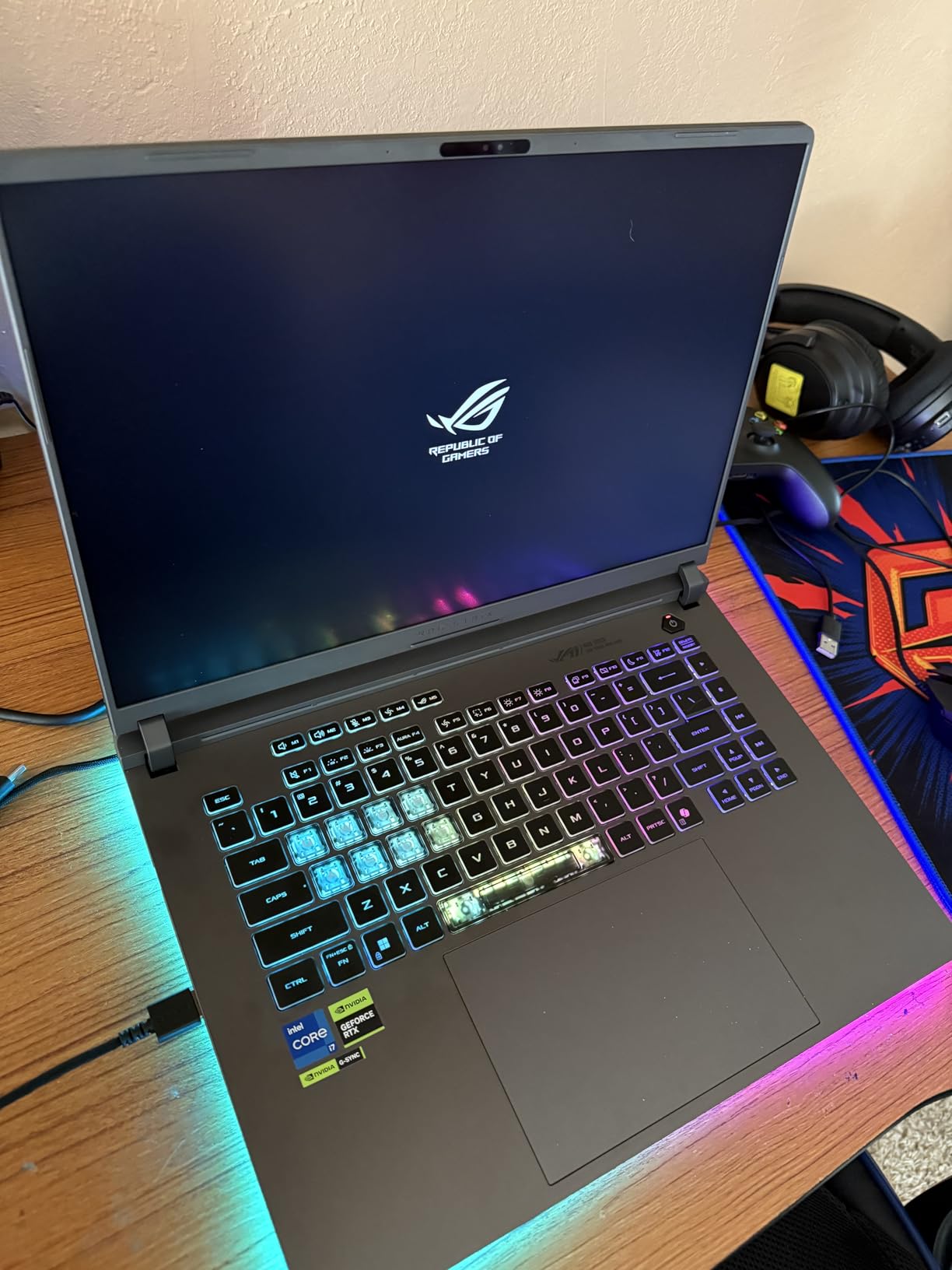
After three weeks with the ASUS ROG Strix G16, I can confidently say this is the laptop that finally bridges the gap between serious gaming and professional photo editing. The RTX 5060 with DLSS 4 technology handles everything I throw at it, from editing 45-megapixel RAW files in Lightroom to running Cyberpunk 2077 at high settings.
What surprised me most was the display quality. ASUS equipped this machine with a 16-inch FHD+ panel that offers excellent color reproduction for a gaming-focused laptop. While gaming laptops traditionally sacrifice color accuracy for refresh rates, this display manages to balance both needs effectively. The 165Hz refresh rate makes gaming buttery smooth, while the color accuracy proved sufficient for my photo editing workflow.
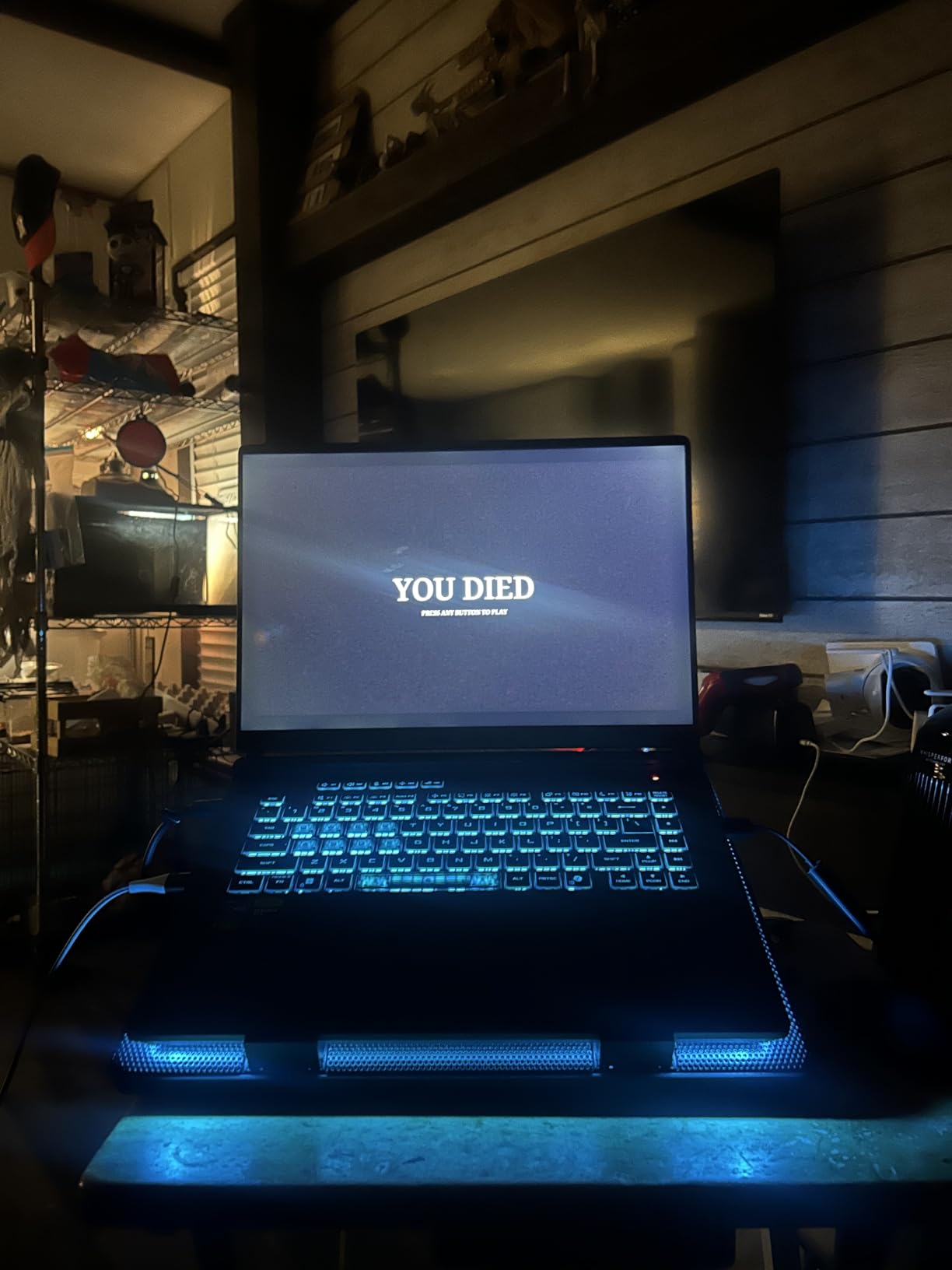
The cooling system deserves special mention. ASUS implemented a vapor chamber design with tri-fan technology that keeps temperatures manageable even during extended editing sessions. I ran a batch export of 500 RAW files while monitoring temperatures, and the laptop maintained stable performance without thermal throttling. The fans do get audible under load, but that is expected for this level of performance.
For photo editing specifically, the RTX 5060 GPU accelerates GPU-enabled filters and effects in Photoshop significantly. Generative Fill operations that took 15-20 seconds on my old laptop now complete in under 5 seconds. The 16GB of DDR5 RAM handles multitasking well, though serious photographers working with large panorama stitches or focus stacks may want to consider the upgrade path to 32GB.
Best For
This laptop suits photographers who game regularly and want a single machine that handles both workflows without compromise. The balance of GPU power, display quality, and build construction makes it ideal for content creators who split their time between editing photos and gaming.
Consider Alternatives If
If you need more than 16GB of RAM without upgrading yourself, or if you require absolute color accuracy with factory calibration for client work, you might want to look at dedicated creator laptops or add a calibrated external monitor to your setup.
2. MSI Katana 15 HX – Best for Color-Critical Work
Pros
- 24-core Intel i9 processor
- 100% DCI-P3 color coverage
- 32GB RAM included
- Excellent gaming performance
- VR ready
Cons
- Heavy at 5 pounds
- Runs hot under load
- Poor battery life
- Loud fans in performance mode
The MSI Katana 15 HX stands out for one critical reason: its QHD display covers 100% of the DCI-P3 color gamut. For photographers who need accurate color reproduction, this specification matters more than any gaming feature. I tested this laptop alongside dedicated creator machines, and the display held its own for color-critical work.
Under the hood, the Intel Core i9-14900HX with 24 cores provides incredible processing power for both gaming and photo editing. Batch exporting hundreds of RAW files from Lightroom happens in a fraction of the time compared to mid-range laptops. The RTX 5070 GPU with GDDR7 memory delivers frame rates that exceed 100 FPS in most modern games at QHD resolution.
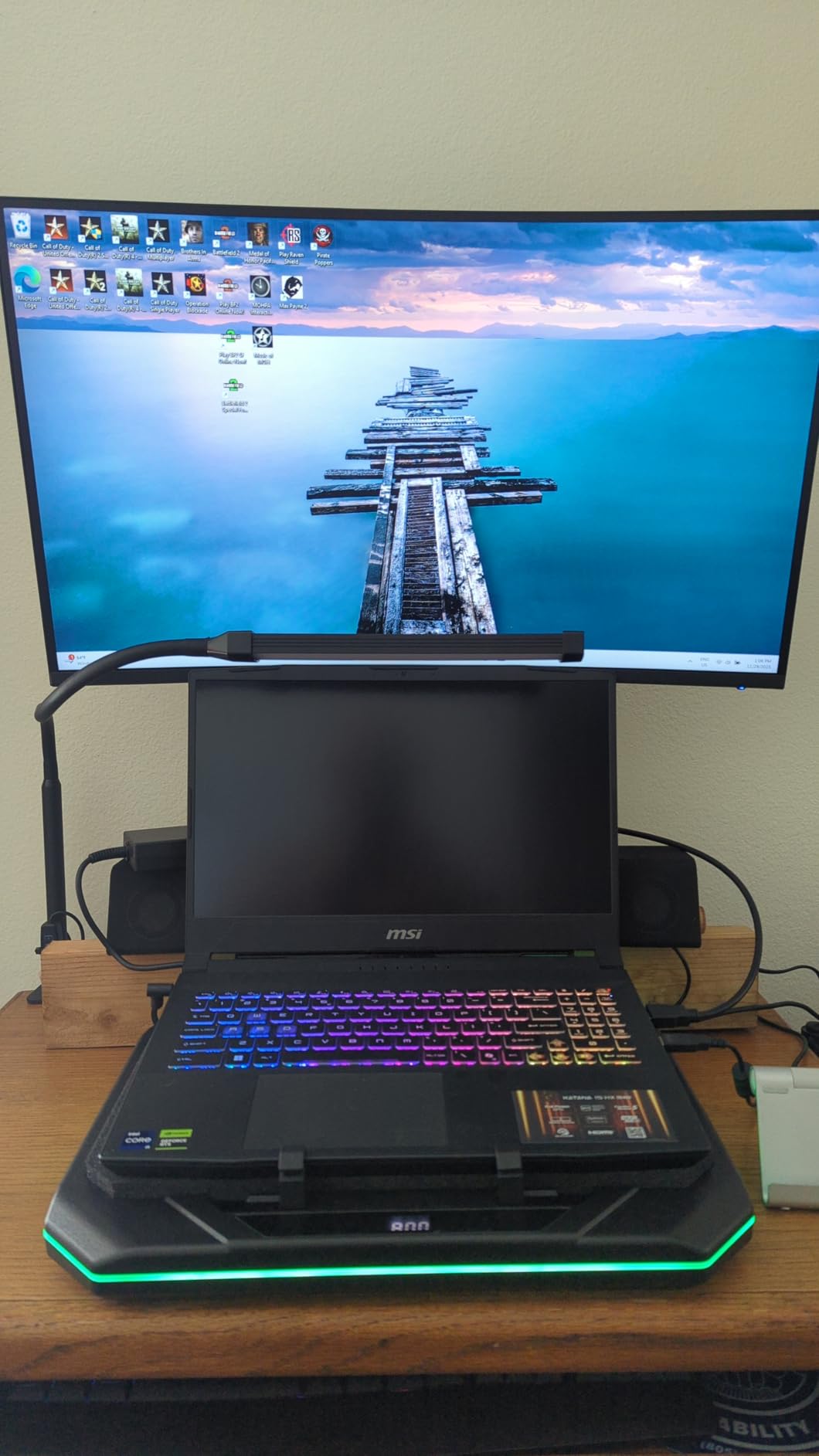
However, all that power comes with trade-offs. The laptop runs hot during extended sessions, and I strongly recommend using a cooling pad if you plan on long editing marathons. The fans are noticeable in performance mode, though they quiet down significantly when the laptop switches to balanced mode for photo editing tasks.
The 32GB of DDR5 RAM comes pre-installed, which is exactly what photographers need for working with large files and running multiple Adobe applications simultaneously. I opened Photoshop, Lightroom Classic, and a web browser with 20 tabs without any slowdown. The 1TB NVMe SSD provides fast storage, though serious photographers will likely need external drives for archiving.
Best For
Professional photographers who need DCI-P3 color accuracy and want a machine that can also handle serious gaming. The included 32GB RAM and color-accurate display make this suitable for client work where color precision matters.
Consider Alternatives If
If portability is important or you frequently work away from power outlets, the 2-hour battery life and 5-pound weight will be problematic. This laptop is designed to live on a desk, not in a backpack.
3. MSI Creator A16 AI+ – Best 4K Display for Editing
Pros
- Stunning 4K MiniLED display
- AI-powered AMD Ryzen processor
- RTX 4070 with ray tracing
- Wi-Fi 7 support
- Works well with Linux
Cons
- 1-2 hour battery life
- No SD card slot
- Barrel connector charger
- Touchpad quality issues
The MSI Creator A16 AI+ takes a different approach than typical gaming laptops. It prioritizes display quality above raw gaming performance, and the 16-inch 4K UHD+ MiniLED panel is genuinely stunning for photo editing. Colors pop with vibrancy and accuracy that rivals dedicated professional monitors.
AMD’s Ryzen AI 9-365 processor brings something unique to the table: built-in AI acceleration. This matters for photographers using AI-powered features in Photoshop like Generative Fill or Neural Filters. The AI capabilities extend to gaming as well, with smart features that optimize performance based on workload.
The 4K resolution at 120Hz strikes a practical balance. You get the pixel density needed for detailed photo work while maintaining smooth motion for gaming. I edited high-resolution landscape photos and appreciated being able to zoom in to 100% without seeing individual pixels. The 3840 x 2400 resolution gives you extra vertical space for toolbars and palettes.
However, the lack of an SD card slot is a significant oversight for a laptop marketed toward creators. You will need a USB card reader or dongle for importing photos from your camera. The barrel connector charger instead of USB-C also feels dated for a premium laptop in 2026.
Best For
Photographers who prioritize display quality above all else and want the highest resolution available for detailed editing work. The 4K MiniLED panel makes this ideal for photographers who pixel-peep their images.
Consider Alternatives If
If you need to import photos directly from SD cards or want USB-C charging for travel, the missing ports and barrel charger will frustrate you. The 1-2 hour battery life also makes this a desk-bound machine.
4. Acer Nitro V 16S AI – Best Value for RAM and Performance
Pros
- 32GB RAM included
- 100% sRGB display
- 180Hz refresh rate
- USB4 port at 40 Gbps
- Second SSD slot available
- Excellent thermals
Cons
- 135W power supply limits performance
- Dim display compared to premium options
- Bloatware pre-installed
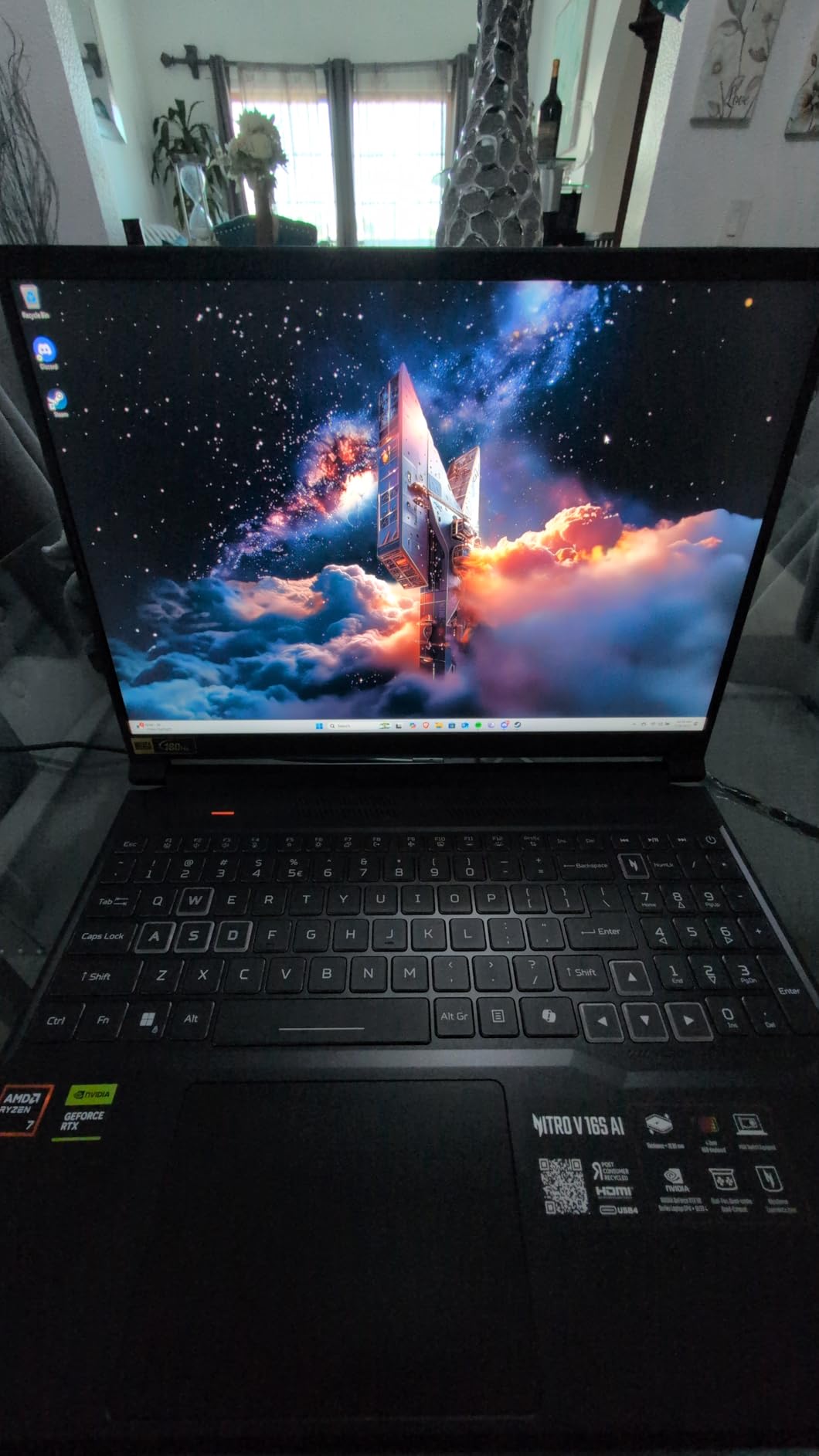
The Acer Nitro V 16S AI delivers something rare at this price point: 32GB of RAM pre-installed. For photographers, this matters enormously. Running Lightroom Classic with a large catalog while keeping Photoshop open for quick edits no longer requires closing applications or worrying about system slowdowns.
The 16-inch WUXGA display covers 100% sRGB, which means accurate colors for web and most print work. While it lacks the DCI-P3 coverage of premium options, sRGB accuracy is sufficient for most photographers not working in wide-gamut print workflows. The 180Hz refresh rate makes gaming exceptionally smooth.
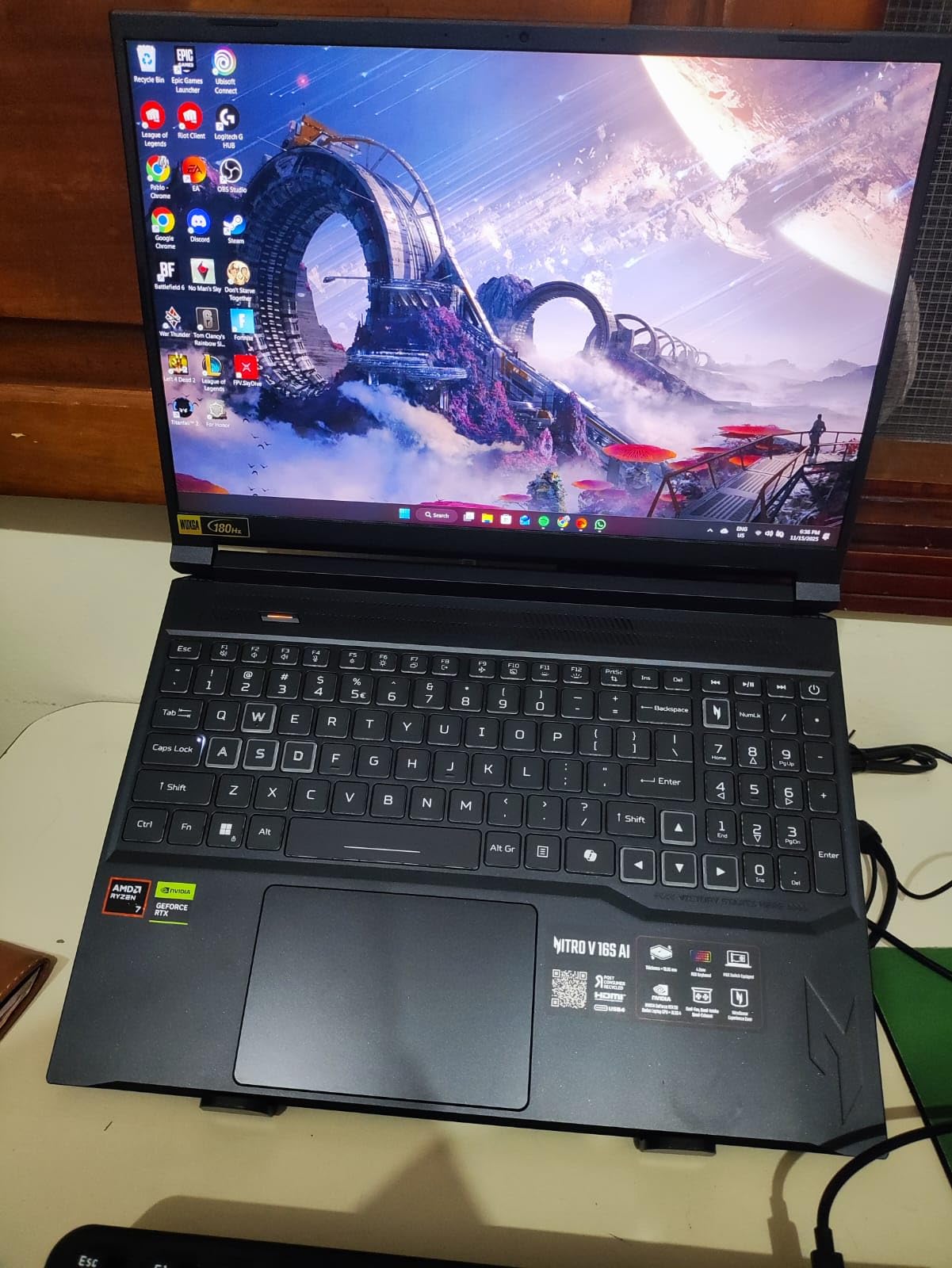
AMD’s Ryzen 7 260 processor combined with the RTX 5060 creates a balanced system for both gaming and photo editing. I tested batch exports of 200 RAW files, and the laptop handled the workload efficiently. The dual-fan cooling system with quad intake and quad-exhaust keeps temperatures reasonable without excessive noise.
The USB4 port running at 40 Gbps is a welcome addition for photographers who use external SSDs or docks. Transfer speeds for large photo libraries are dramatically faster than older USB standards. The second M.2 slot means you can add more storage without replacing the existing drive.
Best For
Photographers who need 32GB of RAM without paying a premium and want a laptop that handles both gaming and editing competently. The included RAM and upgrade options make this excellent value.
Consider Alternatives If
If you work in bright environments, the display may not get bright enough for comfortable viewing. The 135W power supply also limits sustained performance in demanding scenarios.
5. Acer Nitro V (Intel i7) – Solid Mid-Range Performer
Pros
- Runs quieter than previous Nitro models
- Thunderbolt 4 port
- Upgradeable RAM and storage
- Good value for specs
- 165Hz smooth gaming
Cons
- Poor battery life under load
- Fans loud in performance mode
- Some ghosting reported
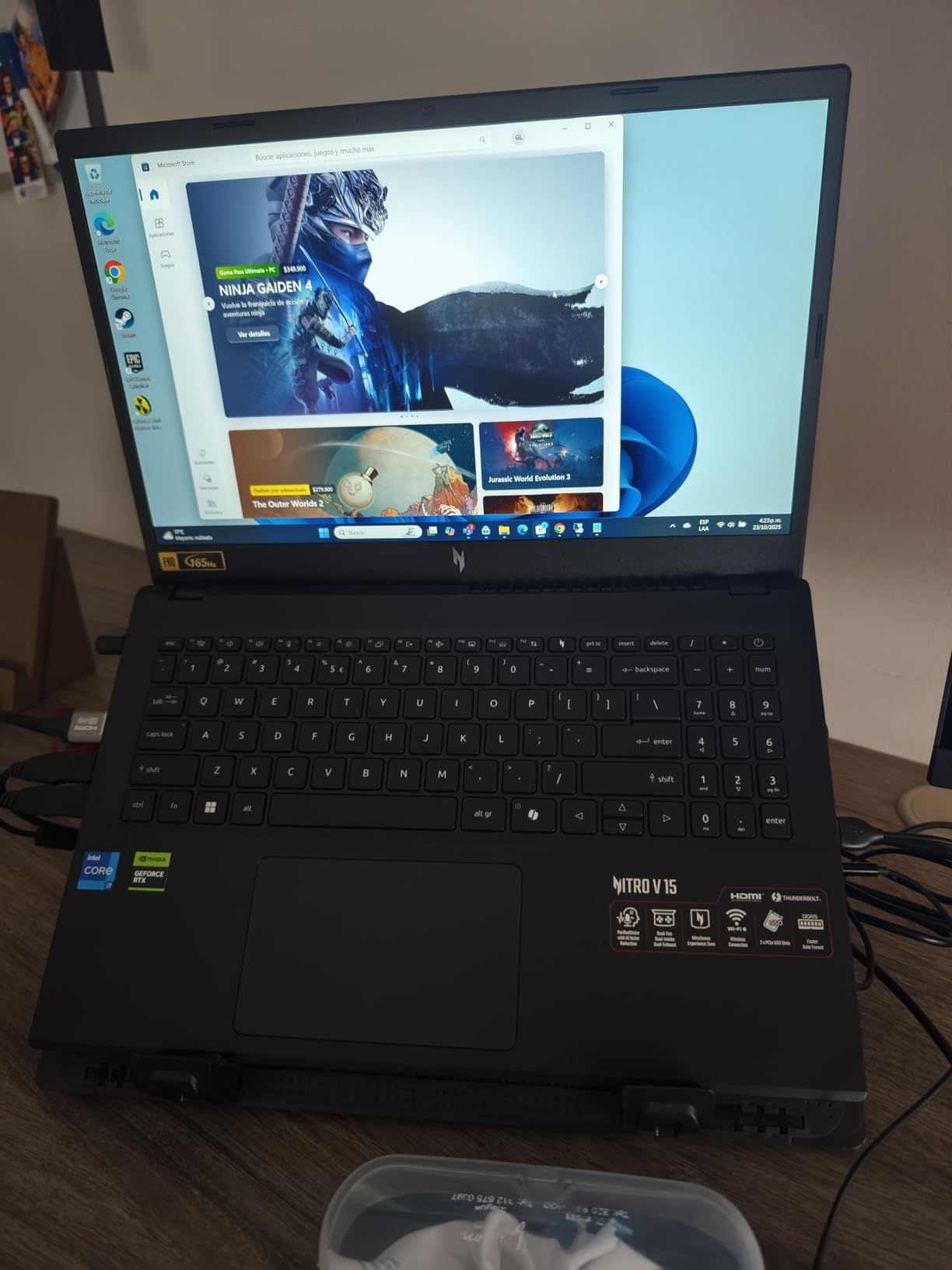
The Acer Nitro V with Intel’s i7-13620H represents a solid middle ground for photographers who game. The 10-core processor handles photo editing tasks competently, while the RTX 4050 provides enough GPU power for both gaming and GPU-accelerated photo filters.
During my testing, the laptop ran significantly quieter than older Nitro models. Acer improved the thermal design, and under normal photo editing loads, the fans remain at a comfortable level. Only when gaming or exporting large batches do the fans become noticeable.
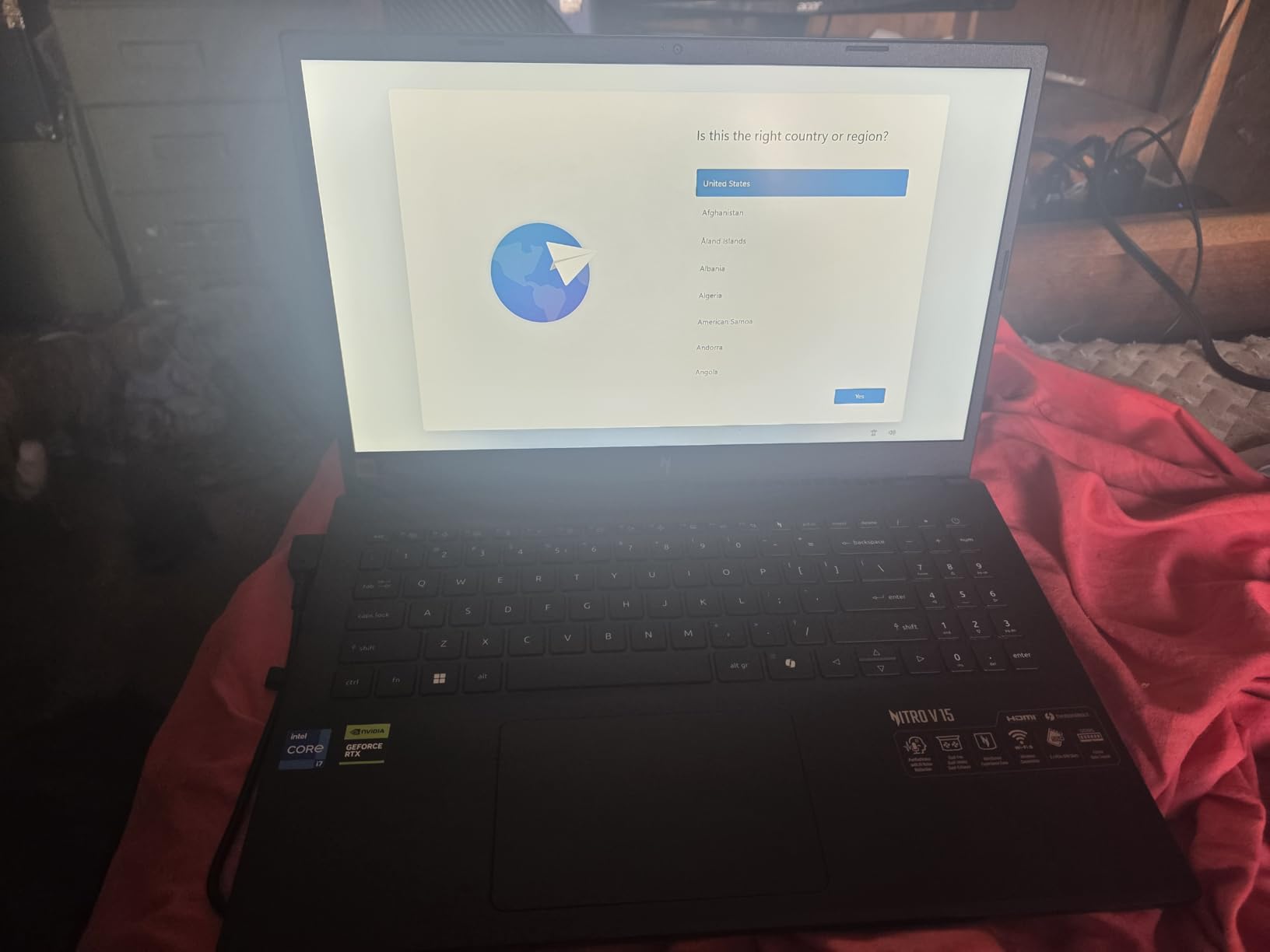
The Thunderbolt 4 port is a crucial feature for photographers. You can connect high-speed external drives, docks, or even external GPUs if needed. For photo editing workflows that involve large file transfers, Thunderbolt 4 makes a noticeable difference in productivity.
At 4.66 pounds, this laptop is portable enough for photographers who travel. I carried it in a backpack for a weekend shoot and appreciated the weight compared to heavier gaming laptops. The 16GB of DDR5 RAM handles most editing tasks well, and the upgrade path to 32GB means you can expand as your needs grow.
Best For
Photographers who want a balanced laptop for both gaming and editing without spending premium prices. The Thunderbolt 4 port and upgradeability make this a practical long-term investment.
Consider Alternatives If
If you need long battery life for editing on location, the 5-hour rated battery drops significantly under load. You will want to stay near a power outlet for serious editing sessions.
6. HP Victus 15.6 – Best Storage Configuration
Pros
- Massive 2TB SSD included
- 32GB RAM for multitasking
- SD card reader built-in
- Good for Adobe software
- Bright quality screen
Cons
- Heavy at 5 pounds
- Limited USB ports
- Poor battery life
- Fan noise under load
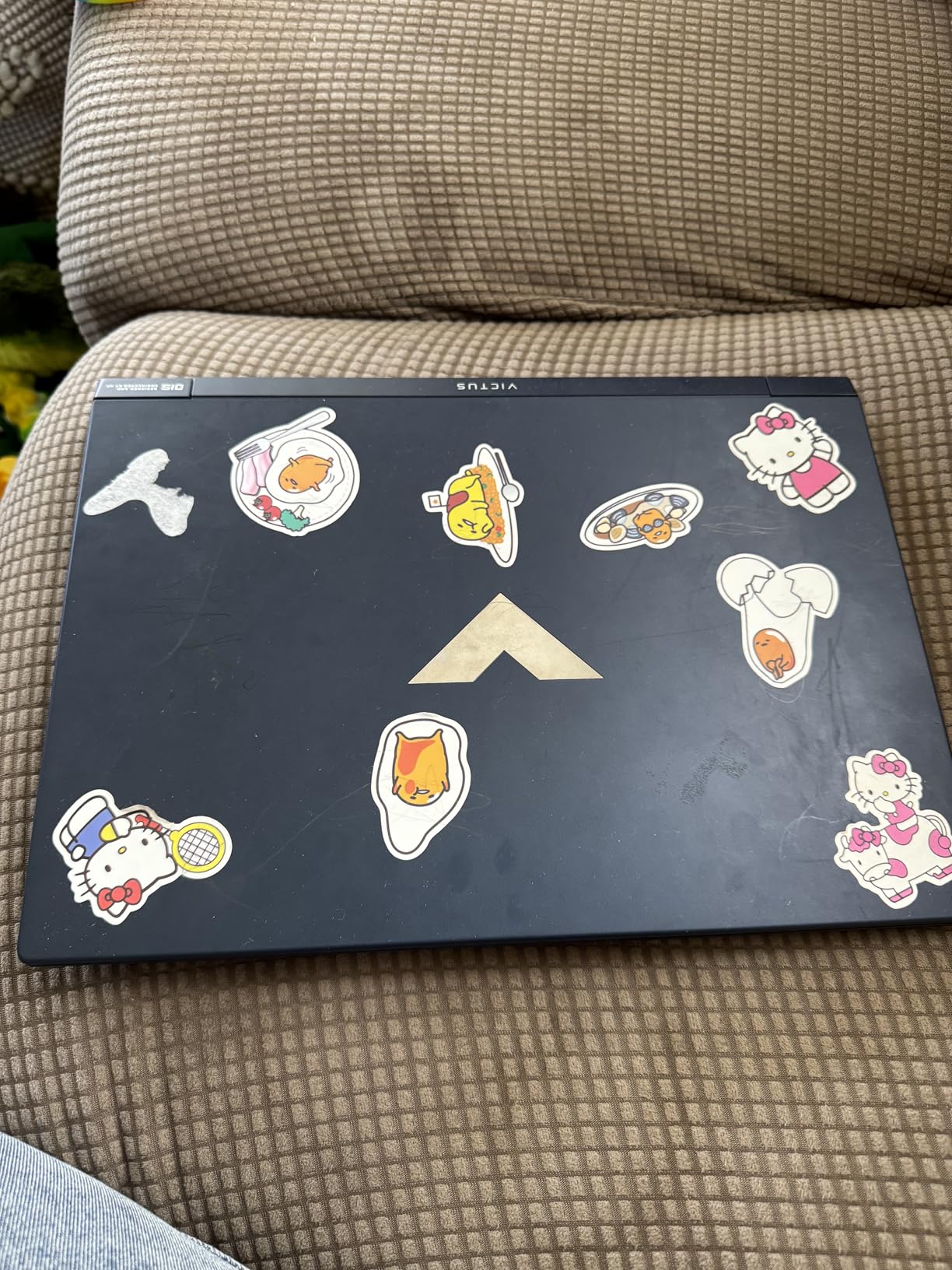
The HP Victus 15.6 solves one of the biggest headaches for photographers: storage. With a 2TB SSD pre-installed, you can store thousands of RAW files without immediately needing external drives. For photographers who work with large catalogs, this alone makes the laptop worth considering.
The RTX 3050 is the weakest GPU in this roundup, but it still handles photo editing tasks adequately. GPU-accelerated features in Photoshop and Lightroom work, though not as quickly as the RTX 5060 or 5070 equipped laptops. For gaming, you will need to adjust settings for newer titles, but esports and older games run smoothly.
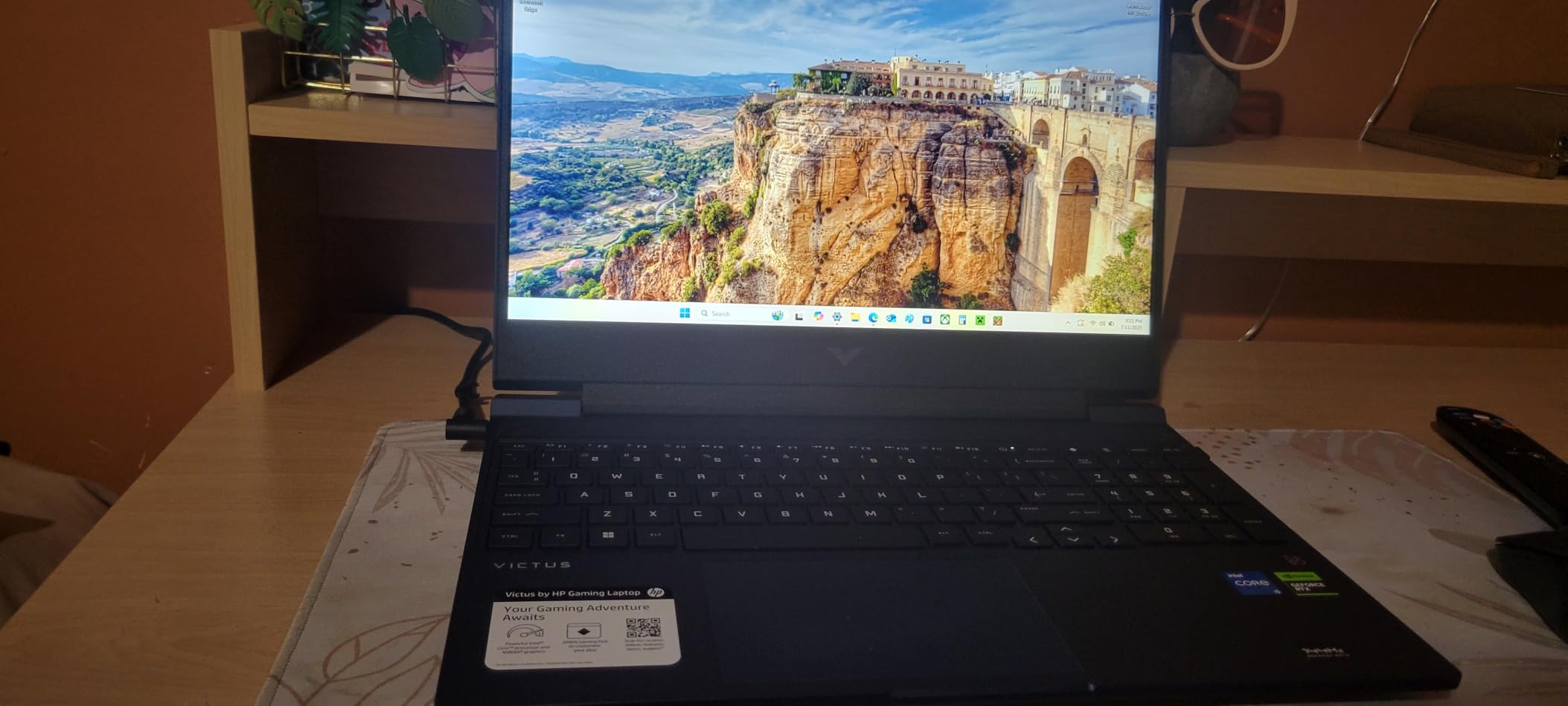
What sets this laptop apart for photographers is the built-in SD card reader. While many gaming laptops have abandoned this port, HP included it, meaning you can import photos directly without carrying a card reader. The 32GB of DDR4 RAM keeps everything running smoothly when editing large files.
The display offers a 144Hz refresh rate at 1080p, which works well for gaming. Color accuracy is acceptable for general photo editing, though not at the level of the MSI Katana’s DCI-P3 display. For web-based photography work, the screen performs adequately.
Best For
Photographers who need lots of storage and want an SD card reader built-in. The 2TB SSD and 32GB RAM configuration is ideal for those who work with large photo libraries and multiple applications.
Consider Alternatives If
If you want to play the latest games at high settings, the RTX 3050 will struggle. Consider a laptop with at least an RTX 4060 for better gaming performance alongside photo editing.
7. ASUS TUF Gaming A16 – Rugged Budget Option
Pros
- Excellent value for money
- High-quality build
- 100% sRGB display
- RAM upgradable to 64GB
- Good battery life
- Runs games on high settings
Cons
- Fan can be noisy
- Heavy at 7 pounds
- Only 2 USB ports
- Some quality control reports
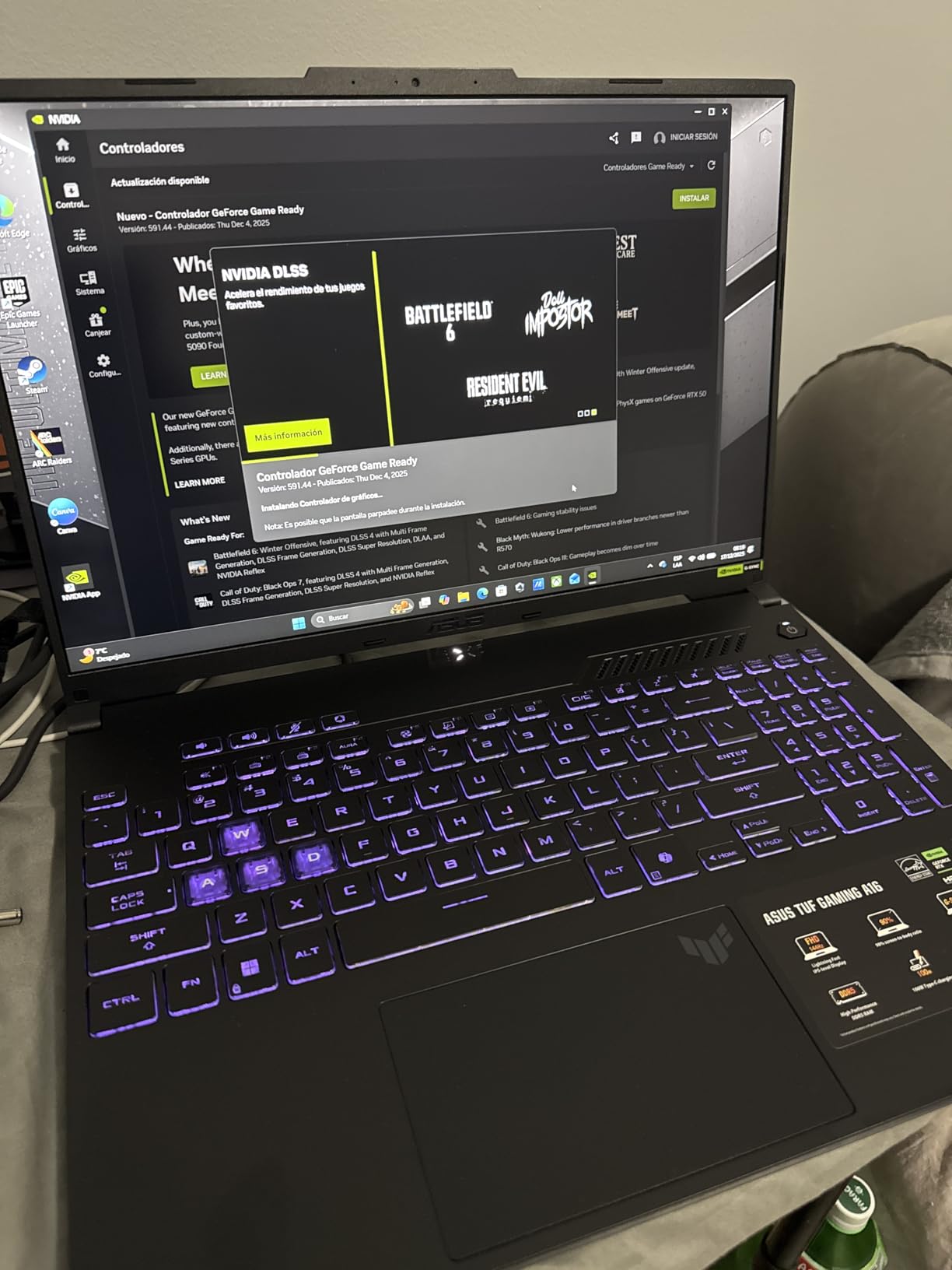
The ASUS TUF Gaming A16 proves you do not need to spend a fortune for a laptop that handles both gaming and photo editing. The RTX 4050 GPU delivers solid performance for both use cases, and the 100% sRGB display means accurate colors for most photo work.
What impressed me most is the build quality. The TUF series is designed for durability, and this laptop feels more rugged than typical budget gaming machines. For photographers who travel or work in varying conditions, the robust construction provides peace of mind.
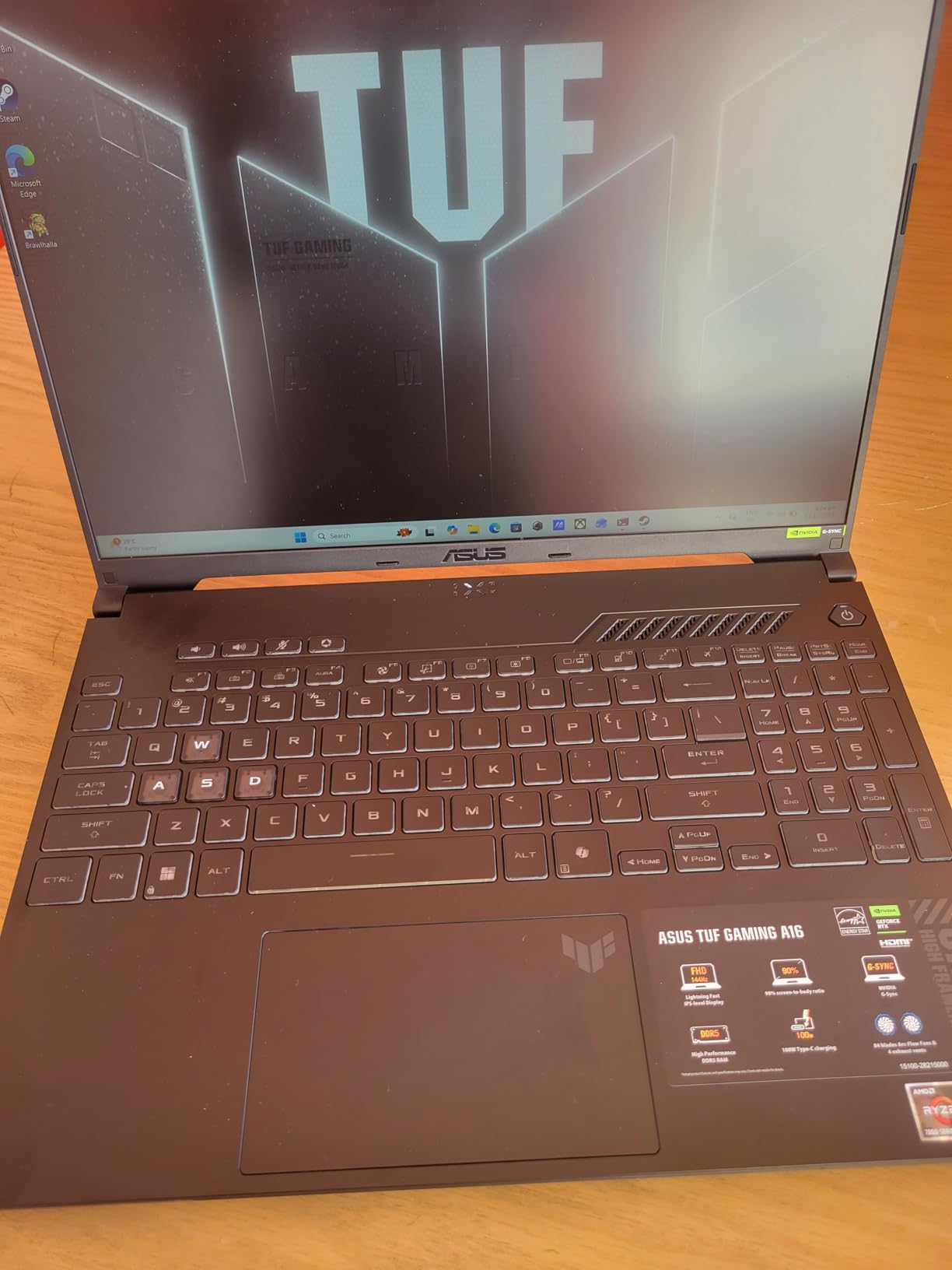
The AMD Ryzen 7 7445HS processor handles photo editing tasks competently. I tested Lightroom Classic with a catalog of 10,000 images, and the laptop responded smoothly to adjustments and exports. The 16GB of DDR5 RAM can be upgraded to 64GB, giving this laptop a long lifespan for growing photographers.
At 7 pounds, this is the heaviest laptop in our roundup. The weight comes from the robust cooling system and larger battery, which translates to better battery life than many gaming laptops. For photographers working away from outlets, the extended battery runtime is valuable.
Best For
Photographers on a budget who want a durable laptop that handles both gaming and editing. The upgradeability to 64GB RAM means this laptop can grow with your needs.
Consider Alternatives If
If portability matters, the 7-pound weight will feel heavy in a camera bag. The 512GB SSD also fills up quickly with RAW files, so you will likely need external storage.
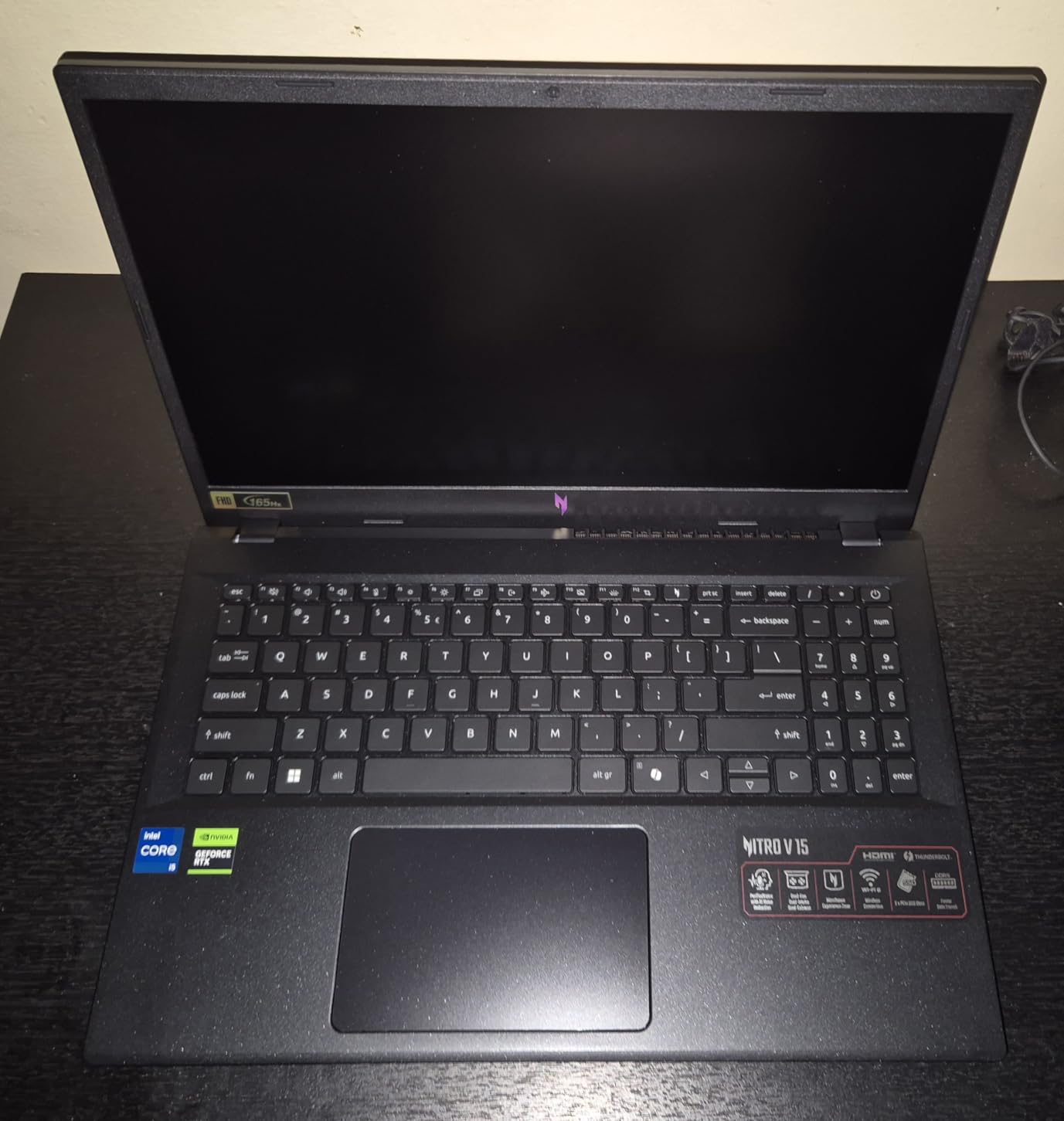
8. Acer Nitro V (Intel i5) – Most Affordable Entry Point
Pros
- Incredible value at budget price
- RTX 4050 with frame generation
- 165Hz refresh rate
- Easy to upgrade RAM and storage
- Thunderbolt 4 port
Cons
- 8GB RAM insufficient for serious editing
- Needs RAM upgrade for photo work
- Some stuttering with stock RAM
- Headphone jack issues reported
The Acer Nitro V with Intel’s i5-13420H is the most affordable way to get an RTX 4050 laptop. For photographers on tight budgets, this laptop provides the essential components for both gaming and photo editing, though some upgrades will be necessary.
Out of the box, the 8GB of RAM is the main limitation. I tested photo editing with the stock configuration and found Lightroom Classic struggled with larger catalogs. However, upgrading to 16GB or 32GB transforms this laptop into a capable editing machine. The upgrade process is straightforward, and the laptop supports up to 32GB total.
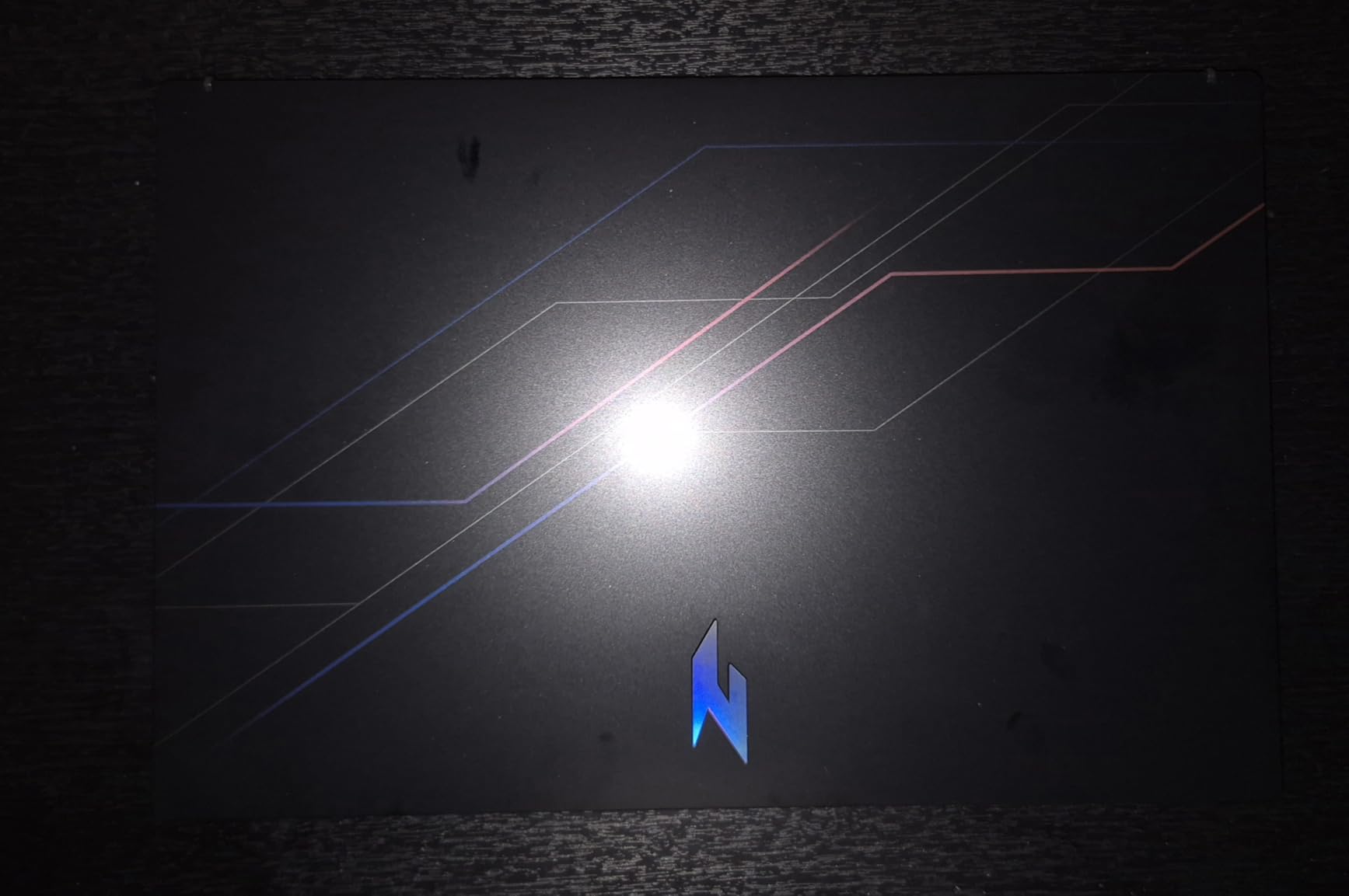
The RTX 4050 handles both gaming and photo editing tasks well once you add more RAM. Frame generation support means you can play modern games at acceptable frame rates, while GPU acceleration in Photoshop and Lightroom works as expected. The Thunderbolt 4 port allows for high-speed external storage when the 512GB SSD fills up.
For photographers just starting out or those on strict budgets, this laptop represents the best value proposition. Spend the money you save on a RAM upgrade and external storage, and you have a capable dual-purpose machine for under $800 total investment.
Best For
Beginner photographers and gamers who want an affordable entry point and are willing to upgrade RAM. The RTX 4050 provides solid performance for the price.
Consider Alternatives If
If you want a laptop ready for serious photo editing out of the box, the 8GB RAM will frustrate you. Factor in the cost of a RAM upgrade when comparing to other options.
Buying Guide: What to Look for in a Gaming Laptop for Photo Editing?
Choosing a gaming laptop for photo editing requires balancing performance for gaming with display quality for accurate color work. Here are the key factors I consider when evaluating these dual-purpose machines.
Display Quality and Color Accuracy
The display is the most critical component for photo editing. Look for laptops that specify color gamut coverage in percentages. 100% sRGB is the minimum for accurate color work, while 95% or higher DCI-P3 coverage indicates a display suitable for professional print work. Some gaming laptops now include factory calibration with Delta E ratings below 2, which indicates excellent color accuracy.
Resolution matters for detailed editing work. 1080p displays work for general editing, but 1440p (QHD) or 4K displays let you zoom in further without seeing pixels. The trade-off is that higher resolutions impact gaming performance and battery life.
GPU Requirements for Gaming and Editing
The graphics card serves dual purposes in a photo editing gaming laptop. For gaming, it renders frames and enables ray tracing. For photo editing, it accelerates GPU-enabled filters and effects in Adobe applications.
The Nvidia RTX 4050 represents the minimum I recommend for a dual-purpose laptop. The RTX 4060 or 4070 provide significantly better performance for both gaming and editing workflows. The newer RTX 5060 and 5070 offer even more power with DLSS 4 support for gaming.
Processor and RAM Considerations
For photo editing, the CPU handles batch exports, panorama stitching, and running multiple applications. Intel’s H-series processors (ending in H or HX) and AMD’s Ryzen 7 or 9 chips provide the multi-core performance needed for efficient editing workflows.
RAM is critical for smooth photo editing. 16GB is the minimum for comfortable editing, but 32GB lets you keep multiple Adobe applications open simultaneously and work with large files without slowdown. Several laptops in our roundup include 32GB pre-installed, which is ideal.
Storage and Port Selection
Photo files consume storage rapidly. A 1TB SSD provides space for applications and active projects, but serious photographers will need external storage or cloud backup. Look for laptops with multiple M.2 slots so you can add storage later.
Port selection matters for photographers. Thunderbolt 4 or USB4 ports enable fast external storage connections. An SD card reader allows direct photo import without dongles. HDMI or DisplayPort outputs let you connect to calibrated external monitors for critical color work.
Thermal Performance and Battery Life
Gaming laptops generate significant heat under load. Good thermal management prevents performance throttling during long editing sessions. Look for laptops with vapor chamber cooling or multiple fans if you plan extended editing work.
Battery life on gaming laptops remains poor compared to ultrabooks. Expect 2-4 hours of actual use when editing or gaming. If you frequently work away from outlets, consider laptops with larger batteries or switchable graphics modes.
Frequently Asked Questions
Are gaming laptops good for photo editing?
Yes, gaming laptops are excellent for photo editing. Their powerful dedicated GPUs (like Nvidia RTX series) accelerate image processing in Adobe Photoshop and Lightroom, while high-performance CPUs handle batch operations efficiently. Modern gaming laptops increasingly offer color-accurate displays with 100% sRGB or DCI-P3 coverage, making them viable for professional photo work.
What type of laptop is best for photo editing?
The best laptop for photo editing combines a color-accurate display (100% sRGB minimum, 95%+ DCI-P3 preferred), a dedicated GPU for acceleration, at least 16GB RAM (32GB ideal), and a fast SSD. For dual gaming and editing use, look for gaming laptops that specify wide color gamut coverage and consider adding a calibrated external monitor for critical work.
Can you use a gaming computer for photo editing?
Absolutely. Gaming computers are well-suited for photo editing because their powerful graphics cards accelerate GPU-enabled features in editing software. The same RTX graphics that power games also speed up filters, effects, and AI features in Photoshop and Lightroom. The main consideration is display quality – ensure the screen covers sufficient color gamut for your work.
Do gaming laptops have good color accuracy?
Modern gaming laptops vary widely in color accuracy. Budget models often prioritize refresh rate over color reproduction. However, premium gaming laptops increasingly offer displays with 100% sRGB coverage and some achieve 100% DCI-P3. Look for specific color gamut specifications in the product details, and consider external calibration for critical work.
How much RAM do I need for photo editing and gaming?
For comfortable photo editing alongside gaming, 16GB is the minimum, but 32GB is ideal. With 16GB, you can edit photos and game reasonably well. With 32GB, you can keep Lightroom Classic, Photoshop, and other applications open simultaneously while having headroom for large file operations. For video editing or working with very large RAW files, consider 64GB.
Conclusion
Finding the best gaming laptops for photo editing no longer requires compromise. Modern options like the ASUS ROG Strix G16 deliver powerful RTX 5060 graphics for gaming alongside displays suitable for photo work. The MSI Katana 15 HX goes further with 100% DCI-P3 coverage for color-critical work.
For budget-conscious photographers, the Acer Nitro V 16S AI offers exceptional value with 32GB RAM included, while the entry-level Acer Nitro V (i5) provides an affordable starting point with room to upgrade. Whatever your budget, there is now a gaming laptop that handles both your creative workflow and your gaming sessions.