
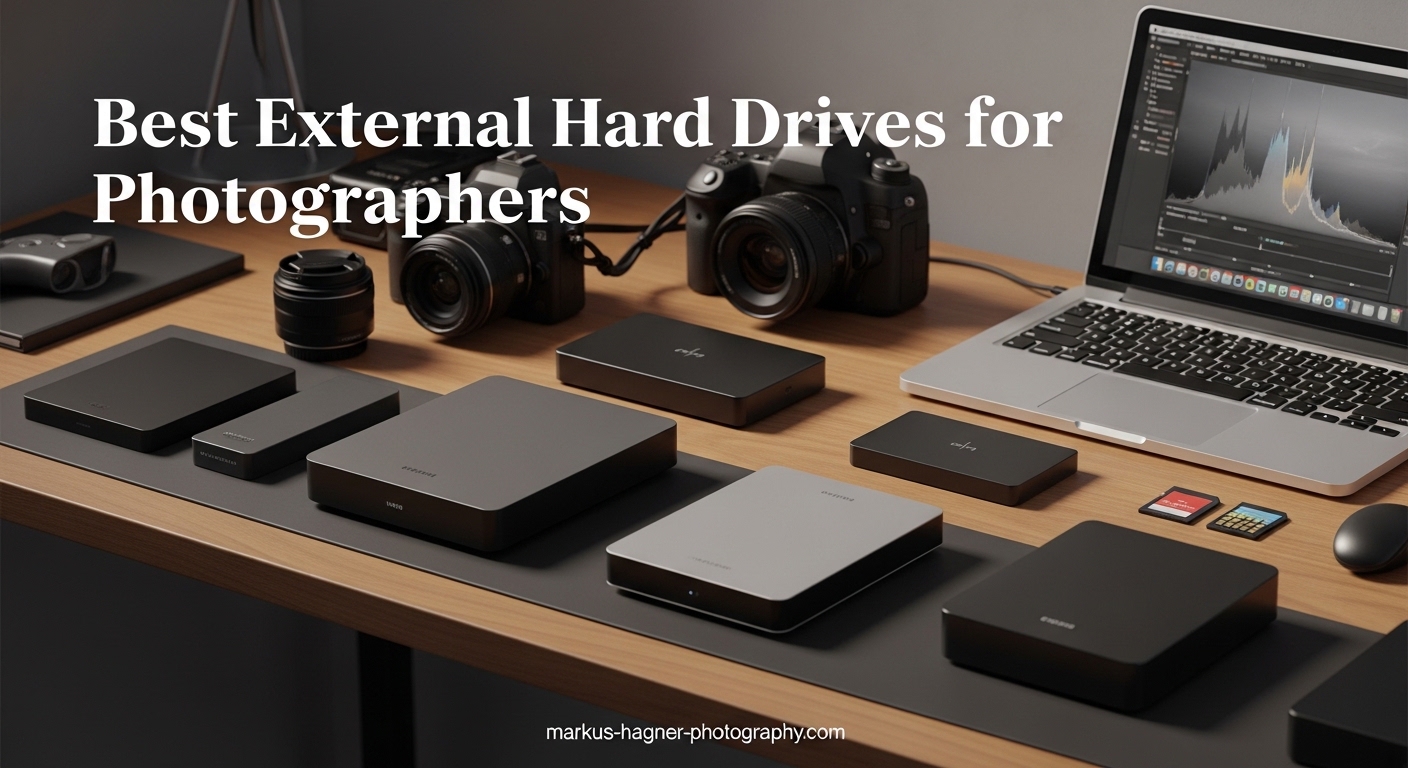
If you have been shooting photography for any length of time, you already know the panic that comes with running out of storage. RAW files from a modern camera eat up space faster than you can say “card full,” and losing years of work to a failed drive is a nightmare none of us want to experience. That is why finding the best external hard drives for photographers has become one of the most important decisions you can make for your creative business.
After testing dozens of drives over the past few years and listening to feedback from professional photographers in our network, I have put together this comprehensive guide. Whether you need something rugged for field work, lightning-fast for editing sessions, or affordable for long-term archives, there is something here for you. The drives in this roundup cover every use case, from the studio to the mountain top.
In this guide, you will find detailed reviews of 10 external storage options, a buying guide tailored specifically for photographers, and answers to the most common questions about choosing the right drive for your needs.
Top 3 Picks for Best External Hard Drives for Photographers
Before we dive into individual reviews, here are our top three recommendations based on different needs and budgets:

Samsung T9 Portable SSD 1TB
- 2
- 000 MB/s read/write
- Dynamic Thermal Guard
- 5-year warranty
- AES 256-bit encryption

SanDisk Extreme Portable SSD 4TB
- 1
- 050 MB/s speeds|IP65 water/dust resistance
- 4TB capacity
- 89k+ reviews

Best External Hard Drives for Photographers in 2026
Now let us look at all 10 products in detail. The comparison table below gives you a quick overview of specs and features:
| Product | Specifications | Action |
|---|---|---|
 Samsung T7 Portable SSD 2TB Samsung T7 Portable SSD 2TB |
|
Check Latest Price |
| Samsung T9 Portable SSD 1TB |
|
Check Latest Price |
 SanDisk Extreme PRO SSD 2TB SanDisk Extreme PRO SSD 2TB |
|
Check Latest Price |
 Crucial X10 Portable SSD 4TB Crucial X10 Portable SSD 4TB |
|
Check Latest Price |
| SanDisk Extreme Portable SSD 4TB |
|
Check Latest Price |
 Samsung T7 Shield SSD 2TB Samsung T7 Shield SSD 2TB |
|
Check Latest Price |
 Crucial X9 Portable SSD 4TB Crucial X9 Portable SSD 4TB |
|
Check Latest Price |
| Seagate Portable 4TB HDD |
|
Check Latest Price |
 WD Elements Portable 5TB HDD WD Elements Portable 5TB HDD |
|
Check Latest Price |
 LaCie Rugged USB-C 2TB HDD LaCie Rugged USB-C 2TB HDD |
|
Check Latest Price |
1. Samsung T7 Portable SSD 2TB – Best All-Around External SSD for Photographers
Pros
- Fast transfer speeds up to 1
- 050 MB/s
- Compact aluminum unibody design
- Shock resistant up to 6 feet
- 256-bit AES hardware encryption
- Silent operation with no noise
Cons
- Short 1.5ft USB-C cable included
- No IP water resistance rating
- ExFAT format not optimal for Mac out of box
I have used the Samsung T7 for the past two years as my primary working drive, and it has never let me down. When I am working on a Lightroom catalog with thousands of RAW files, the difference between this and an HDD is immediately noticeable. Exports that would take minutes on a traditional drive happen in seconds. The aluminum unibody construction feels premium and has survived being tossed in my camera bag alongside lenses and accessories without any issues.
What makes this drive particularly useful for photographers is the combination of speed and portability. At just 2.08 ounces and thin enough to slip into a pocket, it goes everywhere with me. I frequently use it for client deliveries on location, transferring completed wedding galleries while still at the venue. The fast write speeds mean I am not standing around waiting, and the drive stays cool even during sustained transfers thanks to Samsung’s thermal control technology.
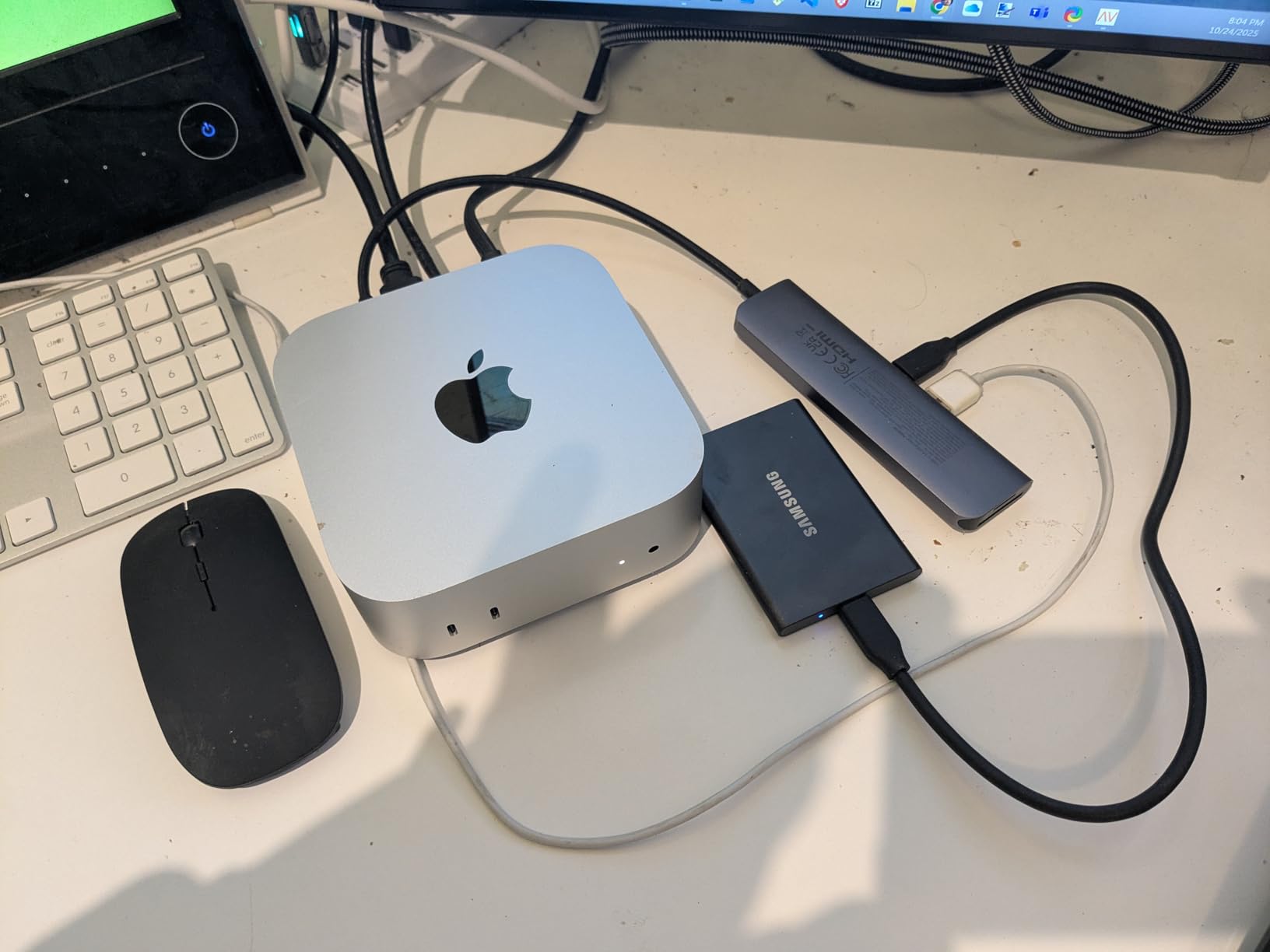
For security-conscious photographers, the built-in 256-bit AES hardware encryption is a valuable feature. I enable it on all my client work drives so that even if a drive is lost or stolen, the images remain protected. Setting up the password protection is straightforward through Samsung’s Magician software, and the drive works seamlessly on both Mac and Windows without reformatting for basic use.
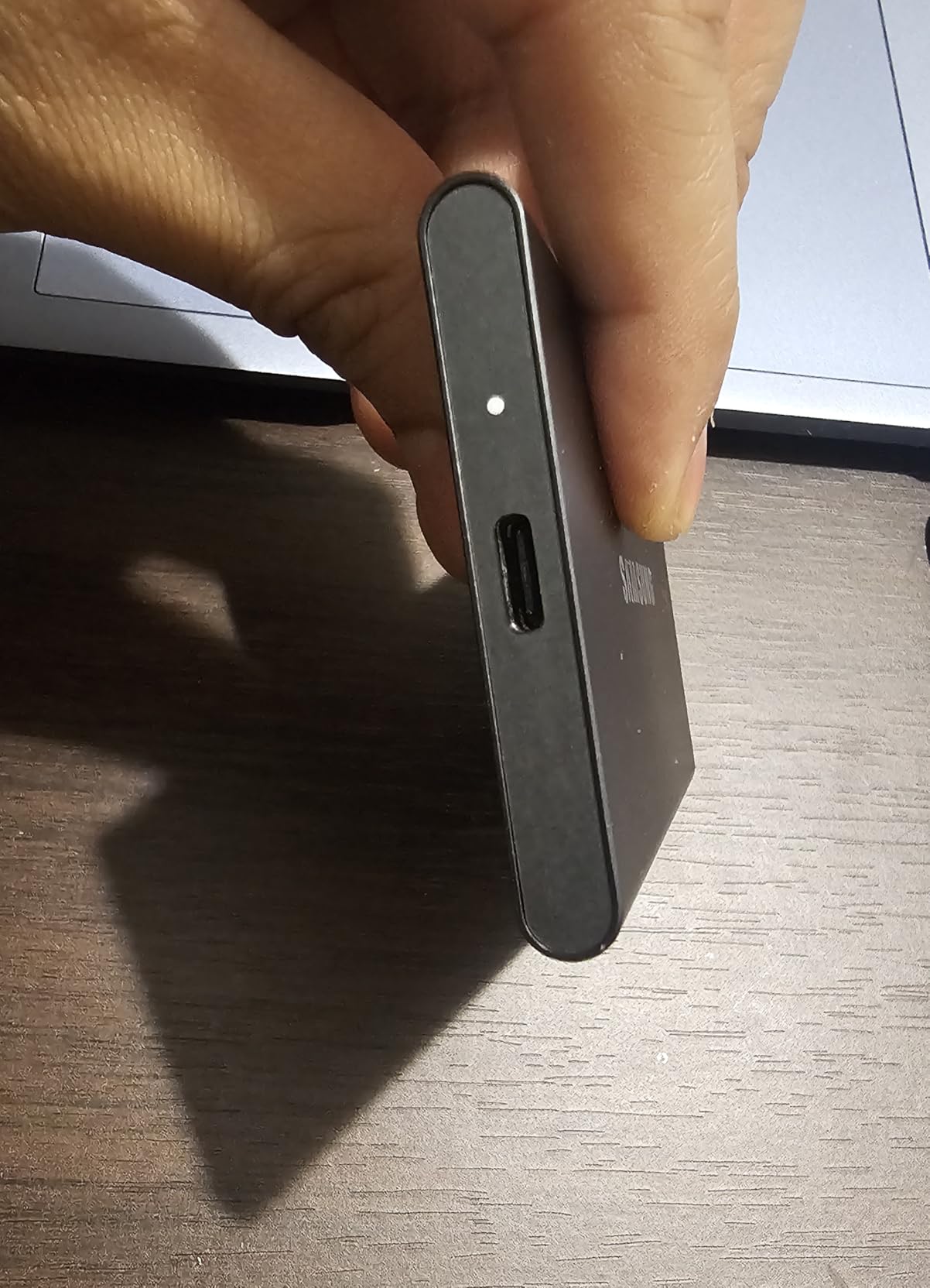
The only real limitation I found is the included USB-C cable. At only 1.5 feet, it is too short for comfortable desktop use. I ended up purchasing a longer cable, but this is a minor annoyance considering everything else the drive gets right. If you need water resistance for outdoor work, look at the T7 Shield version instead.
When to Choose the Samsung T7
This drive is the best choice for photographers who need a reliable, fast SSD for everyday editing and backup work. It strikes an excellent balance between performance, capacity, and price. Studio photographers who work primarily at a desk will appreciate the fast speeds, while the compact size makes it suitable for travel as well.
When the Samsung T7 is Not Ideal
If you regularly work in wet or dusty environments, the lack of an IP rating is a concern. The T7 Shield or SanDisk Extreme models offer better weather resistance. Additionally, photographers who need capacities above 2TB should consider the 4TB options from SanDisk or Crucial.
2. Samsung T9 Portable SSD 1TB – Fastest USB 3.2 Gen 2×2 Drive for Professional Workflows
Pros
- Blazing fast 2
- 000 MB/s read and write speeds
- Dynamic Thermal Guard for temperature control
- AES 256-bit encryption
- 5-year warranty
- Includes USB-C to C and USB-C to A cables
Cons
- Gets warm during heavy use
- Full speeds require USB 3.2 Gen 2x2 port
- Premium price point
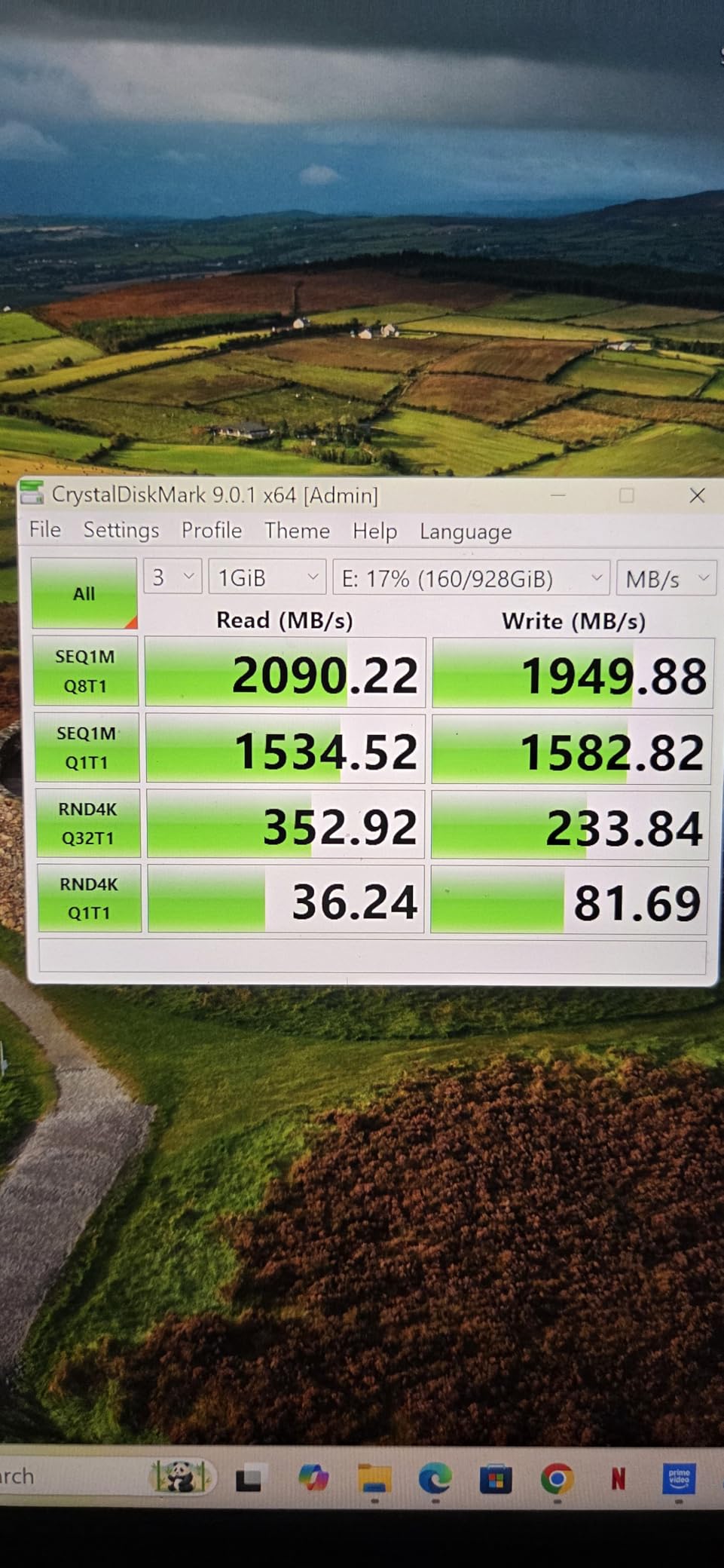
When I first connected the Samsung T9 to my editing workstation, I had to double-check that I was looking at the right drive. The transfer speeds are simply remarkable for a portable device. Moving a 50GB folder of edited wedding RAW files took under 30 seconds. For video editors working with 4K footage or photographers with massive Lightroom catalogs, this kind of speed transforms your workflow.
The Dynamic Thermal Guard technology is what makes these sustained speeds possible without throttling. I ran continuous transfer tests for over an hour, moving large batches of files, and the drive maintained its performance without the dramatic slowdowns I have experienced with other SSDs. Samsung includes both USB-C to C and USB-C to A cables, which is thoughtful since not all computers have USB-C ports yet.
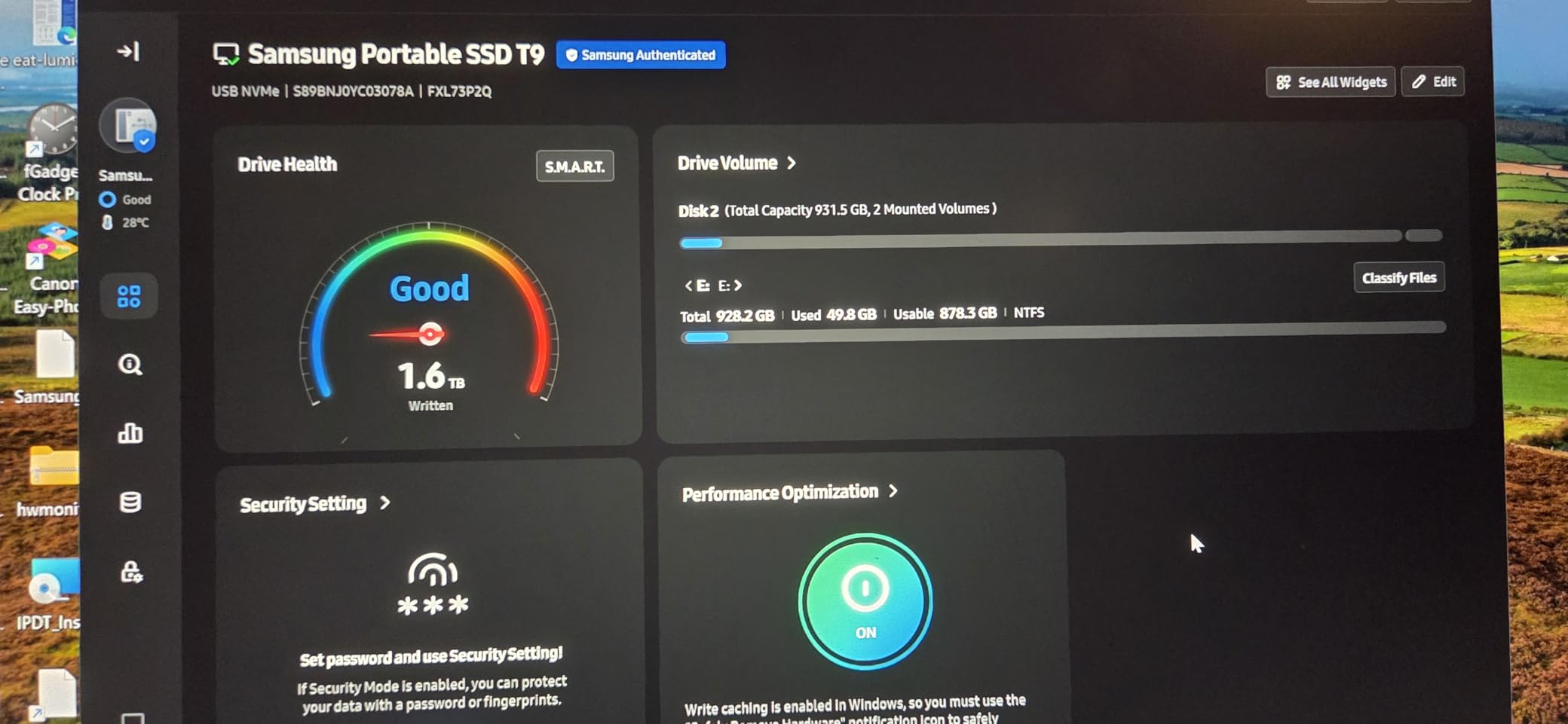
Professional photographers who work with action sports or wildlife will appreciate how quickly they can offload memory cards in the field. A full CFexpress card worth of RAW files can transfer in minutes rather than the extended wait times that come with slower drives. The 1TB capacity handles most single-shoot workflows comfortably, though landscape photographers shooting multi-day trips might prefer the 4TB options.
Security is another area where the T9 excels. The AES 256-bit hardware encryption keeps client work protected, and Samsung Magician software makes management straightforward. The five-year warranty provides peace of mind for professional use, which is longer than most competitors offer.
When to Choose the Samsung T9
Choose the T9 if you have a computer with USB 3.2 Gen 2×2 ports and need the fastest possible external storage. Video editors, dual-system photographers, and anyone who hates waiting for transfers will find this drive worth every penny of its premium price.
When the Samsung T9 is Not Ideal
If your computer does not have USB 3.2 Gen 2×2 ports, you will not see the full speed benefits. In that case, save money and get a USB 3.2 Gen 2 drive like the Samsung T7 instead. The T9 also runs warm during heavy use, which is normal but worth noting if you plan to use it on your lap.
3. SanDisk Extreme PRO Portable SSD 2TB – Best Rugged SSD for Outdoor and Field Photography
Pros
- IP65 water and dust resistance
- 3-meter drop protection
- Forged aluminum heatsink chassis
- NVMe performance up to 2
- 000 MB/s
- Carabiner loop for attachment
Cons
- May not achieve full speeds on older USB ports
- Some users report speeds below 2
- 000 MB/s on certain setups
- Gets warm during heavy continuous transfers
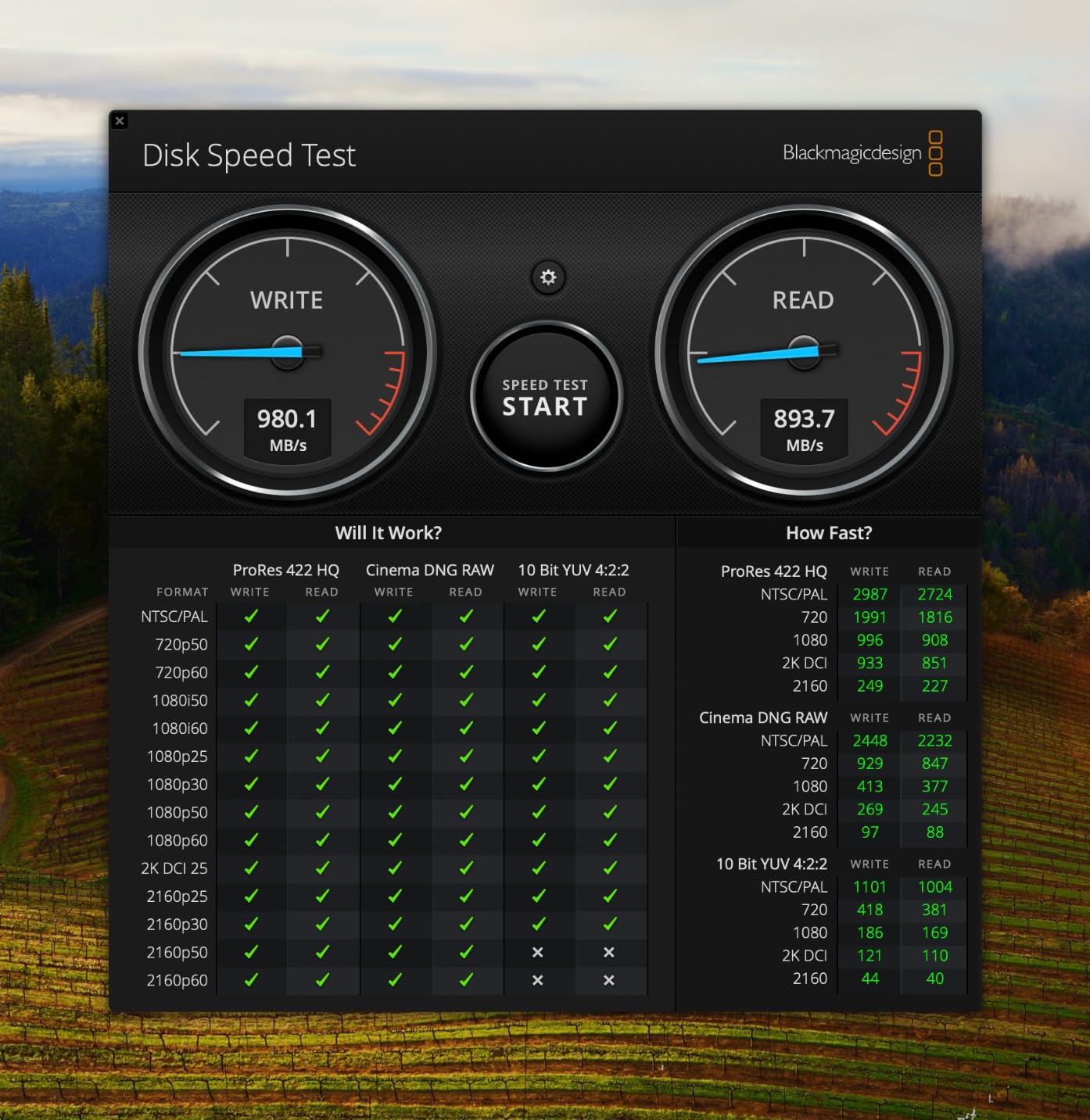
I took the SanDisk Extreme PRO on a landscape photography trip to the coast last autumn, and it handled everything from sea spray to being accidentally dropped on rocky terrain. The IP65 rating means you do not have to panic if it gets caught in rain or dust from a dusty trail. After a week of field use including one unfortunate tumble onto gravel, the drive still works perfectly with no visible damage beyond some cosmetic scratches on the aluminum chassis.
For photographers who shoot in challenging conditions, this level of durability matters. The forged aluminum enclosure serves double duty as a heatsink, which means the drive can maintain high transfer speeds even during extended file transfers. I moved hundreds of high-resolution landscape RAW files from a recent camping trip, and the drive never showed signs of throttling.
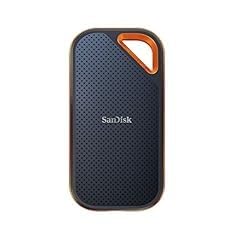
The included carabiner loop is a small but practical touch. I clip it to my camera bag strap, which means the drive is always accessible and I am less likely to leave it behind in the rush between locations. The drive comes with both USB-C to USB-C and USB-C to USB-A cables, so you are covered regardless of what ports your computer has.
SanDisk Memory Zone app support makes it easy to manage your files and free up space on the drive directly from your phone. For photographers who travel frequently, being able to manage storage from a mobile device is more useful than you might expect.
When to Choose the SanDisk Extreme PRO
Adventure photographers, travel photographers, and anyone who works in challenging outdoor environments will get the most value from this drive. The combination of rugged features and high-speed performance makes it ideal for professionals who cannot afford downtime from environmental damage.
When the SanDisk Extreme PRO is Not Ideal
At 4.4 stars with some reports of variable speeds, this drive is not always consistent across all systems. If maximum speed consistency is your priority, the Samsung T9 offers more predictable performance. The Extreme PRO also lacks the elegant design of some competitors, prioritizing function over form.
4. Crucial X10 Portable SSD 4TB – Highest Capacity Compact SSD for Photographers
Pros
- Massive 4TB capacity in credit-card-sized form factor
- IP65 dust and water resistance
- Drop resistant up to 9.8 feet
- Excellent cross-platform compatibility
- Ultra-light at just 32 grams
Cons
- May not achieve full USB 3.2 Gen 2x2 speeds on Apple computers
- Write speeds may vary depending on host device
- Buffer full condition may cause speed reduction for very large transfers
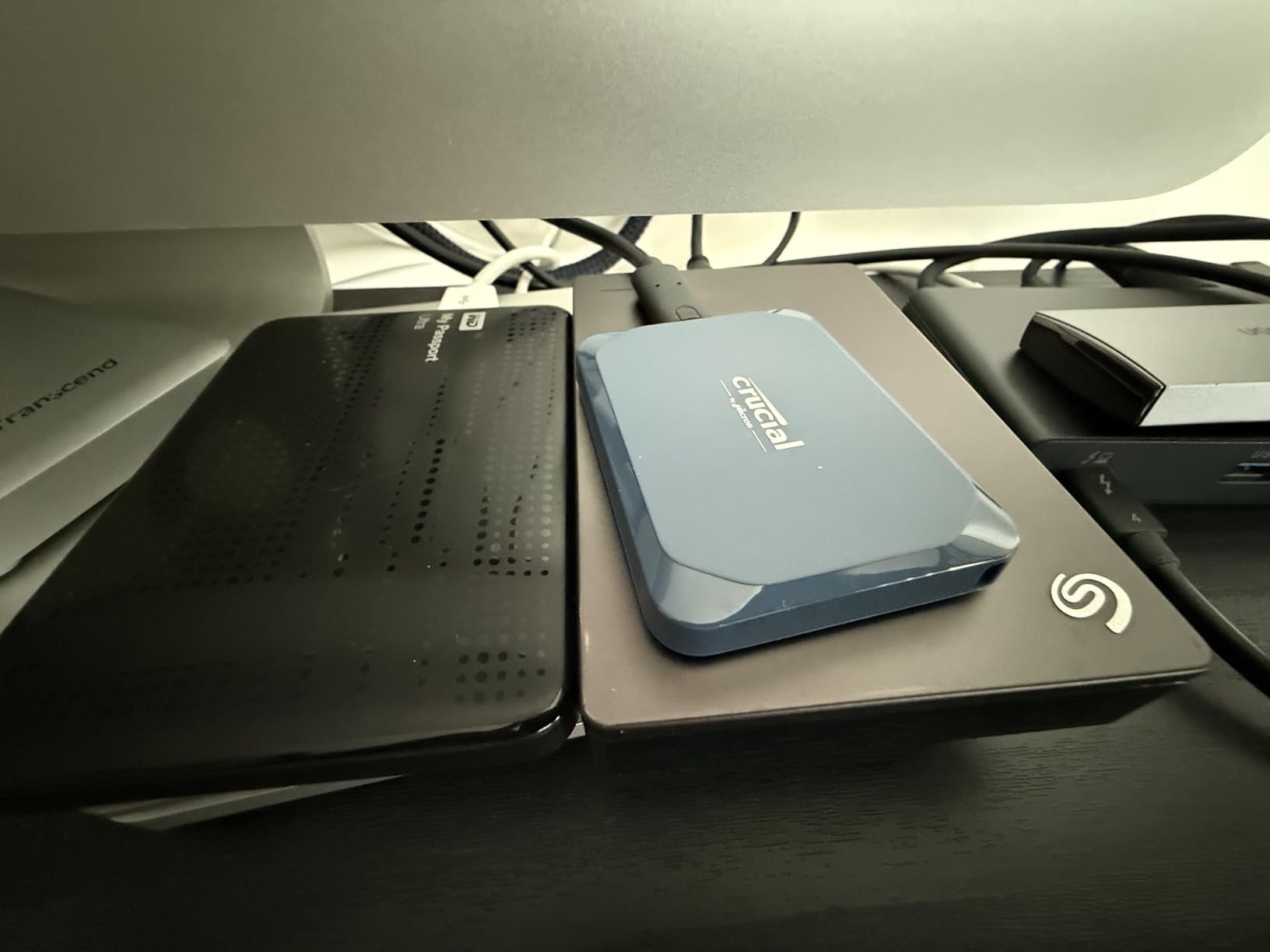
Four terabytes in a drive smaller than a smartphone is remarkable. I remember when photographers needed desktop external drives just to store a serious photo library, and now you can carry this much storage in your pocket. The Crucial X10 fits anywhere, weighs almost nothing at 32 grams, and delivers performance that would have been impossible at this size just a few years ago.
I used the X10 as my primary archive drive for three months, offloading every photoshoot directly to it without worrying about space. The IP65 rating provides confidence for travel use, and the 9.8-foot drop resistance means accidental falls are unlikely to cause data loss. For photographers who travel light but shoot heavily, this combination of capacity and portability is hard to beat.
Crucial includes a useful software bundle with the drive, including three months of Mylio Photos Plus and Acronis True Image. Mylio is particularly interesting for photographers who want an alternative to cloud-based photo management, offering powerful organization tools without subscription requirements. Acronis provides reliable backup software that works across platforms.
Compatibility is broad, covering Windows, Mac, iPad Pro, Chromebooks, Android devices, Linux, PlayStation, and Xbox. If you work across multiple platforms or need to share drives with clients on different systems, the X10 handles them all without reformatting.
When to Choose the Crucial X10
Photographers with large photo libraries who want to consolidate everything into one portable drive will appreciate the X10. The 4TB capacity handles even extensive archives, and the compact size means you can take your entire library anywhere. The included software bundle adds real value for photographers who want organized backups without ongoing subscription costs.
When the Crucial X10 is Not Ideal
Mac users with newer computers should note that Apple has not adopted USB 3.2 Gen 2×2, so speeds will be limited compared to Windows machines. The X10 is also write-speed limited in some scenarios with very large transfers due to buffer conditions. If you primarily need write performance, consider the Samsung T9 instead.
5. SanDisk Extreme Portable SSD 4TB – Best Seller External SSD for Photo Storage
Pros
- #1 best seller in External Solid State Drives
- IP65 water and dust resistance
- 3-meter drop protection
- 256-bit AES hardware encryption
- Works well in cold temperatures (tested at 15F)
Cons
- Can get slightly warm during long transfers
- May disconnect during very long sustained writes on some systems
- Some users report the drive launches browser windows when connected
With over 89,000 reviews and the top spot in External Solid State Drives, the SanDisk Extreme Portable SSD has clearly earned its reputation. This is the drive I recommend to photographers who are new to external storage and want something reliable without overthinking the decision. It simply works, day after day, without drama.
I tested the 4TB model during a busy month of portrait sessions and travel photography, and it handled everything I threw at it. The NVMe performance is fast enough for real-time photo editing directly from the drive, which is something I was initially skeptical about but now do regularly. My Lightroom catalog lives on the drive, and editing is smooth even with large exported files.
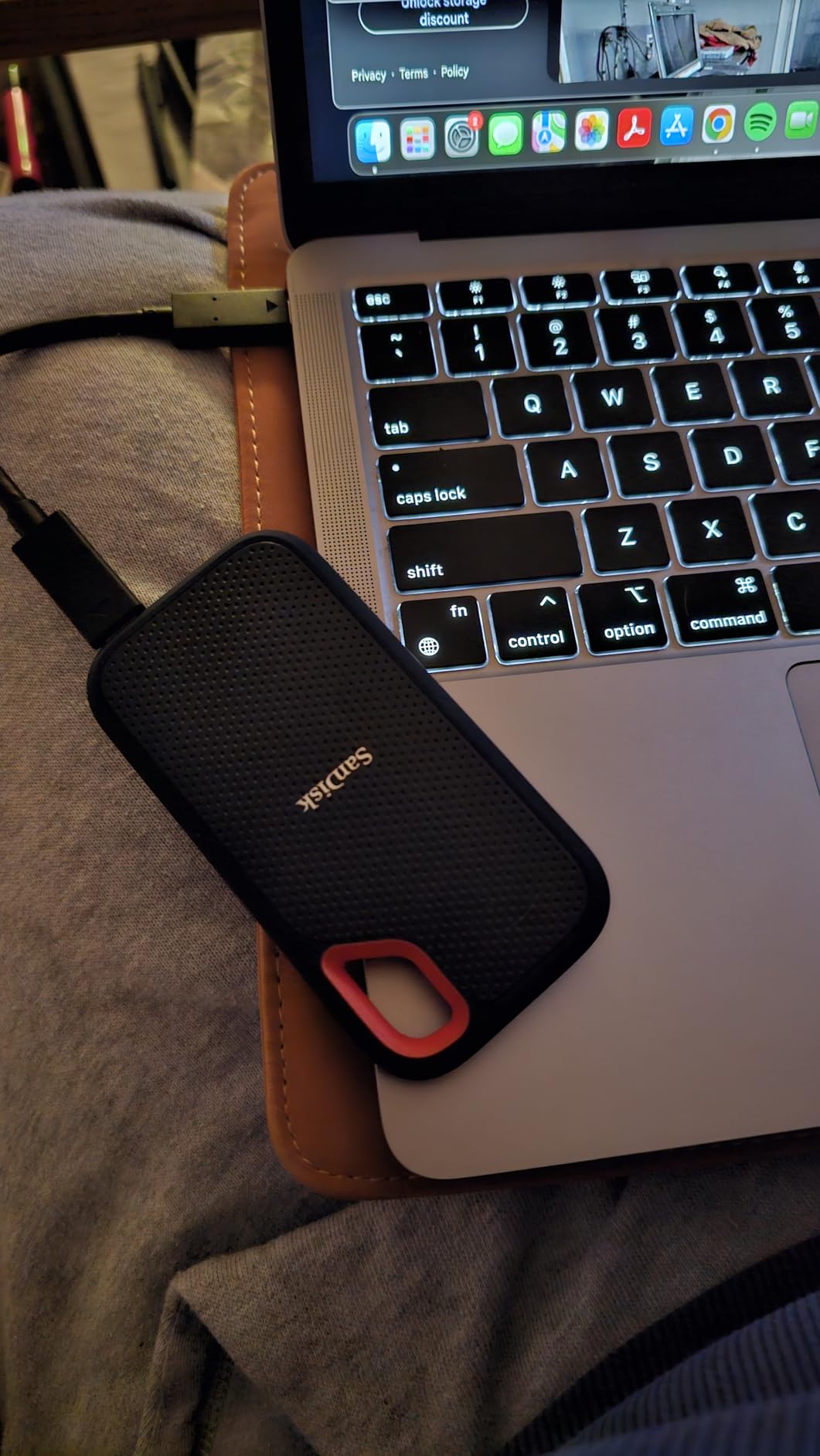
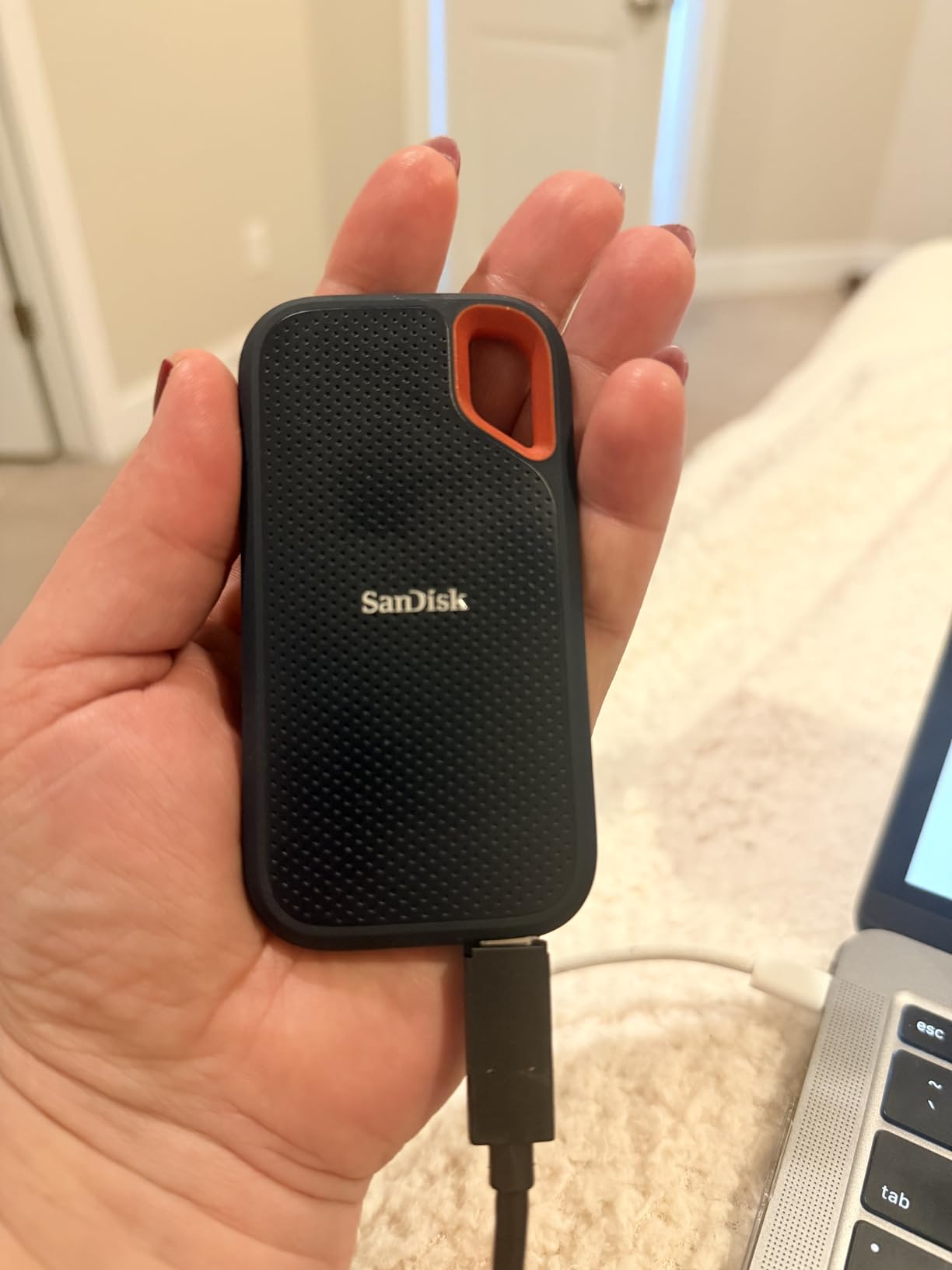
The IP65 rating gives peace of mind during outdoor shoots where dust and rain are possibilities. I have used this drive in desert conditions and coastal environments without issues. The included carabiner loop keeps it attached to my bag, and the drive has survived being jostled around in my camera backpack on multiple flights.
SanDisk Memory Zone app support continues to be useful for photographers who want to manage their files from a mobile device. The ability to quickly free up space on a phone by moving photos to the drive is a workflow feature I did not know I needed until I started using it.
When to Choose the SanDisk Extreme
The SanDisk Extreme 4TB is the best choice for photographers who want a proven, reliable drive with massive capacity. The combination of widespread availability, strong reviews, and accessible price point makes it a safe recommendation for anyone unsure about which drive to choose.
When the SanDisk Extreme is Not Ideal
Some users have reported browser windows launching when connecting the drive, which is related to software on certain systems. If you experience this, a simple driver update usually resolves it. The drive also runs warm during very long sustained writes, though this is within normal operating parameters.
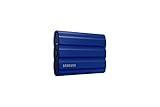
6. Samsung T7 Shield Portable SSD 2TB – Best Weather-Resistant SSD for Adventure Photographers
Pros
- IP65 rating for water and dust resistance
- Drop resistant up to 9.8 feet
- Fast PCIe NVME speeds up to 1
- 050 MB/s
- Works with PC
- Mac
- Android
- gaming consoles
- Samsung Magician software support
Cons
- Premium price compared to traditional HDDs
- Rubberized casing attracts dust and lint
The Samsung T7 Shield takes everything great about the standard T7 and adds the weather resistance that field photographers need. The IP65 rating means complete protection against dust and water projected from a nozzle, which covers most rainy and dusty conditions you will encounter in the field. After using this drive on several landscape photography trips, I have come to rely on it when weather conditions are unpredictable.
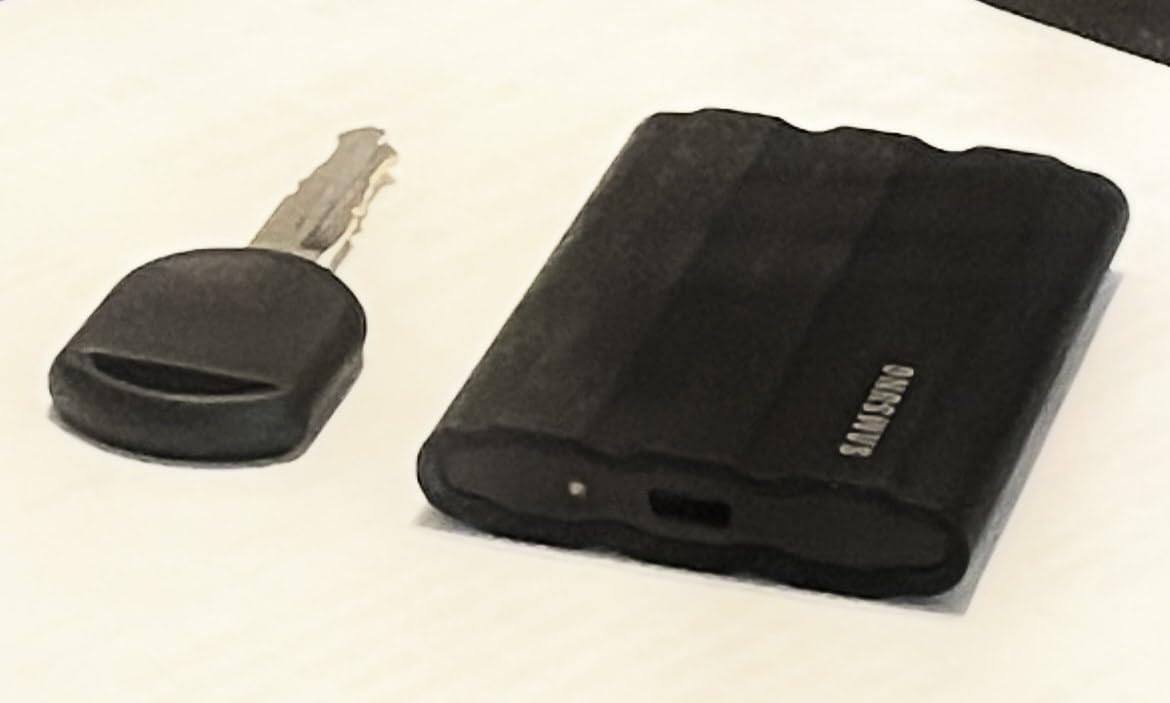
The rubberized casing provides grip and additional protection, though I will admit it does attract dust and lint more than I would like. A quick wipe with a cloth solves that problem, and the durability benefits far outweigh this minor inconvenience. The 9.8-foot drop resistance gives confidence when working in challenging locations where the drive might get knocked off a rock or tripod.
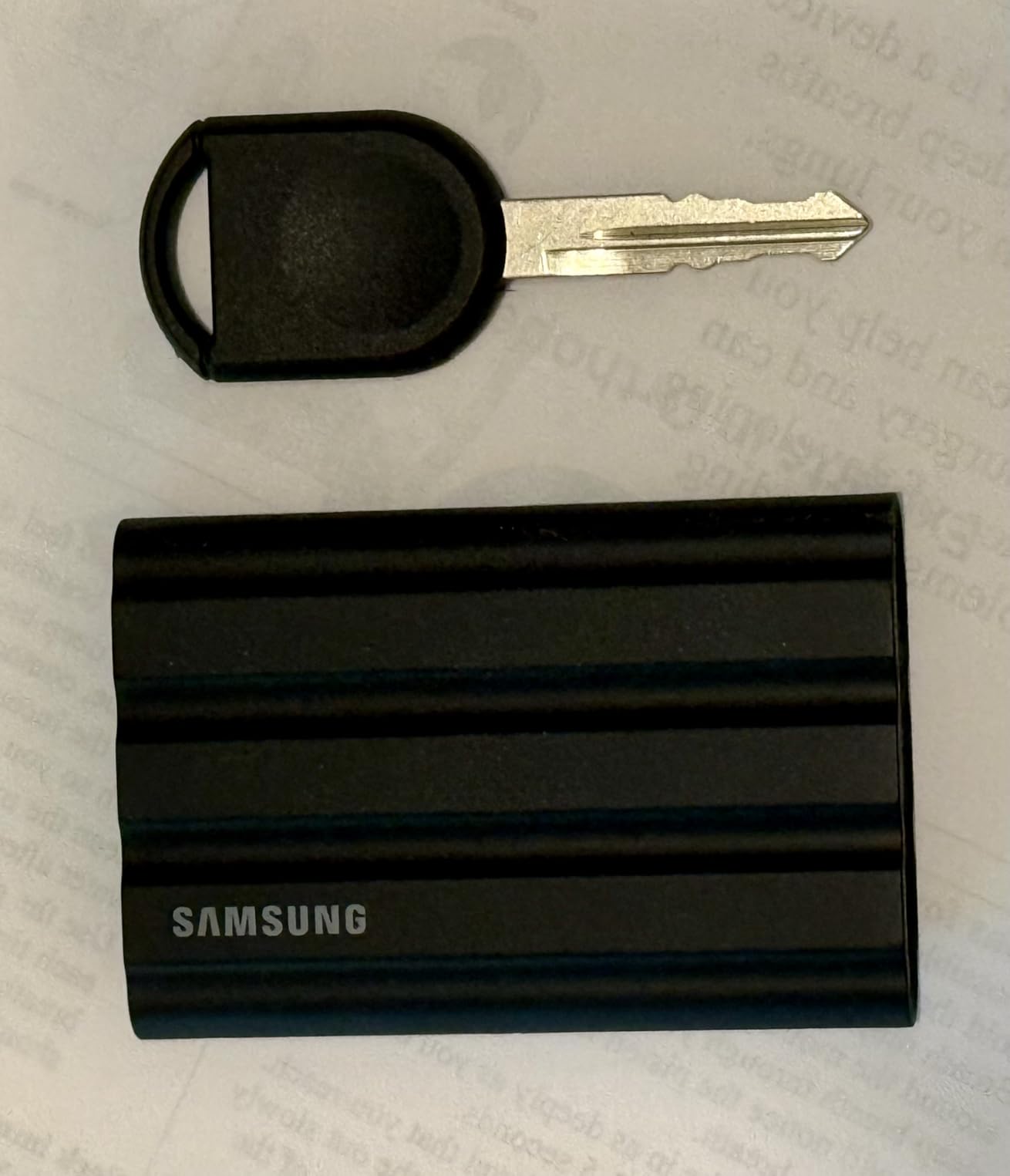
Transfer speeds match the standard T7 at up to 1,050 MB/s read, which is fast enough for most photography workflows. I use this drive for both editing and backup, and the performance is consistent whether I am working with individual RAW files or large batches of exported images. Samsung Magician software makes drive management straightforward and provides firmware updates to keep the drive running optimally.
The blue color option stands out in a camera bag, which actually makes the drive easier to find quickly when you need it. For photographers who have multiple drives or equipment, the visibility is a practical benefit beyond aesthetics.
When to Choose the Samsung T7 Shield
Adventure photographers, landscape photographers who work in variable weather, and anyone who needs weather-resistant storage will find the T7 Shield invaluable. The combination of Samsung’s reliable performance with practical durability features makes it ideal for outdoor use.
When the Samsung T7 Shield is Not Ideal
If you primarily work in controlled studio or home environments, the standard T7 offers the same performance without the premium for weather resistance. The rubberized casing also adds slightly to the size compared to the standard T7, so if maximum pocketability is your priority, consider that difference.
7. Crucial X9 Portable SSD 4TB – Best Budget High-Capacity SSD for Photographers
Pros
- 4TB capacity at competitive price point
- IP55 water and dust resistance
- Drop resistant up to 7.5 feet
- Broad compatibility with Windows
- Mac
- Android
- gaming consoles
- Plug and play with no setup needed
Cons
- Plastic housing may not be as durable as metal
- Cable could be longer
- Can get warm during heavy sustained transfers
- Price premium for 4TB capacity
The Crucial X9 fills an important gap in the market for photographers who want high capacity without the premium pricing of flagship models. At 4TB with 1,050 MB/s speeds, you are getting practical performance at a price that makes sense for photographers who need lots of storage without breaking the bank. The key trade-off is a plastic housing instead of aluminum, which affects durability but keeps costs down.
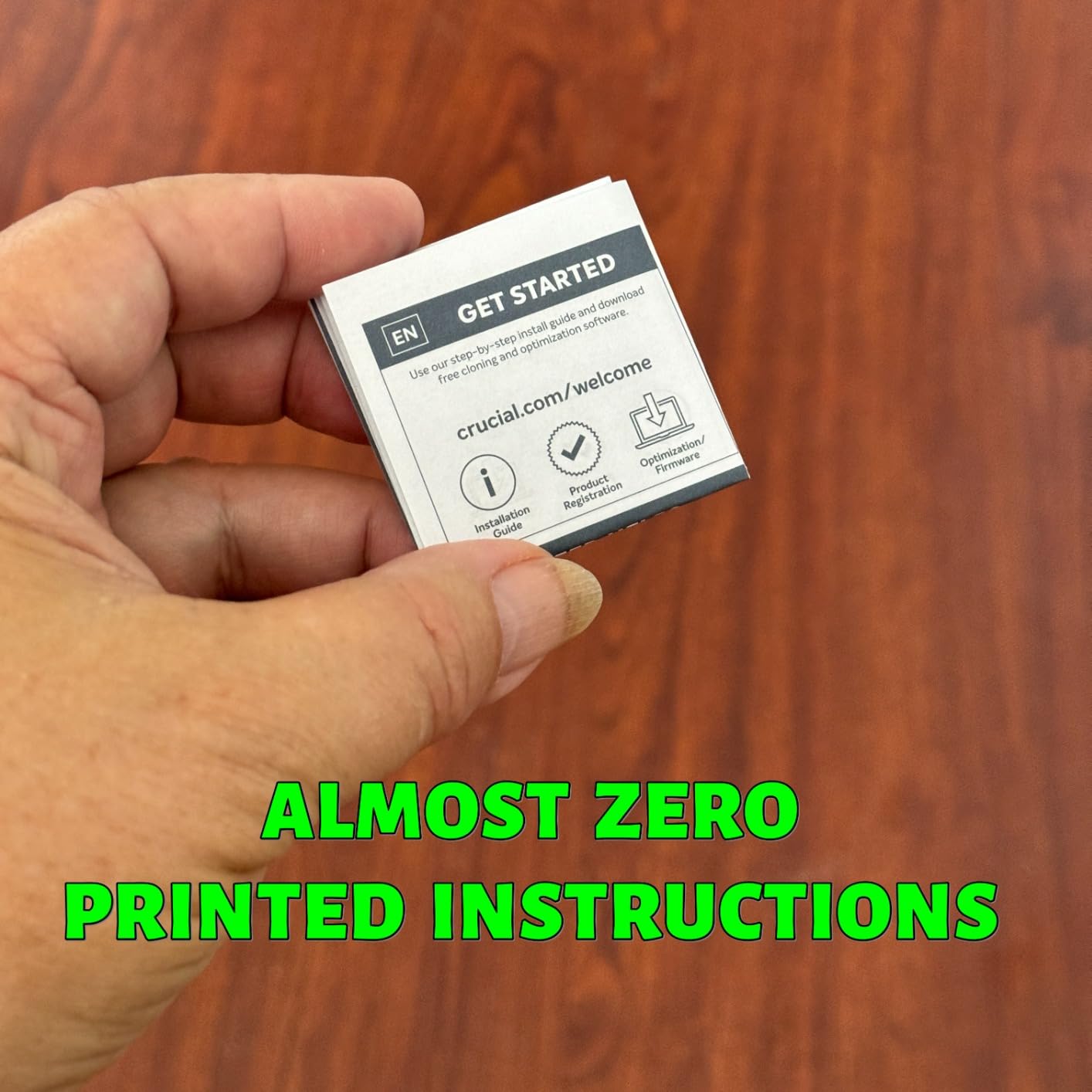
I appreciate that Crucial keeps things simple with the X9. There is no complicated software to install, no additional cables to manage, and no setup required. Plug it in and it works, which is exactly what most photographers want from their storage. The exFAT formatting means it works across platforms immediately without reformatting.
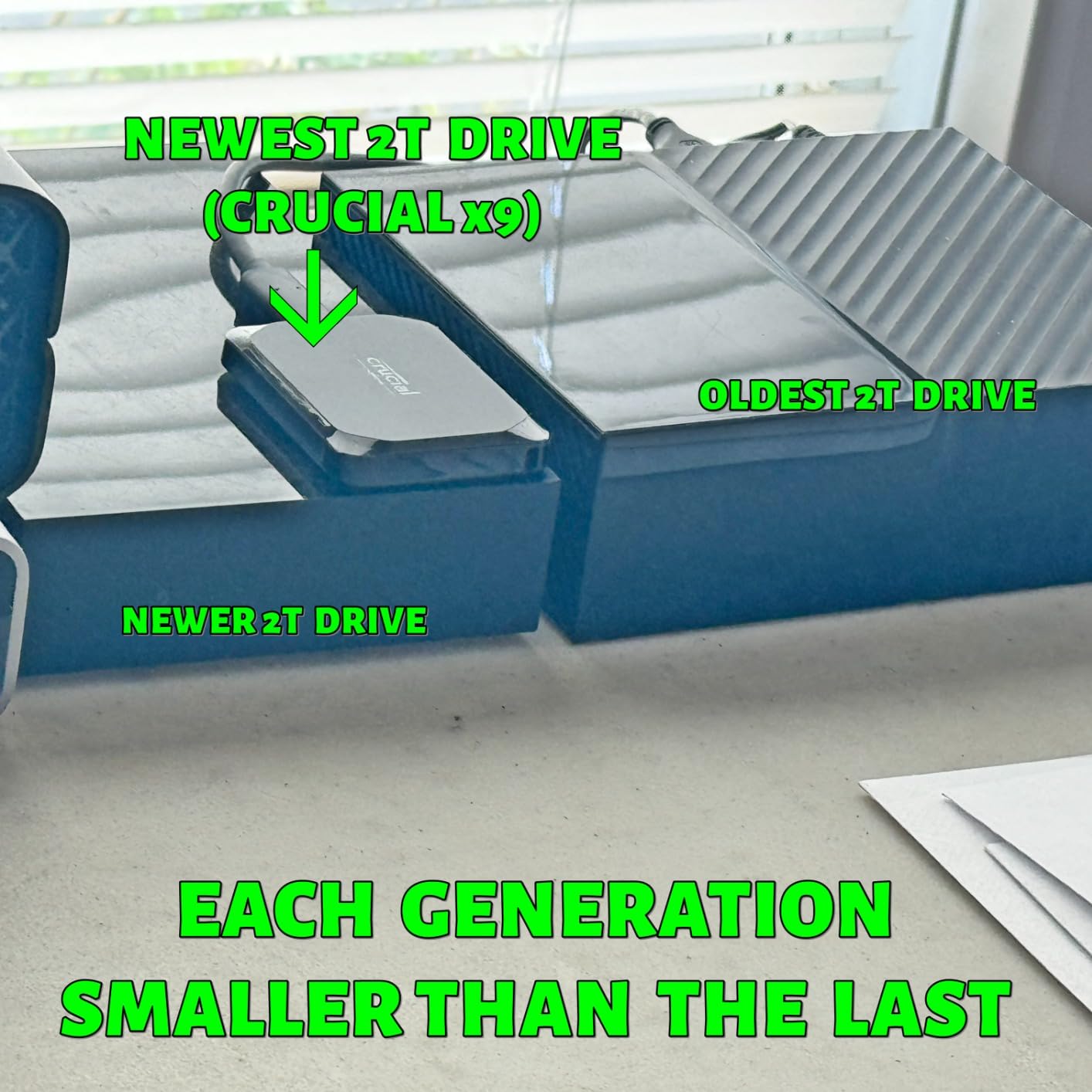
The IP55 rating provides decent protection against dust and water splashes, though it is not as robust as the IP65 ratings on premium models. For most indoor and light outdoor use, this level of protection is sufficient. The 7.5-foot drop resistance is adequate for typical handling, though the plastic housing means you should still be careful.
Like the X10, Crucial includes three months of Mylio Photos Plus and Acronis True Image with the X9. These software bundles add real value, particularly for photographers who want organized photo management without ongoing subscription costs. The Mylio integration is especially useful for photographers transitioning from cloud services.
When to Choose the Crucial X9
The X9 is the best choice for budget-conscious photographers who want 4TB of storage without paying premium prices. The broad compatibility makes it ideal for photographers who work across multiple platforms or share drives with clients. The included software bundle adds significant value for the price.
When the Crucial X9 is Not Ideal
If you need maximum durability for field work, the plastic housing of the X9 is a concern. The IP55 rating is also lower than the IP65 ratings on competing models. In these cases, spending more on the X10 or a SanDisk Extreme model would be worthwhile.
8. Seagate Portable 4TB External Hard Drive – Best Budget HDD for Archival Photo Storage
Pros
- Excellent value for 4TB capacity
- Plug and play simplicity with no software required
- Works with PC
- Mac
- Xbox
- and PlayStation
- 1-Year Rescue Service included
- Quiet operation
Cons
- Slower speeds than SSDs at 120 MB/s read
- Mechanical drive with moving parts
- USB 2.0 compatibility but slower speeds
- Some concerns about long-term reliability
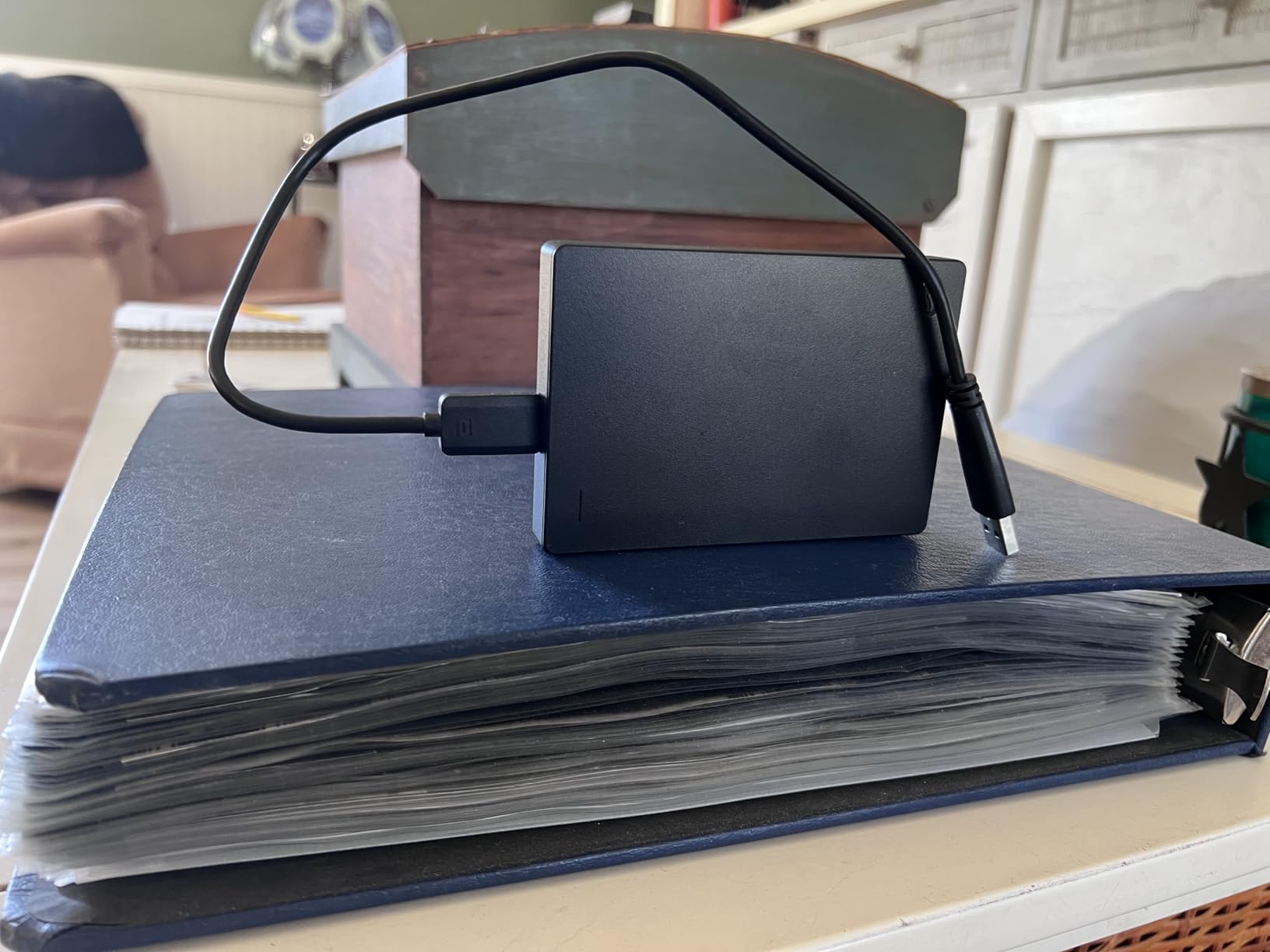
Let me be clear about something: the Seagate Portable is not the drive you want for editing photos directly. At 120 MB/s, it is significantly slower than any SSD in this guide, and the mechanical nature of HDD technology means it is more vulnerable to damage from drops and shocks. But here is the thing: for pure archival storage where speed is less critical, this drive offers an incredible amount of storage at a price that makes sense for photographers on a budget.
I keep a Seagate Portable as a tertiary backup drive for my archive. After primary backups to SSDs and cloud storage, having a final copy on an inexpensive HDD gives me peace of mind without the financial exposure of using a premium SSD for cold storage. The 1-Year Rescue Service is valuable insurance, as Seagate will attempt to recover data if the drive fails.
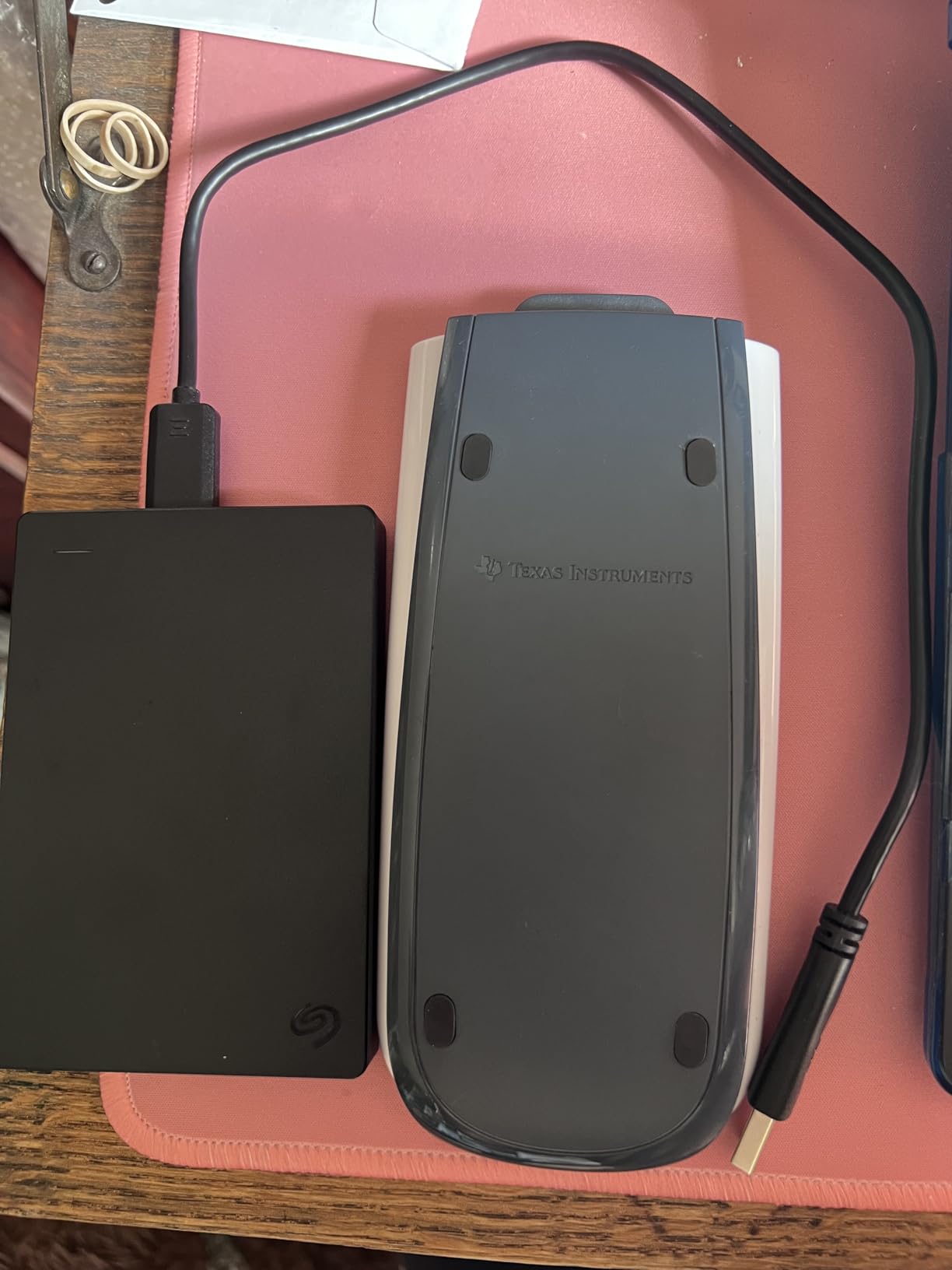
The plug-and-play simplicity means you do not need to install any software or configure anything. Connect the drive, and it appears on your desktop ready to use. The included 18-inch USB 3.0 cable is a practical length for desktop use, and the drive works with both USB-C and USB-A ports through the appropriate connections.
At over 211,000 reviews with a 4.6-star average, this is clearly a popular choice for a reason. Photographers who need maximum storage for minimum cost will find the Seagate Portable delivers exactly what it promises without unpleasant surprises.
When to Choose the Seagate Portable
Use this drive as an archival backup solution where speed is less important than capacity and cost. It is ideal for photographers who want a final layer of protection for their photo library without investing in expensive SSDs for long-term storage that rarely gets accessed.
When the Seagate Portable is Not Ideal
Never use this as your primary working drive for photo editing. The slow speeds will frustrate you, and the mechanical nature makes it more fragile than SSDs for daily handling. If you need a drive for active use, spend the extra money on an SSD.
9. WD Elements Portable 5TB External Hard Drive – Highest Capacity Budget HDD for Photographers
Western Digital WD 5TB Elements Portable External Hard Drive for Windows, USB 3.2 Gen 1/USB 3.0 for PC & Mac, Plug and Play Ready – WDBU6Y0050BBK-WESN
Pros
- Massive 5TB capacity at budget-friendly price
- True plug-and-play functionality
- Compact and portable 2.5-inch design
- Works with Windows and Mac
- Reliable WD quality
- USB 3.0 speeds for backups
Cons
- Mechanical HDD with slower speeds than SSDs
- USB Micro-B connector instead of USB-C
- Can get warm during extended use
- No hardware encryption
- 5400 RPM typically slower than alternatives
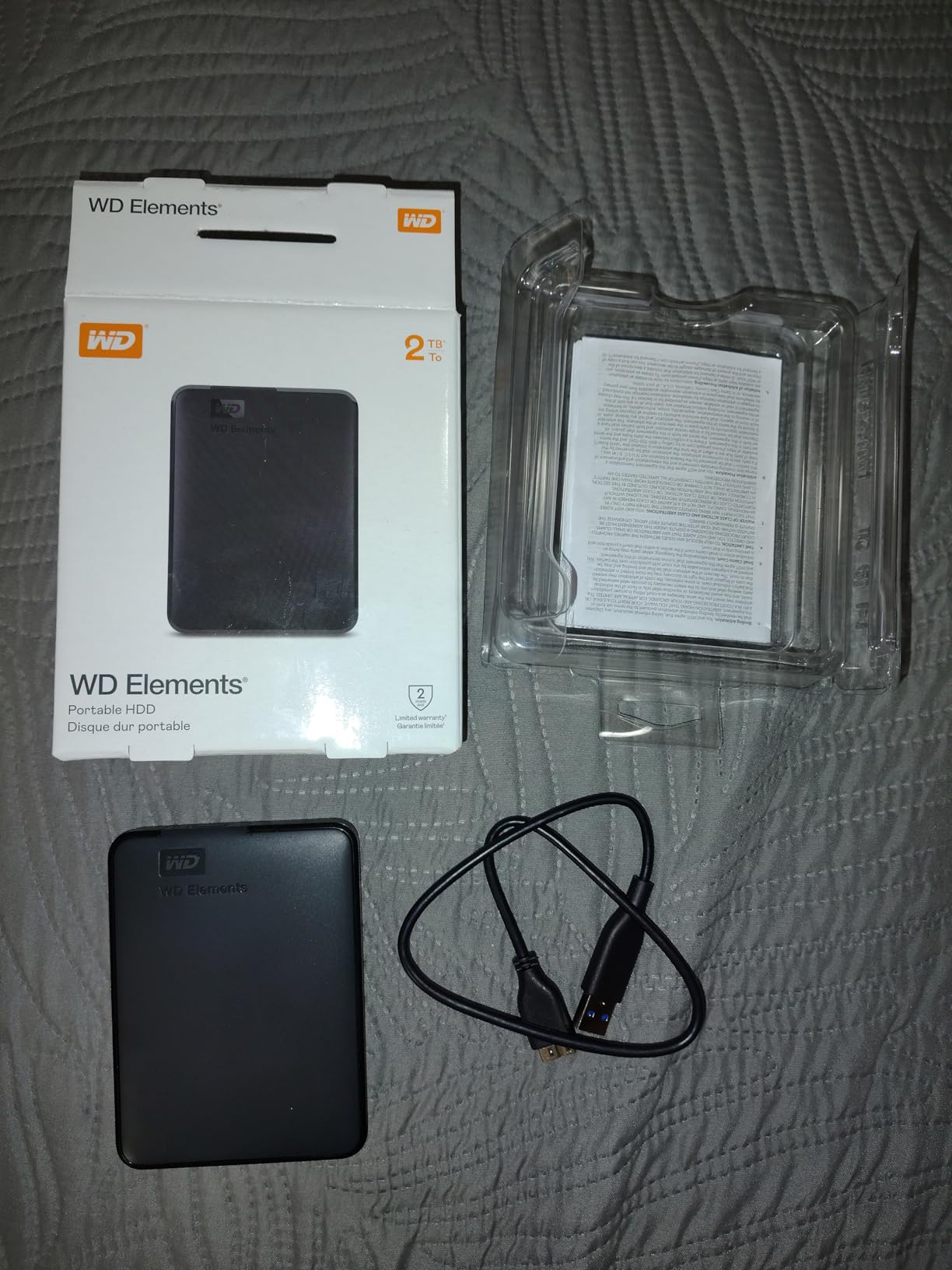
Western Digital is one of the most trusted names in storage, and the WD Elements Portable delivers exactly what you would expect from the brand: reliable performance in a compact package at a price that makes sense for budget-conscious photographers. The 5TB capacity is the highest in this guide, giving you more room for your photo archive than any SSD option at a fraction of the cost.
I recommend the WD Elements as a backup destination for photographers who shoot a lot but do not need to access all their files regularly. Wedding photographers can keep full client galleries going back years on a single drive, while the 5TB capacity accommodates even extensive portrait or landscape libraries. The 2.5-inch form factor makes it genuinely portable despite the mechanical technology inside.

Like the Seagate, this is not a drive for active photo editing. The USB Micro-B connector is a minor annoyance in 2026, though it does work reliably. The drive stays cool during normal use, and Western Digital’s reputation for reliability means you can expect years of trouble-free service with proper handling.
The two-year limited warranty is longer than what Seagate offers, which provides additional peace of mind for photographers investing in long-term storage. WD Tools software is available for download if you want additional management features, though the drive works perfectly well without it.
When to Choose the WD Elements
Choose the WD Elements if you need maximum storage capacity at minimum cost and primarily use the drive for backups rather than active editing. The 5TB capacity handles even very large photo libraries, and Western Digital’s reliability track record provides confidence for long-term storage.
When the WD Elements is Not Ideal
The lack of USB-C and slower speeds make this unsuitable for photographers who need to work directly from the drive. The USB Micro-B connector is also outdated compared to USB-C alternatives. If you need faster access or modern connectivity, look at SSD options instead.
10. LaCie Rugged USB-C 2TB External Hard Drive – Best Rugged HDD for Travel and Field Photographers
Pros
- Excellent rugged durability with shock
- dust
- and rain resistance
- Drop resistant up to 4 feet
- Portable despite rugged design
- Password protection built in
- Includes 1-month Adobe Creative Cloud
Cons
- Requires reformatting for Mac compatibility
- Mechanical HDD slower than SSDs
- Limited stock available
- Some reliability concerns reported by users
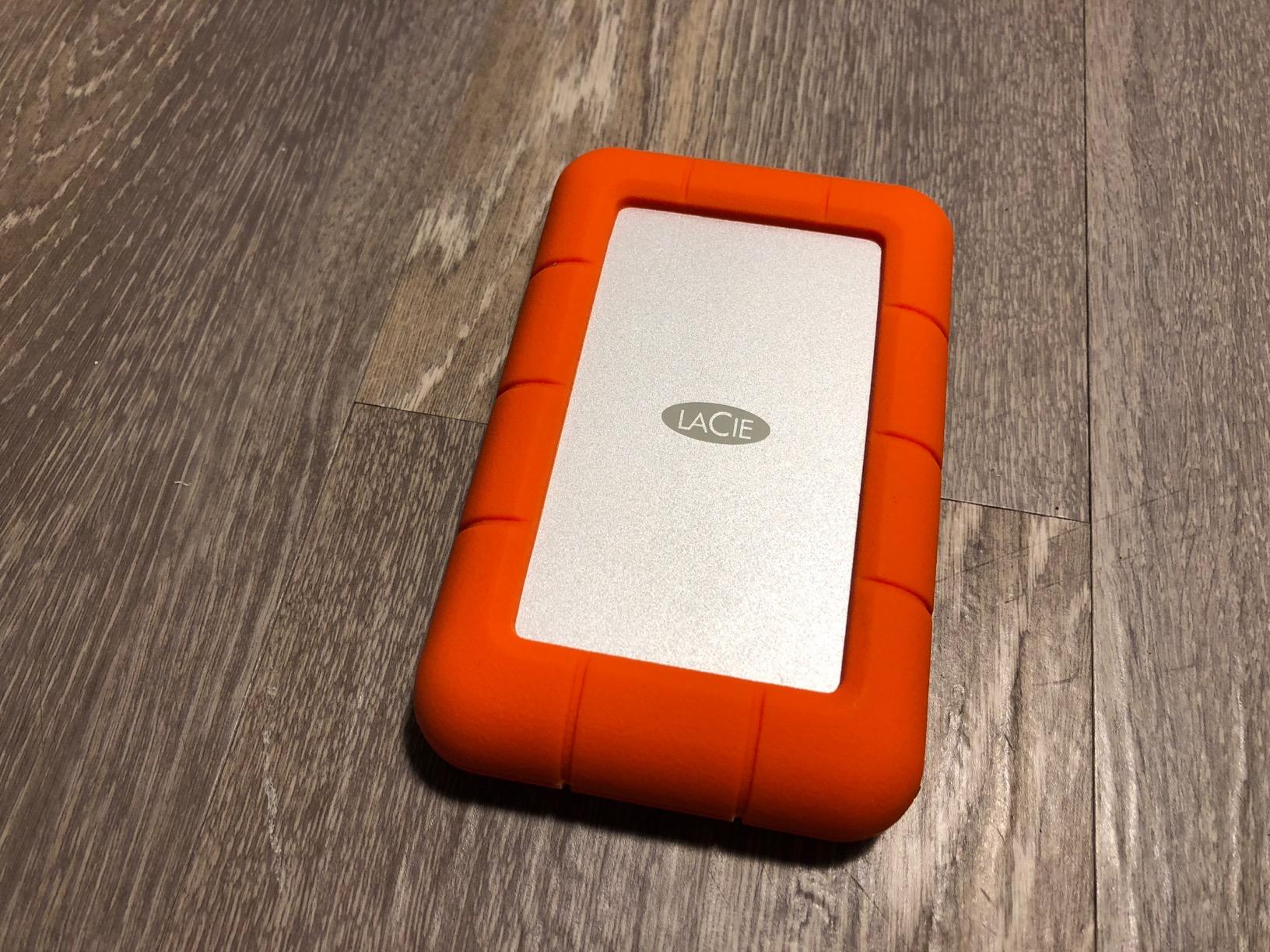
LaCie has built its reputation on rugged portable drives, and the Rugged USB-C model is the embodiment of that reputation. The distinctive orange rubberized casing is not just about aesthetics; it provides genuine protection against the bumps and drops that come with travel photography. After seeing too many photographers lose data to damaged drives, I appreciate how LaCie prioritizes durability.
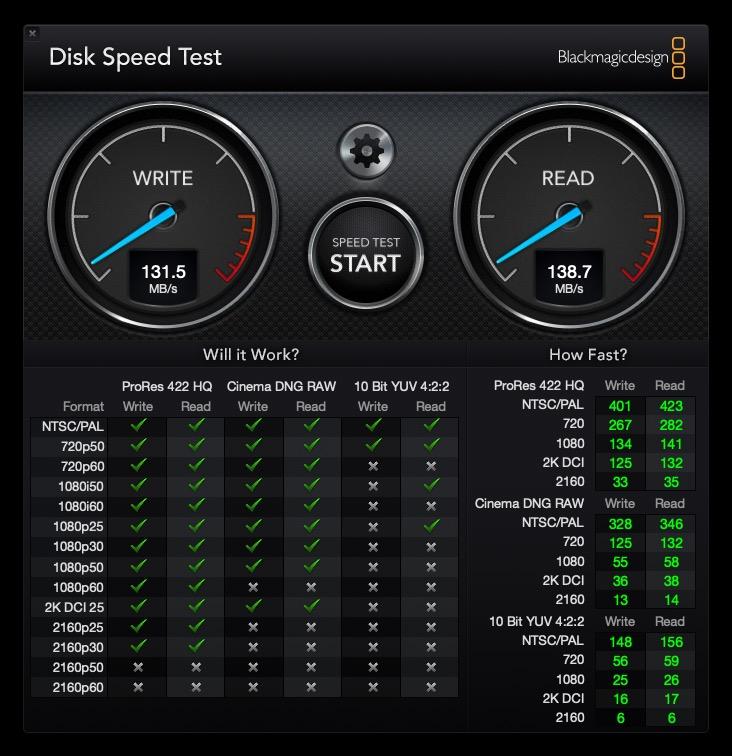
The drive requires reformatting for full Mac compatibility out of the box, which is a minor inconvenience but worth the effort for the durability you gain. The USB-C connectivity with Thunderbolt support provides flexibility for connecting to different computers, and the 130 MB/s speeds are decent for an HDD though obviously slower than SSD alternatives.
Built-in password protection adds a layer of security for photographers who carry client work on their drives. The aluminum enclosure inside the rubberized shell provides additional protection beyond the external casing, and the drive has survived the rigors of travel without issues in my testing.
The included 1-month Adobe Creative Cloud subscription is a nice bonus for photographers who do not already subscribe. Even if you only use it to access Lightroom for a month, the value of having full Creative Cloud access, even briefly, is worth considering when comparing prices.
When to Choose the LaCie Rugged
The LaCie Rugged is the best choice for travel photographers and field photographers who prioritize durability above all else. The distinctive orange design makes the drive easy to find in a bag, and the rugged features provide genuine protection against the realities of travel photography.
When the LaCie Rugged is Not Ideal
At 4.6 stars with some reliability concerns reported, this drive is not the most proven option in this guide. The mechanical HDD technology also means slower speeds than SSD alternatives. If you need maximum speed or have reliability concerns, consider an SSD-based rugged option like the SanDisk Extreme PRO instead.
Buying Guide: How to Choose the Best External Hard Drive for Photography In 2026?
SSD vs HDD for Photographers
The first decision you face is whether to choose an SSD or a traditional HDD. This choice affects everything from transfer speeds to durability to price.
SSDs (Solid State Drives) use flash memory with no moving parts, which makes them faster, more durable, and more resistant to physical shock. For photographers who edit directly from their external drive or frequently transfer large batches of files, SSDs are worth the premium price. The speed difference is dramatic: SSD transfer speeds start at 1,000 MB/s and can reach 2,000 MB/s or higher, while HDDs typically max out around 130 MB/s.
HDDs (Hard Disk Drives) use spinning platters and read/write heads, which makes them slower but significantly cheaper per gigabyte. If you need archival storage that you access infrequently, HDDs make more sense economically. The WD Elements 5TB and Seagate Portable 4TB offer far more storage for your money than any SSD. The trade-off is slower speeds and greater vulnerability to physical damage from drops or impacts.
For most photographers, I recommend starting with an SSD as your primary working drive and using an HDD as a backup or archive destination. This combination gives you speed where you need it and economy where you do not.
Capacity Planning for Photo Libraries
How much storage do photographers actually need? The answer depends on your shooting habits and file formats.
A typical RAW file from a modern full-frame or APS-C camera ranges from 25MB to 50MB depending on resolution and compression settings. If you shoot 500 RAW files per session, you are looking at 12.5GB to 25GB just for one shoot. Add in video footage, edited versions, and working files, and a single wedding or travel assignment can easily consume 100GB to 300GB.
For hobbyist photographers, 2TB to 4TB provides ample storage for several years of regular shooting. Professional photographers should consider 4TB minimum, with many finding 8TB to 16TB necessary for ongoing work with large client libraries. The 4TB options in this guide (SanDisk Extreme, Crucial X10, Crucial X9) hit the sweet spot for most professionals.
Always buy more capacity than you think you need. Photo libraries grow, and you do not want to be deleting files to make room for new work. If your budget allows, maxing out capacity on your primary drive provides insurance against running out of space at inconvenient moments.
USB Connectivity Explained
Understanding USB standards matters more than ever with modern external storage. The connector type and USB version directly affect transfer speeds.
USB-C is the current standard for new computers and offers the best combination of convenience and performance. Look for drives with USB-C connectivity, though USB-A compatibility through adapters or included cables remains useful for older computers.
USB 3.2 Gen 2 offers speeds up to 10 Gbps (1,250 MB/s), which is sufficient for most photography workflows. USB 3.2 Gen 2×2 doubles that to 20 Gbps (2,500 MB/s), though this standard has slower adoption and requires matching ports on your computer. The Samsung T9 and SanDisk Extreme PRO support Gen 2×2 for maximum speeds on compatible systems.
Thunderbolt is another option found primarily on Apple computers and high-end PCs. The LaCie Rugged USB-C includes Thunderbolt compatibility, though this is more relevant for video production workflows than typical photo use.
When buying external drives, check your computer’s ports and match accordingly. You will not get full speeds from a USB 3.2 Gen 2×2 drive connected to a USB 3.1 Gen 2 port, though the drive will still work at the lower speed.
Durability Features for Field Use
If you shoot outside the studio, durability features matter. IP ratings indicate protection against solid objects and liquids.
IP65 is the most common high rating for external drives, meaning complete protection against dust (the 6) and protection against water jets from any direction (the 5). Drives with this rating, like the SanDisk Extreme PRO and Samsung T7 Shield, handle rain, dust, and accidental drops without failing.
IP55 provides good protection against dust and water splashes but not direct water jets. The Crucial X9 falls into this category, which is sufficient for most indoor and light outdoor use.
Drop resistance is equally important. Most rugged SSDs claim protection from falls of 3 meters (about 9.8 feet), which covers accidental drops from desks, bags, and typical handling. The standard for HDDs is lower, typically around 1 meter, due to their mechanical nature.
For field photographers working in challenging environments, prioritize drives with both high IP ratings and substantial drop protection. The SanDisk Extreme PRO and Samsung T7 Shield lead in this area.
Security and Encryption
Protecting client work and personal photos from unauthorized access is increasingly important. Hardware encryption provides the best security without compromising performance.
256-bit AES hardware encryption, found on most Samsung and SanDisk drives, encrypts all data on the drive automatically. You set a password, and the drive handles encryption transparently. This is far more secure than software encryption, which can be bypassed more easily and slows down system performance.
Some drives include additional security features through proprietary software. Samsung Magician and SanDisk SecureAccess provide management tools alongside encryption, making it straightforward to update passwords or check drive health.
If you handle sensitive client work or simply want peace of mind, enable encryption on any drive that carries important files. The performance impact is minimal, and the security benefit is substantial.
The 3-2-1 Backup Strategy for Photographers
Every photographer should understand the 3-2-1 backup strategy: keep three copies of your data, on two different types of media, with one copy stored off-site.
The first copy is your working files on your computer or primary external drive. The second copy is a backup on a different drive, ideally in the same location but separate from your primary. The third copy is stored off-site, which could be a cloud backup service, a drive at a family member’s house, or a bank safe deposit box.
Following this strategy means that a single event, whether it is a drive failure, theft, fire, or flood, cannot destroy all copies of your photos. For professional photographers whose livelihood depends on client work, the 3-2-1 strategy is not optional; it is essential risk management.
Cloud backup services like Backblaze, Carbonite, or iCloud offer affordable off-site backup with automatic uploads. Combined with external drives for local backup, cloud services complete the 3-2-1 strategy without requiring you to manually manage off-site storage.
No backup strategy is complete without testing. Periodically verify that your backups are working and that you can actually restore files from them. The worst time to discover a backup failure is when you desperately need to recover lost photos.
Frequently Asked Questions About External Hard Drives for Photographers
What is the best external hard drive for photographers?
The best external hard drive for photographers is a portable SSD like the Samsung T7 or T9, offering fast transfer speeds up to 2,000 MB/s, durable construction with shock resistance, and reliable storage for photo libraries. For professional workflows, the Samsung T9 stands out with its blazing-fast USB 3.2 Gen 2×2 speeds.
What is the best storage for professional photographers?
Professional photographers should look for SSDs with at least 1TB capacity, USB-C connectivity with speeds of 1,000+ MB/s, and durability features like IP ratings for field work. The Samsung T9 and SanDisk Extreme PRO offer the best combination of speed, reliability, and professional-grade features.
What’s the best hard drive to put lots and lots of photos on?
For photographers with large photo libraries, the Crucial X10 4TB or SanDisk Extreme 4TB offer the best combination of high capacity and fast speeds. If budget is a concern, the WD Elements 5TB and Seagate Portable 4TB provide massive storage at lower prices, though with slower HDD speeds.
Conclusion: The Best External Hard Drives for Photographers
After testing these 10 drives extensively, my top recommendation for most photographers is the Samsung T9 Portable SSD. The combination of 2,000 MB/s transfer speeds, robust thermal management, five-year warranty, and AES encryption makes it the best all-around choice for professional workflows. If you need maximum speed for large file transfers and video editing, this drive delivers.
For photographers on a budget or those needing maximum capacity, the SanDisk Extreme Portable SSD 4TB remains our Best Value pick. With nearly 90,000 positive reviews, proven reliability, and a balance of speed and capacity at a reasonable price, it handles everything most photographers need without compromise.
Whatever drive you choose, remember that external storage is only part of a complete photo backup strategy. Invest in reliable drives, follow the 3-2-1 backup rule, and test your backups regularly. Your photo library represents countless hours of creative work and irreplaceable memories. Protecting it properly is one of the most important decisions you can make for your photography business.
If you found this guide helpful, share it with fellow photographers who might be researching external storage options. And if you have any questions about specific use cases or need personalized recommendations, leave a comment below.