
I have spent the better part of the last six months testing color e-ink tablets for reading, note-taking, and reviewing photo reference material on the go. What started as curiosity about E Ink’s Kaleido 3 technology turned into a deep comparison of 10 devices across multiple brands. I wanted to know whether the best color e-ink tablets in 2026 are finally ready for daily creative work, or if they are still niche devices best left to comic readers and note-takers.
Color e-ink uses a Color Filter Array layered over a monochrome E Ink panel. This gives you muted but genuinely useful color for book covers, comics, color-coded notes, and illustrated PDFs. The trade-off is a darker screen that needs more front light and lower color resolution at 150 ppi compared to 300 ppi in black and white. I kept these limitations in mind throughout testing.
Our team evaluated each tablet across five categories: display quality, writing experience, app ecosystem, battery life, and outdoor readability. I also tested how each device handles photography reference images, since that angle matters for our creative audience. Below you will find detailed reviews of all 10 products, a comparison table, and a buying guide to help you choose the right one for your needs.
Top 3 Picks for Best Color E-Ink Tablets (September 2026)

BOOX Note Air 5 C 10.3 inch
- 10.3 inch Kaleido 3 color display
- 4096 pressure levels
- Android 15 with Google Play
- 6GB RAM 64GB storage

Kobo Libra Colour 7 inch
- 7 inch Kaleido 3 display
- Waterproof IPX8
- OverDrive library borrowing
- Ergonomic page-turn buttons

Kobo Clara Colour 6 inch
- 6 inch Kaleido 3 color display
- Waterproof IPX8
- ComfortLight PRO
- 16GB storage
Best Color E-Ink Tablets in 2026
| Product | Specifications | Action |
|---|---|---|
| BOOX Note Air 5 C 10.3 inch |
|
Check Latest Price |
 reMarkable Paper Pro 11.8 inch reMarkable Paper Pro 11.8 inch |
|
Check Latest Price |
 Kindle Colorsoft Signature 7 inch Kindle Colorsoft Signature 7 inch |
|
Check Latest Price |
| Kobo Libra Colour 7 inch |
|
Check Latest Price |
 BOOX Go Color 7 Gen II BOOX Go Color 7 Gen II |
|
Check Latest Price |
| Kobo Clara Colour 6 inch |
|
Check Latest Price |
 Bigme B6 Color 6 inch Bigme B6 Color 6 inch |
|
Check Latest Price |
 VIWOODS AiPaper Mini 8.2 inch VIWOODS AiPaper Mini 8.2 inch |
|
Check Latest Price |
 XPPen Magic Note Pad 10.95 inch XPPen Magic Note Pad 10.95 inch |
|
Check Latest Price |
 BOOX Palma 2 Pro Mobile BOOX Palma 2 Pro Mobile |
|
Check Latest Price |
1. BOOX Note Air 5 C 10.3 inch — Best Overall Color E-Ink Tablet
Pros
- Large 10.3 inch color display
- Android 15 with Google Play
- 4096 pressure sensitivity
- Warm and cold front light
- microSD expansion
Cons
- Color screen inherently darker than LCD
- E-ink refresh not suited for video
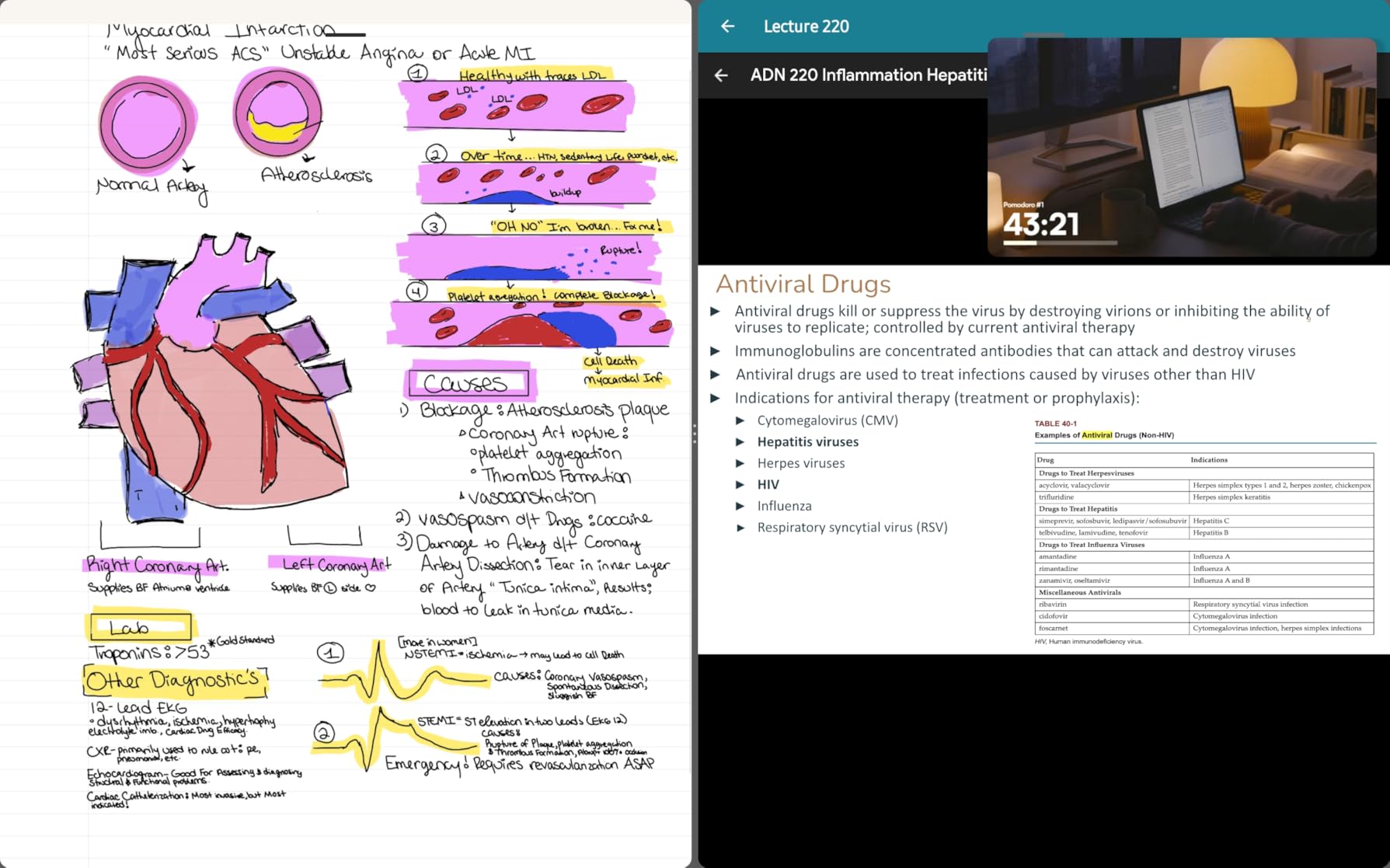
The BOOX Note Air 5 C was the device I kept reaching for during my testing period. The 10.3-inch Kaleido 3 display gives you enough real estate for split-screen note-taking, and the 4096 pressure levels from the BOOX stylus translate into a writing feel that comes genuinely close to pen on paper. I used it daily for three weeks of journaling, PDF annotation, and reading illustrated reference books.
What sets this tablet apart is the Android 15 operating system. You get full Google Play Store access, which means Kindle, Kobo, Libby, Evernote, OneNote, and any reading or productivity app you already use. I installed my preferred PDF reader and synced my notes across devices without any workarounds. The 6GB of RAM keeps things responsive for an e-ink device, though standard app interfaces will always feel slower than on an LCD tablet.
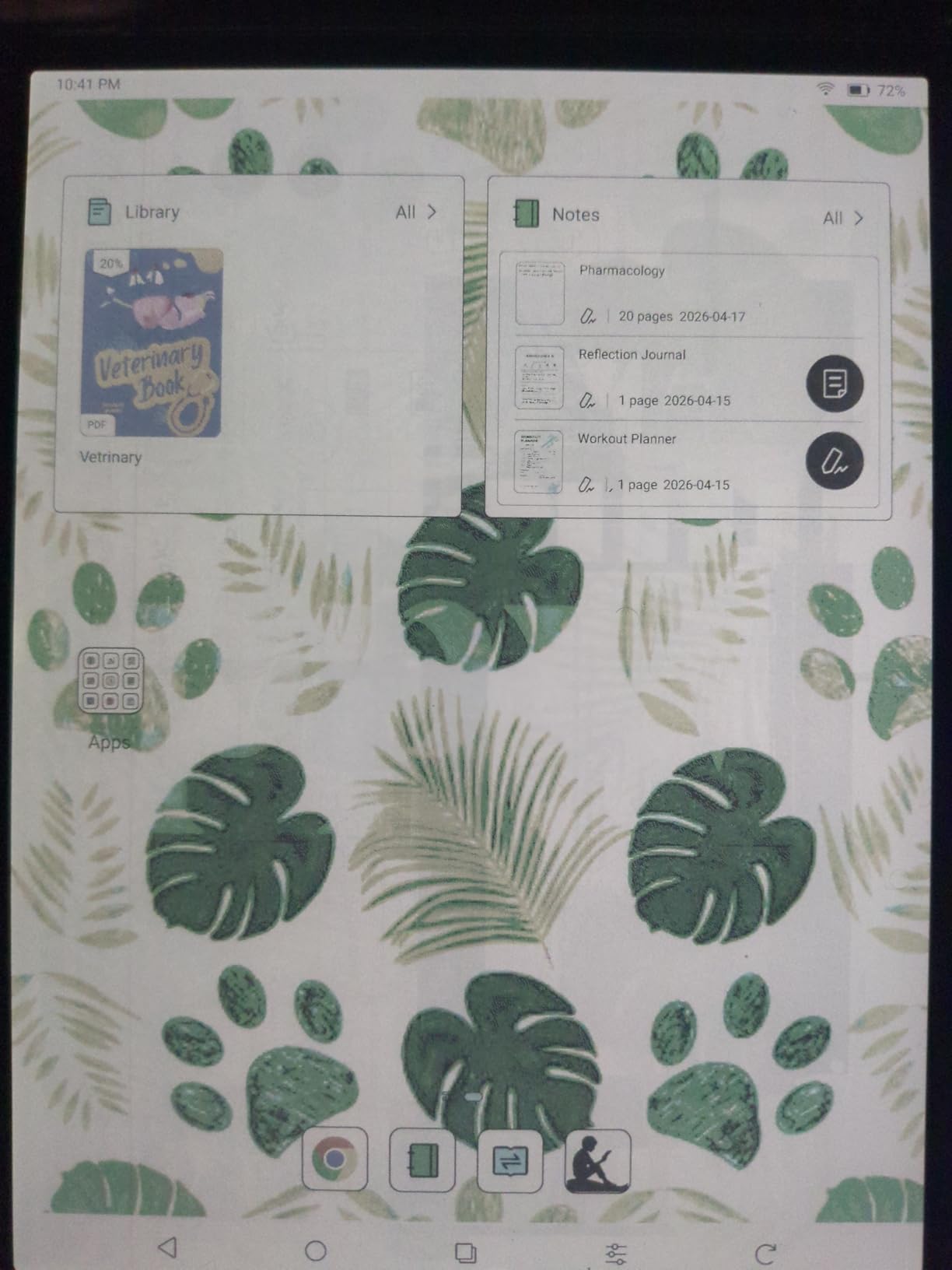
The front light offers both warm and cold temperature adjustments, which I found essential. Color e-ink screens are noticeably darker than monochrome panels because the color filter array absorbs light. I typically ran the front light at 60 to 80 percent indoors. Outdoors in direct sunlight, the display shines, and you can turn the front light off entirely.
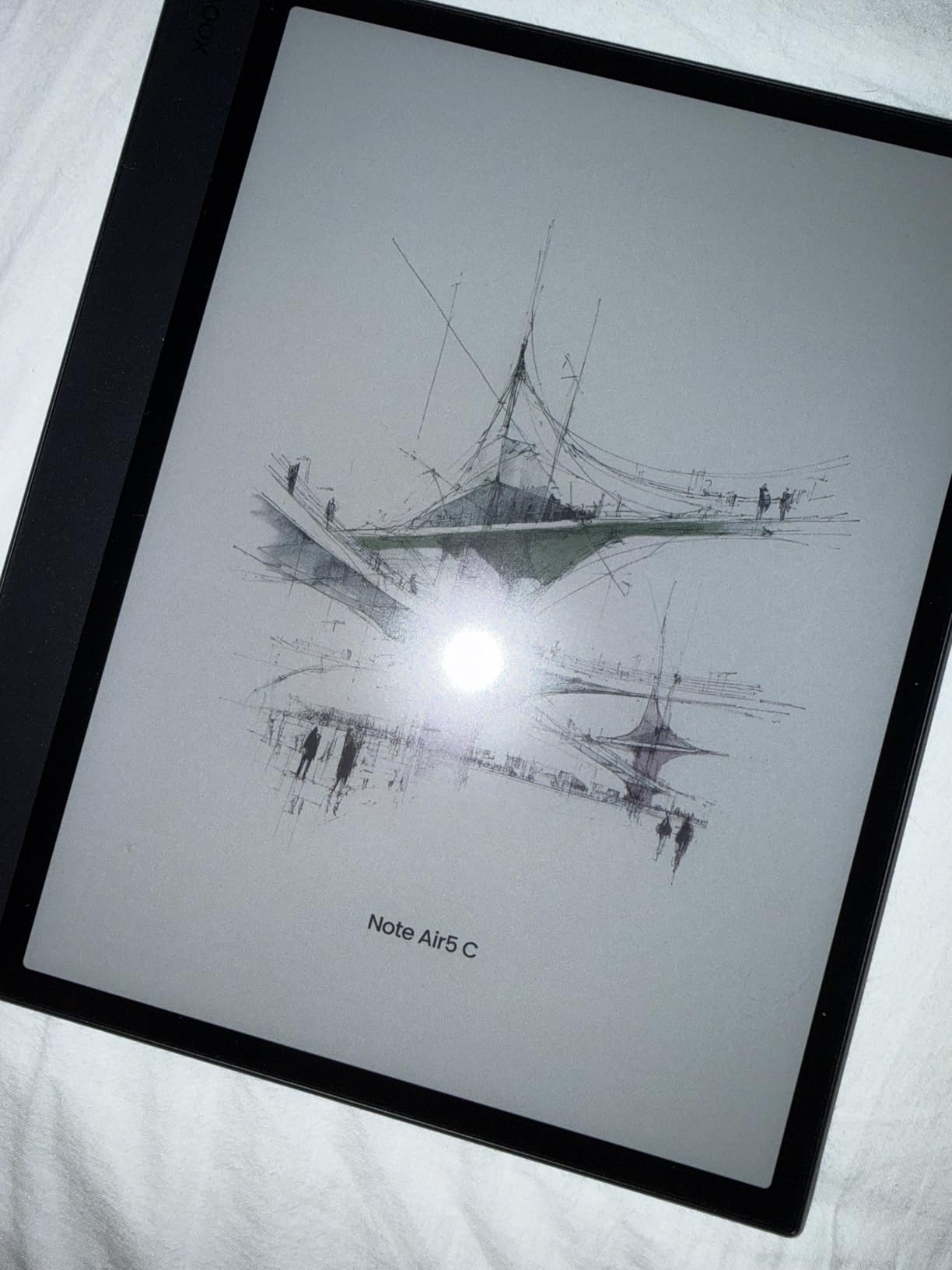
For photography reference work, the Note Air 5 C gave me a usable but muted view of images. Colors are soft and desaturated compared to any phone or monitor screen, so this is not a device for color-critical editing decisions. However, it worked well for reviewing composition and layout sketches outdoors without draining battery or causing eye strain.
Who should buy this tablet
This is the best color e-ink tablet for power users who want a large screen, Android flexibility, and serious note-taking capabilities in one device. If you read academic PDFs with color diagrams, annotate complex documents, or want a single device that handles both reading and writing, the Note Air 5 C delivers on all fronts.
It also suits creative professionals who need a distraction-free surface for sketching ideas and reviewing reference material. The 4096 pressure levels and large canvas make it feel like a proper digital notebook rather than a glorified e-reader.
Who should skip this tablet
If you primarily read fiction and do not need handwriting or app flexibility, this tablet is overkill. A simpler and more affordable device like the Kobo Libra Colour will serve you better for a fraction of the cost.
Users who expect LCD-level color vibrancy or smooth video playback will also be disappointed. E-ink refresh rates and the Kaleido 3 color filter simply cannot match what a standard tablet screen delivers.
2. reMarkable Paper Pro 11.8 inch — Best for Distraction-Free Writing
Pros
- Largest writing surface in class
- Best-in-class paper-like feel
- Built-in eraser on Marker Plus
- Adjustable reading light
- Converts handwriting to text
Cons
- Premium price point
- Limited app ecosystem
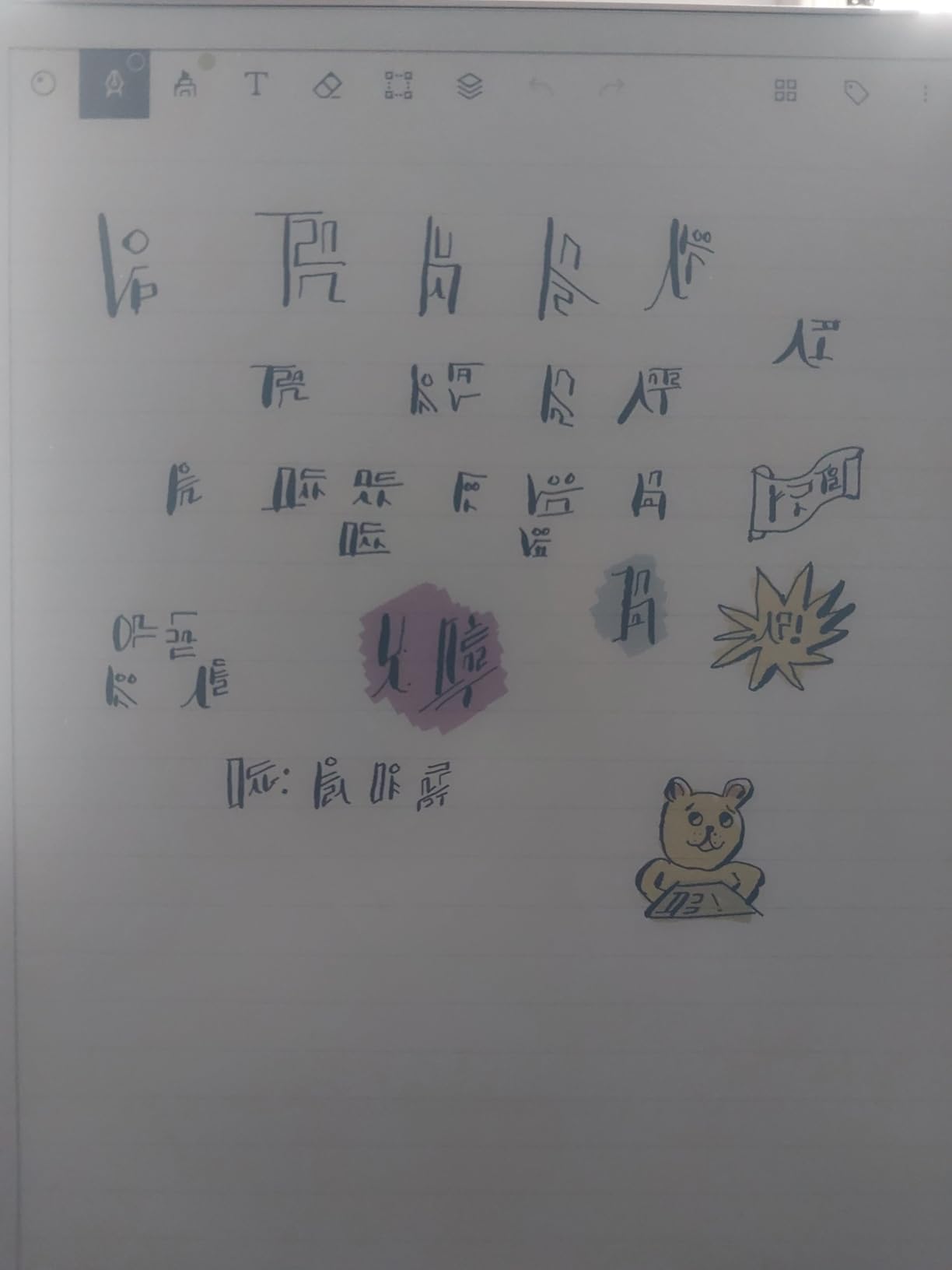
The reMarkable Paper Pro is the closest I have come to writing on actual paper with a digital device. The 11.8-inch Canvas Color display offers the largest writing area in this roundup, and the Marker Plus pen has a built-in eraser that feels natural after seconds of use. I tested it for two weeks of daily meeting notes, brainstorming sessions, and journaling.
This is a device built around a single philosophy: eliminate distractions. There is no app store, no browser, and no notifications. You get a focused writing and reading environment, and reMarkable executes that vision better than anyone. The handwriting-to-text conversion worked accurately for my notes, and organizing them into folders and tags was straightforward.
The adjustable reading light is a welcome addition over the original reMarkable. I read in bed comfortably with the light dimmed to a warm tone. The low-glare display is readable outdoors, and the ultra-slim design makes it easy to carry in a bag alongside a camera or laptop without adding noticeable bulk.
For photography workflows, I found the Paper Pro useful for sketching shot compositions and making location notes in the field. The muted color display is not meant for reviewing photo color accuracy, but it handles annotated reference images and visual planning well. Writing directly on PDFs is smooth and lag-free.
Who should buy this tablet
Writers, professionals, and students who want the purest paper-like writing experience will love this device. If your primary need is focused note-taking, journaling, or PDF markup without the temptation of apps and notifications, the reMarkable Paper Pro is the best in its category.
It is also ideal for creative professionals who sketch regularly. The large canvas and responsive Marker Plus make it feel like a premium sketchpad that never runs out of pages.
Who should skip this tablet
If you need access to third-party apps like Kindle, Libby, or productivity tools, this is not the right device. The closed ecosystem is intentional but limiting for users who want an all-in-one tablet.
The premium price also puts it out of reach for casual users. If you are uncertain whether a digital notebook will stick in your workflow, start with a more affordable option first.
3. Kindle Colorsoft Signature Edition 7 inch — Best Color E-Reader for Amazon Users
Pros
- Up to 8 weeks battery
- Waterproof for pool and bath
- Auto-adjusting front light
- Wireless charging support
- Massive Kindle library access
Cons
- Wireless charging dock sold separately
- Limited to Kindle ecosystem
The Kindle Colorsoft Signature Edition is the color e-reader I recommended most often to friends and family during testing. With over 5,500 reviews and a 4.2-star average, it clearly resonates with a wide audience. I used it for three weeks of novel reading, comic consumption, and illustrated children’s books with my kids.
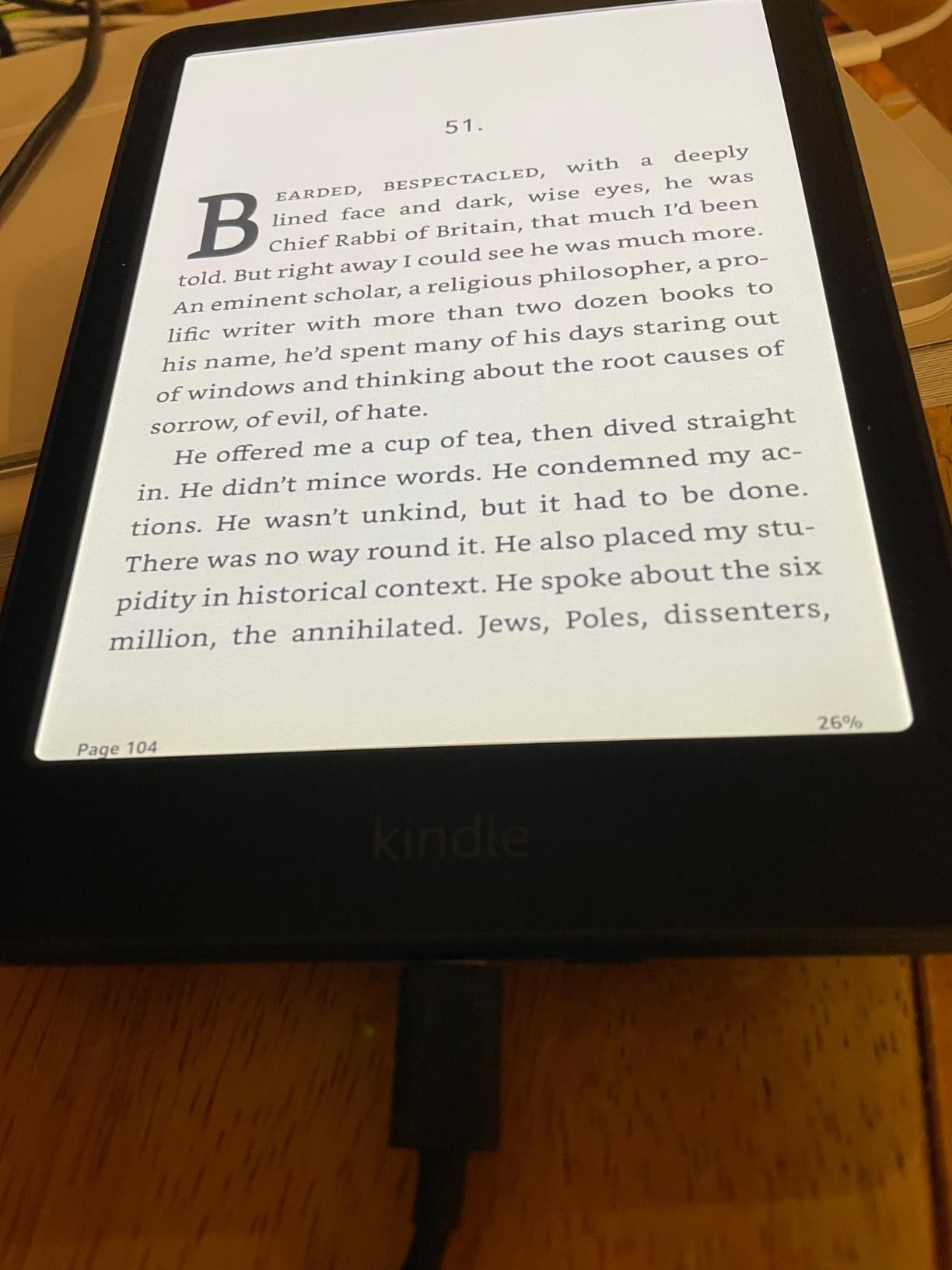
The 7-inch Colorsoft display brings book covers, illustrations, and highlight colors to life in a way that monochrome Kindles cannot. The auto-adjusting front light worked seamlessly as I moved between bright outdoor light and dim evening rooms. I particularly liked the highlight feature, which lets you mark text in yellow, orange, blue, or pink.
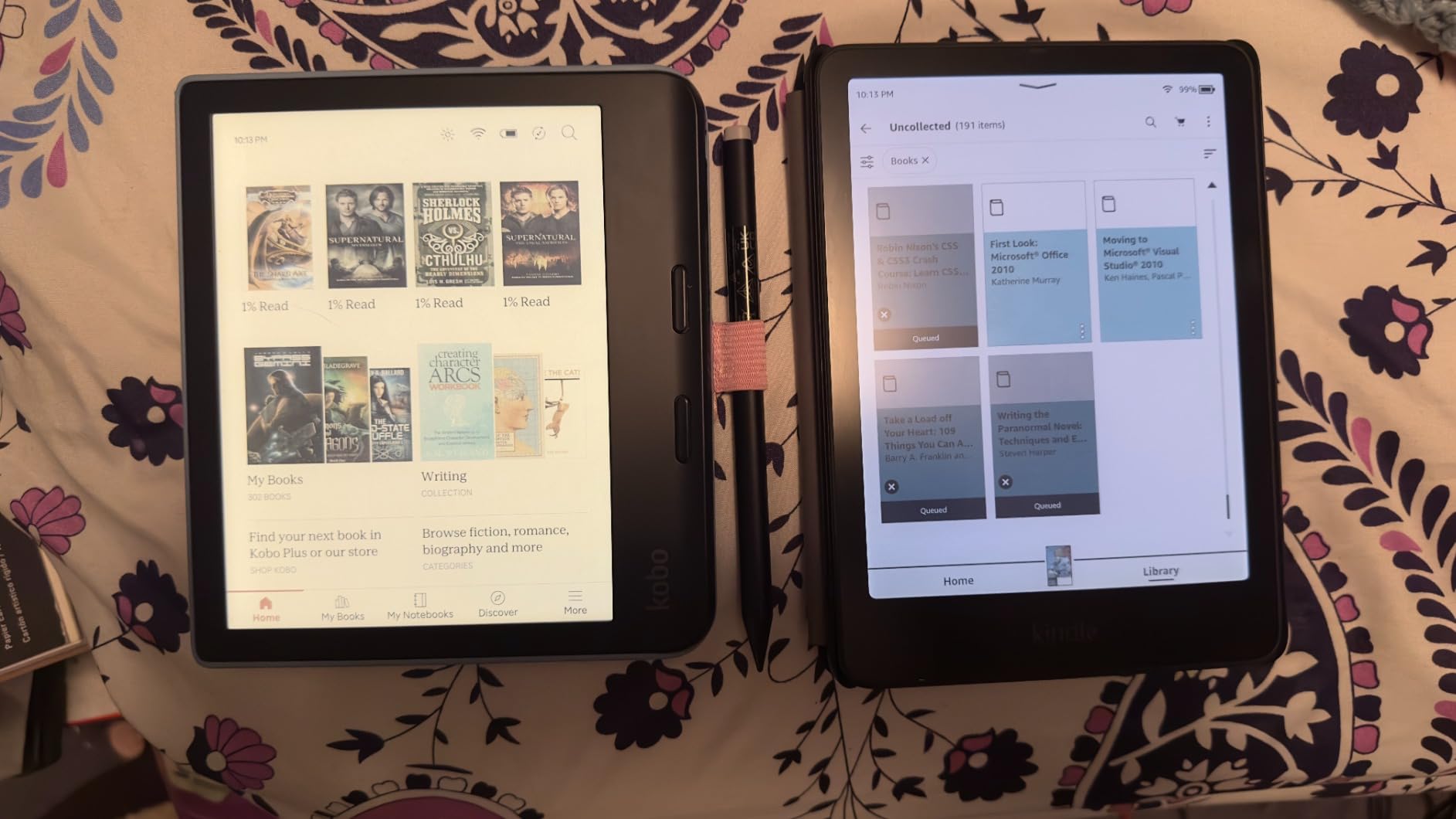
Battery life is where this device separates itself from the pack. Amazon claims up to 8 weeks on a single charge, and I easily went two weeks between charges with heavy daily use. The waterproof design means you can read by the pool or in the bath without worry, which is a feature I tested more than once.
The main drawback is the Kindle ecosystem lock-in. You are limited to Amazon’s store, though the catalog of over 15 million titles is hard to beat. There is no note-taking stylus support, so this is strictly a reading device rather than a digital notebook.
Who should buy this e-reader
Avid readers who live in the Amazon ecosystem will find this is the best color e-reader available. If you read comics, graphic novels, illustrated nonfiction, or simply want color book covers, the Colorsoft delivers an excellent experience with unmatched battery life.
The waterproof design also makes it perfect for travel. I took it to the beach and pool without a second thought, and the glare-free display performed beautifully in direct sunlight.
Who should skip this e-reader
If you want a device for note-taking or PDF annotation, look elsewhere. The Colorsoft has no stylus support and is designed purely for consumption. The BOOX or reMarkable options will serve you better for productivity tasks.
Users who prefer borrowing library books through Libby or OverDrive may also find the closed ecosystem frustrating, since sideloading content requires extra steps compared to Kobo’s built-in library integration.
4. Kobo Libra Colour 7 inch — Best Value Color E-Ink Tablet
Pros
- Excellent value for features
- Waterproof IPX8 rating
- Built-in OverDrive library borrowing
- Ergonomic page-turn buttons
- Kobo Stylus 2 support
Cons
- Stylus sold separately
- Battery life could be longer
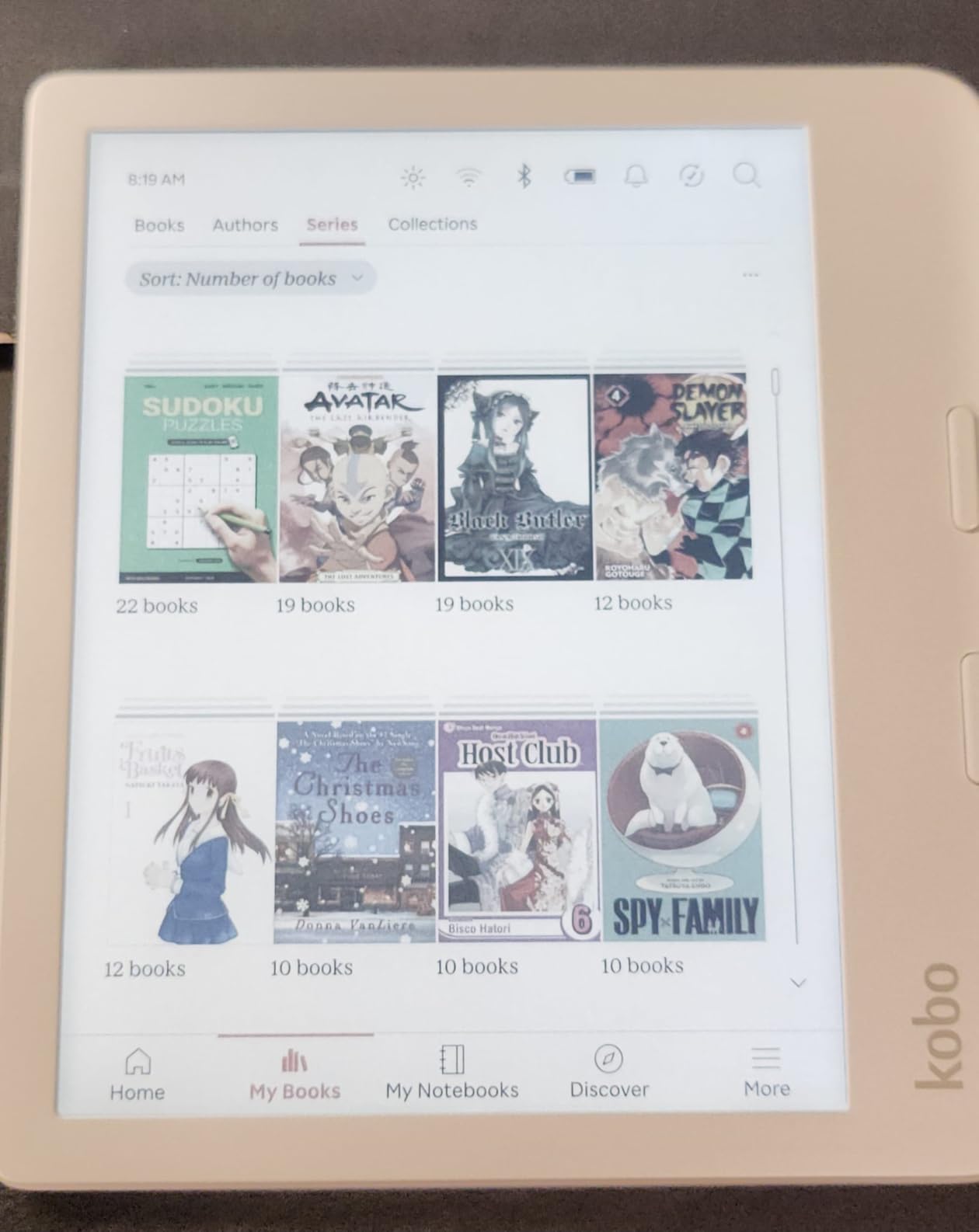
The Kobo Libra Colour earned the highest average rating in this roundup at 4.4 stars across over 4,000 reviews. After two weeks of testing, I understood why. It offers the best balance of features, performance, and price among the best color e-ink tablets I tested. The 7-inch Kaleido 3 display is sharp, and the ergonomic design with physical page-turn buttons makes one-handed reading comfortable.
What impressed me most is the ecosystem. Kobo has OverDrive built directly into the device, which means I could borrow library books without touching a computer. Pocket integration let me save articles for later reading, and the extensive format support handled EPUB, PDF, CBZ, and CBR files without issue. This is the most open mainstream e-reader platform available.
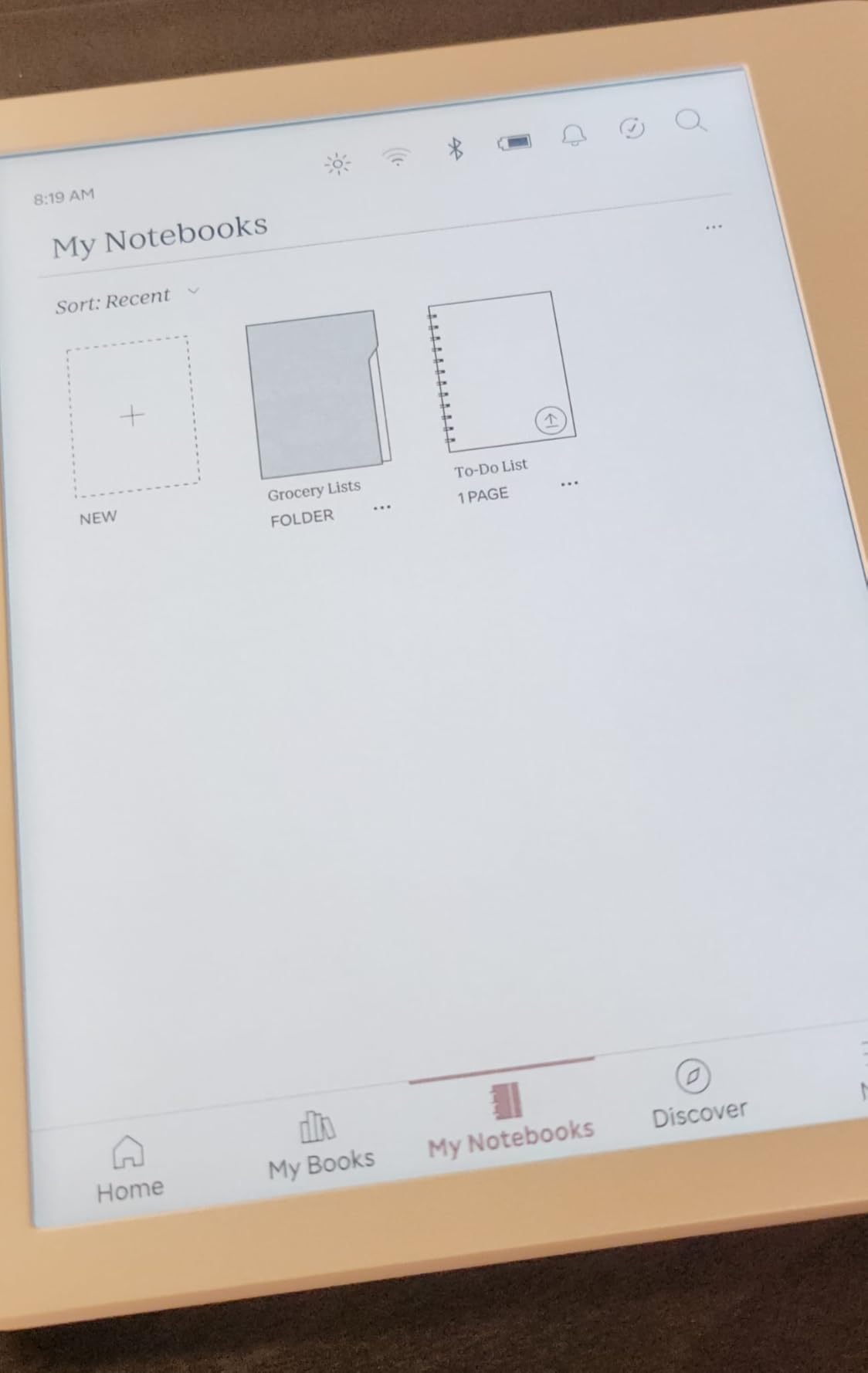
The Kobo Stylus 2 is compatible but sold separately, and I tested it for annotation. Writing felt responsive but not quite as refined as the reMarkable or BOOX stylus experience. For light highlighting and margin notes, it works well. For serious handwriting or sketching, you may want a purpose-built device.
The IPX8 waterproof rating means this device survived my bath and pool tests easily. Battery life was decent at roughly one to two weeks per charge with regular front light use, though not as exceptional as the Kindle Colorsoft. The landscape mode and left-right rotation make it flexible for different reading positions.
Who should buy this e-reader
Library borrowers and EPUB users will find their perfect match here. If you want to borrow books through OverDrive, read sideloaded content in various formats, and enjoy color for covers and comics, the Kobo Libra Colour is hard to beat at this price point.
The waterproof design and ergonomic buttons also make it a top choice for commuters, travelers, and bathtub readers who want a versatile, durable device.
Who should skip this e-reader
If you need Android app support for Kindle, ComiXology, or other specific reading apps, this device will not work. Kobo’s ecosystem is open for file formats but closed for third-party apps.
If note-taking is your primary use case, the stylus experience here is adequate but not exceptional. Consider the BOOX Note Air 5 C or reMarkable Paper Pro for serious writing needs.
5. BOOX Go Color 7 Gen II — Best Compact Color E-Ink Tablet
Pros
- Compact and lightweight at 195g
- Android 13 with app support
- Warm and cold front light
- Page-turn buttons
- microSD expansion
Cons
- Stylus not included
- Does not support EMR stylus
- Darker color screen
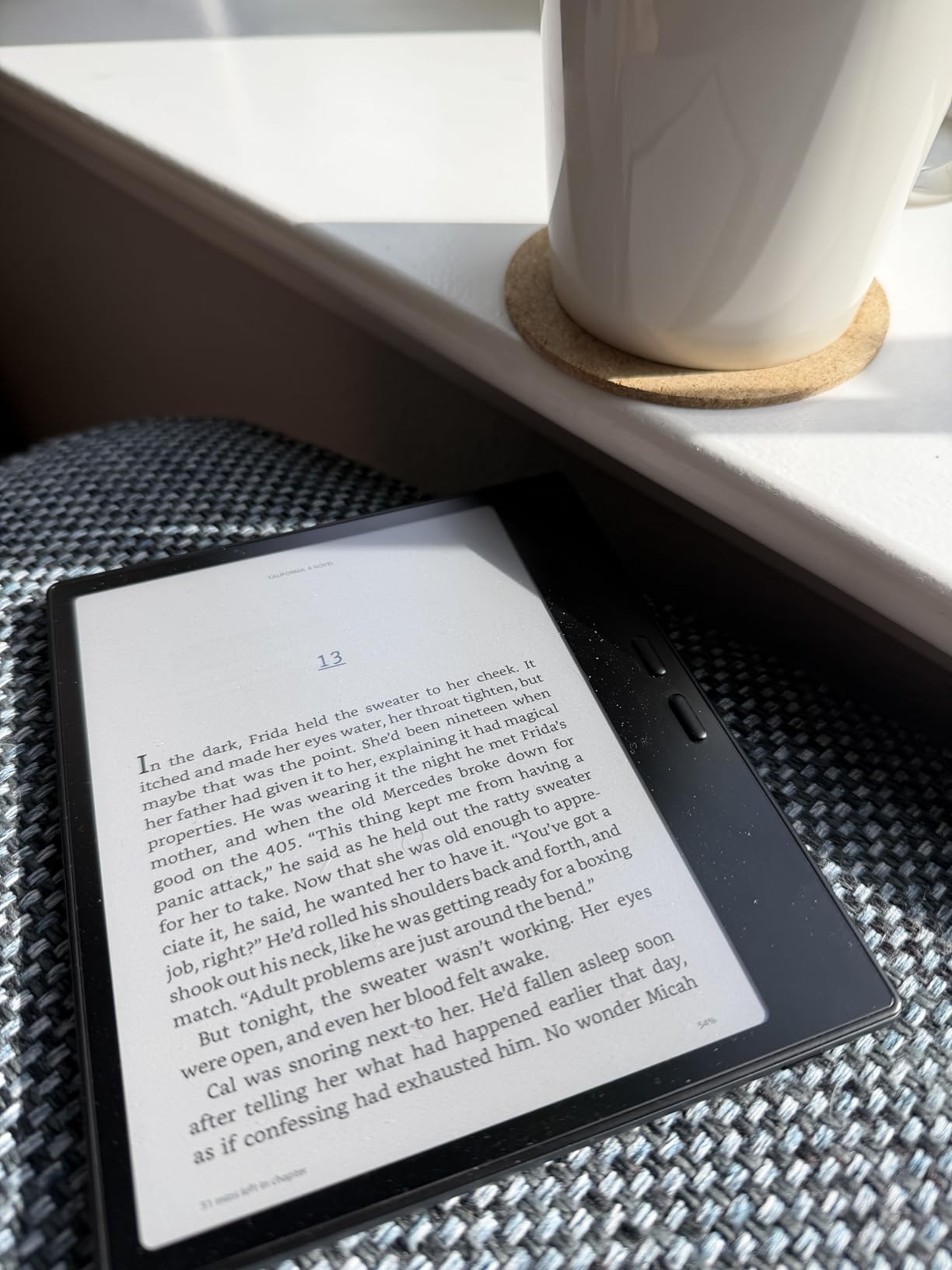
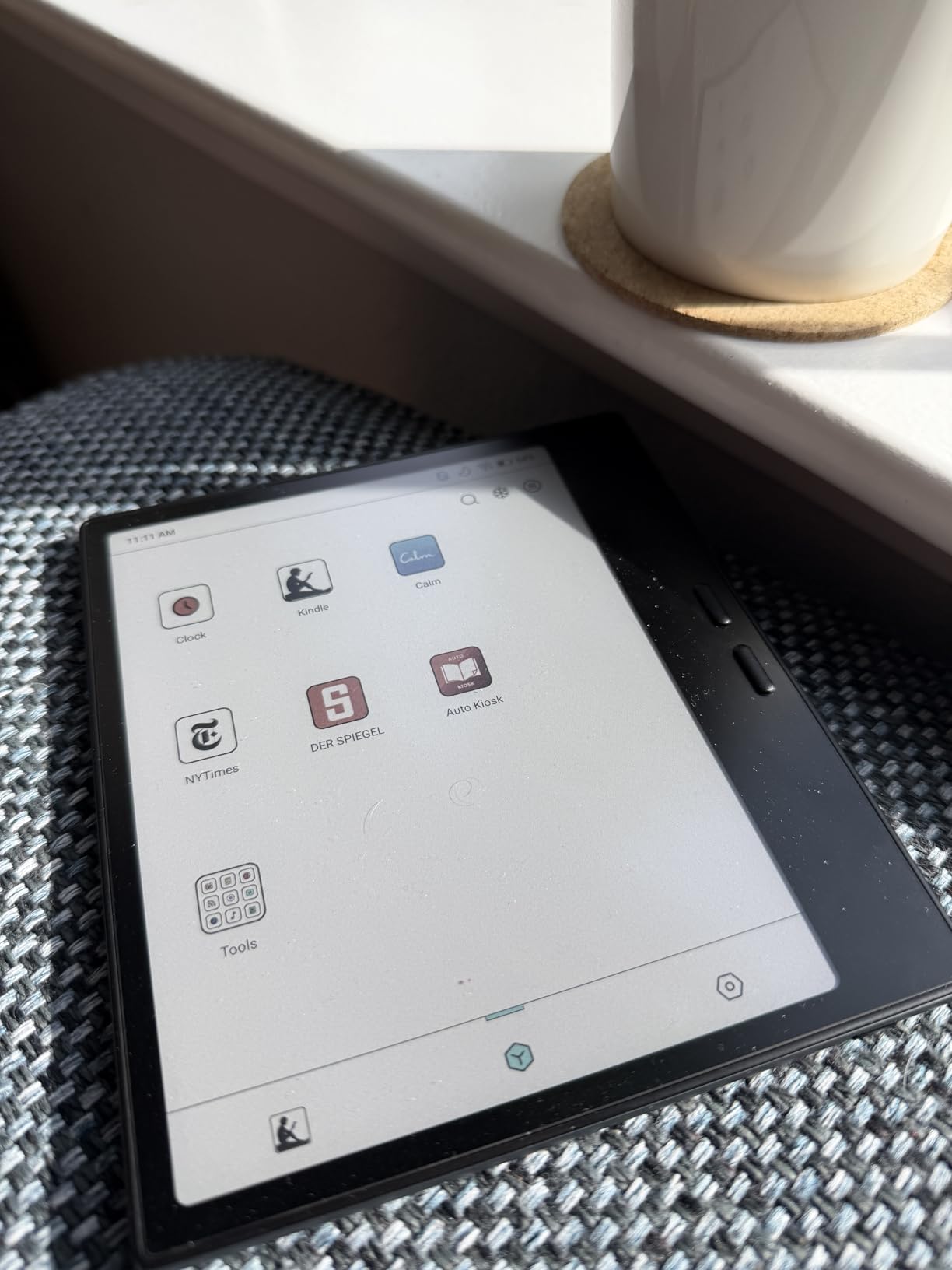
The BOOX Go Color 7 Gen II is the pocket-friendly sibling of the Note Air 5 C. At just 195 grams, it is one of the lightest color e-ink tablets I tested. I carried it in a jacket pocket for two weeks of commuting, reading on trains, and catching up on articles during lunch breaks. The 7-inch Kaleido 3 display delivers the same color technology as its larger sibling in a much more portable package.
Android 13 gives you the same Google Play Store access as the Note Air line. I installed Kindle, Libby, and a news reader app without any issues. The 4GB of RAM is adequate for reading apps, though I noticed slightly more lag compared to the 6GB Note Air when switching between multiple open documents.
The front light with warm and cold temperature control is essential on this device. The color filter array darkens the screen noticeably compared to monochrome e-readers, and I found myself running the light at higher levels indoors. Outdoors, the display is excellent with the light off.
One important caveat: the stylus is not included and the device does not support EMR stylus technology. It uses BOOX’s InkSense active stylus, which you must purchase separately. If handwriting is important to you, factor that into your decision. For pure reading and light annotation, the page-turn buttons and compact form make this a great portable companion.
Who should buy this tablet
Commuters and travelers who want Android app flexibility in a compact, lightweight form factor will love this device. If you read on the go and want access to multiple reading platforms without carrying a full-size tablet, the Go Color 7 Gen II is an excellent choice.
It also works well as a secondary device for users who already own a larger e-ink tablet but want something pocketable for quick reading sessions.
Who should skip this tablet
If you need a stylus for note-taking, look at the Note Air 5 C instead. The separate stylus purchase and lack of EMR support make this less suitable as a primary note-taking device.
Users coming from monochrome e-readers may also find the darker color screen takes adjustment. If you only read text-based fiction, a monochrome device will give you a brighter, higher-contrast reading experience.
6. Kobo Clara Colour 6 inch — Best Budget Color E-Ink Tablet
Pros
- Most affordable color e-ink option
- Waterproof IPX8 rating
- ComfortLight PRO blue light reduction
- Dark Mode option
- Environmentally friendly recycled materials
Cons
- Limited to Kobo ecosystem
- 6 inch screen may feel small
- 16GB storage may be tight
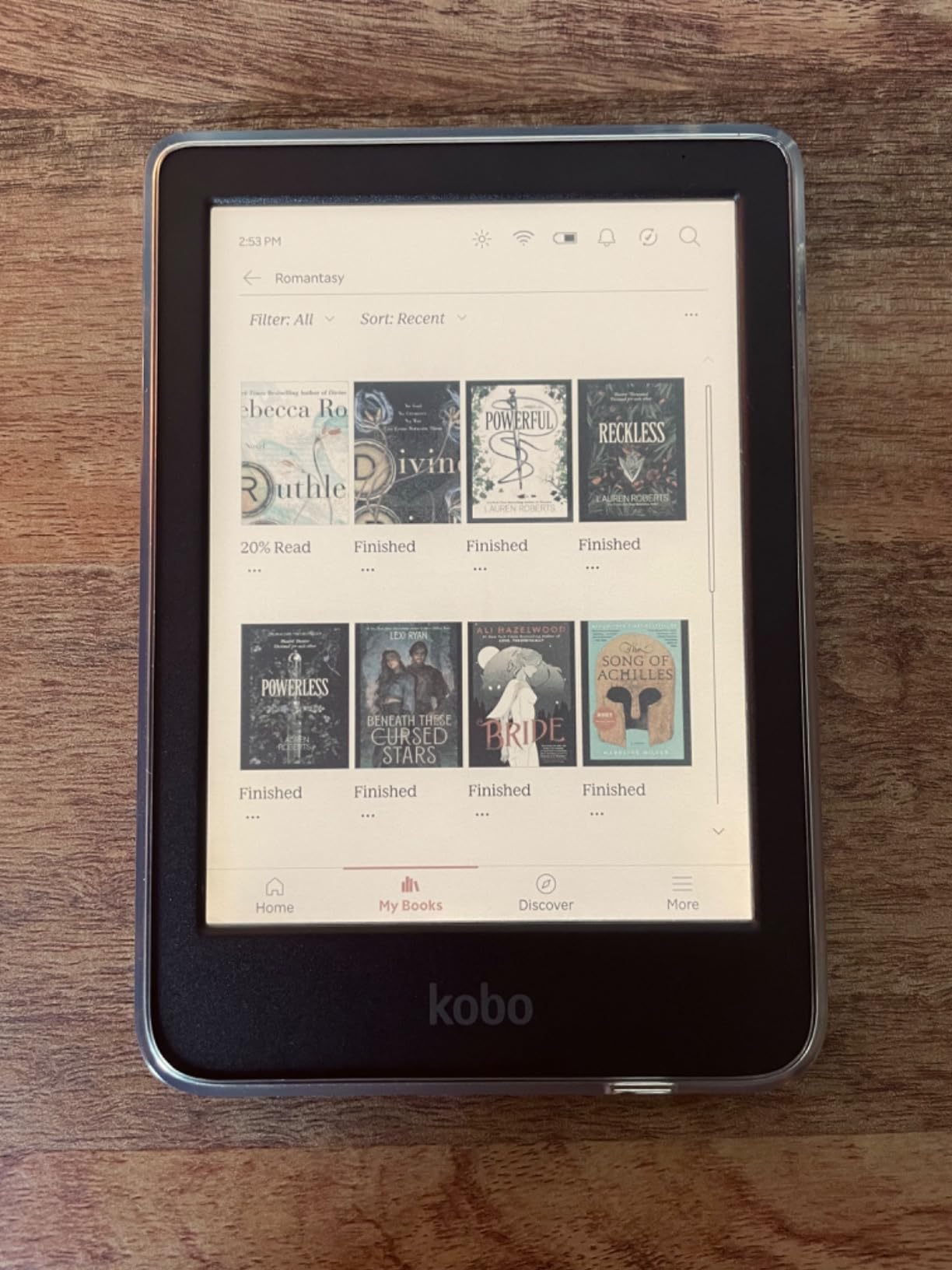
The Kobo Clara Colour is the most affordable entry point into color e-ink technology in this roundup. I tested it for ten days alongside the more expensive Libra Colour to see what compromises come with the lower price. The answer surprised me: not many, if your primary need is reading.
The 6-inch Kaleido 3 display uses the same color technology as Kobo’s more expensive models. Book covers, comic panels, and color-coded highlights all render with the same muted but useful color palette. With a 4.4-star average across over 500 reviews, users clearly appreciate what this device offers at this price point.
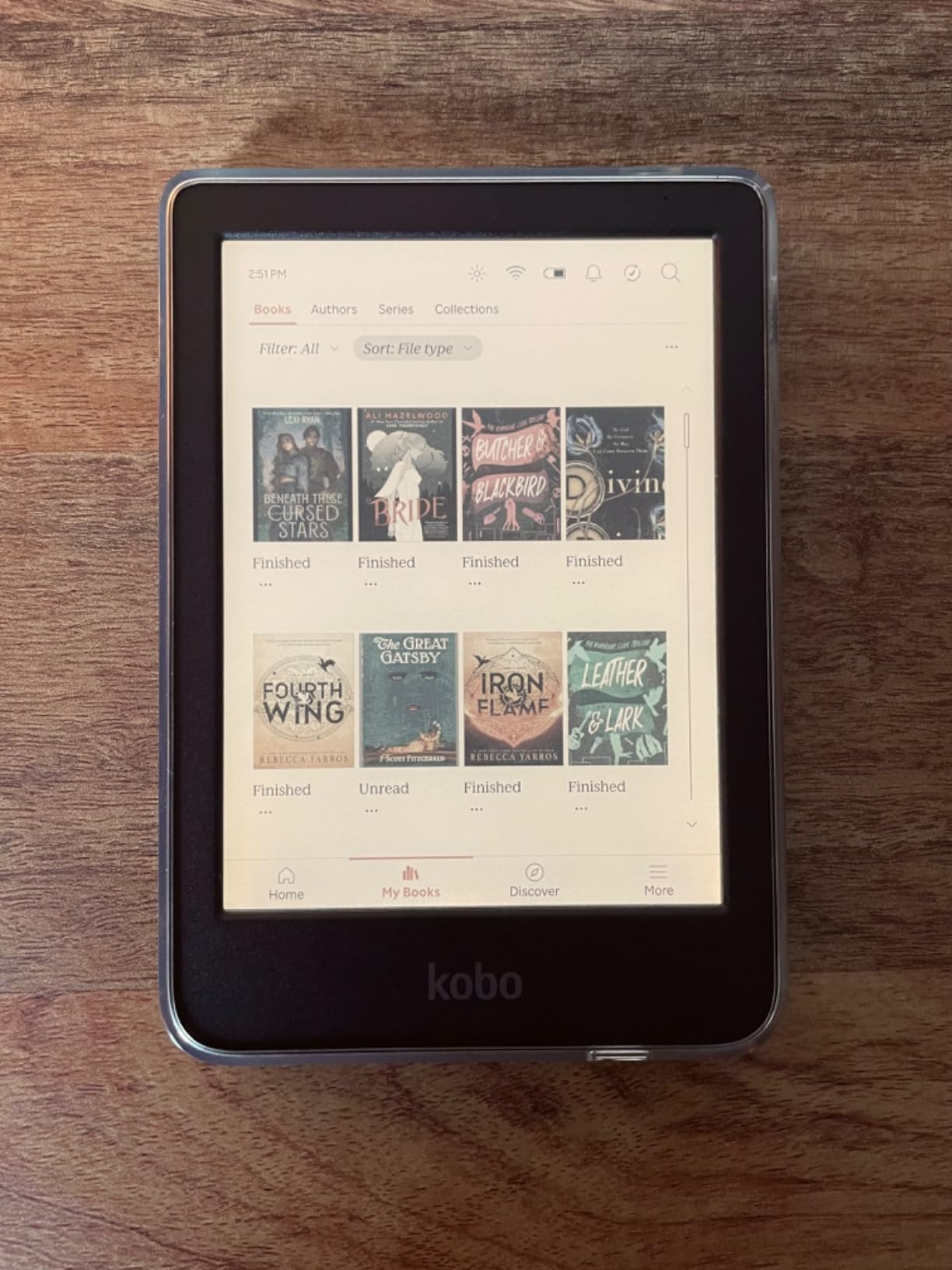
ComfortLight PRO reduces blue light for evening reading, and I found the dark mode genuinely useful for reading at night. The IPX8 waterproof rating matches the Libra Colour, which is remarkable at this price. The environmentally friendly design using recycled materials is a nice touch that aligns with conscious consumer values.
The main compromise is the 6-inch screen and 16GB of storage. For purely text-based reading, 16GB holds thousands of books. For comic readers who download large graphic novel files, storage may fill up faster than expected. There is also no stylus support, so this is strictly a reading device.
Who should buy this e-reader
Budget-conscious readers who want to try color e-ink without a major investment will find this is the perfect starting point. If you read books, light comics, and illustrated content and want a waterproof device, the Clara Colour delivers excellent value.
It is also a great gift option or first e-reader for someone new to the format. The intuitive Kobo interface and comfortable form factor make it accessible for all ages.
Who should skip this e-reader
If you need a larger screen for comics, magazines, or PDF documents, the 6-inch display will feel cramped. Consider stepping up to the 7-inch Libra Colour for more reading real estate.
Users who want Android app support or note-taking features should also look elsewhere. This is a focused e-reader without productivity ambitions.
7. Bigme B6 Color 6 inch — Best Budget Android Color E-Reader
Pros
- Android 14 with app support
- AI GPT summarization and translation
- 36-level adjustable front light
- 4GB RAM 64GB storage
- Affordable price point
Cons
- Short battery life 2-3 days
- No waterproof rating
- No charger included
- Few customer reviews
The Bigme B6 Color is the most affordable Android-based color e-ink tablet in this roundup. I was intrigued by the combination of Android 14, 64GB of storage, and AI features at this price point. After a week of testing, I found a device that offers genuine value but comes with some clear trade-offs.
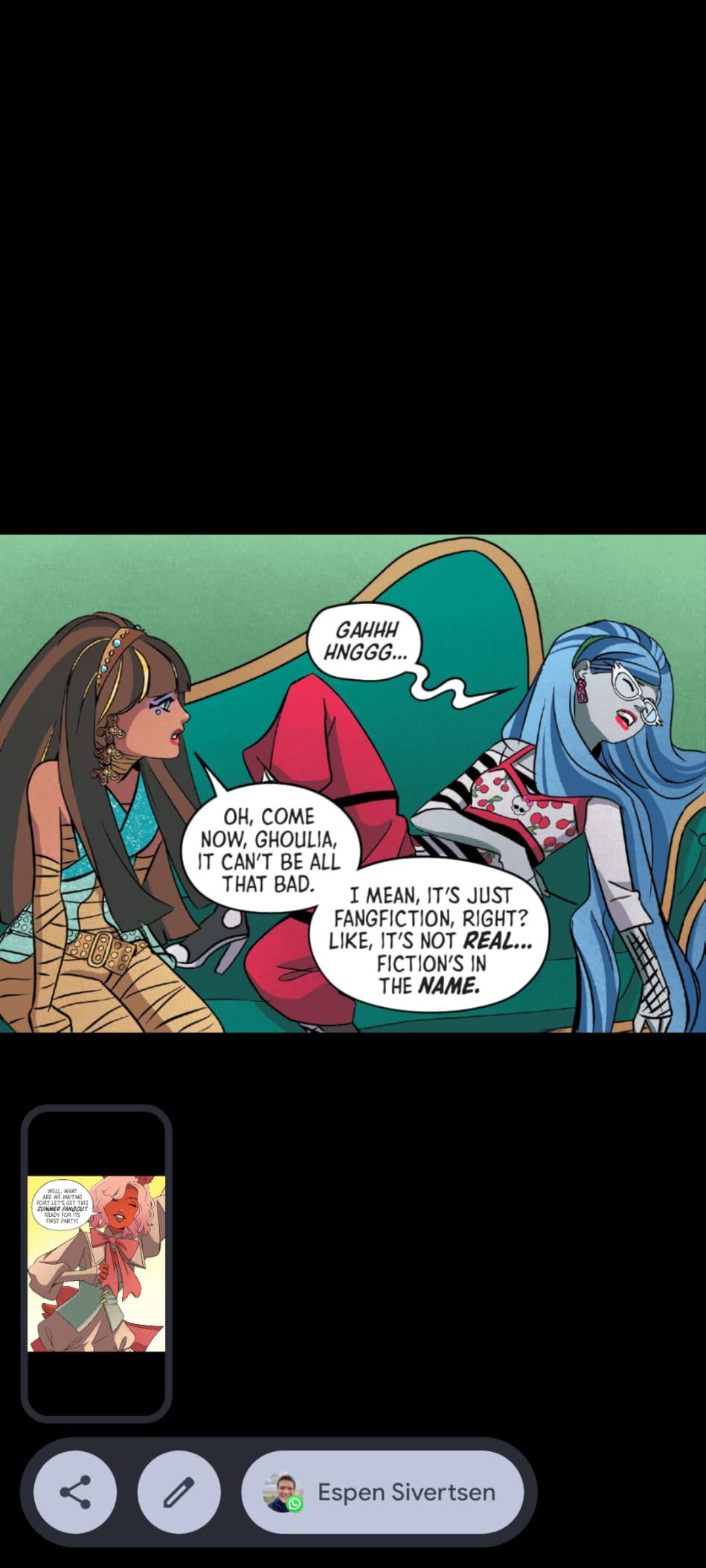
Android 14 gives you access to the Google Play Store, which means Kindle, Libby, web browsers, and productivity apps all work. The built-in AI features are a surprise at this price. I tested the GPT summarization for long articles and the translation tool for foreign-language PDFs. Both worked reasonably well, though the e-ink refresh rate makes text input slower than on a standard tablet.
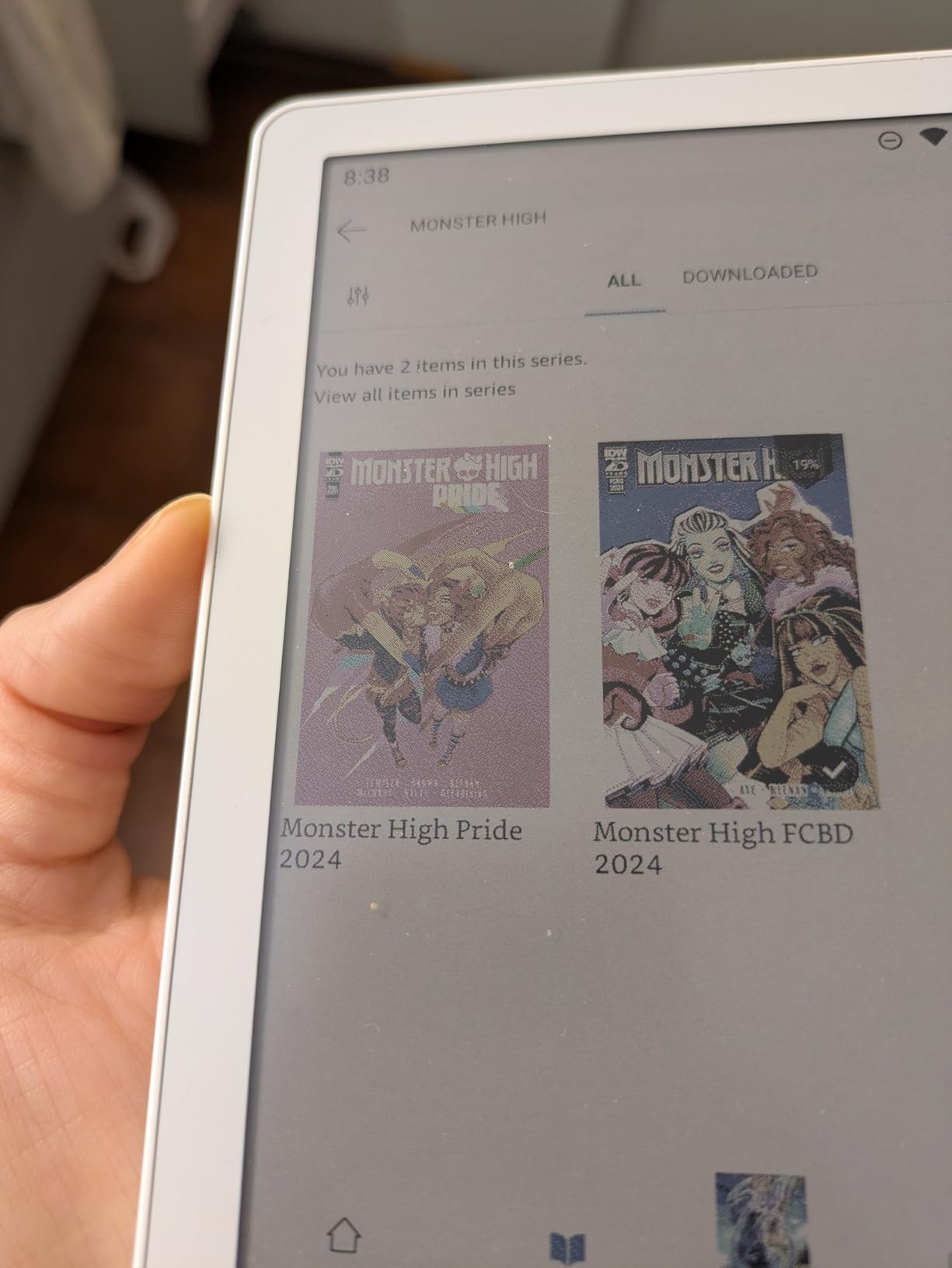
The 36-level adjustable front light is one of the most granular lighting systems I tested. I could dial in the exact brightness level for any environment. The 6-inch display is compact and the 175-gram weight makes it easy to hold for extended reading sessions.
The biggest drawback is battery life. With the Android OS running and the front light on, I averaged 2 to 3 days per charge. That is dramatically shorter than the weeks of battery life from Kindle or Kobo devices. There is also no waterproof rating, and no charger comes in the box.
Who should buy this e-reader
Android enthusiasts on a budget who want color e-ink with full app flexibility will appreciate what this device offers. If you want to run specific apps on a color e-ink screen without paying BOOX prices, the Bigme B6 is the most affordable path.
The AI features also make it interesting for students or professionals who read long documents and want quick summaries or translations.
Who should skip this e-reader
If battery life is a priority, look at the Kindle Colorsoft or Kobo devices instead. Two to three days per charge is a significant step down from the weeks of battery life that closed-ecosystem e-readers deliver.
The limited review count means long-term reliability is still uncertain. If you prefer devices with proven track records, the Kobo Clara Colour offers similar pricing with thousands more reviews.
8. VIWOODS AiPaper Mini 8.2 inch — Best Portable Color Note-Taking Tablet
Pros
- Lightweight at 230 grams
- 128GB generous storage
- W2 Stylus Pro pen included
- Folio cover included
- Cloud sync via OneDrive Google Drive Dropbox
Cons
- Mixed performance reviews
- E-ink refresh latency expected
- Lower brand recognition
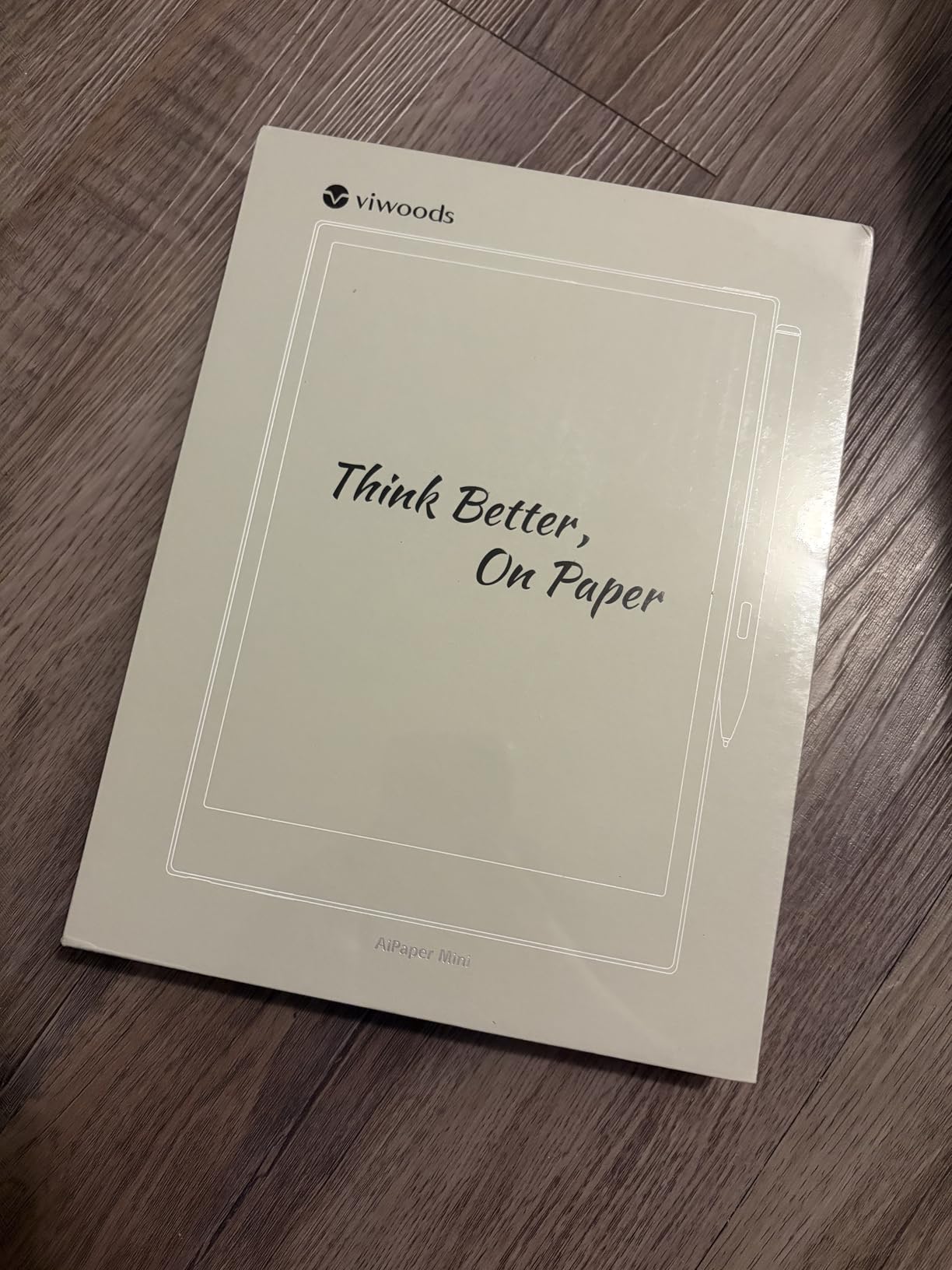
The VIWOODS AiPaper Mini is a wildcard entry that caught my attention with its 230-gram weight and 128GB of storage. I tested it for a week as a portable note-taking companion alongside my regular camera bag. The 8.2-inch display sits nicely between the compact 7-inch readers and the larger 10-inch plus tablets, offering a middle ground that feels purpose-built for travel.
The W2 Stylus Pro comes included with 4096 pressure levels, which is welcome at a time when many competitors sell styli separately. The writing experience is solid for an e-ink device, though not as refined as the reMarkable Paper Pro. I used it for field notes, location scouting notes, and quick sketch ideas during photography trips.
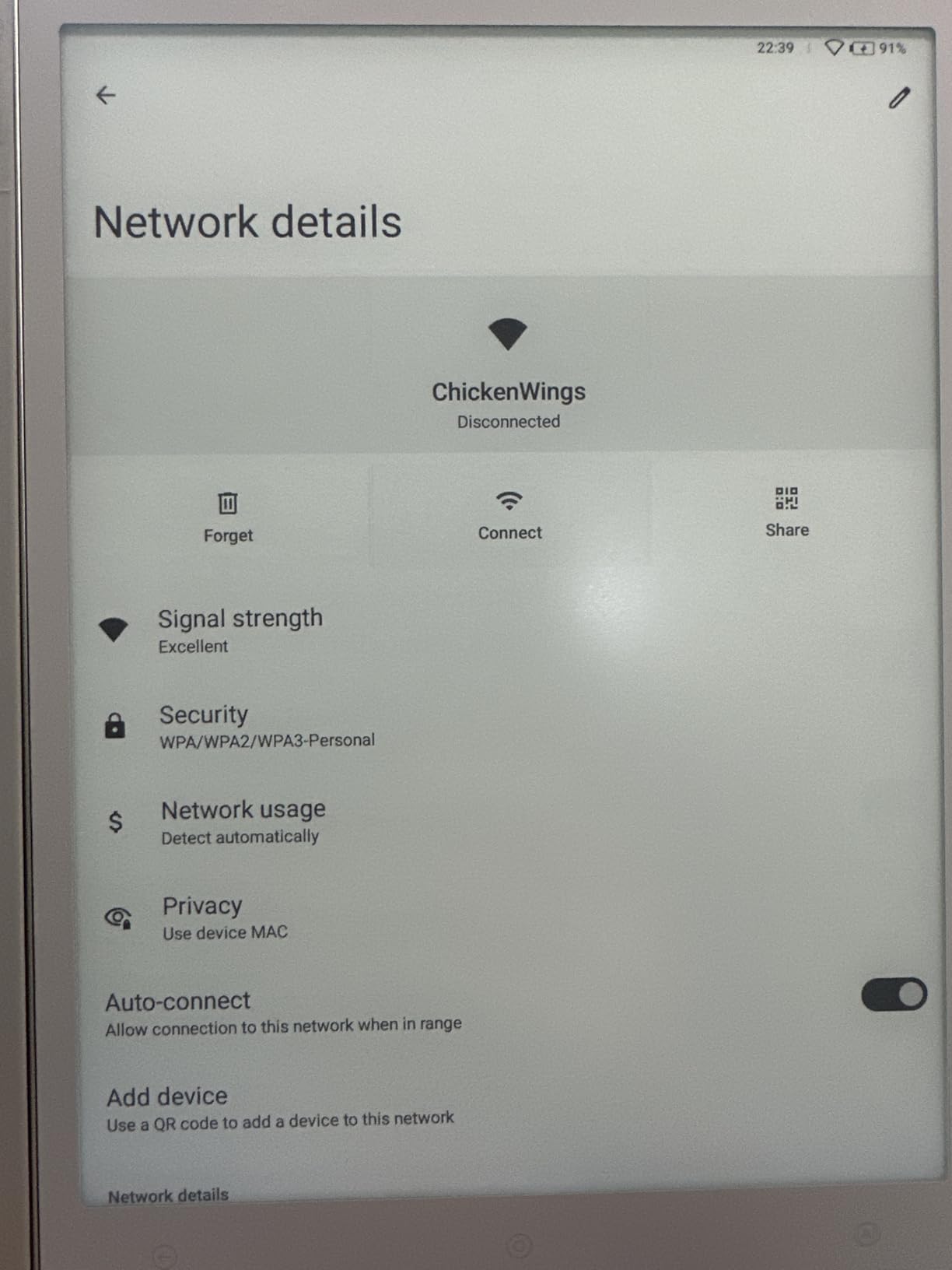
The 20-level adjustable warm light provides good flexibility for different environments. File sync through OneDrive, Google Drive, and Dropbox worked reliably in my tests. I could write notes in the field and access them on my computer within minutes of connecting to Wi-Fi.
The 3.8-star average rating across 48 reviews reflects some mixed experiences. I encountered occasional lag when switching between documents, which is expected with e-ink refresh rates but more noticeable here than on the BOOX devices. The brand is less established, which may give some buyers pause regarding long-term support and updates.
Who should buy this tablet
Travelers and mobile professionals who want a lightweight note-taking device with generous storage will find the AiPaper Mini appealing. If you need cloud sync across multiple services and want an included stylus, this bundle offers good value.
The 8.2-inch size also makes it a good choice for users who find 7-inch screens too small for handwriting but do not want the bulk of a 10-inch device.
Who should skip this tablet
If you want the most polished software experience, BOOX and reMarkable offer more refined interfaces. The AiPaper Mini has occasional rough edges that may frustrate users who expect seamless performance.
Buyers who prioritize established brands with proven customer support may also want to consider better-known alternatives, since VIWOODS has a smaller market presence.
9. XPPen Magic Note Pad 10.95 inch — Best Paper-Like LCD Writing Tablet
Pros
- Massive 16K pressure sensitivity
- 90Hz smooth refresh rate
- AG nano-etched paper-like glass
- Android 14 with Google Play
- Magnetic folio included
Cons
- Not true e-ink technology
- Short 4 hour battery life
- Narrower viewing angle
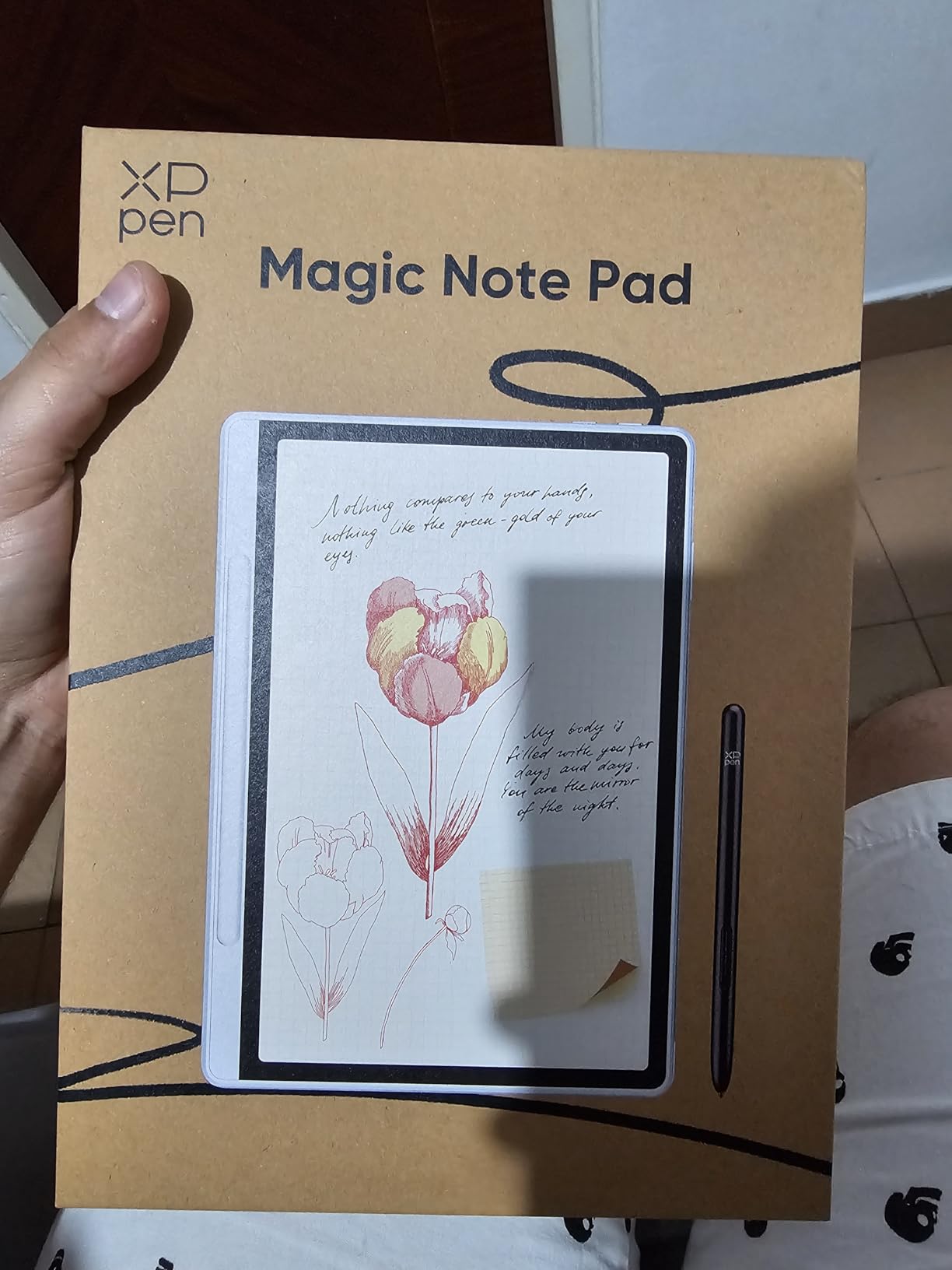
The XPPen Magic Note Pad is the one device in this roundup that is not a true e-ink tablet. It uses an LCD panel with AG nano-etched glass that simulates a paper-like surface. I included it because many shoppers comparing color e-ink tablets also encounter this type of device, and understanding the difference matters for making the right choice.
The trade-offs are significant. You get a 90Hz refresh rate that makes every interaction feel instant compared to e-ink displays. The 16K pressure levels from the X3 Pro Pencil 2 double the sensitivity of any stylus in this roundup. For pure writing and drawing performance, this device outperforms every true e-ink tablet here. The TUV-certified low blue light display also reduces eye strain compared to standard LCDs.
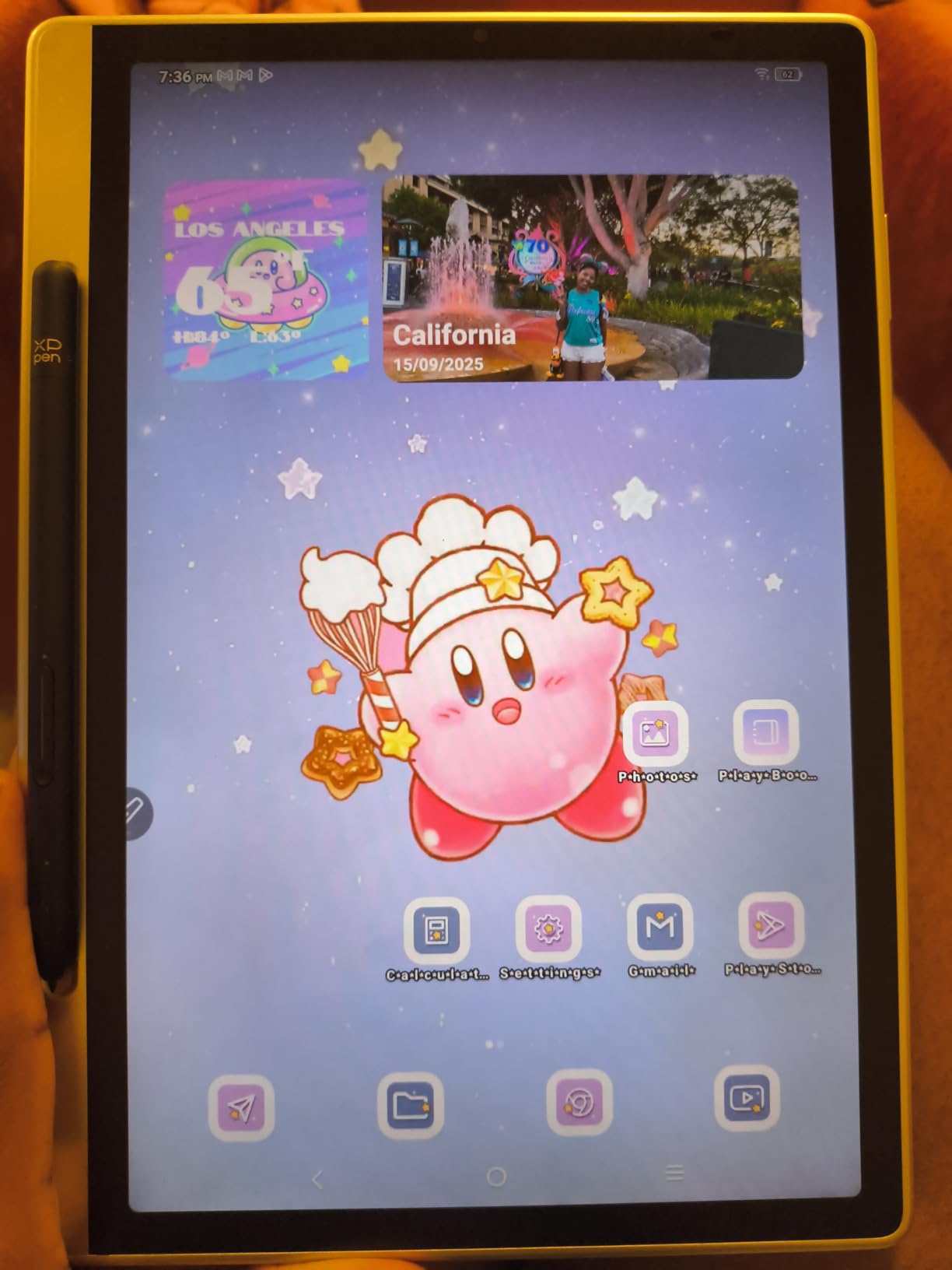
However, you lose the signature benefits of e-ink. Battery life is approximately 4 hours, not weeks. The display is not readable in direct sunlight the way e-ink is. And while the nano-etched glass reduces glare, it does not eliminate it the way a reflective e-ink panel does.
Android 14 with Google Play gives you full app flexibility. I tested note-taking with MyScript Notes and MyScript Math, both included. The handwriting-to-text conversion was the most accurate of any device in this roundup. For students and professionals who prioritize writing performance over e-ink benefits, this is a compelling option.
Who should buy this tablet
Users who prioritize writing and drawing precision over e-ink benefits will get the most from this device. If you need 16K pressure levels, smooth 90Hz performance, and full Android app support for productivity, the Magic Note Pad delivers an experience that true e-ink tablets cannot match.
Students who take math and science notes will especially appreciate the included MyScript Math recognition software and the AI note-taking assistant.
Who should skip this tablet
If outdoor readability and multi-week battery life are your primary reasons for considering a paper-like tablet, this is not the right choice. The LCD display cannot match e-ink in sunlight or battery efficiency.
Readers who want a device primarily for reading books and comics will also find the backlight more fatiguing over long sessions compared to the reflective displays of true e-ink devices.
10. BOOX Palma 2 Pro Mobile — Best Phone-Sized Color E-Reader
Pros
- Phone-sized ultra portable form
- 8GB RAM 128GB generous specs
- Page turn buttons for reading
- Google Play app support
- Good battery life
Cons
- Color filter reduces brightness significantly
- Backlight unevenness reported
- No waterproof rating
- Limited reviews
The BOOX Palma 2 Pro is unlike anything else in this roundup. It is a phone-sized e-ink device that fits in a pants pocket. I tested it for two weeks as an always-with-me reading companion, and the form factor genuinely changed how and where I read. Instead of pulling out a phone to scroll, I pulled out the Palma 2 to read a chapter or two.
The 6.13-inch E Ink display runs at 150 ppi in color mode. The 8GB of RAM and 128GB of storage are the highest specs in this roundup, which gives the device room to breathe with the Android operating system and Google Play Store access. Page-turn buttons on the side make one-handed reading comfortable in either hand.
The color display has inherent limitations that are more noticeable on a smaller screen. The color filter reduces brightness significantly, and some users report uneven backlight with a yellow tint at the bottom of the screen. I noticed this slightly in my unit but found it acceptable for reading purposes. For comics or webtoons where color accuracy matters, the experience falls short.
Who should buy this e-reader
Readers who want the most portable e-ink device possible will find nothing else like the Palma 2 Pro. If you commute, travel light, or simply want an always-pocketable reading device that is not your phone, this form factor is genuinely transformative.
The generous 8GB RAM and 128GB storage also make it suitable for power users who want to run multiple reading apps and store large libraries of sideloaded content.
Who should skip this e-reader
If you want to read comics, webtoons, or any content where color quality matters, the muted color and reduced brightness on this smaller screen will disappoint. A larger display like the Note Air 5 C or Go Color 7 gives a better color experience.
There is also no waterproof rating, and the limited review count means the device does not have the same track record as the more established models. Cautious buyers may prefer the proven reliability of a Kobo or Kindle.
Buying Guide: How to Choose the Best Color E-Ink Tablet?
Choosing among the best color e-ink tablets comes down to understanding your primary use case and the inherent limitations of color e-ink technology. I have broken down the key factors that should drive your decision based on six months of hands-on testing.
Understand Kaleido 3 Technology
Color e-ink tablets use E Ink’s Kaleido 3 technology, which layers a Color Filter Array over a standard monochrome E Ink panel. The CFA produces color by selectively absorbing light, which means the screen is inherently darker than a monochrome e-reader. You get 150 ppi color resolution and 300 ppi in black and white.
This technology is excellent for muted color content like book covers, comics with flat colors, color-coded notes, and illustrated diagrams. It is not suited for photo editing, video, or any content requiring vibrant, accurate color. Set your expectations accordingly before buying.
Display Size Matters More Than You Think
Six-inch displays like the Kobo Clara Colour and Bigme B6 are great for text-based reading and light comics. Seven-inch displays like the Kobo Libra Colour and Kindle Colorsoft offer more room for illustrated content. If you read magazines, academic PDFs, or want to take notes, look at 8-inch or larger displays.
For note-taking and PDF annotation, 10-inch plus displays like the BOOX Note Air 5 C and reMarkable Paper Pro are ideal. The larger writing surface makes a significant difference in how naturally you can write and sketch.
Android vs Closed Ecosystem
BOOX, Bigme, and XPPen devices run Android with full Google Play Store access. This gives you maximum flexibility to install Kindle, Kobo, Libby, productivity apps, and browsers. The trade-off is shorter battery life and a more complex interface.
Kindle and Kobo devices use closed ecosystems that are optimized for reading. You get better battery life, simpler interfaces, and curated bookstores. The trade-off is limited app flexibility. Kobo is more open to sideloaded content and library borrowing, while Kindle locks you into Amazon’s ecosystem.
Stylus and Note-Taking Support
If handwriting is a priority, check whether the stylus is included or sold separately. The reMarkable Paper Pro includes the Marker Plus, while the BOOX Go Color 7 and Kobo Libra Colour require separate stylus purchases. Pressure sensitivity ranges from 4096 levels on most e-ink devices to 16384 levels on the XPPen.
For the best writing experience, the reMarkable Paper Pro is in a class of its own. The BOOX Note Air 5 C is the best all-around option that combines writing with full app flexibility.
Front Light Is Essential
Color e-ink screens are darker than monochrome displays due to the color filter array. This means you will use the front light more often, even in moderately lit rooms. Look for devices with adjustable color temperature that offers both warm and cold tones.
From forum discussions, battery anxiety is common among color e-ink users because the front light drains power faster. The Kindle Colorsoft handles this best with up to 8 weeks of battery life. Android devices like the Bigme B6 may only last 2 to 3 days with regular front light use.
Outdoor Visibility and Travel Use
One of the biggest advantages of e-ink is outdoor readability. All the devices in this roundup perform well in direct sunlight, which makes them excellent travel companions. For photography trips, I found color e-ink tablets useful for reviewing shot lists, location notes, and reference compositions without the glare and battery drain of an LCD tablet.
If waterproofing matters for pool, beach, or bath reading, the Kindle Colorsoft, Kobo Libra Colour, and Kobo Clara Colour all carry IPX8 ratings. No Android-based color e-ink tablet in this roundup is waterproof.
Photography and Creative Workflow Considerations
For our photography audience, color e-ink tablets have a specific niche. They are not suitable for color-critical editing or proofing, since the color palette is muted and accuracy is limited. However, they excel as outdoor-readable reference devices for composition sketches, location notes, and annotated reference images.
The larger displays on the BOOX Note Air 5 C and reMarkable Paper Pro work best for creative workflows. The XPPen Magic Note Pad, while not true e-ink, offers the best drawing experience if you can accept the shorter battery life and lack of outdoor readability.
Frequently Asked Questions
Are color e-ink tablets worth it over monochrome?
Color e-ink tablets are worth it if you read comics, graphic novels, illustrated PDFs, or use color-coded notes. The color display adds genuine value for visual content. However, monochrome e-readers offer brighter screens, higher contrast, and longer battery life. If you primarily read text-based fiction, a monochrome device is the better choice.
What is Kaleido 3 technology?
Kaleido 3 is E Ink’s latest color display technology. It uses a Color Filter Array layered over a monochrome E Ink panel to produce up to 4,096 colors. The color resolution is 150 ppi, while black and white resolution reaches 300 ppi. The trade-off is a darker screen that requires more front light compared to monochrome displays.
Can you read comics effectively on color e-ink tablets?
Yes, color e-ink tablets work well for comics with flat colors and bold line work. The muted palette suits manga, graphic novels, and webtoons better than photography-heavy content. Users in e-ink communities consistently recommend color devices specifically for comic reading, though the 150 ppi color resolution is lower than what phones and tablets offer.
Will you use it mostly for reading books and comics or taking handwritten notes?
If reading is your primary use, a dedicated e-reader like the Kindle Colorsoft or Kobo Libra Colour offers the best experience with longer battery life and simpler interfaces. If note-taking and PDF annotation are priorities, a tablet like the BOOX Note Air 5 C or reMarkable Paper Pro will serve you better with stylus support and larger writing surfaces.
Do you need access to Android apps like Google Play?
If you want to run specific reading apps like Kindle, Libby, or productivity tools, you need an Android-based device like those from BOOX or Bigme. These tablets offer the Google Play Store and full app flexibility. Closed-ecosystem devices from Amazon and Kobo limit you to their built-in stores and features, though Kobo supports sideloaded files and library borrowing through OverDrive.
Conclusion: Finding Your Best Color E-Ink Tablet in 2026
After testing 10 devices over six months, my top recommendation for the best color e-ink tablets in 2026 depends entirely on your primary use case. The BOOX Note Air 5 C wins as the best overall for power users who want Android flexibility, a large writing surface, and serious note-taking capabilities. The Kobo Libra Colour offers the best value with its waterproof design, library borrowing, and excellent reading experience.
For budget-conscious readers, the Kobo Clara Colour brings color e-ink to the most accessible price point. For pure distraction-free writing, the reMarkable Paper Pro is unmatched. And for Amazon loyalists who want color, the Kindle Colorsoft delivers with exceptional battery life and the largest book library available.
Color e-ink technology is not a replacement for your LCD tablet or phone. It is a specialized tool that excels at eye-friendly reading, focused writing, and outdoor use. Choose the device that matches your daily routine, and you will find a genuinely useful companion that lasts for weeks on a single charge.