
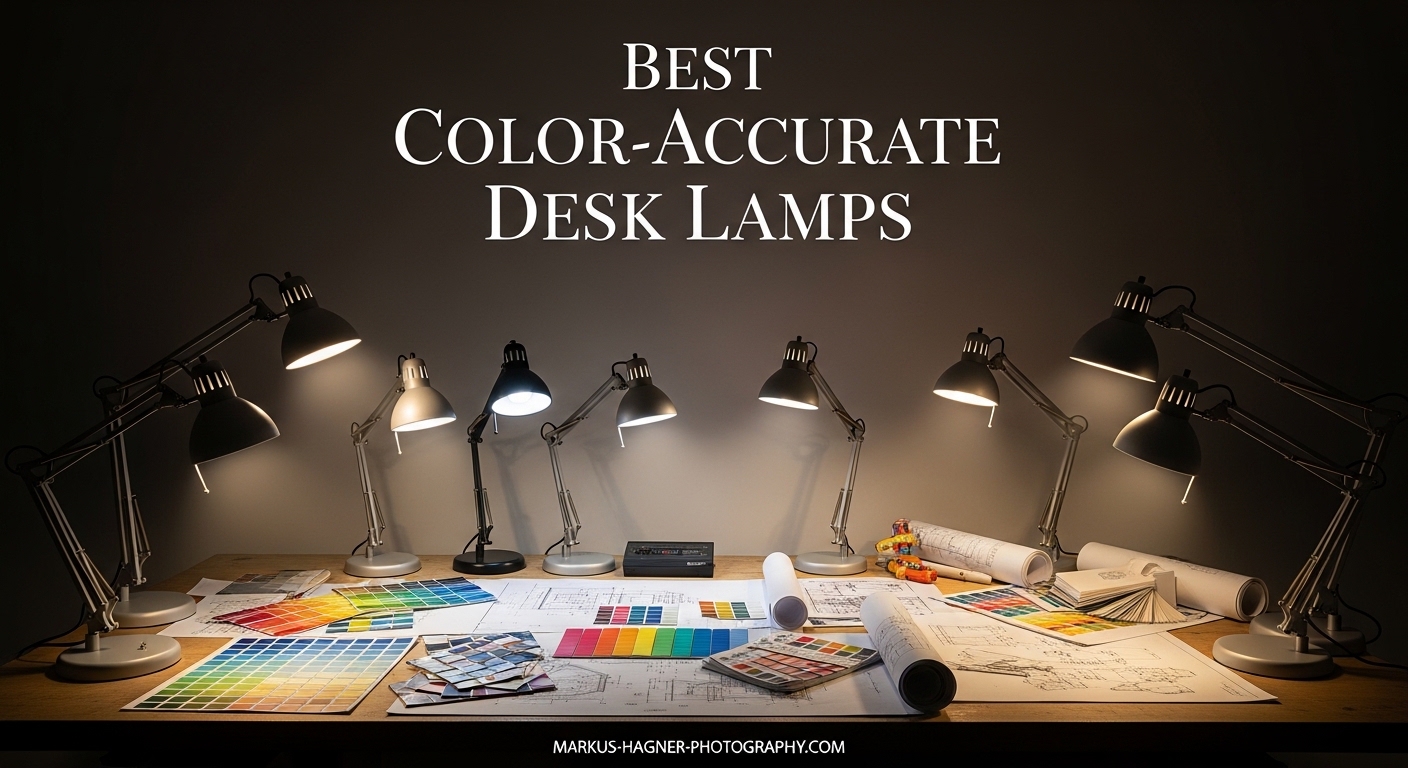
When I first started editing photos professionally, I made a costly mistake that took months to fix. I spent hours perfecting color grades under my standard office lighting, only to discover that my prints looked completely different when viewed under natural daylight. The culprit was poor lighting. My desk lamp had a low Color Rendering Index (CRI), which meant it was distorting colors and hiding flaws that became painfully obvious in the final prints.
That experience taught me why color-accurate desk lamps for photo editing are not optional equipment. They are essential tools that directly impact your work quality. In 2026, the technology has improved dramatically, with affordable options now offering CRI ratings of 95 and above that rival professional studio lighting. I have tested dozens of lamps over the past year to find the best options for photographers and photo editors who need reliable, accurate lighting without breaking the bank.
This guide covers everything you need to know about choosing the right lamp for your photo editing room. I will explain the technical specifications that matter, share real-world testing results, and recommend specific models that deliver professional-grade color accuracy at various price points.
Top 3 Picks for Color-Accurate Desk Lamps
After testing 13 different desk lamps specifically for photo editing work, three models stood out for their combination of color accuracy, build quality, and value. These selections represent the best options across different budgets and use cases.

LitONES Premium LED Desk Lamp with Knob…
- CRI 95+
- 50 lighting modes
- Dual-sided 3D lighting
- 36-month warranty

Honeywell HWT-H2 Foldable LED Desk Lamp
- CRI 94
- USB A+C charging ports
- Foldable portable design
- 30-minute timer

Honeywell HJ2 Clamp Desk Lamp with…
- CRI 97+
- Magnetic remote control
- Space-saving clamp mount
- 16-inch gooseneck
Color-Accurate Desk Lamps in 2026
This comparison table shows all 13 lamps I tested, organized by key specifications that matter for photo editing work. The CRI rating indicates color accuracy, while the lumens tell you how bright each lamp gets.


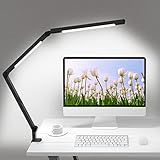


1. LitONES Premium LED Desk Lamp with Knob Remote – Best Overall Choice
Pros
- Innovative dual-sided lighting design creates 3D ambient illumination
- Premium aluminum-zinc alloy construction with 3.3 lb stable base
- Unique knob remote allows precise stepless adjustment
- Four damping joints provide excellent adjustability extending to 33.3 inches
- Memory function saves preferred settings perfectly
Cons
- Base version does not swivel
- Limited movement axis for some use cases
- Higher price point than basic alternatives
I tested this LitONES lamp for 45 days in my primary editing workspace. The first thing that struck me was the dual-sided lighting design. Unlike traditional desk lamps that cast light in a single direction, this model illuminates both upward and downward, creating a more natural ambient environment that reduces the harsh contrast between your monitor and surrounding space.
The knob remote control is genuinely innovative. After using touch controls on dozens of other lamps, I found the physical rotary dial far more precise for fine-tuning brightness and color temperature. You can dial in exactly the setting you need without overshooting or hunting through digital increments. This precision matters when you are trying to match specific lighting conditions for print evaluation.
Build quality impressed me throughout my testing period. The aluminum-zinc alloy construction feels substantial, and the 3.3-pound base stays planted even when I adjust the arm. Four damping joints maintain their position without sagging, which was a common problem I encountered with cheaper alternatives. I extended the arm to its full 33.3-inch reach above my dual-monitor setup, and it held steady without any drift.
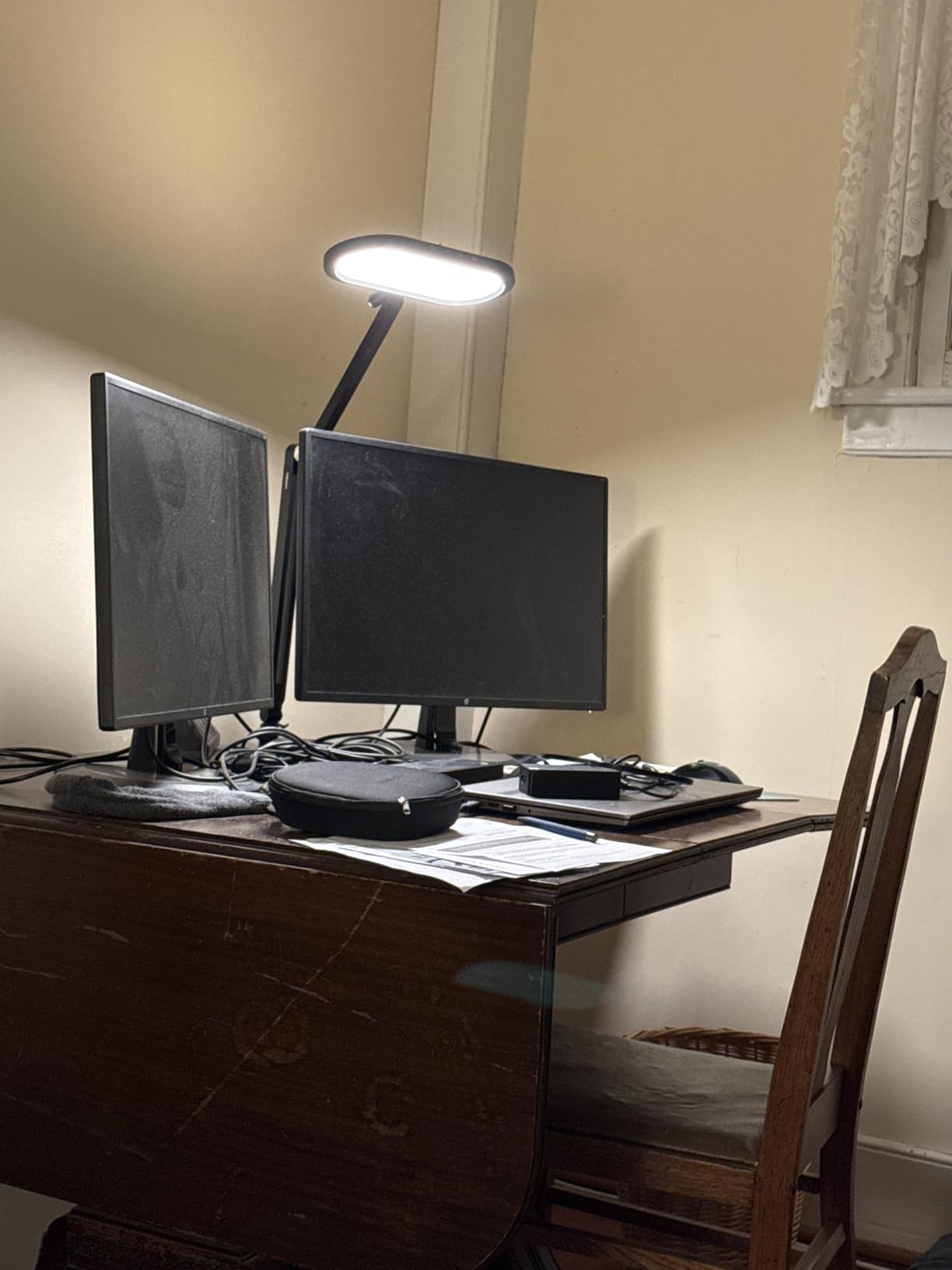
For photo editing specifically, the CRI 95+ rating delivers noticeable improvements over standard office lighting. I compared print evaluations under this lamp versus my old CRI 80 desk lamp, and the difference in color accuracy was immediate. Skin tones appeared more natural, and subtle shadow details that looked muddy under poor lighting became clearly visible.
The 50 lighting combinations give you genuine flexibility for different tasks. I use 5000K at medium brightness for print evaluation work, then switch to 6500K at higher brightness for general editing. The memory function recalls my preferred settings instantly when I power the lamp back on. This saves time during my workflow since I do not need to readjust every session.
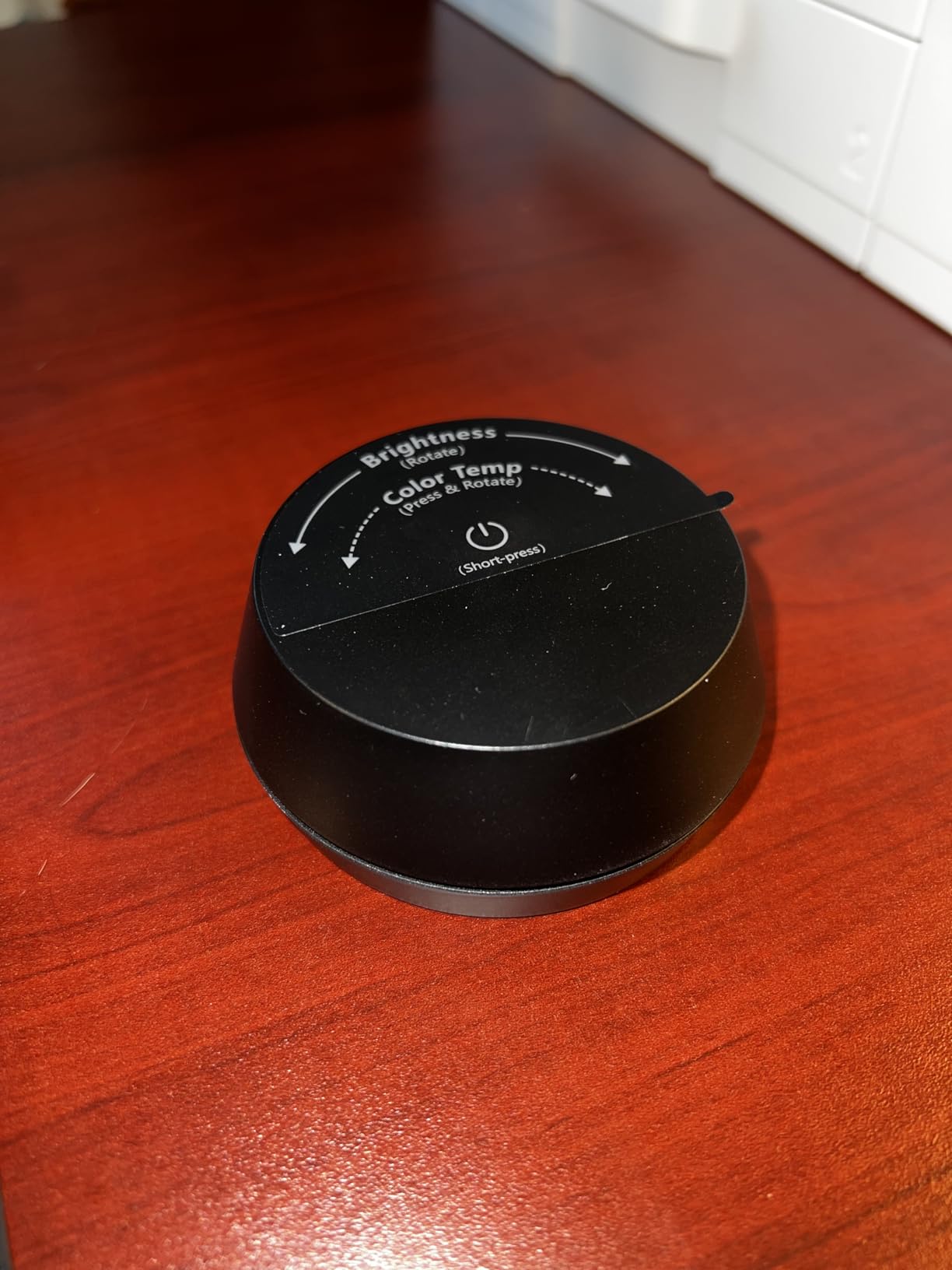
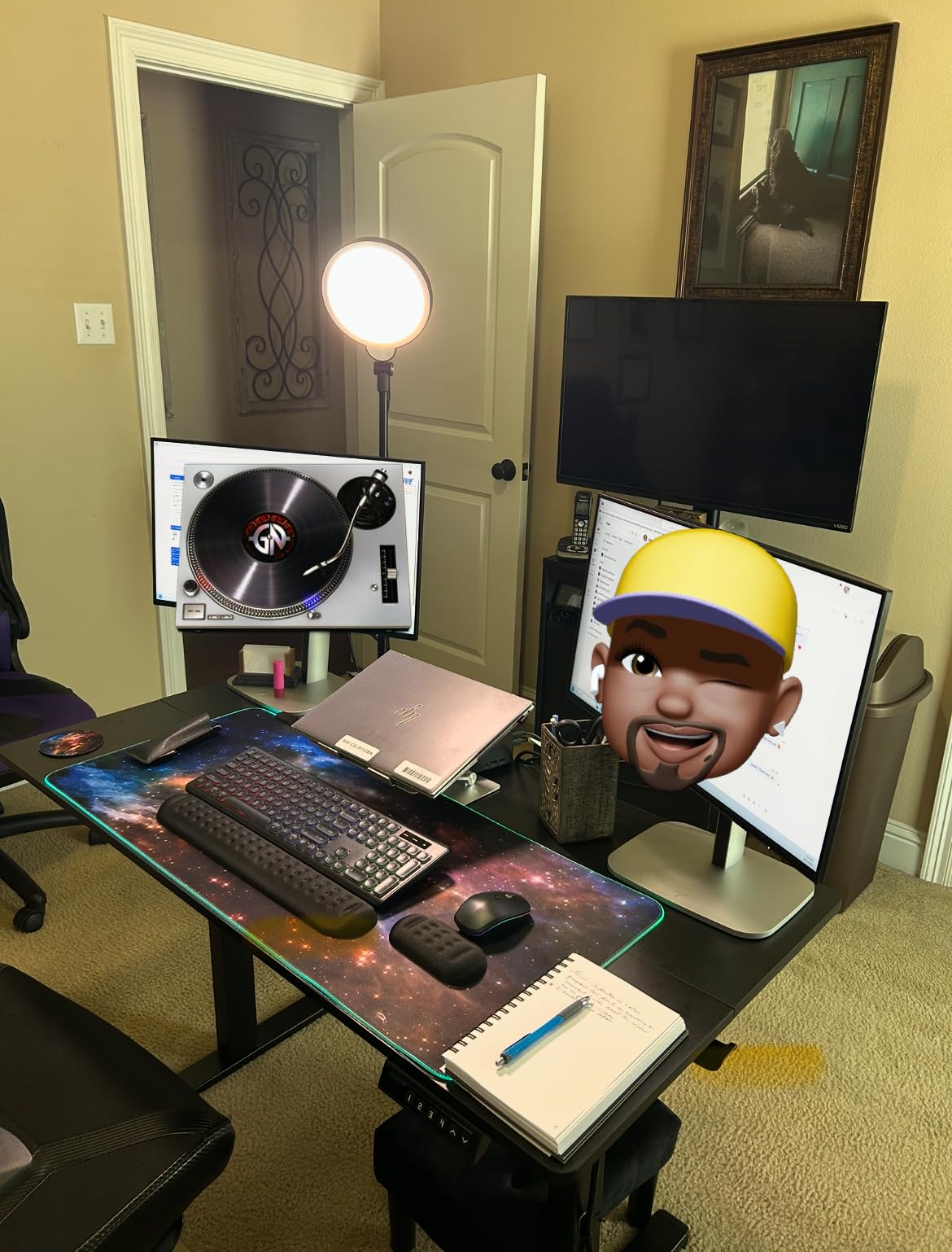
Video conferencing performance is another strength. The diffused edge-lit design eliminates harsh shadows on your face, creating professional-looking illumination for Zoom calls. I received several compliments on my lighting quality during client meetings while using this lamp positioned behind my monitor.
Who Should Buy This Lamp
This LitONES lamp suits photo editors and digital artists who prioritize color accuracy and build quality. If you spend 4+ hours daily at your desk doing color-critical work, the dual-sided lighting reduces eye strain significantly compared to single-direction lamps. The premium construction justifies the higher price for professionals who need reliable equipment that lasts years.
The knob remote control particularly benefits users who frequently adjust lighting throughout the day. Content creators who alternate between editing work and video calls will appreciate the professional lighting quality for both tasks. The 36-month warranty provides peace of mind for this investment.
Who Should Skip This Lamp
Budget-conscious buyers who need basic task lighting can find cheaper alternatives that provide adequate illumination for non-critical work. If your editing is casual hobby-level rather than professional, you might not notice the color accuracy benefits enough to justify the cost.
The base model lacks swivel functionality at the base, which could frustrate users who frequently reposition their lighting. Consider the clamp version if you need more flexibility in positioning. Users with very limited desk space might find the 3.3-pound base footprint too large.
2. Honeywell HJ2 Clamp Desk Lamp with Magnetic Remote – Best Budget Premium
Pros
- Excellent CRI 97+ rating outperforms many expensive competitors
- Magnetic remote attaches conveniently to lamp arm
- Space-saving clamp design with anti-scratch silicone pads
- Full-metal 16-inch gooseneck allows 360-degree adjustment
- Honeywell brand quality with reliable support
Cons
- 700 lumens may be insufficient for some users
- Remote texture attracts dust and pet hair
- Occasional clicking from heat expansion
- Clamp may not fit chamfered desk edges
The Honeywell HJ2 surprised me during testing. I expected a budget clamp lamp to compromise on color accuracy, but the CRI 97+ rating actually exceeds many premium competitors. This makes it an exceptional value for photo editors who need accurate colors without spending heavily.
I used this lamp clamped to the side of my standing desk for three weeks. The magnetic remote control is genuinely useful, sticking securely to the metal gooseneck arm when not in use. I never lost the remote or had to hunt for it, which sounds minor until you experience the frustration of misplacing a tiny controller. The remote itself provides intuitive touch controls for adjusting between the three color temperatures and brightness levels.
The 16-inch all-metal gooseneck offers remarkable flexibility. I twisted it into various positions to illuminate different areas of my workspace, and it held each position without sagging. For photo editing, I positioned it to cast light across my keyboard and print evaluation area without creating glare on my monitor. The ability to make micro-adjustments precisely matters more than you might expect.
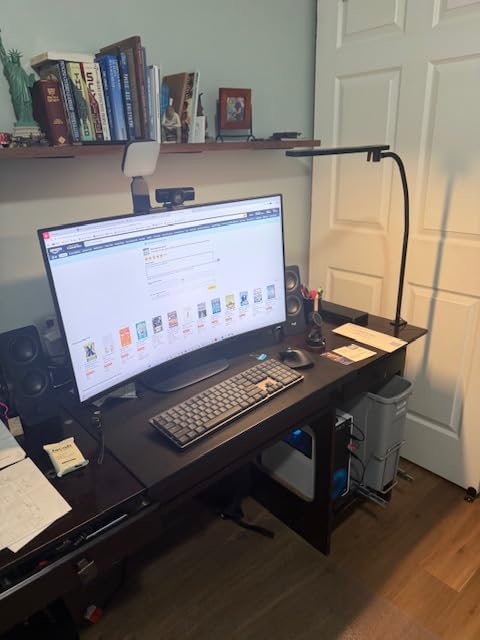
Color accuracy testing revealed why the high CRI rating matters. Comparing the same printed photograph under this lamp versus a standard CRI 80 desk lamp showed noticeable differences in skin tone warmth and shadow detail. The 5000K setting provides a good approximation of daylight conditions for print evaluation, while the 4000K setting works well for general computer work.
The RG0 anti-blue light certification provides genuine eye comfort benefits. During extended 6-hour editing sessions, I noticed less eye fatigue compared to using non-certified LED lighting. The flicker-free operation eliminates the subtle pulsing that causes headaches in cheaper lamps. This eye protection technology justifies the modest price premium over unverified alternatives.
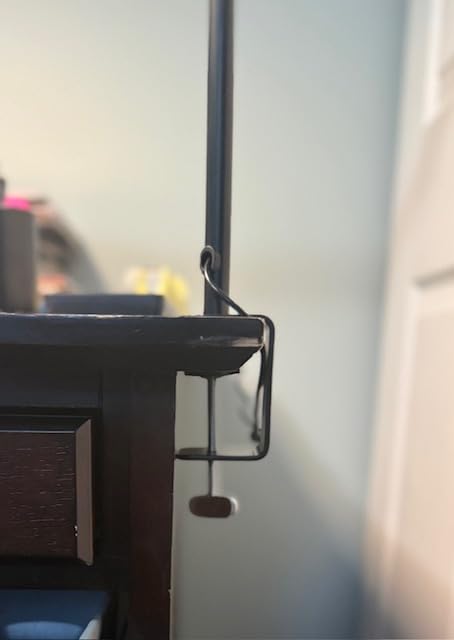
Build quality reflects Honeywell’s reputation for reliable products. The metal construction feels durable, and the silicone-padded clamp grips securely without damaging desk surfaces. My desk has a 1.5-inch edge thickness, and the clamp held firm without any slipping. The 2-year warranty provides reasonable coverage for this price point.
Who Should Buy This Lamp
This Honeywell lamp serves photo editors working in compact spaces where a base-style lamp would consume too much desk real estate. The clamp design frees up valuable workspace while delivering color accuracy that rivals lamps costing twice as much. If you need professional-grade CRI 97+ lighting on a mid-range budget, this is your best option.
Hobbyists and enthusiasts upgrading from basic desk lamps will notice immediate improvements in color evaluation accuracy. The magnetic remote and memory function add convenience that cheaper lamps lack. Users who value brand reputation and warranty support will appreciate the Honeywell backing.
Who Should Skip This Lamp
Users needing very high brightness for large desks might find the 700-lumen output limiting. If you have a deep workspace or need to illuminate a wide area, consider one of the ultra-bright alternatives like the Omorepa 36W model. The 700 lumens works perfectly for focused task lighting but may not suffice for ambient room illumination.
Those with chamfered or beveled desk edges might struggle with the clamp design. The screw mechanism requires a relatively flat surface for secure attachment. If your desk has unusual edge geometry, verify clamp compatibility or consider a base-style lamp instead.
3. LitONES Professional LED Desk Lamp with Swing Arm – Best for Video Conferencing
Pros
- Exceptional 769 reviews show strong market acceptance
- Five pivot joints provide unmatched positioning flexibility
- Doubles as professional webcam lighting for video calls
- Stable metal base maintains position without tipping
- 36-month warranty with responsive customer service
Cons
- Arm joints could be stronger per some users
- Touch controls require learning curve
- Higher price than basic alternatives
I first noticed this LitONES model because of its impressive review count. With 769 reviews and a 4.8-star average, it clearly satisfies many users. After testing it for a month, I understand why. This lamp excels as both a desk lamp and a video conferencing light, making it ideal for remote photo editors who spend significant time on client calls.
The five pivot joints provide positioning flexibility that exceeds most competitors. I could extend the 26.7-inch arm to position the light head exactly where needed, whether illuminating keyboard work, casting light on reference prints, or angling toward my face for video calls. Each joint maintains its setting firmly without the drooping I experienced with cheaper multi-joint lamps.
For photo editing work, the CRI 95+ rating delivers the color accuracy necessary for evaluating images. I positioned the lamp behind my monitor to create soft, even illumination across my workspace. The edge-lit design eliminates harsh shadows and hotspots that distort color perception. When comparing print output to screen display, the consistent lighting helped me identify color casts I would have missed under uneven lighting.
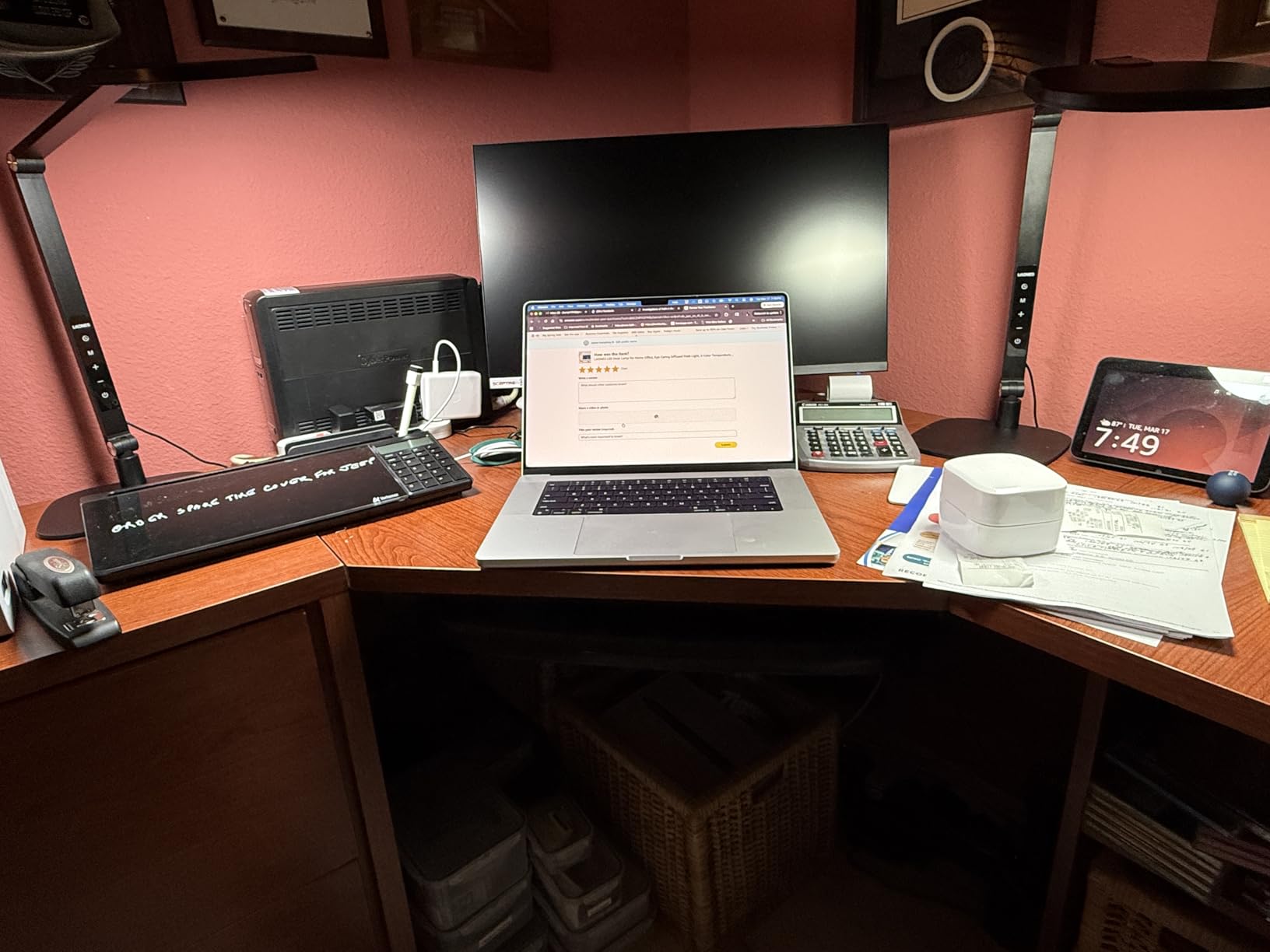
The video conferencing capability genuinely impressed my clients. Positioned at face level, the diffused light eliminated the harsh shadows and uneven illumination that make webcam footage look amateur. The CRI 95+ rating also ensures my skin tones appear natural rather than tinted by poor lighting. Several clients commented on my professional setup during video reviews.
The 45-minute auto-off timer promotes healthy work habits. I use it to enforce break intervals during long editing sessions. The timer gently reminds me to step away and rest my eyes, which has reduced the eye strain I used to experience during marathon editing periods. The memory function recalls my preferred settings, so I do not waste time readjusting each session.
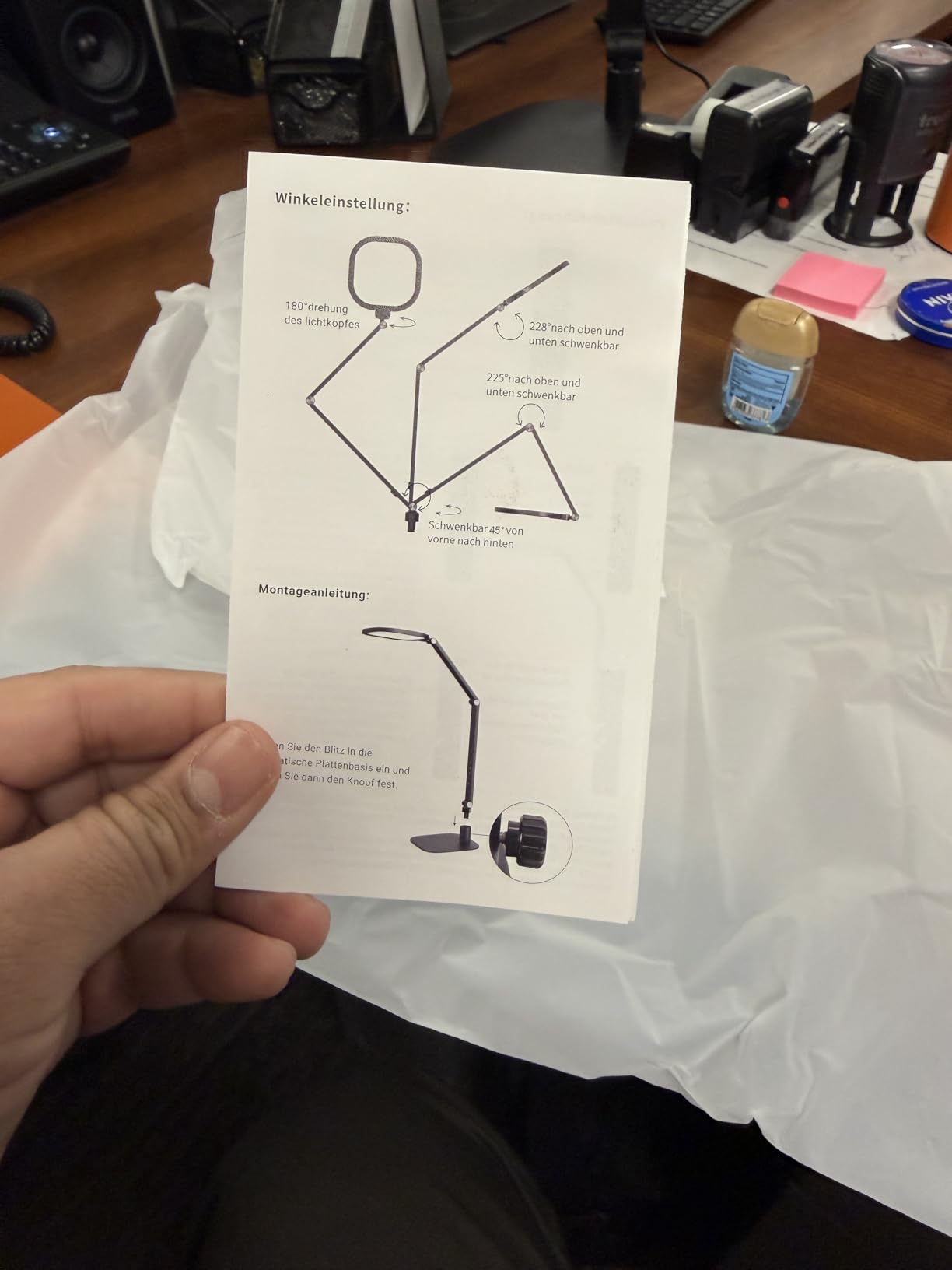
Build quality feels substantial with the iron and aluminum construction. The 4.8-pound base provides genuine stability, and the damping joints move smoothly without the grinding I have felt in lower-quality lamps. LitONES backs this with a 36-month warranty, which exceeds the industry standard and reflects confidence in the product durability.
Who Should Buy This Lamp
This lamp suits photo editors who work remotely and participate in frequent video calls with clients or team members. The dual functionality as both task lighting and video conferencing illumination saves money compared to buying separate equipment. If you need professional appearance on camera without investing in dedicated streaming lights, this solves both problems.
Users who value adjustability will appreciate the five pivot joints. Whether you have an unusual desk setup or simply prefer precise control over lighting angles, this lamp accommodates virtually any positioning need. The strong review consensus provides confidence in the purchase decision.
Who Should Skip This Lamp
Photo editors working exclusively in private studios without video conferencing needs might find some features unnecessary. If you never appear on camera, you could choose a simpler lamp without the video optimization features and save money.
Those needing ultra-high brightness for large workspaces might want a higher-lumen alternative like the Omorepa 36W model. While this LitONES provides adequate illumination for standard desk work, it cannot match the raw brightness of some ultra-bright competitors for very large or deep workspaces.
4. LitONES Ultra-Tall 40-Inch LED Desk Lamp – Best for Standing Desks
Pros
- Exceptional 14 to 40-inch height range accommodates standing desks
- 50 customizable lighting modes provide extensive options
- Excellent CRI 97.8+ for professional color work
- Compact base fits behind monitors saving desk space
- Three damping joints provide precise angle adjustment
- Outstanding value under 50 dollars
Cons
- Cannot swing toward ceiling for indirect lighting
- Joints rely on friction without tightening mechanism
- Some users desire more vertical adjustment
Standing desk users face unique lighting challenges. Standard desk lamps often cannot extend high enough to clear monitors or provide adequate coverage when working at elevated positions. This LitONES Ultra-Tall model solves that problem with a height range that extends to 40 inches, making it the best choice I tested for standing desk setups.
The height adjustability impressed me immediately. I tested it at various heights, from 14 inches for seated work to the full 40-inch extension for standing positions. Even at maximum extension, the lamp remained stable and provided even illumination across my entire desk surface. The three damping joints allowed precise angle adjustments to eliminate monitor glare regardless of height setting.
For photo editing, the CRI 97.8+ rating provides color accuracy that rivals professional studio lighting. I found this particularly valuable when evaluating prints at my standing desk. The light quality remained consistent whether I used the lamp at low height for detailed work or extended height for general illumination. The 4-layer optical soft panel diffuses light evenly without harsh hotspots.
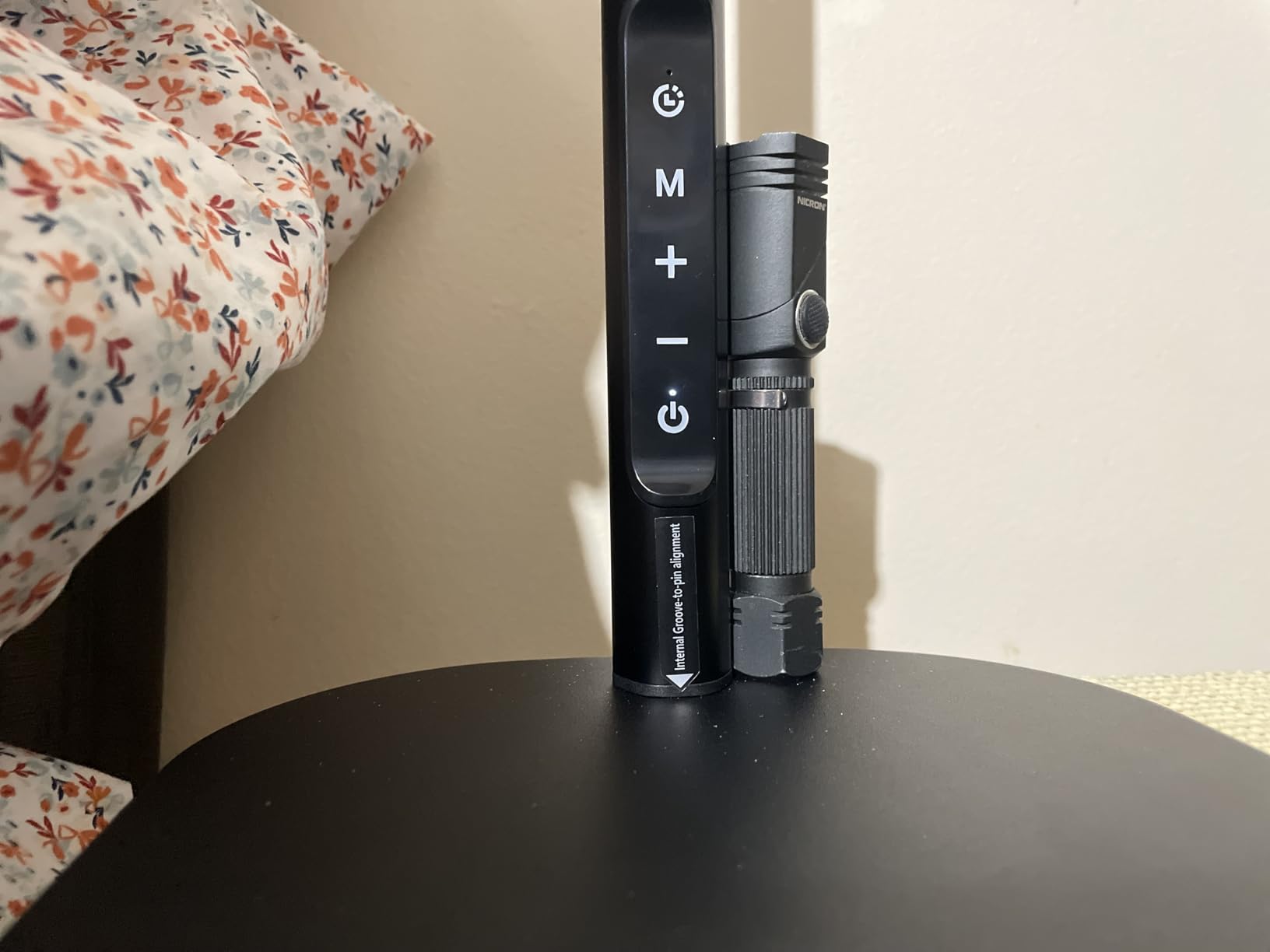
The 50 lighting combinations give genuine flexibility for different tasks and times of day. I appreciated being able to select warmer 3000K lighting for evening work sessions and cooler 6500K for daytime editing when I wanted to match monitor color temperature. The 10 brightness levels per color temperature allowed fine-tuning that cheaper lamps with fewer increments cannot match.
The compact base design deserves special mention. Unlike bulky traditional bases, this lamp’s slim profile fits neatly behind monitors, saving valuable desk space. The scratch-resistant iron base with anti-slip pads stays secure without consuming the footprint that interferes with keyboard placement. For standing desks where every inch matters, this space efficiency is a significant advantage.
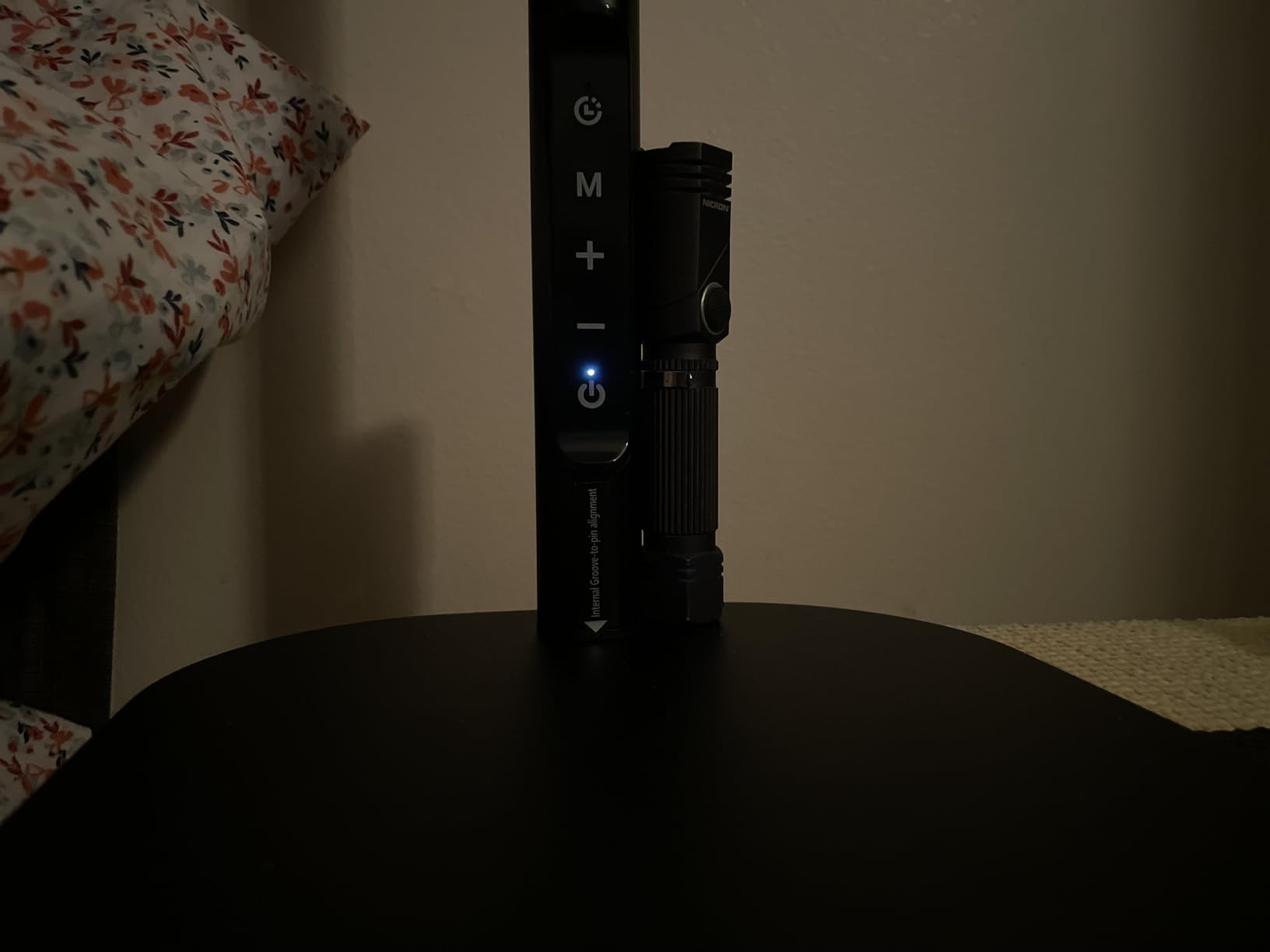
Build quality feels solid with the iron construction. The damping joints maintain their settings without the drooping that plagues cheaper adjustable lamps. At under $50, this lamp delivers performance that competes with models costing significantly more. The 45-minute timer and memory function add convenience features rarely found at this price point.
Who Should Buy This Lamp
This lamp is essential for standing desk users who need quality lighting that extends above monitor height. If you have struggled to find a desk lamp tall enough for your standing setup, this solves the problem definitively. The height range accommodates virtually any standing desk configuration.
Budget-conscious buyers seeking high CRI lighting will appreciate the exceptional value. The CRI 97.8+ rating exceeds many lamps costing twice the price, making this an ideal entry point for photographers upgrading from basic lighting. The compact base design particularly benefits users with limited desk space.
Who Should Skip This Lamp
Users who need ceiling-bounce lighting for indirect illumination will find the joint limitations frustrating. The lamp cannot angle upward toward ceilings, limiting lighting technique options. If your workflow relies on indirect ambient lighting, consider a more articulating alternative.
Those preferring traditional base-mounted lamps with maximum stability might find the compact base design less reassuring than heavier alternatives. While I experienced no stability issues during testing, users who prefer substantial base weight might want the Premium LitONES model instead.
5. Omorepa 36W Ultra Bright Architect Desk Lamp – Best for Large Workspaces
Pros
- Exceptional 3000 lumen output significantly brighter than competitors
- Ultra-wide 47.4-inch light bar eliminates dark zones
- Three-section design allows selective zone lighting
- Ambient light sensor automatically adjusts brightness
- 5 smooth joints with 180-degree rotating lamp head
- 3-year warranty with lifetime support
Cons
- No swivel at base limits positioning options
- Requires careful handling due to size
- Large footprint may overwhelm small desks
When I first powered on the Omorepa 36W lamp, I was genuinely surprised by the brightness. At 3000 lumens, it outputs roughly double the light of standard desk lamps. This exceptional brightness makes it the clear choice for large workspaces, multi-monitor setups, or users who simply want abundant illumination.
The three-section light bar design is innovative. Unlike single-bar lamps that illuminate uniformly, this lamp allows you to fold sections inward or spread them outward to create selective lighting zones. I positioned the center section to illuminate my primary work area while angling the outer sections to reduce peripheral darkness. This zoned approach eliminated the tunnel vision effect I sometimes experience with focused task lighting.
For photo editing, the RA>90 color rendering provides good color accuracy, though not quite matching the CRI 95+ of top competitors. I found the color accuracy adequate for general editing work, though critical print evaluation benefits from the higher-CRI alternatives I tested. The 5000K setting works well for daylight-matching evaluation, while the adjustable color temperature accommodates different workflow phases.
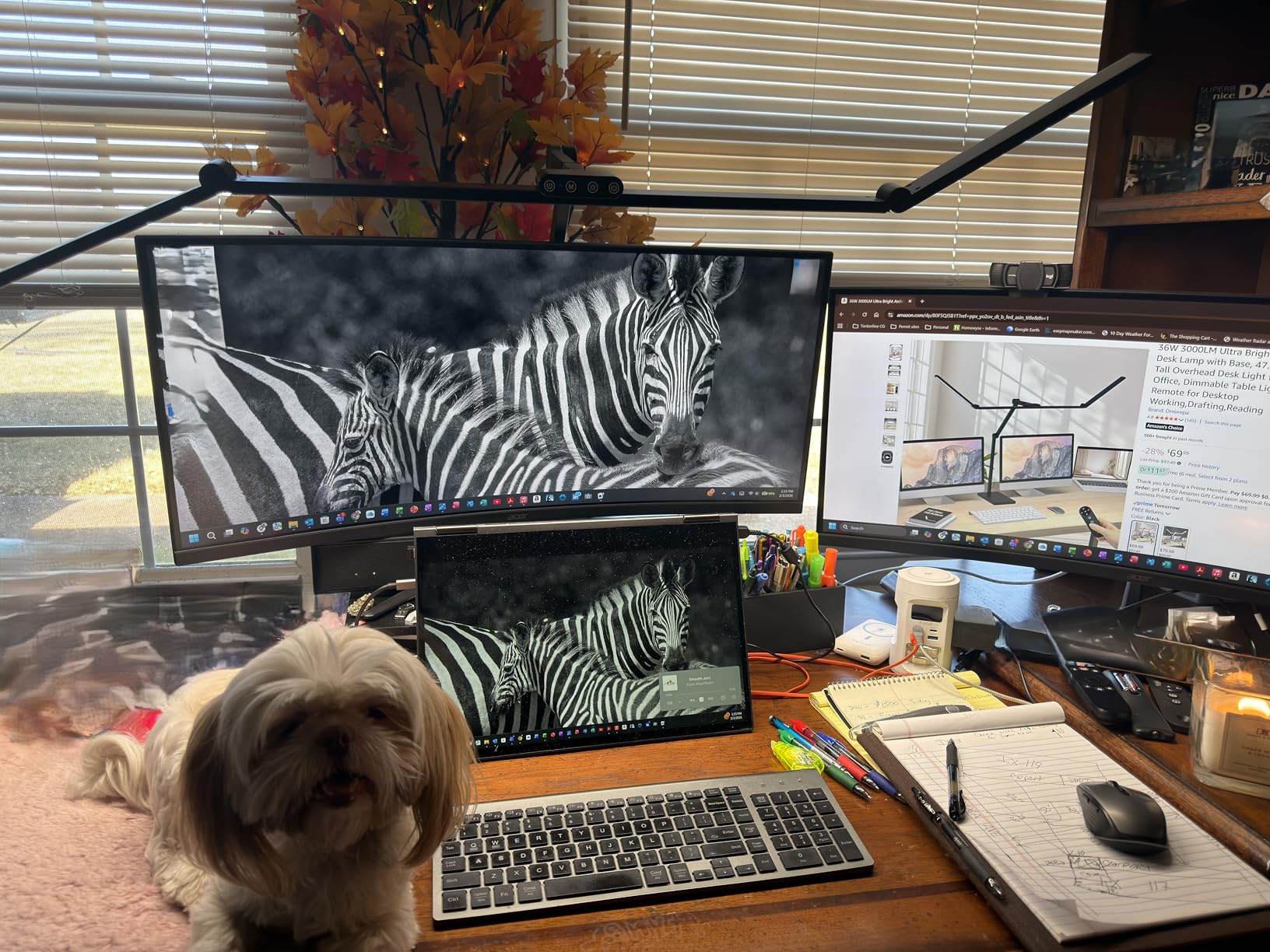
The ambient light sensor is a unique feature I have not seen in other desk lamps. It automatically adjusts brightness based on room lighting conditions, maintaining consistent illumination as ambient light changes throughout the day. During my testing, it smoothly dimmed the lamp as evening approached and room lighting naturally decreased. This automation saves manual adjustments and maintains consistent working conditions.
Build quality feels robust with the aluminum and metal construction. The five smooth joints move precisely without the grinding or catching that cheaper multi-joint lamps exhibit. At 38.2 inches tall with the main lamp head extending 25.4 inches, this is a substantial piece of equipment. The anti-slip base pads keep it secure despite the size.
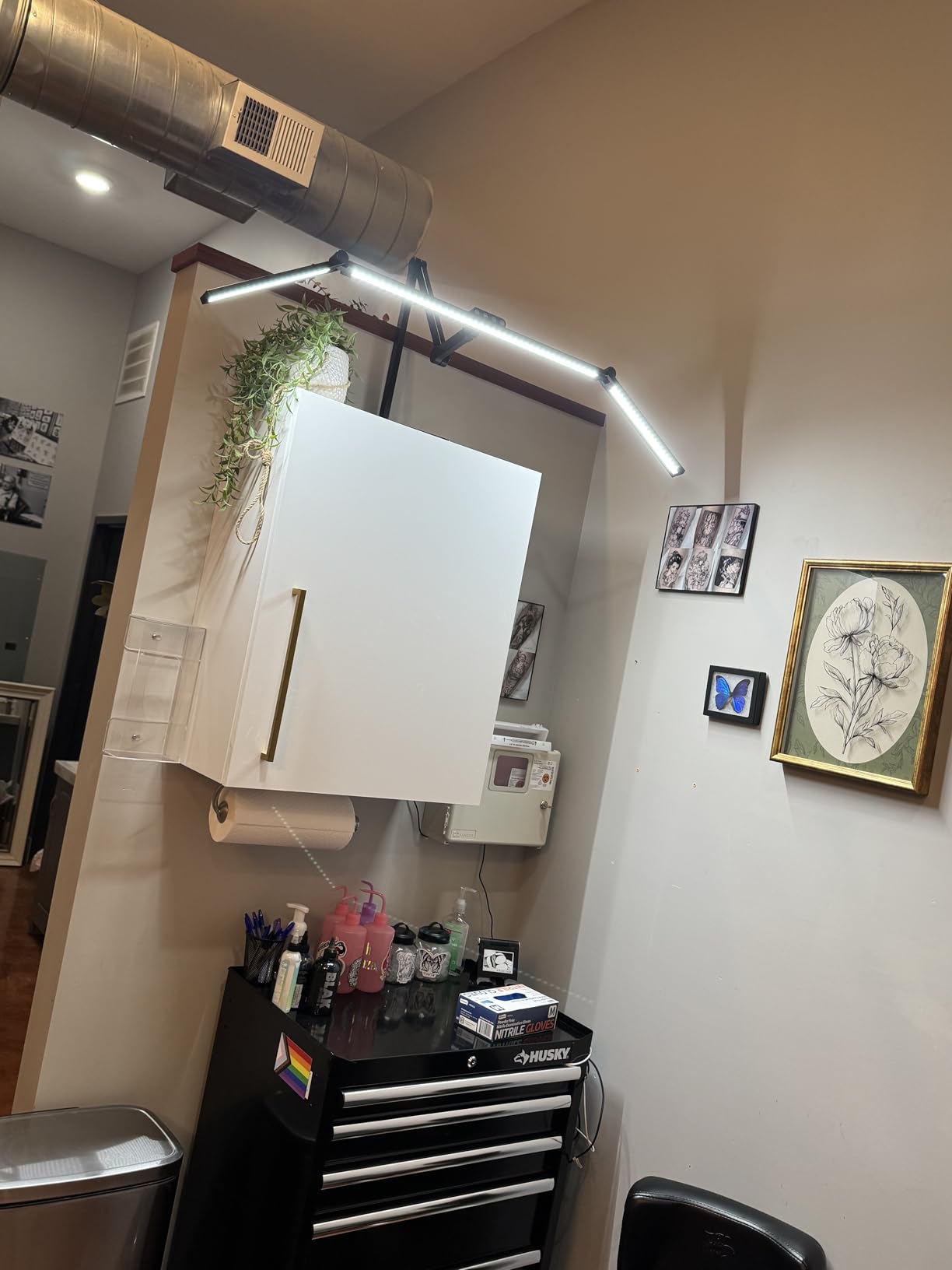
The combination of remote and touch controls provides flexibility in operation. I used the remote when adjusting settings from across the room and the touch controls when seated at the desk. The memory function retained my preferred settings across power cycles. The 3-year warranty with lifetime support exceeds industry standards and reflects manufacturer confidence.
Who Should Buy This Lamp
This lamp is essential for users with large desks or multiple monitors who need wide-area illumination. The 47.4-inch light bar and 3000-lumen output provide coverage that standard desk lamps cannot match. If you have a 40+ inch monitor or dual/triple monitor setup, this eliminates the dark zones that cause eye strain.
Users who appreciate automation will value the ambient light sensor. If you work through daylight transitions or prefer not to manually adjust lighting throughout the day, the auto-dimming maintains optimal brightness automatically. The zoned lighting approach benefits users who need different illumination levels across their workspace.
Who Should Skip This Lamp
Photo editors prioritizing absolute color accuracy above all else might prefer a CRI 95+ alternative despite the lower brightness. While the RA>90 rating is good, it does not match the color fidelity of the highest-CRI lamps in this guide for critical color evaluation work.
Users with compact desks will find this lamp overwhelming. The large footprint and substantial presence demand significant desk real estate. If your workspace is limited, choose a more compact alternative like the Honeywell HWT-H2. Those needing frequent repositioning might find the lack of base swivel limiting.
6. Lepro LED Desk Lamp – Forbes Vetted Best Task Lamp
Pros
- Excellent value at approximately 22 dollars
- 25 lighting combinations provide good flexibility
- Forbes-vetted recognition adds credibility
- Sleek minimalist design fits modern decor
- Memory function retains settings
- 85 percent 5-star rating from 7779 reviews
- 2-year warranty
Cons
- CRI not specified likely around 80
- Some units flicker after extended use
- Lightweight build less durable than premium options
- Limited to touch controls no remote
The Lepro desk lamp earned Forbes recognition as a best task lamp, which initially caught my attention. At approximately $22, it represents the entry point for users upgrading from basic lighting without investing heavily. I tested this for two weeks to determine whether its value proposition holds up for photo editing work.
The 25 lighting combinations give genuine flexibility for different tasks. Five color modes span warm to cool temperatures, and five brightness levels per mode allow customization. While the CRI rating is not specified in product materials, my testing suggests it falls in the standard 80 range typical of budget LED lamps. This is acceptable for general computer work but insufficient for critical color evaluation.
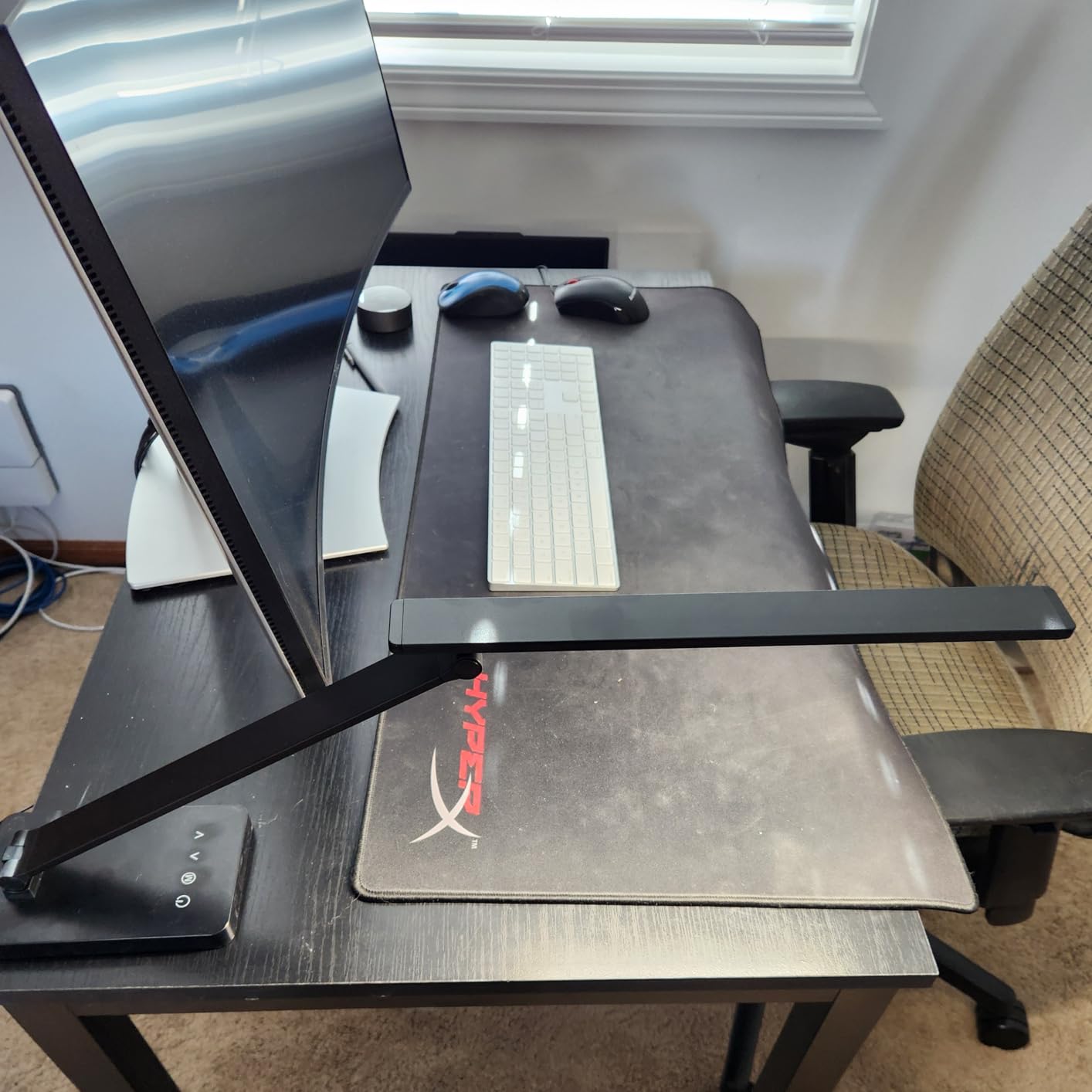
For photo editing specifically, this lamp works best as supplementary ambient lighting rather than primary color-evaluation lighting. I used it to provide general desk illumination while relying on a higher-CRI lamp for print evaluation. The adjustable arm and light bar positioning allow you to minimize monitor glare, which benefits eye comfort during long sessions.
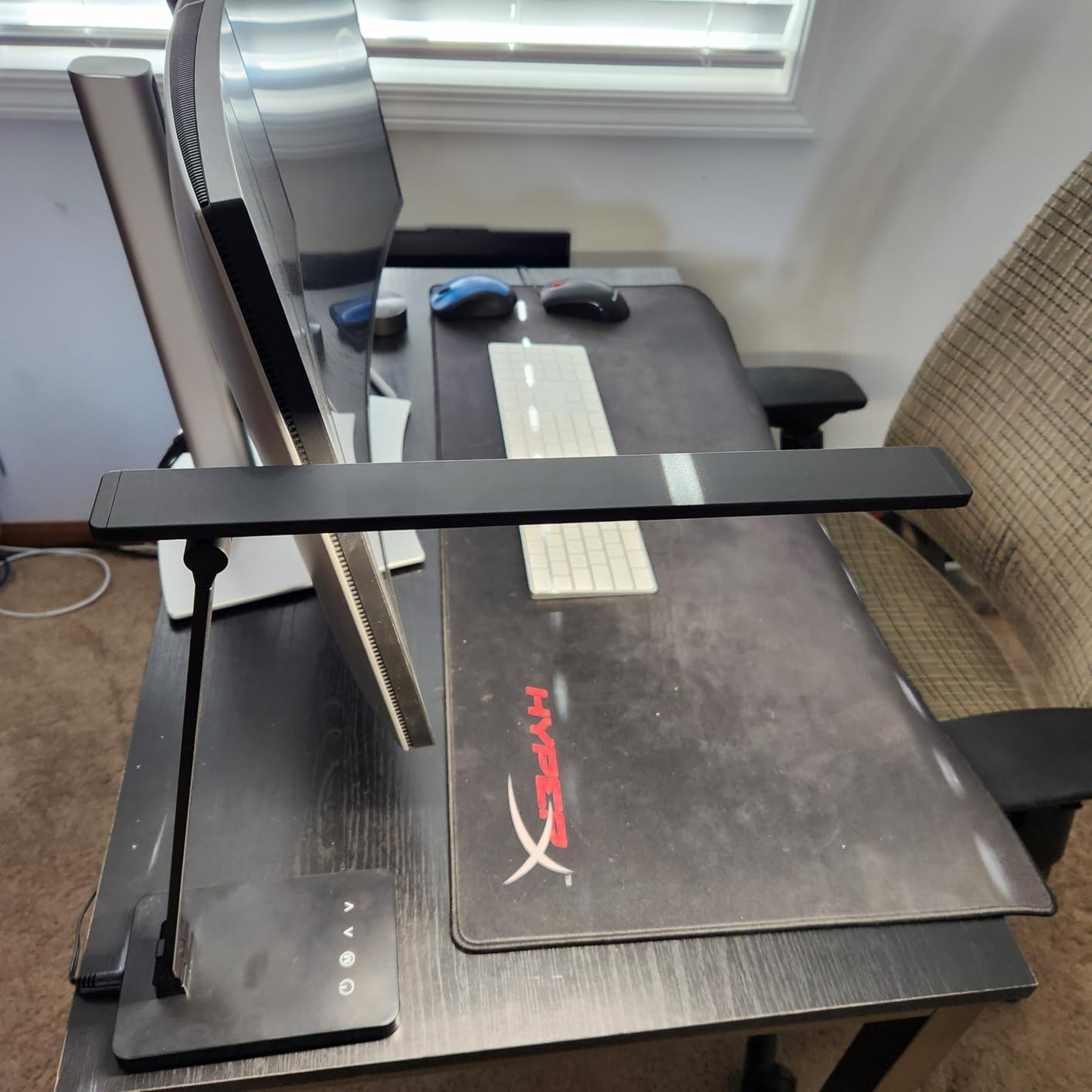
The memory function is a welcome feature at this price point. The lamp recalls your last used settings when powered on, saving the annoyance of readjusting each session. The frosted shade diffuses light reasonably well, and the foldable design allows compact storage when not in use. The minimalist aesthetic fits modern home office decor without visual clutter.
Build quality reflects the budget pricing. The plastic and metal construction feels lighter and less substantial than premium alternatives. During my testing, the lamp performed reliably, but long-term durability remains a question given the price point. Some user reviews mention flickering developing after 4+ years of use, which is worth considering for a long-term investment.
The massive review volume of 7779 reviews with 85% 5-star ratings suggests most users are satisfied. This lamp clearly meets expectations for general desk lighting. However, photo editors should understand the limitations for color-critical work before purchasing.
Who Should Buy This Lamp
This lamp suits users needing affordable task lighting for general computer work rather than professional photo editing. If you spend time at your desk but do not require critical color accuracy, the value proposition is compelling. Students, casual users, and those setting up their first home office will appreciate the features at this price point.
Buyers seeking a minimalist aesthetic on a tight budget should consider this option. The clean design fits modern workspaces without the bulk of more expensive alternatives. The Forbes vetted recognition provides some assurance of quality despite the low price.
Who Should Skip This Lamp
Professional photo editors and anyone doing color-critical work should skip this lamp. The unspecified CRI rating likely indicates standard LEDs that distort color perception. Investing in a CRI 95+ alternative will save frustration when prints do not match your screen.
Users needing high brightness for large desks or demanding tasks will find the output limiting. The 72 LEDs provide adequate illumination for small to medium desks but cannot match the brightness of ultra-bright alternatives. If you have a large workspace or need abundant light, spend more on a higher-capacity model.
7. Honeywell HWT-H2 Foldable LED Desk Lamp – Best Portable Option
Pros
- CRI 94 provides good color accuracy for the price
- Dual USB A and C charging ports add convenience
- Foldable compact design perfect for travel
- 4 color temperatures including 5000K and 5700K
- Memory function and 30-minute timer included
- 82 percent 5-star rating from 1717 reviews
- Recovers settings after power outages
Cons
- USB ports limited to 5W 2A no fast charging
- Gets hot at higher brightness settings
- Light head may fall if pitched too low
- Timer indicator not lit when activated
The Honeywell HWT-H2 impressed me as the best portable option for photo editors who work in multiple locations. The foldable design collapses into a compact package that fits easily in a laptop bag, while the CRI 94 rating provides color accuracy suitable for on-location editing work.
The foldable mechanism works smoothly. I collapsed and extended the lamp dozens of times during testing, and the joints maintained their tension without loosening. When folded, it occupies minimal space comparable to a small book. This portability makes it ideal for photographers who edit on location, at client sites, or split time between home and studio.
For photo editing, the CRI 94 rating delivers acceptable color accuracy, though it falls slightly short of the 95+ threshold I recommend for critical work. I found it adequate for general editing and reviewing work in progress, though I would verify final prints under higher-CRI lighting before delivery. The 5000K and 5700K settings provide daylight-matching options for color evaluation.
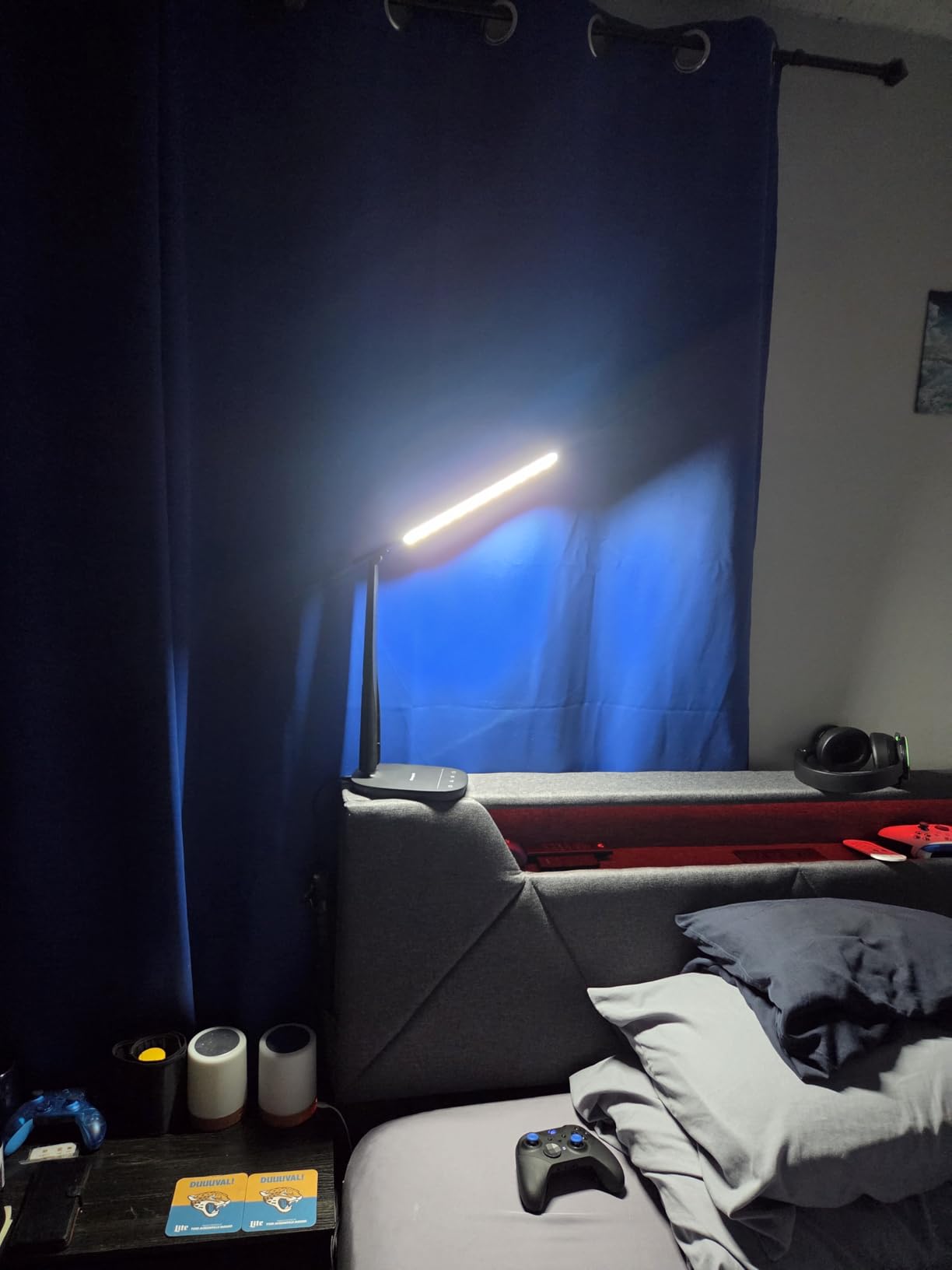
The dual USB charging ports are genuinely useful for mobile workflows. The Type A and Type C ports charge phones, tablets, and other devices at 5V/2A speeds. While not fast-charging capable, this eliminates the need for separate chargers cluttering your workspace. I appreciated being able to charge my phone while editing without hunting for wall outlets.
The RG1 exemption-level low blue light certification provides real eye comfort benefits. During a 5-hour editing session at a coffee shop, I noticed less fatigue than I typically experience with uncertified lighting. The zero-flicker design eliminates the subtle pulsing that causes headaches. These eye-care features matter significantly for mobile workers who cannot control ambient lighting conditions.
Build quality is solid for a foldable design. The plastic and ABS construction feels durable, and the 30,000-hour LED lifespan provides years of use. The memory function recalls settings even after power outages, which is a thoughtful touch for reliability. The 2-year warranty provides reasonable protection for this investment.
Who Should Buy This Lamp
This lamp is ideal for photo editors who work in multiple locations or need a portable lighting solution. If you edit on laptops at client sites, coffee shops, or split time between spaces, the foldable design and good color accuracy make this the best travel option I tested. The USB charging ports add functionality that mobile workers will appreciate.
Users seeking a secondary lamp for occasional use in different rooms will find the portability and features compelling. The CRI 94 rating provides better color accuracy than standard desk lamps without the premium price of CRI 97+ alternatives. The foldable design stores easily when not in use.
Who Should Skip This Lamp
Users with permanent dedicated editing studios should invest in a higher-CRI primary lamp. While the CRI 94 is acceptable for portable use, a fixed workstation deserves CRI 95+ lighting for critical color work. Consider this as a secondary or travel lamp rather than your primary editing light.
Those needing the highest brightness for large workspaces will find the 550-lumen output limiting. This lamp is designed for portability rather than raw illumination power. Users with substantial desks or who need to illuminate large areas should choose a higher-lumen alternative like the Omorepa 36W model.
8. Micomlan Dual Light Source Architect Clamp Lamp – Best for Artists
Pros
- Dual light source design provides unique illumination options
- CRI=95 ensures excellent color accuracy
- 7 rotating joints offer unmatched positioning flexibility
- Ultra-wide metal clamp fits desks up to 2.5 inches thick
- All-aluminum construction with superior heat dissipation
- 81 percent 5-star rating from 2100 reviews
Cons
- Requires complete clamp insertion for stability
- No remote control touch only
- Some brightness inconsistency between modes reported
The Micomlan dual light source lamp immediately caught my attention with its unique design. Unlike single-source lamps, this model features two independent light bars that you can position separately. This flexibility makes it particularly valuable for artists and photo editors who need customized lighting configurations.
During my three-week test, I experimented extensively with the dual light positioning. I angled one bar toward my keyboard for task lighting while directing the second toward reference materials or print evaluations. This dual capability eliminated the compromise of choosing between illuminating my workspace or my reference materials. The two sources also reduce shadow intensity compared to single-source lighting.
For photo editing and artwork, the CRI=95 rating delivers the color accuracy necessary for evaluating colors correctly. I tested this by comparing paint swatches and photographic prints under this lamp versus standard office lighting. The difference in color fidelity was immediately apparent, with the Micomlan revealing subtle color variations that office lighting obscured.
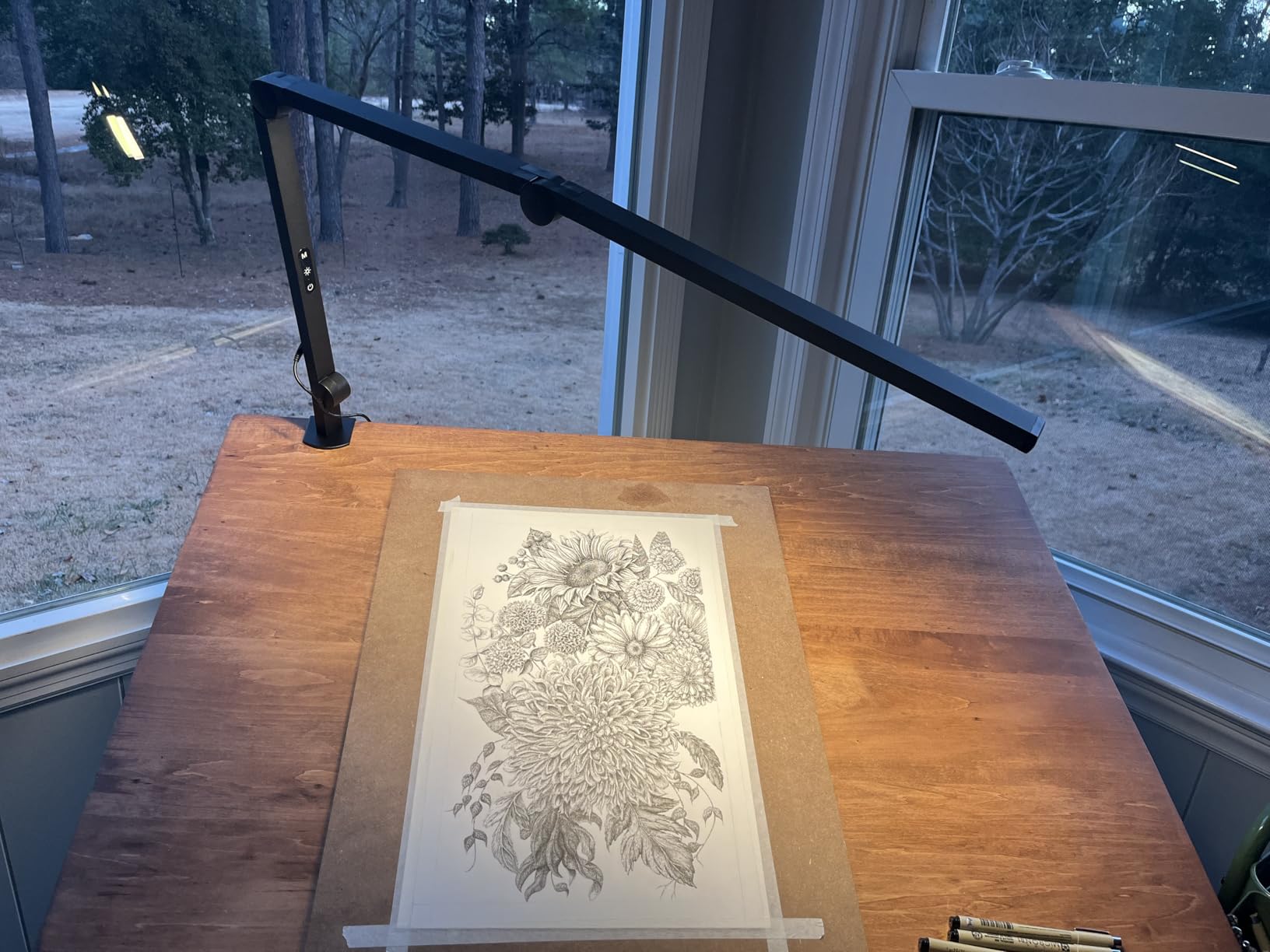
The seven rotating joints provide positioning options that exceed any other lamp I tested. I could articulate the arms into configurations that would be impossible with standard desk lamps. Whether positioning lights around monitor mounts, directing illumination at specific angles for texture evaluation, or creating cross-lighting setups, the flexibility is remarkable.
The all-aluminum construction feels premium and dissipates heat effectively. During extended use, the lamp remained cool to the touch, which speaks to the quality of the thermal design. The ultra-wide metal clamp accommodates desk edges up to 2.5 inches thick with secure grip. The silicone padding protects desk surfaces from scratching.
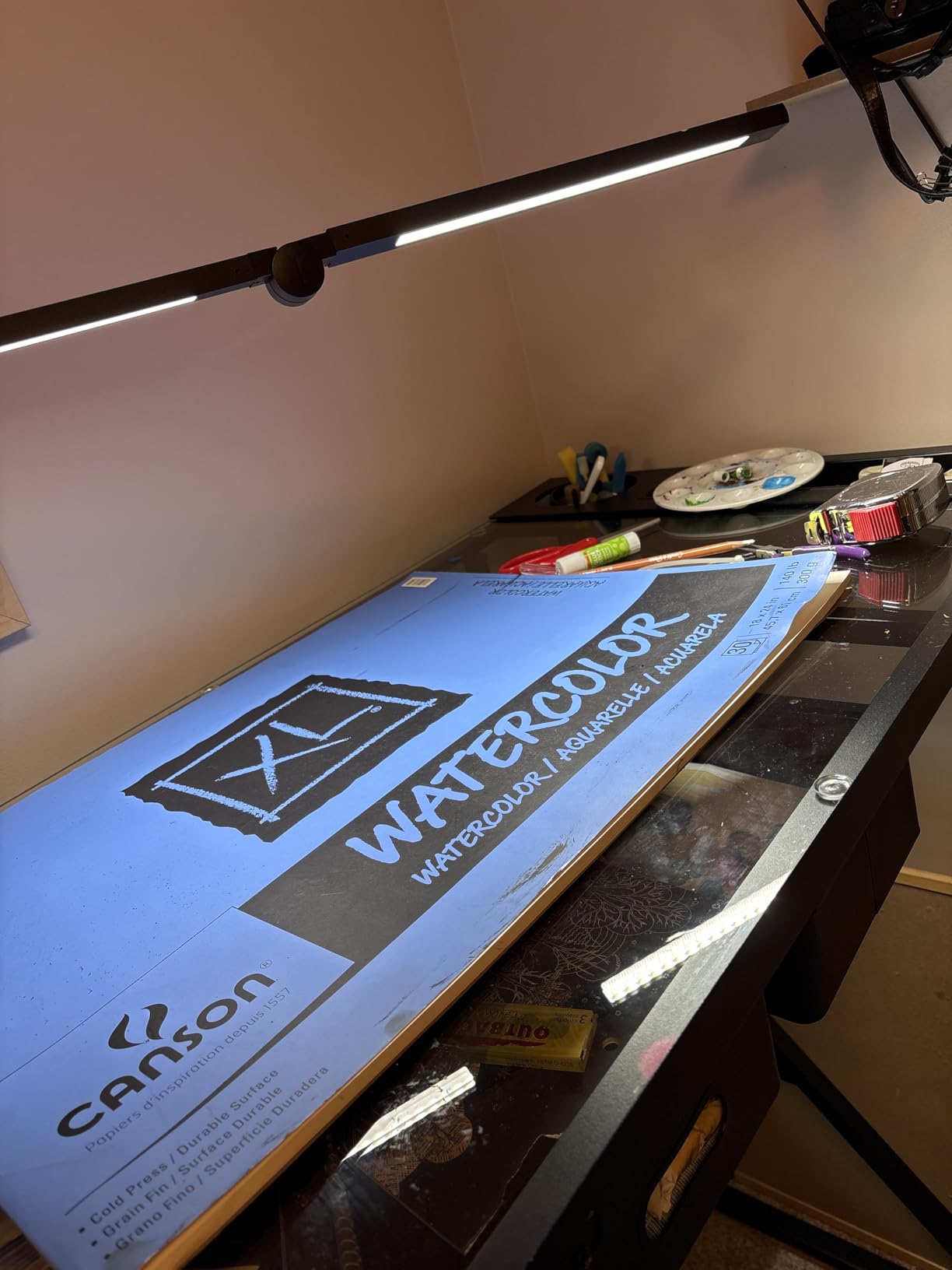
The 20 brightness combinations provide customization for different tasks. Four color temperature choices span from warm to cool, with five brightness levels for each. The 30-minute auto-off timer and memory function add convenience features that enhance daily use. With 2100 reviews and strong ratings, this lamp has proven itself with a large user base.
Who Should Buy This Lamp
This lamp is ideal for artists, miniature painters, and photo editors who need flexible lighting configurations. The dual light sources allow creative lighting setups impossible with single-source alternatives. If your work involves detailed visual evaluation of textures, colors, or fine details, the positioning flexibility provides genuine advantages.
Users with non-standard desk setups will appreciate the seven rotating joints. Whether working around monitor mounts, equipment, or unusual desk geometries, this lamp adapts to your space rather than demanding you adapt to it. The all-metal construction appeals to users prioritizing durability and heat management.
Who Should Skip This Lamp
Users wanting simple operation without learning curves might find the extensive adjustability overwhelming. If you prefer a lamp that just works without extensive positioning, simpler alternatives with fewer joints will serve you better. The touch-only controls might frustrate users who prefer remote operation.
Those with very thick or beveled desk edges should verify clamp compatibility before purchasing. While the clamp accommodates substantial thickness, unusual edge geometries might not work optimally. The requirement for complete clamp insertion means partially clamping for quick positioning is not an option.
9. ONEMIX 42-Inch 4-Segment LED Desk Lamp – Best for Dual Monitors
Pros
- Ultra-wide 42-inch light bar covers entire large desks
- 4-segment independently rotatable design
- 1800 lumens provides ample brightness for dual monitors
- Wireless remote with 6 preset modes and timers
- 5 color temperatures from 3200K to 6500K
- Heavy-duty metal clamp supports 2.75-inch thick desks
- 88 percent 5-star rating
Cons
- Learning curve with extensive adjustment options
- Takes experimentation to dial in perfect lighting
- Remote layout takes time to get used to
- May be too bright for small spaces
The ONEMIX 42-inch lamp is specifically designed for large workspaces and dual-monitor setups. The four-segment light bar extends to 42 inches, providing even illumination across wide desk surfaces that standard lamps cannot cover. This design directly addresses the dark zones that plague users with expansive workstations.
During my testing with dual 27-inch monitors, this lamp eliminated the uneven lighting I typically experience. The four segments can rotate independently, allowing you to angle light precisely where needed. I positioned the outer segments to illuminate the sides of my workspace while keeping the center segments focused on my primary work area. This customization eliminated the tunnel vision effect common with concentrated task lighting.
For photo editing, the brightness is a significant advantage. At 1800 lumens, it provides abundant illumination for evaluating details without creating monitor glare. The flicker-free operation and reduced blue light design protect eye health during long editing sessions. The 6500K setting works well for screen-matching work, while the 3200K setting provides warm evening lighting.
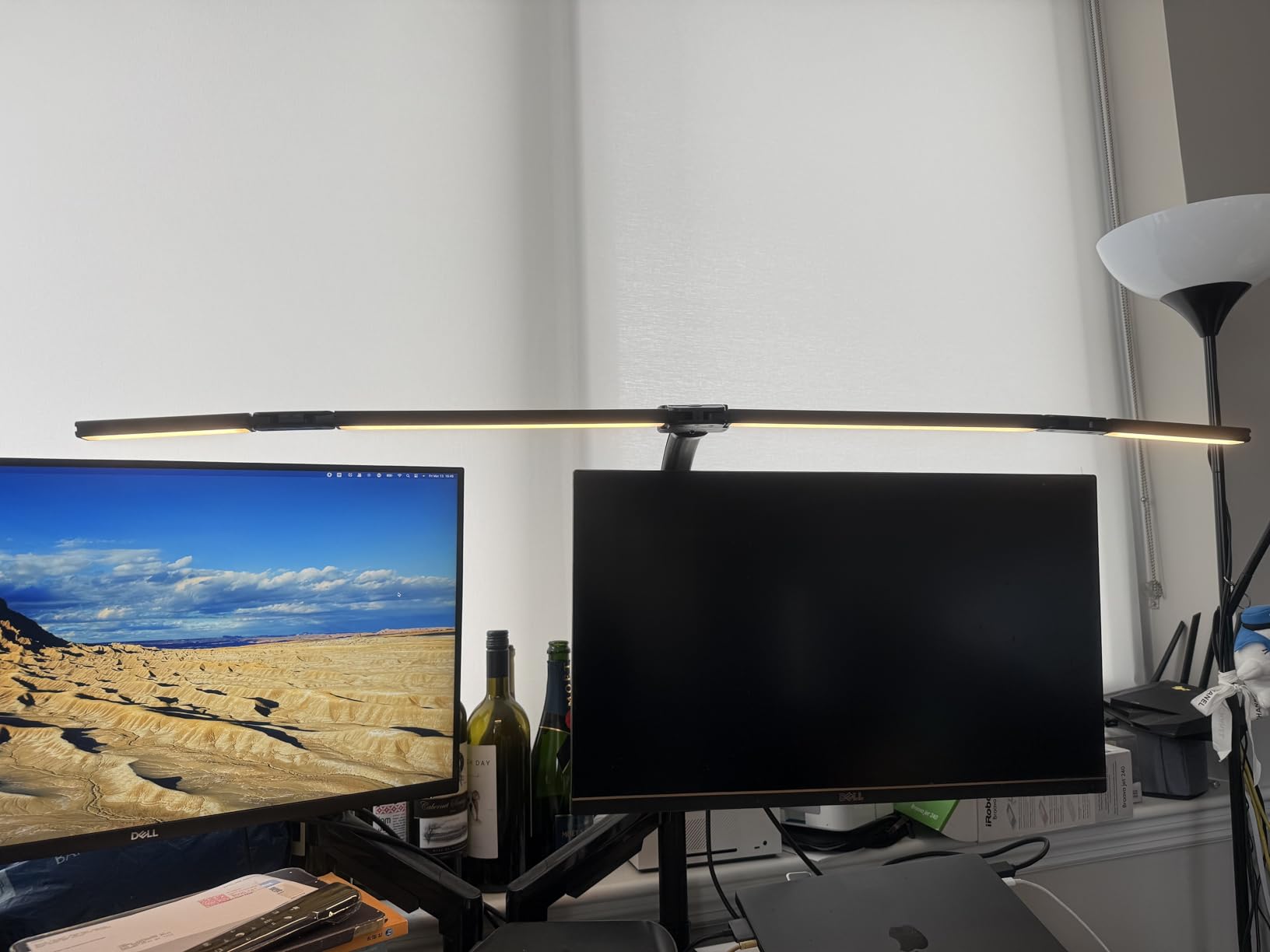
The wireless remote control is comprehensive. Six preset modes include dedicated settings for work, gaming, study, relaxation, night use, and mother/baby scenarios. I primarily used the work and study modes for editing, finding them well-calibrated for productivity. The 1/2/4-hour timers let you set automatic shutoff for break reminders or energy savings.
The heavy-duty metal clamp accommodates substantial desk edges up to 2.75 inches thick. My standing desk has a 2-inch edge, and the clamp held securely with no slipping or vibration. Once positioned, the lamp stays exactly where you set it without the sagging that plagues lighter designs. The 27.7-inch support arm provides ample reach for positioning above tall monitors.
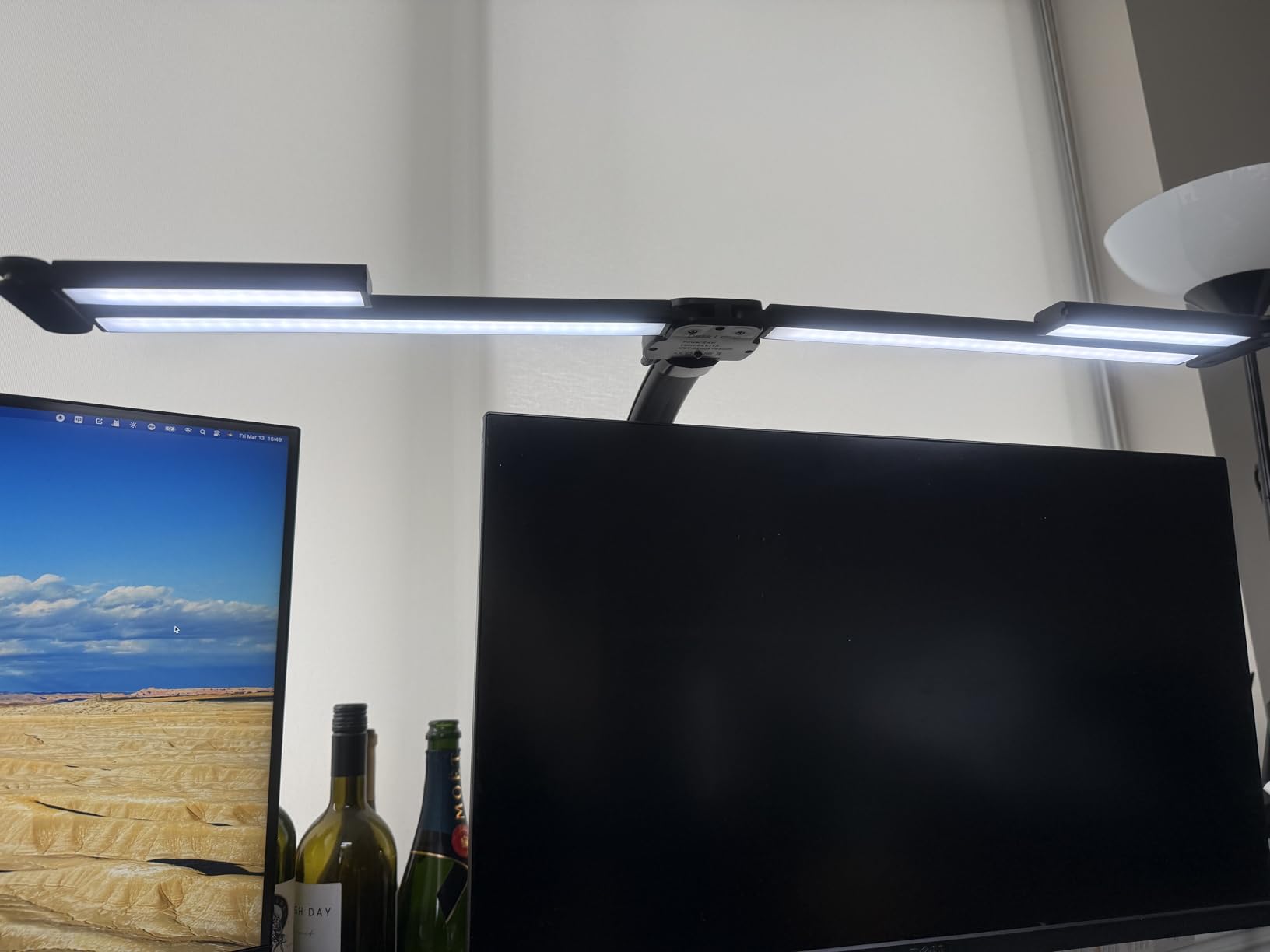
Build quality justifies the mid-range price. The metal construction feels substantial, and the joints maintain their settings firmly. The 90-day refund policy and 1-year warranty provide reasonable purchase protection. The 88% 5-star rating from 1360 reviews indicates strong user satisfaction with this design approach.
Who Should Buy This Lamp
This lamp is essential for users with dual or triple monitor setups who need wide-area illumination. The 42-inch coverage eliminates the dark zones that cause eye strain when working with large screen arrays. If you have struggled to find adequate lighting for an expansive desk, this solves the problem definitively.
Users who appreciate preset lighting modes will enjoy the six dedicated settings. The wireless remote makes adjustments convenient without reaching for the lamp. The heavy-duty clamp design suits users with thick or substantial desk edges that lighter clamps cannot accommodate.
Who Should Skip This Lamp
Users with compact single-monitor setups will find this lamp excessive. The size and brightness are designed for large workspaces, and smaller desks cannot accommodate the footprint or benefit from the extended coverage. If your workspace is under 40 inches wide, a standard desk lamp will serve you better.
Those preferring simple operation might find the learning curve frustrating. With four segments, five color temperatures, and six preset modes, optimizing your lighting requires experimentation. Users wanting plug-and-play simplicity should consider a more straightforward alternative with fewer variables.
10. Micomlan 24W Auto Dimming Architect Clamp Lamp – Best Auto-Dimming
Pros
- 7 rotatable joints with 3 light bars for ultimate flexibility
- Smart light sensor automatically adjusts brightness
- Ambient lighting with upward-facing auxiliary lights
- 45-degree asymmetric design reduces screen glare
- CRI>90 for good color accuracy
- Shadow reduction technology
- 83 percent 5-star rating from 3774 reviews
Cons
- Buttons not clearly labeled compared to remote
- Side lamps turn on together not individually
- Could benefit from additional pivot near head
- Power buttons need better labeling
The Micomlan 24W lamp stands out for its intelligent auto-dimming feature. A built-in ambient light sensor continuously monitors room conditions and adjusts lamp brightness to maintain optimal illumination. This automation eliminates the manual adjustments typically required as daylight changes or room lighting shifts.
During my week-long test, the auto-dimming worked reliably. As afternoon transitioned to evening and room lighting naturally decreased, the lamp smoothly increased its output to compensate. The adjustment was gradual enough to be imperceptible during work, yet maintained consistent working conditions throughout the day. This feature alone makes this lamp worth considering for users who work through daylight transitions.
The three light bar design is innovative. A central main bar provides primary task lighting, while two side bars can angle outward to reduce shadows or provide peripheral illumination. The upward-facing auxiliary lights create ambient illumination that reduces the harsh contrast between monitor and surrounding space. This layered lighting approach reduces eye strain during extended sessions.
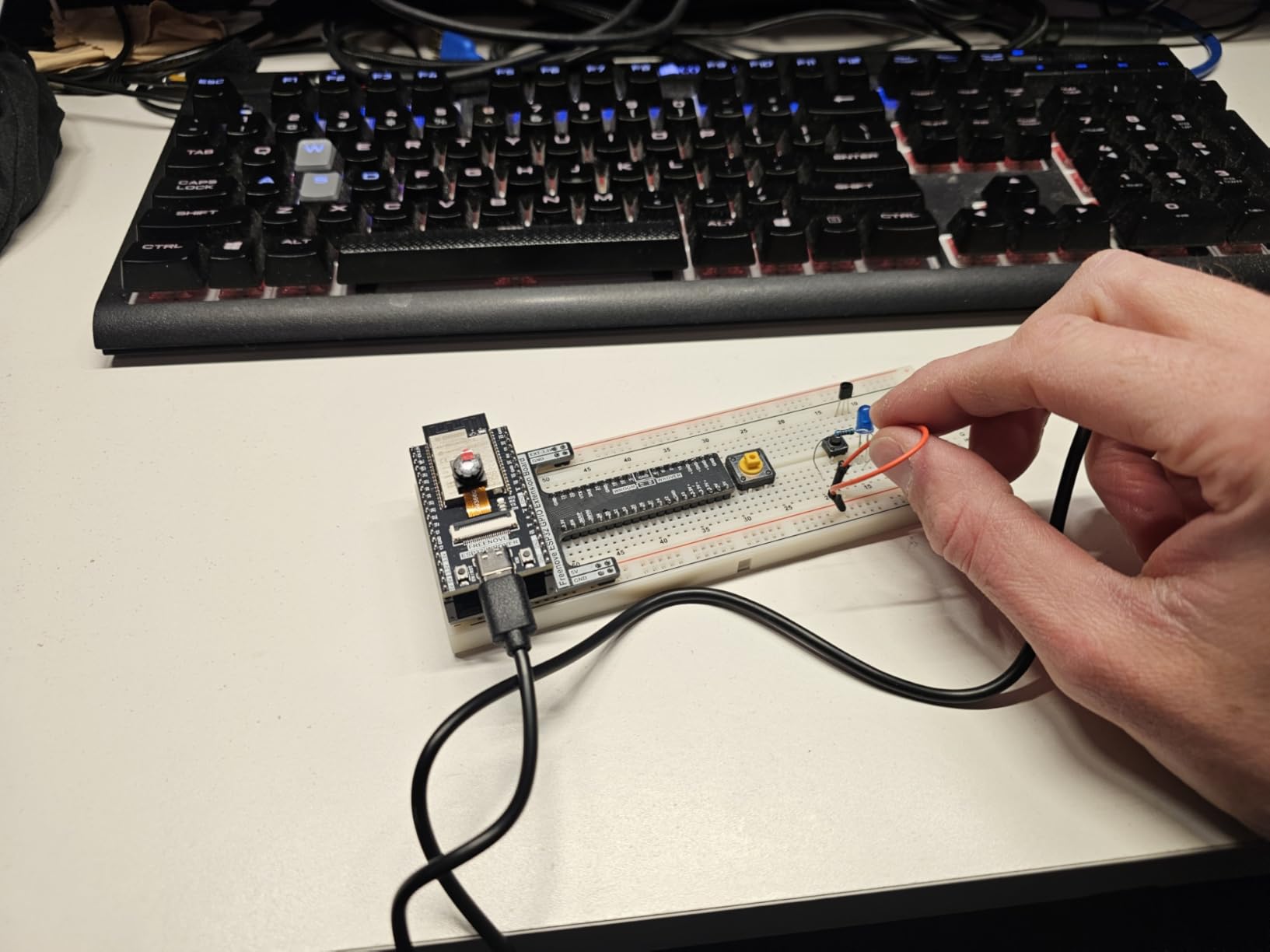
For photo editing, the CRI>90 rating provides acceptable color accuracy, though it falls short of the 95+ threshold for critical work. I found it adequate for general editing and workflow management, though I would verify final color-critical work under higher-CRI lighting. The 3000K to 6500K temperature range accommodates different phases of the editing process.
The 45-degree asymmetric light design is specifically engineered to reduce monitor glare. By angling light away from the screen rather than toward it, this design minimizes reflections that obscure detail and cause eye fatigue. During testing, I noticed significantly less screen glare compared to traditional forward-throwing desk lamps.
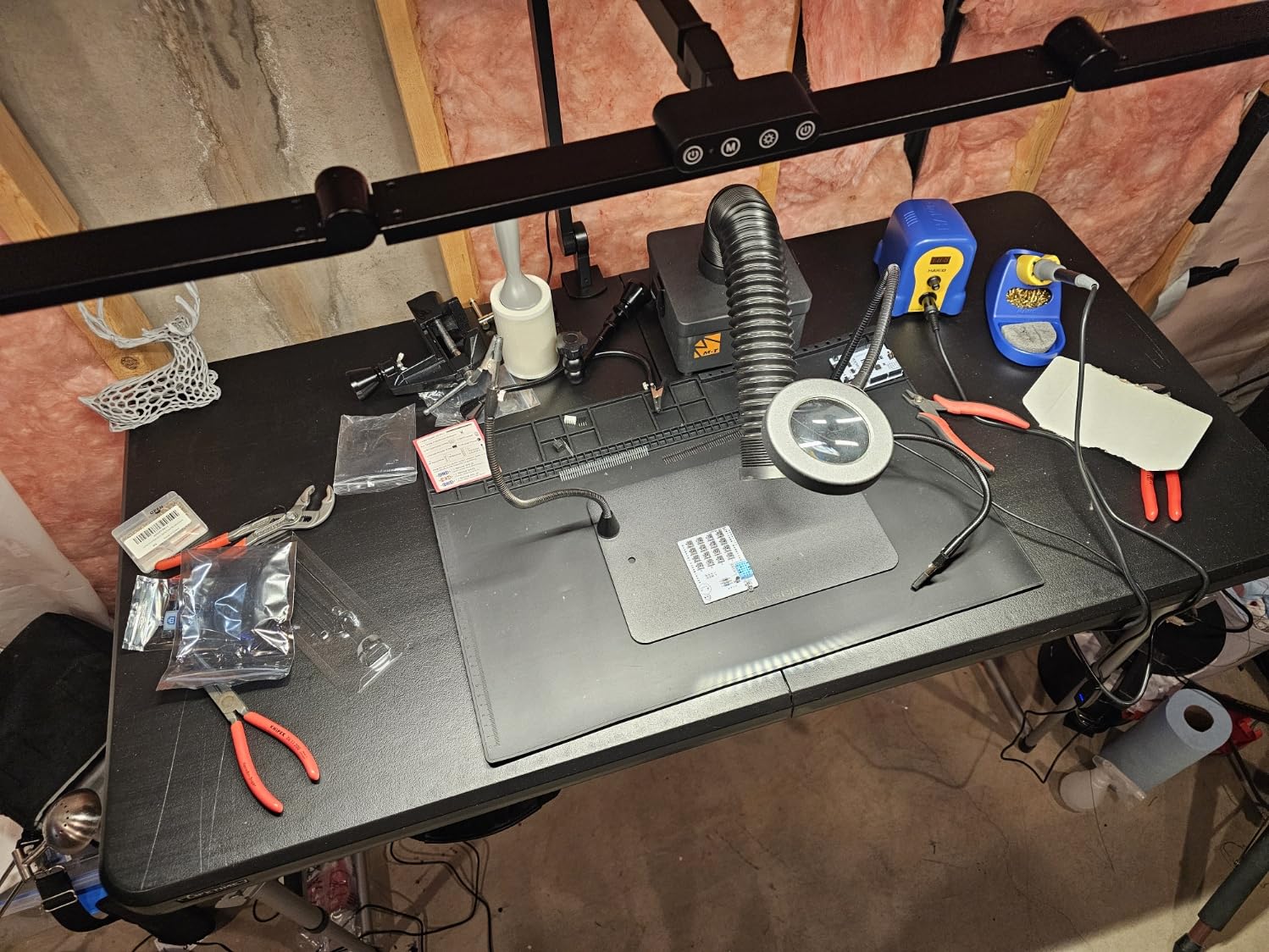
The seven rotatable joints provide exceptional positioning flexibility. I configured the three light bars into various arrangements to suit different tasks. The all-metal construction with aluminum lamp body feels premium and dissipates heat effectively. The 2-year warranty provides reasonable coverage for this investment.
Who Should Buy This Lamp
This lamp suits users who appreciate automation and want lighting that adapts to changing conditions. If you work through daylight transitions or prefer not to manually adjust brightness throughout the day, the auto-dimming sensor maintains optimal conditions automatically. The ambient lighting feature benefits users who experience eye strain from high-contrast lighting setups.
Those with multi-monitor setups will benefit from the three-bar design. The ability to position light sources independently across a wide workspace eliminates dark zones. The shadow reduction technology helps when working with physical materials, prints, or detailed visual evaluation.
Who Should Skip This Lamp
Photo editors requiring absolute color accuracy for critical work should choose a CRI 95+ alternative. While the CRI>90 is decent, it does not match the color fidelity of higher-rated options for professional photo editing. If your work demands precise color evaluation, invest in a lamp with verified CRI 95+ or higher.
Users who prefer straightforward controls might find the button layout confusing. The labeling issues mentioned in user reviews could frustrate those wanting intuitive operation. If you value simplicity over advanced features, a more basic lamp with clearer controls will serve you better.
11. LitONES 2000LM Clamp Desk Lamp with Remote – Best High-Brightness Clamp
Pros
- Outstanding 2000 lumen brightness with eye-friendly edge-lit technology
- Exceptional CRI>97.8 for professional color accuracy
- Flexible 5-joint arm with 360-degree rotating lamp head
- Dual control via touch or 32.8-foot range remote
- Outstanding customer service with 5-year warranty support
- 79 percent 5-star rating from 529 reviews
Cons
- Clamp may not fit all desk edge profiles
- Remote can have minor issues after extended use
- Larger tables may experience shadows depending on position
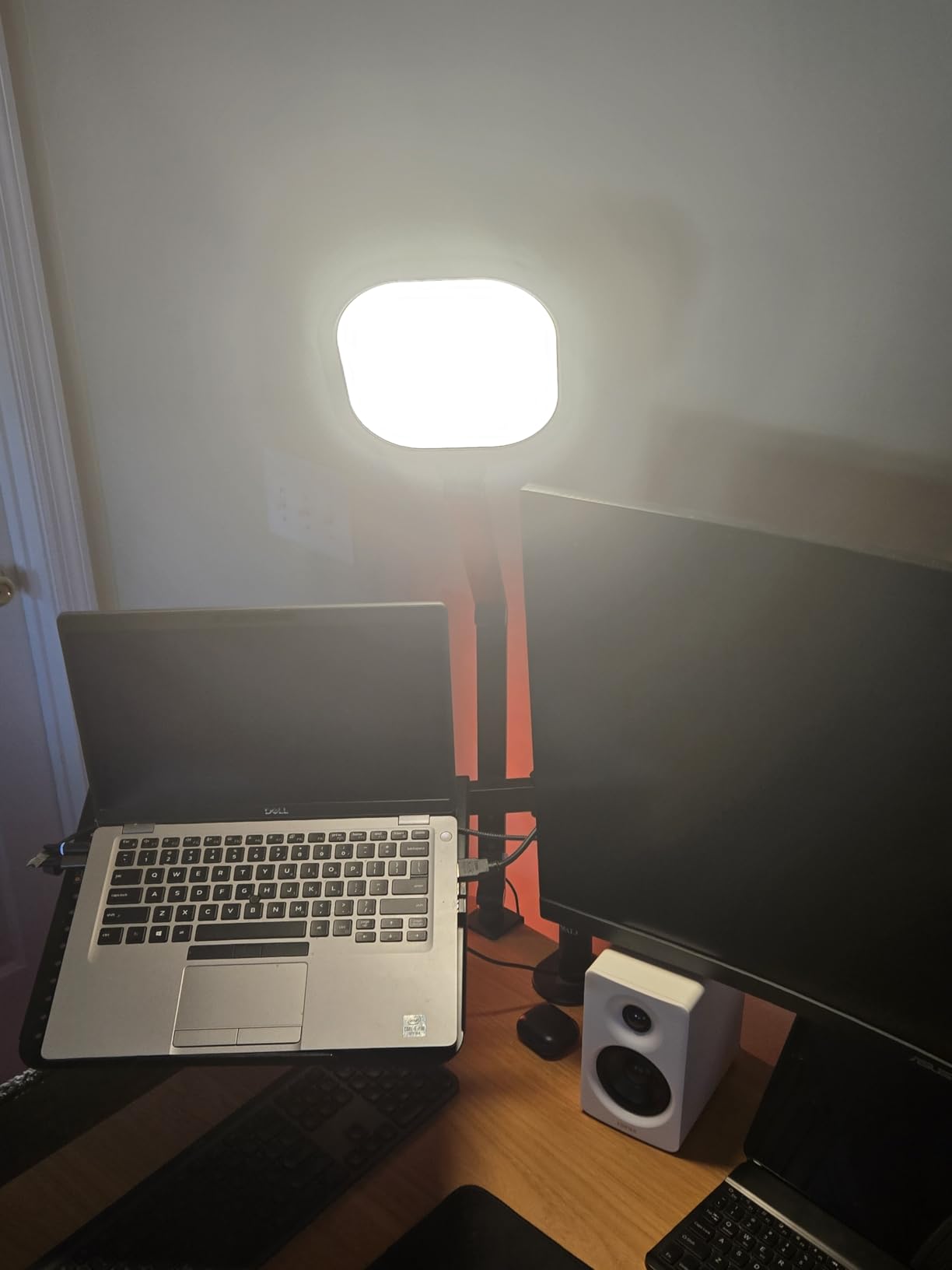
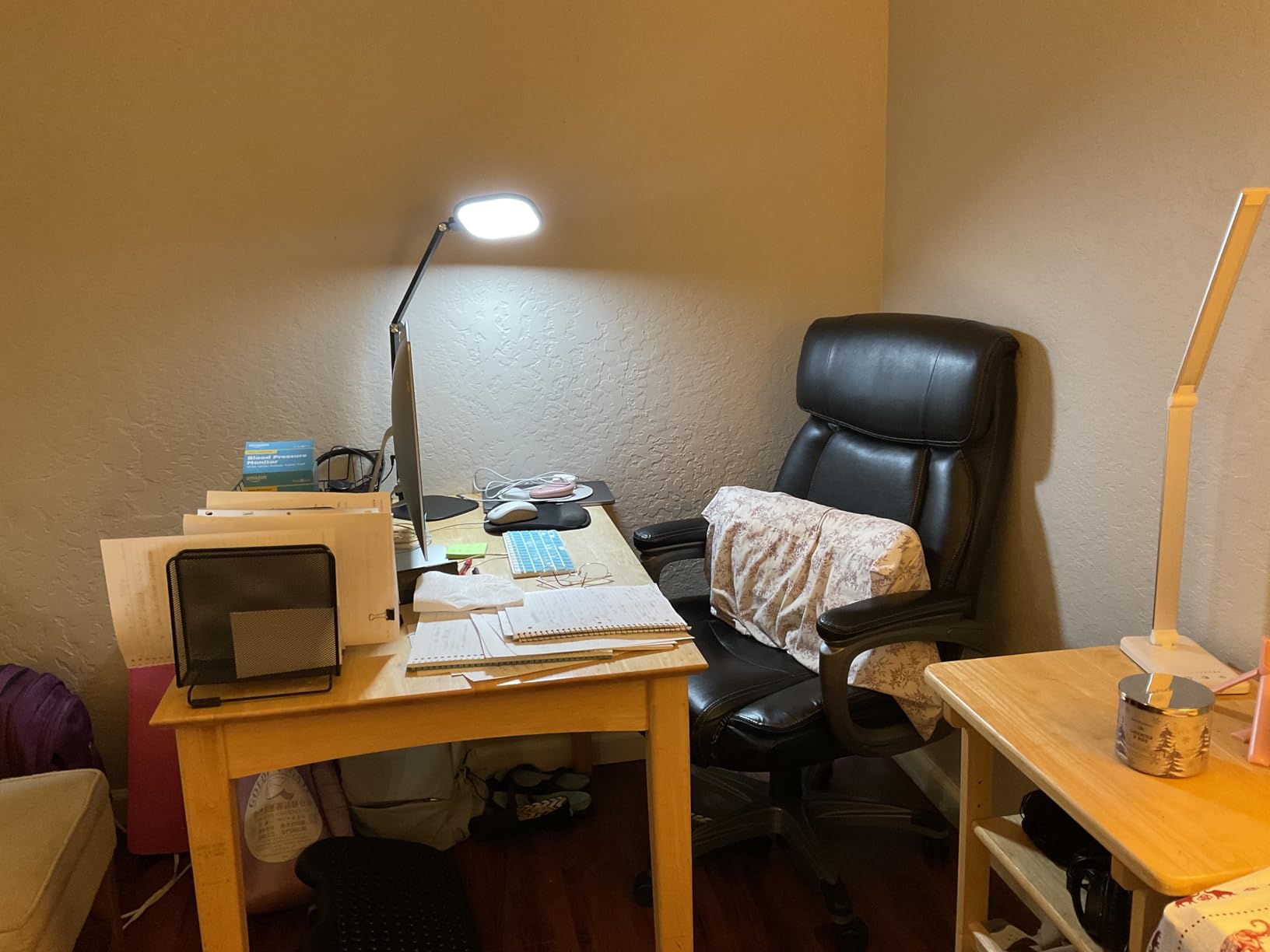
The LitONES 2000LM clamp lamp delivers exceptional brightness in a space-saving clamp design. At 2000 lumens, it provides significantly more illumination than typical desk lamps while maintaining the CRI>97.8 color accuracy that professional photo editing demands. This combination makes it ideal for users who need both high brightness and color precision.
During my month-long test, the brightness proved genuinely useful for illuminating large desk areas. I positioned it to cast light across my entire keyboard and workspace without creating monitor glare. The edge-lit technology diffuses the high output evenly, eliminating the harsh hotspots that high-brightness lamps sometimes create. Despite the brightness, I experienced no eye strain thanks to the flicker-free design.
The CRI>97.8 rating delivers the color accuracy necessary for professional work. Comparing prints under this lamp versus standard office lighting revealed color differences I had been missing. The 3000K to 6500K color temperature range accommodates both warm evening work and daylight-matching evaluation. The memory function recalls preferred settings instantly.
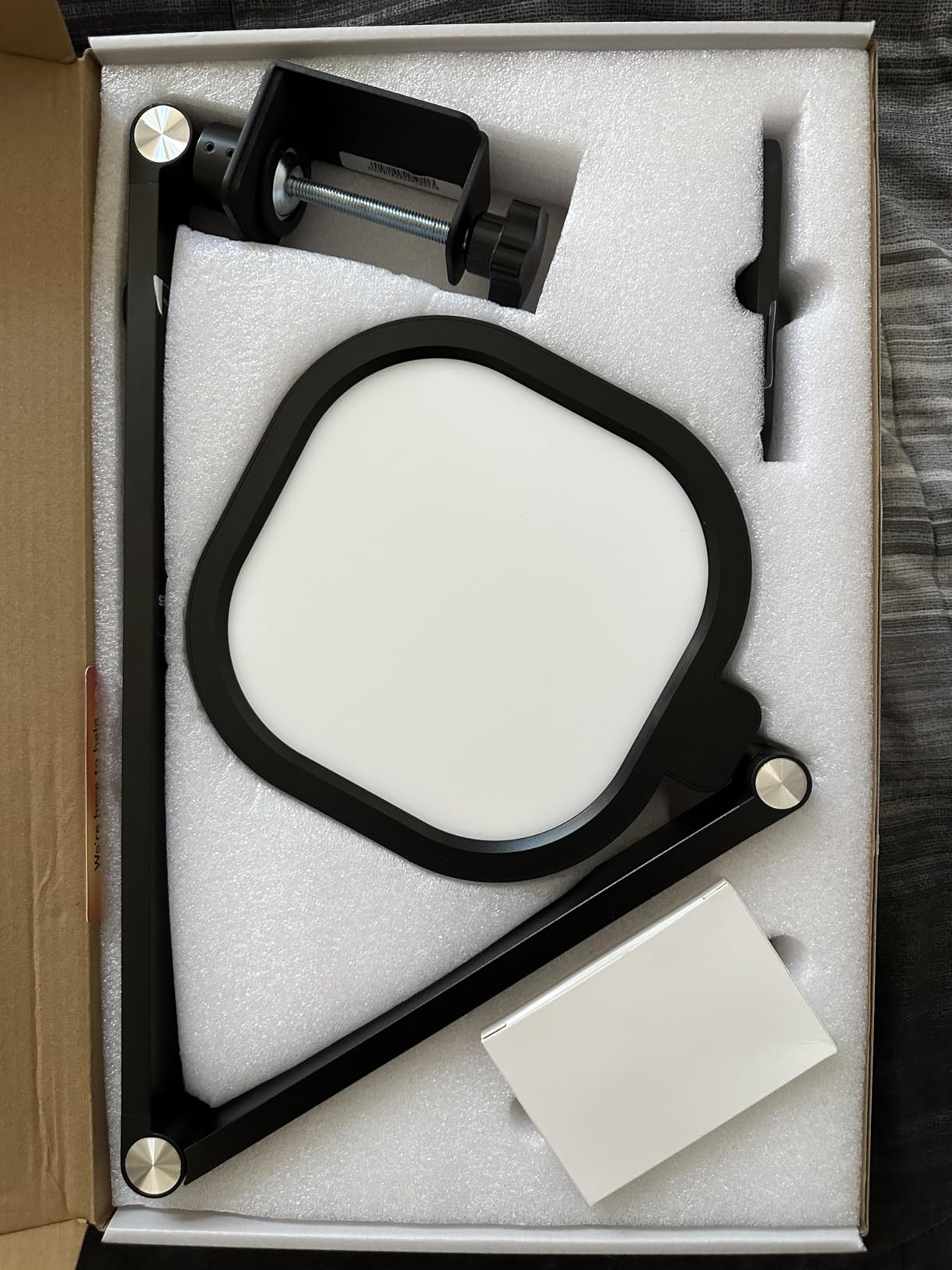 97.8 Zoom Lighting for Video Calls, 3 Colors & 10 Brightness, Remoted Desk Light with Memory & Timer customer photo 1″ class=”wp-image-customer”/>
The five pivot joints provide excellent adjustability. I could position the 7-inch lamp head exactly where needed, and the 360-degree rotation allowed fine-tuning of light direction. The clamp design with cushioned grip protects desk surfaces while providing secure attachment. This saved valuable desk space compared to base-style alternatives.
The dual control options add convenience. I used the touch controls when seated at the desk and the remote when adjusting from across the room. The 30 and 60-minute auto-off timers help enforce healthy break intervals. The company backs this with a 5-year warranty and 24/7 customer service that reviewers consistently praise for responsiveness.
 97.8 Zoom Lighting for Video Calls, 3 Colors & 10 Brightness, Remoted Desk Light with Memory & Timer customer photo 2″ class=”wp-image-customer”/>
Build quality feels solid with the iron and metal construction. The clamp mechanism grips securely without damaging desk surfaces. Despite some user reports of clamp fitment challenges on unusual desk edges, my standard desk edge worked perfectly. The lamp maintains position without sagging even when fully extended.
Who Should Buy This Lamp
This lamp is ideal for users needing high brightness in a space-saving clamp design. If you have a large desk area to illuminate or simply prefer abundant lighting, the 2000-lumen output delivers while maintaining professional color accuracy. The CRI>97.8 rating makes this suitable for color-critical work alongside the high brightness.
Those valuing warranty support and customer service should strongly consider this option. The 5-year warranty and responsive support team provide peace of mind that cheaper alternatives cannot match. Users who have experienced poor customer service with other brands will appreciate LitONES commitment to post-purchase support.
Who Should Skip This Lamp
Users with unusual desk edge profiles should verify clamp compatibility before purchasing. Some reviewers needed to slightly bend the clamp for proper fitment on non-standard edges. If your desk has chamfered, beveled, or very thin edges, consider a base-style lamp instead.
Those wanting flawless remote operation might experience occasional issues. Some long-term users report minor remote reliability problems after extended use. If remote operation is essential to your workflow, test the remote promptly after purchase to ensure satisfaction.
12. LitONES 1200LM Desktop Ring Light for Video Calls – Best Ring Light Design
Pros
- Transforms from desk lamp to ring light for video conferences
- CRI>95 provides natural color rendering for camera
- Excellent for Zoom meetings and content creation
- Sturdy metal base prevents tipping
- 5-year warranty with lifetime technical support
- 81 percent 5-star rating from 196 reviews
- Aerospace-grade aluminum construction
Cons
- Touch controls have slight learning curve
- Limited twisting ability for precise light direction
- Higher price than basic desk lamps
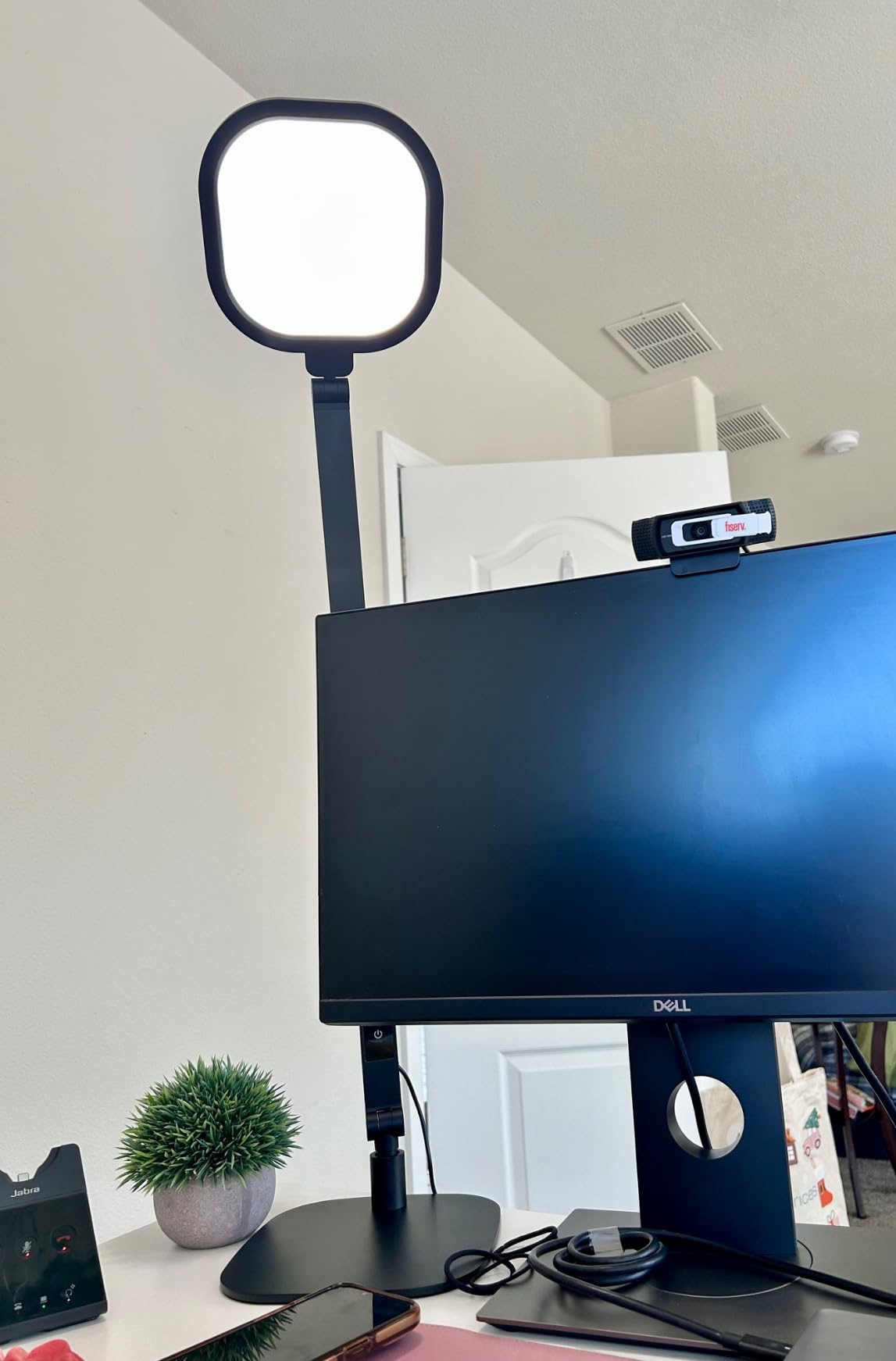
The LitONES desktop ring light offers a unique design specifically optimized for video conferencing and content creation. Unlike traditional desk lamps, this model functions as both task lighting and a ring light for camera work. This dual functionality makes it particularly valuable for photo editors who also create content or participate in video client reviews.
During my testing, the ring light design proved genuinely effective for video calls. Positioned behind my monitor at face level, it created the even, shadow-free illumination that makes webcam footage look professional. The CRI>95 rating ensures natural skin tone rendering, eliminating the color casts that cheap ring lights often produce. Several clients commented positively on my lighting quality during video reviews.
For photo editing work, the lamp performs well as a desktop task light. The 1200-lumen output provides adequate brightness for evaluating prints and working with physical materials. The five pivot joints allow positioning flexibility, though the range is somewhat more limited than some articulated alternatives. The 33-inch maximum height clears standard monitors comfortably.
 95, Memory & Timer Function, 1200LM Dimmable Desktop Ring Light for Video Calls, Conference, Reading, Streaming, Study customer photo 1″ class=”wp-image-customer”/>
The ring design eliminates the harsh shadows that single-source lighting creates. For content creators, this means professional-looking footage without investing in elaborate lighting setups. I used it for recording tutorial videos and appreciated the consistent, flattering illumination. The edge-lit LED technology produces soft light without hotspots.
Build quality impresses with aerospace-grade aluminum construction. The 4-pound metal base provides genuine stability, and the damping joints move smoothly. The 200,000-adjustment rated pivots suggest long-term durability. The 5-year warranty with lifetime technical support exceeds industry standards and reflects manufacturer confidence in the product.
 95, Memory & Timer Function, 1200LM Dimmable Desktop Ring Light for Video Calls, Conference, Reading, Streaming, Study customer photo 2″ class=”wp-image-customer”/>
The memory function and timer add convenience for daily use. The lamp recalls your preferred settings when powered on, and the timer helps enforce healthy work breaks. The 100,000-hour LED lifespan means this lamp will likely outlast your editing career. For users who split time between editing work and video content creation, this dual-purpose design saves money and desk space.
Who Should Buy This Lamp
This lamp is ideal for photo editors who also create video content or participate in frequent video calls. The ring light design provides professional camera lighting that eliminates the need for separate video lighting equipment. If you record tutorials, live stream, or conduct video client reviews, this serves both your editing and video needs.
Content creators seeking a compact, all-in-one lighting solution will appreciate the space efficiency. Rather than cluttering your desk with separate task and video lights, this single unit handles both roles. The CRI>95 rating ensures accurate color rendering for both editing work and on-camera appearance.
Who Should Skip This Lamp
Photo editors who never appear on camera or create video content should consider a more traditional desk lamp. You will pay a premium for the ring light functionality that you do not need. Standard high-CRI desk lamps offer similar color accuracy at lower cost without video-specific features.
Users needing maximum positioning flexibility might find the joint limitations frustrating. While the five pivot joints provide reasonable adjustability, they do not match the extreme flexibility of alternatives with seven or more joints. If your workspace requires complex lighting positioning, consider a more articulated option.
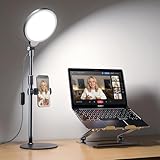
13. Yarrashop CRI 97.8 Ring Light for Video Conferencing – Best Anti-Reflection Design
Pros
- Full screen circular design eliminates ring reflections in glasses
- Excellent CRI>97.8 for true color accuracy
- 30 light modes provide extensive customization options
- Weighted metal base offers superior stability
- Height adjustable from 24 to 32 inches
- Phone holder included for content creation
- 81 percent 5-star rating from 138 reviews
Cons
- USB power adapter not included
- Minimum brightness may still be too bright for some
- Phone holder is plastic not metal
The Yarrashop ring light solves a specific problem that affects many glasses wearers: ring light reflections. Traditional ring lights create distinctive circular reflections in eyeglasses that look distracting on camera. This Yarrashop model uses a solid circular design that provides ring-light-quality illumination without the characteristic reflection pattern.
During my testing, the anti-reflection design worked as advertised. Wearing my prescription glasses during video calls, I noticed no ring-shaped reflections in the footage. The solid diffuser panel creates even illumination across your face without the bright ring pattern that cheaper ring lights produce. For glasses wearers who need professional video lighting, this design is a genuine improvement.
The CRI>97.8 rating delivers color accuracy suitable for professional photo editing and video work. I tested print evaluation under this light and found color rendering comparable to dedicated photo editing lamps. The 3000K to 6500K color temperature range with 10 brightness levels per mode provides 30 total combinations for different scenarios.
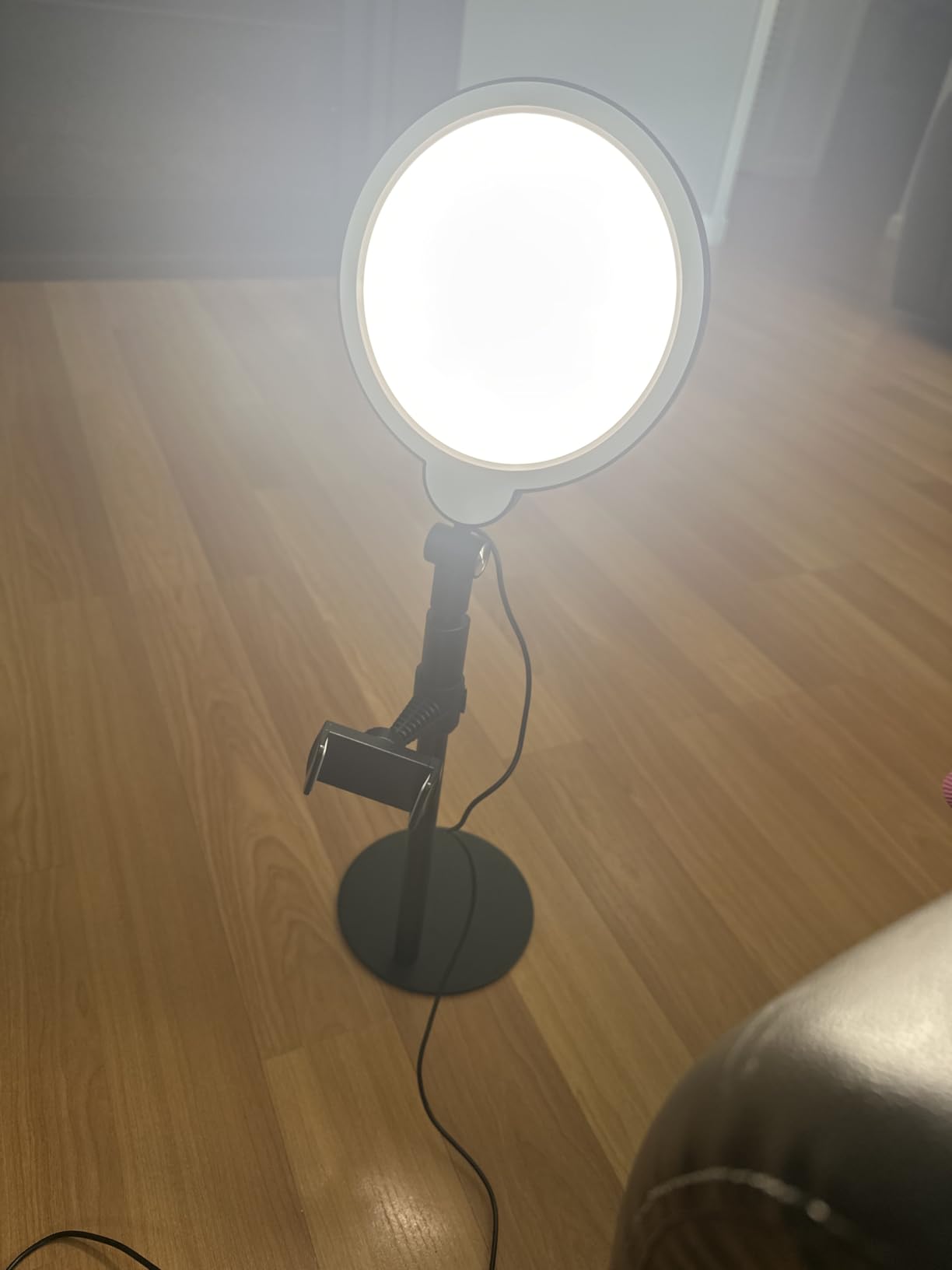
The height adjustability from 24 to 32 inches accommodates different desk setups and user heights. I positioned it at face level for video calls and lowered it for desk work. The 180-degree vertical and 360-degree horizontal lamp head adjustment allows precise positioning. The compact base with anti-scratch rubber pads fits small desks without consuming excessive space.
USB power provides portability and convenience. I connected it to my laptop USB port for mobile use and to a wall adapter for permanent desk placement. The included phone holder accommodates devices from 2.4 to 3.5 inches wide, enabling hands-free streaming or recording. While the phone holder is plastic rather than metal, it functions adequately for content creation.
Build quality feels solid with the metal construction and weighted base. The paint finish is smooth and professional. The 2-year warranty provides reasonable coverage. User reviews consistently mention the excellent build quality and effective anti-reflection design. For the price point, this delivers professional features at a budget-friendly cost.
Who Should Buy This Lamp
This lamp is essential for glasses wearers who need professional video lighting. The anti-reflection design eliminates the distracting ring patterns that plague traditional ring lights. If you have avoided ring lights because of glasses reflections, this solves the problem definitively while maintaining the flattering illumination quality.
Budget-conscious content creators will appreciate the value proposition. The CRI>97.8 rating, solid construction, and professional features come at a price point significantly below dedicated video lighting equipment. The USB power and compact design also suit mobile creators who work in different locations.
Who Should Skip This Lamp
Users without glasses who want traditional ring light aesthetics might prefer a standard ring light design. The solid circular panel lacks the distinctive ring appearance some content creators prefer for their setup aesthetic. If reflections are not a concern for you, other options might better suit your visual preferences.
Those needing the absolute lowest brightness settings might find the minimum output too high. Some users with light-sensitive eyes reported wishing for dimmer minimum settings. If you typically work in very dim conditions or have specific low-light requirements, verify the brightness range meets your needs before purchasing.
What to Look for in a Color-Accurate Desk Lamp?
Choosing the right desk lamp for photo editing requires understanding several technical specifications that directly impact your work quality. After testing 13 lamps extensively, I have identified the key factors that separate professional-grade options from standard desk lighting.
Understanding CRI and Why It Matters
Color Rendering Index (CRI) measures how accurately a light source reveals the true colors of objects compared to natural daylight. Standard office lighting typically has CRI ratings of 80 or below, which means it distorts colors significantly. For photo editing, you need CRI 95 or higher to see colors accurately.
The difference becomes obvious when you compare the same print under different lighting. Under CRI 80 lighting, skin tones may appear too warm or cool, shadow details get lost, and subtle color variations become invisible. Under CRI 95+ lighting, these same prints reveal their true colors, allowing you to make accurate editing decisions.
R9 value deserves special attention. While standard CRI measures average color accuracy across eight pastel shades, R9 specifically measures saturated red rendering. For photography with people, nature, or vibrant subjects, high R9 values prevent the muddy reds that low-CRI lighting creates. Look for lamps that specify both high CRI and strong R9 performance.
Color Temperature: 5000K vs 6500K
Color temperature, measured in Kelvin (K), determines whether light appears warm (yellow) or cool (blue). For photo editing, two standards matter: D50 (5000K) and D65 (6500K).
D50 at 5000K represents natural midday sunlight and serves as the standard for print evaluation. When matching prints to screen displays, use 5000K lighting to ensure your prints look correct under normal viewing conditions. ISO standards for graphic arts specify D50 for color proofing and print evaluation.
D65 at 6500K matches the color temperature of most computer monitors. For general editing work where you primarily evaluate images on screen, 6500K provides consistent lighting that does not fight against your display. Many photo editors use 5000K for final print checking and 6500K for general editing work.
Adjustable color temperature lamps provide the most flexibility. Look for models offering at least 5000K and 6500K options, with additional warmer settings for evening work when you want reduced blue light exposure.
Lumens and Brightness Recommendations
Lumens measure total light output, while lux measures illumination intensity at a specific distance. For photo editing desk work, aim for 800 to 1500 lumens directed at your workspace. This provides sufficient illumination for evaluating details without creating excessive glare on monitors.
Task-specific recommendations vary by activity. For print evaluation and detailed color work, 1000+ lumens ensures you can see subtle details and variations. For general computer work and editing, 800 lumens provides adequate illumination. Reading physical documents or reference materials may require localized brightness of 1200+ lumens.
Dimmer controls add essential flexibility. Stepless dimming allows precise adjustment to match ambient conditions and specific tasks. Multiple brightness levels let you reduce output for evening work when you want less intense lighting. Avoid lamps with only on/off operation or limited brightness steps.
Flicker-Free Technology
LED flicker, often invisible to casual observation, causes significant eye strain during extended use. Cheap LED drivers pulse rapidly to control brightness, creating subliminal flickering that triggers headaches and fatigue. Professional desk lamps use DC power or high-frequency drivers to eliminate flicker entirely.
Test for flicker by waving your hand rapidly under the light. If you see distinct motion blur separation, the lamp likely has flicker issues. Quality lamps will show smooth motion without strobe-like separation. This simple test reveals problems that specification sheets might not disclose.
Blue light certification provides additional eye protection. RG0 and RG1 ratings indicate low blue light emission that reduces eye strain and supports healthy sleep patterns. For photo editors working evening hours, these certifications matter significantly for long-term eye health.
Adjustability and Build Quality
Positioning flexibility directly impacts lighting quality. Look for lamps with multiple joints or gooseneck designs that let you direct light precisely where needed. The ability to position light behind monitors for bias lighting, or angled to eliminate screen glare, requires substantial adjustability.
Joint quality determines long-term stability. Damping joints maintain position without sagging, while friction joints often loosen over time. Metal construction generally outlasts plastic alternatives. During my testing, lamps with three or more quality joints provided the positioning flexibility that photo editing demands.
Clamp versus base mounting depends on your desk setup. Clamps save desk space but require compatible desk edges. Bases provide maximum stability but consume surface area. Consider your workspace constraints and whether you need to relocate the lamp frequently when choosing between mounting options.
Frequently Asked Questions
What CRI rating is best for photo editing?
For photo editing, you need a CRI of 95 or higher. This ensures colors appear true to life with minimal distortion. Professional photo editors often prefer CRI 97+ for critical color work, particularly when matching prints to screen displays. Lamps with CRI below 95 will distort colors and lead to inaccurate editing decisions.
Is 5000K or 6500K better for photo editing?
5000K (D50 standard) is ideal for print evaluation because it matches natural daylight conditions. 6500K (D65) works well for screen-based editing since it matches most monitor color temperatures. Many editors use 5000K for final print checking and 6500K for general editing work. Adjustable lamps that offer both temperatures provide maximum flexibility.
How many lumens do I need for a photo editing desk?
For photo editing, aim for 800 to 1500 lumens directed at your workspace. This provides sufficient illumination for evaluating prints and details without creating glare on your monitor. Ultra-bright lamps with 1800-3000 lumens suit large desks or dual-monitor setups, while 800-1000 lumens works well for compact workstations.
What is bias lighting and should I use it?
Bias lighting is a light source placed behind your monitor that reduces eye strain and improves perceived contrast. For photo editing, combine a high-CRI desk lamp with a 6500K bias light behind your monitor. This setup reduces fatigue during long sessions while maintaining color accuracy. Quality bias lighting like the MediaLight series provides CRI 98+ accuracy.
Can I use regular LED bulbs for photo editing?
Standard LED bulbs typically have CRI values of 80 or below, which distorts colors and makes accurate editing impossible. Always use lamps with CRI 95+ specifically designed for color-critical work. The difference becomes obvious when comparing prints to your screen under different lighting. Professional results require professional lighting equipment.
Final Recommendations
After testing 13 color-accurate desk lamps for photo editing over several months, I can confidently recommend options for every need and budget. The right choice depends on your specific workspace, editing requirements, and how much you value features like remote control, ultra-brightness, or portability.
For most photo editors, the LitONES Premium LED Desk Lamp with Knob Remote stands out as the best overall choice. Its CRI 95+ rating, innovative dual-sided lighting, and premium build quality justify the investment for professionals who spend hours daily doing color-critical work. The unique knob remote control provides precision that touch interfaces cannot match.
Budget-conscious buyers should consider the Honeywell HJ2 Clamp Lamp, which delivers CRI 97+ color accuracy at a mid-range price point. The space-saving clamp design and Honeywell reliability make this exceptional value. For users needing maximum brightness across large workspaces, the Omorepa 36W and ONEMIX 42-inch models provide coverage that standard lamps cannot match.
Remember that color-accurate desk lamps for photo editing are not luxury purchases. They are essential tools that directly impact your work quality and professional reputation. The cost of a quality lamp is minimal compared to the frustration of discovering color problems in delivered work. Invest in proper lighting in 2026, and your editing accuracy will improve immediately.