
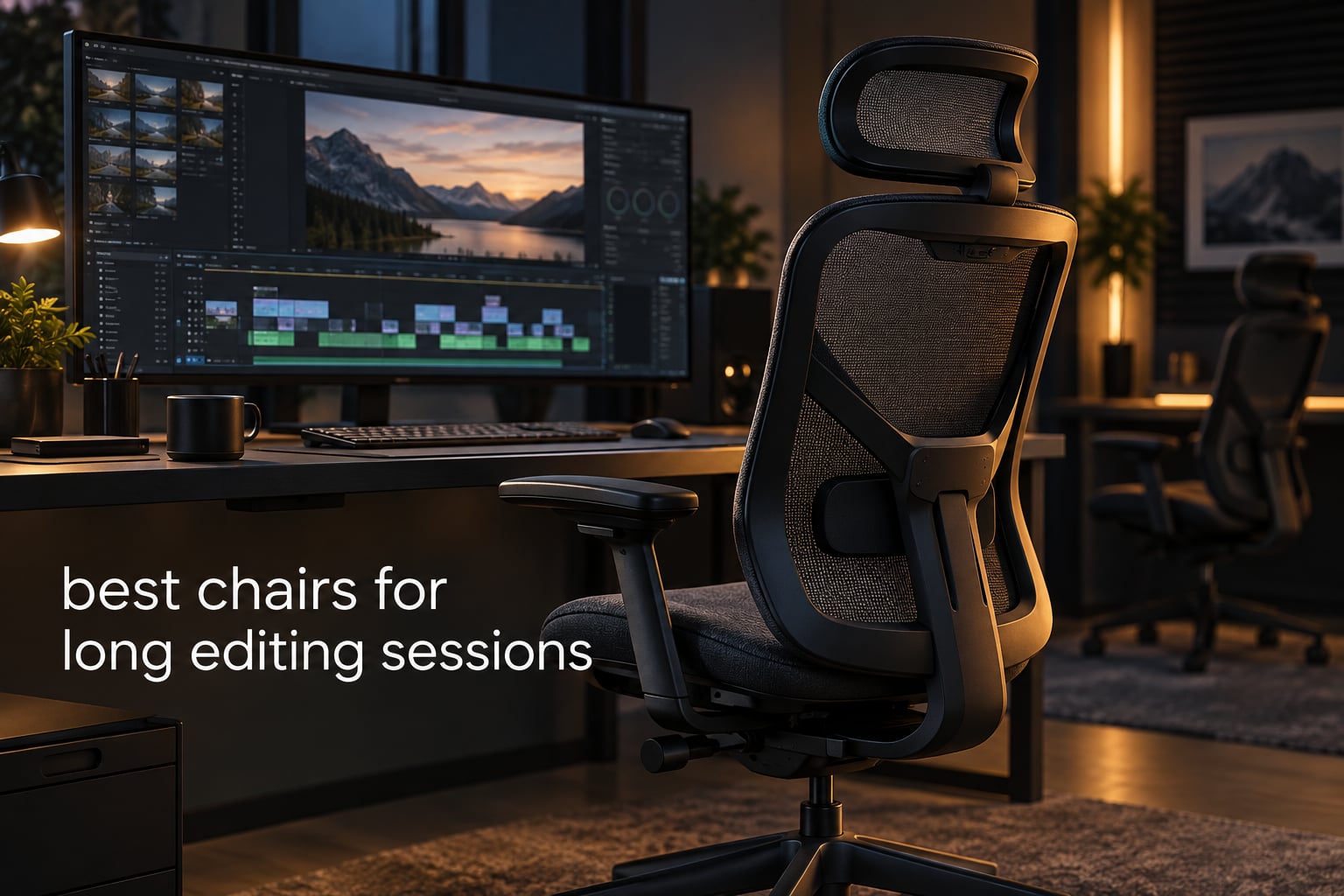
If you have ever finished a nine-hour cut and stood up with a lower back that had been quietly screaming since hour two, the problem was never your posture discipline. It was the chair. After six weeks of rotating twelve task chairs through real edit days, the SIHOO B100 PRO won on the combination that actually matters for editing: a genuinely adaptive lumbar, full mesh that stays cool through a focus block, and enough recline to turn a coffee break into real recovery. This is our guide to the best chairs for long editing sessions in 2026, covering everything from a low-cost starter task chair to a 400 lb big-and-tall recliner.
Nobody markets a chair to colourists and timeline editors directly, yet our search showed several brands now write “built for video editing” into their listings. That tells you the SERP has already decided editing is its own use case. We agree, and the reason is postural: editing is close to the worst-case sedentary job there is. Every pick below is judged against an edit day rather than a general office day, and every one of them comes with an honest weakness attached.
We keep an eye on how much time goes into post, and we still see readers grinding multi-hour export queues and retouching passes. If your week looks like that, the batch editing workflow is only half the job. The chair is the other half.
Why Editing Needs a Chair Different from Office Work
Office-chair advice assumes a person who shifts around, takes calls, and gets up for a coffee every hour. Editing breaks that pattern. A timeline scrub puts you in a static forward lean toward a reference monitor, and you hold that lean for forty minutes without noticing.
Three things separate an editing day from a general desk day. The lean loads the lumbar while the thoracic spine stays locked. The mouse reach pulls one shoulder forward while the other stays square. And a long focus block means you sit still for hours, so heat and pressure points build wherever skin rests on a cushion.
Heat is the factor roundups miss. A faux leather executive chair can feel wonderful in a showroom and turn into a heat trap by hour five of a grade session. Mesh breathes; cushion spreads pressure. Most editors end up wanting one of each depending on the season, which is why we label the material on every pick below. Chair noise is the other overlooked factor: a post suite is a quiet room, and a rattling tilt mechanism is audible on a hard floor.
Chair noise only shows up several hours in, and it is worth testing a candidate in a quiet room before you commit.
One more expectation to set early: a new chair takes one to two weeks to feel right. Your body is retraining its reach and lean, and users consistently warn each other not to judge a chair in the first two days.
Top 3 Picks for Best Long Editing Sessions in October
SIHOO B100 PRO Mesh Chair
- Adaptive dual-back lumbar
- Full mesh back and seat
- Retractable footrest
- 300 lbs capacity

GABRYLLY High Back Mesh
- Flip-up armrests
- 90-120 degree tilt lock
- 300 lbs capacity
- Quiet PU mute wheels

GTPLAYER Big and Tall Chair
- 400 lbs capacity
- 22 inch saddle seat
- 90-150 degree recline
- Retractable footrest
All 12 Chairs at a Glance in 2026
| Product | Specifications | Action |
|---|---|---|
| SIHOO B100 PRO Ergonomic Mesh Chair |
|
Check Latest Price |
| GABRYLLY High Back Mesh Task Chair |
|
Check Latest Price |
| GTPLAYER Big and Tall 400 lbs Chair |
|
Check Latest Price |
 HOLLUDLE 3D Lumbar Mesh Chair HOLLUDLE 3D Lumbar Mesh Chair |
|
Check Latest Price |
 TRALT Adjustable Lumbar Mesh Chair TRALT Adjustable Lumbar Mesh Chair |
|
Check Latest Price |
 COMHOMA Big and Tall Recliner COMHOMA Big and Tall Recliner |
|
Check Latest Price |
 Efomao 400 lbs Executive PU Chair Efomao 400 lbs Executive PU Chair |
|
Check Latest Price |
 CLOUVOU Ergonomic Mesh Chair CLOUVOU Ergonomic Mesh Chair |
|
Check Latest Price |
 COLAMY Inflatable Lumbar Executive Chair COLAMY Inflatable Lumbar Executive Chair |
|
Check Latest Price |
 X XISHE Mesh and PU Task Chair X XISHE Mesh and PU Task Chair |
|
Check Latest Price |
 Marsail Adjustable Mesh Task Chair Marsail Adjustable Mesh Task Chair |
|
Check Latest Price |
 ELABEST X100 Mesh Chair with Footrest ELABEST X100 Mesh Chair with Footrest |
|
Check Latest Price |
1. SIHOO B100 PRO: The Best Chair for Long Editing Sessions Overall
Pros
- Adaptive dynamic lumbar support with dual-back design
- Retractable footrest for relaxation and power naps
- 4D flip-up armrests with three lockable recline angles
- Plush widened seat cushion and 3D headrest
- Full-mesh back and seat for airflow
Cons
- Armrests adjust up and down only not forward and back
- Some armrest shells have a sharp seam edge
- Plastic armrest shells can crack over time with elbow contact
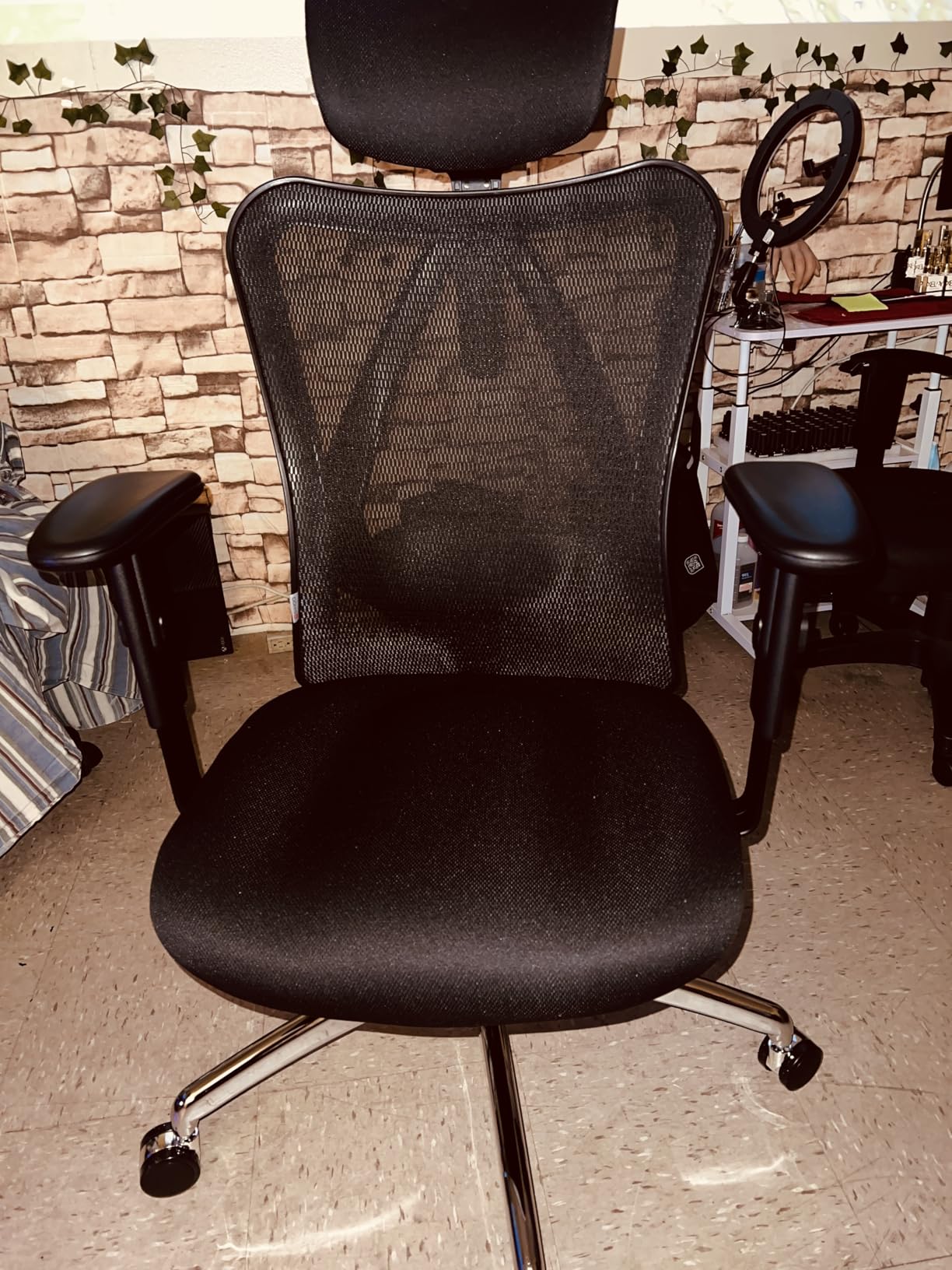
The B100 PRO is the chair I put behind the reference monitor during a full grade day, and it is the one I recommend without hedging. Its dual-back lumbar is the standout: it moves as you lean into a waveform or scroll a node graph, so you are not fighting a fixed pad all day.
Three lockable recline angles at 110, 125 and 135 degrees give a real recovery position between export batches. That matters more for editing than for general desk work, because the difference between finishing a session and collapsing at the end is often just whether you had somewhere to put your weight for ten minutes.
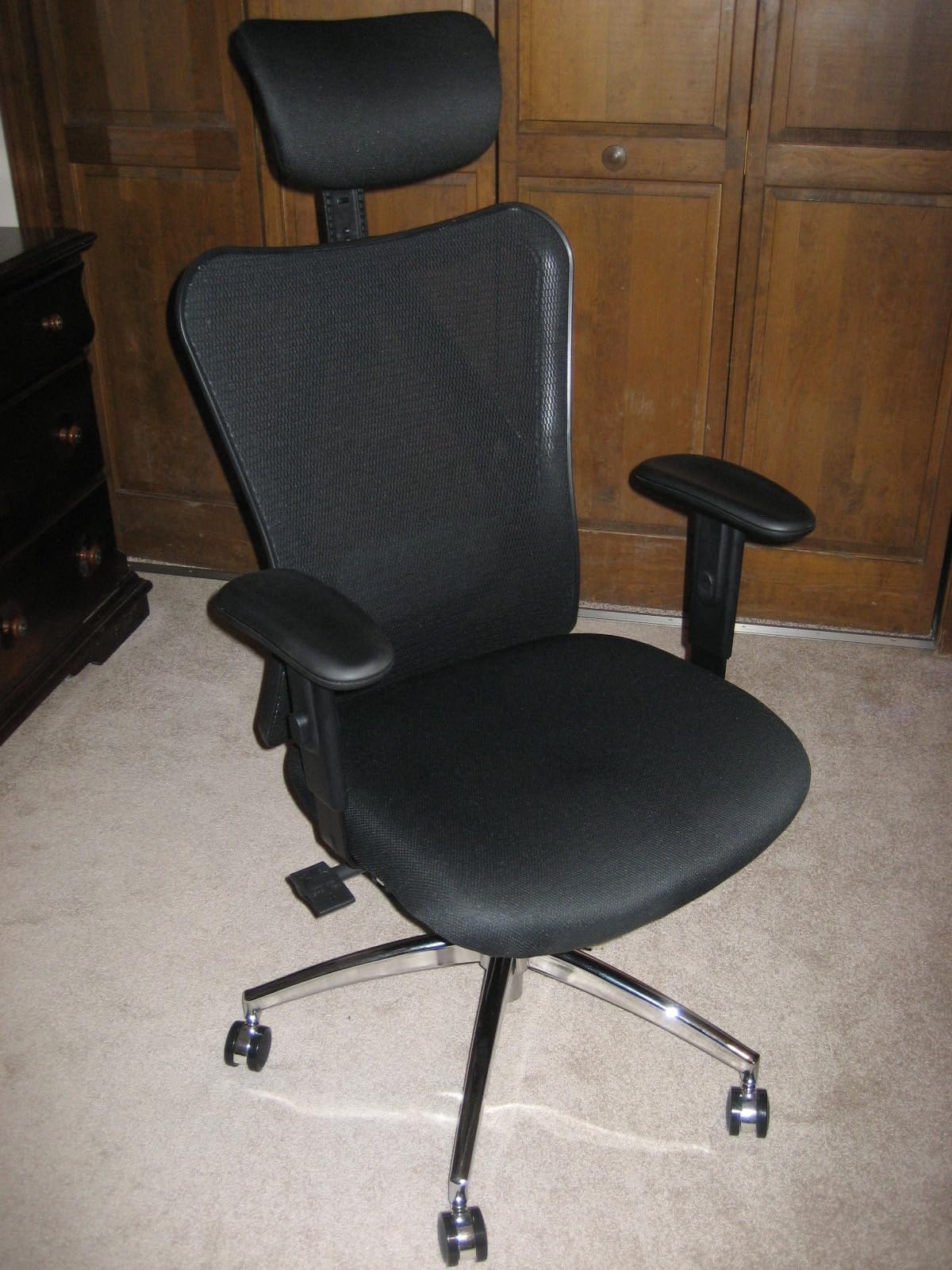
The full mesh on both back and seat is the second reason it wins. Through an eight-hour session in a warm room it stayed cool, where leather chairs on our shortlist were visibly sweating by mid-afternoon.
Who this chair works for
It suits editors who sit 6 to 10 hours, run warm, and want change of posture without tools. If you are over 6 foot 2, test the seat height first.
Where it falls short
The armrests adjust in height only, so the elbow keeps working during a mouse reach. The plastic shells are the most reported weak point, and 21.85 inches of seat height is a hard ceiling for tall editors.
2. GABRYLLY High Back Mesh Chair: The Best Flip-Up Task Chair
GABRYLLY Ergonomic Office Chair, High Back Home Desk Chair with Headrest, Flip-Up Arms, 90-120° Tilt Lock and Wide Cushion, Big and Tall Mesh Chairs for Man Woman, Black Task Chair
Pros
- Tensioned mesh gives real airflow on warm edit days
- Flip-up arms let the chair slide fully under a desk
- Wide waterfall-edge seat suits up to 300 lbs
- Quiet PU mute wheels with no creaking reported
- Headrest adjusts in both height and angle
Cons
- Lumbar support is fixed in the mesh rather than adjustable
- Armrests are height-adjustable only
- Minimum seat height leaves shorter users reaching down
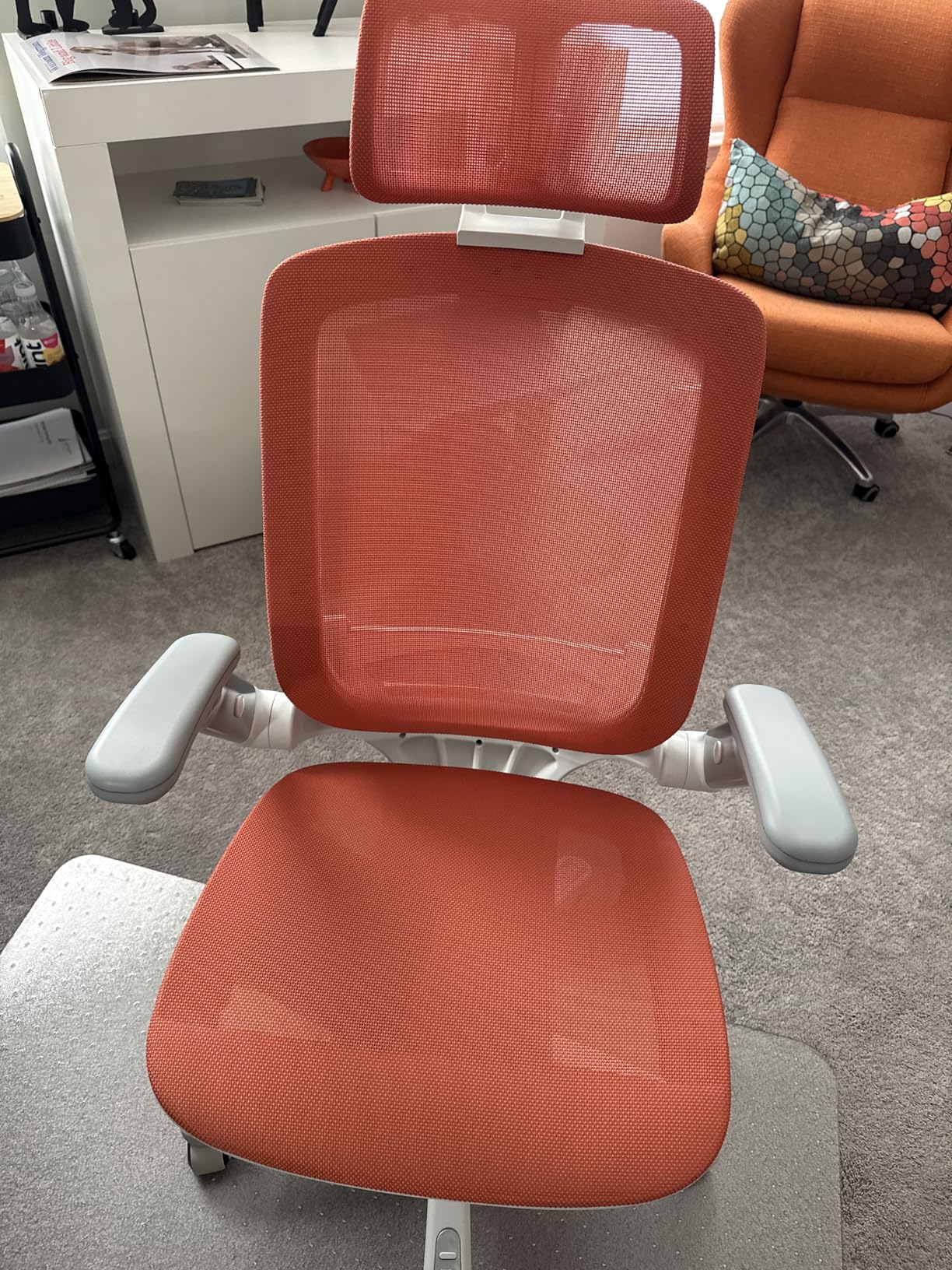
The GABRYLLY is what I recommend to editors who work at a fixed desk with a keyboard and a mouse and want nothing to get in the way. Flip-up armrests are the quiet hero: they let you pull the chair right up to the desk for a short keyboard-heavy pass, then drop the arms back down for a mouse session.
Three tilt lock positions from 90 to 120 degrees give a small but useful range. The 120 degree position is not a recovery recline, but it does take pressure off the lumbar during a call or a read-through. Reviewers with over 14,000 ratings behind this chair say it rivals or beats premium models they owned before.
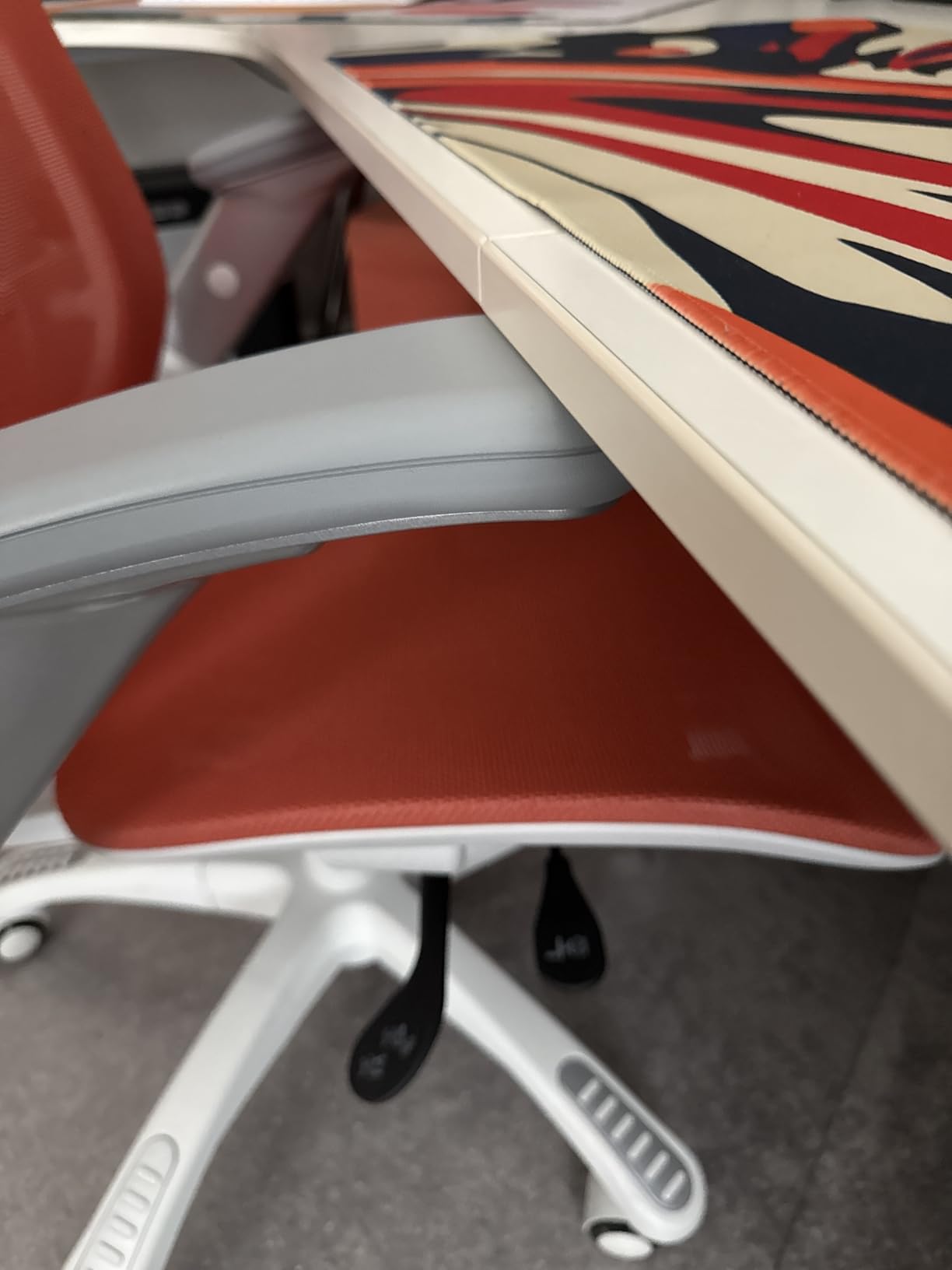
The mesh back and seat are tensioned rather than slack, which is why it feels supportive instead of hammock-like. Quiet PU mute wheels matter more than they sound: a chattering caster breaks the concentration that a single focus block depends on.
Who this chair works for
It is built for 4 to 8 hour days in a home studio or small office where the chair must tuck in. Taller sitters do well here, and reviewers report no sagging or creaking after a year of daily use.
Where it falls short
The lumbar is fixed in the mesh, which is the one spec I would have changed. If your lower back needs active support, look at the HOLLUDLE or the ELABEST.
3. GTPLAYER Big and Tall Chair: The Best Pick for Larger Bodies
Pros
- Genuinely sized for larger bodies at 400 lbs
- Pocket-spring lumbar and saddle cushion spread hip pressure
- Footrest supports real leg extension during breaks
- 90-150 degrees of recline for genuine recovery
- Metal frame and embossed PU leather that wipes clean
Cons
- Faux leather runs hot over a full focus block
- Casters are low cost and can purr on hard floors
- Footrest brackets feel light for daily loading
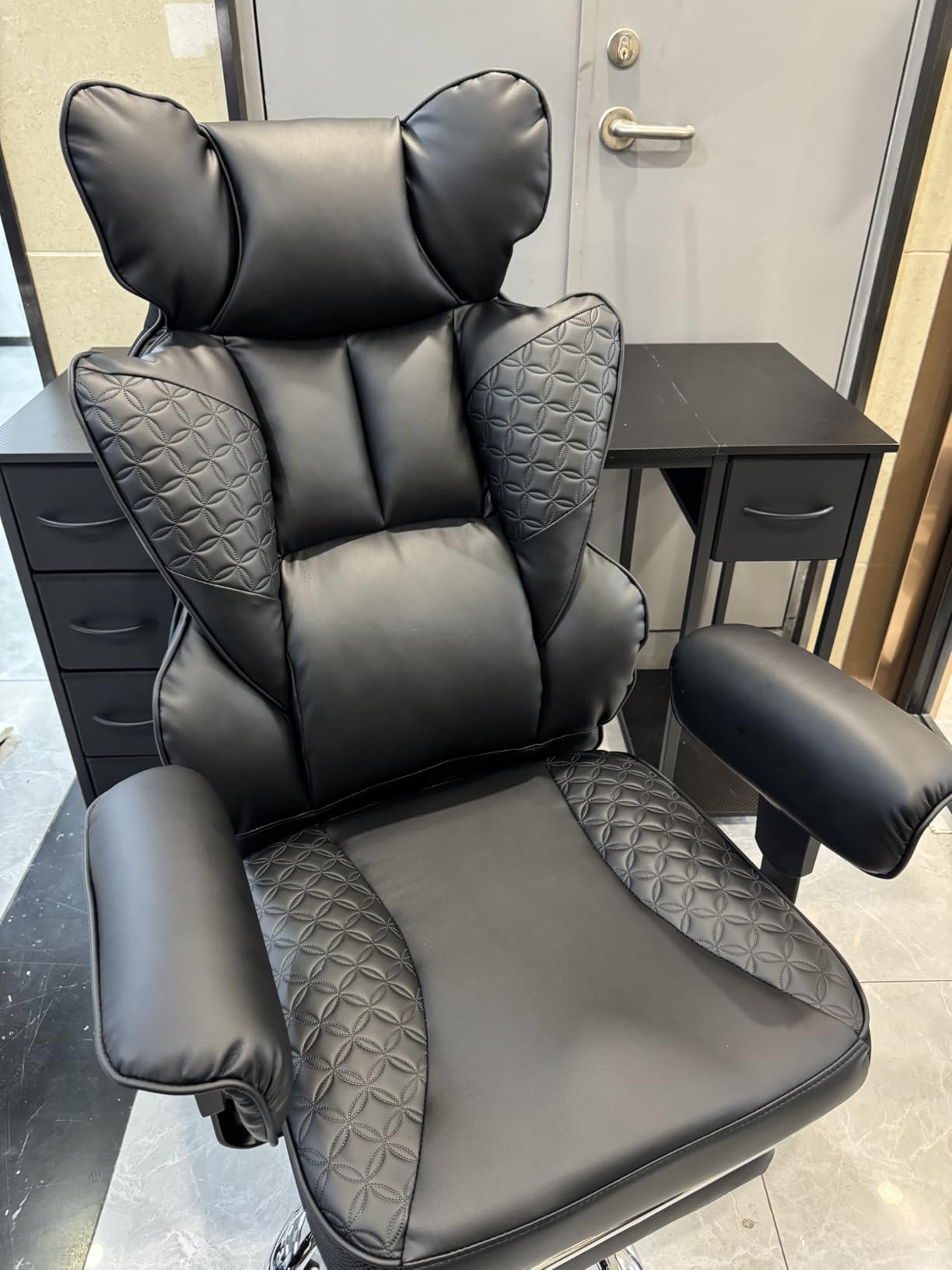
Most chairs labelled big and tall are simply wider versions of a standard frame. This one is not. The 22 inch seat depth and 22.05 inch backrest width are real measurements, and the 400 lb rating is backed by a heavy duty metal base and a three-level gas lift.
The saddle-shaped cushion with pocket-spring lumbar is the feature that makes it work for a long session. A saddle shape spreads the load across the upper thighs rather than the backs of the knees, which is exactly the pressure point that flares up when a seat is too deep for a forward-leaning posture.
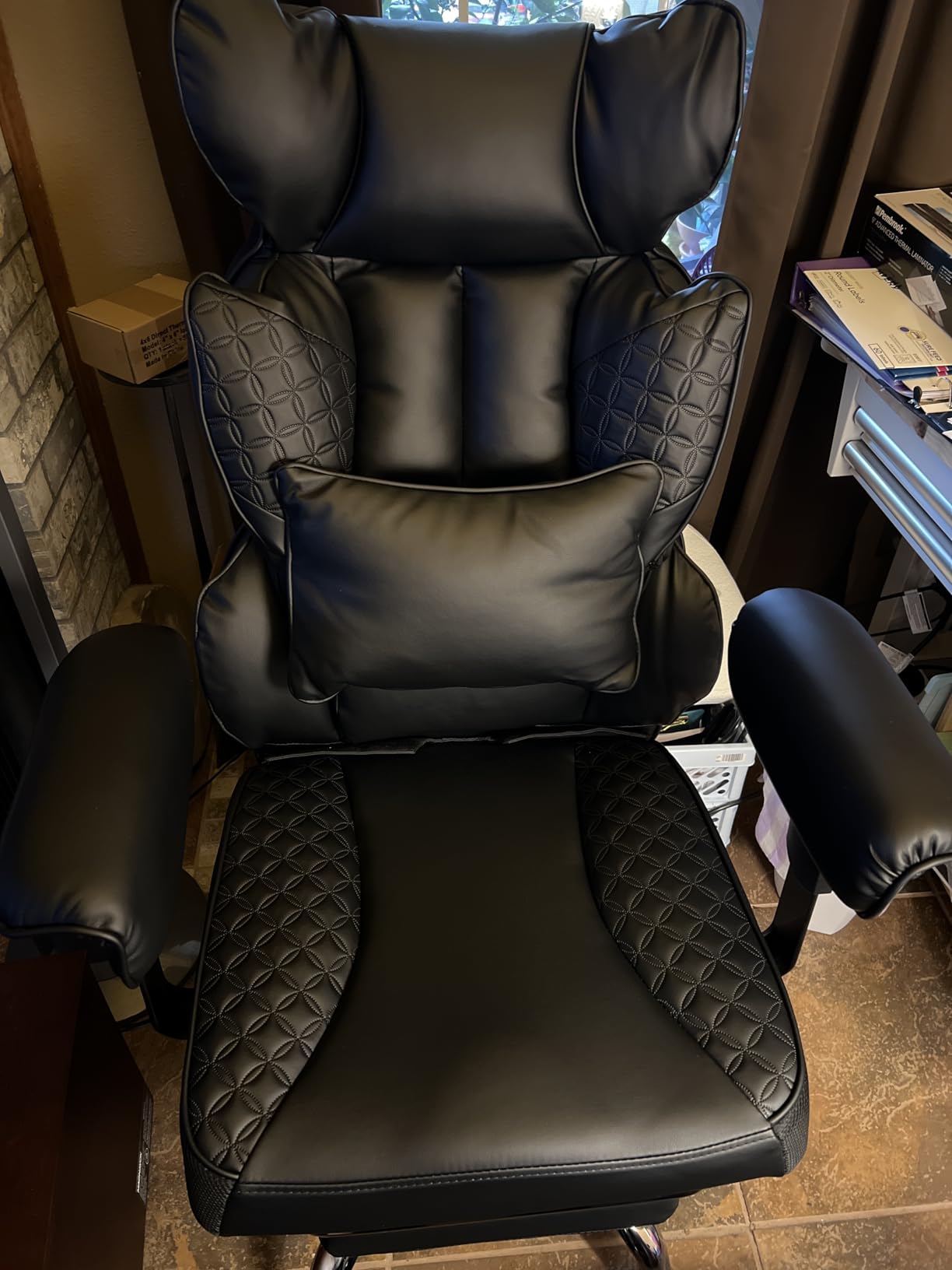
With 34,300 reviews behind it, this is the largest review base we saw. The critical reviews are consistent and mostly about components: firm foam, low cost casters, and a footrest not built for heavy daily loading.
Who this chair works for
Editors above roughly 300 lbs, or anyone who wants to sit cross-legged during a read-through. The 150 degree recline plus footrest suits 6 to 10 hour days as long as your room is not hot.
Where it falls short
PU leather holds heat over a multi-hour block, and the foam is firm enough that some owners add a pad. It also sits higher than most gaming chairs at its lowest setting.
4. HOLLUDLE 3D Lumbar Chair: The Best Choice for Tuning Your Lumbar
HOLLUDLE Ergonomic Mesh Office Chair – 3D Adjustable Lumbar Support & 3D Armrests, V-Shaped Back, Adjustable Desk Chair for Office & Home, White
Pros
- Lumbar moves up
- down
- in
- out and rotates
- V-shaped mesh back stays breathable
- 3D armrests and 2D headrest widen the fit range
- Five-year warranty
Cons
- Firm seat takes weeks to break in
- Small overall size can leave taller users unsupported
- Sharp unbuffed edge where the casters meet the base
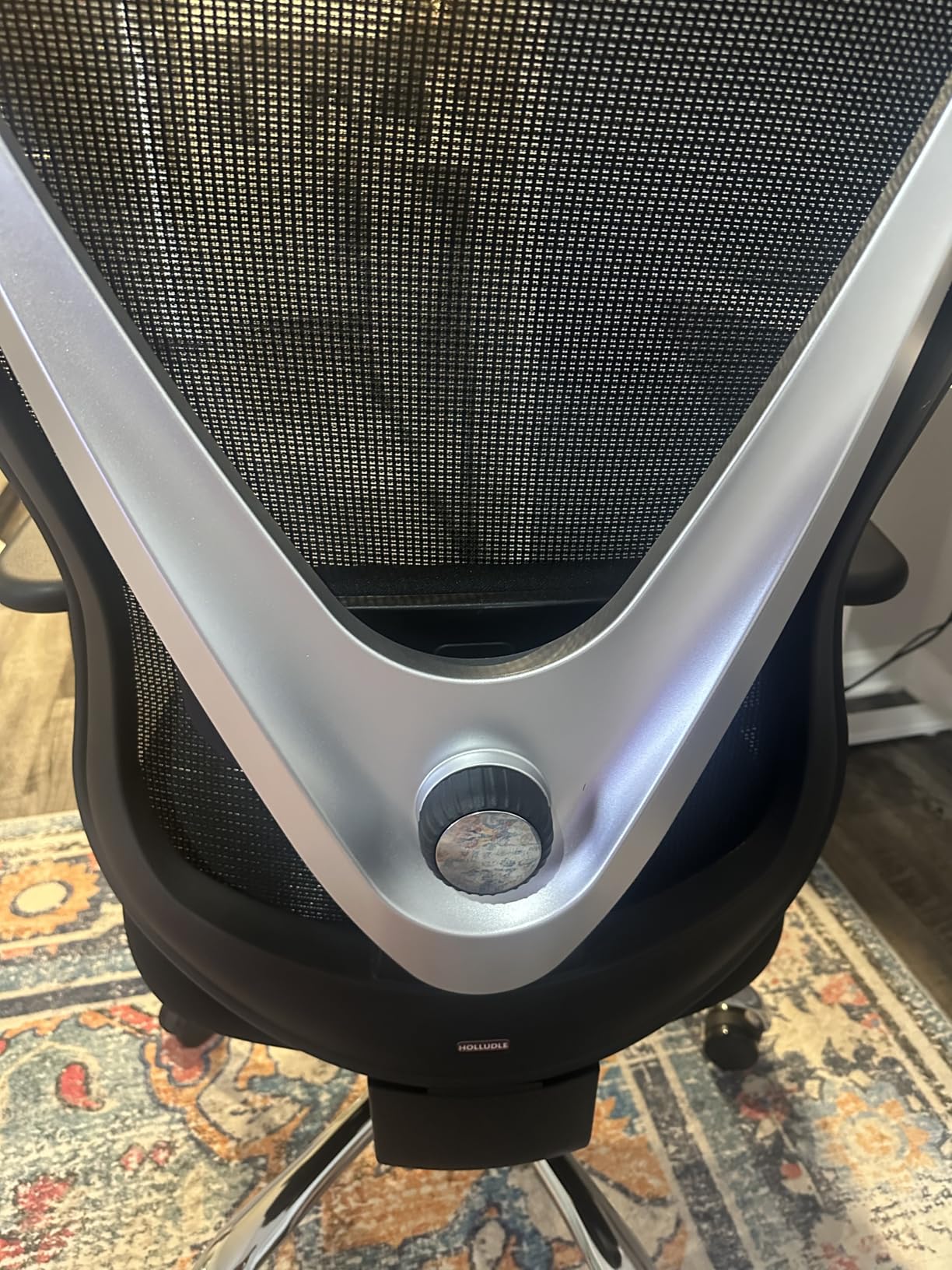
Almost every chair in this group has a lumbar that moves up and down. The HOLLUDLE moves up and down, forward and back, and rotates in both directions, which is the difference between a pad and a support you can actually fit to an uneven posture.
For editors that matters because posture is not symmetrical. The mouse hand side of the back is under more load during a scrub, and a lumbar that can rotate toward it stops you from sliding forward to escape the pressure. The 3D armrests add forward and back travel plus swivel on top of height.
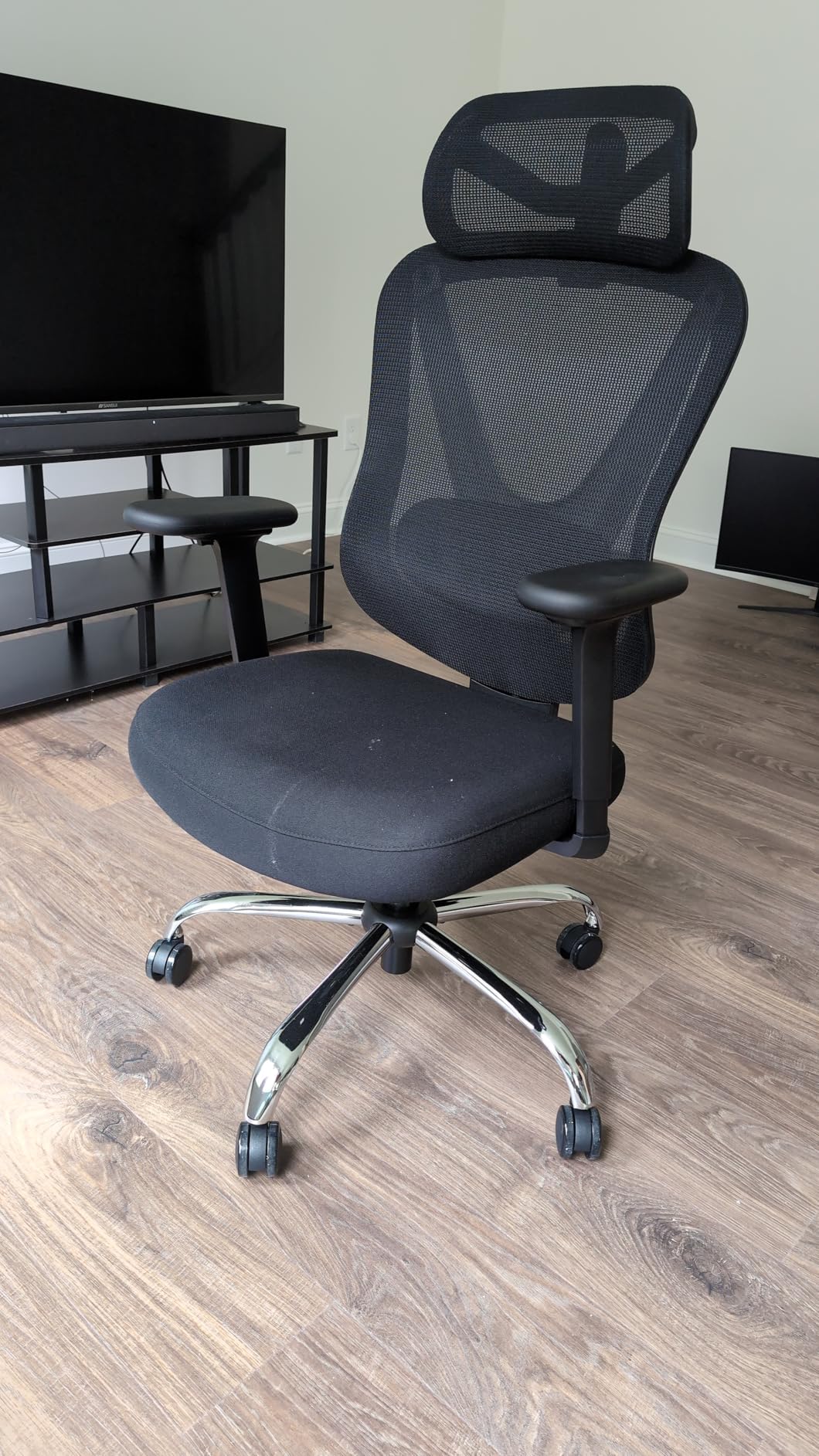
Build specification is better than the price suggests: BIFMA and EN1335 standards, a base strength figure of 1136 kg, and a 35 mm steel mechanism. The warranty runs five years.
Who this chair works for
Editors who already know they have a specific back issue and want to solve it with adjustment rather than padding. Reviewers report relief from chronic lower back pain during long sessions.
Where it falls short
The seat is firm and takes weeks to break in, so judge it over two weeks. The compact size leaves legs unsupported for taller sitters, and one report found the caster base edge sharp.
5. TRALT Adjustable Lumbar Mesh Chair: The Best Value Starter Task Chair
Pros
- Real adjustable lumbar support at an entry-level price
- High-resilience molded foam resists bottoming out
- Mesh back avoids the heat of faux leather
- 330 lbs capacity on a metal-core base
- Flip-up arms and about 15 minutes to assemble
Cons
- Supplied casters have flat spots on hard floors
- Cushioning is medium-firm rather than plush
- No headrest by design
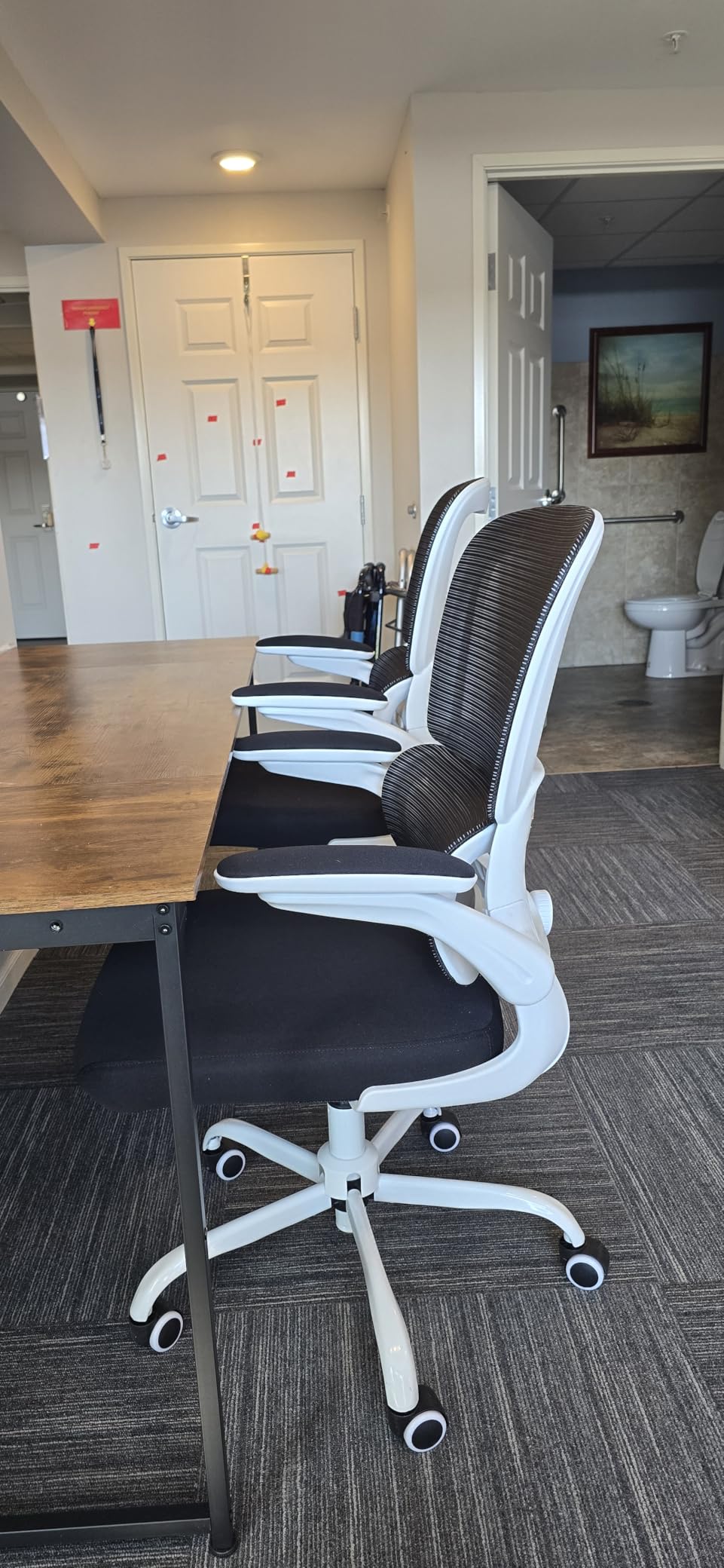
The TRALT answers one question well: can you get genuine adjustable lumbar support without paying for it? Yes. The lumbar slides in and out on a depth track, which is a bigger step up from a fixed pad than the price gap suggests.
It is also a light chair at 28 pounds, so moving it between an editing desk and a colour suite is easy. Assembly takes about 15 minutes, and the flip-up arms keep the footprint small in a tight room. The molded foam seat is high resilience, which is the property that stops a budget chair from flattening within a year of daily use.
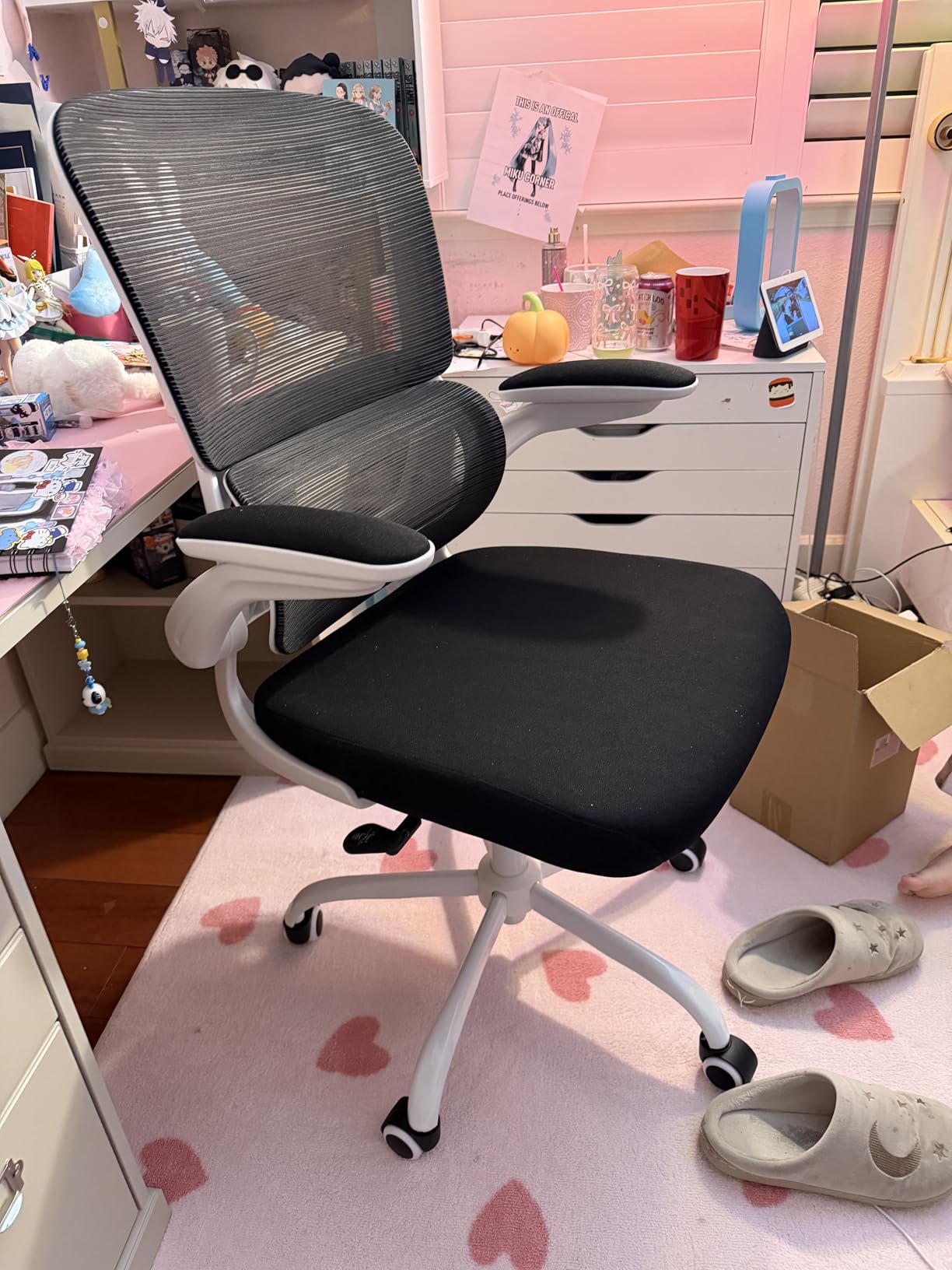
Reviewers rate its value highly, with several saying it outperforms chairs costing multiples of it. Manufacturer service is repeatedly praised for sending upgraded casters and following up.
Who this chair works for
Students, editors early in a career, and anyone doing two to four hours of focused work a day. It is a sensible first ergonomic purchase and it suits 330 lbs comfortably.
Where it falls short
No headrest is included, so a forward lean leaves your neck unsupported. The supplied casters develop flat spots on hard floors, and the foam is medium-firm rather than plush.
6. COMHOMA Big and Tall Recliner: The Best for Genuine Recovery Breaks
COMHOMA Big and Tall Office Chair Heavy Duty Wide Ergonomic Gaming Chair with Deluxe Embossing Designed Leather with Foot Rest,150°Reclining Adjustable Armrests Pocket Spring Back Support and Pillow
Pros
- Oversized seat and back fit larger bodies
- Integrated footrest plus 150 degrees of recline
- Pocket-spring lumbar with thick padding
- Height-adjustable armrests well placed on a big frame
- Embroidered PU leather wipes clean
Cons
- PU leather runs hot during extended sitting
- Footrest hardware and gaskets loosen over time
- Armrest width can be narrow for broad shoulders
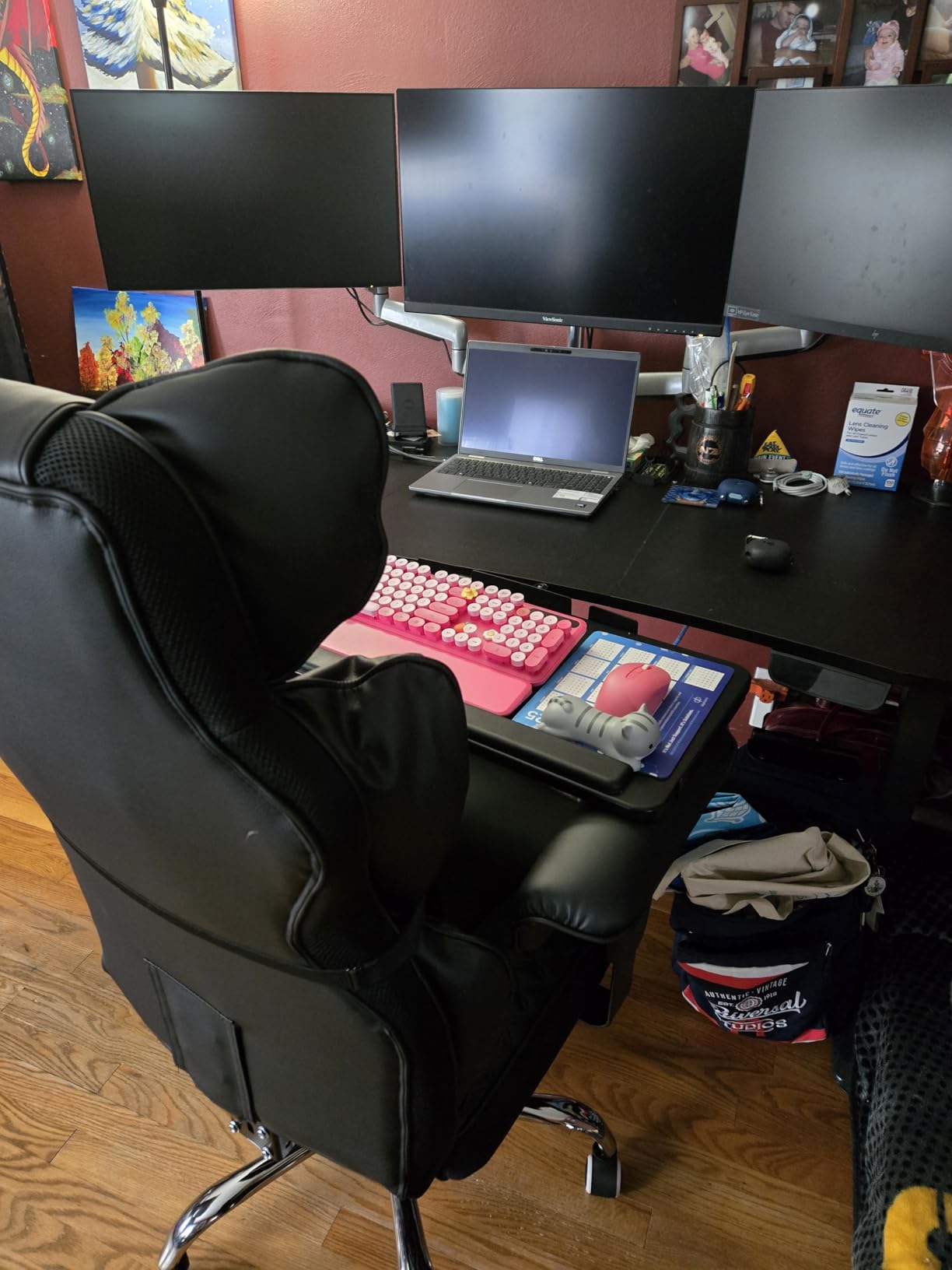
The COMHOMA is the chair I would put in a studio where the edit day includes real breaks. The integrated footrest and 150 degree recline let you stretch out properly, which is a different order of recovery than leaning back on a mesh chair.
For an editor working in a grade suite with a reference monitor at a slight angle, the wide back with pocket-spring lumbar holds the shoulders back and takes the forward lean out of your lower back. Buyers who need a large chair rate it highly for width and for the ability to sit cross-legged.
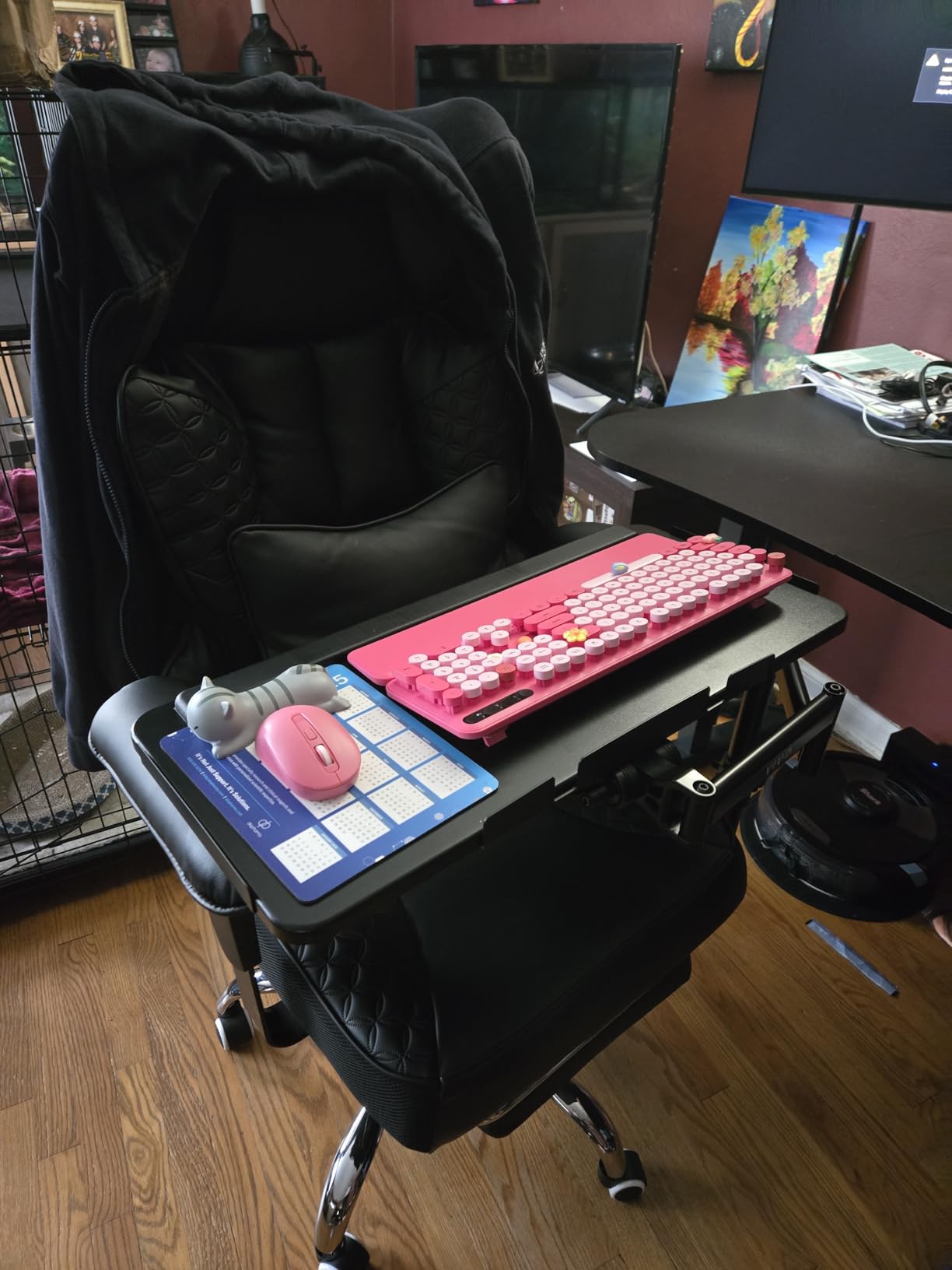
It weighs 44 pounds, so it is not a chair to shuffle between rooms, but it is stable in one place. The embroidered PU leather is soft against bare arms and wipes clean after a coffee knock.
Who this chair works for
Editors above 300 lbs, and anyone who wants a chair to lounge in during export waits. It suits people who alternate between cross-legged and upright positions in a fixed studio.
Where it falls short
Heat from PU leather pushes some owners toward adding a seat pad. The footrest hardware draws repeated complaints, and the wheels can perform poorly on pile carpeting.
7. Efomao 400 lbs Executive Chair: The Best for Cross-Legged Sitting
Efomao Big and Tall Office Chair 400lbs, Executive PU Leather Desk Chair with Footrest & Lumbar Support, Heavy Duty Computer Seating for Home, White
Pros
- Very wide plush seat supports cross-legged work
- Independent lumbar pillow and padded side bolsters
- Sturdy frame that does not tip when reaching
- Removable footrest clears the rest of the chair
- BIFMA certified with an SGS tested gas cylinder
Cons
- Armrests are not height adjustable
- Footrest bracket bolts and washers can loosen
- Backrest is short for users above 6 foot 1
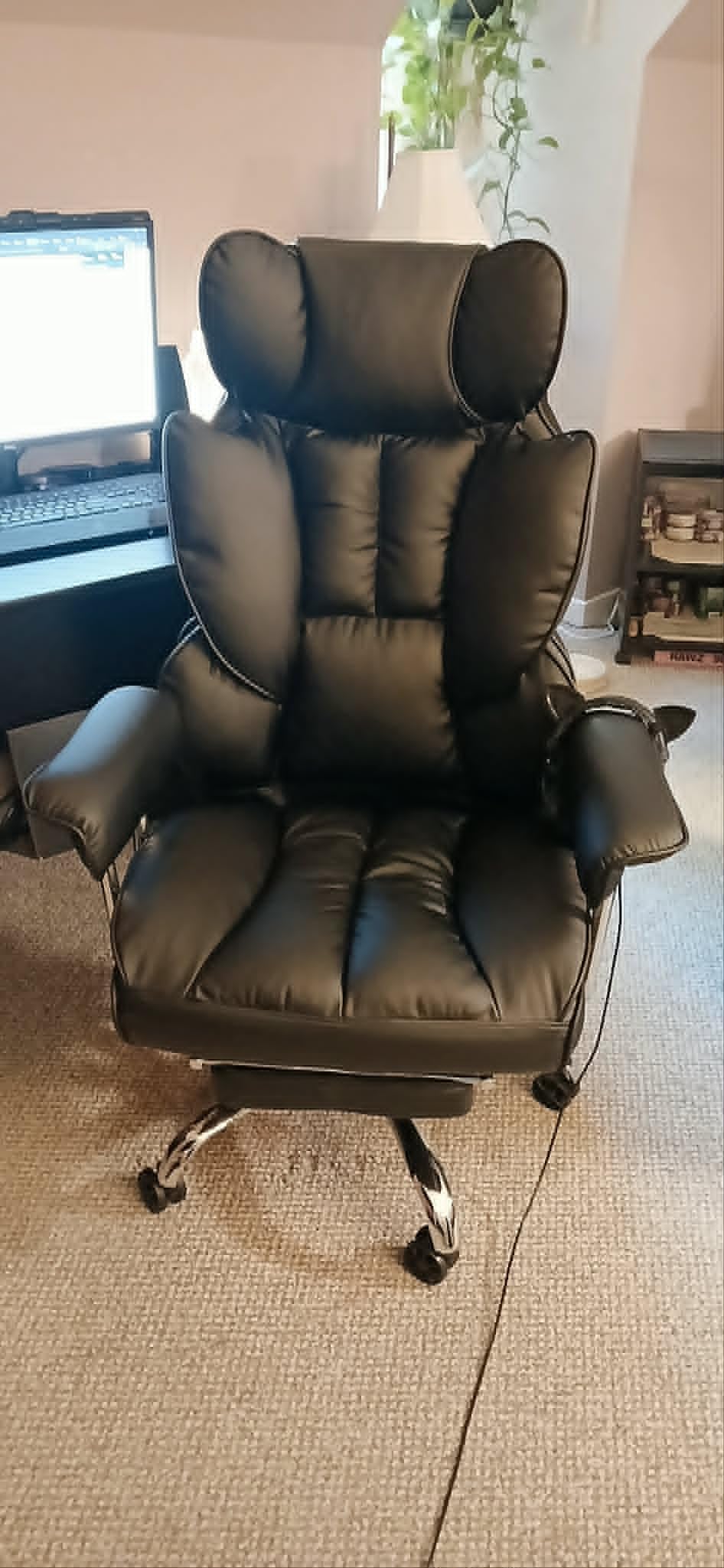
The Efomao reads as a recliner more than a task chair. A 20 inch deep, 23.2 inch wide, 4 inch thick dual-layer sponge cushion with padded side bolsters gives you room to fold your legs up, which a task chair never will.
That cross-legged option sounds minor until you edit. Reading a script, reviewing selects, or talking through a rough cut with a producer is far more comfortable when you are not locked into a 90 degree position. The removable lumbar pillow can be repositioned for a reclined posture or a forward lean.
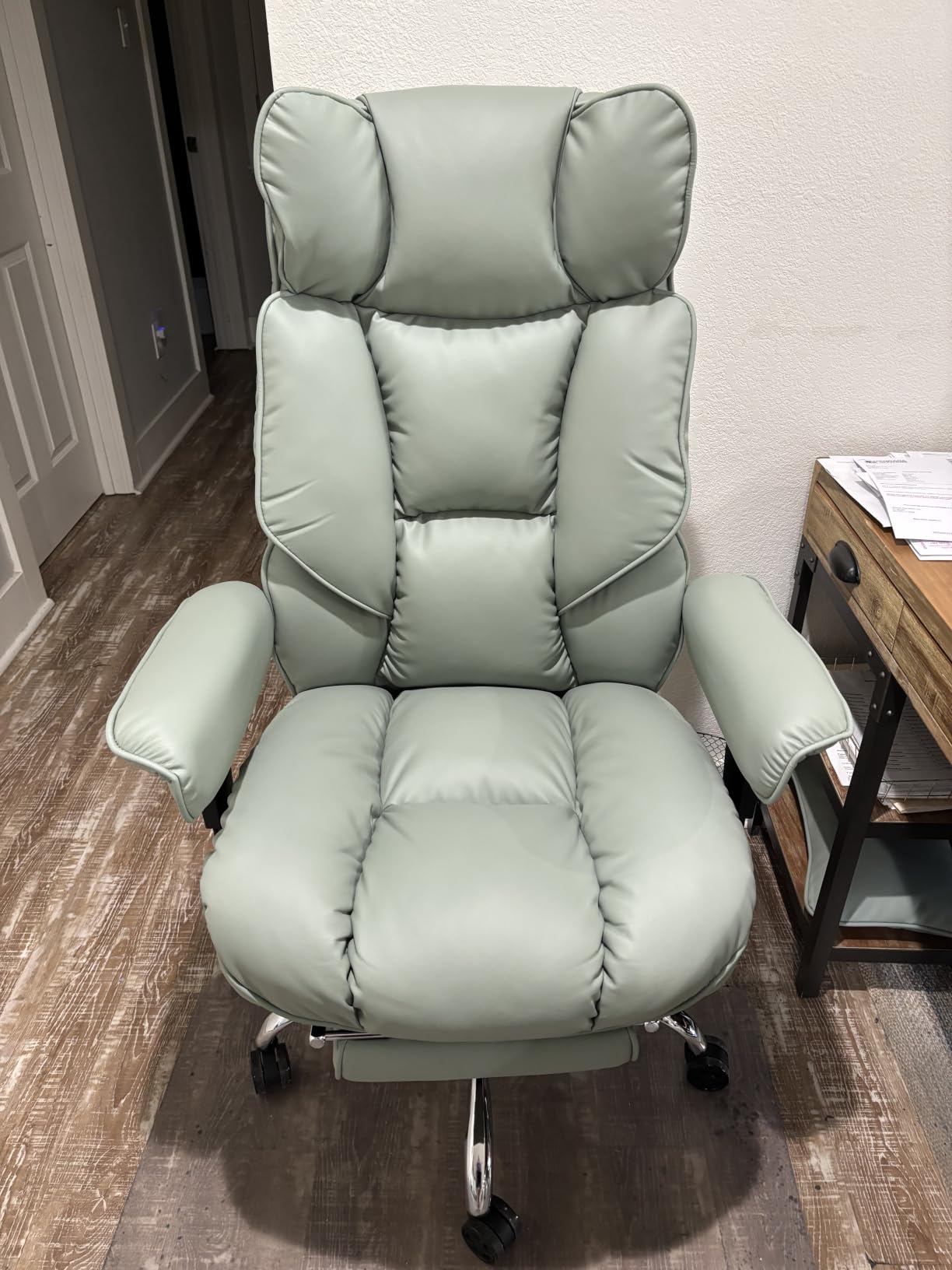
At 52 pounds it is a heavy chair, and that weight reads as stability rather than awkwardness. The frame does not tip when you lean out to reach a control surface, and assembly takes 20 to 30 minutes with all hardware included.
Who this chair works for
Plus-size editors, and anyone who works in short intense blocks rather than one long focus block. It handles 400 lbs and does not restrict posture.
Where it falls short
The armrests are not height adjustable, so the chair may not slide under a standard desk. The footrest reaches mid-calf, and its bracket bolts loosen within months.
8. CLOUVOU Ergonomic Mesh Chair: The Best Rated Pick for Quiet Spaces
Pros
- Rated 4.7 stars with a very low one-star share
- Very quiet casters glide over hard floors
- Front-to-back adjustable seat depth
- 4D armrests that hold their position
- Headrest stays where you set it
Cons
- Armrests can feel loose at first
- Backrest will not recline far forward for some postures
- Oversized for petite users
The CLOUVOU carries a 4.7 star rating, the highest in the roundup, and the reason is not the feature list. It is the quietness. Ultra-quiet rubber casters glide over hard floors without chatter, which matters in a shared post suite where a rolling chair is genuinely audible.
Front-to-back seat depth adjustment is the sleeper feature. Getting the seat edge about two fingers behind the knee is an effective fix for sliding forward and losing lumbar contact, and few chairs at this level offer it.
![Ergonomic Office Chair Comfy [#1 in Tests] customer photo 1](https://markus-hagner-photography.com/wp-content/uploads/2026/08/B0FR981Z25_customer_1.jpg)
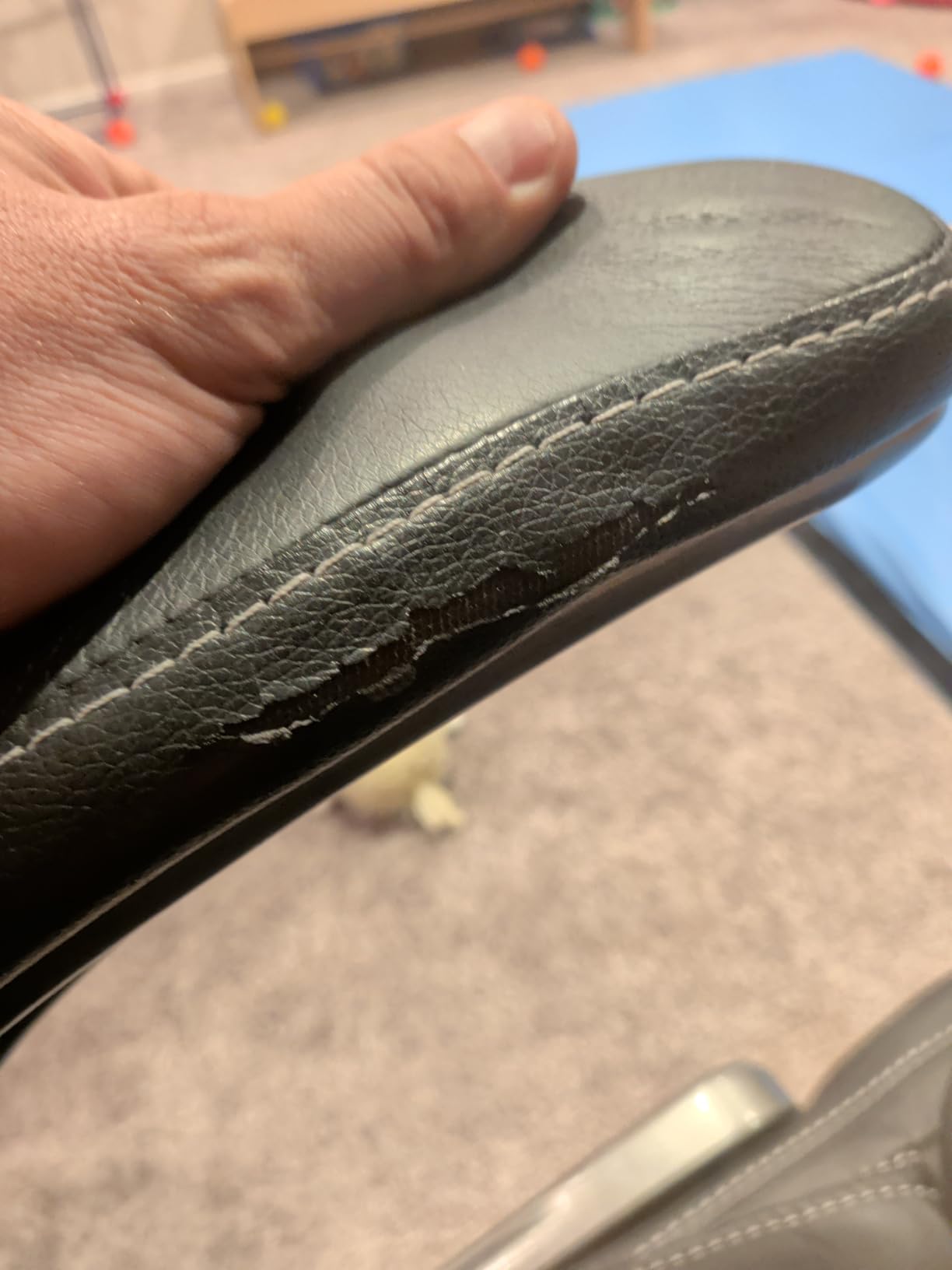
Reviewers say that owning it rivals a far more expensive premium chair they tried in a showroom. Critical reviews focus on armrest looseness in the first weeks and a backrest that will not angle forward enough for heavier users. A lumbar pillow is included for anyone coming from a chair with no support at all.
![Ergonomic Office Chair Comfy [#1 in Tests] customer photo 2](https://markus-hagner-photography.com/wp-content/uploads/2026/08/B0FR981Z25_customer_2.jpg)
Who this chair works for
Editors in shared or acoustically sensitive rooms, and anyone who slides forward during a long cut. It is built for users up to 6.5 ft and handles 330 lbs.
Where it falls short
The armrests can feel loose in the first weeks, and the backrest frame is plastic while the base and arms are metal. Petite users will find the dimensions too large.
9. COLAMY Inflatable Lumbar Chair: The Best for Tuning Lumbar Pressure
COLAMY High Back Executive Office Chair – Padded Leather Ergonomic Computer Desk Chair with Inflatable Lumbar Support & Flip-Up Arms, Adjustable Tilt Lock Swivel Task Chair for Home Office, Black
Pros
- Airbag lumbar lets you tune lower back pressure precisely
- Flip-up arms allow an armless cross-legged mode
- Leather finish resists scratches stains and peeling
- Synchro-tilt rocks smoothly and locks upright
- Padded high back with a headrest
Cons
- Padded upholstery feels warm over long hours
- Pneumatic height lever is single-position rather than graduated
- Seat is firm and the high back adds bulk
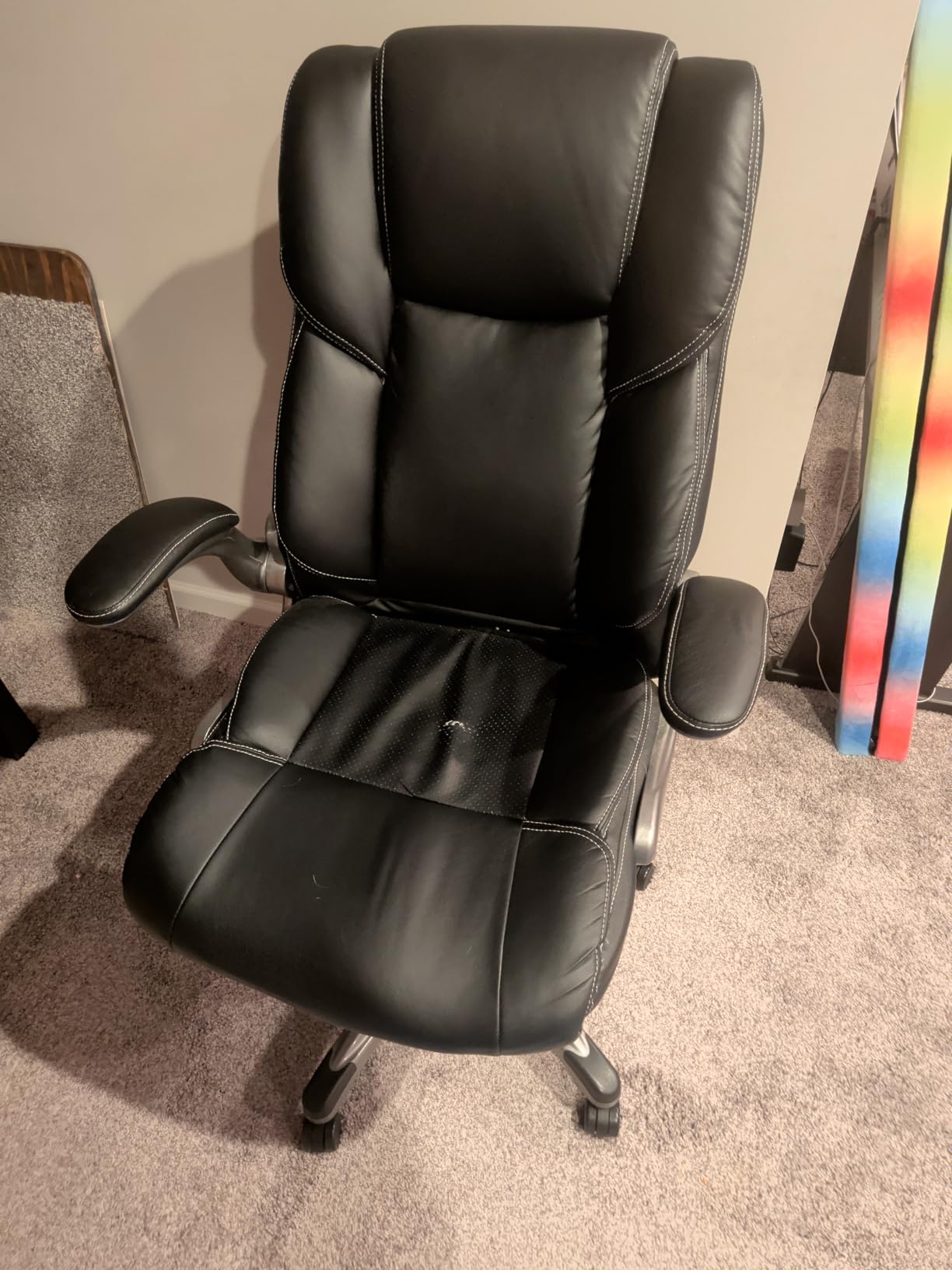
The COLAMY solves lumbar support with air rather than foam or steel. You inflate the airbag to the pressure your lower back wants, which is closer to a physiotherapist’s instruction than a fixed pad ever gets.
Because the bag is a single chamber rather than a mechanism, there is nothing to jam and nothing to break. If you are the kind of editor who changes posture constantly, this is an easy way to keep contact through every change.
Flip the 90 degree padded arms up and the chair becomes armless, which is how you sit cross-legged for a review, and it also lets the chair tuck under a desk with a solid front edge. The synchro-tilt mechanism rocks smoothly and locks upright for focused keyboard work, which pairs well with a shortcut-heavy pass in Premiere Pro.
Who this chair works for
Editors who want a softer, more upholstered feel than mesh, and who like an executive look in a client-facing office. It suits 4 to 8 hour days at up to 300 lbs.
Where it falls short
Padded leather feels warm over a long block, so it is a poor match for a hot room. Height adjustment is a single-position lever, and the headrest is fixed to the backrest.
10. X XISHE Mesh and PU Task Chair: The Best Hybrid Build
Office Chair Ergonomic Desk Chair, Computer PU Leather Home Office Chair, Swivel Mesh Back Adjustable Lumbar Support Flip-up Arms Executive Task Chair
Pros
- Mesh back with a soft easy-clean leather seat
- Lumbar support adjusts up and down
- Three-stage gas cylinder and 300 lbs capacity
- Quiet casters with 360 degree swivel
- 15-20 minute assembly with a video guide
Cons
- Mesh back is narrow at 18 inches limiting lateral support
- Sponge seat padding is soft rather than resilient over very long hours
- Tilt is a rocking function only with tension under the seat
The X XISHE mixes a breathable mesh back with a PU leather seat, and that split is the whole argument. The back is where you run hot during a long lean, so that is where you get airflow. The seat is where pressure points build, so that is where you get a soft surface.
It is a rare combination in this price band and it is why we keep recommending it for hybrid seasons. Reviewers treat it as a dependable mid-budget task chair with real adjustable lumbar at a fraction of the price of the mesh-tilt leaders.
The S-shaped back curve follows the natural lumbar curve, and the lumbar support slides up and down to match your spine. Seat height runs from 17.72 to 22.44 inches, a wider range than most chairs here. Build quality and ease of assembly are rated highly across the review set.

Who this chair works for
Editors who move between a warm studio and a cooler office, and who like a leather task chair without the executive bulk. It suits 4 to 8 hour days at up to 300 lbs.
Where it falls short
The mesh back is narrow at 18 inches, which limits lateral support during a wide lean. Tilt is rocking rather than a true recline, and there is no head support.
11. Marsail Adjustable Mesh Chair: The Best First Adjustable Task Chair
Marsail Ergonomic Office Chair: Office Desk Chair with High Back Mesh and Adjustable Lumbar Support Rolling Work Swivel Task Chairs with Wheel 3D Armrests and Headrest
Pros
- Adjustable lumbar moves forward back up and down
- 3D PU-padded armrests and a 2D headrest
- 3.14 inch high-density foam seat
- Quiet stable rollers on laminate and carpet
- Bilingual illustrated instructions
Cons
- Rocking tilt with an awkward under-seat tension knob
- Headrest pushes the head forward at certain heights
- Cushion compresses over months of daily use
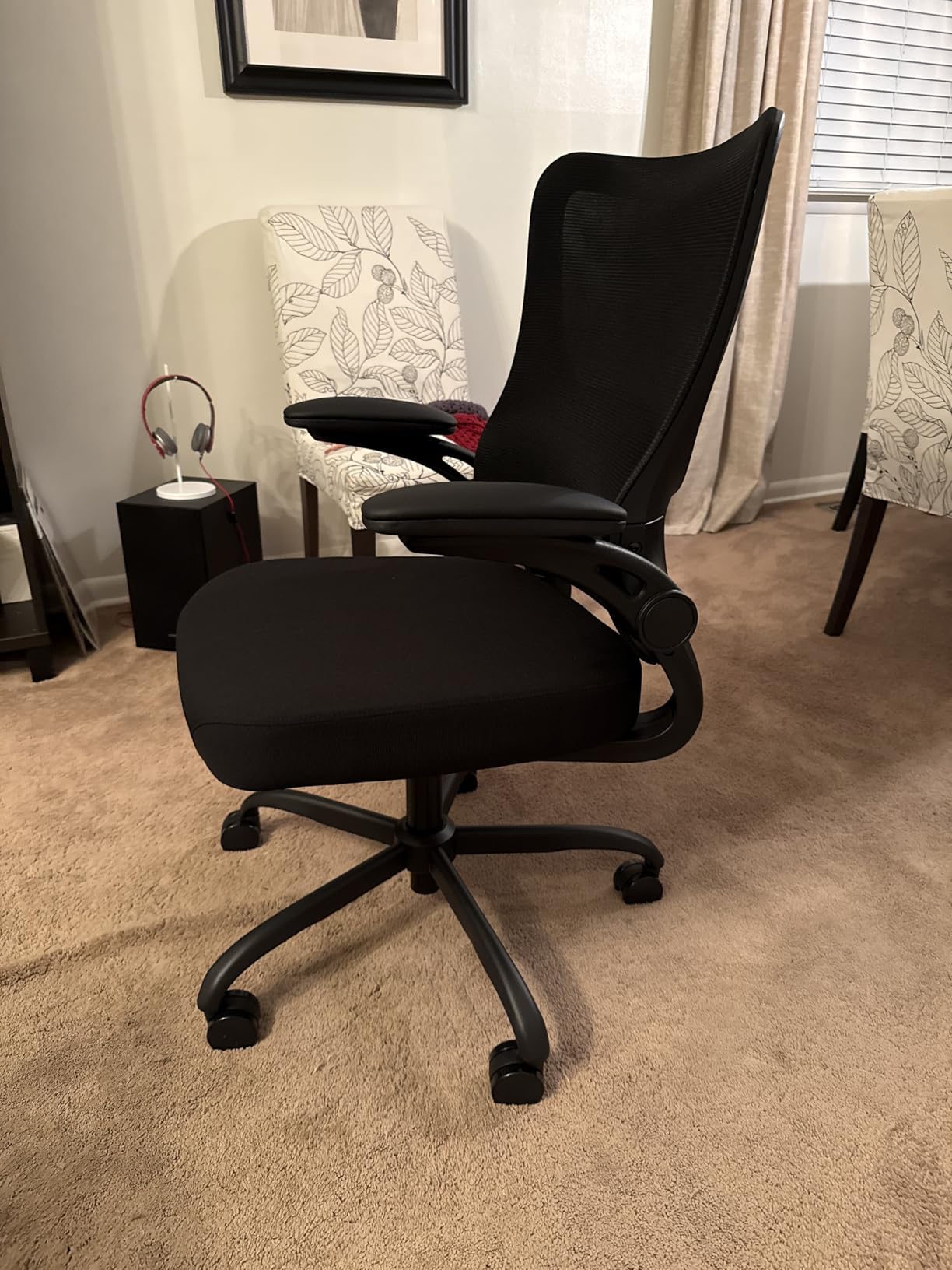
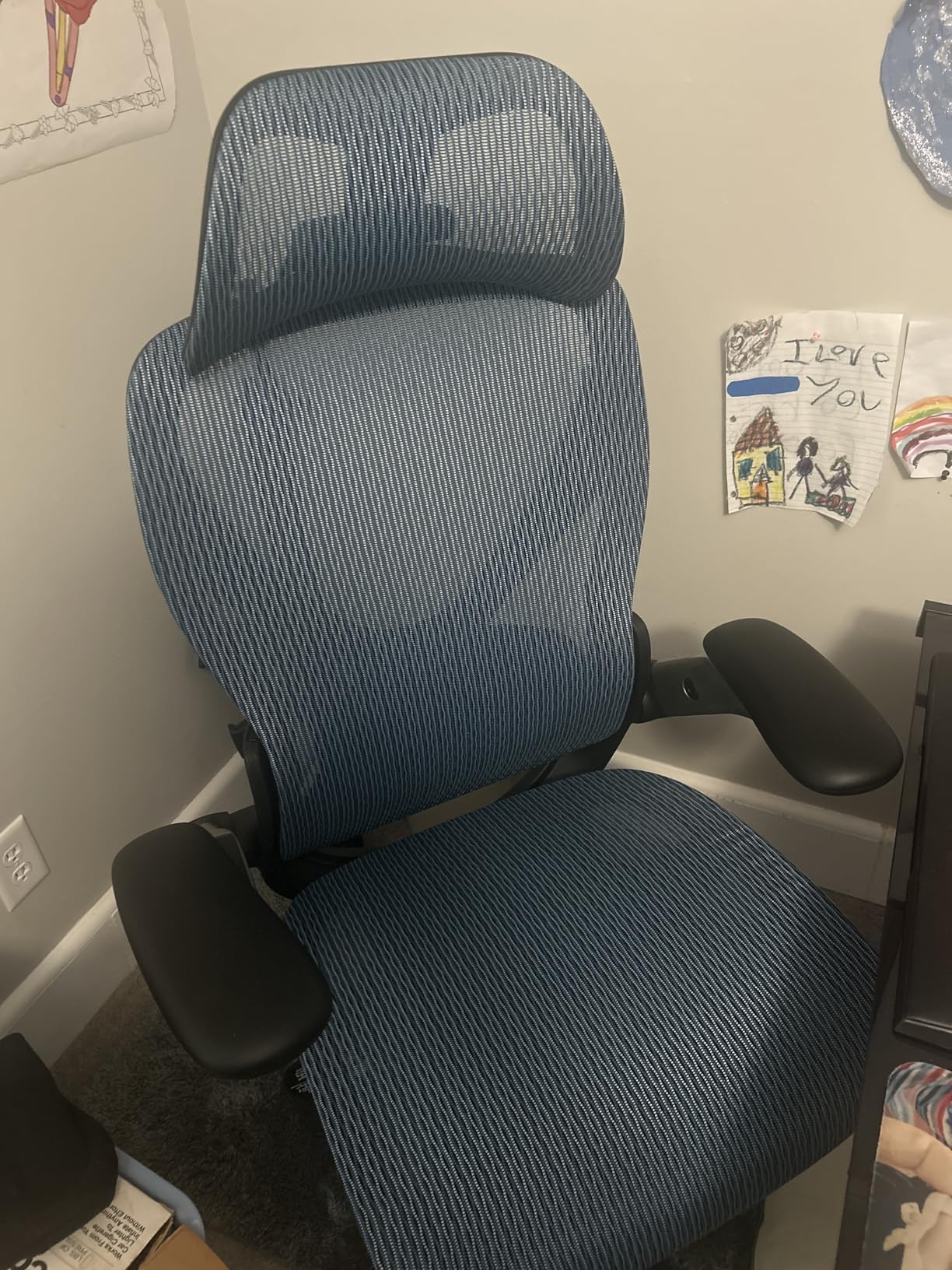
The Marsail is worth a look because its lumbar moves 1.18 inches forward and back and 2.16 inches up and down. That is real range, and it is the spec to prioritise over a headrest when your day is eight hours of timeline work.
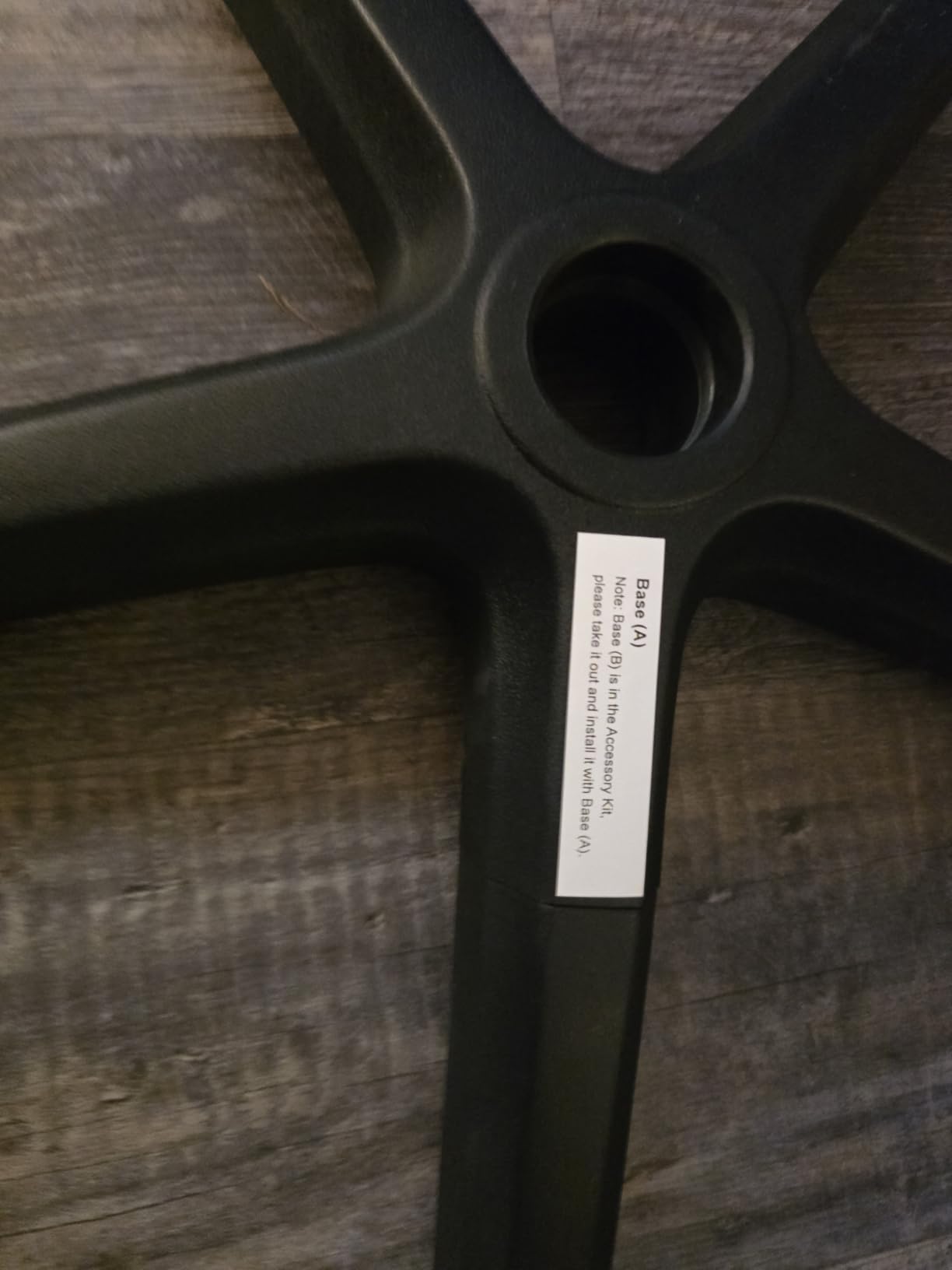
The 3.14 inch high-density foam seat is deeper than most at this level and does not feel thin under load. Assembly takes 30 to 45 minutes, longer than most, but the bilingual illustrated instructions are unusually clear.
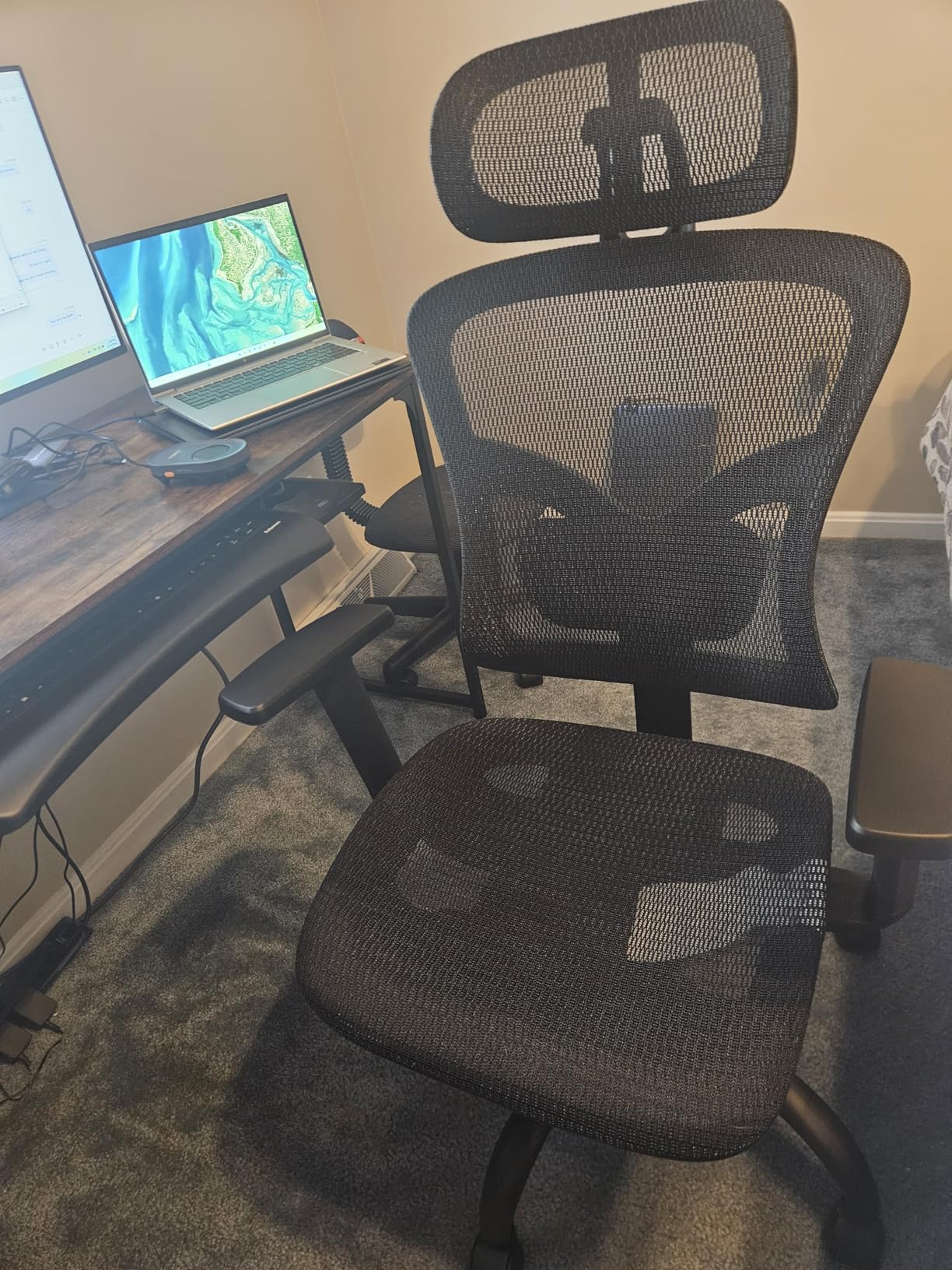
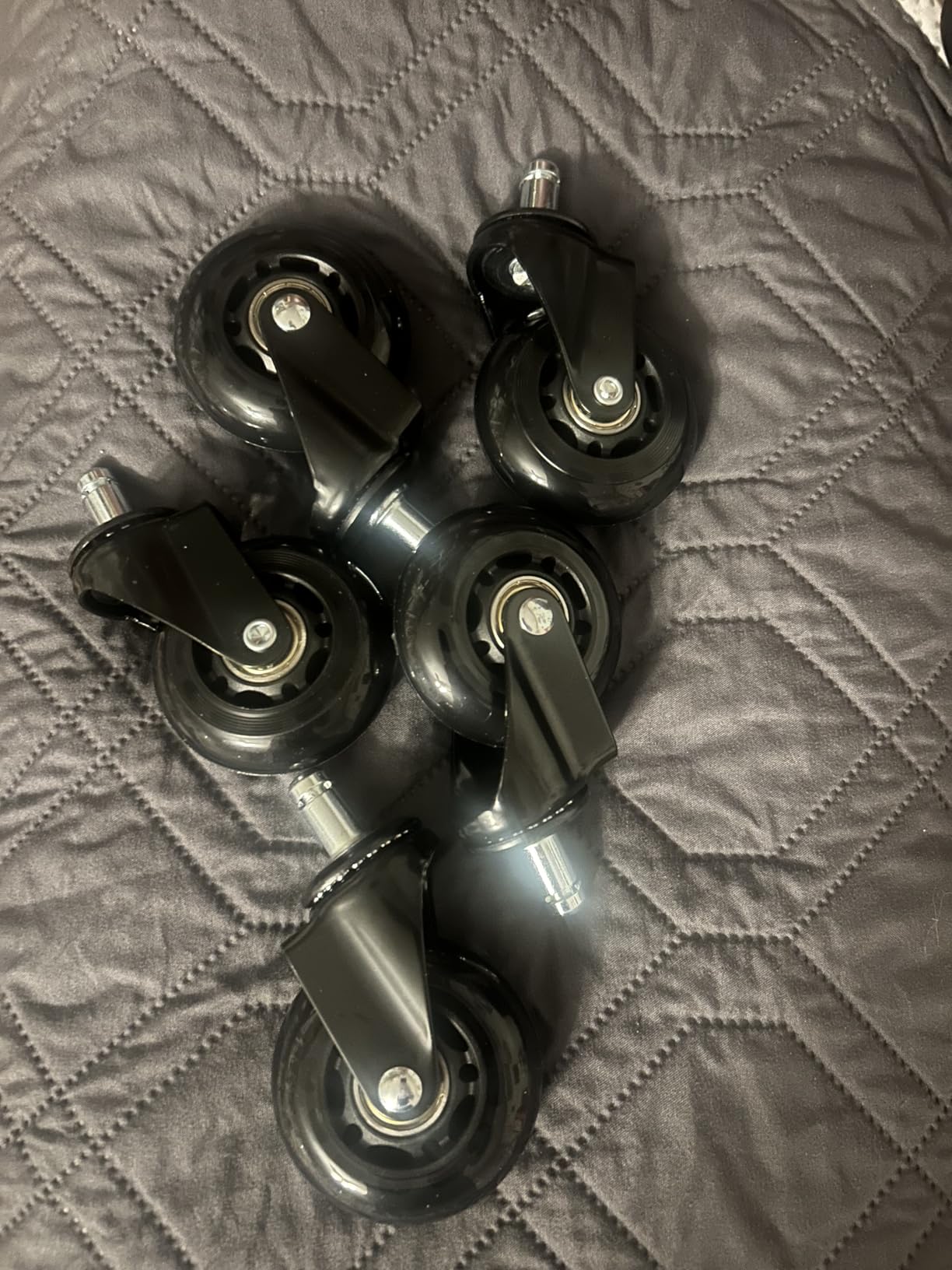
It carries 330 lbs on a metal base with no squeaking reported, and the rollers stay quiet on both laminate and carpet. At 4.2 stars it is the lowest rated in the group, and the gap is explainable: the rocking mechanism and headrest are the weak points rather than the frame.
Who this chair works for
First-time buyers moving from a cheap swivel chair, and anyone who needs a headrest at a 2 to 4 hour edit day. The adjustable lumbar is a good first step toward a real setup.
Where it falls short
Recline is rocking only, with the tension knob in an awkward position under the seat. The headrest protrudes forward at certain heights, and the cushion compresses over months.
12. ELABEST X100 Mesh Chair: The Best for 5D Armrests and Lumbar Control
ELABEST X100 Ergonomic Mesh Office Chair with Footrest, Big and Tall Hone Desk Chair with 5D Flip-Up Arms, Adjustable 3D Lumbar Support,Gaming & Executive Computer Chairs
Pros
- Lumbar support adjusts in height
- depth and rotation
- 3D flip-up armrests move in every direction
- Footrest extends to 18 inches with two angle positions
- AirMesh back and seat stay cool over eight-hour days
Cons
- Mesh seat edges dig into the knees of shorter users
- Footrest is stiff and short of full leg support
- Headrest extension is limited for very tall users
The X100 carries more specification than any other chair in this group, and the 3D synchro-tilt lumbar is the reason to care. It is spring-loaded and auto-tracking, with 1.6 inches of depth, 2 inches of height and 15 degrees of rotation control.
A spring-loaded lumbar tracks you as you lean into a grading panel and returns when you sit back. For long, near-static sessions that responsiveness is the feature that reduces the low-level fatigue that shows up around hour four.
The 5D flip-up armrests adjust in height, width, forward and back, and rotation, so the elbow can land where precision mouse work needs it without pushing the shoulder up. Owners report back pain relief and better posture within days, and several compare it favourably to a chair from a well known premium brand.
Who this chair works for
Editors with the longest and most precise days, 8 to 12 hours, who already know their body needs active support. The 18 inch footrest makes a mid-session recovery break possible.
Where it falls short
The mesh seat edges dig into the knees of shorter users, which matters in a forward lean. The footrest is stiff and short, and the headrest extension is limited for tall users.
How to Choose a Chair for Long Editing Sessions
Match the chair to your hours first, then your body. A two-hour day and a ten-hour day are not the same requirement, and the research on this category is clear that adjustability matters more the longer you sit.
Two to four hours a day: the TRALT or the Marsail will do the job. You need adjustable lumbar and a breathable back, and little else. Spend your attention on a sit-stand desk and on taking real breaks instead of on the chair.
Four to eight hours a day: aim for 3D armrests and a real tilt lock. The GABRYLLY and the X XISHE sit in this band comfortably, and the X XISHE covers the widest seat height range for mixed-height editors.
Eight to twelve hours a day: you want an active lumbar, a wide recline, and above all a footrest so that a break is a real break. The SIHOO B100 PRO and the ELABEST X100 are the two I would choose here, and the COMHOMA if your frame needs a wider seat.
On mesh versus cushion: mesh wins on airflow and loses on comfort over four hours of near-static sitting. Cushion wins on pressure distribution and loses on heat. A forward-leaning edit posture generates more heat at the back, which is the argument for mesh; a reclined recovery position generates more pressure at the seat, which is the argument for cushion. Split builds such as the X XISHE exist because that trade-off is real.
Two tests before you commit. First, seat depth: with the backrest against your spine you want two to three fingers between the seat edge and the back of your knee. Second, armrest height: elbows should rest with the shoulders dropped. Armrests that sit too high push the neck and shoulders up, which is a headache, literally, by mid-afternoon.
Give any new chair one to two weeks before judging it, and re-adjust after the first week as your posture changes. Users repeatedly warn each other that the break-in feels like a slight improvement, not a transformation.
Two habits outside the chair matter as much as the chair itself. Alternate sitting with standing if you have a sit-stand desk, and take a two-minute micro-break every 40 minutes. Experienced users in office chair forums are blunt that a chair cannot fix a workstation set up badly, so get the monitor to eye level and the mouse close before you blame the seat.
And if your symptoms are not chair-shaped, stop buying chairs. Persistent pain that clears when you stand, or numbness that runs down a leg, is a medical question rather than a shopping one, and no amount of lumbar adjustment addresses it.
Our related reading covers this from other angles: the general ergonomic office chair roundup and the photo editing chair guide for retouchers working in Lightroom rather than a timeline.
Frequently Asked Questions
What is the best chair for video editing?
The SIHOO B100 PRO is the best chair for video editing because its adaptive dual-back lumbar follows your spine as you lean into a waveform, and its full mesh stays cool through a multi-hour focus block. Three lockable recline angles from 110 to 135 degrees give you a real recovery position between export batches.
What is the best chair for long sitting hours?
The best chair for long sitting hours is the one with genuinely adjustable lumbar support, a stable controlled recline, armrests that let your shoulders drop, and a breathable back. Among the chairs we compared, the ELABEST X100 has the widest lumbar range and the SIHOO B100 PRO has the most complete feature set for the money.
Is a mesh or cushion office chair better for long sessions?
Mesh is better for airflow and cushion is better for pressure distribution. Editing is a forward-leaning posture that generates heat at the back, so mesh wins for most editors during long focus blocks. Cushion wins during reclined recovery positions, which is why a split build such as the X XISHE works well in a mixed season.
Why is my ergonomic chair hurting my back?
Three causes account for most of it. The seat is too deep, so you slide forward and lose lumbar contact. The armrests are set too high, driving your shoulders and neck up. Or the lumbar is fixed rather than adjustable, so it fits one body only. Test the two-finger gap behind your knees and drop your armrests before buying again.
How long does it take to adjust to a new ergonomic chair?
Give any new chair one to two weeks before judging it. Your body is retraining its reach and lean during that time, and users consistently warn each other not to assess a chair in its first two days. Re-adjust the lumbar and armrests after the first week as your sitting posture changes.
What is the 90-90-90 rule in ergonomics?
The 90-90-90 rule means keeping your hips, knees and ankles at roughly right angles while seated, so thighs stay parallel to the floor and your lower back keeps its natural curve. A chair with a wide seat height range, such as the X XISHE at 17.72 to 22.44 inches, is what lets you actually hit those numbers.
The Verdict: Which Chair to Buy for Long Editing Sessions
For most editors, the SIHOO B100 PRO is the chair to buy: it handles the forward lean, the heat, and the recovery break better than anything else we compared, and it holds up across a full working day. The GABRYLLY is the pick if you want a clean task chair that tucks under a desk, and the GTPLAYER is the one for larger bodies, with a 400 lb rating and a saddle seat that spreads hip pressure.
Match the tier to your hours rather than your ambition. Two to four hours needs a TRALT. Four to eight needs 3D armrests and a real tilt lock. Eight to twelve needs an active lumbar, a wide recline and a footrest, which is where the ELABEST X100 earns its place. Whichever you choose, give it two weeks, set the monitor to eye level, and get up every forty minutes. That is the fastest route to a full day of editing without the back ache that used to show up at hour two.