
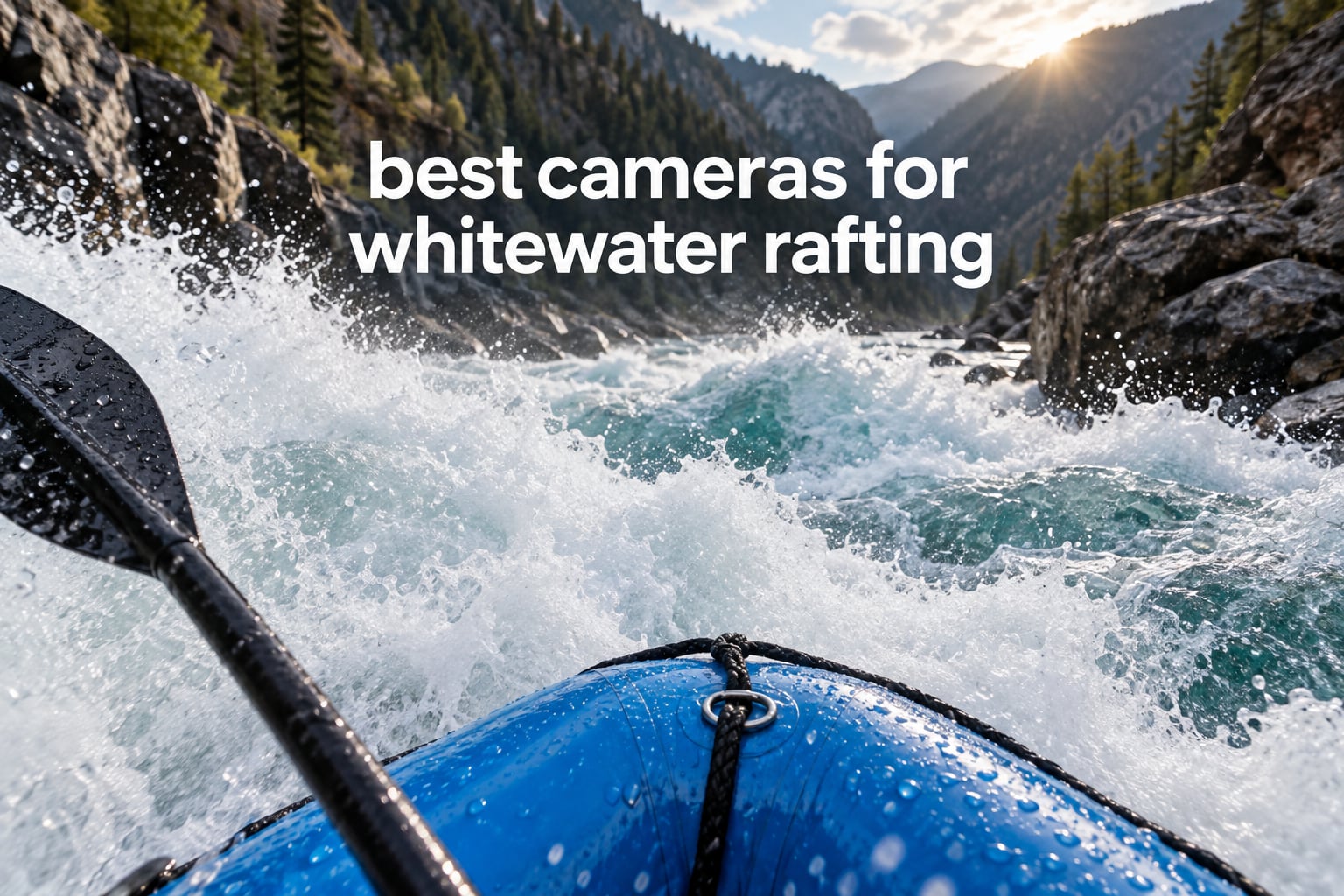
The best camera for whitewater rafting is a sealed action camera with a strong stabilization system, a waterproof body rated to at least 10 m, and a battery that can cover a full day on the river. Most paddlers shoot POV video from a helmet, chest, PFD strap or paddle, and a rugged compact like the OM System Tough TG-7 covers the photo side when you want a real optical zoom.
I have spent a lot of time testing gear in moving water, and the pattern is consistent: the deciding factor is not sensor resolution. It is whether the camera survives a flip, wakes up fast enough to catch the drop you want, and holds charge for the length of the trip. A body sealed to 10 m without a housing is the baseline, not a nice-to-have, because a raft spends a lot of time submerged on its own terms.
River trips also punish gear in ways a beach holiday does not. Sediment and cold water work at the seals, spray and sunglint blow out highlights on small sensors, and a camera that dangles from a strap is a snag waiting for driftwood. Paddlers on the Westcoastpaddler forum thread about what they carry repeat the same advice in different words: tether anything loose, keep a backup body in the PFD pocket, and know how fast your camera powers on before you need the shot.
That is what this roundup covers. I compared ten cameras that hold up in freshwater whitewater, ranked them for the ways paddlers actually use them, and explained the mounting, power and highlight decisions that no spec sheet tells you. If you are still building a kit from scratch, our camera brands overview is a good place to get oriented first.
Top 3 Picks for Best Cameras for Whitewater Rafting in 2026


Best Cameras for Whitewater Rafting in October
| Product | Specifications | Action |
|---|---|---|
| Insta360 X4 |
|
Check Latest Price |
| DJI Osmo Action 5 Pro |
|
Check Latest Price |
 GoPro HERO13 Black GoPro HERO13 Black |
|
Check Latest Price |
 AKASO EK7000 AKASO EK7000 |
|
Check Latest Price |
 Insta360 X3 Insta360 X3 |
|
Check Latest Price |
 AKASO Brave 7 LE AKASO Brave 7 LE |
|
Check Latest Price |
 Insta360 ONE X2 Insta360 ONE X2 |
|
Check Latest Price |
 GoPro MAX GoPro MAX |
|
Check Latest Price |
 AKASO Brave 4 AKASO Brave 4 |
|
Check Latest Price |
 OM System Tough TG-7 OM System Tough TG-7 |
|
Check Latest Price |
1. Insta360 X4: The Best Camera for Whitewater Rafting Overall
Pros
- 8K 360 footage stays sharp when reframed
- Much better stitching than the X3
- 135-minute battery covers a full river day
- Removable lens guards survive rock strikes
- Cold resistant to -20C
Cons
- Mobile app lacks some desktop features
- X3 batteries are not compatible
- Sky can blow out in auto exposure
- Stabilization is software-based
The X4 is the camera I keep on my own PFD strap, and the reason is the 135-minute battery. Owners upgrading from the X3 consistently call out the jump in endurance alongside cleaner 8K files, better stitching and tougher lens guards, and on a multi-day trip that is the difference between filming every rapid and filming the highlight reel.
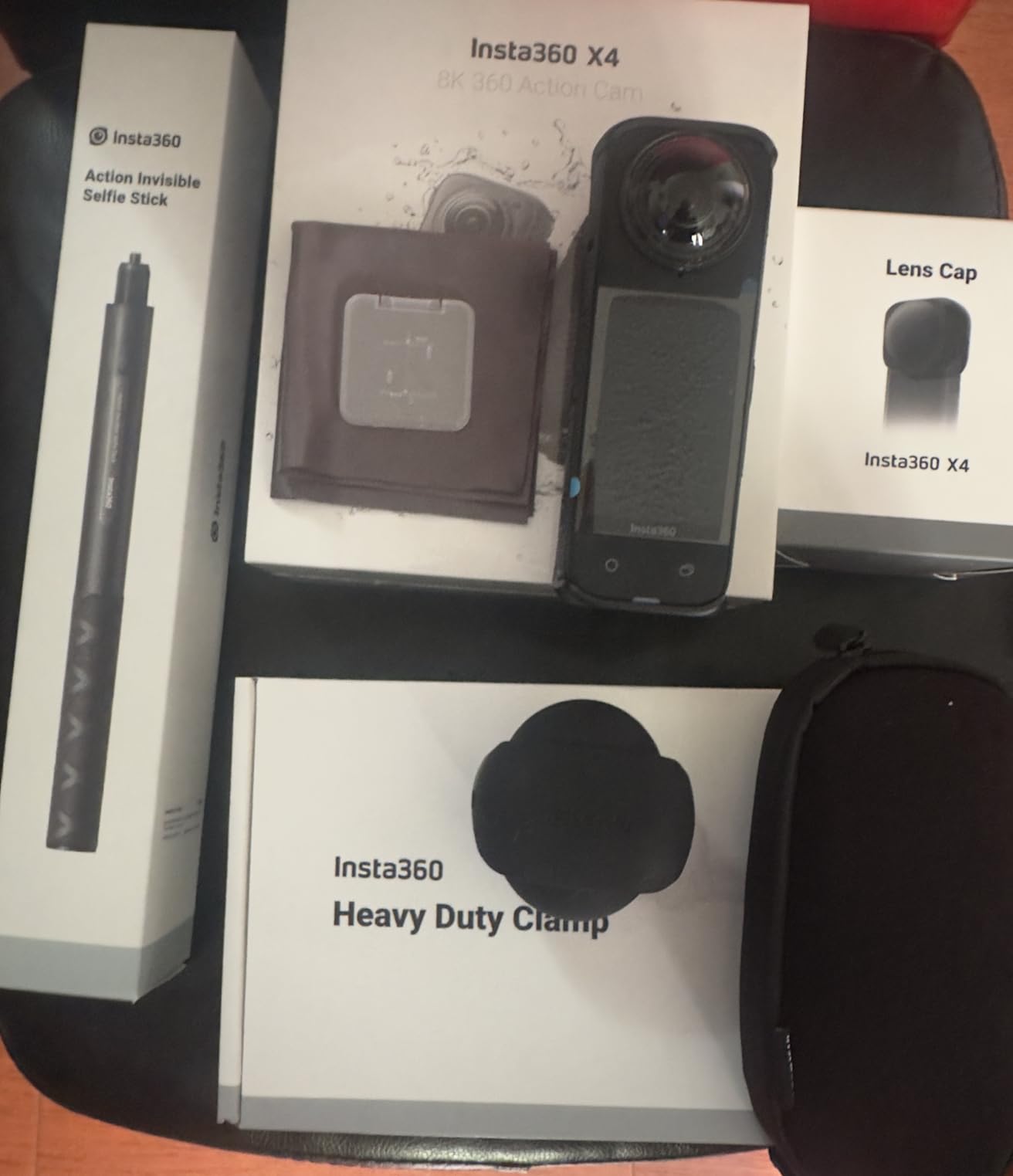
Mounted on a mouth mount or a short paddle pole, it captures the whole boat in one pass, which means nobody has to film and nobody has to hold a paddle wrong. The removable lens guards are the detail paddlers notice most: on a river full of gravel bars and submerged wood, the dome takes the hit instead of the glass.
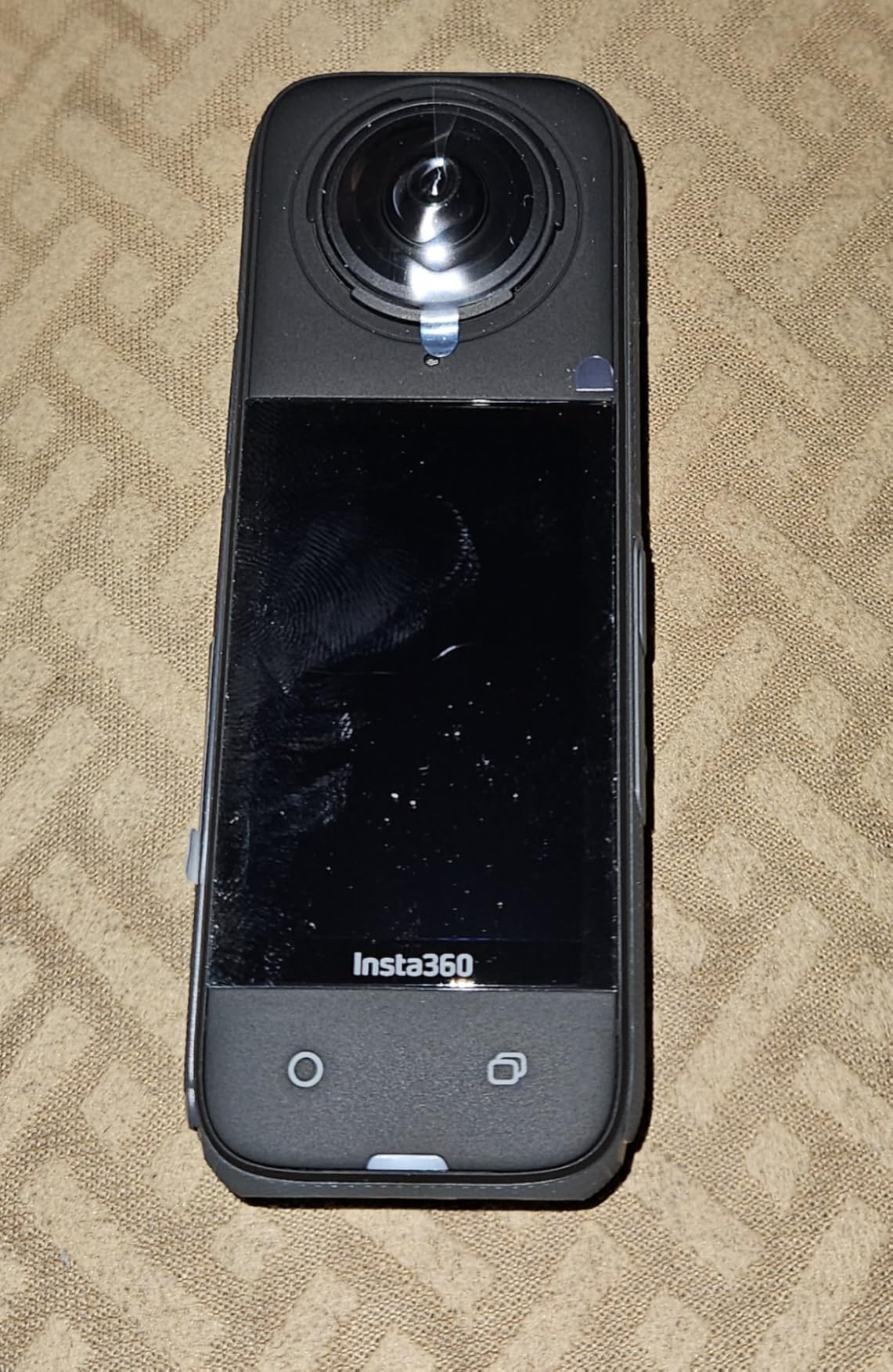
Stabilization is FlowState plus 360 Horizon Lock, and it holds a level horizon through a lot of violent motion. My only real complaint is that the horizon can warp if the camera is on a fast-moving boat and the software has to work hard, and the app still does not expose everything the desktop editor can do.
Auto exposure does clip bright skies when a white raft or a wall of spray fills the lower half of the frame. Shooting 5.7K60 with Active HDR instead of the highest resolution mode gives the color science more to work with, and pulling exposure down a stop is a habit worth building before the river, not during the drop.
Who the Insta360 X4 suits
It suits anyone filming a crew, because 360 reframing means the guide does not have to hold a camera while paddling. The invisible selfie stick effect also works well with a short extension pole, giving a third-person look from a rig that fits in a PFD pocket.
It is a strong second camera for a boat that also sees wildlife and shoreline, because the 4K60 wide-angle mode drops down to a normal-looking frame when you do not want the sphere. The battery claims hold up against what owners report, which is the part that matters when there is nowhere to charge.
Where the X4 falls short
Editing 360 is a desktop-first workflow, and that is a genuine problem at a river put-in with a laptop bag you did not plan for. Phones can do it, but slowly, and anyone who needs to publish clips the same evening will feel the friction.
Stitched 360 files also need a large card. Owners report needing at least 128GB, and it is not included, so budget for that before the trip. This is a camera for a paddler who will edit, not for one who wants to hand over an SD card full of unrendered footage.
2. DJI Osmo Action 5 Pro: Best for Multi-Day River Trips
Pros
- 1/1.3 inch sensor with 13.5 stops of dynamic range
- HorizonSteady removes roll-axis shake
- IP68 rating deeper than rivals bare
- Battery runs up to four hours
- Dual OLED screens work with gloves
Cons
- Frame rate drops in SuperNight modes
- Lens housing fogs in cold or humid air
- Essential Combo is a slim box
- No extra wind protection on the mic array
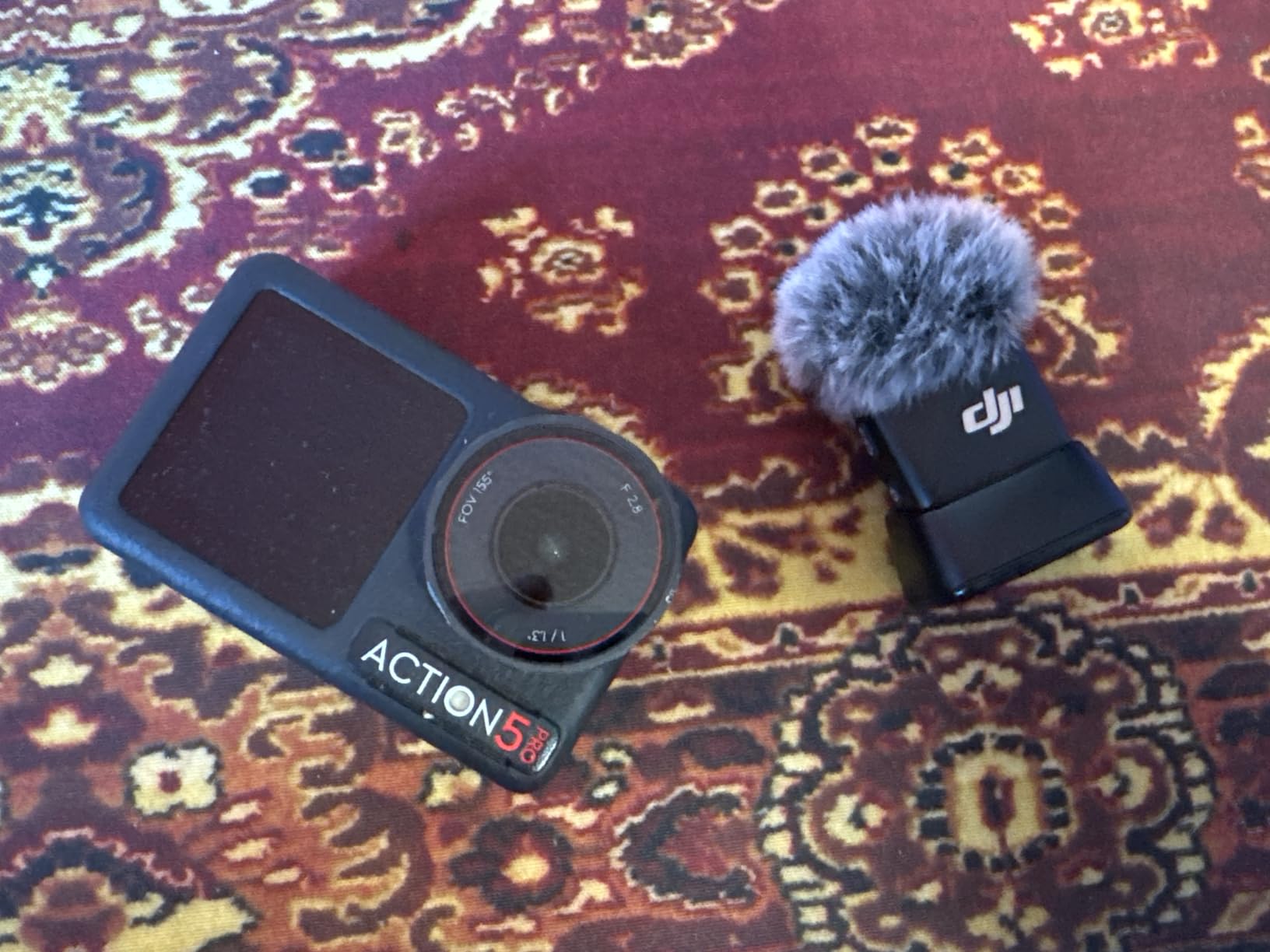
If your trip has no charging, this is the body to buy. The 1950mAh battery is rated at up to four hours of recording, and even at -20C the figure holds near 3.6 hours, which on a cold glacier-milk river is the difference between a full card and half a card.
HorizonSteady is the feature I would not give up on a raft. A raft rolls constantly, and a level horizon makes a violent rapid look intentional rather than broken, which matters when someone else is cutting your footage for a trip film.
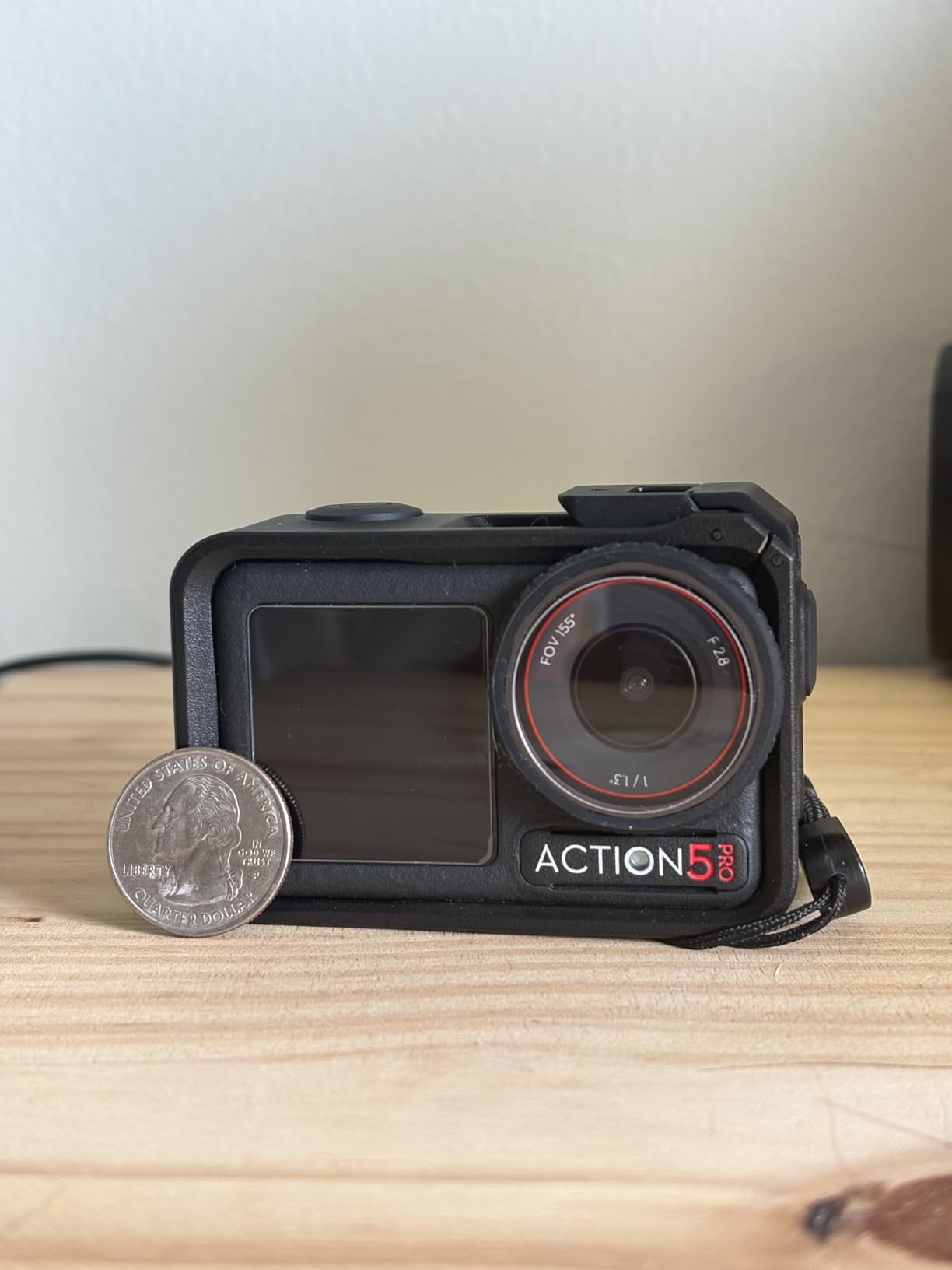
The 1/1.3-inch sensor with 2.4 micron pixels and 13.5 stops of dynamic range handles spray and backlight far better than the small sensors in the budget tier. That is a direct answer to the blown-highlight problem paddlers report: a bigger sensor holds detail in sunglint that a small one simply clips.
Both OLED screens are bright enough to frame in direct sun, and the subject tracking keeps a swimmer or a moving boat centred without you chasing the joystick with cold hands. The color temperature sensor also fixes white balance automatically underwater, which is a small thing until you see the green cast it removes.
Who the Osmo Action 5 Pro suits
It suits guides and trip leaders who film all day, because the battery and the low-light performance both remove the two most common reasons footage stops. Direct wireless connection to DJI Mic transmitters also means narration without a receiver clipped to the boat.
It suits cold rivers. Nobody needs a housing to take it below 20 m, and a deeper bare-body rating means fewer failure points between you and the water during a capsize recovery.
Where the Action 5 Pro falls short
Frame rates drop in the high-bitrate and night modes, so if you plan to shoot slow motion of a hydraulic at sunset you will be choosing quality over frame rate. Reviewers who want 4K at high frame rates notice the limitation immediately.
The lens housing is reported to fog in cold or humid air, which is exactly the rafting condition. Keep a lens cloth in the dry bag and wipe before you power on. The Essential Combo also leaves out the curved adhesive base and spare batteries, so budget for both before the trip.
3. GoPro HERO13 Black: Best for Sharp Conventional POV Video
Pros
- 5.3K60 video with sharp detailed stills
- Rugged bare-body waterproofing
- HB-Series lens auto-detection
- Water-repelling lens cover
Cons
- Battery life around 79 minutes
- Overheats in 5.3K and slo-mo
- Cannot record while charging
- Menu system is slow
Where the X4 records a sphere, the HERO13 records one honest wide-angle frame, and that simplicity still wins for a lot of trips. Owners praise the 5.3K60 mode for producing noticeably sharper files and usable 24.7MP frame grabs, which gives you stills and video from the same take.
The bare body is waterproof to 33 ft with a water-repelling lens cover, so spray is a non-event and you can run it in a housing-free mount on a helmet or PFD strap. HB-Series lens and filter auto-detection is a quiet workflow win: put a wet lens on and the camera knows.

Burst slo-mo at 13x is where this camera does something no compact can. When a hydraulic explodes in front of you, the high frame rate catches water shapes the eye misses, and you can pull stills from the same clip.
The 79-minute battery is the honest limitation on a long day. The USB-C port sits on the same side as the battery, so the camera cannot record while charging, which on a raft means planning a card swap at the takeout rather than running a cable.

Who the HERO13 Black suits
It suits anyone who edits on a phone and does not want a rendering step. Files come off the card, they play, and the frame-grab feature means one memory card covers both the trip film and the stills you want to print.
It suits cold-water shooters who want a body that has already proven itself. Waterproofing is bare-body, at 10 m, and the rugged build means it can live in the PFD radio pocket between runs instead of coming out for every shot.
Where the HERO13 falls short
Overheating is reported with 5.3K and slo-mo recording, and a river bank in full sun is exactly the environment that triggers it. Stay in 4K60 for a full day of filming and reserve 5.3K for the two or three sequences that need it.
The menu and touchscreen system is described as slow and fiddly compared with DJI and Insta360, which matters when you are wearing gloves and trying to change a setting in a hurry. App-based features like HyperSmooth and voice control are also more limited than rivals offer.
4. AKASO EK7000: Budget Pick for Rafting on a Shoestring
Pros
- Excellent 4K30 and 20MP output for the tier
- 131ft housing performs without leaks
- Two batteries plus a dual charger
- Large accessory bundle in the box
- Simple on-camera menus
Cons
- Muffled wind-heavy audio
- App remote can drop out mid-recording
- Roughly an hour per charge
- Unhinged battery door
The EK7000 has the largest review count of any camera in this roundup, and the reason is that it does the one job that matters without fuss. Owners across tens of thousands of reviews single out the value, the image quality and the accessory bundle, with a lot of them filming kayaking, SUP and underwater work straight out of the box.
The 131 ft housing is the piece that matters here. It is rated well past anything a river will do, and reviewers report it performing without leaks, which is exactly the confidence you want when a camera is strapped to a paddle in a class IV rapid.
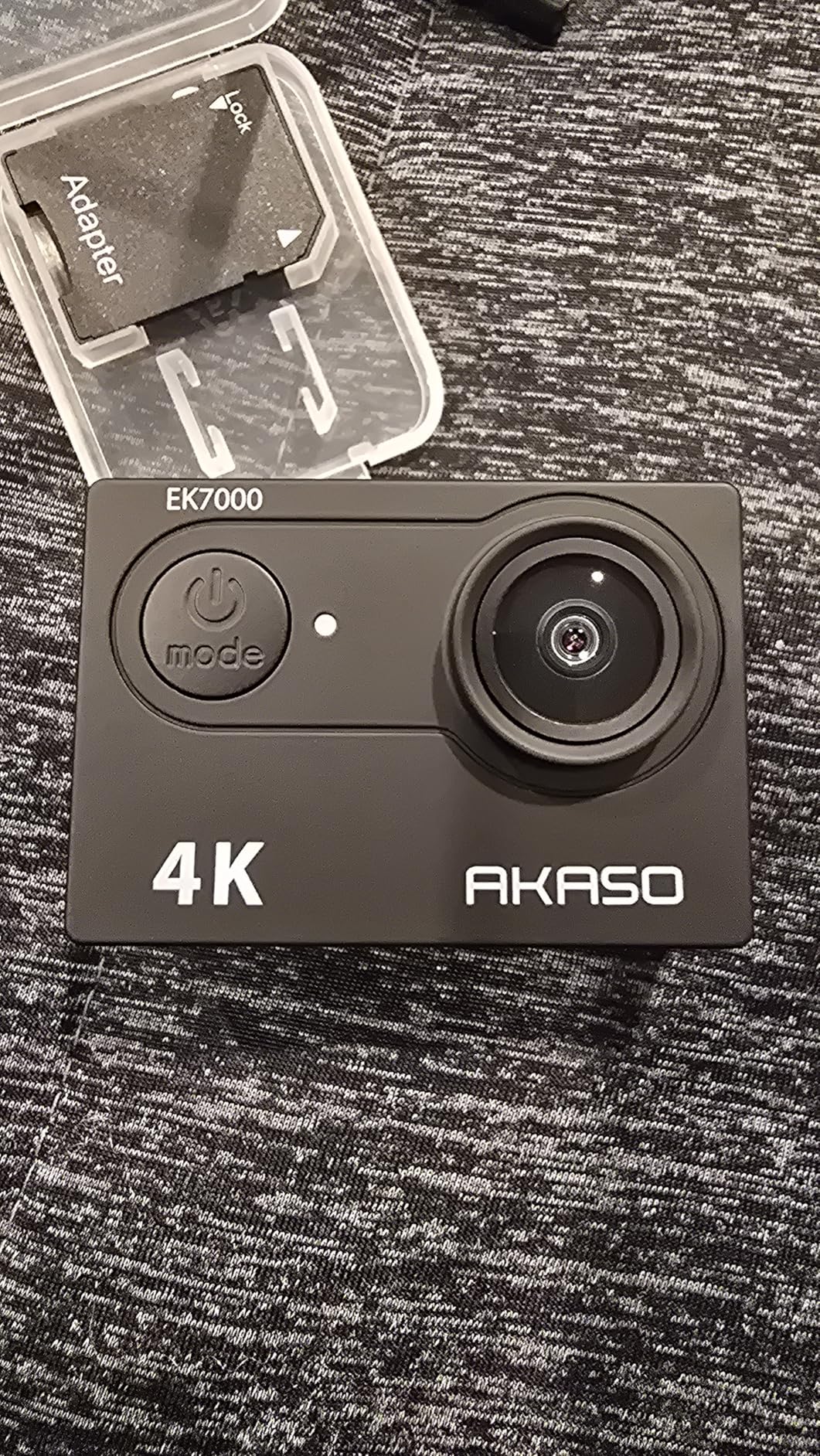
Two batteries and a dual charger in the box solve the multi-day power problem cheaply. Instead of one body with a short runtime, you get two short runtimes and a charger that tops both up overnight in a camp with a vehicle socket.
Electronic image stabilization smooths the basic shake, and 20MP stills are usable for a trip album. It is not a low-light camera and it will not hold a horizon in rough water, but for daylight river footage it is genuinely hard to argue with at this tier.
Who the AKASO EK7000 suits
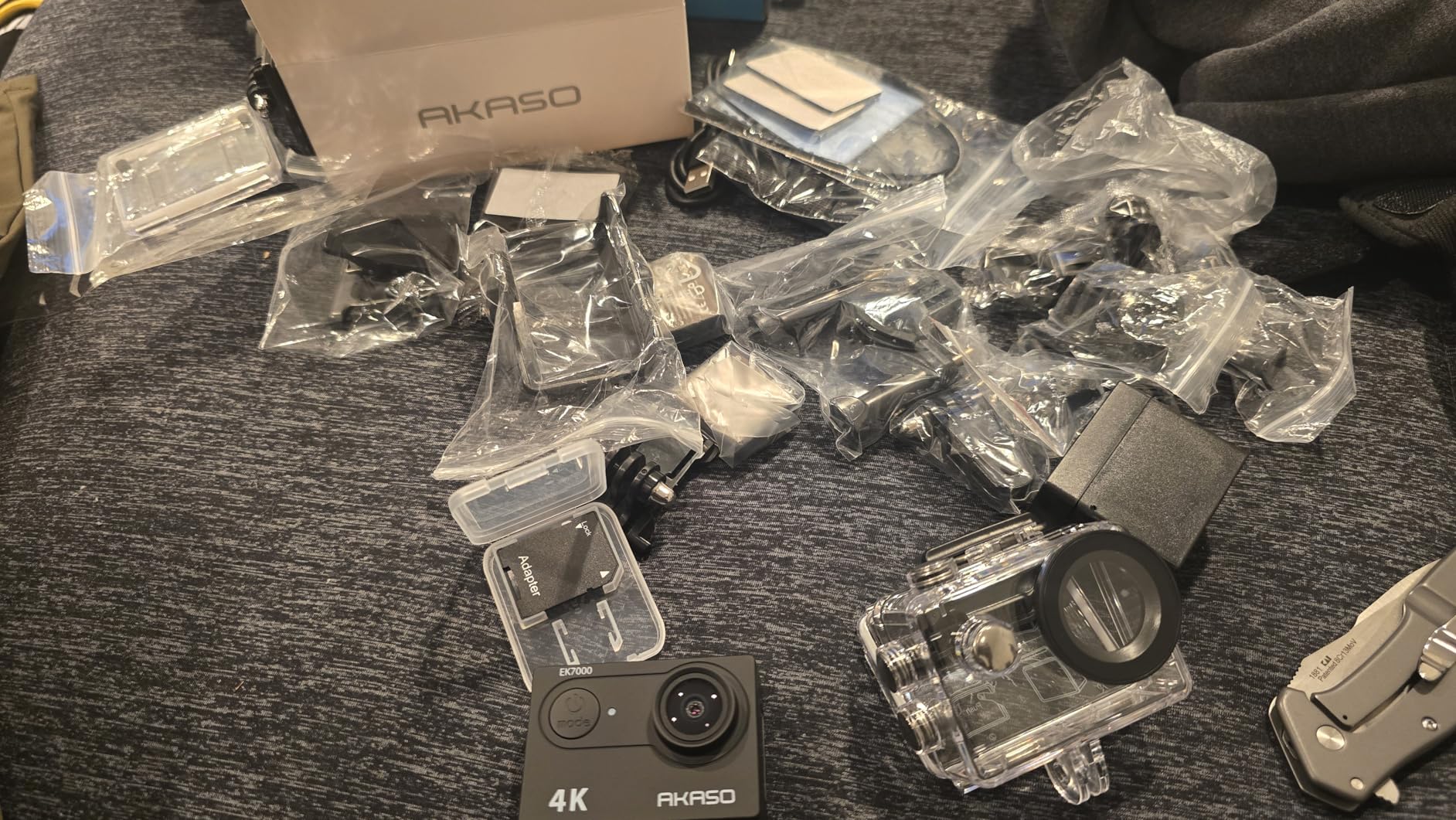
It suits a first river trip, a club kit, or anyone who films as a hobby and does not want to research mounts for a weekend. The mount bundle in the box covers helmet, chest and strap basics, so you can be on the water the same day it arrives.
It suits a second-body plan. Many paddlers run one premium body on a helmet and a spare in the PFD pocket, and this is a credible spare that will not embarrass the footage if the main body fails.
Where the EK7000 falls short
Audio is muffled and wind-affected, and river noise is exactly where audio matters. If you plan to narrate a trip, use an external microphone and accept that paddle and wind noise will still carry.
The app-based remote control drops out and can stop recording unexpectedly, so treat the on-body button as the real record control. The battery door is stiff and unhinged, which is a snag point on a PFD strap, and frame rates drop in low light.
5. Insta360 X3: Best Value 360 Camera for Rafting
Pros
- 5.7K 360 capture with strong in-camera stabilization
- Large usable touchscreen with haptics
- Reframe and Me mode create third-person shots
- Waterproof to 10m without a case
- Four-mic wind cancellation
Cons
- Effective 360 detail below the stated 5.7K
- 360 files need desktop rendering
- Some overheating in direct sun
- Card not included
- About 81 minutes at 5.7K30
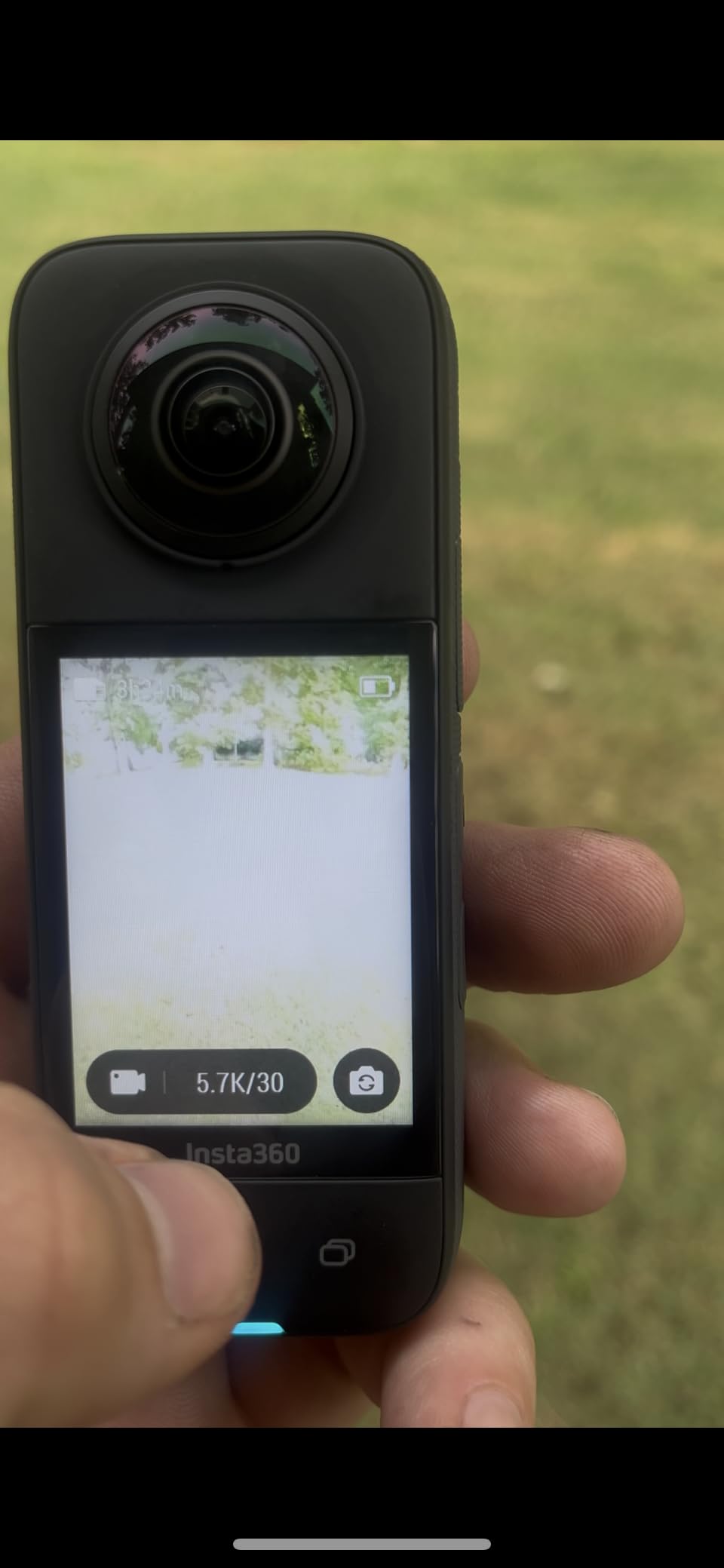
The X3 remains the sensible way into 360 capture, and the 6766 reviews are mostly from people who upgraded away and still recommend it. In the raft, the reframing is the point: mount it once, forget the angle, and pull a usable shot out of footage where you were not even looking.
Horizon Lock plus FlowState does an unusually good job of keeping a level line when the boat is pitching, and the 1/2-inch sensors hold up better in low light than earlier 360 bodies. For a shaded canyon run at dawn, that difference shows.
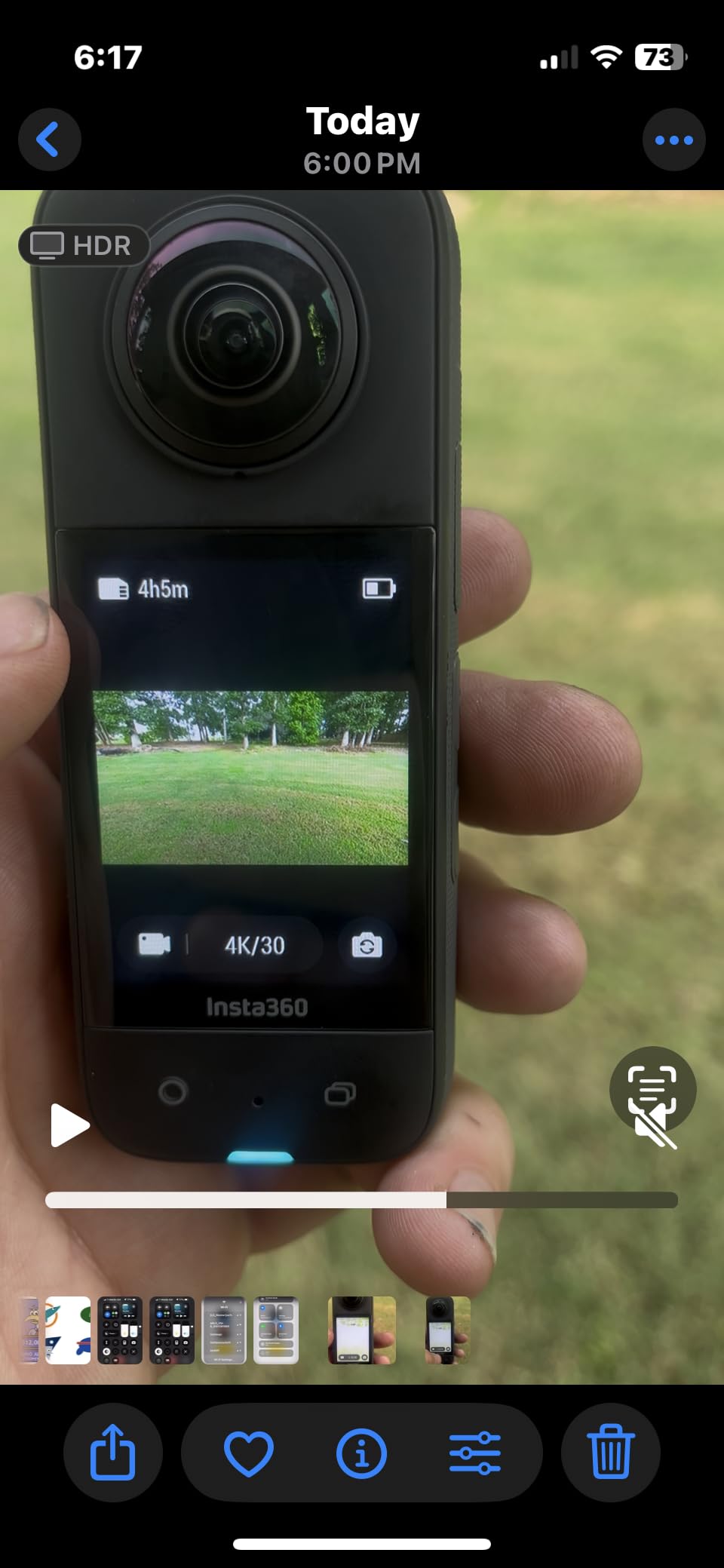
Me mode and the invisible selfie stick effect turn a short pole into a camera operator, which solves the real problem on a raft: nobody has a free hand. Pair it with a mouth mount and the shot follows your head through the drop.
Waterproof to 10 m without a case, and owners report the build feeling solid in pools and open water. The 2.29-inch touchscreen with haptic feedback is large enough to change a mode in a moving boat, which the older 360 bodies were not.
Who the Insta360 X3 suits
It suits paddlers who want a whole-boat angle without a second person filming. One mount on a short pole at the stern captures the crew, the guide and the river in a single pass, and reframing happens later at the putout.
It suits people who shoot on a schedule. The physical record buttons mean you can start a take without unlocking anything, which is the difference between catching a wave and starting a recording ten seconds too late.
Where the X3 falls short
Detail per degree is the weakness. The stated 5.7K is spread across the sphere, so a reframed view of a distant paddler is softer than a conventional action camera at the same moment. Shoot 4K single-lens when the subject matters more than the angle.
Battery life is around 81 minutes at 5.7K30, and some owners report overheating in direct sun with no airflow. The mobile app also handles less than the desktop editor, so expect a longer post-trip session than with the X4.
6. AKASO Brave 7 LE: Best for Touchscreen Framing and Spray
AKASO Brave 7 LE 4K30FPS 20MP WiFi Action Camera with Touch Screen EIS 2.0 Zoom Remote Control 131 Feet Underwater Camera with 2X 1350mAh Batteries Support External Microphone Vlog Camera
Pros
- IPX7 body handles spray and rain
- Dual screens with a 2 inch rear touchscreen
- Six-axis EIS 2.0 smooths choppy water
- Two 1350mAh batteries included
- Wide mount kit in the box
Cons
- Housing required for submersion
- Digital zoom crops rather than magnifies
- App and Wi-Fi pairing are awkward
- Weak onboard mic in wind
The Brave 7 LE sits in the middle of the AKASO range and has the most useful feature for a raft: a 2-inch rear touchscreen plus a front display, so you can frame a shot and check it without guessing. On a moving boat, being able to confirm the framing before the wave arrives is worth a lot.
Its IPX7 body is water-resistant rather than waterproof, which is enough for spray, rain and snow, and the included 131 ft housing covers anything deeper. Reviewers specifically note the six-axis EIS 2.0 smoothing choppy river footage, which is the exact case most action cameras are sold for.

Two 1350mAh batteries and a charger roughly double what a single-battery body gives you, and the box includes a remote and a full mounting kit. For a boat that splits into two groups, that is a straightforward way to run two cameras without a second purchase.
The trade-off is the sensor. It is dated next to current premium bodies, so detail and low-light performance trail newer models, and video is 4K30. In bright sun on an open river that is fine; under tree cover at dusk it is the limit.

Who the AKASO Brave 7 LE suits
It suits paddlers who shoot in splash rather than submersion and want to check framing without stopping. Both screens are useful on a PFD mount, where the camera faces slightly away from you most of the time.
It suits a two-camera boat. The mount bundle and spare batteries in the box mean two bodies can be running from one purchase, which is a real advantage if the trip splits into an upstream and a scouting group.
Where the Brave 7 LE falls short
Because the bare body is only IPX7, the housing is required for immersion, and a housing adds a failure point at the latch right where the current is strongest. If your trip includes a lot of underwater work, choose a sealed body instead.
The zoom is digital and crops rather than magnifies, so a distant bird or a paddler upstream will be soft. App and Wi-Fi pairing are also reported as awkward to set up, so transfer files at the putout with a card reader rather than fighting the app on a wet phone.
7. Insta360 ONE X2: Best Starter 360 Camera for River Trips
Insta360 ONE X2 360 Degree Waterproof Action Camera, 5.7K 360, Stabilization, Touch Screen, AI Editing, Live Streaming, Webcam, Voice Control
Pros
- Grippy tubular body
- Waterproof to 10m with no leaks reported
- Better stitching than the modular ONE R
- Pocketable with quick-access record button
- App handles all editing
Cons
- Slow wireless transfer
- Low flat-output resolution
- Edge stitching artifacts remain
- microSD not included
- Some overheating reports
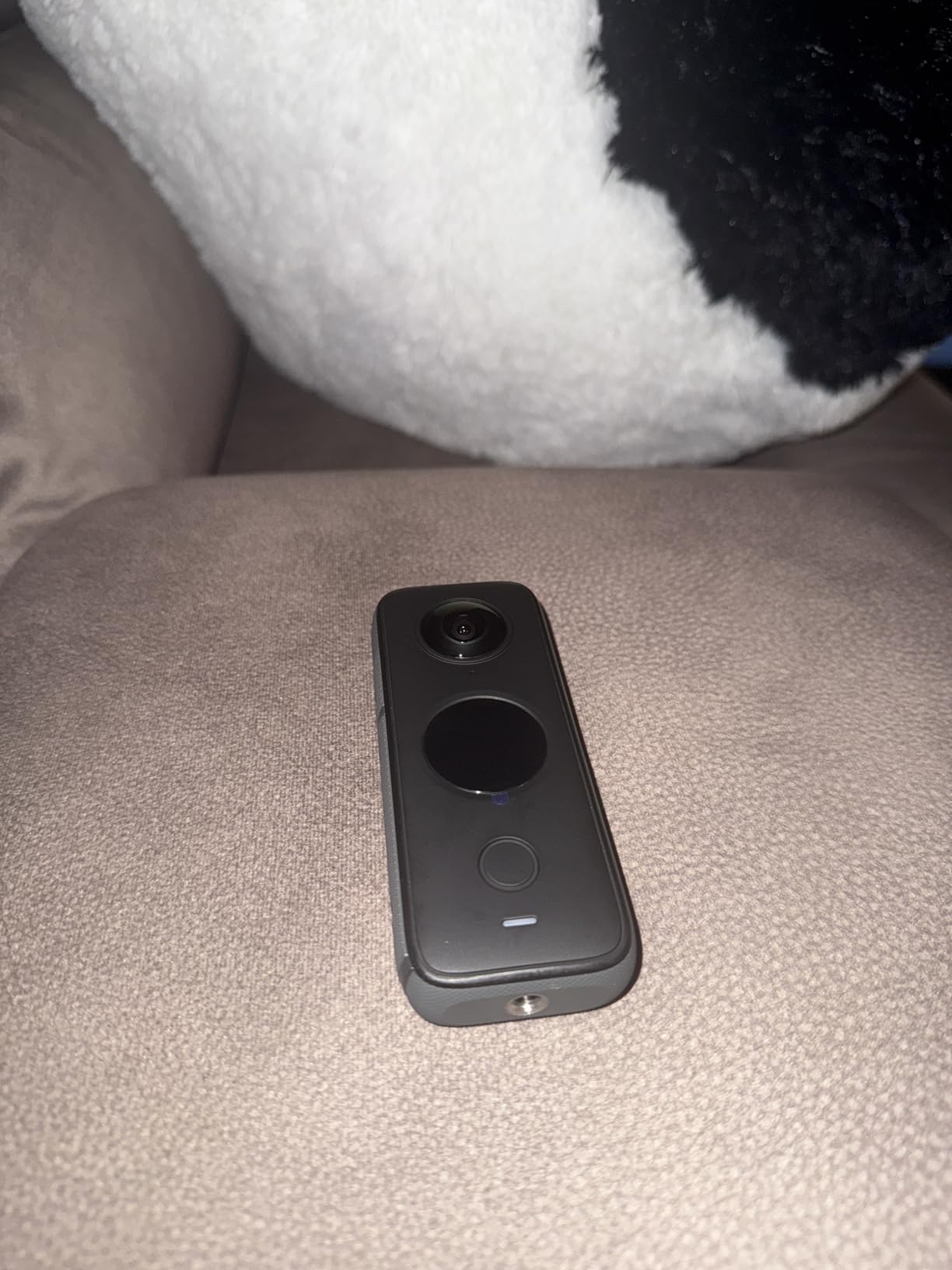
The ONE X2 is the older, cheaper way into 360 capture, and users coming from the original ONE and the ONE R generally find it a solid step up. Water users report no leaks, and the grippy tubular body is genuinely easier to hold in a raft than a flat rectangular brick.
Steady Cam mode gives you a conventional wide-angle view with the same stabilization behind it, so on a trip where you do not want to edit a sphere, you are not locked into 360 footage. The large touch screen is useful for checking playback on a river bank.
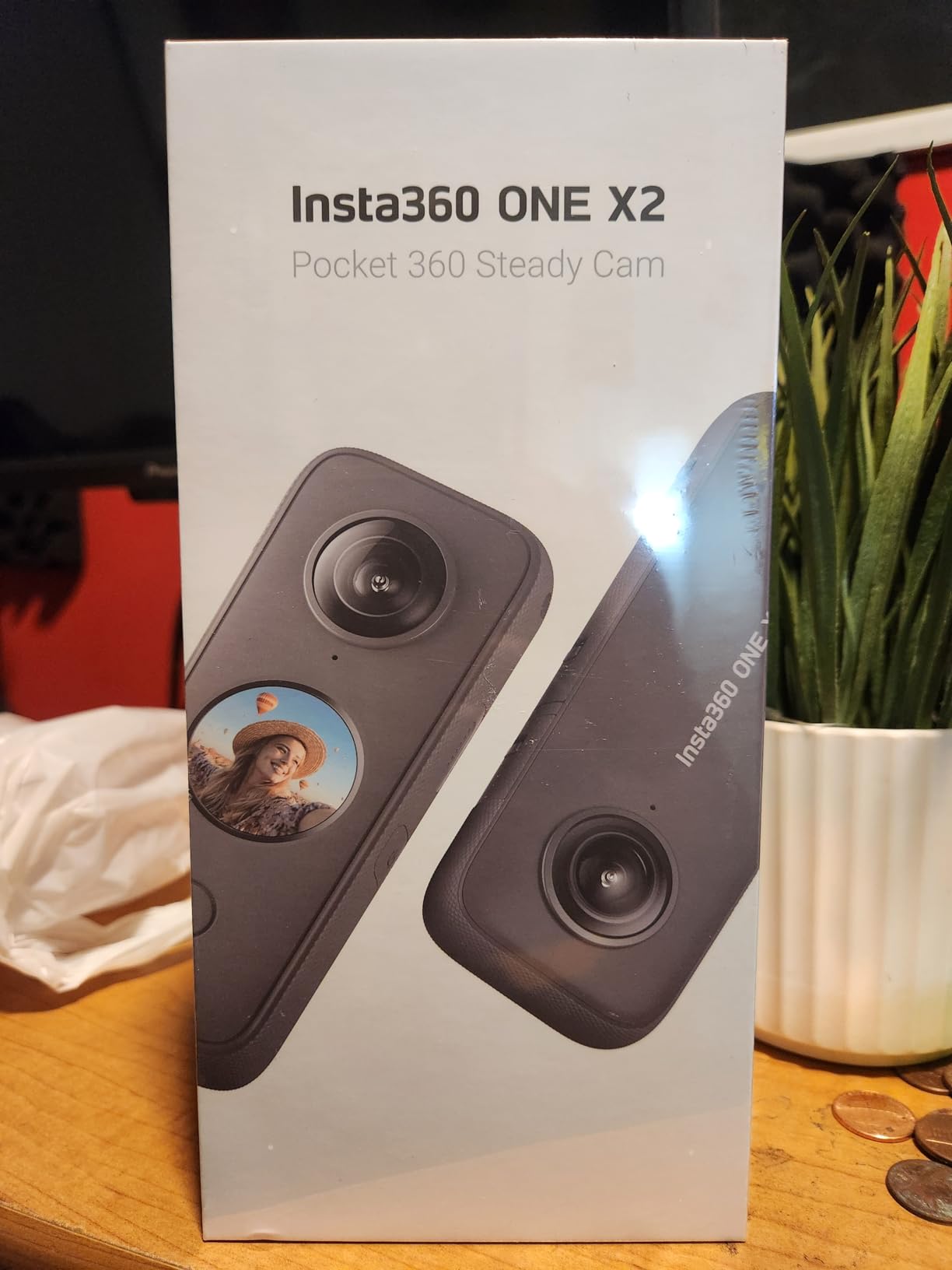
Horizon leveling comes as part of FlowState Stabilization, which matters more than usual on a boat that rolls through a wave train. The pocketable size means it can live in a PFD radio pocket between runs and come out when something is happening.
What you give up is resolution. Zooming into a reframed frame looks soft, and edge stitching artifacts remain visible at the seam, which shows in a fast pan across a wall of whitewater. Shoot short clips rather than long takes to limit the seam exposure.
Who the Insta360 ONE X2 suits
It suits someone who wants to try 360 on a river trip before committing to the workflow. All editing runs from the phone app, and the body is small enough to carry in the same pocket as a compact.
It suits trips where the boat is the subject. A single stick mount at the bow records the crew, the paddle and the water together, and the low weight means it will not swing your balance the way a larger 360 body can.
Where the ONE X2 falls short
Wireless transfer is slow and reviewers call it unusable for long clips without a cable, so plan on a card reader at the takeout. The flat output resolution is also the lowest of the 360 bodies here, which limits how much you can crop in post.
No microSD card is included, and a few reviewers report overheating in hot weather plus accessory failures. If you are heading somewhere hot and remote, the newer X3 or X4 is the safer body to carry.
8. GoPro MAX: Best for 360 Audio and Bulletproof Reliability
GoPro MAX — Waterproof 360 + Traditional Camera with Touch Screen Spherical 5.6K30 HD Video 16.6MP 360 Photos 1080p Live Streaming Stabilization
Pros
- No overheating or freezing over long sessions
- Max HyperSmooth and horizon lock
- Works as a conventional HERO camera too
Cons
- Older design shows edge stitching and warp
- ProRes MOV files miss standard Windows players
- Editing software has a learning curve
- Bulky dual-lens body
- 18MP stills are low by current standards
What owners love most about the MAX is that it simply does not stop. Several reviewers contrast it directly with newer 360 cameras and say it never overheated or froze during long recording sessions, which on a trip where you record continuously for hours is the most valuable trait a body can have.
It is also a dual-purpose camera. In HERO mode it behaves like a conventional action camera with four digital lens options and horizon leveling, and Max HyperSmooth uses 180-degree capture as its buffer to smooth violent motion without a gimbal.
The six-microphone array captures 360 stereo audio, which no other body on this list matches, and it is the only one where sound from behind the boat lands properly in the mix. For a raft, where the interesting noise is the river and the crew behind you, that is a real advantage.
PowerPano gives 270-degree distortion-free panoramas from shore, which is a good way to capture a canyon wall or a rapid you just ran without stitching anything yourself. Max TimeWarp handles time-lapse for a moving boat on a calm section.
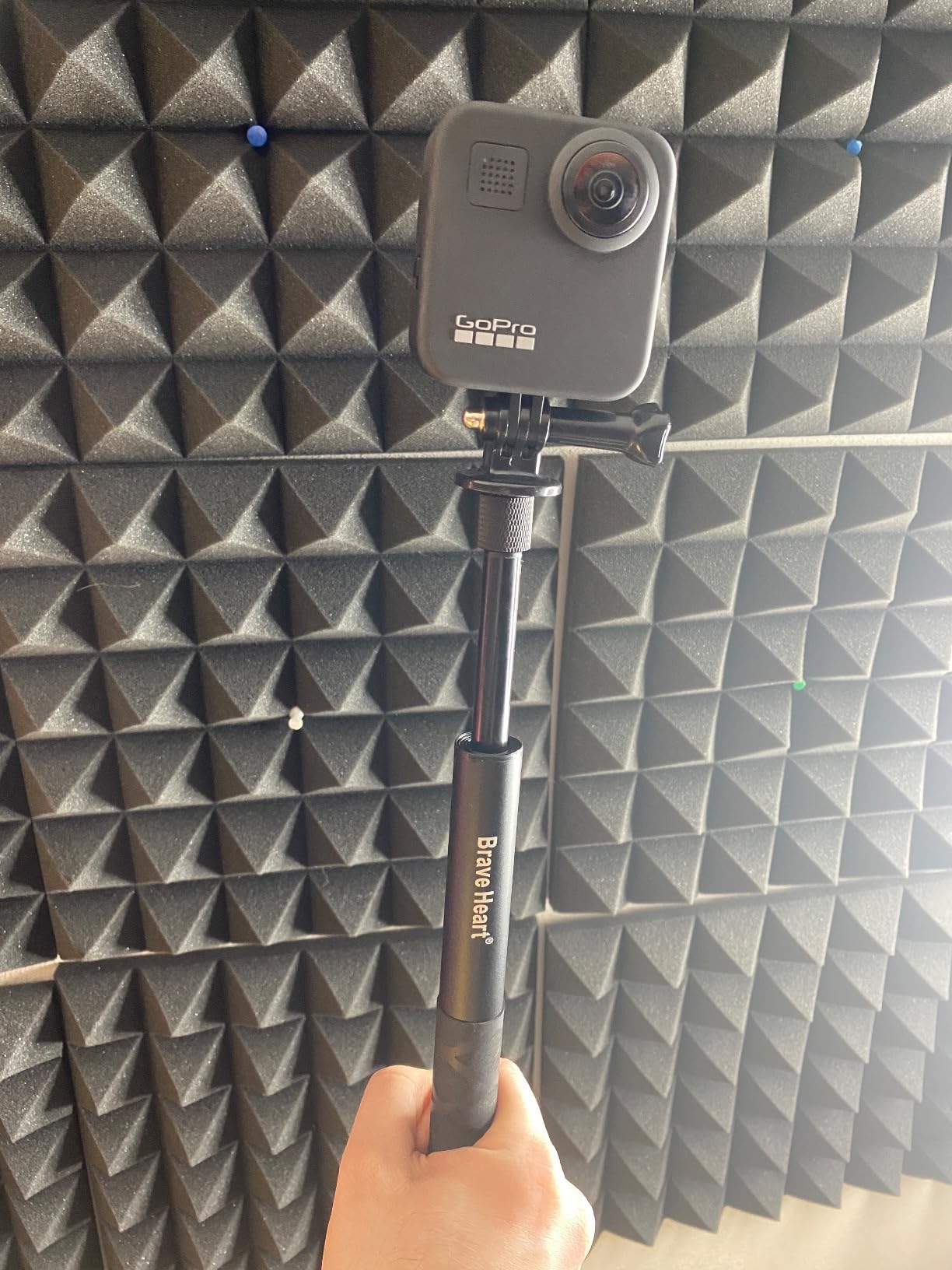
Who the GoPro MAX suits
It suits a guide who records all day and does not want to babysit a camera. Reliability through long sessions, in a waterproof body, with no case required, is the entire pitch.
It suits someone who wants both 360 and conventional footage from one body and will not miss a modern sensor. The stabilization and horizon lock do more work for you than a large sensor would.
Where the GoPro MAX falls short
The design is old, and the seams show. Reviewers report noticeable edge stitching and warping, and the software-based stabilization cannot compete with a newer sensor on detail. This is a camera for reliable wide shots, not for tight crops.
Exported 360 files are ProRes MOV files that will not play in standard Windows players, which frustrates anyone sharing files with a mixed group. The dual-lens body is also bulky for a helmet mount, and editing software has a real learning curve.
9. AKASO Brave 4: Best for Deep Submersion and Underwater Work
Pros
- Good 4K30 and 1080p60 with gyroscope stabilization
- Reliable housing rated to 40m
- Dual front and rear screens aid framing
- Two 1050mAh batteries and dual charger
- Does not overheat in hot conditions
Cons
- Menu navigation is clumsy
- Still photos are grainy next to video
- Unhinged battery door
- Wi-Fi setup poorly documented
- No useful printed manual
The Brave 4 is the pick when the trip includes real underwater work, because its housing is rated to 40 m and reviewers report it handling submersion without leaks. Shallow rapid photography, a submerged paddle shot, or a swim at a deep pool is where that rating earns its place.
The 170 degree adjustable view angle gives you 140, 110 and 70 degree options, and the built-in gyroscope handles the shake of a body moving with the current. Frame the same hydraulic at 170 for drama and at 70 for a tighter follow shot, without changing cameras.

Dual screens mean you can check the framing from a PFD mount, and the housing adds a front window so you can check the shot underwater. That combination is why reviewers who use it for kayaking and underwater filming keep coming back to it.
Two 1050mAh batteries give around 90 minutes each, and the dual charger tops both up in one session at the camp. It also does not overheat in hot conditions, which matters on a sun-exposed river in summer.

Who the AKASO Brave 4 suits
It suits photographers who want to put the camera in the water on purpose, not just survive the splash. A 40 m housing opens up underwater macro and shoreline-from-the-river shots that a sealed 10 m body cannot make.
It suits a long river trip where the boat carries two cameras. Owners frequently rate it as the best of the earlier AKASO models, and the accessory kit and battery pair make a second body straightforward.
Where the AKASO Brave 4 falls short
Still photos are grainy compared with the video quality, so if your trip is a photography trip this is the wrong body. The 20MP figure is not the problem; the small sensor behind it is.
Menu and button navigation is described as clumsy and needs practice, and the Wi-Fi transfer and remote setup are poorly documented. Learn the two settings you need before the trip, because nobody enjoys a menu search in a flip.
10. OM System Tough TG-7: Best for Zoom and Underwater Photos
OM System OLYMPUS Tough TG-7 Red Underwater Camera, Waterproof, Freeze Proof, High Resolution Bright, 4K Video 44x Macro Shooting (Successor Olympus TG-6)
Pros
- Genuinely waterproof to 15m with no housing
- Crushproof
- shockproof and freezeproof to -10C
- Five underwater modes including HDR
- Macro to 1cm for scouting riverbeds
- Controls work with wet or gloved hands
Cons
- 12MP sensor is low resolution
- 4K30 only with no 4K60
- Fixed body cannot be helmet or paddle mounted
- No microphone input
- Premium tier for the specs offered
The TG-7 is the only camera in this roundup with a real optical zoom, and that changes what you can photograph on a river. A 4x zoom means you can frame a bird on a far bank or a paddler in an upstream rapid without walking closer, which is both better photography and better river etiquette.
Waterproof to 15 m with no housing, plus shockproof, crushproof and freezeproof ratings to -10C, gives it the deepest bare-body rating of any point-and-shoot in this group. It is the body I would trust in glacier-milk water, where cold shock and grit attack seals hardest.
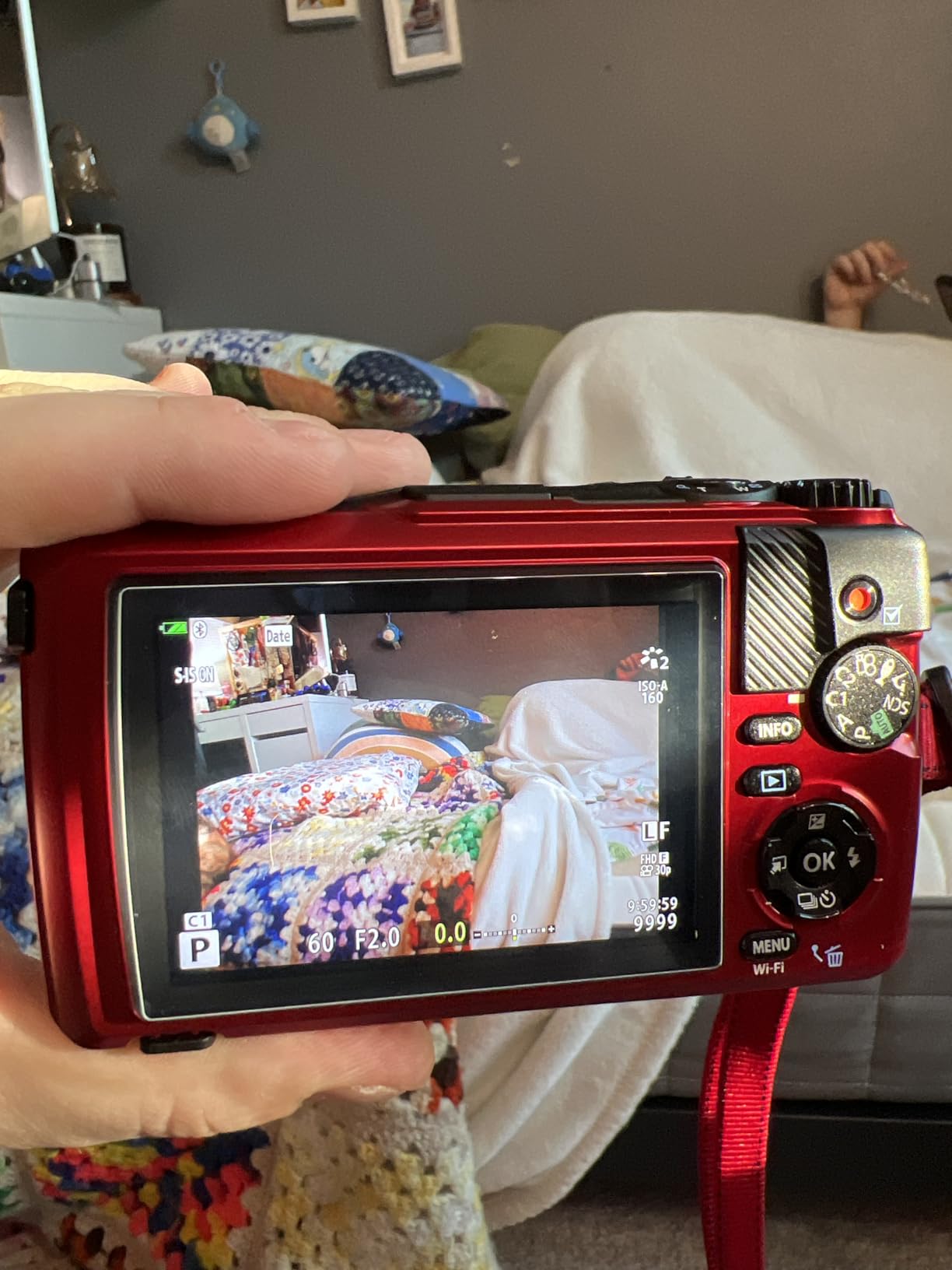
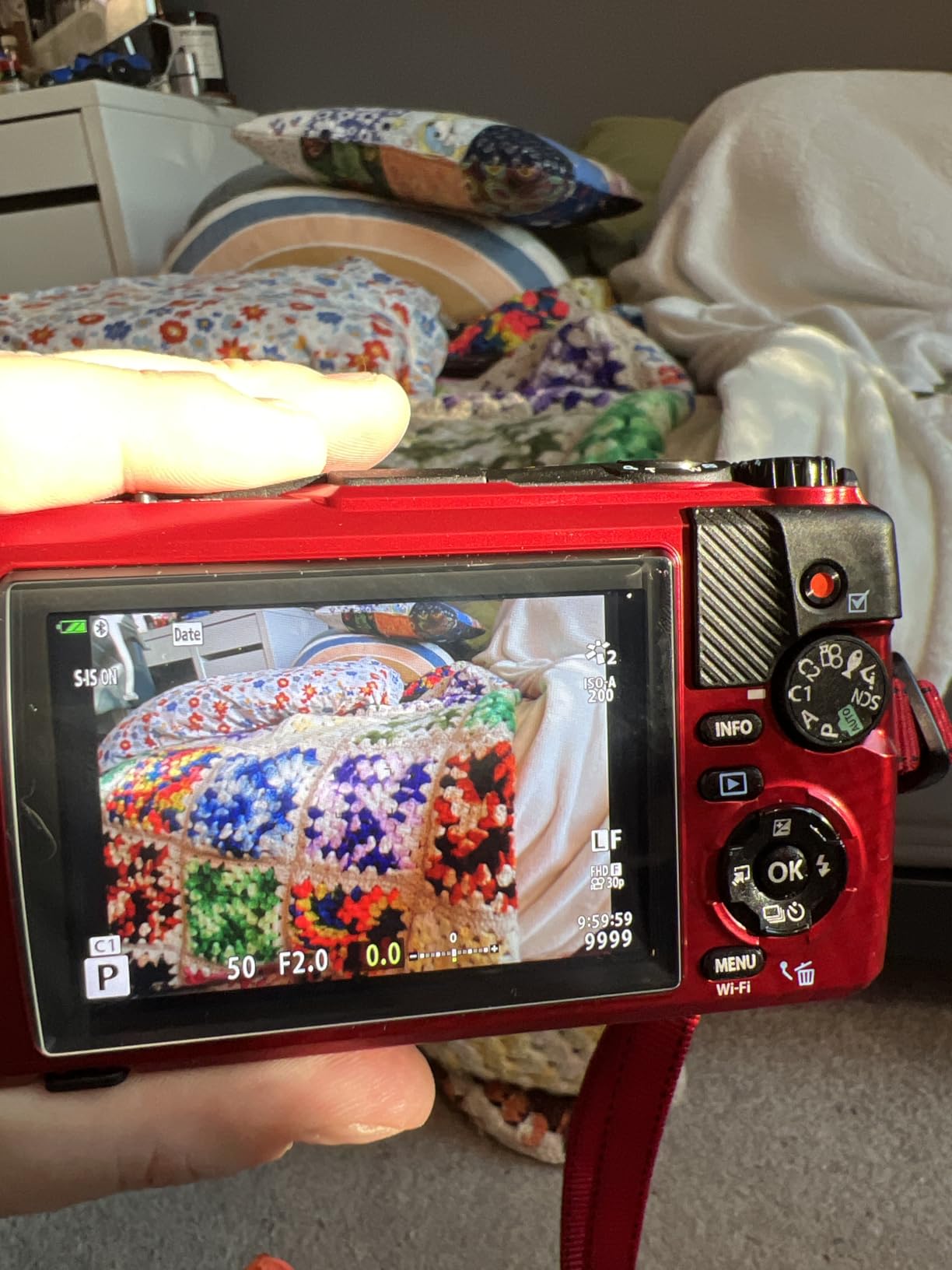
Five dedicated underwater modes, including underwater HDR and an underwater microscope mode, plus a variable macro system that focuses from 1 cm, make it genuinely useful for inspecting a riverbed before you run it. The F2.0 lens keeps that macro work bright in dim water.
Paddlers on the Westcoastpaddler forum thread specifically call out the fast power-on speed of the TG series as the reason they prefer it to a phone they have kept in airplane mode to save battery. That is exactly the moment: the line is forming and you have four seconds.
Who the OM System TG-7 suits
It suits trip photographers rather than trip videographers. If your goal is a set of sharp images of the river, the gorge and the wildlife, this is the body, and the 3-inch screen is large enough to compose on a moving boat.
It suits anyone carrying a second body in a PFD radio pocket. It fits, it starts fast, it survives being dropped in a river, and the underwater modes mean it is still a camera rather than a paperweight when it goes under.
Where the TG-7 falls short
The 12MP sensor is low resolution by current standards, so cropping a distant subject gives you a soft file. Video is 4K30 only, with no 4K60 option, which is why it is a stills pick rather than a video one.
The fixed form factor is the bigger practical issue on a raft: it cannot be mounted on a helmet or paddle in the usual way, so it is a hand-held or PFD-pocket camera. There is also no microphone input, and the small sensor is reported to clip highlights on whitewater spray on bright days.
How to Choose a Camera for a Rafting Trip
Waterproof depth: what the ratings actually mean
A 10 m rating, which is 33 ft, is the minimum I would consider. It is a static lab figure, but river conditions are harder than the lab test: cold water contracts seals, sediment abrades them, and a housing latch is a failure point the rating does not account for. Bodies sealed to 10 m without a housing remove that variable entirely.
Three of the cameras here need a housing for submersion. That is fine if your trip is mostly spray, and wrong if you want to put the camera in the water on purpose. The OM System TG-7 and the DJI Osmo Action 5 Pro have the deepest bare-body ratings in this group, at 15 m and 20 m.
Shockproof and waterproof are two different claims. A body can survive a two-metre drop onto rock and still leak if the lens assembly is compromised, which is why the removable lens guards on the Insta360 X4 are a river feature rather than an accessory.
Mounting: where a camera actually belongs on a raft
Mount position changes the footage more than any setting. A mouth mount gives the best point of view because your head is a rotating gimbal, and paddlers on the Westcoastpaddler thread describe it as cheap, effective and removable from a PFD pocket in seconds. It is the first mount I would buy.
A chest mount is steadier and more comfortable for a full day, but the horizon moves with your breathing. A helmet mount only works if you wear a helmet, and on an open river many paddlers do not. For a PFD, a capture clip on the shoulder strap is the reliable carry that forum members recommend, and it keeps the camera above the splash line.
For the boat itself, a short pole at the bow or stern records the whole crew without anyone filming. Add a paddle-handle mount and you get a moving low angle that looks completely different from a fixed pole. Whichever mount you choose, tether the camera with a thin line. Our gear accessory guide covers the rest of the pack.
Battery planning for a trip with no charging
Assume you will not charge. The realistic approach is a body with long runtime plus at least two spare batteries, or a power bank in a dry bag charged overnight in the vehicle. The DJI Osmo Action 5 Pro at up to four hours and the Insta360 X4 at 135 minutes per charge are the two that reduce this problem most.
Recording less is the other half of the answer. Short clips of seven to fifteen seconds cut in post use a fraction of the card and the battery of long takes, and on a river you are rarely editing more than a few seconds of any single drop. Turn off looping and 360 capture when you are not using it.
Carry a card that fits. Several of these cameras need a large card for high-resolution 360, and none of them include one. Bring a spare card in a dry bag rather than trusting a single card through a ten-day trip.
Stabilization, highlights and cold water
Electronic stabilization is the only kind that survives whitewater, and horizon lock is worth more than resolution on a boat that rolls. The DJI HorizonSteady system and the Insta360 FlowState with 360 Horizon Lock are the two most complete implementations here.
Highlight blowout is the other recurring complaint. A small sensor overwhelmed by sunglint off water and a white hull next to a dark canyon wall will clip, and no setting fully fixes it. Expose for the highlights, use the HDR or Active HDR mode, and stop down a little. The TG-7 is the body most likely to disappoint here, because of its 12MP sensor.
For anti-fog, keep the camera in your jacket pocket until you mount it, wipe the lens with a microfiber cloth from the dry bag before powering on, and never change lenses or open a housing in humid air. A silicone insert in a housing helps on cold water. Our backup camera guide goes deeper on protecting a second body in a wet environment.
Two cameras or one
One body is enough for most trips. A main camera on a chest or PFD mount plus a spare sealed compact in the PFD radio pocket covers the case where the main body fails, and forum members describe exactly this setup as their standard. It also gives you a stills camera and a video camera without doubling the editing.
Two bodies also split the risk on a boat that might swim. A camera is a hard, expensive object in an inflatable raft, and the cost of losing one is much higher than the cost of carrying a second. If you do carry two, keep the spare powered down until you need it.
Do you need a camera at all
For a casual trip, a phone in a waterproof case is a legitimate answer and costs almost nothing. Paddling Magazine makes the same point in its technique coverage: the phone is light, always with you, and waterproof cases are inexpensive. The compromise is one-handed operation while paddling, which is genuinely awkward on moving water.
A phone also drains a battery you may need for route finding, and paddlers on the r/whitewater thread describe keeping it in airplane mode for exactly that reason. If the camera is for the trip film rather than safety, a phone is fine. If it is for the story, mount something on your head.
Frequently Asked Questions
What is the best camera to take on a rafting trip?
The best camera for whitewater rafting is a sealed action camera rated to at least 10 m that needs no housing, with electronic stabilization and a battery covering a full day on the river. For video, the Insta360 X4 covers the most situations and the DJI Osmo Action 5 Pro lasts longest. For photos with a real zoom, carry the OM System Tough TG-7 as a second body in your PFD pocket.
Can I use a GoPro for whitewater rafting?
Yes. The GoPro HERO13 Black is waterproof to 33 ft on its bare body, so it can be helmet, chest or PFD mounted in spray and shallow submerged positions without a housing. The trade-offs on a river are battery life of roughly 79 minutes, heat build-up in 5.3K and slo-mo modes, and a slow menu system. Stay in 4K60 for a full day of filming.
Which camera is fully waterproof?
Every camera in this roundup survives freshwater immersion when used as specified, but they are not all sealed to the same depth. The DJI Osmo Action 5 Pro is rated IP68 to 20 m, the OM System Tough TG-7 to 15 m, and the Insta360 X4, X3, ONE X2, GoPro HERO13 Black and GoPro MAX to 10 m. The AKASO EK7000, Brave 7 LE and Brave 4 need their included housing for submersion.
Are waterproof cameras really waterproof?
Within their stated depth, yes, but the rating is a static lab figure. Cold water contracts seals, sediment abrades them, and a housing latch is a failure point the rating does not cover. If a camera does go under, pull the battery, do not power it on, and let it dry for 48 to 72 hours before testing. One paddler recovered a dunked camera after ten days of rice drying.
What are some good alternatives to the GoPro?
The strongest alternatives are the Insta360 X4, which records 8K 360 video and reframes after the fact, the DJI Osmo Action 5 Pro with a 1/1.3-inch sensor, a 20 m bare-body rating and up to four hours of recording, and the AKASO EK7000 for budget setups, which includes a 131 ft housing and two batteries. For zoom and stills, the OM System Tough TG-7 is the pick.
Can GoPro go in salt water?
Yes, and GoPro cameras are used in salt water routinely. The main job is rinsing the body in fresh water afterward, because crystallising salt is abrasive and will scratch the lens and wear the seals. Rinse after every salt session, shake out the ports, and let the camera air dry before opening anything. Our picks here are all freshwater-rated in practice, so rinse the same way after a river trip.
Our Final Verdict for Whitewater Rafting
The Insta360 X4 wins this roundup as the best camera for whitewater rafting because it covers more situations than anything else here: 8K 360 capture for whole-boat shots, a 135-minute battery, removable lens guards and a bare-body 10 m rating. If you will not edit 360, the DJI Osmo Action 5 Pro is the one to buy, with a 20 m bare-body rating and up to four hours of recording. Add the OM System Tough TG-7 in a PFD pocket for real zoom on wildlife and shoreline shots.
Mount what you buy, tether it, and pack a dry bag with a microfiber cloth and a spare card. Our broader camera comparisons cover the gear you would use once you are back on dry land. This roundup was updated for 2026, and the river is a better test of any camera than a spec sheet.