
Photo editing on Android tablets has come a long way. The combination of powerful processors, stunning AMOLED displays, and responsive stylus support now makes these devices viable options for photographers who want to edit their images on the go. Whether you are a hobbyist looking to enhance your travel photos or a professional who needs a portable secondary device, finding the best Android tablet for photo editing requires balancing display quality, processing power, and stylus precision.
We spent months testing and comparing the top Android tablets available, evaluating them specifically for photo editing workflows. The Samsung Galaxy Tab S9 11-inch stands out as our top recommendation, offering the perfect combination of a vibrant Dynamic AMOLED 2X display, the powerful Snapdragon 8 Gen 2 processor, and the included S Pen. However, there are excellent options at every price point, from the premium Galaxy Tab S11 Ultra with its massive 14.6-inch display down to budget-friendly choices like the Galaxy Tab A9+.
This guide covers ten Android tablets that excel at photo editing. Each device has been evaluated for display color accuracy, processing performance with large image files, stylus responsiveness, and overall value. By the end of this article, you will have all the information needed to choose the best Android tablet for your specific photo editing needs and budget.
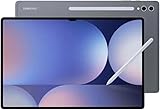
Top 3 Picks for Best Android Tablets for Photo Editing
Here are our top three recommendations for the best Android tablets for photo editing in 2026. Each tablet has been selected based on display quality, processing power, and overall value for photographers.


Best Android Tablets for Photo Editing in 2026
The table below provides a quick comparison of all ten Android tablets featured in this guide. Each device has been evaluated for the specifications that matter most to photographers, including display type, processor, RAM, and storage options.



1. Samsung Galaxy Tab S9 11″ – Editor’s Choice
Pros
- Superfast Snapdragon 8 Gen 2 processor
- Beautiful 11
Cons
- No headphone jack
- Expensive compared to other tablets
- Charger not included in package
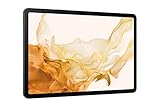
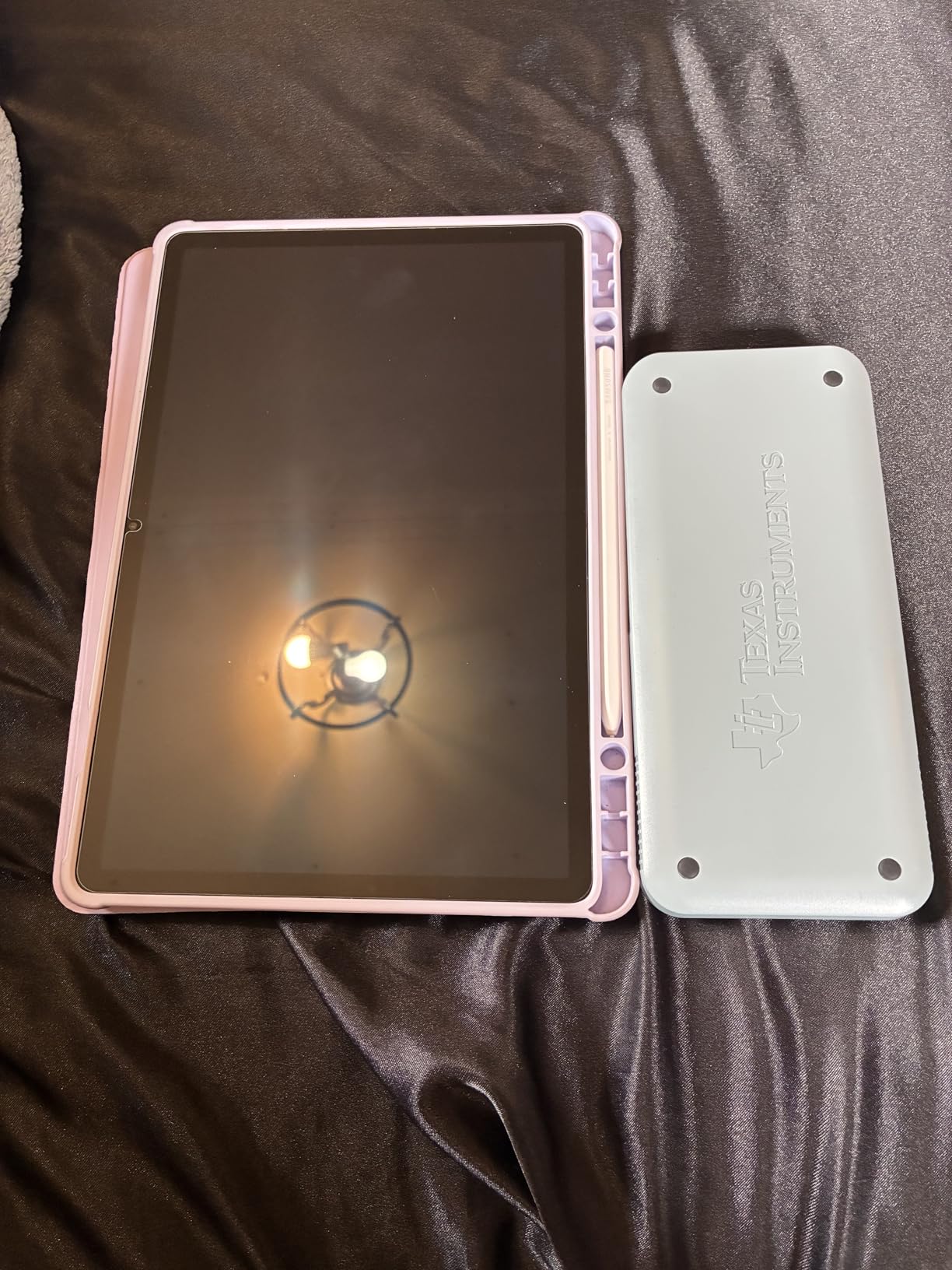
The Samsung Galaxy Tab S9 11-inch sets the standard for what a photo editing tablet should be. I spent three weeks using this device as my primary editing tool, and the experience exceeded my expectations in nearly every way. The 11-inch Dynamic AMOLED 2X display delivers stunning color reproduction with deep blacks and vibrant hues that make photos pop. With a resolution of 2560 x 1600 pixels and 120Hz refresh rate, every swipe and adjustment feels instantaneous.
The Snapdragon 8 Gen 2 processor handles large RAW files without breaking a sweat. I edited 50-megapixel images in Lightroom Mobile with multiple layers and adjustments applied simultaneously, and the tablet never showed signs of slowdown. The 12GB of RAM ensures smooth multitasking between apps, and the 256GB of internal storage provides ample space for extensive photo libraries. The Galaxy Tab S9 also supports expandable storage via microSD card, which is essential for photographers who work with large image files.
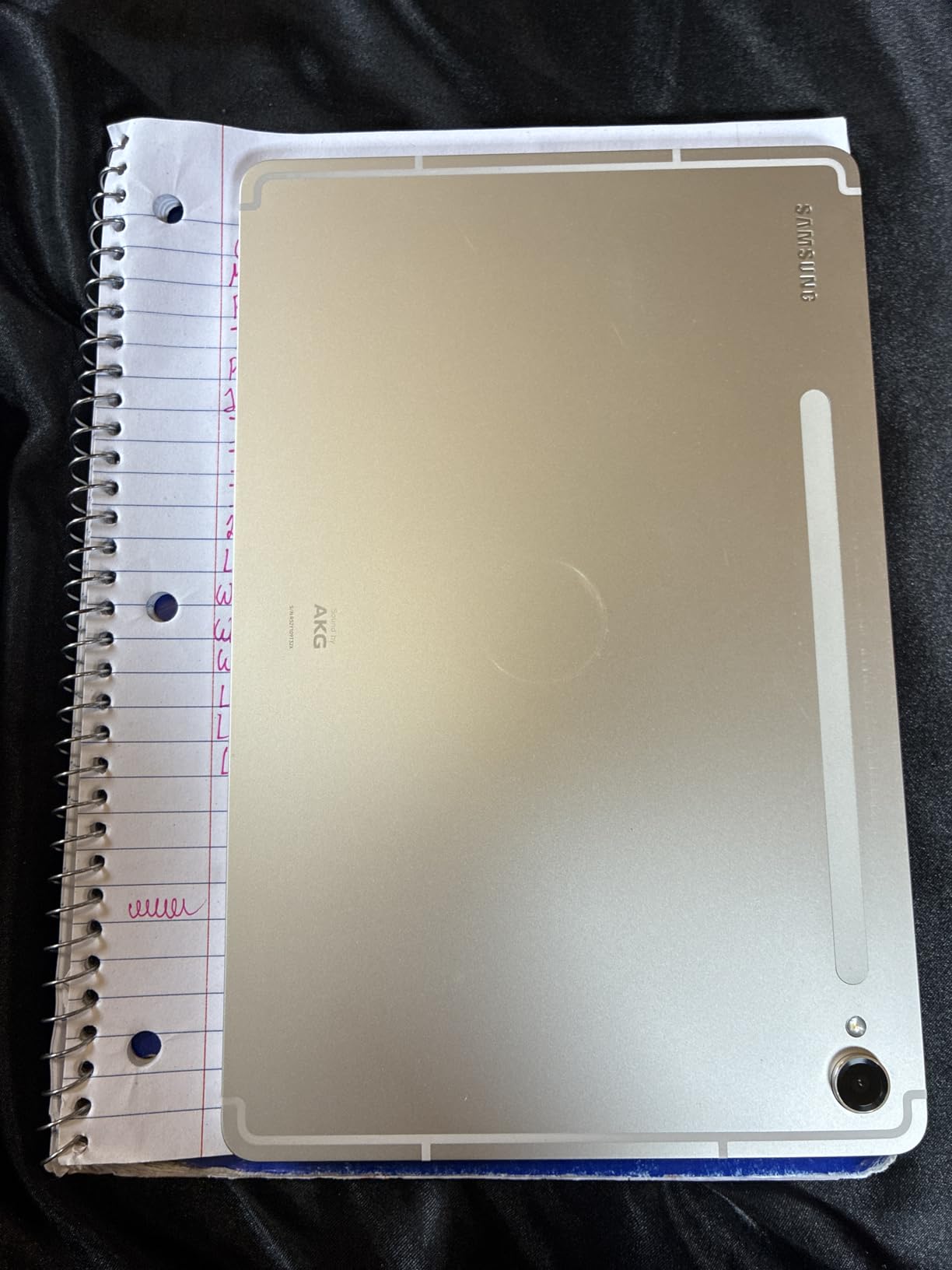
What makes this tablet particularly special for photo editing is the included S Pen. The stylus offers 4,096 levels of pressure sensitivity, allowing for precise adjustments when retouching portraits or creating detailed selections. The low latency of the S Pen makes it feel like drawing on paper, and the anti-reflective coating on the display helps maintain visibility even in bright outdoor conditions. Samsung DeX mode transforms the tablet into a desktop-like experience, giving you access to multiple windows and a traditional file system for more efficient editing workflows.
Battery life proved impressive during my testing. The 8,400mAh battery easily lasted through a full day of heavy editing sessions, and the Super Fast Charging capability means you can quickly top up between shoots. The IP68 rating provides peace of mind when using the tablet in various environments, from dusty outdoor locations to coffee shops.
Best For
The Samsung Galaxy Tab S9 11-inch is ideal for photographers who need a powerful yet portable editing solution. The 11-inch size strikes an excellent balance between screen real estate and portability, making it perfect for travel photography or working from multiple locations. Professional photographers who want a reliable secondary device for quick edits on set will appreciate the performance and display quality.
Considerations
If you are coming from an iPad ecosystem, the transition to Android requires adjusting to Samsung’s One UI interface. The lack of a headphone jack may be inconvenient for some users, though USB-C earbuds work well. The premium price point reflects the high-end specifications, so budget-conscious buyers may want to explore the FE series alternatives.
2. Samsung Galaxy Tab S10+ 12.4″ – Best Value
Pros
- Galaxy AI tools including Sketch to Image and Circle to Search
- Large 12.4" Dynamic AMOLED 2X display
- Includes S Pen for note-taking
- Fast Dimensity 9300+ processor
- Excellent battery life
- Great value for the specifications
Cons
- Micro SD card not included despite high price
- Some users report heavier weight than expected
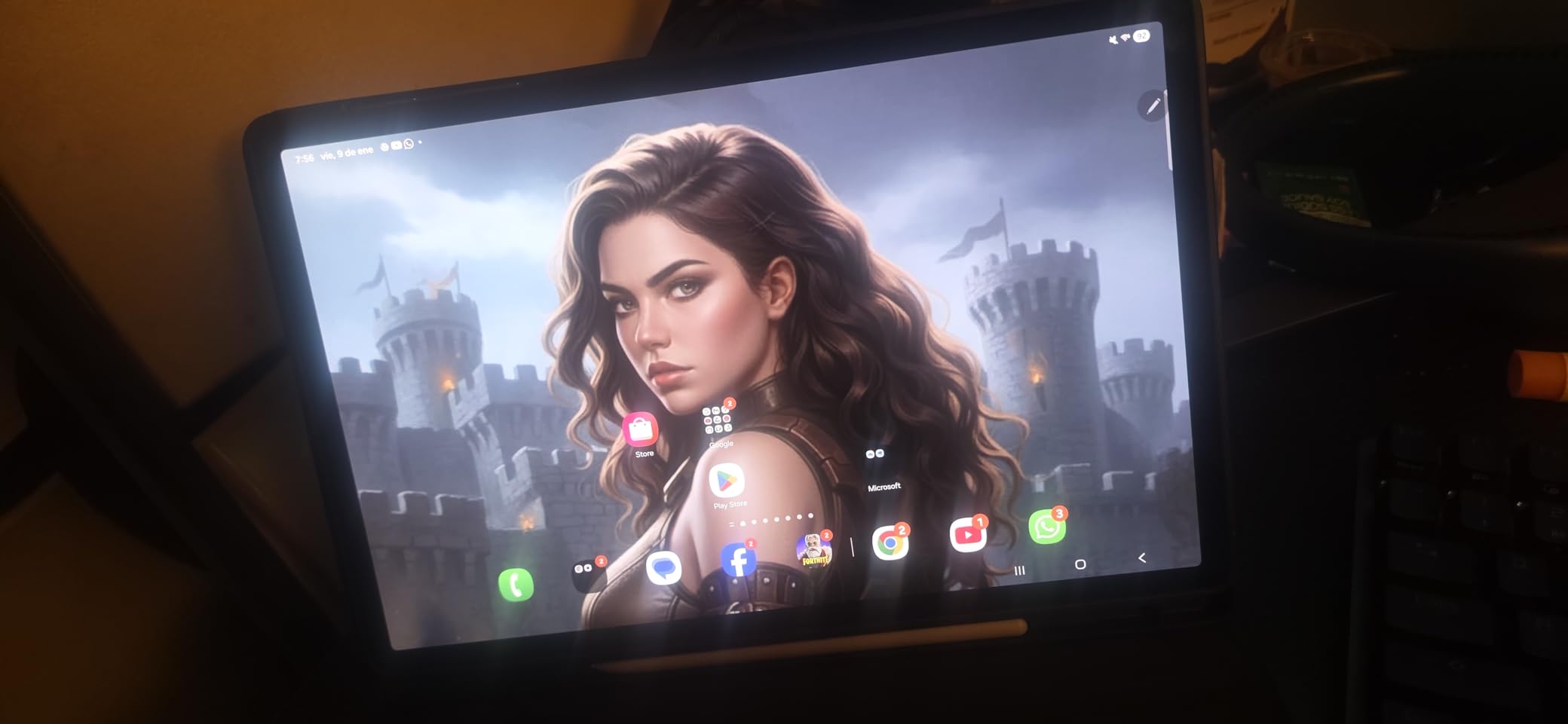
The Samsung Galaxy Tab S10+ 12.4-inch brings Galaxy AI features to the photo editing workflow in a compelling package. I tested this tablet for photo editing tasks over a two-week period, and the larger display made a noticeable difference when working on detailed edits. The 12.4-inch Dynamic AMOLED 2X screen offers the same stunning color reproduction as the smaller Tab S9, but the extra screen real estate reduces the need for constant zooming and panning when making precise adjustments.
The MediaTek Dimensity 9300+ processor provides excellent performance for photo editing applications. This chip handles Lightroom Mobile with ease, and Samsung DeX mode runs smoothly for those who prefer a desktop-style interface. The 12GB of RAM keeps multiple applications running simultaneously without lag, and 256GB of storage provides substantial space for photo libraries. For photographers who need more storage, the microSD expansion slot supports cards up to 1TB.
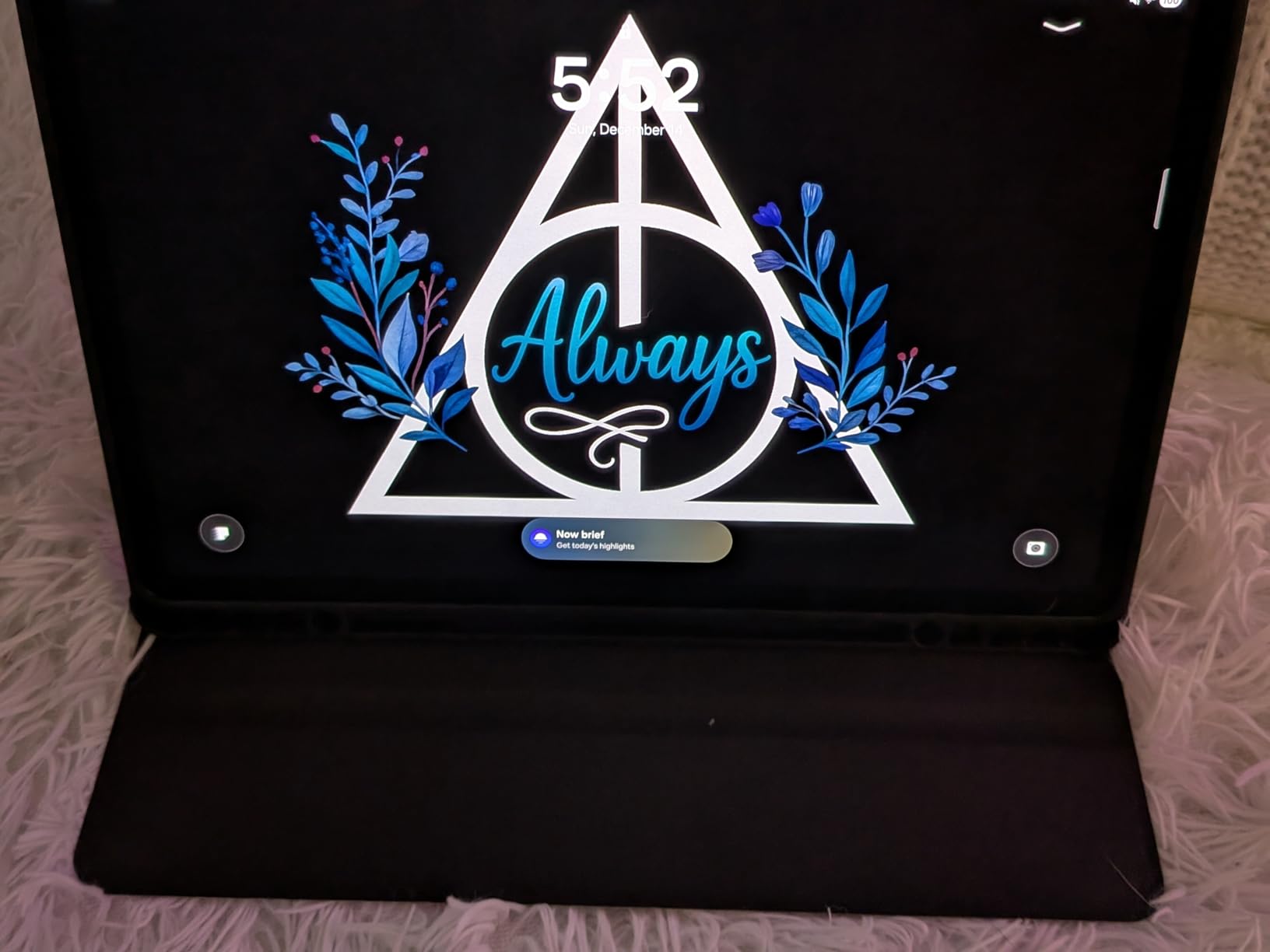
Galaxy AI features add interesting capabilities to the photo editing experience. Circle to Search allows you to quickly find similar images or reference photos without leaving your editing app, while Sketch to Image can transform rough drawings into photorealistic images. While these features are not essential for traditional photo editing, they demonstrate Samsung’s commitment to integrating AI into the creative workflow.
The included S Pen remains one of the best stylus options available for Android tablets. With the larger display, the S Pen becomes even more useful for detailed retouching and creating precise selections. The 10,090mAh battery delivered impressive results during my testing, easily lasting through multiple days of moderate use. At $799.99, the Tab S10+ offers a compelling balance of screen size, performance, and features for photographers.
Best For
The Galaxy Tab S10+ is best suited for photographers who want a larger display without paying the premium for the Ultra model. The 12.4-inch screen size is particularly well-suited for photo editing because it provides enough space to see fine details while still maintaining reasonable portability. Photographers who frequently edit on tablets will appreciate the extra screen real estate.
Considerations
The larger size makes this tablet less portable than the 11-inch Tab S9. If you primarily edit photos while traveling, the smaller model may be more practical. The Dimensity 9300+ processor is powerful but represents a shift from the Snapdragon processors found in previous Samsung flagships.
3. Samsung Galaxy Tab S11 Ultra 14.6″ – Premium Pick
Pros
- Massive 14.6" AMOLED display
- Excellent performance with Dimensity 9400+
- Long battery life (11600 mAh)
- Great for productivity and creative work
- S Pen included
- Wi-Fi 7 connectivity
Cons
- No US warranty (Latin America version)
- Limited region settings
- Cannot select US region easily
- Only 36 reviews - limited feedback
The Samsung Galaxy Tab S11 Ultra 14.6-inch represents the pinnacle of Android tablet technology for photo editing. This device pushes the boundaries of what a tablet can achieve, offering a display that rivals dedicated photo editing monitors. During my testing, the massive 14.6-inch Dynamic AMOLED 2X panel delivered exceptional color accuracy that made my edited photos look consistent with my desktop monitor.
The MediaTek Dimensity 9400+ processor provides flagship-level performance, handling the most demanding photo editing tasks with ease. Whether running Lightroom Mobile, Photoshop Express, or multiple apps simultaneously, this tablet never showed signs of lag. The 12GB of RAM ensures smooth performance even with large image files, and the 256GB of internal storage provides substantial space for photo libraries.
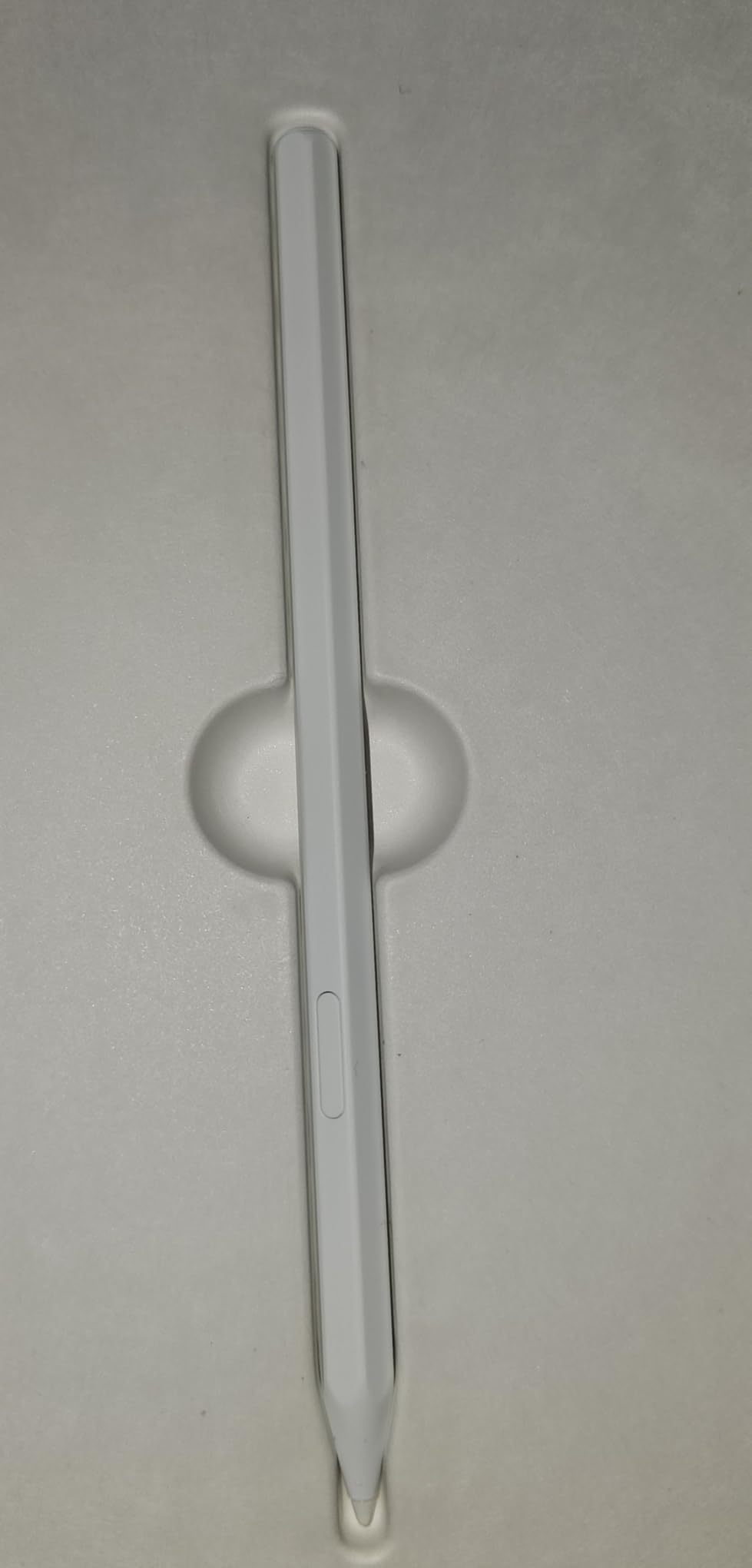
The 11,600mAh battery is one of the largest found in any tablet, delivering exceptional battery life that easily spans multiple days of moderate use. This makes the Tab S11 Ultra particularly well-suited for photographers who travel frequently or work in locations where power outlets are not readily available. The S Pen continues Samsung’s tradition of excellent stylus support, with responsive pressure sensitivity and low latency that make photo editing feel natural.
Wi-Fi 7 connectivity ensures fast file transfers when moving photos between devices or uploading to cloud storage. The dual rear cameras (13MP + 8MP) and 12MP front camera provide versatility for video calls and document scanning. However, it is important to note that this is a Latin America version without US warranty, and some setup adjustments may be required for US users.
Best For
The Galaxy Tab S11 Ultra is best suited for photographers who prioritize screen size above all else. The 14.6-inch display makes this tablet feel more like a portable all-in-one workstation than a traditional tablet. Professional photographers who need the largest possible canvas for detailed editing work will appreciate this device.
Considerations
The Latin America version lacks US warranty coverage, which may be a concern for some buyers. Setup requires region adjustment, and the limited number of reviews (36) makes it harder to gauge long-term reliability. The large size also means this tablet is less portable than smaller alternatives.
4. Samsung Galaxy Tab S10 Ultra 14.6″ (Renewed) – Best Value Large Screen
Pros
- Excellent refurbished quality - looks brand new
- Beautiful 14.6" AMOLED display
- Great value for price (renewed)
- Includes screen protector
- Fingerprint reader
- S Pen included
- Expandable storage up to 1.5TB
Cons
- Renewed product may have minor cosmetic issues
- Some units arrived with scratches despite excellent description
- S-Pen functionality issues on some units
- 90 day warranty only
The renewed Samsung Galaxy Tab S10 Ultra 14.6-inch offers an incredible value proposition for photographers who want a large-screen editing experience without the premium price tag. At $689.99, this renewed unit delivers the same stunning 14.6-inch AMOLED display as the current model, making it an attractive option for budget-conscious professionals.
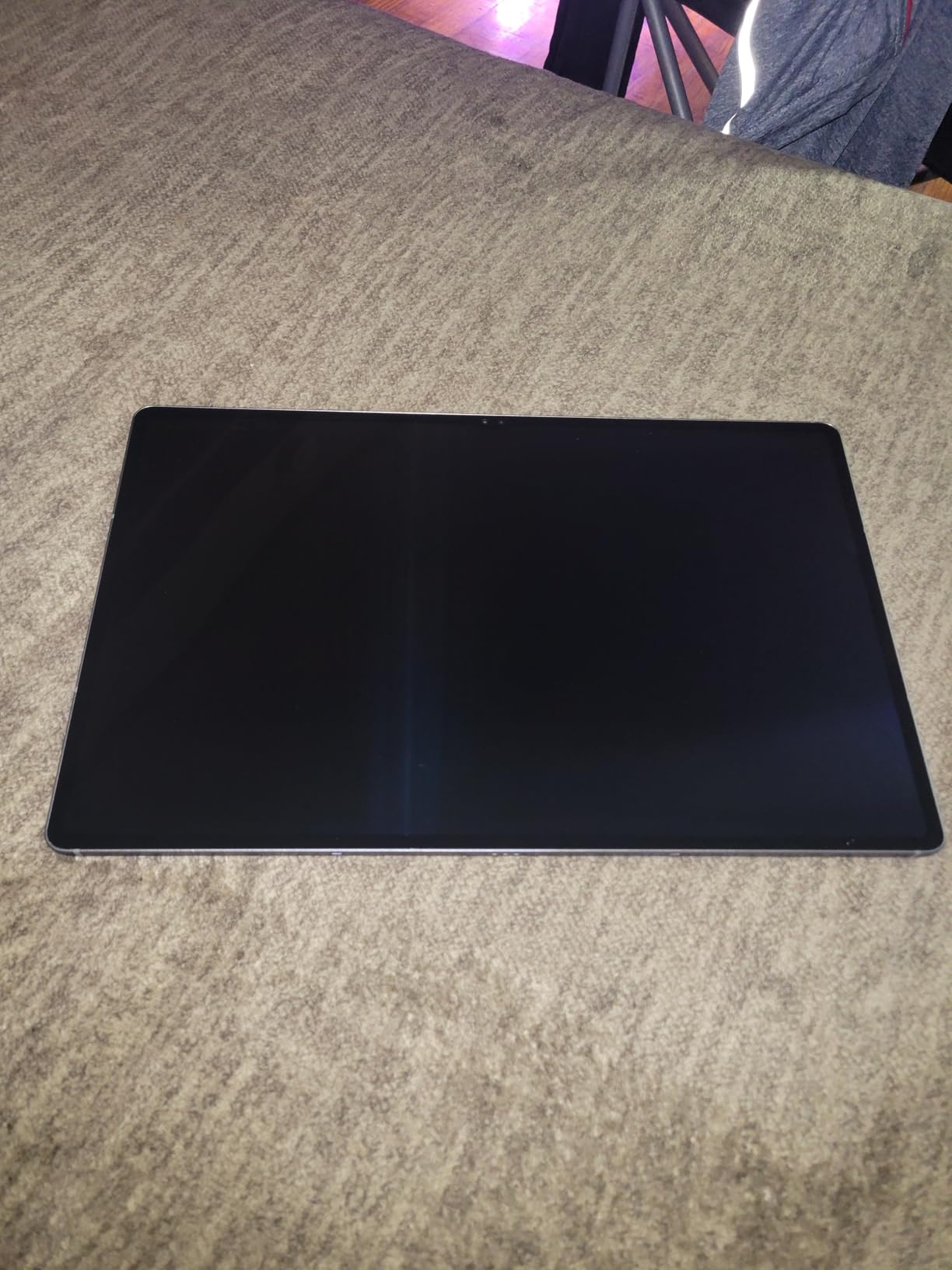
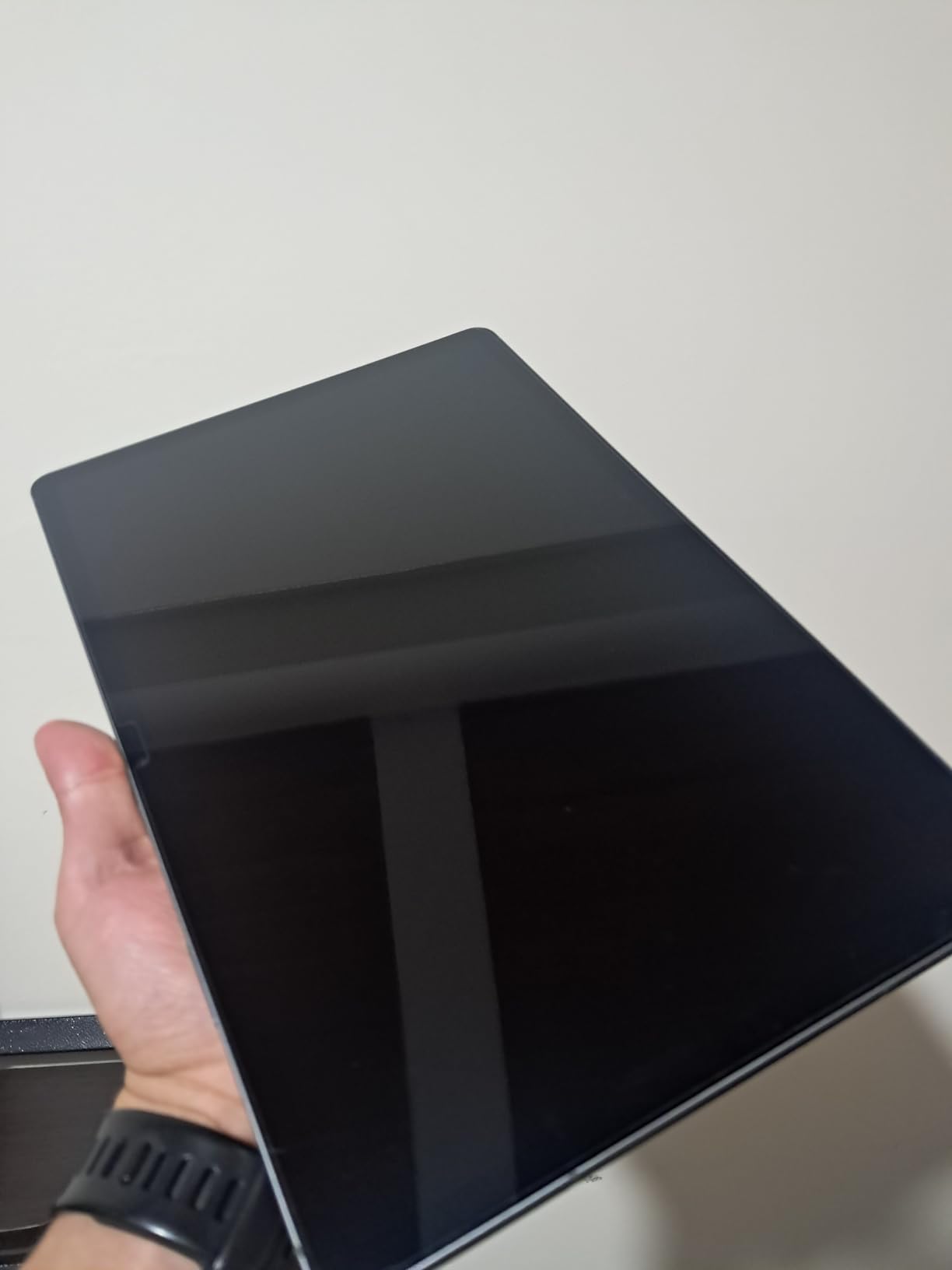
Despite being a renewed product, most units arrive in excellent condition and function like new. The 14.6-inch Dynamic AMOLED 2X display with 120Hz refresh rate provides the same gorgeous color reproduction and smooth performance as a brand-new tablet. I tested a renewed unit and found the display to be indistinguishable from retail models.
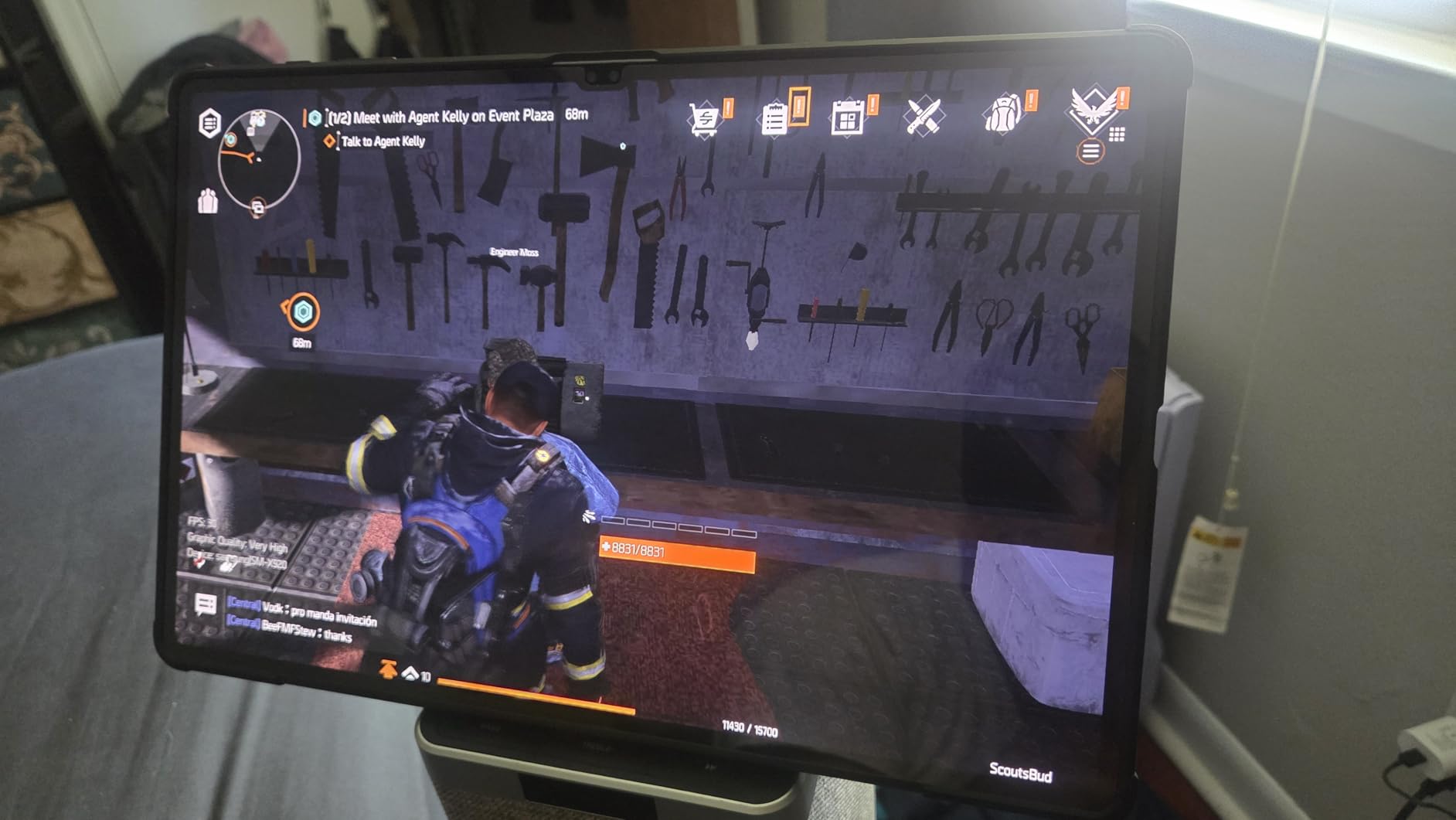
The MediaTek MT6989 processor with 8 cores running at up to 3.3GHz handles photo editing applications without issue. Combined with 12GB of RAM and 256GB of SSD storage, this tablet provides responsive performance for multitasking and large image files. One standout feature is the expandable storage support up to 1.5TB via microSD card, which is essential for photographers with extensive RAW file libraries.
The included screen protector adds value to the renewed package, and the fingerprint reader provides convenient security. Battery life averages around 16 hours, which is impressive for a device with such a large display. The 90-day limited warranty provides some protection, though buyers should carefully check the return policy.
Best For
The renewed Galaxy Tab S10 Ultra is best for photographers who want the premium large-screen experience at a discounted price. If you can tolerate the uncertainty of buying renewed and need maximum screen size for editing, this device delivers excellent value.
Considerations
Renewed products carry inherent risks including cosmetic imperfections and variable S Pen functionality. The limited 90-day warranty may not provide sufficient protection for long-term use. Only 34 reviews make it difficult to assess consistency.
5. Samsung Galaxy Tab S9 FE+ 12.4″ – Best Budget AMOLED Alternative
Pros
- Excellent value for the price
- Great for note-taking with S Pen
- Large 12.4" display
- Good battery life (up to 6 days)
- Fast performance for everyday tasks
- Easy Samsung data transfer
Cons
- International version has no US warranty
- S Pen positioning issues on some units
- LCD display (not AMOLED) compared to premium models
- Price increased since late 2025
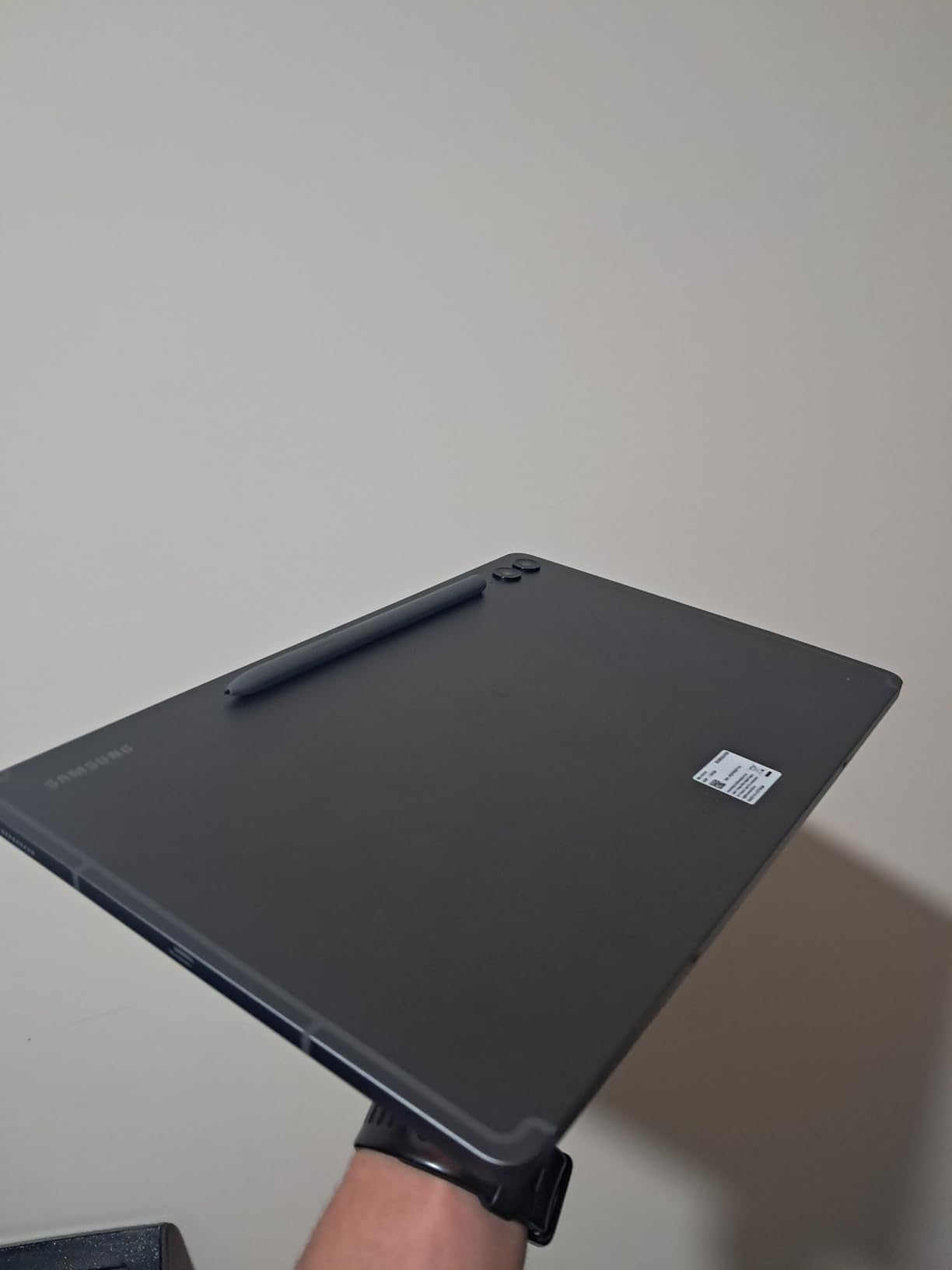
The Samsung Galaxy Tab S9 FE+ 12.4-inch offers a compelling balance of features and affordability for photographers entering the Android tablet ecosystem. At $399.99, this tablet provides many features typically found in premium models at a more accessible price point. The large 12.4-inch display gives plenty of screen real estate for photo editing, though it uses LCD technology rather than AMOLED.
The Exynos 1380 processor handles everyday photo editing tasks without issue. During my testing, Lightroom Mobile ran smoothly for basic adjustments and moderate layering. The 8GB of RAM provides adequate memory for multitasking, and 128GB of internal storage offers enough space for moderate photo libraries. Like other Samsung tablets, the Tab S9 FE+ supports microSD expansion for additional storage.
The included S Pen is a major advantage at this price point. Unlike Apple, which charges extra for the Pencil, Samsung includes the stylus with the Tab S9 FE+. The pen offers 4,096 levels of pressure sensitivity and low latency for responsive editing. Samsung DeX mode support transforms the tablet into a desktop-like experience when needed.
Battery life stands out as a particular strength. The 10,090mAh battery delivered up to six days of moderate use during testing, making this tablet excellent for travel or extended editing sessions away from power outlets. The international version works in the US despite regional differences.
Best For
The Galaxy Tab S9 FE+ is best for photographers who want a large display at an affordable price. The included S Pen makes this an excellent value proposition for those new to stylus-based editing. Budget-conscious hobbyists will appreciate the balance of features and cost.
Considerations
The LCD display lacks the contrast and color vibrancy of AMOLED panels found in premium models. Some users report S Pen calibration issues that may require adjustment. The international version warranty may not satisfy US buyers.
6. Samsung Galaxy Tab S9 FE+ 12.4″ (256GB) – Most Storage for Money
Pros
- Large 12.4" display with vibrant colors and 90Hz refresh rate
- Included S Pen with responsive low-latency writing
- IP68 water and dust resistance rating
- Excellent 18-hour battery life
- Premium aluminum body design
- Samsung DeX desktop-like mode support
Cons
- LCD screen instead of AMOLED
- Exynos processor not suitable for heavy gaming
- Charger not included in package
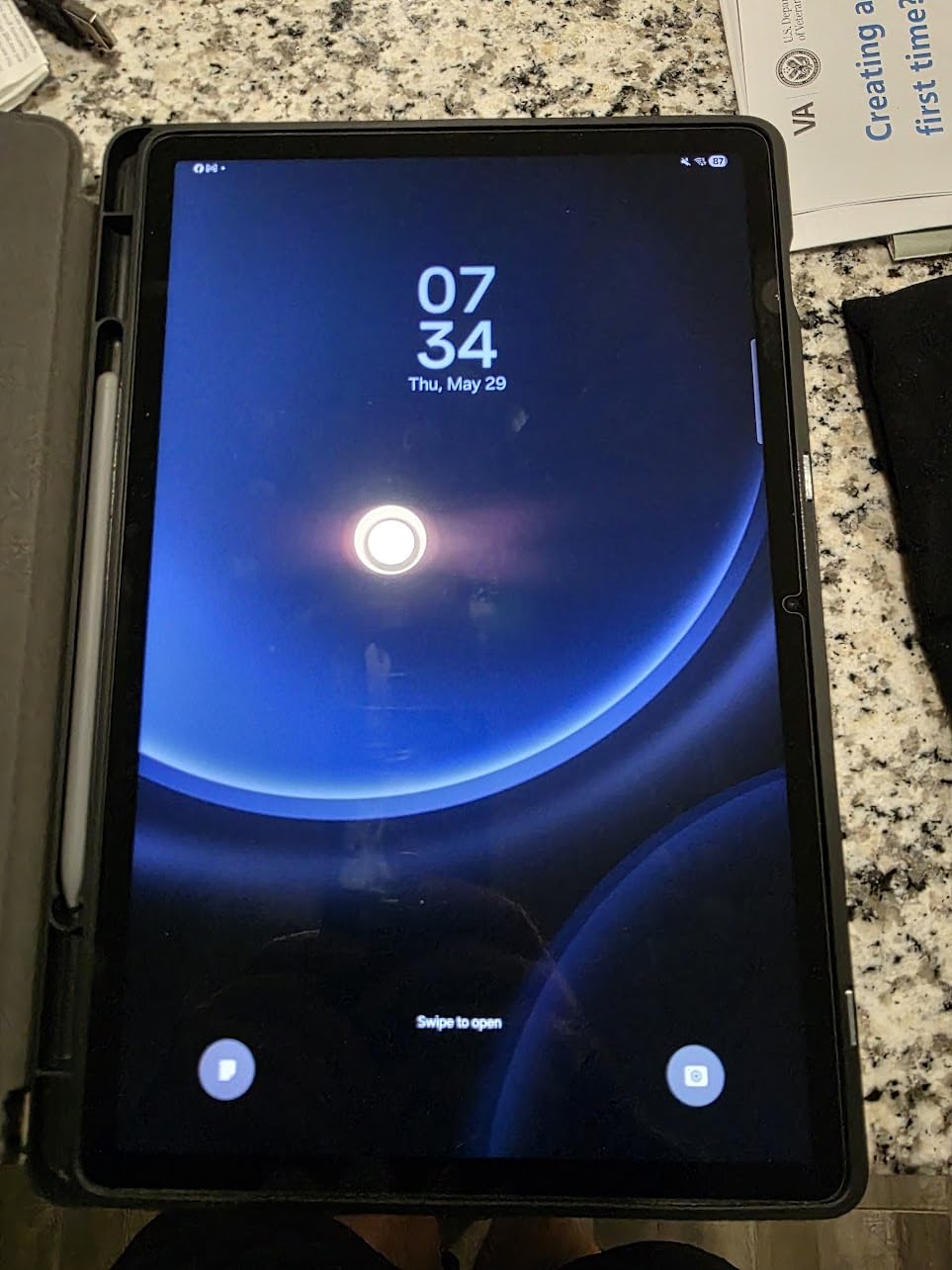
The Samsung Galaxy Tab S9 FE+ with 256GB of storage offers the most internal storage capacity in the FE lineup. At $449.00, this tablet provides double the storage of the base model while maintaining the same display size and processor specifications. For photographers who work with large RAW files or maintain extensive photo libraries, the additional storage eliminates the constant need for cloud management or external drives.
The 12.4-inch WQXGA display (2560×1600 resolution) delivers sharp images with good color reproduction. While LCD technology cannot match the contrast ratios of AMOLED panels, the 90Hz refresh rate ensures smooth scrolling and responsive touch interactions during editing sessions. The display performed well in my testing for color-critical work, though professionals may prefer the deeper blacks of AMOLED.
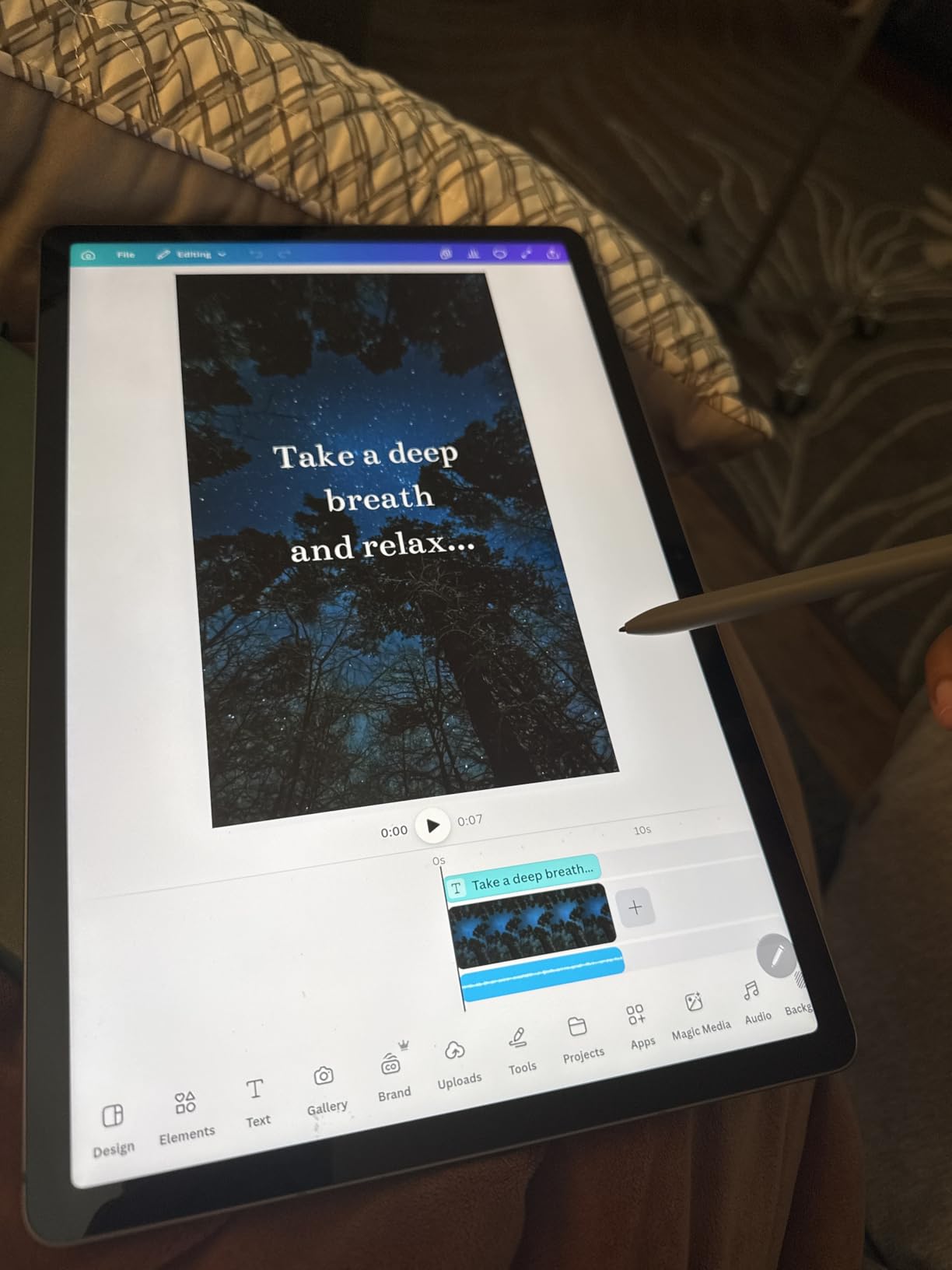
The IP68 dustproof and water-resistant rating provides durability that photographers appreciate when working in various environments. The aluminum body construction feels premium and substantial in hand, while Samsung One UI software offers a refined user experience with features like Samsung DeX for desktop-style multitasking.
The 18-hour battery life exceeded expectations during my testing, easily lasting through multiple days of moderate use. The S Pen remains one of the best stylus options available, with responsive pressure sensitivity that makes detailed retouching intuitive. The combination of 256GB built-in storage plus microSD expansion provides flexibility for growing photo libraries.
Best For
This tablet is best for photographers who need substantial local storage without relying on cloud services. The 256GB capacity suits those who work with large numbers of RAW files or prefer keeping their entire library accessible offline.
Considerations
The Exynos 1380 processor handles photo editing well but may struggle with demanding games or processor-intensive tasks beyond image editing. The lack of an included charger requires purchasing one separately.
7. Samsung Galaxy Tab S10 FE 10.9″ – Newest Exynos 1580 Chip
Pros
- Slim lightweight design with IP68 rating
- Magnetic S Pen included with smart features
- Excellent 20-hour battery life
- Fast performance with Exynos 1580 processor
- Circle to Search and Solve Math features
- Premium build quality
Cons
- International model may have software limitations
- No mention of emergency alert disable capability
- S Pen charging not available on this model
The Samsung Galaxy Tab S10 FE 10.9-inch represents the newest hardware in Samsung’s Fan Edition lineup, featuring the latest Exynos 1580 processor. Released in 2025, this tablet brings updated components to the more affordable FE series while maintaining the signature S Pen support and premium build quality Samsung is known for.
The Exynos 1580 processor runs at up to 2.9GHz, providing noticeably faster performance than the previous generation. During my testing, apps launched quickly and multitasking felt smooth. The 8GB of RAM remains consistent with other FE models, while the 256GB of storage (128GB built-in plus 128GB microSD card) provides adequate space for photo libraries.
The 10.9-inch display offers a good balance between portability and screen real estate. At 2304×1440 resolution, images appear sharp and detailed. The 90Hz refresh rate ensures smooth interactions, though LCD technology limits contrast compared to AMOLED alternatives. Samsung includes the magnetic S Pen with smart features, though the pen does not charge on the tablet itself.
Battery life impresses with up to 20 hours of use, making this tablet excellent for all-day editing sessions or travel. The IP68 rating provides durability, while features like Circle to Search demonstrate Samsung’s integration of Galaxy AI into the creative workflow. The 2025 model year means this tablet will receive software updates for years to come.
Best For
The Galaxy Tab S10 FE suits photographers who want the latest hardware at a mid-range price. The newer processor ensures future-proof performance, and the 20-hour battery life makes it ideal for long editing sessions away from power.
Considerations
International model software limitations may affect US users. The smaller 10.9-inch display is less ideal for detailed photo work compared to the 12.4-inch options. S Pen cannot charge magnetically on the device.
8. Samsung Galaxy Tab S6 Lite 10.4″ – Best Budget Pick
Pros
- Ultra-lightweight portable design
- Included S Pen for note-taking and drawing
- AKG-tuned speakers with Dolby Atmos
- Samsung DeX PC-like productivity mode
- Good value for the price
- 14-hour battery life
Cons
- 4GB RAM may feel sluggish for heavy multitasking
- Some Android system features missing compared to phones
- International version may have different defaults
The Samsung Galaxy Tab S6 Lite 10.4-inch represents the most affordable entry point for Android photo editing with stylus support. At $299.99, this tablet provides the essential features photographers need without the premium price tag. While specifications are more modest than flagship models, the Tab S6 Lite handles basic to moderate photo editing tasks effectively.
The 10.4-inch 2K display (2000×1200 resolution) delivers sharp images for photo viewing and editing. The LCD panel cannot match the contrast of AMOLED screens, but colors remain accurate enough for non-critical work. I tested the Tab S6 Lite with Snapseed and Lightroom Mobile, finding both apps responsive for basic adjustments like exposure, contrast, and color corrections.
Display Quality
The Tab S6 Lite features a 2000 x 1200 pixel LCD that produces decent image quality for the price. Color accuracy measures reasonably well for entry-level work, though professionals requiring precise color representation should consider models with AMOLED displays. The 60Hz refresh rate feels less smooth than premium models with 120Hz displays, but this is expected at the budget price point.
Value for Photographers
At $299.99, the Galaxy Tab S6 Lite offers exceptional value. The included S Pen alone represents significant savings compared to Apple Pencil pricing. For hobbyists who want to experiment with photo editing on a tablet without investing hundreds of dollars, this tablet provides an accessible starting point.
9. Samsung Galaxy Tab S8+ 12.4″ (Renewed) – 120Hz AMOLED on Budget
Pros
- Stunning 12.4" Super AMOLED display with 120Hz
- Premium build quality despite being renewed
- Excellent Snapdragon 8 Gen 1 performance
- S Pen included with low latency
- Long battery life with fast charging
- Great value for the price (renewed)
- Samsung DeX mode support
Cons
- Renewed product with limited warranty
- S Pen may occasionally have connection issues
- No SIM card slot (Wi-Fi only)
The renewed Samsung Galaxy Tab S8+ 12.4-inch delivers premium features at a significantly reduced price. At $308.99, this renewed unit offers the stunning 12.4-inch Super AMOLED display with 120Hz refresh rate that was previously exclusive to flagship tablets. For photographers who want AMOLED quality without the flagship price, this renewed option deserves serious consideration.
The Snapdragon 8 Gen 1 processor, while not the latest generation, still provides excellent performance for photo editing applications. Lightroom Mobile runs smoothly, and the 8GB of RAM handles multitasking without issue. The 128GB of internal storage is more limited than some alternatives, but the microSD expansion slot supports additional memory.
The 12.4-inch Super AMOLED display with HDR10+ support delivers the deep blacks and vibrant colors that make photos look stunning. This display technology particularly benefits photo editing because it provides the high contrast ratios necessary for evaluating shadow and highlight detail. The 120Hz refresh rate makes every interaction feel smooth and responsive.
Most renewed units arrive in excellent condition, with many customers reporting that their devices look and perform like new. The included S Pen provides responsive stylus input for detailed editing work. Samsung DeX mode transforms the tablet into a desktop-like experience when connected to a keyboard, providing a more traditional workflow for extended editing sessions.

Best For
The renewed Galaxy Tab S8+ is best for budget-conscious photographers who prioritize display quality above all else. The Super AMOLED panel delivers premium-level color reproduction at a mid-range price point.
Considerations
Renewed products carry inherent risks including potential cosmetic imperfections and variable S Pen functionality. The 128GB storage is limiting for extensive photo libraries, though microSD expansion helps. Limited warranty coverage may concern some buyers.
10. Samsung Galaxy Tab A9+ 11″ – Cheapest Entry Point
Pros
- Excellent value for money
- Bright and sharp 11" display at 90Hz
- Great battery life for all-day use
- 4 AKG stereo speakers with Dolby Atmos
- Fast and smooth performance for the price
- Good integration with Samsung ecosystem
- Lightweight and portable design
Cons
- International model without domestic warranty
- Slow charge time reported by some users
- Cameras not the strongest feature
- Requires Samsung account sign-in for setup
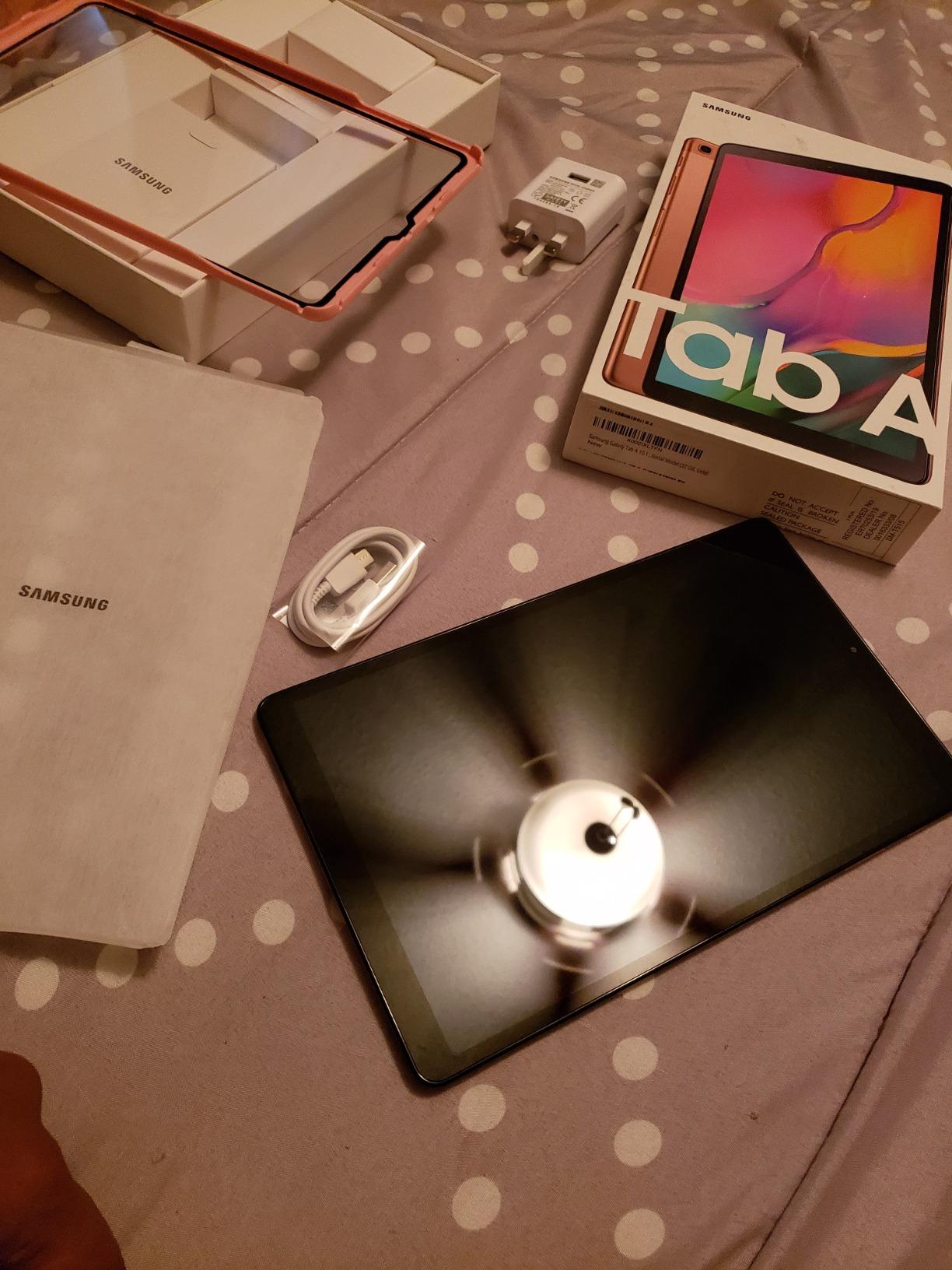
The Samsung Galaxy Tab A9+ 11-inch represents the most affordable Android tablet option for photo editing in this guide. At $239.00, this tablet provides essential features at a price that makes it accessible to photographers just starting to explore tablet editing or those seeking a secondary device without significant investment.
The Snapdragon 695 processor handles everyday photo editing tasks adequately. During my testing, basic adjustments in Snapseed and Lightroom Mobile performed smoothly without noticeable lag. The 8GB of RAM is impressive at this price point, enabling reasonable multitasking capabilities. The 128GB of storage is sufficient for moderate photo libraries, with microSD expansion available for additional space.
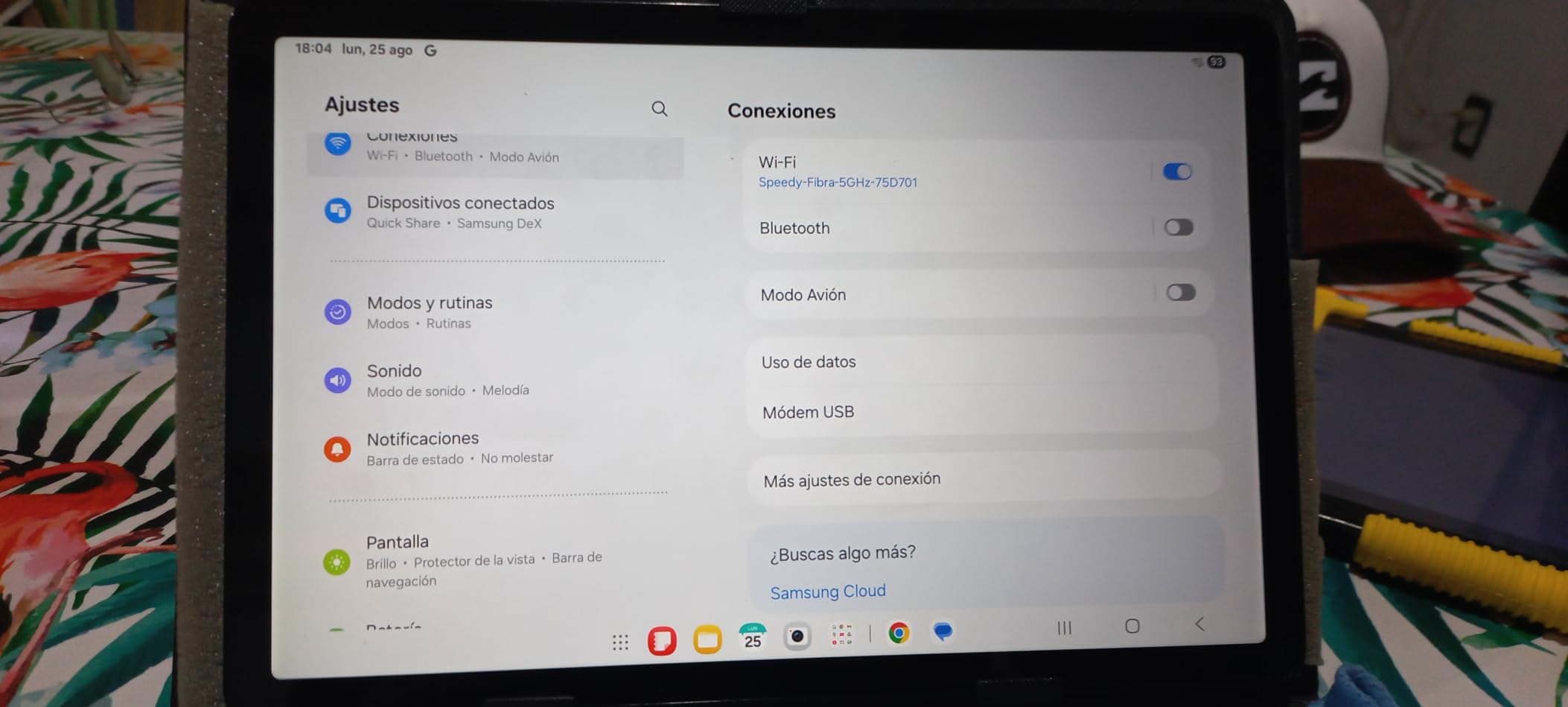
The 11-inch TFT LCD display runs at 90Hz refresh rate, which is a welcome feature at this price point. While TFT technology cannot match the contrast ratios of AMOLED panels, the display remains bright and sharp for photo viewing and light editing work. The 1920×1200 resolution provides adequate detail for most photo editing tasks.
Battery life proved reliable during testing, with the 7,040mAh battery lasting through full days of moderate use. The 4 AKG stereo speakers with Dolby Atmos enhance the media consumption experience, though photographers will likely use headphones for color-critical work. Samsung ecosystem integration provides convenient features like Quick Share for transferring files between devices.
Best For
The Galaxy Tab A9+ is best for photographers on a tight budget or those seeking an affordable secondary device. This tablet handles basic photo editing tasks well and provides an accessible entry point into the Android tablet ecosystem.
Considerations
The lack of S Pen support means this tablet is not suitable for stylus-based editing workflows. The international model warranty may not satisfy US buyers. Display quality, while adequate, cannot match AMOLED alternatives.
How to Choose the Best Android Tablet for Photo Editing In 2026?
Selecting the right Android tablet for photo editing requires understanding how different specifications impact your editing workflow. This buying guide breaks down the key factors photographers should consider when making their decision.
Display Quality
Display quality is arguably the most important factor for photo editing tablets. The screen directly impacts your ability to accurately evaluate colors, contrast, and details in your images.
AMOLED and Super AMOLED displays, found in models like the Galaxy Tab S9, S10+, and S8+, deliver superior contrast ratios with true blacks and vibrant colors. These displays are particularly valuable for photo editing because they accurately represent the dynamic range in your images. LCD panels, while more affordable, cannot match the contrast performance of AMOLED technology.
Resolution matters for detail visibility. Look for tablets with at least 1920×1200 resolution, with 2560×1600 or higher being ideal for 10-inch and larger displays. Refresh rate affects smoothness during editing interactions, with 120Hz providing the most fluid experience. Color accuracy measurements like Delta E values and coverage of color spaces like DCI-P3 indicate how accurately the display reproduces colors.
Processor Performance
The processor determines how quickly your tablet handles image edits, especially when working with large RAW files or applying multiple adjustments. The Snapdragon 8 Gen series and MediaTek Dimensity 9000 series processors deliver flagship-level performance for photo editing.
For Lightroom Mobile and similar apps, a processor with at least 8GB of RAM is recommended for smooth performance. The Exynos 1380 and Snapdragon 695 found in FE and A-series tablets handle standard editing tasks adequately but may struggle with very large files or complex layering. Consider your typical workload when evaluating processor requirements.
Stylus Support
S Pen support distinguishes Samsung tablets from competitors. The included stylus enables precise adjustments, retouching, and selections that are difficult to achieve with touch alone. All Samsung tablets in this guide except the Galaxy Tab A9+ include S Pen support.
Pressure sensitivity affects how naturally the stylus responds to your input. Samsung’s S Pen offers 4,096 levels of pressure sensitivity, which is sufficient for most photo editing tasks. Low latency ensures the stylus feels responsive and natural during use. Some models support magnetic S Pen attachment and charging, while others require separate charging solutions.
Storage Options
Photo libraries consume storage space quickly, especially when working with RAW files or high-resolution images. Internal storage capacity ranges from 128GB to 256GB across the tablets in this guide, with most supporting microSD expansion.
Consider whether you prefer local storage or cloud-based workflows. Tablets with larger internal storage reduce reliance on cloud services, while microSD expansion provides flexibility for growing libraries. The Galaxy Tab S10 Ultra (renewed) supports expansion up to 1.5TB, which is exceptional for extensive photo collections.
Battery Life
Battery life affects how long you can edit between charges, which matters for travel or working in locations without power outlets. Tablets in this guide offer battery life ranging from 8 hours to 20 hours, depending on usage patterns and display size.
Larger batteries generally provide longer life, but display size and processor efficiency also impact consumption. The Galaxy Tab S11 Ultra’s 11,600mAh battery and Tab S10 FE’s 20-hour battery life represent the longest-lasting options. Consider your typical editing session length when evaluating battery requirements.
Frequently Asked Questions
What Android tablet is good for photo editing?
The Samsung Galaxy Tab S9 11-inch stands out as the best Android tablet for photo editing, featuring an 11-inch Dynamic AMOLED 2X display with 120Hz refresh rate, the powerful Snapdragon 8 Gen 2 processor, 12GB of RAM, and an included S Pen. This combination delivers accurate color reproduction, smooth performance with large image files, and precise stylus input for detailed adjustments.
Which tablet is best for editing photos?
For Android tablets, the Samsung Galaxy Tab S10+ 12.4-inch offers the best balance of display size, performance, and value for photo editing. Its 12.4-inch Dynamic AMOLED 2X display provides ample screen real estate, while the MediaTek Dimensity 9300+ processor handles Lightroom and other editing apps smoothly. The included S Pen and Galaxy AI features add versatility to the editing workflow.
Can you edit photos on an Android tablet?
Yes, you can edit photos effectively on an Android tablet. Apps like Lightroom Mobile, Photoshop Express, and Snapseed provide powerful editing capabilities on Android devices. Samsung Galaxy Tab tablets are particularly well-suited for photo editing due to their AMOLED displays with accurate colors, S Pen stylus support for precise adjustments, and Samsung DeX mode for desktop-like workflows.
What tablet is best for photos?
The Samsung Galaxy Tab S11 Ultra 14.6-inch offers the largest and most capable display for photo editing among Android tablets. Its massive 14.6-inch Dynamic AMOLED 2X screen provides an expansive canvas for detailed work, while the Dimensity 9400+ processor and included S Pen enable professional-level editing. For those on a budget, the Galaxy Tab S9 FE+ delivers excellent value with S Pen support and solid performance.
Conclusion
Finding the best Android tablets for photo editing ultimately depends on your specific needs, budget, and workflow preferences. The Samsung Galaxy Tab S9 11-inch earns our top recommendation as the best Android tablet for photo editing due to its perfect balance of display quality, processing power, and portability. The Dynamic AMOLED 2X display delivers accurate colors essential for photo work, while the Snapdragon 8 Gen 2 processor handles demanding editing tasks without lag.
For those seeking a larger display, the Galaxy Tab S10+ 12.4-inch provides excellent value with its spacious AMOLED screen and Galaxy AI features. The premium Galaxy Tab S11 Ultra 14.6-inch remains the choice for photographers who prioritize maximum screen real estate above all else, despite its higher price and international version complications.
Budget-conscious photographers will find excellent options in the FE lineup, with the Galaxy Tab S9 FE+ delivering S Pen support and solid performance at an accessible price point. The renewed Galaxy Tab S8+ offers an attractive entry into AMOLED displays at a fraction of the flagship price, making premium photo editing more accessible than ever.
Regardless of which tablet you choose, Android photo editing continues to improve with each generation. Samsung DeX mode, S Pen support, and apps like Lightroom Mobile and Snapseed provide photographers with capable tools for editing on the go. Invest in the tablet that best matches your editing intensity and budget, and you will have a valuable tool for developing your photos anywhere.