
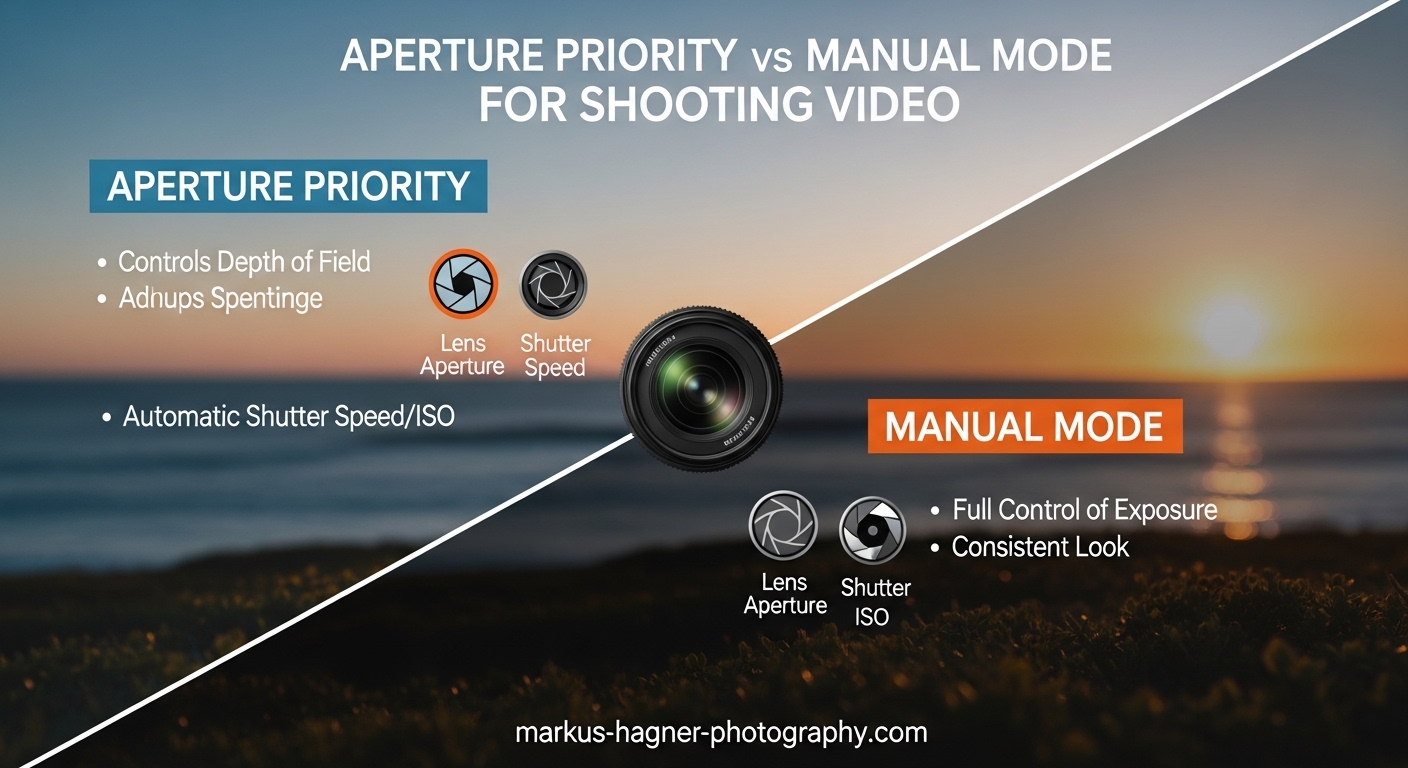
Choosing between aperture priority vs manual mode for shooting video is one of the most common questions videographers face when setting up their cameras. The short answer: manual mode is generally the better choice for video because it maintains consistent shutter speed, which is essential for achieving that cinematic look that separates amateur footage from professional productions. However, there are specific situations where aperture priority can work for video, especially when combined with auto ISO and a solid understanding of how frame rate affects your settings.
In this guide, I will break down exactly how each mode works for video production, explain the critical 180-degree shutter rule that most articles completely overlook, and help you decide which approach fits your video workflow. Whether you are shooting weddings, documentaries, corporate interviews, or YouTube content, understanding this distinction will improve your footage quality immediately and save you from common exposure mistakes that can ruin an entire shoot.
What Is Aperture Priority Mode for Video?
Aperture Priority mode (often labeled Av or A on your camera dial) is a semi-automatic shooting mode where you select the aperture value, and the camera automatically adjusts shutter speed and ISO to maintain proper exposure. For video shooters, this means you control depth of field while the camera handles the rest of the exposure triangle calculations.
When you shoot video in aperture priority, you set your f-stop based on how much background blur you want in your footage. A lower f-number like f/1.8 or f/2.8 creates a shallow depth of field with creamy bokeh that isolates your subject from the background. A higher f-number like f/8 or f/11 keeps more of your scene in focus from foreground to background. The camera then meters the scene and determines what shutter speed and ISO combination will give you a properly exposed image.
Here is where things get interesting for video specifically. In stills photography, aperture priority is a fantastic mode because your camera can make instant adjustments between shots, and each photo is independent. But video is continuous recording. If the lighting changes while you are recording, your camera might adjust shutter speed or ISO mid-shot, creating visible exposure shifts in your footage that look jarring and unprofessional.
That said, aperture priority can work well for video in controlled lighting environments where the light remains consistent throughout your recording session. If you are shooting in a studio with fixed lights or outdoors during the golden hour when light changes very gradually, aperture priority might give you the depth of field control you want without the risk of sudden exposure changes mid-shot.
Many photographers who transition to video gravitate toward aperture priority because it feels familiar. After all, many professional photographers use aperture priority for 90% or more of their stills work. But video has different requirements, and what works beautifully for photography can cause problems when shooting motion pictures.
What Is Manual Mode for Video?
Manual mode (M on your camera dial) gives you complete control over all three elements of the exposure triangle: aperture, shutter speed, and ISO. Nothing changes unless you physically change it yourself. For video production, this consistency is invaluable and often essential for professional results.
When you shoot video in manual mode, you set your aperture based on your desired depth of field, your shutter speed based on your frame rate following the 180-degree rule, and your ISO based on the available light in your scene. Your settings stay locked in place throughout the entire recording, which means your exposure remains perfectly consistent from the first frame to the last.
Manual mode requires more upfront work than semi-automatic modes. You need to meter your scene accurately, understand the relationship between your three exposure settings, and make manual adjustments when lighting conditions change. But this control is exactly what makes manual mode the preferred choice for most professional video work where reliability matters.
The biggest advantage of manual mode for video is shutter speed consistency. In video production, your shutter speed is not a creative variable the way it is in stills photography. It is tied directly to your frame rate by the 180-degree shutter rule, which I will explain in detail in the next section. Once you understand this relationship, manual mode becomes much easier to use because one of your three exposure variables is essentially fixed by your creative choice of frame rate.
Think of it this way: in manual mode for video, you are really only managing two variables creatively (aperture and ISO), because shutter speed is determined by your frame rate. This makes manual mode less intimidating than it might seem at first glance.
Video-Specific Considerations: The 180-Degree Shutter Rule
This is where video differs fundamentally from photography, and it is the concept that most articles about aperture priority vs manual mode completely ignore. For video, your shutter speed is not a creative choice. It is determined by your frame rate through the 180-degree shutter rule, and understanding this rule is essential for professional-looking video.
The 180-degree shutter rule states that your shutter speed should be approximately double your frame rate. This creates natural-looking motion blur that our eyes and brains expect from moving images. The rule comes from traditional film cinema cameras where the physical rotating shutter was literally 180 degrees open. If you deviate significantly from this rule, your video will either look choppy with strobe-like motion, or too smooth and dreamy like the soap opera effect that many people find off-putting.
Here is how this works in practice for common frame rates. If you are shooting at 24 frames per second (fps), which is the standard cinema frame rate, your shutter speed should be around 1/48th of a second. Since most cameras do not have a 1/48 setting, you would use 1/50. For 30fps video, common for web content and broadcast, use 1/60 shutter speed. For 60fps, used for smoother motion and potential slow-motion, use 1/120 or 1/125. For slow-motion footage at 120fps, your shutter speed should be 1/240 or 1/250.
Shutter Speed Reference Table by Frame Rate
Use this reference when setting up your camera for video in 2026:
- 24fps (cinema standard): 1/48s or 1/50s
- 25fps (PAL broadcast): 1/50s
- 30fps (NTSC broadcast/web): 1/60s
- 50fps (PAL smooth motion): 1/100s
- 60fps (NTSC smooth motion): 1/120s or 1/125s
- 100fps (slow motion): 1/200s
- 120fps (slow motion): 1/240s or 1/250s
Notice that shutter speed is not a creative choice for video the way it is for stills. You cannot simply choose a faster shutter speed to freeze motion or a slower one to create intentional blur. Your frame rate locks in your shutter speed requirement for natural-looking motion.
This is why action sports footage sometimes looks strange. If someone shoots 60fps sports video at 1/1000 shutter speed, the motion becomes staccato and strobe-like because there is not enough motion blur between frames. The 180-degree rule exists for a reason, and following it produces the most natural-looking motion in your video.
Understanding Shutter Angle
Some cinema cameras and higher-end mirrorless bodies display shutter angle instead of shutter speed. Shutter angle is simply another way to express the same relationship between frame rate and exposure time. A 180-degree shutter angle equals the 180-degree shutter rule we just discussed.
The beauty of shutter angle is that it stays constant regardless of frame rate. If you set your camera to 180 degrees and change from 24fps to 60fps, the camera automatically adjusts your shutter speed to maintain the correct relationship. This is why many professional cinema cameras use shutter angle as the default setting for video work, and why experienced cinematographers often think in terms of shutter angle rather than shutter speed.
If your camera offers shutter angle as an option, I recommend using it for video work. It simplifies your workflow by automatically maintaining the 180-degree relationship when you change frame rates for different shots.
Why This Matters for Mode Selection
Understanding the 180-degree shutter rule fundamentally changes how you think about aperture priority vs manual mode for video. In aperture priority mode, your camera might adjust shutter speed if lighting conditions change, which violates this rule and creates inconsistent motion blur between shots or even within a single shot.
In manual mode, you lock your shutter speed at the correct value for your frame rate and never worry about it changing unexpectedly. Your motion blur stays consistent throughout your entire project, which is essential for professional video production.
This is why experienced videographers overwhelmingly prefer manual mode for video. It guarantees shutter speed consistency, which is fundamental to achieving professional-looking footage that cuts together smoothly in editing.
Auto ISO as a Hybrid Solution
One approach that bridges the gap between aperture priority and full manual mode is using manual mode with auto ISO enabled. In this hybrid setup, you manually set your aperture and shutter speed (following the 180-degree rule), but let the camera adjust ISO automatically as lighting conditions change during your shoot.
This approach works well because ISO adjustments in video are generally less noticeable than shutter speed changes. A gradual ISO shift during a shot might be acceptable in documentary or event videography where some exposure variation is expected, whereas a shutter speed change would immediately look wrong due to the motion blur inconsistency it creates.
Many modern cameras also allow you to set ISO limits (minimum and maximum) and adjust how quickly auto ISO responds to lighting changes. This gives you control over how aggressive the exposure adjustments are during recording, preventing sudden jumps that would be visible in your footage.
Aperture Priority vs Manual Mode for Video: Pros and Cons
Now that you understand the video-specific considerations that make video different from stills photography, let us compare these two modes directly for video production work and examine when each makes sense.
Pros of Aperture Priority for Video
Aperture priority offers several advantages that make it appealing for certain video situations:
- Speed and convenience: You can start shooting quickly without spending time metering and adjusting settings. This is valuable for documentary work and events where moments happen fast and you cannot afford to miss action while fiddling with exposure settings.
- Depth of field control: You choose your f-stop and maintain consistent background blur throughout your shoot without worrying about the other exposure variables.
- Handles changing light automatically: In situations where light fluctuates constantly, such as moving from indoors to outdoors or following a subject through varying lighting conditions, aperture priority can maintain reasonable exposure without your constant intervention.
- Less mental load: For solo shooters or beginners who are still learning video production, having one less variable to manage reduces cognitive burden during shoots and lets you focus on composition and storytelling.
- Familiar for photographers: If you are transitioning from stills to video, aperture priority feels natural because it is how many photographers work most of the time.
Cons of Aperture Priority for Video
The disadvantages of aperture priority for video are significant and explain why many videographers avoid this mode for critical work:
- Shutter speed inconsistency: This is the biggest issue for video. Your camera may change shutter speed during recording as lighting changes, violating the 180-degree rule and creating inconsistent motion blur that looks unprofessional.
- Visible exposure shifts: If lighting conditions change, you might see exposure adjustments happening in real-time on your footage, which looks amateurish and can be impossible to fix in post-production.
- Unpredictable results: You cannot guarantee your footage will match from shot to shot because settings may change automatically between takes based on subtle lighting differences.
- Risk of ruined footage: As one experienced forum user put it, you can blow an entire event shoot by using aperture priority for video and not realize it until you are in post-production, when it is too late to reshoot.
- Difficulty matching multiple cameras: If you are shooting with more than one camera, aperture priority makes it nearly impossible to match exposure between them because each camera will make different automatic adjustments.
Pros of Manual Mode for Video
Manual mode is the preferred choice for most professional video work for several compelling reasons:
- Locked shutter speed: Your shutter speed stays at the correct value for your frame rate, ensuring consistent motion blur throughout your footage and adherence to the 180-degree rule.
- Consistent exposure: Your settings do not change unless you change them, which means footage from different takes matches perfectly and cuts together seamlessly in editing.
- Predictable results: You know exactly what you are getting, which is essential for professional work where clients expect reliable, consistent results.
- Easier color grading: Consistent exposure makes post-production color work much faster and more accurate because you are not fighting exposure variations between shots.
- Multi-camera matching: When shooting with multiple cameras, manual mode ensures all footage has identical exposure settings and cuts together seamlessly.
- Professional workflow: Using manual mode demonstrates professional competence and gives you complete control over your image, which is what separates amateur from professional video work.
Cons of Manual Mode for Video
Manual mode is not perfect for every situation, and it has some drawbacks:
- Requires more skill: You need to understand the exposure triangle thoroughly and know how to meter scenes accurately to get proper exposure.
- Slower to set up: You must dial in settings before you can start shooting, which can mean missing spontaneous moments that happen faster than you can adjust.
- Constant adjustments needed: In rapidly changing light, you must manually adjust settings or risk under or overexposed footage, which requires constant attention.
- Higher learning curve: Beginners may find manual mode overwhelming at first, especially when also trying to manage focus, audio, and composition.
- More gear knowledge required: You need to understand your specific camera’s metering system and how it behaves in different lighting situations.
When to Use Each Mode for Video
The choice between aperture priority and manual mode depends heavily on your specific shooting situation and what tradeoffs make sense for your project. Here is my detailed guidance based on real-world video production scenarios.
When Aperture Priority Works for Video
Aperture priority can work for video in these specific situations where its advantages outweigh the risks:
- Controlled studio environments: If your lighting is fixed and absolutely consistent throughout your shoot, aperture priority gives you depth of field control without the risk of exposure shifts. This works for product videos, talking head content in dedicated studio spaces, and any shoot where you have complete control over the lighting.
- B-roll footage: For supplementary footage where exact exposure consistency with your main footage is less critical, aperture priority lets you work faster and capture more variety without stopping to meter and adjust constantly.
- Documentary run-and-gun: Some documentary shooters use aperture priority with auto ISO for the speed advantage in unpredictable situations, accepting that exposure may shift slightly but prioritizing capturing the moment over technical perfection.
- Beginner practice: If you are still learning video production and feeling overwhelmed, aperture priority can be a stepping stone while you master the exposure triangle and build confidence before moving to full manual control.
- Quick grab shots: When you need to capture something spontaneously and do not have time to set exposure manually, aperture priority can get you a usable shot that would otherwise be missed entirely.
When Manual Mode Is Essential for Video
Use manual mode for video in these scenarios where consistency and control are critical:
- Interviews and talking head footage: Consistent exposure is critical for professional-looking interview footage where the subject should not suddenly brighten or darken mid-sentence.
- Scripted narrative content: Any planned video production, from short films to commercials, benefits from the control and consistency that only manual mode can provide.
- Multi-camera shoots: Matching exposure across multiple cameras requires manual control to ensure all footage cuts together seamlessly without jarring exposure differences.
- Stabilizer and gimbal work: When using gimbals, steadicams, or other stabilization equipment, you need predictable exposure that will not shift mid-shot while your hands are occupied with movement.
- Wedding and event videography: These high-stakes, once-in-a-lifetime shoots demand the reliability of manual mode. You cannot afford exposure mishaps that ruin irreplaceable moments.
- Cinematic projects: Achieving that professional film look requires strict adherence to the 180-degree shutter rule, which manual mode guarantees by locking your shutter speed.
- Commercial work: When clients are paying for professional results, manual mode demonstrates competence and delivers the consistency that professional work requires.
The Hybrid Approach: Manual Mode with Auto ISO
Many experienced videographers use a hybrid approach that captures the benefits of both modes: manual mode with auto ISO enabled. This gives you locked aperture and shutter speed while allowing ISO to float within set limits. It works exceptionally well for documentary work, events, and situations where you need some flexibility without sacrificing shutter speed consistency.
To use this approach effectively, set your minimum ISO to your camera’s base ISO (often 100 or 200) to maximize image quality, and set your maximum ISO to the highest value you find acceptable for your particular camera. Many cameras also let you control the speed of ISO adjustments, which helps prevent visible exposure jumps by making transitions more gradual.
This hybrid approach is particularly useful for run-and-gun documentary work where you are constantly moving between different lighting conditions. You maintain the critical shutter speed consistency while gaining some flexibility for changing light.
FAQ
Should I shoot video in manual or aperture priority?
For most video work, manual mode is the better choice because it maintains consistent shutter speed, which is essential for the cinematic look. The 180-degree shutter rule requires your shutter speed to be approximately double your frame rate. Aperture priority may cause unwanted exposure shifts during recording as lighting conditions change, which can ruin footage that cannot be reshot.
What aperture should I shoot video at?
Your aperture choice depends on your creative goals and shooting situation. For interviews and portraits, f/2.8 to f/4 provides a nice balance of subject separation and usable depth of field that keeps your subject in focus. For landscapes or group shots, f/5.6 to f/8 keeps more of the scene in focus from foreground to background. Avoid extremely wide apertures like f/1.4 for video unless you specifically want razor-thin focus and have experience managing it.
When should you use manual mode for video?
Use manual mode for video when shooting interviews or scripted content, working in controlled lighting environments, maintaining consistent shutter speed for cinematic footage, following the 180-degree shutter rule, shooting with gimbals that require predictable exposure, matching footage from multiple cameras, or working on professional projects where clients expect reliable, consistent results.
Do professional videographers use aperture priority?
Most professional videographers prefer manual mode for video because it guarantees shutter speed consistency and predictable results. However, some experienced shooters use aperture priority with auto ISO for documentary work or run-and-gun shooting where speed is essential and some exposure variation is acceptable. The key is understanding the tradeoffs and choosing the right tool for each specific situation.
Conclusion
When comparing aperture priority vs manual mode for shooting video, manual mode wins for most professional applications and critical work. The 180-degree shutter rule makes consistent shutter speed essential for cinematic footage, and only manual mode guarantees this consistency throughout your shoot. Aperture priority has its place for specific scenarios like controlled studio work, b-roll, or documentary run-and-gun shooting where speed matters more than perfection. But for interviews, events, commercial work, and any project where you cannot afford to reshoot, manual mode is the professional choice. Master manual mode, understand the 180-degree rule, and your video quality will improve immediately.