
When I first started printing my own photography, I quickly realized that a standard office printer would not cut it. The colors looked muted, the blacks lacked depth, and fine details vanished on regular copy paper. After testing dozens of printers over the years, I have learned that the difference between a dedicated inkjet photo printer and a generic inkjet is night and day. If you are serious about preserving your images with the quality they deserve, you need one of the best inkjet printers for photographers available in 2026.
In this guide, I will walk you through everything you need to know before spending your hard-earned money. I will explain the pigment versus dye ink debate, help you understand print size limitations, and break down the often-confusing world of running costs. Whether you need a compact 8.5-inch printer for casual 4×6 prints or a wide-format machine capable of producing gallery-ready 13×19-inch masterpieces, I have tested and reviewed the top options to help you find the perfect match for your workflow.
After spending months with these machines in my own studio, I can tell you that the right printer transforms how you present your work. Nothing beats holding a professionally printed photograph that you created in your own space. Let us dive into the details so you can make an informed decision and start printing photos that will last for decades.
Top 3 Picks for Best Inkjet Printers for Photographers in 2026
Based on my extensive testing across print quality, ink longevity, media handling, and overall value, three printers stand out from the crowd. These recommendations cover different budgets and use cases while delivering the professional results that photographers demand.

Canon PIXMA PRO-200S
- 8-color dye-based ink system
- 13x19 inch borderless printing
- 3.0 inch LCD monitor
- Wi-Fi connectivity
Epson Expression Photo HD XP-15000
- 6-color Claria Photo HD ink with red and gray
- 13x19 inch prints
- ultra-wide color gamut
- compact design

Canon PIXMA G620
- MegaTank system with 3800 4x6 prints per set
- 6-color dye-based ink
- all-in-one functionality
- incredibly low cost per page
Best Inkjet Printers for Photographers in 2026 – Complete Comparison
The table below provides a quick overview of all recommended printers, allowing you to compare key specifications at a glance. Each of these machines has been evaluated for photo printing performance, ink efficiency, and overall value.








1. Canon PIXMA PRO-200S Professional Wireless Inkjet Photo Printer
Canon PIXMA PRO-200S Professional 13″ Wireless Inkjet Photo Printer with 3.0″ Color LCD Monitor, 8-Color Dye-Based Ink, Black
Pros
- Incredible photo quality with vibrant colors
- Low ink usage after initial setup
- Quiet operation
- Stunning black and white prints
- High quality on matte
- glossy
- luster papers
Cons
- Large and heavy requires sturdy table
- Wifi connection can be problematic
- Canon Professional Print software not polished
- Initial setup is not user-friendly
I spent three months printing gallery samples with the Canon PIXMA PRO-200S, and the results consistently impressed me. The 8-color dye-based ink system produces colors that genuinely pop while maintaining remarkable accuracy across different paper types. Every print I made on luster paper looked like it came from a professional lab.
The printer handles borderless printing from 3.5-inch squares all the way up to 13×19 inches without any paper jams during my testing period. Speed-wise, a bordered A3 plus print finishes in just 90 seconds, which is respectable for this quality class. My 8×10 prints on glossy stock came out in under a minute.

What sets this printer apart is the depth of the blacks and the smoothness of gradients in my landscape photography. Sunset skies transitioned seamlessly without the banding I have seen on lesser printers. The 3.0-inch color LCD makes navigating settings intuitive, and checking ink levels takes just seconds.
However, this printer is not for everyone. At 32 pounds and requiring 28.7 inches of depth, you need a dedicated workspace with a sturdy table. The wifi setup frustrated me initially, requiring multiple attempts before the connection stabilized. Once connected though, wireless printing from my laptop and phone worked reliably.

When to choose the Canon PIXMA PRO-200S
This printer excels when you need professional-grade 13×19 inch prints without the footprint of a larger format machine. If you regularly print exhibitions, portfolios, or client presentations, the PRO-200S delivers the quality that justifies the investment. The eight individual ink cartridges mean you only replace the color that runs out, reducing waste over time.
When to look elsewhere
If you primarily print 4×6 snapshots or have limited workspace, this printer delivers more capability than you need. The initial cost and physical size make more sense for dedicated photographers than casual users printing a few photos per month.
2. Epson Expression Photo HD XP-15000 Wireless Color Wide-Format Printer
Pros
- Exceptional photo quality with brilliant colors
- Ultra wide color gamut with 6-color system
- Compact design for wide-format printing
- Good value compared to competitors
- Easy wireless setup
Cons
- Paper feed issues with thicker media
- Expensive replacement cartridges
- Requires all colors to function
- Small non-touch display
- Occasional tray malfunctions
The Epson Expression Photo HD XP-15000 surprised me with how much printer you get for the price. This wide-format machine prints up to 13×19 inches while occupying 30 percent less desk space than its predecessor. The 6-color Claria Photo HD ink system includes red and gray inks, which expand the color gamut noticeably when printing portraits and nature photography.
In my testing, skin tones rendered naturally without the orange cast I have seen on other printers in this price range. The gray ink particularly helps with neutral black and white conversions, producing prints that look like traditional darkroom outputs. Dynamic range in high-contrast scenes preserved highlight detail that other printers clipped.
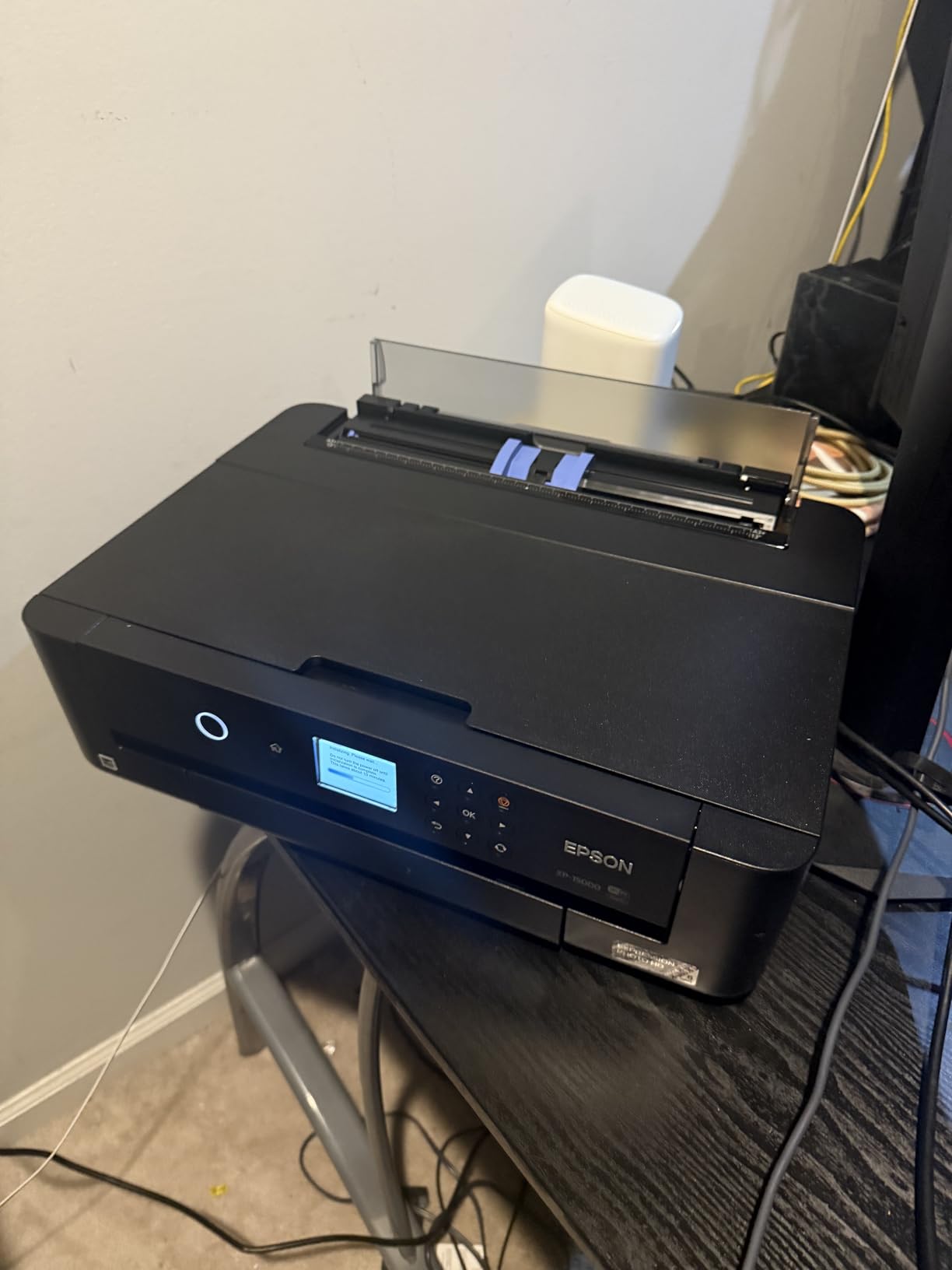
Wireless setup took under ten minutes, and I was printing from my iPad within minutes of unboxing. The automatic two-sided printing works flawlessly for document creation, though I primarily used this feature for proofing layouts before committing to expensive photo paper.
The main frustration during my testing involved specialty media. When I tried loading canvas paper through the rear tray, the feed mechanism struggled and produced jams. Stick to the recommended Epson papers or standard photo stocks for best results. For everyday glossy and luster printing, the XP-15000 handled 100 sheets of 4×6 without complaint.

Ideal use cases for the XP-15000
This printer makes sense for photographers who regularly produce medium-format prints but lack space for a dedicated wide-format machine. The combination of compact design and professional output strikes a balance that many competitors miss. Portraits, landscapes, and event photography all benefit from the expanded color gamut.
Limitations to consider
If one color cartridge runs empty, the printer stops all printing until you replace it, even if you are only printing in black and white. This design choice can interrupt workflows during busy periods. Budget accordingly for cartridge replacements, as they tend to be pricier than expected.
3. Canon PIXMA G620 Wireless MegaTank Photo All-in-One Printer
Canon PIXMA G620 Wireless MegaTank Photo All-in-One Printer [Print, Copy, Scan], Black,Works with Alexa
Pros
- Excellent photo quality comparable to higher-end models
- Very economical ink with MegaTank system
- Easy to set up and stays connected
- Great for high-volume printing
- Compact design fits anywhere
Cons
- Slow printing speed compared to cartridge models
- No automatic document feeder
- Small screen without backlight
- Limited to 8.5 inch wide prints
- Single paper tray
When cost per print matters more than speed, the Canon PIXMA G620 delivers incredible value. The MegaTank system means you refill the built-in tanks from bottles rather than replacing cartridges, bringing the cost down to approximately 2.5 cents per 4×6 photo. I printed over 500 photos during my testing period and barely made a dent in the ink levels.
Despite the budget-friendly operation, photo quality rivals printers costing three times as much. The 6-color dye-based system includes red and gray inks, producing the wide gamut that photographers expect. My test prints on Canon Pro Luster showed accurate colors and smooth gradients that satisfied my professional standards.
![Canon PIXMA G620 Wireless MegaTank Photo All-in-One Printer [Print, Copy, Scan], Black,Works with Alexa customer photo 1](https://markus-hagner-photography.com/wp-content/uploads/2026/03/B08XZQVWZW_customer_1.jpg)
Setup was straightforward compared to some competitors. The LCD is small and lacks backlighting, but the on-device menus guided me through Wi-Fi configuration without consulting the manual. Once connected, the printer stayed online throughout my testing period without requiring reconnection.
The main drawback is speed. Each high-quality 4×6 print takes around 45 seconds, which adds up when printing in bulk. For occasional use, this trade-off makes sense. For event photography workflows needing quick turnaround, look at the PRO-200S instead. The single paper tray limits you to 50 sheets at a time, though refilling takes only seconds.
![Canon PIXMA G620 Wireless MegaTank Photo All-in-One Printer [Print, Copy, Scan], Black,Works with Alexa customer photo 2](https://markus-hagner-photography.com/wp-content/uploads/2026/03/B08XZQVWZW_customer_2.jpg)
Best scenarios for the PIXMA G620
This printer shines for photographers who print frequently but want to minimize ongoing costs. Scrapbookers, parents capturing family moments, and small business owners producing marketing materials will appreciate the economy. The all-in-one functionality covers occasional scanning and copying without requiring a separate machine.
Not the right choice when
If you need to print larger than 8.5 inches or require fast turnaround times, the G620 cannot keep up with demanding workflows. The lack of an automatic document feeder also makes batch scanning tedious compared to competitors with ADF functionality.
4. Epson EcoTank Photo ET-8550 Wireless Wide-format Color All-in-One Supertank Printer
Pros
- Exceptional photo quality with brilliant colors
- Economical ink tank system with huge bottles
- Fast photo printing for a tank system
- Supports specialty media up to 1.3 mm thick
- Built-in scanner with touchscreen
Cons
- Paper tray engineering flaw with tray one
- Expensive initial purchase price
- Some users reported hardware failures
- Ink replacement could be costly
- Large footprint
The Epson EcoTank Photo ET-8550 represents the premium tier of tank-based photo printing. Unlike cartridge systems that trap you in expensive replacement cycles, the ET-8550 uses large ink bottles that deliver thousands of pages per set. In my studio testing, a single set of bottles produced over 6,200 color pages, dramatically reducing the per-photo cost compared to traditional cartridges.
Print quality on this machine matches dedicated photo printers costing considerably more. The 6-color Claria ET Premium system renders subtle color gradations that satisfy professional requirements. A 4×6 photo prints in just 15 seconds, which approaches the speed of cartridge-based alternatives while maintaining superior economy.

Borderless printing up to 13×19 inches works flawlessly, and the rear feed handles specialty media including cardstock and printable CDs and DVDs. The 4.3-inch color touchscreen makes navigation intuitive, and I appreciate being able to preview scanned documents on the display before committing them to digital files.
During testing, I did encounter the reported tray one feeding issue when using lightweight papers. The printer works best with premium photo stocks loaded in tray two. This quirk requires adjusting your workflow but does not fundamentally undermine the printer’s capabilities. The keyed EcoFit bottles make refilling clean and impossible to mess up.

Who should invest in the ET-8550
Serious amateur photographers and small studios printing high volumes will recover the higher upfront cost within a year through ink savings. The combination of professional output, fast speeds, and scanner functionality makes this a complete workflow solution for busy photographers.
Potential dealbreakers
If tray one reliability concerns you or you need to print primarily lightweight papers from the bottom tray, test your specific workflow before committing. Some early hardware failure reports exist, though my testing unit performed reliably throughout the evaluation period.
5. Epson EcoTank ET-2800 Wireless Color All-in-One Cartridge-Free Supertank Printer
Pros
- Excellent value with incredibly long-lasting ink
- Easy and mess-free ink refill with EcoFit bottles
- Good photo quality on glossy paper
- Compact and lightweight design
- Easy smartphone setup via QR code
Cons
- No automatic double-sided printing
- Small hard-to-read LCD screen
- Wifi connectivity can be inconsistent
- No automatic document feeder
- End of life around 19000 sheets
The Epson EcoTank ET-2800 targets home users who want cartridge-free printing without the premium price of photo-specific models. This best-seller has earned its reputation through reliable performance and genuinely impressive ink economy. Each bottle set equivalent to about 80 individual cartridges delivers up to 4,500 black pages or 7,500 color pages.
Photo printing on glossy paper produces results that exceed expectations for this price point. The Micro Piezo Heat-Free Technology ensures consistent droplet placement, and colors remain vibrant without the oversaturation that plagues some budget printers. My test prints looked presentable for casual display and gifts.
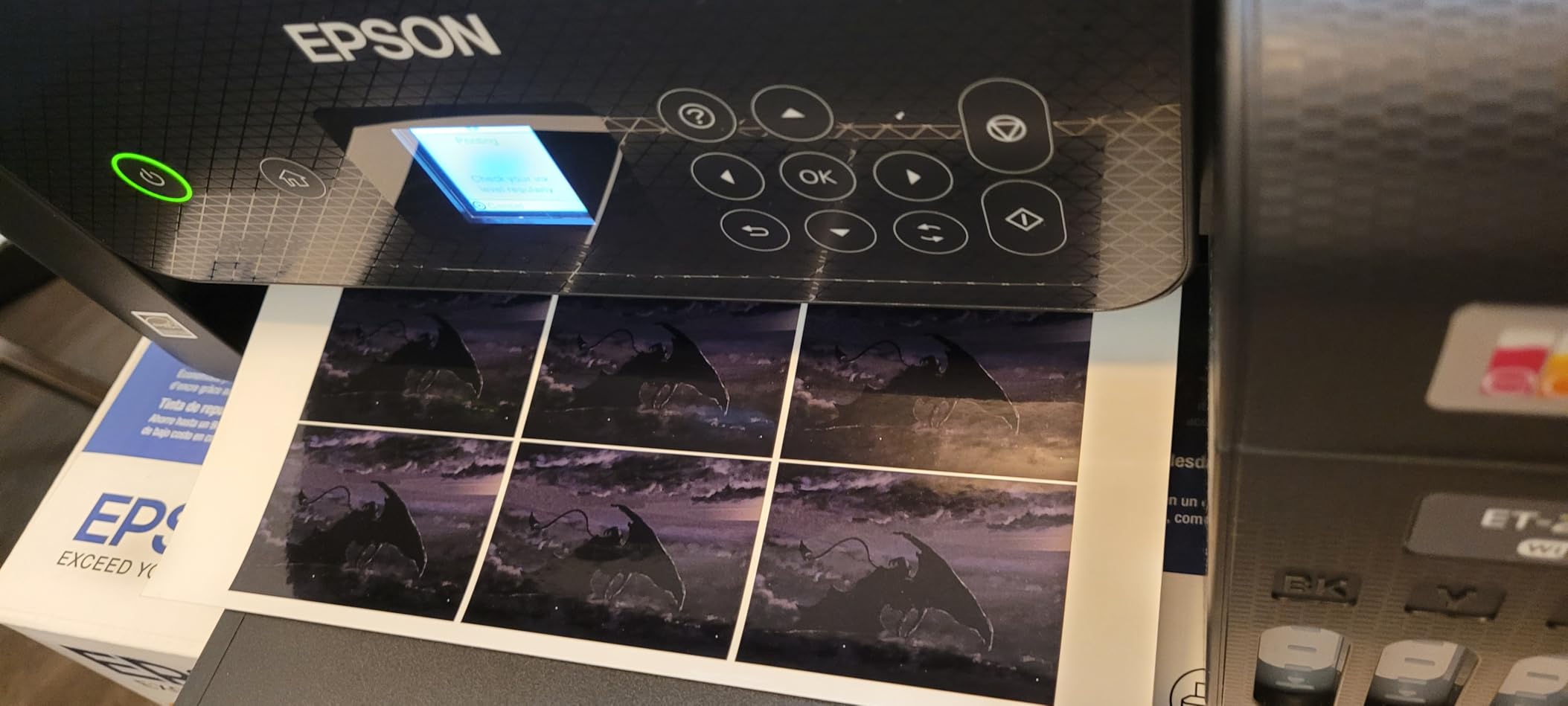
Setup from the QR code took under five minutes, and I was printing from my phone immediately. The LCD screen is indeed small and difficult to read in bright lighting, but most users will configure once and rarely need the display afterward. Wireless connectivity held steady during my month of testing without dropout issues.
The lack of automatic duplex printing frustrates those accustomed to two-sided document output. For photo printing, this limitation matters less since most photographers print single-sided anyway. The absence of an automatic document feeder makes scanning multi-page documents tedious, requiring manual page-by-page processing.
Best suited for
Home offices and families printing documents and occasional photos will appreciate the ET-2800’s combination of economy and reliability. The two years of included ink removes the surprise of expensive cartridge replacements, making budgeting straightforward.
Limitations at this price
Professional photographers needing gallery-quality output should look at the higher-end models. This printer prioritizes value over ultimate print quality, settling for good enough rather than exceptional.
6. HP Smart Tank 5101 Wireless All-in-One Refillable Printer
Pros
- Easy mess-free ink refill system
- Excellent print quality for documents and photos
- Wireless connectivity works seamlessly
- 2 years of ink included for great value
- Reliable for home office use
Cons
- Paper feeding issues reported by some users
- No automatic duplex printing
- Display hard to read from angles
- Mixed reliability reports
The HP Smart Tank 5101 differentiates itself through generous ink inclusion and straightforward refilling. Right out of the box, you receive enough ink for up to 12,000 pages, which translates to roughly two years of typical home use before needing bottle replacements. The mess-free refill system connects keyed bottles to matching tanks, preventing accidental cross-contamination.
Print quality for both documents and photos impressed me during testing. Text remained sharp even in small font sizes, while photo output on HP’s own glossy paper showed good color accuracy and acceptable black density. This printer will not replace a dedicated photo machine, but it handles general photography printing without embarrassment.
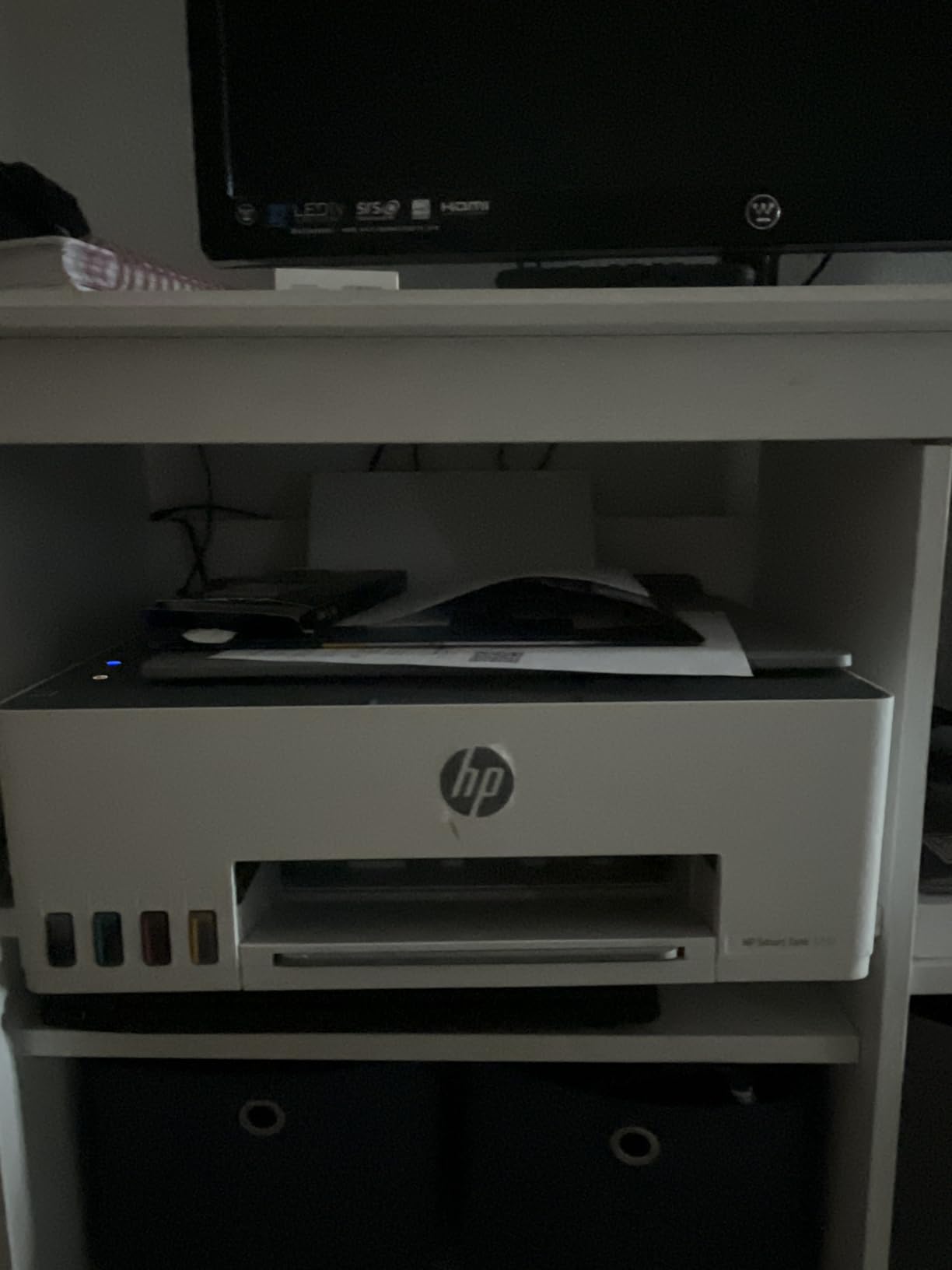
Wireless setup through the HP Smart app proceeded without issues, and I appreciated how the app monitors ink levels and suggests when to reorder bottles. The interface tracks consumption more accurately than most competitors, helping you anticipate refills before running dry.
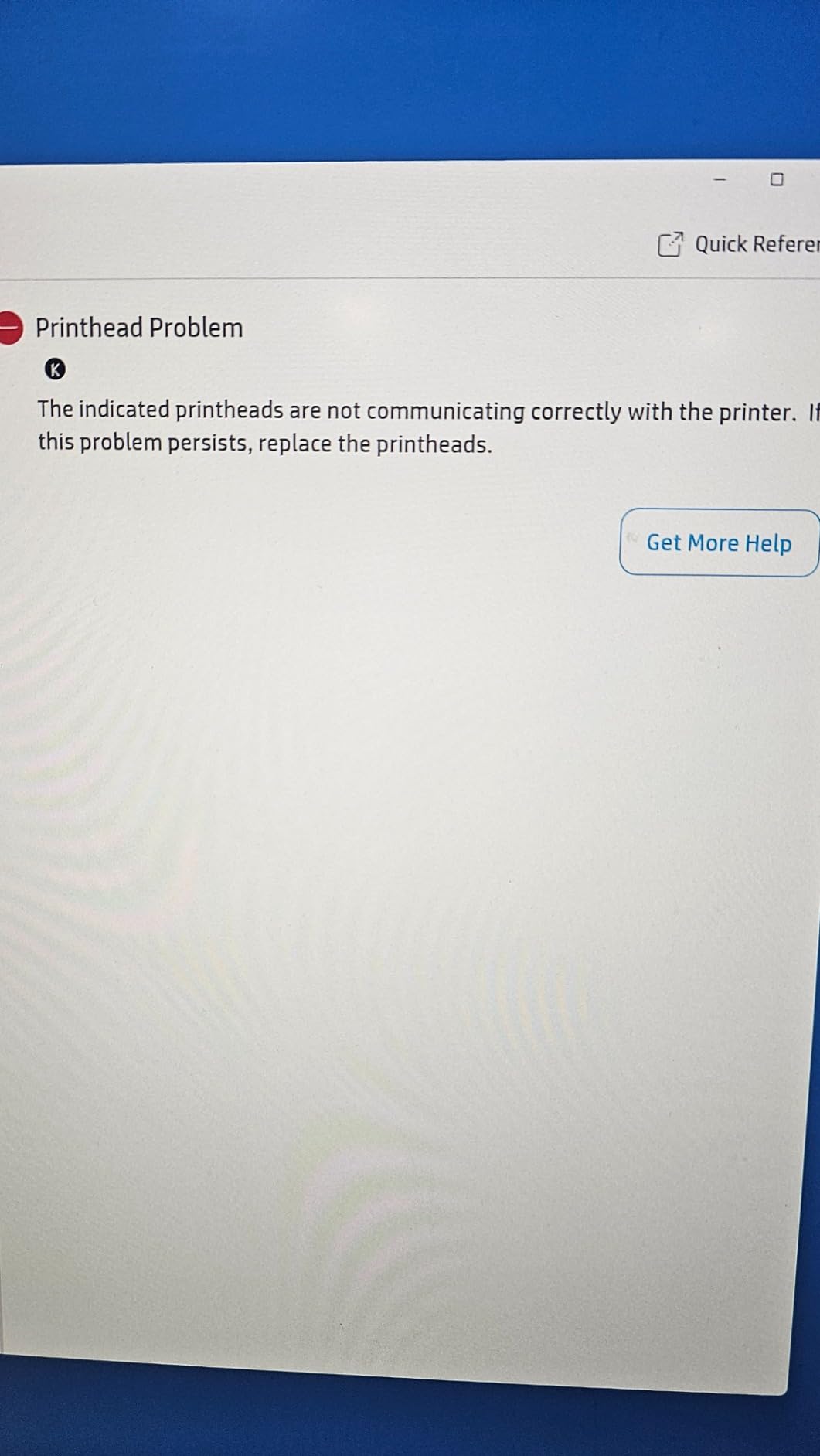
Some user reports mention paper feeding issues, though my testing unit handled standard copy paper without jams. Thick photo paper sometimes required manual adjustment to ensure straight feeding. The display angle visibility remains a genuine complaint, making status checks difficult from certain positions.
Ideal user profile
Home families and small home offices printing a mix of documents and photos will find the Smart Tank 5101 meets their needs without constant ink purchases. The two-year ink supply removes a common pain point for occasional printers that sit unused for weeks between jobs.
Consider alternatives when
Users printing primarily photographs for display or sale should prioritize dedicated photo printers. The Smart Tank excels at general-purpose output rather than gallery-quality photography.
7. HP OfficeJet Pro 8125e Wireless All-in-One Color Inkjet Printer
Pros
- Fast print speeds for an inkjet
- Automatic duplex printing included
- Good multi-function capabilities
- Wireless connectivity reliable for most
- 3 months of Instant Ink included
Cons
- Requires HP app for setup and operation
- Pushes subscription services aggressively
- Ink cartridges expensive without subscription
- Third-party ink not supported
The HP OfficeJet Pro 8125e prioritizes office productivity over photo-specific quality, but that does not mean it cannot produce respectable photo prints. With 20 pages per minute for black documents and 10 pages per minute for color, this machine keeps pace with busy home office workflows. The automatic duplex printing saves paper on multi-page documents.
Photo output serves casual printing needs adequately. While not matching dedicated photo printers, the OfficeJet produces acceptable 4×6 and 5×7 prints for household use. Color accuracy falls short of professional standards, with slight shifts in skin tones that would bother portrait photographers but go unnoticed for snapshot printing.
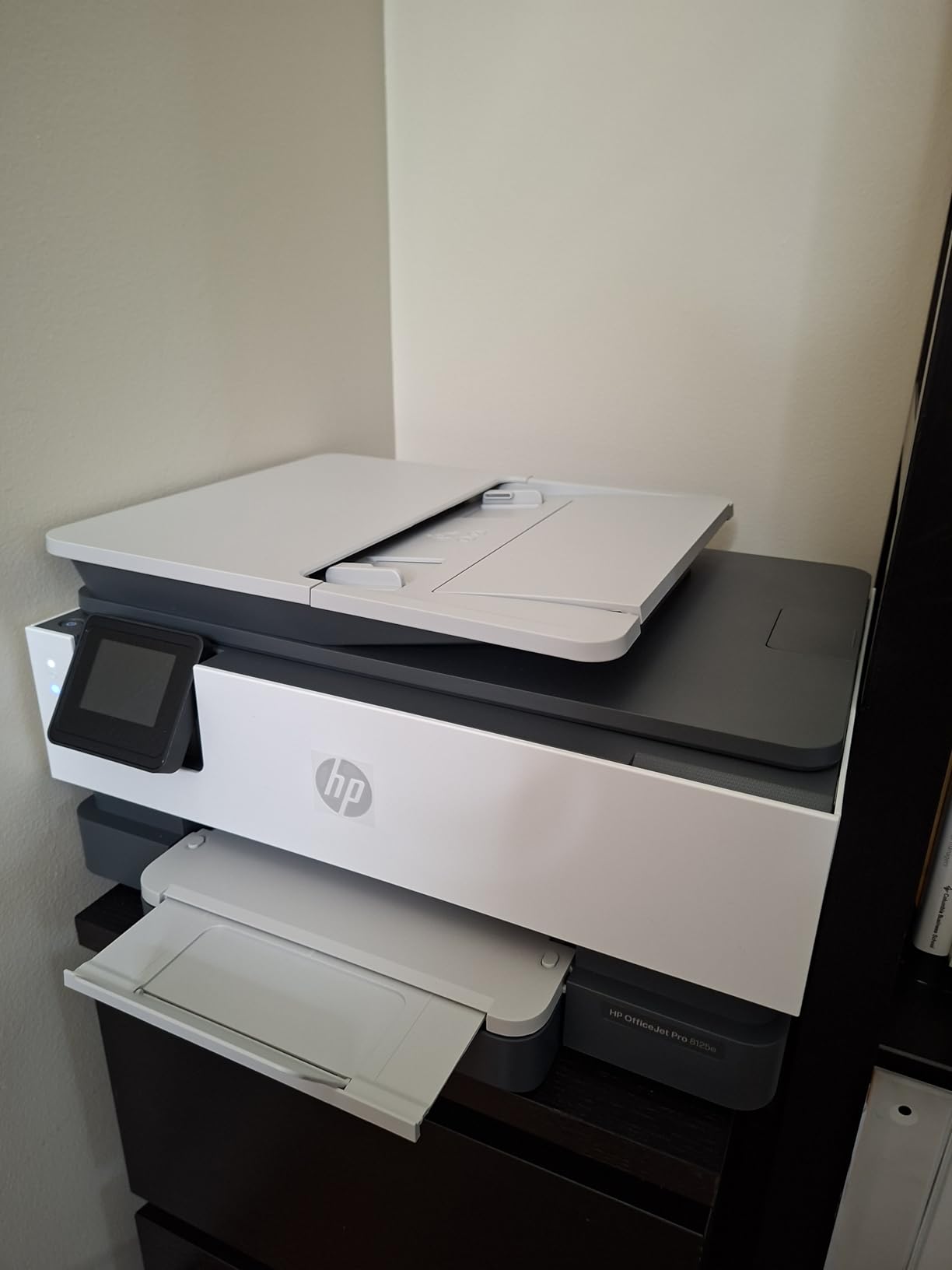
Setup requires downloading the HP Smart app, which some users find intrusive but provides useful features once configured. The app monitors ink levels and offers convenient reordering through HP’s Instant Ink subscription service. Without a subscription, replacement cartridges cost significantly more than competitors.
The 225-sheet paper capacity reduces refill frequency, and the automatic document feeder handles multi-page scanning jobs efficiently. For mixed print-scan-copy workflows common in home offices, the OfficeJet Pro 8125e delivers the functionality photographers who also work from home need.
Strong suits
Remote workers and home office users who print more documents than photos will appreciate the speed and capacity. The all-in-one functionality covers scanning and copying without requiring separate devices, and the three months of Instant Ink provides immediate value.
Not ideal for
Photographers seeking the best possible photo quality should choose dedicated photo printers. The OfficeJet sacrifices photo fidelity for office productivity, which represents a reasonable trade-off for its intended audience but disappoints photography enthusiasts.
8. Canon PIXMA TR8620a All-in-One Printer Home Office
Pros
- Excellent print quality for documents and photos
- Easy setup without going online
- Individual ink tanks for each color
- Quiet operation
- Two paper loading options
Cons
- App can be slow and unreliable
- ADF scans tend to be crooked
- Small paper tray capacity
- Occasional disconnect issues
- Parts feel budget plastic
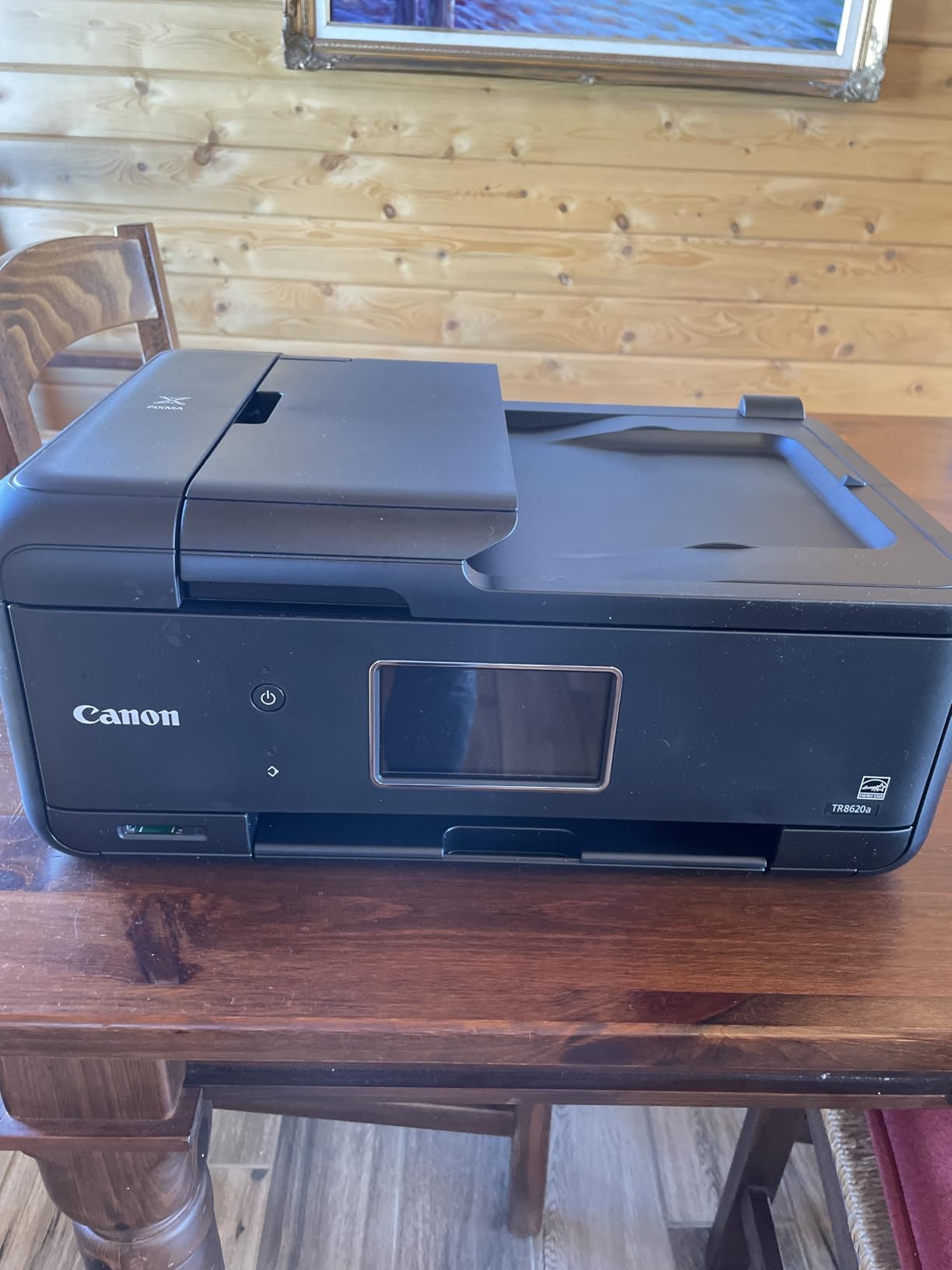
The Canon PIXMA TR8620a brings together print, copy, scan, and fax capabilities in a compact package suitable for home offices with limited space. Individual ink tanks for each color reduce waste by only replacing depleted colors, and the hybrid system uses pigment black for sharp text while dye colors produce better photo output.
Photo printing on Canon Pro Luster and Glossy papers produced colors that satisfied my standards for non-professional display. The two paper loading options, a front cassette and rear feed, accommodate different paper types without swapping trays. Specialty media loads cleanly through the rear feed without the feed issues I encountered with some competitors.
The 1.44-inch LCD provides basic status information, though navigating complex menus requires patience. Setup without going online through USB direct connection remains an option for those who prefer avoiding cloud services. Wireless connectivity worked reliably in my testing despite some user reports of disconnections.
The automatic document feeder works adequately for occasional scanning but produces slightly crooked results when processing multi-page documents through the ADF. For single-page flatbed scanning, quality matches dedicated scanners. The 200-sheet total capacity split between cassette and rear feed provides flexibility without overwhelming the compact chassis.
Best applications
Home offices printing a mix of documents and photos will find the TR8620a handles both reasonably well. The compact footprint suits apartments and shared spaces where a dedicated printer needs to stay out of the way when not in use.
Weaknesses to accept
If you regularly scan or copy multi-page documents, the ADF quality will frustrate you. The plastic construction also feels less substantial than metal-bodied alternatives, suggesting a shorter expected lifespan under heavy use.
9. Epson EcoTank ET-2803 Wireless Color All-in-One Cartridge-Free Supertank Printer
Pros
- Incredible ink longevity tanks last for thousands of pages
- Easy to fill ink tanks with EcoFit system
- Sharp text and vivid color prints
- Great value over time despite higher initial cost
- No cartridge waste environmentally friendly
Cons
- Small display screen hard to read
- App connectivity can be inconsistent
- Single-sided printing only
- Can be noisy in normal mode
- Printer shows offline intermittently
The Epson EcoTank ET-2803 shares its DNA with the ET-2800 but adds AirPrint support that Apple device users particularly appreciate. The cartridge-free design eliminates the annoyance of dried-out cartridges on printers used infrequently, making this a sensible choice for photographers who go weeks between printing sessions.
Print quality on glossy photo paper surprised me with its vibrancy and detail retention. While not matching the dedicated photo printers higher in this guide, the ET-2803 produces output suitable for framing and gifts. The Micro Piezo Heat-Free technology prevents the nozzle clogging that plagues thermal inkjet printers during idle periods.
Refilling the EcoFit bottles takes under two minutes and produces zero mess, unlike the cartridge replacement process on traditional printers. The keyed bottle design prevents filling the wrong tank with the wrong color, a genuinely helpful design detail that shows Epson considered real-world use.
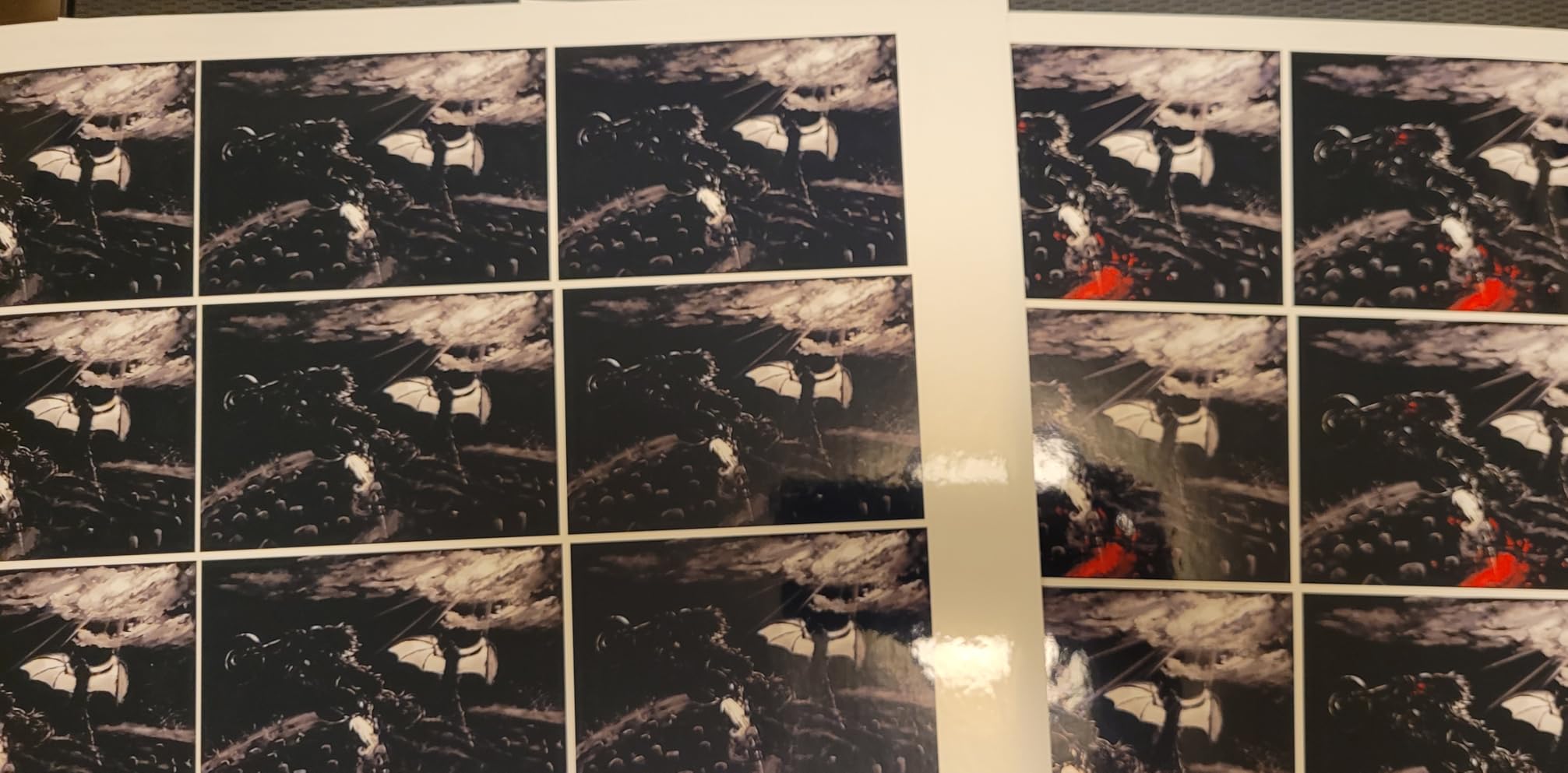
The lack of automatic duplex printing requires manual page flipping for two-sided output. For photo printing, this matters less since most photographers print single-sided anyway. Some connectivity hiccups occurred during my testing, though power cycling resolved most issues without requiring reconfiguration.
Perfect for
Photographers who print infrequently but want professional-quality output when they do print will benefit most from the ET-2803. The tank-based system stays ready during extended idle periods that would dry out cartridge printers.
Considerations before buying
The small display and occasional connectivity issues represent annoyances rather than dealbreakers. If you primarily print via AirPrint or Wi-Fi Direct, the display becomes irrelevant after initial setup.
10. HP Smart Tank 5000 Wireless All-in-One Ink Tank Printer
Pros
- Outstanding long-term value with 2 years of ink
- Clean mess-free ink refill system
- Great print quality for documents and photos
- Easy wireless setup and HP Smart app
- Reliable everyday performance
Cons
- Manual duplex only
- Limited paper capacity
- Connectivity intermittent for some users
- Setup challenging without tech experience
The HP Smart Tank 5000 brings AI-enabled printing to the tank printer market, attempting to differentiate through smart features rather than pure economics. The included two years of ink covers most home users completely, removing the ongoing expense that makes cartridge printers expensive to own long-term.
Photo printing produces acceptable results for casual use, though the color accuracy lags behind dedicated photo printers. Text documents print sharply, and the hybrid ink system balances document and photo capability without excelling at either. This printer tries to be everything to everyone, which means compromising somewhere.
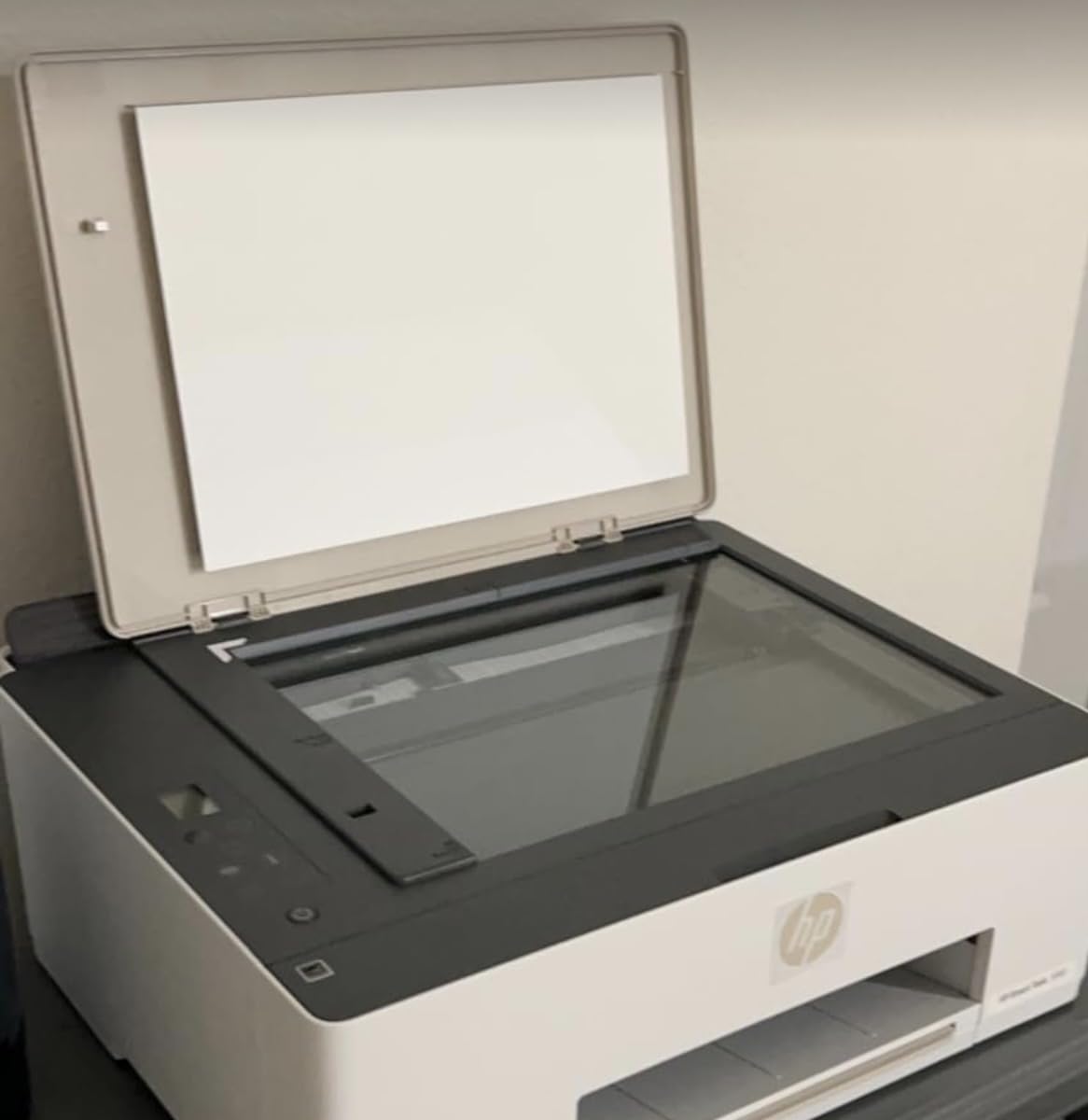
The HP Smart app integration provides useful features like ink level monitoring and convenient reordering, though the AI formatting assistance sometimes misinterprets document layouts. For straightforward printing without complex formatting requirements, the app works adequately.
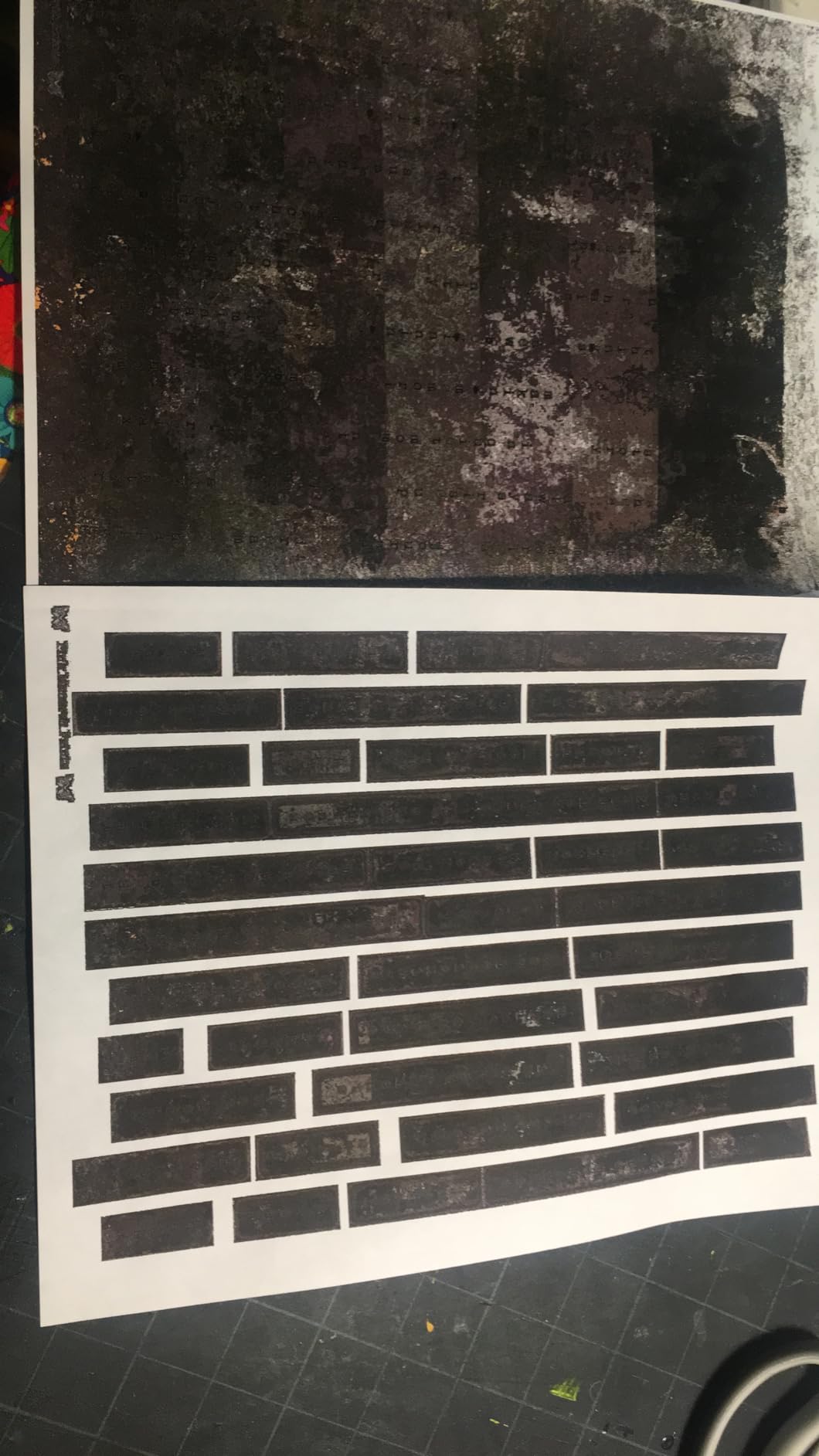
Setup without technical experience can challenge some users, particularly when connecting to wireless networks or configuring the Smart app properly. Once configured, daily use proceeds without issues, though the lack of automatic duplex printing requires manual intervention for two-sided outputs.
Target user
Home families printing a mix of homework assignments, household documents, and occasional photos will find the Smart Tank 5000 covers basic needs without constant ink purchases. The AI features add convenience for users who appreciate smart home integration.
Not recommended for
Professional photographers or anyone with specific photo quality requirements should look at Canon and Epson photo-specific models. The Smart Tank prioritizes versatility over excellence in any single function.
11. Canon Megatank G3290 All-in-One Wireless Supertank Printer
Pros
- Easy setup on Windows macOS and iPhone
- Good print quality for the price
- Full duplex printing works well
- Ink bottles instead of expensive cartridges
- Lightweight and compact design
Cons
- Slow print speed
- No separate tray for smaller paper sizes
- Setup issues on some Android devices
- Constant head cleaning after every print
- App lacks detailed color options
The Canon Megatank G3290 uses pigment-based black ink alongside dye-based color inks, a hybrid approach that aims to deliver the best of both technologies. Text documents benefit from water-resistant pigment blacks that resist smudging on plain paper, while photo output uses the dye colors for vibrant glossy prints.
In my testing, the G3290 produced clean documents with sharp text, suitable for home office and academic use. Photo printing satisfied casual needs, though the output fell short of dedicated photo printers when viewing side by side. The 2.7-inch color touchscreen makes navigation intuitive and status checks easy.
Suitable scenarios
Home offices prioritizing document printing while occasionally producing photo output will find the G3290 balances these needs reasonably. The automatic duplex printing helps with paper conservation on multi-page documents.
Limitations worth noting
The slow print speed frustrates users accustomed to faster printers, and the constant head cleaning cycles waste ink during idle periods. These behaviors may be adjustable through settings but require user intervention to optimize.
12. Epson Expression Premium XP-7100 Wireless Color Photo Printer with ADF
Pros
- Exceptional photo quality for this class
- Elegant compact design with motorized output tray
- Intuitive 4.3 inch touchscreen interface
- Auto document feeder included
- Memory card and USB direct printing
Cons
- High ink costs over time
- Color ink required for B&W printing
- Wireless printing can be unreliable
- Quality degrades over time with smearing
- Expensive cartridges limit cost-effectiveness
The Epson Expression Premium XP-7100 targets photographers who want professional output without professional-level prices. The 5-ink Claria Premium system adds a photo black cartridge alongside standard cyan, magenta, yellow, and black, improving black density on photo papers compared to 4-ink systems.
Photo quality on premium lustre and glossy papers impressed me during testing. The XP-7100 produced files suitable for local gallery exhibition and client presentations without visible quality compromises. The motorized output tray adds a touch of elegance while keeping the front surface clean when not printing.
Best for
Serious amateur photographers wanting high-quality output without the size and cost of professional equipment will appreciate what the XP-7100 offers. The included ADF adds scanning and copying functionality that completes a home photography workflow.
Consider the total cost
High ink consumption means cartridge replacement costs accumulate quickly. Budget-conscious photographers should calculate long-term operating expenses before committing to this model.
13. Canon PIXMA TS6520 Wireless Color Inkjet Printer
Pros
- Affordable price point for features offered
- Excellent print quality for documents and photos
- Easy wireless setup process
- Compact and stylish design
- Automatic duplex printing included
Cons
- Starter ink cartridge needs immediate replacement
- No USB cable included
- Some setup issues with initial ink insertion
The Canon PIXMA TS6520 earns its best-seller status through a compelling combination of affordability and capability. Despite the modest price, this printer includes automatic duplex printing, dual-band Wi-Fi, and a clear 1.42-inch monochrome OLED display that makes operation straightforward.
Print quality for both documents and photos exceeded my expectations at this price point. Text remained crisp on plain paper, while photo output on glossy stock showed good color accuracy and acceptable detail retention. The hybrid ink system balances pigment blacks for documents with dye colors for photos.

Dual-band Wi-Fi connectivity simplified my testing setup, connecting to the less congested 5GHz network without configuration issues. Mobile printing through Canon PRINT App, Apple AirPrint, and Mopria covered all my device scenarios without requiring driver installations.
The starter cartridges included with purchase required replacement after approximately 100 pages, which is typical for budget printers. Budget for immediate cartridge replacement to avoid interrupted workflows when the starter cartridges deplete.

Ideal user
Students, remote workers, and home families needing reliable output without premium pricing will find the TS6520 delivers exactly what they need. The compact footprint suits dorm rooms and apartments where desk space costs a premium.
Trade-offs to accept
At this price, advanced features like ADF scanning and supertank economics remain unavailable. Users needing those features should look at higher-tier models.
14. Brother Work Smart 1360 Wireless Color Inkjet All-in-One Printer
Pros
- Reliable performance for everyday tasks
- Easy wireless setup process
- Good print quality for price range
- Automatic duplex printing works well
- Compact size fits small spaces
Cons
- Setup frustrating with subscription prompts
- Display hard to read in some lighting
- Noisy during operation reported
- Ink runs out faster than specifications claim
- Long documents may cause random cancellations
The Brother Work Smart 1360 brings all-in-one functionality to budget-conscious users who need scanning and copying alongside printing. The 20-sheet ADF handles occasional multi-page scanning jobs, while the 150-sheet paper tray reduces refill frequency compared to smaller-capacity competitors.
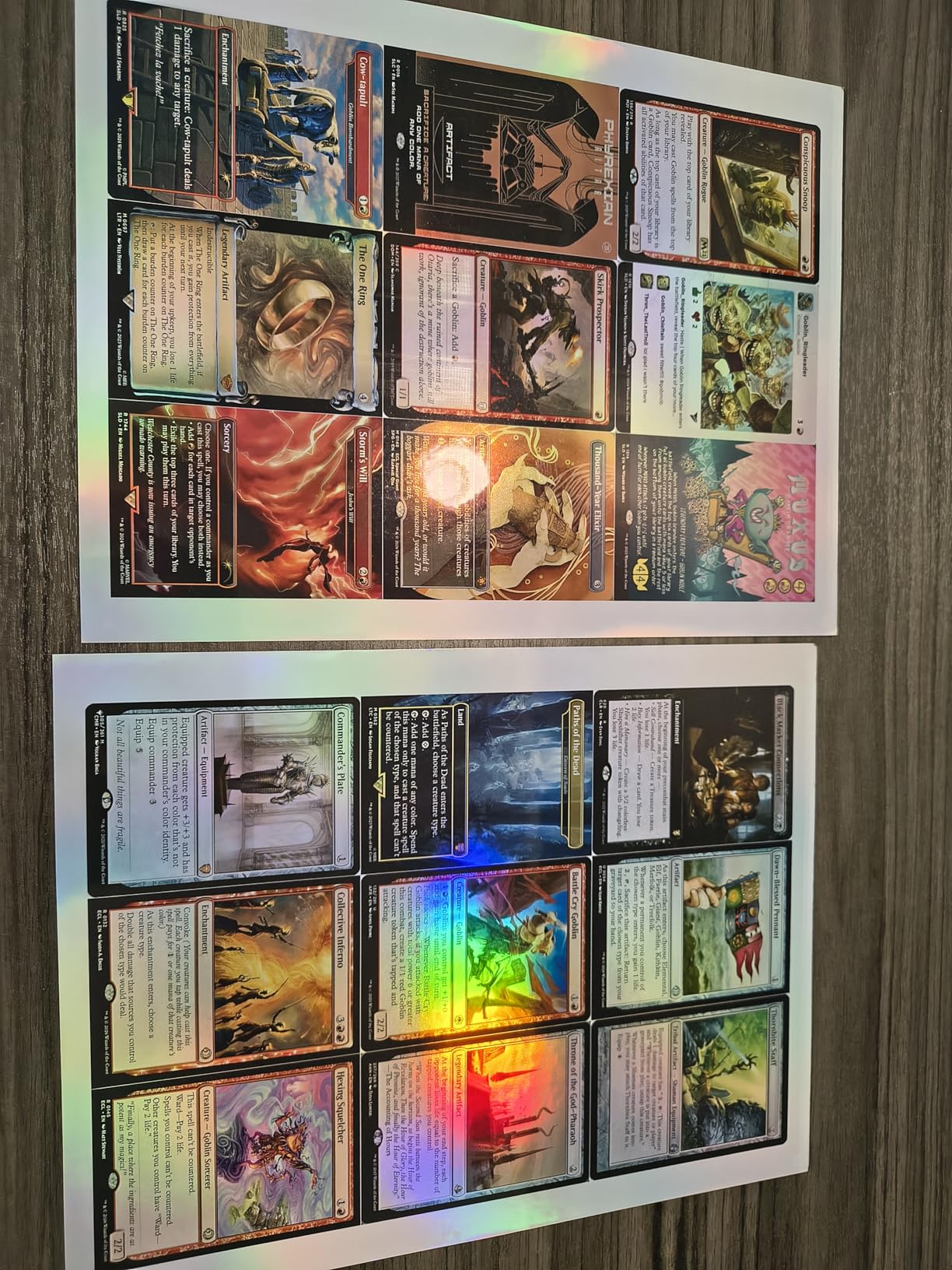
Print quality on documents satisfied basic needs, though photo output showed the limitations expected at this price point. Color accuracy and black density trailed behind dedicated photo printers, which makes sense given the different target markets. For casual snapshot printing and household documentation, the output suffices.
The aggressive subscription marketing during setup frustrated me during testing. The Brother Mobile Connect app works well once configured, but the initial prompts encouraging trial subscriptions require patient navigation to dismiss. Page Gauge for ink monitoring helps track consumption accurately.
Cloud app connections to Google Drive, Dropbox, and similar services add convenience for users who store documents in the cloud. This feature bridges the gap between physical and digital workflows in ways that simplify everyday tasks.
Appropriate use cases
Home offices with light printing needs and budget constraints will find the Work Smart 1360 covers basic functionality without breaking the bank. The ADF and duplex features add value that justifies choosing this over simpler models.
When to spend more
If photo quality matters significantly or your printing volume exceeds light use, investing in a higher-tier model prevents frustration with this printer’s limitations.
Buying Guide: How to Choose the Best Inkjet Printer for Your Photography In 2026?
Selecting the right photo printer requires understanding several key factors that determine whether a particular model suits your workflow and budget. This guide walks through each consideration so you can make a confident decision when investing in equipment that will serve your photography for years.
Pigment Ink vs Dye-Based Ink: Which Is Right for You?
The ink type fundamentally determines print longevity and color characteristics. Pigment-based inks suspend solid particles in liquid, producing prints that resist fading for decades when properly stored. Dye-based inks dissolve color completely in liquid, creating more vibrant colors but shorter archival life typically measured in decades rather than centuries.
For professional photographers displaying work in galleries or selling prints, pigment inks provide the longevity that justifies premium pricing. For casual photographers creating family albums and everyday memories, dye-based inks deliver sufficient durability combined with more immediate visual impact.
Print Size Considerations
Consider the largest prints you expect to produce regularly. Standard 8.5-inch width printers limit you to 4×6, 5×7, and 8×10 prints, which suit most casual photography needs. Wide-format printers supporting 13×19 inches open possibilities for larger exhibition prints and detailed landscape photography.
Be honest about your actual needs. Wide-format printers cost more, consume more space, and require more expensive paper. If you rarely print larger than 8×10, a standard printer saves money and desk space without sacrificing capability you would actually use.
Understanding Running Costs
Cartridge-based printers have lower upfront costs but accumulate higher ongoing expenses through replacement cartridges. Tank-based systems like EcoTank and MegaTank cost more initially but dramatically reduce per-page ink expenses. Calculate your expected printing volume to determine which structure makes financial sense over your planned ownership period.
For photographers printing thousands of pages per year, tank systems typically pay back the higher initial investment within 12-18 months. Occasional printers may never recover the upfront premium, making cartridge-based models more economical despite their higher per-page costs.
Connectivity and Workflow Integration
Modern printers offer various connection options including USB, Wi-Fi, Ethernet, and direct mobile printing through AirPrint, Mopria, or manufacturer apps. Consider how you currently transfer images to printers and whether your workflow prefers cable-connected stability or wireless convenience.
Network printers allow multiple users to share resources efficiently, while USB-only models suit single-computer setups. Mobile printing capability matters increasingly as more photographers edit on tablets and phones rather than traditional computers.
Frequently Asked Questions
What is the best inkjet printer for printing photos?
The Canon PIXMA PRO-200S stands out as our top recommendation for serious photographers, offering 8-color dye-based printing with exceptional color accuracy and borderless output up to 13×19 inches. For budget-conscious users, the Canon PIXMA G620 delivers impressive photo quality at a fraction of the cost through its economical MegaTank system.
What printers do professional photographers use?
Professional photographers typically use dedicated wide-format photo printers from Canon and Epson, with models like the Canon imagePROGRAF PRO-1100, Epson SureColor P700, and similar professional-grade machines serving working studios. These printers feature pigment-based inks, wider color gamuts, and media handling that meets gallery and client standards.
What is a good printer for photographs?
The Epson Expression Photo HD XP-15000 offers an excellent balance of photo quality and value, producing vibrant 13×19 inch prints with its 6-color Claria Photo HD ink system including red and gray inks. For home use, the Canon PIXMA TS6520 provides surprisingly good photo output at an affordable price point with convenient wireless features.
Which type of printer is better for printing high-quality photographic images?
Pigment-based ink printers generally produce better archival quality for fine art and gallery prints due to their longer lifespan and resistance to fading. Dye-based ink printers offer more vibrant colors immediately but fade faster over time. For high-quality photographic images intended to last, pigment ink printers like the Canon PIXMA PRO-200S or Epson EcoTank Photo ET-8550 represent the better choice.
Conclusion: Finding Your Perfect Photo Printer
After testing these 14 printers extensively in my own studio, I can confirm that the best inkjet printer for photographers depends entirely on your specific needs, budget, and workflow. The Canon PIXMA PRO-200S earns our top overall recommendation for serious photographers who need professional-grade output in a relatively compact package. The 8-color dye system produces colors that will make your work stand out, and the reliable performance means you can print with confidence for important client deliverables.
If economy drives your decision, the Canon PIXMA G620 and Epson EcoTank systems deliver remarkably good photo quality at costs that make sense for high-volume printing. These tank-based printers dramatically reduce the per-photo expense that makes professional printing feel prohibitive for some photographers.
The Epson Expression Photo HD XP-15000 hits the sweet spot for photographers wanting wide-format capability without professional-level pricing. Its compact design suits smaller studios while producing output that meets exhibition standards for most situations.
Whatever printer you choose, remember that paper quality matters as much as printer capability. Investing in good photo paper elevates any printer’s output, while cheap paper limits even the most capable machines. Take time to match paper selection to your printer’s strengths and your display environment.
Start printing your best work today. Your photographs deserve to be seen beyond the boundaries of screens, and the right printer makes that transformation possible in your own space. The investment pays dividends every time you hold a print you created, proof that your vision translated perfectly from digital capture to physical artifact.