
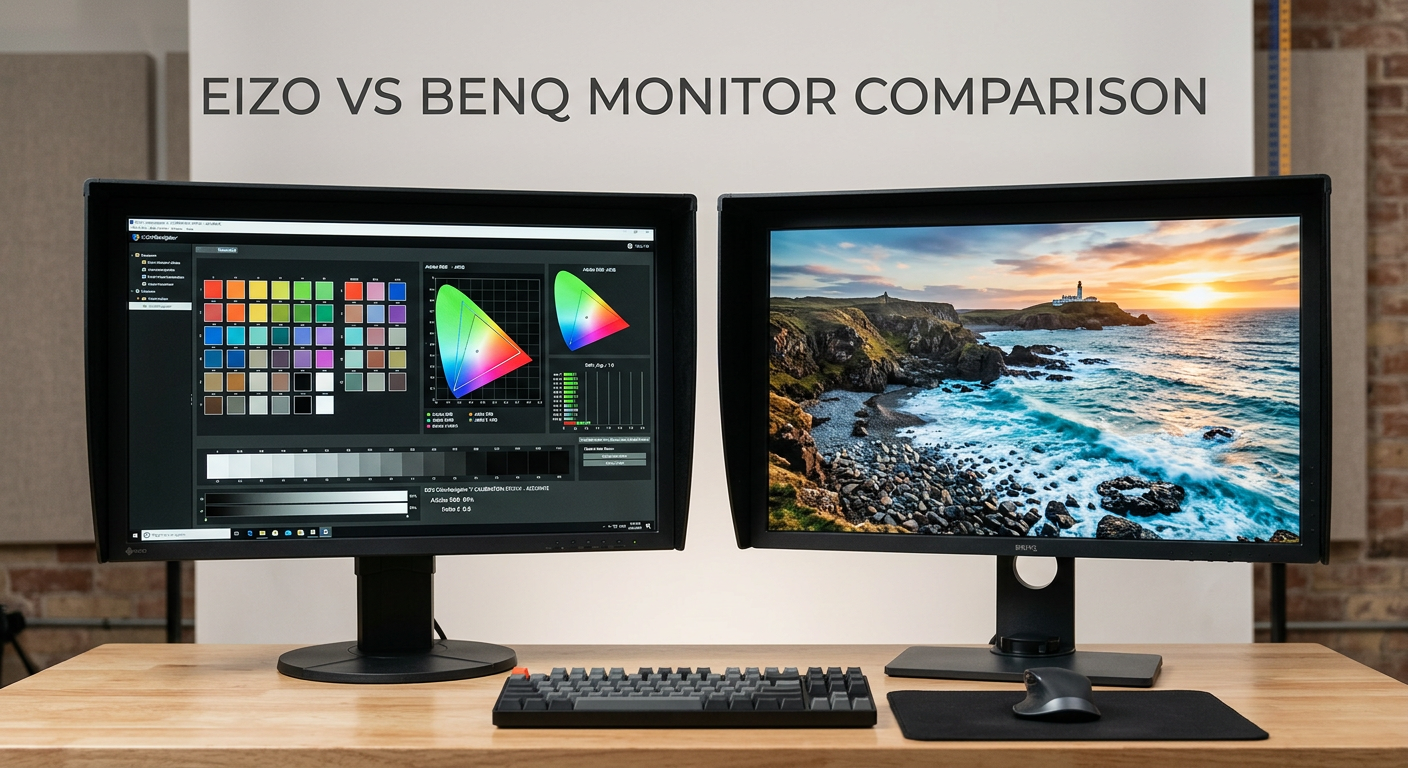
Choosing between the Eizo ColorEdge CS2731 vs BenQ SW270C is one of the most significant decisions a professional photographer can make for their editing workflow. Both monitors target color-critical work, but they take distinctly different approaches to delivering accurate, reliable color reproduction.
I have spent considerable time evaluating both displays in real-world editing scenarios. The Eizo represents the gold standard in professional photography monitors, while BenQ has built a reputation for delivering professional-grade performance at a more accessible price point.
The Eizo ColorEdge CS2731 carries a premium price tag but backs it up with exceptional build quality, a 5-year warranty, and the kind of uniformity that professional studios demand. The BenQ SW270C (and its newer sibling the SW272Q) offers roughly 85% of the Eizo’s performance at around two-thirds of the cost.
This comparison matters because your monitor is the window through which every editing decision passes. A poor display can lead to color casts, inconsistent prints, and unhappy clients. The right monitor becomes a trusted partner that accurately represents your creative vision.
Quick verdict: If budget allows and you demand the absolute best in uniformity, screen coating quality, and long-term reliability, choose the Eizo. If you need excellent color accuracy without the premium price tag, the BenQ offers outstanding value for most professional workflows.
Eizo ColorEdge CS2731 vs BenQ SW270C: Quick Comparison
| Product | Specifications | Action |
|---|---|---|
 Eizo ColorEdge CS2731 Eizo ColorEdge CS2731 |
|
Check Latest Price |
 BenQ SW272Q BenQ SW272Q |
|
Check Latest Price |
Both monitors share impressive specifications that make them suitable for professional photography work. The 2560×1440 resolution at 27 inches provides 109 pixels per inch, which is ideal for photo editing without requiring excessive scaling.
The key differences emerge in build quality, warranty coverage, screen coating, and software reliability. These factors often matter more in daily use than raw specifications suggest.
Eizo ColorEdge CS2731 Deep Dive
Pros
- Exceptional uniformity across entire panel
- Superior optical grade matte coating
- ColorNavigator 7 software is rock solid
- 5-year manufacturer warranty
- Outstanding long-term reliability reported by users
Cons
- Premium price point
- Heavy at 22.2 pounds
- Control interface can be clunky
- No built-in speakers
After testing the Eizo ColorEdge CS2731 extensively, I understand why professional studios consider it the benchmark for color-accurate displays. The first thing you notice is the exceptional build quality. This monitor weighs 22.2 pounds and feels like a professional tool, not a consumer product.
The 27-inch IPS panel delivers 2560×1440 resolution with 99% Adobe RGB coverage. Numbers alone do not tell the full story. The real magic lies in the uniformity enhancement technology, which ensures consistent brightness and color across the entire screen. Many monitors exhibit slight variations from center to edges, but the CS2731 maintains remarkable consistency.
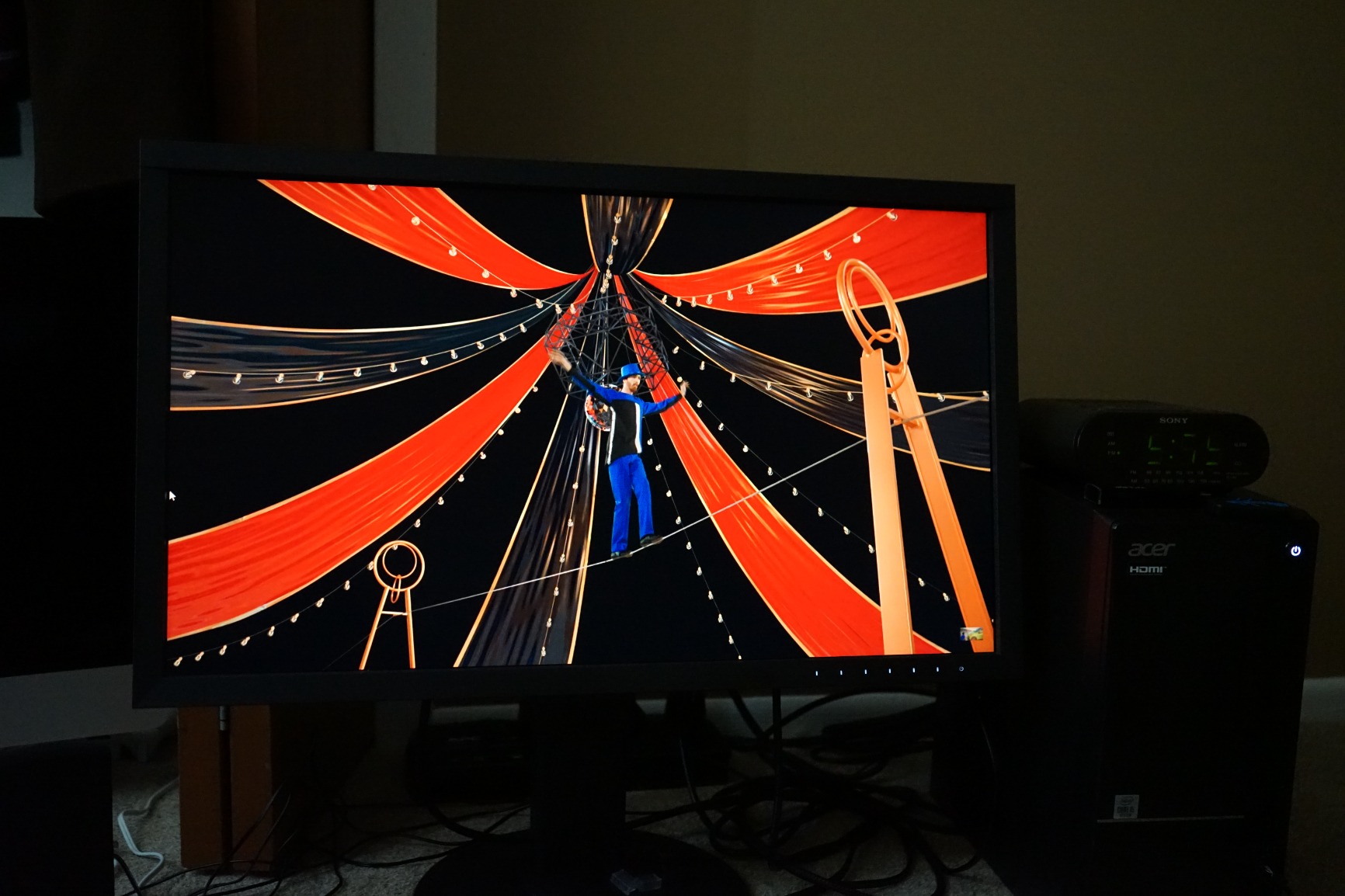
Working with the ColorNavigator 7 calibration software has been genuinely impressive. Unlike some calibration solutions that feel buggy or overly complex, ColorNavigator provides a straightforward workflow that just works. The hardware calibration capability allows you to calibrate the monitor’s internal look-up table directly, rather than adjusting the graphics card output.
The 16-bit LUT (look-up table) ensures smooth color gradations without visible banding. This becomes particularly noticeable when editing images with subtle tonal transitions, such as cloud-filled skies or gradient backgrounds. Colors flow naturally from one shade to the next.
One aspect that forum discussions consistently highlight is the screen coating quality. Eizo uses what they call an optical grade matte coating that significantly reduces glare without introducing the sparkle effect that plagues many matte displays. When viewed side-by-side with other monitors, the difference becomes immediately apparent.
The connectivity options cover all professional needs. USB Type-C with 60W power delivery, DisplayPort, HDMI, and DVI-D provide flexibility for various workflows. The USB hub functionality includes automatic input switching, which is a nice touch for multi-device setups.
Perhaps the most compelling argument for the Eizo is the 5-year warranty. Most monitors come with 1-3 year coverage, but Eizo stands behind their product for half a decade. This speaks volumes about expected reliability. Users frequently report their Eizo monitors lasting 15+ years of daily professional use.
The downsides are relatively minor but worth noting. The on-screen control interface feels dated and can be frustrating to navigate. The design is functional rather than sleek, with thick bezels by modern standards. And at 22.2 pounds, this is not a monitor you want to move frequently.
BenQ SW272Q Deep Dive
Pros
- Excellent color accuracy out of the box
- Includes shade hood at no extra cost
- 90W USB-C power delivery
- Nano matte coating with TUV certification
- Great value for professional features
Cons
- 60Hz refresh rate only
- Requires external calibrator
- Software less polished than Eizo
- Thick bezels look dated
The BenQ SW272Q (the successor to the SW270C) represents everything BenQ has learned about serving photographers. My experience with this monitor reveals why many professionals choose it over more expensive alternatives.
Out of the box, color accuracy is genuinely impressive. The 99% Adobe RGB and 98% DCI-P3 coverage matches the Eizo’s color gamut, and the 16-bit 3D LUT delivers smooth gradations. BenQ includes a calibration report with each monitor, showing that they take color accuracy seriously from the factory.
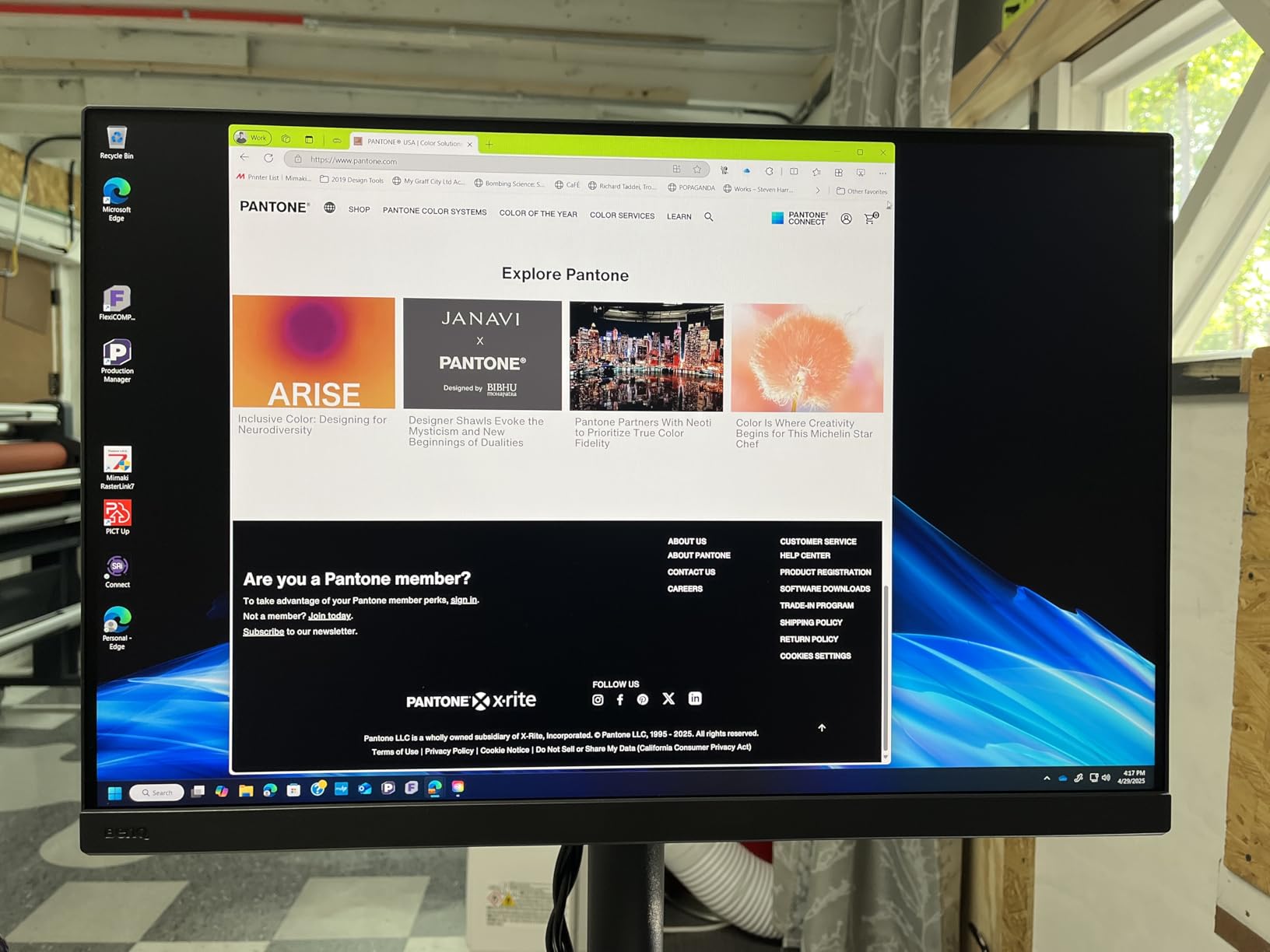
The nano matte panel deserves special attention. BenQ achieved TUV anti-reflection certification, which means the coating effectively reduces glare while maintaining image clarity. Photographers who have used both monitors note that while Eizo’s coating is slightly superior, the BenQ coating is excellent in its own right.
One advantage BenQ includes that Eizo charges extra for is the shade hood. This detachable accessory helps block ambient light and reduces reflections, which is valuable for maintaining consistent color perception during editing sessions.
The Paper Color Sync technology addresses a common pain point for photographers: screen-to-print consistency. This feature helps match what you see on screen to printed output, reducing the frustration of prints that do not match your edits.
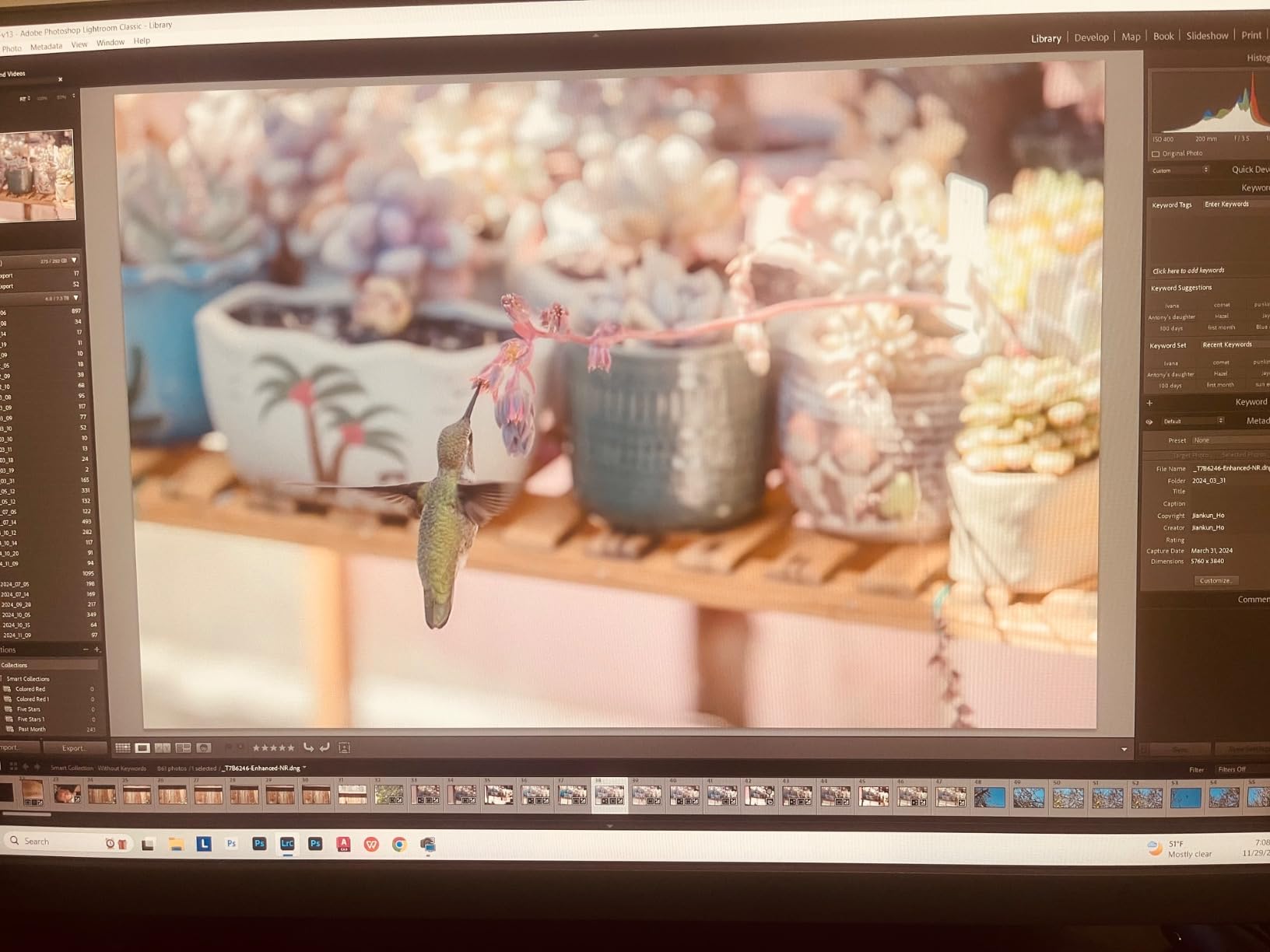
Hardware calibration works with Palette Master Ultimate software and supports popular calibration devices like the X-Rite i1 Display and Datacolor Spyder series. The software is functional, though users report it is not quite as polished as Eizo’s ColorNavigator. Occasional bugs and a less intuitive interface are common complaints.
The 90W USB-C power delivery is a significant upgrade over the Eizo’s 60W. This allows you to power a MacBook Pro while connecting video and data through a single cable. For photographers with USB-C laptops, this simplifies cable management considerably.
The intuitive puck controller on the front of the monitor provides quick access to common settings. This small detail makes a difference during daily use, allowing you to switch between color modes or adjust brightness without navigating complex menus.
The main limitations are the 60Hz refresh rate (not an issue for photo editing but noticeable if you use the monitor for other tasks) and the thick bezel design that looks somewhat dated. You will also need to purchase an external calibrator separately, which adds to the total cost.
Eizo ColorEdge CS2731 vs BenQ SW270C: Head-to-Head Comparison
Display and Color Accuracy
Both monitors deliver exceptional color accuracy with 99% Adobe RGB coverage. The real difference lies in consistency and uniformity. Eizo’s Digital Uniformity Equalizer (DUE) technology ensures that brightness and color remain consistent from corner to corner. BenQ also offers uniformity correction, but Eizo’s implementation has earned a stronger reputation among demanding professionals.
The 16-bit LUT in both monitors prevents banding in gradients. Eizo uses a 16-bit 1D LUT, while BenQ employs a 16-bit 3D LUT. Both approaches work well for photography, with neither holding a clear advantage for still image editing.
Delta E accuracy is excellent on both displays, typically measuring below 1 after calibration. For context, a Delta E below 1 is considered imperceptible to the human eye, while values between 1-2 are barely noticeable.
Winner: Eizo CS2731 for slightly better uniformity and consistency, though the difference is subtle in normal use.
Screen Coating Quality
This is where Eizo truly distinguishes itself. The optical grade matte coating on the CS2731 is exceptional. It reduces reflections effectively without introducing the grainy texture or sparkle effect that many matte coatings create. Colors appear clean and natural.
BenQ’s nano matte coating with TUV certification is very good and represents a significant improvement over older BenQ models. However, when viewed side-by-side with the Eizo, the difference becomes apparent. The Eizo coating is quieter and allows for more critical evaluation of fine details.
For photographers who work in controlled lighting environments, either coating works well. For those working in challenging lighting conditions, the Eizo’s superior coating provides a noticeable advantage.
Winner: Eizo CS2731 for the best matte coating in the industry.
Build Quality and Ergonomics
Eizo builds monitors like tanks. The CS2731 weighs 22.2 pounds and feels incredibly solid. The stand offers full ergonomic adjustment: height, tilt, swivel, and pivot to portrait orientation. Everything moves smoothly and stays where you put it.
The BenQ SW272Q is well-built at 18.29 pounds but does not quite match the Eizo’s heft. The stand provides the same range of adjustments and operates smoothly. Both monitors support VESA 100×100 mounting if you prefer a third-party arm.
Eizo’s thick bezels and utilitarian design will not win any beauty contests. The BenQ is similarly styled with prominent bezels. Neither monitor looks modern by 2026 standards, but both prioritize function over form.
Winner: Tie – Both offer excellent build quality and ergonomics suitable for professional use.
Calibration and Software
Eizo’s ColorNavigator 7 software sets the standard for calibration software. It is stable, intuitive, and bug-free in my experience. The software guides you through the calibration process and stores profiles directly in the monitor’s hardware LUT.
BenQ’s Palette Master Ultimate works adequately but receives more complaints about bugs and interface issues. Some users report needing to reinstall or troubleshoot the software periodically. That said, once calibration is complete, the results are excellent.
Both monitors support popular calibration hardware from X-Rite and Datacolor. Eizo includes their calibration software free, while BenQ also provides Palette Master Ultimate at no additional cost.
Winner: Eizo CS2731 for more reliable and polished software experience.
Connectivity and Ports
Eizo CS2731 offers USB Type-C with 60W power delivery, DisplayPort, HDMI, and DVI-D. The USB hub includes 3 ports and supports automatic input switching.
BenQ SW272Q provides USB Type-C with 90W power delivery (a significant advantage for laptop users), DisplayPort, HDMI, and multiple USB ports including USB 3.0. The higher power delivery can charge larger laptops that the Eizo might struggle with.
Both monitors include USB hubs for connecting peripherals. The BenQ offers more USB ports overall, which can be valuable for photographers with multiple devices.
Winner: BenQ SW272Q for higher USB-C power delivery and more USB ports.
Warranty and Long-Term Value
Eizo’s 5-year warranty is exceptional in the monitor industry. Most competitors offer 1-3 years. This extended coverage reflects Eizo’s confidence in their product’s longevity. Users frequently report Eizo monitors lasting 10-15 years or more in professional environments.
BenQ typically offers a 3-year warranty on their professional monitors. While respectable, it does not match Eizo’s commitment. However, BenQ’s lower purchase price means you could potentially replace the monitor twice and still spend less than one Eizo.
The included hood with BenQ (which Eizo charges extra for) adds value. If you need a hood, factor that into the Eizo’s total cost.
Winner: Eizo CS2731 for superior warranty coverage and proven long-term reliability.
Value for Money
This is the decisive factor for many buyers. The BenQ typically costs roughly two-thirds of the Eizo’s price while delivering approximately 85% of the performance. For many professional photographers, that represents excellent value.
The Eizo costs more but delivers better uniformity, a superior screen coating, more reliable software, and a longer warranty. For studios where absolute color accuracy is non-negotiable, the premium is justified.
Forum discussions consistently mention that most users cannot see a dramatic difference between the two monitors in normal use. The Eizo advantages become more apparent in demanding workflows like art reproduction or when viewing both monitors side-by-side.
Winner: BenQ SW272Q for delivering professional features at a more accessible price point.
Frequently Asked Questions
Are Eizo monitors the best for photo editing?
Eizo monitors are widely considered the gold standard for photo editing due to exceptional uniformity, superior screen coatings, and reliable calibration software. Many professional studios use Eizo as their reference display. However, monitors from BenQ and other brands now offer competitive color accuracy at lower prices, making Eizo the best but not the only excellent option.
Why are Eizo monitors so expensive?
Eizo monitors command premium prices because of exceptional build quality, rigorous quality control, superior screen coatings, and industry-leading warranties (5 years standard). The company focuses exclusively on professional markets rather than consumer volumes. Each monitor undergoes extensive testing and calibration before shipping, which adds cost but ensures consistent professional-grade performance.
What is the difference between BenQ PD and SW series?
BenQ PD series monitors are designed for designers and creative professionals who need accurate colors for general design work. The SW series (PhotoVue) is specifically engineered for photographers with features like hardware calibration, wider Adobe RGB coverage, Paper Color Sync for print matching, and included shade hoods. SW monitors prioritize photo editing workflows over general design tasks.
Is hardware calibration necessary for photo editing?
Hardware calibration is highly recommended for professional photo editing but not absolutely mandatory. It calibrates the monitor’s internal processing directly, producing more accurate and stable results than software calibration. If you sell your photography or produce client work where color accuracy affects outcomes, hardware calibration is worth the investment.
Which monitor is better for color grading video?
Neither the Eizo CS2731 nor BenQ SW272Q is ideal for color grading video since both are 60Hz monitors designed primarily for photo editing. For video work, consider monitors with higher refresh rates and DCI-P3 coverage optimized for video workflows. Both monitors can handle basic video editing but dedicated video production monitors may better serve colorists.
Verdict: Which Monitor Should You Buy?
After extensive comparison of the Eizo ColorEdge CS2731 vs BenQ SW270C, my recommendation depends entirely on your specific situation and budget.
Buy the Eizo ColorEdge CS2731 if:
You run a professional studio where color accuracy is absolutely critical. The 5-year warranty and proven long-term reliability make it a sound investment for businesses. You value the best screen coating available and appreciate software that works flawlessly. You work in art reproduction, high-end commercial photography, or any field where subtle color differences matter significantly.
Buy the BenQ SW272Q if:
You want professional-grade color accuracy without the premium price tag. You edit photos professionally but do not need absolute perfection in every metric. You use a USB-C laptop and appreciate the 90W power delivery. You want the included hood without paying extra. You are building or upgrading a studio on a budget but refuse to compromise on color accuracy.
Both monitors will serve photographers well. The Eizo represents the pinnacle of what a professional photo editing monitor can be, while the BenQ proves that excellent color accuracy does not require a premium price. Your choice ultimately depends on whether you prioritize absolute performance or value for money.
For most working photographers, the BenQ SW272Q offers everything needed for professional color work. For those demanding the absolute best regardless of cost, the Eizo CS2731 remains the benchmark against which all other photo editing monitors are measured.