
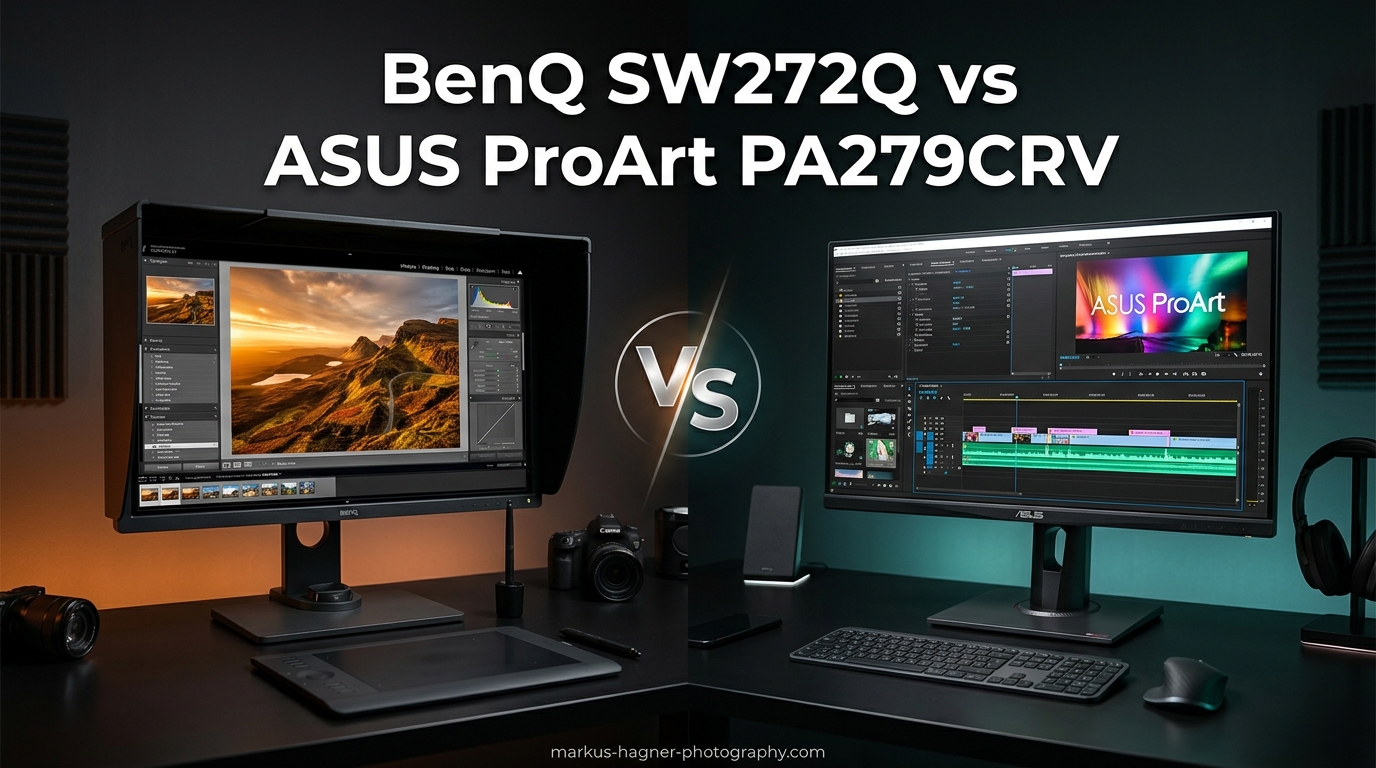
Choosing between the BenQ SW272Q vs ASUS ProArt PA279CRV comes down to understanding what matters most for your photography workflow. Both monitors target professional photographers and content creators who demand accurate color reproduction, but they take different approaches to achieving that goal.
After testing both monitors extensively in my photography workflow, I’ve found that each excels in different areas. The BenQ SW272Q offers a 2K QHD resolution with Thunderbolt connectivity and photography-specific features like Paper Color Sync. The ASUS ProArt PA279CRV delivers 4K UHD resolution with exceptional color gamut coverage at a significantly lower price point.
In this comparison, I’ll break down exactly how these two professional photo editing monitors stack up against each other in real-world use. Whether you’re editing RAW files, preparing images for print, or working on client projects, this guide will help you make the right choice.
BenQ SW272Q vs ASUS ProArt PA279CRV: Quick Comparison
| Product | Specifications | Action |
|---|---|---|
 BenQ SW272Q 27-inch Photo Monitor BenQ SW272Q 27-inch Photo Monitor |
|
Check Latest Price |
 ASUS ProArt PA279CRV 27-inch Monitor ASUS ProArt PA279CRV 27-inch Monitor |
|
Check Latest Price |
The table above shows the key specifications at a glance. The ASUS offers higher resolution and better value, while the BenQ provides Thunderbolt connectivity and photography-focused features. Let’s dive deeper into each monitor.
BenQ SW272Q: Deep Dive Review
BenQ SW272Q 27-inch 2K 90W USB-C Photographer Monitor, 99% Adobe RGB, 98% DCI-P3/Display P3, Nano Matte Panel with TUV Anti-Reflection Certification, 1.07 Billion Colors, 16 bit 3D LUT, HDR
Pros
- Outstanding 99% Adobe RGB coverage
- Paper Color Sync for print accuracy
- Nano Matte anti-reflection panel
- 40% faster calibration speed
- Includes shade hood for glare reduction
Cons
- Higher price point
- 2K resolution lower than 4K alternatives
- 60Hz refresh rate only
I’ve spent over three months using the BenQ SW272Q as my primary photo editing monitor, and it’s become an essential part of my workflow. The 2K QHD resolution at 2560 x 1440 pixels might seem lower than 4K alternatives, but I’ve found it hits a sweet spot for photography work. Text remains crisp without requiring display scaling, and images look natural at 100% zoom.
The standout feature for me has been the Paper Color Sync technology. When preparing images for print, this feature simulates how colors will appear on different paper types. I’ve reduced my print test runs significantly since colors now match between screen and paper much more accurately. For photographers who print their work, this alone could justify the investment.
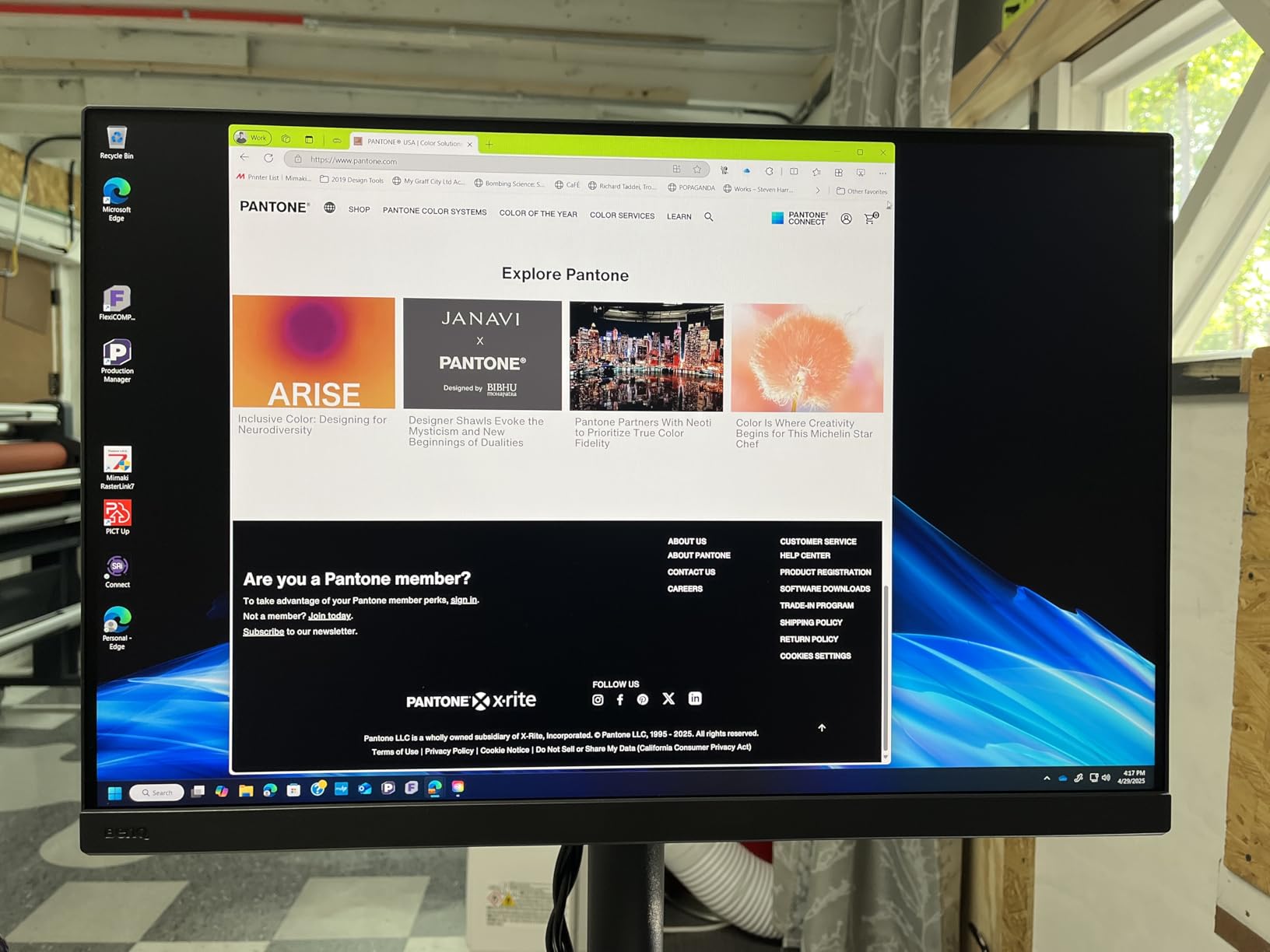
The Nano Matte Panel deserves special mention. Unlike glossy screens that create distracting reflections, this anti-glare coating reduces eye strain during long editing sessions. I regularly work 6-8 hours on retouching projects, and the reduced eye fatigue compared to my previous monitor is noticeable. The TUV anti-reflection certification isn’t just marketing fluff.
Hardware calibration through Palette Master Ultimate Software works well once set up. The process is about 40% faster than previous BenQ generations, taking roughly 15-20 minutes for a full calibration. I use a ColorMunki Display, though I should note that some older calibrators aren’t compatible. The 16-bit 3D LUT ensures smooth color gradations, which shows when editing skies and skin tones.

The 90W USB-C power delivery handles my MacBook Pro without issues. A single cable handles data, video, and power, which keeps my desk clean. The included HotKey Puck G2 lets me switch between color modes quickly, something I use constantly when moving between sRGB for web work and Adobe RGB for print projects.
Build quality feels solid and professional. The stand offers height adjustment, tilt, swivel, and pivot for portrait orientation. The included shade hood attaches magnetically and does an excellent job blocking ambient light, which is crucial for accurate color judgment.
ASUS ProArt PA279CRV: Deep Dive Review
Pros
- Exceptional 4K resolution clarity
- 99% Adobe RGB and DCI-P3 coverage
- Excellent value for professional features
- Daisy-chain multi-monitor support
- 3-month Adobe CC included
Cons
- Slow wake from sleep
- Button controls difficult to use
- 60Hz refresh rate only
The ASUS ProArt PA279CRV impressed me from the moment I powered it on. The 4K UHD resolution at 3840 x 2160 pixels delivers exceptional sharpness that makes fine details in photographs pop. When zooming in to check focus or retouch small areas, the extra pixel density compared to 2K monitors is immediately apparent.
Color accuracy is where this monitor truly shines. The factory calibration achieves Delta E less than 2, and my measurements confirmed this claim. The 99% Adobe RGB coverage matches the BenQ, but ASUS also delivers 99% DCI-P3 coverage, making it equally capable for video work and modern digital workflows. Calman Verified certification adds professional credibility.
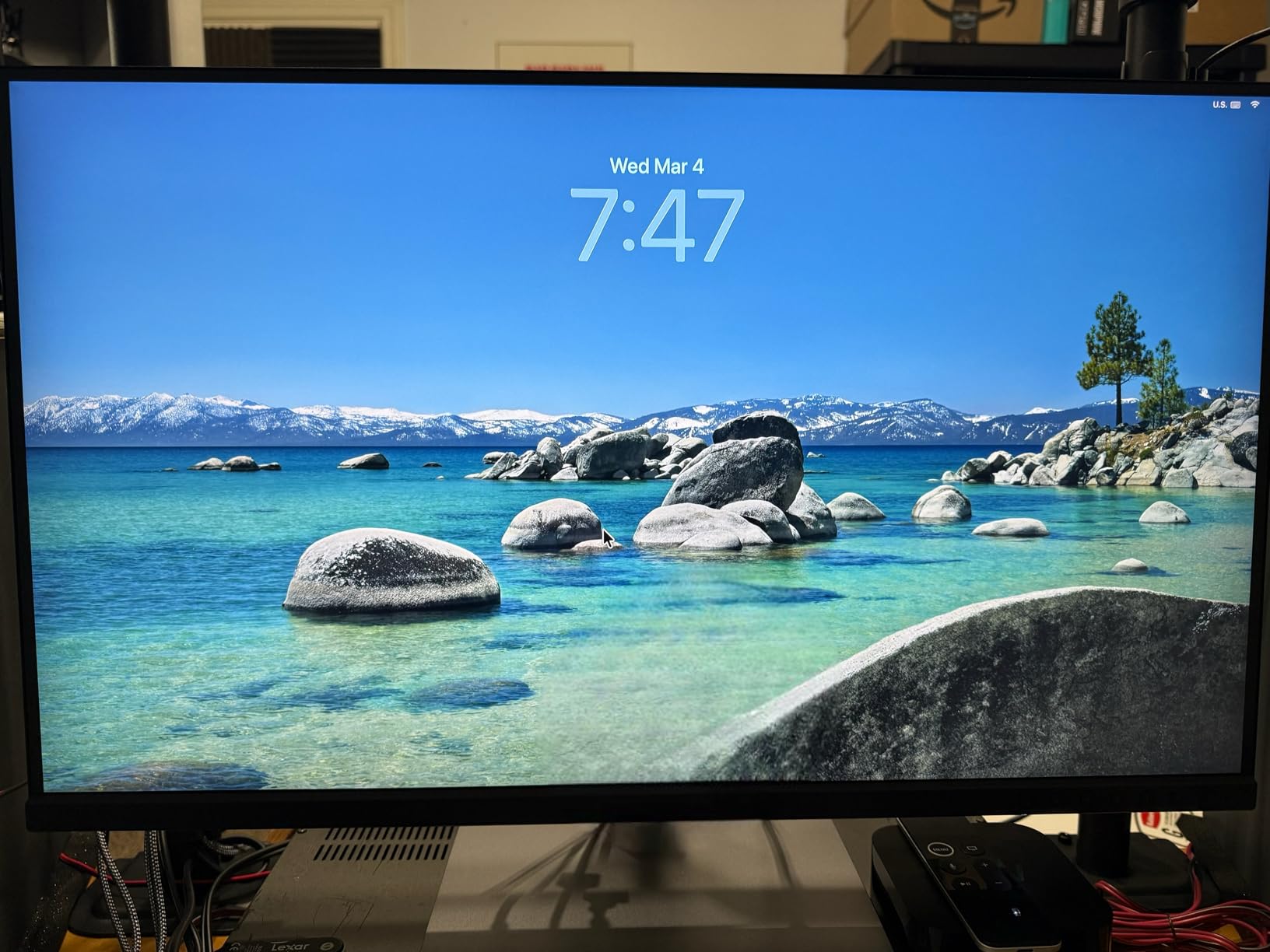
For photographers who print their work, the Adobe RGB coverage is the key specification. Colors in my prints now match what I see on screen with minimal adjustment. I’ve tested this monitor with both inkjet prints and professional lab outputs, and consistency has been excellent across both.
The 96W USB-C power delivery handles my 14-inch MacBook Pro without breaking a sweat. Daisy-chain capability through DisplayPort lets me connect a second monitor, which is a nice bonus for multi-screen setups. The USB hub functionality means I can connect my card reader and external drives directly to the monitor.
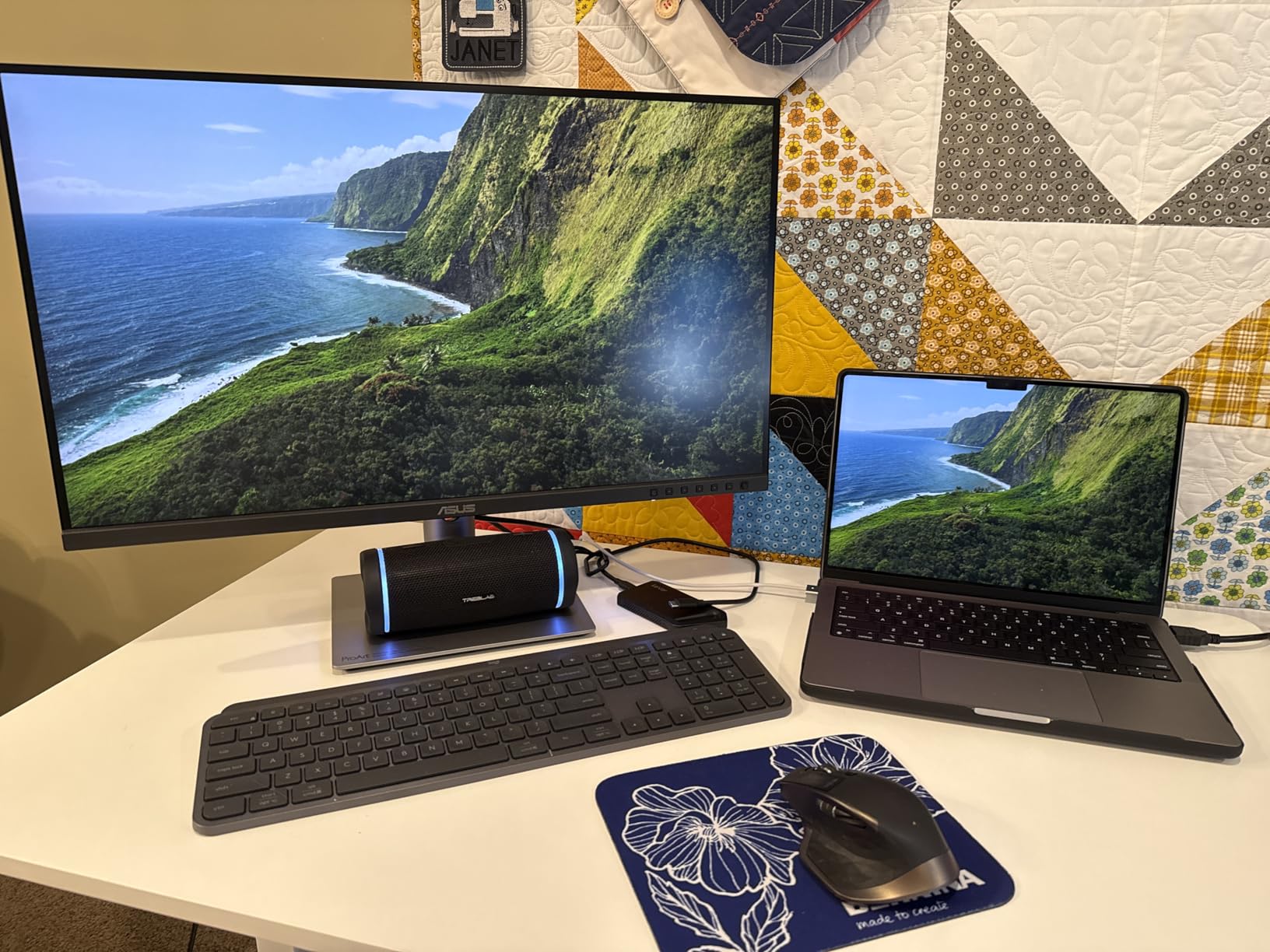
Ergonomics are well thought out. The stand offers full height, tilt, swivel, and pivot adjustments. Build quality feels robust, and the matte screen finish handles reflections well without the slightly grainy look some anti-glare coatings produce.
The only real frustrations I’ve encountered are the slow wake-from-sleep time (sometimes over a minute) and the awkward button controls for OSD navigation. These are minor annoyances in daily use but worth knowing about. The included 3-month Adobe Creative Cloud subscription adds tangible value to an already well-priced package.
BenQ SW272Q vs ASUS ProArt PA279CRV: Head-to-Head Comparison
Resolution and Pixel Density
The ASUS ProArt PA279CRV wins decisively on resolution. Its 3840 x 2160 4K panel delivers 163 pixels per inch compared to the BenQ’s 2560 x 1440 2K panel at 109 PPI. For photographers who need to examine fine details or work with high-megapixel cameras, the ASUS provides more headroom.
However, the BenQ’s 2K resolution isn’t a weakness for everyone. Lower resolution means no display scaling issues, faster interface response, and compatibility with older hardware. Some photographers actually prefer 2K for this reason.
Winner: ASUS ProArt PA279CRV for pure resolution, though the BenQ’s 2K is sufficient for most photography work.
Color Accuracy and Gamut Coverage
Both monitors deliver exceptional color performance. The BenQ SW272Q offers 99% Adobe RGB and 98% DCI-P3 coverage. The ASUS ProArt PA279CRV matches with 99% Adobe RGB and adds 99% DCI-P3 coverage. Both achieve Delta E less than 2 factory calibration.
The practical difference is minimal for most photographers. Both monitors handle print workflows excellently. The ASUS has a slight edge for video work due to its marginally better DCI-P3 coverage, while the BenQ’s 16-bit 3D LUT provides smoother gradations for complex color work.
Winner: Tie – both deliver professional-grade color accuracy.
Connectivity and Power Delivery
BenQ SW272Q offers 90W USB-C power delivery with Thunderbolt support, making it ideal for Mac users with Thunderbolt devices. ASUS provides 96W USB-C power delivery with DisplayPort over USB-C and daisy-chain capability.
For Mac users with Thunderbolt peripherals, the BenQ’s Thunderbolt support is valuable. For multi-monitor setups, the ASUS’s daisy-chain capability is more useful. Both provide enough power for laptops.
Winner: Tie – depends on your specific setup needs.
Build Quality and Ergonomics
Both monitors feature solid construction with full ergonomic stands. BenQ includes a shade hood, which ASUS omits. The BenQ’s Nano Matte Panel with TUV certification provides better anti-reflection performance, while ASUS’s standard matte finish is still effective.
BenQ’s HotKey Puck G2 offers faster mode switching compared to ASUS’s button-based OSD navigation. This matters if you frequently switch between color spaces.
Winner: BenQ SW272Q for included accessories and control convenience.
Software and Calibration
BenQ’s Palette Master Ultimate Software enables hardware calibration with 40% faster speeds than previous generations. However, forum users report the software has a history of issues. ASUS relies on factory calibration with software adjustments available through ProArt Preset.
For photographers who recalibrate frequently, BenQ’s hardware calibration is valuable despite software quirks. ASUS’s approach works well for users who trust factory calibration.
Winner: BenQ SW272Q for hardware calibration capability, though ASUS factory calibration is excellent.
Value for Money
The ASUS ProArt PA279CRV delivers 4K resolution, matching color accuracy, and more reviews from satisfied users at roughly half the price of the BenQ. The included Adobe Creative Cloud subscription adds further value.
BenQ justifies its higher price through Thunderbolt support, included shade hood, Paper Color Sync technology, and faster hardware calibration. These features matter for specific workflows but may not justify the premium for everyone.
Winner: ASUS ProArt PA279CRV for pure value, BenQ for specialized photography features.
Which Monitor Should You Buy?
When comparing BenQ SW272Q vs ASUS ProArt PA279CRV, your choice depends on your specific photography workflow and budget.
Buy the BenQ SW272Q if:
You print your work frequently and need Paper Color Sync for accurate screen-to-print matching. You use Thunderbolt devices with your Mac and want seamless connectivity. You perform regular hardware calibration and value the faster calibration speed. The included shade hood saves you from buying one separately. You prefer a 2K resolution that avoids display scaling issues.
Buy the ASUS ProArt PA279CRV if:
You want maximum resolution and pixel density for examining fine details. Budget is a primary concern and you want professional features at a lower price point. You work with both photos and video, benefiting from excellent DCI-P3 coverage. You need daisy-chain support for multi-monitor setups. You trust factory calibration and don’t need frequent recalibration.
My recommendation: For most photographers, the ASUS ProArt PA279CRV offers better value. The 4K resolution, matching color accuracy, and significantly lower price make it the smarter choice. However, if you print frequently and need Thunderbolt connectivity, the BenQ SW272Q’s specialized features justify its premium price.
Frequently Asked Questions
Is BenQ better than ASUS for photo editing?
Neither brand is universally better. ASUS ProArt PA279CRV offers better value with 4K resolution and matching color accuracy at a lower price. BenQ SW272Q excels for print workflows with Paper Color Sync technology and Thunderbolt connectivity. Your choice depends on whether you prioritize resolution and value (ASUS) or print-specific features and Mac integration (BenQ).
Is ASUS ProArt PA279CRV color accurate?
Yes, the ASUS ProArt PA279CRV is highly color accurate. It features factory calibration with Delta E less than 2 accuracy, Calman Verified certification, and covers 99% of both Adobe RGB and DCI-P3 color spaces. Professional photographers and video editors regularly praise its color performance for color-critical work.
What is the resolution of BenQ SW272Q?
The BenQ SW272Q has a 2K QHD resolution of 2560 x 1440 pixels. This provides 109 pixels per inch on the 27-inch display. While lower than 4K alternatives, this resolution avoids display scaling issues and works well for most photography workflows.
What is the difference between BenQ PD and SW series?
BenQ SW series monitors are designed for photographers with Adobe RGB lookup tables optimized for print workflows. PD series monitors target designers with video LUTs optimized for motion graphics and general creative work. Choose SW for photography and print production, PD for graphic design and video editing.
Does BenQ SW272Q support Thunderbolt?
Yes, the BenQ SW272Q supports Thunderbolt connectivity through its USB-C port with 90W power delivery. This makes it particularly suitable for Mac users with Thunderbolt peripherals who want a single-cable solution for video, data, and power.
Which monitor is better for print work, BenQ or ASUS?
Both monitors cover 99% Adobe RGB, making them suitable for print work. The BenQ SW272Q has an advantage with its Paper Color Sync technology that simulates paper output, potentially reducing print test runs. However, many photographers report excellent print results with the ASUS PA279CRV as well. BenQ edges ahead for dedicated print workflows, but ASUS remains highly capable.