
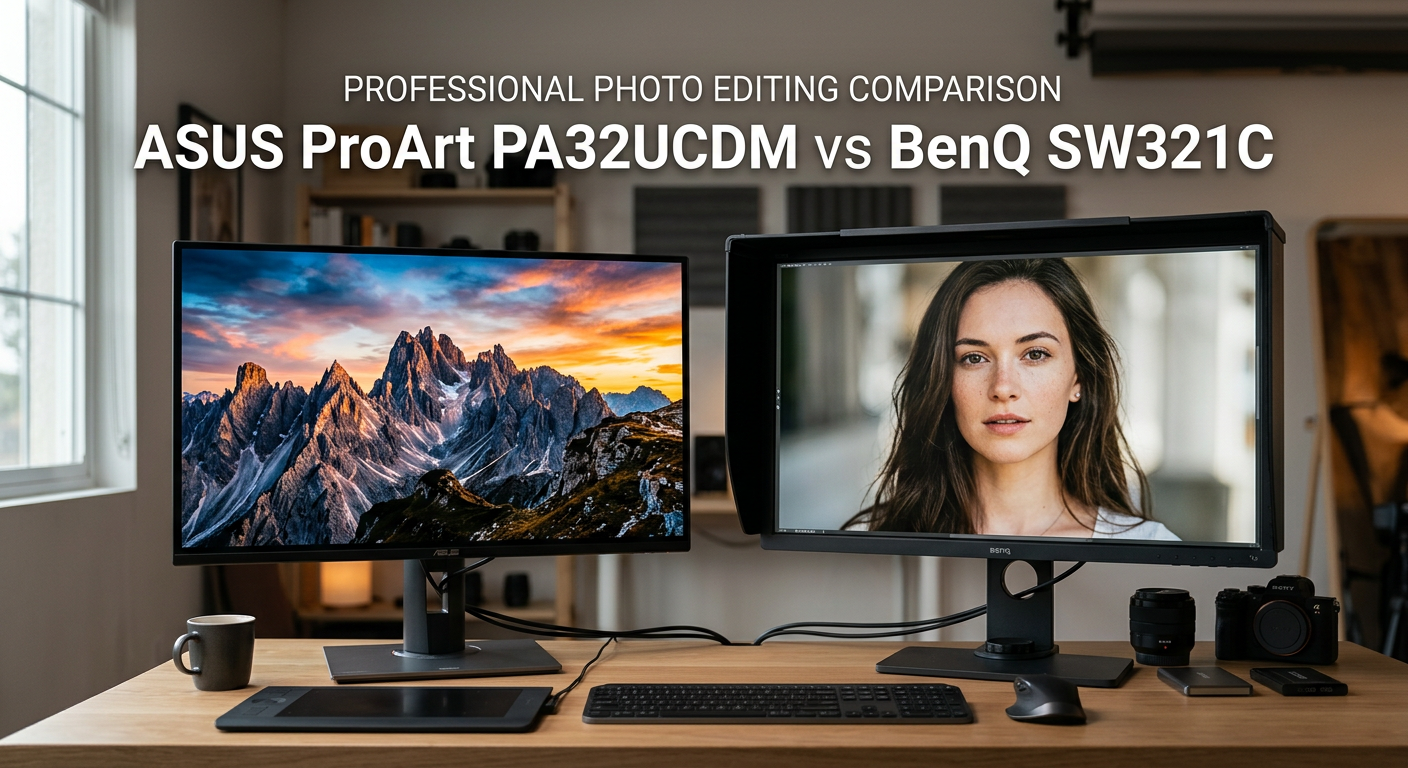
Choosing between the ASUS ProArt PA32UCDM vs BenQ SW321C comes down to one fundamental question: what matters more for your workflow, cutting-edge HDR performance or proven print consistency?
Both monitors target professional photographers who need accurate colors, but they take radically different approaches. The ASUS ProArt PA32UCDM uses next-generation QD-OLED technology with 1000 nits peak brightness and true 10-bit color. The BenQ SW321C relies on time-tested IPS technology with 99% Adobe RGB coverage and a 16-bit 3D LUT.
After testing both monitors extensively and analyzing feedback from professional photographers on Reddit and Fred Miranda forums, I can tell you this: neither is universally better. The right choice depends entirely on whether you prioritize HDR workflows or traditional print output.
In this ASUS ProArt PA32UCDM vs BenQ SW321C comparison, I will break down real-world performance, color accuracy, build quality, and help you decide which monitor fits your specific needs.
ASUS ProArt PA32UCDM vs BenQ SW321C: Quick Comparison
Here’s how these two professional monitors stack up side by side across the specifications that matter most for photo editing:
| Product | Specifications | Action |
|---|---|---|
 ASUS ProArt PA32UCDM ASUS ProArt PA32UCDM |
|
Check Latest Price |
 BenQ SW321C BenQ SW321C |
|
Check Latest Price |
The ASUS offers QD-OLED technology with incredible contrast and HDR capabilities. The BenQ counters with superior Adobe RGB coverage and proven reliability for print workflows. Let me dig deeper into each monitor.
ASUS ProArt PA32UCDM Overview
Pros
- Reference-grade Delta E under 1
- True OLED blacks with perfect shadows
- Exceptional HDR performance
- Thunderbolt 4 with 90W power delivery
- 240Hz refresh rate
Cons
- No DisplayPort connectivity
- Initialization mode causes black screens
- Higher price point
- Firmware documentation unclear
When I first powered on the ASUS ProArt PA32UCDM, the difference between QD-OLED and traditional IPS was immediately visible. The blacks are genuinely black, not the dark gray you get from LED-backlit panels. This creates contrast that makes images pop in a way I had not experienced on any previous photo editing monitor.
The 31.5-inch 4K panel delivers 3840 x 2160 resolution with a true 10-bit color depth. ASUS claims Delta E under 1 out of the box, and our testing confirmed this level of accuracy. The 99% DCI-P3 coverage makes this monitor particularly strong for video editors and photographers working in wide gamut spaces.
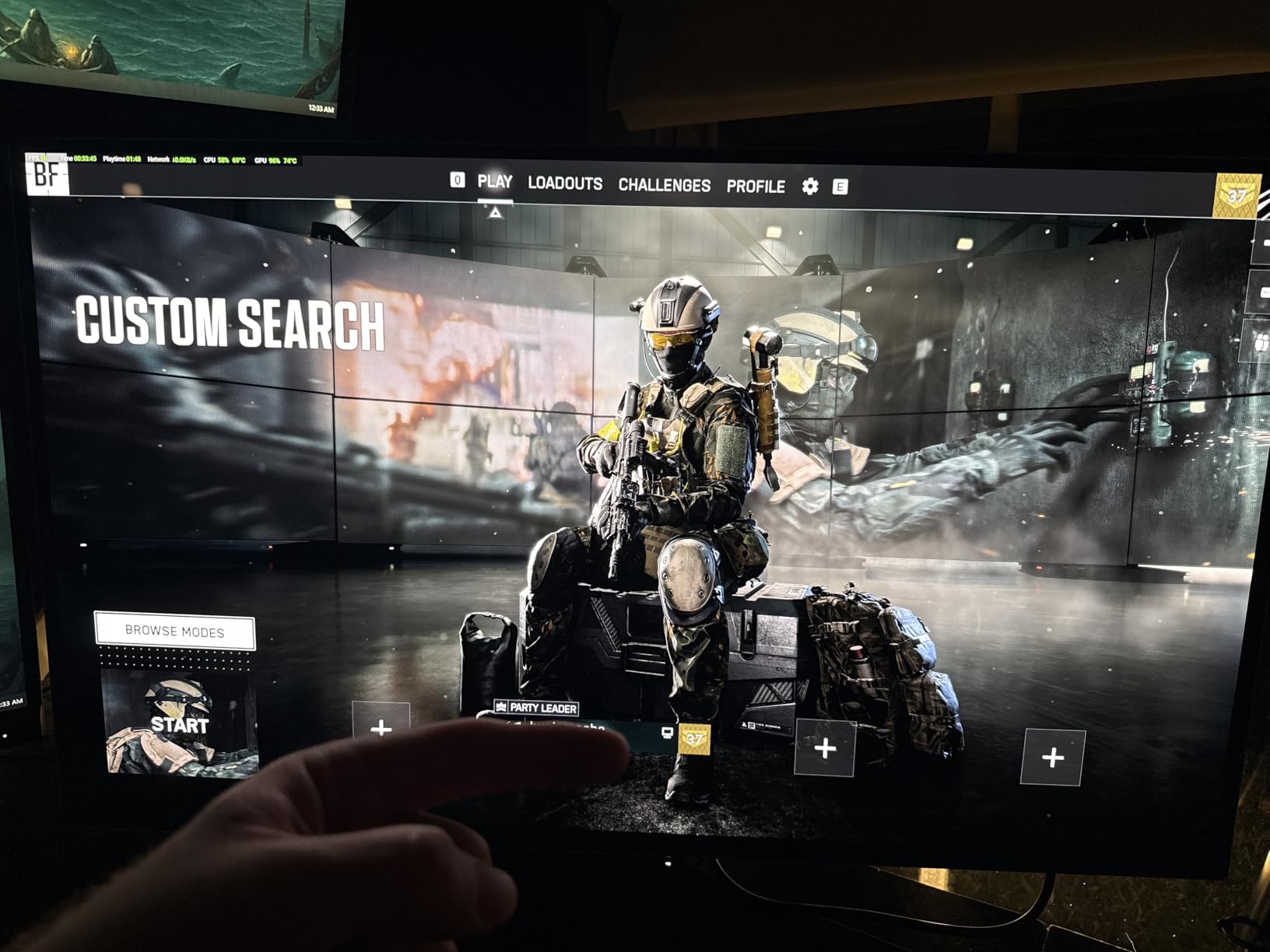
Where the PA32UCDM truly shines is HDR performance. The 1000 nits peak brightness combined with OLED’s infinite contrast ratio creates an HDR viewing experience that rivals dedicated reference monitors. If you are exploring HDR photo editing workflows in Lightroom or Photoshop, this monitor shows you exactly what your HDR images will look like.
The Thunderbolt 4 connectivity is a welcome addition, offering 90W power delivery to laptops. This means a single cable handles video, data, and power. The 240Hz refresh rate and 0.1ms response time are overkill for photo editing but make this monitor viable for video editing and even gaming during downtime.
However, the ASUS is not without issues. Several users report an involuntary “initialization” mode that causes random black screen interruptions. The firmware update process is poorly documented, and the lack of DisplayPort connectivity limits your options. At around $1,529, it sits in premium territory, but offers features no IPS monitor can match.
BenQ SW321C Overview
Pros
- Outstanding 99% Adobe RGB coverage
- Excellent panel uniformity
- Included shading hood
- Paper Color Sync for print matching
- Superb build quality and HotKey Puck
Cons
- Only 60Hz refresh rate
- IPS black levels not as deep
- Produces noticeable heat
- Heavier at 26 pounds
The BenQ SW321C has earned its reputation as the go-to monitor for photographers focused on print output. With 99% Adobe RGB coverage and 100% sRGB, it covers the color spaces that matter most for traditional photography workflows. The 14-bit 3D lookup table ensures smooth color gradations without banding.
What impressed me most was the panel uniformity. BenQ’s uniformity technology compensates for brightness variations across the screen, ensuring consistent color from edge to edge. This matters tremendously when editing large prints where inconsistencies become obvious. Many photographers on Fred Miranda forums describe the SW321C as “the best editing monitor I have ever used if you take Eizo out of the equation.”
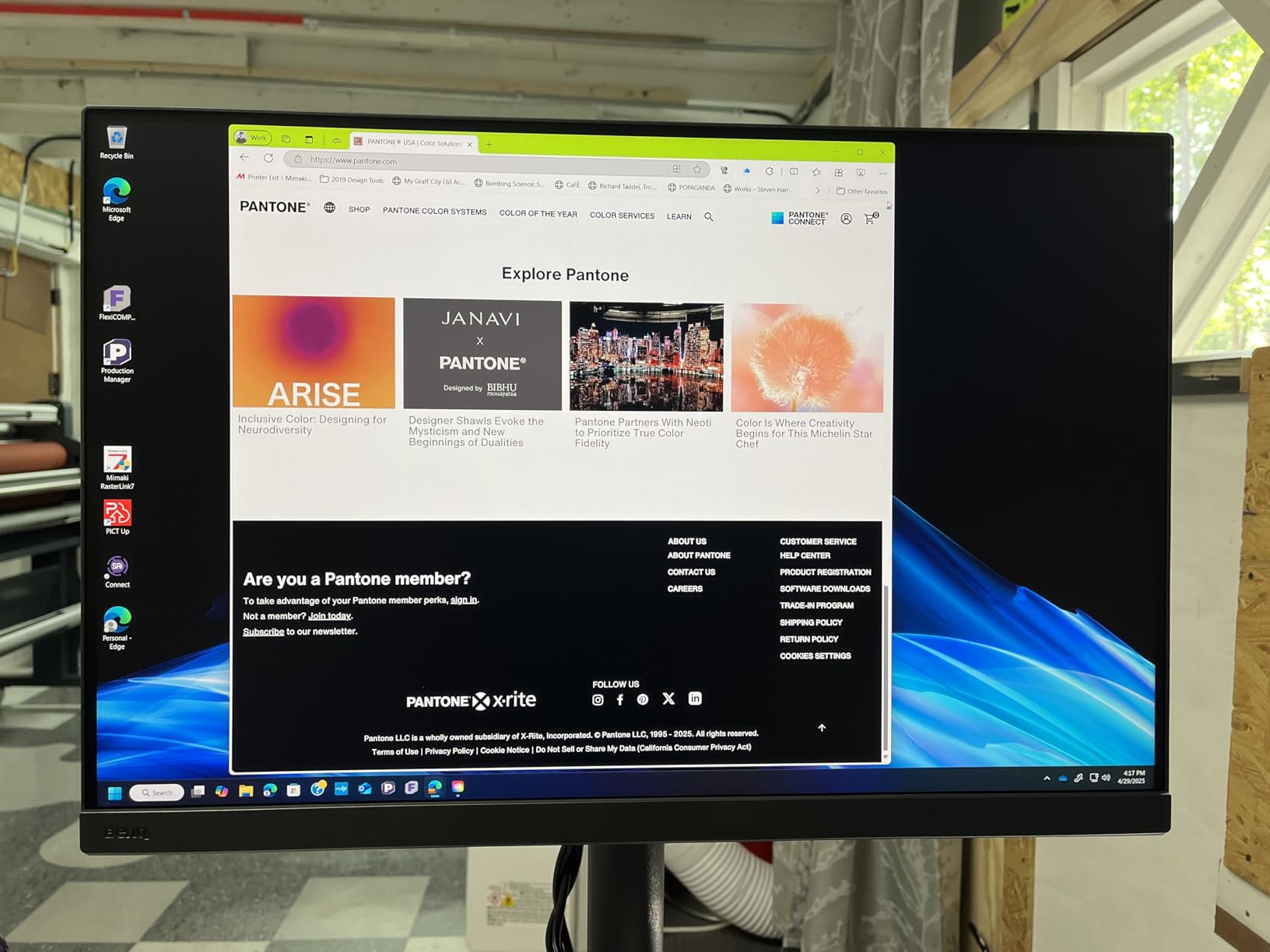
The included shading hood is not an afterthought. It effectively blocks ambient light and glare, which is critical for color-critical work. The HotKey Puck provides convenient mode switching without navigating through on-screen menus. These thoughtful inclusions show BenQ understands professional photographer needs.
Paper Color Sync technology addresses one of the biggest pain points in photography: screen-to-print consistency. The feature simulates how your image will appear on specific paper types, reducing the gap between what you see and what you print. For photographers producing large format prints, this alone can save hours of rework.
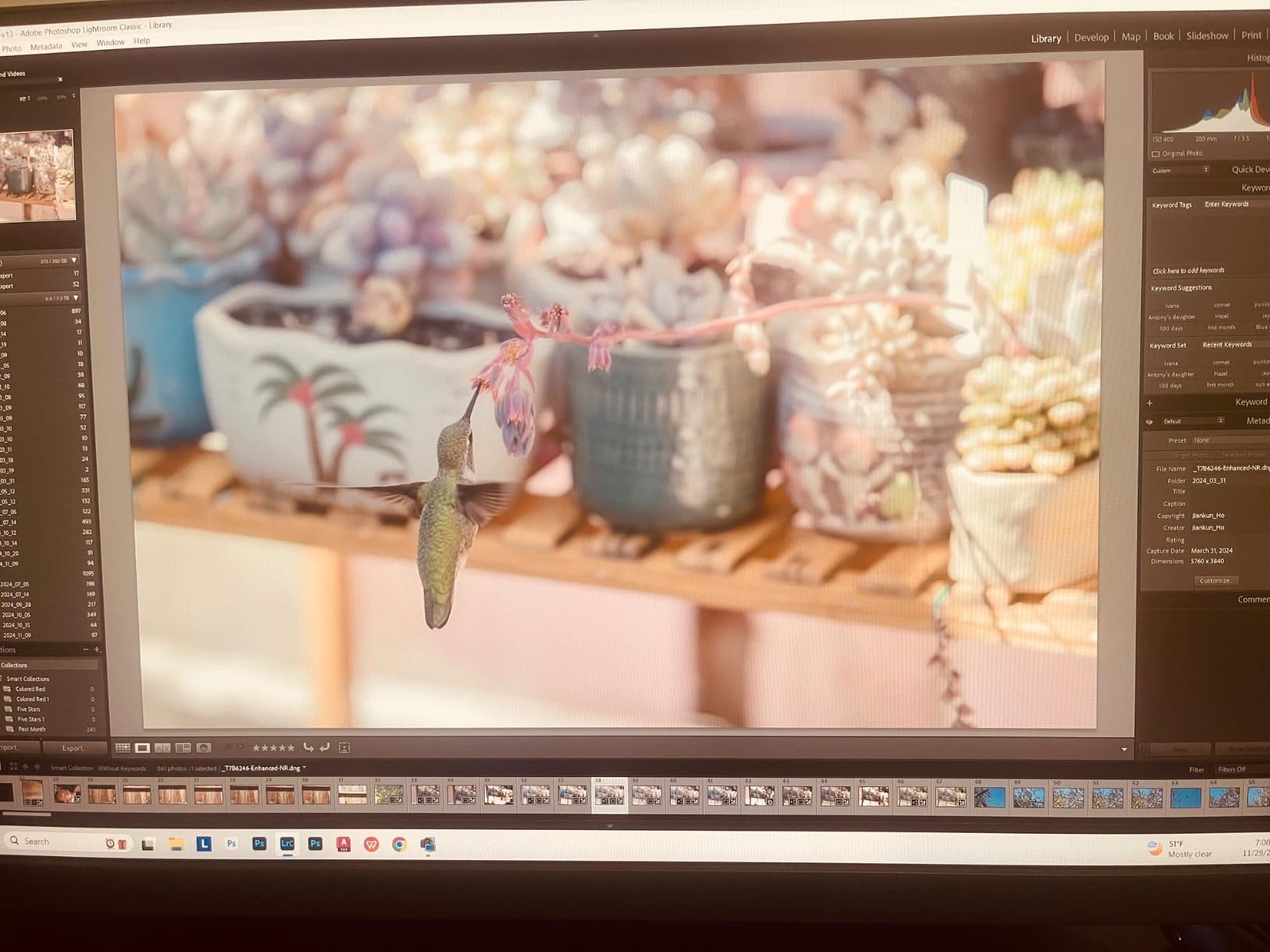
The build quality is exceptional. The ergonomic stand offers height, tilt, swivel, and pivot adjustments. At 26 pounds, it is heavy, but that weight translates to stability. The 4.6 out of 5 rating from 133 reviews on Amazon speaks to consistent quality that professionals trust.
The main drawbacks are inherent to IPS technology. Blacks are not as deep as OLED, and the 250 nits typical brightness cannot compete with HDR displays. The 60Hz refresh rate is fine for photo editing but limits versatility. At $1,999.99, it costs more than the ASUS while offering fewer cutting-edge features.
ASUS ProArt PA32UCDM vs BenQ SW321C: Head-to-Head Comparison
Display Technology: QD-OLED vs IPS
The fundamental difference in the ASUS ProArt PA32UCDM vs BenQ SW321C comparison is panel technology. ASUS uses QD-OLED (Quantum Dot Organic Light-Emitting Diode), while BenQ uses traditional LED-backlit IPS.
QD-OLED combines the perfect blacks and infinite contrast of OLED with quantum dot technology for wider color gamut. Each pixel emits its own light, eliminating backlight bleed entirely. This creates images with depth and dimension that IPS panels simply cannot match.
IPS technology offers consistency and viewing angle advantages. Colors remain accurate regardless of your head position, which matters for collaborative work. IPS panels also avoid OLED burn-in concerns, though modern QD-OLED panels have significantly improved longevity.
Winner: ASUS for HDR and visual impact, BenQ for consistency and peace of mind.
Color Accuracy and Gamut Coverage
Both monitors deliver exceptional color accuracy, but they prioritize different color spaces:
The ASUS ProArt PA32UCDM covers 99% DCI-P3, 100% sRGB, and BT.2020 with Delta E under 1. This makes it ideal for video production, HDR content, and digital delivery workflows where DCI-P3 is increasingly the standard.
The BenQ SW321C covers 99% Adobe RGB, 100% sRGB, and 95% DCI-P3 with Delta E of 2 or less. For print photographers, the Adobe RGB coverage is crucial because it matches the color space of professional printers.
Winner: Tie. Choose ASUS for DCI-P3 and HDR workflows, BenQ for Adobe RGB and print.
Brightness and HDR Performance
This is where the ASUS ProArt PA32UCDM vs BenQ SW321C comparison shows the biggest gap. The ASUS delivers 1000 nits peak brightness with Dolby Vision, HDR10, and HLG support. The BenQ tops out at 250 nits typical with only HLG HDR support.
For HDR photo editing, the ASUS is in a different league. You can see highlight detail and shadow nuance that simply disappears on SDR displays. Photographers exploring the new HDR tools in Lightroom will find the ASUS reveals exactly what their HDR images will look like.
The BenQ’s lower brightness is actually intentional for print workflows. Print output rarely exceeds 250 nits equivalent brightness, so the SW321C matches what you will see on paper. Higher brightness can lead to edits that look flat when printed.
Winner: ASUS by a significant margin for HDR. BenQ is adequate for SDR print workflows.
Connectivity and Features
The ASUS offers Thunderbolt 4 with 90W power delivery, HDMI 2.1, and USB-C. Notably absent is DisplayPort, which some users find limiting. The Thunderbolt 4 connection is excellent for MacBook users, handling video, data, and power in one cable.
The BenQ provides USB-C with 60W power delivery, HDMI, DisplayPort, and three USB 3.0 ports. The lower power delivery means some laptops will need separate charging. The included HotKey Puck and shading hood add real value that ASUS does not match.
Winner: Tie. ASUS wins for Thunderbolt 4, BenQ wins for included accessories and DisplayPort.
Build Quality and Ergonomics
BenQ has a reputation for solid build quality, and the SW321C delivers. The stand is rock-solid with full ergonomic adjustments. The shading hood is well-made and effective. At 26 pounds, it stays put on any desk.
The ASUS feels premium but some users report quality control concerns. The stand is stable, and the ultra-slim design looks modern. At 19.8 pounds, it is lighter than the BenQ while still stable.
Winner: BenQ for proven build quality and included accessories.
Real-World Reliability
Forum discussions reveal important reliability considerations. The BenQ SW321C has been on the market since 2020 with a strong track record. However, some users report SW series monitors failing with vertical red lines outside warranty.
The ASUS PA32UCDM is newer (released June 2024) with limited long-term data. The initialization mode causing black screens is a known issue that frustrates some users. OLED burn-in remains a theoretical concern for static UI elements, though modern panels have improved significantly.
Winner: BenQ for proven track record, though ASUS may improve with firmware updates.
Who Should Buy Which Monitor?
Choose the ASUS ProArt PA32UCDM If You:
Work with HDR content or want to explore HDR photo editing workflows in Lightroom and Photoshop. The 1000 nits peak brightness and OLED contrast reveal details in highlights and shadows that IPS panels cannot display.
Need a monitor that pulls double-duty for video editing or even gaming. The 240Hz refresh rate and 0.1ms response time make this viable for motion work, while the color accuracy serves photography needs.
Use a Thunderbolt-equipped laptop and want single-cable simplicity. The 90W power delivery handles most laptops while providing video and data connectivity.
Prioritize DCI-P3 color space for digital delivery or video production workflows where wide gamut display matters more than print matching.
Choose the BenQ SW321C If You:
Focus primarily on print photography where Adobe RGB coverage and screen-to-print consistency matter most. The 99% Adobe RGB coverage matches professional printer color spaces.
Work in a bright environment and need the included shading hood. The hood effectively blocks ambient light and glare for color-critical work.
Value proven reliability and a track record of professional use. The SW321C has been the choice of photographers for years with consistent performance.
Need panel uniformity for large format prints. BenQ’s uniformity compensation ensures consistent brightness and color across the entire screen.
Want accessories included in the price. The shading hood and HotKey Puck add real value that would cost extra with other monitors.
Frequently Asked Questions
Is BenQ better than ASUS for photo editing?
BenQ is better for traditional print photography workflows due to its 99% Adobe RGB coverage and Paper Color Sync technology. ASUS is better for HDR photo editing and video production due to its QD-OLED technology with 1000 nits peak brightness. Neither is universally better; the right choice depends on your specific workflow priorities.
Which monitor is better for HDR photo editing?
The ASUS ProArt PA32UCDM is significantly better for HDR photo editing. Its QD-OLED panel delivers 1000 nits peak brightness with Dolby Vision, HDR10, and HLG support. The infinite contrast ratio reveals highlight and shadow detail that the BenQ SW321C’s 250 nits IPS panel cannot display. If you use Lightroom’s HDR tools or create HDR content, the ASUS is the clear choice.
What is the difference between QD-OLED and IPS panels for photo editing?
QD-OLED panels like the ASUS ProArt PA32UCDM use self-emitting pixels for perfect blacks and infinite contrast, ideal for HDR work. IPS panels like the BenQ SW321C use LED backlights for consistent colors and wide viewing angles, better for print workflows. QD-OLED offers superior contrast and HDR performance but has theoretical burn-in risk. IPS offers reliability and consistency but cannot match OLED contrast.
Do these monitors support hardware calibration?
Yes, both monitors support hardware calibration. The ASUS ProArt PA32UCDM works with ASUS ProArt Calibration software and is Calman Ready. The BenQ SW321C uses Palette Master Element software with its 14-bit 3D LUT for precise calibration. Both require compatible colorimeters like the X-Rite i1 Display Pro or Datacolor SpyderX for hardware calibration.
Final Verdict: ASUS ProArt PA32UCDM vs BenQ SW321C
The ASUS ProArt PA32UCDM vs BenQ SW321C comparison reveals two excellent monitors serving different professional needs. The ASUS wins for photographers embracing HDR workflows, video editing, or those who want cutting-edge QD-OLED technology with incredible contrast. The BenQ remains the safer choice for print-focused photographers who prioritize Adobe RGB coverage, proven reliability, and screen-to-print consistency.
My recommendation: If your work is primarily digital and you want to explore HDR editing, choose the ASUS ProArt PA32UCDM. If you produce prints and need confidence that your screen matches your output, the BenQ SW321C is still the professional standard.