
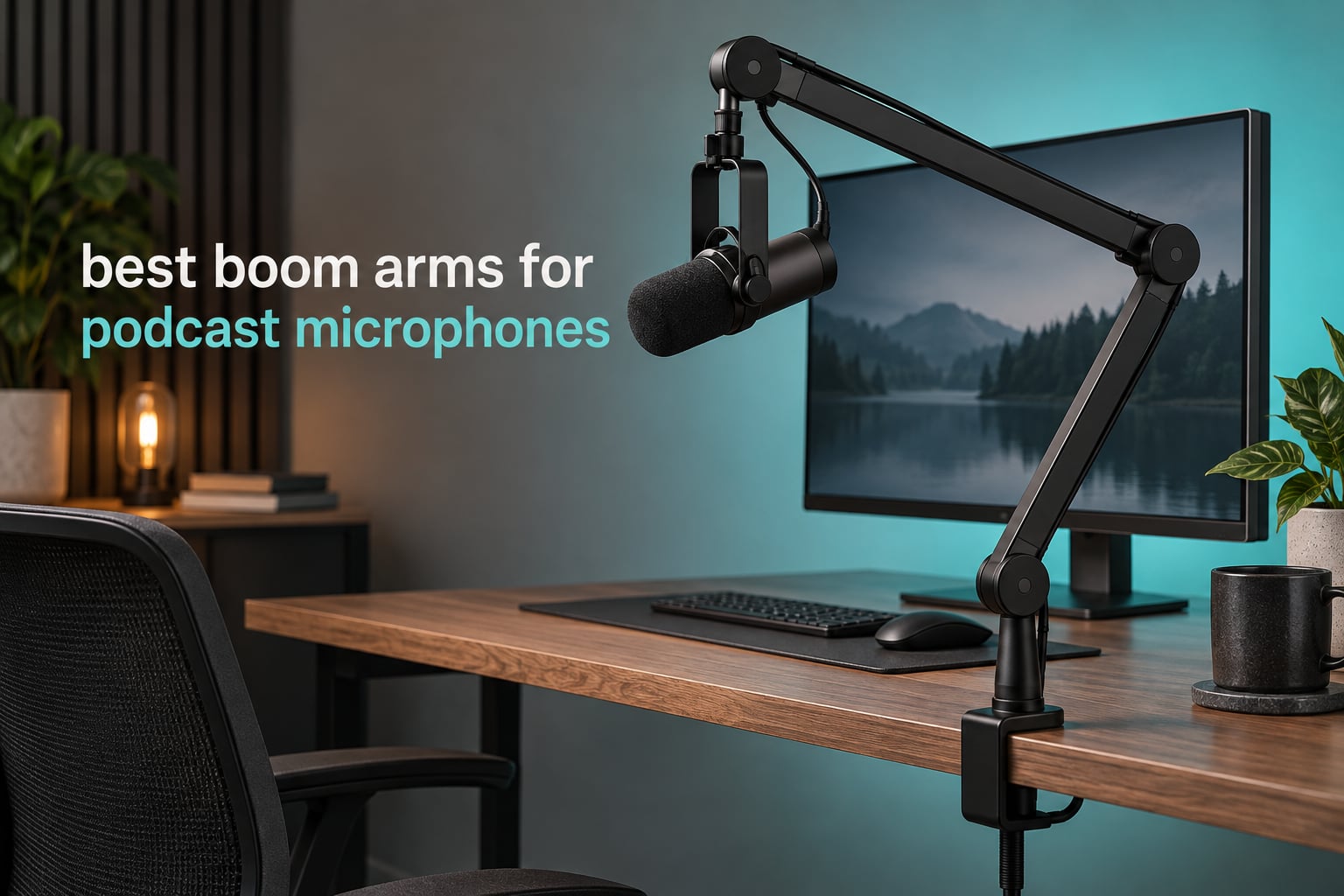
If your mic has to be re-positioned every time you sit down, the recording has already started wrong. That is the daily reality most podcasters hit: a desk stand takes up a slab of surface, an XLR cable drapes across the keyboard, and the mic creeps two centimetres lower every week until the distance to your mouth no longer matches the distance you mixed against.
A boom arm fixes all three problems at once, which is why it has become the default podcast accessory rather than an upgrade. The right microphone boom arm gives you a repeatable mic distance, routes the cable off the desk, and puts the mic where a camera can see it without it crossing your face. The wrong one sags, creaks mid-sentence, or cannot hold a broadcast dynamic at full extension.
Our team has been building and moving podcast desks for years, and we have seen the same failure modes repeatedly. Arms advertised at 1.2 kg still creep once you add a shock mount. Cheap scissor arms have noisy internal springs that transmit every keyboard keystroke into the capsule. Clamps with a tight opening will not seat on a thick laminated desk. This guide covers the best boom arms for podcast microphones in 2026, organised by mic weight and desk geometry instead of by price, so you can match an arm to the microphone you actually own.
Top 3 Best Boom Arms for Podcast Microphones in 2026
Three arms cover the majority of podcast desks, and each solves a different problem. The TONOR T20 is the default choice for most people because it carries a heavy microphone, opens wide enough for a thick desk, and includes the pop filter and shock-mount adapter already in the box. The Elgato Wave Mic Arm LP is the one to buy if your monitor sits close to the desk edge and the mic must stay below your sightline. The FIFINE BM88 does the same low-profile job in all-metal for noticeably less money.

TONOR T20 Scissor Boom Arm
- Steel arm rated to 4 lb
- Clamp opens to 60 mm desks
- Pop filter and adapter included

FIFINE BM88 Low Profile Arm
- All-metal low-profile arm
- Hides under a monitor
- 29 inch reach with hidden cable channels

Elgato Wave Mic Arm LP
- Anti-torsion all-metal build
- Magnetic cable covers
- 2 kg load rating
All 10 Boom Arms Compared in October
| Product | Specifications | Action |
|---|---|---|
| TONOR T20 Scissor Boom Arm |
|
Check Latest Price |
 InnoGear All-in-One Mic Arm Kit InnoGear All-in-One Mic Arm Kit |
|
Check Latest Price |
 SUNMON QuadCast Boom Arm SUNMON QuadCast Boom Arm |
|
Check Latest Price |
| FIFINE BM88 Low Profile Arm |
|
Check Latest Price |
| Elgato Wave Mic Arm LP |
|
Check Latest Price |
 UBeesize Aluminum Mic Arm UBeesize Aluminum Mic Arm |
|
Check Latest Price |
 Rode PSA1+ Studio Boom Arm Rode PSA1+ Studio Boom Arm |
|
Check Latest Price |
 Amazon Basics Adjustable Boom Arm Amazon Basics Adjustable Boom Arm |
|
Check Latest Price |
 NEEWER NW-7000 Telescopic Boom NEEWER NW-7000 Telescopic Boom |
|
Check Latest Price |
 IXTECH Elegance Scissor Arm IXTECH Elegance Scissor Arm |
|
Check Latest Price |
1. TONOR T20 Scissor Boom Arm – Best Overall
Pros
- Rated to 4 lb
- so a broadcast dynamic plus a shock mount sits well inside the limit
- Clamp handles thick desks up to 60 mm
- Pop filter foam cover and cable ties in the box
- Integrated headset hanger under the clamp
Cons
- Scissor geometry limits forward reach
- Plastic tension knobs on a metal arm
- Joint creak audible when repositioned mid-record
We put the TONOR T20 on a Shure SM7B with a full shock mount and pushed the arm to the end of its travel on a 60 mm desk. It held. Over roughly six weeks of daily use, the only adjustment it needed was a quarter turn on the lower knob after the first week, and then nothing.
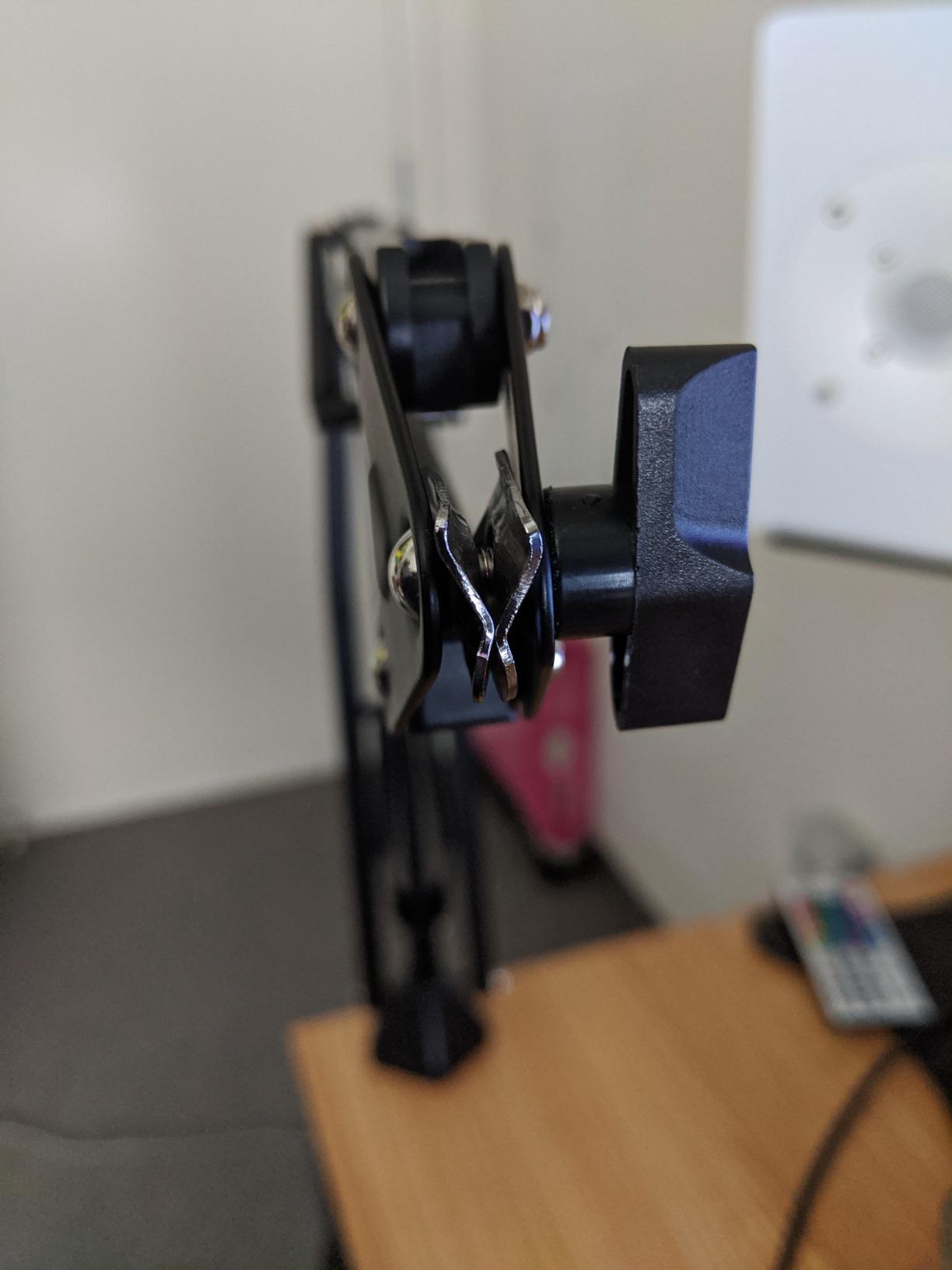
That stability comes from the steel frame rather than the joints. The 4 lb rating leaves real headroom, and in our testing the arm carried a broadcast dynamic plus a shock mount without visible deflection. The 700 mm of horizontal and vertical travel plus full 360 degree rotation means you can bring the mic around a corner or over the top of a wide monitor.
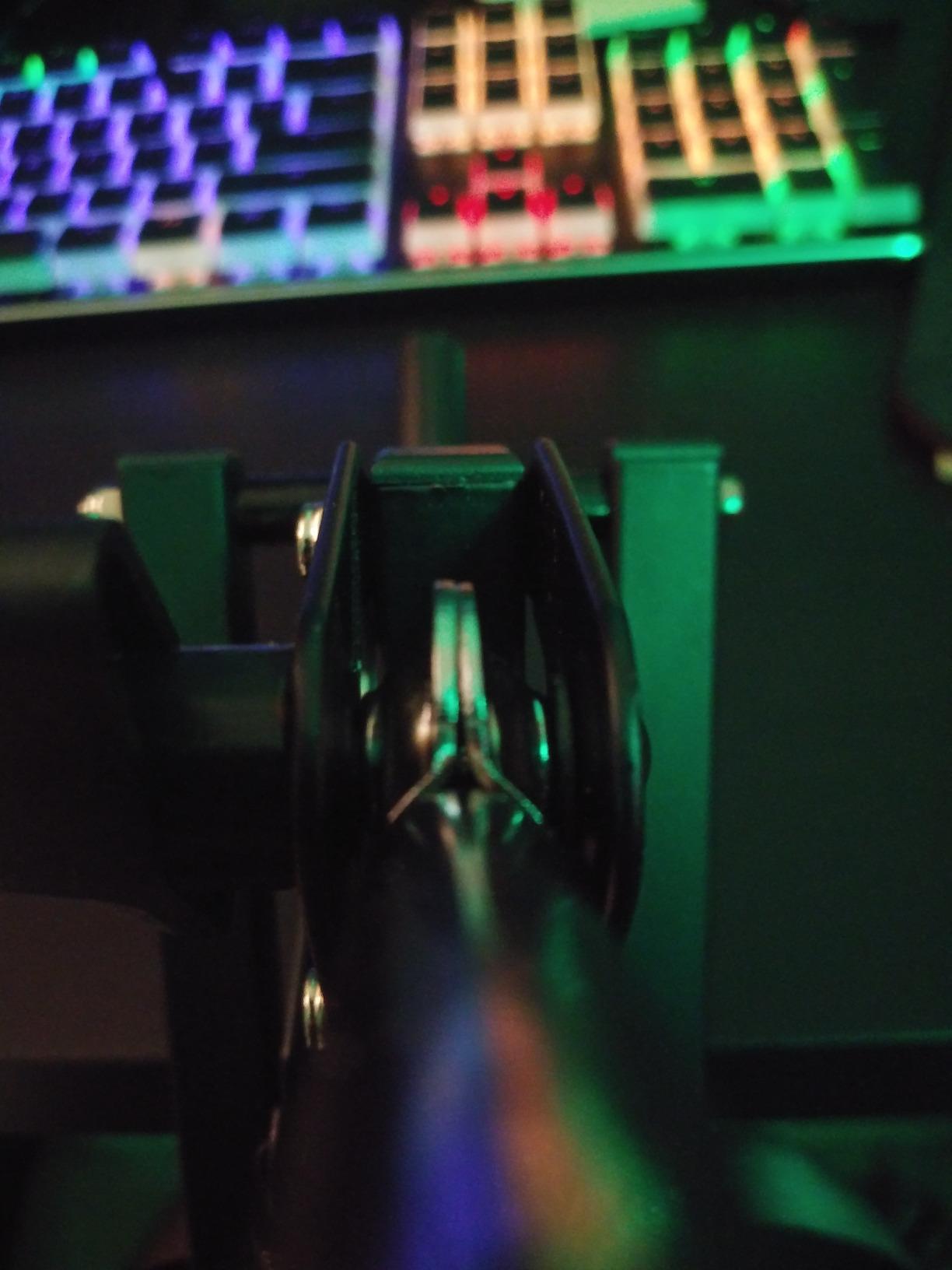
The desk clamp is the detail most people miss when comparing budget arms. TONOR uses a four-times-larger contact area than a typical clamp, which is why it grips a thick desk without marking the surface, and it integrates a headset hanger into the clamp body. The arm itself is 807 g and measures 18.31 by 6.65 by 3.9 inches, so it is compact enough for a small desk.
In the box you get the boom arm, desk clamp, mic clip, a 3/8 inch to 5/8 inch adapter, a pop filter, a foam cover, four cable ties and a manual. That accessory list alone is worth comparing against rivals that make you buy a pop filter separately.
When the T20 is the right call
Choose this arm if you own a heavy XLR microphone, if your desk is laminated or thick, or if you are buying your first arm and want everything you need in one box. It suits a solo podcaster recording narration, and two of them work well for an interview setup if your desk has two usable edges.
It is also the arm we recommend to anyone who keeps touching the mic while talking. The spring is stiff enough that a bumped arm returns to roughly the same place rather than flopping, which means an accidental knock is a short re-position instead of a recalibration.
When to buy something else
The scissor geometry is the trade-off. Two arms and a pivot point give you a long forward throw, but the shape limits how far the mic can swing toward you in front of the desk. On a shallow desk that is a non-issue; on a deep desk in a large room you may find yourself repositioning rather than reaching.
The tension knobs are plastic on an otherwise metal arm, and that is exactly where wear shows up over years. Joint creak during repositioning is also reported often enough that you should not plan to move the mic mid-take without a second of dead air. If your format depends on live one-handed repositioning, look at an arm with a heavier ball head and damped springs.
2. InnoGear All-in-One Mic Arm Kit – Best Starter Bundle
InnoGear Microphone Stand Mic Boom Arm for Blue Yeti HyperX QuadCast S SoloCast Snowball Fifine K669B and other Mic, with Shock Mount Windscreen Pop Filter Mic Clip Holder Cable Ties, Medium
Pros
- Complete kit with shock mount and pop filter
- Strong spring holds lighter mics steady
- Fast assembly
- Low entry cost
Cons
- Shock mount does not fit the Blue Yeti
- Struggles with heavier condenser microphones
- Clamp needs a flat desk edge
The InnoGear kit is the arm we hand to someone recording their first ten episodes on a USB condenser. Everything required for a usable podcast rig arrives in the box: alloy steel arm, zinc alloy table clamp, thread adapter, a double-screen pop filter, a shock mount and five self-locking cable ties.
The extra strong spring is what keeps lighter microphones steady without drift. Position changes happen in one movement and the arm settles immediately. Assembly takes a few minutes with no tools beyond the supplied adapter.
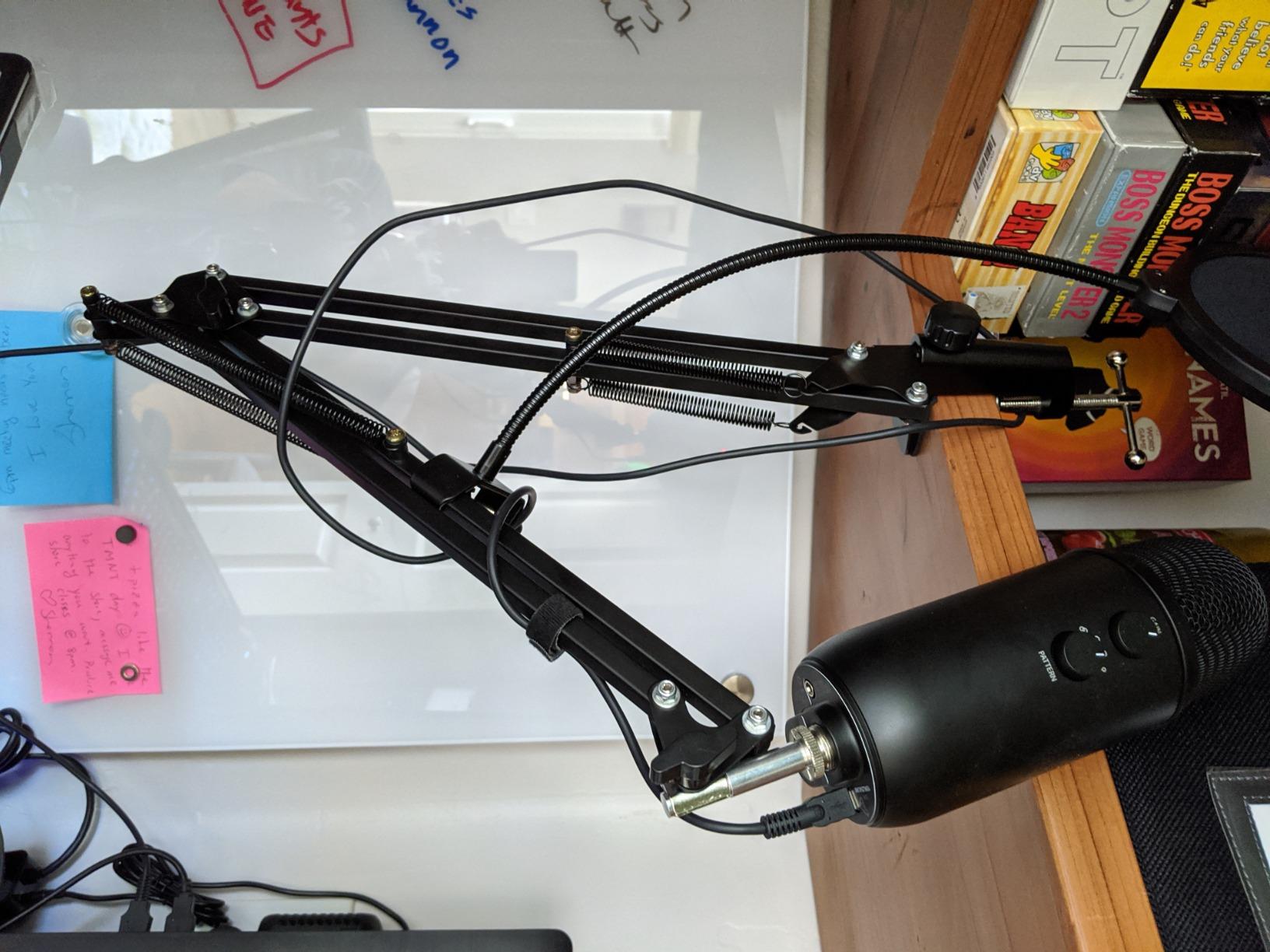
Two things to know before you buy. The included shock mount has a 52 mm hole diameter and does not fit the Blue Yeti, even though the product title names that microphone first. If you own a Yeti, you will use the supplied mic clip instead and the shock mount becomes shelf weight.
The clamp fits desktops up to 2 inches thick and needs a genuinely flat edge to seat against. On a desk with a rounded or angled front edge, reviewers report it rocking. The maximum recommended load is 1.5 kg, which is comfortably above a USB condenser and comfortably below a broadcast dynamic with a shock mount attached.
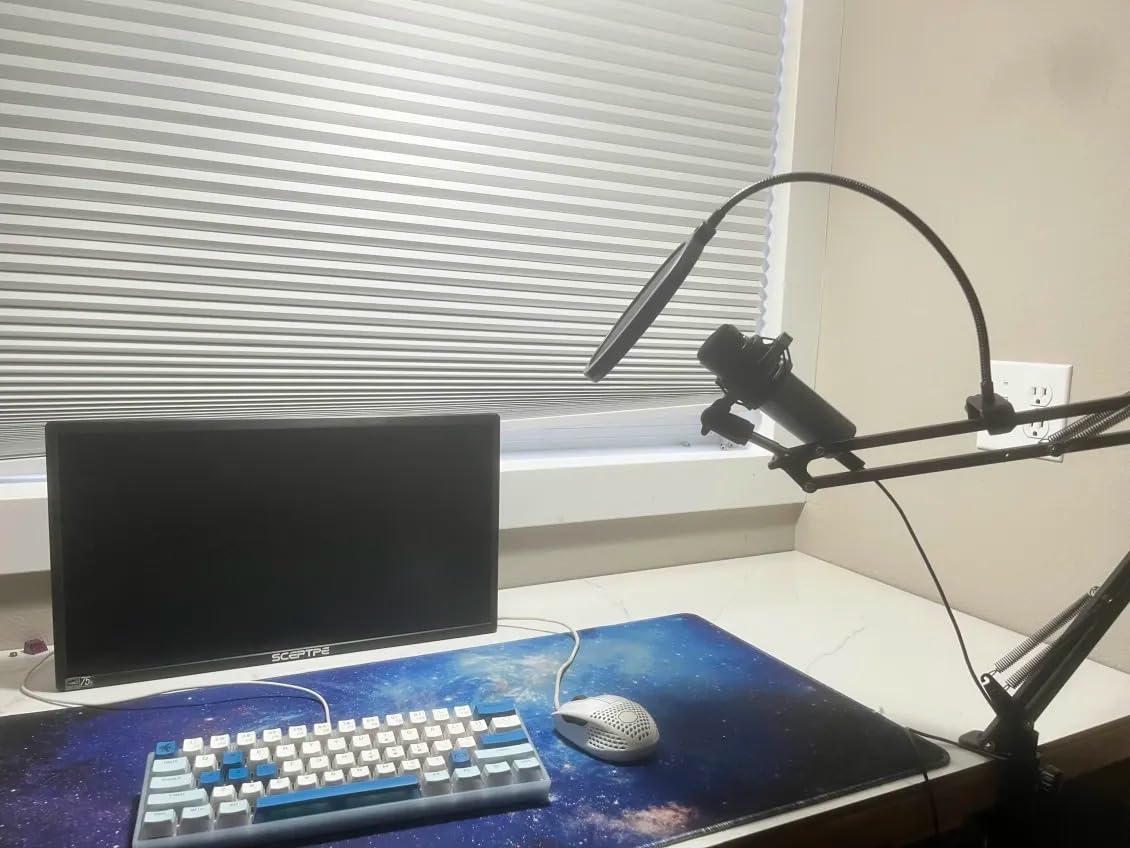
Who this arm suits
This is the pick for a first podcast rig, a home office setup, or a student recording on a HyperX QuadCast, SoloCast or Blue Snowball. The included cable ties solve the cable-drape problem in a way that costs nothing extra, and the double pop filter genuinely helps on plosive consonants.
If you plan to grow into a heavier microphone later, this is still a reasonable first arm. You would simply upgrade the mic clip to a proper shock mount when the mic arrives.
Where it falls short
Heavier condenser microphones are the weak point. Reviewers consistently report droop or a slow drop when the load approaches the limit, which is the same drift problem the T20 solves with a stiffer frame and a higher rating.
There is also some play in the joint between the clamp and the arm even when tightened, and the spring can launch the arm upward if you pull it down past its range. Neither is dangerous, both are annoying in a take where you move the mic often.
3. SUNMON QuadCast Boom Arm – Best for USB Condensers
QuadCast Boom Arm, Mic Arm for Blue Yeti HyperX QuadCast SoloCast Fifine AM8 and Most Microphone, Mic Stand Desk with 3/8″ to 5/8″ Adapter by SUNMON
Pros
- Dual suspension springs dampen handling noise
- Adapter already fitted so no assembly guesswork
- Compact footprint suits small desks
- Sponge base protects the desk
Cons
- Limited reach on deep desks
- Clamp limited to thinner desktops
- Feels light with a heavy broadcast mic
The SUNMON arm is built around one idea: a USB condenser is a light microphone, so the arm only needs to be stiff enough to hold a light load quietly. Dual suspension springs sit on each boom section, and reinforced knobs are the part that actually stops shake and sinking in practice.
The thread adapter arrives pre-installed, which removes the most common assembly mistake. Out of the box it works with a HyperX QuadCast, Blue Yeti, Blue Snowball, HyperX SoloCast, Shure MV7 and Fifine units without you hunting for the right bushing.
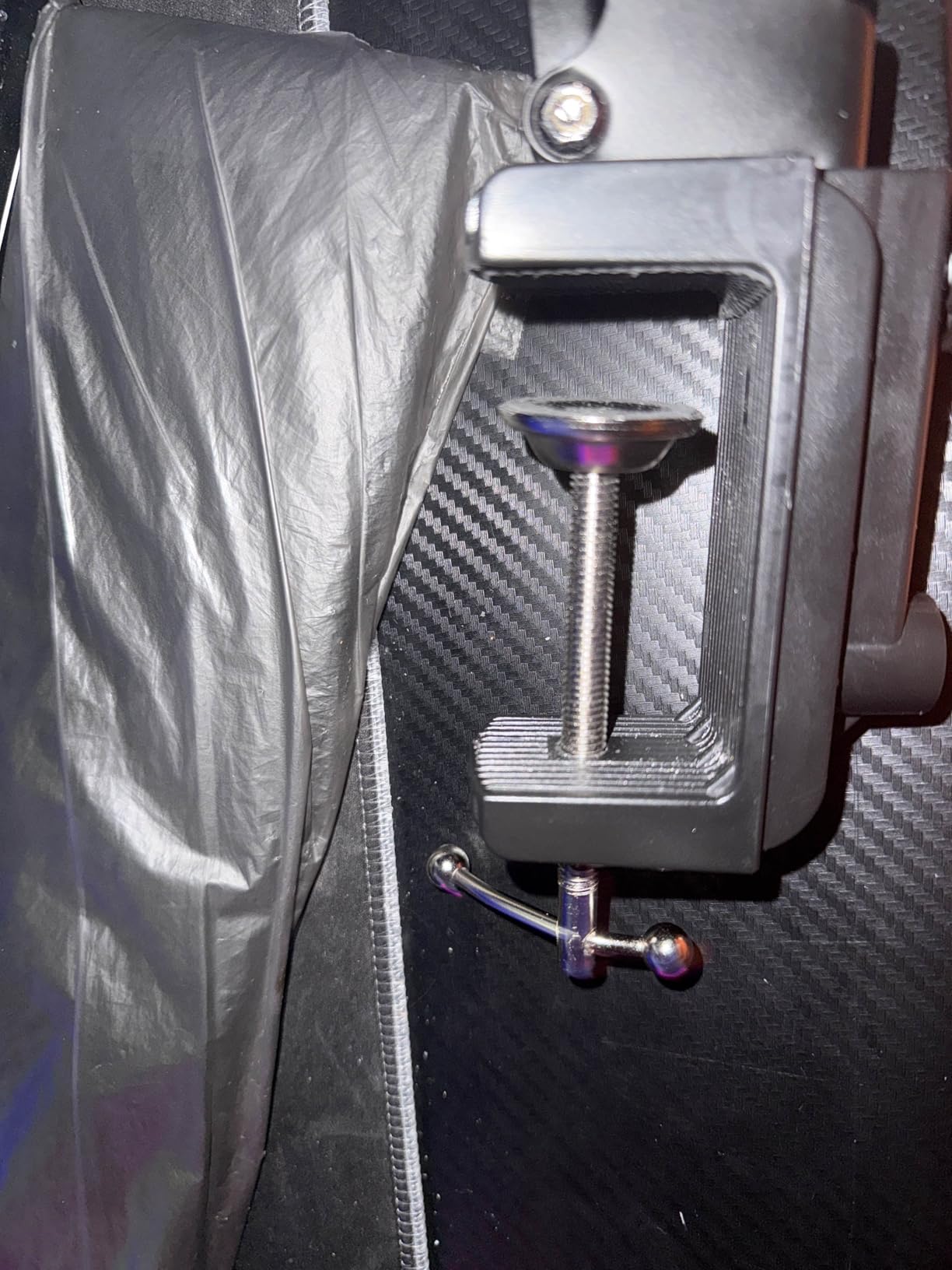
It is 0.53 kg and measures 15.75 by 4.72 by 1.97 inches, one of the smaller footprints in this list. That makes it a good fit for a compact streaming desk where a scissor arm would crowd the keyboard.
The maximum recommended load is 1.4 kg. That is enough headroom for a USB condenser with a shock mount, and it is the number to watch if you are tempted by an SM7B. The spec sheet lists compatibility with the SM7B, but a bare SM7B plus a shock mount sits close to the ceiling of what this frame is designed to carry.
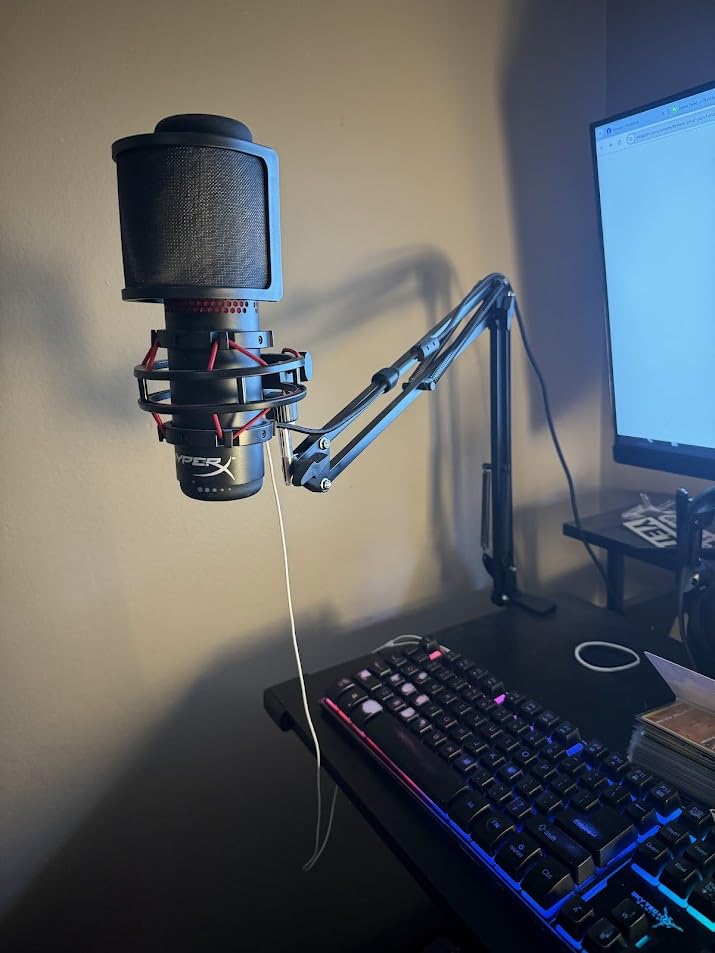
Where it fits best
A streamer or podcaster on a small desk with a USB condenser is the ideal user. If you record a video podcast, the compact geometry keeps the arm out of the camera frame, and the sponge base means the clamp will not mark a light-coloured desk.
It is a good second arm too. If your main arm is a low-profile model, a SUNMON clamped to the opposite desk edge gives you a second microphone position for a two-person setup.
What to watch out for
Reach is the limitation. On a deep desk, the compact arm cannot extend far enough to put the mic at a comfortable distance without an extension, and that is a desk problem rather than a product defect.
The clamp opens to 1.89 inches, the tightest limit of any arm in this roundup. If your desk is a thick slab, measure the edge before you order. The frame also reads as light when loaded with something heavier than a USB mic, so a heavy broadcast dynamic is not a sensible pairing.
4. FIFINE BM88 Low Profile Arm – Best Value Under-Monitor Pick
Pros
- All-metal build holds position without sag
- Low profile stays out of the monitor and camera frame
- Hidden cable channels hide wiring completely
- Adapters arrive pre-fitted
Cons
- Short for wide desks without an extender
- Clamp screw sits at the back against a wall
- Socket at the clamp can feel slightly wobbly
The BM88 is the low-profile answer most people should buy first. It slides under a monitor from the bottom of the screen, so the arm never crosses your sightline, and the metal frame is heavy enough at 1300 g that it does not wobble when extended.
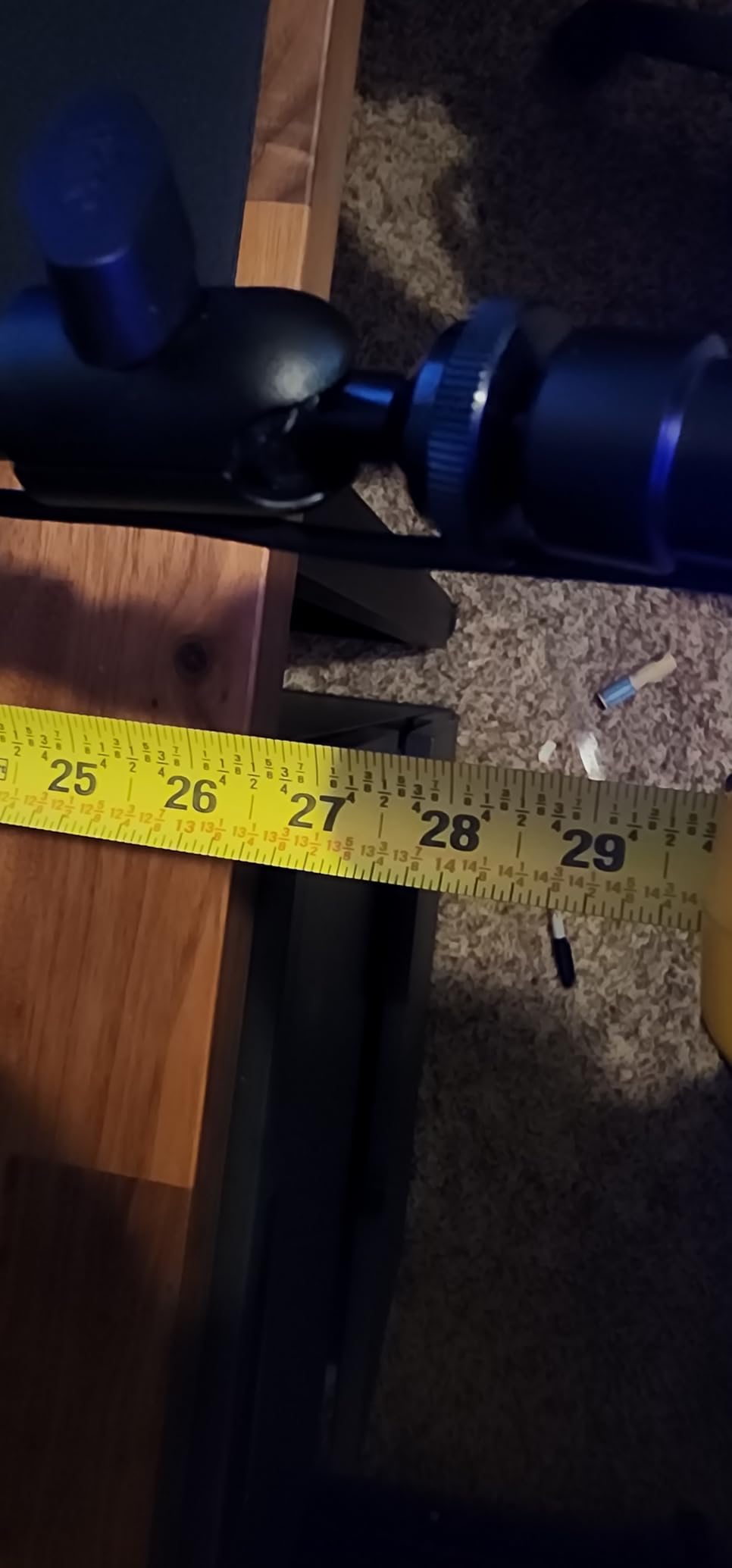
Adjustment is generous for a low-profile design: 29 inches of extension, 220 degrees of vertical travel and 360 degrees horizontally. The cable channels run inside the arm and are covered, so an XLR run disappears rather than draping.
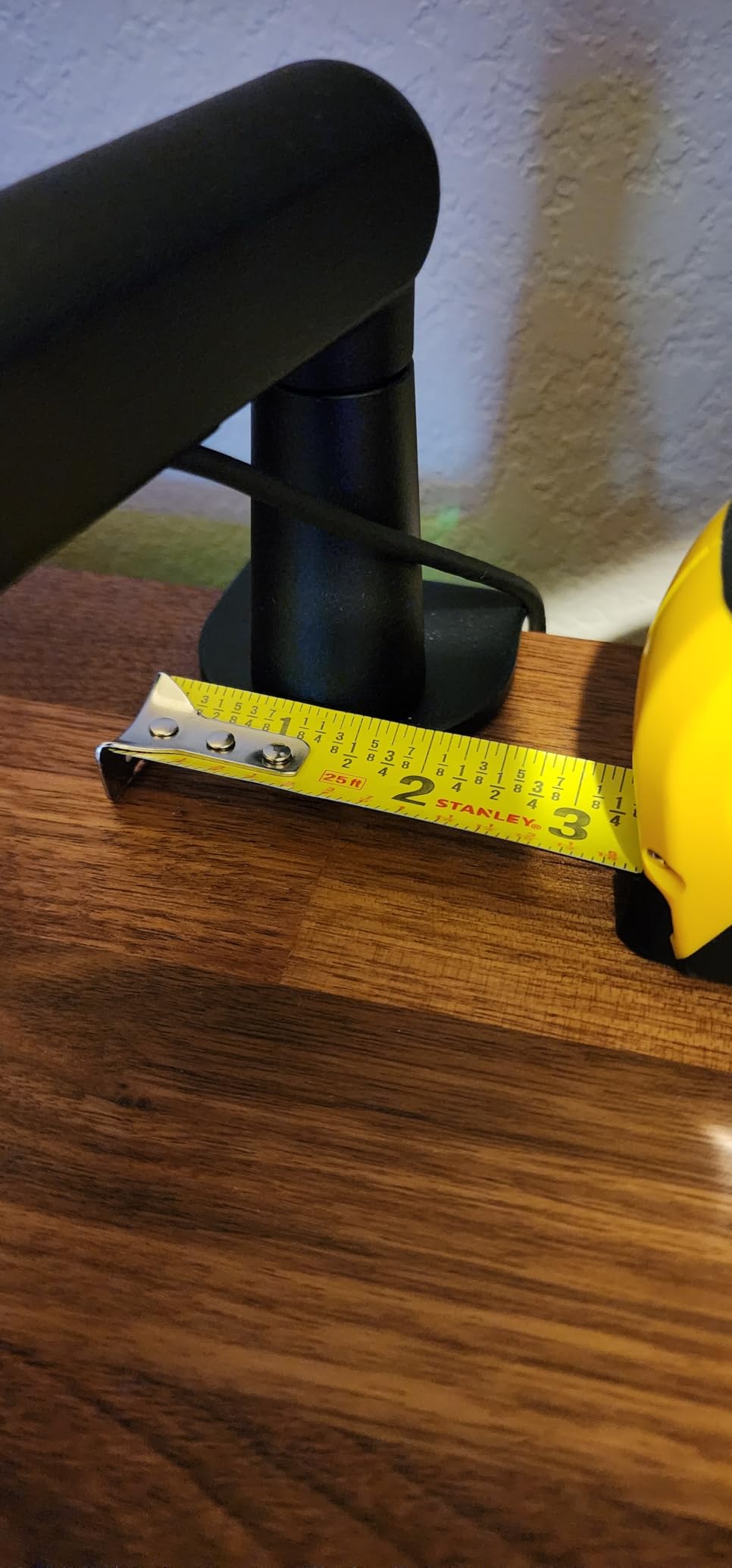
Three thread sizes are pre-fitted on a rotatable ball head, covering 1/4 inch, 3/8 inch and 5/8 inch mounts. An allen wrench is included, and the ball head adjustment is smooth enough to angle a mic accurately rather than approximately.
The clamp suits desktops between 0.8 and 2.4 inches thick. The lower limit matters on thin laminate desks, and the upper limit means it opens wider than most competitors. The microphone is not included, and the package contains the arm, desk clamp, ball head, allen wrench, manual and two adapters.
Why it beats the pricier low-profile arms
A video podcaster or streamer with a monitor pushed to the back of the desk gets the geometry they need at a much lower cost than the premium low-profile arms. If your microphone is a USB condenser or a mid-weight dynamic, the metal frame is rigid enough to hold position without wobble.
We would also mention FIFINE’s after-sales support, which has replaced a faulty hand screw at no cost. For a product that gets handled daily, that kind of service matters more than a small difference in finish quality.
Where it falls short
On a wide desk, 29 inches is not always enough to bring the mic around the side of a large monitor, and an extender is the usual fix. If your desk is deeper than about 30 inches, measure before buying.
The clamp tightening screw is on the back, which is awkward when the desk sits against a wall. The socket where the arm meets the clamp can feel slightly wobbly, and the ball joint takes real effort to adjust once the powder coating is scuffed. None of that is a dealbreaker, but you will feel it on installation day.
5. Elgato Wave Mic Arm LP – Best Premium Low-Profile Pick
Pros
- One of the heaviest builds in the group with almost no flex
- Stays out of camera frame and sightlines
- Magnetic cable covers are clean and removable
- Movement is quiet and holds position
Cons
- Ball and arm clamps tighten with a jerky motion
- Clamp can creep with a heavy mic extended
- Thick XLR cables can pop out of the channels
At 1692 g the Elgato Wave Mic Arm LP is among the heaviest objects in this roundup, and you feel that the moment you move it. The all-metal, anti-torsion construction means the arm does not twist when you rotate the mic, which is the specific complaint we hear most about lighter low-profile arms.
It sits below the shoulder line, so a 27 inch monitor in front of you is not obstructed and a camera above your desk does not frame the arm across your chest. Horizontal rotation is 360 degrees with 90 degrees of upper vertical movement.
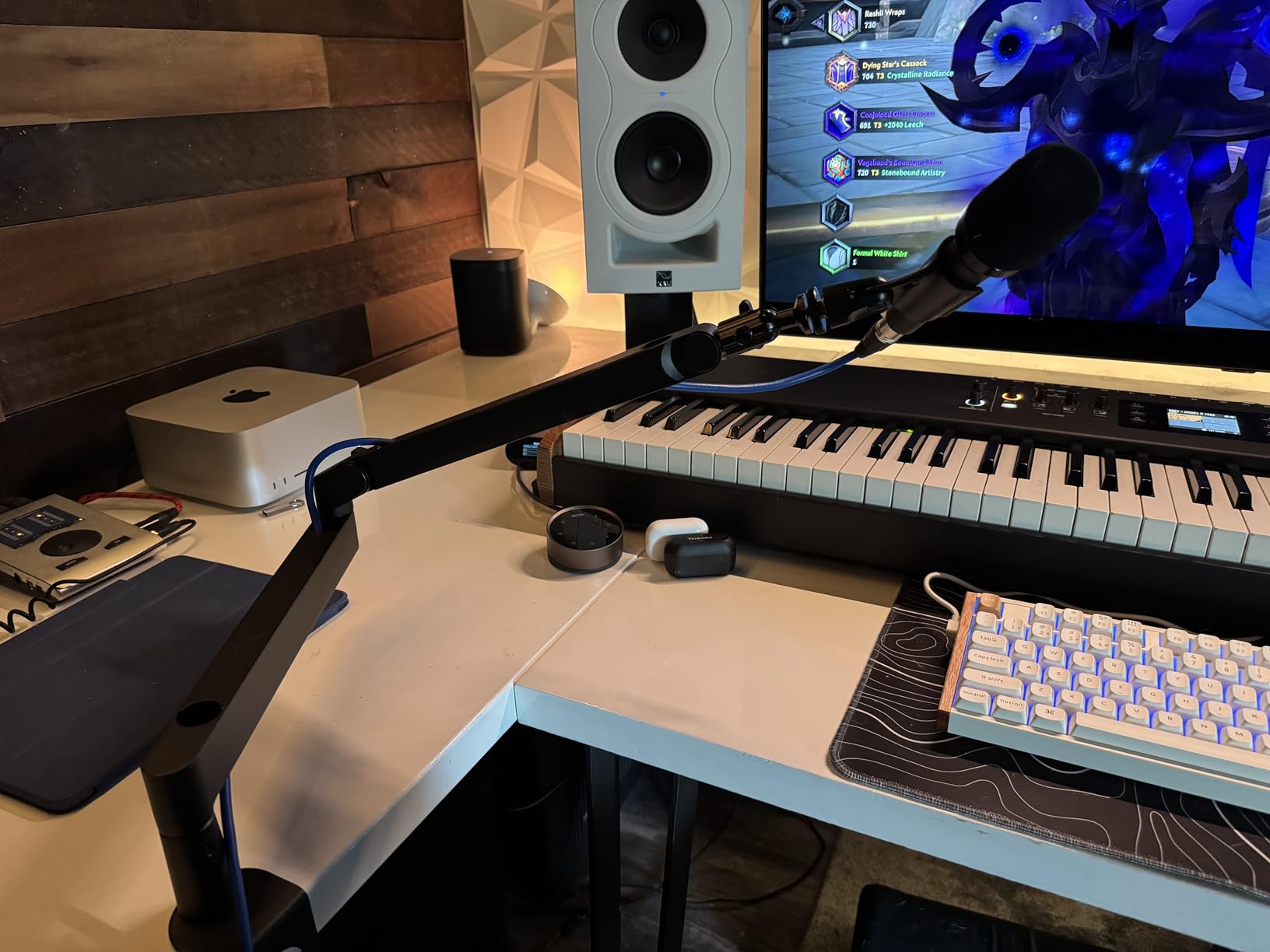
The magnetic cable channel covers are the detail that sets this arm apart visually. Cables clip in underneath and the cover sits flush; pulling the cover off gives instant access without unplugging anything. It is a small thing that makes a desk look finished rather than assembled.
Reach is 740 mm, or 29.1 inches, and the maximum recommended load is 2 kg, a strong rating for a low-profile design. Both 1/4 inch to 3/8 inch and 1/4 inch to 5/8 inch adapters are included along with an allen wrench. The warranty runs two years.
Who should spend more here
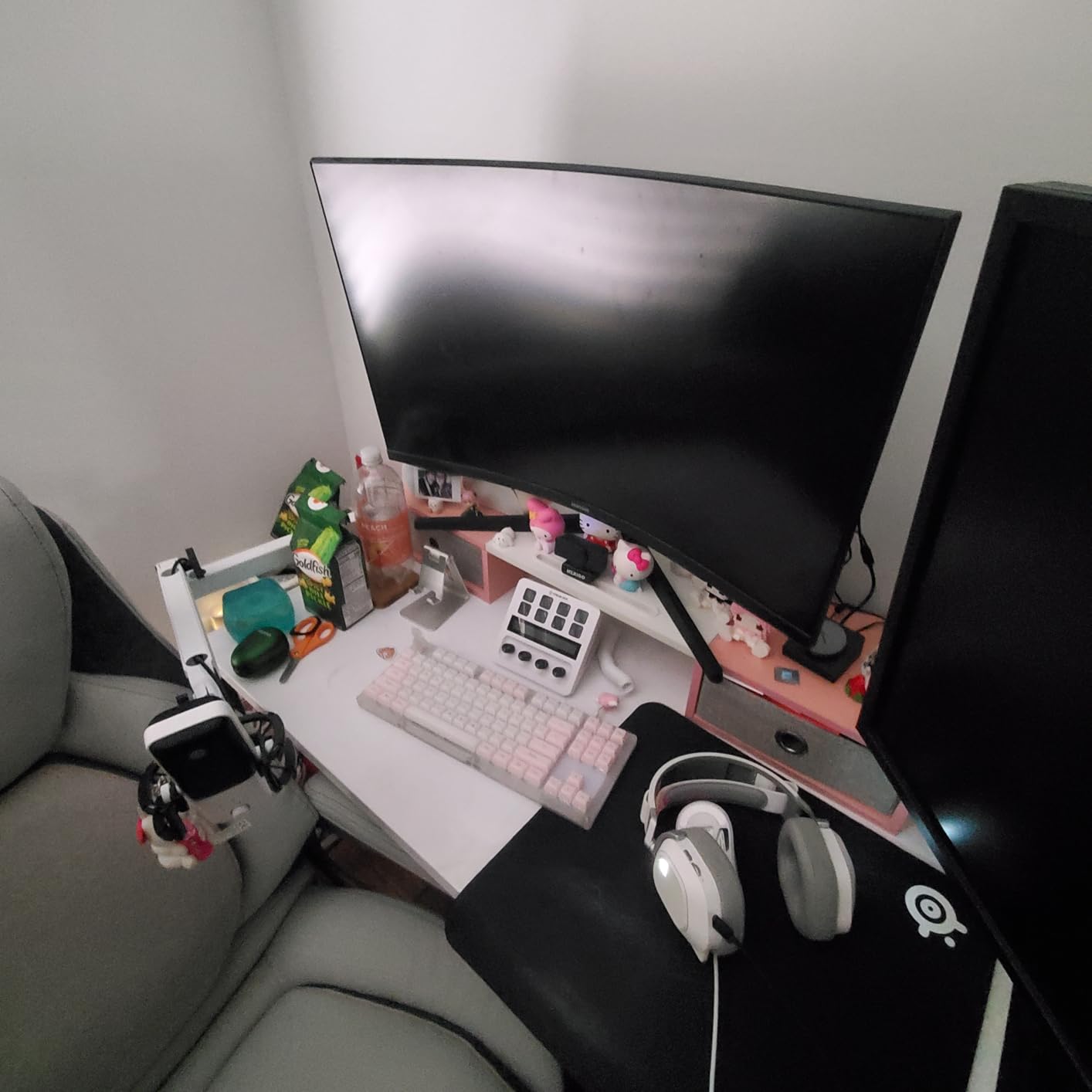
If your desk is shared, if you reposition the mic constantly, or if you record for hours at a time, the weight and damping pay off. Silent, slow movement matters when you are repositioning a live microphone, and reviewers consistently single out how quietly this arm moves a loaded mic.
It is also the choice for anyone whose microphone is heavy and whose monitor is large. A 2 kg rating with 29 inches of reach means you can extend a dynamic mic outward without the clamp complaining.
Where the extra money does not help
Reviewers do report occasional slow sag over months of use and the need to re-tighten, and the clamp padding can shift or tear. The clamp can also creep with a heavier microphone extended far outward, which is exactly the combination the 2 kg rating suggests should be fine.
Bumping the arm from below while joints are loose can lift a section out of its seat, and the ball and arm clamps tighten with a jerky motion at higher pressure. Tough XLR cables can also pop out of the magnetic channels. None of these are dealbreakers, but they are the reasons this sits at number two rather than first.
6. UBeesize Aluminum Mic Arm – Best Rigid Mid-Budget Frame
Pros
- Aluminum alloy is noticeably more rigid than steel-plate budget arms
- Reduces vibration and wobble
- Works with a Shure SM7B using the included adapter
- Clamp opens wider than most arms here
Cons
- Tension knob must be tightened after installation
- No shock mount included for condenser microphones
- Clamp fails on slanted or curved desk edges
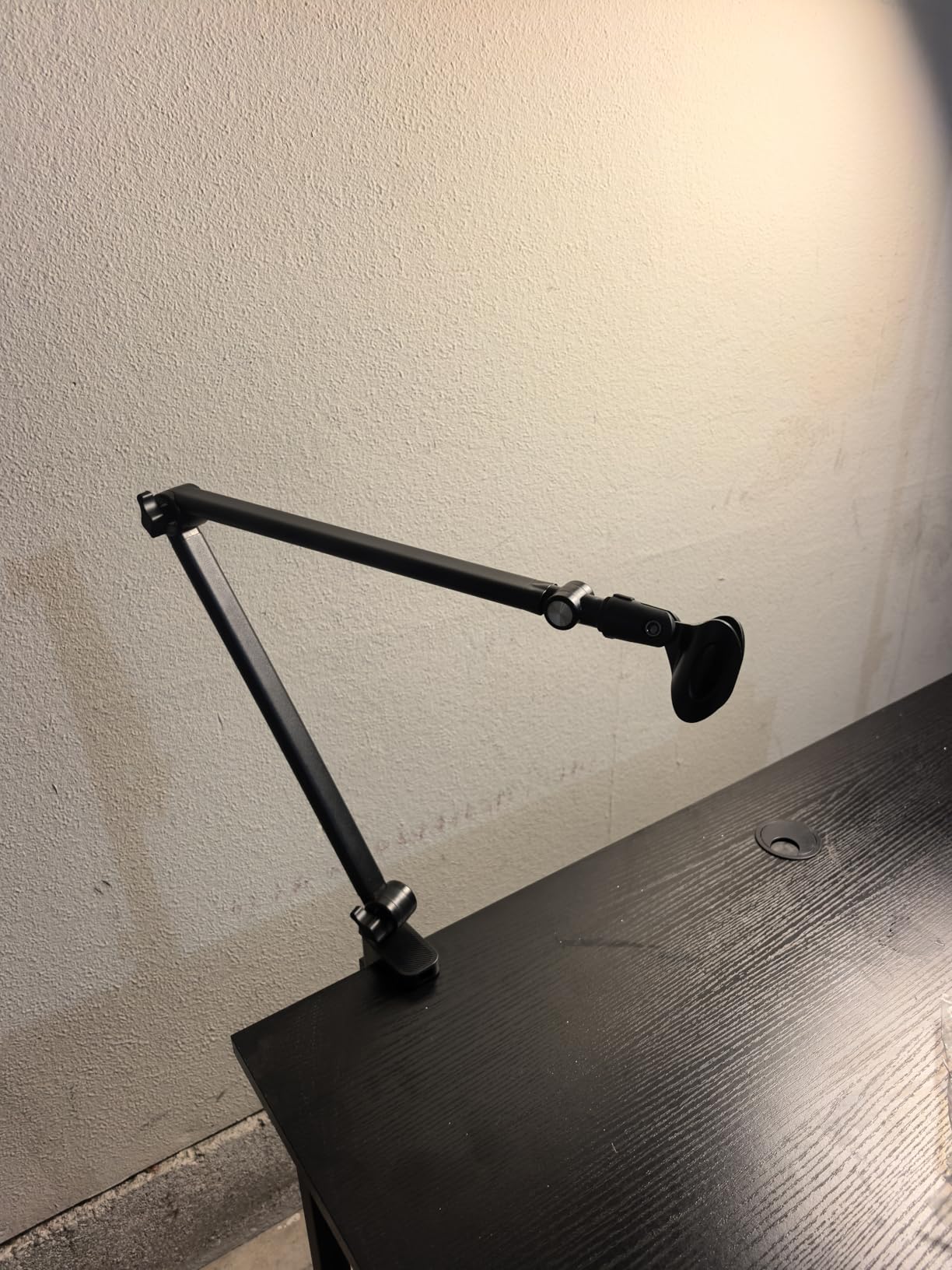
The UBeesize arm takes a different approach from every other budget entry here: aluminum alloy instead of folded steel. At 1.5 kg of rated load it is a strong figure for this bracket, and the frame resists vibration better than a thin steel plate of similar price.
Adjustment is unusually wide. The base rotates 360 degrees, there is 210 degrees of range between the arms, and the head itself rotates 360 horizontally and 180 vertically. On a desk where you want the mic pointing back towards you rather than straight forward, that range makes a measurable difference.
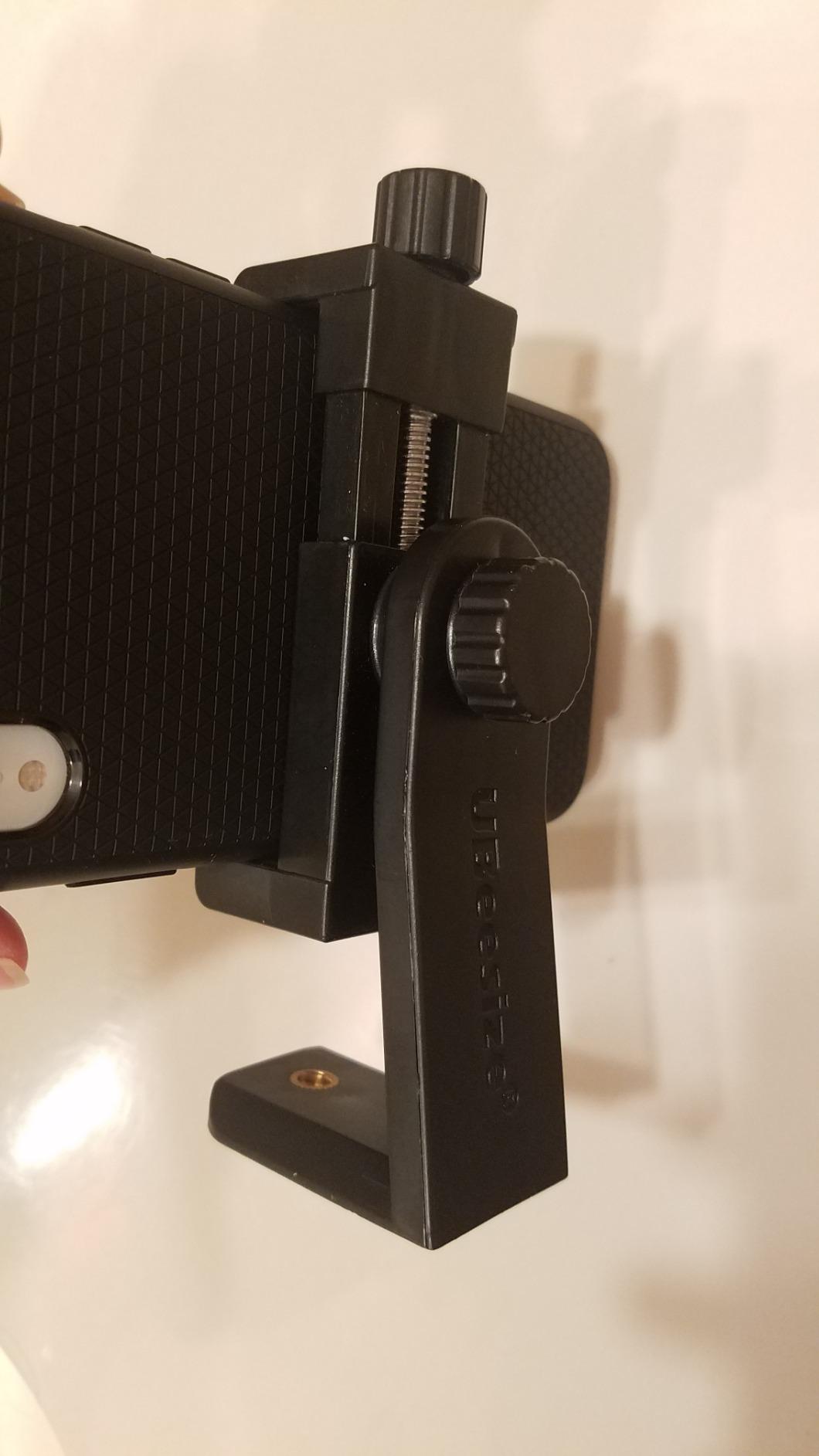
A 5/8 inch to 3/8 inch adapter covers Blue Yeti, Blue Snowball, HyperX SoloCast and QuadCast, Shure SM7B and MV7 and Fifine AM8, and a standard mic clip is included for dynamic microphones like an SM58 or a Samson Q2U. Three reusable hook-and-loop cable ties handle the wiring.
The C-clamp fits flat-edged desks up to 2.5 inches thick, a wider opening than most arms here, which makes it a safe choice if you have not measured your desk and suspect it is on the thick side.
Why the material choice matters
Rigid frame means less energy travels from the desk into the microphone, which is the mechanism behind knocking and desk thumps in a recording. If your podcast involves a keyboard that gets hit hard, or a desk that shares a frame with a chair, a stiffer arm is a real acoustic improvement.
The 26 inch reach is adequate for a normal desk, and the multi-axis head means you can angle a side-address microphone properly instead of pointing it at the desk edge.
Where it needs work
The tension knob must be tightened after installation or the arm can loosen and tilt during use. This is a one-time step, but it is a step, and it is the most common complaint in reviews.
No shock mount is included, so a condenser microphone needs one bought separately. The clamp will not work on a slanted or curved desk edge, and with a glossy black finish the arm reads more as gaming hardware than broadcast equipment.
7. Rode PSA1+ Studio Boom Arm – Best for Broadcast Mics and Silent On-Air Moves
Pros
- Silent damping avoids creaks during on-air moves
- Holds a broadcast dynamic with a shock mount
- 360 degree rotation with integrated cable channels
- Two year warranty
Cons
- Bulkier footprint than a low-profile arm
- Rotation joints need occasional re-tightening
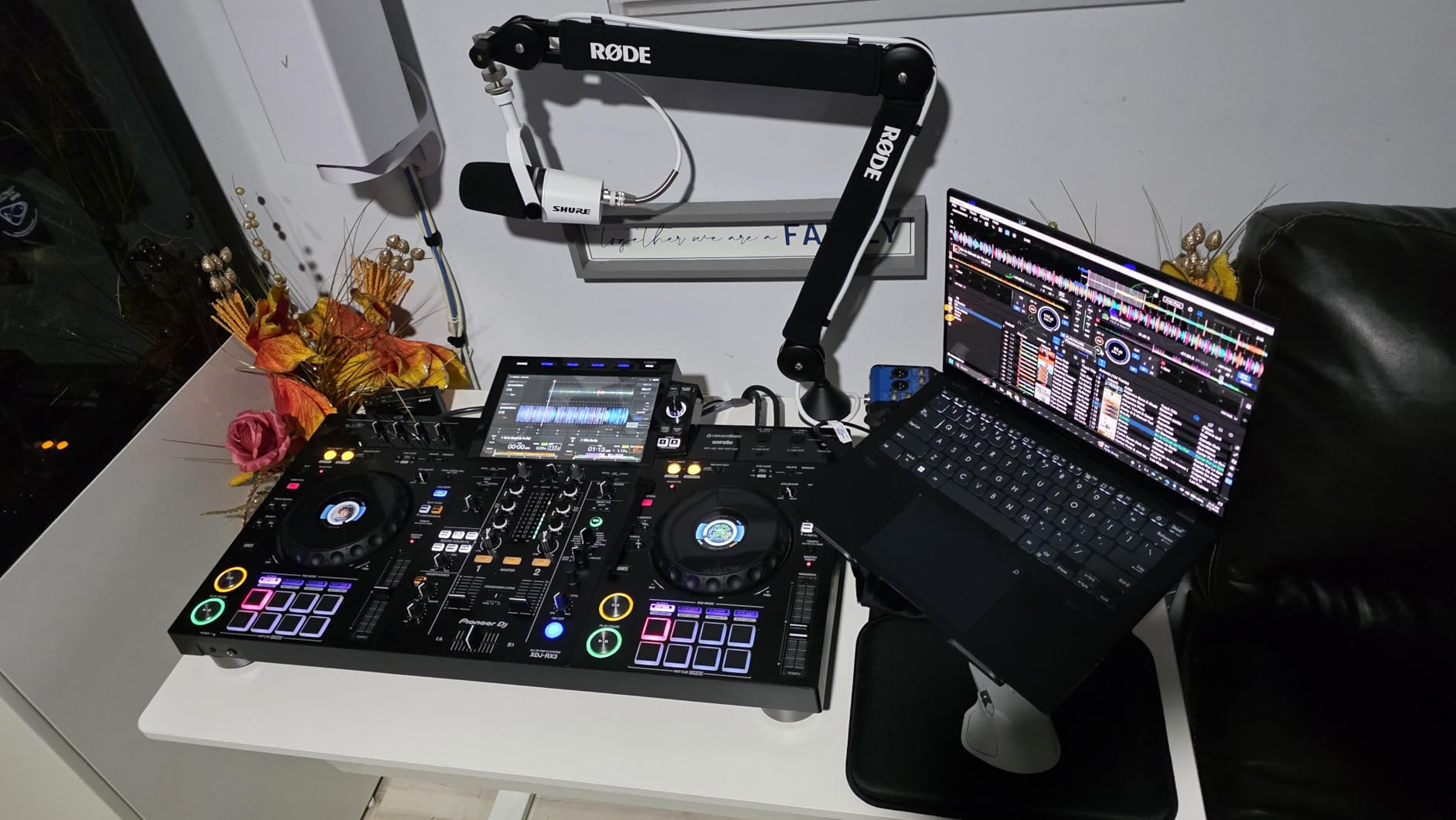
The PSA1+ is the professional reference arm, and the thing that sets it apart is damping. The internal spring is damped rather than bare, so you can move a loaded microphone mid-recording without a creak or a metallic rattle bleeding into the take. For a format where you reposition while talking, that is not a small detail.
It supports microphones and shock mounts from 0.25 kg to 1.2 kg. That range covers a USB condenser at the light end and a Shure SM7B in a shock mount at the heavy end.
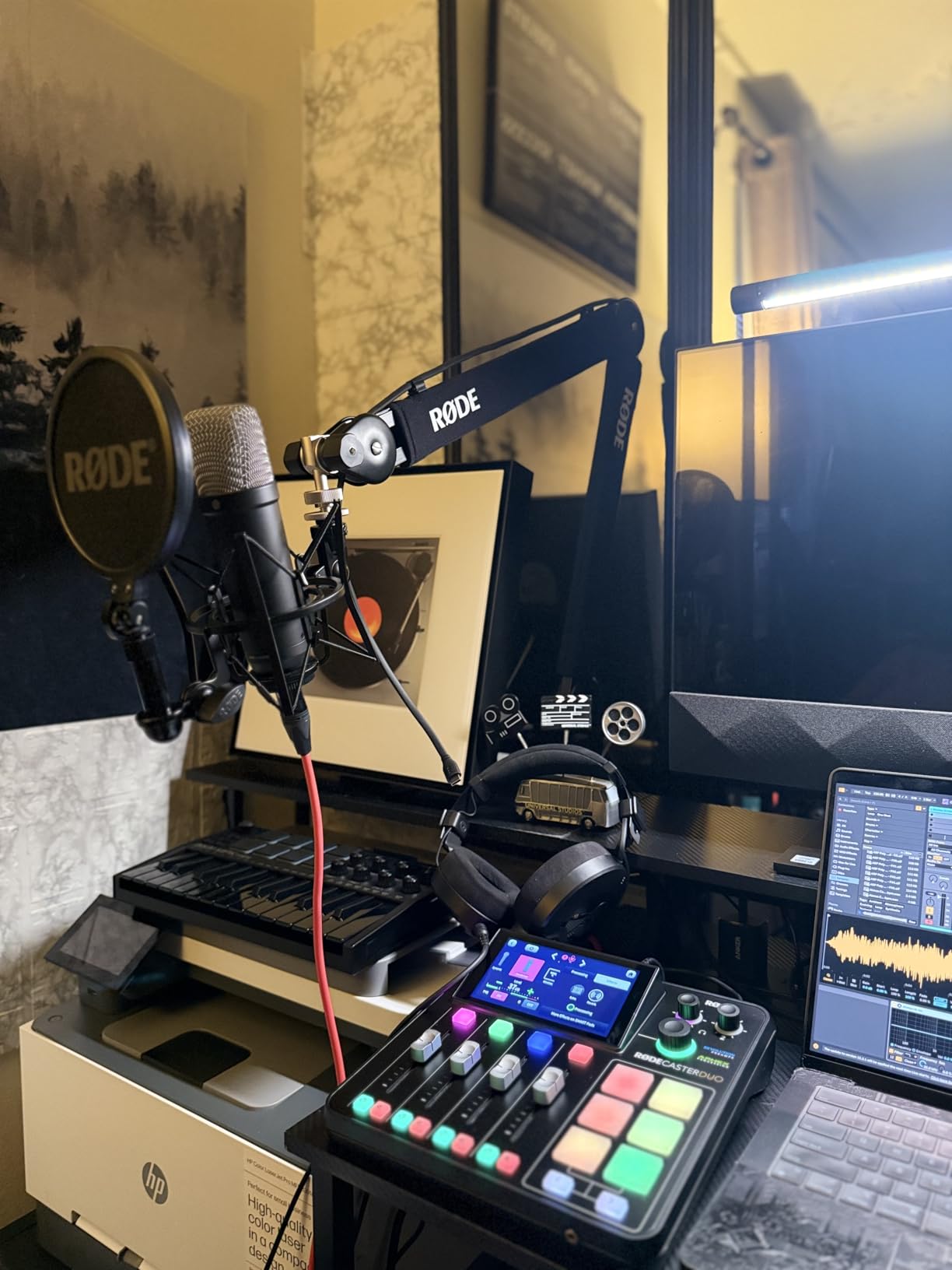
The desk clamp fits desktops up to 70 mm thick, a wider opening than the other elevated arms here, so it works on a solid wood or heavy composite recording desk without an adapter plate. Maximum reach is 0.9 meters and rotation is a full 360 degrees.
Cable management is integrated into the arm, so an XLR run travels with the mic instead of being abandoned on the desk behind it. Both 3/8 inch and 5/8 inch mounts are handled with the included adaptors, and the warranty runs two years.
The case for the professional option
If you record a Shure SM7B, a Shure MV7, or any broadcast dynamic with a shock mount, this is the arm the weight class was designed for. The 1.2 kg ceiling leaves headroom that the lighter budget arms do not have, and the damping means a live reposition sounds clean.
It is also the arm to copy if you are building a two-person setup and want both microphones to behave identically. Same arm on both sides means the same mic distance, which is what makes a two-host conversation sound consistent.
Why it is not the top pick here
The footprint is bulkier than a low-profile arm, and on a small desk it takes real estate a BM88 would leave free. The extension is substantial rather than folding flat, so a compact setup will feel crowded.
Rotation joints need occasional re-tightening after heavy use, and the premium sits well above generic scissor arms for a product that a careful owner could easily keep for a decade. The consensus is strong, but the review base is smaller than the budget leaders here, and that matters for long-term parts and support decisions.
8. Amazon Basics Adjustable Boom Arm – Best Budget All-in-One
Pros
- Entry-level cost with pop filter and windscreen
- Metal construction feels durable
- Easy installation and adjustment
- Cable ties included
Cons
- Tension must be set precisely or it drifts
- Less stable when fully extended
- Not suited to heavy shock-mounted microphones
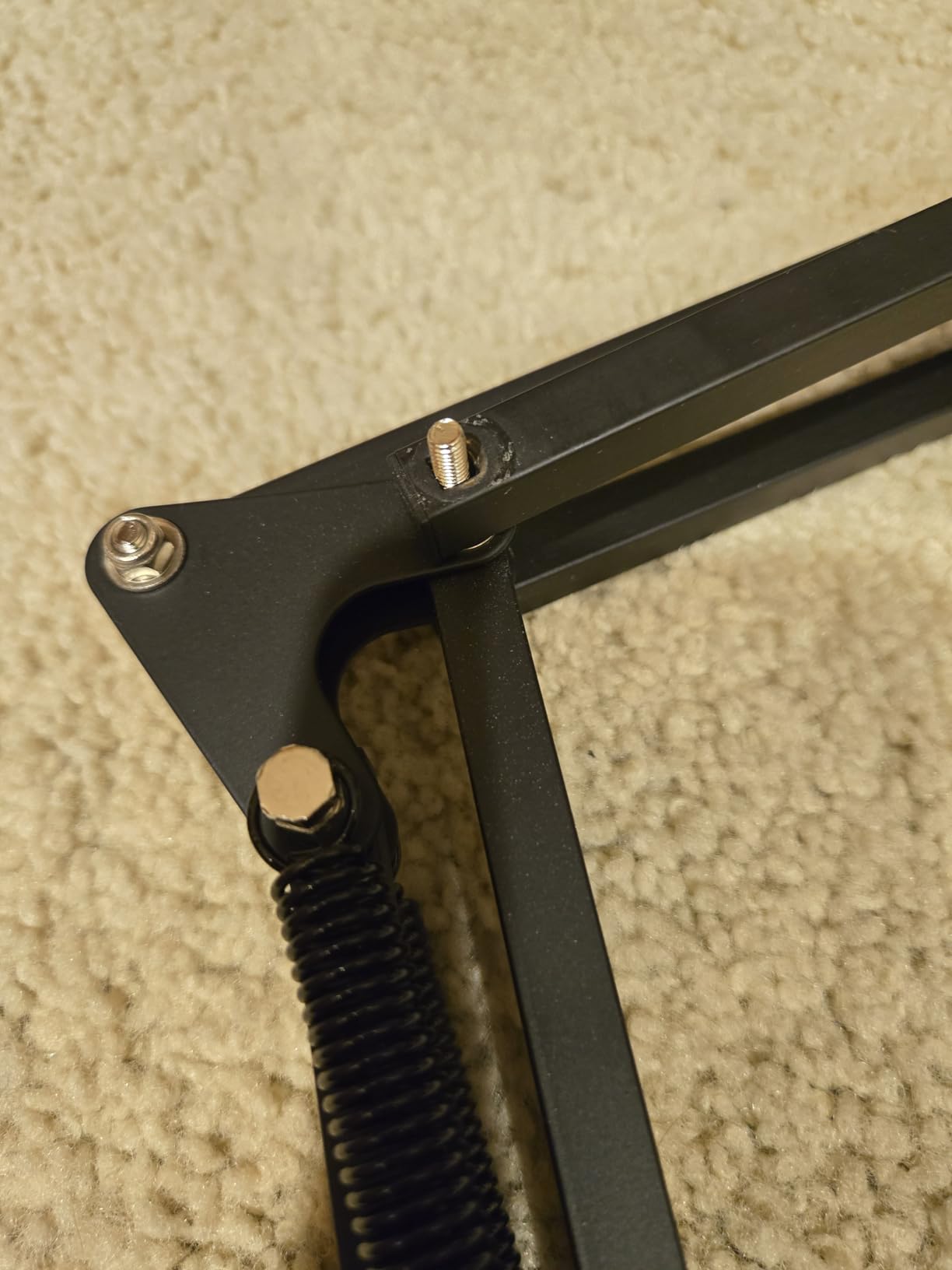
The Amazon Basics arm is a complete setup at an entry-level cost, and the metal alloy build surprises people. At 1.05 kg it does not feel like the flimsy plastic arms often found in the same bracket. The 14 inch adjustable arm has tension control meant to be dialled to match your microphone weight.
A pop filter, a foam windscreen, a screw adapter and a mic clip are all in the box, along with cable ties for tidying the run. Thread sizes of 3/8 inch and 5/8 inch cover the two common mounts.
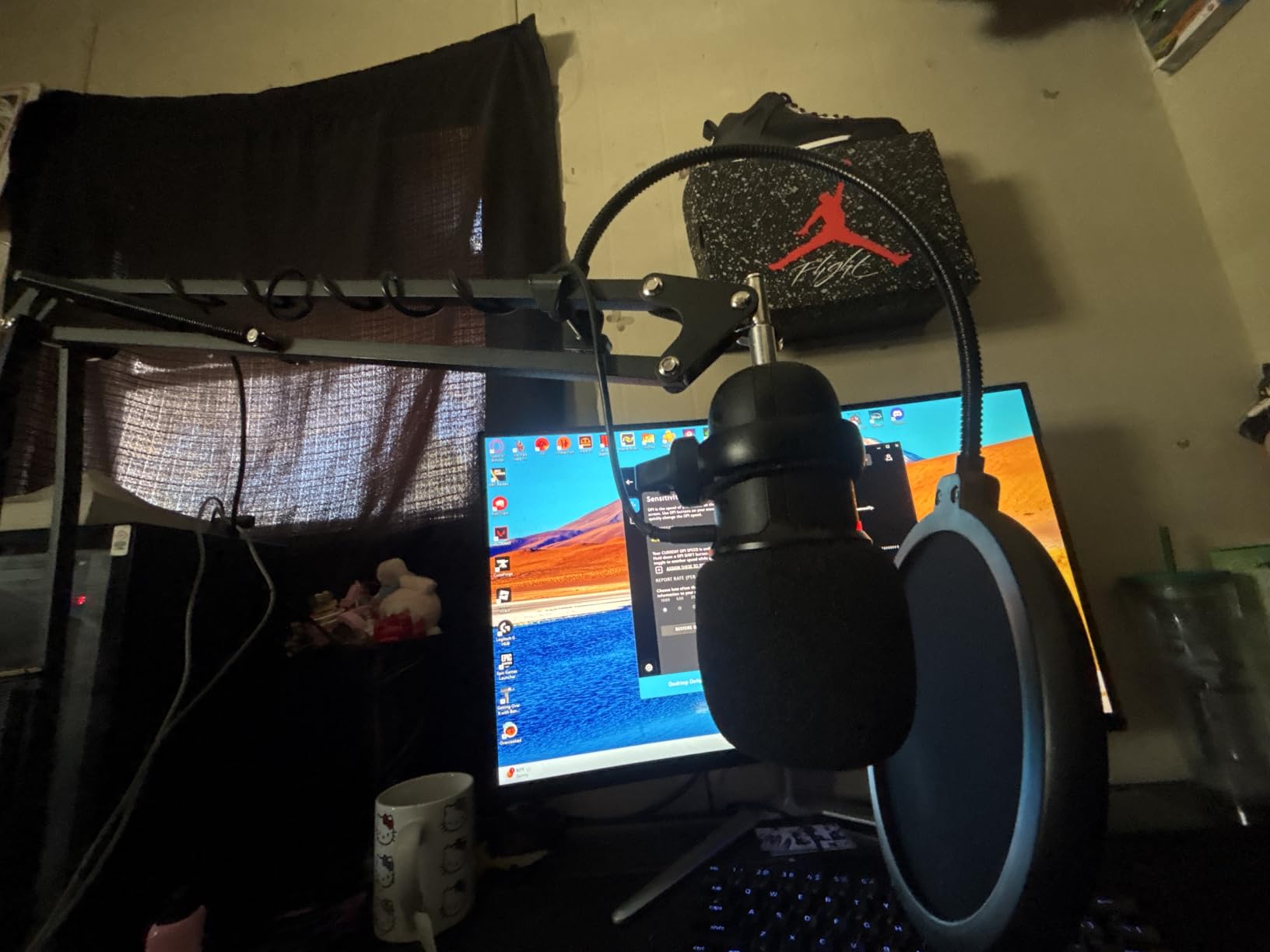
What separates this from the other budget arms is the tension control being the central feature. The manufacturer is explicit that stability depends on matching arm tension to microphone weight, and that performance changes with arm angle, extension and weight distribution.
Set that expectation going in. The maximum recommended load is 1.5 kg and maximum height is 35.5 cm, and it is sold in 14 inch and 19 inch lengths, so if you have a deep desk the longer version is the one to look at.
When this is enough
A home office, a video call setup, or a first recording space with a modest USB microphone is exactly what this arm is built for. You get a complete, functional rig without buying the arm and the pop filter as two separate decisions.
If the budget for this part of your setup is genuinely tight, this is the arm we would rather see you buy than a tripod stand that occupies a third of the desk.
Where it gives out
Tension has to be dialled precisely. Owners report the arm drifting upward or sagging if that balance point is missed, and stability drops further when the arm is fully extended or loaded unevenly.
It is not the right arm for a large microphone with a heavy shock mount, and the quick release clamp handle is plastic. The springs can make a slight noise when extended, which matters if you plan to move the mic during a take.
9. NEEWER NW-7000 Telescopic Boom – Best for On-Location Work
Pros
- Telescopic reach from 3.1 to 8.1 feet
- Lightweight aluminum reduces fatigue
- Twist-and-lock sections are simple to operate
- Comfortable rubber hand grips
Cons
- Handheld design rather than a desk clamp
- Low 0.69 kg load limit rules out broadcast mics
- Long throw rather than short overhead reach
The NEEWER NW-7000 is the odd one out in this roundup, and the reason it is here is its rating. Across 1340 reviews it holds a 4.7 average, tied with the PSA1+ for the highest figure in the group, and the consistency of that rating across its base is meaningful.
It is a telescopic boom rather than a desk arm. Three aluminum sections extend from 3.1 to 8.1 feet using twist-and-lock length settings, which is what makes it useful for interviews, live sound and anywhere the operator needs to move the microphone to the speaker rather than the speaker to the microphone.
Two ergonomically spaced EVA rubber hand grips, one fixed at the base pole and one sliding, are what make it manageable for a full session. The aluminum keeps the whole thing at 1.5 pounds, which is the reason it can be held for a long take.
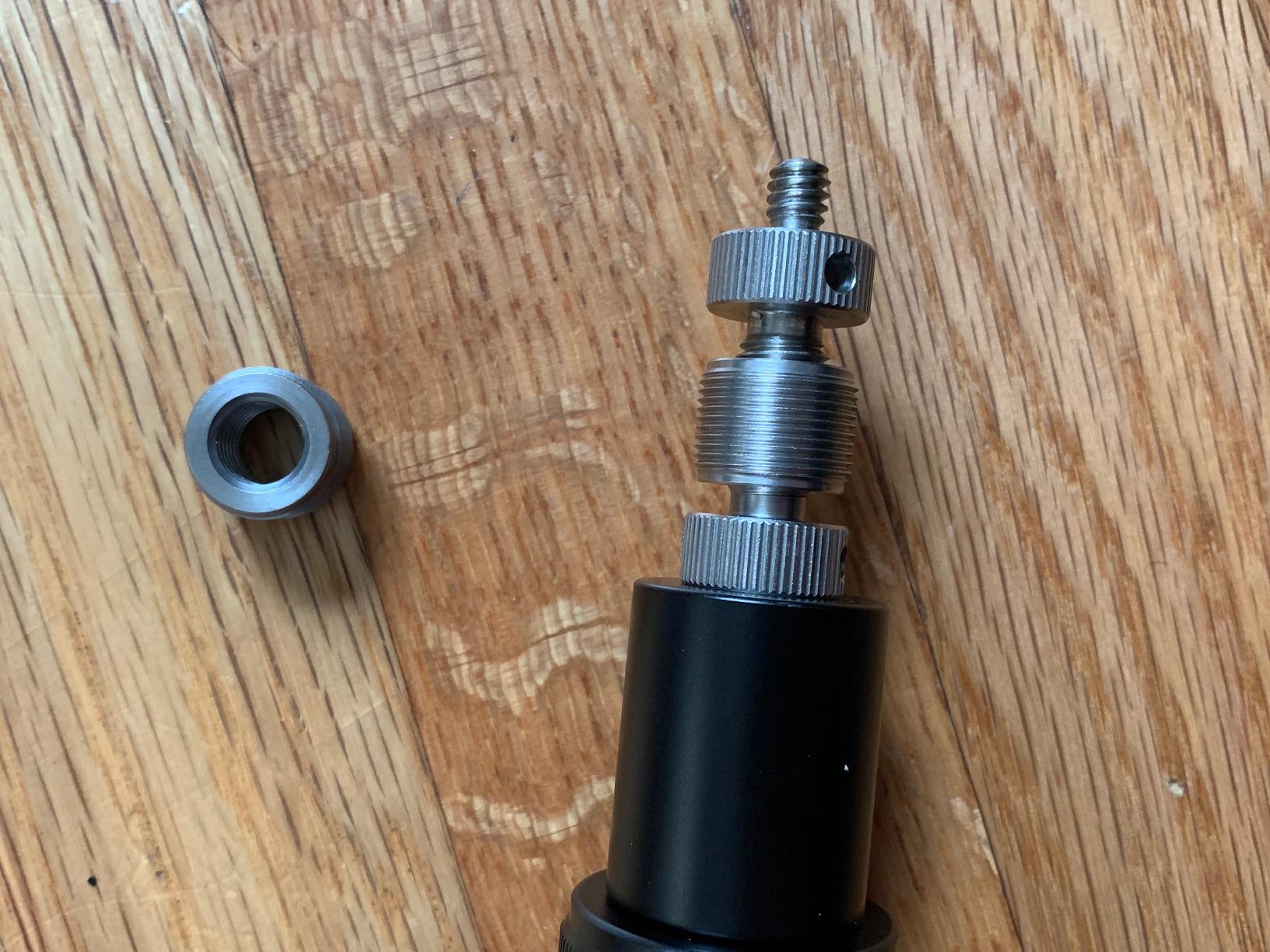
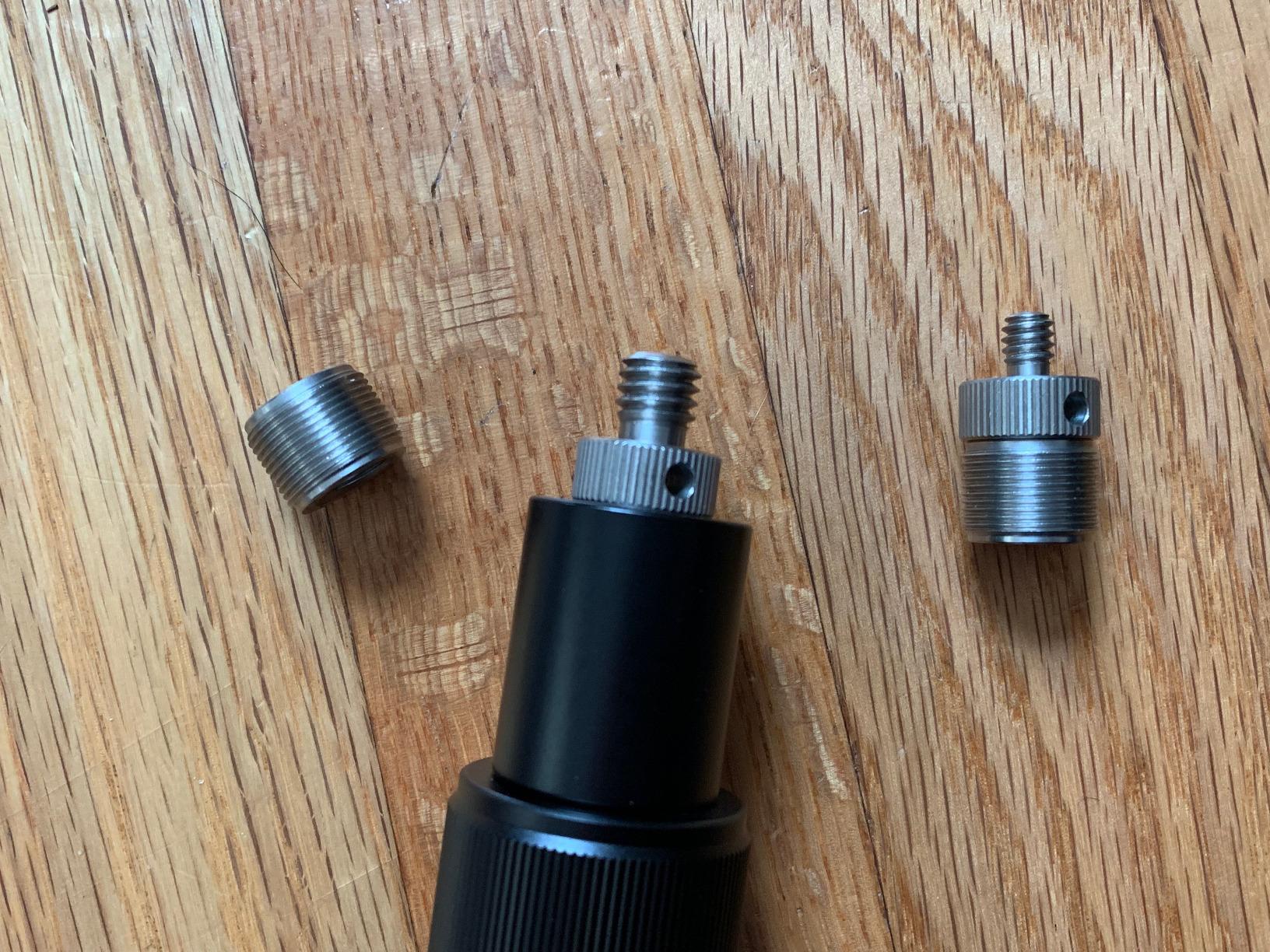
The end uses standard 5/8 inch minus 27 threads with a solid brass male end, and there are internal 3/8 inch minus 16 threads for lighter mounts. Brass matters more than it sounds: threads that strip under load are the usual reason lower-cost booms fail.
When this is the right tool
If you record anywhere other than a fixed desk, this is the arm to consider. A two-person conversation at a table, a live session, a workshop, an audience interview: the telescopic reach means you can put the microphone 20 cm from whoever is speaking.
It also serves as a second position on a podcast desk if you clamp something else at the desk edge and use this as an overhead or side support for a room mic.
Why it is not a podcast desk arm
The 0.69 kg maximum load is the number that decides this. That rules out a Shure SM7B, and it rules out most heavy dynamics with a shock mount. A USB condenser is comfortable territory.
There is no desk clamp, so mounting it to a fixed desk means improvising a base. The reach is a long throw rather than a short overhead reach, which is the wrong shape for a seated narrator position, and three sections need care to collapse and lock correctly.
10. IXTECH Elegance Scissor Arm – Best for Wide Desks
Pros
- Stainless steel frame at 1.48 kg unit weight
- 29 inch reach suits large desks
- C-clamp stays put under load
- Folds away for storage
Cons
- Only 1 kg supported load
- Short 90 day manufacturer warranty
- Larger footprint than compact arms
The IXTECH Elegance is the reach specialist. At 29 inches of horizontal reach with a stainless steel frame weighing 1.48 kg, it covers a wide desk well, and the C-clamp does not shift during use even on a deep surface.
Dual sturdy suspension springs support up to 1 kg of microphone weight and damp shake and rattle during recording, and the whole arm folds down when you are not using it. That foldability is genuinely useful in a shared or multi-purpose room.
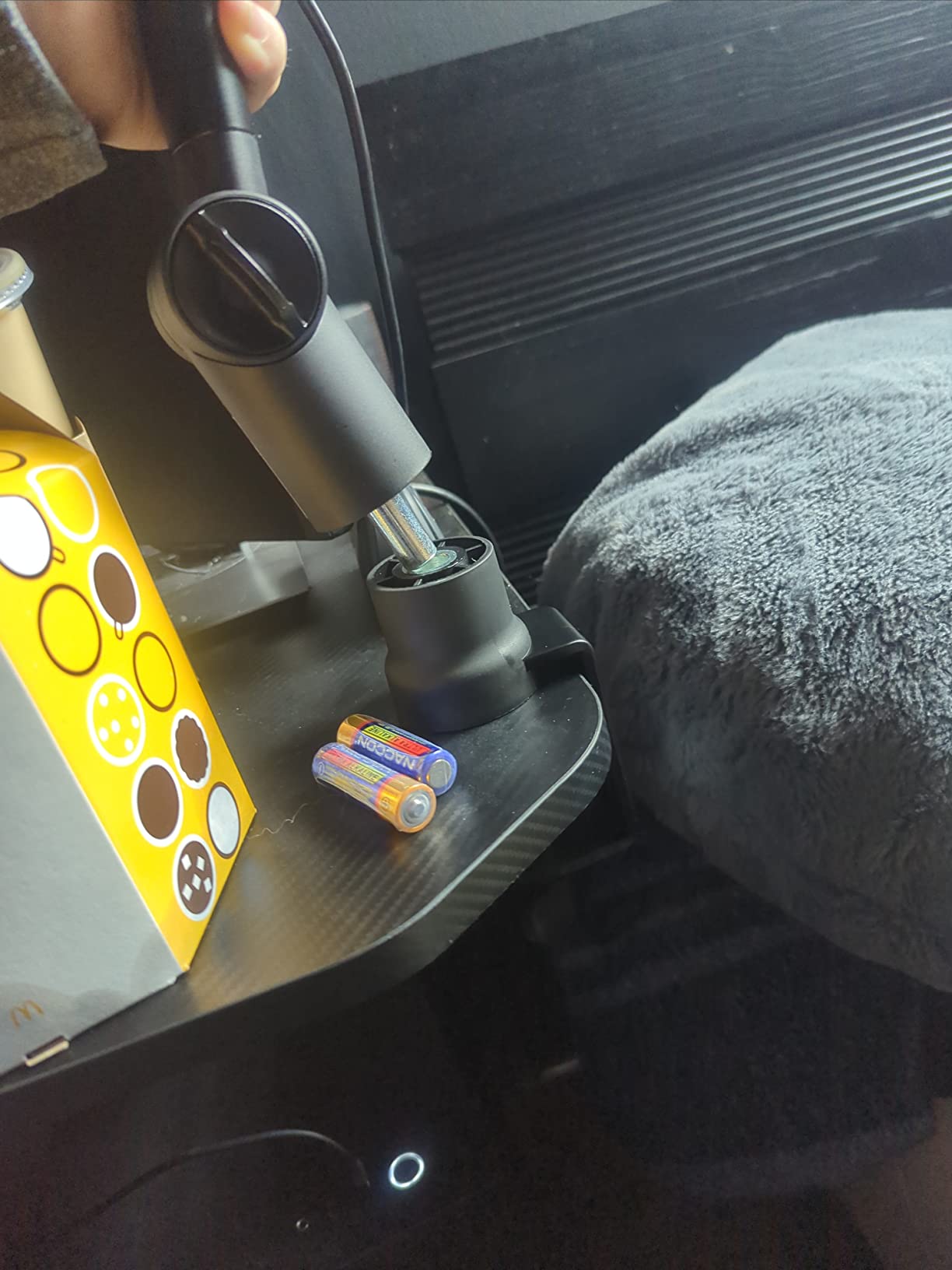
It rotates 360 degrees, and the box includes both 3/8 inch to 5/8 inch and 3/8 inch to 1/4 inch screw adapters so a shock mount will fit. Cable management is a clip-on holder rather than a channel, which keeps things tidy without cutting into the arm.
The build weight is the reason it feels more stable than the rating suggests. A 1.48 kg stainless frame does not flex the way a lighter arm does when you reach out to adjust it, and that is the difference you notice on a deep desk.
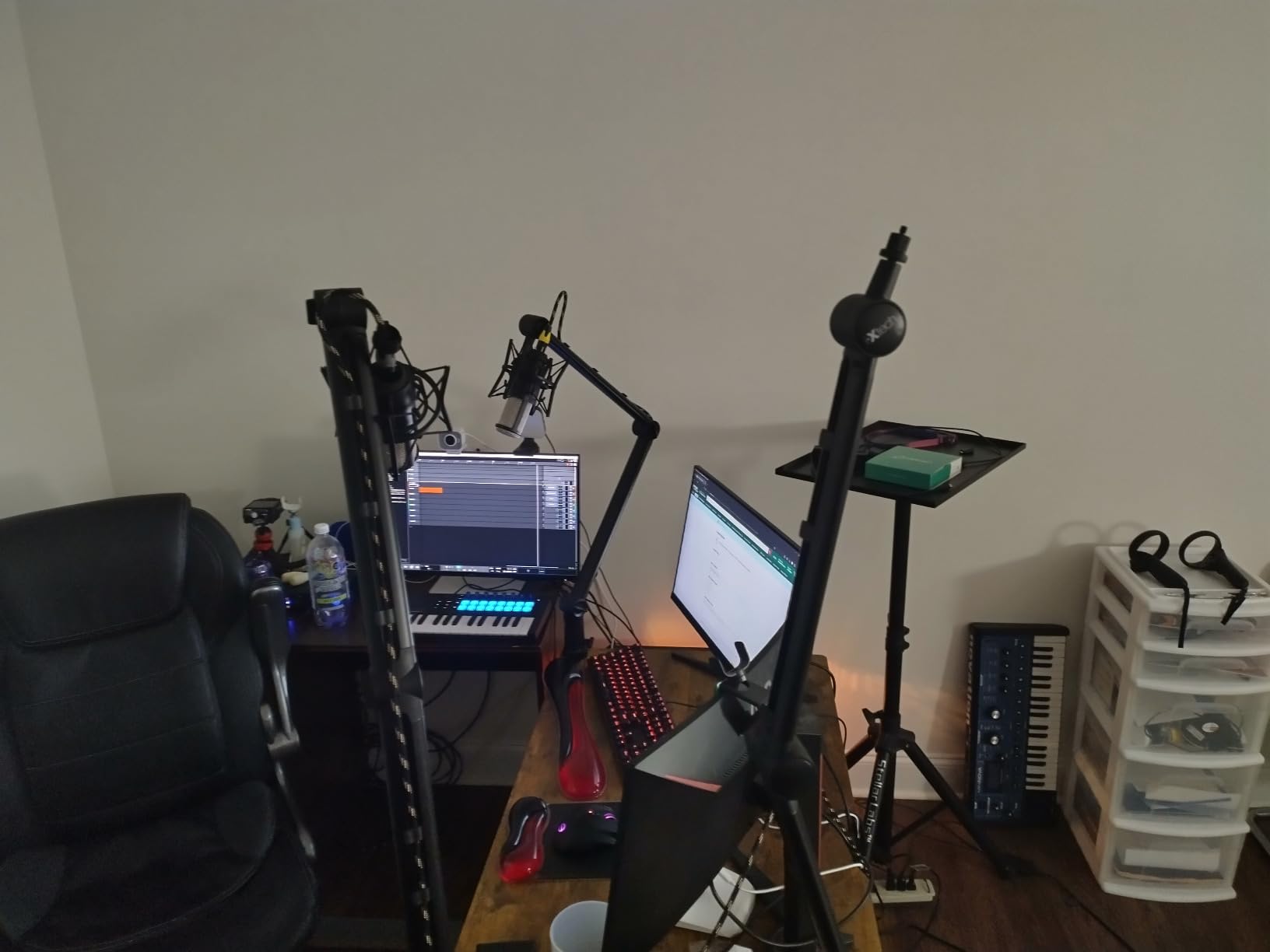
Who it is built for
A wide desk with a large monitor, where the mic needs to come around the side of a screen rather than in front of it, is the situation this arm solves. It is also a fit for a room where the desk gets cleared away regularly, since the clamp and arm fold compactly.
If your microphone is a USB condenser or a mid-weight dynamic, the 1 kg load limit is not a constraint in practice.
What to check before ordering
One kilogram is below broadcast-mic class capacity. Add a Shure SM7B plus a shock mount and you are asking the springs to do more than they were specified for, and creep is the likely result.
The manufacturer warranty runs 90 days, which is short relative to every other arm here, and there is no built-in cable channel so wires rely on the external clip. The footprint is also larger than a compact arm, which matters on a small desk.
Which Boom Arm Handles a Shure SM7B?
The best boom arm for a Shure SM7B is the Rode PSA1+, because it is rated to 1.2 kg including shock mounts and the SM7B with a shock mount lands comfortably inside that range. The Elgato Wave Mic Arm LP is the alternative at a 2 kg rating if you also need long reach and low-profile geometry.
The weight math explains the whole category. An SM7B body is around 680 g on its own, and a shock mount plus pop filter assembly pushes the working load to roughly 1.2 to 1.5 kg. An arm advertised at 1 kg is already at its limit before you add a shock mount, which is exactly why some arms that claim SM7B compatibility still creep downward.
Two further factors decide it. First, spring damping: an undamped spring transmits the mechanical noise of every movement into the capsule, and the PSA1+’s damped internal spring is the reason it is the default in broadcast rooms. Second, joint friction: heavier broadcast dynamics push harder on the pivot, and a frame that flexes under load will drift even within its rating.
If your desk is thick, the PSA1+ clamp opens to 70 mm, wider than the other elevated arms here. If your budget is tighter, the T20 rated at 4 lb also carries an SM7B with a shock mount, at the cost of noisier repositioning.
How to Choose a Boom Arm for Your Podcast Microphone
Work through these seven checks in order. The first two decide whether an arm is even compatible; the rest decide whether it is pleasant to own.
1. Match the load to the mic plus the mount. Weigh your microphone, then add the shock mount, pop filter and any cable weight. Compare that total against the arm’s stated load, not its weight limit. The T20 rates 4 lb, the PSA1+ rates 1.2 kg, the UBeesize rates 1.5 kg, the BM88 and Elgato LP are built for heavy loads in a low-profile frame, and the NEEWER at 0.69 kg is a light-load tool only.
2. Measure your desk before you choose a mount. Clamp limits in this roundup run from 1.89 inches on the SUNMON arm to 2.5 inches on the UBeesize and 70 mm on the PSA1+. A clamp that will not open is one of the most common reasons a boom arm ends up in a cupboard.
3. Decide between low-profile and elevated geometry. A low-profile arm clamps to the rear of the desk and reaches forward under the monitor. An elevated scissor or spring arm clamps to the side and swings over. Low-profile is right for video podcasts and streaming where the camera sees your desk; elevated is right for audio-only work and for reaching around a large monitor. We have covered the category in more depth in our guide to the best boom arms for studio microphones.
4. Choose clamp, grommet or threaded insert. A C-clamp is the most flexible option and needs no desk modification, but it needs a flat edge and somewhere to open. A grommet mount is cleaner and holds better, at the cost of drilling. A threaded insert is permanent and the most secure. If your desk has no flat front edge, skip the clamp entirely.
5. Test spring feel and damping, not just capacity. A bare spring adds handling noise to your take. Damped springs do not. The PSA1+ and the SUNMON arm’s dual suspension springs are the two in this group where movement is quiet, and that is a real recording difference, not a comfort preference.
6. Look for one-handed repositioning. If you move the mic while talking, you want a heavy arm that settles without re-tuning, a damped spring, and a ball head that tightens firmly rather than a knob that drifts. The Elgato LP and the T20 are the two here that settle back to roughly the same position after a knock.
7. Consider reach, cable routing and standing desks. 29 inches covers a wide desk; 26 inches covers a normal one. A long throw suits a deep desk. Internal cable channels or magnetic covers beat a dangling XLR run every time. And if you use a standing desk, a clamp needs to be re-tightened every time you move it, so a grommet mount is the better long-term answer.
One more thing worth knowing: the counterweight options for heavier setups are worth reading before you buy a second arm. Our counterweight guide for boom arms covers how to balance an arm that has reached its spring limit.
What a Boom Arm Does and Does Not Fix
A boom arm barely changes how your microphone sounds. It changes how consistently your microphone is used, which is a different and more valuable thing. In most home rooms the tone change from swapping a desk stand for an arm is close to inaudible.
What it does fix is mic distance and angle from one session to the next. When your arm holds position, you sit at the same distance every time, and that consistency is what makes a podcast sound like one voice rather than a series of takes. Desk noise and handling noise also drop, because a clamp-mounted arm decouples the microphone from a surface you are actively typing on.
What it does not fix is room treatment, gain staging or a microphone that is simply not suited to the space. Moving a mic to the rear wall or a bare desk will not rescue a room. If you are chasing a specific audio problem, treat that separately from your mount. Our boom microphone guide for filmmakers covers the microphone side of the same decision.
Two-Person Podcast Setups With Two Arms on One Desk
A two-person interview needs two microphone arms, and the placement matters more than the model. The standard layout puts one arm on the left desk edge and one on the right, each angled inward so both microphones sit the same distance from their speakers and cross in the middle of the desk.
Matching arms on both sides is worth the effort. Two different arms means two different mic distances and two different amounts of joint flex, and the difference is audible in a conversation. The TONOR T20 and the Rode PSA1+ both clamp to thick desks and both sit high enough for two hosts.
If you have only one usable desk edge, a grommet or threaded insert mount is the better answer than stretching a clamp around a corner. A low-profile arm such as the FIFINE BM88 or the Elgato Wave Mic Arm LP also frees up the surface, which matters when two people are sharing a keyboard and notebook.
For guests who are not on the same desk, a telescopic boom such as the NEEWER NW-7000 is the more useful tool, because the microphone travels to the speaker instead of the speaker travelling to the microphone.
Frequently Asked Questions
What mic boom arm does Joe Rogan use?
We cannot verify a specific personal rig, but the arm class he works with is the same one most professional podcast studios use: a heavy broadcast boom arm on a desk clamp or a boom stand, with damped internals so the microphone can be repositioned without audible noise. The Rode PSA1 and PSA1+ are the most widely used arms in podcast-studio rigs of that type, and they are the default recommendation for a Shure SM7B or a Shure MV7.
What mics do most podcasters use?
The dominant families are dynamic broadcast mics and USB condensers. A Shure SM7B is the classic broadcast dynamic, with the Shure MV7, the Sennheiser Profile and HyperX QuadCast in USB dynamic and USB condenser territory, and the Rode PodMic and Blue Yeti among USB condensers. Weight is the part that matters for an arm: USB condensers run roughly 300 to 700 g, while broadcast dynamics plus a shock mount reach 1.2 to 1.5 kg.
Does a boom arm make your mic sound better?
Barely, in terms of tone. What it improves is consistency: the same mic distance and angle every session, less desk and handling noise transmitted through the stand, and more desk space. It does not fix room treatment, gain staging or a poor microphone choice. If your recordings sound inconsistent, an arm solves more than a new microphone would.
What boom arm do most streamers use?
Streamers overwhelmingly use a low-profile under-monitor arm, because the camera sees the desk and an elevated scissor arm crosses the frame. The Elgato Wave Mic Arm LP is the premium reference in that shape and the FIFINE BM88 is the value version of it, both with hidden cable channels. For audio-only streaming, an elevated arm such as the TONOR T20 is equally common.
What’s the best mic boom arm for a Shure SM7B?
The Rode PSA1+ is the best boom arm for a Shure SM7B. It is rated for microphones and shock mounts from 0.25 kg to 1.2 kg, and an SM7B with a shock mount lands inside that range, with damped internals so repositioning mid-take is silent. The Elgato Wave Mic Arm LP is the low-profile alternative at a 2 kg rating, and the TONOR T20 is the value option at a 4 lb rating.
How do I stop my boom arm from sagging?
Most sagging is a tension and load mismatch rather than a fault. Balance the arm with a loaded mic first, then tighten the joints slightly in small steps until it holds. If it still creeps, the load is above what the springs can counterbalance, and adding a shock mount is usually the change that pushed it over. A clamp re-tightened against the desk edge also stops the joint from slowly lowering.
The Verdict: Which Podcast Boom Arm to Buy in 2026
The TONOR T20 is the default recommendation from this roundup. Its 4 lb rating covers a broadcast dynamic with a shock mount, the clamp opens to 60 mm, the 700 mm reach covers a normal desk, and the pop filter and thread adapter are in the box rather than being a second purchase.
Buy the Elgato Wave Mic Arm LP instead if your monitor sits near the desk edge and the mic must stay out of your sightline, and the FIFINE BM88 if you want that same low-profile geometry without the premium. For a Shure SM7B with a shock mount and a need for quiet repositioning mid-take, the Rode PSA1+ is the one to step up to.
Whatever you choose, measure your desk thickness and check the combined weight of your microphone and shock mount before you order. Those two numbers decide more than any other spec on the page. For the wider picture on positioning, our guide to boom arms for studio overhead positioning covers the same balance mechanics in a different context.