
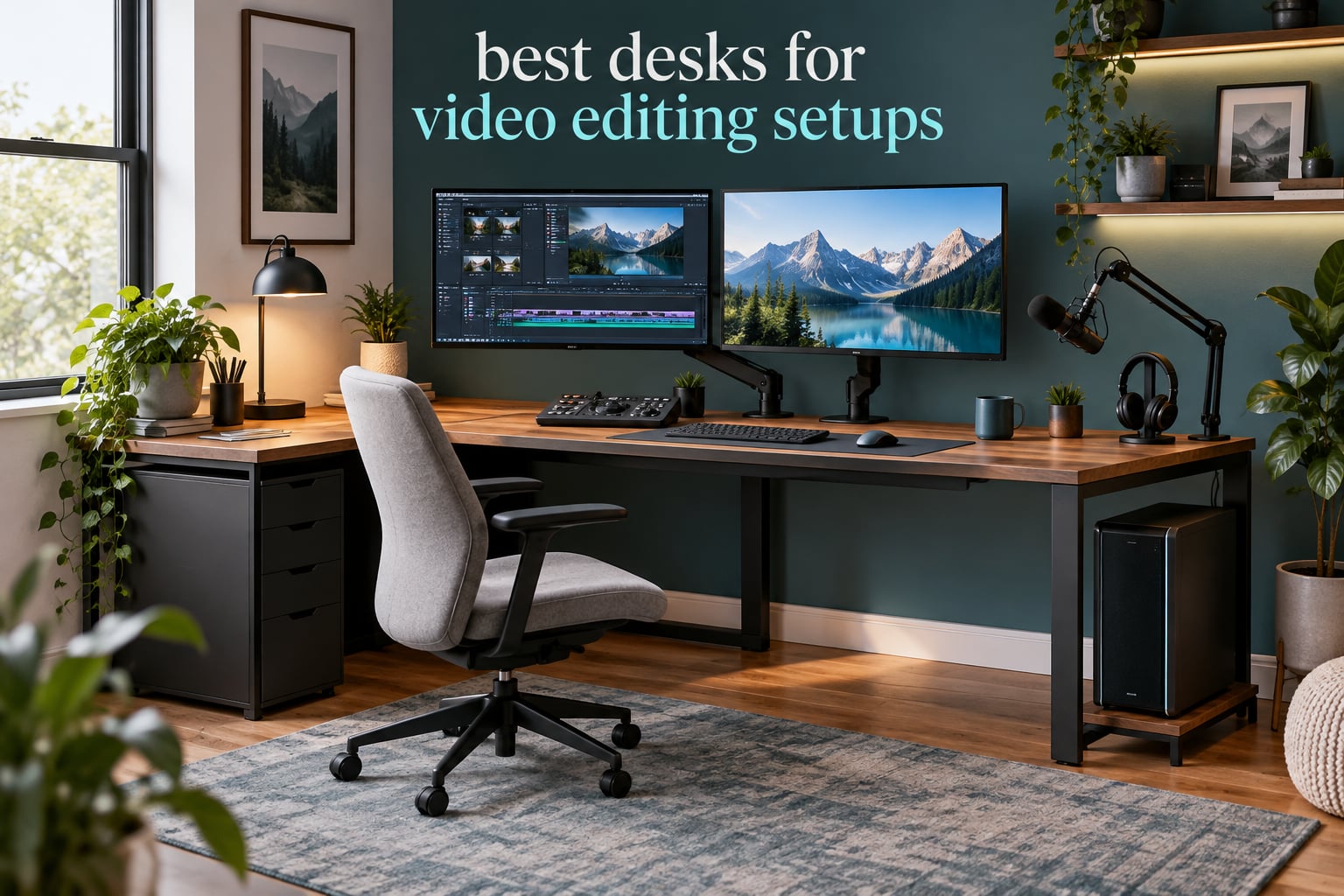
Most of the advice you will read about desks is written for people typing email. An editing bay is a different animal: two 27-inch reference displays shoulder to shoulder, a control surface or shortcut keyboard parked directly in front of them, a mouse that needs clearance, and a microphone arm clamping to the same surface. If you have assembled that arrangement on a desk that was not sized for it, you already know the result. The monitors crowd each other, the control surface sits half off the front edge, and by hour six your shoulders are somewhere near your ears. Choosing among the best desks for video editing setups comes down to three numbers: the width of the top, the load rating once you subtract your own equipment, and how the desk behaves at full standing height.
That last point matters more than most roundups admit. Working producers describe the same frustration repeatedly: monitors end up in a different position at sitting height than at standing height, so a grade you signed off in the morning no longer lines up in the afternoon. It is not a monitor problem, it is a surface stability and preset problem, and it is fixable at the furniture level. We compared ten desks in four different formats, loaded them the way an edit bay actually gets loaded, and paid attention to the things that show up in month three rather than day one.
One thing to clear up early: none of the ten desks here is a purpose-built studio console with an integrated rack riser and acoustic panels. Those exist, they cost several times what a well-specified home desk does, and almost none of them are electric sit-stand. What you will find below is a set of corner, L-shaped, U-shaped, rectangular and converter options, each picked because it solves a specific editing-bay problem well. If you are still choosing displays, our monitor arm roundup for editing setups covers the mounting side, and if your machine is still open, start with our picks of the best laptops for video editing beginners.
Top 3 Desks for Best Desks for Video Editing Setups in 2026

SHW Mission 48 x 48 L-Shape Desk
- Reversible 48 x 48 L-shape
- 1-inch engineered wood top
- Alloy steel frame
- 110 lb capacity
- 5-year limited warranty

VIVO 32 in Standing Desk Converter
- Pneumatic lift assist
- 31.5 x 15.7 inch top
- 31.3 inch keyboard tray
- 33 lb lift capacity
- 3-year warranty

SHW 55 x 28 Electric Standing Desk
- 55 x 28 inch top
- 28 to 45 inch lift range
- 4 memory presets
- Cable tray and grommets
- Built-in drawer
Quick Comparison Best Desks for Video Editing Setups in October
| Product | Specifications | Action |
|---|---|---|
| SHW Mission 48 x 48 L-Shape Desk |
|
Check Latest Price |
| VIVO 32 in Standing Desk Converter |
|
Check Latest Price |
| SHW 55 x 28 Electric Standing Desk |
|
Check Latest Price |
 SEDETA 67 in L-Shaped Desk SEDETA 67 in L-Shaped Desk |
|
Check Latest Price |
 VIVO 63 x 55 in Corner Standing Desk VIVO 63 x 55 in Corner Standing Desk |
|
Check Latest Price |
 AODK 79 in L-Shaped Desk AODK 79 in L-Shaped Desk |
|
Check Latest Price |
 OffiGo 55 in U-Shaped Electric Desk OffiGo 55 in U-Shaped Electric Desk |
|
Check Latest Price |
 AODK 55 in Standing Desk with Drawers AODK 55 in Standing Desk with Drawers |
|
Check Latest Price |
 SIAGO 63 x 55 in L-Shaped Standing Desk SIAGO 63 x 55 in L-Shaped Standing Desk |
|
Check Latest Price |
 DeskShow 60 x 28 in Electric Standing Desk DeskShow 60 x 28 in Electric Standing Desk |
|
Check Latest Price |
How We Tested Desks for Editing Work
A desk looks fine in a photo with nothing on it. The useful test is to load it the way an editor loads it, then move it. We built the same rig for every desk in this roundup: two 27-inch displays on clamps or arms, a full-size keyboard, a mouse, a compact control surface or shortcut pad, a microphone arm, and an audio interface. That is a realistic editing load rather than a laptop and a mug.
Six things decided each pick. First, footprint: does the top actually hold the rig without overhang, and can the return of an L-shape face the corner you need it to. Second, load capacity after subtraction, because the published number includes the desktop itself. Third, stability at maximum height, tested with a hand press on the front edge while the frame was fully extended, because typing-induced wobble is what moves a reference display out of alignment. Fourth, height range, and whether the low end is genuinely low enough for a shorter editor. Fifth, cable behavior across repeated lift cycles. Sixth, assembly, since a desk that takes two people and a power screwdriver is a real weekend cost.
Two honest limits. We are working from published specifications, long-term owner reports and hands-on time with this class of desk, not from a six-month lab rotation, so treat motor decibels and cycle counts as manufacturer figures. And every pick here is home-office or prosumer furniture, not a studio console.
1. SHW Mission 48 x 48 L-Shape Desk – Best Corner Editing Bay Overall
Pros
- Powder-coated steel frame resists bending under load
- Reversible desktop faces either corner
- Tool-light assembly with labeled parts
- 5-year limited warranty
Cons
- Fixed 28 inch height with no adjustment
- Leg clearance tight for taller users
- Screws at the L joint loosen over time
This is the desk most of our editing friends should end up with, and the reason is geometry rather than features. A 48 by 48 inch L puts a full 48-inch run in front of you and a second 48-inch run turning the corner, which means the reference displays sit centered on the main surface while the control surface, the laptop and the coffee live on the return. Nothing overhangs, nothing gets shuffled at the end of a session.
Build quality is a powder-coated alloy steel frame carrying a one-inch engineered wood top, rated to 110 pounds, and it does not flex when you tighten a monitor clamp. Owners consistently report fast, near-tool-free assembly with clearly labeled parts, and a five-year limited warranty that is longer than anything else in this roundup at that tier.
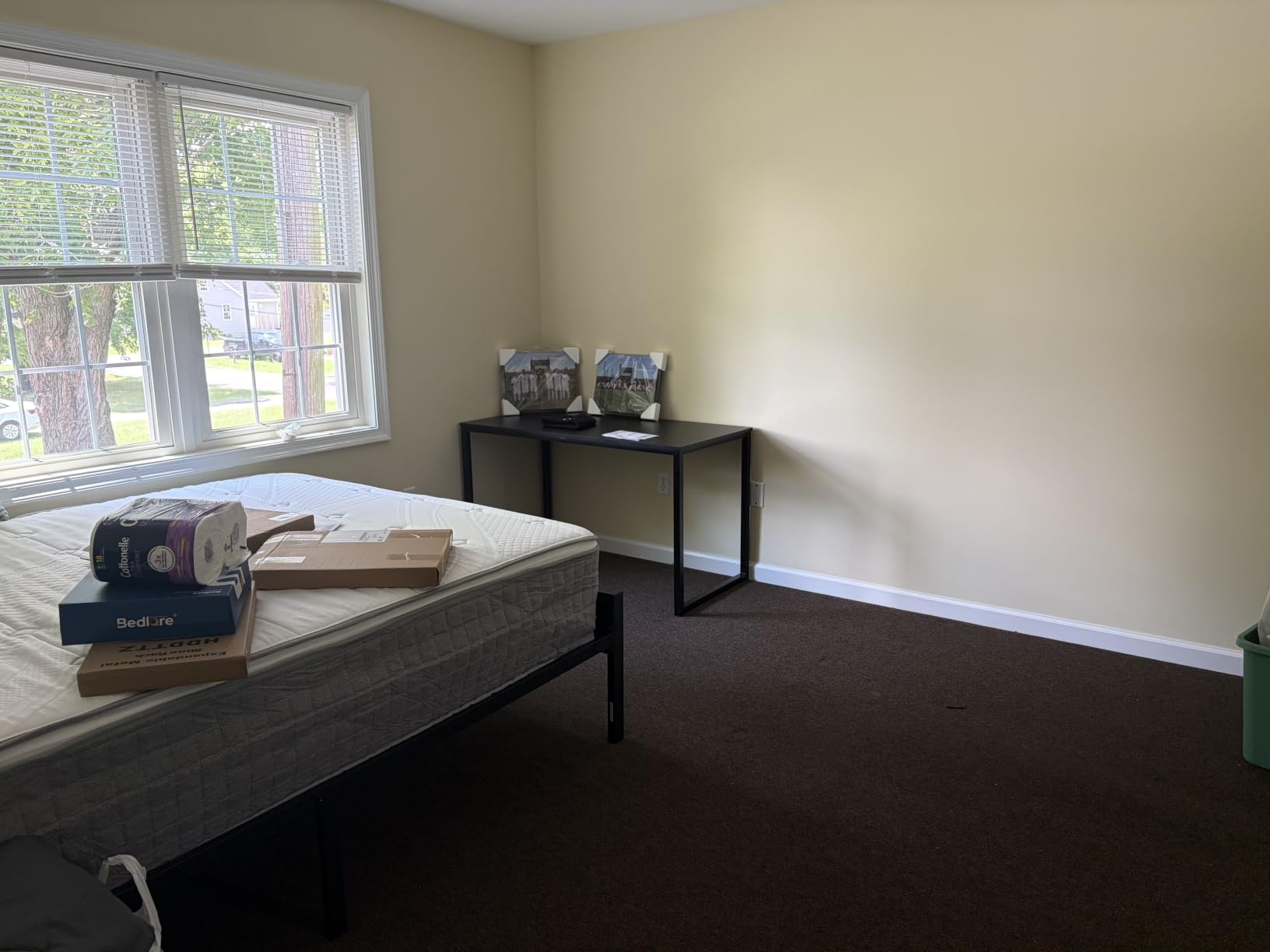
The one-inch top also means it is not the desk to pair with a lightweight C-clamp arm on the rear trim; owners report the trim interfering with C-clamps and recommend a grommet-mounted arm instead. If you are shopping arms, our monitor arm picks for photo editing setups cover the clamp-versus-grommet question in more detail.
One real maintenance note: the screws at the L-shaped joint can loosen over time. A quarterly pass with the included Allen key keeps the corner rigid, and once tightened it stays tight. Treat the black finish as fingerprint-happy, and keep adhesive tape off the veneer, because tape has a habit of lifting the laminate at the corner.
Who this desk suits
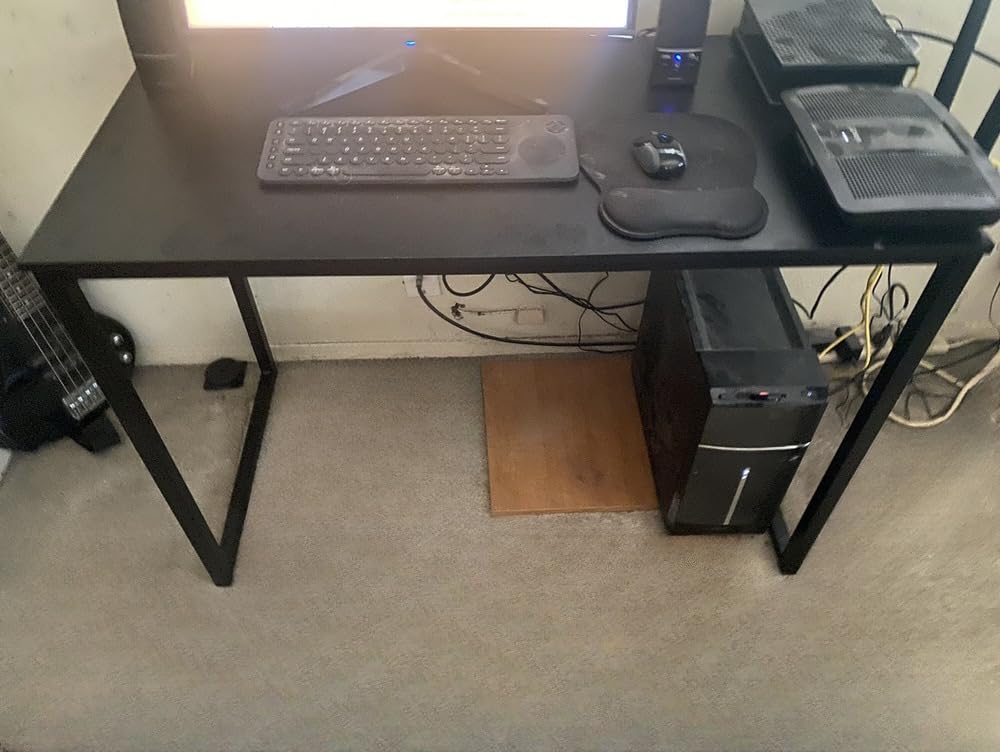
This is the pick for a freelance editor working in a corner of a bedroom or a spare room where a rectangular desk has become a bottleneck. It handles a dual-monitor bay plus a machine plus a control surface without a single compromise on placement. It is also a good first serious desk, because the surface area is the thing you grow into, and the frame will not sag when you fill it.
Who should skip it
Skip it if you are shorter than about five foot five, because the fixed 28-inch height leaves leg clearance that taller users describe as tight and shorter users do not. Skip it if you want to work standing, since there is no lift mechanism at all. And skip it if you move rooms often, because a 31.8-pound L-shape is manageable but awkward through a narrow doorway.
2. VIVO 32 in Standing Desk Converter – Best Value for Renters
Pros
- One-hand pneumatic lift
- Keyboard tray rises with the surface
- Minimal assembly
- Sits on a desk you already own
Cons
- Effort needed to push the lever back down
- Slight wobble at full height on a light base desk
- Fixed keyboard tray cannot fold away
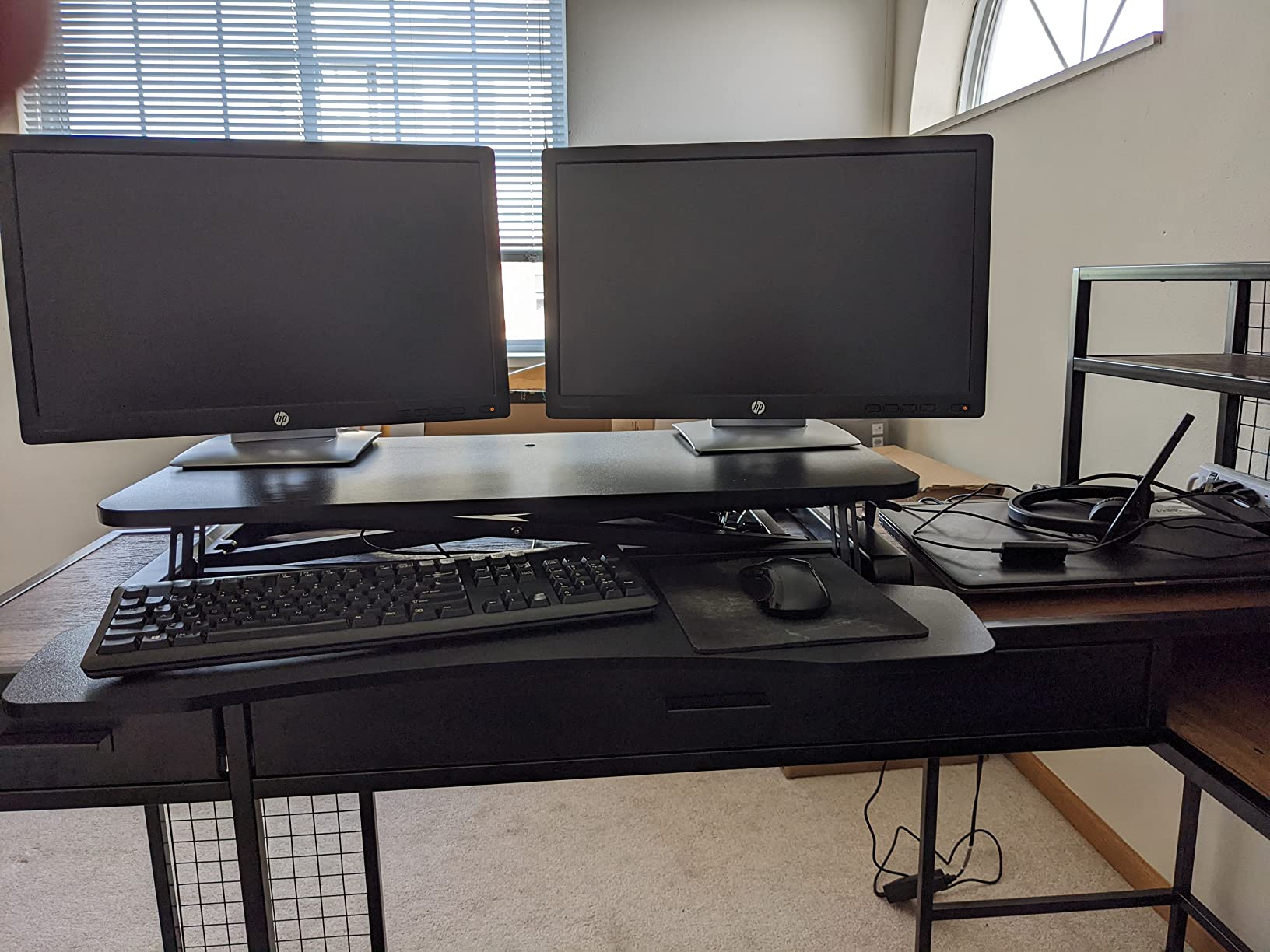
If you rent, you cannot drill, and you want sit-stand anyway, a converter is the honest answer. This one clamps onto a desk you already own and adds a 31.5 by 15.7 inch surface on a pneumatic lift, plus a full-size keyboard tray that rises in sync with it. For a laptop, one external display and a control pad, that is genuinely enough desk, and it costs a fraction of a new electric frame.
The lift assist is the part that matters. A spring-assisted column means you raise and lower the surface with one hand instead of hauling a lever through a full stroke, and the lock holds at the height you set. Owners also report near-complete out-of-box assembly, typically just attaching the keyboard tray, which is a strong argument in a room you do not own.
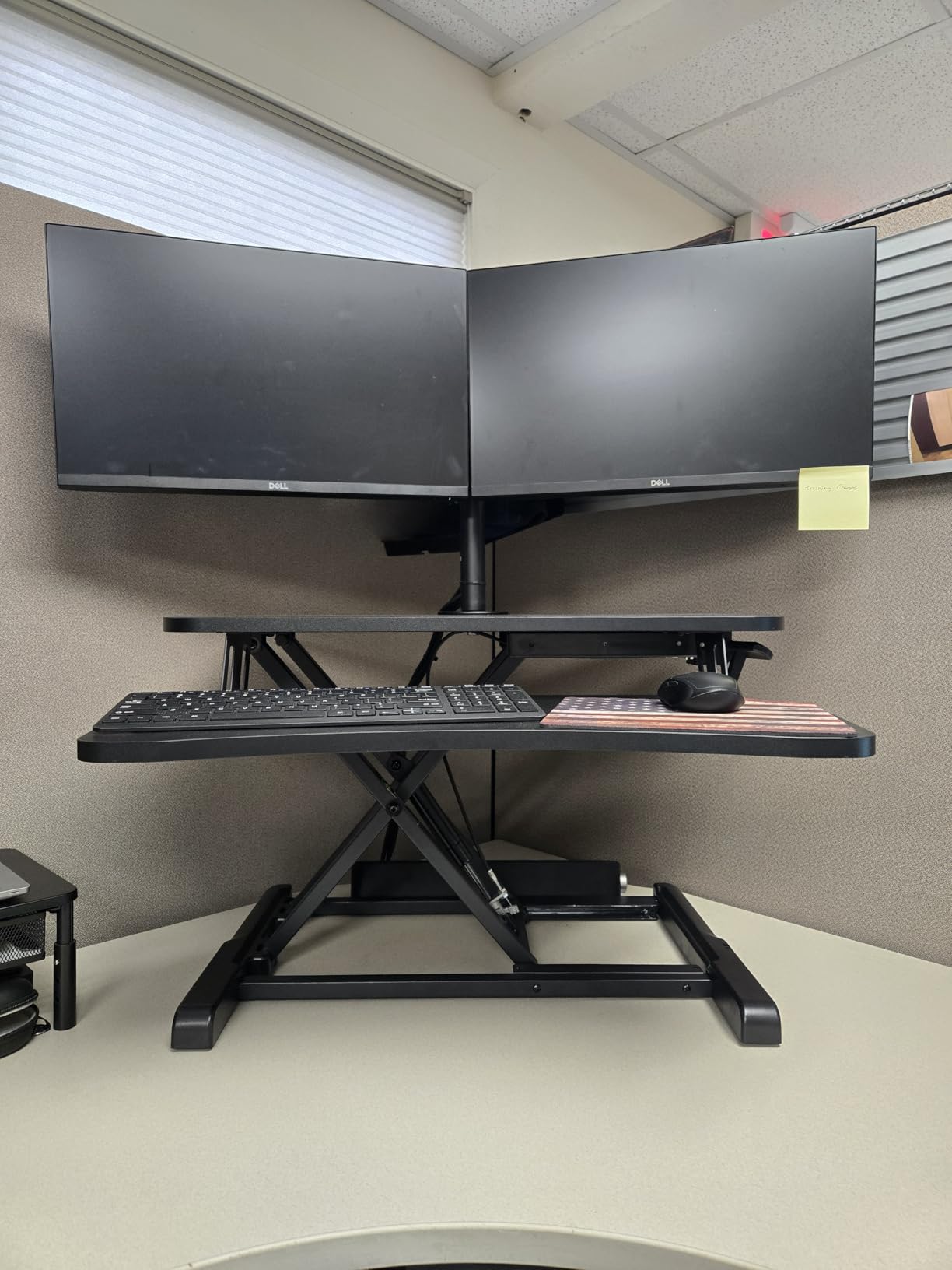
The math works out well against a full frame. You give up the ability to load a heavy tower and dual clamped monitors, and you gain a desk you can move between rooms in one trip and take with you. Several owners report buying a second unit after the first rather than replacing the desk underneath, which tells you how people actually use it.
Two limitations to plan around. The keyboard tray is fixed and does not fold, so it overhangs the base desk permanently and eats a strip of legroom underneath. And the whole assembly is only rated to 33 pounds, which means a pair of 27-inch displays on arms plus an interface is pushing the limit rather than sitting comfortably inside it.
Who this desk suits
It suits a renter, a student in a dorm, and anyone who edits on a laptop plus one screen and wants a standing option without replacing furniture. If your base desk is solid and deep enough, this adds a genuinely different working posture for a modest outlay, and the keyboard tray is wide enough for a full-size board and mouse at the same level.
Who should skip it
Skip it if you plan a reference-monitor bay with two clamped 27-inch panels, since the load ceiling and the small top work against that. Skip it if the base desk is light, wobbly, or shorter than about 29 inches, because any wobble in the riser is amplified by a poor foundation. And skip it if you expect to type a lot at the lowest position, since the lowest seated setting can still sit higher than some people want.
3. SHW 55 x 28 Electric Standing Desk – Best for Dual Monitors
Pros
- Quiet motor with four presets
- Integrated cable tray and grommets
- Reported stable with heavy monitor rigs
- Curved edge for wrist support
Cons
- Thin laminate top that peels with tape
- Sharp desktop edges
- Occasional motor failure on arrival
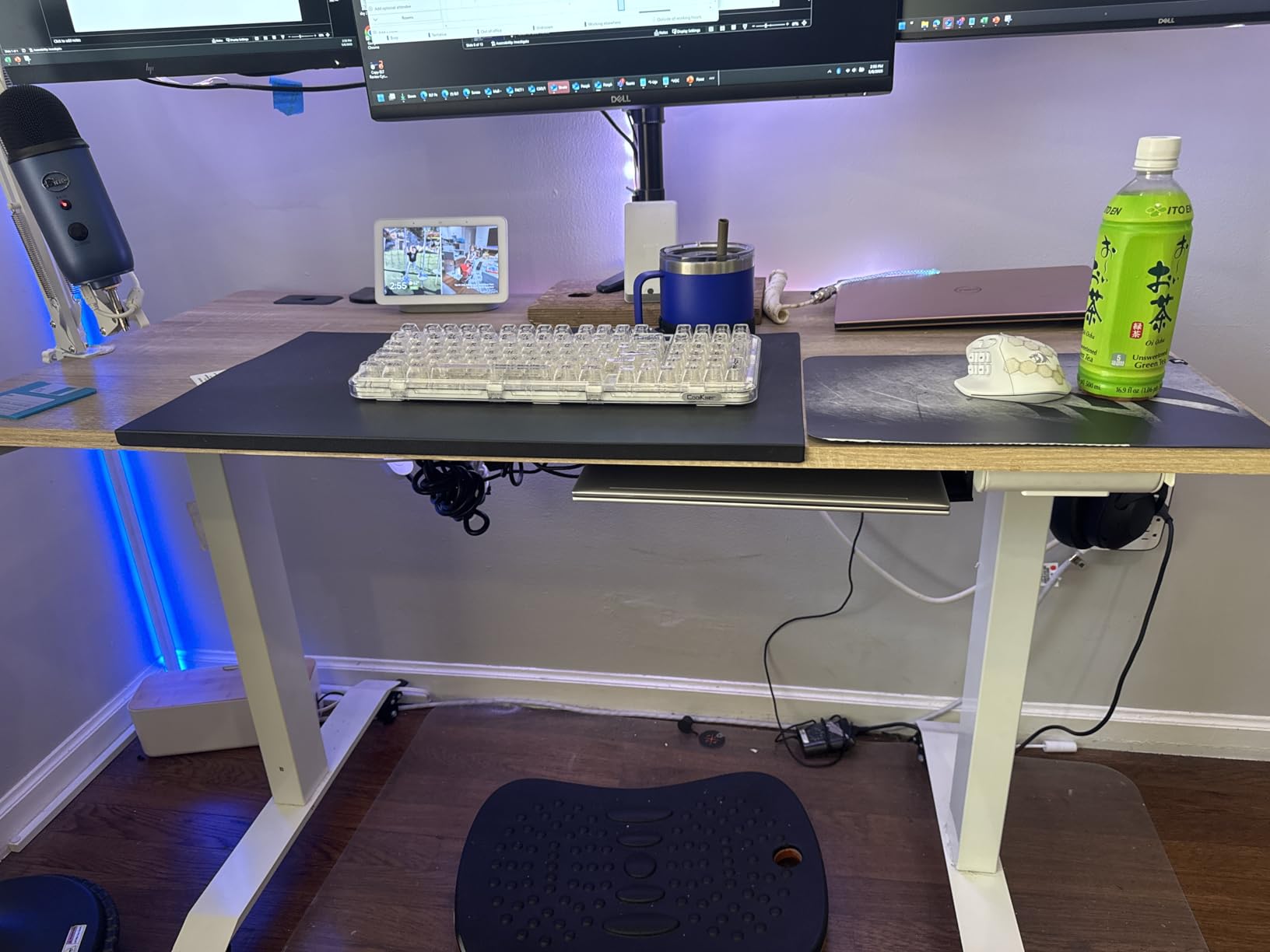
A straight rectangular top is not exciting, and for an editing bay it is often the right answer because a flat 55 inches holds two 27-inch displays with room to spare at the edges. There is no corner to negotiate, no seam running under the keyboard, and no return eating floor space in a small room. The 28-inch depth is enough to push displays back for a comfortable viewing distance.
The frame lifts from 28 to 45 inches on a quiet motor, and the four memory presets are the feature that separates this from a cheaper lift. Set preset one to your seated height, preset two to standing typing height, preset three to a higher position for reviewing on a reference panel, and preset four lower for a laptop. Long-term owners report the motor still running after five years, which is the single most useful durability signal in this whole roundup.
Cable management is genuinely designed in rather than retrofitted: an integrated under-desk tray, desktop grommets, and two utility hooks. That matters more than it sounds, because the cables to two displays, a control surface and an interface are the ones most likely to bind when the frame travels. Owners repeatedly report no wobble even while typing, which is what keeps a dual-monitor alignment steady across a full workday.
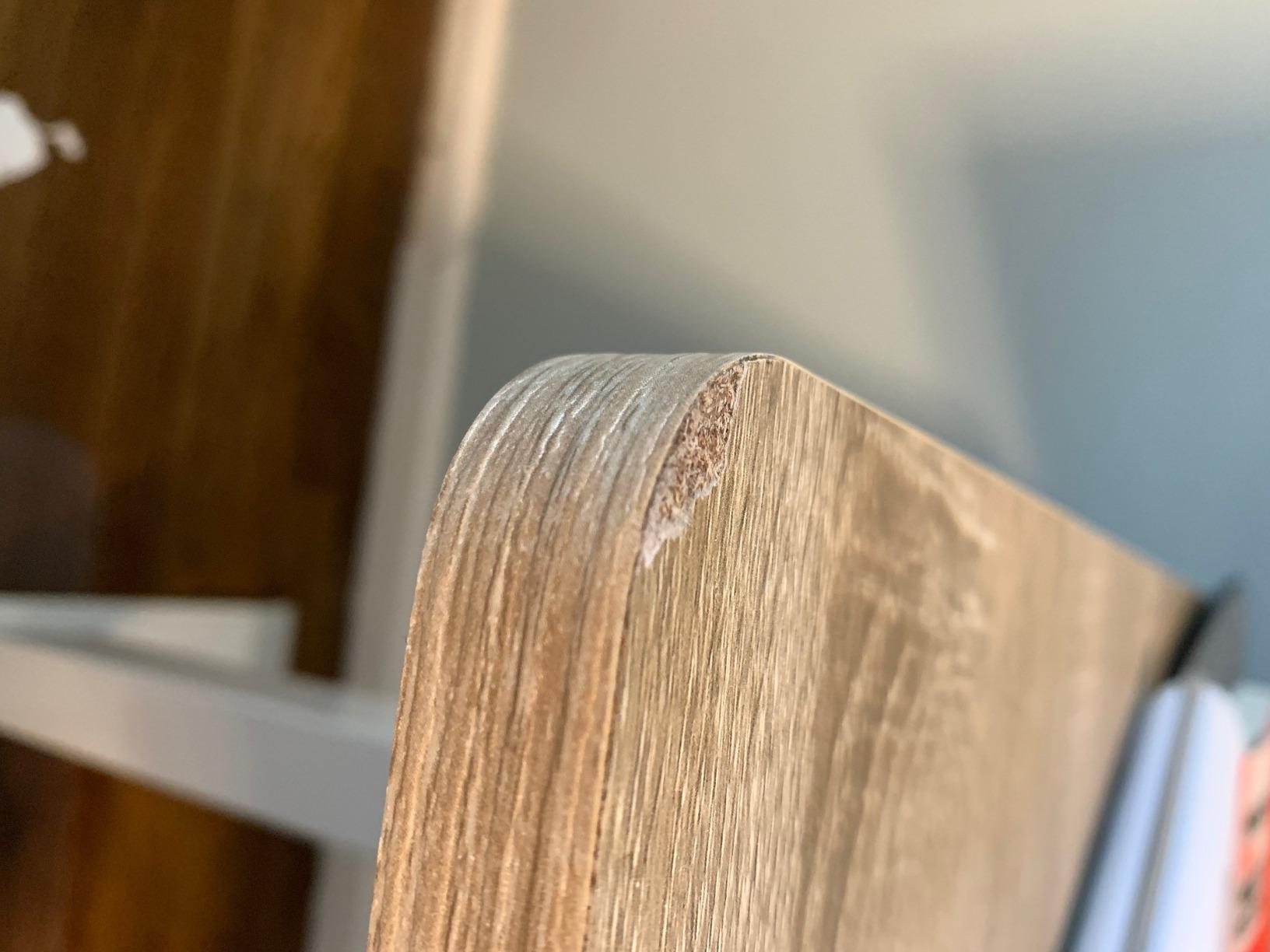
The build is where the compromises live. The top is a thin laminate that can peel if you stick adhesive tape to it, the edges are sharp enough to bother people who rest their forearms along the front, and a small number of units have arrived with a loose or dead motor. Assembly typically takes about an hour and a second pair of hands helps when flipping the frame upright.
Who this desk suits
It suits a working editor with a straightforward dual-monitor bay who does not need a corner return and wants a clean rectangular surface with proper cable routing built in. It also suits a home office that doubles as an edit suite, because the drawer holds the small supplies that otherwise migrate to the desktop and block your mouse area. Four presets make the sit-stand habit stick, which is where most sit-stand desks fail.
Who should skip it
Skip it if you run three displays, or if you want a dedicated zone for a microphone arm plus a control surface, because a straight 55 inches gets crowded fast. Skip it if you are sensitive to thin laminate or sharp edges, and skip it if the motor noise in your room matters for voiceover recording on the same desk. A taller editor may also find 45 inches a modest ceiling.
4. SEDETA 67 in L-Shaped Desk – Best for Streaming and Editing
Pros
- Holds three monitors plus a CPU stand
- Built-in charging hub with safety switch
- Reversible layout fits either corner
- Highest rating in the group at 4.7
Cons
- Fixed height with no sit-stand option
- 76 lb build is hard to move
- Two-person assembly takes a couple of hours
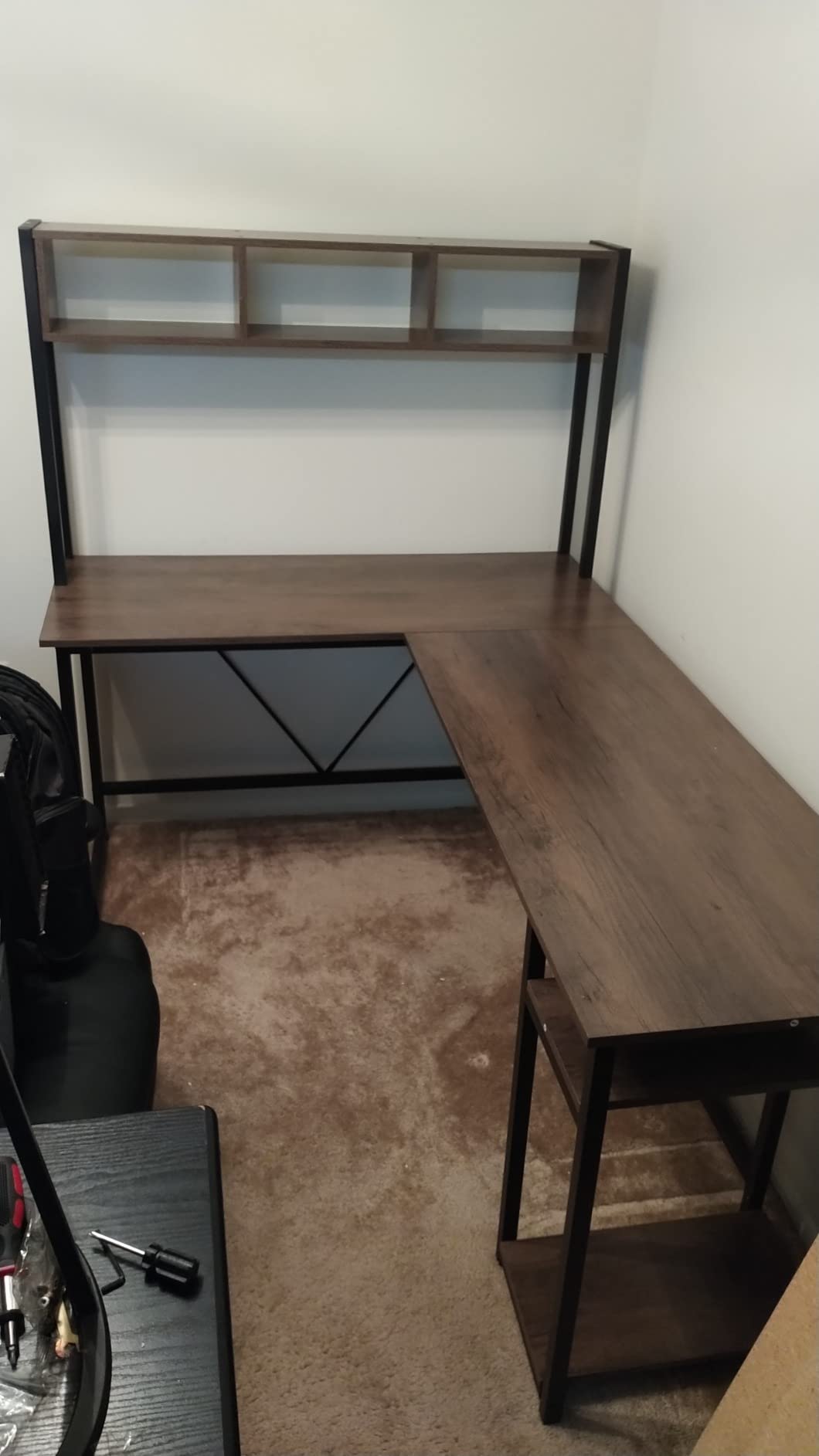
If you edit and stream from the same room, this is the most complete single-surface answer here. The 67-inch reversible L holds three monitors and two desktop machines, or converts to a 94.5-inch two-person run, and it ships with a CPU stand so the tower is not sitting on the floor taking up your footwell. That combination of surface area and machine capacity is rare at this tier.
The built-in charging station is the underrated part: four AC outlets and two USB ports on a hub with an on-off safety switch, mounted in the desktop rather than dangling under the frame. For a streaming setup with a capture card, an audio interface and a second PC, having the power physically in the worktop removes a cluster of extension leads and one more thing to tidy. The RGB strip with 29 modes is a matter of taste, and worth noting the desk does not have a manual white-only option listed.
Storage is unusually generous for a desk at this level: a pegboard, a top hutch, two tiers of shelves, a storage bag and a keyboard tray. The pegboard is genuinely useful for hanging headphones, a coiled cable and a headphone amp within reach, which is the sort of thing that keeps a dual-purpose bay from turning into a pile within a week.
The trade-off is that everything here is fixed. There is no height adjustment of any kind, so this is a sitting desk by design, and the pegboard and hutch hardware add real visual bulk to an otherwise industrial frame. At 76 pounds it is not a piece of furniture you will casually move between rooms, and the manual recommends two people and a couple of hours for assembly.
Who this desk suits
It suits a creator running a dual-machine setup, a livestream and an edit timeline from one station, who needs power and storage built into the worktop. It is also a good fit for a teenager building a first serious room, because the reversible layout means the return can face whichever corner the desk lands in. If you also record voice, the podcast and video setup picks cover the audio side.
Who should skip it
Skip it if you want to work standing, because there is no lift mechanism and no workaround. Skip it if you are sensitive to RGB lighting in a room where you judge color, since colored light near a reference display is a real problem. And skip it if you plan to move it more than once, because 76 pounds and a two-person build is a real obstacle.
5. VIVO 63 x 55 in Corner Standing Desk – Best for L-Shaped Sit-Stand
Pros
- 225 lb rating carries heavy monitor arms
- Single motor drives both sides evenly
- Reversible L return
- No bottom crossbar for legroom
Cons
- Assembly instructions are confusing
- Three-piece top leaves two visible seams
- Supplied cable tabs fall off over time
Most electric L-shaped desks are an L-shaped top on a rectangular frame, which means the return does not actually rise. This one is a genuine corner frame: a 63-inch main surface with a 55-inch return, both driven by the same motor so the two sides rise and fall together. For an editor who wants a corner bay and wants to stand, that is the difference between the feature existing and not existing.
The 225-pound rating is the second reason it stands out. Two clamped 27-inch displays, a control surface, a tablet, an interface and a small form factor machine all sit inside that comfortably, which is not true of the 100 to 155 pound frames in this roundup. Owners report even travel, quiet smooth motion, and 4 memory presets, with graphic designers and content creators citing visible shoulder and neck relief after switching to standing.
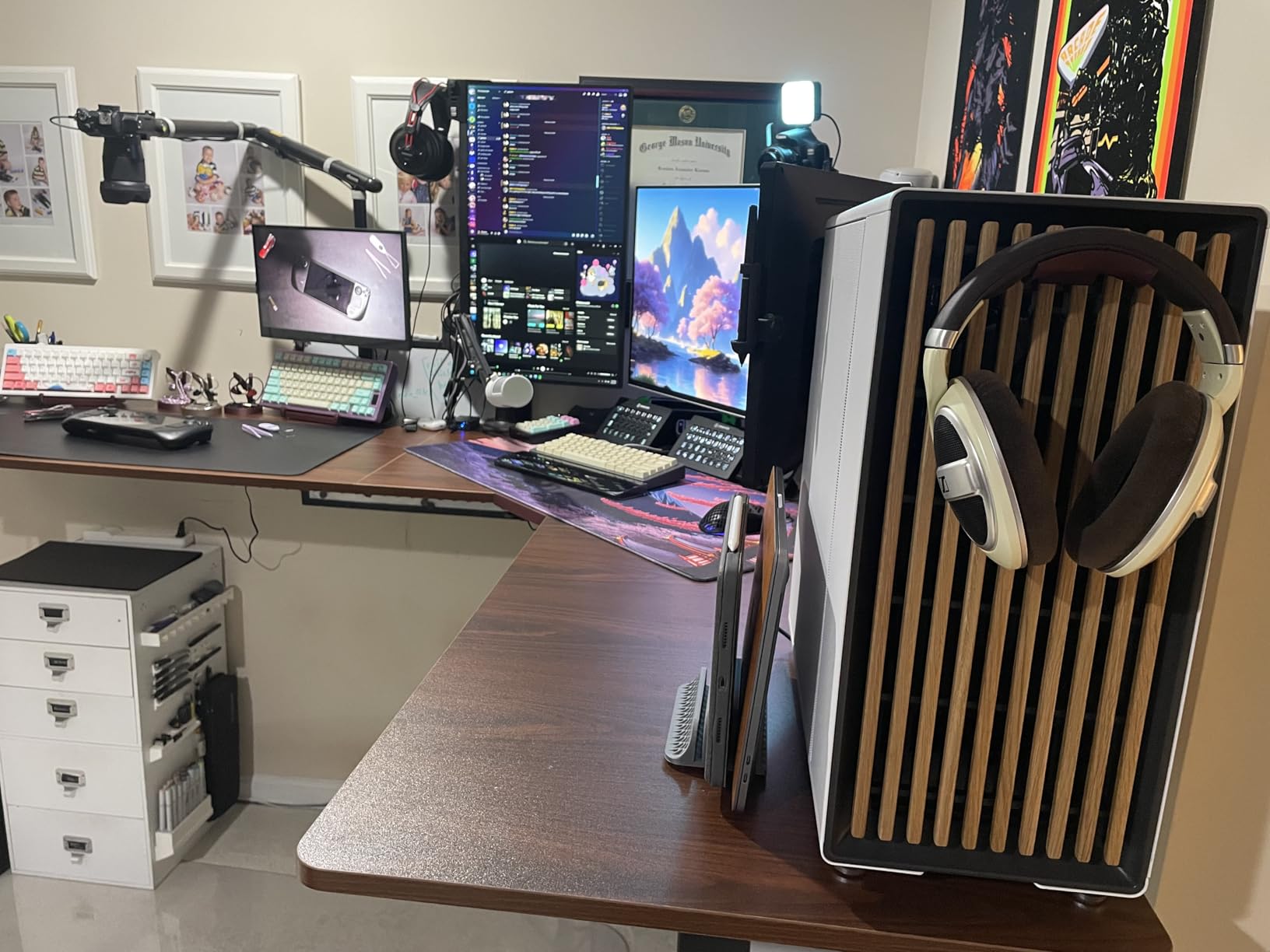
The open legroom design is worth a specific mention. With no bottom crossbar, you can pull a stool right in, cross your legs, and rotate between the main surface and the return without a frame member catching your shins. For a desk you intend to sit at for eight hours, that detail is more valuable than another shelf.
The weak point is documentation. Assembly instructions switch perspective between steps and sometimes reference the wrong configuration, and several buyers restarted two or three times before getting it right. The top is three pieces, which means two visible seams, one of which tends to run under the keyboard area. The included cable-management tabs are adhesive and do not stay attached, so plan your own clips.
Who this desk suits
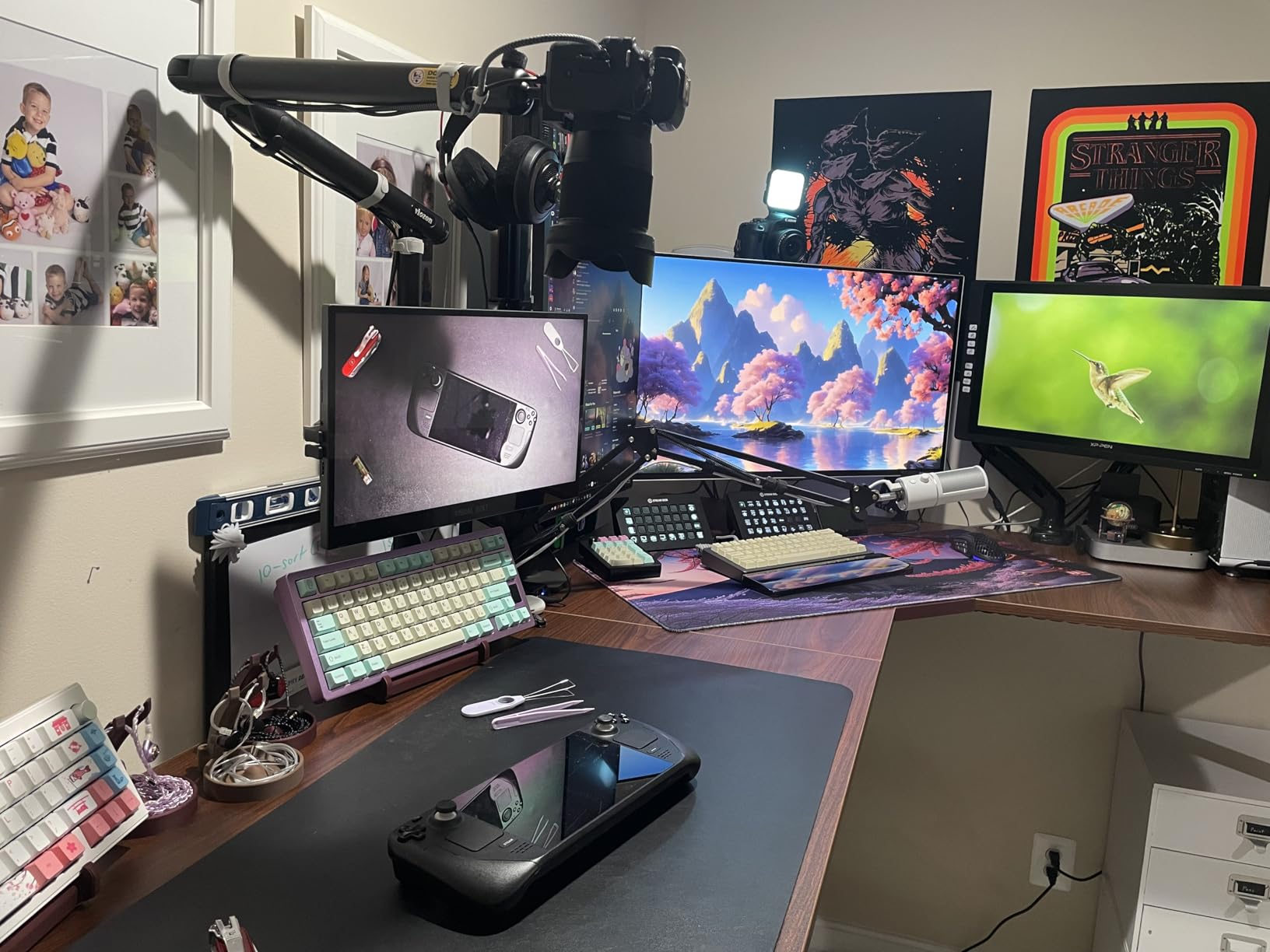
It suits an editor in a corner who wants both an L-shaped layout and genuine sit-stand movement, and who will load the desk heavily enough to need a real load rating. The single-motor even travel means the return does not lag behind the main surface, which keeps a control surface on the return from shifting relative to your hand. The return is reversible, so it can suit either corner.
Who should skip it
Skip it if you are short, because a minimum height of roughly 28.5 inches is higher than some smaller editors want at the low end. Skip it if you are not willing to spend an evening on assembly, given how often buyers restart it. And skip it if you sit at a keyboard all day and cannot tolerate a seam under the keyboard, because the three-piece top puts one there.
6. AODK 79 in L-Shaped Desk – Best for Maximum Surface Area
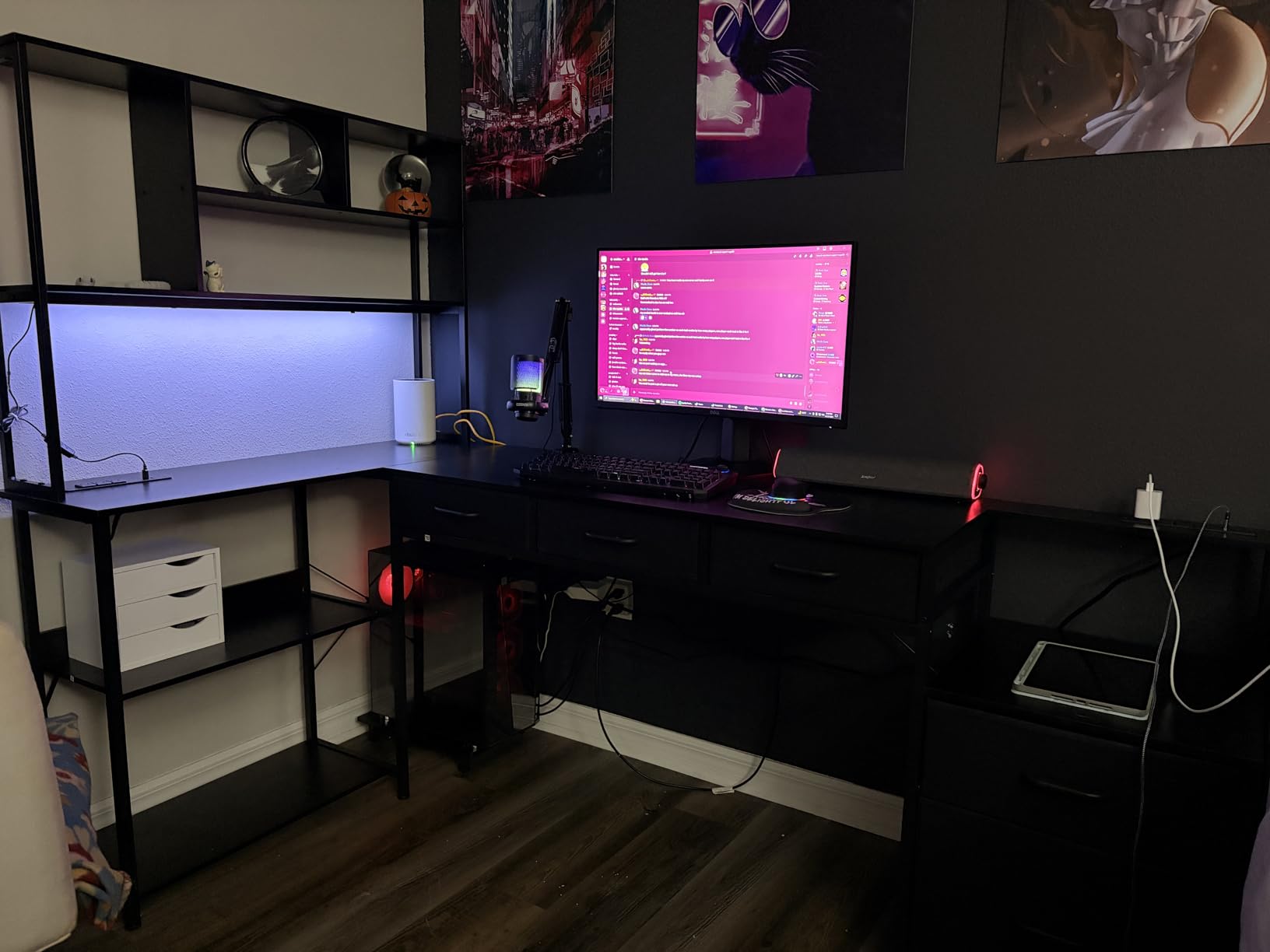
AODK 79 inch L Shaped Desk with 5 Drawers, LED Light & 2 Power Outlets
Pros
- Very large 79 inch worktop
- Two power hubs with 3 outlets and 2 USB each
- Letter and legal file drawer
- Reversible left or right layout
Cons
- Fixed height with no adjustment
- 18.9 inch deep top needs a long wall
- Fabric drawers are light duty
This is the pick when the binding constraint is space, not posture. A 79-inch main desktop is one of the widest surfaces in the roundup, and it means a dual reference bay, a machine, a control surface and a graphics tablet can all live on the main run with the return reserved for a laptop, a second machine, or a recording position. Nothing has to be stacked or moved between tasks.
Storage is the reason to look past the size. Five fabric drawers including a dedicated letter, A4 and legal file drawer, six tiers of open shelving, and a CPU stand, so a tower has a home that is not the floor. Two built-in power hubs each carry three AC outlets and two USB ports, which is more than most small studios need in one place, and the reversible layout means the L can suit either corner.
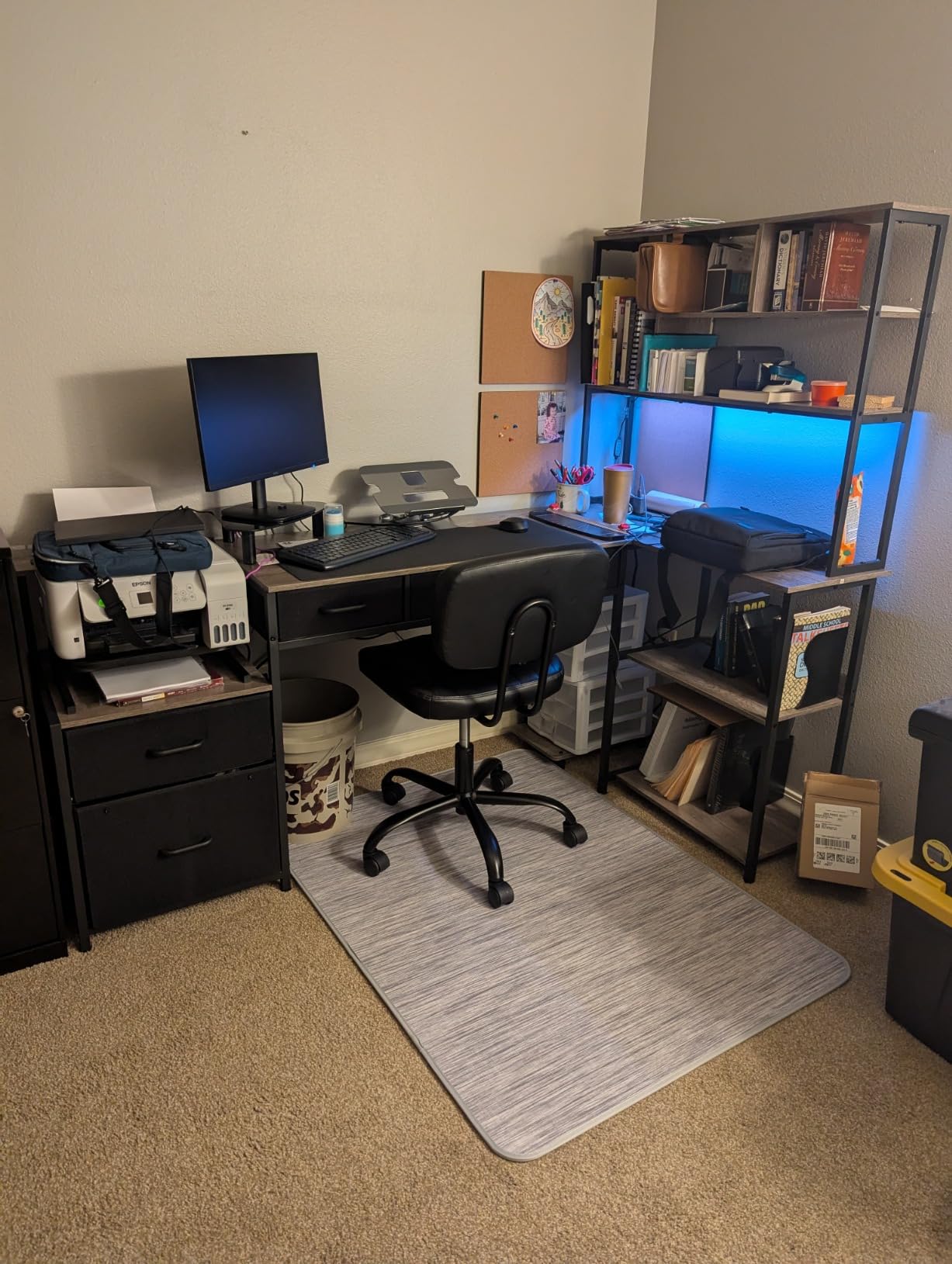
The LED strip with a milky diffuser and 10 colors and 10 dynamic modes is a nice touch for a room that also serves as a stream set, though it is worth considering how a colored light strip interacts with a color-critical display on the same desk. Mounting a reference panel on an arm above the light rather than in line with it solves most of that.
Everything about the trade-off is structural. There is no height adjustment, so this is a sitting desk. The 18.9-inch-deep top demands a long wall and a room that can genuinely absorb the footprint. Fabric drawers are fine for pens, adapters and notes but not for hard drives or an interface, and the build sits in the same heavy class as the other large L-shaped desks here, which means two people to move it.
Who this desk suits
It suits an editor with a dedicated room, a long wall and a habit of running a lot of gear at once, who values storage and power as much as posture. It is also a strong fit for a two-position workflow, with the main run reserved for editing and the return used for scripting, calls or a capture machine. The file drawer and six shelf tiers keep the desktop itself clear, which is what makes a surface this size usable rather than intimidating.
Who should skip it
Skip it in a small room, because a 79-inch run plus a return is not a footprint you can tuck into a spare bedroom. Skip it if you want to work standing, and skip it if you plan to store anything heavy in the drawers, since fabric construction is not the place for spinning-platter backups or a studio monitor. Anyone in a rented room should look elsewhere.
7. OffiGo 55 in U-Shaped Electric Desk – Best Two-Screen Corner Bay
Pros
- Monitor stand holds two displays
- Three-preset electric adjustment
- Built-in 3-outlet and 2-USB hub
- Uses a dead corner well
Cons
- Monitor shelf and keyboard tray cut into flat surface
- U footprint needs a corner
- 0.6 inch top is thin
The U-shaped footprint is the idea here. Two returns meeting at a corner turn what is normally wasted floor space into usable work surface, so you get a 55.1-inch main run plus two side wings in a footprint that a straight desk of the same total width could not use. The electric frame runs from 28.3 to 46.5 inches with three one-touch memory presets, and the carbon steel frame is rated to 154 pounds.
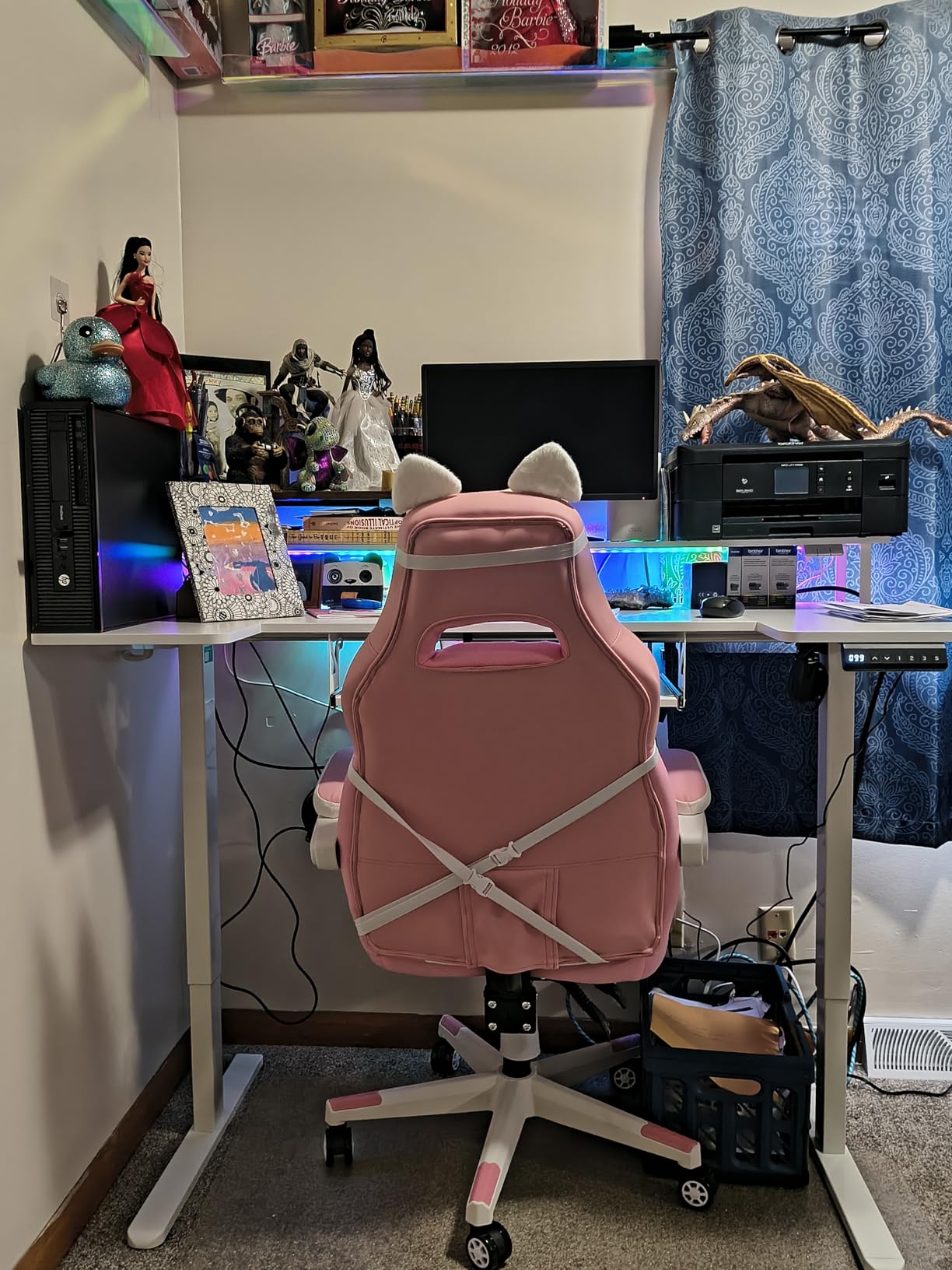
What earns it a place in an editing roundup is the full-size monitor stand. It holds two displays above the surface, which frees the flat top for a keyboard, a control surface and a laptop at the same time, and it lifts your screens to a height that keeps your neck out of a permanent forward tilt. On a desk with a real monitor shelf, eye-line goes from something you compensate for to something you set once.
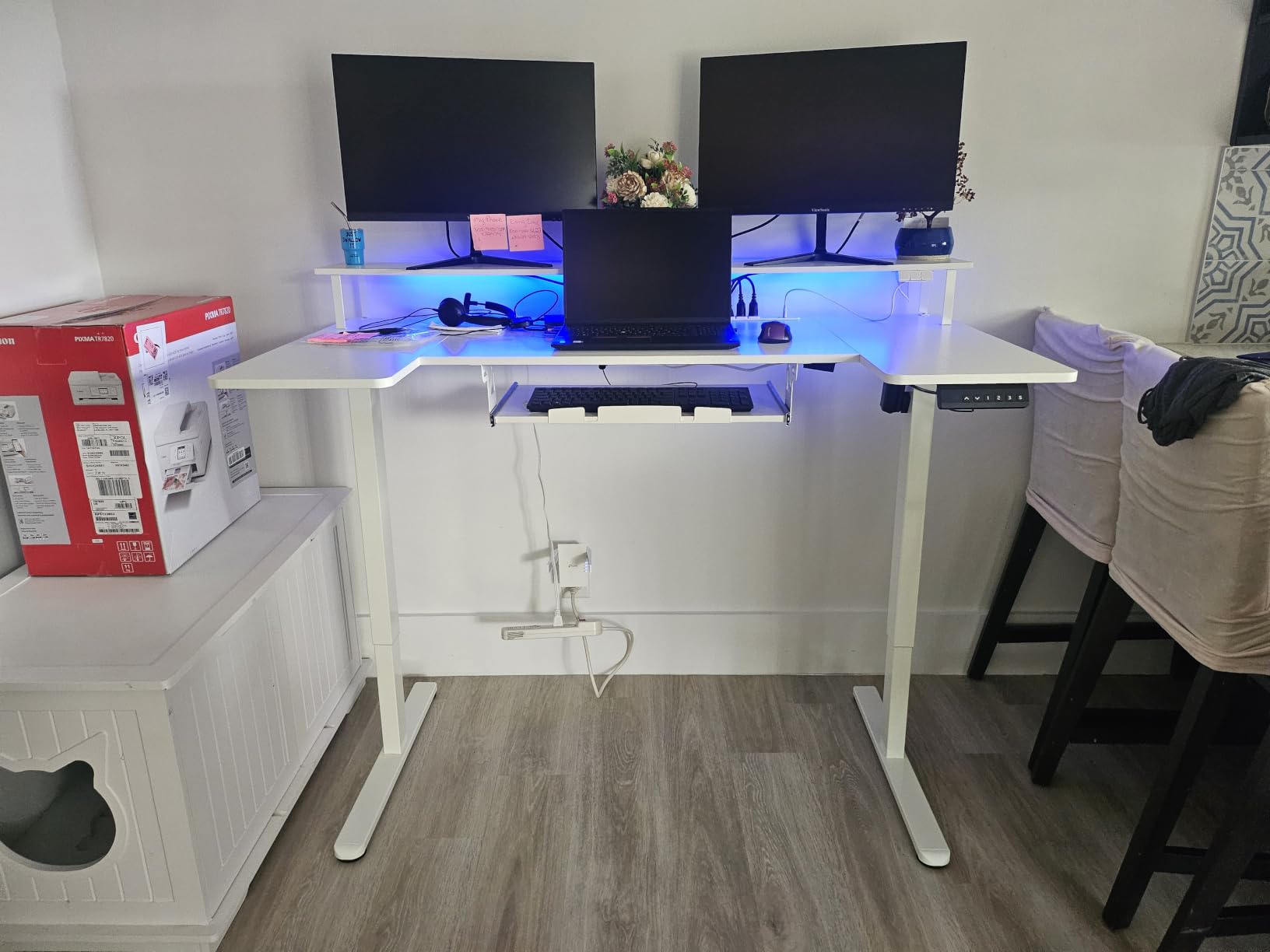
There is also a built-in charging hub with three outlets and two USB ports, an LED strip with 10 colors and 10 dynamic modes, and a keyboard tray plus two hooks for accessories. Owners single out the combination of electric adjustment, the two-screen stand and the integrated hub as features they normally find on more expensive models, and the 4.7 rating reflects that.
The cost is a smaller flat working area. A monitor shelf plus a keyboard tray together remove a meaningful strip of the surface you can actually place gear on, and the top is a modest 0.6 inches of engineered wood, so it is not the surface to clamp a heavy dual arm to. The U footprint also demands a corner, and it is the least flexible option in this roundup for rearranging a room. Assembly takes two people and both an Allen key and a screwdriver.
Who this desk suits
It suits an editor in a corner who wants two screens at a comfortable height and enough flat space left for a control surface and a laptop. The U layout gives you a natural separation between an editing position and a scripting or review position without needing two desks. It is also a sensible choice if your chair armrests or your monitor arms need a standoff distance that a shallow straight top cannot give you.
Who should skip it
Skip it if your room has no usable corner, because the U shape cannot be flattened. Skip it if you want to clamp a heavy dual monitor arm to the worktop, given the 0.6-inch top. And skip it if you already own a good monitor arm, because the integrated stand will then be a constraint rather than a feature, and you are paying for a shelf that duplicates it.
8. AODK 55 in Standing Desk with Drawers – Best for Quiet Rooms
Pros
- Exceptionally quiet motor
- Elevated monitor shelf raises screens
- Hidden rear cable tray
- Realistic rustic brown wood grain
Cons
- Keyboard tray is tight with no handle
- Some light wobble at full height
- 46.1 inch maximum is low for tall users
If you record voiceover or stream from the same desk, motor noise is a first-order concern rather than a spec-sheet curiosity. This is the quietest frame in the roundup by owner report, with reviewers saying the motor barely registers even in a room with pets. That matters more for an editing bay than it would for a writing desk, because a lift cycle in the middle of a take ruins the take.
The elevated full-size monitor shelf is the second reason to look here. It raises both screens to a more natural height without needing arms, which is an easy win if you spend eight hours a day looking at a timeline, and it doubles as a shelf. Three memory presets, a built-in three-outlet and two-USB hub, and a hidden rear cable tray handle power and wiring. Owners program the presets for sitting, standing and a walking pad, which is a nice example of using the feature properly.
Build details are better than the price suggests. The rustic brown top has a realistic wood grain rather than a printed-on look, and the two fabric drawers are larger and sturdier than expected for office supplies. The 21.25-inch depth is shallower than the 28-inch tops in this roundup, so plan your monitor distance carefully, but for a single display plus a laptop it is fine.
The complaints are specific. The keyboard tray is tight, has no handle, and needs elbow grease to slide out, and it will not comfortably hold a full-size keyboard and a mouse at once. There is some light wobble at full standing height, and a maximum of 46.1 inches is short for anyone around six feet or taller, especially paired with a walking pad. Assembly commonly takes two to four hours.
Who this desk suits
It suits an editor who also records voice in the same room, and who has never found a good argument for clamping arms and would rather set the screen height once on a shelf. It is also a good fit for a single-display workflow where a laptop plays the timeline and the second screen handles scopes or reference. The preset workflow is genuinely useful, and three heights is enough if you plan them deliberately.
Who should skip it
Skip it if you run a dual reference bay with a control surface and a full-size keyboard, because the shallow top and the tight tray will crowd each other. Skip it if you are tall and plan to stand for long stretches, since the 46.1-inch ceiling will leave you hunched. And skip it if you are not prepared for a two-to-four-hour build on a 65-pound frame.
9. SIAGO 63 x 55 in L-Shaped Standing Desk – Best Three-Leg Corner Frame
SIAGO 63×55 Inch L-Shaped Standing Desk with Charging Station Corner Desk
Pros
- True three-leg electric L rated to 250 lb
- Motor tested through 50000 lift cycles
- Child safety lock on the controller
- Built-in outlets and USB-C charging
Cons
- Tedious 100-plus screw assembly
- Left or right orientation is fixed once built
- Pressboard top marks easily
Three equal-length legs on a corner frame is the right structural answer for an L-shaped desk, because a two-leg frame leaves the outside corner unsupported and that corner is exactly where the return meets the wall. This one is built that way, carries a 250-pound rating, and the motor is rated by the manufacturer at 50,000 lift cycles. Very little wobble is reported even months in.
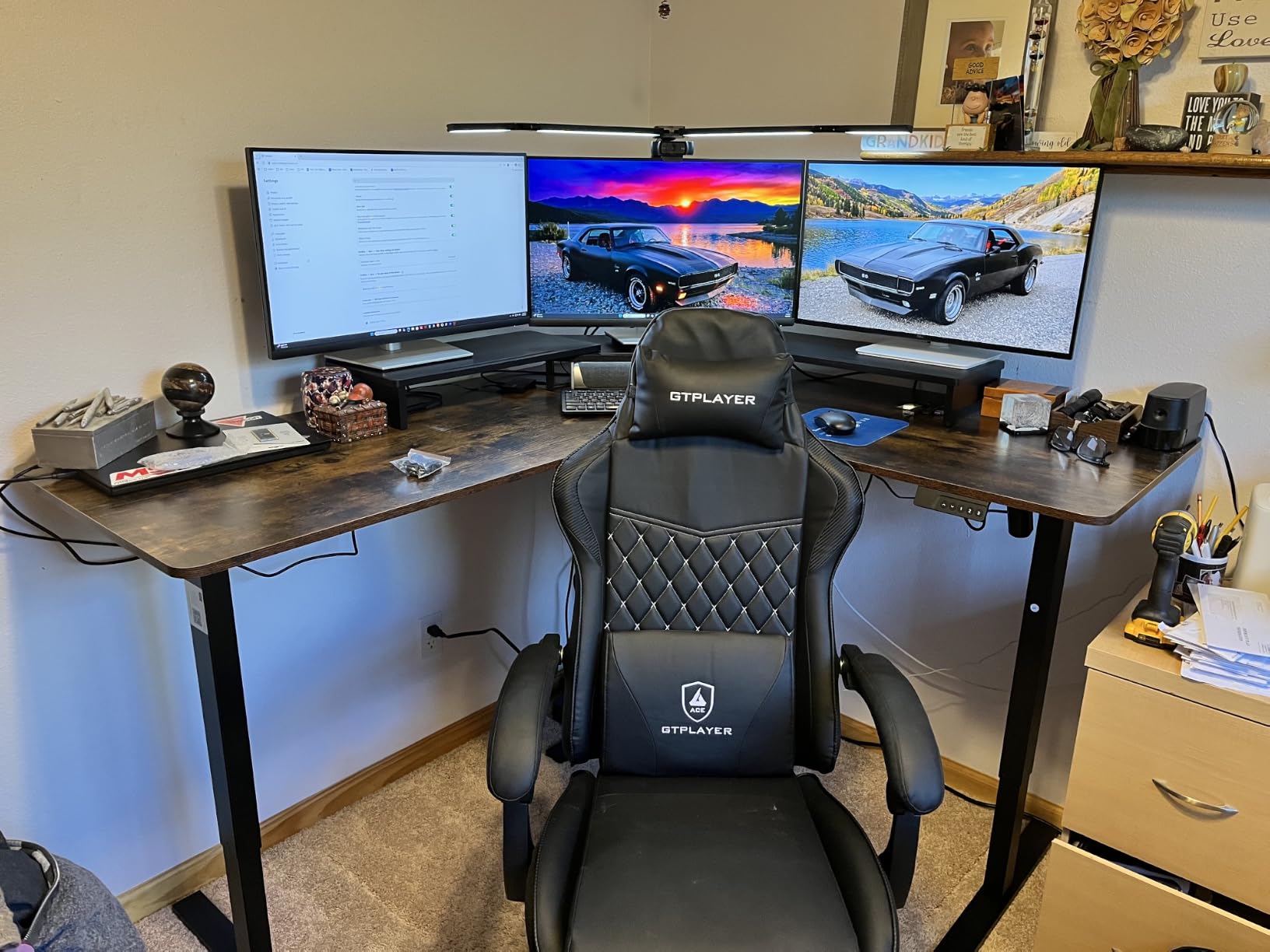
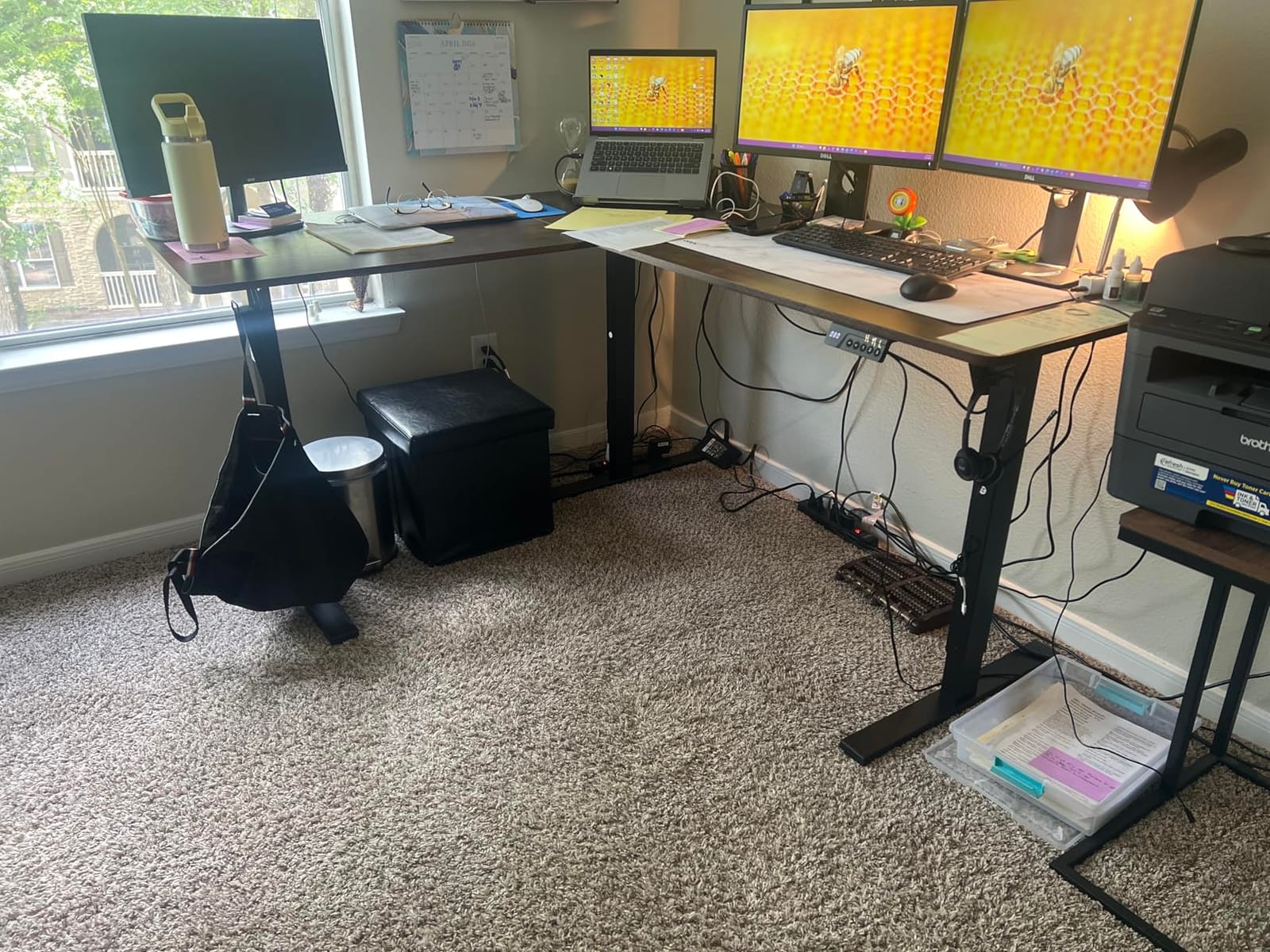
Height runs from 27.5 to 45.7 inches on a memory controller that stores three custom heights and includes a child safety lock, which matters if the desk lives in a family home. The motor is quoted at roughly 48 dB, quiet enough to lift mid-session without cutting an edit. Built-in power covers three AC outlets plus USB-A and USB-C fast-charging ports and two headphone hooks. Owners report fitting two 24-inch monitors and a laptop on one side and three 27-inch monitors on the other.
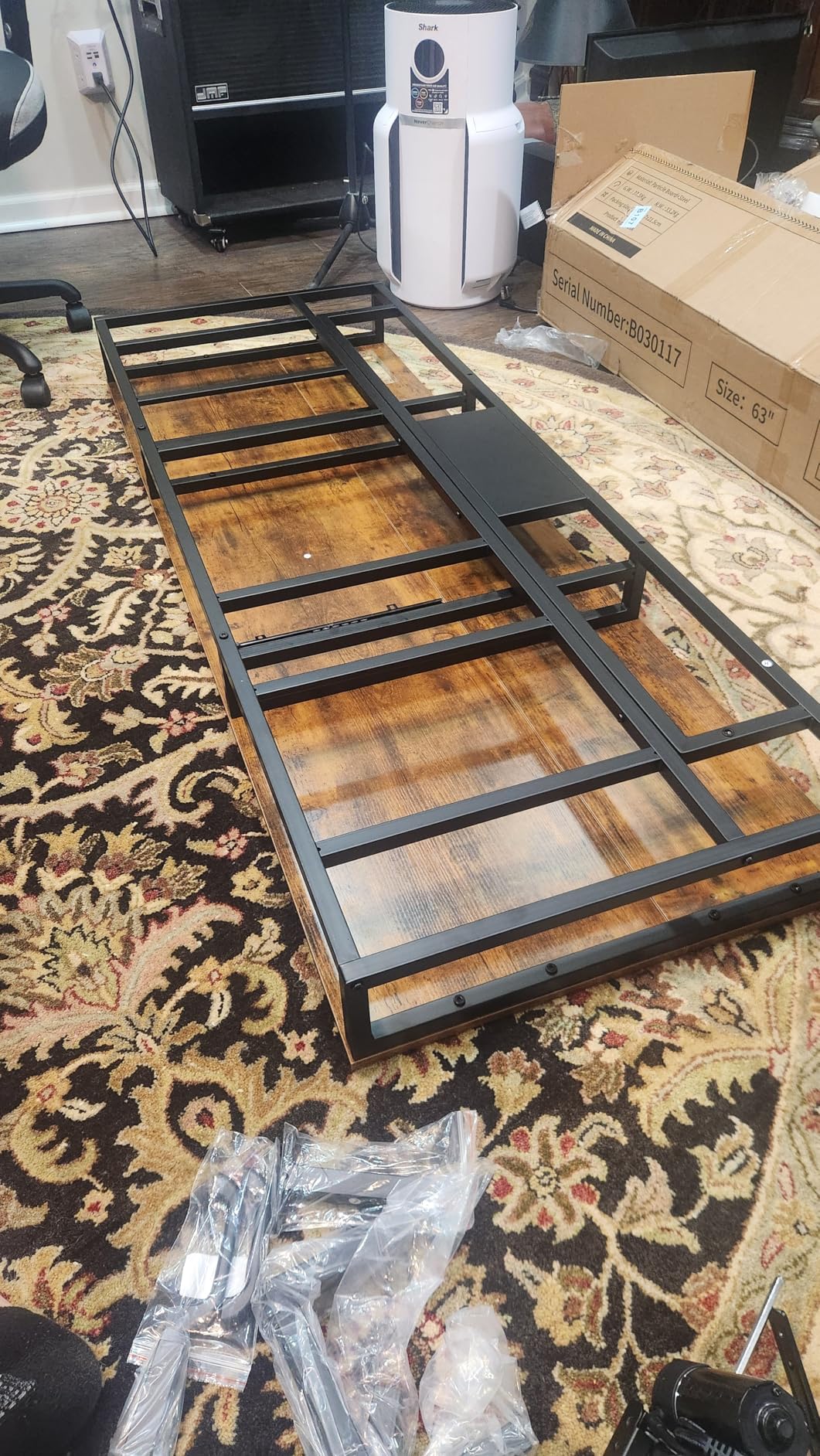
Be clear-eyed about the build. Assembly is tedious, with more than a hundred screws, a power screwdriver effectively required, and the desk constructed upside down and then flipped. More importantly, the long-side orientation is fixed at assembly, and choosing the wrong side means close to a full disassembly to correct. Measure your room and decide which way the return should face before you start.
The top is pressboard, which dents and marks easily on edge impact, so it is not the desk for a clamp-on arm that gets repositioned. The motor mount is the only plastic component in the assembly and flexes slightly under torque. Cable management is limited to a single hanging basket, which is tight if you are running two machines, and the supplied screws can strip if overtightened with the included Allen key.
Who this desk suits
It suits an editor who is loading the desk hard, running multiple displays and machines across both sides of the L, and who will commit an evening to assembly. The 250-pound rating is the highest in the roundup, and combined with three legs it is the most stable corner option here for a full reference bay plus a machine. The child lock and the quiet motor also make it a sensible family-room choice.
Who should skip it
Skip it if you will not measure first, because the fixed orientation is the one mistake that is expensive here. Skip it if you move rooms often, or if a 100-plus-screw build is going to derail your setup weekend. And skip it if you want a smooth top to clamp a monitor arm to, since pressboard and an adhesive cable basket are the weak points.
10. DeskShow 60 x 28 in Electric Standing Desk – Best for Top Rigidity
Pros
- One inch top resists flex under monitor arm clamps
- Double-beam frame with 220 lb rating
- Rises evenly with a heavy machine near the edge
- Pre-drilled and pre-labeled for quick assembly
Cons
- Desktop arrives in three pieces with visible seams
- 74 lb build needs two people to flip
- Only three memory presets
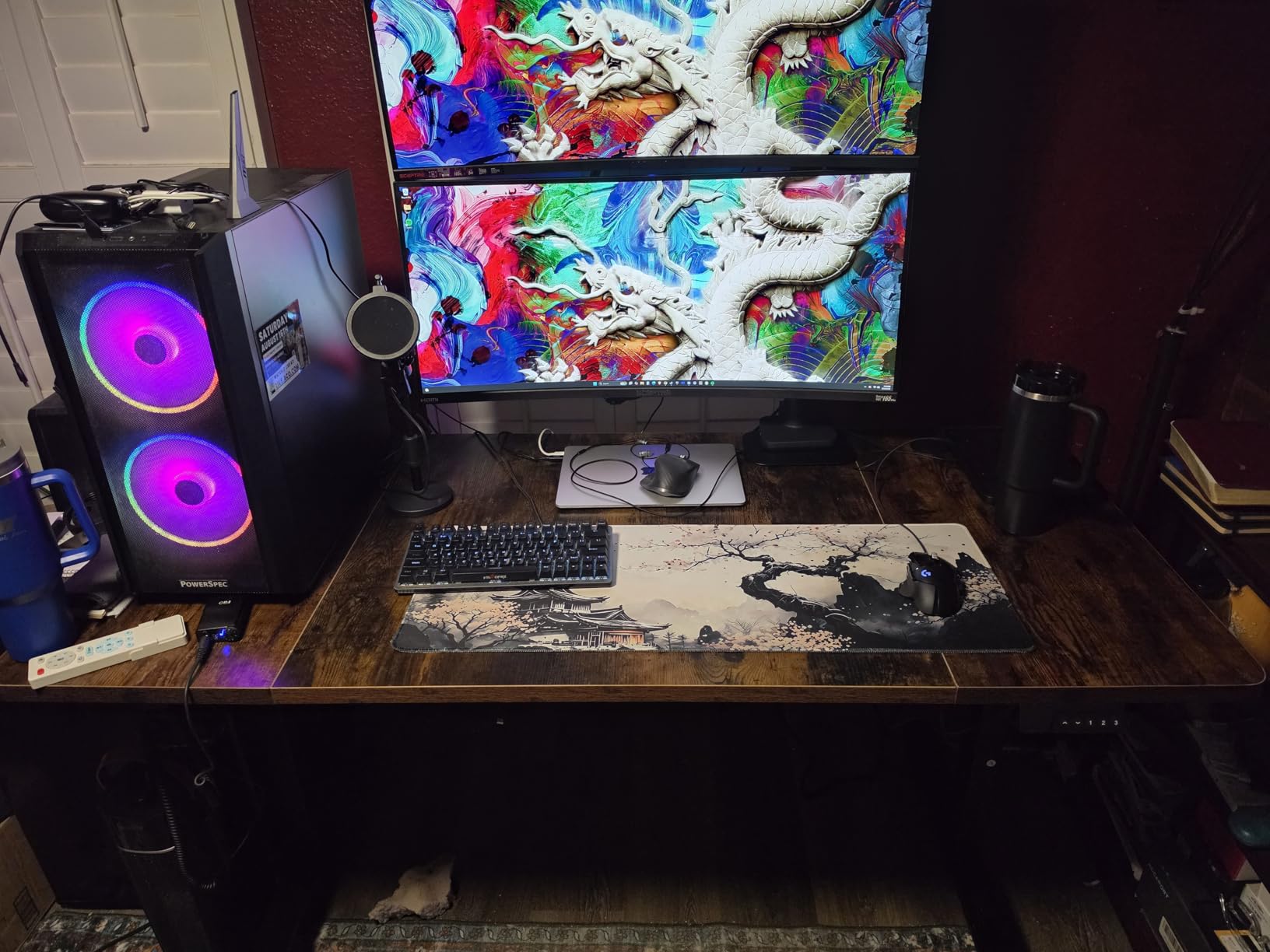
Monitor arm stability is the whole story here. Most budget sit-stand frames use a hollow-core or thin top, and the moment you tighten a dual clamp the surface dishes and your reference panels lose alignment. This one uses a one-inch engineered wood top over a double-beam steel frame with a 2.5 mm base, rated to 220 pounds, and owners specifically report that it does not flex when monitor arms are tightened.
The other thing that stood out is behavior under an awkward load. Reviewers describe it raising and lowering evenly and smoothly with an 80-pound water-cooled machine sitting two inches from the edge, which is a much more honest test than an empty desk. The motor is quoted below 45 dB, there are three programmable memory presets, and the surface lifts from 27.95 to 45.67 inches. A cable management tray and headphone hooks are included.
Assembly is the best in this roundup by a distance, and that matters more than it sounds. All holes are pre-drilled and every part is pre-labeled with directional arrow stickers, which cuts a build to roughly 30 minutes. Several owners benchmark it directly against premium frames from established brands and conclude the lift capacity and stability are comparable for a fraction of the outlay.
The compromises are the top’s three-piece construction, which leaves visible seams not always clear from product photos, and the 74-pound weight, which means a second person is needed to flip the assembled frame upright. There is no drawer, no monitor shelf and no built-in power on this base model, and three presets is fewer than the SHW’s four. If you need more, you will need an accessory.
Who this desk suits
It suits a video editor who has already outgrown a fixed desk and wants a genuinely rigid clamped-arm rig without paying premium-frame money. The 60 by 28-inch top fits two 27-inch displays with a control surface, and the depth gives you room to set monitors at a proper viewing distance. If you like to assemble things yourself, the pre-drilled and pre-labeled build is a genuine time saver.
Who should skip it
Skip it if visible seams in the desktop would bother you during color work, since the top arrives in three pieces. Skip it if you need storage, a shelf or integrated power, because none of those ship with this model. And skip it if you are assembling alone on a tight schedule, because the flip still needs a second pair of hands.
How Wide Does a Video Editing Desk Need to Be?
Start with the displays, then add everything you refuse to move. Two 27-inch monitors on arms need roughly 52 to 54 inches of width for the panels alone, and once you allow a few inches of gap and the clamp clearance, a dual-reference bay starts at about 58 inches of usable top. That is the single most useful number in this article: a 48-inch desk holds two 27-inch panels only if they are touching, which is exactly the arrangement that makes a side-by-side reference check useless.
Now add the control surface, which needs about 15 inches of its own depth, ideally between you and the displays rather than beside them. A 60-inch top with 28 inches of depth is the practical floor for two displays plus a control surface plus a keyboard. Two displays and a control surface and a mouse, with the machine parked on a stand to the side, pushes you toward 63 inches. Three displays take you past 72 inches, and at that width you are usually looking at an L-shape or a corner frame anyway.
Depth is the second half of the calculation and the one most people get wrong. A 19 to 21-inch deep top pushes your displays close enough to the desk edge that you cannot angle them inward, and it removes the distance needed for near-field speakers to sit out from the wall. For a dual-reference bay that you also mix on, 28 inches is a better minimum, and 30 to 33 inches is better still if your room allows it.
One related question that comes up in almost every editing forum is the 3:2:1 backup rule, which is about storage rather than furniture: keep three copies of your project, on two different kinds of media, with one of them off-site. It affects your desk only in that you need somewhere sensible to park two drives and a shelf, not in a drawer or on the floor.
Cable Management on a Sit-Stand Desk
Cable failure is the number one complaint in standing-desk discussions, and it is entirely predictable. A frame that travels 18 inches between seated and standing height will drag any cable that is not specifically routed, and a monitor arm clamped to the top is the most expensive thing in the room to drag. The top organic result for this topic is a thread where someone describes organizing a desk and finding it back to a pile of cables within days, which is a reminder that cable management fails for reasons of habit as much as hardware.
Five steps fix most of it. First, mount your power strip to the underside of the desktop, not to the wall, so it travels with the surface. Second, feed every cable down through a desktop grommet rather than over the rear edge, so the strain does not act on the connector. Third, use a cable basket or tray that is fixed to the moving top, not to a stationary leg, and leave enough slack for the full height range. Fourth, coil the service loop and strap it loosely mid-travel so the cable never reaches tension at either end of the range.
Fifth, and this is the one people skip, leave a deliberate service loop of at least the desk’s travel distance below the top. A producer in one of the audio-production threads described taping and zip-tying cables under the desktop specifically so that moving the desk did not drag monitors across it, and that advice generalizes to any rig with an arm clamp. On the SHW 55 x 28, the cable tray and grommets are already part of the design, which is why it holds its alignment better than its size suggests.
The habit rule matters as much as the hardware. If the cables are not routed once, correctly, they will be re-routed badly every week. Budget an evening for it when the desk arrives, not a weekend during your first deadline week.
How to Choose a Desk for Video Editing
Load capacity is the number most people read past. The published rating includes the desktop itself, so a desk rated at 110 pounds has roughly 80 to 90 pounds of usable capacity once you subtract the top. Two clamped 27-inch displays, a control surface, a keyboard, an interface and a small machine can consume 60 to 80 pounds on their own, which is why the 220 and 250-pound frames in this roundup feel meaningfully more secure than the 110-pound ones. If you plan a heavy tower on the floor and a machine on the desktop, treat anything under 150 pounds as tight.
Next, decide sit-stand honestly. People stop using the standing function when switching takes too much effort, so a preset controller with three or four memory heights is the difference between a habit and an expensive paperweight. Plan your presets: seated editing height, standing keyboard height, a higher position for reviewing a reference panel, and a lower one for a laptop. If you also record, add a preset that puts the mic arm at mouth level. This is the productivity practice working producers describe, and it costs nothing.
Then check the low end of the range. Many frames bottom out around 28 inches, which is fine for a six-foot editor and too high for a five-foot-four editor. If you are under five foot six, this single measurement will rule out more desks than any other, and the 27.5-inch minimum on the SIAGO corner frame is the lowest figure in this roundup. The other half of eye-line is the top of your display: at seated height the panel’s upper edge should sit at or just below your eyes, and at standing height the same panel moves roughly eighteen inches, which is why an adjustable frame paired with monitor arms on the desk is more consistent than a fixed frame paired with arms clamped to it.
Fixed height versus sit-stand versus a converter is a make-or-buy decision. A converter costs a fraction of a frame, needs no drilling, adds roughly 20 inches of travel, and caps your load around 33 pounds. A full electric frame costs more, needs floor space and a wall you can live with, carries far more, and lets both the return of an L and the main run move together. If you rent, or you are undecided about sit-stand, the converter is the low-risk answer. If you have owned one and found yourself resetting it constantly, a frame is the right step up.
If you also stream from this desk, the priorities change. A dual-PC setup needs real width and a CPU stand, or the towers end up on the floor taking your footwell. A single-PC setup needs a capture card, an interface and a microphone arm within reach of the return. Whichever you run, mount your key lights on stands rather than clamping them to the desk, because a clamp on a worktop that also carries a reference panel is a source of vibration and a source of flex. Our headphone picks for video editing cover the monitoring side of the same question.
Finally, match the desk to the machine rather than the other way round. A tower parked under the desk needs depth, legroom and airflow clearance, and a closed desk cavity with a heavy GPU workstation in it can run hot, so keep a few inches of gap at the front and the side. An all-in-one or a laptop needs far less and gives that space back to a wider top. And if you work from a room you do not control, measure the wall before you commit to a large L, because several of these assemble with a fixed orientation that is expensive to change later.
Frequently Asked Questions
What is the best desk for video editing?
A video editing desk should be at least 60 inches wide and 28 inches deep so two 27-inch reference monitors plus a control surface and keyboard all fit in one layout. Add an electric sit-stand frame rated above 150 pounds if you want to work standing, and look for a cable tray or grommets so the frame can travel without dragging monitors.
What kind of desk should I get for my PC setup?
Match the desk to what you park on it. A tower under the desk needs depth, legroom and airflow clearance, so a 28-inch-deep top and a 200-pound-plus frame suit heavy rigs. A laptop or all-in-one needs far less, which lets you spend the budget on width instead. Wide and deep beats tall and narrow for editing work.
How big should my desk be for video editing?
Two 27-inch monitors need roughly 58 inches of usable width before a control surface is considered, so 60 inches is the practical minimum and 63 inches is comfortable. For three displays you need 72 inches or more, which usually means an L-shaped or corner frame. Depth of 28 to 30 inches matters as much as width because it sets your monitor viewing distance.
Is a standing desk good for video editing?
It helps, with one real caveat. Changing posture during a long session reduces fatigue, and a frame with three or four memory presets makes switching quick enough to become a habit. The caveat is that your monitors move with the surface, so a grade can look different at standing height than at seated height. Solve it with presets set deliberately and by keeping your reference panel angle fixed relative to the desk.
What is the 3:2:1 rule in video editing?
It is a backup rule, not a desk rule: keep three copies of every project, on two different kinds of media, with one copy stored off-site. For your editing bay it only means you need a real place to park two drives rather than leaving them loose on the desktop.
Final Verdict on the Best Desks for Video Editing Setups
After ten desks and one thoroughly rebuilt corner of an office, the answer to the question we set out to answer is this: pick the best desks for video editing setups by width first, load rating second, and height mechanism third. If you want the single best starting point, the SHW Mission 48 by 48 L-shape gives you the most usable editing surface per square foot of room, and it is the desk we would put in front of an editor starting out in 2026. If you rent, take the VIVO converter and revisit later. If your rig is heavy, go straight to a 220-pound-plus frame with a one-inch top and pre-drilled assembly, and accept that you have earned the best display surface in the roundup.
Whatever you choose, set your height presets on day one and cable the desk before you need to work on it. Those two hours decide whether the desk becomes an editing bay or stays an expensive surface that fights you every session.