
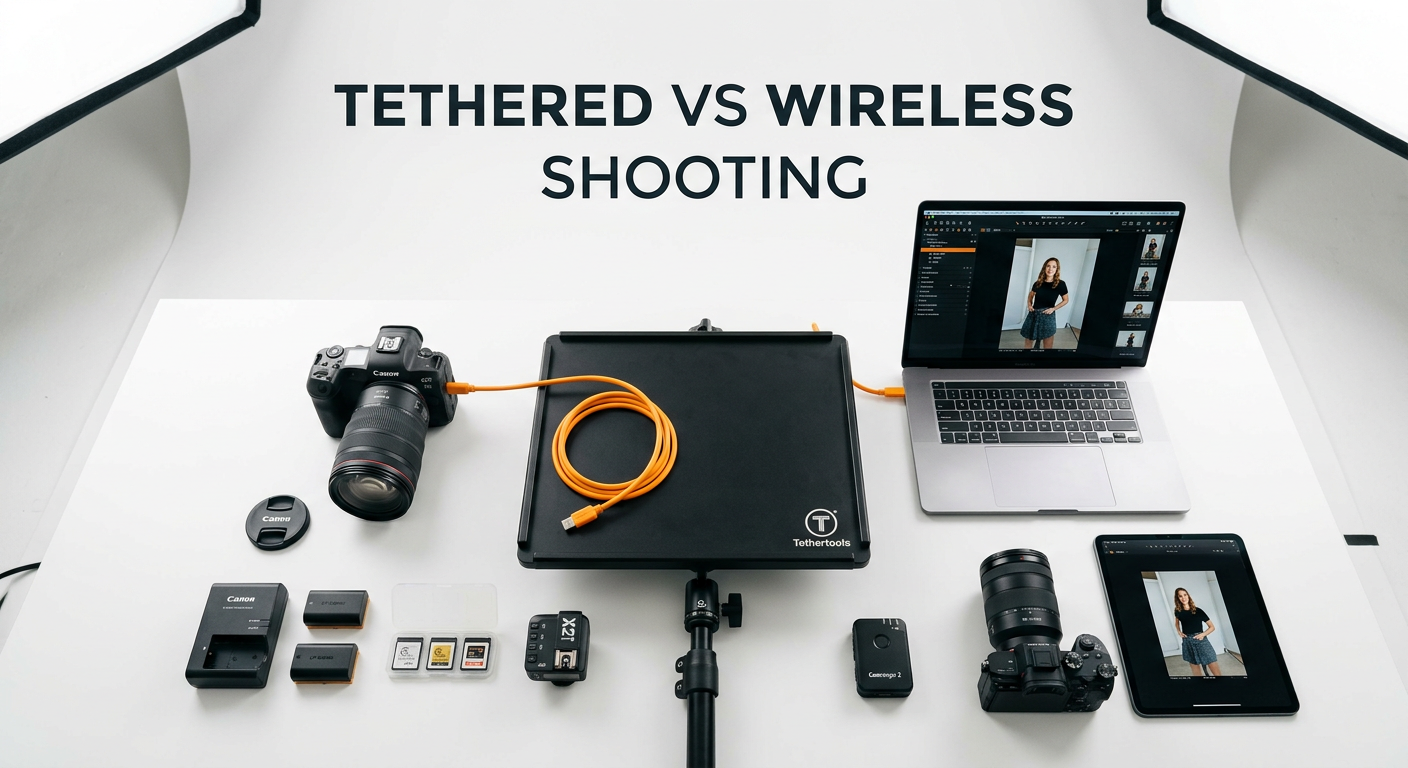
When it comes to professional studio photography, the debate between tethered vs wireless shooting continues to divide photographers. I have spent years working with both methods in various studio environments, and each approach has distinct advantages depending on your specific needs.
Tethered shooting means connecting your camera directly to a computer via cable, while wireless shooting transmits images over Wi-Fi or a dedicated wireless system. Both methods allow you to view images on a larger screen as you shoot, but they differ significantly in speed, reliability, and workflow implications.
For most studio photographers working with clients, wired tethering remains the gold standard for reliability. However, wireless solutions have improved dramatically in 2026, making them viable for certain situations. Let me break down exactly when each method shines.
Tethered vs Wireless Shooting: Quick Comparison
| Product | Specifications | Action |
|---|---|---|
| TetherPro USB 3.0 Cable |
|
Check Latest Price |
 SmallRig Wireless Hub SmallRig Wireless Hub |
|
Check Latest Price |
 MINIFOCUS Cable Clamp MINIFOCUS Cable Clamp |
|
Check Latest Price |
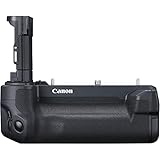 Canon WFT-R10A Transmitter Canon WFT-R10A Transmitter |
|
Check Latest Price |
This comparison shows the key equipment for each approach. Notice how wired solutions focus on speed and reliability, while wireless options prioritize flexibility and range.
Tethered Shooting: The Professional Standard
Pros
- Professional quality with nickel plated tips and gold plated pins
- Fast 5 Gbps data transfer rate
- Fully shielded against signal interference
- 15-foot length provides good working distance
- Built to last with sturdy inner layer protection
Cons
- Premium pricing compared to generic cables
- Requires cable management accessories
Tethered shooting has been my go-to method for client work for over a decade. When I connect my camera directly to a computer via USB or Thunderbolt cable, every shot transfers instantly to a large monitor where I can check focus, exposure, and composition in real-time.
The speed advantage is undeniable. With a quality USB 3.0 cable like the TetherPro, images appear on screen within milliseconds of pressing the shutter. This immediate feedback allows me to make micro-adjustments between shots rather than discovering issues during post-production.
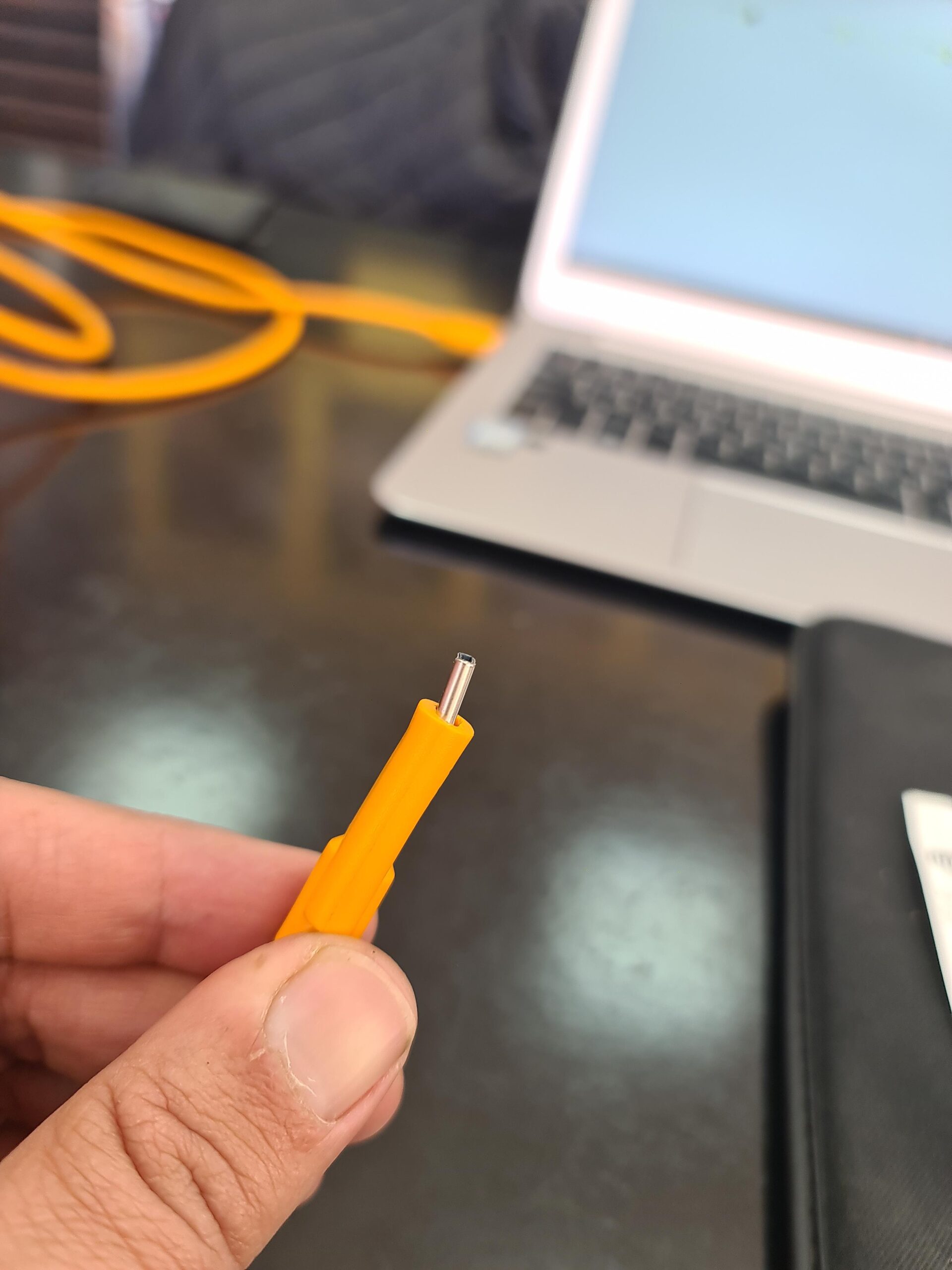
For product photography especially, tethered shooting transforms the workflow. I can zoom in to 100% on a 27-inch monitor to verify focus on texture details, check color accuracy against a calibrated display, and make lighting adjustments based on what I see immediately. Clients appreciate being able to approve shots on the spot.
The reliability factor cannot be overstated. In my experience covering hundreds of commercial shoots, wired connections simply do not drop. There is no signal interference, no bandwidth competition from other devices, and no battery drain on wireless transmitters. When a client is paying for your time, this reliability matters.
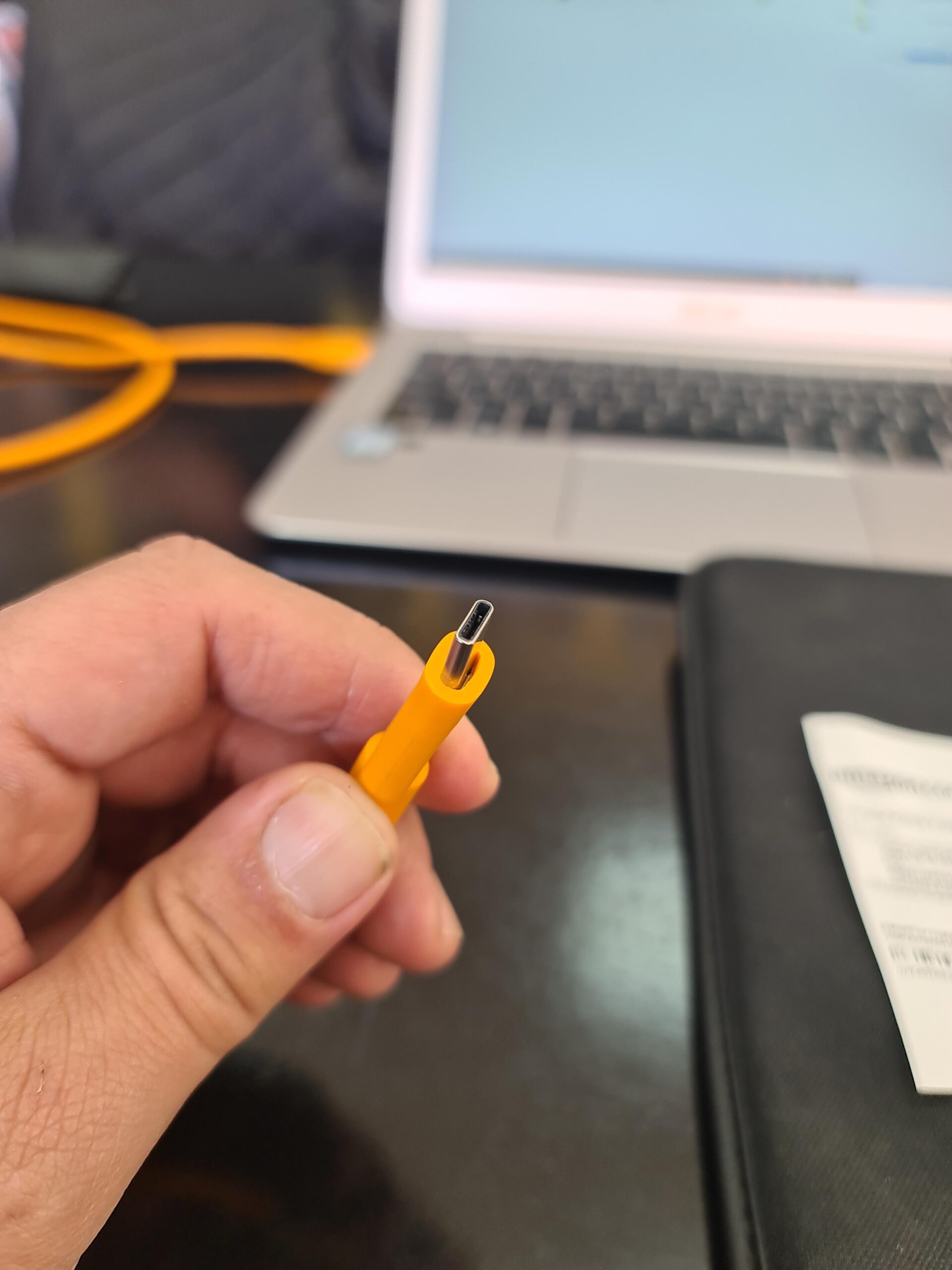
Capture One has become the industry standard for tethered capture software. The program handles RAW files from major camera brands with minimal latency and offers powerful live view features. Lightroom tethering works too, though many professionals report reliability issues with Adobe’s implementation.
The Cable Management Challenge
The main drawback of tethered shooting is cable management. A 15-foot USB cable trailing from your camera creates a trip hazard and limits your movement around the set. This is where accessories like the MINIFOCUS Cable Clamp become essential.
MINIFOCUS Camera Cable Clamp with Arca Swiss System, Aluminum Alloy Tether Cable Block Clip with 4 Grooves, USB Cable Lock Clip Clamp HDMI Protector for All DSLR Cameras Cable
Pros
- Protects camera USB port from accidental pulls
- Arca Swiss compatible for easy mounting
- Solid aluminum alloy construction
- Tool-free thumb screw operation
- Only 17 grams weight
Cons
- May not fit thicker cables like Tether Tools in horizontal position
- May not suit all cable diameters properly
I mount this clamp to my camera’s Arca Swiss plate, which routes the cable strain away from the fragile USB port. If someone trips over the cable, the clamp takes the force rather than damaging my camera’s connector. At under $20, this is essential insurance for any tethered setup.
Wireless Shooting: Freedom and Flexibility
Pros
- Extends camera control range up to 500 meters
- Full remote control via manufacturer apps
- Real-time live preview on smartphone or tablet
- Compatible with Sony Canon Nikon Panasonic
- Compact lightweight design with 2-year warranty
Cons
- Requires external USB-C power source
- Lacks clear weather sealing rating
- Requires manufacturer camera app to function
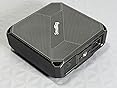
Wireless tethering has matured significantly in recent years. The SmallRig Wireless Tethering Hub represents the current state of affordable wireless solutions, offering up to 500 meters of range with dual-band Wi-Fi connectivity.
For wildlife and location photographers, wireless tethering opens possibilities that wired setups cannot match. I can set up my camera near a bird feeder while monitoring the live view from 400 meters away in my vehicle. The ability to trigger the shutter remotely and see results instantly transforms how I approach shy subjects.
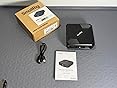
However, wireless tethering comes with significant limitations for studio work. The primary issue is latency. RAW files from a modern mirrorless camera can exceed 80MB each. Transferring these files wirelessly takes 15 to 30 seconds per image, which is simply too slow for portrait or fashion work where models and clients expect rapid feedback.
Most wireless shooters work around this by shooting RAW plus JPEG. The smaller JPEG files transfer quickly for preview, while RAW files save to the camera’s memory card for later. This hybrid approach works but requires careful file management afterward.
Connection reliability remains a concern. Wireless signals can suffer interference from studio lighting equipment, other Wi-Fi networks, and even microwave ovens in nearby break rooms. I have experienced dropped connections during critical moments, which is why I still prefer wired tethering for paid client work.
Premium Wireless Options
For photographers invested in the Canon ecosystem, the WFT-R10A Wireless File Transmitter offers integrated wireless capabilities with battery grip functionality. This professional-grade solution supports FTP, FTPS, and SFTP protocols for secure file transfer directly to studio servers.
Pros
- Integrated vertical battery grip functionality
- Supports secure file transfer protocols
- Linked multi-camera shooting capabilities
- Wired and wireless LAN support
- Wireless time syncing
Cons
- Very expensive investment
- Slow transfer speeds per reviews
- Does not support POE power
- Limited availability
At over $1,000, this transmitter targets professional studios with established network infrastructure. For most photographers, dedicated wireless hubs like the SmallRig offer better value with broader camera compatibility.
Head-to-Head: Tethered vs Wireless Shooting Compared
Speed and Latency
Wired tethering wins decisively on speed. USB 3.0 delivers 5 Gbps bandwidth, meaning even large RAW files appear on screen almost instantly. Wireless systems, despite improvements, cannot match this speed. The 15-30 second delay for wireless RAW transfer makes this method unsuitable for time-sensitive shoots.
Reliability
Wired connections are inherently more reliable. No signal interference, no battery concerns, no network congestion. Wireless systems can drop connections unexpectedly, which is unacceptable during commercial shoots where client time costs money.
Mobility
Wireless wins on mobility. Without cables constraining movement, photographers can position cameras in tight spaces or unusual angles. Wildlife photographers particularly benefit from the ability to monitor cameras remotely from significant distances.
Setup Complexity
Wired tethering requires cable management but offers plug-and-play simplicity. Wireless systems need network configuration, app installation, and troubleshooting when connections fail. The initial setup time for wireless is higher.
Cost Comparison
A complete wired tethering setup costs approximately $70-150 including a quality cable and cable management accessories. Wireless solutions start around $150 for basic hubs and exceed $1,000 for brand-specific transmitters. The total cost of wireless includes ongoing battery expenses and potentially higher failure rates during shoots.
Studio Recommendations: Which Method Should You Choose
Choose Tethered Shooting If:
You work primarily in a controlled studio environment with clients who need real-time feedback. Product photographers, fashion photographers, and commercial shooters benefit most from the speed and reliability of wired connections.
Your workflow involves high-volume shoots where every second counts. When photographing 50+ SKUs for e-commerce or capturing multiple looks for a fashion campaign, the instant feedback of tethered shooting dramatically improves efficiency.
Reliability is non-negotiable. If you photograph high-value products or work with demanding clients, the peace of mind from a wired connection justifies the cable management effort.
Choose Wireless Shooting If:
You photograph wildlife, sports, or events where running cables is impractical. The freedom to position cameras remotely while monitoring from a safe distance transforms what is possible.
You work in tight spaces where cables create hazards. Small product photography studios or cramped location setups may benefit from the cleaner wireless approach.
You primarily shoot still-life subjects where speed is less critical. Product photographers working on artistic compositions can tolerate the 15-30 second transfer delay in exchange for setup flexibility.
The Hybrid Approach
Many professional photographers use both methods depending on the shoot requirements. I keep both wired and wireless equipment in my kit, defaulting to wired tethering for client work while using wireless for personal projects and challenging locations.
The MINIFOCUS Cable Clamp I mentioned earlier works with both approaches, protecting your camera port regardless of which method you choose. This $20 accessory pays for itself the first time it prevents a damaged USB port.
Frequently Asked Questions
Why shoot tethered?
Shooting tethered provides instant feedback on a large monitor, allowing you to catch focus, exposure, and composition issues during the shoot rather than in post-production. This real-time review improves client collaboration and reduces reshoots significantly.
What does tether mean in photography?
Tethered shooting in photography means connecting your camera directly to a computer, laptop, or tablet via USB, Thunderbolt, or wireless connection. This connection transfers images instantly to a larger screen as you capture each shot.
Is wireless tethering reliable for studio photography?
Wireless tethering has improved but still faces reliability challenges in studio environments. Signal interference from lighting equipment and other Wi-Fi networks can cause connection drops. For critical client work, most professionals prefer wired tethering for its consistent reliability.
What equipment do I need for tethered shooting?
You need a quality USB cable (preferably USB 3.0 for speed), tethering software like Capture One or Lightroom, a cable retention device to protect your camera port, and a laptop or computer with sufficient storage. A calibrated monitor helps with accurate color assessment.
Conclusion: Tethered vs Wireless Shooting for Studio Photography
After years of experience with both methods, my recommendation for studio photographers remains clear: wired tethering is the professional standard for good reason. The speed, reliability, and immediate feedback of a cabled connection simply cannot be matched by wireless alternatives.
However, wireless tethering has carved out legitimate use cases in wildlife photography, location work, and situations where cable management is genuinely problematic. The technology continues improving, and I expect the gap between wired and wireless performance to narrow over time.
For most studio photographers in 2026, investing in quality wired tethering equipment like the TetherPro USB cable and a cable management clamp offers the best return on investment. Add wireless capabilities later if your work expands into situations where cables become limiting.