
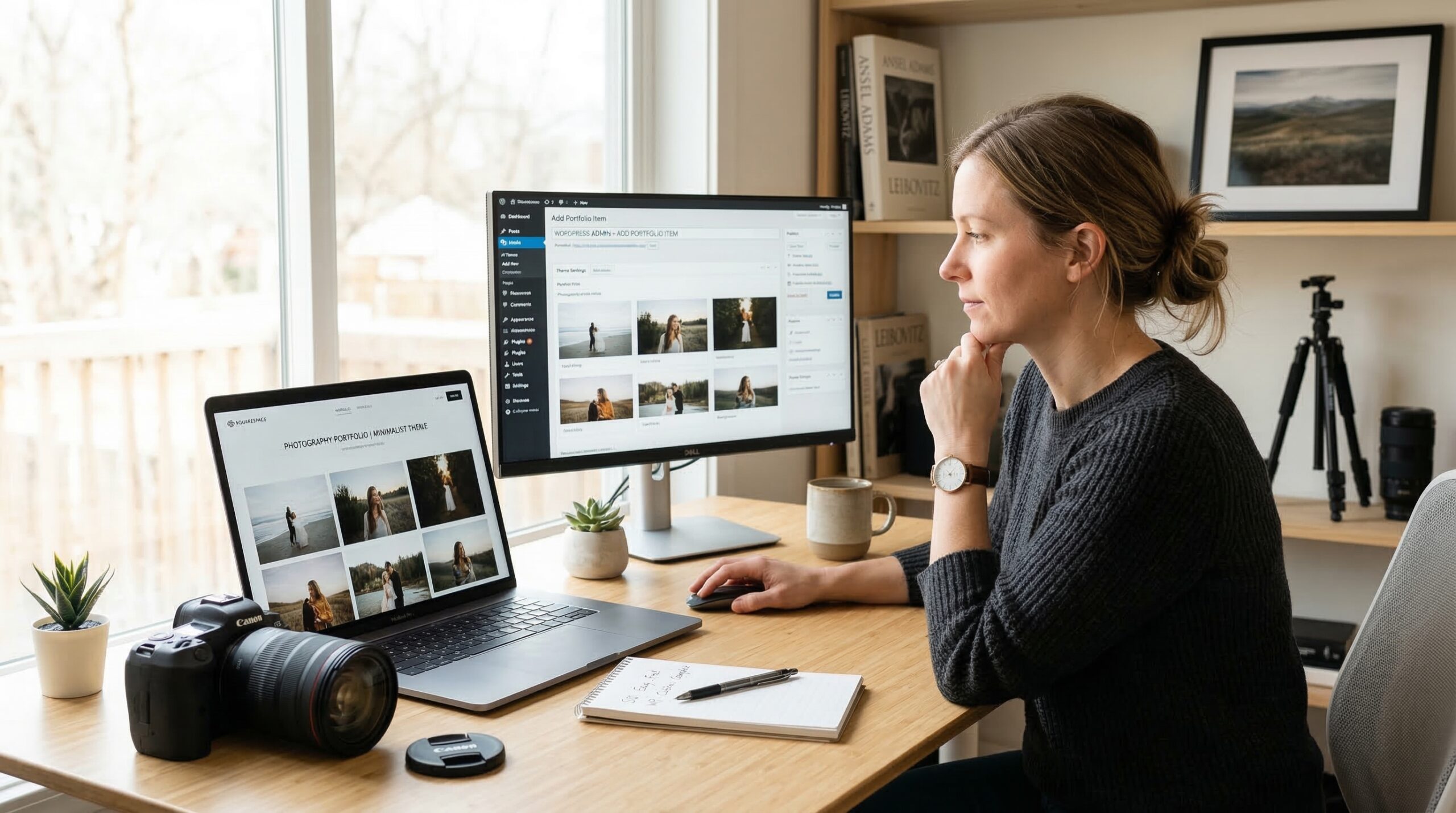
Choosing between Squarespace and WordPress for your photography website feels like picking between a turnkey apartment and building your own house. Both can showcase your work beautifully, but the path to getting there is wildly different.
After helping dozens of photographers build their online portfolios and testing both platforms extensively, I have seen the same questions come up repeatedly. Which one is easier to manage? Will I regret my choice in two years? Can I actually sell prints from either platform?
This Squarespace vs WordPress for photography websites comparison cuts through the marketing noise to give you honest answers based on real-world experience. Whether you are a wedding photographer needing client proofing galleries or a portrait photographer wanting complete design control, you will know exactly which platform fits your workflow by the end of this guide.
Quick spoiler: The right choice depends more on your technical comfort and business goals than on any single feature. Let me break it all down.
Squarespace vs WordPress: Quick Comparison
Before diving into the details, here is a side-by-side look at how these platforms stack up for photographers.
| Feature | Squarespace | WordPress |
|---|---|---|
| Ease of Setup | Very easy – guided setup | Moderate to difficult |
| Design Control | Limited but polished templates | Nearly unlimited |
| Monthly Cost | $23-$65/month | $5-$50+/month (varies) |
| Hosting Included | Yes | No – separate purchase |
| Maintenance | Handled for you | You manage updates |
| Client Galleries | Basic native features | Requires plugins |
| SEO Tools | Built-in, straightforward | Powerful with plugins |
| E-commerce | Built-in, 3% transaction fee | WooCommerce (no fees) |
| Learning Curve | 1-3 days | 1-4 weeks |
| Best For | Quick setup, low maintenance | Full control, scalability |
Now let me walk you through each platform in depth.
Squarespace: The All-in-One Solution
Squarespace launched in 2004 with a clear mission: make beautiful websites accessible to everyone. For photographers, this platform offers a particularly compelling package because image presentation sits at the core of its design philosophy.
When I build sites on Squarespace for photographer clients, the process typically takes 2-4 days from start to finish. You pick a template, upload your images, customize colors and fonts, and publish. No hosting decisions, no plugin conflicts, no security patches to worry about.
The templates deserve special mention. Squarespace employs actual designers who create photography-focused layouts that look professional out of the box. Your portfolio will not look like a generic template because the design team understands how photographers think about visual hierarchy and image flow.
Squarespace handles all the technical infrastructure behind the scenes. Hosting, SSL certificates, CDN delivery, security monitoring, and software updates happen automatically. This means you can focus entirely on your photography business instead of playing IT support for your website.
Key Features for Photographers
The image galleries on Squarespace work smoothly across all devices. Grid layouts, slideshow presentations, and full-bleed hero images render consistently whether someone views your site on an iPhone or a 27-inch monitor.
Blogging comes built-in with scheduling, categories, and social sharing. For photographers who want to improve their SEO through content marketing, this functionality works well without requiring any additional setup.
E-commerce capabilities let you sell prints, digital downloads, and services directly. The Commerce plan includes inventory management, secure checkout, and connections to print fulfillment services like Printful.
WordPress: The Flexible Powerhouse
WordPress powers over 43% of all websites on the internet, and for good reason. What started as a blogging platform in 2003 has evolved into a full content management system that can build literally anything.
Important distinction: This comparison focuses on self-hosted WordPress (WordPress.org), not WordPress.com. Self-hosted WordPress gives you complete control but requires you to handle hosting, security, and maintenance yourself.
Building a photography website on WordPress typically takes me 1-3 weeks depending on complexity. You choose a hosting provider, install WordPress, select a theme, add plugins for specific features, and customize everything to match your vision.
The freedom this platform provides is unmatched. Want a custom client portal where each customer logs in to see their private gallery? Done. Need to integrate with your accounting software and automate invoices? Possible. Dreaming of a completely unique design that no other photographer has? Achievable.
But this flexibility comes with responsibility. You become responsible for updating WordPress core, themes, and plugins. You handle security monitoring and backups. You troubleshoot when something breaks. Many photographers I work with underestimate this ongoing time commitment.
Key Features for Photographers
The plugin ecosystem transforms WordPress from a basic platform into whatever you need. For photographers, key plugins include NextGEN Gallery for advanced image management, WooCommerce for selling prints, and various client proofing solutions like Picu or WP Client Galleries.
Page builders like Elementor, Divi, and Beaver Builder give you drag-and-drop design control that rivals or exceeds Squarespace. These tools have improved dramatically in recent years, making visual customization accessible without coding knowledge.
WordPress handles image optimization through plugins that automatically compress and resize images, generate WebP versions, and lazy-load content for faster performance. With proper setup, WordPress sites can achieve excellent Core Web Vitals scores.
Head-to-Head Comparison
Let me break down how these platforms compare across the factors that matter most to photographers.
Ease of Use and Learning Curve
Squarespace: The learning curve is gentle. Most photographers I train can independently update their sites after one or two sessions. The interface uses intuitive drag-and-drop functionality, and the help documentation is genuinely helpful.
Daily management requires almost no technical knowledge. Adding new portfolio pieces, writing blog posts, and checking analytics all happen through a consistent interface that makes sense.
WordPress: The initial learning curve is steeper. You need to understand hosting, domains, themes, plugins, and how these pieces interact. The dashboard can feel overwhelming at first because it exposes so many options.
Once set up, daily use becomes straightforward. Adding images and writing posts works similarly to any content management system. However, when something goes wrong, troubleshooting requires either technical knowledge or hired help.
Winner: Squarespace for photographers who want to focus on photography rather than website management.
Design and Templates
Squarespace: Templates look professional immediately. The design team clearly understands photography portfolios because the layouts showcase images beautifully without requiring customization.
Customization exists within boundaries. You can adjust colors, fonts, spacing, and layout options, but you cannot fundamentally restructure how a template works. For many photographers, this constraint actually helps because it prevents design disasters.
WordPress: Design possibilities are nearly endless. With the right theme and page builder, you can create anything from a minimalist portfolio to a complex membership site. The question becomes whether you have the time and skill to execute your vision.
Quality varies wildly among themes. Premium photography themes from reputable developers provide excellent starting points, but you must research carefully. Free themes often include bloated code or hidden limitations.
Winner: Tie – Squarespace for polished designs out of the box, WordPress for unlimited customization potential.
Pricing and Total Cost
Squarespace Pricing (as of 2026):
- Personal: $23/month (annual) – Basic portfolio
- Business: $33/month (annual) – Adds e-commerce (3% transaction fee)
- Commerce Basic: $36/month (annual) – Full e-commerce, no transaction fee
- Commerce Advanced: $65/month (annual) – Advanced selling features
These prices include hosting, SSL, and all platform updates. No hidden costs exist beyond the subscription fee.
WordPress Costs (estimated annual):
- Hosting: $60-$300/year (varies by provider and quality)
- Domain: $12-$15/year
- Premium Theme: $30-$200 (one-time)
- Essential Plugins: $0-$200/year
- SSL Certificate: Usually free via hosting provider
- Maintenance/Developer: $0-$1000+/year (if you hire help)
WordPress can cost less than Squarespace initially, but costs vary dramatically based on your choices. Budget hosting costs less but may deliver slower performance. Premium plugins add recurring subscription fees.
Over three years, a well-maintained WordPress site often costs less than Squarespace. However, factor in your time for maintenance, or the cost of hiring someone to handle it.
Winner: WordPress potentially costs less long-term, but Squarespace offers predictable, transparent pricing.
SEO Capabilities
A common myth suggests WordPress ranks better than Squarespace. This is false. Google does not care which platform you use. What matters is how well you implement SEO best practices.
Squarespace: Built-in SEO tools handle the basics well. Meta titles, descriptions, alt text, sitemaps, and structured data work automatically or through simple settings. The platform generates clean URLs and handles technical SEO behind the scenes.
Limitations appear when you need advanced features. Custom schema markup, complex redirect rules, and technical SEO audits require workarounds or cannot be done.
WordPress: The Yoast SEO or RankMath plugins provide comprehensive SEO management. These tools analyze your content, suggest improvements, handle technical optimization, and give you complete control over every SEO element.
Advanced photographers can implement custom schema for local business listings, review markup, and image licensing information. The possibilities expand constantly as SEO evolves.
Winner: WordPress for serious SEO practitioners, Squarespace for photographers who want solid SEO without thinking about it.
Performance and Speed
Squarespace: Performance is consistent because Squarespace controls the entire stack. Images load through their CDN, caching happens automatically, and servers are optimized for the platform.
The trade-off is less control. You cannot install advanced caching plugins or fine-tune server configurations. Large image galleries can load slowly if you upload uncompressed files.
WordPress: Performance depends entirely on your choices. Quality hosting with built-in caching (like Kinsta or WP Engine) delivers excellent speeds. Image optimization plugins compress files automatically. CDN integration works with any provider you choose.
Poor hosting or bloated themes create slow sites. I have seen WordPress photography sites that load in under one second and others that take five seconds. The difference comes down to implementation.
Winner: Tie – Both can achieve excellent performance with proper setup.
Client Galleries and Proofing
This feature matters enormously for wedding and portrait photographers who need clients to review and select images.
Squarespace: Password-protected pages let you create client areas, but the functionality is basic. Clients can view images but advanced proofing features like favoriting, commenting, and download permissions require workarounds.
Many Squarespace photographers use third-party services like Pixieset or Pic-Time alongside their websites for proper client proofing workflows.
WordPress: Dedicated plugins transform WordPress into a full proofing platform. Picu, NextGEN Gallery Pro, and various other solutions offer complete client management with favoriting, commenting, and download controls.
The integration can be seamless – clients never realize they left your main website. However, these plugins add cost and complexity.
Winner: WordPress for integrated proofing, though both platforms often require supplementary tools.
Squarespace Pros and Cons
Pros
- Beautiful templates designed with photography in mind
- All-in-one solution with no technical decisions
- Zero maintenance required – platform handles everything
- Excellent customer support via chat and email
- Built-in e-commerce with no plugin compatibility issues
- Consistent performance without optimization work
- Quick setup – launch in days not weeks
Cons
- Limited design customization within template constraints
- Monthly costs higher than DIY WordPress hosting
- Cannot switch templates without rebuilding content
- Limited third-party integrations compared to WordPress
- Basic client proofing – serious proofing needs external tools
- No access to server or database for advanced customizations
WordPress Pros and Cons
Pros
- Nearly unlimited design and functionality possibilities
- Complete ownership and control of your website
- Massive ecosystem of themes and plugins
- Lower long-term costs possible with smart choices
- Advanced SEO capabilities with full control
- Integrated client proofing and gallery plugins available
- Portable – move to any hosting provider anytime
Cons
- Steep learning curve for non-technical users
- Ongoing maintenance responsibility (updates, security, backups)
- Plugin conflicts can break your site
- Security vulnerabilities require vigilance
- Quality varies dramatically among themes and plugins
- Setup takes weeks rather than days
- Hidden costs accumulate (premium plugins, developer help)
Which Platform Should You Choose?
The Squarespace vs WordPress for photography websites decision ultimately comes down to your priorities and resources. Here is my straightforward recommendation framework.
Choose Squarespace if:
- You want your portfolio live within a week
- You have no interest in learning technical website management
- You prefer predictable monthly costs over variable expenses
- You want your site to look professional without design skills
- You value your time over maximum customization
- You are a solo photographer without developer support
Choose WordPress if:
- You want complete control over every aspect of your site
- You need advanced client proofing integrated into your website
- You have technical skills or budget for developer support
- You plan to scale your website significantly over time
- You want to own your platform completely without vendor lock-in
- You are comfortable handling ongoing maintenance or hiring someone who can
By photography niche:
Wedding photographers often benefit from WordPress because client proofing workflows integrate better. Portrait photographers with simpler needs frequently prefer Squarespace for its ease. Commercial photographers who need unique, branded experiences often choose WordPress for its flexibility. Fine art photographers selling prints may find Squarespace Commerce simpler to manage.
Neither platform is universally better. The right choice depends on where you want to spend your limited time: on your photography or on your website.
Is Squarespace good for photography business?
Yes, Squarespace works well for photography businesses. The platform offers professionally designed templates optimized for image display, built-in e-commerce for selling prints, and requires no technical maintenance. Many successful photographers use Squarespace because it lets them focus on photography rather than website management. The main limitation is customization – if you need unique features or complete design control, you may eventually outgrow it.
What is the best platform to create a photography website?
The best platform depends on your needs. Squarespace is best for photographers who want a beautiful portfolio quickly with minimal technical work. WordPress is best for photographers who need complete control, advanced client proofing, or plan to scale significantly. Consider your technical comfort, time availability, and specific feature requirements. Neither platform is universally better – the right choice varies by photographer.
Is WordPress good for photographers?
WordPress works excellently for photographers who are willing to invest time in learning the platform or hiring help. It offers unlimited customization, powerful SEO capabilities, and plugins specifically designed for photography workflows including client proofing and gallery management. The trade-off is that you must handle hosting, security, updates, and troubleshooting yourself. For photographers with technical skills or developer budgets, WordPress provides unmatched flexibility.
Why are people moving away from WordPress?
Some photographers move away from WordPress due to the maintenance burden. WordPress requires regular updates to core software, themes, and plugins. Security vulnerabilities appear frequently and need patching. Plugin conflicts can break sites unexpectedly. For busy photographers who want to focus on their craft rather than IT support, this ongoing responsibility becomes unsustainable. All-in-one platforms like Squarespace eliminate these concerns.
Can I sell photos on both Squarespace and WordPress?
Yes, both platforms support selling photos. Squarespace has built-in e-commerce with Commerce plans that include inventory management, secure checkout, and print fulfillment integrations. WordPress uses WooCommerce, which offers more flexibility and no transaction fees but requires more setup. Both handle digital downloads and physical print sales. Squarespace is simpler; WordPress offers more customization for complex selling scenarios.
Which platform is better for SEO: Squarespace or WordPress?
Neither platform inherently ranks better – Google cares about content quality and user experience, not the CMS. Squarespace handles SEO basics well with built-in tools for meta tags, sitemaps, and clean URLs. WordPress with plugins like Yoast or RankMath offers more advanced SEO control and technical optimization options. For most photographers, Squarespace provides adequate SEO. Serious SEO practitioners often prefer WordPress for its granular control.