
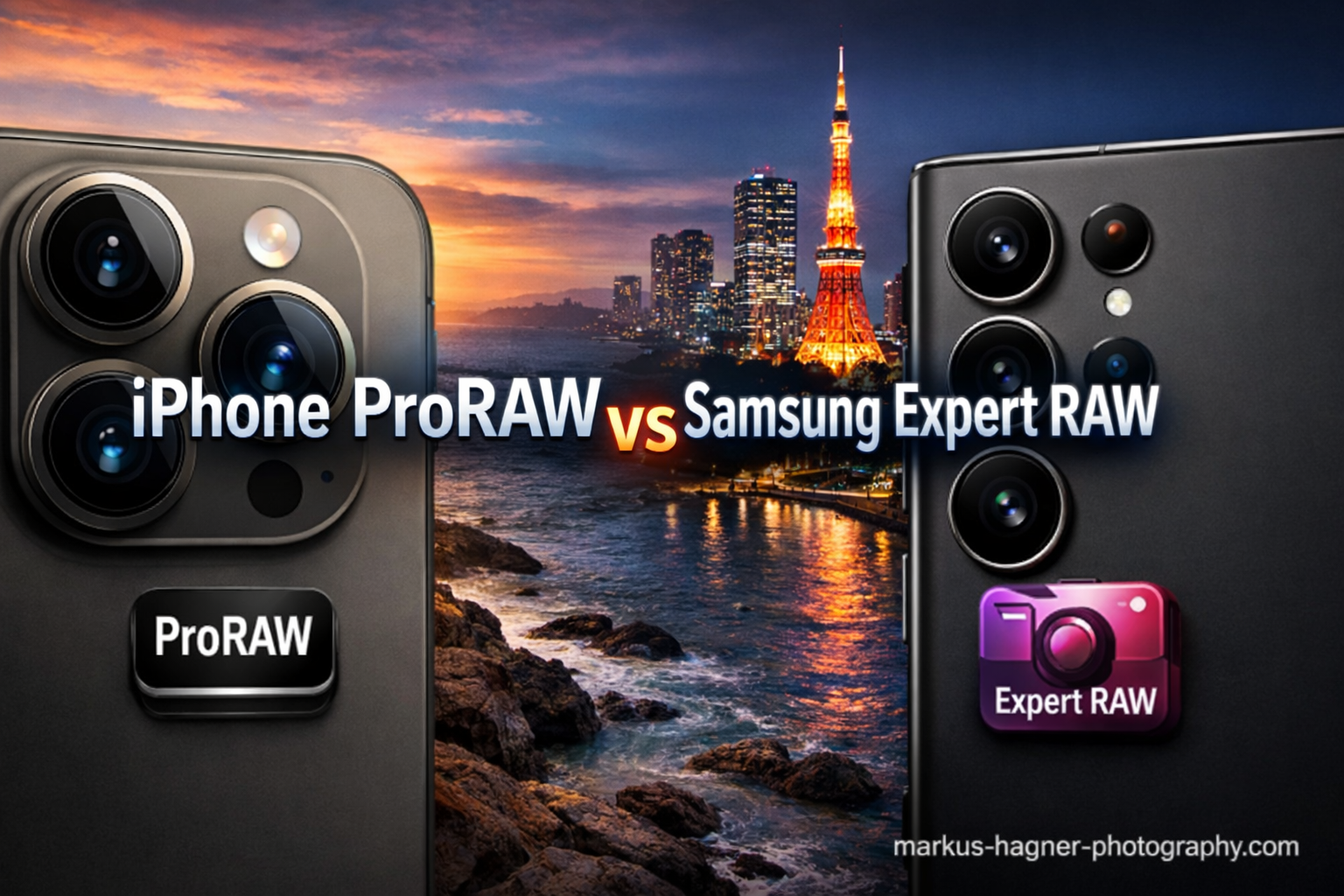
Smartphone cameras have evolved from convenient point-and-shoot alternatives into legitimate professional photography tools. The debate around iPhone ProRAW vs Samsung Expert RAW for mobile photo editing has become central to this evolution, with both Apple and Samsung offering their own take on what computational photography should look like.
After spending months testing both formats extensively, I can tell you that neither is universally “better.” Each serves different needs and workflows. iPhone ProRAW integrates computational photography directly into the capture process, while Samsung Expert RAW gives you more manual control over individual exposures.
The stakes matter here. Professional mobile photographers need maximum editing flexibility without sacrificing convenience. Casual shooters want better photos without complicated workflows. Understanding which format matches your needs will transform how you approach mobile photography in 2026.
iPhone ProRAW vs Samsung Expert RAW: Quick Comparison
| Product | Specifications | Action |
|---|---|---|
 iPhone 16 Pro Max (ProRAW) iPhone 16 Pro Max (ProRAW) |
|
Check Latest Price |
 Galaxy S24 Ultra (Expert RAW) Galaxy S24 Ultra (Expert RAW) |
|
Check Latest Price |
This comparison shows the fundamental difference between these two approaches. Apple prioritizes seamless integration with computational photography baked into every shot. Samsung emphasizes manual control and true RAW flexibility. Both philosophies produce excellent results, but they demand different shooting styles.
Apple iPhone 16 Pro Max: ProRAW Capabilities
Pros
- Seamless camera app integration
- SmartHDR and Deep Fusion combined with RAW
- No separate app required
- Works with all camera lenses
- Excellent battery life (4685 mAh)
- Titanium frame for durability
Cons
- Less manual control than Samsung
- ProRAW resets when closing camera
- 12-bit vs 16-bit depth
- Large file sizes
My time with the iPhone 16 Pro Max revealed why Apple’s approach to ProRAW resonates with so many photographers. The integration feels effortless. You toggle ProRAW on in Settings, then switch it directly from the camera interface. No separate apps, no complicated setups, just pure photography.
What makes ProRAW special is how Apple combines traditional RAW data with computational photography. SmartHDR and Deep Fusion get baked into the file before you even open an editor. This means you get the dynamic range benefits of multi-frame processing while retaining full editing flexibility. The 12-bit depth captures 4,096 tonal levels per channel, which sounds impressive until you compare it to Samsung’s offering.
In practical use, I found ProRAW incredibly forgiving for challenging lighting situations. Sunset shots that would normally require exposure bracketing came out with recoverable highlights and shadows. The titanium frame keeps the phone surprisingly light for extended shooting sessions, and the 6.9-inch ProMotion display makes on-device editing genuinely pleasant.
The trade-off becomes apparent when you want granular control. ProRAW gives you Apple’s computational photography interpretation, not a blank canvas. If you prefer crafting your own look from scratch, this feels limiting. The format also creates files around 25MB each, which adds up quickly if you shoot frequently.
One persistent frustration: ProRAW turns off every time you close the camera app. For quick street photography sessions, constantly re-enabling it breaks your rhythm. This design choice prioritizes casual users over enthusiasts, which characterizes Apple’s entire approach to mobile photography.
Samsung Galaxy S24 Ultra: Expert RAW Experience
Pros
- True 16-bit RAW depth
- Full manual control over settings
- Separate RAW + JPEG saved
- DNG format universal compatibility
- Excellent for astrophotography
- 200MP with 100x zoom
Cons
- Requires separate app download
- Limited to 4:3 aspect ratio
- No front camera support
- Learning curve for beginners
- Large file sizes
Samsung takes a fundamentally different approach with Expert RAW. This isn’t just a camera mode; it’s a complete photography app that you download separately from the Galaxy Store. The extra step might seem annoying initially, but it unlocks capabilities that ProRAW simply cannot match.
The standout feature is true 16-bit RAW depth. While ProRAW captures 4,096 tonal levels, Expert RAW captures 65,536 levels per channel. In technical terms, that is sixteen times more tonal information. For professional photographers who push their edits aggressively, this difference becomes visible in smooth gradient transitions and shadow detail recovery.
What surprised me most was the dual-file system. Expert RAW saves both a DNG file and a processed JPEG simultaneously. This gives you the best of both worlds: immediate sharing options and full editing flexibility. iPhone users get a hybrid file that tries to be both, while Samsung users get actual separate files.
The manual controls deserve special attention. You can adjust ISO, shutter speed, white balance, and focus independently. For astrophotography, this means locking in long exposures without fighting automatic processing. I tested several night sky shots and recovered significantly more star detail than with the default camera app.
The limitations frustrated me too. Expert RAW only shoots in 4:3 aspect ratio, which feels restrictive for landscape work. No front camera support means selfie enthusiasts need to switch apps entirely. And the learning curve is real; this is not a point-and-shoot solution for casual users.
iPhone ProRAW vs Samsung Expert RAW: Head-to-Head Comparison
Bit Depth and Dynamic Range
Samsung wins decisively on paper. The 16-bit DNG files from Expert RAW contain sixteen times more tonal information than iPhone’s 12-bit ProRAW. For photographers who push their edits hard, pulling detail from deep shadows or recovering blown highlights, this matters enormously.
However, real-world results tell a more nuanced story. Apple’s computational photography compensates for lower bit depth through SmartHDR and Deep Fusion. Multi-frame processing captures multiple exposures and combines them intelligently. In many practical scenarios, ProRAW files recover highlights and shadows nearly as well as Expert RAW.
The difference emerges in extreme editing scenarios. Push a Samsung Expert RAW file by three stops, and gradients remain smooth. Do the same with ProRAW, and you might see banding in sky transitions. Most users never push edits this far, but professionals should know the limitation exists.
File Format and Compatibility
Samsung uses the industry-standard DNG format, which Adobe developed as a universal RAW standard. Every major photo editor (Lightroom, Photoshop, Capture One, Luminar) opens these files without conversion. Your workflow remains simple and predictable.
Apple uses HEIF (High Efficiency Image Format) with ProRAW metadata. While modern editors support this format, older software and some workflows require conversion. The files remain proprietary to Apple’s ecosystem, which could concern photographers thinking about long-term archival strategies.
For pure compatibility, Samsung’s DNG approach wins. But Apple’s HEIF files are roughly half the size while maintaining similar quality. Storage-conscious photographers might prefer the efficiency trade-off.
Device Availability
iPhone ProRAW works on iPhone 12 Pro and later Pro models. That includes iPhone 12 Pro, 13 Pro, 14 Pro, 15 Pro, 16 Pro, and presumably future generations. Standard iPhone models do not support ProRAW, which forces enthusiasts toward the premium tier.
Samsung Expert RAW supports a broader range: Galaxy S21 series, S22 series, S23 series, S24 series, S25 series, and S26 series, plus select Note and Fold models. Samsung has also expanded support to some mid-range devices through software updates, making advanced RAW photography more accessible.
On availability alone, Samsung reaches more users across price points. Apple restricts ProRAW to its most expensive devices, treating computational photography as a premium feature rather than a standard capability.
Editing Flexibility
This comparison reveals the philosophical difference between both approaches. Apple gives you computational photography results with RAW flexibility layered on top. Samsung gives you RAW files with computational processing as an optional enhancement.
ProRAW files arrive with SmartHDR, Deep Fusion, and noise reduction already applied. You cannot remove these effects. For photographers who trust Apple’s processing judgment, this works beautifully. The files look good immediately and tolerate moderate editing well.
Expert RAW captures multiple exposures and blends them, but preserves more control over the final interpretation. You can adjust how strongly the computational effects influence the result. This appeals to photographers who want to craft their own aesthetic rather than adopt Samsung’s.
Neither approach is wrong. They serve different creative philosophies. ProRAW prioritizes convenience and consistency. Expert RAW prioritizes control and flexibility.
Storage Requirements
Both formats consume significantly more storage than standard JPEGs or HEIC files. ProRAW files average 25MB per image. Expert RAW files, especially when saving both DNG and JPEG, can reach 35-40MB per shot.
For context, shooting 100 ProRAW photos consumes roughly 2.5GB of storage. The same number of Expert RAW shots might consume 4GB. Over a year of active photography, these differences compound into substantial storage requirements.
iPhone users can offload ProRAW files to iCloud or external drives. Samsung users have similar cloud options plus the advantage of DNG compatibility with virtually any backup solution. Neither platform offers a clear advantage here; both demand serious storage management.
Feature Compatibility
ProRAW works seamlessly with Night Mode, portrait mode, and all three camera lenses (wide, ultra-wide, and telephoto). The integration feels natural because it is built directly into the main camera app. Switching between modes never disrupts your shooting flow.
Expert RAW has significant limitations. Night Mode integration exists but behaves differently than the standard camera app. The format only works with the 4:3 aspect ratio, excluding 16:9 and other compositions. Most frustrating for some users: no front camera support whatsoever.
For comprehensive feature coverage, ProRAW wins. For specialized applications like astrophotography or extreme editing scenarios, Expert RAW’s manual controls compensate for the limitations.
Frequently Asked Questions
Is Samsung RAW better than Apple RAW?
Samsung Expert RAW offers higher bit depth (16-bit vs 12-bit) and industry-standard DNG format, making it technically superior for aggressive editing. However, Apple ProRAW’s computational photography integration produces excellent results with less effort. Neither is universally better; they serve different workflows.
Is Apple ProRAW better than regular RAW?
Yes, for most mobile photographers. ProRAW combines traditional RAW data with Apple’s SmartHDR and Deep Fusion processing, giving you both editing flexibility and immediate quality improvements. Regular RAW files require more post-processing to achieve similar results.
Is ProRAW worth it on an iPhone?
Absolutely, if you edit your photos. ProRAW provides significantly more recovery latitude for highlights and shadows compared to standard HEIC files. The 25MB file size penalty is worthwhile for important shots, though you might skip it for casual photography.
What is the difference between Expert RAW and Pro mode on Samsung?
Pro mode captures single-exposure RAW files with full manual control but no computational processing. Expert RAW captures multiple exposures and blends them with computational photography before saving as DNG. Expert RAW produces files with more dynamic range but applies some AI processing that purists might avoid.
Which phones support Samsung Expert RAW?
Expert RAW supports Galaxy S21 series and newer, S22-S26 series, Note 20 series, and select Fold models. Samsung continues expanding support through software updates. Check the Galaxy Store for your specific device compatibility, as the list grows regularly.
Verdict: Which RAW Format Should You Choose?
After extensive testing with both iPhone ProRAW vs Samsung Expert RAW, the right choice depends entirely on your photography style and priorities.
Choose iPhone ProRAW if: You value seamless integration with your existing camera workflow. You trust Apple’s computational photography judgment and want files that look good immediately. You shoot across all camera lenses and need front camera access. You prefer smaller file sizes and simpler storage management.
Choose Samsung Expert RAW if: You demand maximum manual control over your captures. You push edits aggressively and need the extra tonal information from 16-bit files. You shoot specialized scenarios like astrophotography that benefit from custom settings. You prefer industry-standard DNG files that work with any editing software.
Overall winner: For most mobile photographers, iPhone ProRAW offers the better balance of convenience and capability. The integration, consistency, and feature coverage make it more practical for daily use. However, serious enthusiasts and professionals who need absolute control should choose Samsung Expert RAW without hesitation.
Both formats represent the cutting edge of mobile computational photography in 2026. Neither will disappoint if you understand their strengths and limitations. The real winner is the entire mobile photography community, which now has genuinely professional tools in pocket-sized devices.