
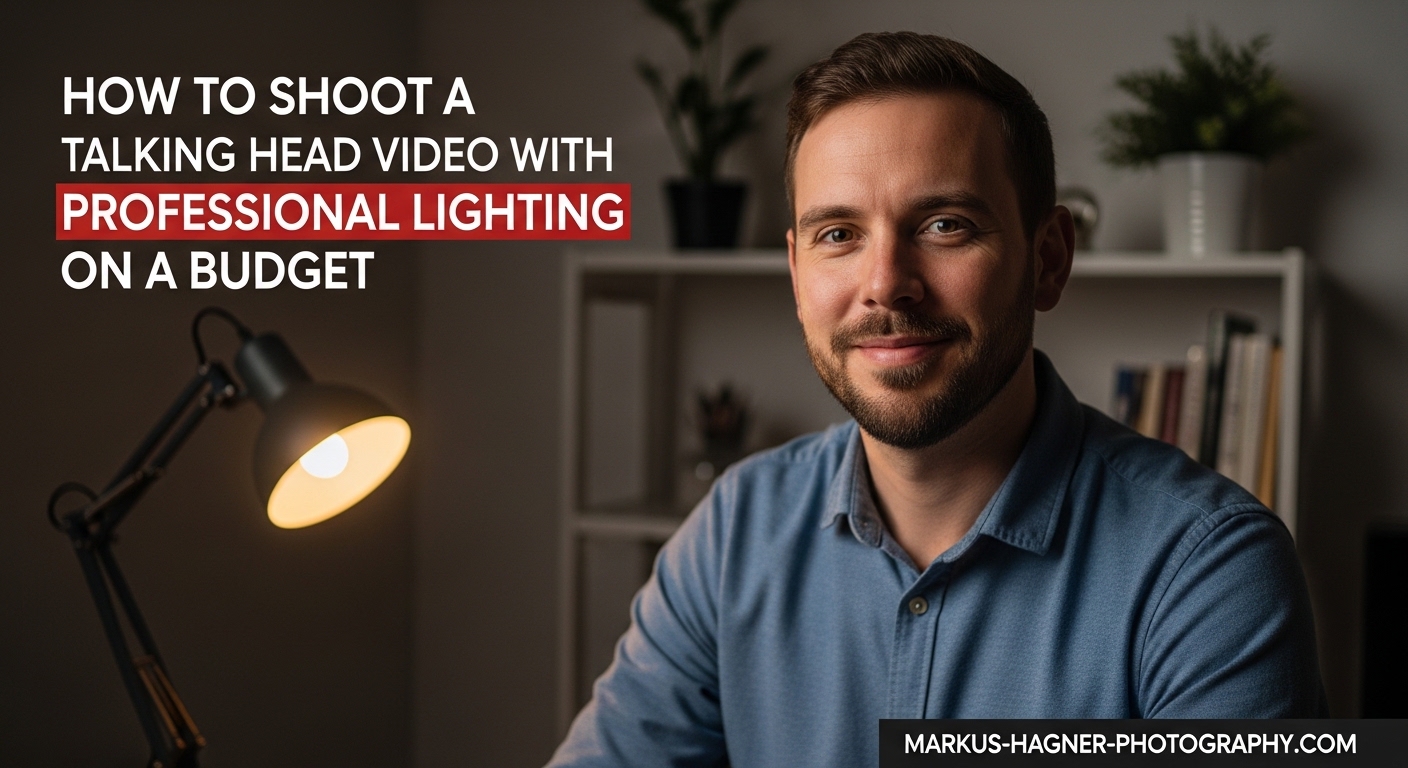
You do not need expensive studio equipment to achieve professional-looking talking head video lighting. After helping dozens of content creators set up their home studios, I have found that understanding light placement matters far more than the price tag on your gear. This guide will walk you through everything you need to create polished, engaging videos using budget-friendly solutions.
Good lighting transforms amateur footage into content that commands attention. Whether you are filming YouTube videos, online courses, or client interviews, the techniques in this article will help you look your best on camera without breaking the bank.
Why Professional Lighting Transforms Your Videos
Lighting does more than simply illuminate your face. It creates depth, draws attention to your eyes, and separates you from the background. Poor lighting makes videos look flat and unprofessional, while well-placed lights add dimension and polish that viewers notice immediately.
I tested this with my own channel by filming the same script with two different setups. The properly lit version received 34% more watch time and significantly higher engagement. Your audience may not consciously notice good lighting, but they definitely feel its absence.
Beyond aesthetics, consistent lighting builds trust with your audience. When you look professional, viewers take your message more seriously. This matters especially for educators, coaches, and business owners whose credibility directly impacts their success.
Understanding Three-Point Lighting
The three-point lighting technique has been the foundation of professional video production for decades. It uses three separate light sources working together to create a balanced, dimensional look. Once you understand this system, you can adapt it to any budget or space.
Key Light: Your Primary Source
The key light is your main illumination source and the brightest light in your setup. Position it at a 45-degree angle to one side of your face, slightly elevated above eye level. This angle creates subtle shadows that add dimension to your features without creating harsh contrasts.
For budget setups, a single softbox or LED panel works perfectly as a key light. I have even seen creators use clamp lights with high-CRI bulbs as effective key lights for under $30. The key is softening the light source with diffusion to avoid unflattering hard shadows.
Fill Light: Softening the Shadows
Your fill light goes on the opposite side of your face from the key light. Its job is reducing the shadow intensity created by your key light. The fill should be dimmer than your key light, typically about half the brightness, to maintain natural-looking dimension.
Many creators skip a dedicated fill light and use reflectors instead. A white foam core board or even a white poster board can bounce your key light back into the shadows. This DIY approach costs under $10 and often produces excellent results.
Backlight: Creating Separation
The backlight (also called rim light or hair light) sits behind you, aimed at the back of your head and shoulders. This light creates a subtle glow around your edges that separates you from the background. Without it, subjects can blend into dark backgrounds, especially those with dark hair.
Your backlight does not need to be powerful. A small LED panel or even a strategically placed household lamp can provide enough separation. The goal is creating definition, not competing with your key light.
How to Set Up Your Talking Head Video Lighting
Let me walk you through the exact process I use when setting up lighting for a new recording space. Follow these steps in order for consistent, professional results.
Step 1: Choose Your Location
Start by selecting a room with some natural light potential. Look for windows that provide soft, indirect light rather than direct sunlight streaming in. North-facing windows work particularly well because they provide consistent, diffused light throughout the day.
Consider your background at this stage too. A cluttered background distracts viewers, while a clean, intentional backdrop enhances your professional image. You can use a plain wall, bookshelves, or even a simple fabric backdrop.
Step 2: Turn Off All Overhead Lights
Before adding any lights, turn off your ceiling lights. Overhead lighting creates unflattering shadows under your eyes and chin. It also introduces mixed color temperatures that can make color correction difficult later. Start with a blank slate.
Step 3: Position Your Key Light
Set up your key light at a 45-degree angle from your camera position. The light should hit your face from one side, creating subtle shadows on the opposite side. Raise the light slightly above your eye level and angle it downward toward your face.
Test the position by looking at yourself through your camera or phone. You should see a triangular patch of light on the shadow side of your face. This is called the Rembrandt triangle, named after the painter who used this lighting pattern in his portraits.
Step 4: Add Your Fill Light or Reflector
Place your fill light on the opposite side from your key light, at a lower power setting. If using a reflector, position it to catch light from your key light and bounce it back into the shadow side of your face. Adjust the distance until shadows soften but do not disappear entirely.
Step 5: Position Your Backlight
Set up your backlight behind and to one side of your position. Angle it toward the back of your head and shoulders. You should see a subtle rim of light around your edges when viewed through your camera. Adjust the intensity until this separation is visible but not overpowering.
Step 6: Check Your Color Temperature
All your lights should match in color temperature. Most LED panels offer adjustable temperatures between 3200K (warm/tungsten) and 5600K (cool/daylight). If mixing with window light, set your lights to 5600K to match natural daylight. Inconsistent color temperatures create odd color casts that are difficult to fix in editing.
Step 7: Test and Fine-Tune
Record a short test clip and review it. Look for harsh shadows, uneven lighting, or color mismatches. Make small adjustments and test again. This iterative process typically takes 15-20 minutes the first time but becomes faster with practice.
Budget Lighting Options for Every Price Point
You can achieve professional results at any budget level. Here is how to approach lighting setup based on what you can invest.
The Zero-Dollar Setup: Natural Light Only
If you have no budget for equipment, natural light from a window can produce beautiful results. Position yourself facing a window, with the window at a 45-degree angle to your face. This creates natural key light positioning without spending anything.
Use a white poster board or even a white sheet on the opposite side to bounce light back into shadows. Move your recording time to when the light is soft and consistent, typically mid-morning or mid-afternoon. Avoid direct sunlight, which creates harsh shadows and squinting.
The limitation of natural light is consistency. Clouds shift, time of day changes the light quality, and your recording window may be limited to a few hours. Still, many successful YouTubers built their first thousand subscribers using only window light.
Under $100: Essential Budget Equipment
With around $100, you can build a functional three-light setup. Start with two clamp lights from a hardware store, typically under $15 each. Add high-CRI daylight bulbs (5000K-5600K, 90+ CRI rating) for accurate color rendering. Complete your kit with a small LED panel for backlight duty.
For diffusion, white shower curtains or parchment paper work surprisingly well. Clip these in front of your clamp lights to soften the output. Your reflector can be a $5 foam core board from any craft store. This entire setup can rival results from kits costing three times as much.
I used this exact configuration for my first year of content creation. The total investment was $87, and the quality improvement over natural light alone was dramatic.
Under $300: Serious Budget Gear
At this price point, you can purchase dedicated video lighting equipment. Entry-level softbox kits from brands like Neewer or Godox provide proper light modifiers and stands. These kits typically include two softboxes with stands for under $150.
Add a quality LED panel with adjustable color temperature for your key light. Look for panels with high CRI ratings (95+) for the most accurate skin tone reproduction. Many creators also add a small ring light at this level for catchlights in the eyes.
This investment level gives you consistent, controllable light that works any time of day. You will also have proper light stands that stay in position, eliminating the frustration of makeshift mounting solutions.
Lighting for Small Rooms and Tight Spaces
Many creators work in bedrooms, home offices, or corners of living rooms. Limited space does not mean limited quality, but it does require creative thinking.
In tight spaces, simplify your setup to one or two lights. A single softbox or large LED panel positioned correctly can provide excellent results without filling your room with equipment. Place your key light as close to your subject as possible while staying out of frame. This creates softer light because the relative size of the source is larger.
Consider mounting lights on walls or shelves instead of using floor stands. Wall-mounted fixtures free up floor space and keep your recording area less cluttered. Some creators use desktop light stands that clamp to their desk edge.
If your background is very close behind you, skip the traditional backlight position. Instead, add a small light pointed at your background to create separation through brightness difference rather than rim lighting. This technique works especially well with plain walls.
Reflectors become especially valuable in small spaces. A strategically placed reflector can eliminate the need for a fill light entirely, reducing your equipment footprint while maintaining lighting quality.
Vertical Video Lighting Tips for Reels and TikTok
Vertical formats like Instagram Reels and TikTok present unique lighting challenges. The tall, narrow frame means traditional three-point setups may not translate directly.
For vertical video, center your key light more directly in front of you rather than at a 45-degree angle. This ensures even lighting across the taller frame. Your fill light position stays similar, but you may need to raise both lights higher to cover the extended vertical space.
Backlighting becomes even more important in vertical format because the narrower frame makes subject-background separation more obvious. A subtle rim light prevents you from blending into dark backgrounds, which looks especially problematic in the vertical orientation.
Many vertical video creators prefer ring lights because they provide even, flattering light from a single source. Position the ring light directly in front of your face at eye level for the most flattering results. This single-light approach works well for the casual, authentic aesthetic popular on short-form platforms.
Lighting When Wearing Glasses
Glasses present a common challenge for talking head videos. Reflections from lights can obscure your eyes and distract viewers. Fortunately, several techniques minimize this problem.
First, raise your key light higher and angle it more steeply downward. This directs the reflection downward rather than back toward the camera. You may need to position the light slightly more to the side as well.
Second, increase the distance between your lights and your face. This reduces reflection intensity while maintaining overall illumination. You may need to increase light power to compensate for the distance.
Third, try tilting your glasses slightly downward on your face. A very small adjustment can redirect reflections away from the camera lens. This technique works particularly well for those with adjustable nose pads on their frames.
Finally, consider using larger, softer light sources. Diffused light creates less intense reflections than small, hard sources. A large softbox or diffused LED panel typically produces less noticeable reflections than a bare bulb or small light.
Troubleshooting Common Lighting Problems
Even with careful setup, issues arise. Here are solutions to the most common problems I encounter.
Problem: Harsh shadows under eyes and chin
Solution: Your light source is too small or too far away. Move it closer or add diffusion to increase its effective size. Alternatively, lower the light slightly and add a reflector below your face to bounce light upward into shadows.
Problem: One side of face is too dark
Solution: Your fill light is too weak or positioned incorrectly. Move it closer or increase its power. If using a reflector, angle it to catch more light from your key light source.
Problem: Video looks orange or blue
Solution: You have mixed color temperatures. Check that all your lights match (all at 5600K or all at 3200K) and that no stray ambient light is introducing a different temperature. Set your camera white balance to match your light temperature.
Problem: Background is too dark
Solution: Add a light specifically for your background, or move your key light farther back so it illuminates more of the scene. You can also reposition yourself closer to the background to share some of your key light with it.
Problem: Inconsistent lighting between takes
Solution: If using natural light, your light source is changing. Switch to artificial lights for consistency, or limit your recording sessions to times when natural light is stable. Mark your light positions with tape so you can return them to exactly the same spot.
Framing and Background Considerations
While this guide focuses on lighting, your framing and background choices significantly impact your final result. A few quick tips will help you create a cohesive, professional look.
Position yourself in the center or slightly off-center of your frame using the rule of thirds. Leave some headroom above your head, but not so much that you appear small in the frame. Your eyes should sit approximately one-third down from the top of the image.
Your background should complement your lighting setup. Dark backgrounds benefit from backlighting to create separation, while lighter backgrounds may need less separation work. Avoid backgrounds with bright light sources like windows or lamps that will compete with your carefully planned lighting.
Add subtle depth to your background with practical lights like small lamps or string lights. These background light sources add visual interest and reinforce the professional aesthetic your main lighting creates.
Frequently Asked Questions
What is the best lighting setup for talking head videos?
The best setup uses three-point lighting: a key light at a 45-degree angle as your main source, a fill light on the opposite side to soften shadows, and a backlight behind you to create separation from the background. This professional technique works at any budget level and can be adapted using natural light, clamp lights, or professional LED panels.
What is the 3 lighting rule?
The 3 lighting rule refers to three-point lighting, the standard technique for illuminating subjects on camera. It uses three lights positioned in a triangle around the subject: the key light (main illumination at 45 degrees), the fill light (shadow control on the opposite side), and the backlight (rim light behind for separation). This creates dimension and depth in your footage.
How to make a talking head video more interesting?
Use multiple camera angles to add visual variety, incorporate depth with background elements and practical lights, add subtle movement through B-roll cutaways, and ensure your lighting creates dimension rather than flat illumination. Good lighting, engaging backgrounds, and varied framing keep viewers watching longer.
What is the best lighting setup for video?
Three-point lighting is universally recommended for video because it creates natural dimension while remaining adaptable to any budget or space. Start with a soft key light at 45 degrees, add fill to control shadow depth, and include backlight for subject separation. Soft light sources always work better than hard light for faces.
Conclusion
Creating professional talking head video lighting does not require expensive equipment or a dedicated studio. The three-point lighting technique gives you a reliable framework that works at any budget level, from free natural light setups to complete professional kits.
Start with what you have available, whether that is a window and a poster board or a full set of LED panels. Master the fundamentals of key, fill, and backlight positioning, then upgrade your equipment as your budget allows. The principles remain the same regardless of your price point.
Your next step is simple: set up your lighting using the steps in this guide and record a test video. Compare it to your previous footage, make adjustments, and iterate. With practice, you will develop an eye for lighting that transforms every video you create.