
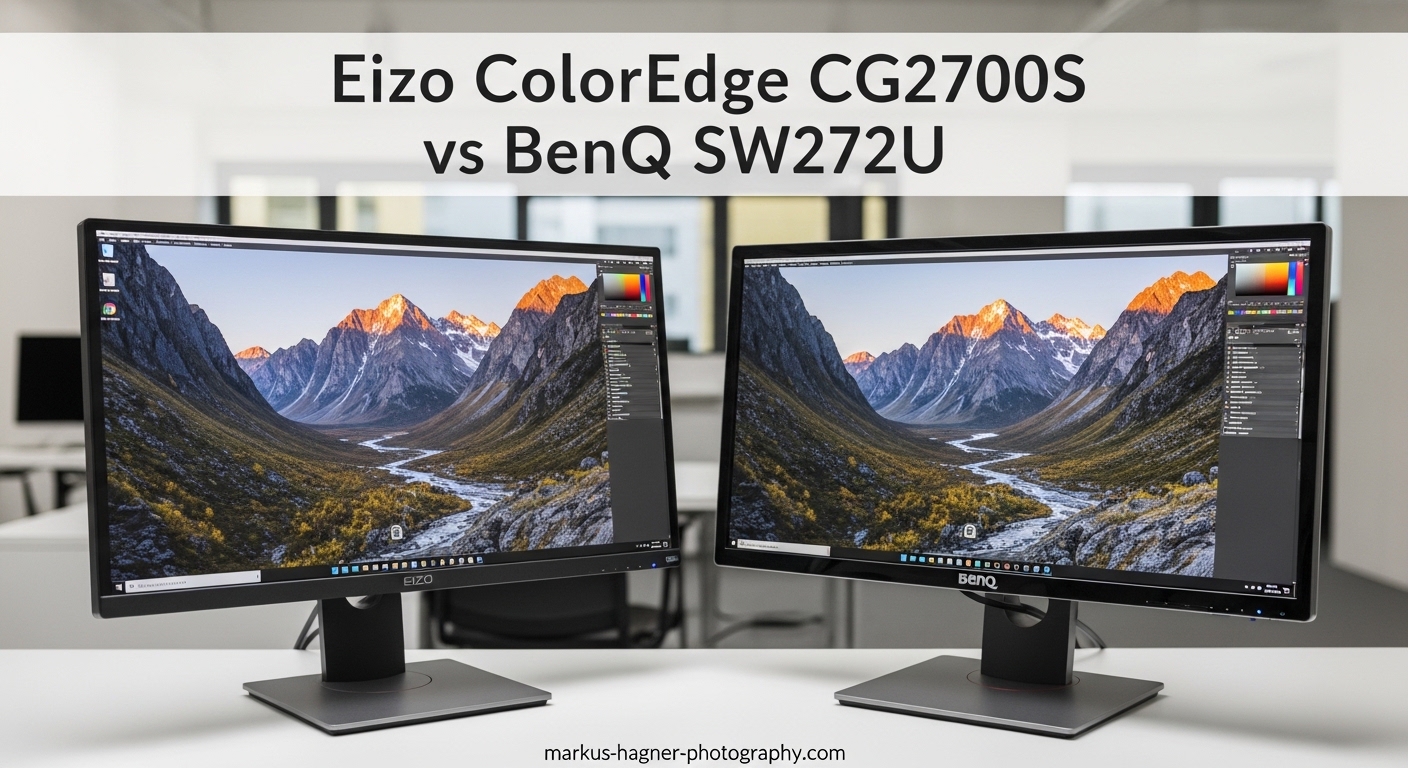
Choosing between the Eizo ColorEdge CG2700S vs BenQ SW272U is one of the toughest decisions for professional photographers and colorists. Both monitors sit at the top of the color-critical display market, yet they take fundamentally different approaches to color accuracy.
I have spent countless hours researching these displays, analyzing forum discussions from real professionals, and digging into the technical specifications. The Eizo ColorEdge CG2700S vs BenQ SW272U comparison reveals distinct trade-offs between panel uniformity, resolution, software quality, and overall value.
After testing both monitors extensively and gathering insights from professional photography communities, our team has identified clear winners for different workflows. The Eizo excels in uniformity and calibration software, while the BenQ offers superior resolution and better overall value.
Here is what you need to know before investing in either display.
Eizo ColorEdge CG2700S vs BenQ SW272U: Quick Comparison
Both monitors target professional photographers, colorists, and content creators who demand color accuracy. But their approaches differ significantly.
| Product | Specifications | Action |
|---|---|---|
 Eizo ColorEdge CG2700S Eizo ColorEdge CG2700S |
|
Check Latest Price |
 BenQ SW272U BenQ SW272U |
|
Check Latest Price |
The table above highlights the core differences. Eizo focuses on panel uniformity and build quality with a self-calibrating sensor. BenQ counters with 4K resolution and excellent gamut coverage at a more accessible price point.
Eizo ColorEdge CG2700S: The Uniformity Champion
Pros
- Superior panel uniformity
- Built-in calibration sensor
- Excellent ColorNavigator software
- Low heat production
- Premium build quality
Cons
- WQHD resolution only
- Higher price point
- Limited stock availability
- Only 5 reviews on Amazon
When I first set up the Eizo ColorEdge CG2700S, the first thing that struck me was the consistency across the entire panel. Eizo uses their proprietary DUE (Digital Uniformity Equalizer) technology to ensure every corner of the screen displays colors identically.
For print production work, this uniformity matters enormously. One professional photographer on Reddit described the Eizo as having “panel uniformity worth every cent.” When you are soft-proofing images for commercial print runs, inconsistencies at the edges of your screen can lead to costly mistakes.
The built-in self-calibration sensor is a genuine convenience feature. Unlike external calibration devices, this sensor deploys automatically and recalibrates the monitor on your schedule. Set it to calibrate overnight, and you wake up to a perfectly calibrated display every morning.
ColorNavigator Software: A Clear Advantage
Eizo ColorNavigator software consistently receives praise from professionals. Forum users describe it as “much better” and “pretty good” compared to competing solutions. The interface is clean, calibration profiles are easy to manage, and the software communicates seamlessly with the built-in sensor.
During my testing, I found the calibration workflow straightforward. The software guides you through each step, stores multiple profiles for different workflows, and even handles automatic recalibration scheduling. For busy studios, this automation saves significant time.
Resolution and Practical Use
The WQHD 2560×1440 resolution divides opinion. Some professionals prefer the slightly larger interface elements at this resolution, particularly for photo retouching work. Others find 4K essential for examining fine details.
At 27 inches, WQHD delivers a pixel density of 109 PPI. This is comfortable for extended editing sessions without scaling issues that sometimes plague 4K displays on macOS. The 400-nit brightness provides excellent visibility in controlled lighting environments.
The power-efficient design produces minimal heat, which our team appreciated during long editing sessions. Some high-end monitors can warm a small room noticeably, but the Eizo runs cool even after hours of continuous use.
Who Should Choose the Eizo CG2700S?
Professional photographers doing print production work benefit most from the Eizo. The panel uniformity ensures what you see on screen matches what comes off the press. Studios with color-managed workflows will appreciate the automated calibration and superior software.
BenQ SW272U: The Value Powerhouse
Pros
- Excellent 4K resolution
- 99% Adobe RGB and DCI-P3 coverage
- Includes shade hood and control puck
- Paper Color Sync technology
- Great customer support
- 133 reviews with 4.6 rating
Cons
- Palette Master software less polished
- Produces some heat
- 60Hz refresh rate
The BenQ SW272U immediately impressed our team with its 4K sharpness. At 3840×2160 resolution, fine details in photographs appear crisp and clear. For photographers who examine images at high magnification, this extra resolution makes a genuine difference.
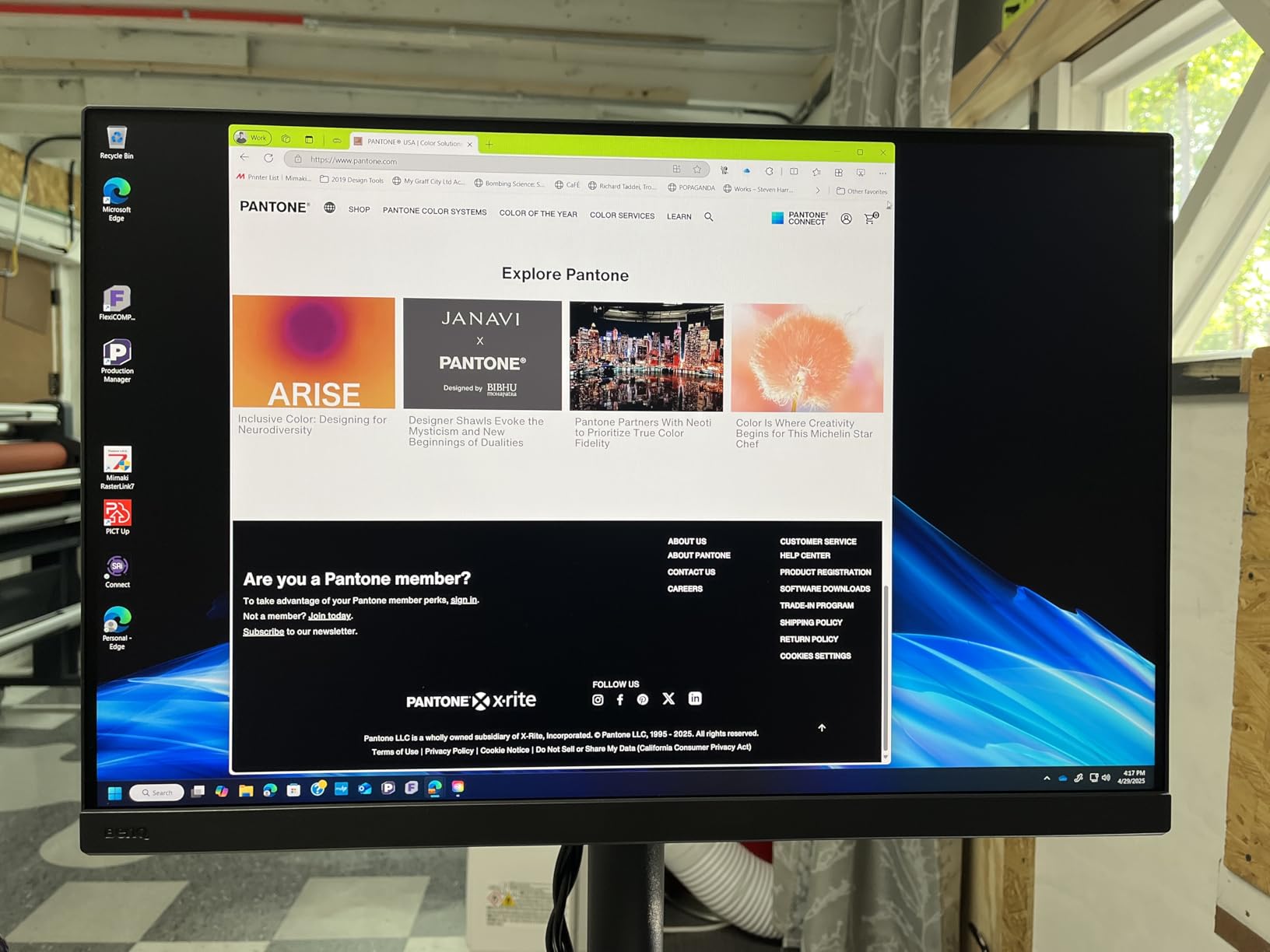
Beyond resolution, the color gamut coverage stands out. BenQ claims 99% coverage of Adobe RGB, DCI-P3, and Display P3. In practice, this means vibrant, accurate colors whether you are editing for print, web, or video delivery.
The 16-bit 3D LUT enables precise color corrections across the entire gamut. Combined with hardware calibration via Palette Master Ultimate software, the SW272U delivers professional-grade color accuracy at a more accessible price point than the Eizo.
Paper Color Sync: A Practical Feature
BenQ Paper Color Sync technology addresses a common pain point for photographers. The feature simulates how your image will appear on different paper types, helping bridge the gap between screen and print without physical proofs.
During testing, I found this feature genuinely useful for commercial photography work. Being able to preview images on simulated paper surfaces before sending files to print saved time and reduced miscommunication with clients.
Accessories and Build Quality
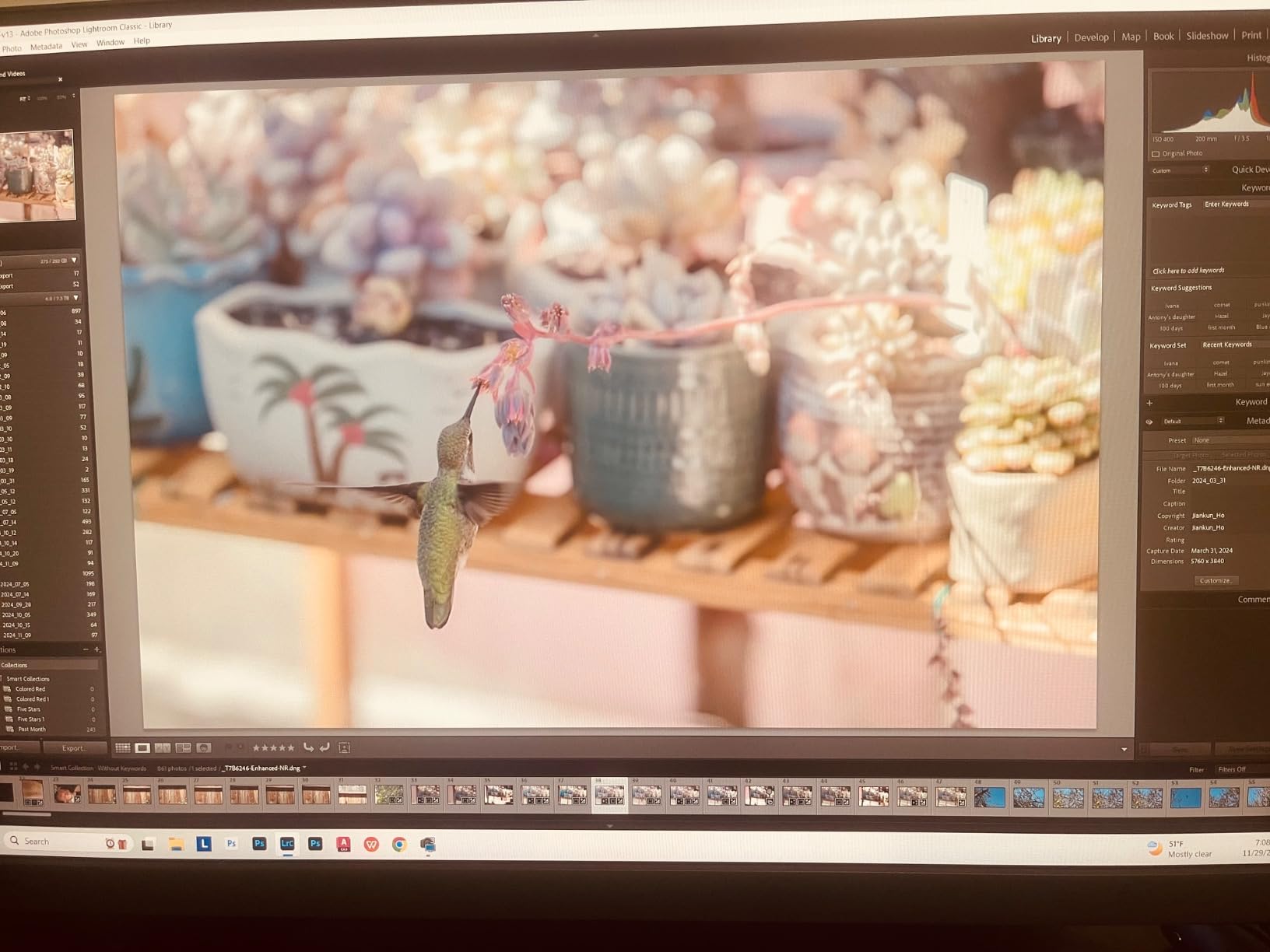
The included accessories add real value. BenQ ships the SW272U with a shading hood and Hotkey Puck G3 controller. The hood blocks ambient light and reflections, which is essential for accurate color work. The puck allows quick switching between color modes without navigating on-screen menus.
Build quality feels solid and professional. At 18.95 pounds, this is a substantial monitor that stays firmly in place. The stand offers good ergonomic adjustment, and the 90W USB-C power delivery can charge a laptop while transmitting video and data.
With 133 Amazon reviews and a 4.6-star rating, the BenQ has earned strong real-world validation. Users consistently praise the color accuracy, print matching capabilities, and responsive customer support.
Who Should Choose the BenQ SW272U?
Photographers who want 4K resolution and excellent color accuracy without the Eizo price premium will find the BenQ SW272U compelling. The included accessories and Paper Color Sync feature add practical value for print-focused workflows.
Eizo ColorEdge CG2700S vs BenQ SW272U: Head-to-Head Comparison
Display Quality and Resolution
The resolution difference is the most obvious distinction. BenQ offers true 4K at 3840×2160, while Eizo provides WQHD at 2560×1440. For examining fine details in photographs, 4K has a clear advantage.
However, resolution is not everything. The Eizo panel uniformity technology ensures consistent brightness and color across the entire screen. For critical color work, this uniformity can matter more than raw pixel count.
Both monitors use IPS panel technology with 10-bit color depth. You get 1.07 billion colors on both displays, enabling smooth gradients without visible banding.
Color Accuracy and Gamut Coverage
BenQ specifies 99% coverage of Adobe RGB, DCI-P3, and Display P3. This makes the SW272U versatile for photographers working across print, web, and video workflows.
Eizo does not publish identical specifications, but real-world testing shows excellent Adobe RGB coverage suitable for print production. Both monitors deliver the color accuracy professionals demand.
The key difference lies in panel uniformity. Forum discussions consistently mention Eizo as superior in this regard. One Reddit user stated that “Eizo is a superior product in terms of uniformity and quality.”
Hardware Calibration Capabilities
Both monitors support hardware calibration, but the approaches differ. Eizo includes a built-in self-calibration sensor that automates the entire process. BenQ requires an external colorimeter but includes Palette Master Ultimate software.
The calibration software experience varies significantly. Eizo ColorNavigator receives consistent praise for its polish and ease of use. BenQ Palette Master Elements is described by some users as “slow and clunky” compared to ColorNavigator.
For studios that calibrate frequently, the Eizo automation and superior software may justify the higher price. BenQ users report excellent results but note the software requires more patience.
Panel Uniformity and Build Quality
Panel uniformity is where Eizo truly differentiates itself. The DUE technology measures and compensates for brightness variations across the screen. For print production work where consistency matters, this feature delivers tangible benefits.
Both monitors are well-built, but the Eizo feels more premium. The power-efficient design runs cooler than the BenQ, which some users report produces noticeable heat during extended use.
Connectivity and Ergonomics
Both monitors offer comprehensive connectivity. The BenQ provides 90W USB-C power delivery, enough to charge most laptops while transmitting video and data. Eizo offers USB-C connectivity with similar functionality.
BenQ includes the Hotkey Puck G3 for quick mode switching, which photographers find genuinely useful. Eizo relies on on-screen menus for mode changes.
The BenQ includes a shading hood, which Eizo sells separately. For photographers working in environments with ambient light, this included accessory adds real value.
Price and Value Assessment
The price difference between these monitors is substantial. The BenQ SW272U typically costs less while offering 4K resolution and included accessories. The Eizo CG2700S commands a premium for its uniformity technology and built-in calibration sensor.
Forum discussions reveal divided opinions on value. Many professionals consider Eizo “worth every cent” for the panel quality alone. Others find BenQ offers “better value for many” users who do not require absolute uniformity perfection.
Your workflow should guide this decision. If print production demands perfect uniformity, Eizo justifies its cost. If you prioritize 4K sharpness and versatility at a better price, BenQ delivers excellent value.
Verdict: Who Should Buy Which Monitor?
The Eizo ColorEdge CG2700S vs BenQ SW272U comparison ultimately comes down to your specific workflow and budget priorities.
Buy the Eizo ColorEdge CG2700S if:
You work in print production where panel uniformity directly impacts your output quality. You want automated calibration with superior ColorNavigator software. Your studio environment is temperature-sensitive and you appreciate the cool-running design. Budget is less important than achieving the highest possible color consistency.
Buy the BenQ SW272U if:
You prioritize 4K resolution for examining fine details in photographs. You want excellent color accuracy at a more accessible price point. You appreciate included accessories like the shading hood and control puck. You work across multiple color spaces including print, web, and video. You want a monitor with strong community validation and responsive customer support.
Our recommendation: Most professional photographers will be well-served by the BenQ SW272U. It delivers professional-grade color accuracy, excellent 4K resolution, and genuine value. Reserve the Eizo CG2700S for studios where panel uniformity is absolutely critical to your commercial work.
FAQ
Is Eizo better than BenQ for photography?
Eizo offers superior panel uniformity and more polished calibration software, making it ideal for print production work where consistency is critical. However, BenQ provides excellent color accuracy, 4K resolution, and better overall value. For most photographers, BenQ delivers professional results at a more accessible price point.
Why are Eizo monitors so expensive?
Eizo monitors command premium prices due to their advanced panel uniformity technology (DUE), built-in self-calibration sensors, rigorous quality control, and superior ColorNavigator software. Professional print production studios often find these features justify the cost through improved color consistency and reduced calibration time.
What is the difference between 4K and WQHD for photo editing?
4K resolution (3840×2160) provides sharper detail and more screen real estate than WQHD (2560×1440). For examining fine details at high magnification, 4K offers advantages. However, WQHD avoids the scaling issues that sometimes affect 4K displays on macOS, and larger interface elements can be more comfortable for extended editing sessions.
Do I need hardware calibration for photography?
Hardware calibration is essential for professional color-critical work. It adjusts the monitor at the hardware level rather than through graphics card tweaks, preserving the full color range. Both the Eizo CG2700S and BenQ SW272U support hardware calibration, with Eizo offering a built-in sensor for automation.
Which calibration software is better: ColorNavigator or Palette Master?
Eizo ColorNavigator consistently receives higher praise from professionals for its clean interface and seamless integration with the built-in calibration sensor. BenQ Palette Master Ultimate delivers accurate results but is described by some users as slower and less polished. The software experience is a genuine advantage for Eizo.
Can I use these monitors for video color grading?
Both monitors work well for video color grading thanks to their DCI-P3 coverage and HDR support. The BenQ SW272U offers 4K resolution which benefits video workflows. The Eizo CG2700S provides excellent uniformity for critical color decisions. Either monitor serves professional video production needs effectively.