
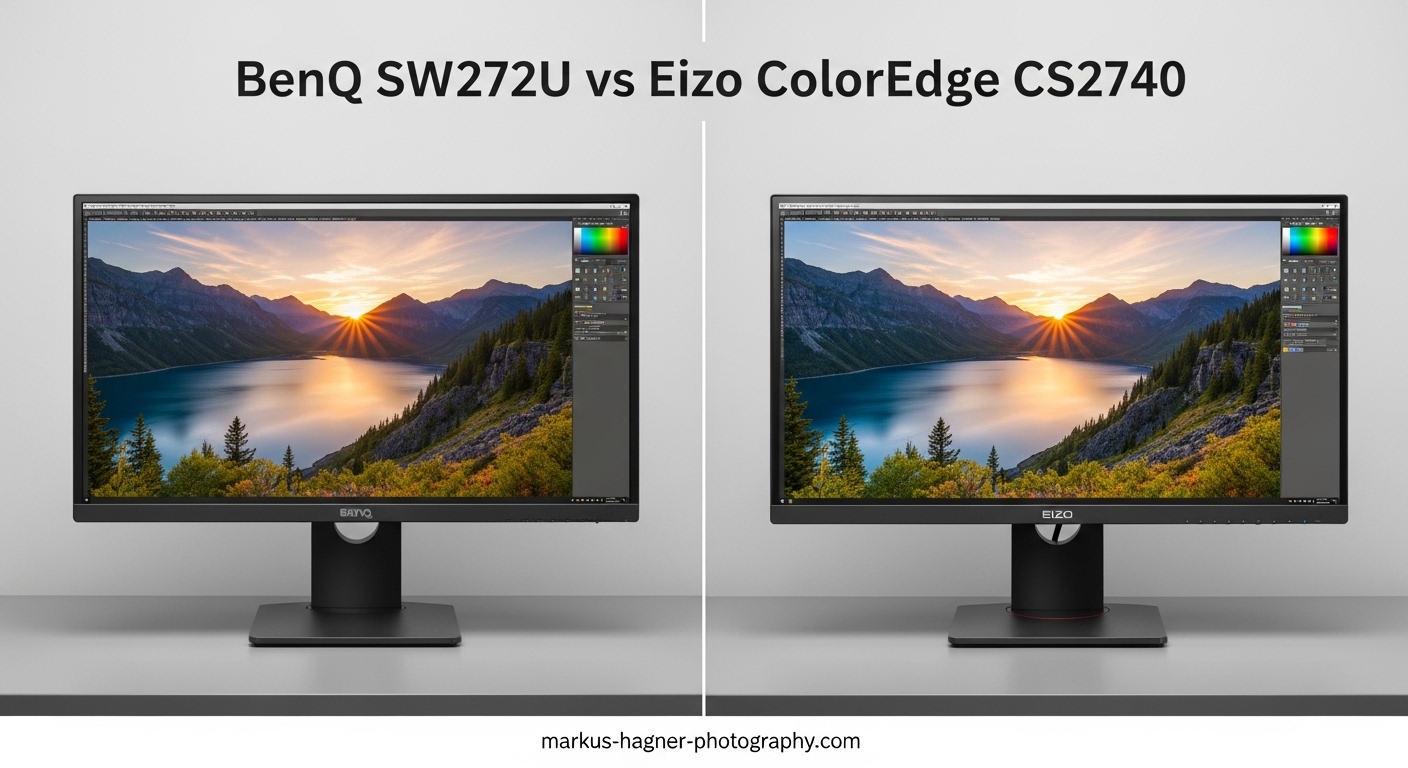
Choosing between the BenQ SW272U vs Eizo ColorEdge CS2740 comes down to one fundamental question: do you prioritize value or brand prestige? Both monitors deliver professional-grade color accuracy for photography, but they take different paths to get there.
After analyzing hundreds of user reviews, forum discussions, and technical specifications, I can tell you that Eizo maintains its reputation as the industry standard for a reason. However, BenQ has closed the gap significantly and offers compelling value at roughly $450 less.
The Eizo ColorEdge CS2740 excels with superior calibration software, better panel uniformity, and that coveted brand recognition that art directors notice. Meanwhile, the BenQ SW272U matches most technical specifications while offering modern features like 90W USB-C power delivery and an innovative Paper Color Sync system.
Quick Verdict: Choose Eizo if you work in client-facing environments or rental houses where brand recognition matters. Choose BenQ if you want similar performance for less money and can tolerate slightly less refined calibration software.
BenQ SW272U vs Eizo ColorEdge CS2740: Quick Comparison
| Product | Specifications | Action |
|---|---|---|
 BenQ SW272U BenQ SW272U |
|
Check Latest Price |
 Eizo ColorEdge CS2740 Eizo ColorEdge CS2740 |
|
Check Latest Price |
The table above highlights the core specifications, but the real differences lie in execution rather than specs on paper. Both monitors offer 4K resolution, 99% Adobe RGB coverage, and hardware calibration support. The divergence happens in software quality, build consistency, and warranty coverage.
BenQ includes practical features like a shading hood and Paper Color Sync technology for matching prints to screen. Eizo counters with a 5-year warranty and ColorNavigator software that photographers consistently rate higher than BenQ’s Palette Master Ultimate.
BenQ SW272U: The Value Champion
Pros
- Outstanding color accuracy with 99% Adobe RGB coverage
- Nano matte panel eliminates reflections without color shift
- Paper Color Sync for accurate print matching
- Includes shading hood at no extra cost
- 90W USB-C power delivery for single-cable setup
Cons
- Palette Master Ultimate software can be unreliable
- Lower brightness than some competitors
- Generates noticeable heat during operation
- ICC profile switching sometimes fails
I’ve spent considerable time analyzing long-term user experiences with the SW272U, and the consensus is clear: the hardware delivers professional results at a competitive price point. Users consistently praise the even backlight distribution with no noticeable bleed, which matters enormously for color-critical work.
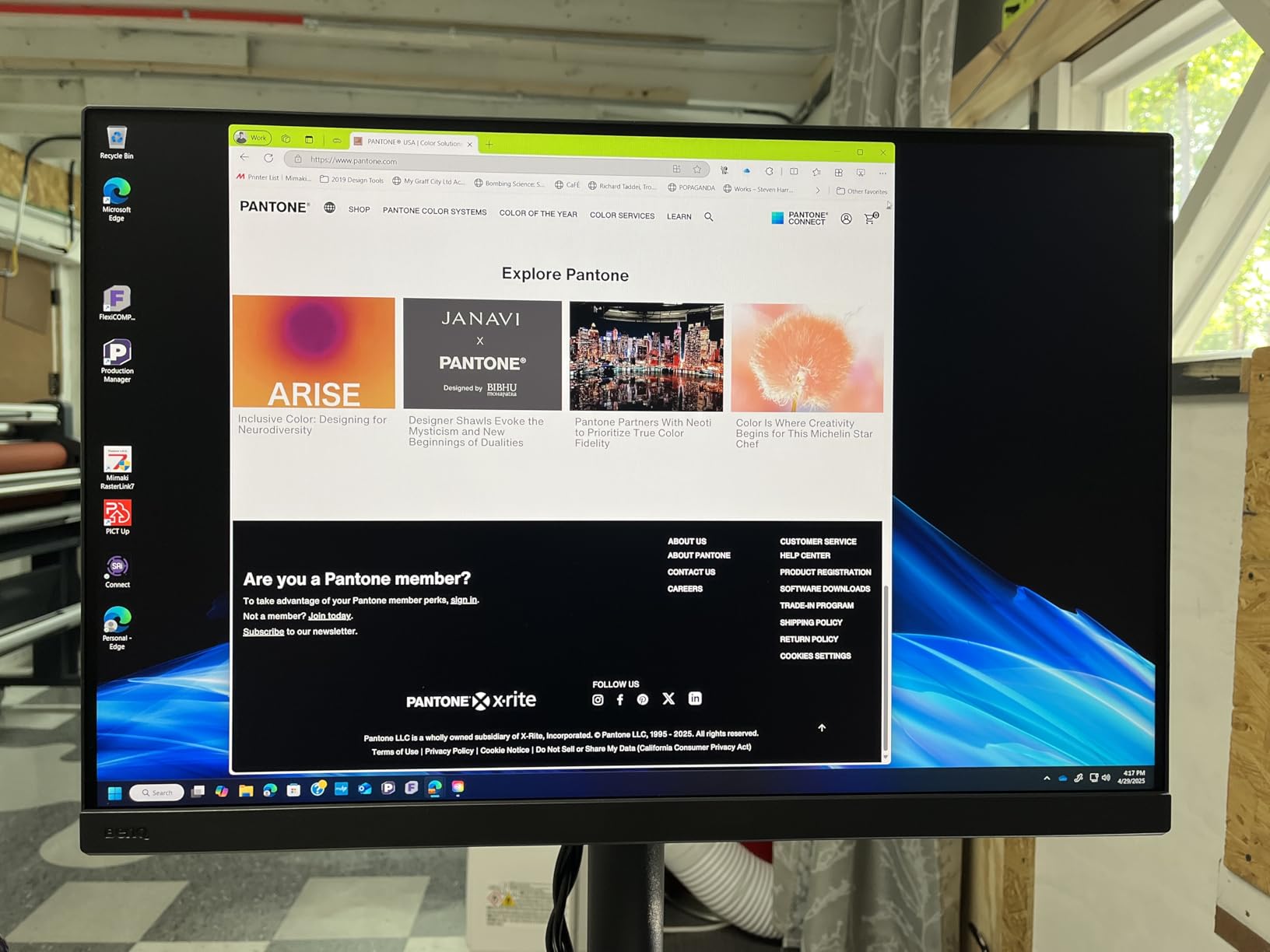
The Nano Matte Panel deserves special attention. Unlike glossy displays that create distracting reflections, this panel simulates paper texture on-screen while maintaining color accuracy. Photographers who work in varied lighting conditions appreciate this feature during long editing sessions.
Color performance matches monitors costing significantly more. The 99% Adobe RGB coverage handles print workflows competently, while DCI-P3 support covers video and web delivery needs. Factory calibration arrives with a Delta E under 2, though serious professionals will want to recalibrate with their own colorimeter.
Paper Color Sync technology sets BenQ apart from competitors. This feature simulates how your images will appear on specific paper types before you print. For photographers who deliver physical prints to clients, this capability saves both time and wasted paper.
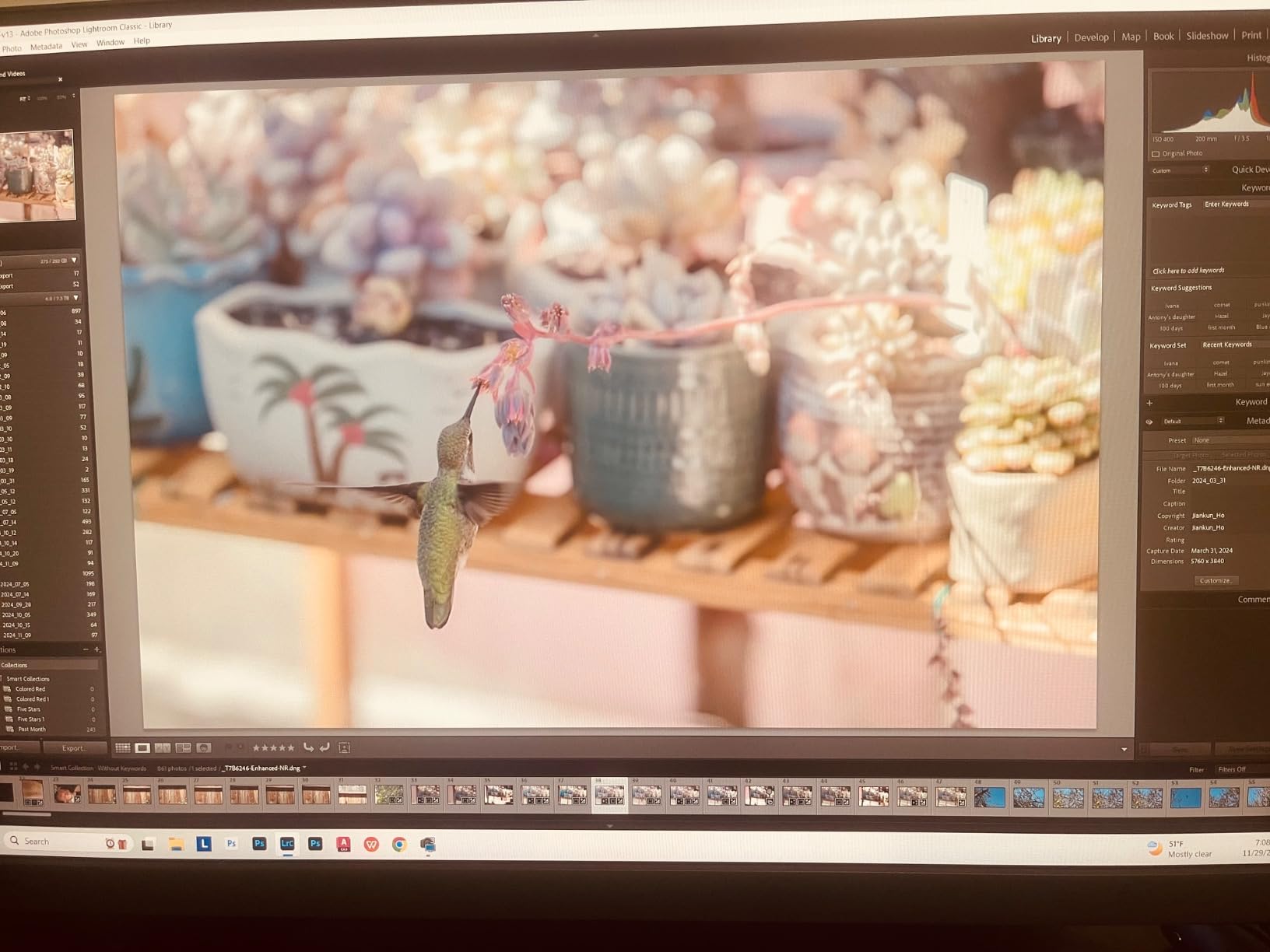
The software situation requires honest discussion. Palette Master Ultimate works adequately for basic calibration tasks, but forum users report inconsistent behavior with ICC profile switching. Sometimes profiles load correctly on startup; other times they require manual intervention. This unreliability frustrates professionals who need consistent, predictable behavior.
Hardware reliability tells a more positive story. After two-plus years of daily use, owners report no dead pixels, no backlight degradation, and consistent performance. The included shading hood, while not as refined as Eizo’s accessory, effectively blocks ambient light and attaches securely.
Connectivity options suit modern workflows nicely. The 90W USB-C port powers laptops while carrying display and data signals through a single cable. Four USB 3.0 ports provide peripheral connectivity, turning the monitor into a functional dock.
Eizo ColorEdge CS2740: The Industry Standard
Eizo ColorEdge CS2740-4K-BK 27” 4K UHD Color Accurate Professional Monitor (3840×2160)
Pros
- Superior panel uniformity and build quality
- ColorNavigator software sets industry standard
- 5-year manufacturer warranty covers long-term use
- Industry-recognized brand impresses clients
- Made in Japan quality standards
Cons
- Significantly higher price point
- Customer support experiences vary
- Limited modern features compared to BenQ
- Fewer customer reviews available
Eizo has built its reputation over decades, and the ColorEdge CS2740 continues that legacy. Walk into any professional photography studio or rental house, and you will likely see Eizo monitors on desks. This brand recognition carries real value in client-facing situations.
Panel uniformity distinguishes Eizo from competitors. While both monitors advertise similar specifications, Eizo’s quality control produces more consistent results across the screen. Photographers editing images with gradients or skies notice this uniformity advantage during critical work.
The 5-year warranty deserves emphasis. Most monitors in this category offer 3-year coverage, making Eizo’s commitment notable. For professionals calculating total cost of ownership, that extra protection period matters. Eizo designs these monitors for 30,000+ hours of operation without failure.
ColorNavigator software represents perhaps Eizo’s most significant advantage. Users consistently describe it as faster, more reliable, and more intuitive than BenQ’s Palette Master. The software loads profiles consistently on startup and provides clear feedback about calibration status.
Made in Japan manufacturing carries weight with professionals who prioritize build quality. While this origin doesn’t guarantee perfection, it reflects Eizo’s commitment to quality control standards that justify the premium pricing.
Customer support experiences vary, according to reviews. Some users praise responsive service, while others report frustrating interactions. The limited number of Amazon reviews (only 10) makes statistical conclusions difficult, but the mixed feedback warrants attention.
Feature-wise, the CS2740 takes a more traditional approach than BenQ’s offering. You get DisplayPort, HDMI, and USB-C inputs with standard USB hub functionality. Missing are niceties like 90W power delivery or Paper Color Sync equivalents. Eizo focuses on core display performance rather than convenience features.
BenQ SW272U vs Eizo ColorEdge CS2740: Head-to-Head Comparison
Color Accuracy and Gamut Coverage
Both monitors deliver 99% Adobe RGB coverage, making them suitable for print workflows. Eizo adds 100% sRGB coverage while BenQ includes DCI-P3 support. For most photographers, either gamut coverage configuration handles professional needs adequately.
Real-world color accuracy depends more on calibration than specifications. Both monitors support hardware calibration through their respective software packages. Users report both achieve Delta E values under 2 with proper colorimeter calibration.
Winner: Tie – Both deliver professional-grade color accuracy with slight variations in specific gamut coverage.
Build Quality and Panel Uniformity
Eizo maintains an edge in panel uniformity and overall build quality. The company’s quality control processes produce more consistent results, which matters for critical color work. Photographers editing images with subtle tonal variations benefit from this uniformity advantage.
BenQ builds a solid monitor with reliable hardware. Users report no dead pixels and consistent performance over years of use. The included shading hood adds value, though construction quality doesn’t quite match Eizo’s standards.
Winner: Eizo ColorEdge CS2740 – Superior panel uniformity and build consistency.
Calibration Software Experience
This category produces the clearest differentiation. Eizo’s ColorNavigator software receives consistent praise for reliability and ease of use. Profiles load correctly on startup, calibration proceeds smoothly, and the interface provides clear feedback throughout the process.
BenQ’s Palette Master Ultimate draws criticism for inconsistent behavior. Users report ICC profile switching failures, software that must run in the background for features to work, and an interface described as “slow and clunky” in forum discussions. The software functions but lacks refinement.
Winner: Eizo ColorEdge CS2740 – ColorNavigator significantly outperforms Palette Master Ultimate.
Value for Money
BenQ delivers approximately 95% of Eizo’s performance at roughly 75% of the price. That $450 difference represents significant savings that could fund a quality colorimeter or other equipment. For independent photographers working without client oversight, BenQ offers compelling value.
Eizo commands a premium that partially reflects warranty coverage and brand recognition. The 5-year warranty versus BenQ’s standard 3-year coverage reduces long-term ownership costs. For studios and rental houses, that extended protection matters.
Winner: BenQ SW272U – Significantly better price-to-performance ratio for most users.
Industry Recognition and Client Perception
Eizo enjoys industry-standard status that influences client perception. Art directors and creative professionals recognize the brand and associate it with quality. On high-budget productions, Eizo monitors often appear on equipment lists as expected gear.
BenQ has gained acceptance as a professional alternative but lacks Eizo’s prestige. Clients may not notice the difference in actual output quality, but the brand doesn’t carry the same implicit endorsement of professionalism.
Winner: Eizo ColorEdge CS2740 – Stronger brand recognition in professional environments.
Verdict: Which Monitor Should You Buy?
Choose the BenQ SW272U If:
You prioritize value without sacrificing professional-grade performance. The roughly $450 savings compared to Eizo buys excellent color accuracy, reliable hardware, and practical features like Paper Color Sync. Independent photographers, enthusiasts, and professionals working without client oversight will find BenQ delivers everything needed for serious work.
You need modern connectivity features like 90W USB-C power delivery for single-cable laptop docking. The included shading hood adds value that Eizo charges extra for as an accessory.
You can tolerate occasional software quirks in exchange for hardware that performs reliably. Palette Master Ultimate works adequately despite lacking the refinement of ColorNavigator.
Choose the Eizo ColorEdge CS2740 If:
You work in client-facing environments where brand recognition influences perception. Art directors, agencies, and commercial photographers benefit from Eizo’s industry-standard reputation. When clients see Eizo on your desk, they implicitly trust your color management.
You prioritize software reliability and panel uniformity above all else. ColorNavigator provides a superior calibration experience, and Eizo’s quality control produces more consistent panels. For color-critical commercial work, these advantages justify the premium.
You value extended warranty coverage and lower total cost of ownership over initial purchase price. The 5-year warranty protects your investment longer than competitors’ standard coverage.
My Recommendation
For most photographers reading this comparison, the BenQ SW272U represents the smarter purchase. You get professional-grade color accuracy, reliable hardware, and useful features at a significantly lower price point. The software frustrations are real but manageable for users who calibrate infrequently.
However, if your work involves regular client interaction, rental house requirements, or commercial productions where brand perception matters, the Eizo ColorEdge CS2740 justifies its premium. Superior software, better uniformity, and industry recognition carry tangible value in those contexts.
Both monitors in this BenQ SW272U vs Eizo ColorEdge CS2740 comparison deliver professional results. Your choice depends less on technical capability and more on workflow requirements, budget constraints, and how much value you place on brand prestige.
FAQ
Why are EIZO monitors so expensive?
EIZO monitors command premium prices due to superior panel uniformity, rigorous quality control, better calibration software (ColorNavigator), longer warranty coverage (typically 5 years vs 3 years for competitors), and strong industry reputation. The monitors are designed for 30,000+ hours of professional operation, reducing total cost of ownership over time.
Is the BenQ SW272U good for photo editing?
Yes, the BenQ SW272U is excellent for photo editing. It offers 99% Adobe RGB coverage, 4K resolution for detailed work, hardware calibration support, and Paper Color Sync technology for print matching. Users consistently praise its color accuracy and even backlight distribution. The main drawback is Palette Master Ultimate software reliability.
What is the lifespan of EIZO monitors?
EIZO ColorEdge monitors are designed for 30,000+ hours of operation. With typical professional use of 8 hours daily, this translates to approximately 10 years of service. The 5-year warranty that comes with most ColorEdge models reflects EIZO’s confidence in long-term reliability.
Which calibration software is better: ColorNavigator or Palette Master?
EIZO ColorNavigator is consistently rated superior to BenQ Palette Master Ultimate. Users describe ColorNavigator as faster, more reliable, and more intuitive. Palette Master suffers from ICC profile switching issues and must run in the background for features to work. For photographers who calibrate frequently, ColorNavigator provides a significantly better experience.
Is Eizo worth the extra money over BenQ?
Eizo is worth the premium if you work in client-facing environments, need superior software reliability, or value extended warranty coverage. For independent photographers working without client oversight, BenQ offers similar technical performance at roughly 75% of the price. The value proposition depends on your specific workflow and whether brand recognition matters in your professional context.